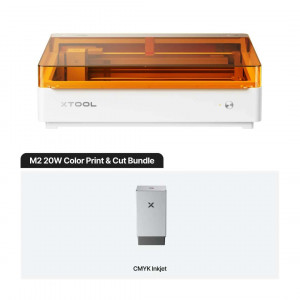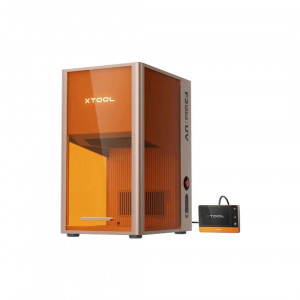
- Disponibilidade: Em stock
- Código do produto: P0101000527
- Peso bruto: 32.00

\n The xTool M2 10W Deluxe Bundle is a Class 1 enclosed laser\n engraver and cutter designed for print-then-cut workflows, full-colour inkjet\n decoration, and rotary engraving on cylindrical, spherical, and ring-shaped\n objects � all within a single machine. It combines a\n 10 W blue diode laser module, a CMYK inkjet module, and the\n xTool Rotary Attachment 3 Lite into one T�V S�D-certified,\n pre-assembled system with dual cameras, autofocus, and a 426 mm � 320 mm\n working area.\n
\n\n| Quick Specifications � xTool M2 10W Deluxe Bundle | \n|
|---|---|
| Working Area | \n426 mm � 320 mm | \n
| Laser Power | \n10 W Blue Diode | \n
| Laser Spot Size | \n0.04 mm � 0.06 mm | \n
| Safety Class | \nClass 1 Laser (T�V S�D Certified) | \n
Three Capabilities in One Enclosed Machine
\n\n\n The image below shows the full range of output the CMYK inkjet module\n produces � from vivid stickers and fridge magnets to wall art, temporary\n tattoos, and cake toppers � illustrating why colour print quality is central\n to this bundle's value proposition.\n
\n \n\n
\n\n \n Most desktop fabrication setups require separate printers, cutters, and\n rotary engravers � each demanding individual alignment, cable management,\n and workflow hand-offs. The\n xTool M2 10W Deluxe Bundle integrates all three functions\n inside a single 610 mm � 569 mm � 180 mm footprint. The enclosed\n orange-tinted lid is not merely decorative; it brings the system within\n Class 1 laser safety certification, meaning no external eyewear is required\n during normal operation.\n
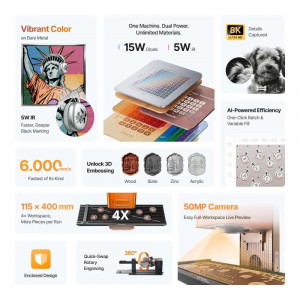
\n\n\n The image below gives a comprehensive overview of the bundle's key hardware\n capabilities � working area, dual-camera positioning, diode laser power\n options, and the CMYK inkjet print function � arranged in a single reference\n graphic.\n
\n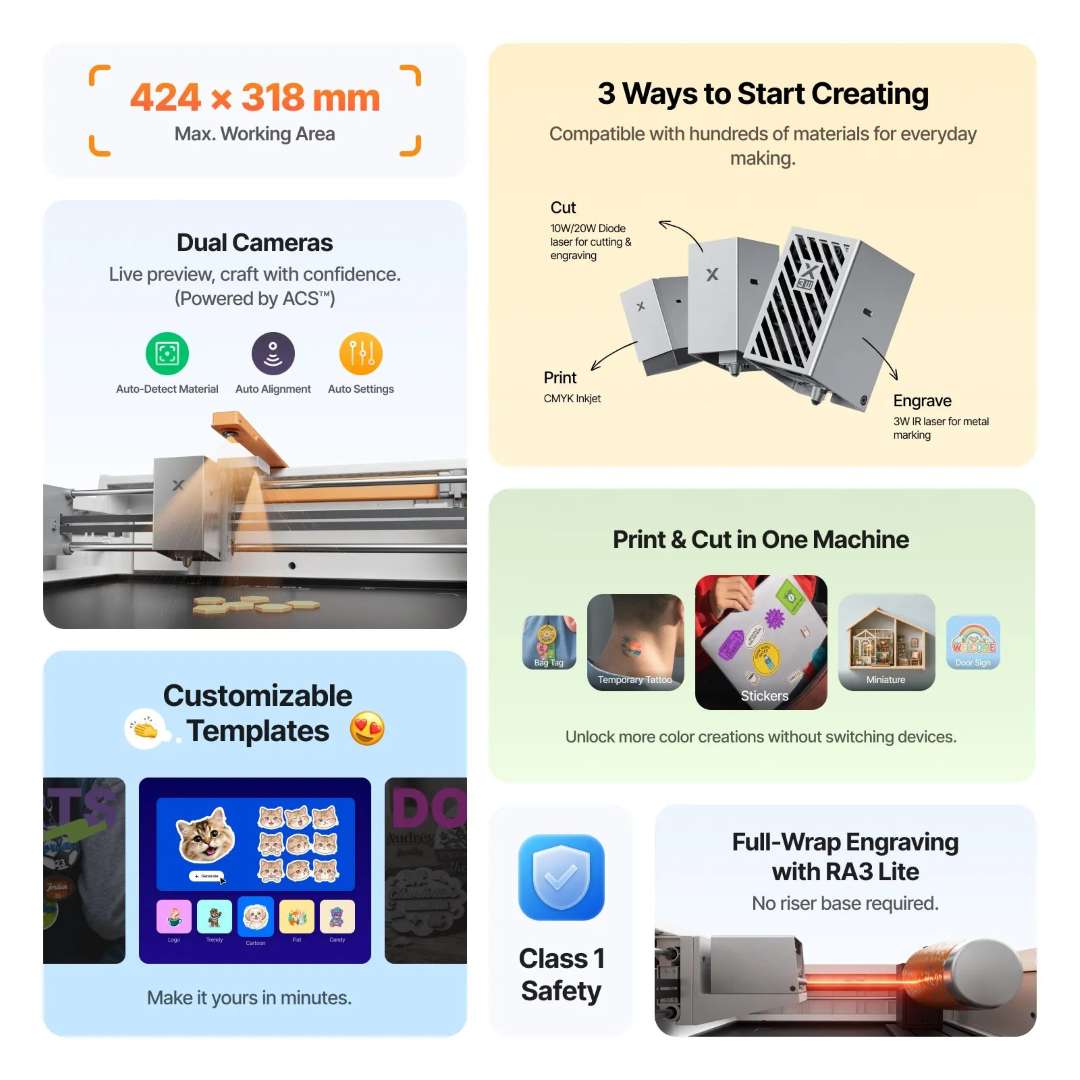 \n\n
\n\n Modular Tool Heads: Print, Cut, or Engrave
\n\n\n The multi-function module holder accepts three interchangeable heads: the 10\n W diode laser for cutting and engraving, the CMYK inkjet module for\n full-colour printing, and � via the horizontal laser emission holder\n included with the RA3 Lite � the laser in rotary configuration. Swapping\n between modules involves no screws; magnetic alignment seats each head\n precisely, and xTool Studio software automatically\n recognises the active module via USB or Wi-Fi.\n
\n\n\n The image below illustrates all three interchangeable tool heads\n side-by-side, showing how the print, cut, and engrave modules connect to the\n same M2 chassis without additional hardware.\n
\n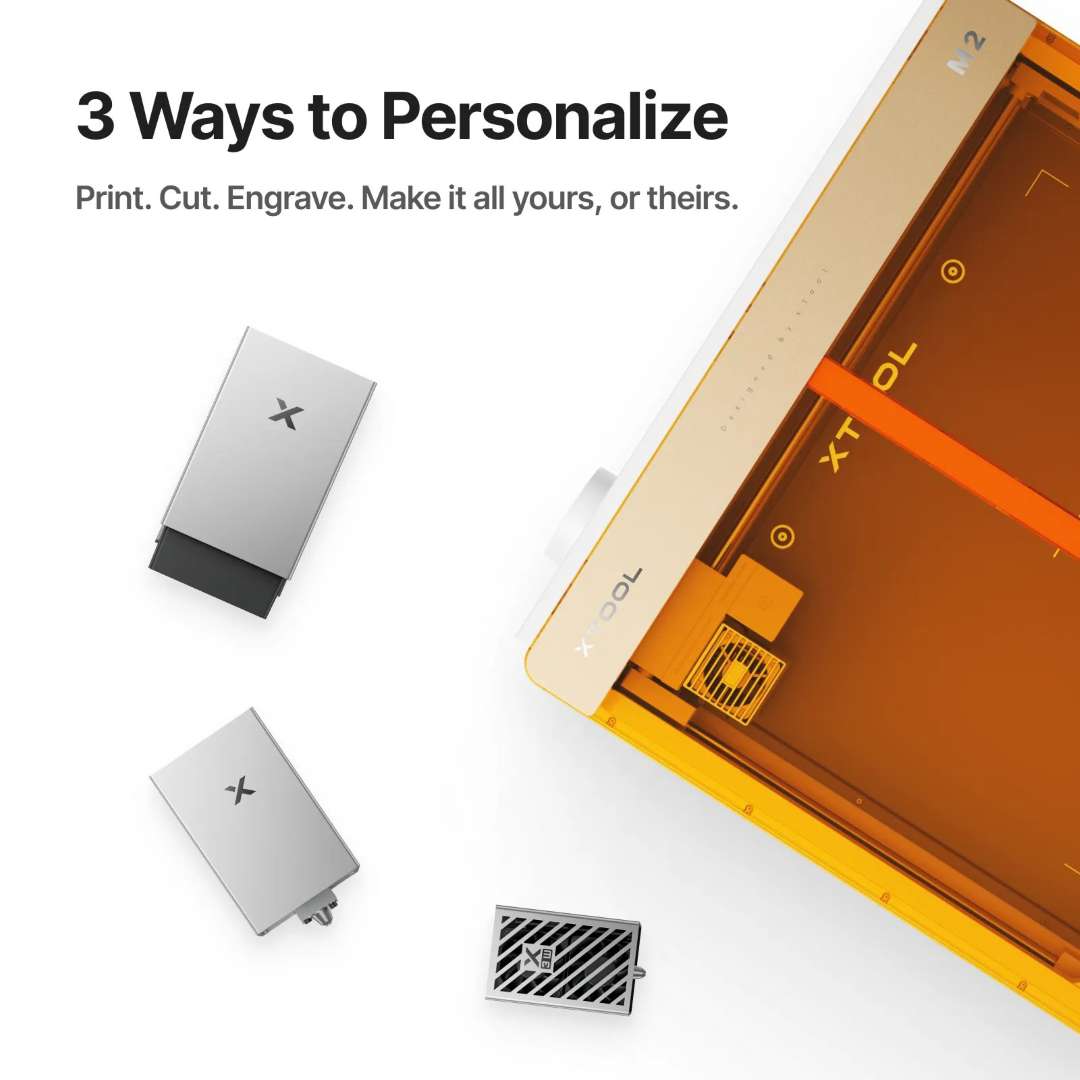 \n\n
\n\n Dual-Camera Positioning and Autofocus
\n\n\n Precise job placement is one of the most persistent pain points in desktop\n laser work. The M2 addresses this with two independent cameras: a\n 5 MP panoramic camera captures the entire working area for wide-view\n layout, and a 2 MP close-range camera zooms in for fine-detail\n positioning. Combined, they achieve a positioning precision of up to\n 0.2 mm in close-range mode and under 1.5 mm in wide-view mode.\n Autofocus � via a 0.1 mm probe � ensures the laser focal point is\n always correct regardless of material thickness, eliminating manual Z-axis\n calibration.\n
\n\n\n The image below demonstrates the dual-camera positioning system in action,\n scanning irregularly shaped objects on the work surface to determine precise\n laser placement coordinates.\n
\n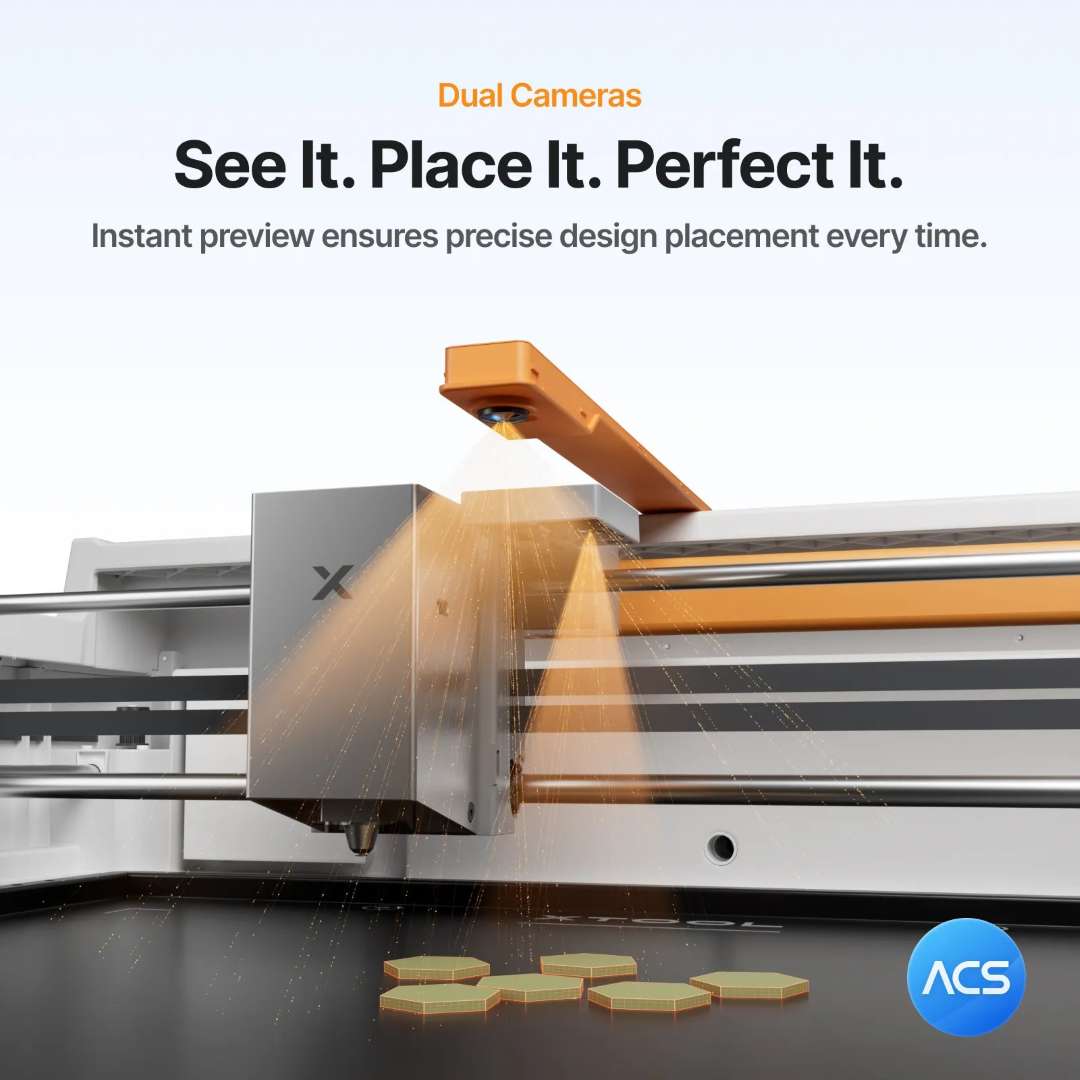 \n\n
\n\n CMYK Inkjet Module: Full-Colour Printing Inside the Laser
\n\n\n The CMYK inkjet module transforms the M2 from a monochrome engraver into a\n full-colour decorator. It supports HD photo-quality output on paper,\n cardstock, fabric, boards, and printable media. The key differentiator over\n a three-colour CMY system is the inclusion of a true black channel, which\n produces deeper shadow detail and more accurate neutral tones � particularly\n visible in photographic imagery.\n
\n\n\n The image below provides a direct visual comparison between CMY and CMYK\n inkjet output on a reference photograph, highlighting the improved shadow\n rendering and colour fidelity the four-channel system delivers.\n
\n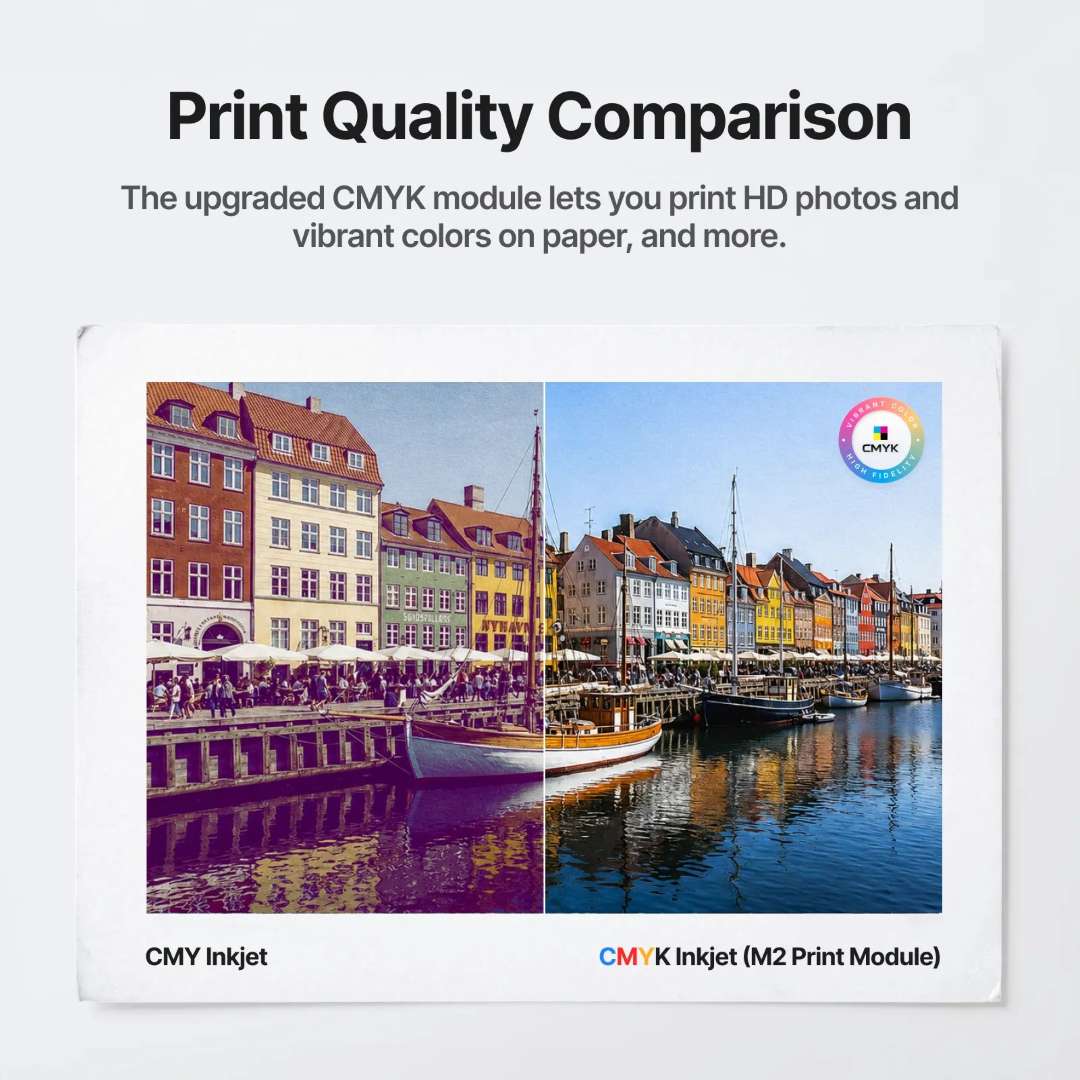 \n\n
\n\n Print Then Cut: Eliminating the Registration Problem
\n\n\n Because both the inkjet and laser modules operate within the same enclosed\n chassis � on the same XY gantry, over the same baseplate � the M2 eliminates\n the manual re-alignment step that plagues two-machine print-and-cut setups.\n After printing, the camera re-scans the printed sheet, detects the output\n area automatically, and drives the laser cutter to follow the printed\n outline with sub-millimetre accuracy. A task that typically requires 20\n minutes of manual alignment completes in approximately 3 minutes.\n
\n\n\n The image below shows the print-and-cut workflow output: stickers, wooden\n signs, and fabric tags produced in a single uninterrupted session using both\n the CMYK inkjet and laser modules without repositioning the material.\n
\n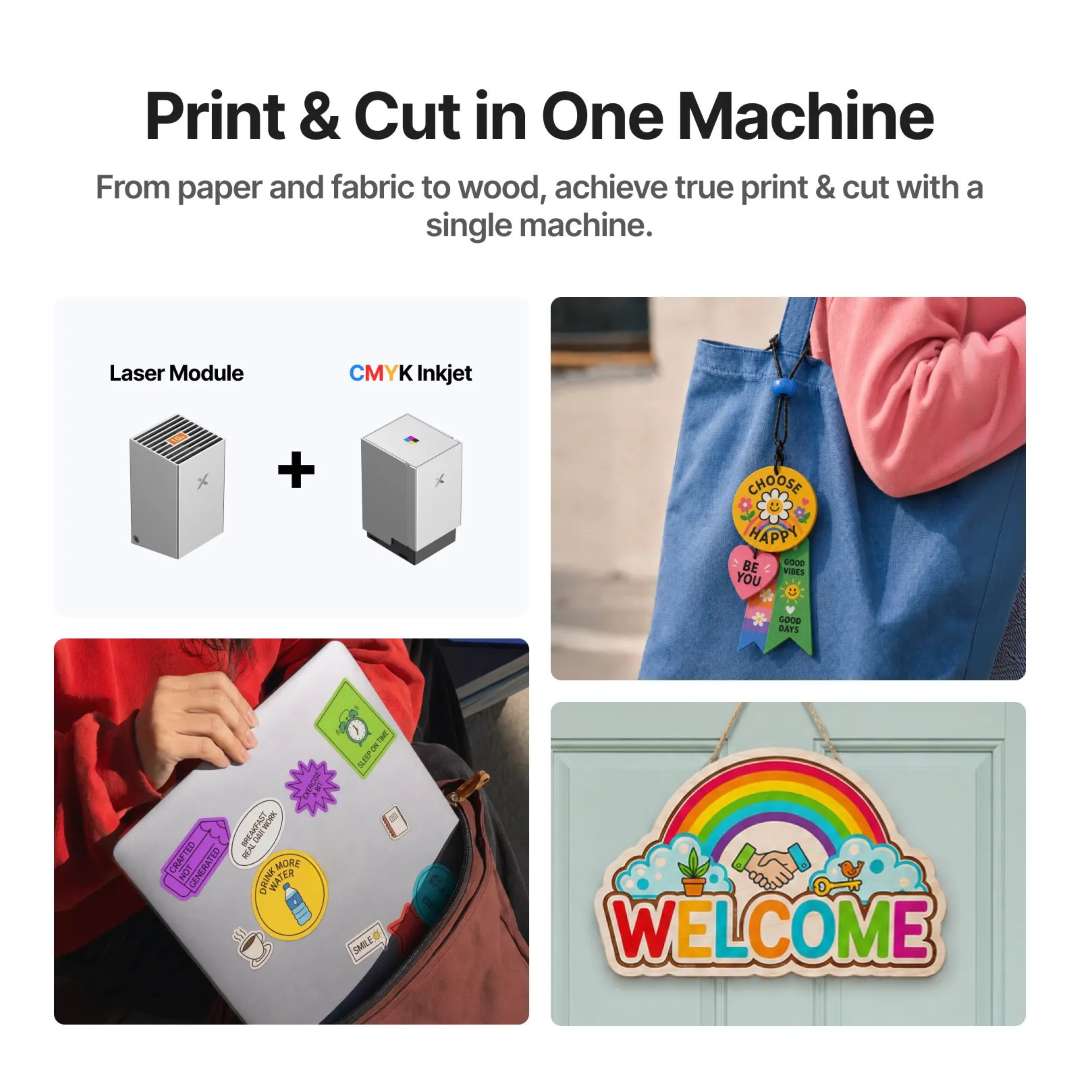 \n\n
\n\n 10 W Diode Laser: Cutting and Engraving Performance
\n\n\n The 0.04 mm � 0.06 mm laser spot size is among the smallest available\n in this power class, directly translating to sharper engraving detail and\n narrower kerf widths when cutting. A motion accuracy of\n 0.01 mm ensures that fine geometric patterns and intricate text\n reproduce faithfully at high speed. The M2's built-in air pump � no external\n compressor needed � clears smoke from the cut zone, protecting the lens and\n improving edge quality without requiring additional accessories.\n
\n\n\n The image below shows precision cut results across felt, fabric, paper, and\n wood, demonstrating how the 10 W laser maintains edge quality and detail\n definition across materials with different thermal properties.\n
\n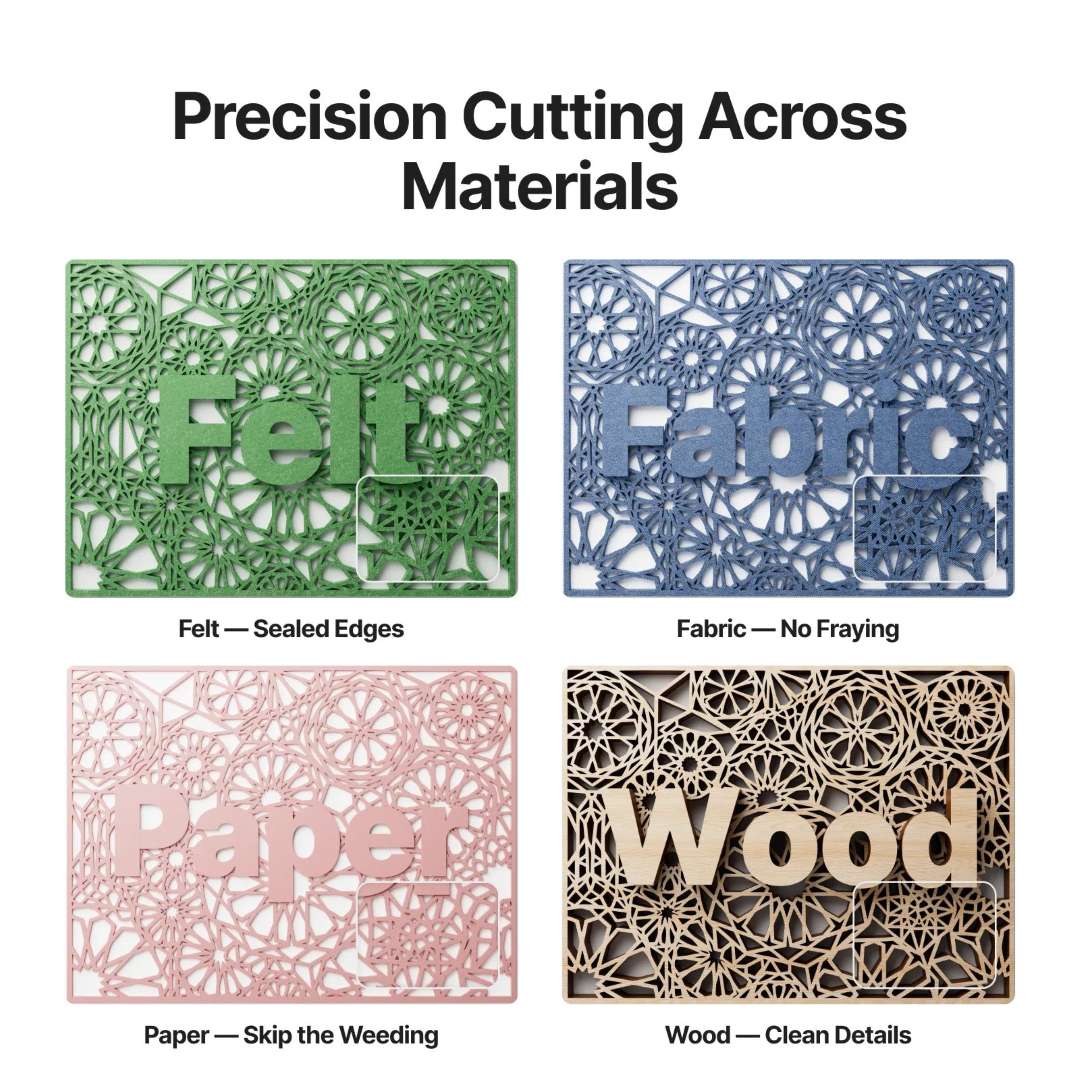 \n\n
\n\n Material Compatibility
\n\n\n The M2's 10 W laser handles over 300 compatible materials. It cuts through\n 8 mm basswood and 3 mm black acrylic in a single pass, and\n engraves on metals including stainless steel, aluminium, and plated\n surfaces. The image below places the machine alongside a representative\n selection of compatible material types, illustrating the breadth of stock\n that can be processed without module changes.\n
\n\n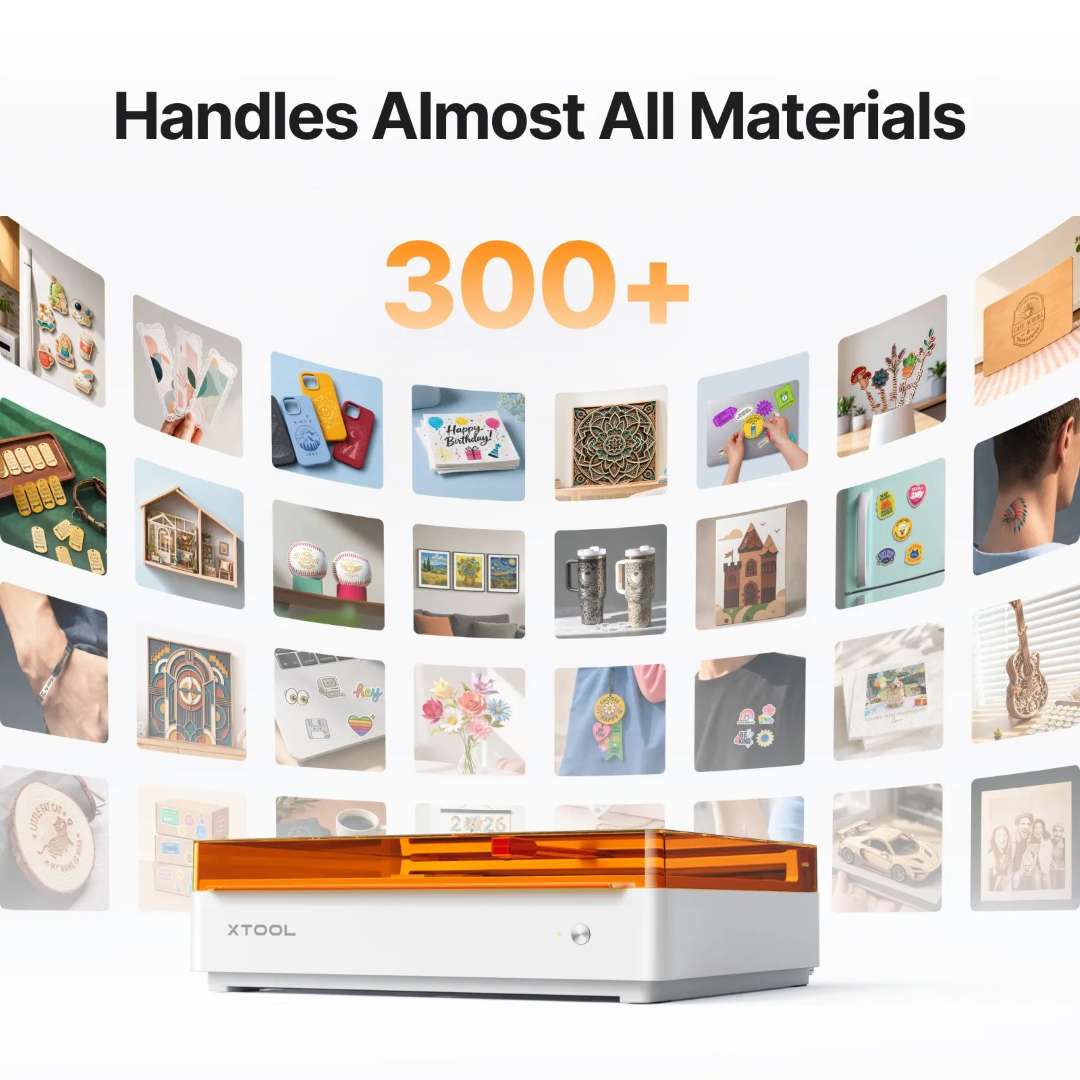 \n\n
\n\n xTool Studio Software: Template-Driven Workflow
\n\n\n xTool Studio runs on Windows and macOS, connects via USB or Wi-Fi, and\n accepts SVG, DXF, JPG, JPEG, PNG, and BMP files. The software ships with\n ready-made templates, AI-assisted text-to-art generation, guided project\n tutorials, and a library of material parameter presets � allowing a new\n operator to produce finished work without manual power-and-speed\n calibration.\n
\n\n\n The image below provides a feature overview of xTool Studio's interface,\n showing AI-generated artwork, tutorial guidance panels, community project\n browsing, and material preset selection in a single layout.\n
\n \n\n
\n\n \n The image below shows the template selection and personalisation workflow in\n xTool Studio, from choosing a design through text customisation to the\n finished output on a laser-cut wooden plant stake.\n
\n \n\n
\n\n \n xTool Rotary Attachment 3 Lite: Cylindrical, Spherical, and Ring Engraving\n
\n\n\n The Rotary Attachment 3 Lite (RA3 Lite) included in the\n xTool M2 10W Deluxe Bundle extends the M2's working surface\n to include any object with a curved axis. The attachment supports four\n distinct modes: chuck rotary for cylinders and tapered objects, roller\n rotary for longer or irregular round pieces, sphere rotary for balls, and\n ring rotary for finger rings and bangles � each covering a defined diameter\n range without requiring a riser base, because the M2's horizontal laser\n output is already optimised for tabletop rotary geometry.\n
\n\n\n The image below shows the RA3 Lite's three-jaw chuck, knurled clamping ring,\n and dual-rail aluminium base, illustrating the compact footprint that fits\n within the M2's working area.\n
\n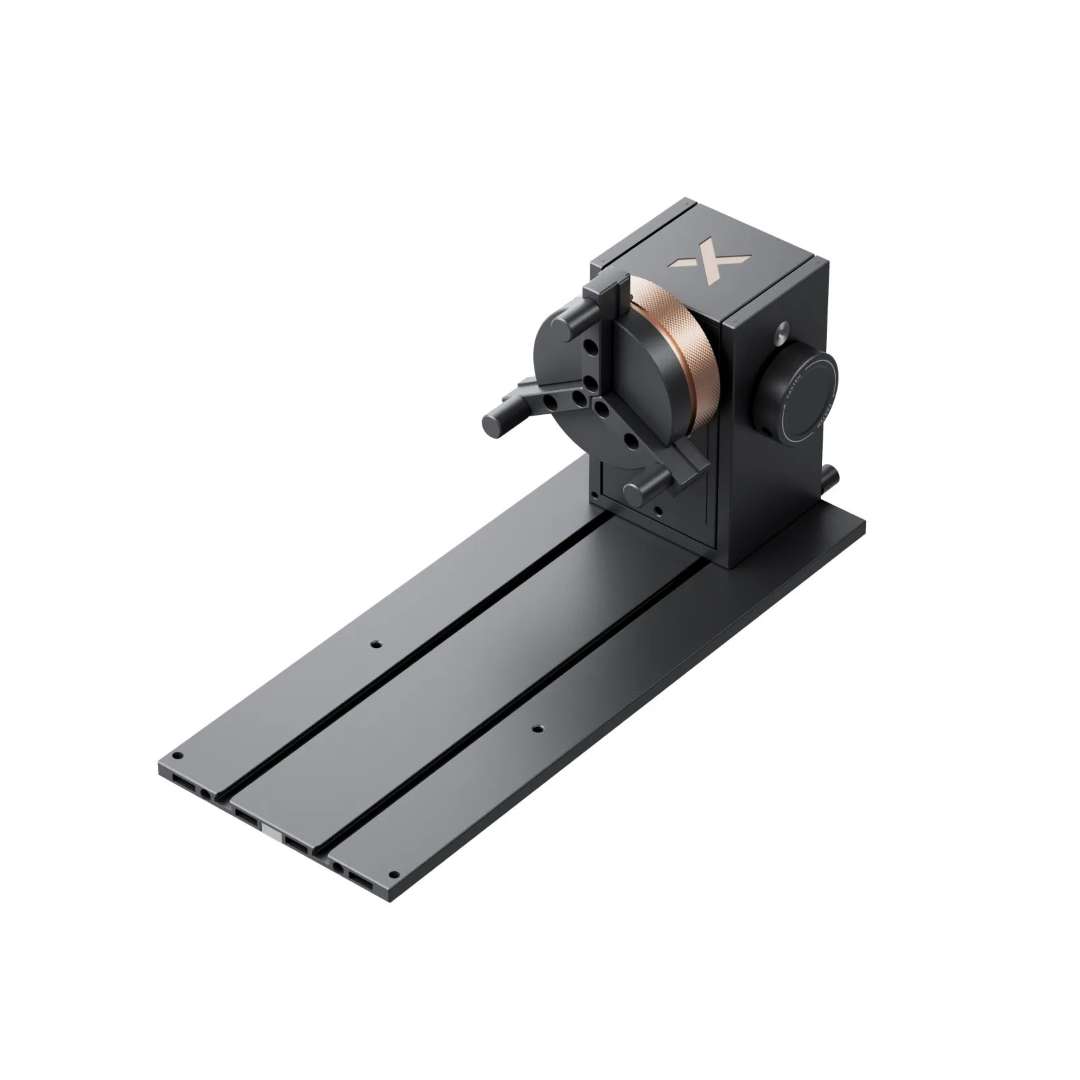 \n\n
\n\n MagSwap� Tool-Free Reconfiguration
\n\n\n The RA3 Lite uses MagSwap� magnetic quick-release\n connectors throughout its assembly. Switching between chuck and roller mode,\n adjusting jaw diameter, or repositioning the support module all take seconds\n and require no tools. The one-step 26� positioning plate sets the correct\n tilt angle for inner ring engraving immediately, without iterative manual\n adjustment. Engraving speed reaches up to 1 200 mm/s during rotary\n processing, making the attachment efficient for runs of personalised\n cylindrical items.\n
\n\n\n The image below shows the RA3 Lite mounted inside the M2 with a cylindrical\n workpiece loaded, demonstrating how the horizontal laser output engages\n objects from 0 mm to 100 mm in diameter without requiring an elevated\n stand.\n
\n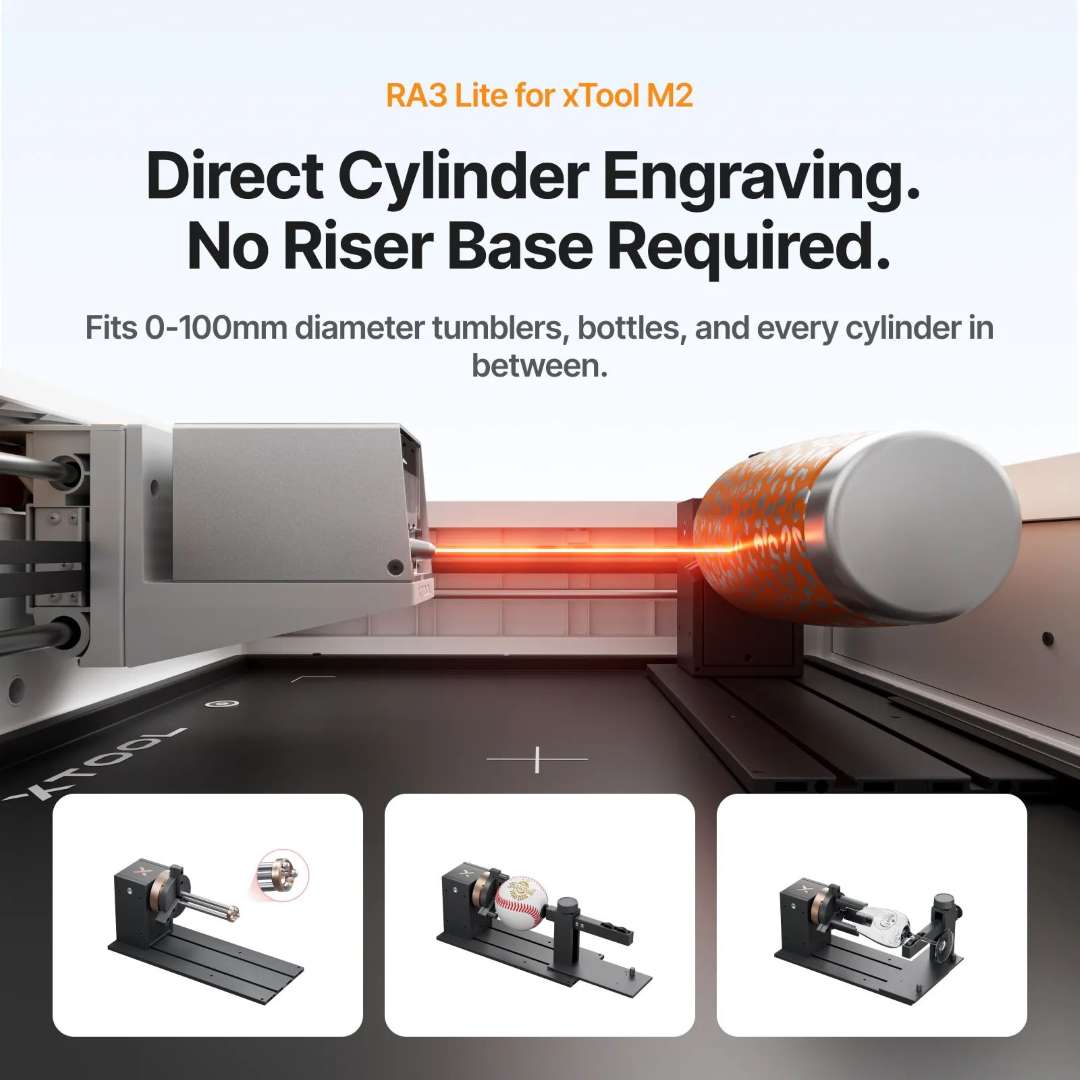 \n\n
\n\n Industrial Safety in a Desktop Format
\n\n\n The M2's fully enclosed chassis and filtered exhaust pathway combine to\n achieve T�V S�D-certified Class 1 laser safety � the same\n classification as commercial office laser printers. The lid triggers a\n hardware interlock; opening it mid-job halts the laser instantly. A flame\n detection camera monitors the work surface continuously, and the indicator\n system communicates machine status through a full colour LED sequence. The\n power supply accepts 100 V � 240 V ~ AC 50/60 Hz, making the system\n compatible with any regional mains standard.\n
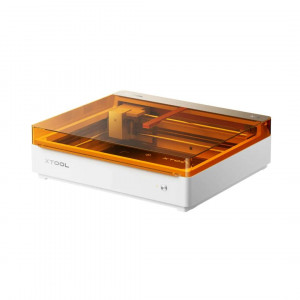
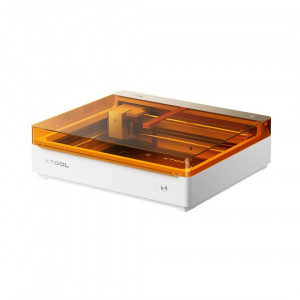
\n\n\n The image below shows the M2's isometric profile with its translucent amber\n safety lid raised, revealing the XY gantry, baseplate, and module holder �\n illustrating the enclosed construction that underpins the Class 1 safety\n rating.\n
\n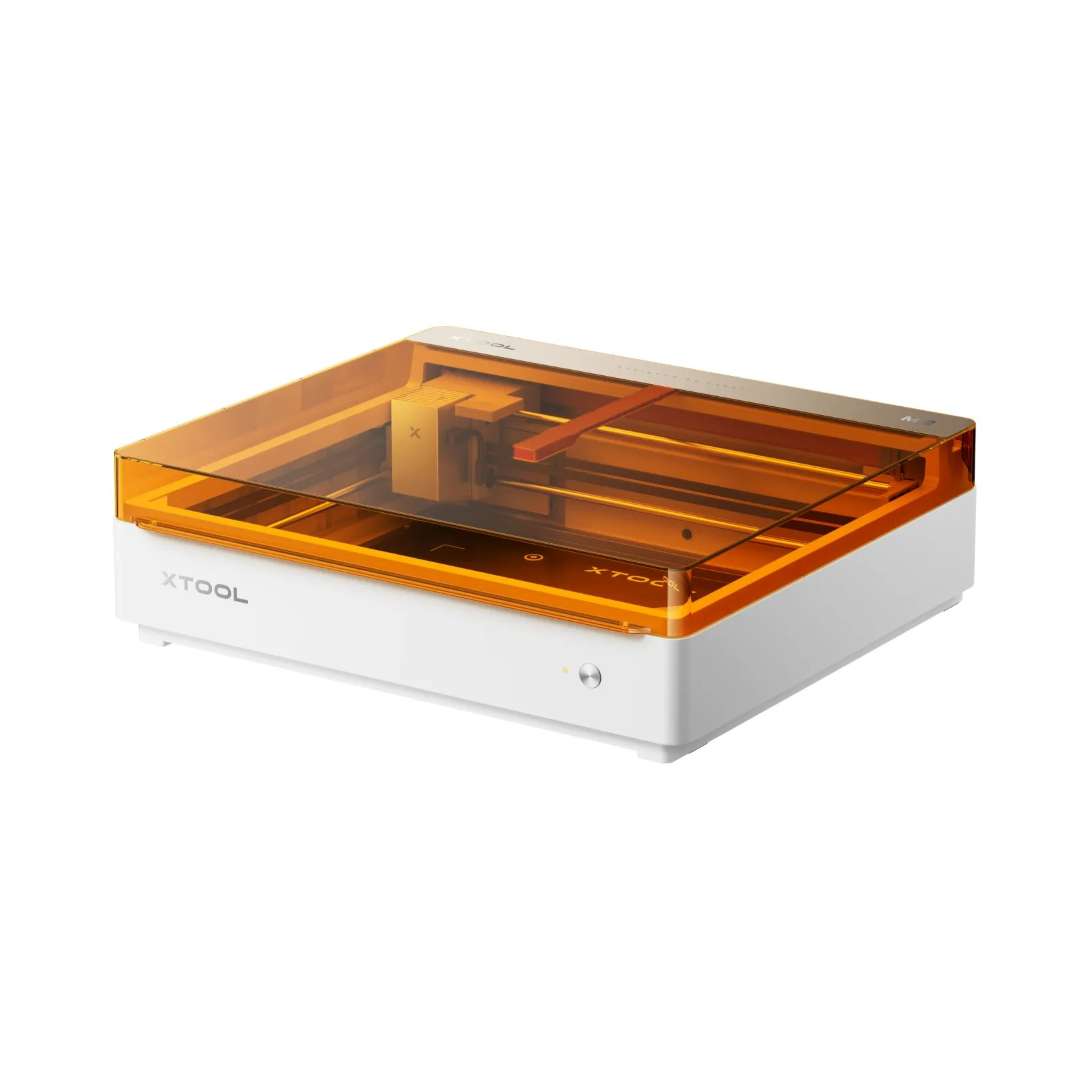 \n\n
\n\n \n Tech Tip: When running print-then-cut jobs on materials\n thinner than 2 cm, the CMYK module's bottom cap can remain in place �\n the built-in moisturising sponge keeps the ink nozzle hydrated during the\n cutting phase. For materials between 2 cm and 2.6 cm, remove the\n bottom cap manually before switching to the laser module. This single step\n prevents ink nozzle contamination and maintains optimal print quality across\n consecutive jobs.\n\n\n
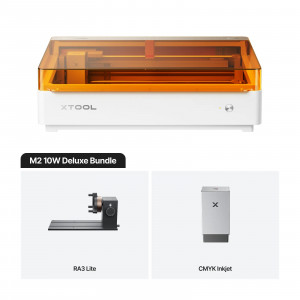
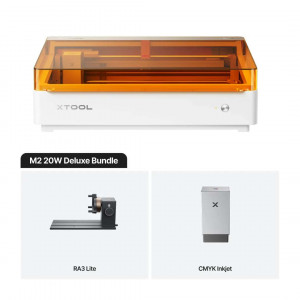
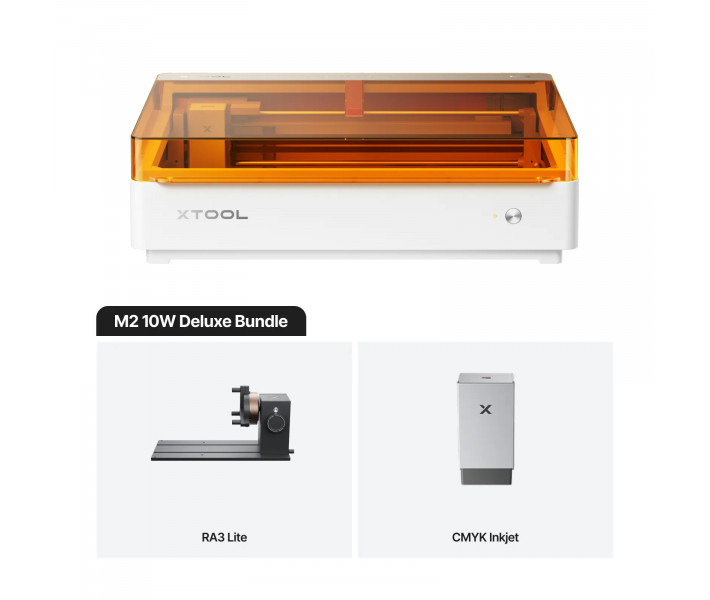
\n The image below shows the complete\n xTool M2 10W Deluxe Bundle with all three components � the\n M2 base unit, the RA3 Lite rotary attachment, and the CMYK inkjet module �\n arranged together to illustrate the scope of the Deluxe configuration.\n
\n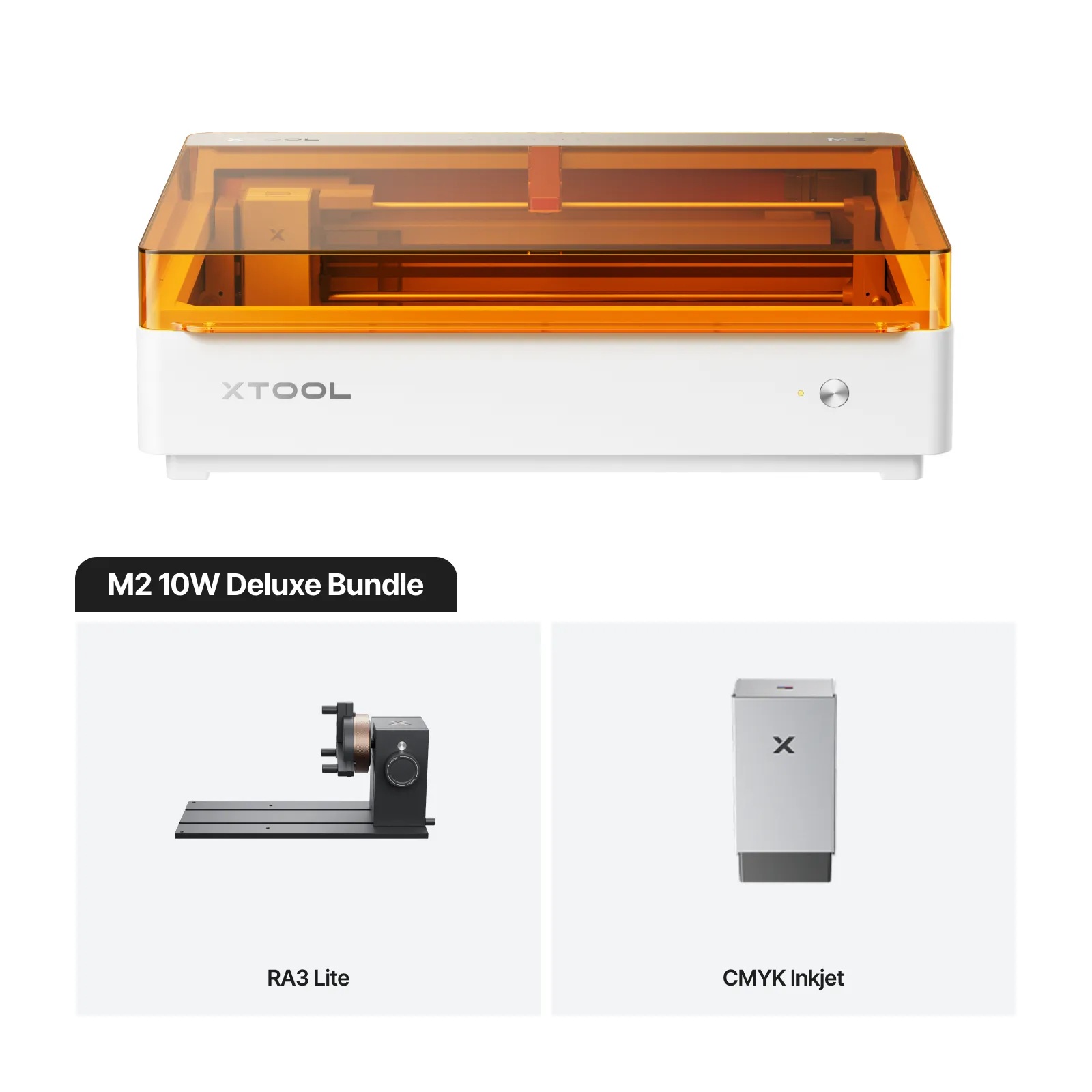 \n\n
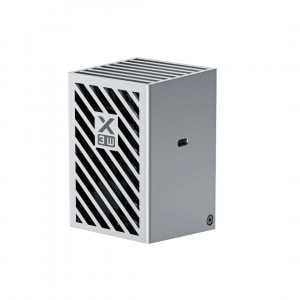
\n\n \n The image below shows the standalone CMYK inkjet module unit, with the CMYK\n colour indicator, the xTool logo, and the USB connection port visible �\n providing a clear reference for the module's physical form factor and\n interface.\n
\n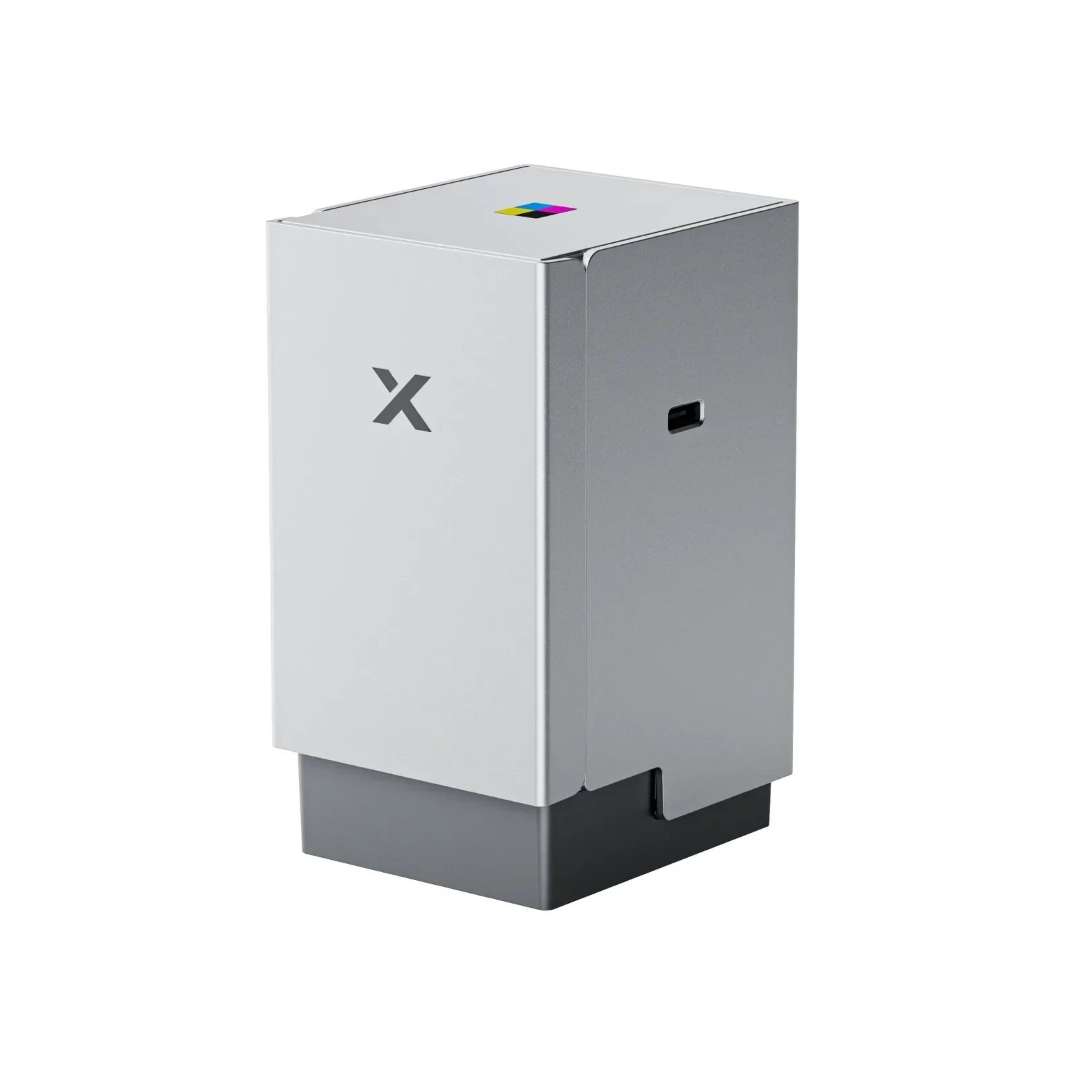 \n
\n\n\n
Technical specifications of the xTool M2 10W Deluxe Bundle
\n\nProcessing Capacity � xTool M2
\n| Module Type | \n10 W Blue Diode Laser | \n
|---|---|
| Processing Mode | \nLaser Cutting / Laser Engraving | \n
| Working Area (10 W / 20 W) | \n426 mm � 320 mm | \n
| Max. Rotary Engraving Diameter | \n0 � 100 mm | \n
| Max. Speed | \n600 mm/s | \n
| \n Max. Cutting Capacity � Basswood (10 W)\n | \n8 mm in one pass | \n
| \n Max. Cutting Capacity � Black Acrylic (10 W)\n | \n3 mm in one pass | \n
Easy Operation � xTool M2
\n| Pre-assembled | \nYes | \n
|---|---|
| Built-in Camera | \n\n 5 MP Panoramic Camera & 2 MP Close-range Camera\n | \n
| Positioning Method | \nCamera Positioning | \n
| Focus Mode | \nAutofocus | \n
Accuracy & Precision � xTool M2
\n| \n Laser Spot Size (10 W Diode Laser)\n | \n0.04 mm � 0.06 mm | \n
|---|---|
| Positioning Precision | \n\n Up to 0.2 mm (wide-view positioning: < 1.5 mm)\n | \n
| Ranging Precision | \n0.1 mm, Probe | \n
| Motion Accuracy | \n0.01 mm | \n
General Information � xTool M2
\n| Product Dimensions | \n610 mm � 569 mm � 180 mm | \n
|---|---|
| Safety Certification | \nClass 1 Laser Safety (T�V S�D Certified) | \n
| Product Weight | \n12.3 kg | \n
| Max. Machine Input Power | \n200 W | \n
| Power Adapter Input Voltage | \n100 V � 240 V ~ AC 50/60 Hz | \n
Software � xTool M2
\n| Supported Software | \nxTool Studio | \n
|---|---|
| Operating Systems | \nWindows / macOS | \n
| Connection Methods | \nUSB / Wi-Fi | \n
| Supported Files | \nSVG / DXF / JPG / JPEG / PNG / BMP | \n
Supported Materials � xTool M2
\n| Cuttable | \n\n
| \n
|---|---|
| Engravable | \n\n
| \n
Smart Features � xTool Rotary Attachment 3 Lite
\n| MagSwap� Design | \nYes | \n
|---|
Supported Modes & Applications � xTool Rotary Attachment 3 Lite
\n| Chuck Rotary | \nYes | \n
|---|---|
| Roller Rotary | \nYes | \n
| Sphere Rotary | \nYes | \n
| Ring Rotary | \nYes | \n
| Inner Ring Engraving | \n\n Limited (due to M2's horizontal laser output)\n | \n
| Batch Processing | \nNot supported | \n
| Full-Wrap Engraving on Vase | \nYes | \n
Physical Specifications � xTool Rotary Attachment 3 Lite
\n| Engrave Diameter Range (Chuck) | \n0 � 100 mm | \n
|---|---|
| Engrave Diameter Range (Roller) | \n3 � 100 mm | \n
| Engrave Diameter Range (Sphere) | \n25 � 100 mm | \n
| Engrave Diameter Range (Ring) | \n11 � 70 mm | \n
| Product Size | \n324 � 187 � 148 mm | \n
| Product Weight | \n2.26 kg | \n
| Compatibility | \nxTool M2 | \n
Operating Environment � CMYK Inkjet Module
\n| Operating Temperature | \n15 � 35 �C | \n
|---|---|
| Operating Humidity | \n40 � 60% RH | \n
\n\n
What's in the box
\n\nxTool M2
\n- \n
- xTool M2 \n
- Module connection cable \n
- Power adapter and cable \n
- USB cable and adapter \n
- Smoke exhaust pipe \n
- Clamp \n
- Grease \n
- Material pack \n
- Magnetic fixture \n
- Hex screwdriver \n
- Masking tape \n
- Screw M3�6 \n
- Instruction card \n
- Safety Instructions \n
Laser Module
\n- \n
- 10 W Laser module \n
xTool M2 CMYK Inkjet Module
\n- \n
- xTool M2 CMYK Inkjet Module \n
- Ink cartridge \n
- Bottom cap \n
- Moisturising liquid \n
- Bottom cap retainer plate \n
- Screw \n
- Calibration card (A5) \n
- Ferrite core \n
- User manual \n
xTool Rotary Attachment 3 Lite
\n- \n
- Jaw chuck \n
- Cylindrical jaw \n
- T-shaped jaw \n
- Extended jaw \n
- Power module \n
- Main baseplate \n
- Support module \n
- Stud compone