

- Stock: In Stock
- Product code: 920372000001553536
- Weight Brutto: 18.58kg
- SKU: PF004-U-EU

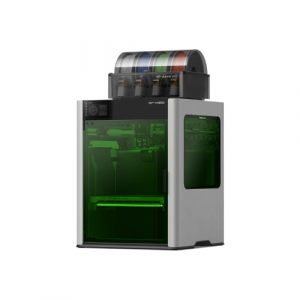
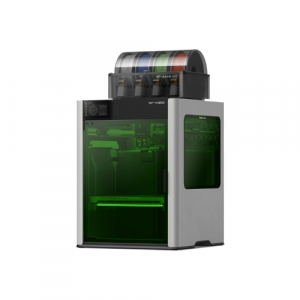
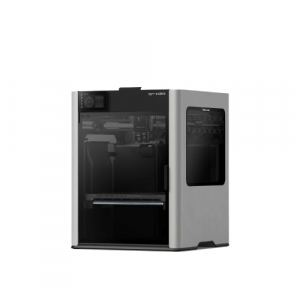
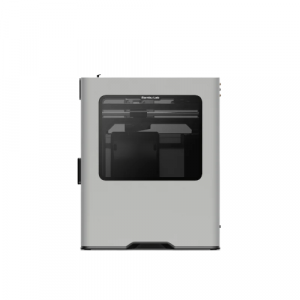
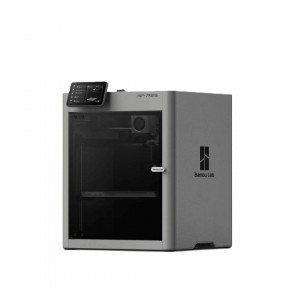
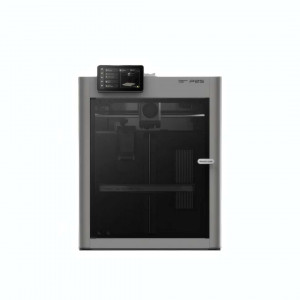
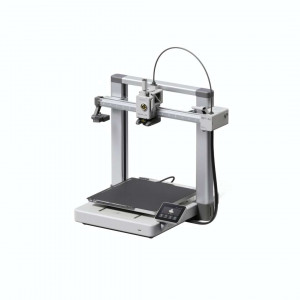
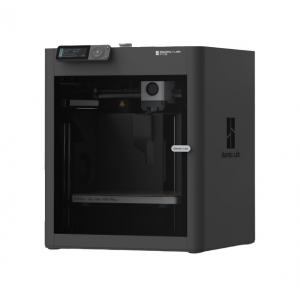
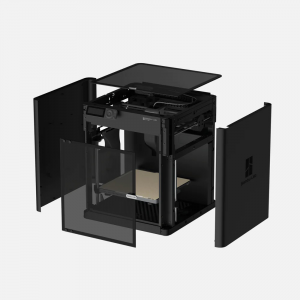
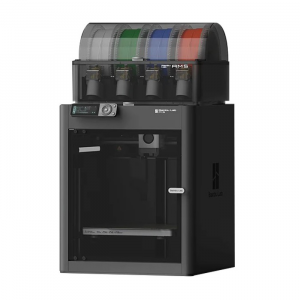
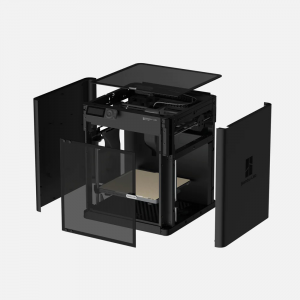
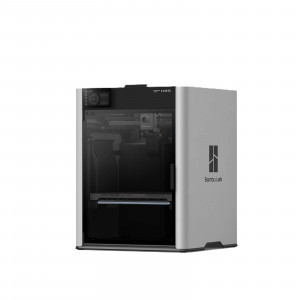
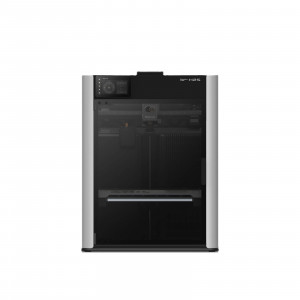
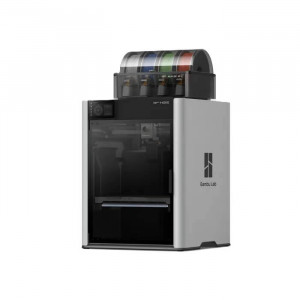
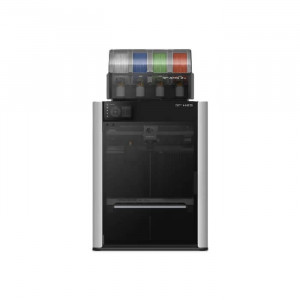
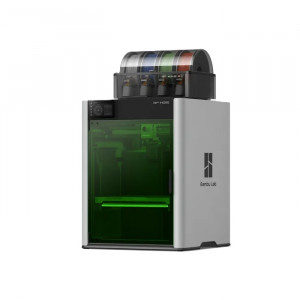
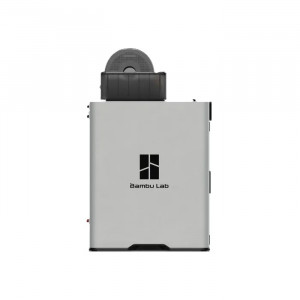
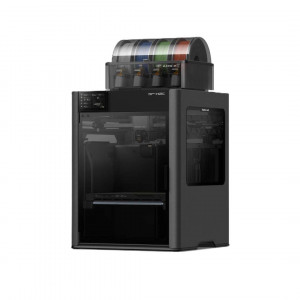
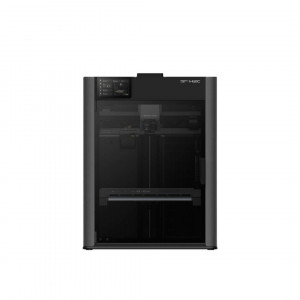
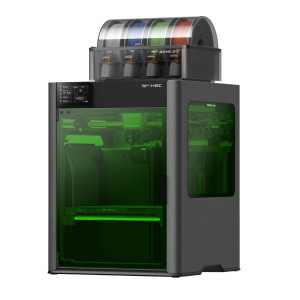
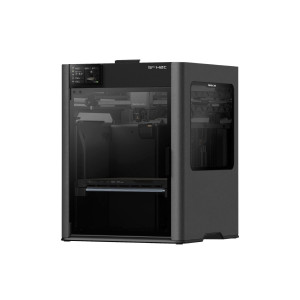
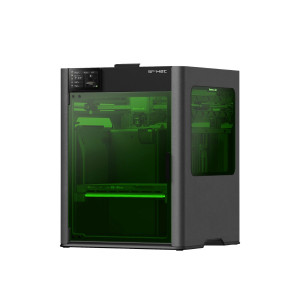
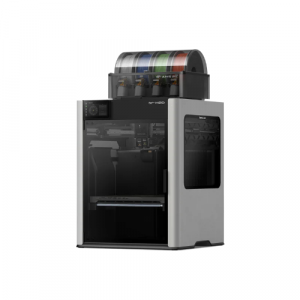
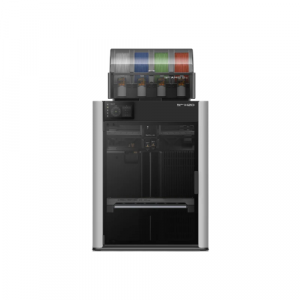
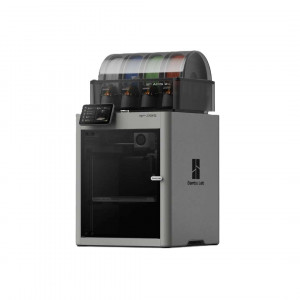
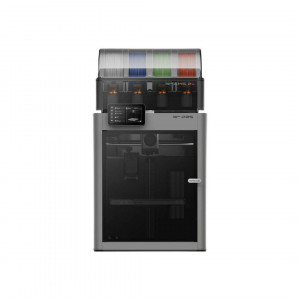
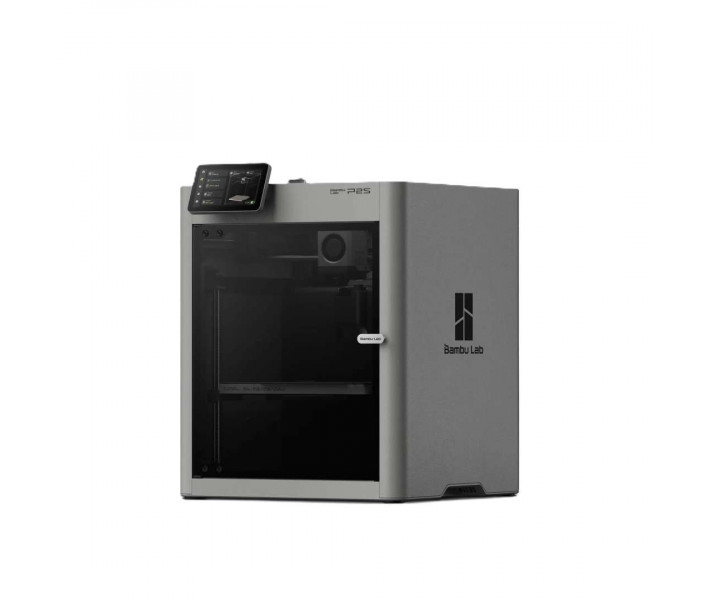
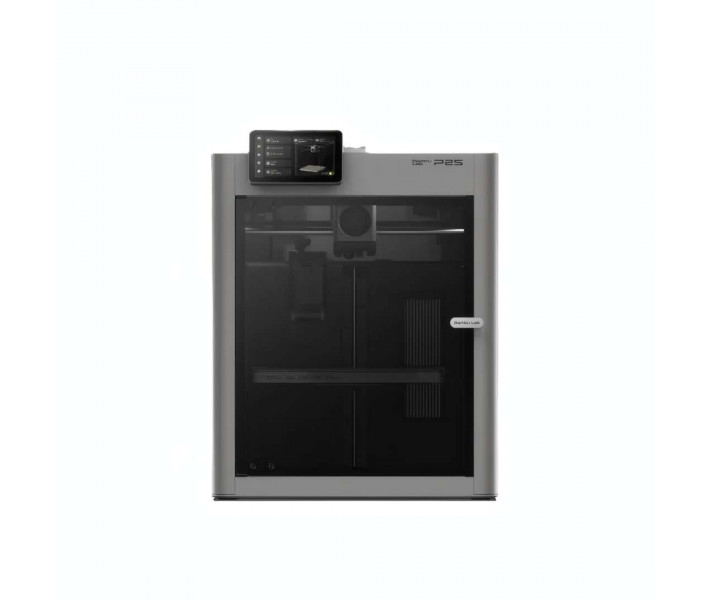
Bambu Lab P2S — an FDM printer with a fully enclosed chamber. It is designed for stable printing with engineering and composite filaments under the control of AI algorithms. The PMSM servo extruder tracks each layer in real time, detecting nozzle clogging at an early stage. The second-generation five-inch touchscreen speeds up print setup without the need to learn complex menus.
| Specification | Value | Why it matters |
|---|---|---|
| Maximum extrusion force | 8.5 kg | Allows glass-filled and carbon-filled filaments to be fed without extrusion skips at high speed. |
| Build volume | 256 × 256 × 256 mm³ | Accommodates large parts without splitting the model into multiple sections. |
| Nozzle swap | 30 s | Reduces printer downtime when switching between nozzle diameters within a single shift. |
| Maximum print head speed | 600 mm/s | Reduces the duration of batch printing in a production cycle. |
- PMSM servo drive: extrusion force rises to 8.5 kg, 70% more than the previous generation, stabilising the feed of highly filled filaments at high flow rates.
- Eddy current sensor: real-time flow calibration eliminates under-extrusion at model corners without manual slicer parameter tuning.
- Adaptive airflow system: cold air is drawn in from outside the chamber, so low-temperature filaments can be printed with the door closed without loss of overhang quality.
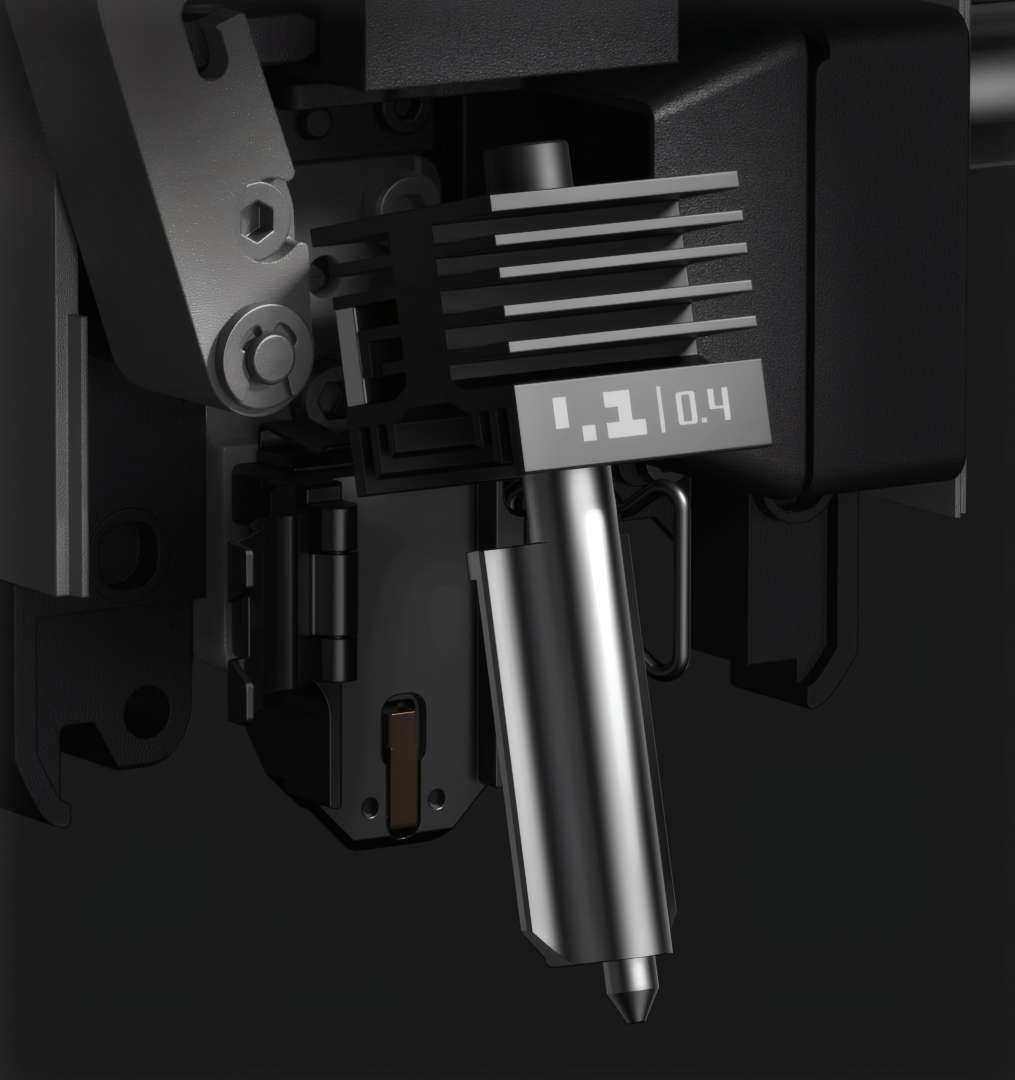
- Quick-swap hotend: nozzle and heat sink replacement takes 30 seconds without disconnecting wiring, reducing the risk of errors during maintenance.
Second-generation control interface
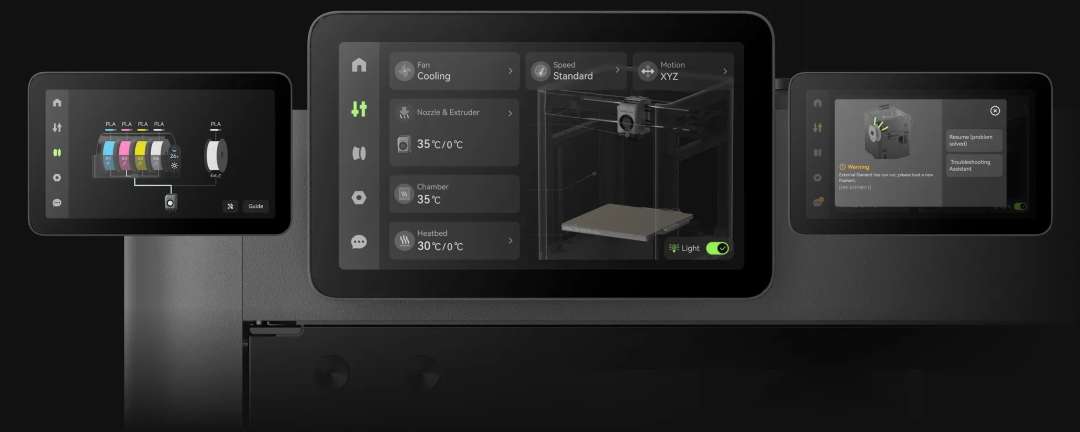
The Bambu Lab P2S features an updated touchscreen and a more powerful processor for its second-generation control interface. Menu interaction is smoother, and graphics are sharper thanks to the new rendering engine.
Shown below is the main screen, through which the operator changes print speed, chamber temperature, and fan modes without switching between menu tabs.
PMSM servo extrusion
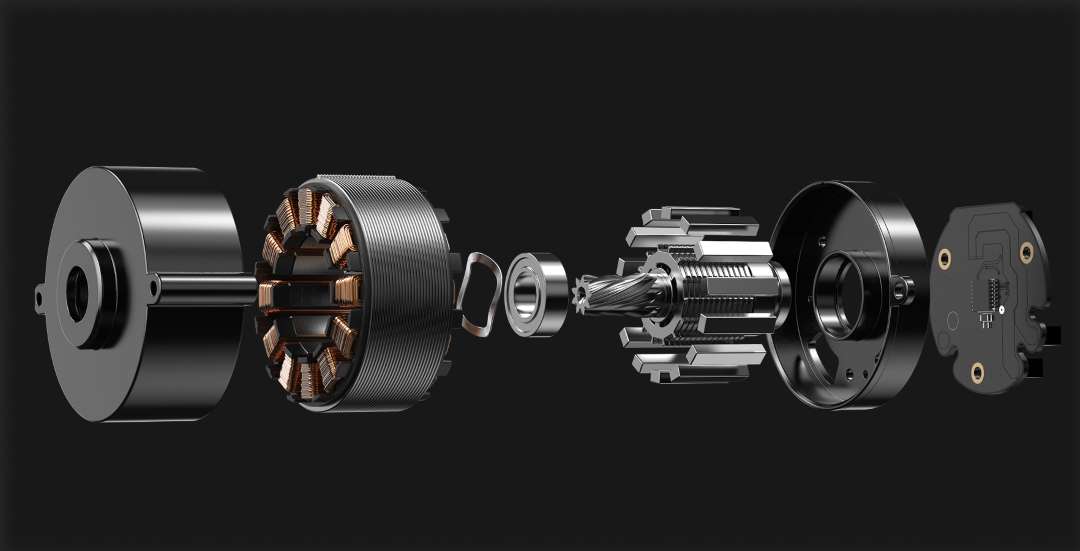
The servo extruder with a permanent magnet synchronous motor (PMSM) delivers up to 8.5 kg of extrusion force — 70% more than the previous generation. This improves filament feed stability at high flow speeds. The DynaSense architecture reads rotor resistance and position at a frequency of 20 kHz, detecting slippage or nozzle clogging the moment a problem arises.
The drive components are visible in the technical breakdown below — these are what deliver the stated extrusion force.
Active flow compensation
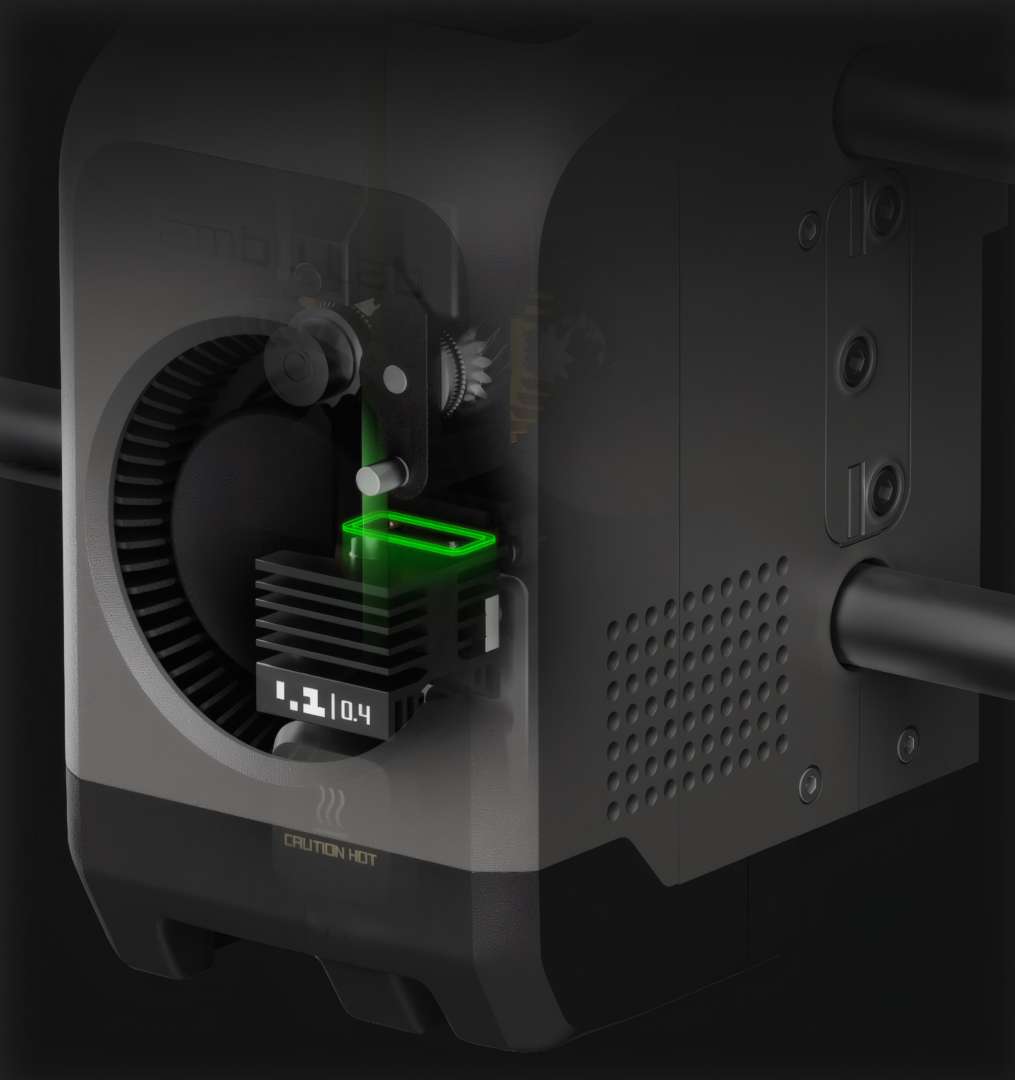
A high-frequency eddy current sensor calibrates filament flow dynamics in the print head. Real-time algorithms adjust extrusion speed based on these readings, maintaining uniform wall thickness at model corners and turns.
The cross-section of the print head below shows the location of the sensor that feeds data for this compensation.
Adaptive airflow system
External air cooling
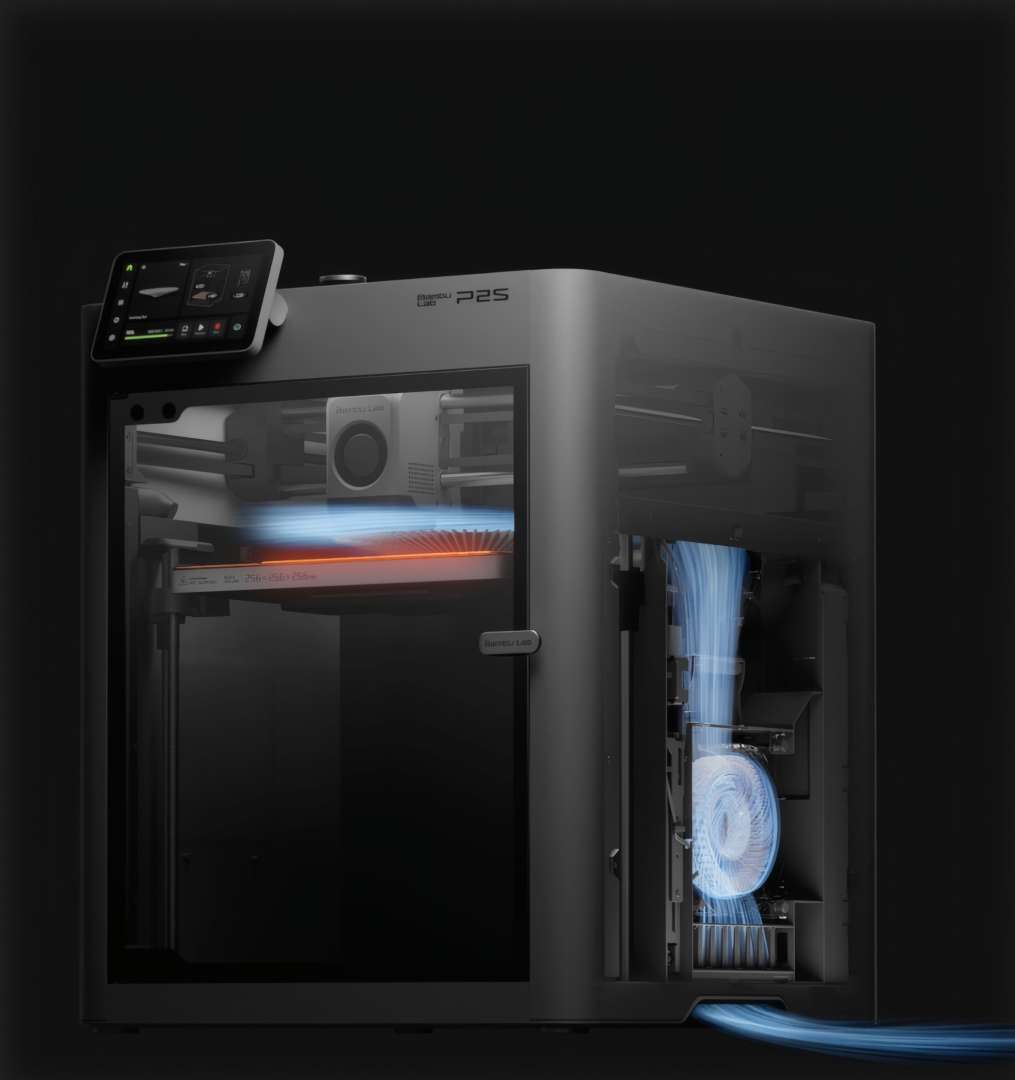
Unlike systems that recirculate heated chamber air, the P2S draws cold air directly from outside. This improves part cooling efficiency and allows low-temperature filaments to be printed with the door closed without risking degraded overhangs or nozzle clogging.
The diagram below shows the path of this external air inside the printer's enclosed chamber.
Heat retention for engineering filaments
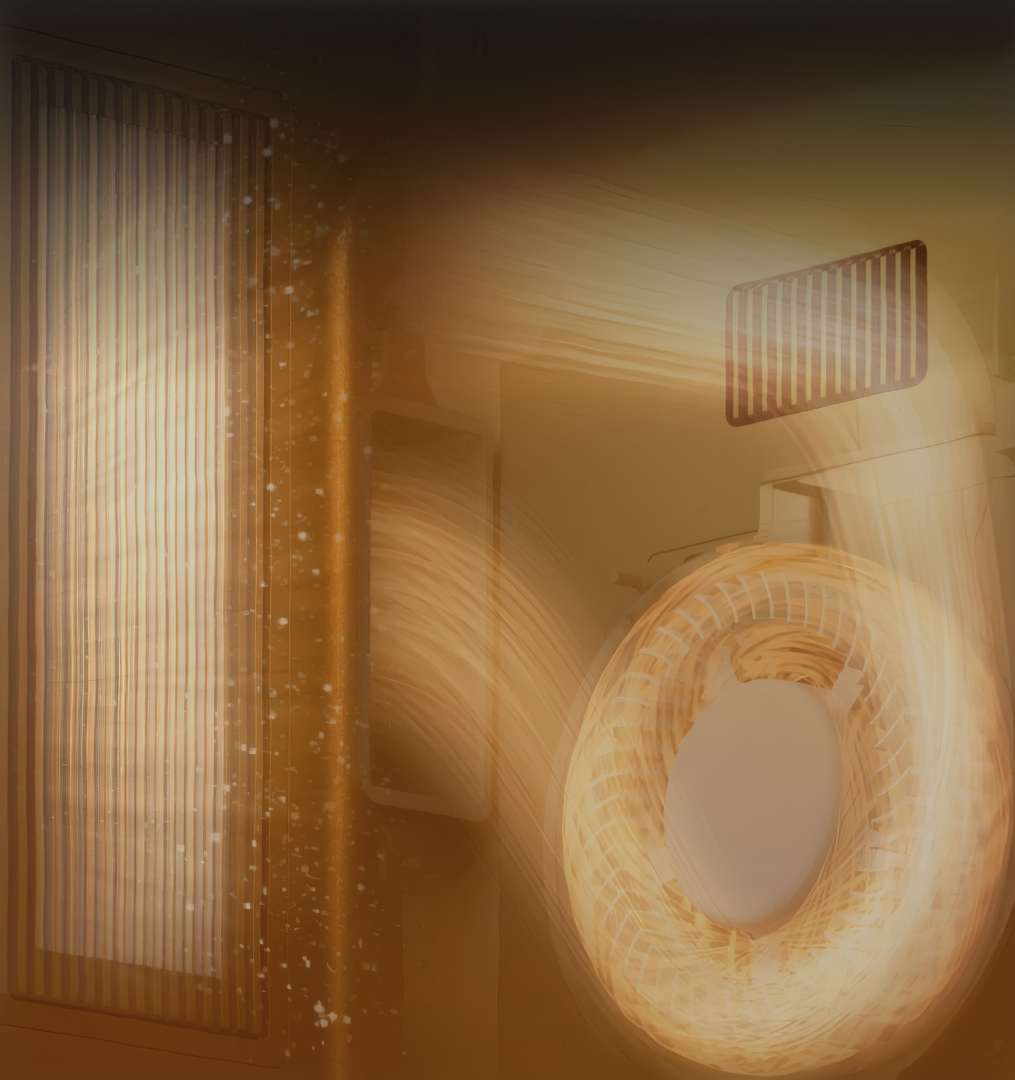
The valve design of the same airflow system seals heat inside the chamber when a stable temperature is required for printing engineering materials. Internal air passes through a carbon filter, maintaining a clean working environment when printing filaments prone to warping.
Air circulation through the filter in this mode is shown in the diagram below.
AI print quality control
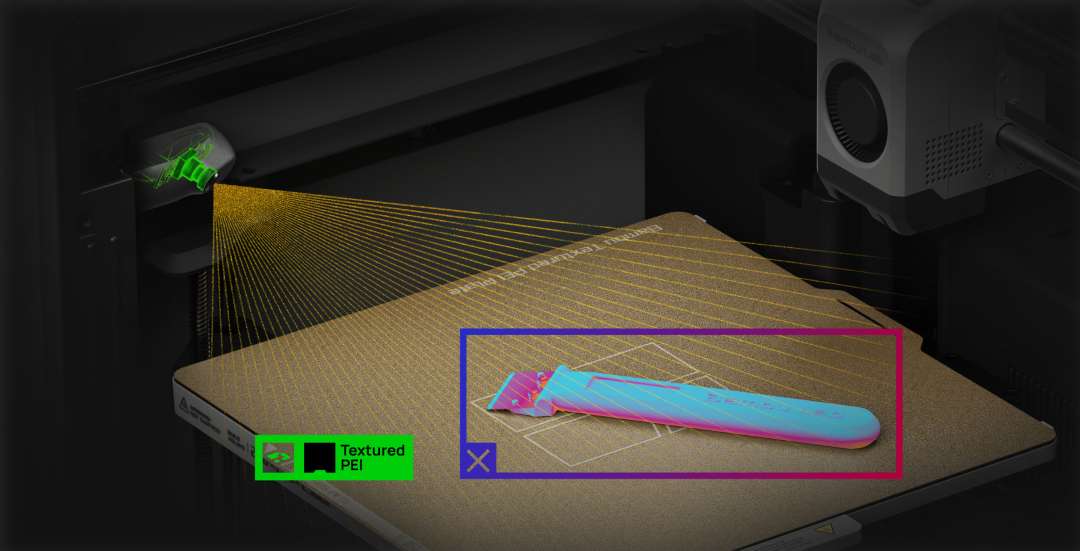
Computer vision powered by a 2 TOPS neural processor recognises common print defects — a collapsed model ("spaghetti") or plastic build-up on the nozzle. The system also checks initial settings before starting, reducing the risk of a failed first layer.
The internal camera frame below shows the algorithm scanning the model during printing.
Quick nozzle swap
The P2S hotend is released with a single clip mechanism together with the heat sink, without disconnecting wiring. Nozzle replacement takes about 30 seconds, eliminating the risk of miswired connections during maintenance.
The nozzle assembly with the clip-lock mechanism is shown in the photo below.
Live view and timelapse
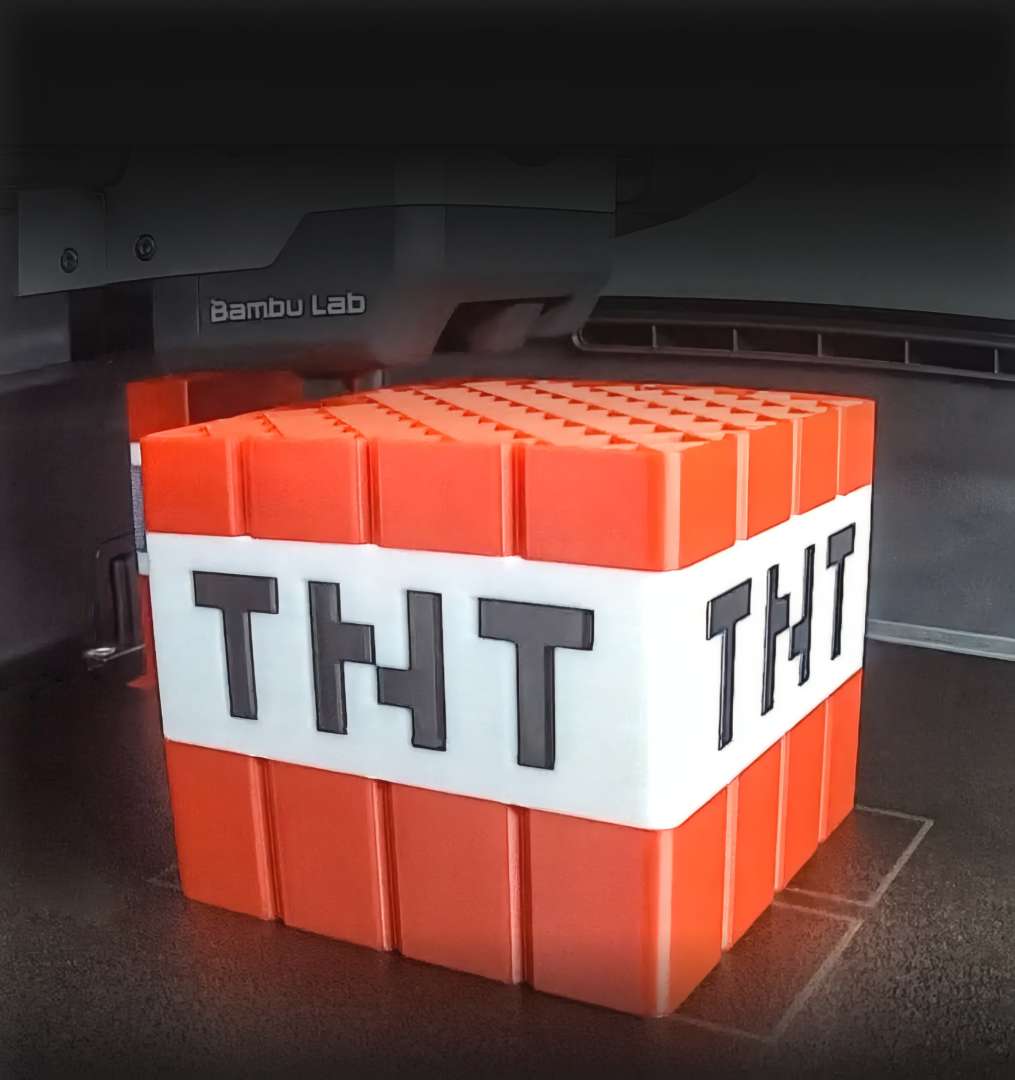
Updated chamber lighting improves the clarity of streams and timelapses. Combined with a high-frame-rate camera and dual-band Wi-Fi, this allows remote monitoring of prints and evenly lit process recordings.
The stream frame below shows the printing progress of a multi-colour model on the build plate.
Wear-resistant components for composite materials
The nozzle and extruder gear are made of hardened steel, improving resistance to abrasion from filler particles. This ensures stable long-term operation when printing with carbon fibre and glass fibre filaments.
Additional design improvements
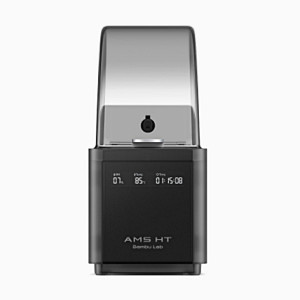
The built-in "2-in-1" buffer switches feed between the AMS and an external filament spool without manual reconnection. The flat base plate simplifies removal of leftover plastic, and the built-in lifting handles ensure safe transport of the printer. The front glass panel is protected by a film that contains glass shards in the event of damage.
A general overview of the printer's operation is shown in the video below.
Areas of application
- Manufacturing functional parts: the heat-retaining chamber with carbon filter allows printing PA6-CF and PC without edge warping.
- Small-batch production: the 256 × 256 × 256 mm³ build volume accommodates large housing parts without splitting into sections.
- Rapid prototyping: a 600 mm/s head speed combined with the PMSM servo extruder shortens the time to a finished part.
- Multi-material products: the built-in "2-in-1" buffer switches feed between the AMS and an external spool for combined colour printing.
- Continuous production: power-loss recovery and AI error monitoring allow jobs to be left unattended overnight.
- Multi-profile workshops: a 30-second nozzle swap reduces the time needed to switch between 0.2–0.8 mm diameters for different jobs.
Bambu Lab P2S compatibility
- Materials: PLA, PETG, ABS, ASA, TPU, PA, PC, PVA, PLA-CF, PETG-CF, ABS-GF, ASA-CF, PA6-CF, PA6-GF, PAHT-CF, PPA-CF, PET-CF.
- Build plates: textured PEI plate, smooth PEI plate, Cool Plate SuperTack.
- Nozzle diameters: 0.2 mm, 0.4 mm, 0.6 mm, 0.8 mm.
Bambu Lab P2S technical specifications
Print technology
| Parameter | Value |
|---|---|
| Print technology | Fused Deposition Modelling (FDM) |
Enclosure
| Parameter | Value |
|---|---|
| Build volume (W×D×H) | 256 × 256 × 256 mm³ |
| Chassis | Plastic and steel |
| Outer frame | Plastic and glass |
Physical dimensions
| Parameter | Value |
|---|---|
| Printer dimensions | 392 × 406 × 478 mm³ |
| Weight | 14.9 kg |
Print head
| Parameter | Value |
|---|---|
| Extruder gear | Hardened steel |
| Nozzle | Hardened steel |
| Maximum nozzle temperature | 300 °C |
| Included nozzle diameter | 0.4 mm |
| Supported nozzle diameters | 0.2 mm, 0.4 mm, 0.6 mm, 0.8 mm |
| Filament cutter | Built-in |
| Filament diameter | 1.75 mm |
| Extruder motor | Bambu Lab, permanent magnet synchronous motor (PMSM) |
Bed
| Parameter | Value |
|---|---|
| Bed material | Flexible steel plate |
| Included plate type | Textured PEI plate |
| Supported plate types | Textured PEI, smooth PEI, Cool Plate SuperTack |
| Maximum bed temperature | 110 °C |
Speed
| Parameter | Value |
|---|---|
| Maximum print head speed | 600 mm/s |
| Maximum print head acceleration | 20000 mm/s² |
| Maximum hotend flow (standard) | 40 mm³/s (250 mm diameter model, single outer wall, Bambu Lab ABS, 280 °C) |
Air purification
| Parameter | Value |
|---|---|
| Carbon filter type | Granular coconut charcoal |
| VOC filtration | Supported |
| Particulate filtration | Supported |
Cooling
| Parameter | Value |
|---|---|
| Part cooling fan | Closed-loop control |
| Hotend cooling fan | Closed-loop control |
| Auxiliary part cooling fan | Closed-loop control |
Supported filaments
| Parameter | Value |
|---|---|
| Supported filaments |
|
Sensors
| Parameter | Value |
|---|---|
| Camera | Built-in; 1920 × 1080; 30 fps HD |
| Door sensor | Supported |
| Filament runout sensor | Supported |
| Filament tangle sensor | Supported |
| Filament odometry | Supported with AMS |
| Power-loss recovery | Supported |
Electrical specifications
| Parameter | Value |
|---|---|
| Voltage | 100–120 VAC / 200–240 VAC, 50/60 Hz |
| Maximum power | 1200 W at 220 V / 1000 W at 110 V |
| Steady-state power when printing PLA | 200 W at 220 V / 200 W at 110 V |
Electronics
| Parameter | Value |
|---|---|
| Touchscreen | 5 inches, 854 × 480 |
| Storage | Built-in 8 GB eMMC and USB port |
| Control interface | Touchscreen, mobile app, PC app |
| Motion controller | Dual-core Cortex-M4 and single-core Cortex-M7 |
| Application processor | Quad-core ARM A7, 1.5 GHz |
| Neural processor (NPU) | 2 TOPS |
Software
| Parameter | Value |
|---|---|
| Slicer | Bambu Studio; supports third-party software with standard G-code export (Super Slicer, PrusaSlicer, Cura), some advanced features may not be available |
| Supported OS | macOS, Windows, Linux |
Network control
| Parameter | Value |
|---|---|
| Wireless network | Dual-band Wi-Fi |
Wi-Fi
| Parameter | Value |
|---|---|
| Operating frequency | 2412–2472 MHz, 5150–5850 MHz (FCC/CE); 2400–2483.5 MHz, 5150–5850 MHz (SRRC) |
| Wi-Fi transmitter power (EIRP) |
|
| Wi-Fi protocol | IEEE 802.11 a/b/g/n |
Why buy the Bambu Lab P2S from EXPERT3D?
EXPERT3D has been supplying professional 3D printing equipment since 2012. We provide expert advice before purchase and help you choose the right configuration for your specific production task. The Bambu Lab P2S comes with an official warranty and authorised after-sales service. Delivery covers Spain and other EU countries. After purchase, we provide technical support and operator training, and consumables and spare parts for the printer are kept in stock. As an official Bambu Lab representative, we guarantee 100% authenticity, a fair price, authorised service, and an official warranty.