

- Stock: In Stock
- Product code: 920372000002173031
- Weight Brutto: 38.00kg

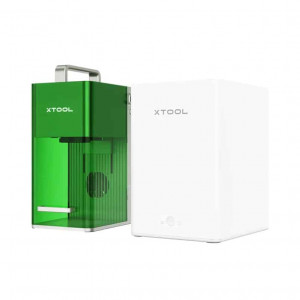
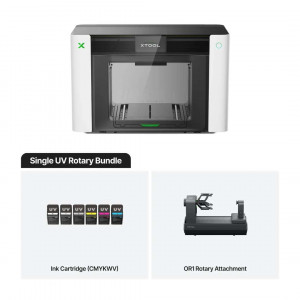
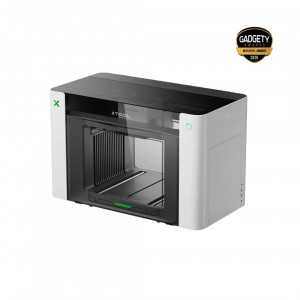
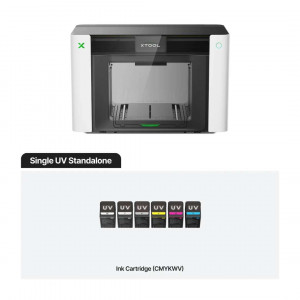
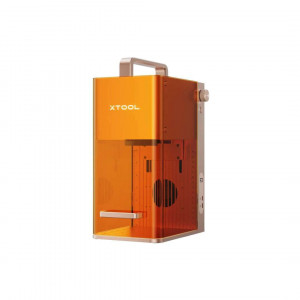
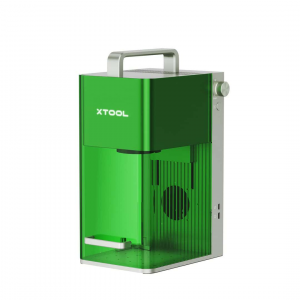
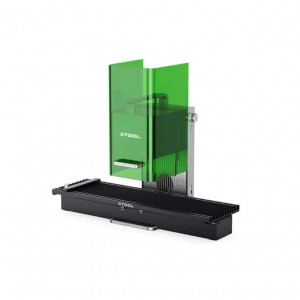
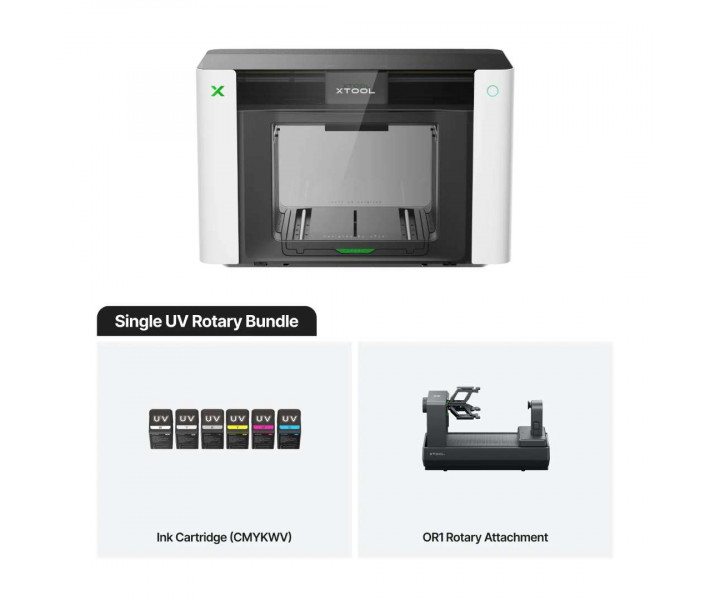
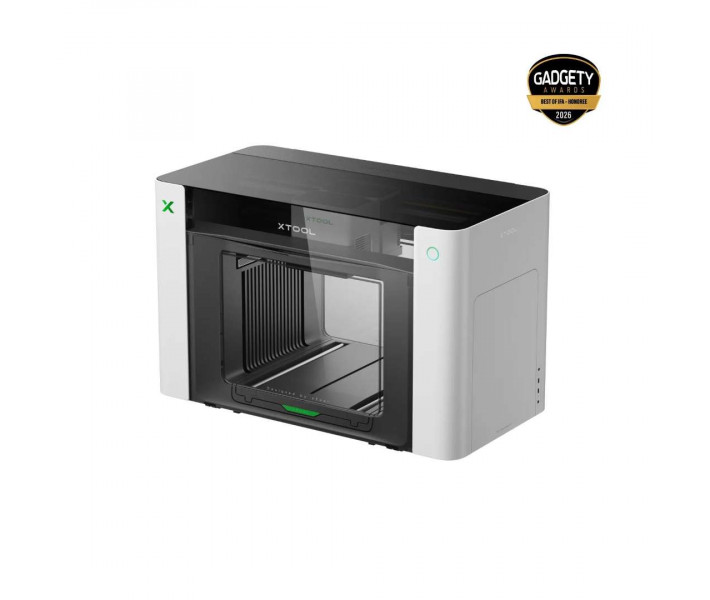
xTool O1 Omni Printer Single UV Rotary — a UV printer for printing on flat and cylindrical items. Pixel-Scan™ detects the size and position of the object without camera distortion. The OR1 chuck rotates the item through 360° and delivers continuous printing without manual measurements. A single printhead works with rigid materials only.
Key features and benefits
- Print resolution: 720 × 1440 dpi — The Epson F1080 printhead in the xTool O1 Omni Printer Single UV Rotary reproduces fine text and delicate patterns.
- Positioning accuracy: ±0.2 mm — Pixel-Scan™ measures the actual size and position of the object, so the artwork lands on the item without manual adjustment.
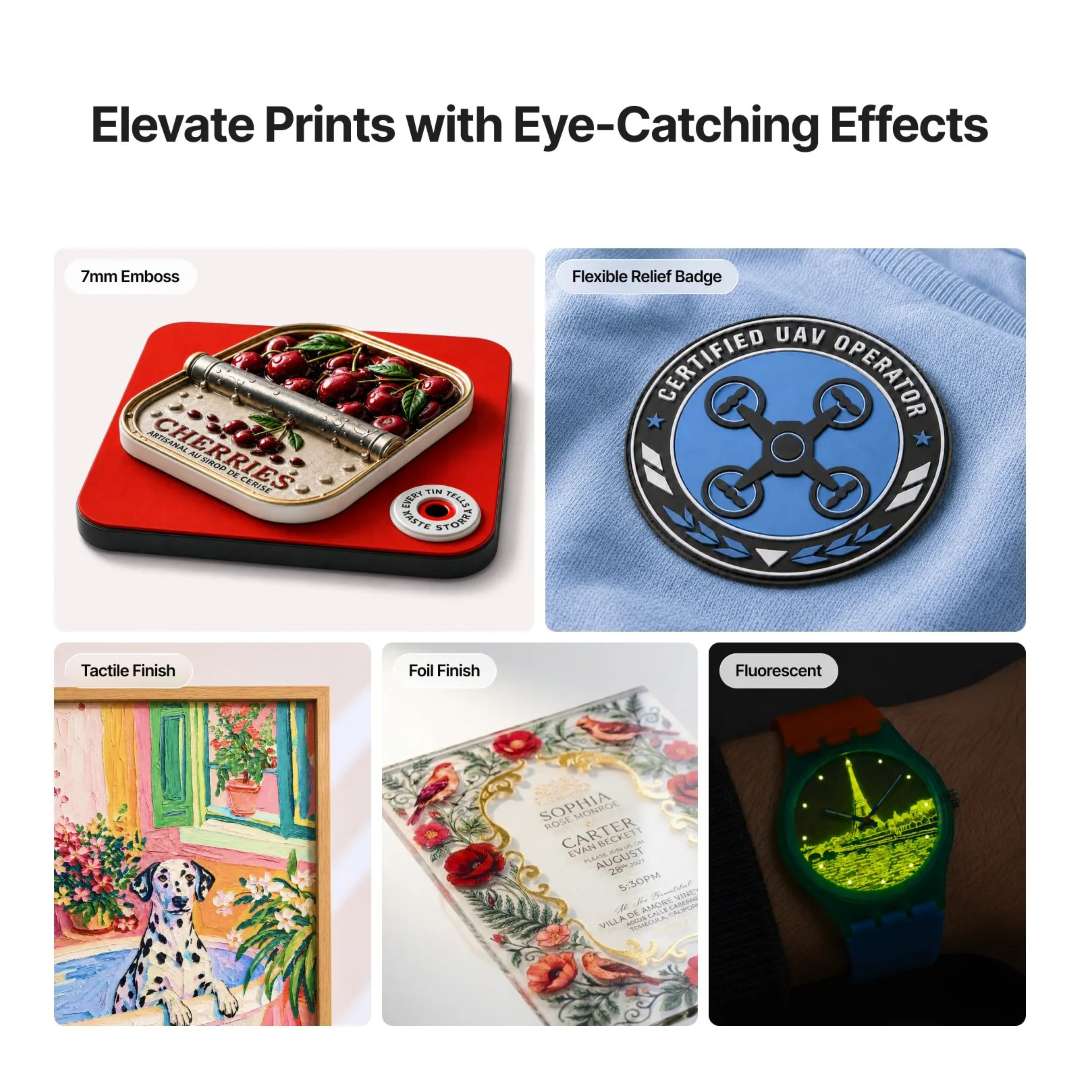
- Embossed print height: 7 mm — Layers of varnish and ink form raised logos and tactile finishes on rigid substrates.
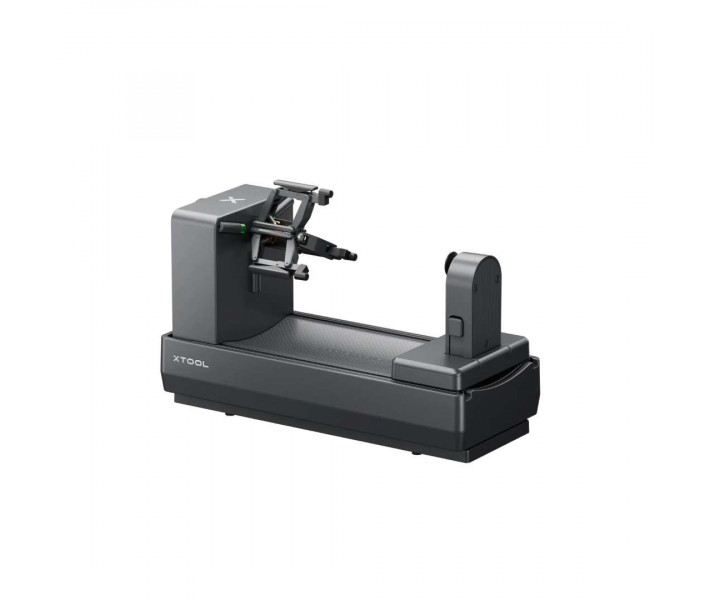
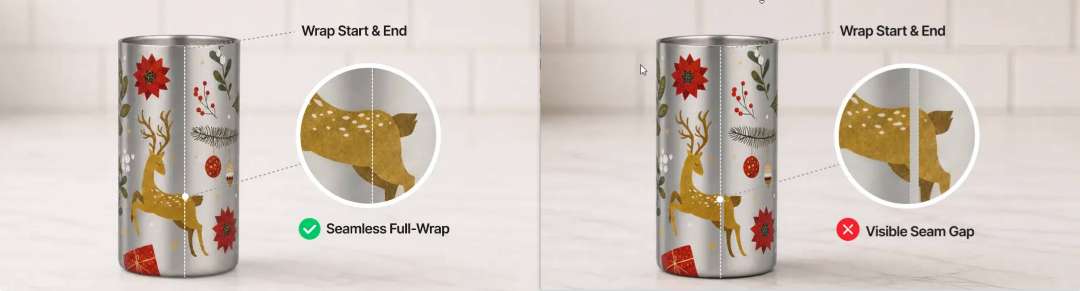
- OR1 jaw chuck: holds the item by its inner wall and rotates it under angle control. Seamless printing needs no manual measurements and leaves no seam.
- Manual ink priming: the extractor creates stronger suction than the automatic system, so the printhead fills faster. Ink consumption per priming cycle is reduced by approximately 40%.
- Texture library: more than 2000 textures are available in the xTool Creative Space software. AI effect generators and one-click spot colours provide ready-made print settings.
The xTool O1 Omni prints on rigid materials
Personalising rigid items requires white ink and controlled varnish. The xTool O1 Omni Printer Single UV Rotary is fitted with a single Epson F1080 printhead. The ink channels are CMYKWV, where V stands for 3-in-1 varnish: matt, gloss and foil effect. The white channel is needed for dark and transparent substrates.
The O1 Omni series combines four printing methods in one housing. The set depends on the edition. Single UV performs UV printing, and with a laminator, UV DTF. DTG and DTF are available in the UV + DT Fabric edition. Fabrics are not supported here.
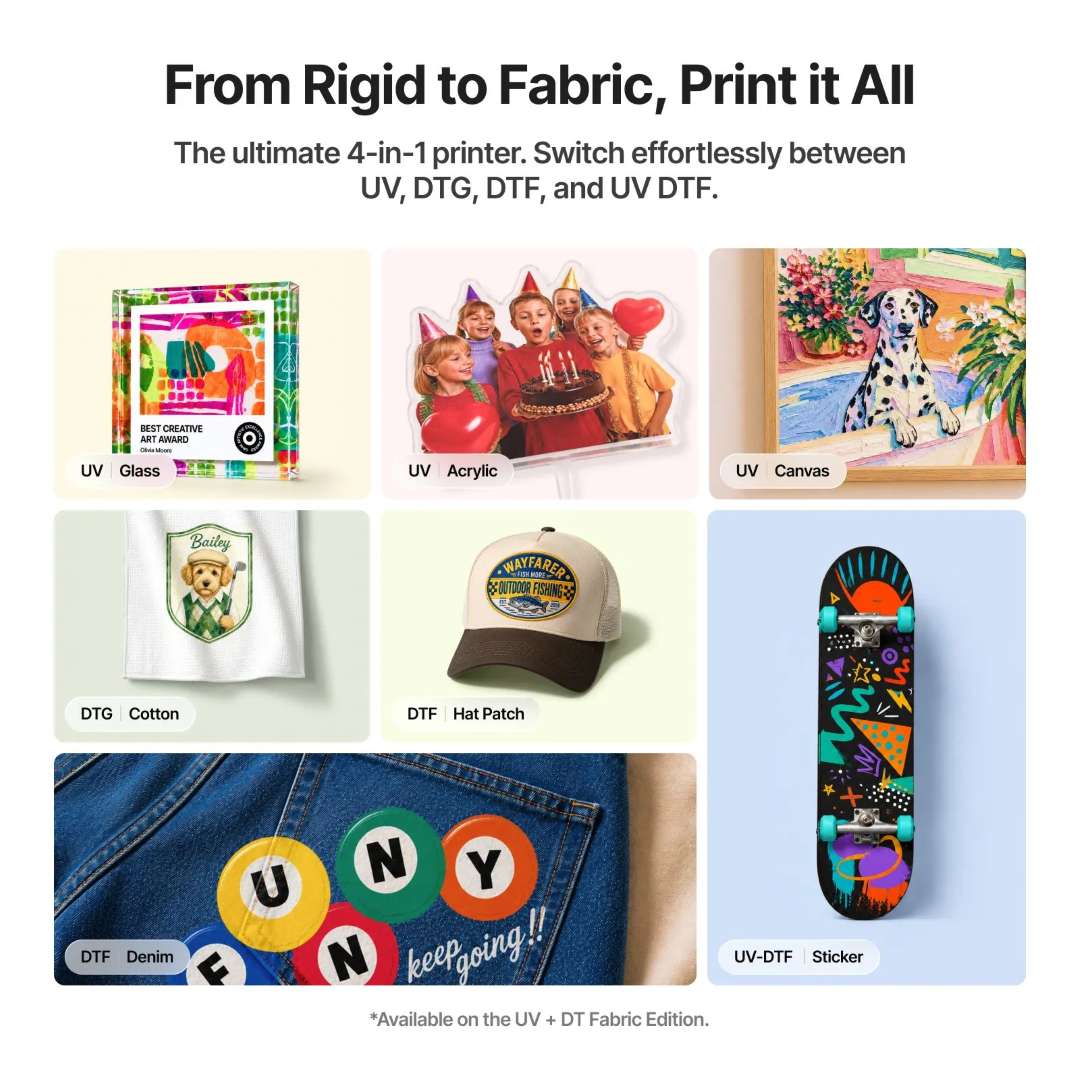
Volumetric printing is built on layers of ink and varnish. Single UV creates embossed badges and tactile finishes. Foiling requires a laminator. Fluorescent printing is not available.
Three editions with different technology sets
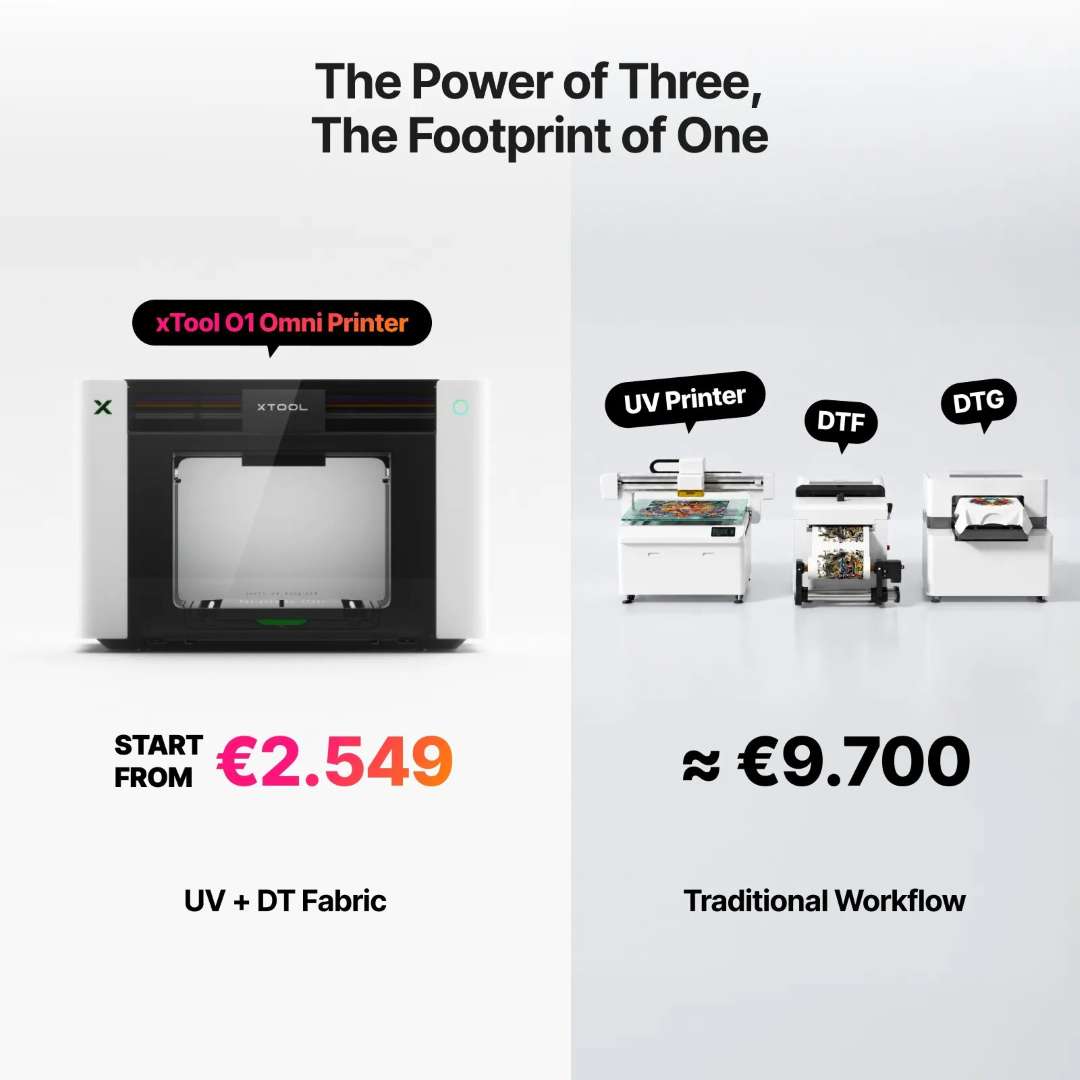
The choice of edition determines the range of materials. The UV + DT Fabric edition replaces three separate printers with one compact unit.
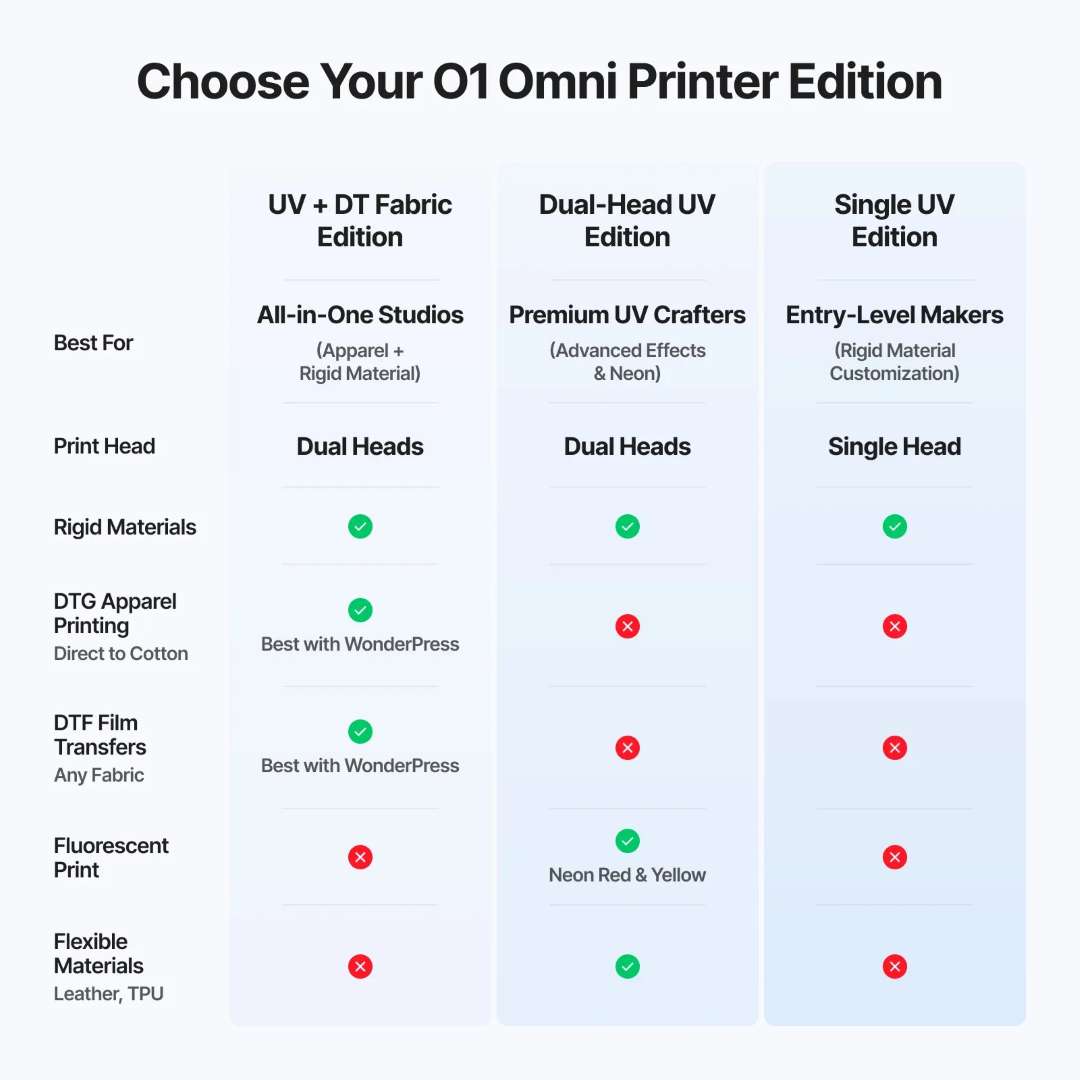
Single UV has one printhead and prints on rigid materials only. Dual-Head UV has two printheads and adds fluorescent neon and flexible materials. UV + DT Fabric adds DTG and DTF, but without fluorescent printing.
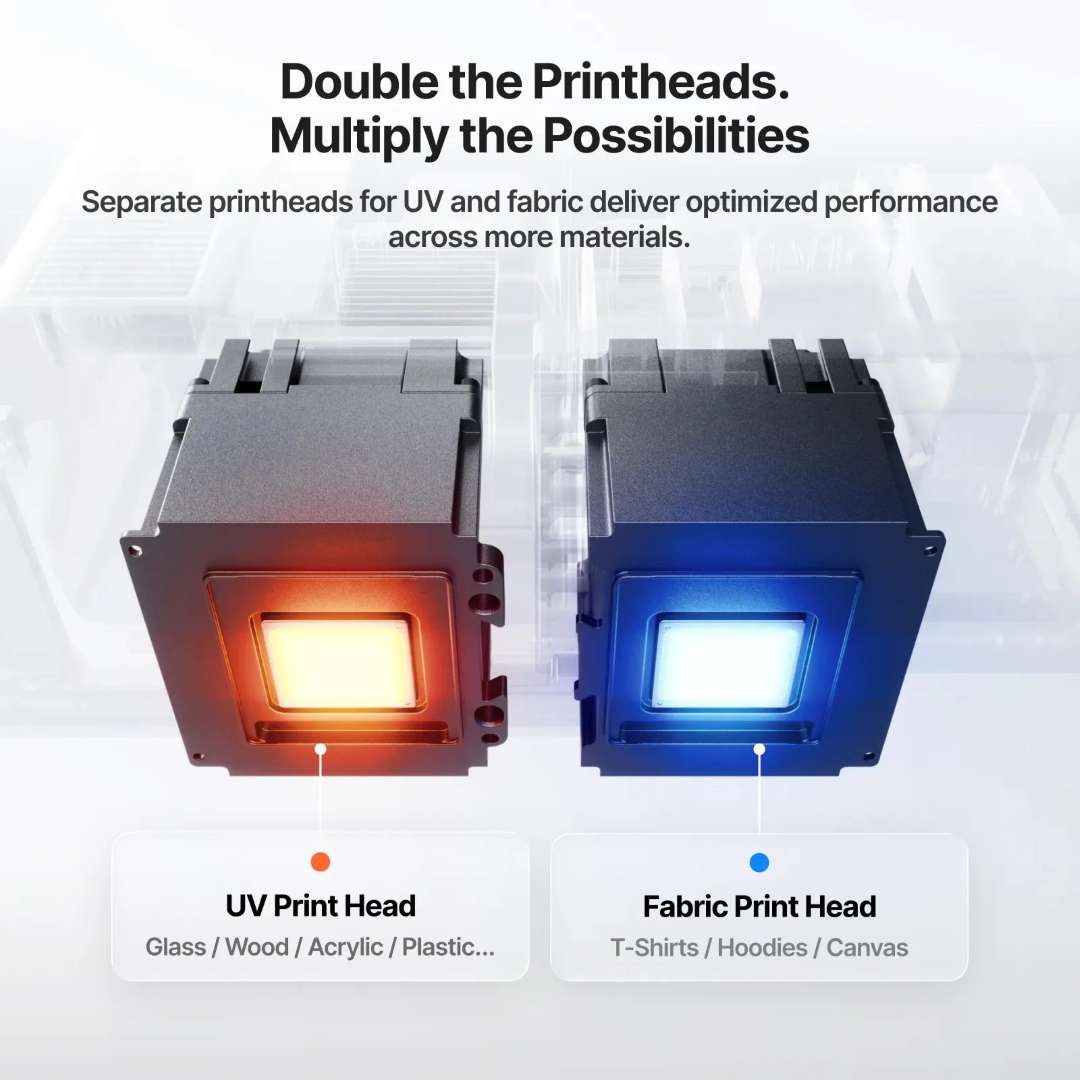
Separate printheads for rigid substrates and fabric
Rigid substrates and textiles require different inks. The UV printhead is aimed at glass and wood, the fabric one at T-shirts and canvas. Single UV has only the UV printhead.
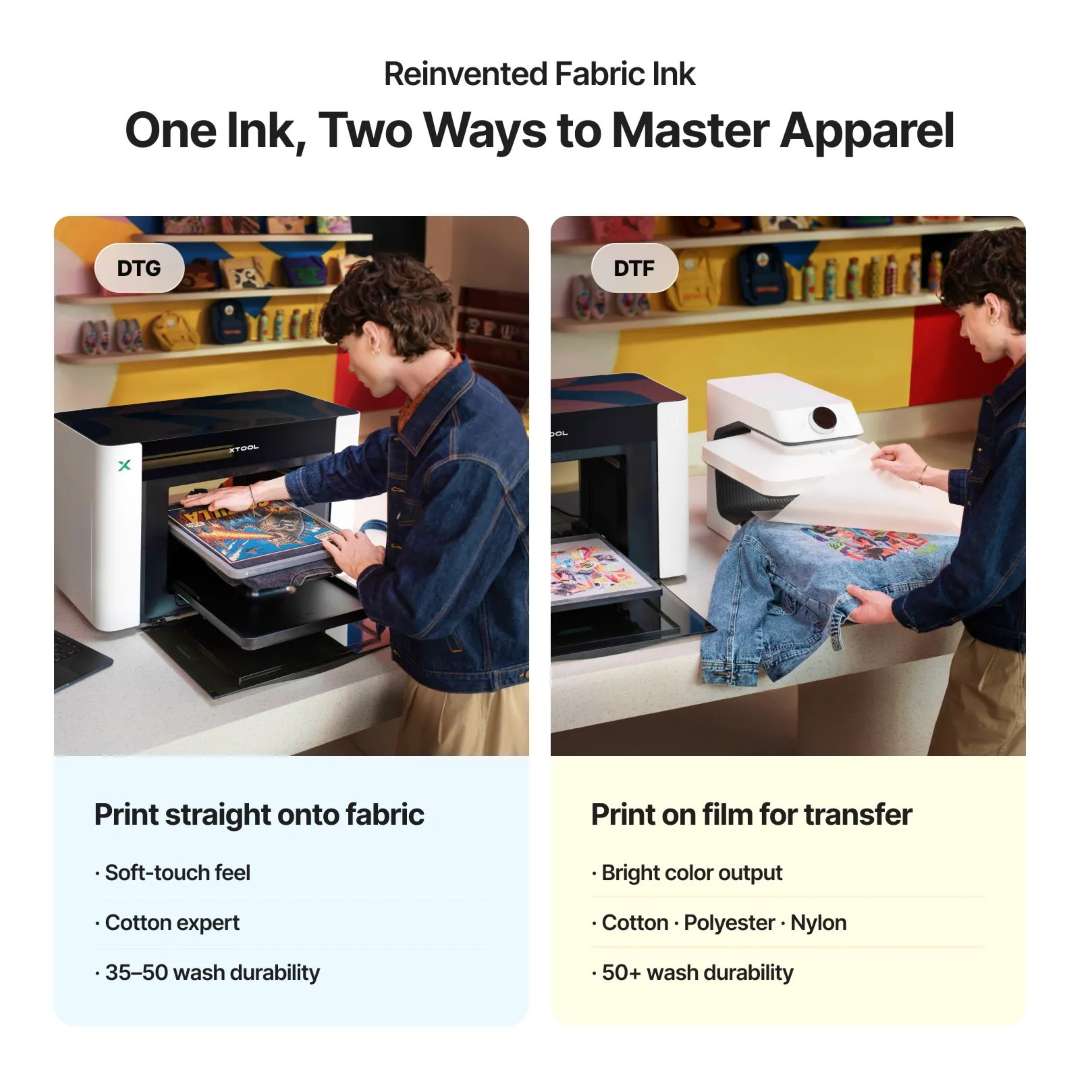
DTG prints directly on fabric and gives a soft feel. DTF prints on transfer film and gives more vivid colour. Neither method is available in Single UV.
UV DTF decals for curved surfaces
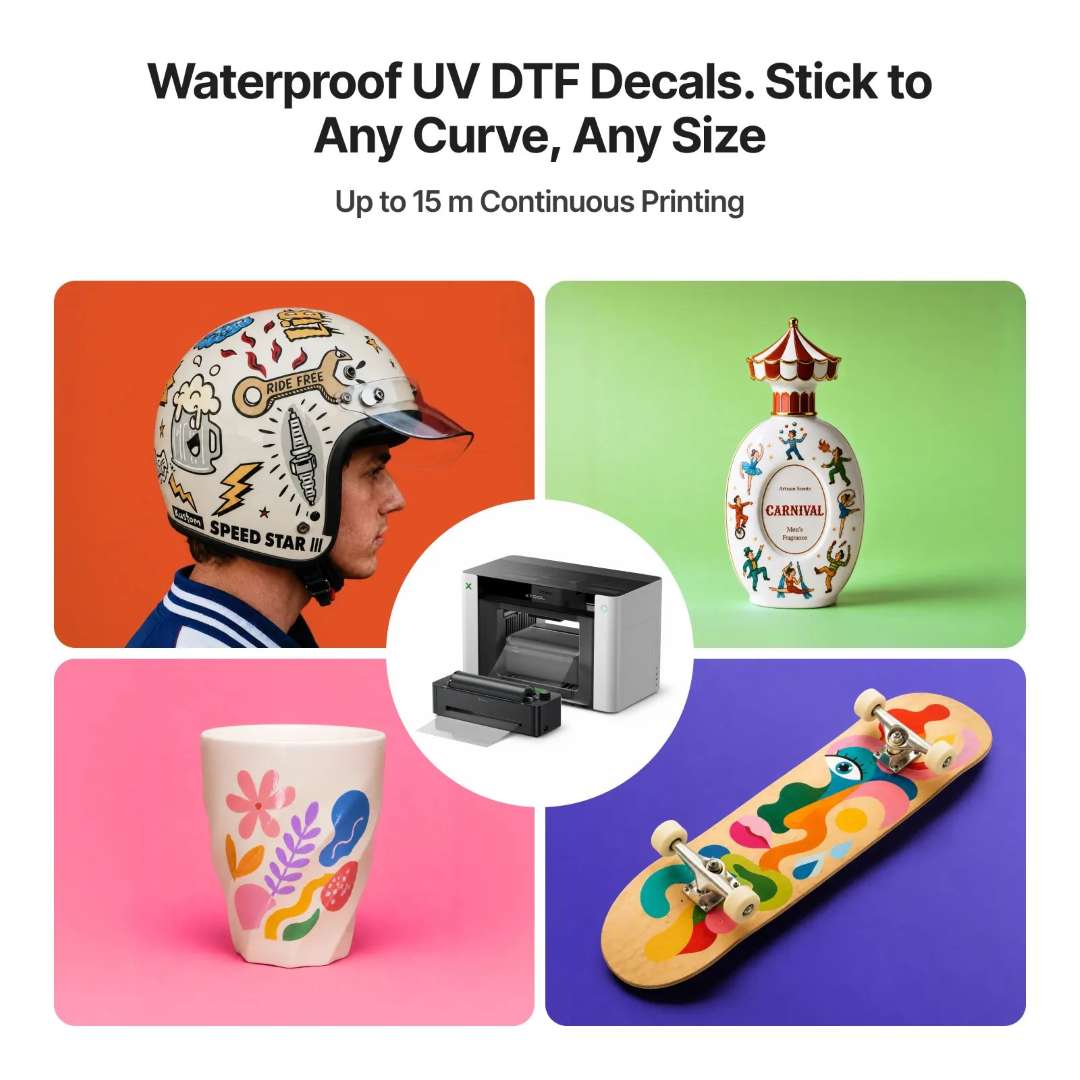
Items of complex shape can be decorated with a waterproof decal. In UV DTF, the artwork is printed on film and then applied to a rigid surface without a heat press. Continuous printing is up to 15 m. Lamination requires the xTool LM1 laminator, and the xTool RF1 roll feeder is an optional accessory.
The printer scans the item instead of manual measurements
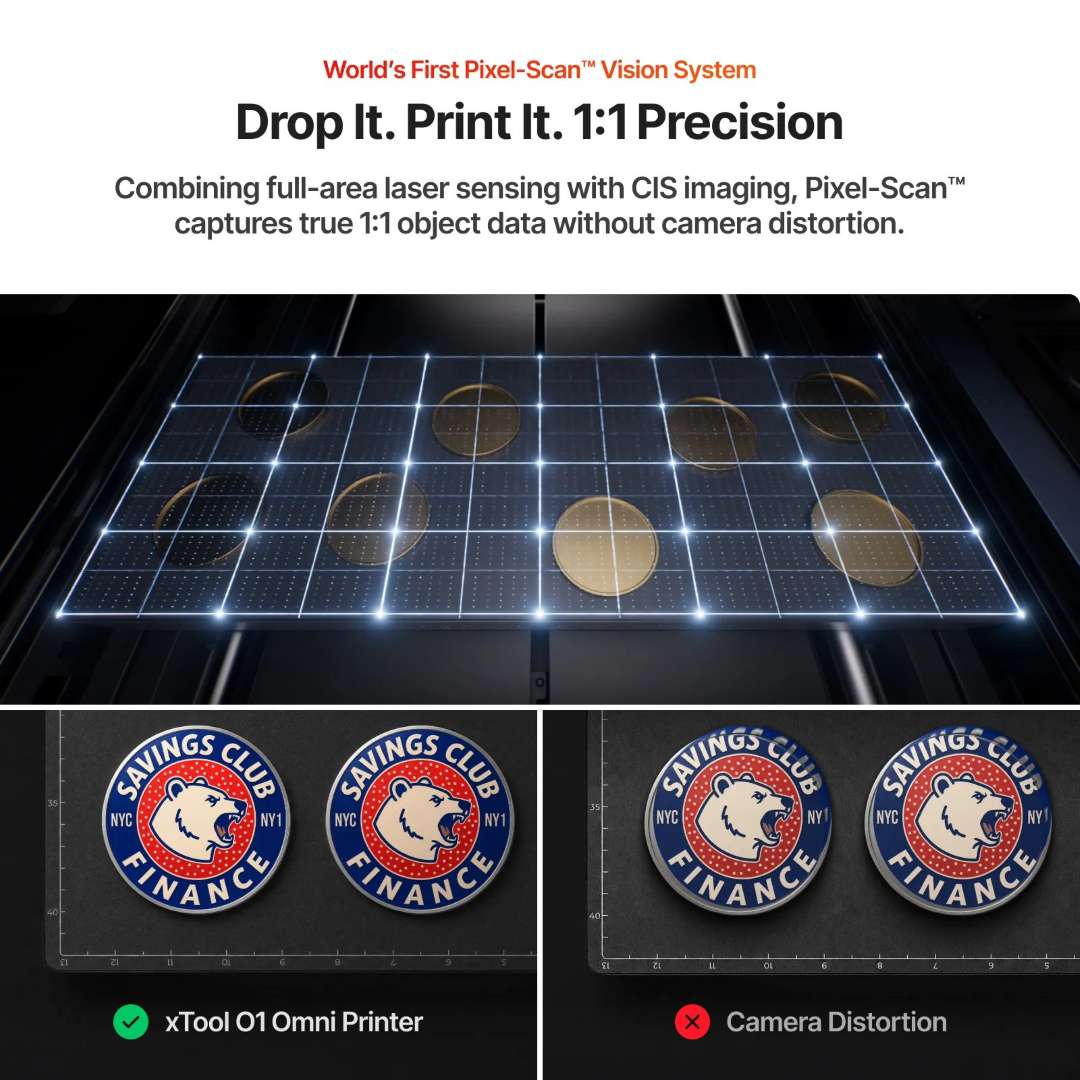
The artwork must land on the item without adjustment. Pixel-Scan™ combines full-area laser scanning with CIS imaging. The system captures object data 1:1 without camera distortion. The printer performs the measurement. Thick dark items are recognised less reliably: place a light plain-coloured sheet on the adhesive mat.
One software package for printing and lasers
Printer control is concentrated in a single software package. The official xTool Creative Space software is available for macOS and Windows. It is free, but some functions may be paid. Third-party RIP software is not supported.

The xTool printer and laser connect to one software workspace. A single project combines printing and laser processing.

Automation protects the printhead from drying out
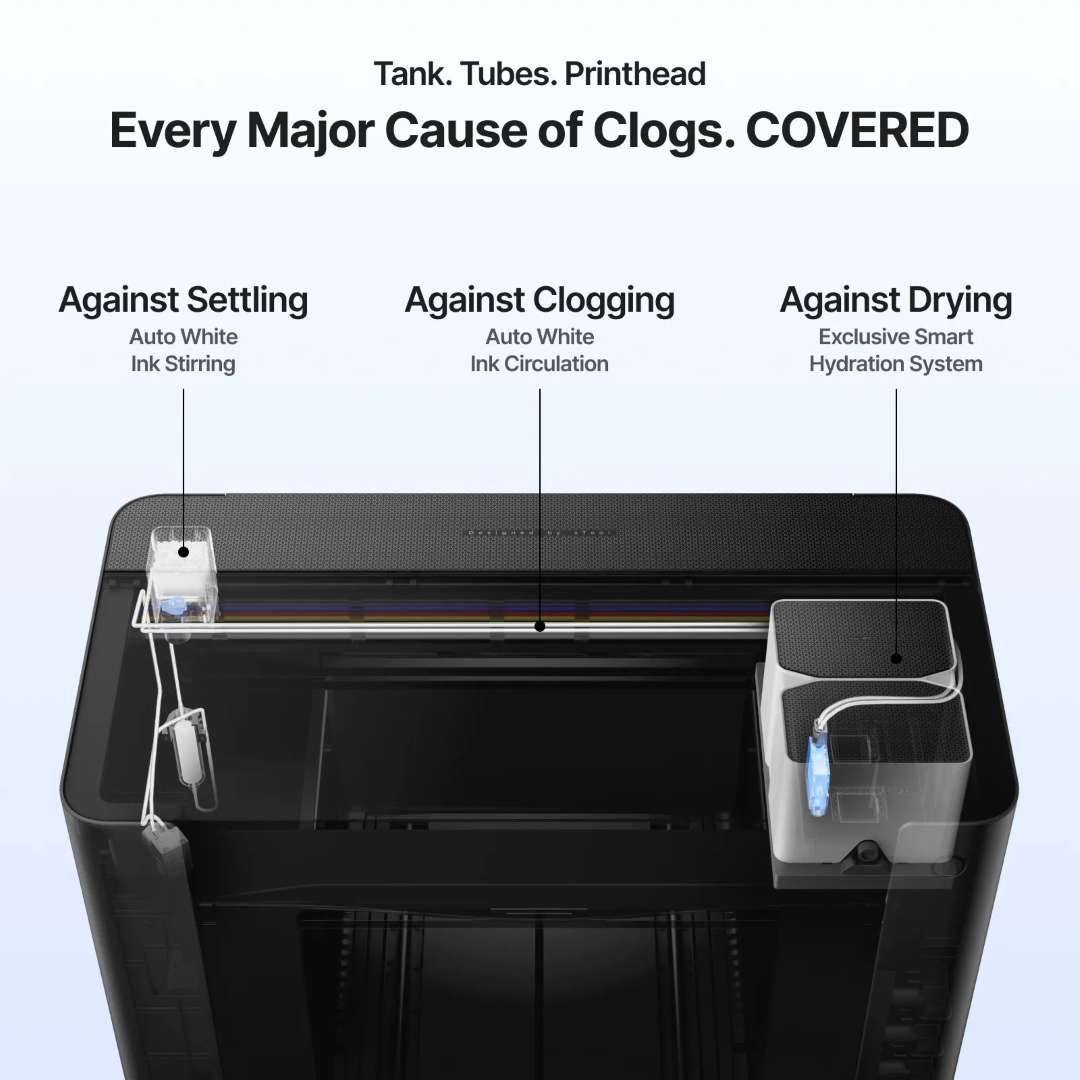
During downtime, white ink settles and the printhead dries out. The white TiO₂ pigment settles if the ink stays still for a long time. Automatic stirring and circulation keep the pigment evenly distributed. The humidification system protects the printhead from drying out.
Initialisation and idle mode
The first start requires full initialisation and calibration. They set the positioning and printing parameters. Repeat calibration is usually not needed. It is performed only on the instruction of xTool technical support.
The printer has no power switch. Automatic maintenance works only while the power is on. For a long pause, put the printhead in humidification mode in the xTool software and leave the printer switched on. Ink at about 15 °C and colder thickens and may clog the nozzles. If the ink is warmer than about 35 °C, the edges of the image blur.
Ink and air safety
Indoor printing requires clean air. The stated removal of volatile compounds (TVOC) is 96.4%. The built-in purification system effectively captures volatile compounds with the lid closed. With the lid open, efficiency drops and odours may escape. The UV ink is GREENGUARD® Gold certified and contains no reproductive toxins. UV printing is not intended for surfaces that come into contact with food or drink.
The OR1 attachment prints around the item
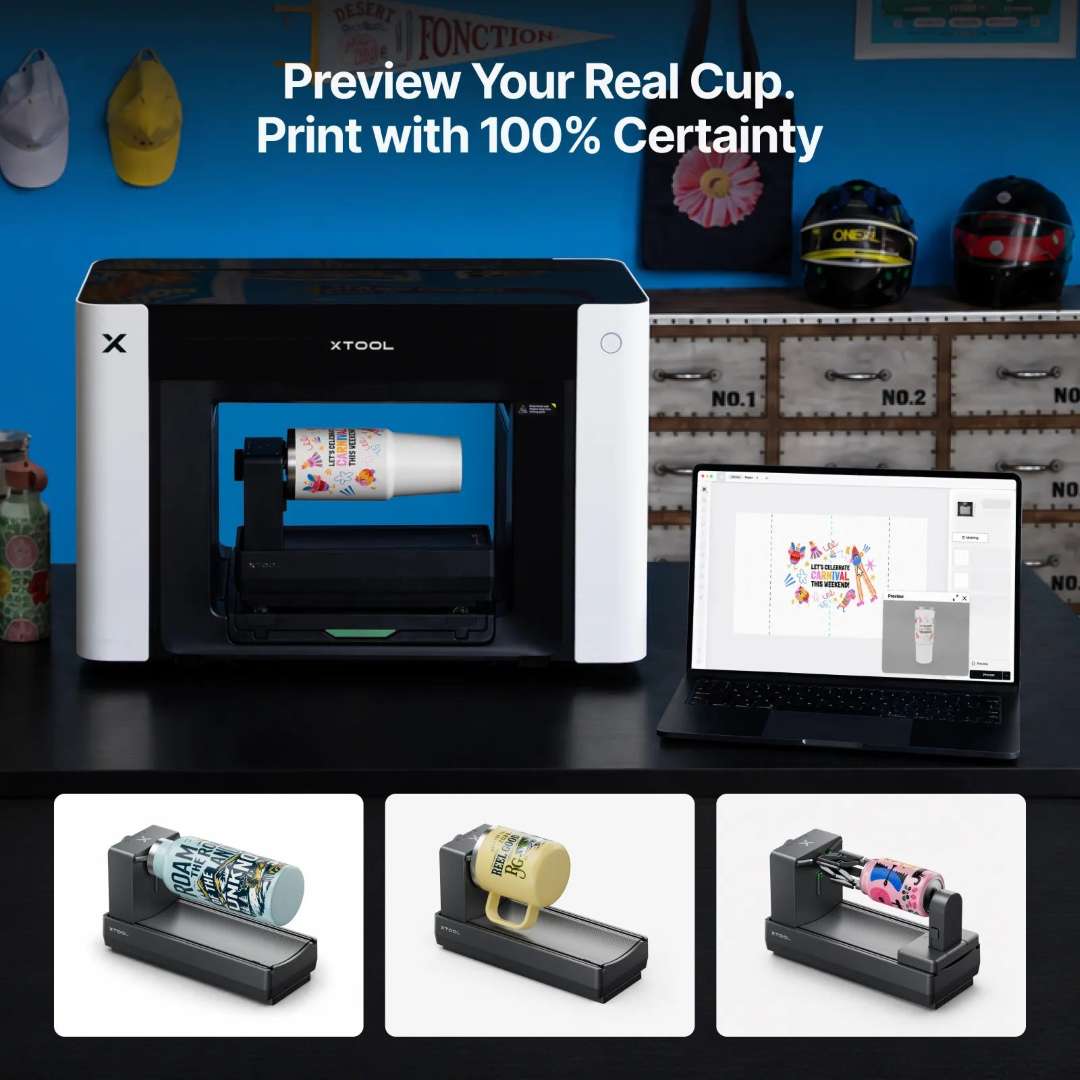
Round items need rotation. The OR1 attachment prints on cups and cans. It also handles spheres and other curved items. The software places the artwork in 3D and shows it on the actual object.
Securing the item
Two mounting options cover different shapes. The jaw chuck holds cups by the inner wall. The jaws with the rear module secure cans and spheres at both ends. A magnetic connection locks the attachment onto the printer base.

The chuck rotates the item through 360° under angle control. A roller attachment requires manual measurements and risks leaving a visible seam.
Alignment and handle sensor
Pixel-Scan™ in the attachment detects the shape of the object and identifies handles. Auto-levelling covers a taper from -8° to 12°. The printer measures the handle height and marks no-print zones so that the printhead does not collide with it.
Limitations and preparation
The attachment supports items weighing less than 1 kg. Printing is unidirectional, and the varnish is matt only. On curved items, texture up to 5 mm and 5 mm embossing are available. Fluorescent ink with the OR1 works only with the Dual UV edition, so it is not available in this kit.
Before printing, remove grease from the item's surface. Wipe glass and ceramics with the primer from the kit. Stainless steel requires the metal primer from the xTool website. Without primer, the image may peel off over time. Wash finished items by hand, not in a dishwasher.
Applications
- Mugs and cups: the chuck holds items with an inner diameter of 46.5–100 mm and rotates them without a seam.
- Drink cans and spheres: the rear module supports the second end: cans up to 120 mm tall and spheres up to 102 mm in diameter rotate evenly.
- Tapered containers: auto-levelling in the range from -8° to 12° brings the sloping wall into a stable printing plane.
- Acrylic and wooden signs: in the xTool O1 Omni Printer Single UV Rotary, a working area of up to 330 × 420 mm accommodates large signs. The 3-in-1 varnish adds matt and gloss accents.
- UV DTF decals: waterproof decals are printed continuously up to 15 m and applied without a heat press; a laminator is required.
Compatible accessories and mounts
- xTool OR1 rotary attachment: printing on cups and cans; included in the kit.
- xTool LM1 laminator: UV DTF lamination and foiling.
- xTool RF1 roll feeder: continuous printing on roll materials, such as self-adhesive vinyl.
- Protective pad: a plain-coloured silicone pad on the adhesive mat extends its service life and does not interfere with recognition.
What is included in the kit?
- xTool O1 Omni printer
- Standard base plate and adhesive mat
- Mini base plate and adhesive mat
- Ink cartridge
- Waste ink cartridge
- UV humidifying fluid cartridge
- Ink extractor — 11 pcs (4 spare)
- Ink tube plug — 2 pcs
- Ink scraper (spare) — 2 pcs
- Power cable
- USB cable
- Filter
- Nitrile gloves
- Lubricant
- Exhaust pipe
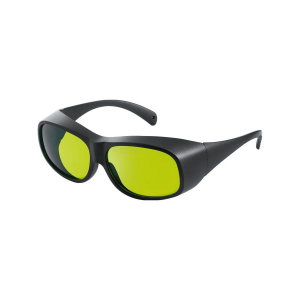
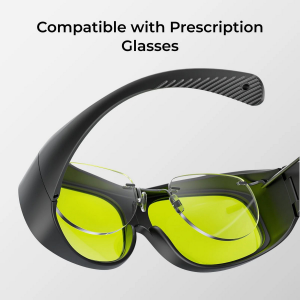
- Safety glasses
- Screwdriver
- Tweezers
- Ink absorber (foam) — 4 pcs
- Cotton swab
- Fridge magnet — 3 pcs
- xTool OR1 rotary attachment
- Rear module (jaws inside)
- Primer wipe
- Cleaning wipe
- Quick start guide
- Safety instructions
Technical specifications
Printer
| Parameter | Value |
| Best suited for | Entry-level makers for personalising rigid materials |
| Working area | Standard print platform: 330 × 122 mm, large print platform: 330 × 420 mm |
| Printhead | Epson F1080 printhead |
| Print resolution | 720 × 1440 dpi |
| Ink channels | CMYKWV (V = 3-in-1 varnish: matt, gloss and foil effect) |
| Ink volume | Standard ink: 125 ml |
| Material applications | Basic rigid: acrylic, wood, metal, glass, ceramic, etc. |
| Fluorescent colour printing | ✕ (No) |
| UV DTF sticker / transfer / decal creation | ✓ Requires laminator |
| Embossed print height | 7 mm |
| Vision system resolution | 1440 × 1200 dpi |
| Positioning accuracy | ±0.2 mm |
| Safety and certification | Non-reprotoxic ink, GREENGUARD® Gold Certified UV Ink |
| Automated maintenance | Automatic white ink stirring, automatic white ink circulation, automatic printhead protection against drying out |
| Supported software | macOS, Windows |
| Remote control | Remote cleaning and control via app |
| Product weight | 40.6 kg |
| Machine dimensions (main unit only) | 714 × 374 × 468.5 mm |
Rotary attachment — general information
| Parameter | Value |
| Dimensions of the unit itself | 328 × 140 × 193 mm |
| Weight of the unit itself | 2.4 kg |
| Packaged dimensions | 399 × 257 × 206 mm |
| Packaged weight | 3.1 kg |
| Operating temperature | 15 °C – 30 °C |
| Operating relative humidity | 30% – 80% |
| Print direction | Unidirectional only |
| Varnish settings | Matt finish only, mirror finish not supported |
| Print mode | Flat, texture, emboss |
| Spot colour settings | Fluorescent ink printing is supported when used with the dual UV version |
Rotary attachment — supported items
| Parameter | Value |
| Supported item weight | Less than 1 kg |
| Mug / Cup with straight handle | Inner diameter (ID): 46.5–100 mm, outer diameter (OD): ≤ 102 mm, body diameter: ≤ 100 mm, overall height: ≤ 250 mm |
| Tapered open container | Taper angle range: -8° to 12°, ID and OD range same as for the mug, overall height: ≤ 250 mm |
| Standard drink can | Overall height: ≤ 120 mm |
| Spherical item | Diameter: ≤ 102 mm |
Why buy the xTool O1 Omni Printer Single UV Rotary from EXPERT3D?
EXPERT3D has supplied professional 3D equipment since 2012. For the xTool O1 Omni Printer Single UV Rotary, we offer pre-purchase consultation and help with configuration. We deliver throughout Spain and the EU countries. We offer after-sales service support. Order original spare parts and consumables on the website so that your equipment does not stand idle. As an official xTool representative, we guarantee 100% authenticity and a fair price. We also guarantee authorised service and an official warranty.