

- Stock: In Stock
- Product code: 920372000001151043
- Weight Brutto: 14.00kg
- SKU: F2 Slide Extension

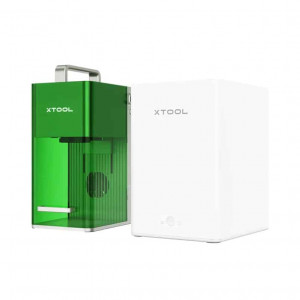
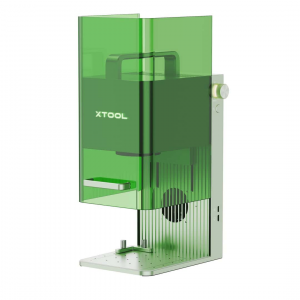
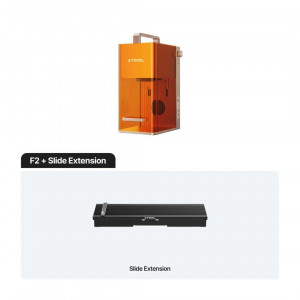
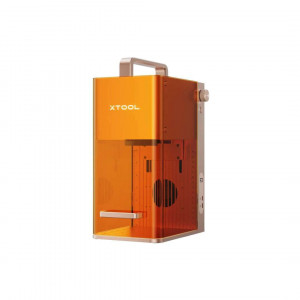
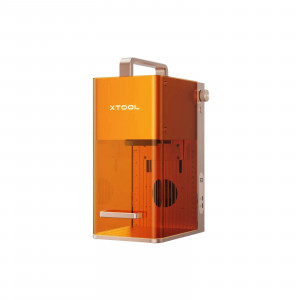
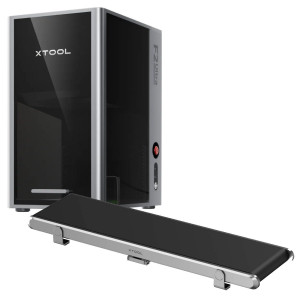
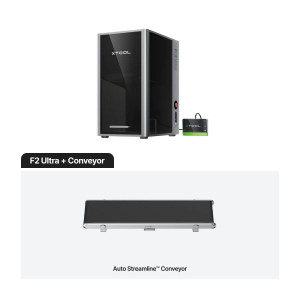
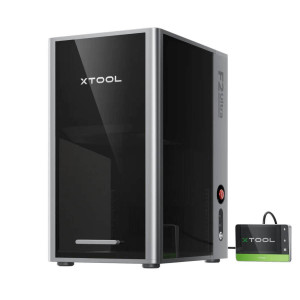
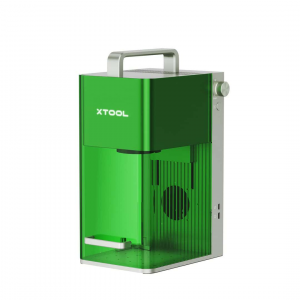
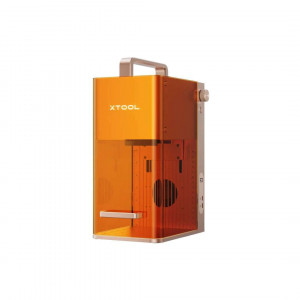
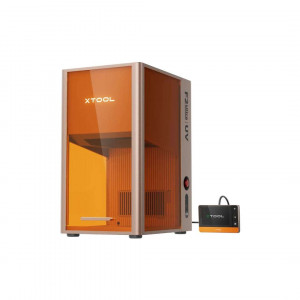
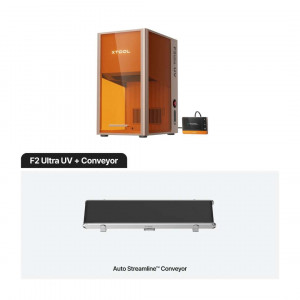
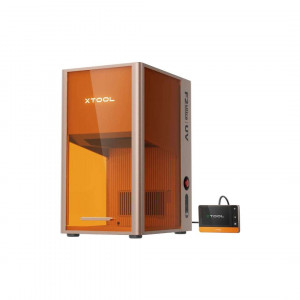
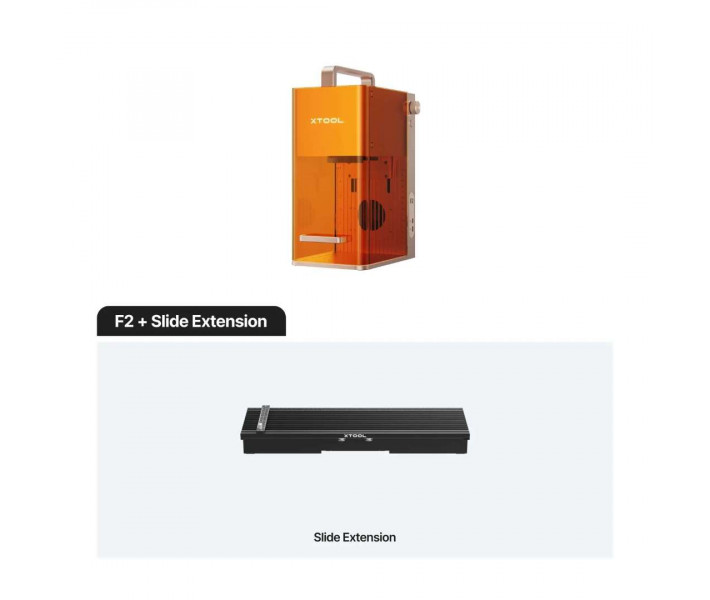
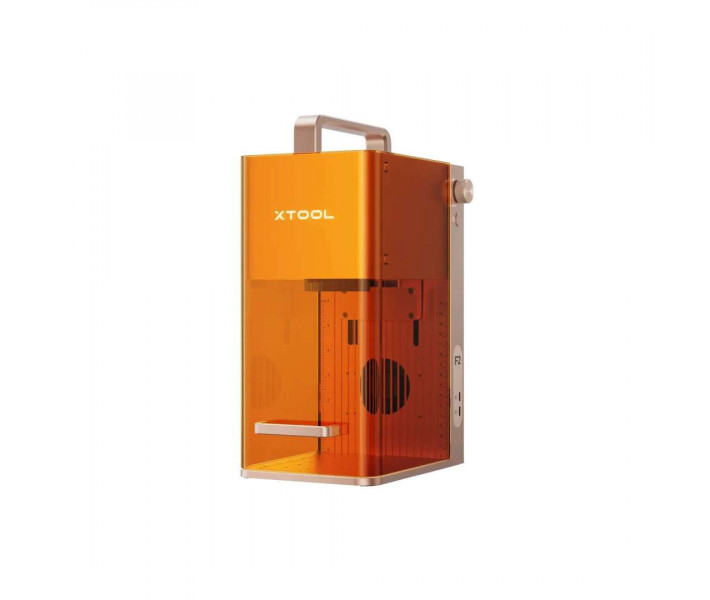
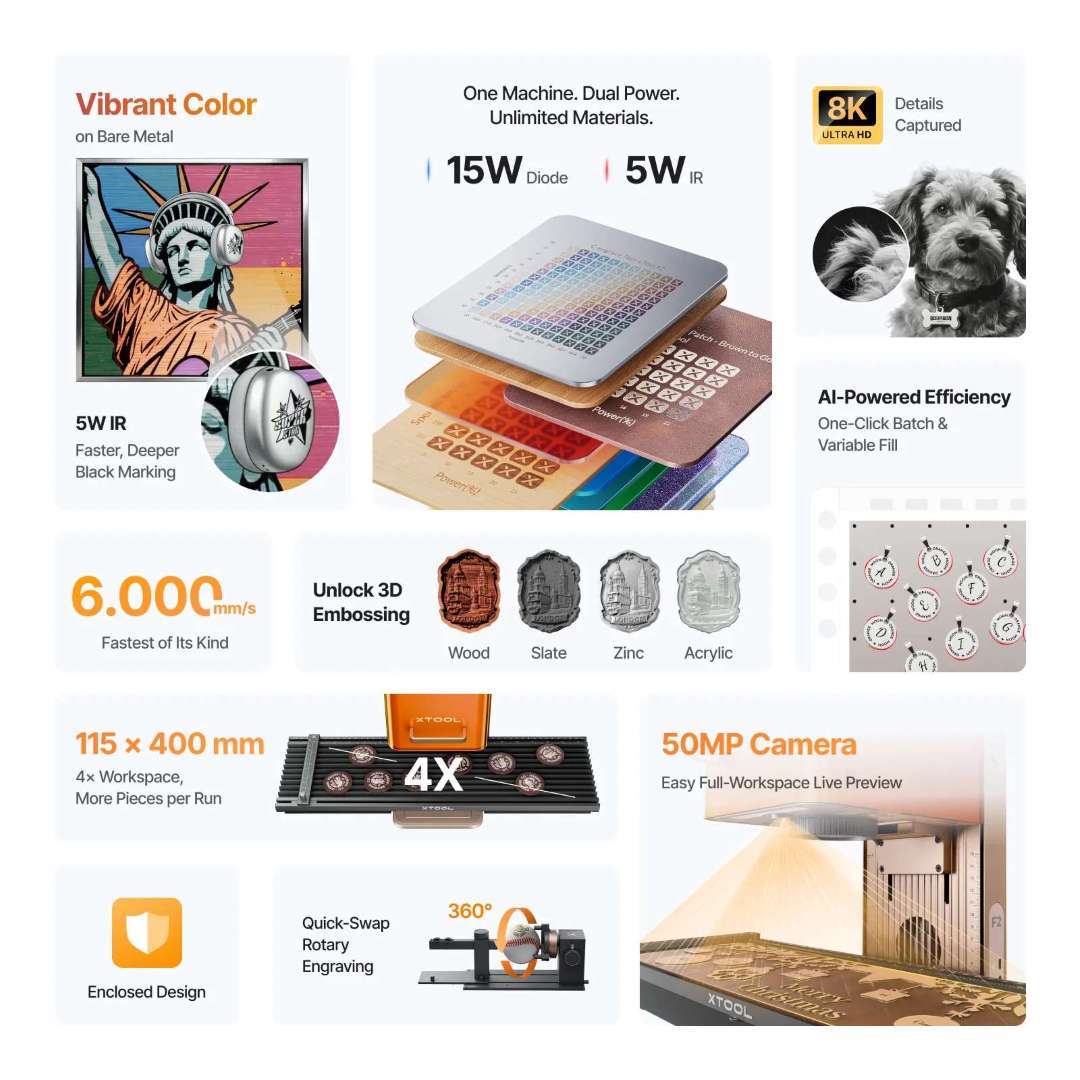
The xTool F2 + Slide Extension is a portable dual-module laser engraver designed for on-site personalisation and small-batch production. It integrates a high-power diode laser and an infrared module in a compact chassis, with a smart camera for real-time preview. The Slide Extension expands the working area to process several pieces in a single sequence, covering hundreds of materials from the very first use.
| Specification | Why it matters |
|---|---|
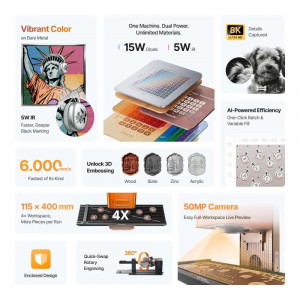
| Laser configuration: 15 W diode + 5 W IR 1064 nm | Cuts wood and leather with the same unit that marks metals with precision, without switching machines. |
| Maximum processing speed: 6000 mm/s | Reduces the time per piece in repetitive fair or workshop jobs. |
| Working area with extension: 115 × 400 mm | Allows several pieces to be lined up and engraved in a single session. |
| Integrated camera: 50 MP | Confirms the exact position of the design before firing the laser, avoiding material waste. |
The combination of both lasers eliminates the need for two separate machines to work wood and metal. The high-resolution camera reduces alignment errors on small or irregular pieces. The Slide Extension turns the unit into a batch-processing station without an additional table. The whole set-up is designed to operate anywhere there's a power socket available.
How it works
Two lasers, one machine
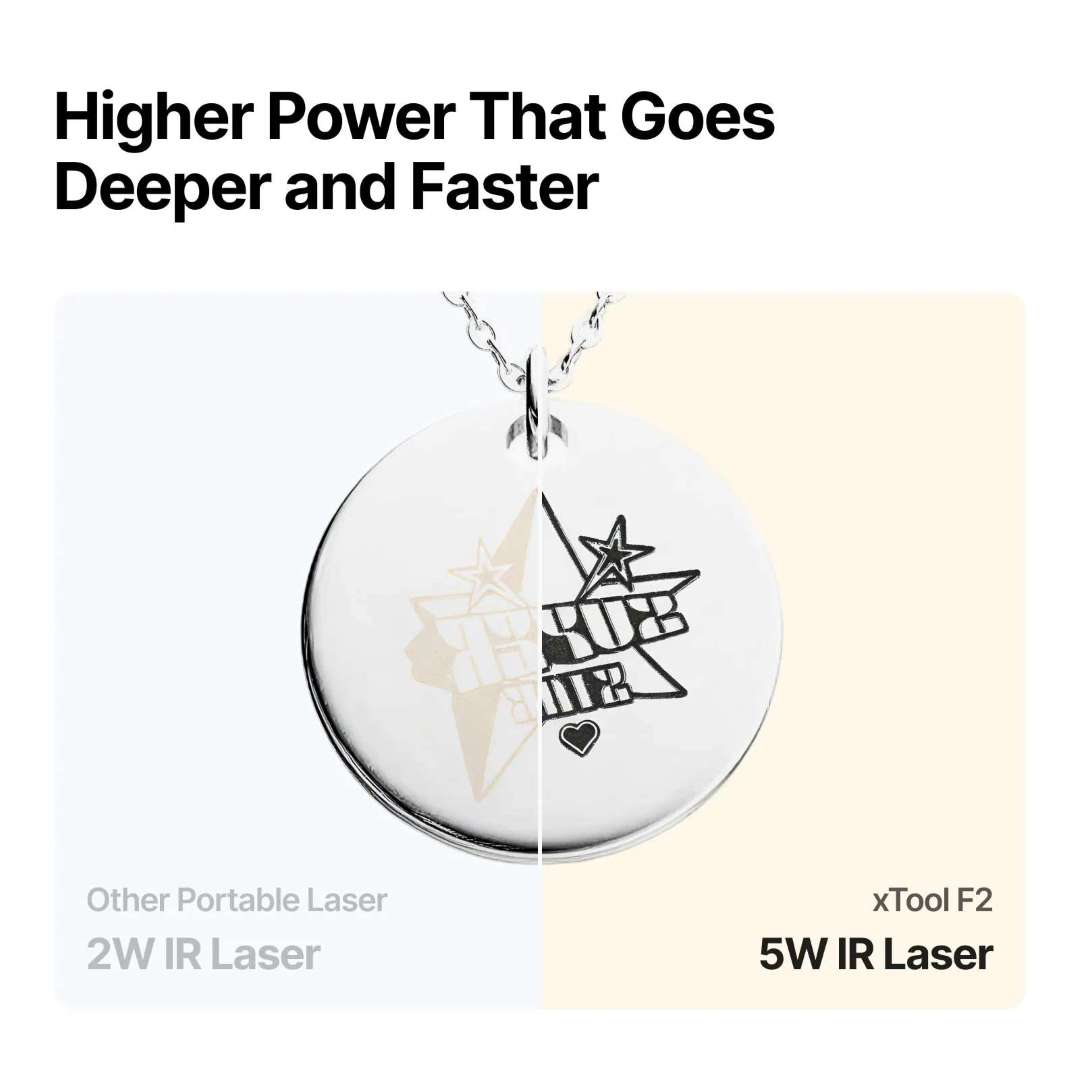
The 15 W blue diode cuts up to 15 mm of balsa wood in multiple passes and acrylic up to 12 mm. The 5 W infrared module engraves stainless steel, gold, silver, platinum, anodised aluminium and titanium alloys with a laser spot of 0.03 × 0.03 mm, a precision that older 2 W IR units could not achieve.
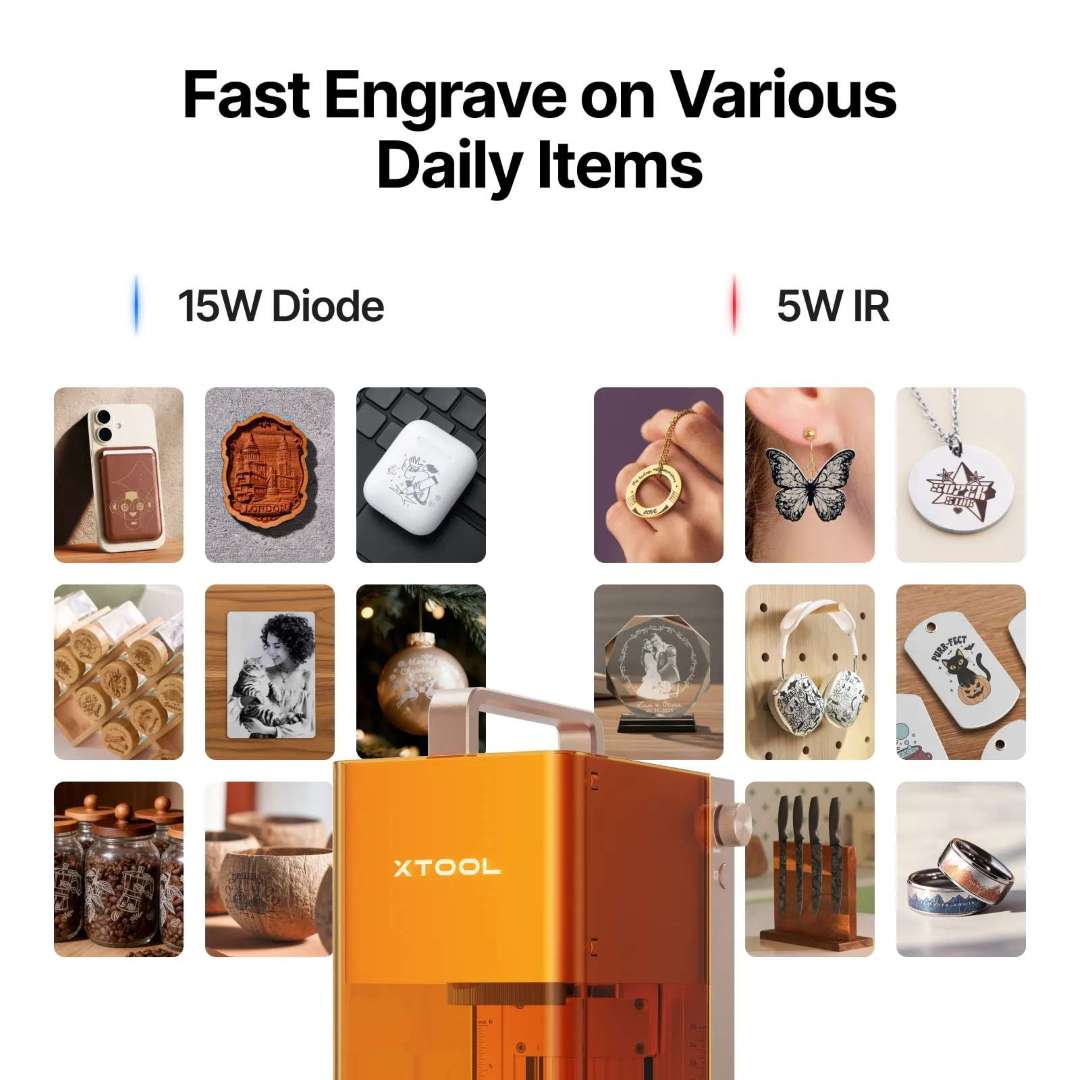
Compared to a 2 W IR unit, the 5 W module delivers results 2 to 8 times faster, enables 3D relief engraving on stone and wood, and makes black marking on metal easier with fewer passes.
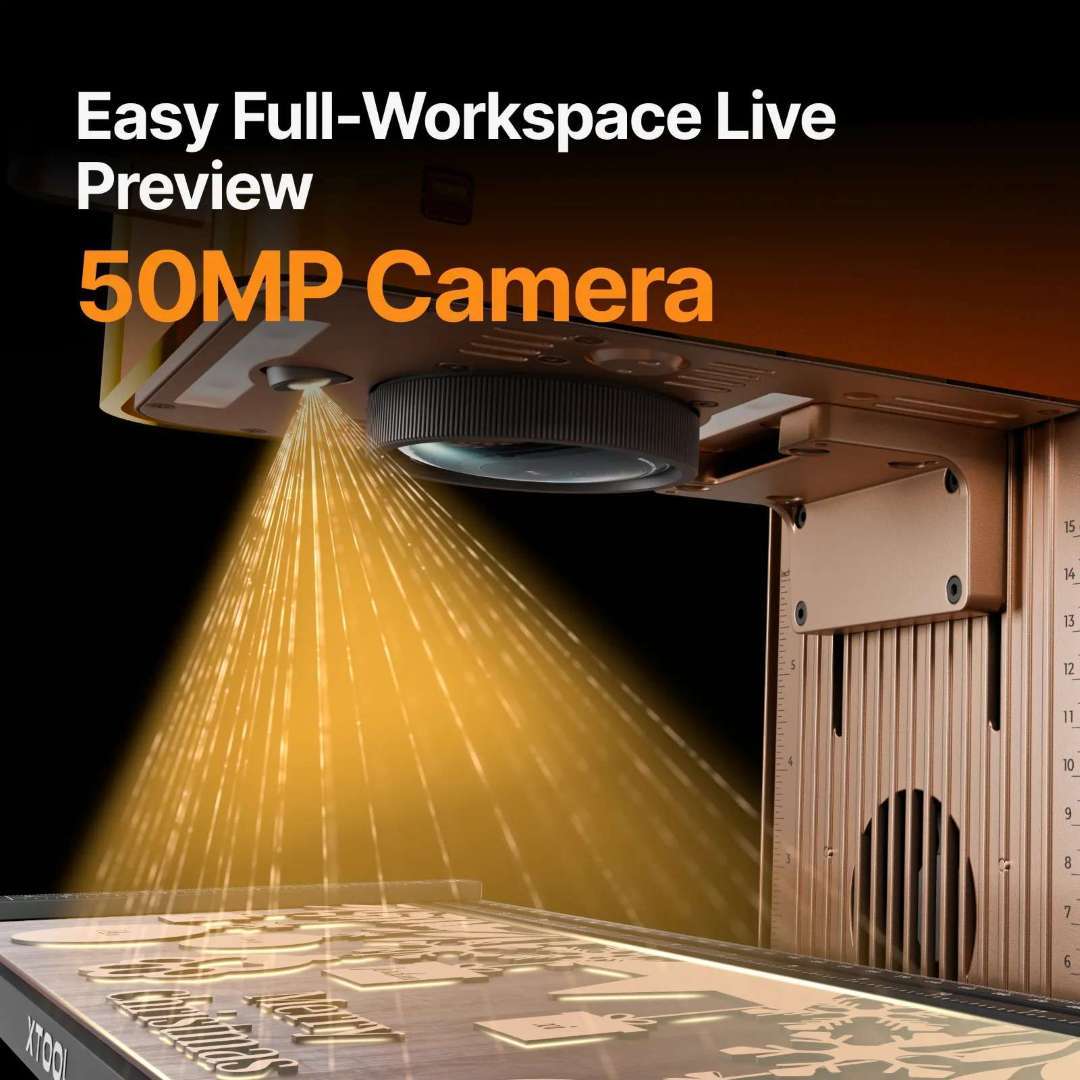
50 MP smart camera
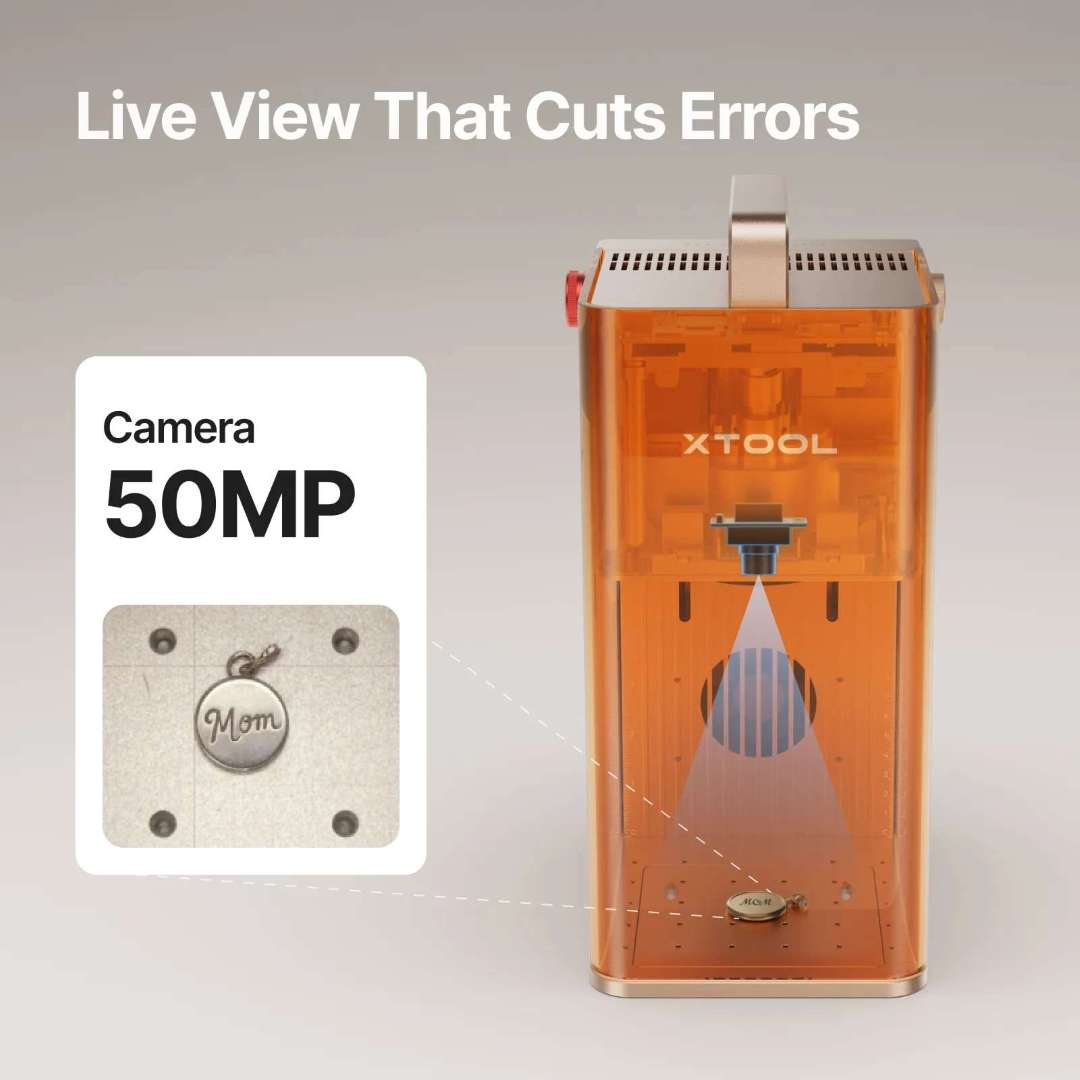
The integrated camera offers alignment precision of up to 0.1 mm on small pieces, with a live 1:1 preview of the entire working area directly within xTool Studio.
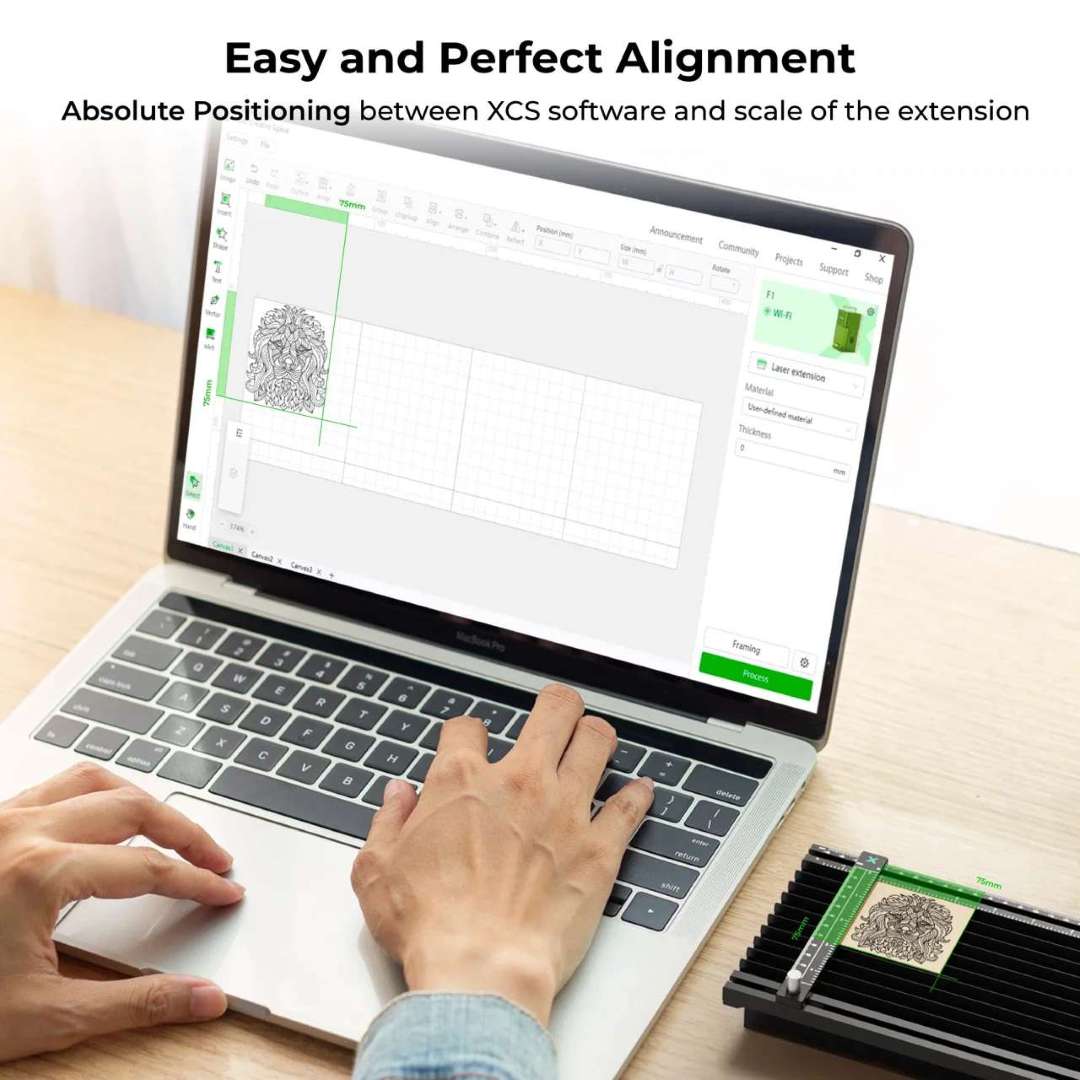
With the Slide Extension installed, the camera stitches the extended area into a continuous panoramic preview, allowing batch jobs across 115 × 400 mm to be planned without any guesswork.
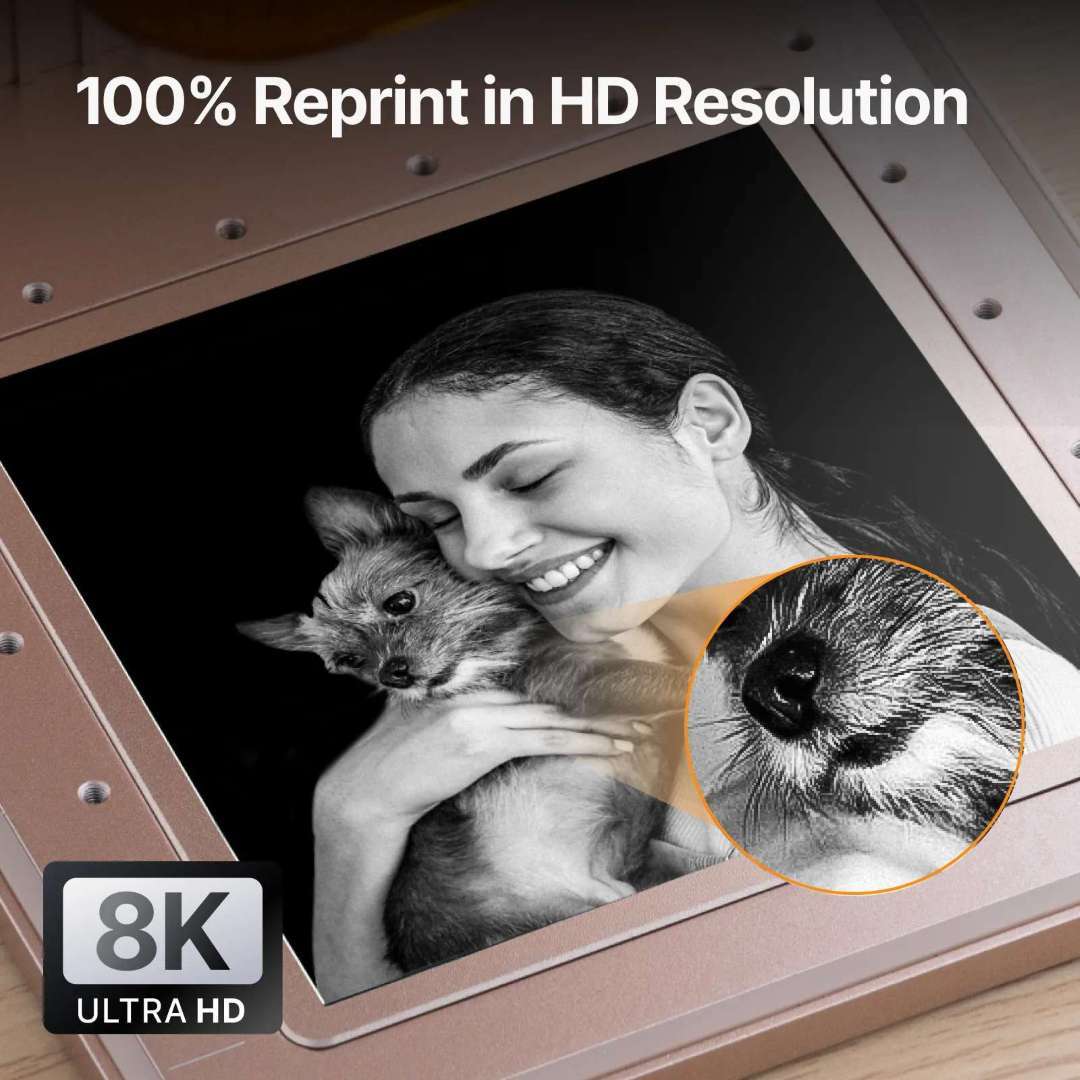
High-resolution engraving
The 15 W diode achieves a laser spot of 0.08 × 0.06 mm with a movement precision of 0.00199 mm, enough to reproduce fur texture, micro-contrast in portraits and ultra-fine lines.
Slide Extension: batch production
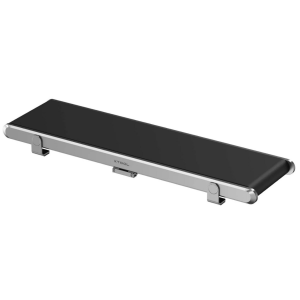
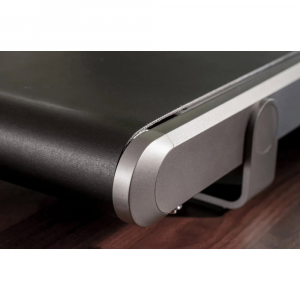
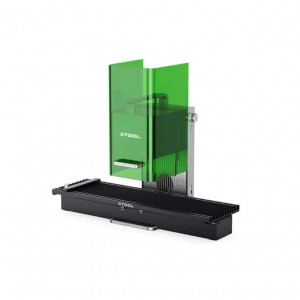
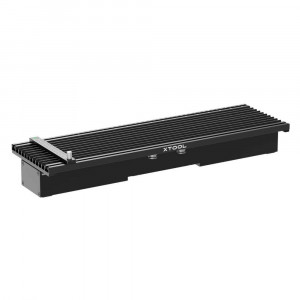
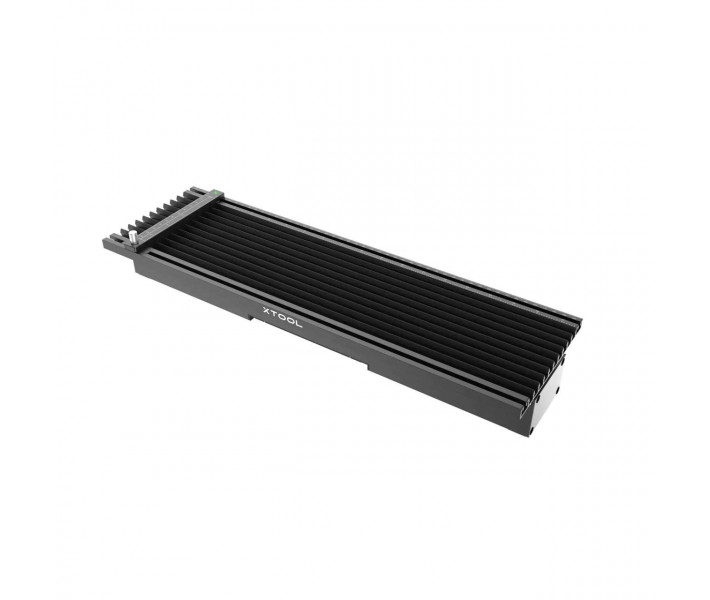
The Slide Extension multiplies the native working area from 115 × 115 mm to 115 × 400 mm, four times larger. It comes pre-assembled, connects via Mini-USB with no external power required, and needs calibration in xTool Studio before first use. It includes five clamps to hold materials in place.
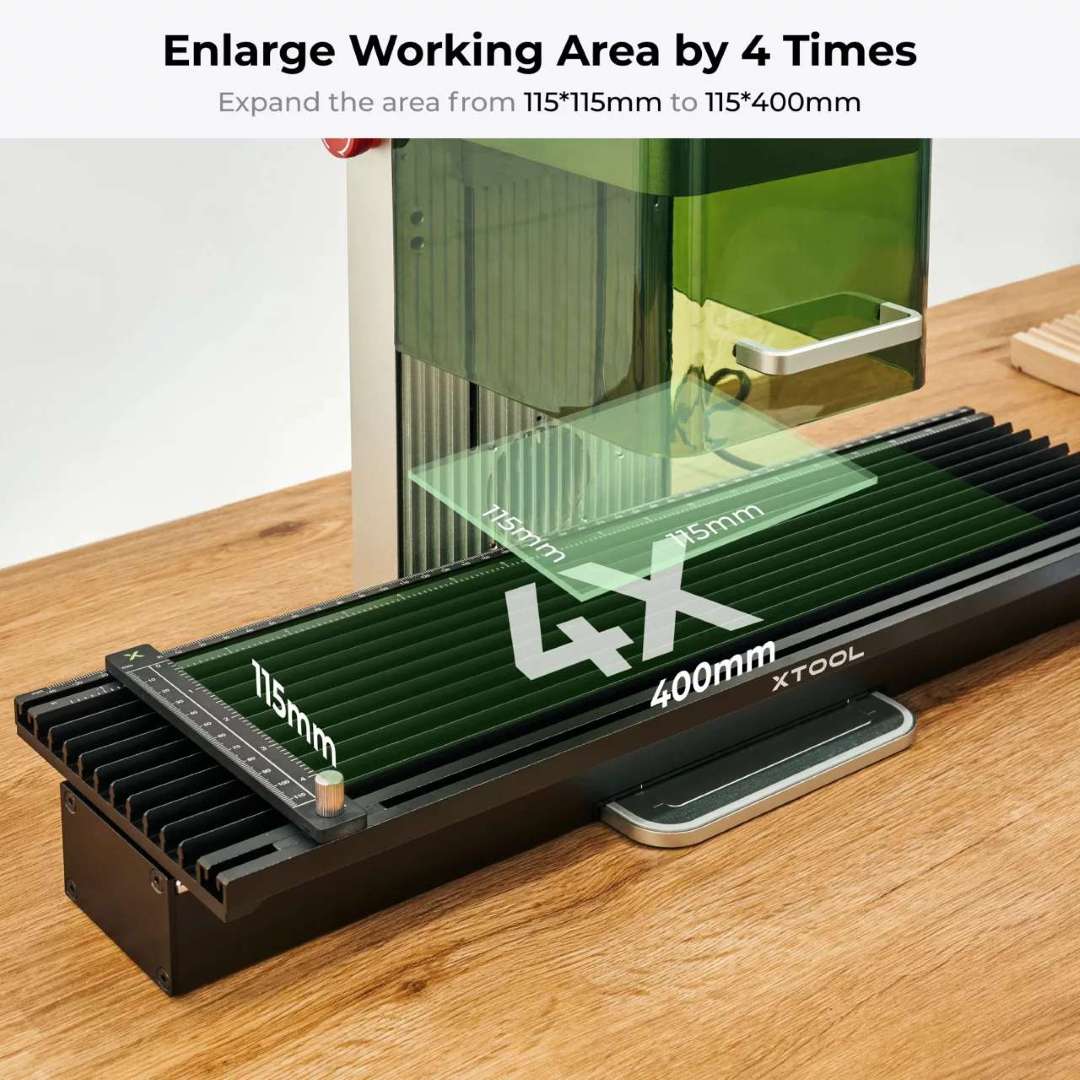
Processing speed in extension mode is limited to 160 mm/s to maintain positioning precision. Maximum piece thickness is 53 mm without clamps or 6 mm with them.
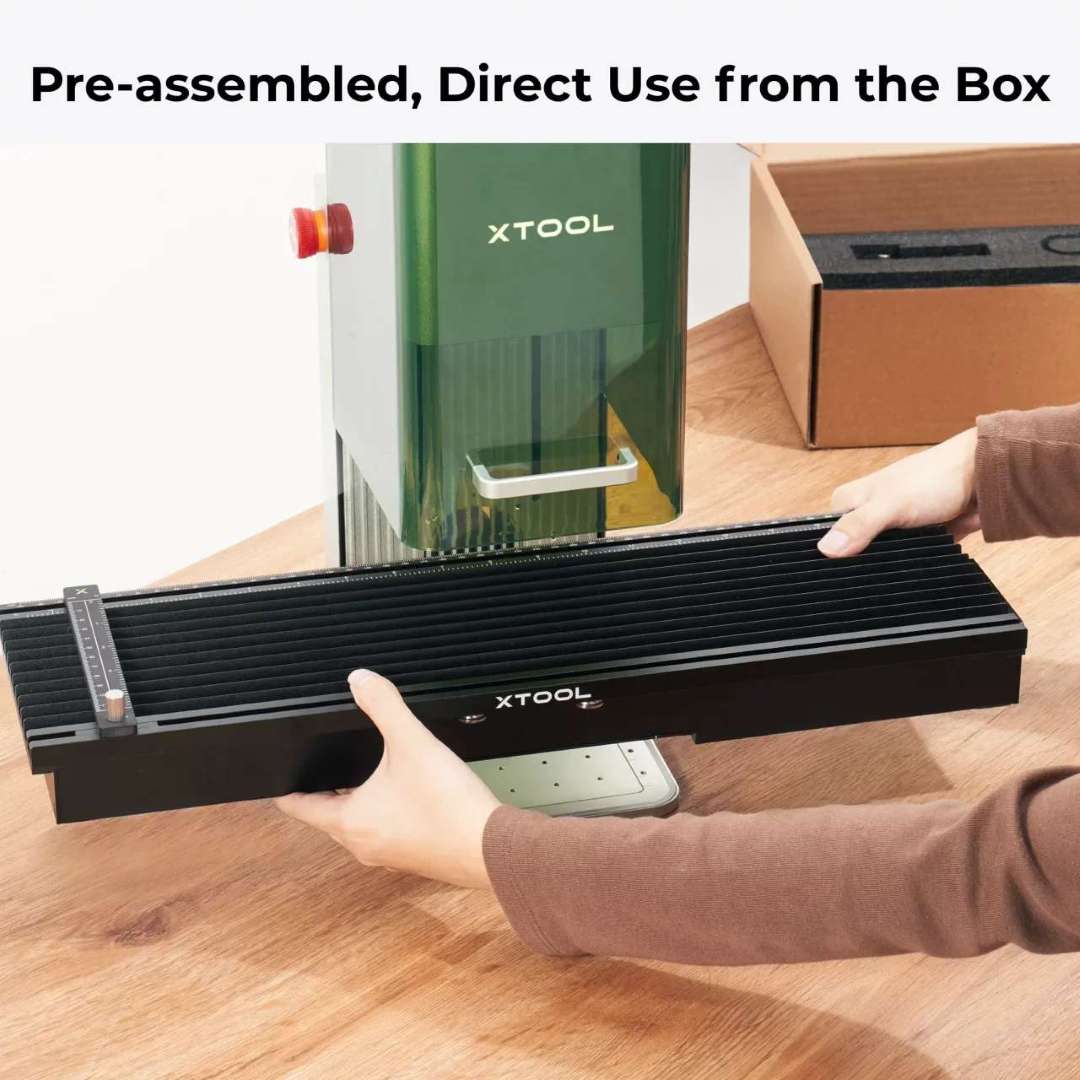
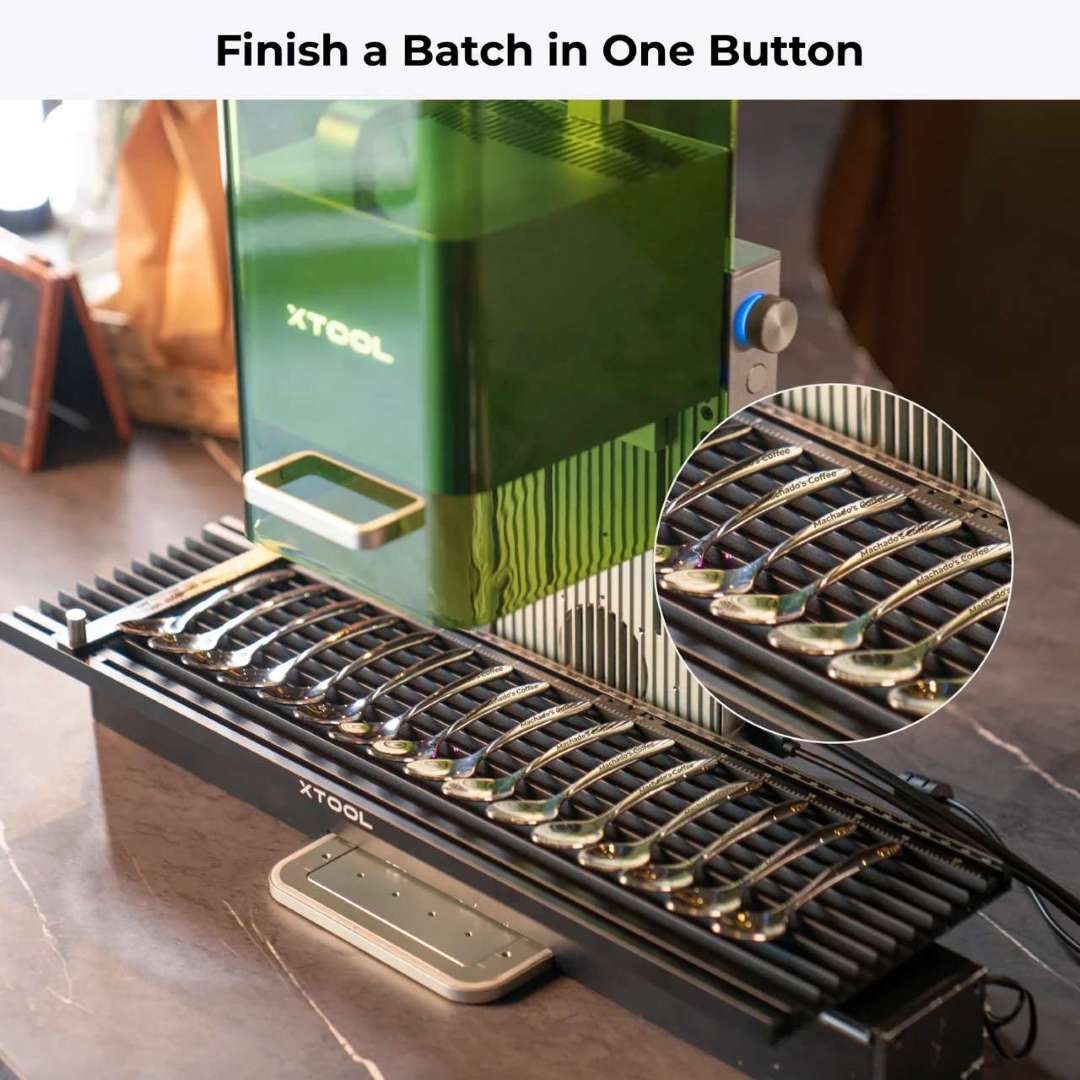
For batch jobs, the extension works like a production line: several pieces are placed along the 400 mm rail and the unit engraves them in sequence with camera-guided alignment.
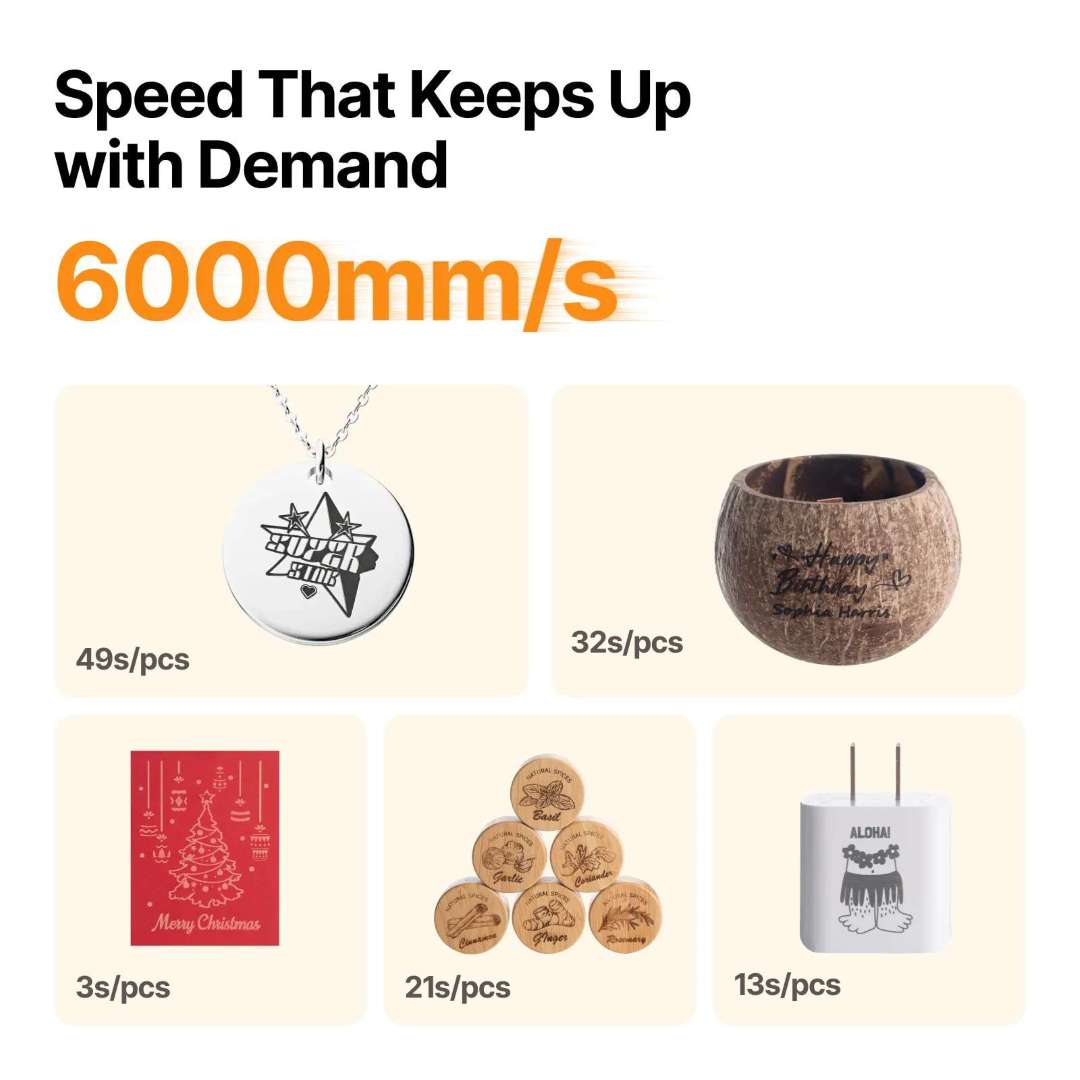
The demand for speed in batch jobs is met thanks to processing at up to 6000 mm/s in the standard area.
Software and connectivity
The unit works exclusively with xTool Studio (Windows / macOS), which combines design, parameter control and machine operation in a single interface. Connection options are Wi-Fi, USB and IP, and it supports SVG, DXF, JPG, JPEG, PNG and BMP formats. The software supports engraving on curved surfaces, relief, batch processing and panoramic preview with the Slide Extension.
How to set up and start using the unit
Step-by-step guide to unpacking, preparing and running the first engraving job, based on the official Quick Start Guide.
Step 1 — Prepare the machine: remove the protective housing, install the base plate in the indicated direction and remove the field lens protector. Confirm the emergency stop button is released and the key is fully inserted.
Step 2 — Power on: press the power button; the logo indicator lights up solid white when the machine is ready.
Step 3 — Install xTool Studio: download the software for Windows or macOS, connect the unit via USB and connect from within the software; the indicator turns solid blue once the connection is active.
Step 4 — Adjust the focus: use auto-focus by placing the material on the base plate, or manual focus by turning the dial until the red and blue points of light overlap.
Step 5 — Preview and engrave: load the design, use the camera preview to position it, confirm with framing and press start; press twice to repeat the last job.
Step 6 — Connect the Slide Extension: connect it with the included Mini-USB cable, complete calibration in xTool Studio, place the materials along the 115 × 400 mm area, secure them with the clamps and start batch processing.
The following video shows the initial unboxing and start-up of the unit.
Safety systems
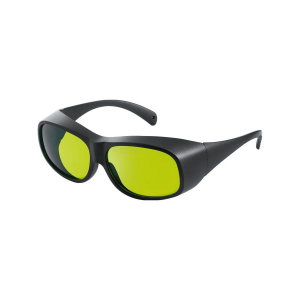
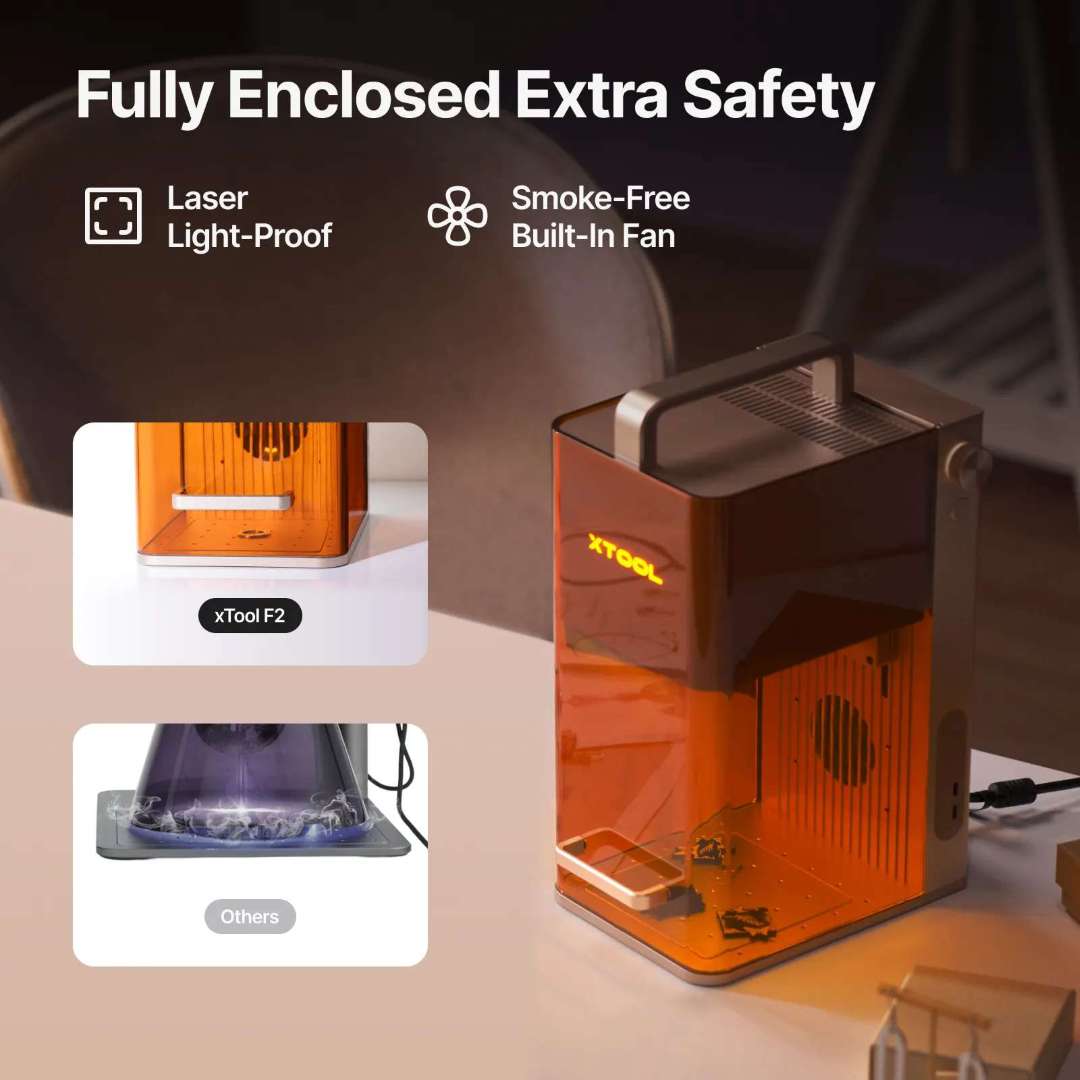
Class 4 laser safety compliance is achieved through four integrated systems: a light-proof laser enclosure, an emergency stop button, an overheating protection sensor that automatically stops operation in the event of temperature spikes, and an integrated smoke-free fan that extracts fumes during use.
Technical tip: when switching between the 15 W diode and the 5 W IR module on metal jobs, clean the field lens with the lint-free cloth dampened with alcohol whenever you notice a drop in power. Stone and metal residue builds up on the lens faster than with wood-only use, reducing effective output power.
Applications
- Craft fairs and pop-up shops: on-demand personalised engraving thanks to its 4.60 kg portability.
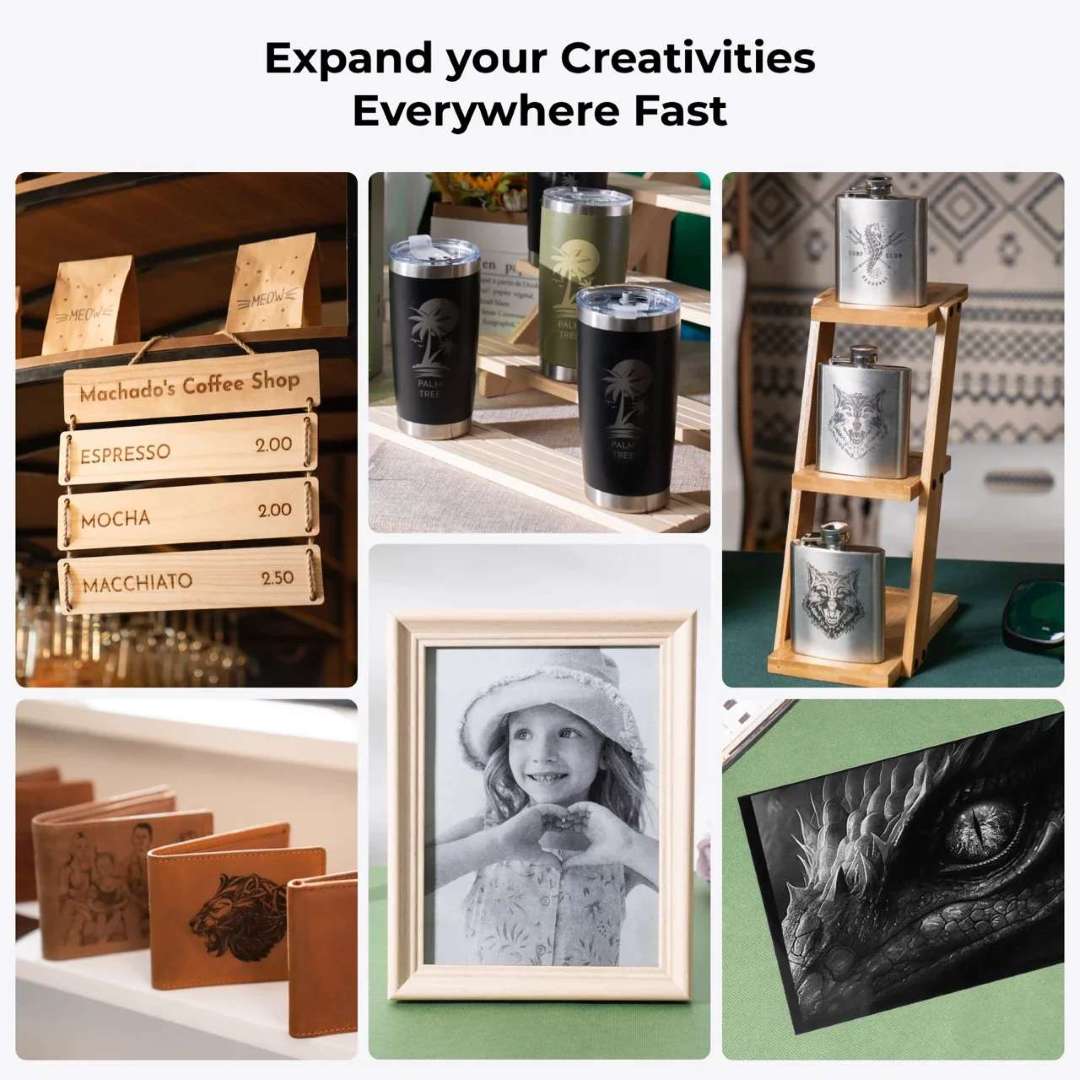
- Jewellery businesses: precise marking on gold, silver and platinum with the 5 W IR module.
- Electronics shops: serial numbers and logos engraved onto metal or plastic housings.
- Wedding events: personalised engraving on gifts and keepsakes on the spot.
- Candle boutiques: marking on glass and coated metal.
- Small-batch production: with the Slide Extension, several pieces aligned across 115 × 400 mm are processed in a single sequence.
The unit is designed to operate anywhere there's a power socket available, expanding creative possibilities beyond a fixed workshop.

The following video shows the unboxing of the Slide Extension as a standalone accessory.
xTool F2 compatibility
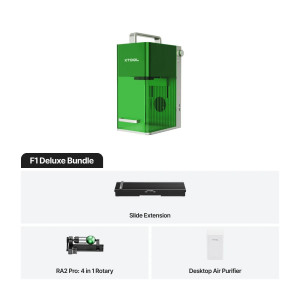
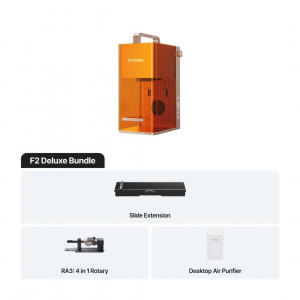
- F1 accessories: compatible with all F1 accessories except the rolling case.
- Rotary attachments: RA3 and RA2 Pro for cylinders and rings up to 120 mm in diameter.
- Foot pedal/switch: hands-free operation.
- Desktop air purifier: for use in enclosed spaces, with replacement filters available.
Package contents
- xTool F2 laser engraver (pre-assembled)
- xTool F1 Slide Extension (pre-assembled)
- Tube
- Base plate
- Slotted panel
- L-shaped positioning piece
- Power adapter
- Power cable
- USB cable
- Mini-USB cable (for Slide Extension)
- 5 material clamps (Slide Extension)
- Lubricating grease
- Key (pre-installed)
- Screwdriver
- Lint-free cloth
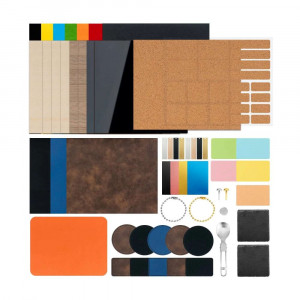
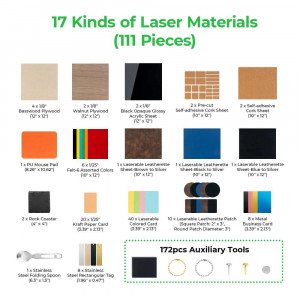
- Sample material pack
- Quick start guide
- Safety instructions
Frequently asked questions
What is the difference between the xTool F2 and the F1?
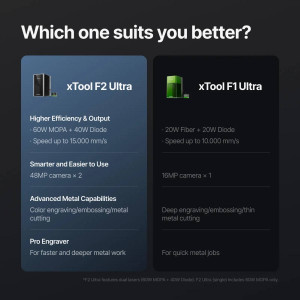
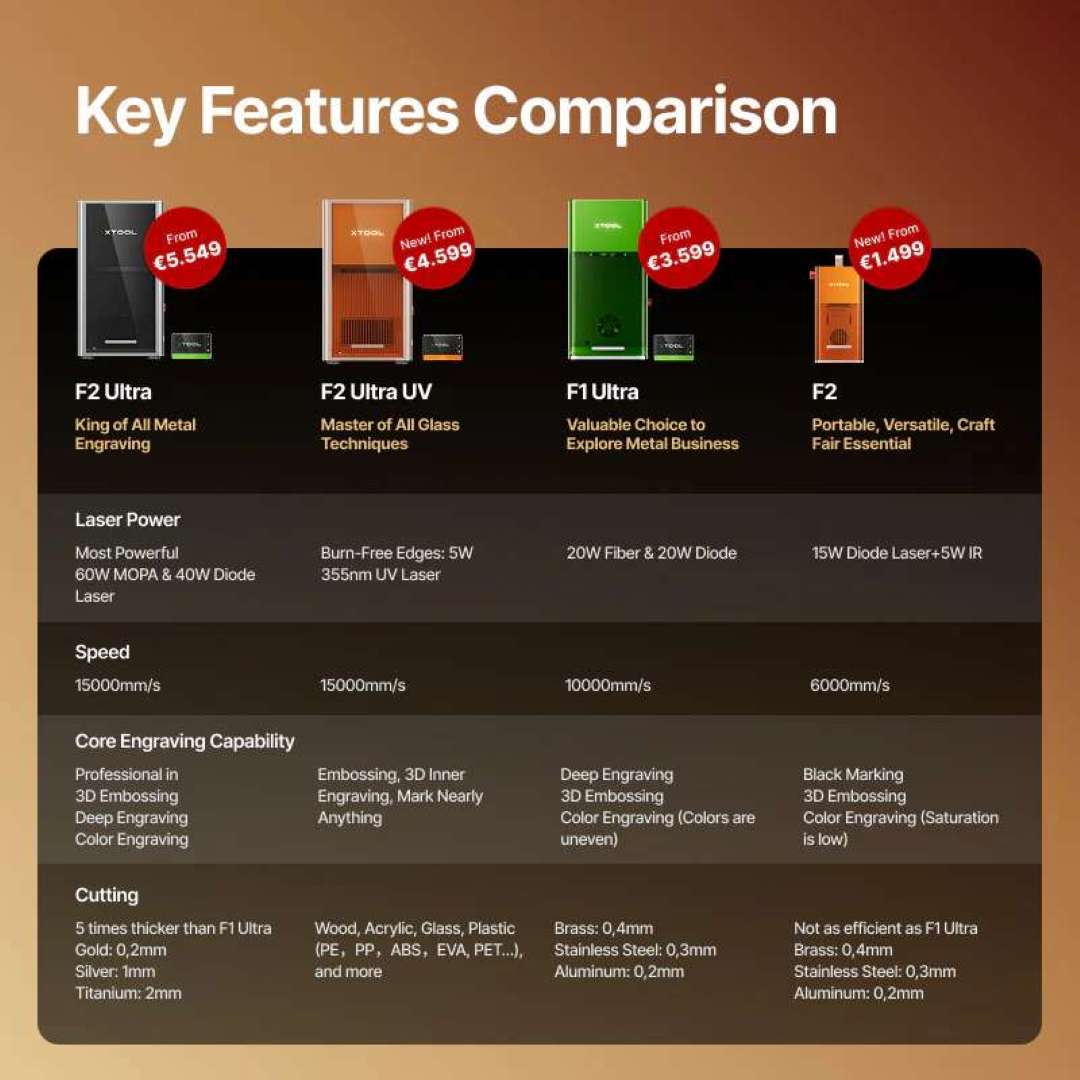
The F2 offers greater laser power (15 W diode + 5 W IR versus the F1's 10 W diode + 2 W IR), an integrated 50 MP camera with auto-focus and live preview (the F1 has no camera), higher speed (6000 mm/s versus 4000 mm/s) and expanded software functions such as engraving on curved surfaces, relief and batch processing, none of which are available on the F1.
Is the xTool F2 compatible with F1 accessories?
Yes. It is compatible with all F1 accessories except the rolling case, including the RA3 and RA2 Pro rotary attachments, the F1 Slide Extension, the foot pedal/switch and the desktop air purifier with its replacement filters.
What is the working area of the Slide Extension?
It expands the working area from 115 × 115 mm to 115 × 400 mm, four times larger. Processing speed is limited to 160 mm/s in extension mode to maintain precision, connecting via Mini-USB with no external power required.
What metals can the xTool F2 engrave?
The 5 W IR laser engraves stainless steel, aluminium, copper, brass, titanium alloys, plated metals, anodised aluminium, gold, silver and platinum. The 0.03 × 0.03 mm spot produces sharp, deep marks with performance far superior to older 2 W IR units.
What software does the xTool F2 work with?
It works exclusively with xTool Studio, available for Windows and macOS, which centralises design, parameter control and machine operation.
Technical specifications of the xTool F2 + Slide Extension
| Processing capacity | |
|---|---|
| Laser type | 15 W diode + 5 W infrared 1064 nm |
| Processing mode | Laser engraving, laser cutting |
| Cuttable materials (15 W diode) | Paper, wood, leather, MDF, felt, some opaque dark acrylics |
| Engravable materials (15 W diode) | Paper, wood, leather, coated metal, some opaque dark acrylics |
| Engravable materials (5 W IR) | Plastic, gold, silver, platinum, stainless steel |
| Working area (standard) | 115 × 115 mm |
| Working area (with Slide Extension) | 115 × 400 mm |
| Maximum processing speed | 6000 mm/s |
| Maximum speed (Slide Extension) | 160 mm/s |
| Maximum cutting capacity (balsa wood) | 15 mm in multiple passes |
| Maximum cutting capacity (acrylic) | 12 mm in multiple passes |
| Maximum processing height | 120 mm |
| Maximum rotary engraving diameter | 120 mm |
| Maximum piece thickness (Slide Extension) | 53 mm (open); 6 mm with clamps |
| Precision and accuracy | |
| Laser spot size (15 W diode) | 0.08 × 0.06 mm |
| Laser spot size (5 W IR) | 0.03 × 0.03 mm |
| Movement precision | 0.00199 mm |
| Camera alignment precision | up to 0.1 mm |
| Software and connectivity | |
| Compatible software | xTool Studio |
| Operating system | Windows / macOS |
| Connection method | Wi-Fi / USB / IP |
| Compatible formats | SVG, DXF, JPG, JPEG, PNG, BMP |
| Almake compatibility | Yes |
| Ease of use | |
| Pre-assembled | Yes |
| Integrated camera | 50 MP smart camera |
| Positioning method | Framing positioning, camera positioning |
| Focus mode | Auto-focus, manual focus (two-point alignment) |
| Framing mode | Rectangular framing, contour framing, polygon framing |
| Preview method | Smart camera preview, live preview with high-speed light |
| Clamps included (Slide Extension) | 5 |
| General information | |
| Maximum input power | 25 V 6.0 A 150 W |
| Adapter input voltage | 220 V – 240 V, AC 50/60 Hz |
| Product weight (F2) | 4.60 kg |
| Slide Extension weight | 2.6 kg |
| Product dimensions (F2) | 175 × 237 × 334 mm |
| Safety certification | Class 4 laser safety |
Why buy the xTool F2 + Slide Extension from our store?
We have been supplying professional 3D printing and laser engraving equipment since 2012. We offer expert pre-purchase advice and help with setting up the unit, official warranty and authorised after-sales service, delivery throughout Spain and the EU, and consumables and spare parts available in stock. As distributors of the xTool ecosystem, we guarantee 100% authenticity, fair pricing, authorised service and official warranty across the entire F2 + Slide Extension set.