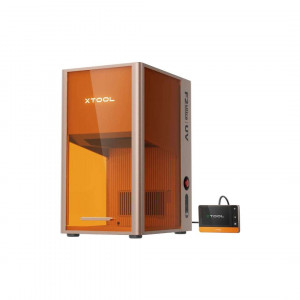


- Stock: In Stock
- Product code: 920372000002173003
- Weight Brutto: 32.00kg

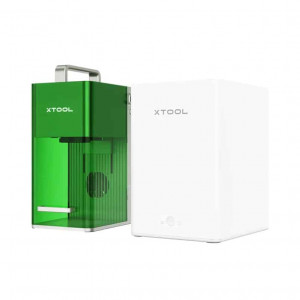
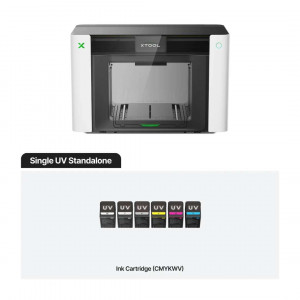
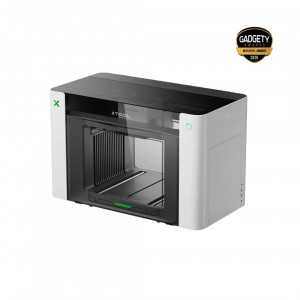
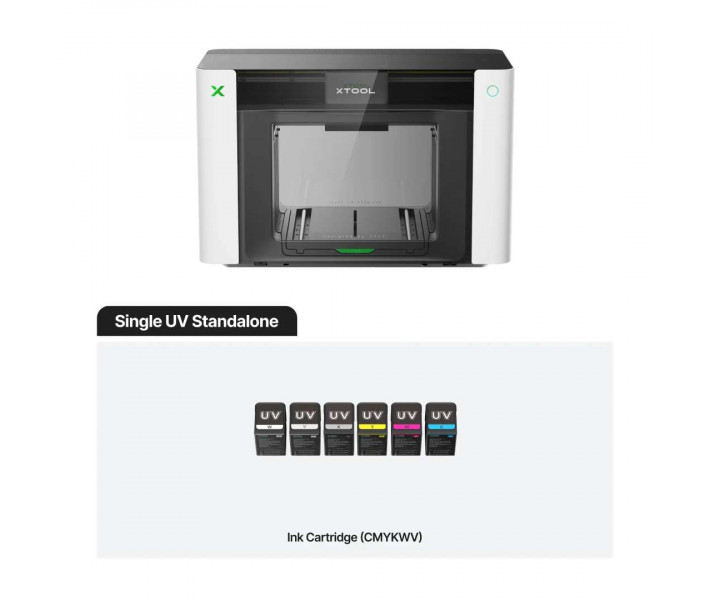
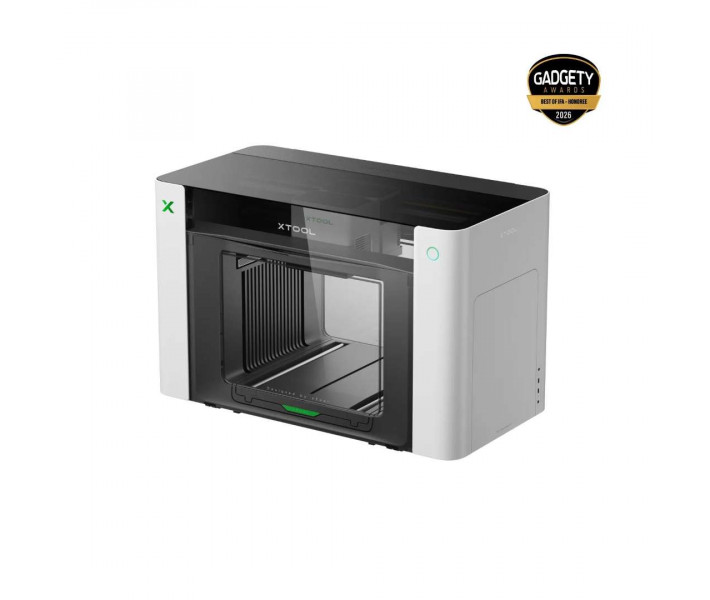
xTool O1 Omni Single UV Standalone — a UV printer for personalising rigid materials. The Pixel-Scan™ system automatically detects the actual size and position of the object on the work platform. This way, the design sits on the object precisely, without camera distortion. The W and V channels add a white layer and varnish to the colour.
Key features and benefits
- Positioning accuracy: ±0.2 mm — A laser sensor and CIS imaging detect the real position of the object, so the design matches it.
- Print resolution: 720 × 1440 dpi — This level of detail preserves fine text and delicate patterns on rigid substrates.
- Embossed print height: 7 mm — The varnish in the V channel builds up a tactile relief that sets the item apart from a flat print.
- Interchangeable platforms: two work areas, 330 × 122 mm and 330 × 420 mm, let you choose a format to suit the size of the item.
- Automatic maintenance: stirring and circulation of the white ink and protection of the printhead from drying out reduce the risk of nozzle clogging.
- Certified ink: GREENGUARD® Gold UV ink free of reprotoxic substances and built-in air purification reduce odour and VOC emissions indoors.
How the xTool O1 Omni Single UV Standalone works
The xTool O1 Omni Single UV Standalone printer cures ink with ultraviolet light almost instantly. The layer stays on the surface, which makes the print suitable for rigid substrates. Acrylic and glass are suitable, as well as wood and metal.
The Epson F1080 printhead prints with CMYKWV channels. Channel W provides a white layer, and V a 3-in-1 varnish: matt, gloss and a foil effect. Adhesion depends on the material, so some substrates need cleaning or a primer.
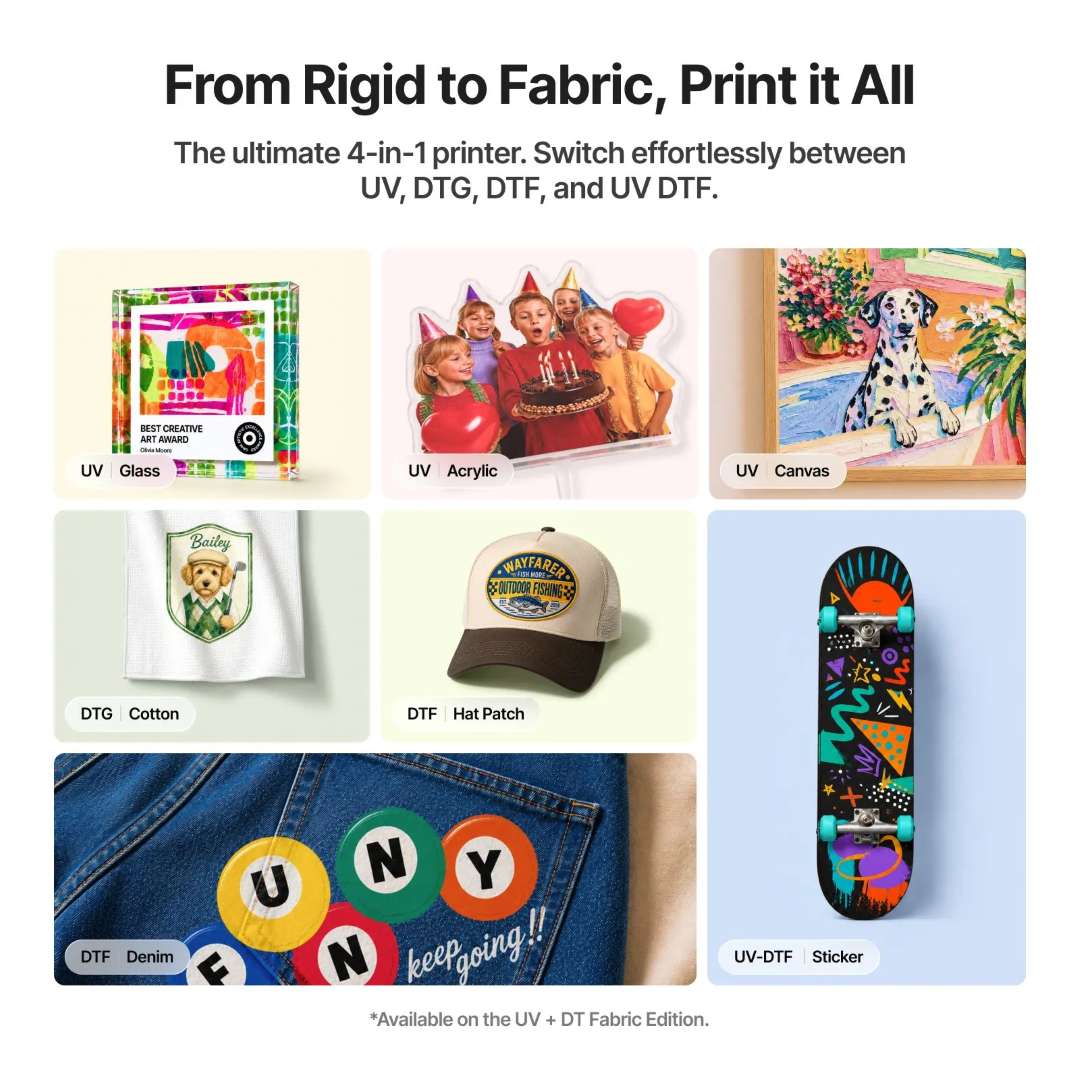
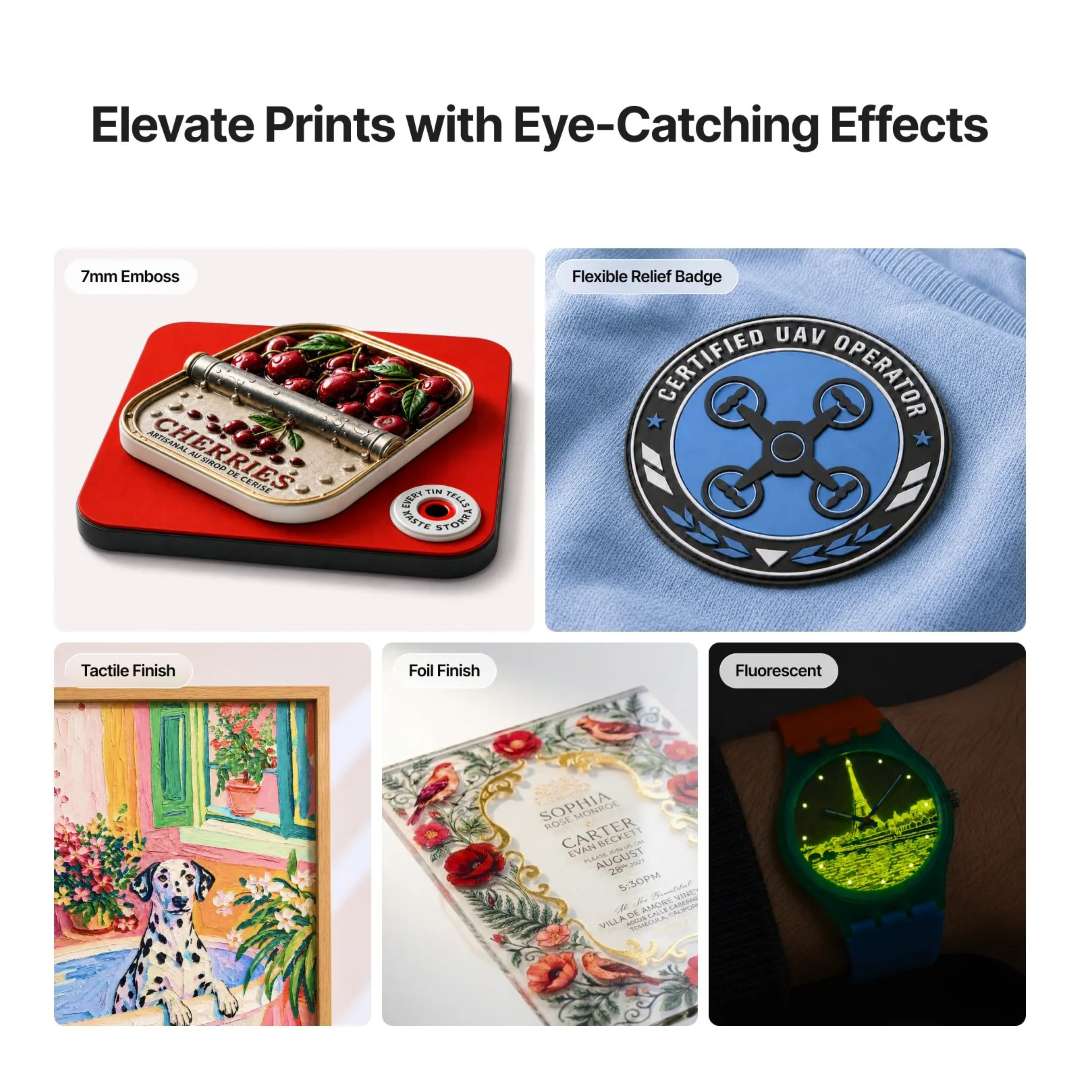
Single UV prints only on rigid substrates and makes UV DTF stickers with a laminator. The image shows UV print samples on glass, acrylic and canvas. Next to them are examples on fabric and stickers from the multi-mode version.
Embossing, varnish and foil
Varnish is a transparent ink for selected areas of the design. It gives glossy accents, a matt-to-gloss contrast and raised relief. The embossed print height is 7 mm, so text and patterns can be felt by touch. The foil effect requires the xTool LM1 laminator.
Fluorescent printing is not available in this version. The image shows five UV print surface effects, including embossing and foil.
Which printer version to choose
The O1 Omni platform comes in three versions. The Single UV version has one UV printhead and prints only on rigid materials. The other versions add a second printhead and widen the range of materials.
One device instead of three
For comparison: a single O1 Omni instead of three separate printers — UV, DTF and DTG. In the image, this means a lower cost and a smaller footprint.
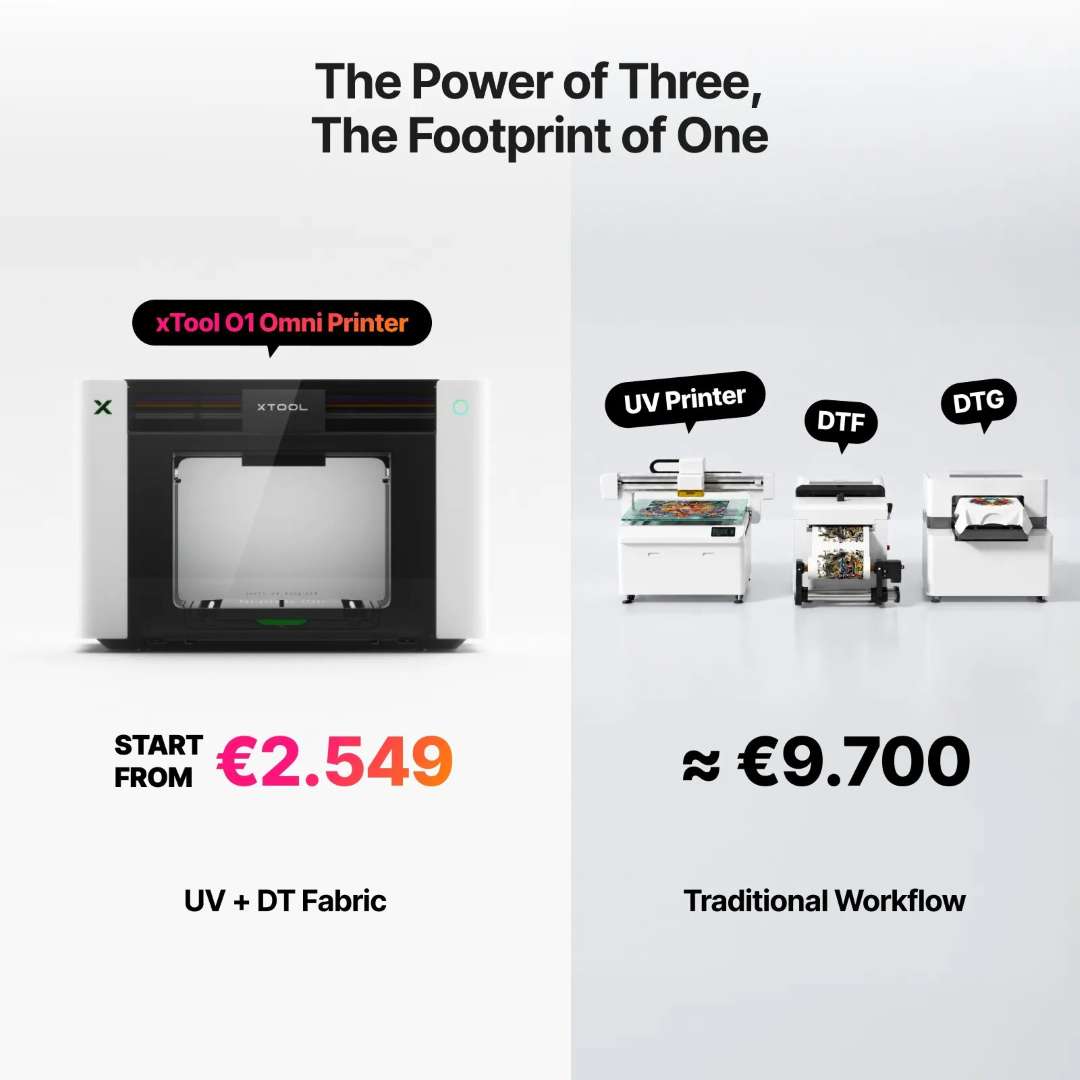
This comparison applies to the UV + DT Fabric version. Single UV covers only the UV part of that set.
Version comparison
The choice of version determines the range of materials. Single UV stays within rigid substrates, whereas the dual-head versions widen that range.
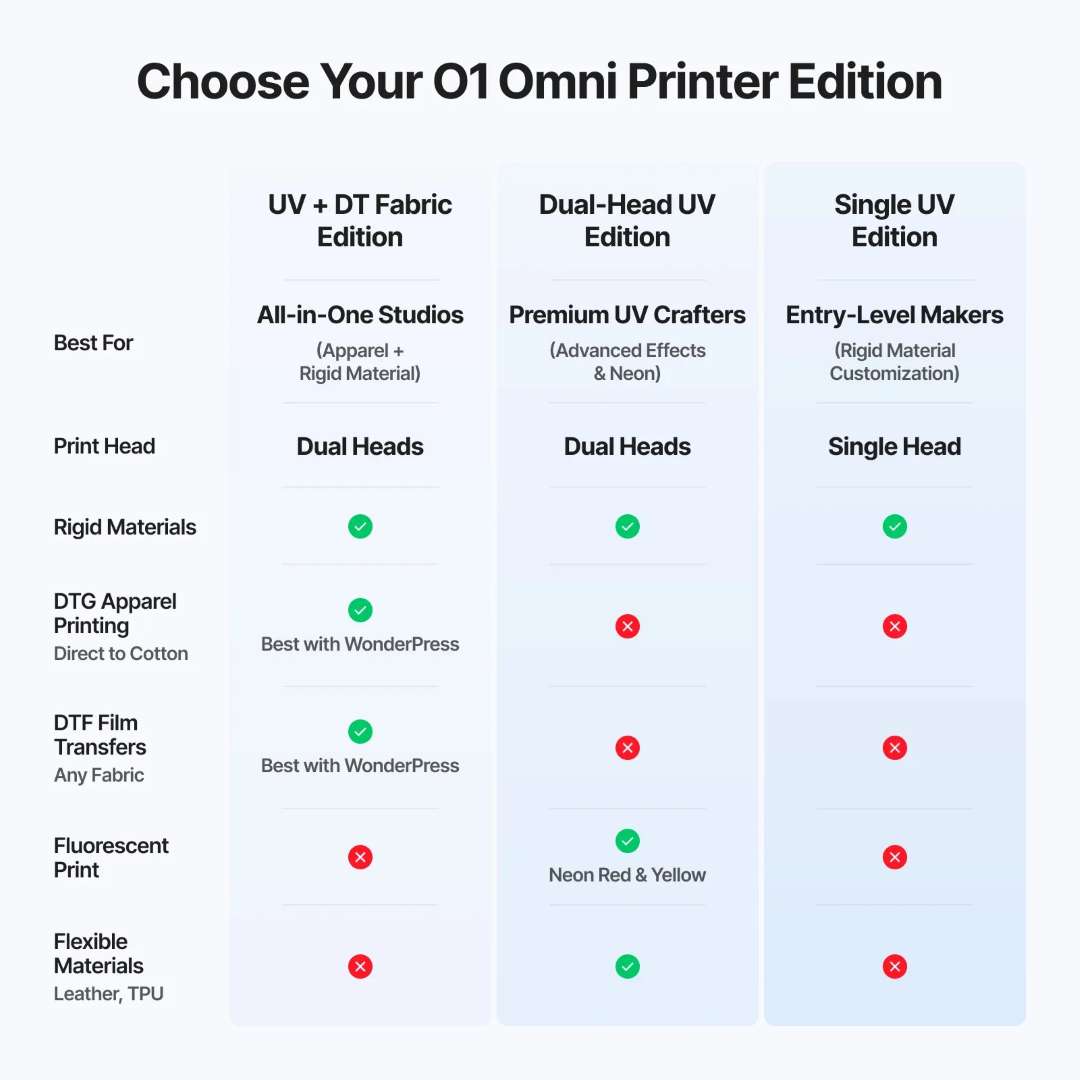
- Single UV: one UV printhead; rigid materials only; no DTG, DTF, fluorescent printing or flexible materials.
- Dual UV: Two UV printheads. Rigid materials, fluorescent printing (neon red and yellow) and flexible materials such as leather and TPU. No DTG or DTF.
- UV + DT Fabric: a UV printhead and a fabric printhead; rigid materials, DTG garment printing and DTF transfers; no fluorescent printing or flexible materials.
Two printheads and fabric ink
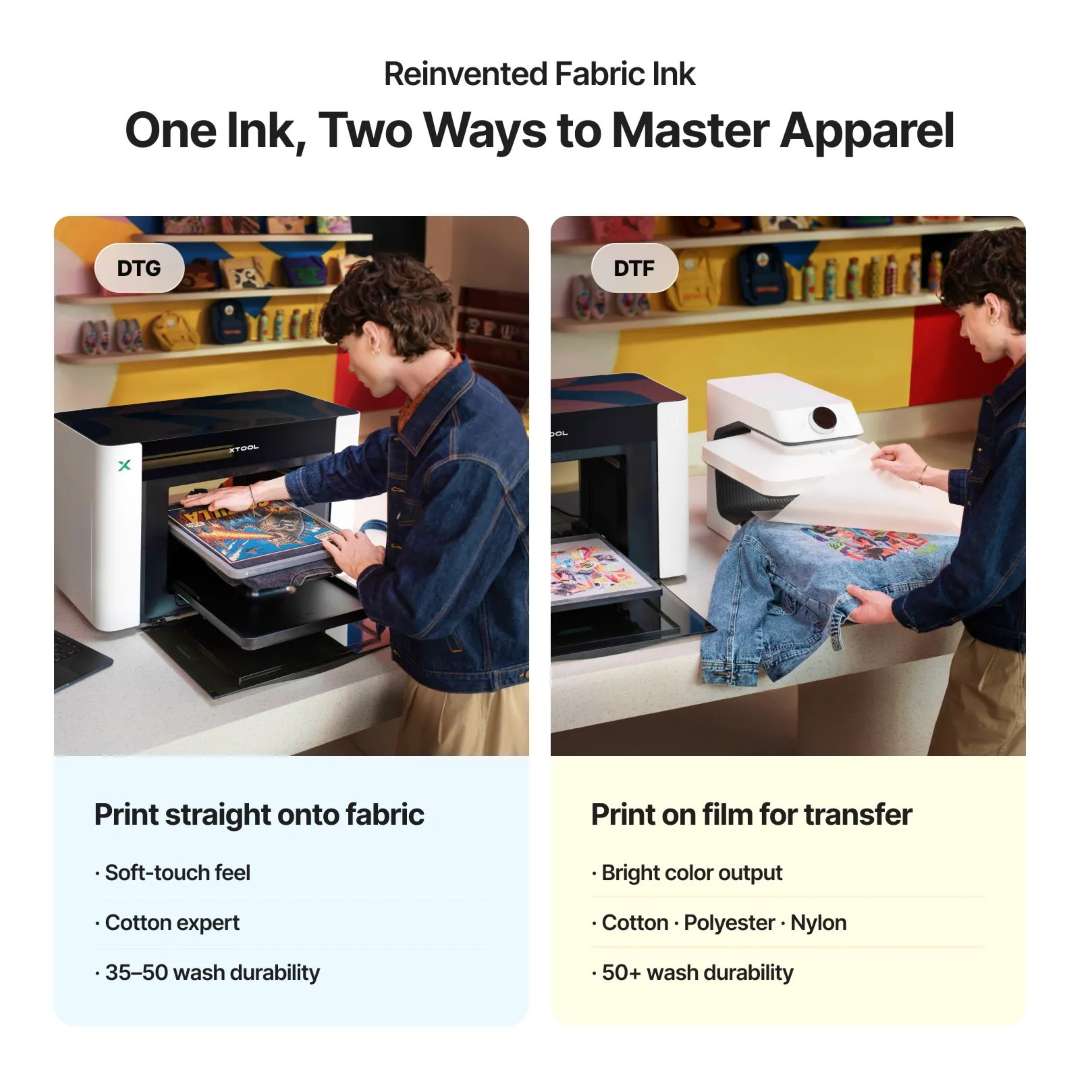
Single UV has only one UV printhead. The UV + DT Fabric version has two separate modules. These are a UV printhead for rigid materials and a fabric printhead for textiles and canvas.
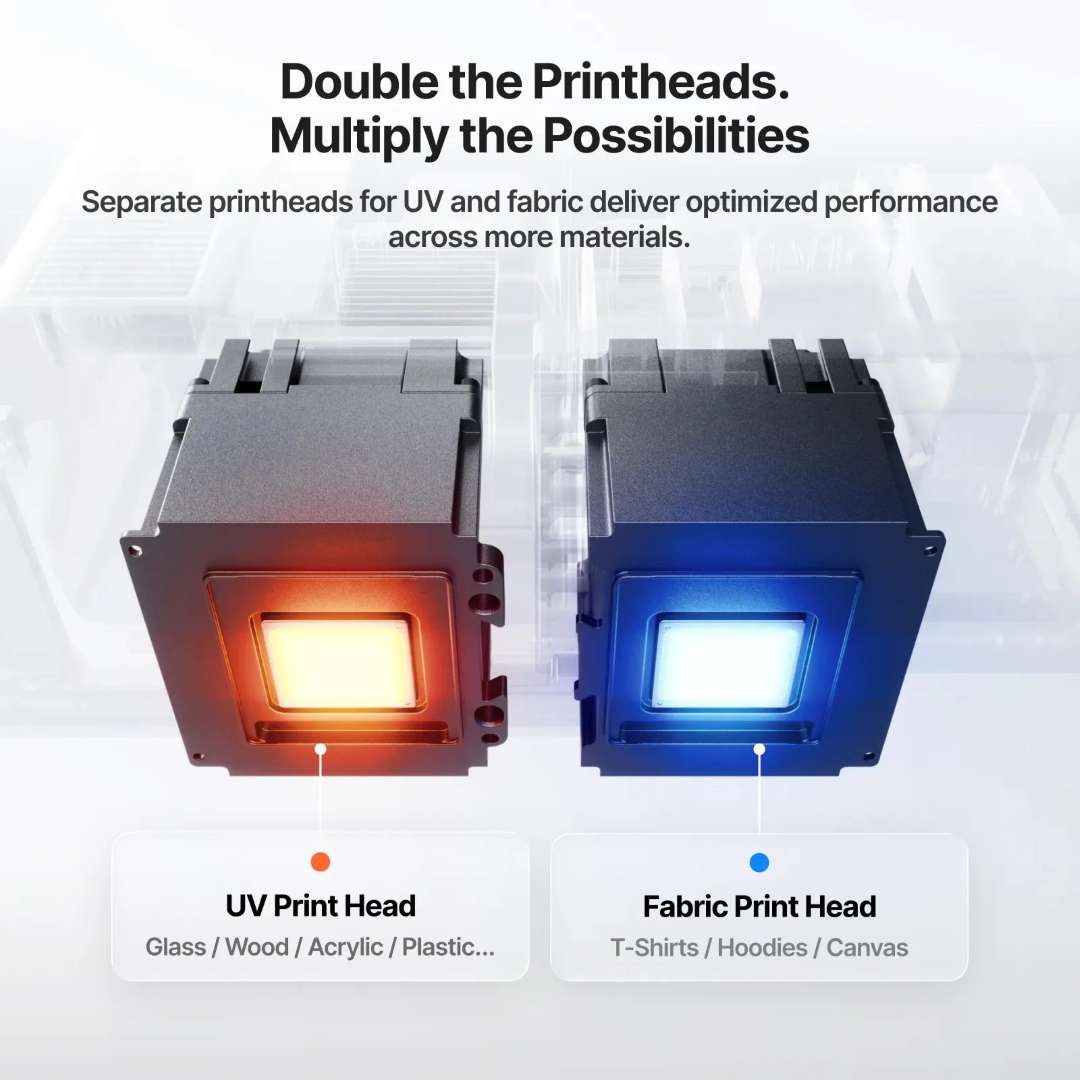
DTG and DTF are available only in the UV + DT Fabric version. DTG prints directly on fabric, while DTF prints on transfer film. The former gives a soft feel on cotton, the latter a more vivid colour and higher wash resistance on a variety of fabrics.
UV DTF stickers and curved surfaces
A UV DTF sticker is printed with UV ink on film, laminated and applied to the item as a decal. No heat press is needed. Single UV makes such stickers with the xTool LM1 laminator.
The finished sticker is transferred to a rigid surface without heating. Examples on curved objects are shown in the image.
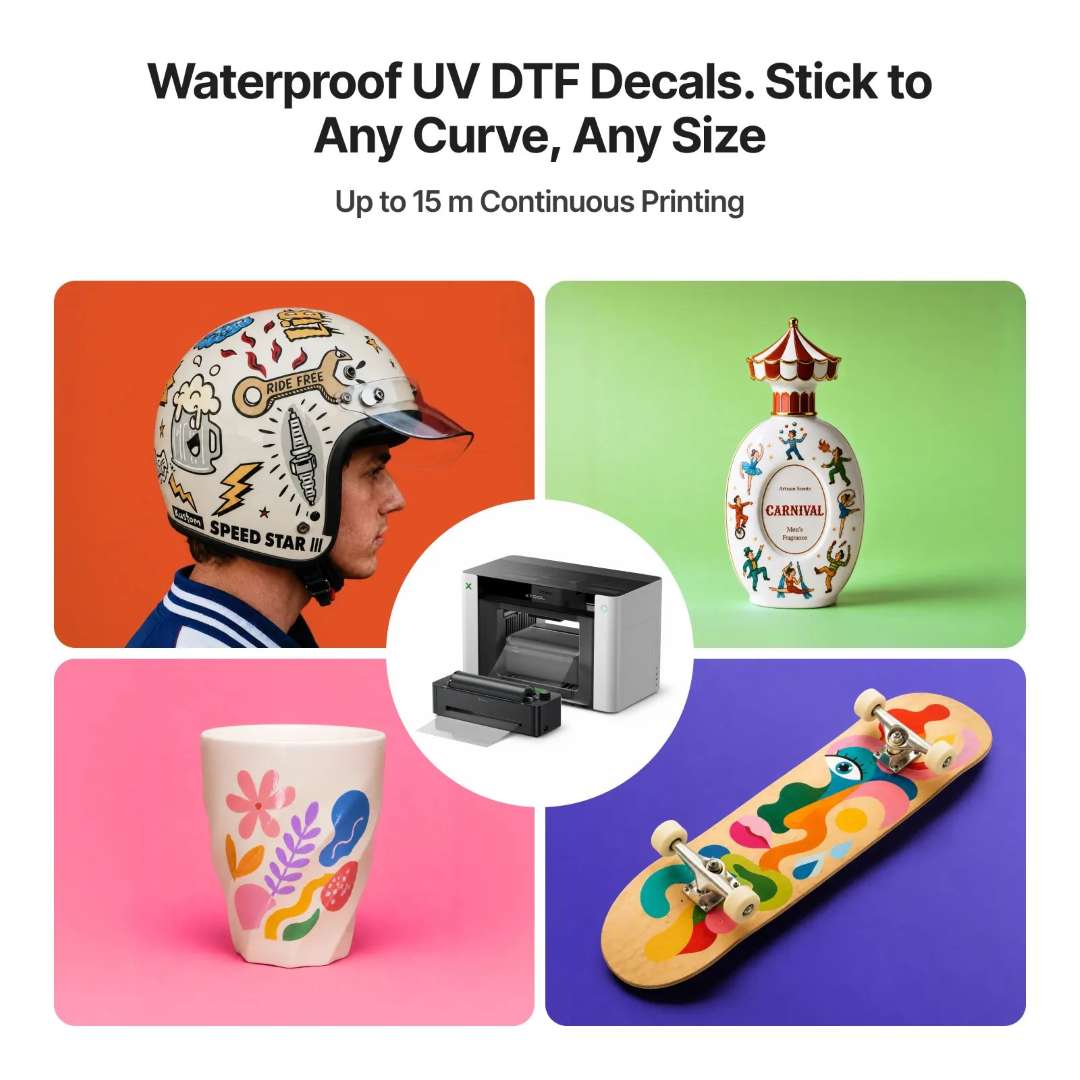
Continuous printing of up to 15 m is stated for UV DTF stickers. Roll feeding is provided by the optional xTool RF1 Roll Feeder.
Precise object positioning
Pixel-Scan™ combines laser scanning of the entire area with CIS imaging. The system captures the size and position of the object at 1:1 scale without camera distortion. The resolution of the vision system is 1440 × 1200 dpi.
The difference is visible on badges. The Pixel-Scan laser scan preserves the shape of the design, while a camera shot distorts it.
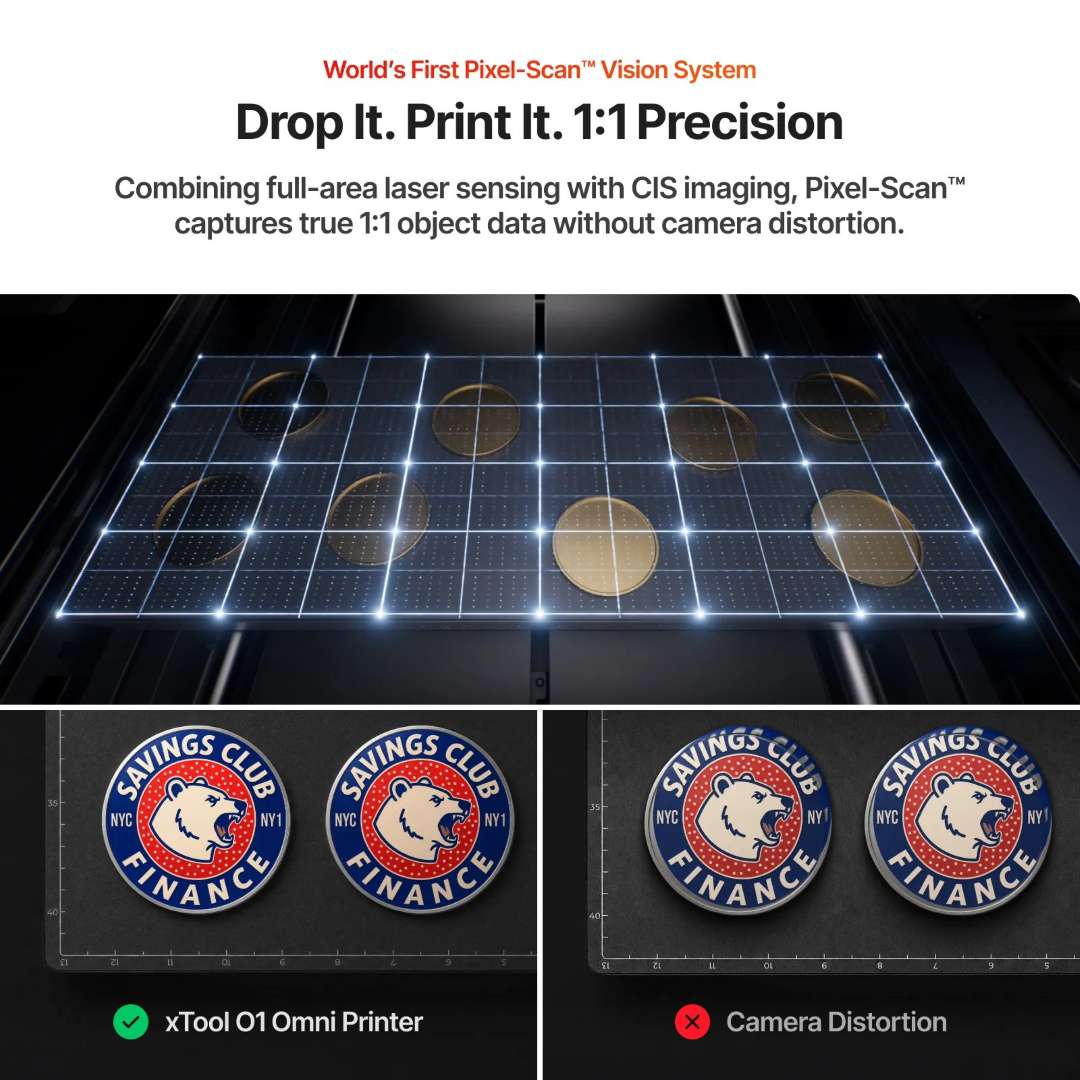
Thick or dark objects have weak contrast against the background in the scan. A plain light-coloured backing on the adhesive mat improves edge detection, whereas a patterned background interferes.
Software and control
The printer works with the official xTool software for macOS and Windows. It is free, but some additional features may be paid. Third-party RIP software is not supported. Remote cleaning and control are available via the app.
Design and textures
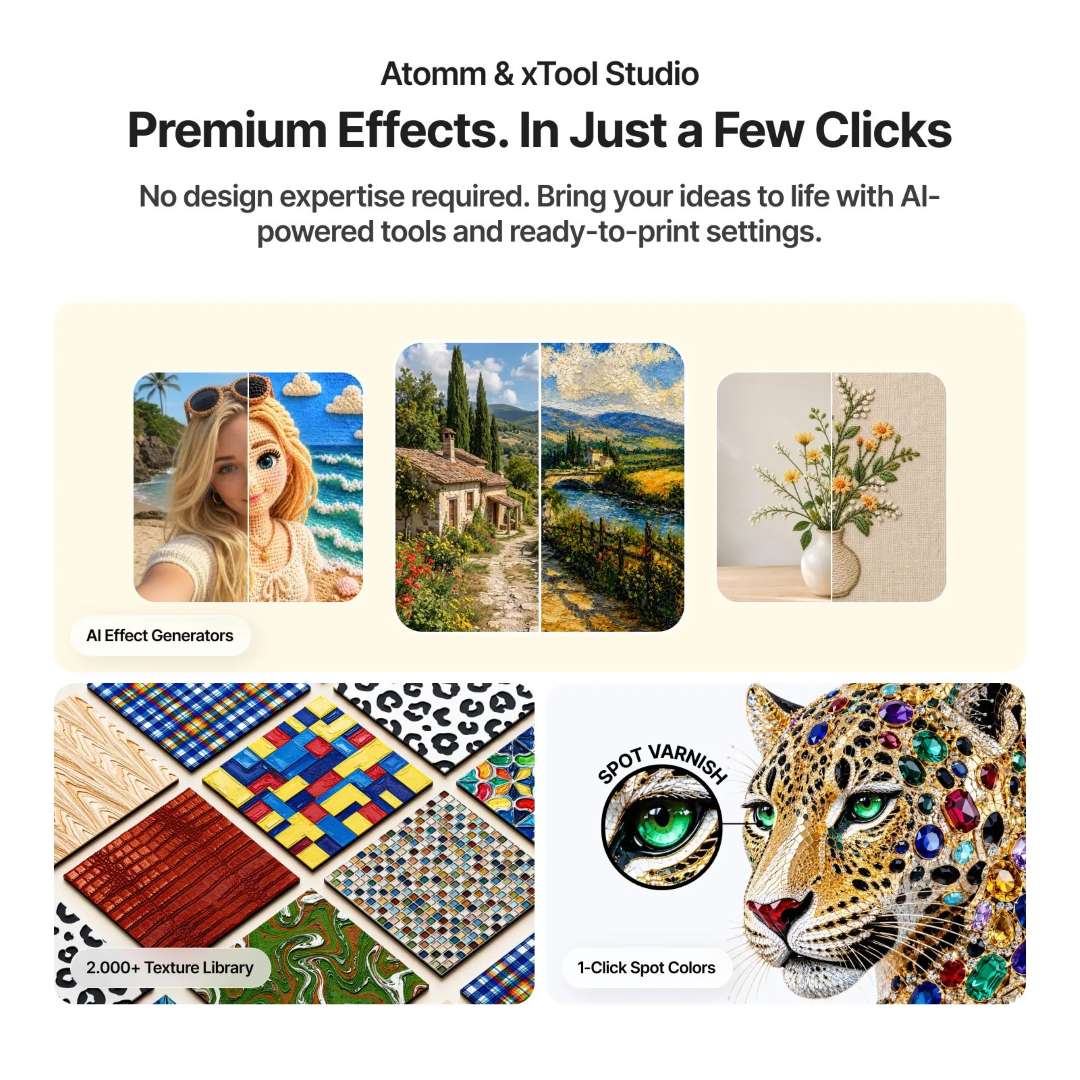
Atomm and xTool Creative Space do not require design experience. They offer AI effect generators and a library of more than 2,000 textures.
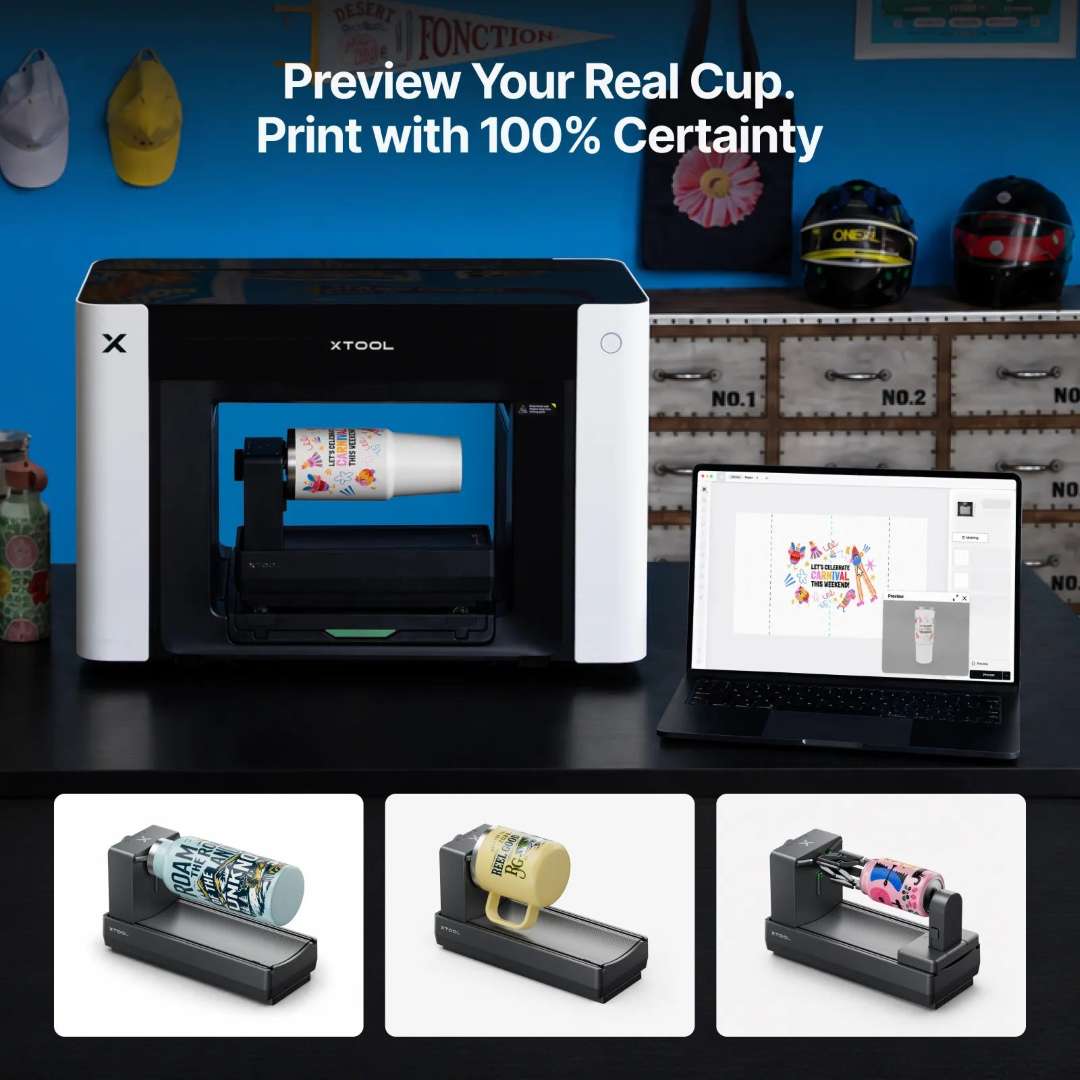
Preview on the item
Tumblers and mugs require the optional xTool OR1 rotary attachment. Before printing, you can preview the design on a model of the object.
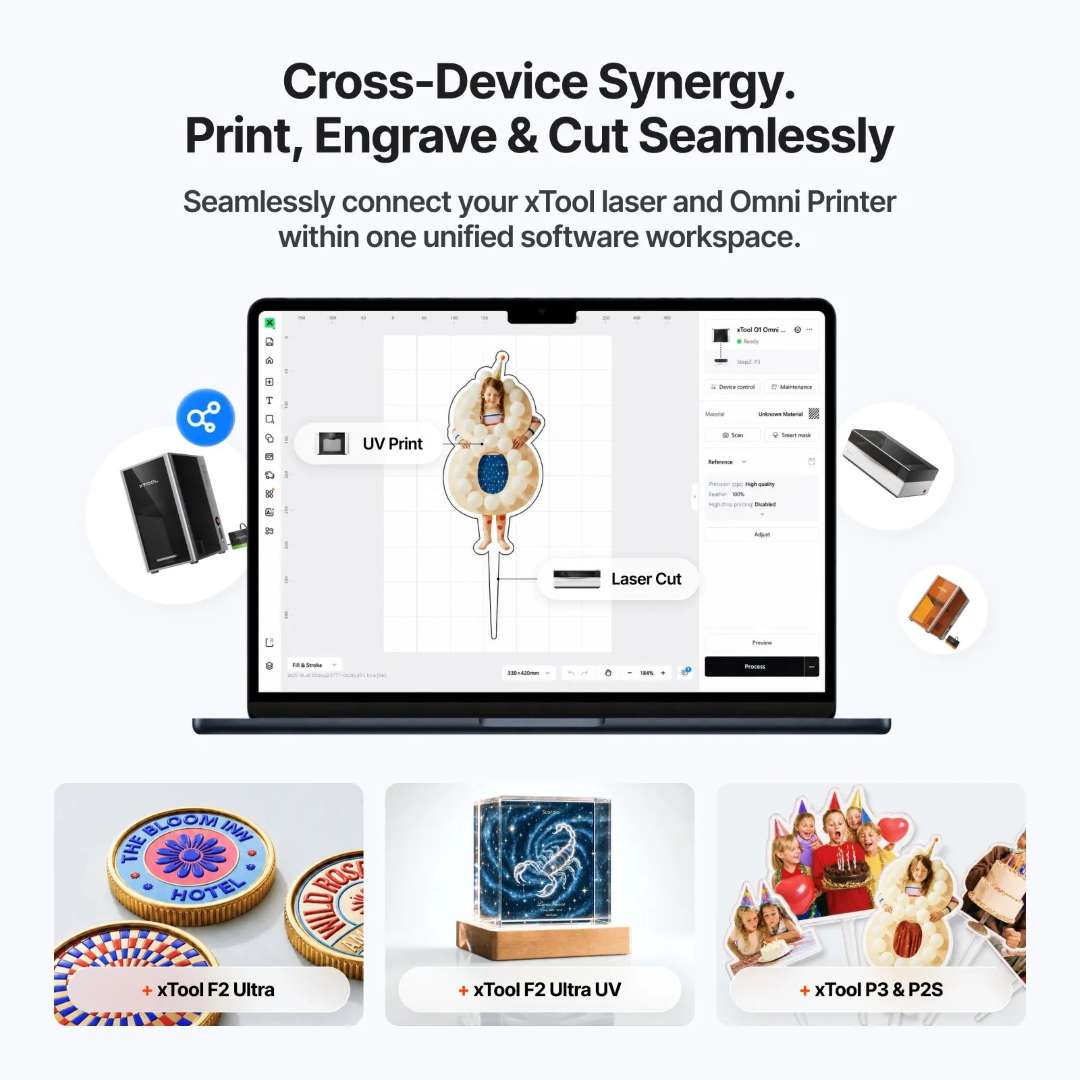
Working together with a laser
The printer and the xTool laser are controlled from the same software. The item goes through printing and cutting in a single workspace.
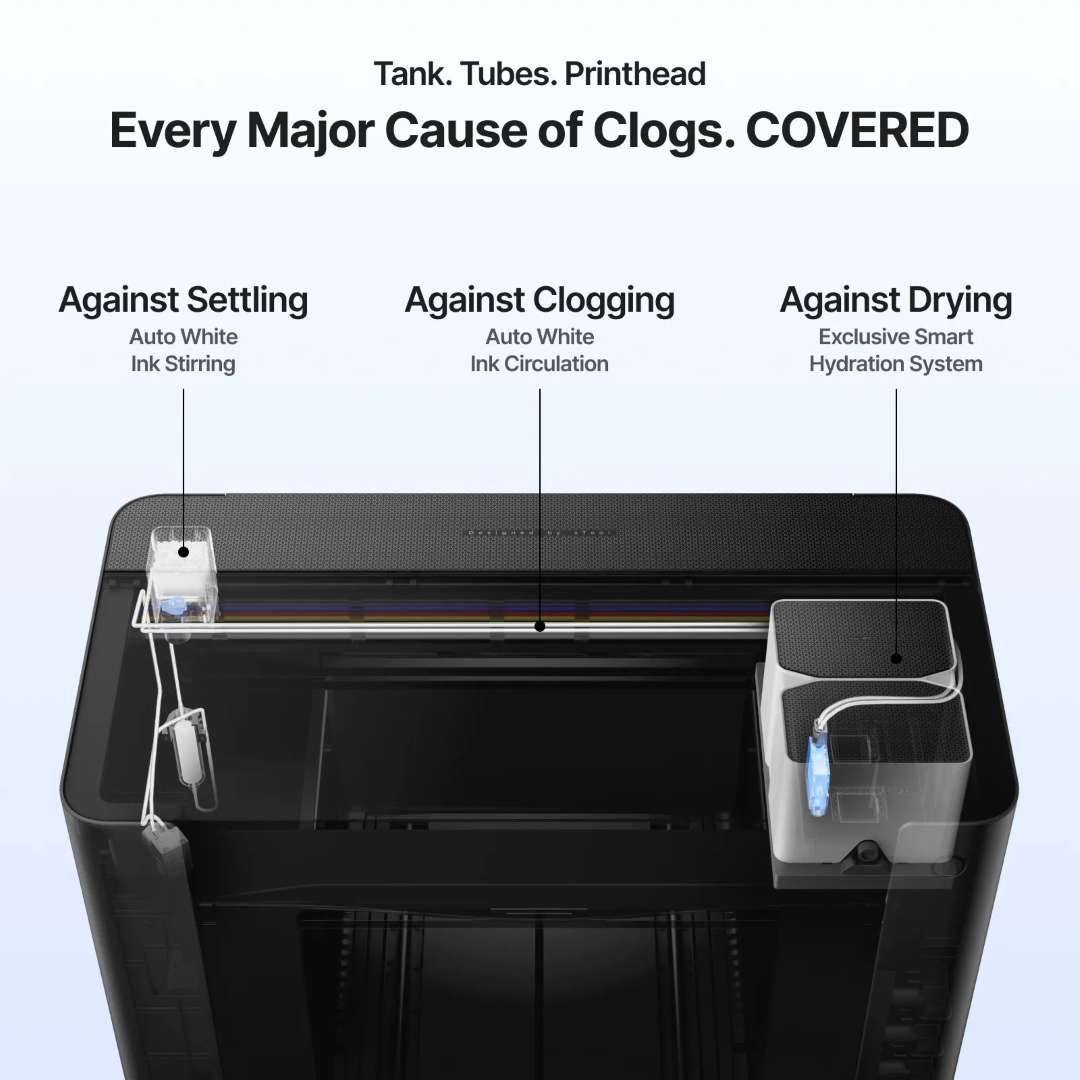
Nozzle clog protection
White ink contains titanium dioxide (TiO₂) pigment, which settles in stationary ink. Automatic stirring and circulation keep the pigment evenly distributed. A smart humidification system protects the printhead from drying out.
These components work in the background while the printer is switched on. The printer cutaway shows the stirring, circulation and humidification components.
Ink is filled manually with an extractor: the pump runs until ink appears. This saves about 40% of ink per filling cycle compared with automatic feeding. The ink pad that seals the printhead is recommended to be replaced about once every three months.
Safety and air quality
The UV ink is GREENGUARD® Gold certified and contains no reprotoxic substances. The built-in air purification system captures volatile organic compounds (VOCs) when printing with the cover closed. The stated TVOC removal is 96.4%.
With the cover open, efficiency is lower, so a compatible xTool air purifier is recommended. UV-printed areas are not intended for direct contact with food or drinks.
Applications
- Acrylic signs and signage: the white layer preserves colour on transparent acrylic. Varnish adds a tactile relief of up to 7 mm, which a flat print cannot provide.
- Decorative glass and ceramic items: the xTool O1 Omni Single UV Standalone prints on a rigid substrate at a resolution of up to 720 × 1440 dpi. Pixel-Scan aligns the design on every object.
- Wood and metal items: Pixel-Scan detects the size of the workpiece, so the design matches it to within ±0.2 mm. The larger 330 × 420 mm platform accommodates larger workpieces.
- UV DTF stickers and decals: with a laminator, the printer prints waterproof stickers. They are transferred to a rigid surface as a decal, without a heat press.
- Tumblers and mugs: with the xTool OR1 rotary attachment, the printer prints on cylindrical items, and the software shows the design on the object before printing. The UV-printed area is not to be used for contact with drinks.
Compatible accessories and attachments
Accessories are not mandatory for the xTool O1 Omni Single UV Standalone: they are chosen for specific tasks. For printing on flat rigid items, a rotary attachment is not needed.
- xTool OR1 Rotary Attachment: a rotary attachment for printing on tumblers, mugs, cups and jewellery.
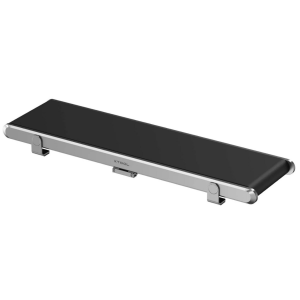
- xTool RF1 Roll Feeder: a feeder for continuous printing on roll materials such as adhesive vinyl.
- xTool LM1 Laminator: a laminator for UV DTF stickers and the foil effect.
What's in the box?
- xTool O1 Omni printer
- Standard base plate
- Standard adhesive mat
- Mini base plate
- Adhesive mat for the mini plate
- Ink cartridge
- Waste ink cartridge
- Cartridge with humidifying fluid for UV
- Ink extractor — 11 pcs (4 spare)
- Ink tube plug — 2 pcs
- Spare ink scraper — 2 pcs
- Power cable
- USB cable
- Filter
- Nitrile gloves
- Grease
- Exhaust duct
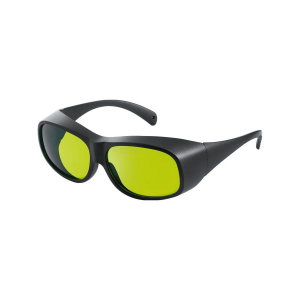
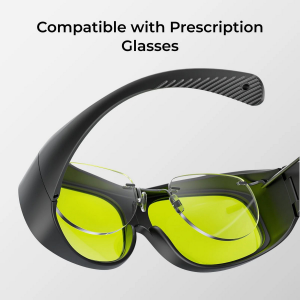
- Safety glasses
- Screwdriver
- Tweezers
- Foam ink absorber — 4 pcs
- Cotton buds
- Fridge magnet — 3 pcs
- Quick start guide
- Safety instructions
Initial setup and calibration
Initialisation and calibration set the parameters for precise positioning and printing. Height measurement and scanning also depend on them. Recalibration is usually not needed and is carried out only on the instructions of xTool technical support.
Before the first start-up, it is helpful to see the setup visually. The video shows the contents of the package and the first steps.
The printer has no power switch: it is left on so that automatic maintenance can run. Ink temperature affects print quality. Above approximately 35 °C, droplets land inaccurately and edges blur. At about 15 °C and below, the ink thickens and may clog the nozzles.
Technical specifications
Print module and ink
| Parameter | Value |
| Printhead | Epson F1080 printhead |
| Print resolution | 720 × 1440 dpi |
| Ink channels | CMYKWV (V = 3-in-1 varnish: matt, gloss and foil effect) |
| Ink capacity | Standard ink: 125 ml |
| Embossed print height | 7 mm |
| Fluorescent colour printing | ✕ (No) |
Materials and work area
| Parameter | Value |
| Best suited for | Beginner makers for personalising rigid materials |
| Work area | Standard printing platform: 330 × 122 mm, Large printing platform: 330 × 420 mm |
| Application materials | Main rigid materials: acrylic, wood, metal, glass, ceramic, etc. |
| Making UV DTF stickers / transfers / decals | ✓ Laminator required |
Positioning, maintenance and software
| Parameter | Value |
| Vision system resolution | 1440 × 1200 dpi |
| Positioning accuracy | ±0.2 mm |
| Automated maintenance | Automatic white ink stirring; Automatic white ink circulation; Automatic protection of the printhead from drying out |
| Remote control | Remote cleaning and control via the app |
| Supported software | macOS, Windows |
Safety and dimensions
| Parameter | Value |
| Safety and certification | Non-reprotoxic ink; GREENGUARD® Gold certified UV ink |
| Product weight | 40.6 kg |
| Device dimensions (main unit only) | 714 × 374 × 468.5 mm |
Why buy the xTool O1 Omni Single UV Standalone from EXPERT3D?
EXPERT3D has supplied professional 3D equipment since 2012. As an official xTool representative, we guarantee 100% authenticity and a fair price. We also provide authorised service and an official warranty. Before you buy, we advise on choosing the version and configuration. We deliver throughout Spain and the EU countries. After the sale we provide service support. Order spare parts and consumables on the website. To find the xTool O1 Omni Single UV Standalone that suits your task, contact our specialists.