

- Stock: In Stock
- Product code: 920372000002173059
- Weight Brutto: 53.10kg

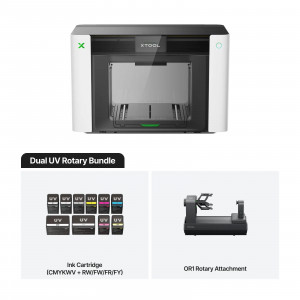
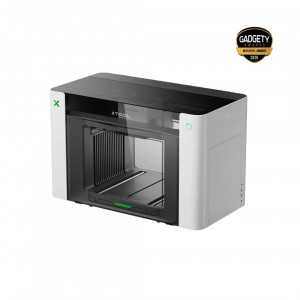
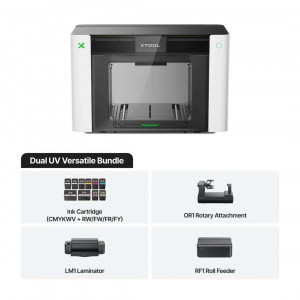
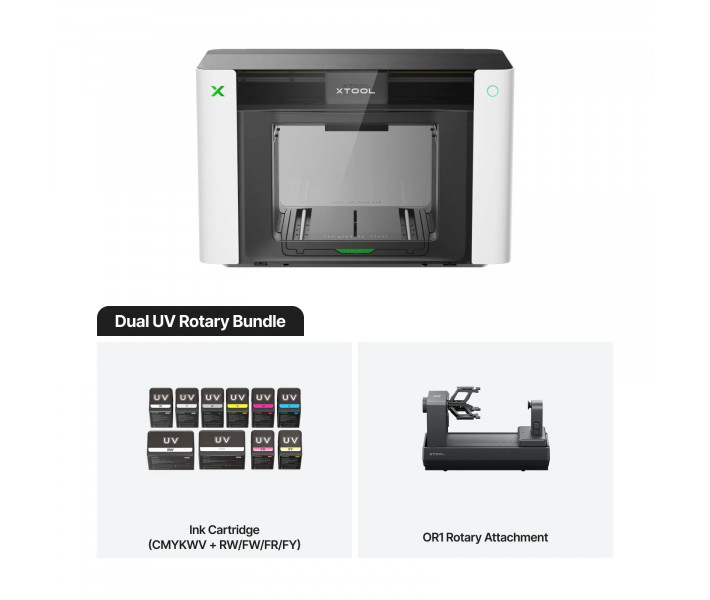
xTool O1 Omni Dual UV Rotary — a UV printer for flat and cylindrical workpieces. The OR1 attachment with angular rotation prints around a mug without manual circumference measurements. The Pixel-Scan™ system combines a laser sensor and CIS imaging for precise artwork alignment. Fluorescent ink and varnish channels create dimensional relief and neon effects.
Key features and benefits
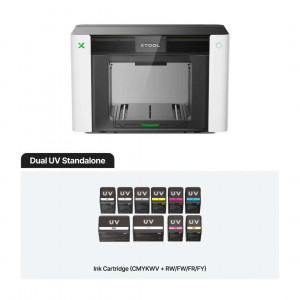
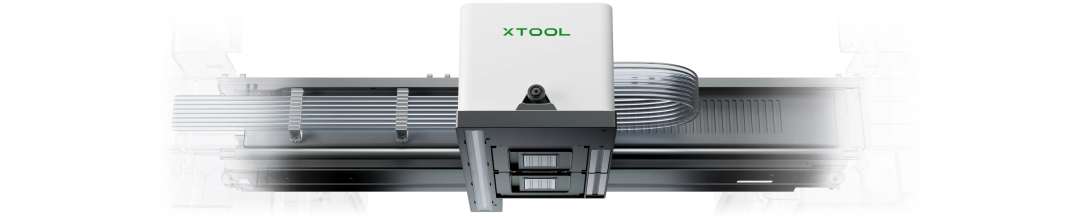
- Print heads: Epson F1080 × 2 — The dual-head configuration adds RW/FW/FR/FY channels to CMYKWV: rigid and flexible white and fluorescent colours.
- Positioning accuracy: ±0.2 mm — Pixel-Scan™ detects the actual size and position of the object, and the artwork is aligned without manual adjustment.
- Embossed print height: 7 mm — Relief and texture can be felt by touch; on the OR1 attachment the height is limited to 5 mm.
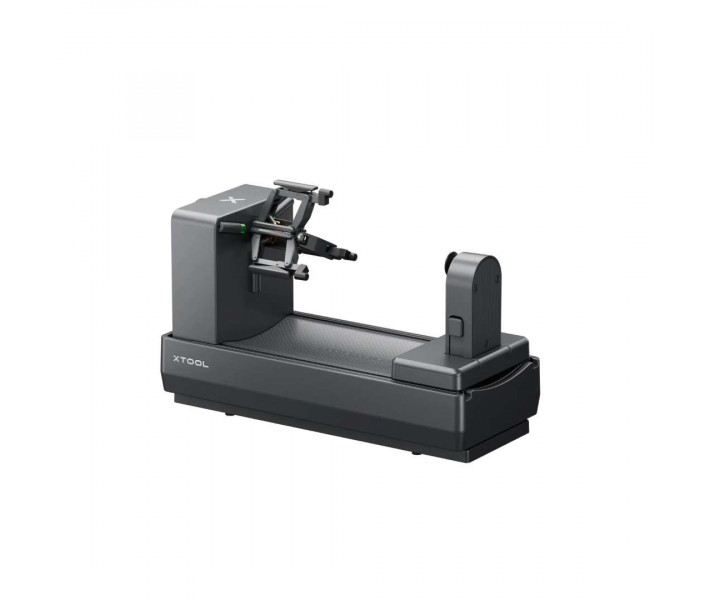
- Full wrap: the xTool O1 Omni Dual UV Rotary holds the object with a jaw chuck and prints with 360° angular rotation. No manual circumference measurements are needed.
- Ready after downtime: SmartCycle™ 2.0 switches the ink dampers to moisturising fluid. The heads stay ready to print for at least 14 days without drying out.
- Clean air: HEPA and activated carbon filters remove up to 96.4% of volatile organic compounds (TVOC). With the lid open, efficiency is lower.
How the xTool O1 Omni Dual UV Rotary works
The aim is to print on rigid and flexible materials from a single device. The xTool O1 Omni Dual UV Rotary system cures ink with ultraviolet light almost instantly. The ink hardens on the surface. Adhesion depends on the substrate. Some surfaces need cleaning or a primer.
Print resolution reaches 720 × 1440 dpi. RIP software and motion control algorithms define the position of each droplet.
Ink channels
Rigid white (RW) is more scratch-resistant and suits acrylic. Flexible white (FW) works better on materials that bend and is required for foil. Rigid white on a flexible substrate may crack. The FR and FY channels add fluorescent red and yellow. Channel V is a 3-in-1 varnish.
First start-up and calibration
Initialisation determines key positioning and printing parameters. Performing it correctly during the first setup ensures print accuracy. Recalibration is usually not needed. It is carried out only on the instructions of xTool support. The OR1 attachment is calibrated using four calibration points before first use.
Versions and fabric printing
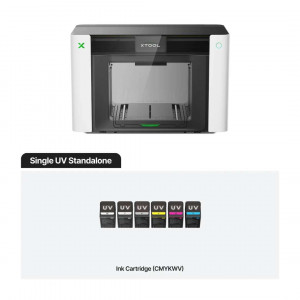
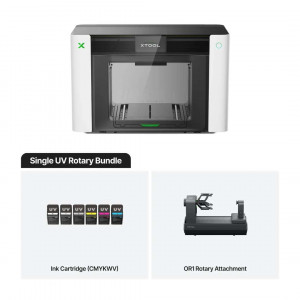
Fabric printing depends on the printer version. The O1 Omni range has three versions. One has a single UV head. The second has two UV heads — this is the configuration described here. The third, UV & DT, adds a DT head for fabric. In the dual-UV version, the flexible materials are leather and canvas.
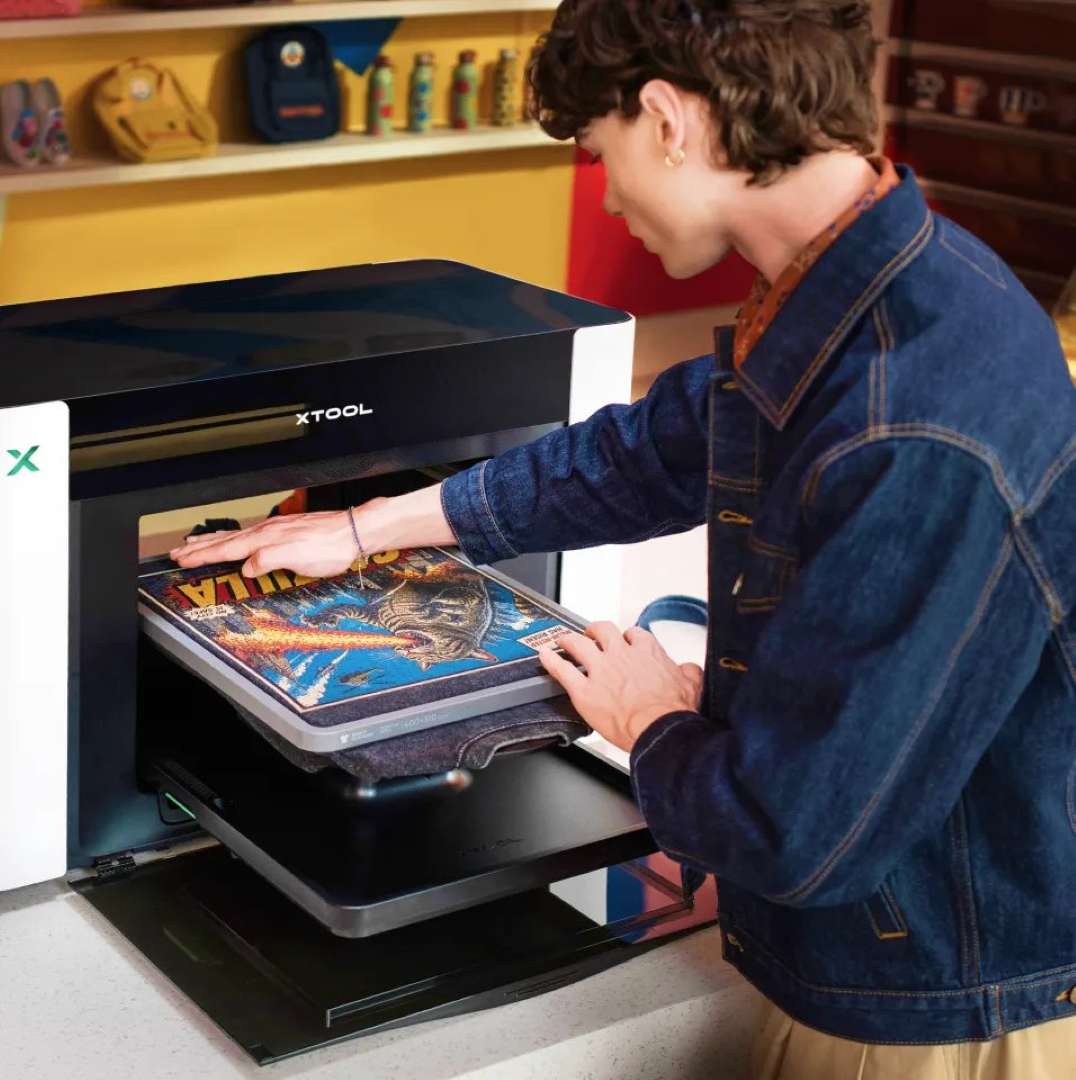
DTG prints textile ink directly onto the garment. The method works best on fabrics with a high cotton content. Dark garments need a white underbase and appropriate pre-treatment. DTG is available only in the UV & DT version.
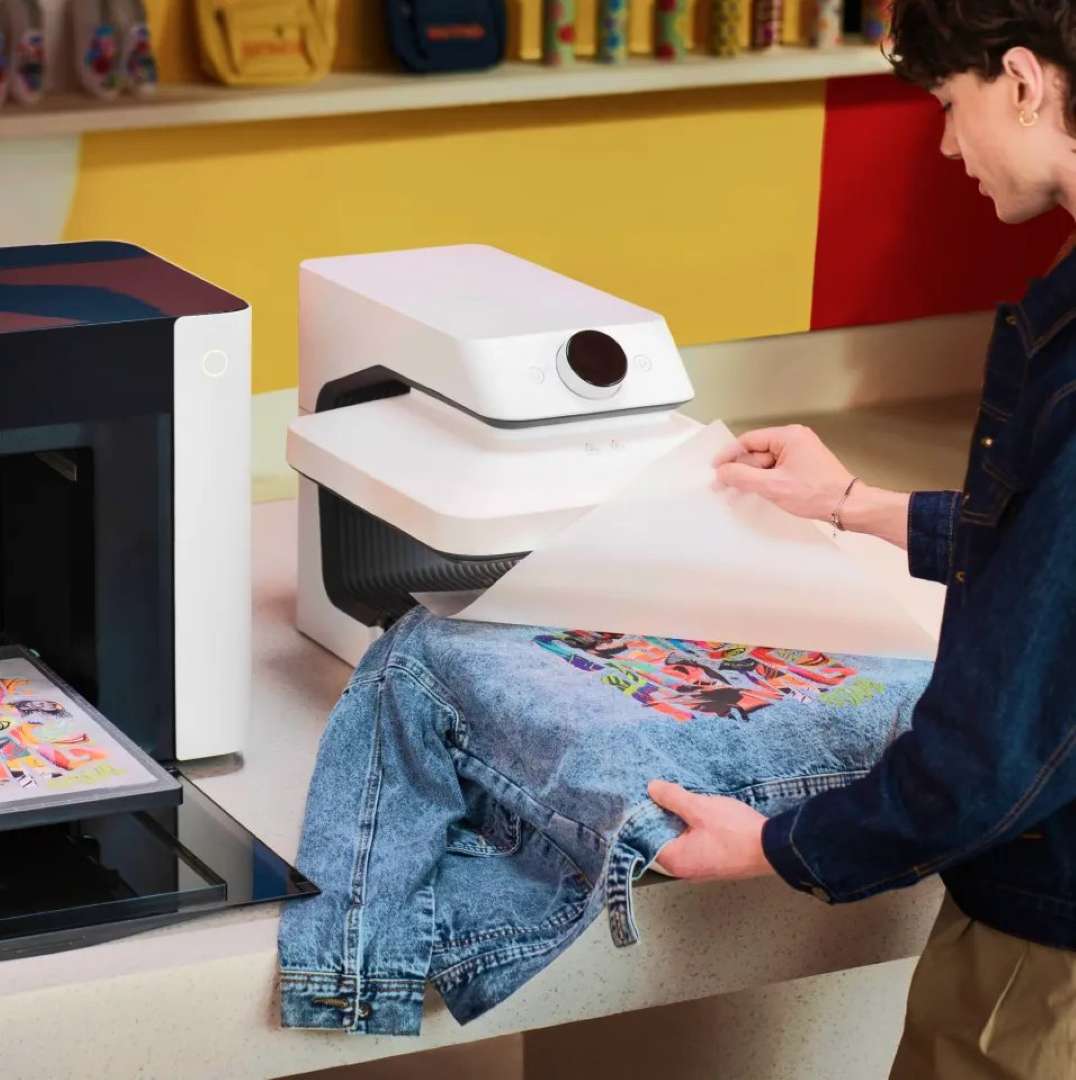
DTF prints the design onto film, which is coated with adhesive powder. A heat press transfers the design to the fabric. Blanks can be prepared in advance. This method also belongs to the UV & DT version.
Effects, foil and roll printing
Dimensional surfaces require separate print modes. The printer forms texture and relief, and the V varnish adds matt and gloss accents.
- Lenticular effect: the image changes as the viewing angle changes.
- Fluorescence: bright colours and hidden details appear under UV light.
- Gold and silver foil: applied by the LM1 laminator.
- Holographic foil: reflects light at different angles.
Roll printing requires two accessories. The RF1 roll feeder and the LM1 laminator together print up to 15 m of seamless UV DTF transfers. Canvas and vinyl on a roll reach 11.8 m. Foil adheres to materials up to 8 mm thick.
Pixel-Scan™: precise artwork placement
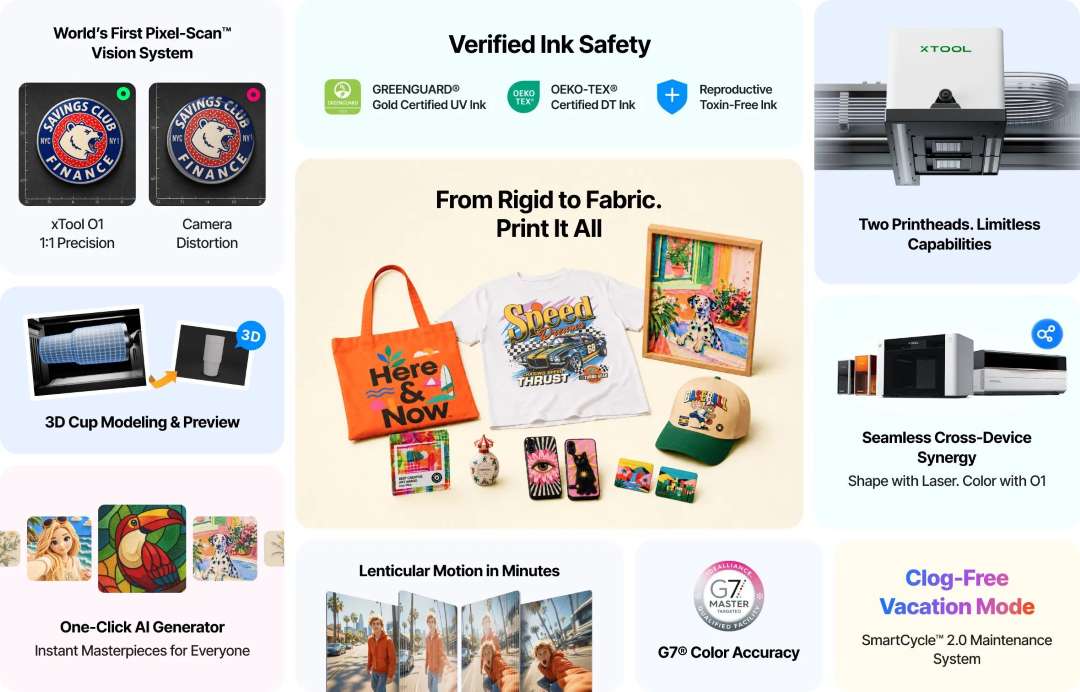
The artwork must land on the real object without manual adjustment. Pixel-Scan™ combines a laser sensor covering the entire area with CIS imaging. The vision system works at a resolution of 1440 × 1200 dpi. Place the object and print.
The 1:1 3D replication function creates a digital twin of a mug with its shape, surface and logos. The design is placed on the replica and viewed from all sides. Thick dark objects are recognised less well. Place a plain light-coloured sheet under them.
Full wrap without manual measurements
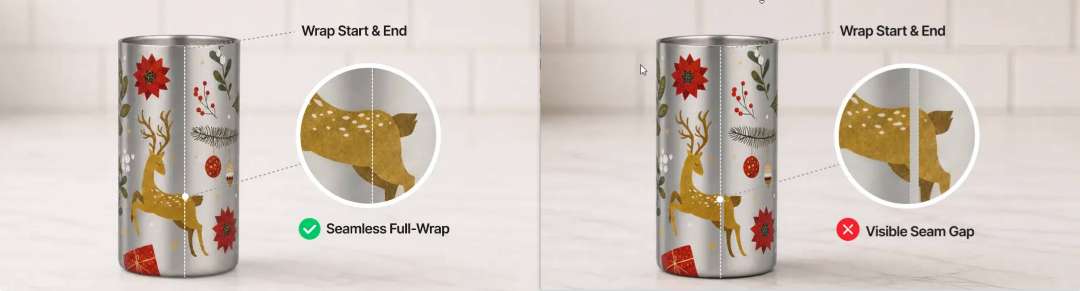
Printing around a mug requires precise angular control. The OR1 attachment holds the object with a jaw chuck and rotates it by angle. Circumference measurements are not needed. Roller systems require manual measurements and risk a gap or overlap.
Chuck and mount
A magnetic mount secures the attachment to the printer base. The adjustable chuck suits mugs with an inner diameter of 46.5–100 mm. For cans and spheres, the jaws and rear module hold the object from both sides. Rotation becomes smoother.

Auto-levelling and handles
Pixel-Scan™ reads the shape of the object and levels it automatically. The attachment compensates for a taper from -8° to 12°, so a stable print plane is maintained. The system finds handles, measures their height and marks no-print zones. The head will not hit the handle.
Workpiece limitations
- Weight: the workpiece must weigh less than 1 kg.
- Print zones: outer surface only; rims, inner walls and food-contact areas are excluded.
- Primer: glass, ceramic and stainless steel require it before printing.
- Height variation: up to 1 mm for cups and up to 3 mm for spheres.
- Modes: one-direction printing only, matt varnish only.
- Compatibility: the attachment works only with the xTool O1 Omni.
Colour and print sharpness
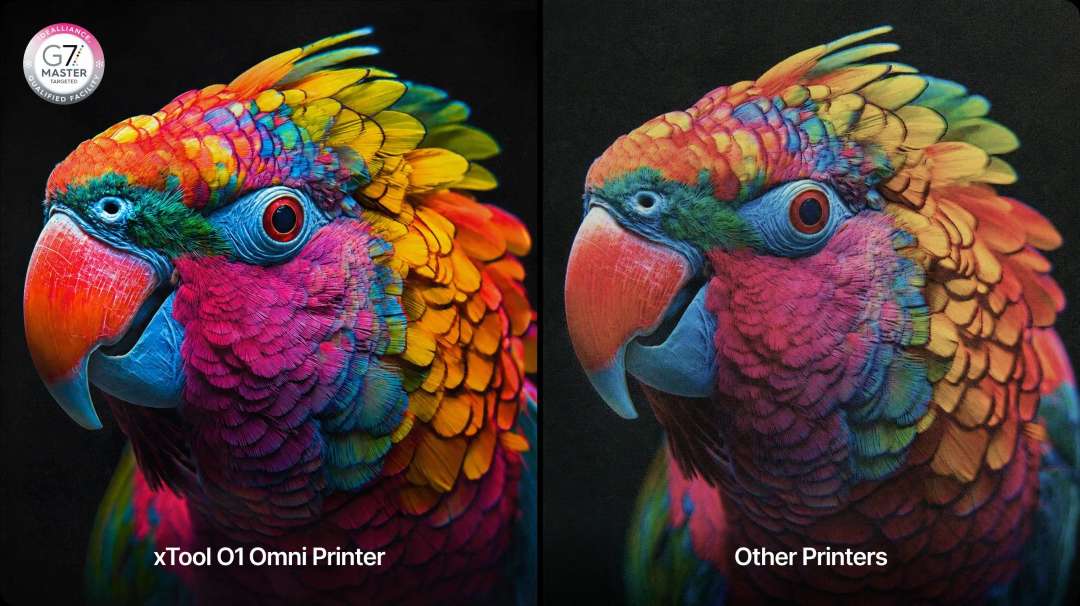
Colour should match the screen. The result depends on the ICC profile and the durability of the ink.
Colour accuracy
Compliance with G7 standards is ensured by proprietary ICC profiles and algorithms. They synchronise the ink with the screen.
Fine text
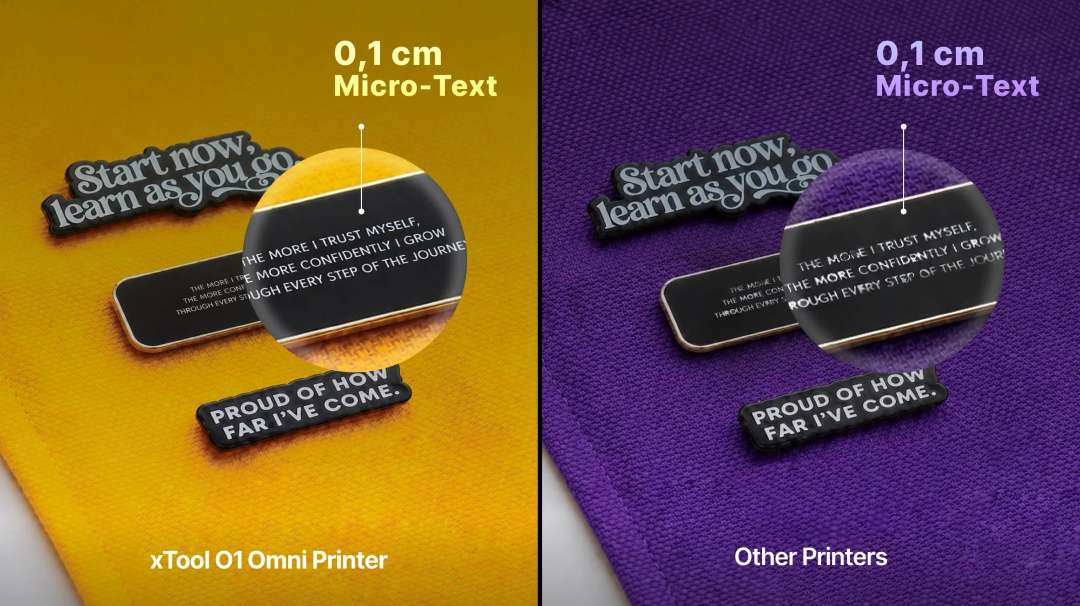
Precise droplet delivery allows lettering from 1 mm high to be printed. Small characters remain legible.
Colour durability
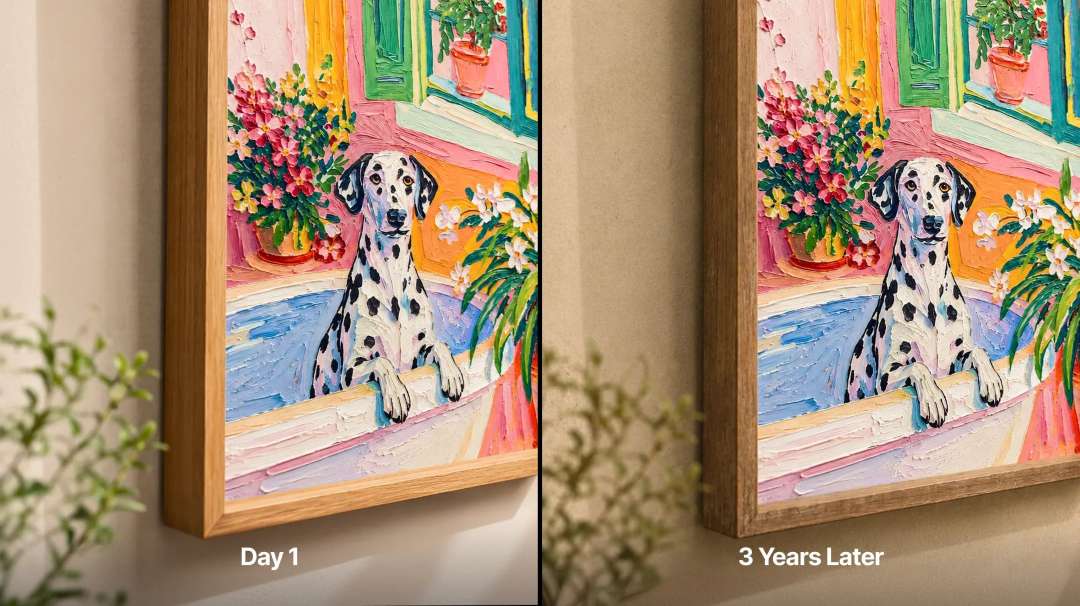
The ink is designed to resist fading. Colour retains its saturation over time.
Software and automation
Artwork preparation and print launch should take place in a single piece of software. The printer works with the official xTool software for macOS and Windows. The software is free, but some functions may require an additional payment. Third-party RIP software is not supported. Cleaning and control are available remotely via the app. The Atomm platform adds AI tools.
- Style generator: turns an image into stained glass or embroidery in one click.
- Template generator: edits names and colours and sends the artwork to print.
- Text and graphics separation: separates text from the image so fonts can be changed.
- Floating 3D: AI cuts out the object and creates a 3D effect without glasses.
Textures, mask and varnish
The library has over 2000 built-in textures. The Smart Mask function recognises object outlines and creates a cut-out. Spot colour and local varnish add accents precisely where needed.
Working together with lasers
The O1 and an xTool laser connect to the same software simultaneously. The printer applies colour while the laser cuts the outline. Manual alignment is not needed.
Maintenance and safety
White ink settles quickly. SmartCycle™ 2.0 provides automatic stirring and circulation of the white ink. On-demand cleaning has two modes: standard daily cleaning and a deep flush. The printer has no power switch and stays on for automatic maintenance. Before a long break, enable humidifying mode in the xTool software.
Ink temperature
A ceramic heater keeps the UV ink at 30 °C. Above about 35 °C, droplets may land inaccurately. At around 15 °C and below, the ink thickens, which can lead to paler colours and clogged nozzles.
Ink and air
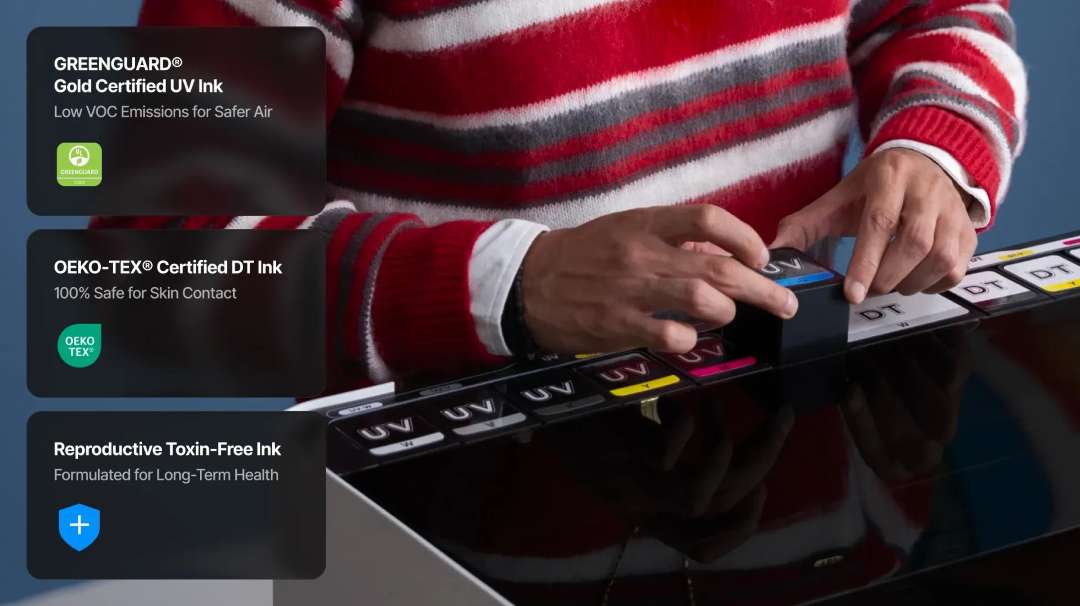
Manual filling via the extractor saves about 40% of ink per cycle. For enhanced air purification, a compatible xTool purifier is recommended. The ink contains no reprotoxic components. The UV ink is GREENGUARD® Gold certified. The DT ink of the UV & DT version is OEKO-TEX® certified.
Applications
- Tumblers and mugs: the xTool O1 Omni Dual UV Rotary secures the mug with a jaw chuck. Its inner diameter is 46.5–100 mm. A 3D replica of the cup also lets you check logo placement before starting.
- Cans and spheres: the jaws and rear module hold cans up to 120 mm high and spheres up to 102 mm in diameter. Printing is done only on the outer, non-contact surface.
- Acrylic and wooden items: the 330 × 420 mm platform accommodates large workpieces, and the embossing mode creates tactile logos. White ink helps on dark and transparent materials.
- UV DTF stickers and decals: the LM1 laminator completes the transfer, and the RF1 roll feeder delivers up to 15 m of seamless printing. The decal can be applied to curved and uneven objects without a heat press.
- Foil and roll canvas: the laminator applies foil to materials up to 8 mm thick. With the roll feeder, canvas and vinyl can be printed up to 11.8 m long.
Compatible accessories and mounts
For the xTool O1 Omni Dual UV Rotary, accessories are chosen to suit the task; you do not need to buy them all.
- RF1 roll feeder: continuous printing on roll materials.
- LM1 laminator: UV DTF lamination and foil application.
- xTool WonderPress: automatic heat press and craft oven.
- xTool air purifier: enhances purification when printing with the lid open.
What's included?
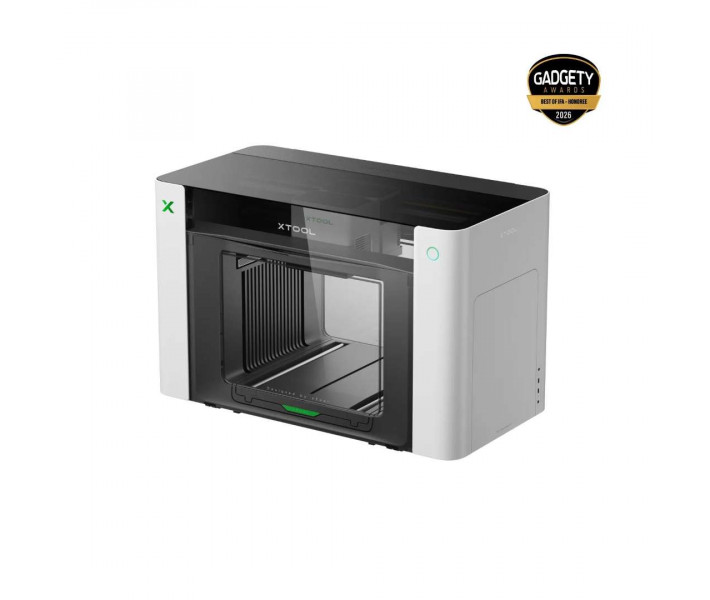
- xTool O1 Omni printer
- xTool OR1 rotary attachment
- Rear module for the attachment (jaws inside)
- Standard base plate and standard adhesive mat
- Mini base plate and mini adhesive mat
- Ink cartridge
- Waste ink cartridge
- UV moisturising fluid cartridge
- Ink extractor — 18 pcs (4 spare)
- Ink tube plug — 4 pcs
- Spare ink scraper — 2 pcs
- Power cable and USB cable
- Filter and exhaust tube
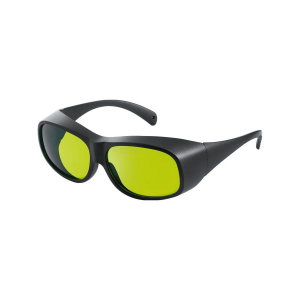
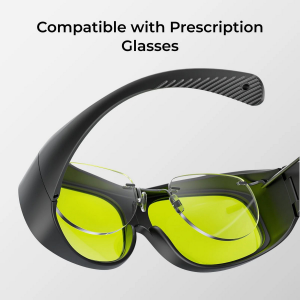
- Nitrile gloves and safety glasses
- Grease, screwdriver, tweezers and cotton swab
- Foam ink absorber — 4 pcs
- Primer wipe and cleaning wipe
- Fridge magnet — 3 pcs
- Quick-start guides and safety instructions
Technical specifications
Printer
| Parameter | Value |
| Purpose | Creators focused on UV applications and neon effects |
| Working area | Standard work platform: 330 × 122 mm, large work platform: 330 × 420 mm |
| Print head | Epson F1080 × 2 |
| Print resolution | 720 × 1440 dpi |
| Ink channels | CMYKWV + RW/FW/FR/FY (RW = rigid white, FW = flexible white, FR = fluorescent red, FY = fluorescent yellow; V = 3-in-1 varnish: matt and gloss effects and foil effect) |
| Ink capacity | Standard ink: 125 ml, high-capacity white ink: 290 ml |
| Material applications | Rigid and flexible: acrylic, leather, wood, canvas, etc. |
| Fluorescent colour printing | Yes |
| UV-DTF sticker / transfer / decal creation | Yes, requires a laminator |
| Embossed print height | 7 mm |
| Machine vision system resolution | 1440 × 1200 dpi |
| Positioning accuracy | ±0.2 mm |
| Safety and certification | Ink free of reprotoxic properties, UV ink with GREENGUARD® Gold certification |
| Automated maintenance | Automatic white ink stirring, automatic white ink circulation, automatic print head protection against drying out |
| Supported software | macOS, Windows |
| Remote control | Remote cleaning and control via the app |
| Product weight | 41.12 kg |
| Device dimensions (main unit only) | 714 × 374 × 468.5 mm |
Rotary attachment: general data
| Parameter | Value |
| Dimensions of the unit itself | 328 × 140 × 193 mm |
| Weight of the unit itself | 2.4 kg |
| Packaging dimensions | 399 × 257 × 206 mm |
| Packaged weight | 3.1 kg |
| Operating temperature | 15 °C – 30 °C |
| Operating relative humidity | 30% – 80% |
| Print direction | Unidirectional only |
| Varnish settings | Matt finish only, mirror finish not supported |
| Print mode | Flat, textured, embossed |
| Spot colour settings | Fluorescent ink printing is supported in combination with the dual UV version |
Rotary attachment: workpiece parameters
| Parameter | Value |
| Supported workpiece weight | Less than 1 kg |
| Mug / cup with straight handle | Inner diameter (ID): 46.5–100 mm, outer diameter (OD): ≤ 102 mm, body diameter: ≤ 100 mm, overall height: ≤ 250 mm |
| Tapered open container | Taper angle range: -8° to 12°, ID and OD range same as for a mug, overall height: ≤ 250 mm |
| Standard beverage can | Overall height: ≤ 120 mm |
| Spherical workpiece | Diameter: ≤ 102 mm |
Why buy the xTool O1 Omni Dual UV Rotary from EXPERT3D?
EXPERT3D has supplied professional 3D equipment since 2012. Before you buy, our specialists advise you and help you choose a configuration. As an official xTool representative, we guarantee 100% authenticity and a fair price. An authorised service centre and an official warranty are also available. We deliver throughout Spain and the EU countries. After the sale, we provide service support. Order original spare parts and consumables on the website: we will deliver everything so that your equipment never stands idle. To order the xTool O1 Omni Dual UV Rotary, contact our specialists.