

- Stock: In Stock
- Product code: 920372000002173080
- Weight Brutto: 50.00kg

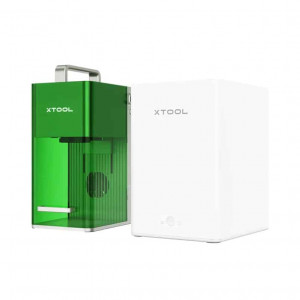
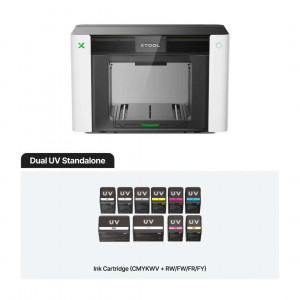
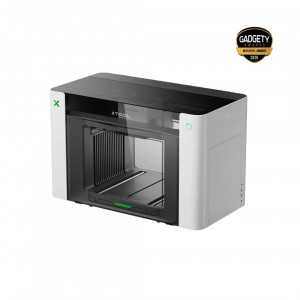
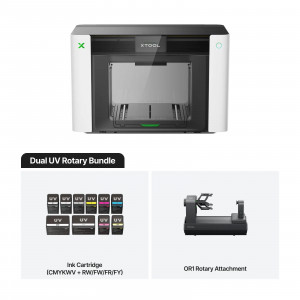
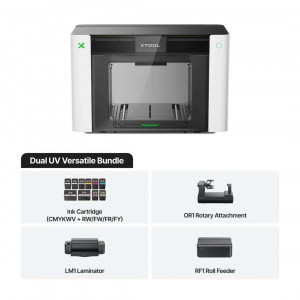
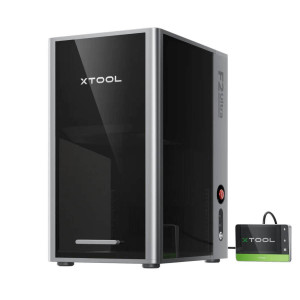
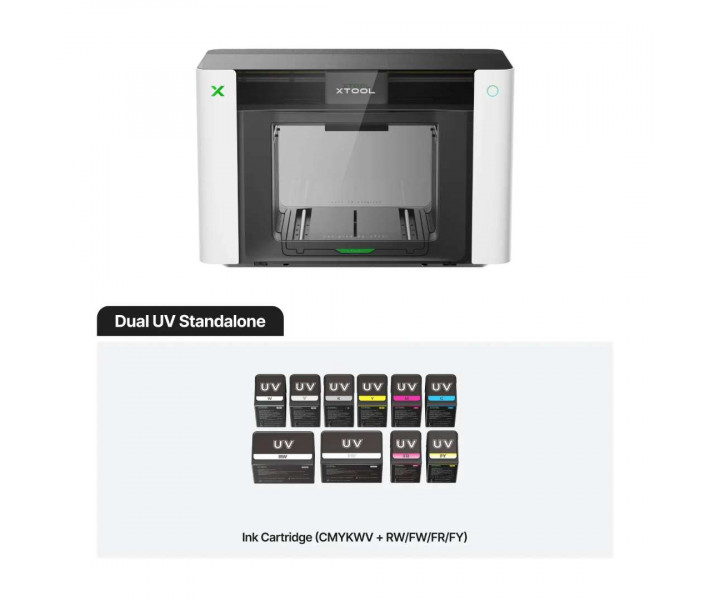
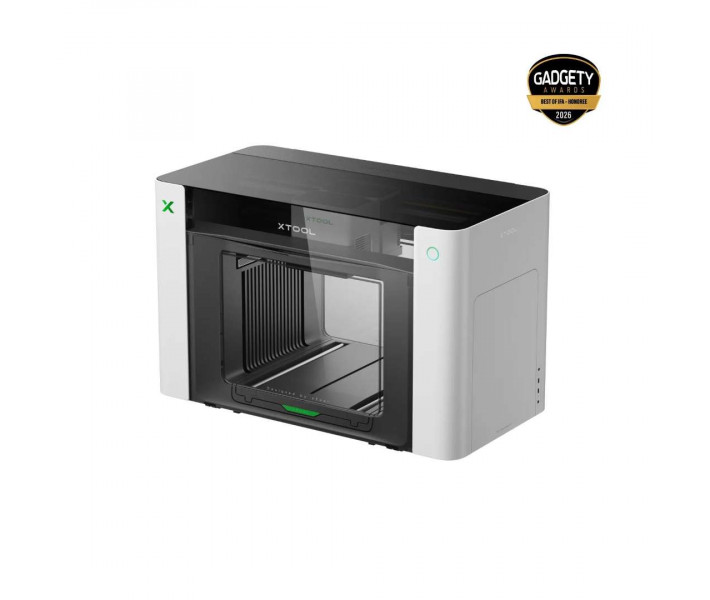
xTool O1 Omni Dual UV Standalone — a UV printer for printing on rigid and flexible materials. Aligning the design on the item by hand takes time and leaves room for error. Pixel-Scan™ reads the object data at 1:1 scale — you place the item and start printing. In addition to white ink, 3-in-1 varnish and fluorescent colours are available.
Key features and benefits
- Print heads: Epson F1080, 2 pcs — Acrylic and leather blanks are printed on the same machine, with no transfer between devices.
- Working area: up to 330 × 420 mm — Several items can be laid out on the table, and each design stays aligned.
- Positioning accuracy: ±0.2 mm — The design matches the outline of the item without manual adjustment.
- Embossed print height: 7 mm — The design gains a tangible volume right on the surface of the item.
- Fluorescent channels FR and FY: reveal hidden details of the design under UV light and add bright neon effects.
- Automatic clog protection: when idle, the heads stay ready to print for at least 14 days.
- Air purification: a dual-channel system with HEPA and activated carbon filters removes up to 96.4% of volatile organic compounds (TVOC) and reduces odour in the room.
How the xTool O1 Omni Dual UV Standalone works
Blanks are either rigid or flexible. The xTool O1 Omni Dual UV Standalone prints on both types with two heads. The RW channel is intended for rigid materials, the FW channel for flexible ones. Acrylic and wood belong to the former, leather and canvas to the latter.
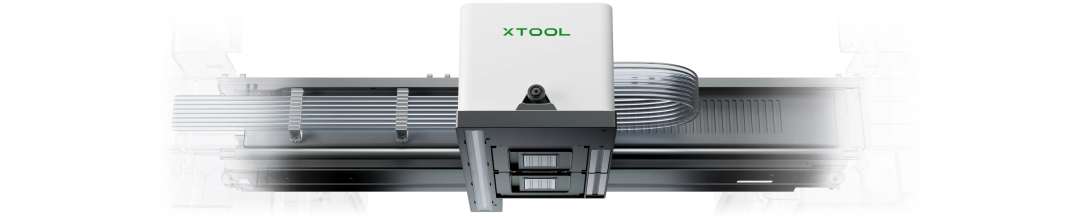
This device belongs to the Dual-Head UV Edition. It supports fluorescent colours and white ink for flexible materials. The UV + DT Fabric Edition, by contrast, gives the second head over to printing on textiles. The configuration is fixed at the factory and cannot be upgraded later, so choose it before purchase.
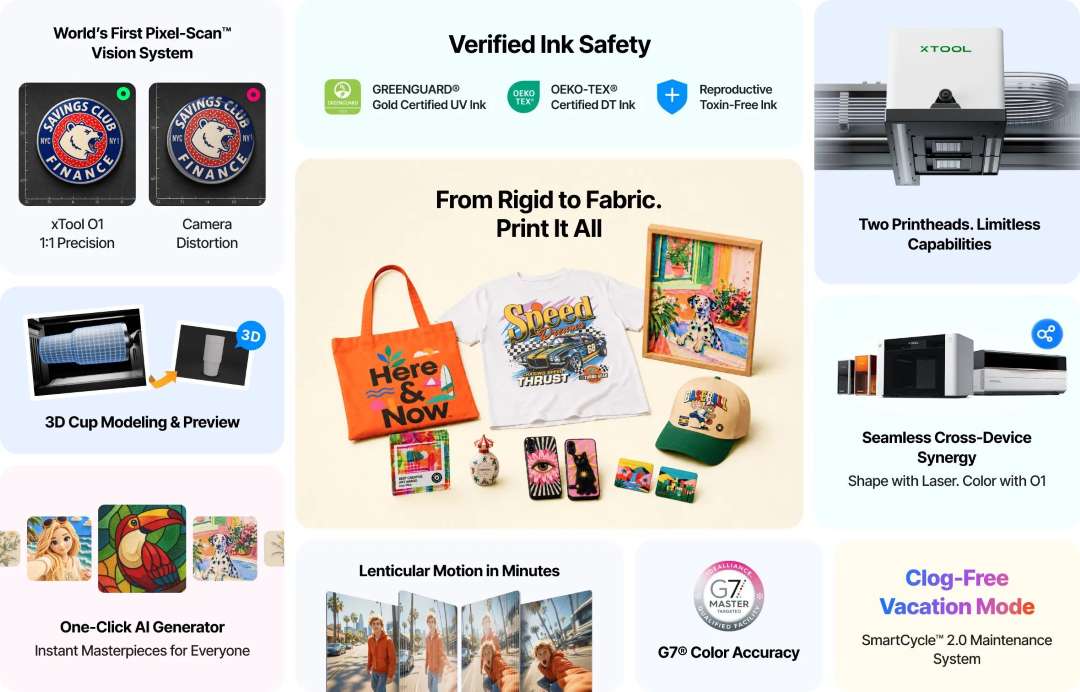
Printing on clothing requires a different edition
Clothing is a separate task. The DTG and DTF modes belong to the UV + DT Fabric Edition. They are not in the specification of this printer.
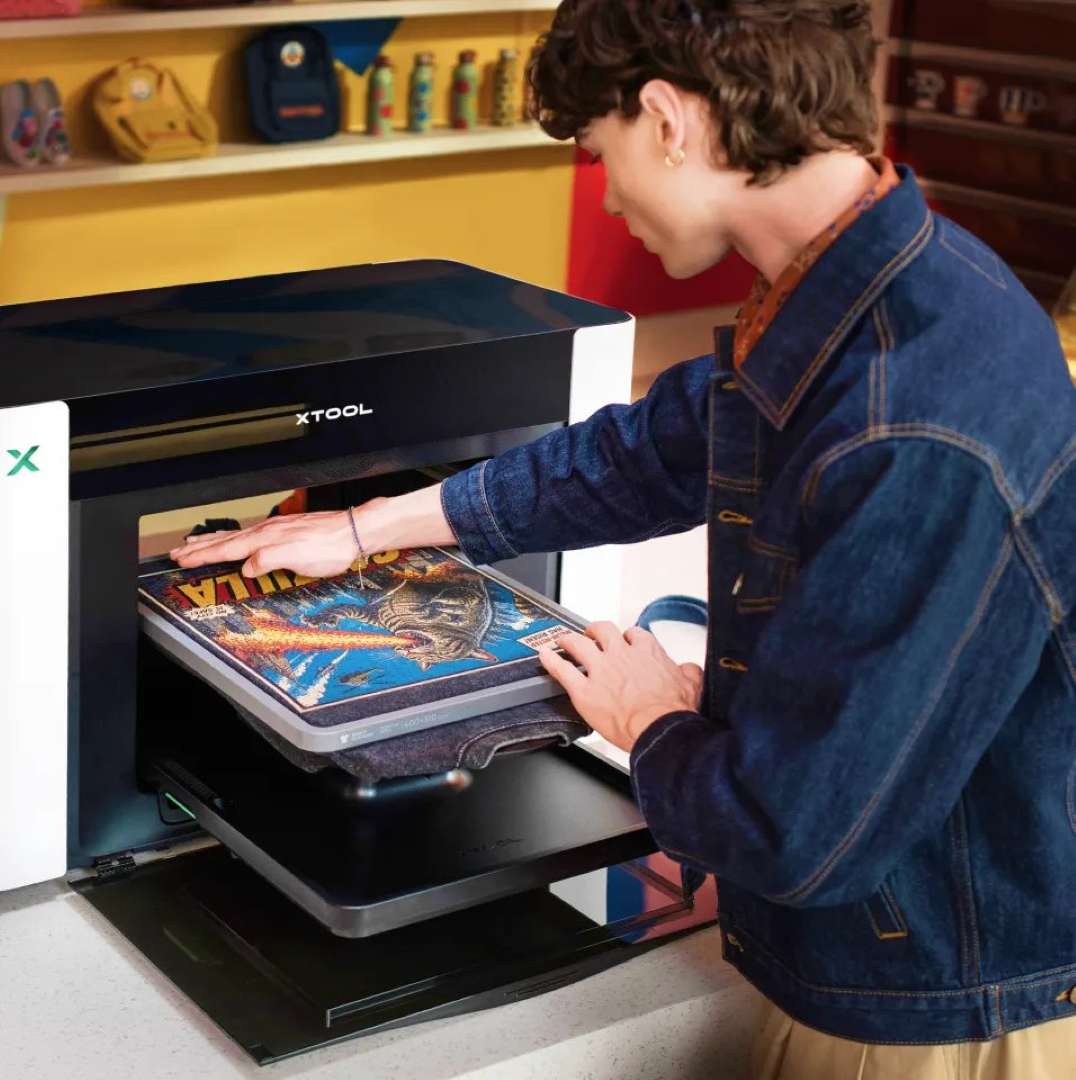
DTG: direct printing
DTG is direct printing on cotton clothing. It is provided by the UV + DT Fabric Edition with a special fabric ink. A heat press before and after printing improves wash resistance.
DTF: printing on film
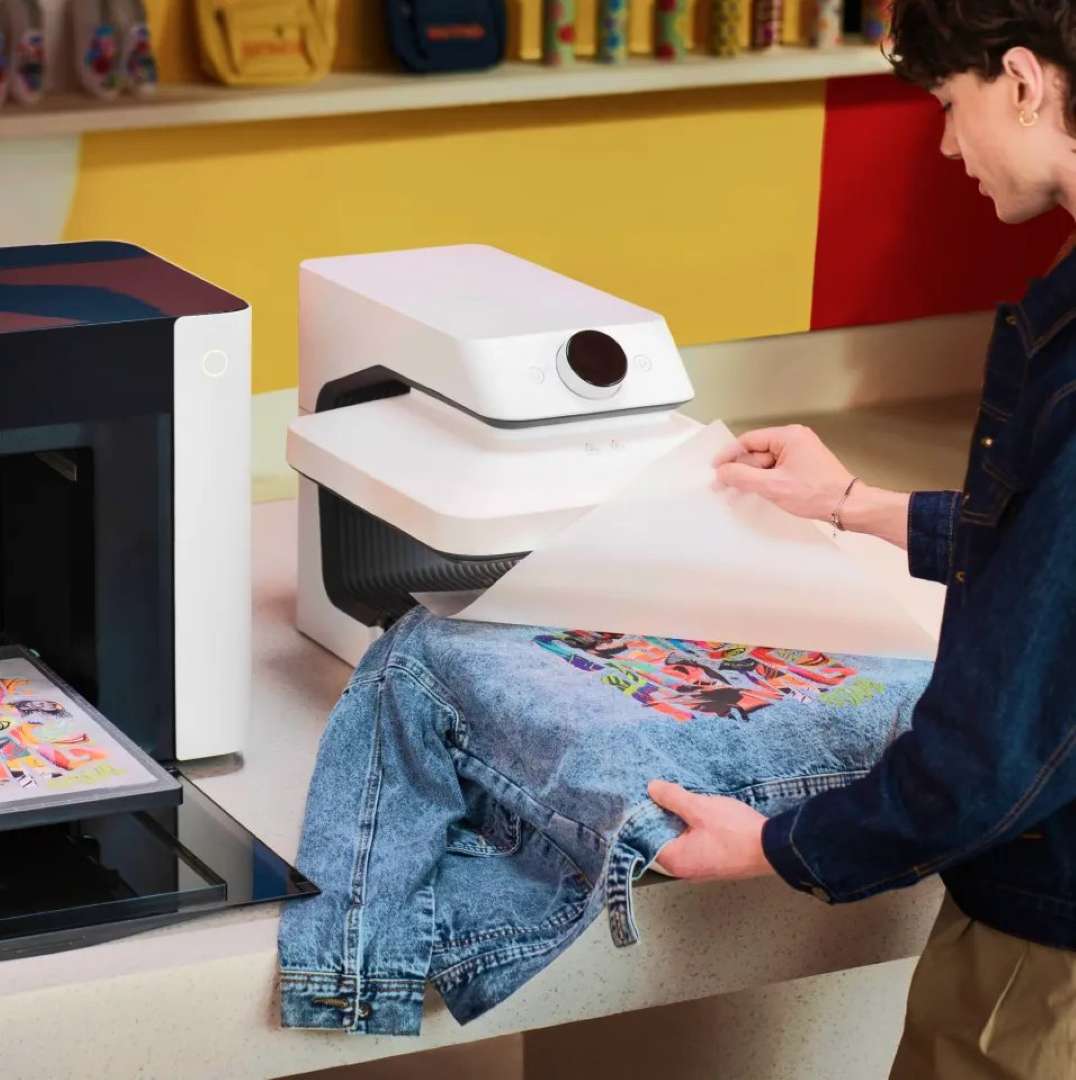
DTF is printing on film followed by transfer. After printing, adhesive powder is applied and the design is transferred with a heat press, for example the xTool WonderPress. This mode also belongs to the UV + DT Fabric Edition.
Relief, foil and fluorescence
Decorative effects require separate channels. The FR and FY channels produce fluorescent red and yellow. The V channel is a 3-in-1 varnish for matt and gloss printing and foiling effects.
- Lenticular effect: the image changes depending on the viewing angle.
- Volumetric texture: the design gains a thickness that can be felt by touch.
- 3-in-1 varnish: selectively adds a matt or gloss finish and prepares the surface for foiling.
Roll printing and foiling
Rolls and foil require additional modules. The Roll Feeder is not included. The laminator and rotary attachment are also absent from the contents list, and a laminator is mandatory for UV-DTF stickers.
- Roll UV DTF: the Roll Feeder and laminator print up to 15 m of seamless UV DTF transfers in one run.
- Canvas and vinyl: the same modules produce continuous jobs up to 11.8 m long.
- Foiling: the laminator creates foil effects, including holographic ones, on materials up to 8 mm thick.
Pixel-Scan™: printing without manual alignment
The design has to land precisely on an item of any shape. Pixel-Scan™ combines laser scanning of the whole area with CIS imaging. The system obtains the object data at 1:1 without camera distortion. The resolution of the vision system is 1440 × 1200 dpi. Just place the item and print.
Before printing on a mug, the placement of the design needs to be checked. The 1:1 3D copy function creates a digital twin of the mug: its shape, surface and existing logos. This is more than a simple 3D model. You project the design directly onto the copy and view the result from all sides. Printing on mugs and tumblers is done by the xTool OR1 rotary attachment, which is not included.
Colour, fine text and durability
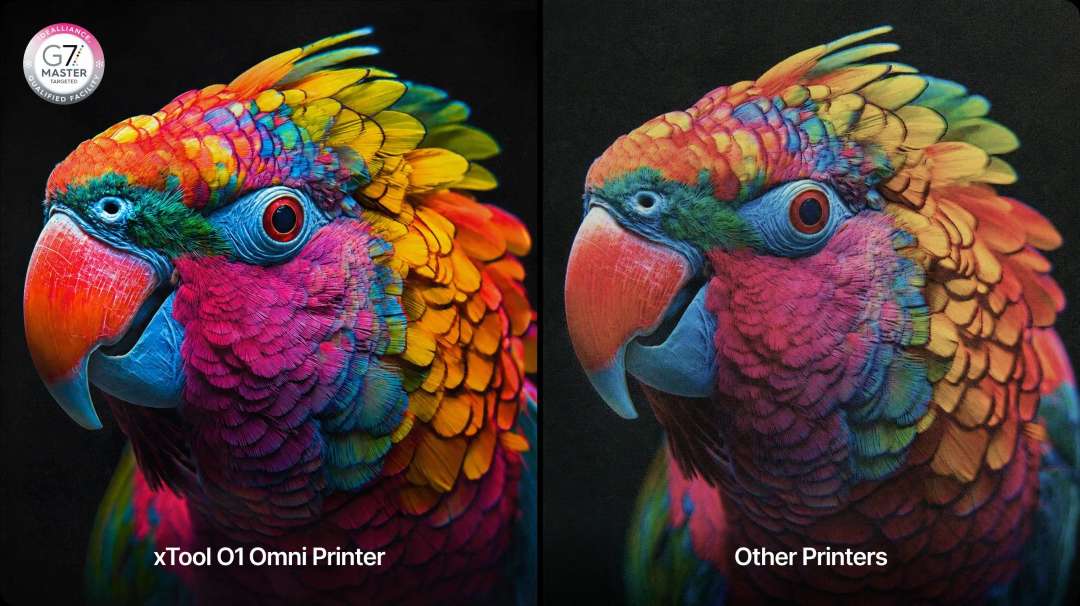
The colour on the item should match the layout on screen. Proprietary ICC profiles and algorithms based on G7 standards synchronise the ink with the display. Guesswork in colour matching is eliminated.
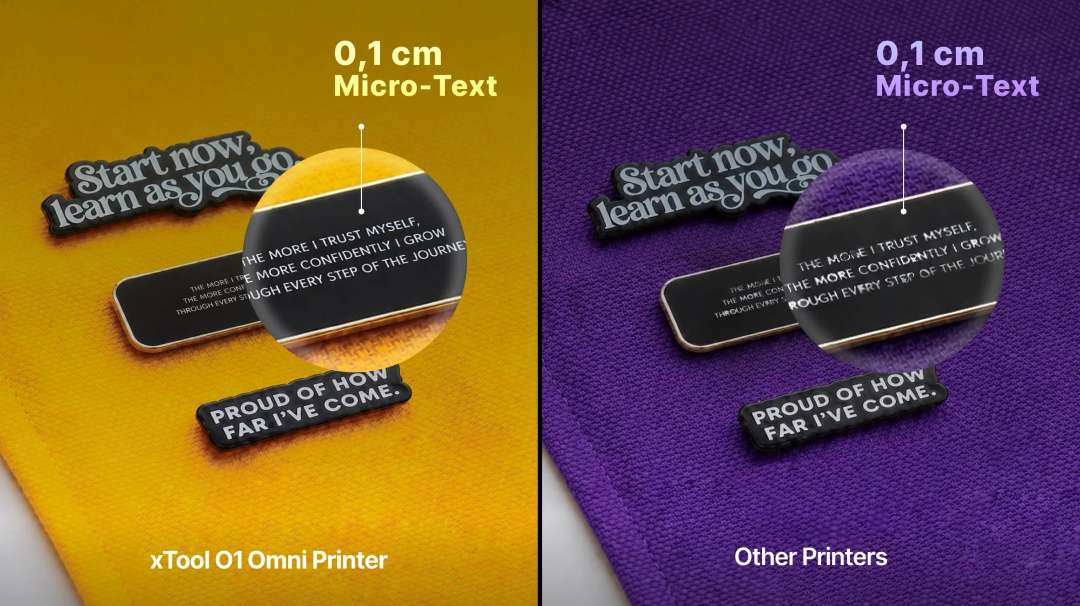
Fine text demands precise droplet placement. RIP software (raster image processor) and motion control algorithms set the position of each ink droplet. Even text 1 mm high prints crisply.
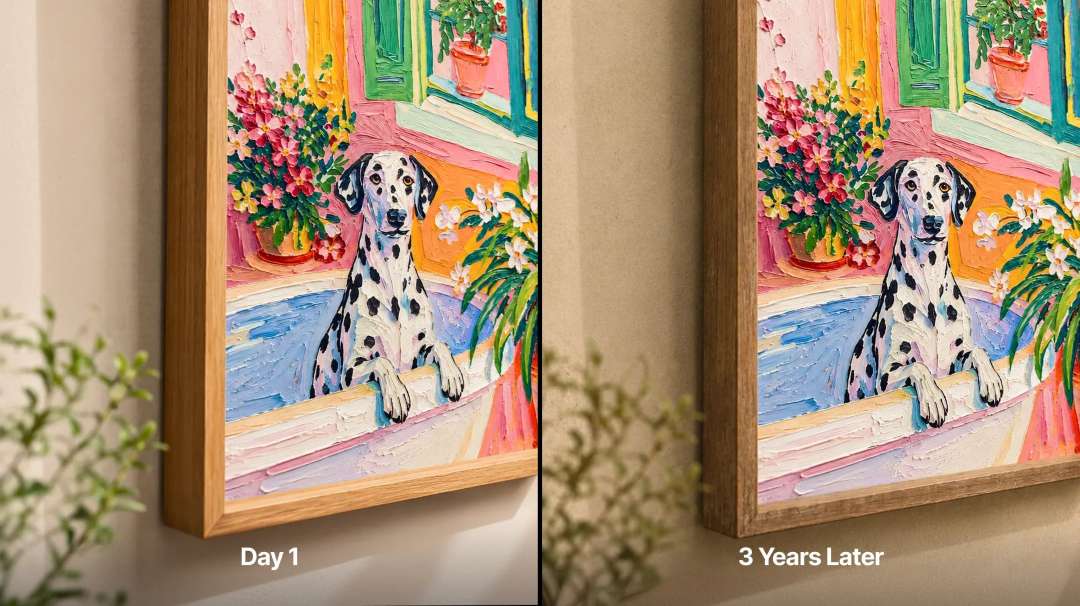
The item must keep its appearance after printing. Durable ink technology resists fading and retains colour saturation.
Atomm AI platform and layout tools
Layouts are prepared without manual tracing. The Atomm platform contains generators that work with images.
- AI style: turns an image into stained glass, embroidery or an oil painting with one click.
- Templates: let you change names, places, colours and icons and send the layout straight to print.
- Text and graphics separation: automatically separates text from the image, so fonts and element positions can be changed independently.
- Floating 3D: turns an image into a floating 3D effect that needs no glasses: the AI cuts out the object automatically, and the print settings are already set.
A separate toolkit manages effects. The library contains over 2000 built-in textures for tactile relief. A one-click smart mask recognises the outline of an item, such as a phone case, for edge-to-edge printing. Selective varnish and spot colours add gloss and precise shades in specified places.
Printing and cutting in one piece of software
Printing and cutting should not require two programs. The O1 printer and an xTool laser connect simultaneously in xTool Creative Space. One layout is split into two jobs: the O1 prints the colour, the laser cuts the outline. The supported operating systems are macOS and Windows. Support for other models, including the F series, will be added. The following lasers currently work.
- P series: P3, P2 and P2S.
- S series: S1.
- M series: M2 and M1 Ultra.
Automatic print head maintenance
Downtime should not clog the heads. The SmartCycle™ 2.0 system looks after the heads automatically and on demand.
- Idle protection: during downtime the ink dampers switch to a moisturising fluid from a separate cartridge. This protects the heads from drying out.
- White ink: automatic stirring and circulation reduce sedimentation.
- On-demand cleaning: standard cleaning suits daily care, while deep cleaning is for intensive flushing and stubborn clogs. Cleaning can be started from the software and remotely via the app.
- Ink heating: a ceramic heater maintains 30 °C for the UV ink and ensures stable delivery. In a cold room this prevents blurred prints and ink misting.
Air and ink safety
The air in the workshop should stay clean. A dual-channel system with HEPA and activated carbon filters removes volatile organic compounds (TVOC). It also helps to trap fine particles. A filter and an exhaust tube are included.
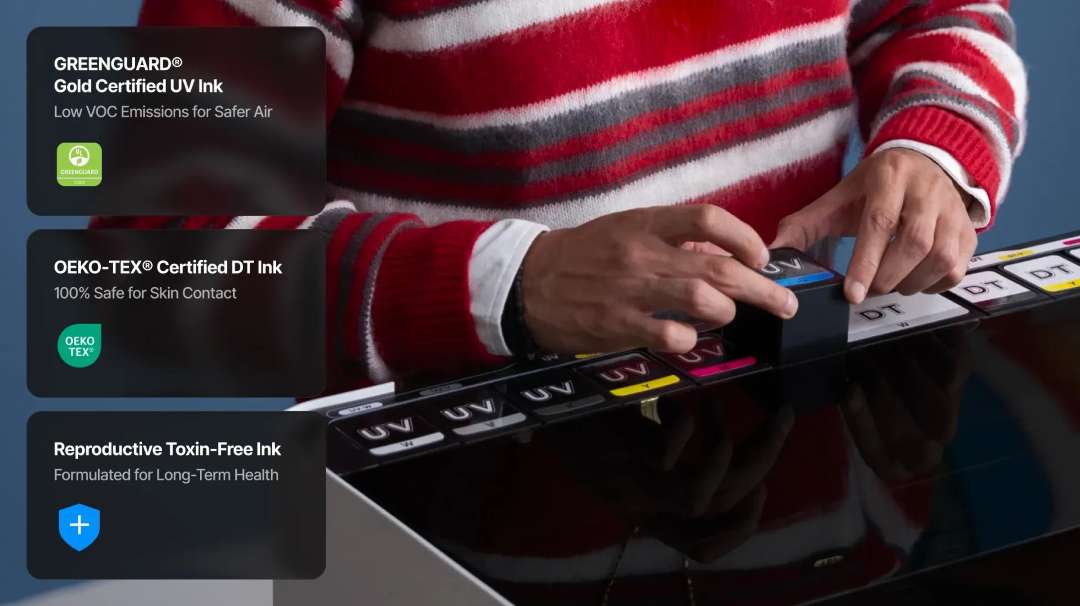
The ink contains no reprotoxic substances, and the UV ink is GREENGUARD® Gold certified. The OEKO-TEX® certificate applies to the clothing ink of the UV + DT Fabric Edition. It is not in the specification of this printer.
Preparing for the first run
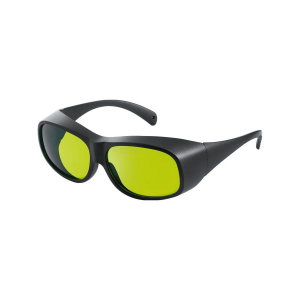
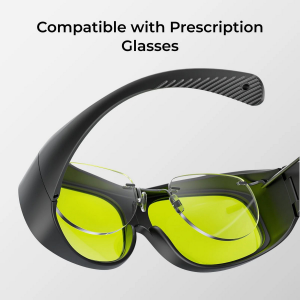
Consumables must be installed before the first print. An ink cartridge and a waste ink cartridge are included. A separate moisturising fluid cartridge for UV is also supplied. Gloves and goggles are in the box too.
Areas of application
The xTool O1 Omni Dual UV Standalone covers scenarios from mug personalisation to roll UV DTF stickers. Some modes require separate modules.
- Mugs and tumblers: the xTool OR1 rotary attachment supports over 90% of tumblers and mugs. The 1:1 3D copy lets you check the placement of the design from all sides.
- Stickers and labels: the Roll Feeder and laminator print up to 15 m of seamless UV DTF transfers in one run — suitable for batches of stickers and labels.
- Leather and canvas: the FW channel applies white ink to flexible materials, and the FR and FY channels add neon accents.
- Phone cases: the smart mask recognises the outlines of the item and the cut-out areas so that the design covers the surface edge to edge.
- Roll canvas and vinyl: the Roll Feeder and laminator print canvas and self-adhesive vinyl continuously, up to 11.8 m long.
- Foiling: the laminator creates foil effects on materials up to 8 mm thick.
Compatible accessories and materials
- xTool RF1 Roll Feeder: continuous printing on roll materials.
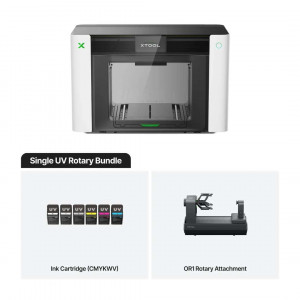
- xTool OR1 Rotary Attachment: personalisation of mugs and decorative items.
- xTool LM1 Laminator: UV DTF lamination and foil stamping.
- xTool WonderPress: smart automatic heat press and craft oven.
- Materials: rigid and flexible — acrylic, leather, wood, canvas and others.
What's in the box?
- xTool O1 Omni printer
- Standard base plate
- Standard adhesive mat
- Mini base plate
- Adhesive mini mat
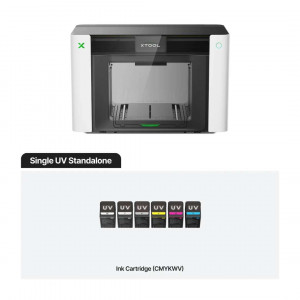
- Ink cartridge
- Waste ink cartridge
- UV moisturising fluid cartridge
- Ink extractor — 18 pcs (4 spare)
- Ink tube plug — 4 pcs
- Ink scraper (spare) — 2 pcs
- Power cable
- USB cable
- Filter
- Nitrile gloves
- Lubricating oil
- Exhaust tube
- Safety goggles
- Screwdriver
- Tweezers
- Ink absorber (foam) — 4 pcs
- Cotton swab
- Fridge magnet — 3 pcs
- Quick start guide
- Safety instructions
Technical specifications
Printing and ink
| Parameter | Value |
| Print head | Epson F1080, 2 pcs |
| Print resolution | 720 × 1440 dpi |
| Ink channels | CMYKWV + RW/FW/FR/FY (RW — white for rigid materials, FW — white for flexible materials, FR — fluorescent red, FY — fluorescent yellow, V — 3-in-1 varnish: matt, gloss and foiling effects) |
| Ink volume | Standard ink: 125 ml; increased-volume white ink: 290 ml |
| Fluorescent colour printing | Yes |
| Embossed print height | 7 mm |
Materials and applications
| Parameter | Value |
| Suitable for | Creators focused on advanced UV printing applications and exclusive neon effects |
| Working area | Standard print platform: 330 × 122 mm; large print platform: 330 × 420 mm |
| Applicable materials | Rigid and flexible: acrylic, leather, wood, canvas, etc. |
| Creation of UV-DTF stickers / transfers / decals | Yes, requires a laminator |
Vision system and software
| Parameter | Value |
| Vision system resolution | 1440 × 1200 dpi |
| Positioning accuracy | ±0.2 mm |
| Supported software | macOS, Windows |
| Remote control | Remote cleaning and control via the app |
Safety and design
| Parameter | Value |
| Safety and certification | Non-reprotoxic ink; UV ink certified to the GREENGUARD® Gold standard |
| Automatic maintenance | Automatic white ink stirring; automatic white ink circulation; automatic print head protection against drying out |
| Product weight | 41.12 kg |
| Device dimensions (main unit only) | 714 × 374 × 468.5 mm |
Why buy the xTool O1 Omni Dual UV Standalone from EXPERT3D?
EXPERT3D has been supplying professional 3D equipment since 2012. An adviser will help you check whether the xTool O1 Omni Dual UV Standalone suits your needs. As an official xTool representative, we guarantee 100% authenticity and a fair price. We also provide authorised service and an official warranty. We deliver throughout Spain and the EU countries. After purchase, we provide service support. Order original spare parts and consumables on the website: we will promptly deliver everything so that your equipment never stands idle.