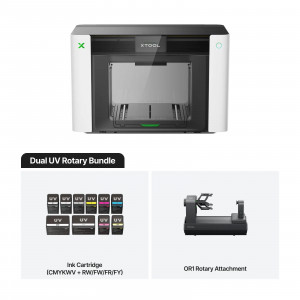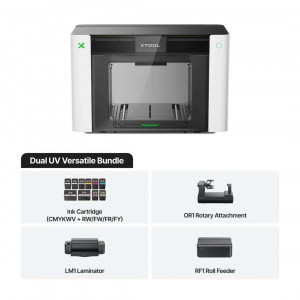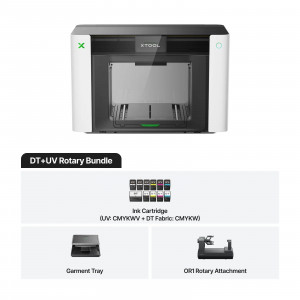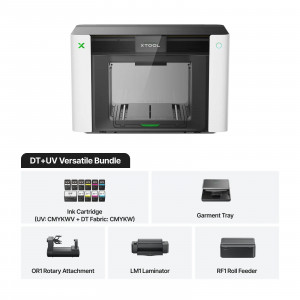


- Stock: In Stock
- Product code: 920372000002173139
- Weight Brutto: 50.00kg

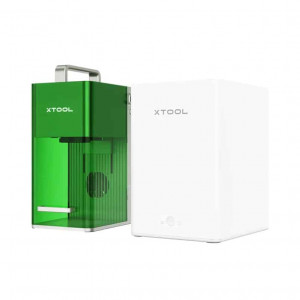
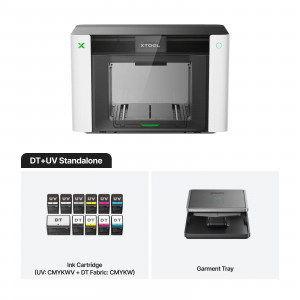
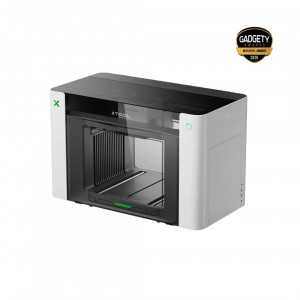
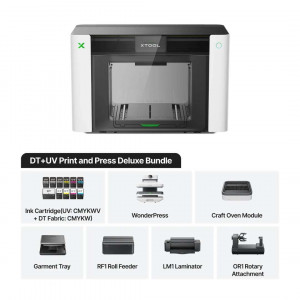
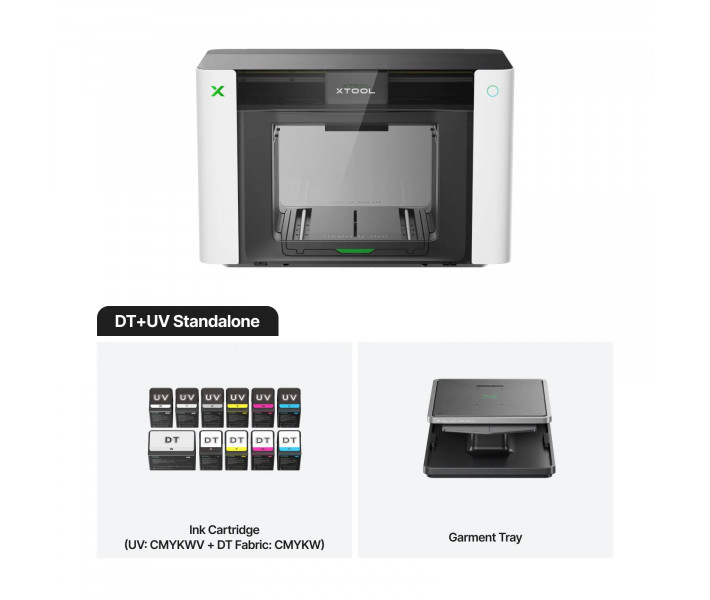
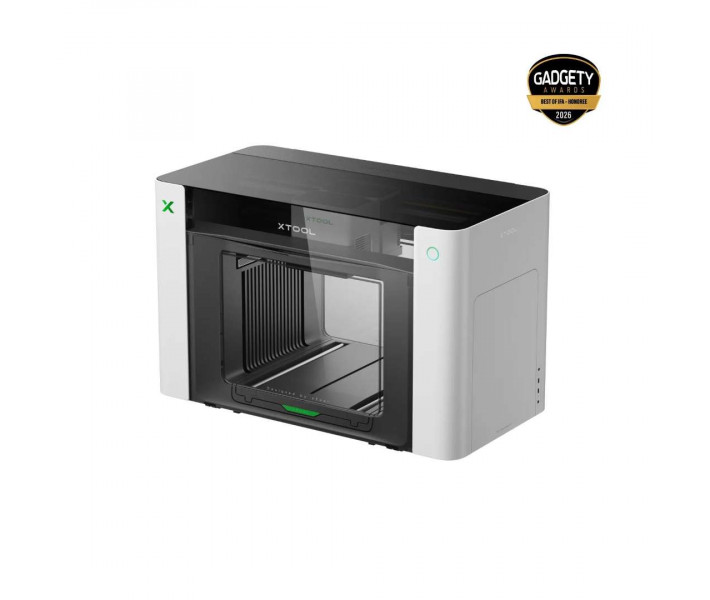
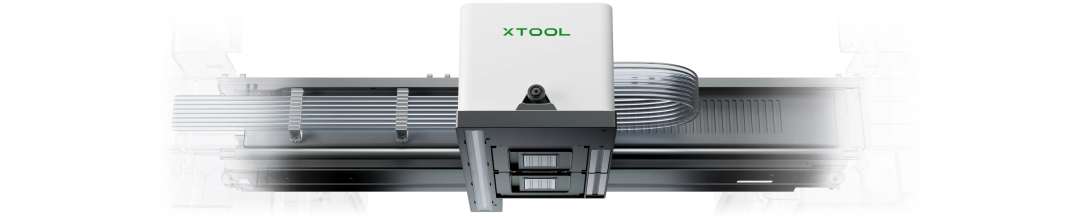
xTool O1 Omni DT+UV Standalone is a 4-in-1 printer for rigid items and fabric. A single batch of orders can include acrylic signs and T-shirts with the same artwork. The UV printhead prints on acrylic and glass. A separate fabric printhead works with cotton and polyester.
Key features and benefits
- Printheads: Epson F1080 × 2 (UV and fabric) — Rigid items and garments are printed on one machine, each type with its own printhead.
- Print resolution: 720 × 1440 dpi — Fine patterns and text from 1 mm high stay legible.
- Embossed print height: 7 mm — Layers of ink create a tangible tactile texture on the surface of the item.
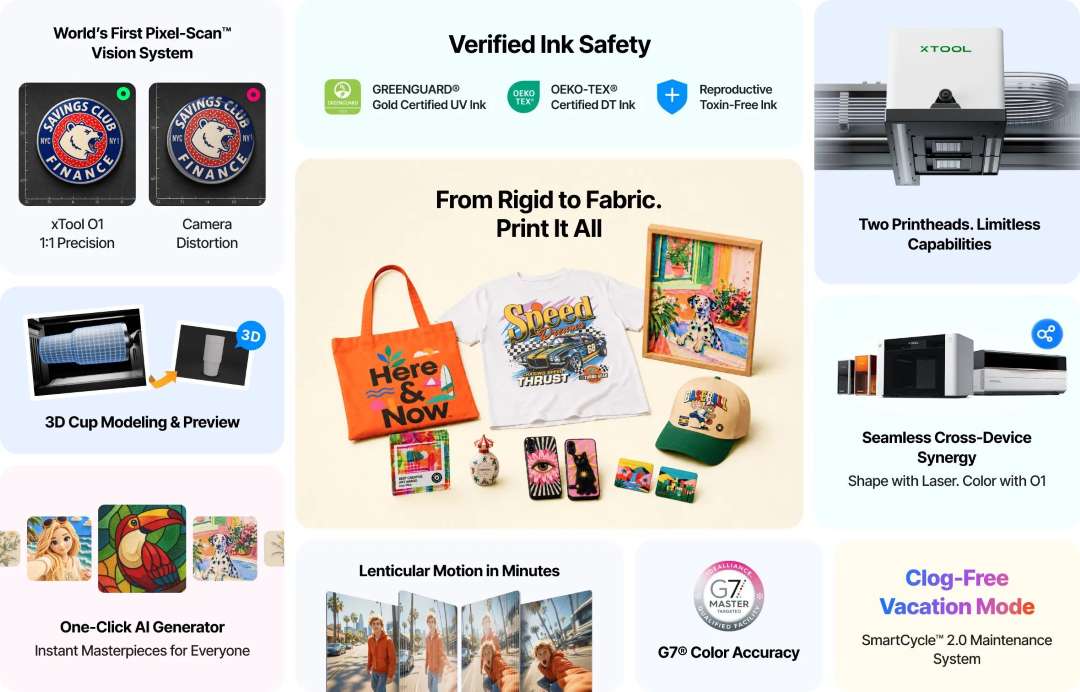
- Pixel-Scan™: laser scanning of the entire area and CIS imaging determine the real size and position of the item to within ±0.2 mm. This means the artwork does not need to be aligned manually.
- Standalone printhead care: the SmartCycle™ 2.0 system switches the dampers to moisturising fluid during idle periods and keeps the printer ready without clogging for at least 14 days.
- Garment inks: a single OEKO-TEX® certified ink system prints directly on cotton (DTG) or on transfer film (DTF). The print withstands over 50 washes without fading or cracking.
xTool O1 Omni: rigid substrates and fabric
Rigid items and fabric require different inks. The xTool O1 Omni DT+UV Standalone solves this with two separate printheads: a UV printhead and a DT printhead for fabric. The UV printhead prints on acrylic and wood. Glass and metal are also supported. The DT printhead works with cotton and polyester, as well as leather and canvas. This is a 4-in-1 format: UV printing, UV DTF, DTG and DTF.
Waterproof UV DTF stickers are easy to apply to curved and uneven objects. Making them requires the xTool LM1 laminator, which is not included. UV printing is better suited to rigid materials. For garments, choose DTG or DTF: these inks flex with the fabric.
Fabric printing: DTG or DTF
The fabric printing mode is chosen according to the item. Both modes use the same OEKO-TEX® certified DT ink system.
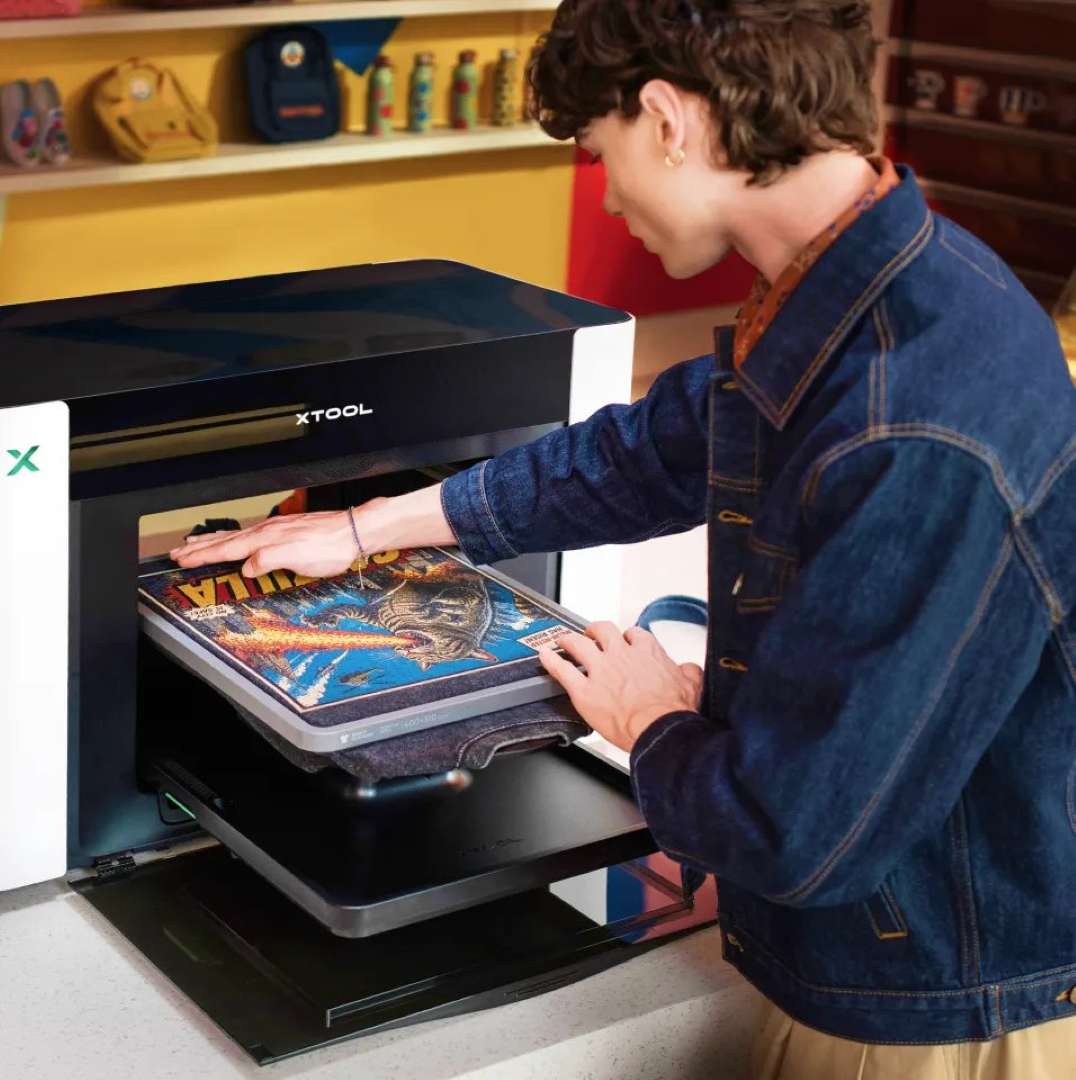
DTG: direct printing
The printer applies ink directly to the fabric, like an inkjet printer on paper. DTG gives a consistent result on fabrics with a high cotton content, because its fibres absorb ink well. The working area of the garment platen is 300 × 390 mm. Dark garments require a white underbase and a white ink pretreatment solution, while light ones require a colour ink pretreatment solution. Both solutions are included. Heat fixing is required. A heat press such as the xTool WonderPress is suitable for this.
DTF: printing on film
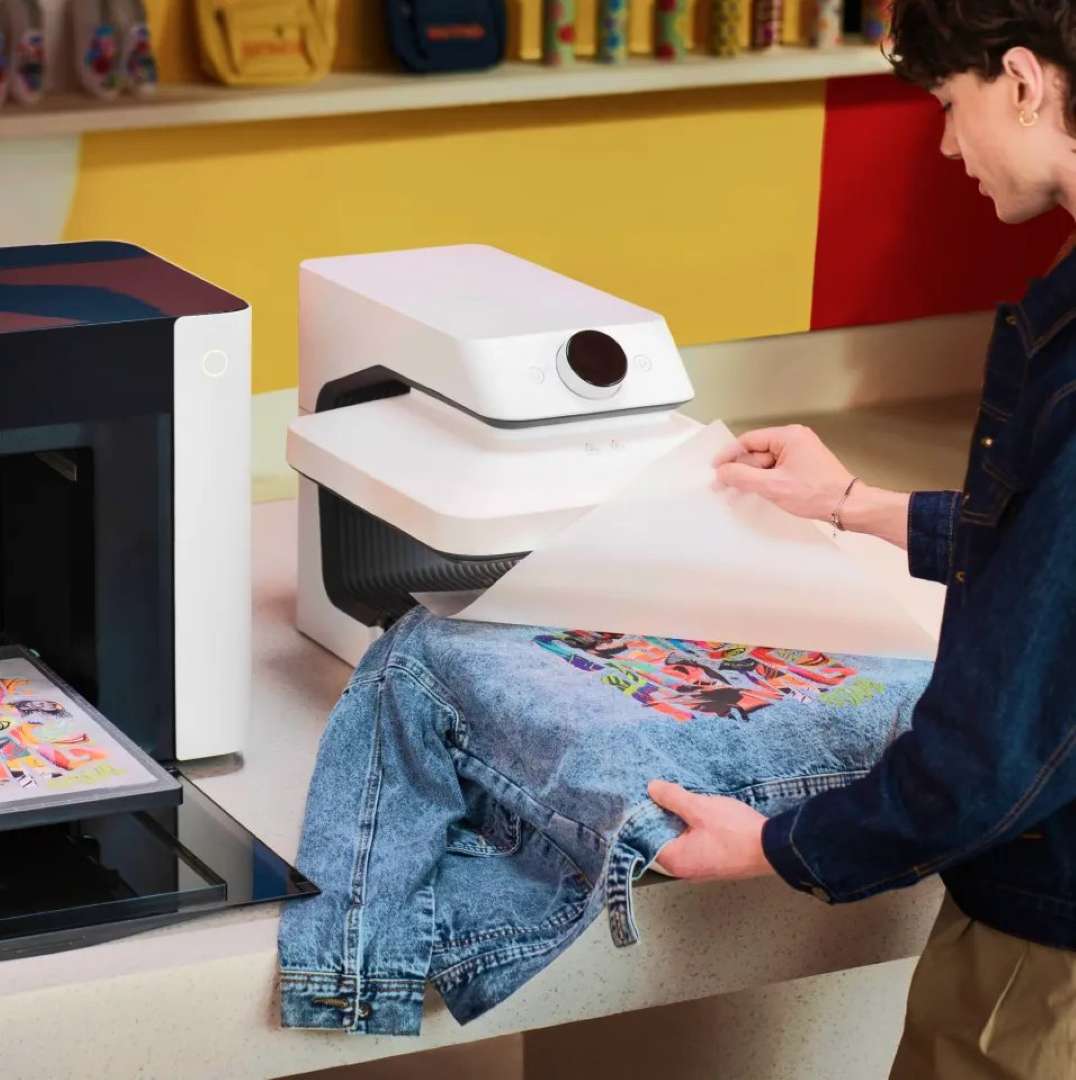
In DTF mode, the design is printed on film, coated with adhesive powder and cured. A separate heat press then transfers it to the item; this heat press is not included. The transfer adheres to fabric, shoes and caps. Transfers can be prepared in advance.
Effects: embossing, lenticular printing, foil
Flat printing gives no tactile effect. Embossing is created by applying ink in layers. The texture is chosen from a library of over 2,000 textures in the software. The lenticular effect changes the image depending on the viewing angle. Channel V is a 3-in-1 varnish: matte, gloss and foil effect. Spot varnish highlights individual details, and spot colour is assigned exactly where it is needed.
Foil requires the xTool LM1 laminator. Gold and silver are available, as well as a holographic effect. The laminator works with materials up to 8 mm thick and is an optional accessory. This version does not print fluorescent colours.
Accessories for rolls and cylinders
A flat bed limits the format and shape of the item. Additional accessories remove this limitation. None of them is included.
Roll printing
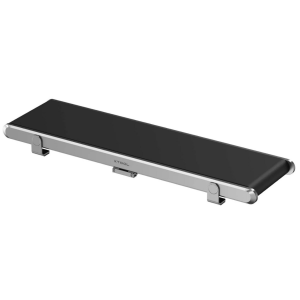
The xTool RF1 roll feeder together with the LM1 laminator prints up to 15 m of seamless UV DTF transfers. This format is suitable for stickers and labels. For canvas and adhesive vinyl, the length of a continuous print reaches 11.8 m. Printing runs continuously.
Rotary printing
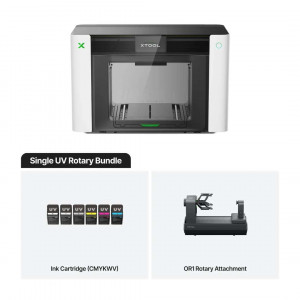
The xTool OR1 rotary attachment prints on tumblers and mugs. Cups and jewellery are also available. The attachment supports over 90% of tumblers and mugs. The software creates a 1:1 digital copy of the cup with its shape, surface details and existing logos. The artwork is placed on the copy and viewed from any angle before printing. There is no need to guess the placement. Do not apply UV printing to surfaces that come into direct contact with food or drink.
Pixel-Scan™: printing without manual alignment
Manually aligning the artwork takes time before every print. Pixel-Scan™ combines laser scanning of the entire area with CIS imaging. The system captures real 1:1 object data without camera distortion. The resolution of this computer vision system is 1440 × 1200 dpi. The artwork stays aligned from the centre to the edge: you place the item and print.
Complex shapes require a precise outline. The 1-Click Smart Mask function recognises the outline of the item and cuts out the print area. This gives full edge-to-edge coverage, for example on phone cases. Thick and dark items are harder to see in the scan. Place a plain light-coloured sheet under them on the adhesive mat. A patterned background interferes with recognition.
Colour reproduction and fine text
Artwork with logos and text demands predictable colour and crisp fine detail.
Colour accuracy
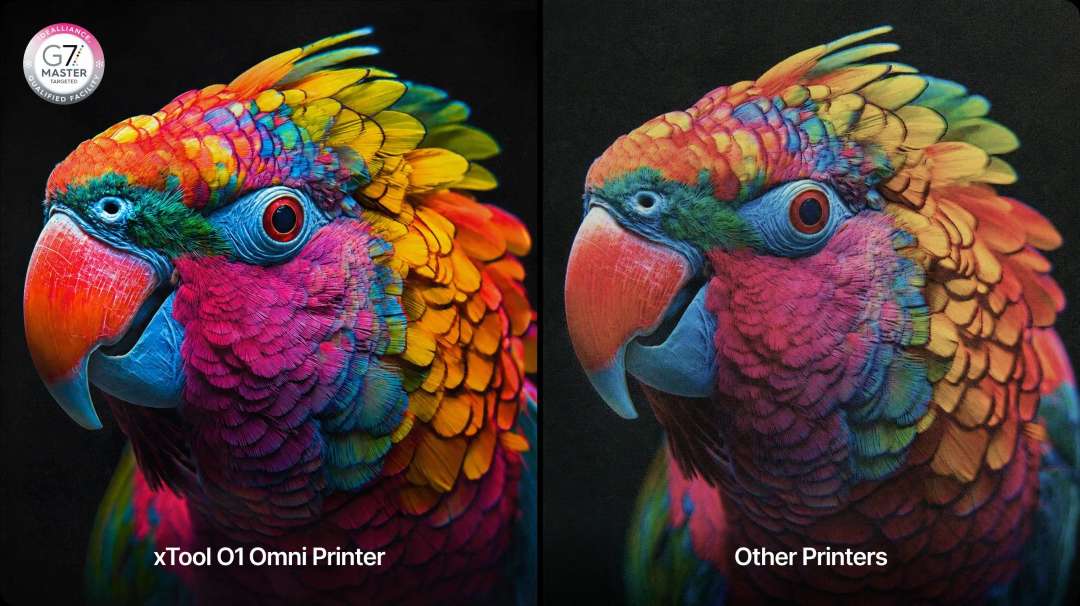
Custom ICC profiles and smart algorithms match the ink colours to the screen according to G7 standards. The colour matches the artwork. No guesswork about shades remains.
Fine text
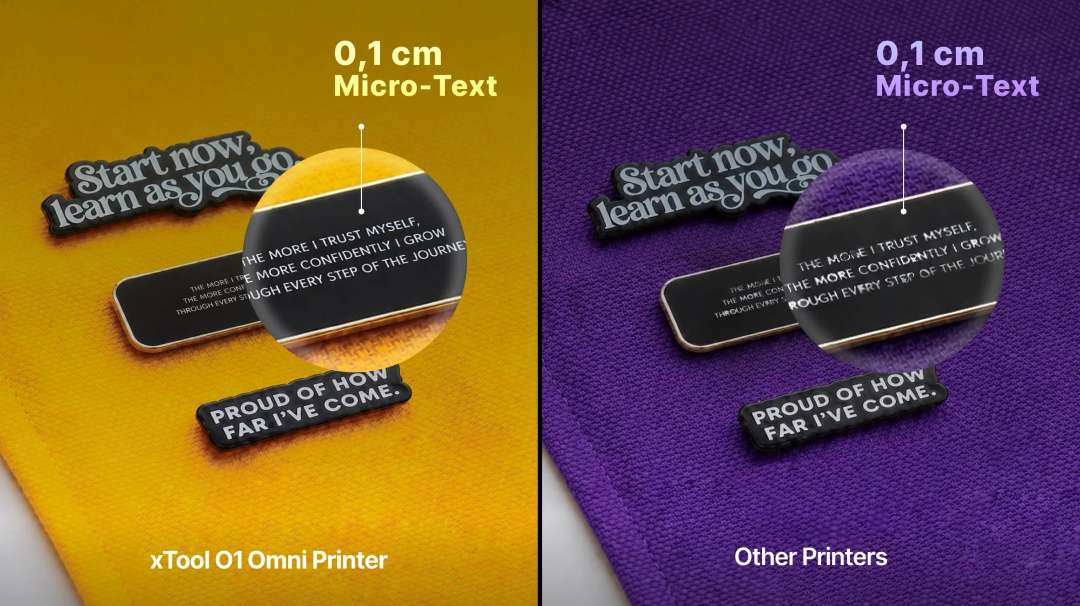
Intelligent RIP software and motion control algorithms place ink droplets precisely. The print delivers crisp text and small graphic elements.
Colour durability
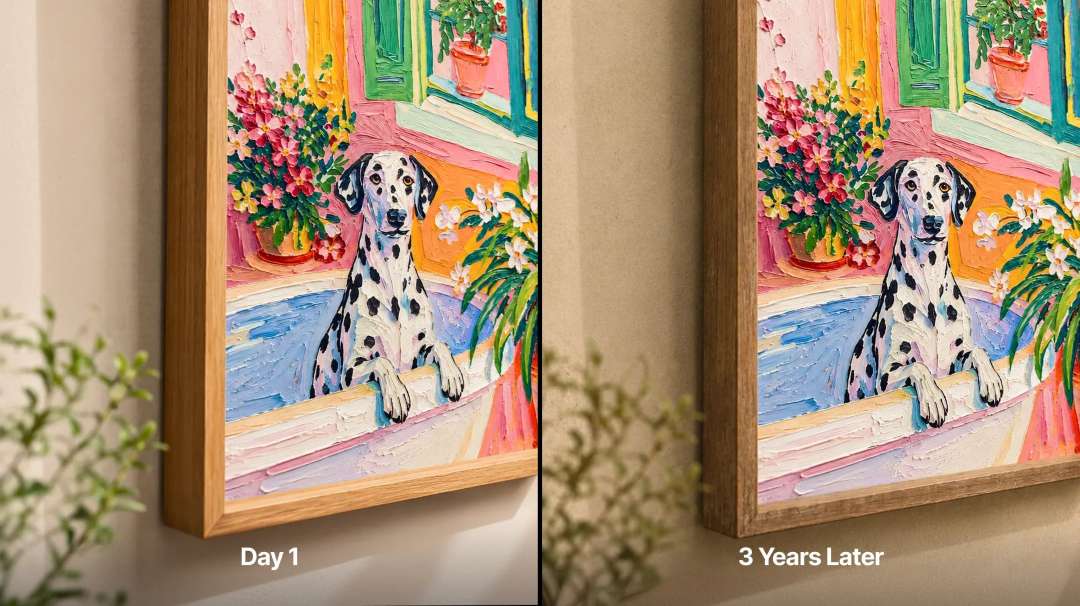
Long-lasting inks are resistant to fading. They are designed to keep colours vivid over time.
Software and AI design generators
Artwork preparation and printer control are concentrated in a single piece of software. The printer works with the official xTool software for macOS and Windows. It is free, but some functions may be paid. Third-party RIP programs are not supported.
AI-based generators
On the Atomm platform, the AI Style Generator turns an uploaded image into stained glass or embroidery. An oil painting style is also available. In the Playful Template Generator, you edit names and locations in a ready-made template. Colours and icons can also be changed, and the artwork is sent straight to print. Text & Image Splitter automatically separates text from graphics so that you can rewrite text, change fonts and rearrange elements.
Floating 3D
This function turns any image into a glasses-free 3D effect. AI automatically cuts out the object, and a real-time preview helps you adjust the scene. The print settings are already built in: one click is all it takes.
Working together with lasers
The O1 and an xTool laser are connected at the same time in one piece of software. A single design is split into parts: the O1 prints the colours, and the laser cuts the outline. No switching between applications or fine-tuning of alignment is needed.
SmartCycle™ 2.0: printhead care
Idle time risks the ink drying in the printheads. The printer has no power switch: it stays on so that automatic maintenance can run. For a long break, switch on the moisturising mode in the software. Leave the power on.
Protection during idle periods
The ink dampers switch to moisturising fluid. Industrial positive-pressure purging clears the fast-drying fabric inks.
White ink
White ink contains TiO₂ pigment, which settles when at rest. Automatic stirring and circulation keep the ink moving and reduce sediment. The density of the white stays consistent.
On-demand cleaning
Standard cleaning is suitable for everyday care. Deep cleaning is needed for intensive flushing and stubborn clogs. Cleaning and control are available remotely through the app. The ink pad is replaced approximately every three months under normal conditions.
Ink filling
Ink is supplied manually with an extractor: the pump is pulled until ink appears. This saves about 40% of ink per filling cycle. Manual filling also fills the printhead faster than the automatic system.
Ink heating for consistent printing
A cold room changes the viscosity of the inks. A ceramic heater maintains 30 °C for UV inks and 25 °C for DT inks. The heater stabilises the supply. This reduces blurred edges and ink misting.
Ink temperature directly affects print quality. Above approximately 35 °C, droplets land inaccurately and edges become blurred. At around 15 °C and below, the ink thickens: colours become lighter, and banding, doubled outlines and nozzle clogging appear. Keep the printer within the recommended range of conditions.
Air purification and ink safety
Working indoors requires air purification. A dual-channel system with a HEPA filter and a carbon filter removes up to 96.4% of volatile organic compounds (TVOC) and helps capture fine particles. Keep the lid closed. With the lid open, efficiency drops and some odours escape. For enhanced purification, a compatible xTool air purifier is recommended.
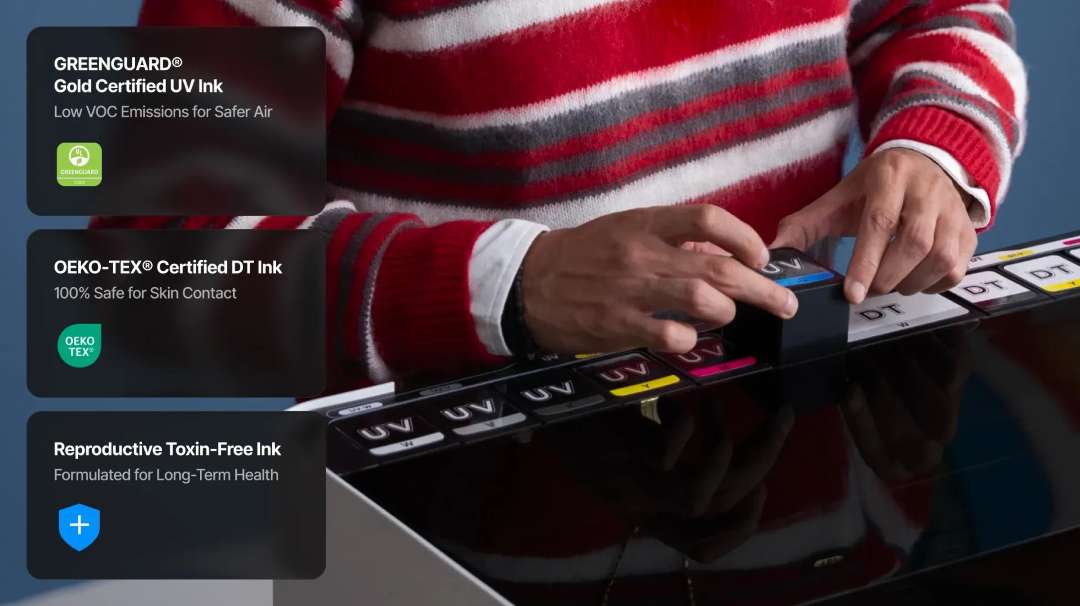
The inks are eco-friendly and contain no reprotoxic substances. The UV inks are GREENGUARD® Gold certified for cleaner indoor air. The DT fabric inks are OEKO-TEX® certified, confirming that garments are safe for the skin.
Calibration during first start-up
Positioning accuracy depends on the setup performed during first start-up. Initialisation detects and adjusts the positioning, height measurement, scanning and printing parameters. Completing this step correctly is critical for reliable print quality.
Recalibration is usually not needed. It may be required after the printer has been knocked or moved abnormally. The following signs indicate the need:
- Base: uneven or tilted.
- Height: incorrect measurement.
- Alignment: poor match between print and scan.
- Positioning: reduced accuracy.
Carry out recalibration only on the instructions of xTool technical support. Interfering on your own may upset the parameters that ensure positioning accuracy.
Applications
The xTool O1 Omni DT+UV Standalone is used wherever an item needs colour, texture and precise positioning.
- Clothing and merchandise: the 300 × 390 mm DTG bed prints directly on cotton, while DTF film is transferred onto fabric, shoes and caps.
- Tumblers and mugs: the OR1 attachment and the 1:1 digital copy of the cup let you check logo placement before printing; the attachment supports over 90% of such items.
- Stickers and labels: the RF1 roll feeder with the LM1 laminator produces UV DTF transfers as a continuous strip up to 15 m long.
- Canvas and vinyl: roll printing gives a continuous print up to 11.8 m long for paintings and adhesive graphics.
- Acrylic signs and souvenirs: a white underbase allows printing on dark and transparent acrylic, and the embossed layer reaches 7 mm.
- Phone cases and items of complex shape: Smart Mask recognises the outline and cuts out the print area for full coverage, while the vision system captures object data at 1:1 scale.
- Premium packaging and gifts: the laminator adds gold and silver foil, as well as a holographic effect, to materials up to 8 mm thick.
Compatible accessories and attachments
- xTool RF1 roll feeder: continuous printing on roll materials.
- xTool OR1 rotary attachment: printing on tumblers, mugs, cups and jewellery.
- xTool LM1 laminator: UV DTF lamination and foil application.
- xTool WonderPress: a smart automatic heat press and craft oven; suitable for fixing DTG prints.
You do not need to buy all the accessories: they are chosen according to your tasks. For flat rigid items, no attachment is needed.
What's in the box?
- xTool O1 Omni printer
- Standard base
- Standard adhesive mat
- Mini base
- Mini adhesive mat
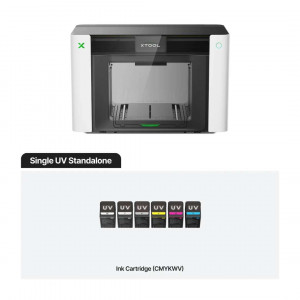
- Ink cartridge
- Waste ink cartridge
- UV moisturising fluid cartridge
- DT moisturising fluid cartridge
- Garment tray
- Spray bottle, 2 pcs
- Pretreatment solution for light garments
- Pretreatment solution for dark garments
- USB cable
- Power cable
- Filter
- Ink tube plug, 4 pcs
- Ink scraper (spare), 2 pcs
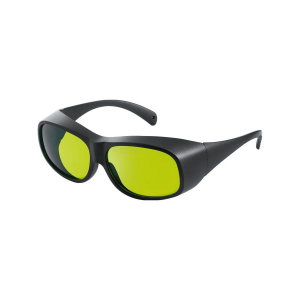
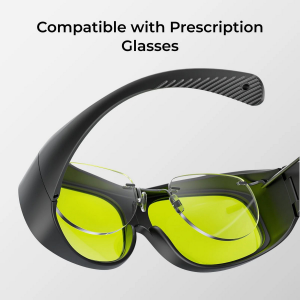
- Safety glasses
- Nitrile gloves
- Screwdriver
- Tweezers
- Ink-absorbing foam, 4 pcs
- Lubricant
- Exhaust tube
- Fridge magnet, 3 pcs
- Ink extractor, 18 pcs (4 spare)
- Cotton swab
- Printhead cleaner
- Quick start guide
- Short guide
- Safety instructions
Technical specifications
Printing module
| Parameter | Value |
| Printhead | Epson F1080 × 2 |
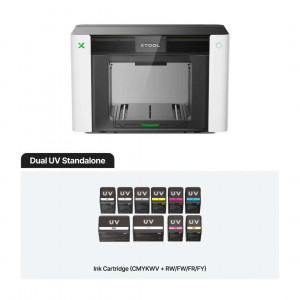
| Ink channels | UV: CMYKWV; fabric: CMYKWW; V = 3-in-1 varnish: matte, gloss and foil effect |
| Ink capacity | Standard inks: 125 ml; high-capacity white ink: 290 ml |
Materials and effects
| Parameter | Value |
| Intended for | Makers who need to print on both garments and rigid items |
| Applicable materials | Rigid materials and fabrics: acrylic, wood, metal, cotton, polyester, etc. |
| Fluorescent colour printing | ✕ |
| Making UV DTF stickers / transfers / decals | ✓ Laminator required |
| Embossed print height | 7 mm |
Printing and positioning
| Parameter | Value |
| Print resolution | 720 × 1440 dpi |
| Computer vision system resolution | 1440 × 1200 dpi |
| Positioning accuracy | ±0.2 mm |
Safety, maintenance and software
| Parameter | Value |
| Safety and certification | Inks free of reprotoxic substances; GREENGUARD® Gold certified UV inks; OEKO-TEX® certified DT fabric inks |
| Automatic maintenance | Automatic stirring of white ink; automatic circulation of white ink; automatic protection of the printhead against drying out |
| Supported software | macOS, Windows |
| Remote control | Remote cleaning and control through the app |
Working area and dimensions
| Parameter | Value |
| Working area | Standard print bed: 330 × 122 mm; large print bed: 330 × 420 mm; DTG platen: 300 × 390 mm |
| Product weight | 41.12 kg |
| Device dimensions (main unit only) | 714 × 374 × 468.5 mm |
Why buy the xTool O1 Omni DT+UV Standalone from EXPERT3D?
EXPERT3D has been supplying professional 3D equipment since 2012. Our specialists advise you before purchase and help you choose the xTool O1 Omni DT+UV Standalone configuration for your tasks. As an official xTool representative, we guarantee 100% authenticity, a fair price, authorised service and an official warranty. We deliver across Spain and EU countries. After purchase, we provide service support. Order original spare parts and consumables on the website: we will promptly deliver everything so that your equipment does not stand idle.