- Stock: In Stock
- Product code: 920372000001160210
- Weight Brutto: 22.00kg
- SKU: P0101000117

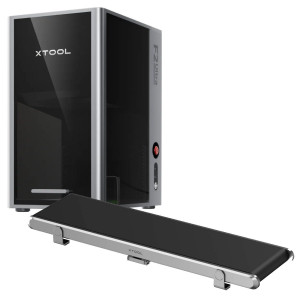
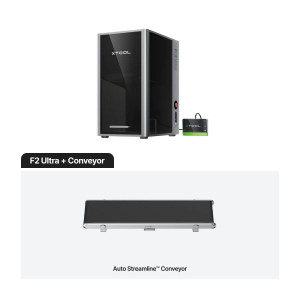
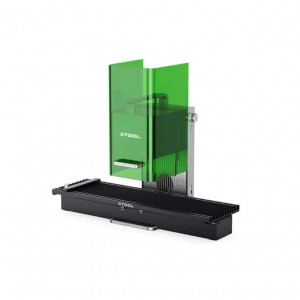
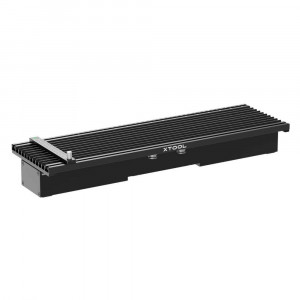
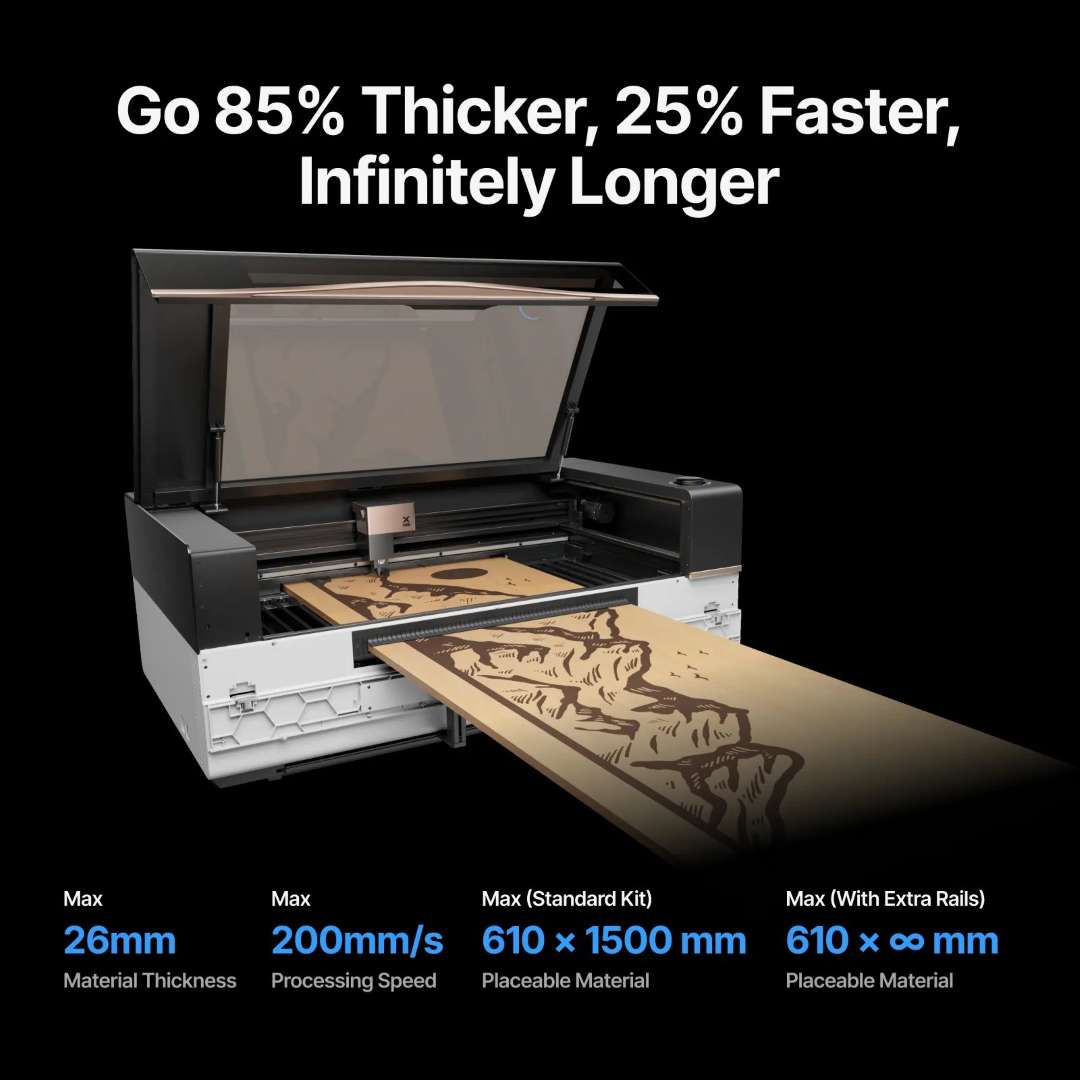
The xTool P3 Automatic Conveyor Feeder is a pass-through accessory designed exclusively for the xTool P3 laser machine. It enables fully automated feeding and processing of materials up to 26 mm thick and 610 mm wide at speeds up to 200 mm/s. The standard kit delivers a processable area of 610 × 1300 mm — a 111% increase over the xTool P2S — while optional extension rails unlock truly unlimited material length for large-format signage, furniture components, and continuous batch production.
| Max. Wood Thickness | 26 mm |
|---|---|
| Max. Processing Speed | 200 mm/s (160 mm/s under heavy loads) |
| Max. Processable Width | 610 mm |
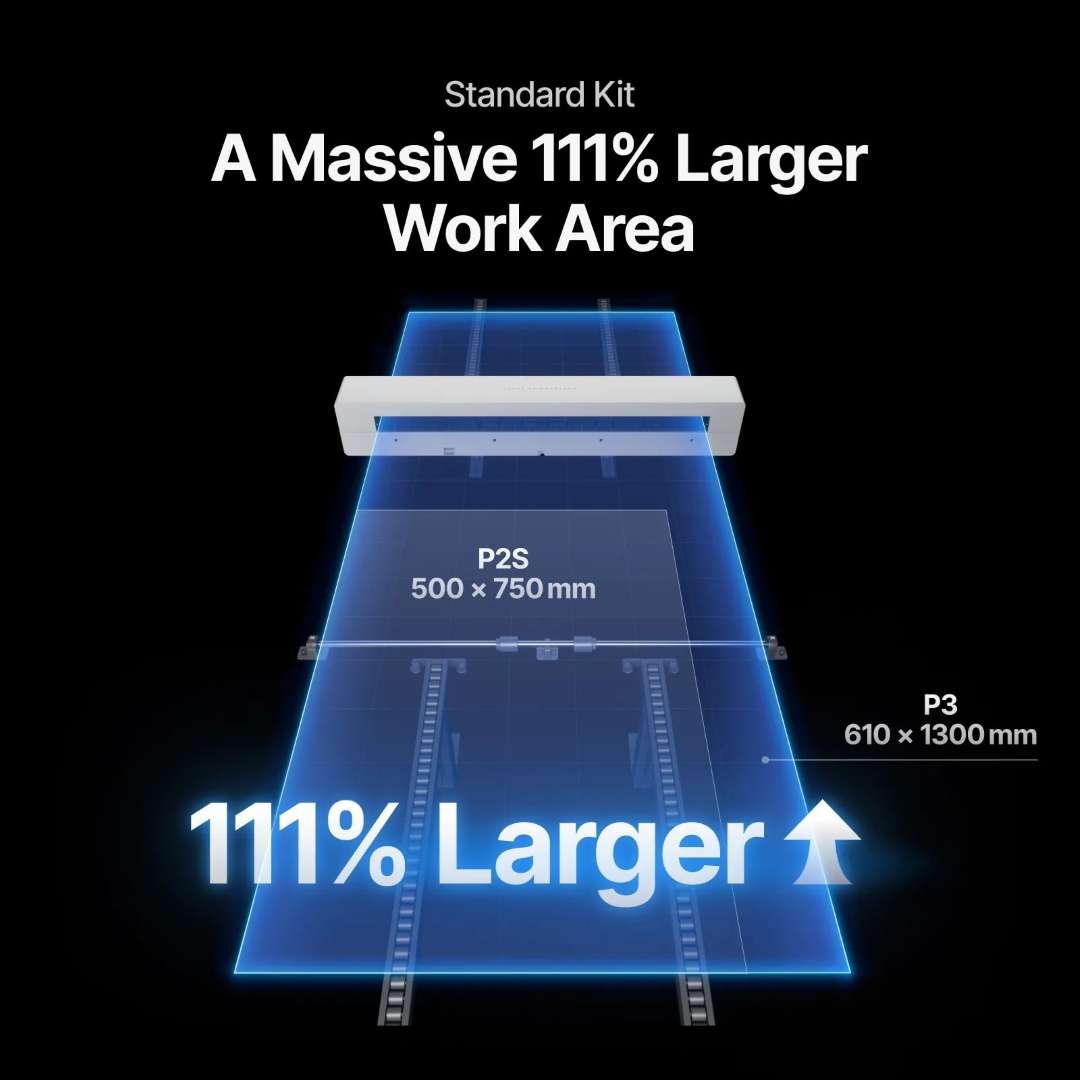
| Work Area vs. xTool P2S | 111% larger (610 × 1300 mm vs. 500 × 750 mm) |
The feeder processes long wooden boards in a single continuous pass — no manual repositioning, no guesswork, no production interruptions.
A Massive 111% Larger Work Area with 3-Axis X+Y+U Control
The standard kit unlocks a processable area of 610 × 1300 mm — 111% larger than the xTool P2S work area of 500 × 750 mm. The gain comes from a three-axis (X+Y+U) motion system: the U-axis drives material longitudinally through the machine while the native X-Y gantry processes successive sections. The result is zero edge waste on width and a continuous seam-free output across any material length.
Need to go further? Each additional rail set extends placeable material length — from the standard 1500 mm up to 2200 mm, 2900 mm, or 3600 mm. The All-in-One Kit removes the length limit entirely.
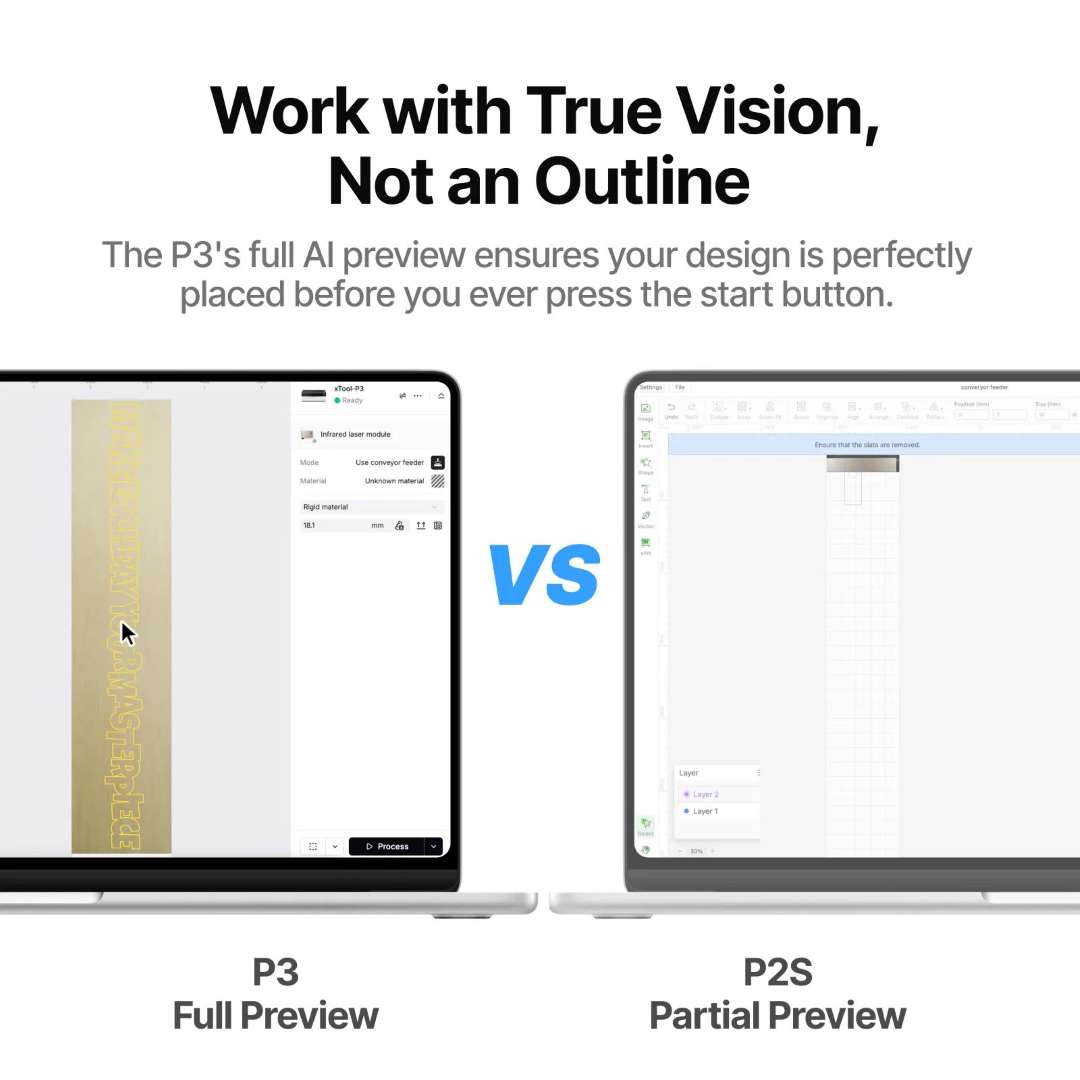
Full AI Seamless Tiling Preview — Work with True Vision, Not an Outline
The P3's onboard camera captures the entire material surface in high resolution. The AI algorithm stitches these images into a single, accurate full-material preview inside xTool software — so you see exactly where every element will be engraved or cut before pressing start. There is no bounding-box guesswork, no partial outline, no trial run needed.
The contrast with the xTool P2S is clear: P3 delivers a full-length colour preview of the actual material surface, while P2S shows only a partial approximation that requires experience to interpret correctly on long workpieces.
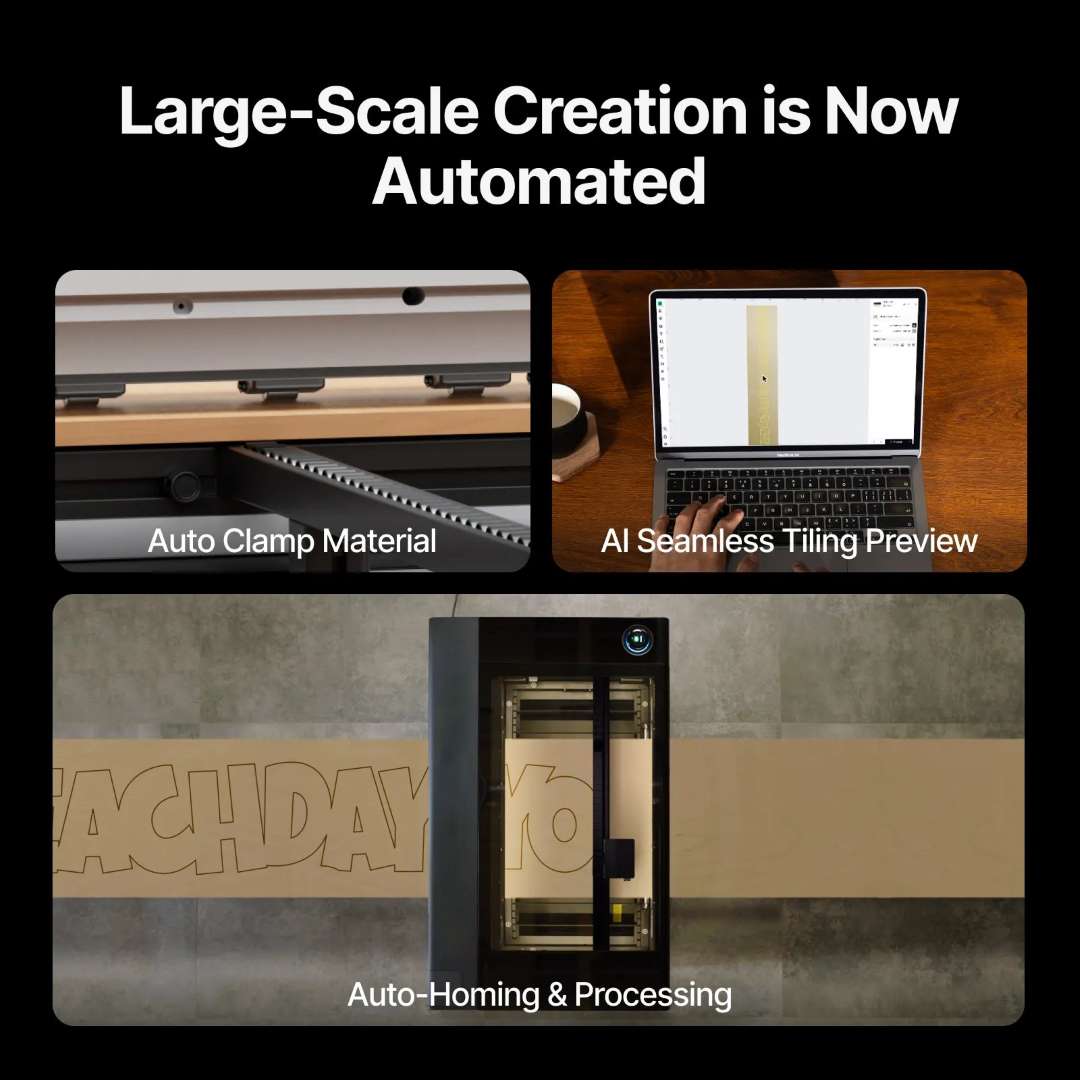
Three Automation Pillars: Auto Clamp, Auto Home, Auto Process
Large-scale creation is now fully automated. The feeder combines three intelligent subsystems that eliminate manual intervention at every stage of the workflow:
- AI Seamless Tiling Preview — camera-based full-material preview via AI image stitching, ensuring perfect design placement across any material length without guesswork.
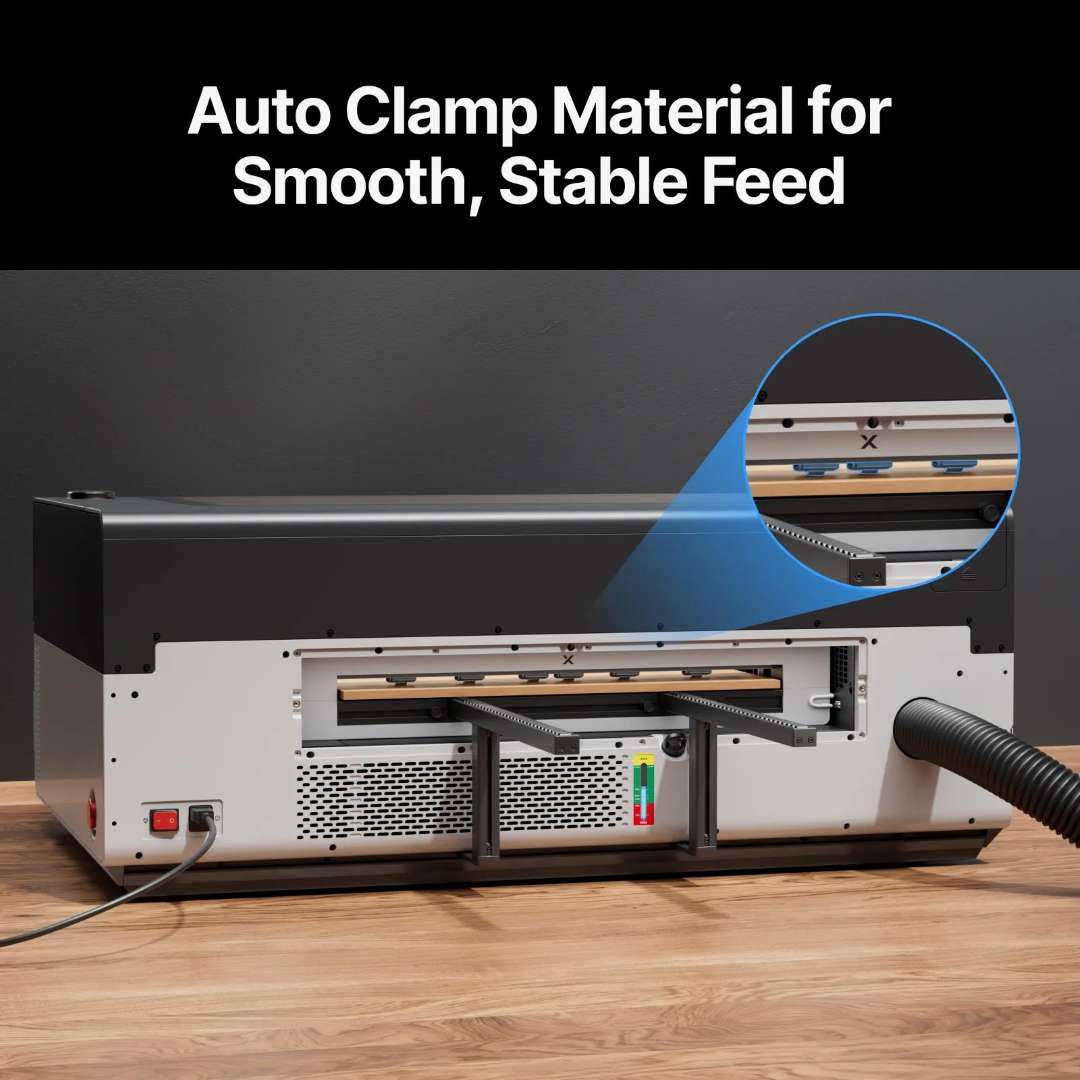
- Auto Clamp Material — the system reads material thickness and automatically applies the correct roller pressure via a full roller design, preventing slip throughout the entire feed cycle.
- Auto Homing & Processing — once the job is confirmed, the feeder autonomously positions the material, initiates the laser pass, and advances between tiles without any manual input until completion.
Pressure Level Selection: Rigid vs. Flexible
Two pressure modes are selectable in xTool software. Rigid Level is the default for hard materials — wood, acrylic, and fiberboard — and delivers maximum feed stability. Flexible Level is designed for soft materials (felt, EVA, corkwood, leather) and must be selected before the background image is captured. For soft materials thinner than 6 mm, adhering them to a 6 mm wooden board and setting the pressure to Rigid ensures consistent, deformation-free feeding.
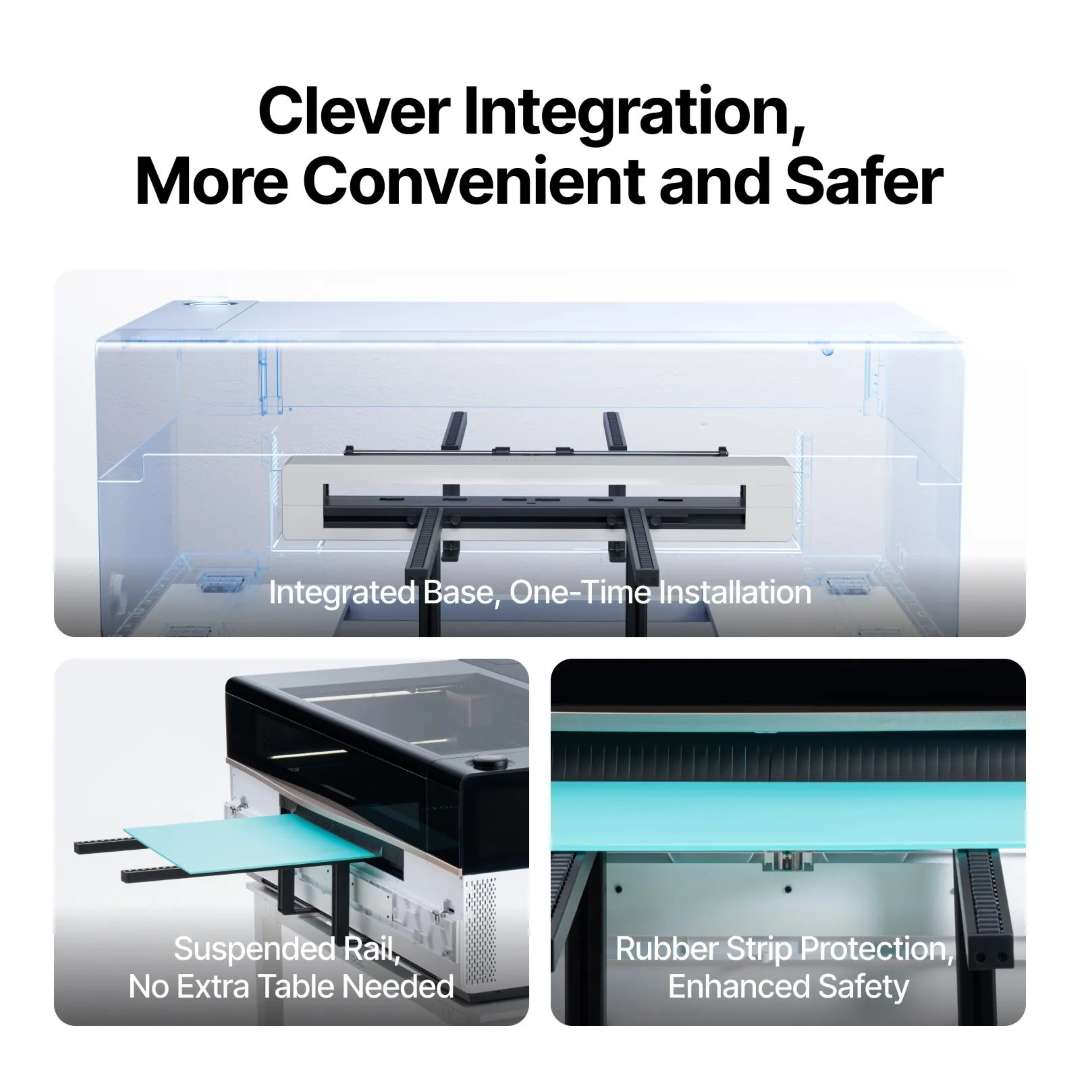
Clever Integration: Convenient, Space-Saving, and Safer
The feeder mounts to the rear of the P3 in a one-time installation. Once fitted, it never obstructs the original work area — no setup or teardown before each job, always ready for use.
The suspended rail design supports materials up to 1500 mm in length without any additional table or stand, covering approximately 80% of typical daily production tasks. This eliminates costly auxiliary furniture and avoids the need to lift the machine. Rubber strip seals along the feed slot actively reduce laser radiation and smoke leakage, creating a measurably safer and healthier workspace environment.
Watch the xTool P3 Automatic Conveyor Feeder in action — unboxing and a complete workflow demonstration:
Applications
The feeder transforms the xTool P3 into a production-grade pass-through laser system suited for a wide range of professional and craft applications:
- Batch processing — repeated patterns on multiple workpieces fed automatically in sequence: signage runs, decorative panels, and mass-production items.
- Extended engraving and cutting — wood planks, acrylic sheets, leather strips, and textile rolls longer than the standard P3 work area, processed without manual repositioning.
- Large-format design — furniture elements, wall panels, event signage, and architectural decorative pieces requiring seamless multi-tile joins.

Technical Specifications of xTool P3 Automatic Conveyor Feeder
Workflow & Intelligence
| Material Preview | Entire Material Preview |
|---|---|
| Feed Material to the Start Position | Auto Feed |
| Clamp Material | Auto Clamp |
| Auto Passthrough | Yes |
Processing Performance
| Max. Processable Width | 610 mm |
|---|---|
| Max. Processable Length | Unlimited |
| Max. Processable Material Length (Standard Kit) | 1300 mm |
| Max. Speed | 200 mm/s (160 mm/s under heavy loads) |
| Tail-end Material Waste | 200 mm |
Capacity
| Max. Placeable Material Width | 610 mm |
|---|---|
| Min. Placeable Material Width | 101.6 mm |
| Max. Placeable Wood Thickness | 26 mm |
| Max. Placeable Acrylic Thickness | 20 mm |
| Supported Materials (Hard) | Wood, Acrylic, Fiberboard |
| Supported Materials (Soft) | Felt, EVA, Corkwood, Leather |
| Max. Material Length (Standard Kit) | 1500 mm |
| Max. Placeable Material Length (with 1 extra rail set) | 2200 mm |
| Max. Placeable Material Length (with 2 extra rail sets) | 2900 mm |
| Max. Placeable Material Length (with 3 extra rail sets) | 3600 mm |
Design & Convenience
| Integrated Design | Yes |
|---|---|
| Suspended Rail Design | Yes |
| Rubber Strip Protection Design | Yes |
| Dimensions | 760 × 100 × 114 mm |
| Weight | 8.73 kg |
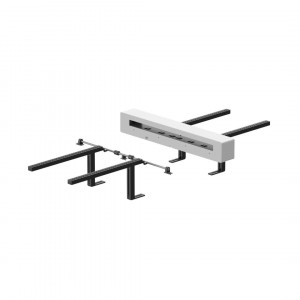
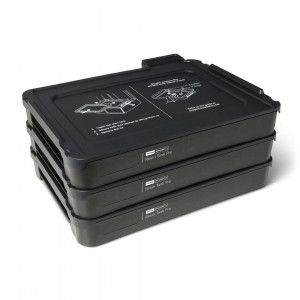
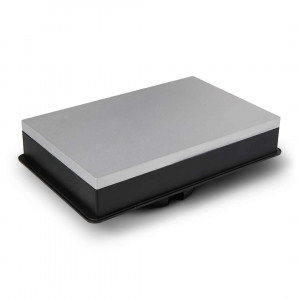
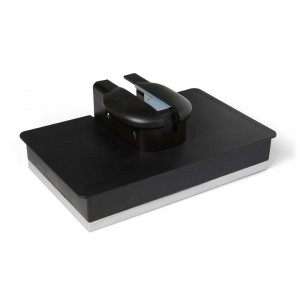
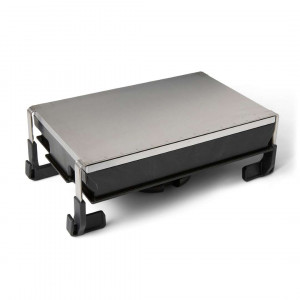
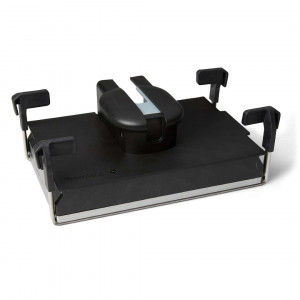
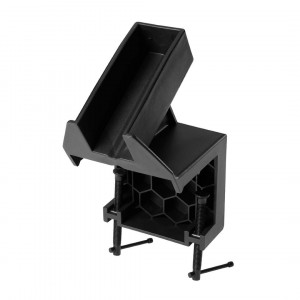
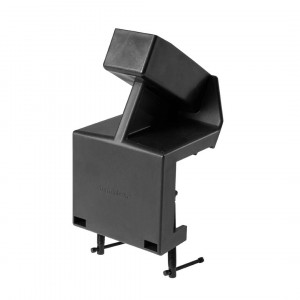
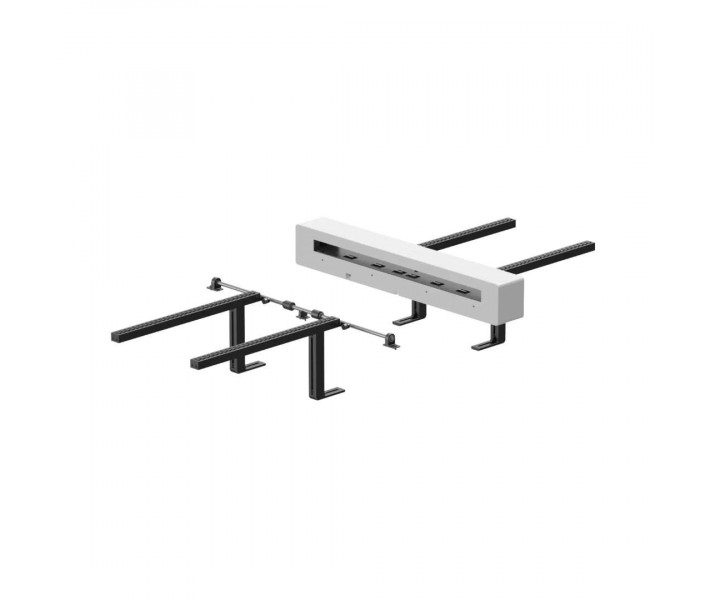
The complete hardware configuration — conveyor feeder module with front and rear rails, support bases, and adjustable rollers — assembled and ready for installation.
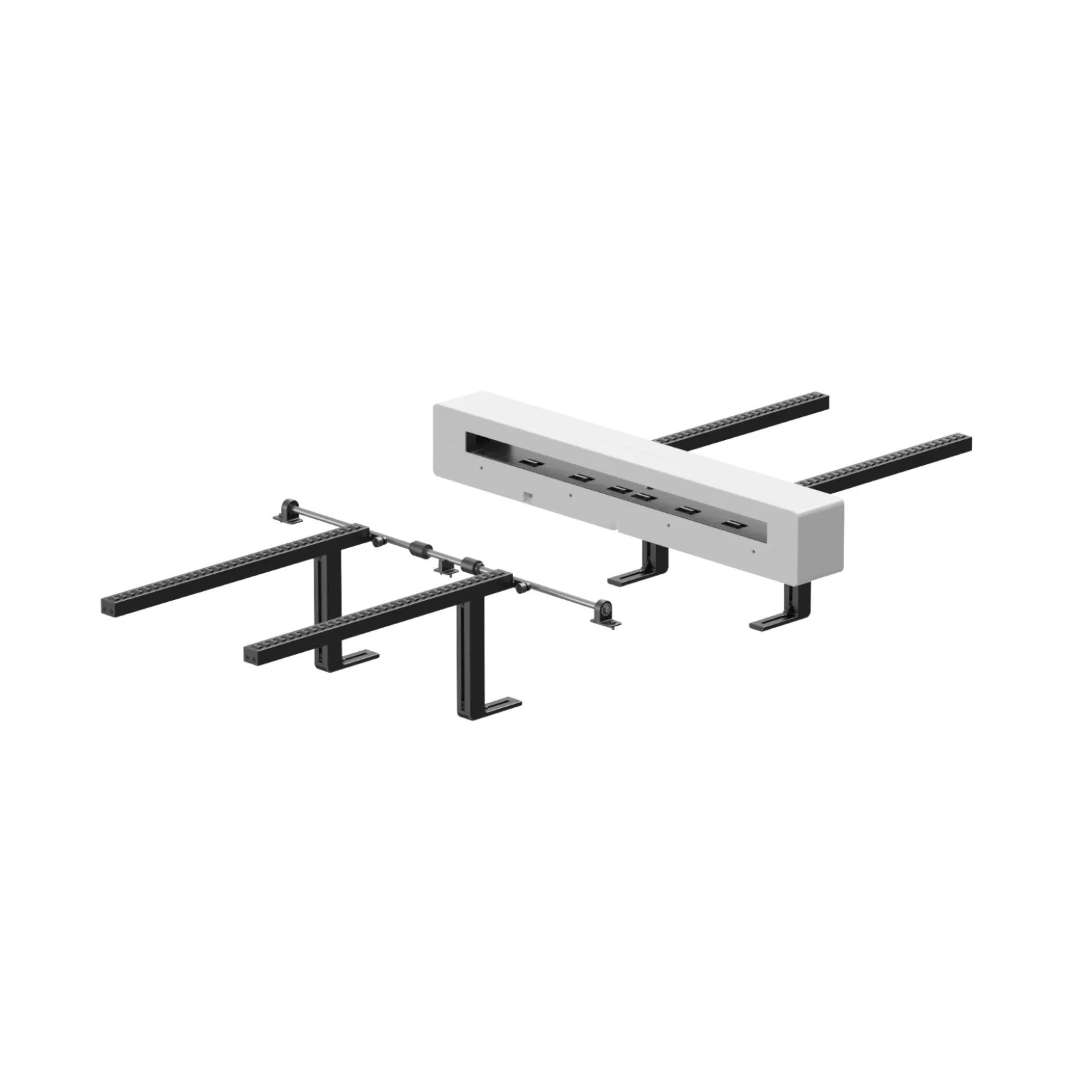
What's in the Box
- xTool P3 Automatic Conveyor Feeder module
- Front and rear conveyor rails
- Support bases
- Adjustable rollers
- Quick Start Guide (multi-language)
How to Use the xTool P3 Automatic Conveyor Feeder
Process long or batch materials through the xTool P3 in four automated steps — from material placement to finished output.
Step 1: Place Material
Position the material so its leading edge rests on the support base. Adjust the conveyor rails to match the material width, ensuring even pressure across both pinch rollers. The protruding length at the leading and trailing ends should be approximately equal for balanced, stable feeding.
Step 2: Scan Material
In xTool software, connect the P3 and select "Use conveyor feeder" mode. Set material type and pressure level (Rigid or Flexible). Enter the material thickness and initiate the background scan — the camera captures the full surface and the AI generates a seamless full-length preview.
Step 3: Place Design
Drag and position your design onto the full-material preview in xTool software. Verify alignment, configure engraving or cutting parameters, and preview the processing path to confirm all elements are within bounds.
Step 4: Auto Processing
Start the job. The feeder automatically clamps the material, homes to the start position, and processes each tile in sequence — advancing the material between passes without any manual intervention until the job is complete.
Is the xTool P3 Automatic Conveyor Feeder compatible with other xTool models?
No. The feeder is designed exclusively for the xTool P3 laser machine and cannot be used with other xTool models, including the P2S. Installation must follow the dedicated xTool P3 user guide.
What is the maximum material thickness the feeder can handle?
The feeder supports wood up to 26 mm thick and acrylic up to 20 mm thick. All materials must have straight edges and a maximum surface deformation of ≤ 4 mm for stable, accurate feeding.
Can I process materials longer than 1500 mm?
Yes. The standard kit places materials up to 1500 mm long. Adding one extra rail set extends this to 2200 mm; two sets reach 2900 mm; three sets reach 3600 mm. The All-in-One Kit removes the length limit entirely.
Does the suspended rail design require an extra table for support?
No. The suspended rail design supports materials up to 1500 mm in length without any additional table or stand beneath the workpiece, covering approximately 80% of typical daily production needs and eliminating the need for costly auxiliary furniture.
What materials are compatible with the xTool P3 Automatic Conveyor Feeder?
Hard materials include wood, acrylic, and fiberboard. Soft materials include felt, EVA foam, corkwood, and leather. Soft materials thinner than 6 mm should be adhered to a 6 mm wooden board and processed at Rigid pressure level for consistent, deformation-free results.
Why Choose EXPERT3D?
EXPERT3D has been a specialist in laser systems and digital fabrication equipment since 2012. Our technical team provides pre-sale consultation, hands-on installation guidance, and post-sale service support. Order with confidence — fast shipping from Valencia, Spain, with expert technical assistance from day one.