

- Stock: In Stock
- Product code: 920372000001975004
- Weight Brutto: 2.00kg

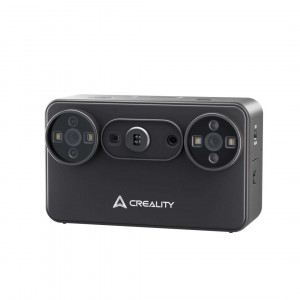
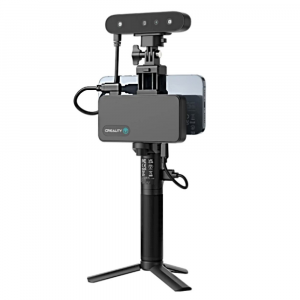
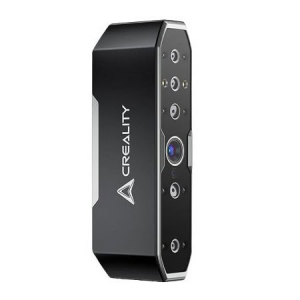
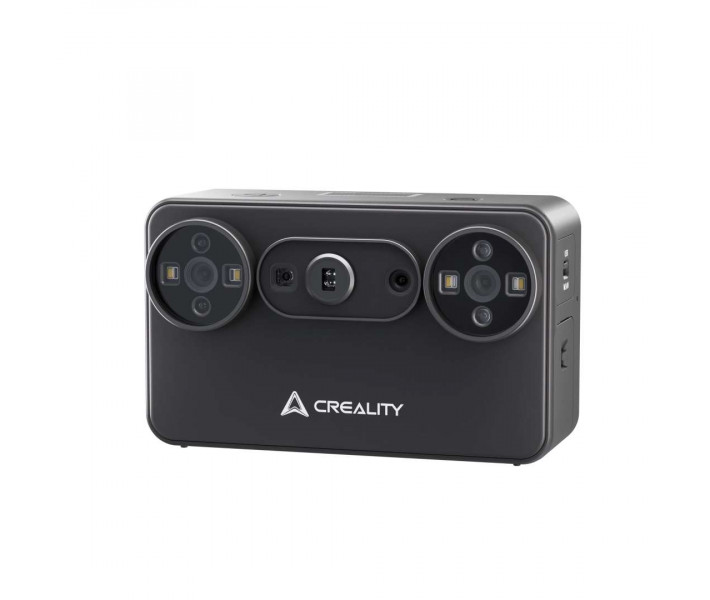
Creality Pika — a handheld 3D scanner in a smartphone-style body that digitises a worn tool part, a figurine or a portrait. Laser mode reproduces fine contours, while structured light captures large objects even outdoors. You point the scanner at the object as you would a smartphone when taking a photo, and the AI functions on a PC take the scan to a finished model.
Key features and benefits
- Accuracy in laser mode: up to 0.03 mm — Seven parallel blue lasers capture fine contours, so a copy of a small part follows its shape faithfully.
- Frame rate on PC (lasers): up to 110 FPS — Capture stays smooth as you move the scanner around the object.
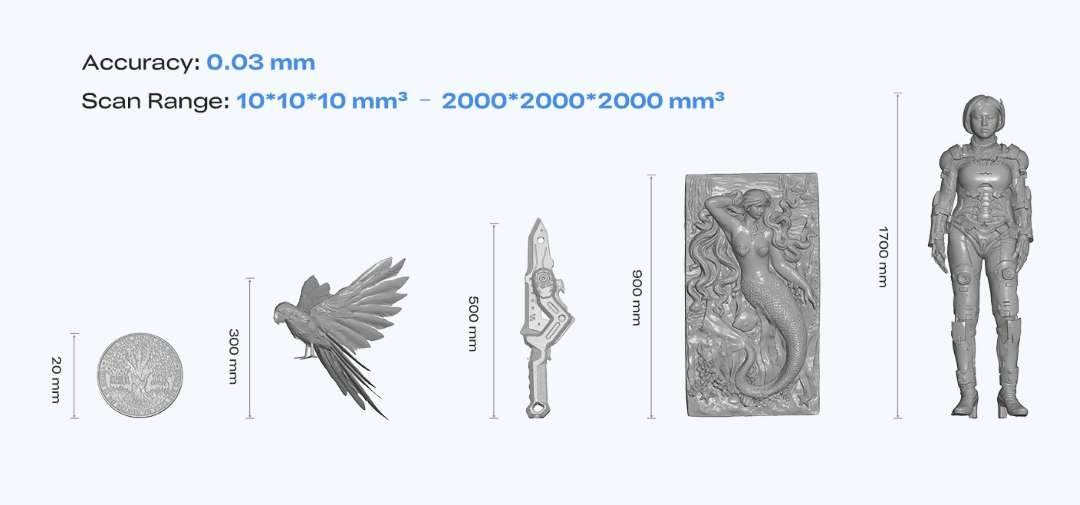
- Object size: from 10 to 2000 mm — Laser mode handles miniatures, while structured light handles large objects, from a coin to a full-length figure.
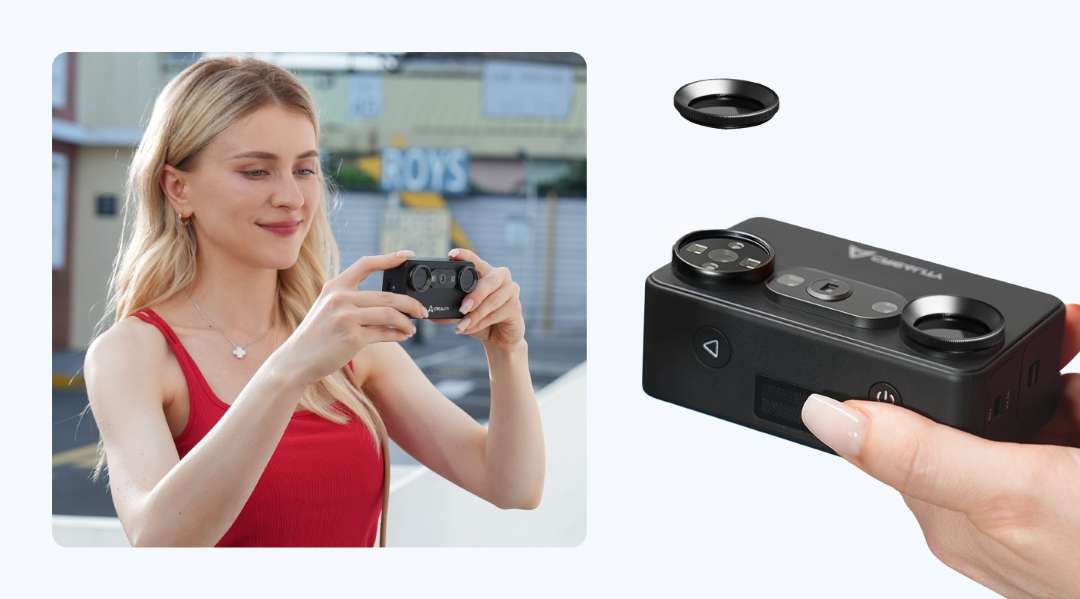
- Removable NIR filter: 2 pcs — The filter reduces the effect of bright light in structured light mode, so you can scan outdoors.
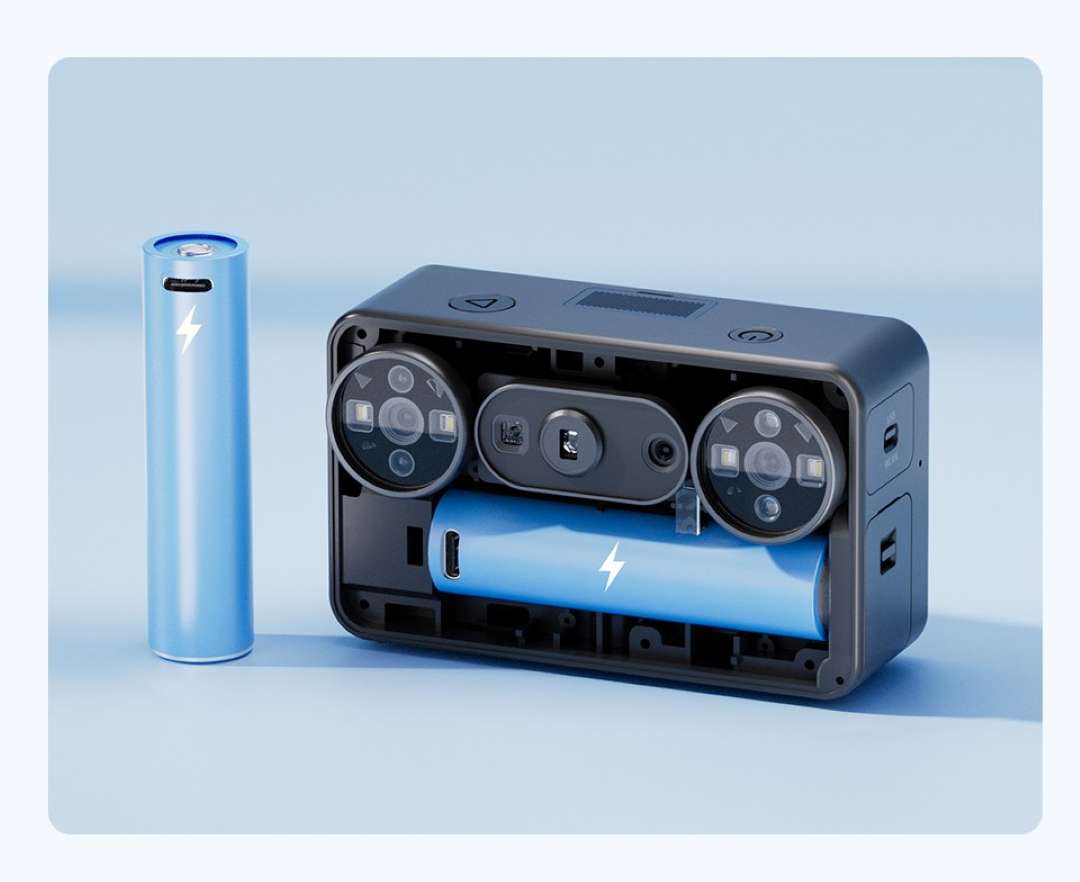
- Batteries: 2 × 3350 mAh — One is in use while the other waits as a spare; one lasts up to 90 min.
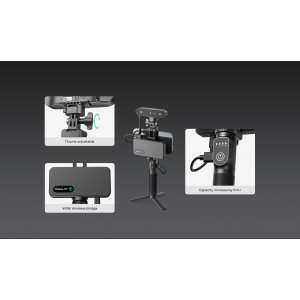
- Connectivity: Wi-Fi 6 and USB 3.0 — The phone and PC connect via Wi-Fi 6, and the PC can also connect by cable, so the scanner works both on the go and at a desk.
Creality Pika has been officially unveiled by the manufacturer.
Creality Pika: a 3D scanner in a smartphone form factor
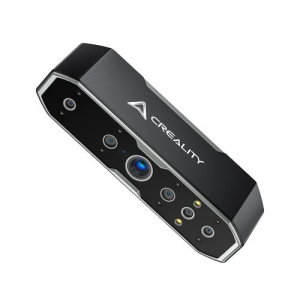
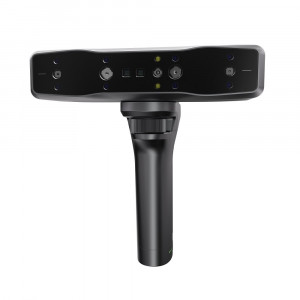
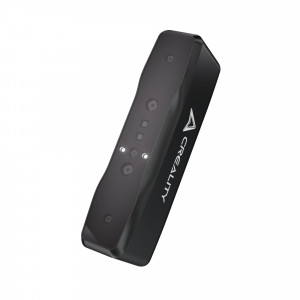
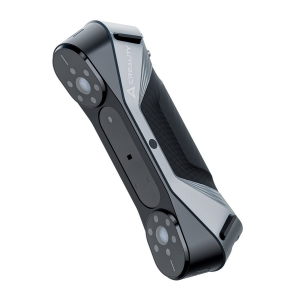
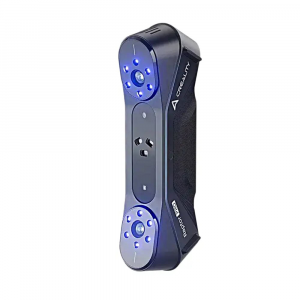
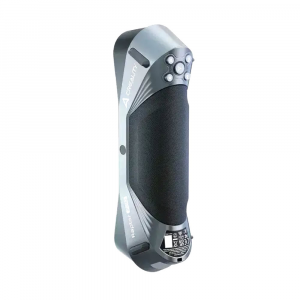
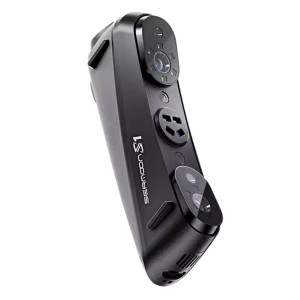
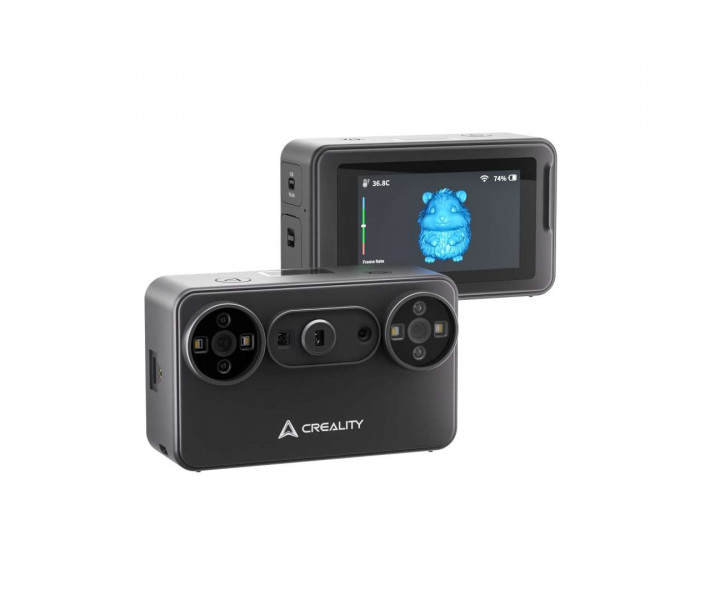
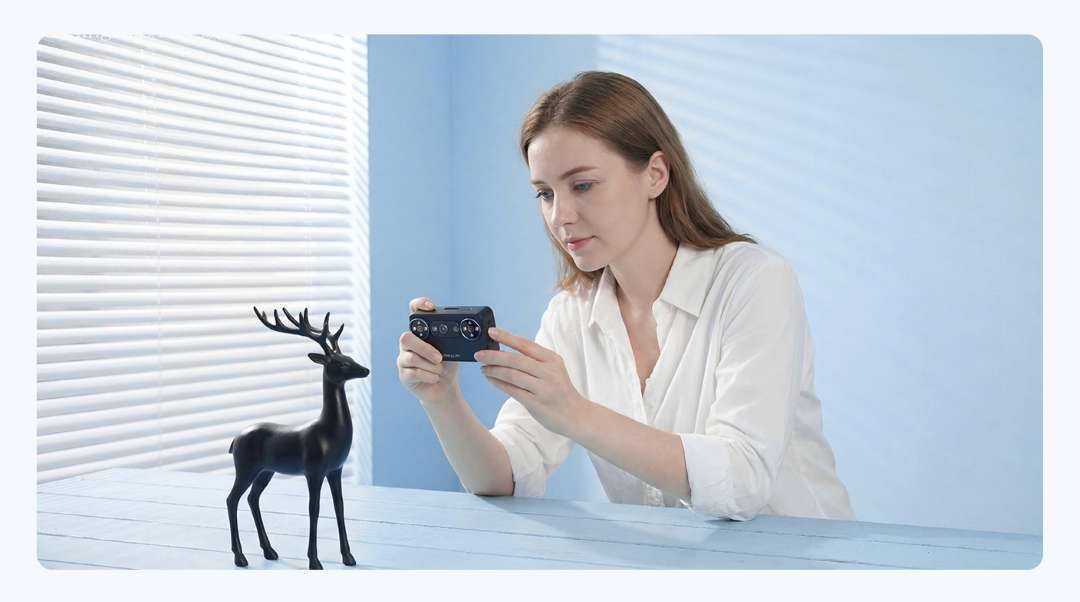
This device brings 3D scanning closer to everyday creative work: you point it at an object as you would a smartphone when taking a photo. On the back is a row of three round modules.

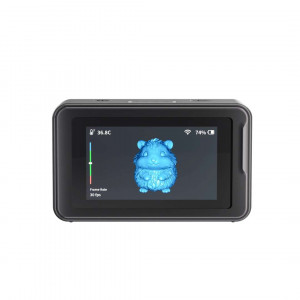
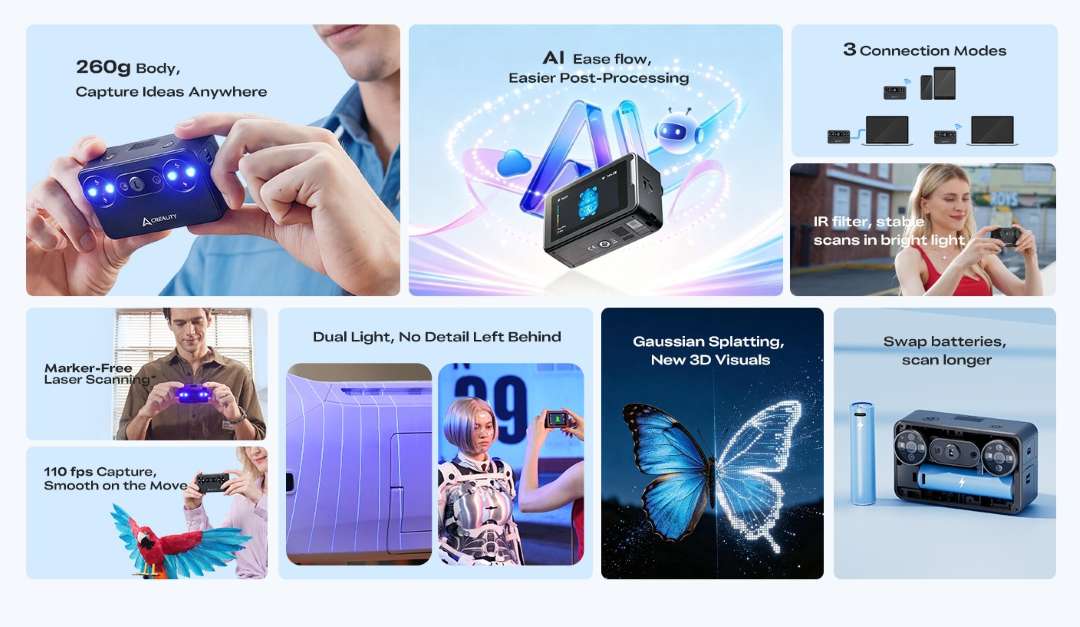
Everything you need is already in the body: a touchscreen, two swappable batteries and three connection modes. Two light sources, laser and structured light, cover both small and large objects.
The scanner goes to the object
The body with two batteries weighs 260 g and fits in the palm of your hand.
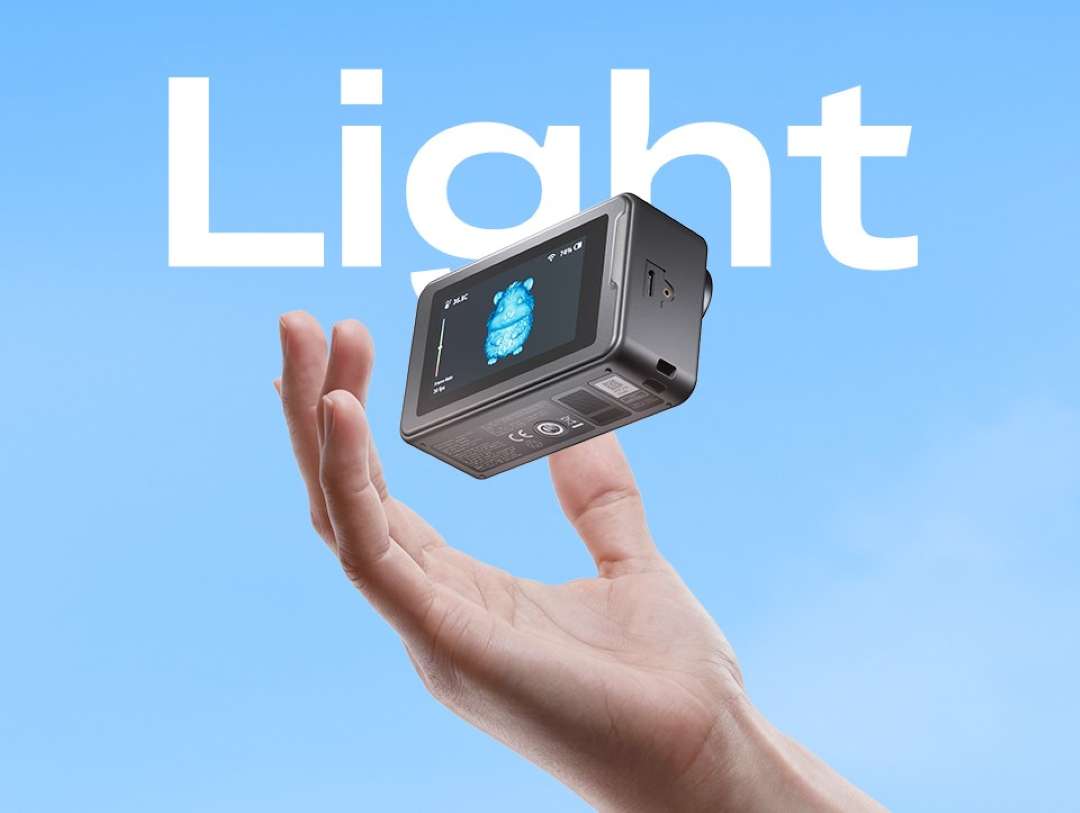
Its dimensions of 100 × 60 × 35 mm let you carry the device in a pocket or a bag. You do not need to take the object to the scanner — the scanner goes to the object.
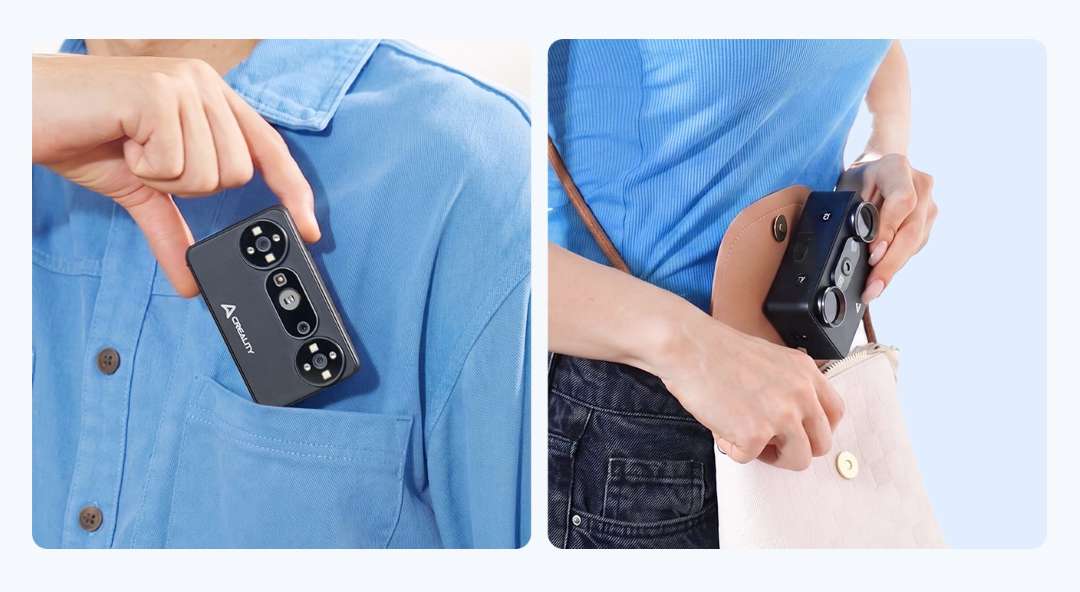
No protective case is included. This is a precision optical device, so it is worth wearing the supplied strap on your wrist.
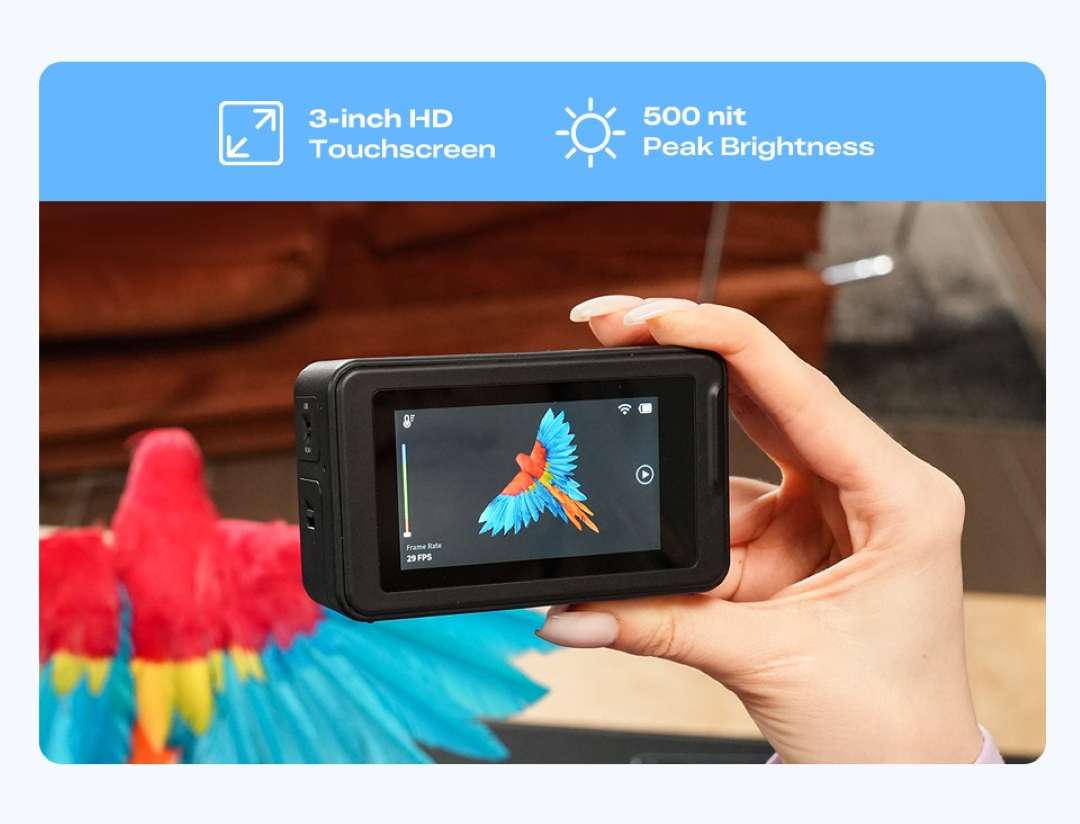
Touchscreen: control in your hand
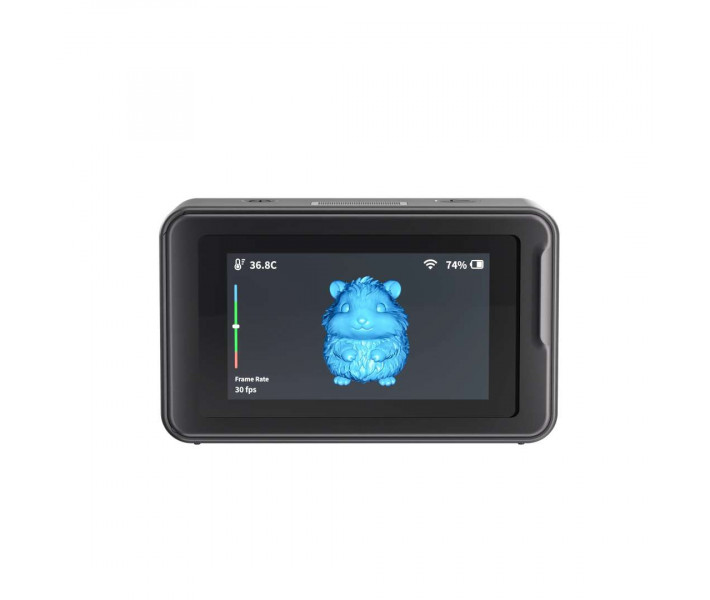
The screen handles scan settings, shows the scanner status and lets you control the device right in your hand.
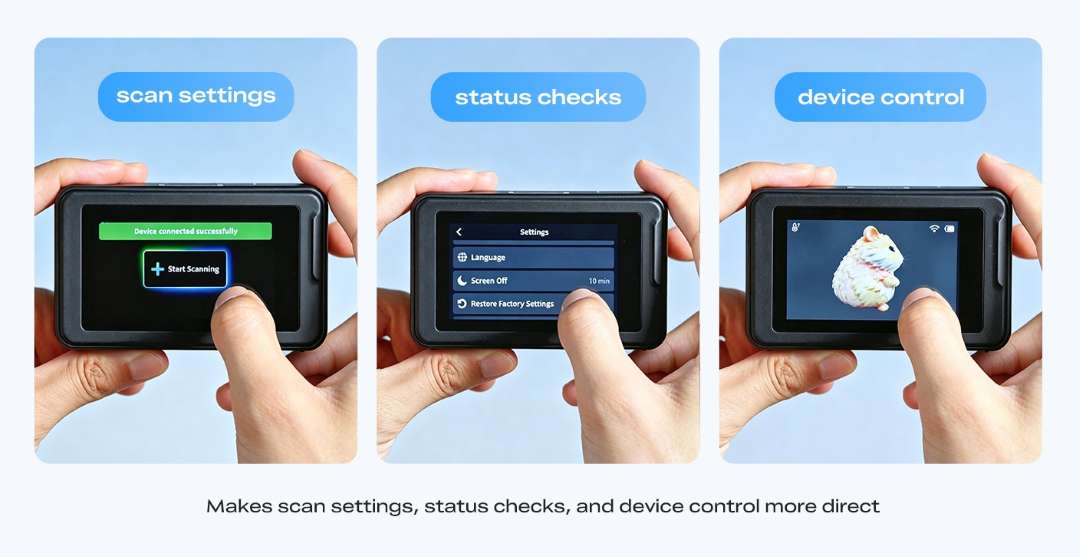
The display is a 3-inch HD panel with a peak brightness of 500 nit. There is one nuance: in wired mode the live preview is shown by the software on the computer, not on the scanner screen.
Connection mode — choose where you work
The scanner only works paired with a phone or a PC: there is no standalone mode, and one device connects at a time. So the connection mode determines where exactly you work.
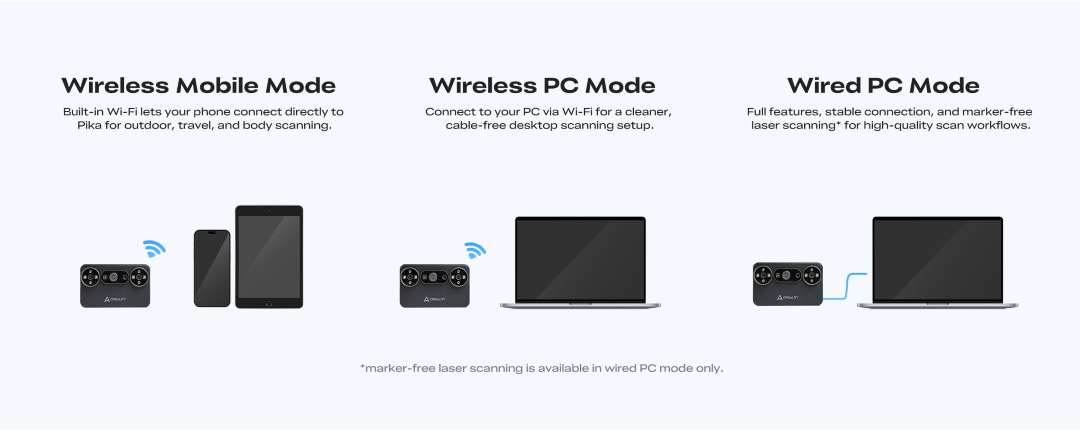
- Wireless mobile: built-in Wi-Fi 6 connects the phone to the scanner directly — for working outdoors and for body scanning.
- Wireless with a PC: Wi-Fi 6 without a cable; keep the scanner within 3 m of the computer.
- Wired with a PC: a stable connection and the full set of functions; markerless laser scanning is available only here.
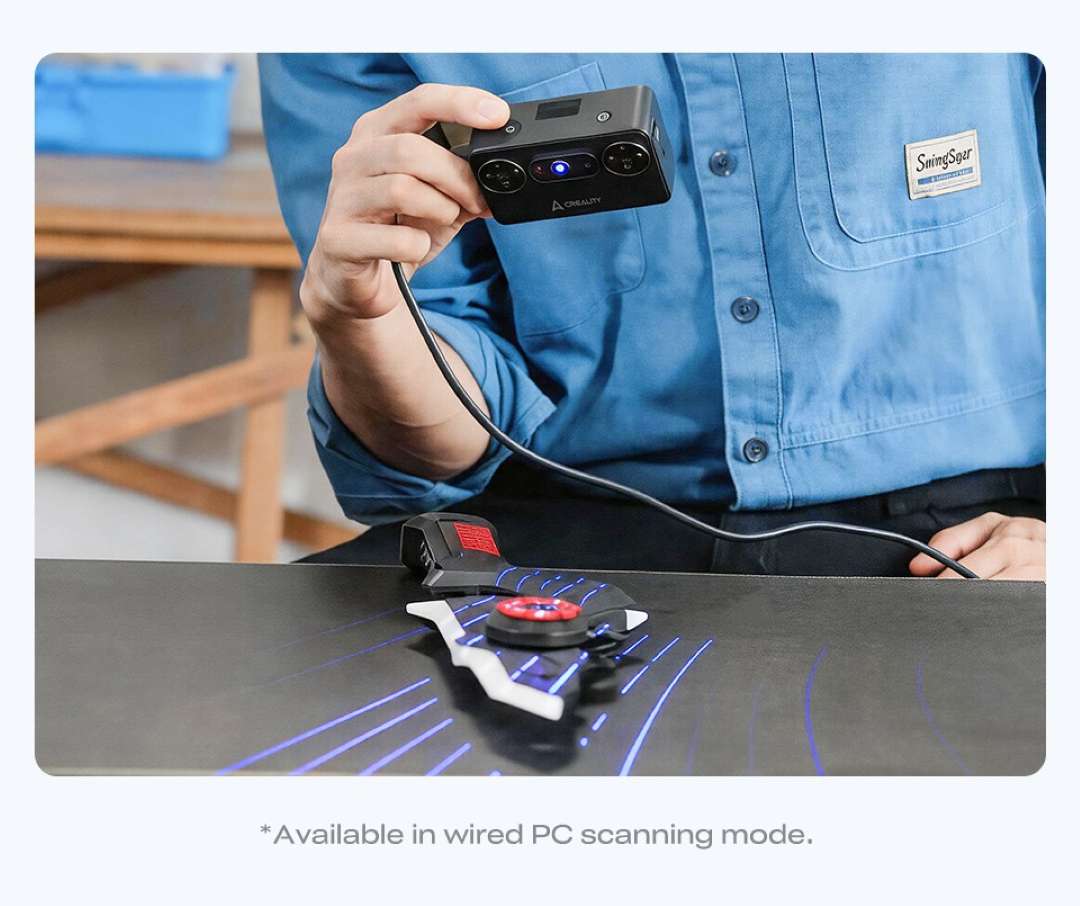
Markerless laser: with a cable only
Markerless laser scanning shortens preparation: capturing the object starts faster. There is one condition — this mode is available only with a wired connection to a PC. Without a cable, the lasers will need markers.
Post-processing: AI takes the scan to a model
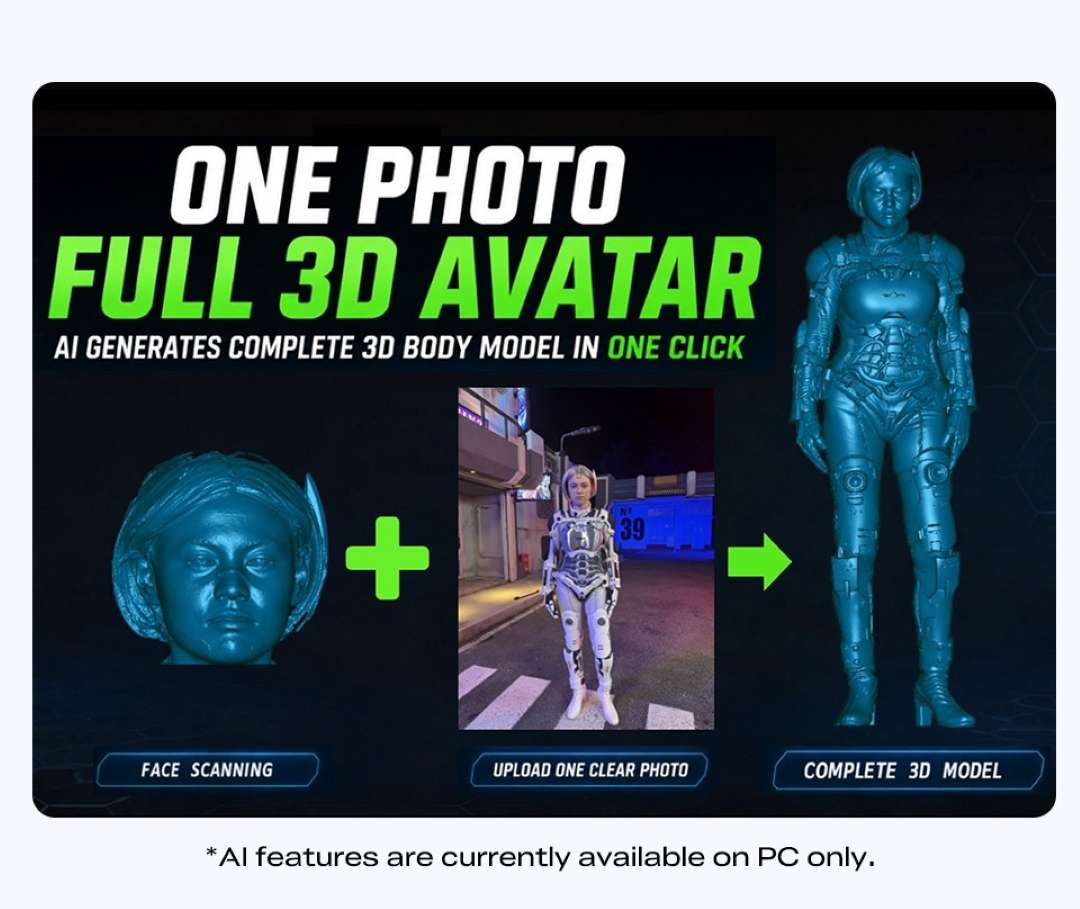
The AI functions of CrealityScan are currently available only on a PC. AI Retexturing applies textures from phone or DSLR photos to the model, after which colours become richer and details sharper.

AI Body Completion builds a full body model from a face scan and body photos: a face scan and one photo produce a 3D avatar. According to the manufacturer, modelling efficiency increases by up to 10×, and a full model can be obtained in as little as 10 s.
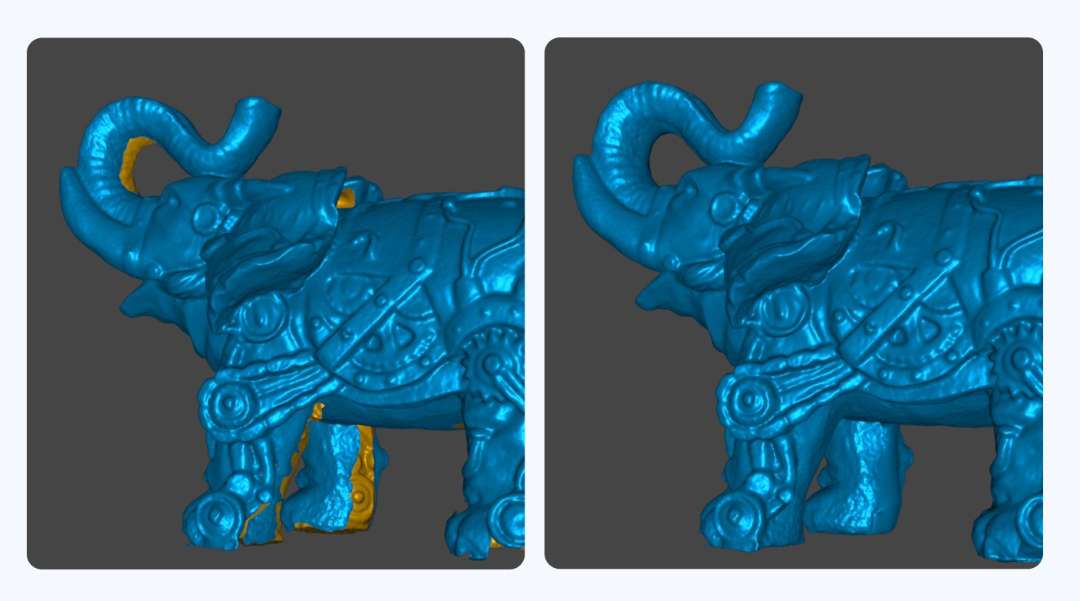
AI Hole Filling finds gaps in an incomplete scan and fills them.
Speed and bright light
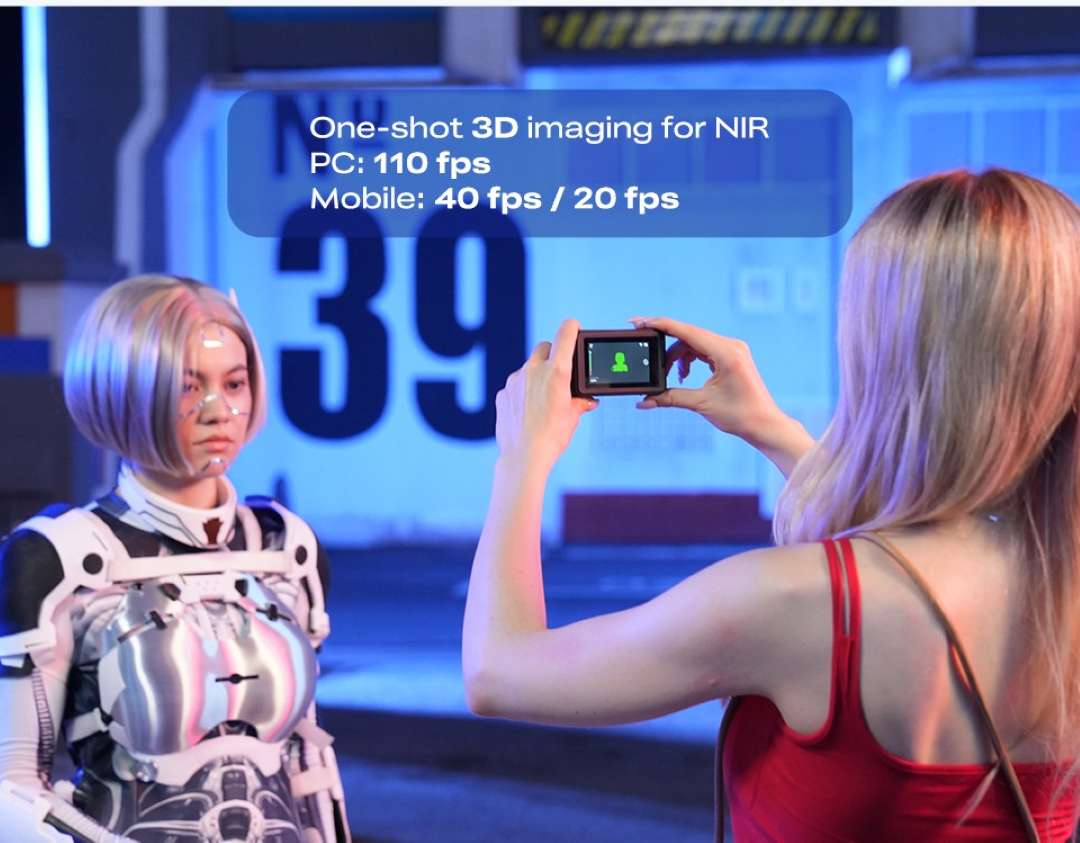
On a PC, laser mode delivers up to 110 FPS, while NIR structured light mode delivers up to 30 FPS. On a phone, this is up to 40 FPS and up to 20 FPS respectively. In NIR mode, a person can be scanned in a single frame.
Outdoors, laser mode works up to 110,000 lux, and NIR with the removable filter works up to 80,000 lux.
Laser mode concentrates energy, so black and dark parts are scanned without sprays.
Power: a spare second battery
Two quick-swap 3350 mAh batteries are included: one is in use, the other is a spare. One lasts up to 90 min. Charging in the device takes about 1.5 h, and separately about 2.5 h.
Dual light, range and accuracy
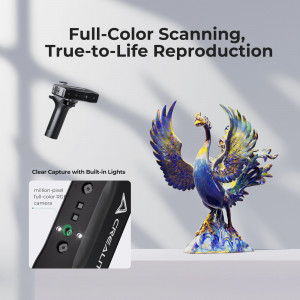
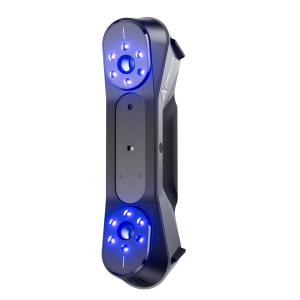
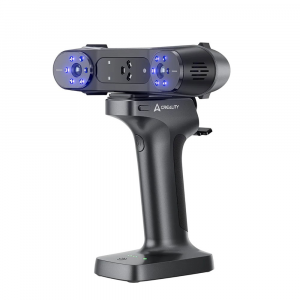
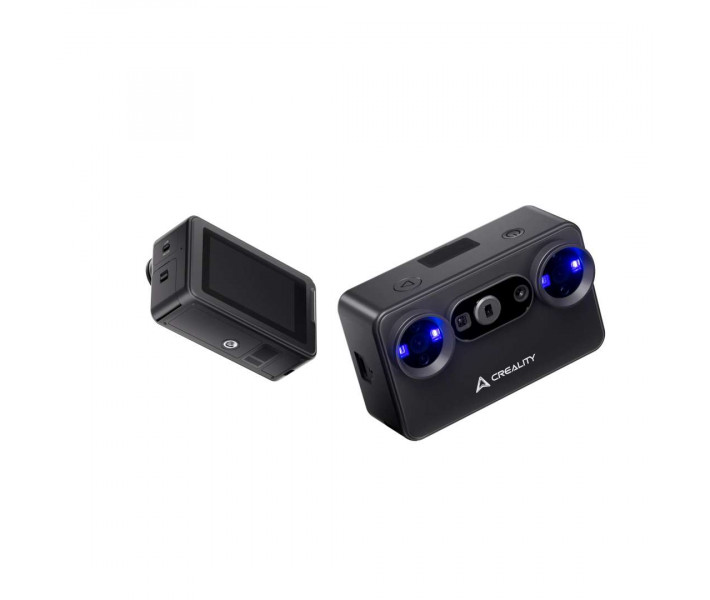
Seven parallel blue lasers capture fine details and complex contours of small objects. NIR structured light supports body scanning and 24-bit full-colour capture.
Accuracy is up to 0.03 mm in laser mode and up to 0.1 mm in NIR mode (under laboratory conditions). Objects from 10 to 2000 mm can be scanned: from a coin to a full-length figure.
From scan to finished copy
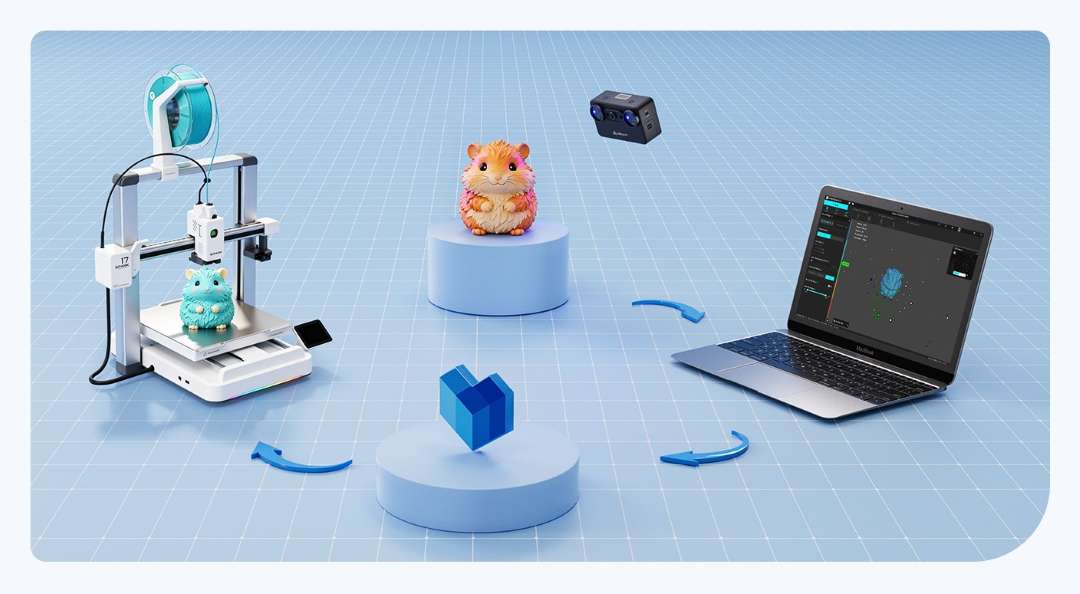
The data goes through a full cycle: the scanner captures a figurine, the software on a laptop processes the data, and a 3D printer reproduces the copy.
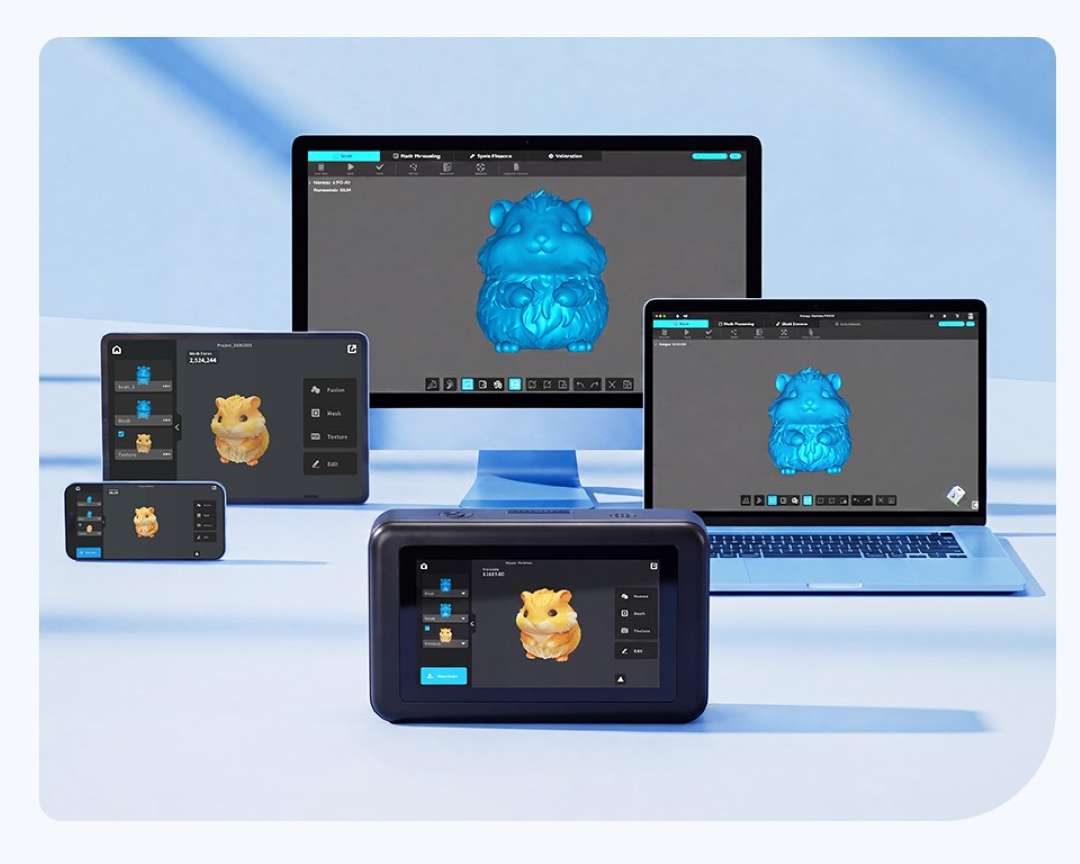
CrealityScan works on phones and PCs, but an iPhone connects only wirelessly. The software exports data in STL and OBJ formats, and PLY and ASC are also supported. There is no direct export to STP, but STL and OBJ open in modelling software.
Applications
The scanner covers several creative and practical scenarios: from tool repair to printing copies.
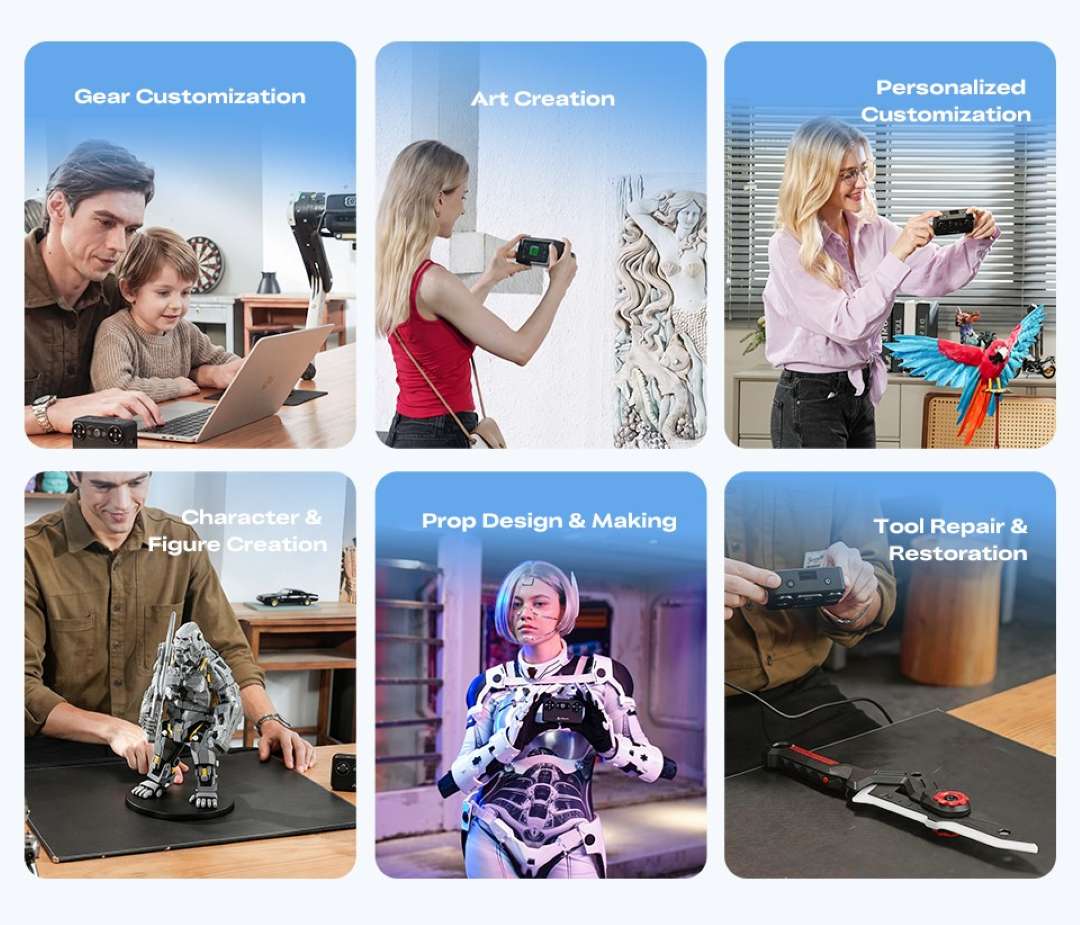
- Tool repair and restoration: digitise a worn part and print a copy of it; laser mode captures fine contours with an accuracy of up to 0.03 mm.
- Gear customisation: a scan of an existing item provides the basis for an accessory that fits its shape; STL or OBJ open in modelling software.
- Characters and figures: NIR mode captures a person in a single frame together with colour, and AI Body Completion on a PC builds out the full body model from a face scan and a photo — according to the manufacturer, in as little as 10 s.
- Props and art projects: real shapes become 3D data for modelling; AI Retexturing on a PC adds textures from phone or DSLR photos.
- Printing copies on a 3D printer: a scan of a real object gives a model that can be modified and printed; the wireless modes keep the workspace free of cables.
Compatible accessories and components
- Battery: an original Creality battery is recommended for the Creality Pika; third-party ones may fail to power the device or reduce performance. A power adapter is not included; 5 V 3 A is recommended.
- NIR filter: removable, used in structured light mode; 2 pcs are included.
- Laser mode: a turntable and markers with marker towers are recommended for objects of 10–20 cm; without a wired connection to a PC, the lasers need markers.
- Calibration plate: glass, for calibration after a long period of inactivity or an impact; not suitable as a marker carrier.
What’s in the box?
- Creality Pika 3D scanner — 1 pc
- Tripod — 1 pc
- High-precision glass calibration plate — 1 pc
- USB 3.0 Type-C data cable, 2 m — 1 pc
- Turntable — 1 pc
- Strap — 1 pc
- Battery — 2 pcs
- Reflective markers (D6 mm — 10 pcs, D3 mm — 10 pcs)
- Marker towers — 6 pcs
- NIR filter — 2 pcs
- Cleaning cloth — 1 pc
- Quick start guide, certificate of conformity and warranty card — 1 pc
Technical specifications
Scanning modes and accuracy
| Parameter | Value |
| Scanning mode | 7 parallel blue lasers (hereinafter lasers), near-infrared structured light (hereinafter NIR) |
| Accuracy | Lasers: up to 0.03 mm; NIR: up to 0.1 mm. Estimated under laboratory conditions; the result may be affected by vibration, temperature and other factors |
| 3D resolution | Lasers: 0.1–2 mm; NIR: 0.15–2 mm |
| Scanning speed (phone) | Lasers: up to 40 FPS; NIR: up to 20 FPS |
| Scanning speed (PC) | Lasers: up to 110 FPS; NIR: up to 30 FPS |
| Min. scanning volume | Lasers: 10 × 10 × 10 mm; NIR: 50 × 50 × 50 mm |
| Single capture range | Lasers: 101 × 107 mm at 160 mm, 344 × 268 mm at 400 mm; NIR: 144 × 134 mm at 200 mm, 764 × 670 mm at 1000 mm |
| Working distance | Lasers: 160–400 mm; NIR: 140–1000 mm |
| Colour mapping | Yes |
| Alignment mode | Lasers: markers, global markers, markerless; NIR: geometry, texture |
| Outdoor scanning | Lasers: ≤110,000 lux; NIR: ≤80,000 lux (with filter) |
Lighting, safety and calibration
| Parameter | Value |
| Supplementary lighting | 4 blue/white LEDs + 4 infrared LEDs |
| Laser safety | Class I (eye-safe) |
| Calibration plate | High-precision glass calibration plate |
| NIR filter | Yes, in NIR mode |
Electronics and connectivity
| Parameter | Value |
| Processor | 8-core processor (2.0 GHz) |
| Display | 3-inch touchscreen |
| Battery | 3350 mAh (supplied with a spare battery) |
| Interface | Type-C / USB 3.0 |
| Power input | 5 V 3 A |
| Wi-Fi | Wi-Fi 6 |
Recommended performance
| Parameter | Value |
| Platform | Specification |
| Android | OS: Android 10.0+, chip: Qualcomm Snapdragon 8 Gen4 or higher, RAM: 12 GB+ |
| iPhone iOS (wired connection not supported) | OS: iOS 15+, chip: A17 or higher, RAM: 8 GB+ |
| Windows | OS: Windows 10/11 (64-bit), CPU: Intel i7 Gen13 or higher, GPU: NVIDIA RTX 3060 or higher (8 GB VRAM), RAM: 32 GB |
| Mac Os | OS: macOS 14 or later, CPU: Apple M3/M4/M5, RAM: 32 GB |
Minimum requirements
| Parameter | Value |
| Platform | Specification |
| Android | OS: Android 10.0+, chip: Qualcomm Snapdragon 8 Gen2 or higher, RAM: 8 GB+ |
| iPhone iOS (wired connection not supported) | OS: iOS 15+, chip: A15 or higher, RAM: 6 GB+ |
| Windows | OS: Windows 10/11 (64-bit), CPU: Intel i7 Gen7, GPU: NVIDIA (8 GB VRAM), RAM: ≥16 GB |
| Mac Os | OS: macOS 14 or later, CPU: Apple M2, RAM: ≥16 GB |
Dimensions and operating conditions
| Parameter | Value |
| Weight | 260 g (including batteries) |
| Dimensions | 100 × 60 × 35 mm |
| Operating temperature | from -10 °C to 40 °C |
| Operating humidity | 10–90% relative humidity |
Why buy the Creality Pika from EXPERT3D?
EXPERT3D has been supplying professional 3D equipment since 2012. Our specialists provide advice before purchase and help you choose a configuration for your task. We deliver across Spain and the EU countries. After you buy the Creality Pika, we provide service support. A warranty card and a certificate of conformity are included. Order spare parts and consumables on the website: we will deliver everything so that your equipment does not stand idle.