

- Stock: In Stock
- Product code: 920372000001975074
- Weight Brutto: 18.50kg
- SKU: FST1-BASIC-NUS-02

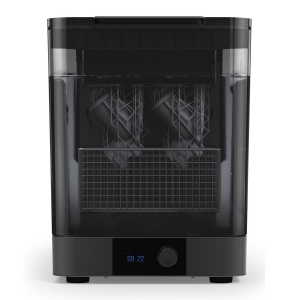
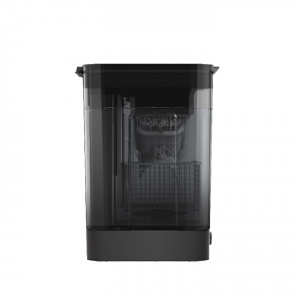
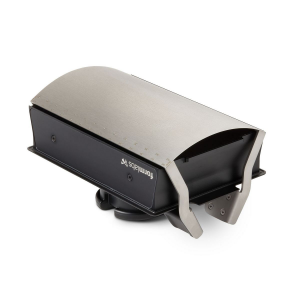
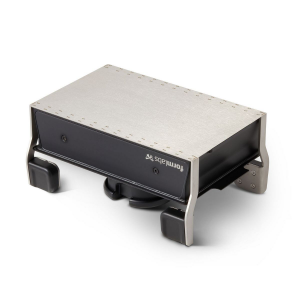
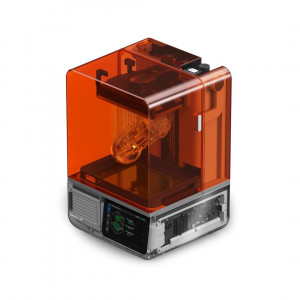
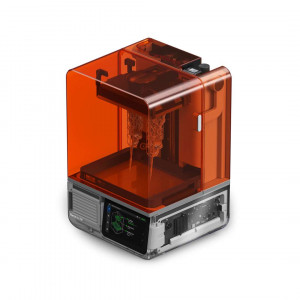
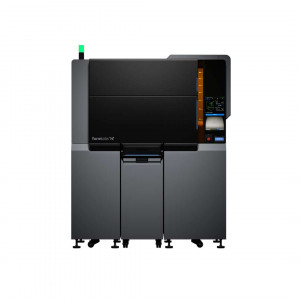
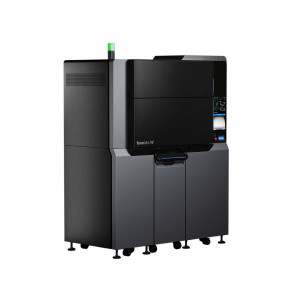
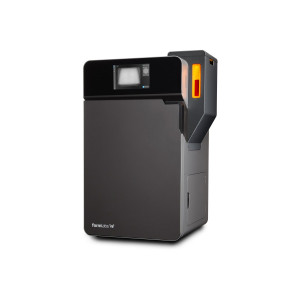
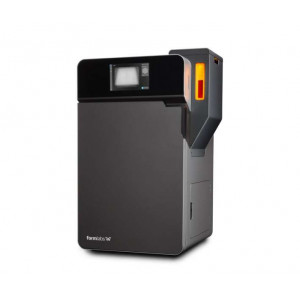
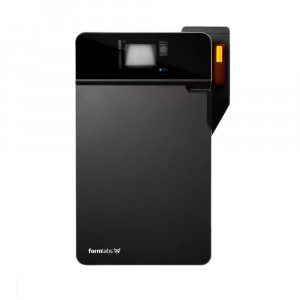
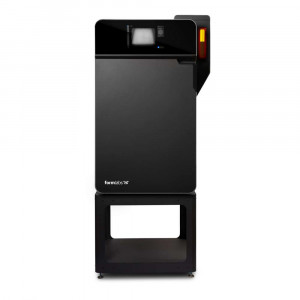
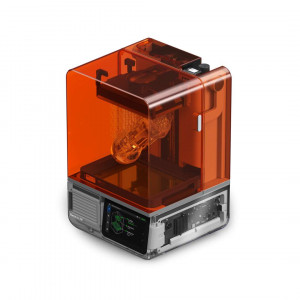
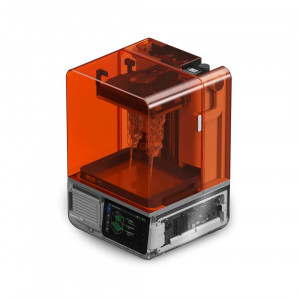
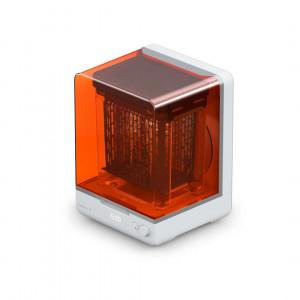
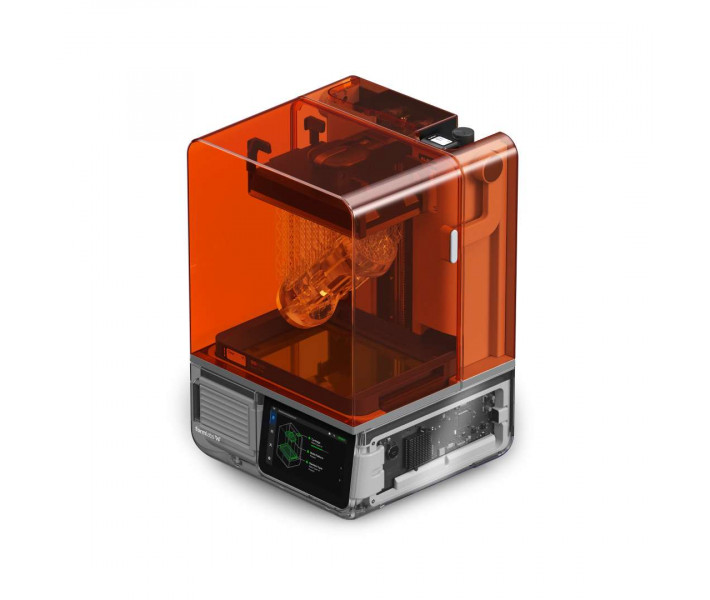
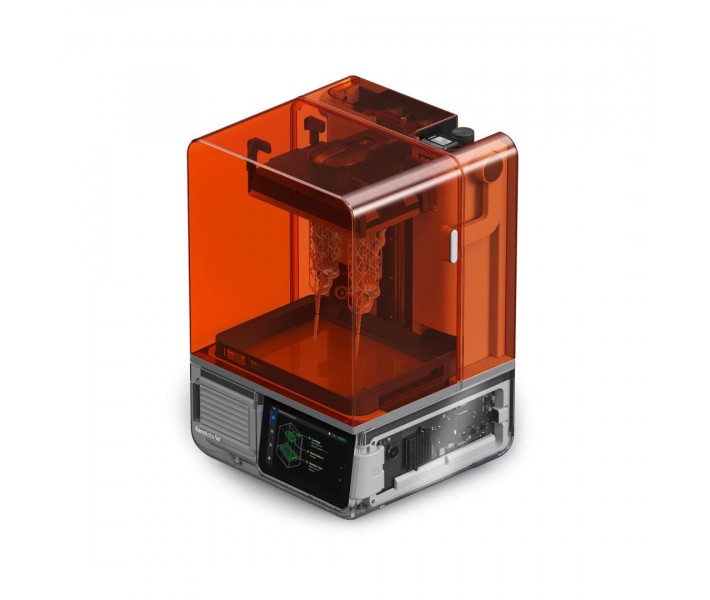
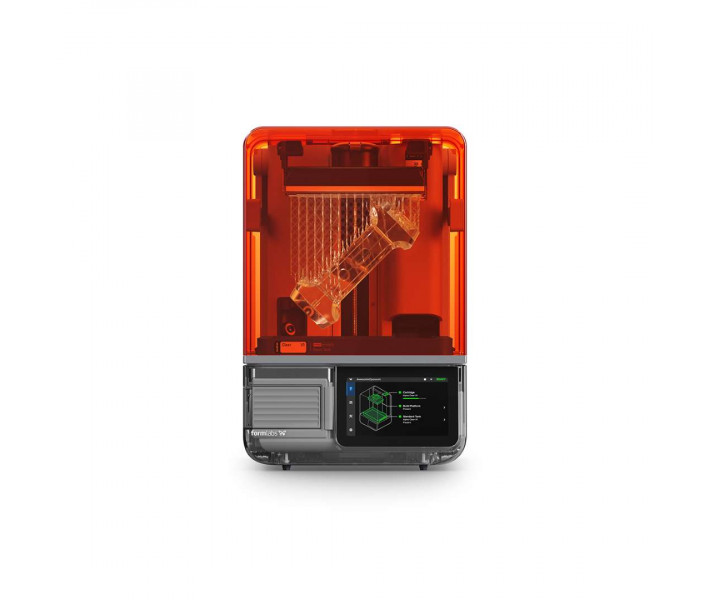
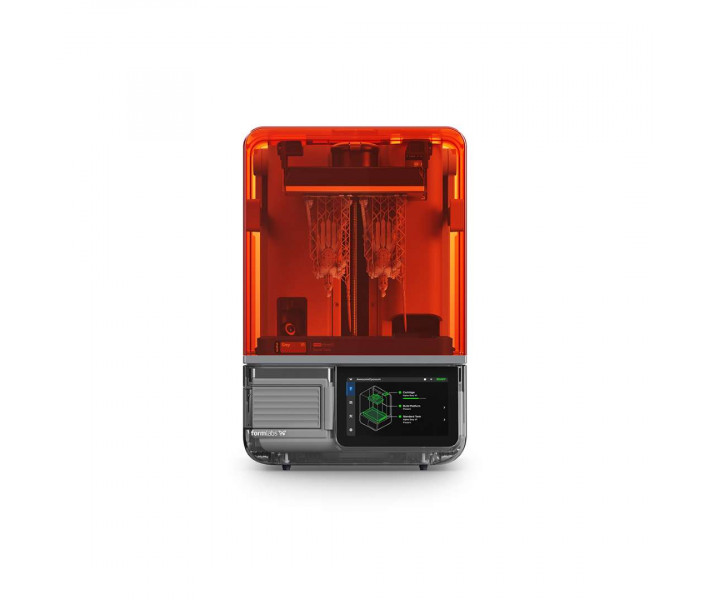
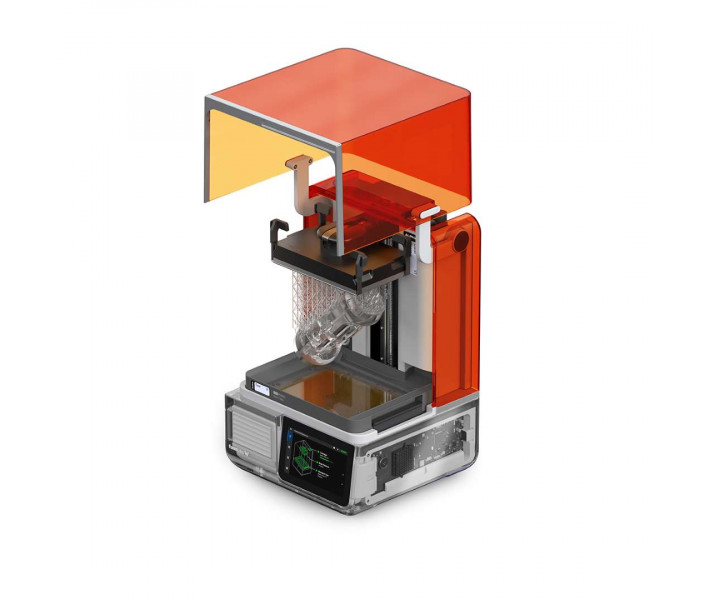
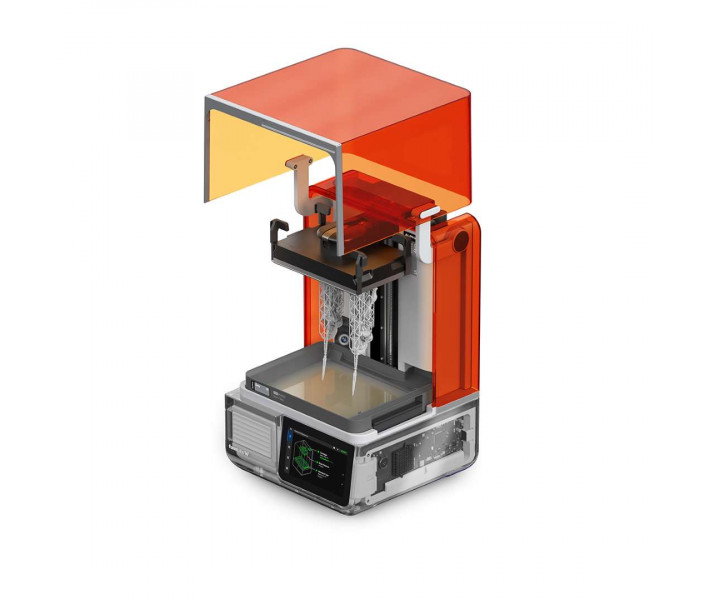
Formlabs Form Studio 1 Basic Graphite — a desktop MSLA printer for clean resin printing without manual top-ups. Resin flows from the cartridge into the tank automatically. The LevelSense sensor maintains the required level, so printing starts without operator intervention. According to the manufacturer, most parts print in under two hours.
Key features and benefits
- Build volume: 200 × 125 × 235 mm — Several models can be arranged on one platform in PreForm and printed in a single cycle.
- Layer thickness: 25–300 microns — The layer is chosen in PreForm, balancing fine detail against print speed.
- XY resolution: 35 microns (pixel size) — Pre-configured anti-aliasing softens stepped contours at pixel edges.
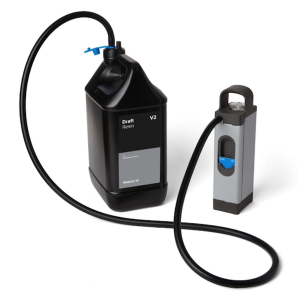
- Automatic resin supply: the cartridge delivers resin through a valve. The Formlabs Form Studio 1 Basic Graphite needs no manual top-ups between jobs.
- Non-stop printing: a spare platform lets you start a new print while finished parts are still being removed. On the Flex platform, parts come off in seconds without tools.
- Low chemical emissions: when used with Alpha Resins and the VOC Extractor (sold separately), the printer is UL GREENGUARD certified.
How printing works on the Formlabs Form Studio 1
This printer converts a 3D model into 2D slices and cures resin layer by layer with 405 nm light. The Low Force Display™ (LFD) engine works on masked stereolithography (MSLA) technology.
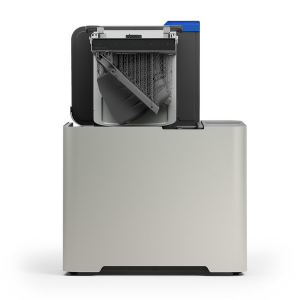
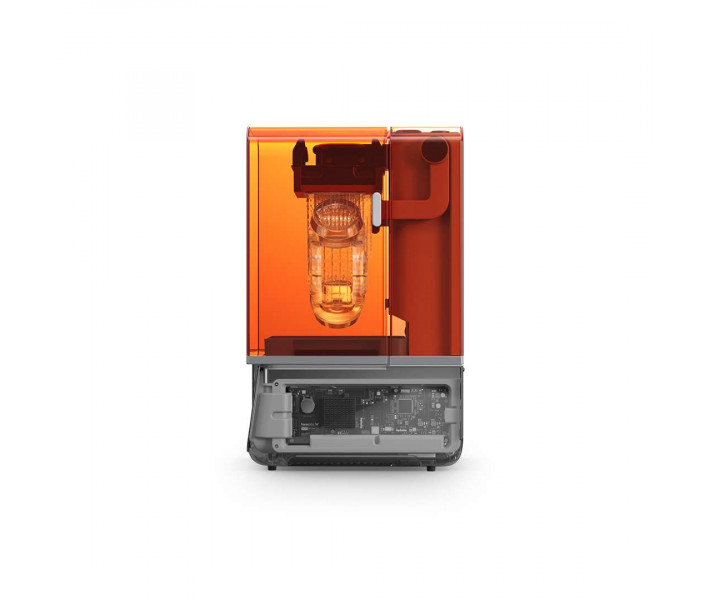
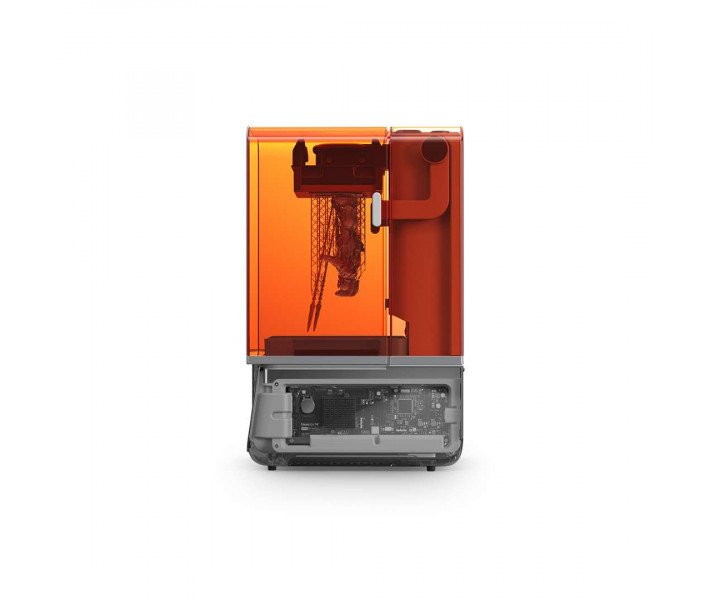
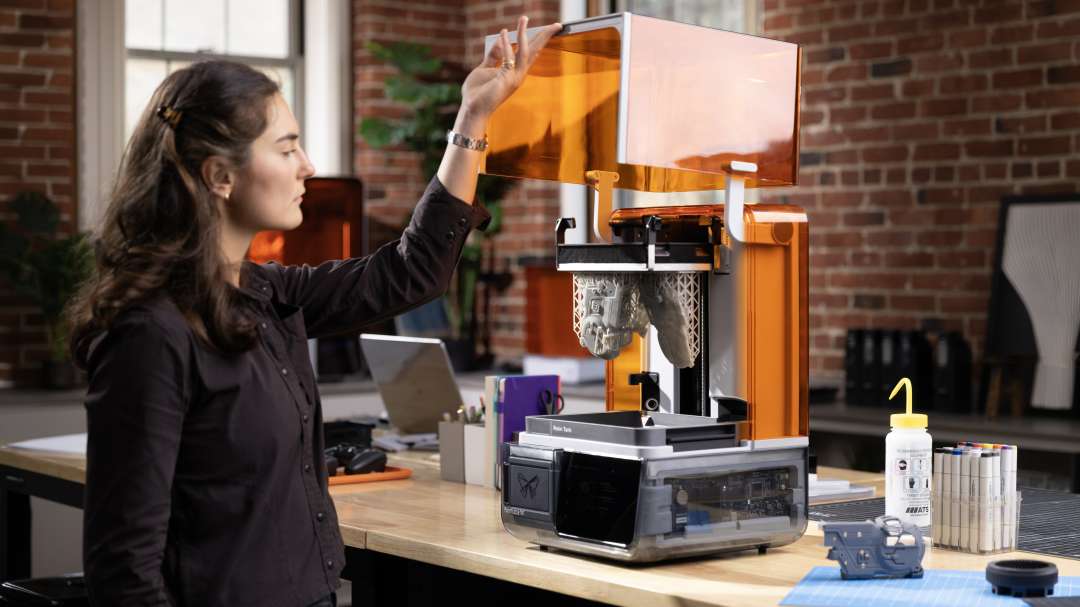
The orange lid blocks curing light and stops the resin from hardening under ambient light when the lid is lifted.
Backlight and layer mask
The 405 nm LEDs in the backlight unit direct light upwards through the bottom of the tank. The Light Processing Unit (LPU), a masking display, lets light through only in the areas of the current layer. The texture on the LPU's upper surface reduces the peel forces between layers that act on the part and the tank. The intensity at the print plane is 6 mW/cm².
Resin heating
Resistive heaters beneath the tank warm the resin to 25–45 °C depending on the material. The printer maintains a constant chamber temperature before printing and between jobs. Printing starts when the resin reaches its optimum temperature. The room temperature should be 18–28 °C with low humidity.
Automatic resin supply and monitoring
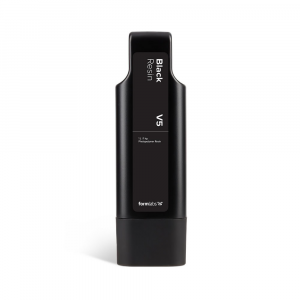
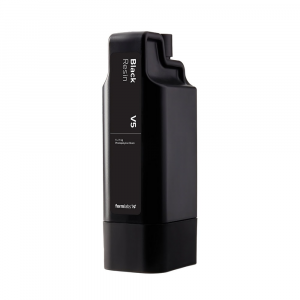
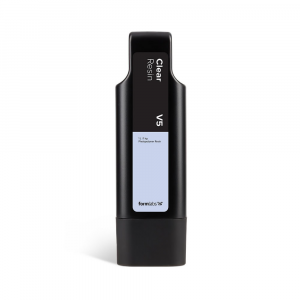
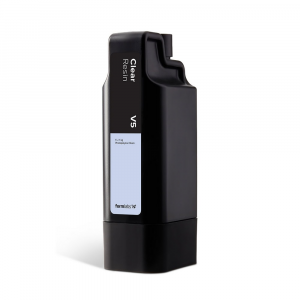
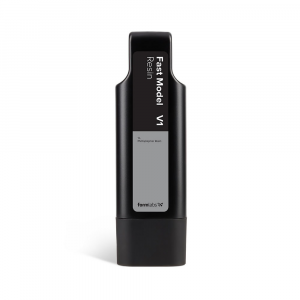
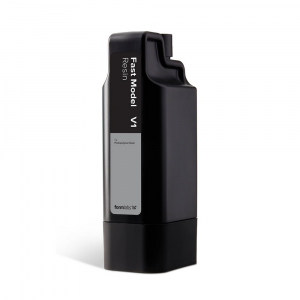
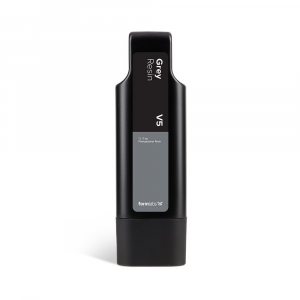
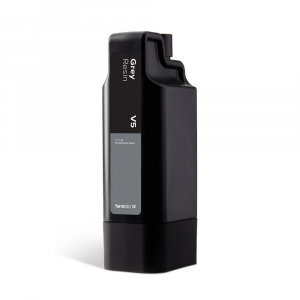
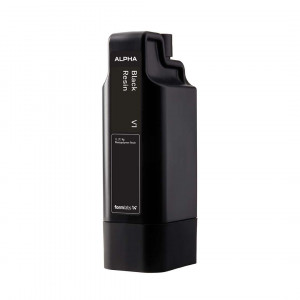
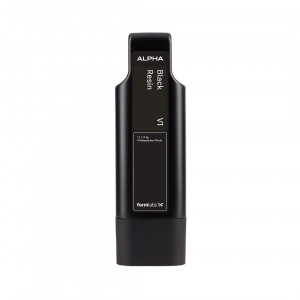
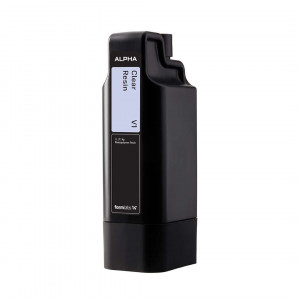
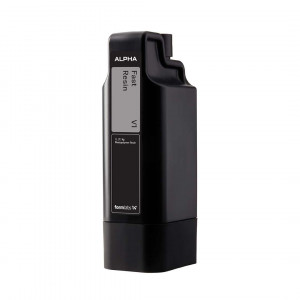
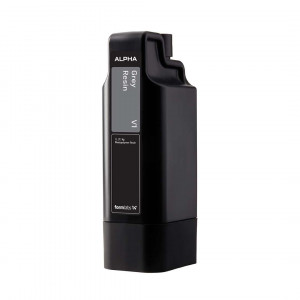
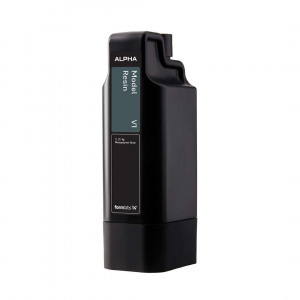
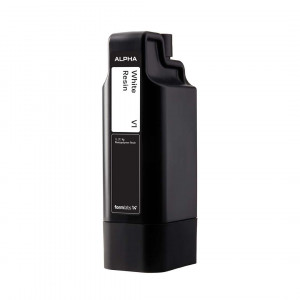
Resin is stored in a cartridge and delivered to the tank without manual top-ups. The feed lever compresses the cartridge valve, and the resin flows into the tank. The LevelSense ultrasonic sensor is located above the rear left part of the tank and monitors the resin level. Printing starts automatically when the level reaches the required value.
The printer reads the RFID tag on the cartridge and identifies the resin type.
Safety and fume control
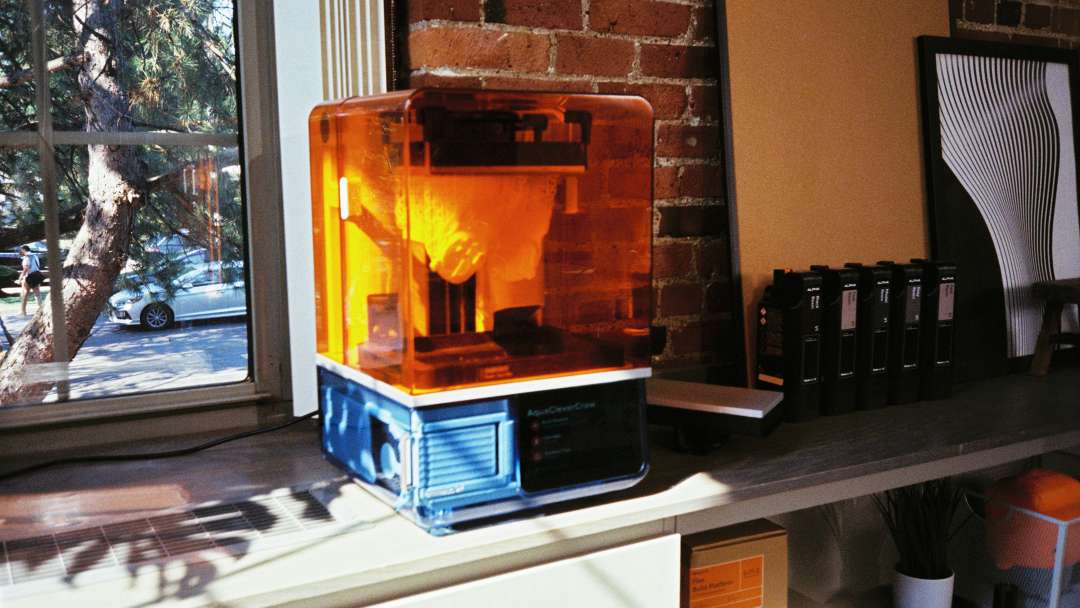
A magnetic interlock sensor detects whether the lid is closed. When the lid is open, the printer switches off the backlight and shows a message on the screen.
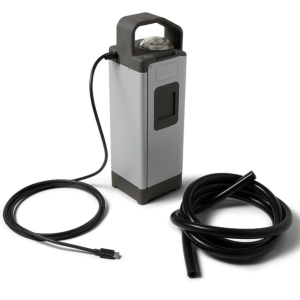
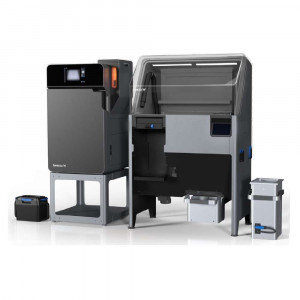
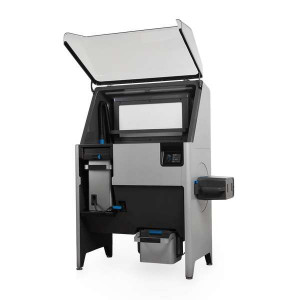
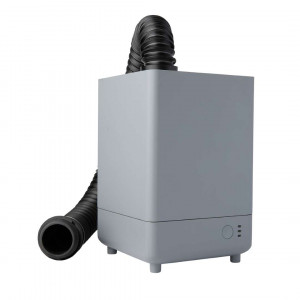
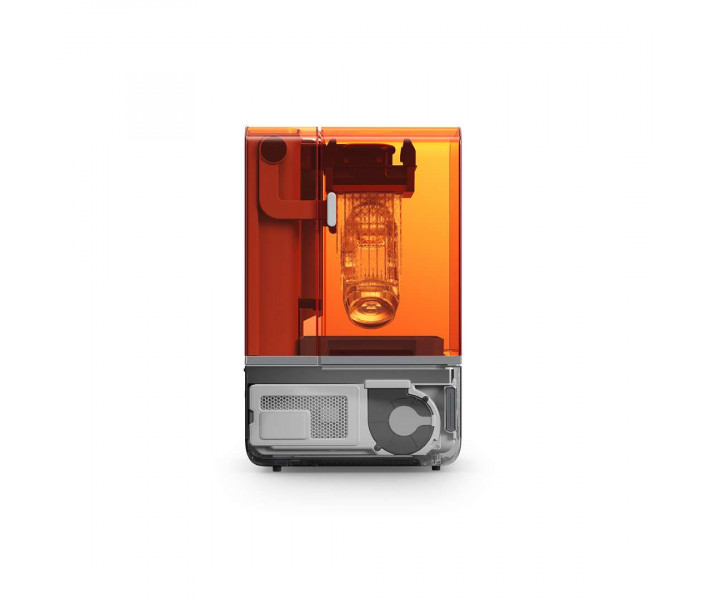
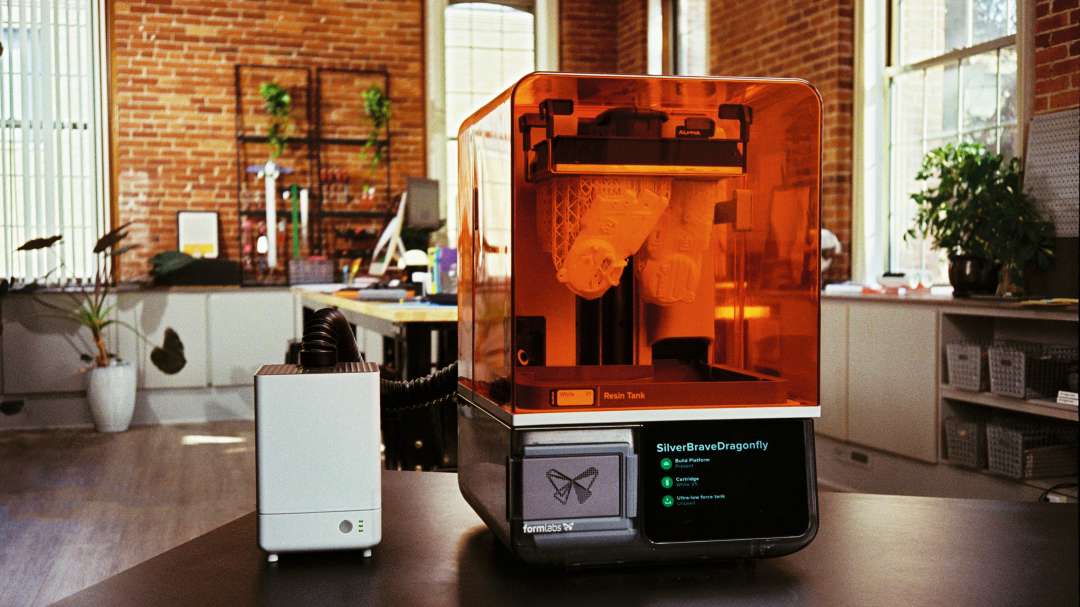
The VOC Extractor extraction unit (sold separately) removes the resin's volatile organic compounds (VOCs). It connects to the extraction port on the rear panel. Air passes through one pre-filter and two carbon filters. With Alpha Resins and this unit, the Formlabs Form Studio 1 Basic Graphite is UL GREENGUARD certified. The certification is confirmed only for fan speed 2.
The hose should be short with as few bends as possible: long or kinked sections reduce airflow. Speed 1 is about 5 dBA quieter than speed 2. Speed 3 is needed for a long or bent hose.
Build platforms and tanks
Build platforms
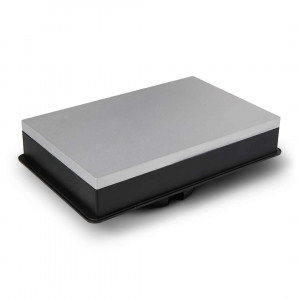
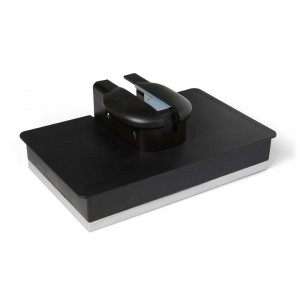
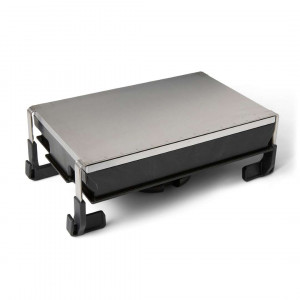
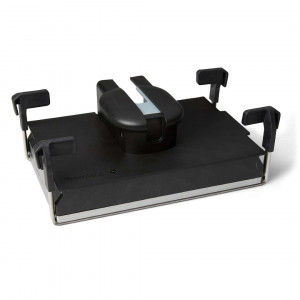
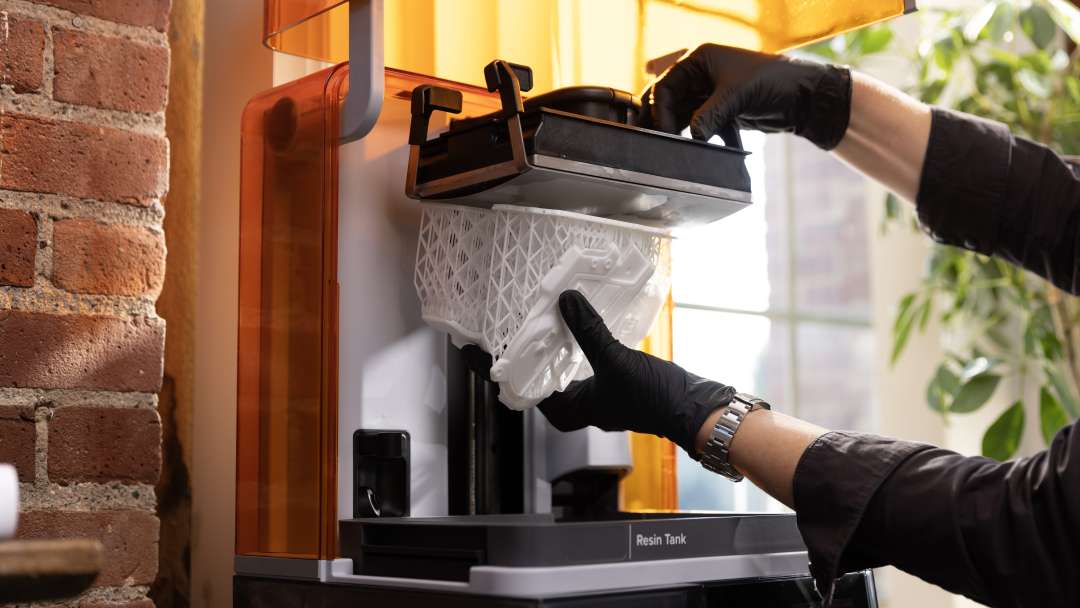
Two types of platform are available. The standard Form Studio Build Platform has a durable matte aluminium surface. The Build Platform Flex has a flexible surface for quick part removal. Scratches from removing parts can improve print adhesion over time. Do not leave a platform with liquid resin in the light: the resin hardens and makes it unusable.
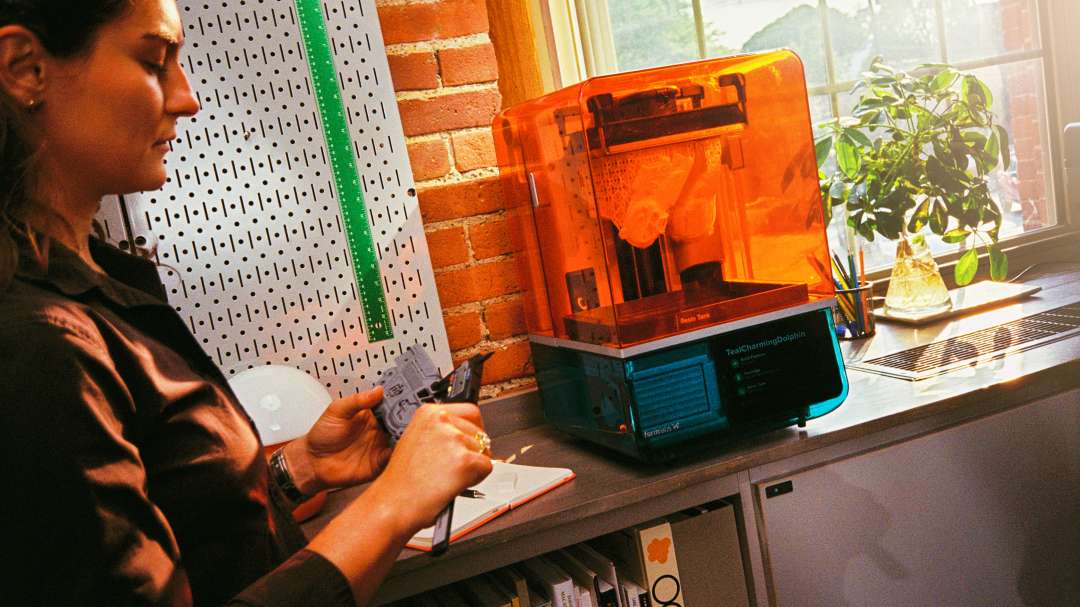
The platform with a white part on lattice supports is lifted out of the tank, working with gloves on.
Resin tanks
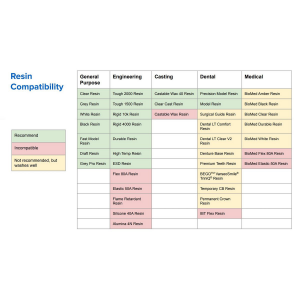
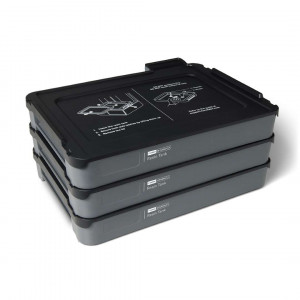
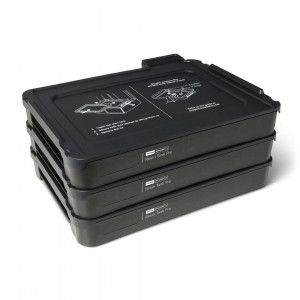
The Resin Tank is optimised for the general-purpose resins of the Form Studio 1. It delivers fast printing with good detail and surface quality. It is not compatible with all Formlabs resins, for example not with the Tough family. The Resin Tank Pro is compatible with all supported Formlabs resins. It is required for Open Material Mode. When changing resin, replace both the tank and the cartridge. Remove the cartridge first so the valves do not drip into the printer cavity.
Post-processing of finished parts
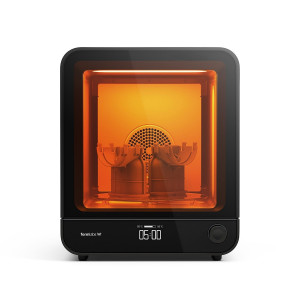
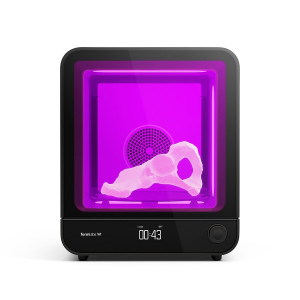
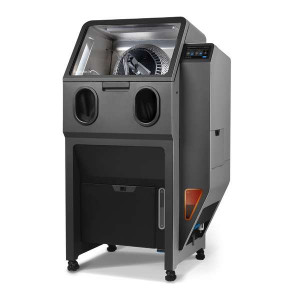
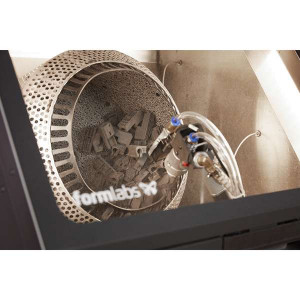
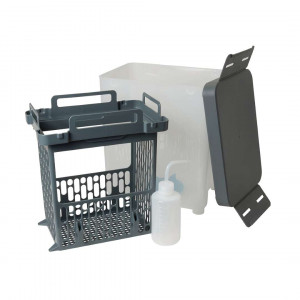
After printing, the platform is removed with two hands. The part is washed in the Form Studio Wash+Cure or Form Wash. The Form Wash L is also suitable. These are separate devices.
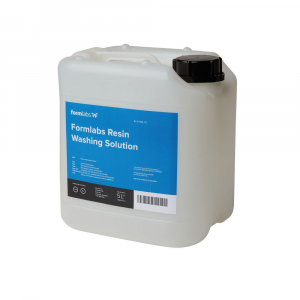
The solvent is isopropyl alcohol (IPA) or Formlabs Resin Washing Solution. An alternative is TPM (tripropylene glycol monomethyl ether). After washing, the IPA is left to evaporate for at least 30 min. The part is then dried and post-cured so that it achieves its full mechanical properties.
Software, connectivity and monitoring
Preparing jobs in PreForm
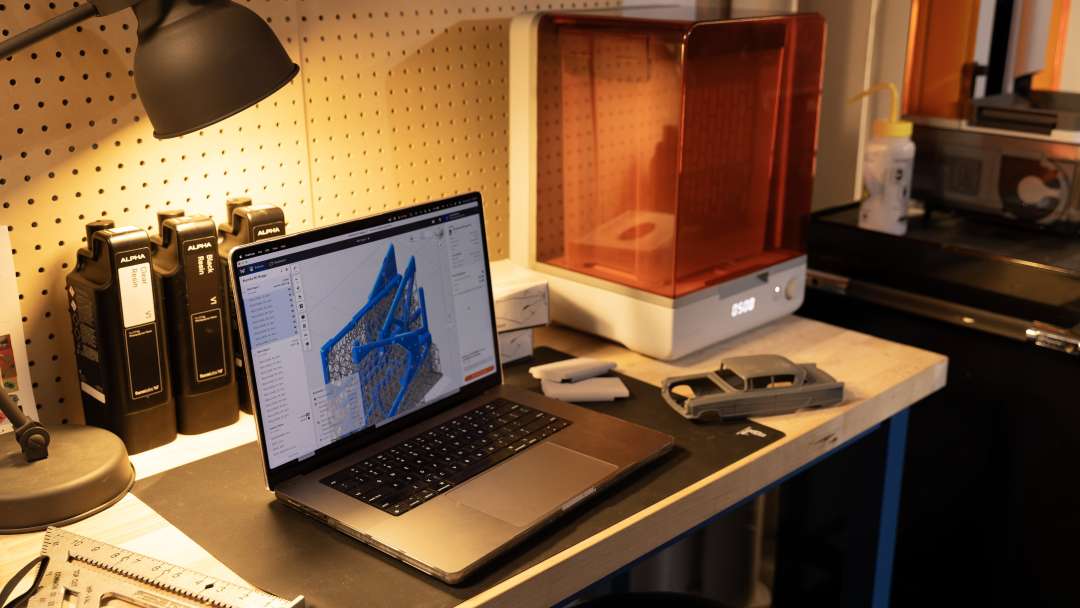
Jobs are prepared in the PreForm desktop software. It opens STL and OBJ files. 3MF and other CAD formats are also supported. Several models are oriented and arranged on one platform. Supports are generated automatically or added manually. The finished job is sent via USB or the local network, and the start is confirmed on the touchscreen.
Network and remote monitoring
The printer connects via Wi-Fi (IEEE 802.11 a/b/g/n/ac/ax, WPA/WPA2). It also has a 100 Mbit Ethernet port and a USB-C port. The built-in 1920 × 1080 camera streams images to the Form Mobile App. Timelapses and print history are available there. The Dashboard shows the status of printers and material consumption and sends SMS or email notifications.
Maintenance and lifespan of consumable parts
Before each print, check the cartridge valve and the inner surface of the tank. The platform is cleaned with IPA when the resin is changed.
Clean the LPU texture when it is dirty to prevent print failures. Lubricate the Z-axis screw with lithium grease once every 12 months or when it becomes noisy.
Replace the cartridge when it is empty, after 1 L of printing. Replace the tank when wear on its bottom affects print quality. The VOC Extractor carbon filters are rated for 336 h of active operation.
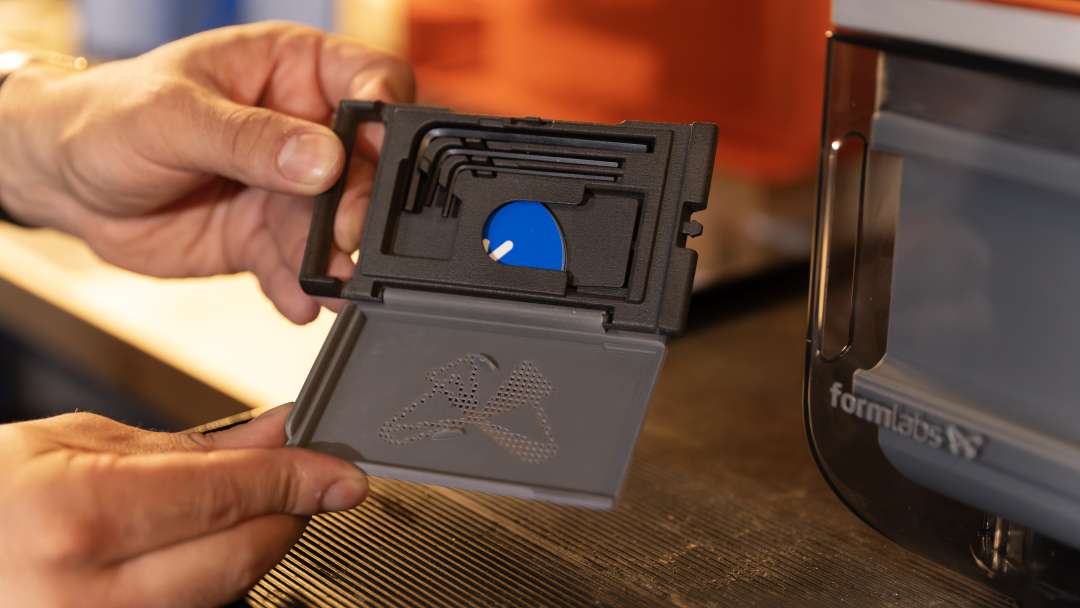
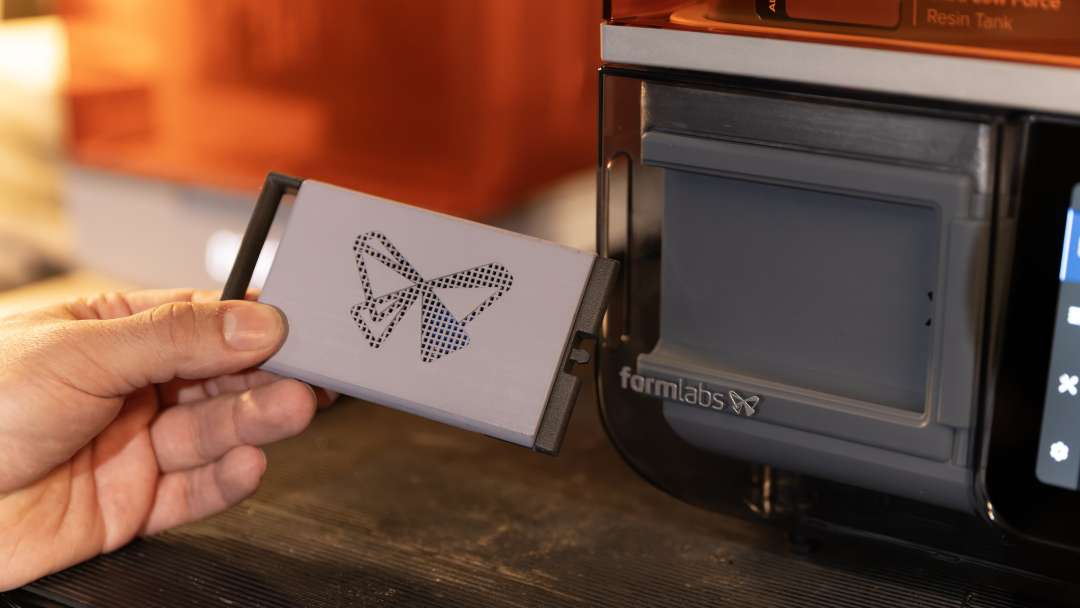
Hex keys in three sizes are provided for servicing by qualified personnel. They are kept in a case alongside a small blue part.
Certification and compliance
The equipment complies with electrical and photobiological safety standards. For residential premises, the manufacturer warns of possible radio interference, so the printer is intended for commercial environments.
- Electrical safety: IEC 62368-1:2023, UL 62368-1:2025, CSA C22.2 No. 62368-1:2025, EN IEC 62368-1:2024, AS/NZS 62368.1:2022, J62368-1 (2023).
- Photobiological safety: IEC 62471:2006.
- Radio interference: Class A digital device limits under Part 15 of the FCC rules (CFR Title 47).
Areas of application
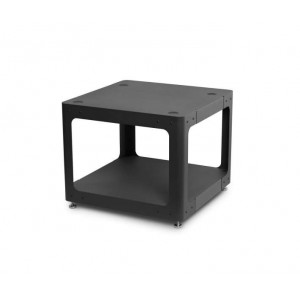
The desktop format allows the printer to be placed at a workstation.
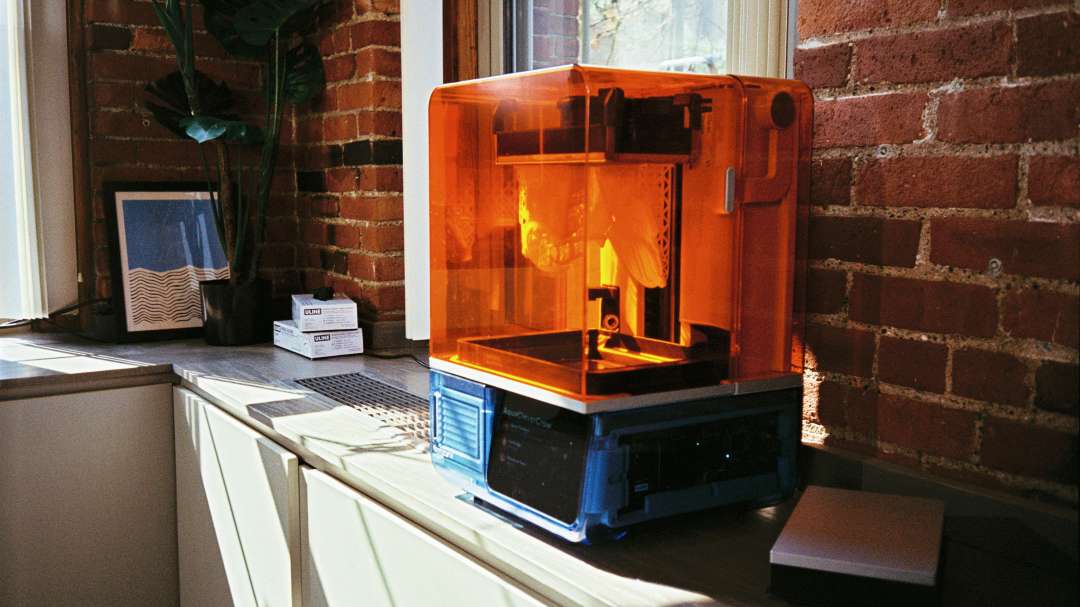
The printer is operated from the touchscreen.
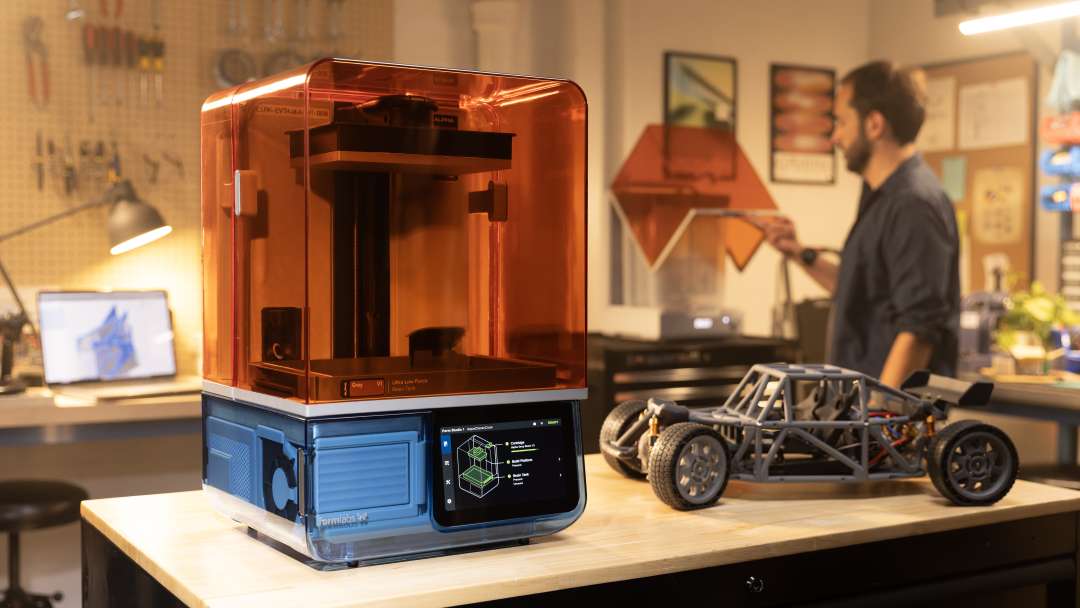
The printed parts are then assembled into a single product.
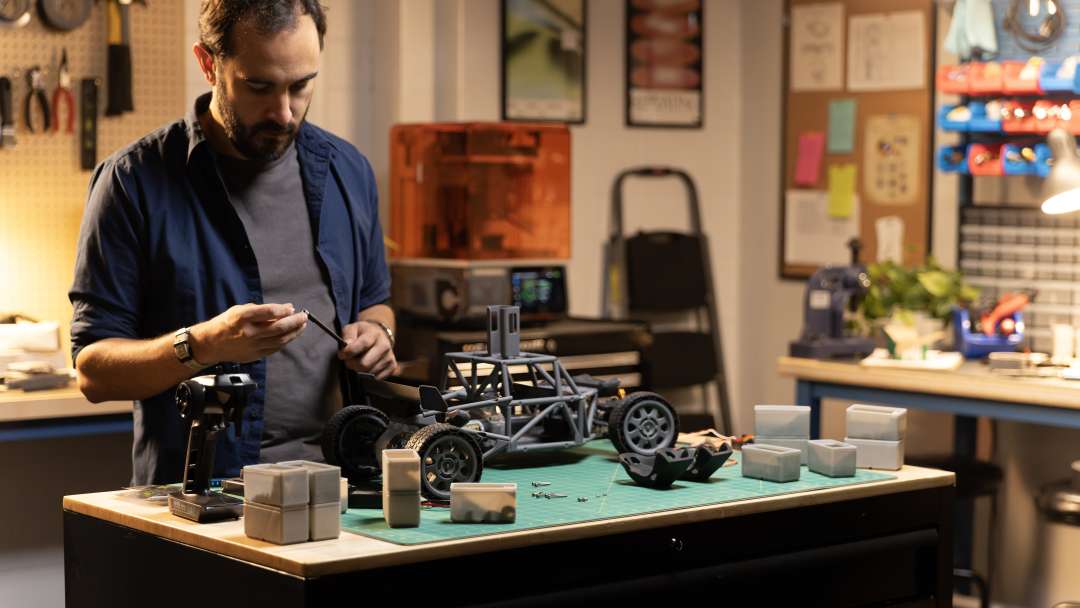
- Mock-ups and models from assembled components: printing chassis and housing parts in resin followed by assembly. A layer of 25–300 microns is selected for each component: thin for fine parts, thick for faster printing.
- Sets of parts in a single cycle: the 200 × 125 × 235 mm volume holds several models arranged in PreForm. A height above 215 mm requires removing the tank together with the platform.
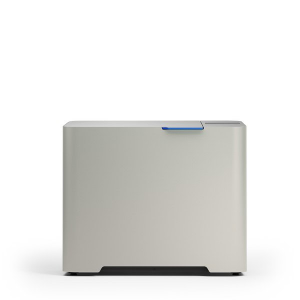
- Workshop or office: the printer measures 34.2 × 31.5 × 50.2 cm and weighs 14.3 kg. With Alpha Resins and the VOC Extractor, it is UL GREENGUARD certified for low chemical emissions.
- Working with changing resins: each resin requires its own tank and cartridge, and a spare platform keeps work going during the changeover. The Resin Tank is not compatible with Tough family resins, while the Resin Tank Pro works with all supported resins.
- Remote print monitoring: the built-in 1920 × 1080 camera, timelapses and the Dashboard let you follow printing without being present at the printer.
Compatible accessories and mounts
The printer's replaceable components are chosen to suit the material and the task.
- Tanks: Resin Tank for general-purpose resins and Resin Tank Pro for all supported Formlabs resins.
- Platforms: Form Studio Build Platform and Build Platform Flex; spare platforms are supplied separately.
- Extraction: the VOC Extractor connects to the port on the rear panel; it is also compatible with Form 4 generation printers.
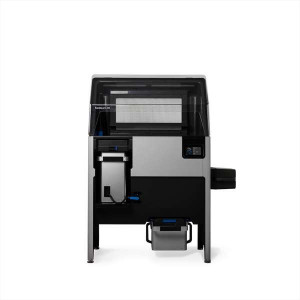
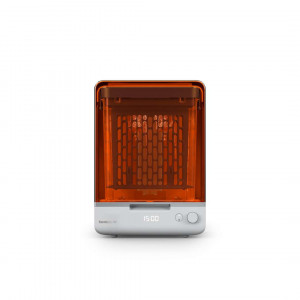
- Post-processing: Form Studio Wash+Cure, Form Wash, Form Wash L, Form Cure, Form Cure L.
- Materials: Alpha Resins together with the VOC Extractor for UL GREENGUARD certification.
What's in the box?
- Formlabs Form Studio 1 Basic Graphite printer
- Resin tank
- Build platform
- Power cable
- USB C–A cable
- Non-reactive nitrile gloves
- Alignment disc
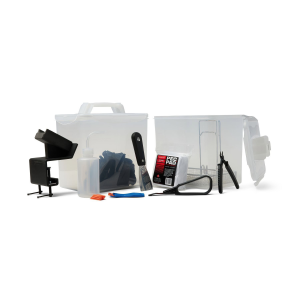
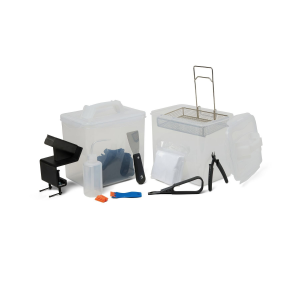
- Stirrer / plastic resin tank scraper
- Metal scraper
- Camera lens cap
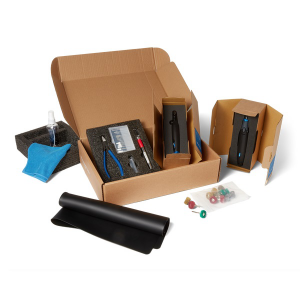
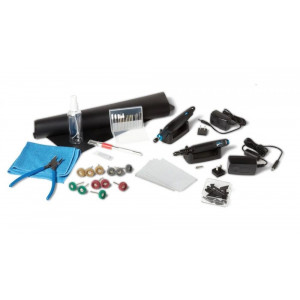
- Flush cutters
- Sanding sticks
- Tool case: platform parallelism shims, 2 mm, 2.5 mm and 4 mm hex keys, LevelSense calibration tool
- Cleaning sheet removal tool
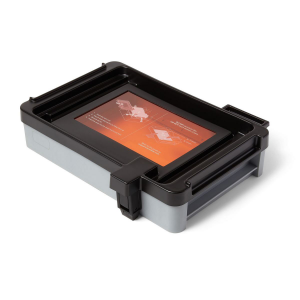
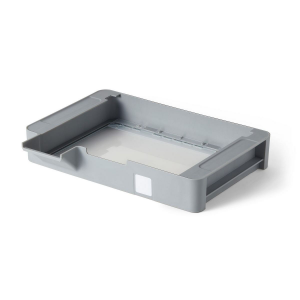
- Tray for temporary storage of parts and tools
Technical specifications
Technology and optics
| Parameter | Value |
| Technology | Masked stereolithography (MSLA) |
| Print engine | Low Force Display™ (LFD) |
| Layer thickness (axis resolution) | 25–300 microns | 0.001–0.012 in |
| XY resolution | 35 micron pixel size with pre-configured anti-aliasing | 0.0014 in |
| Optical power intensity | 6 mW/cm² delivered to the print plane |
| Optical wavelength | 405 nm |
Dimensions and build volume
| Parameter | Value |
| Build volume (W × D × H) | 200 × 125 × 235 mm | 7.9 × 4.9 × 9.3 in. If part height exceeds 215 mm (8.5 in), the resin tank must be removed together with the build platform. When washing in the Form Wash, the basket must be removed. When washing in the Form Studio Wash+Cure, parts taller than 200 mm must be removed from the build platform before washing. |
| Minimum dimensions for convenient access (W × D × H) | 36 × 33 × 79 cm | 14.2 × 13 × 31.1 in |
| Printer dimensions (W × D × H) | 34.2 × 31.5 × 50.2 cm | 13.5 × 12.4 × 19.8 in |
| Printer weight | 14.3 kg | 31.5 lb |
Resin and supply
| Parameter | Value |
| Resin cartridges | 1 |
| Resin delivery system | Automated |
| Biocompatible materials | No |
| Supports | Automatically generated, easy to remove |
Temperature and power
| Parameter | Value |
| Operating environment | 18–28 °C | 64–82 °F, low ambient humidity |
| Operating temperature | Automatic resin heating to 25–45 °C (77–113 °F) depending on the material |
| Temperature control | Direct resin heating |
| Power requirements | 100–240 VAC, maximum 3 A, 50/60 Hz, 300 W |
Connectivity
| Parameter | Value |
| Connectivity | Wi-Fi: 2.4, 5 GHz; Ethernet: 100 Mbit; USB: 2.0 |
| Wi-Fi connectivity | Protocol: IEEE 802.11 a/b/g/n/ac/ax; frequency: 2.4 GHz, 5 GHz; supported security protocols: WPA/WPA2 |
| Ethernet connectivity | RJ-45 Ethernet, 100BASE-TX network port; connect using a shielded Ethernet cable (not included): Cat5 or higher. |
| USB connectivity | USB-C port with a USB C-A cable |
Control and software
| Parameter | Value |
| Printer control | Interactive touchscreen |
| Notifications | Touchscreen notifications; SMS/email via the Dashboard; speaker for audible alerts; mobile notifications via the Formlabs Form Mobile App |
| Camera | Built-in camera; resolution 1920 × 1080 (2 MP) |
| Print preparation | PreForm desktop software |
| File types | STL, OBJ, 3MF and other CAD file formats. |
Why buy the Formlabs Form Studio 1 Basic Graphite from EXPERT3D?
EXPERT3D has supplied professional 3D equipment since 2012. As an official Formlabs representative, we guarantee 100% authenticity and a fair price. We also provide authorised service and the manufacturer's official warranty. Our specialists advise before purchase and help you choose the configuration of the Formlabs Form Studio 1 Basic Graphite. After the sale, we offer service support. We deliver throughout Spain and the EU countries. Order genuine spare parts and consumables on the website.