

- Stock: In Stock
- Product code: 920372000001975105
- Weight Brutto: 18.60kg
- SKU: FST1-FLEX-NUS-02

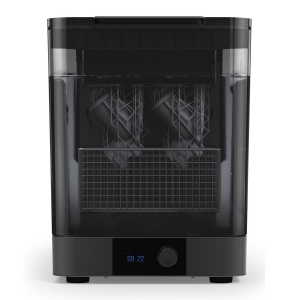
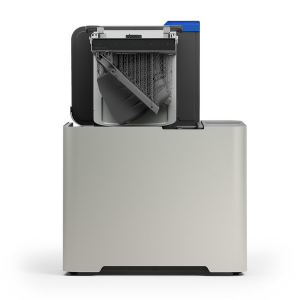
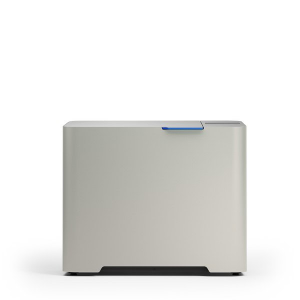
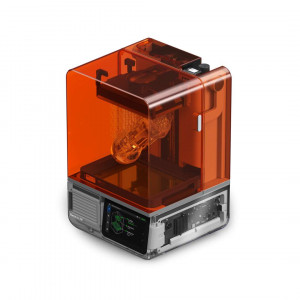
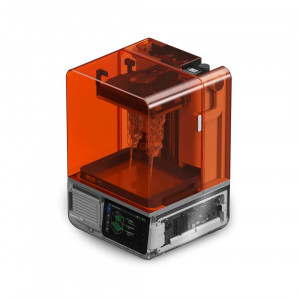
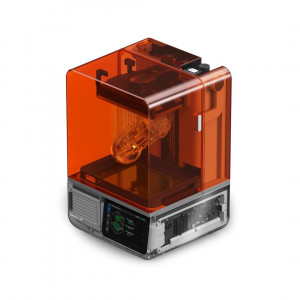
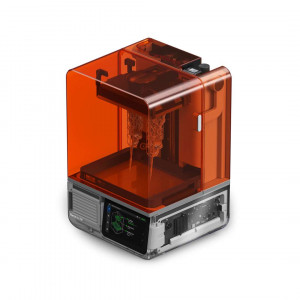
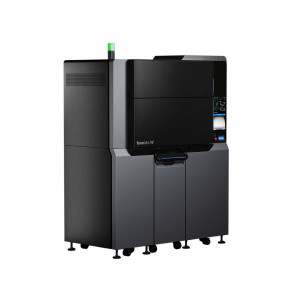
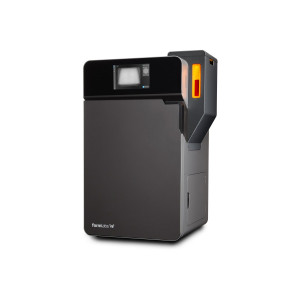
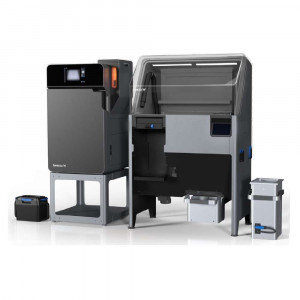
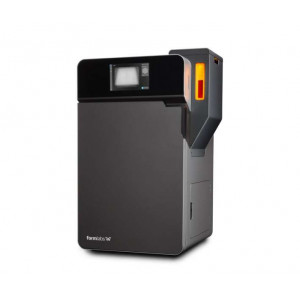
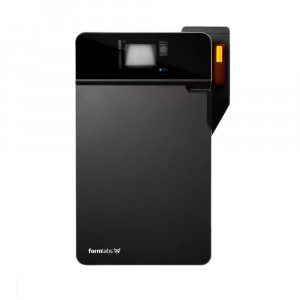
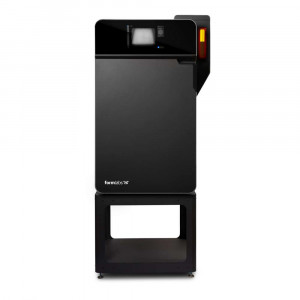
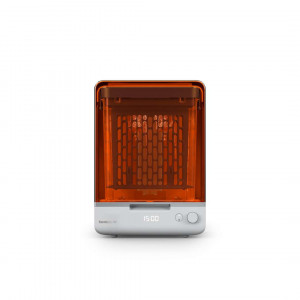
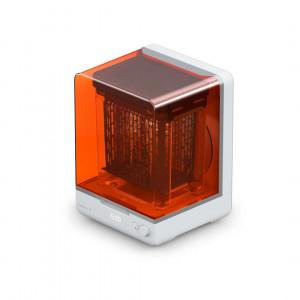
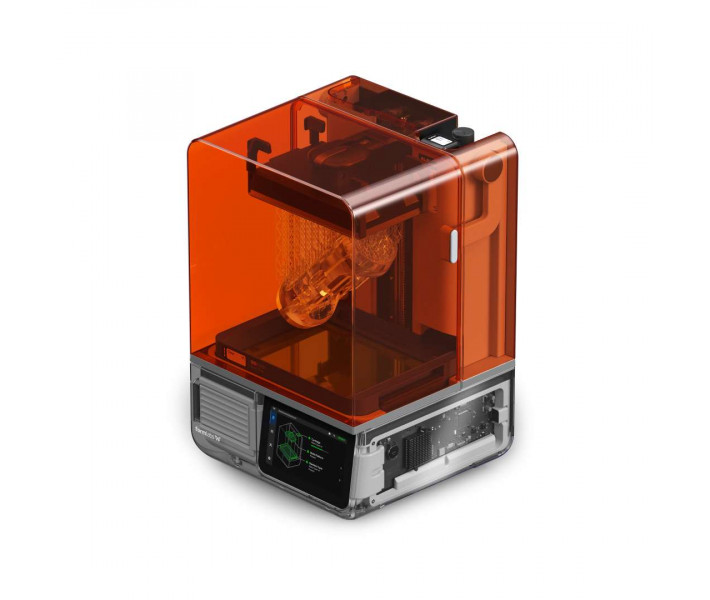
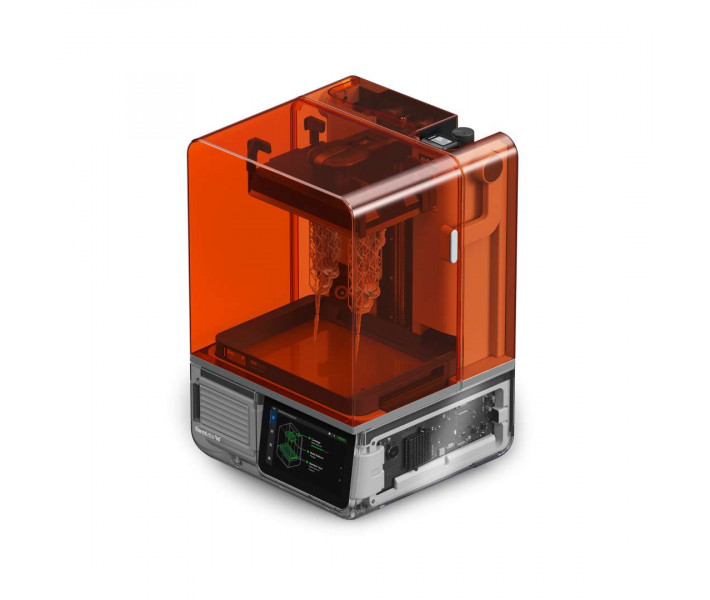
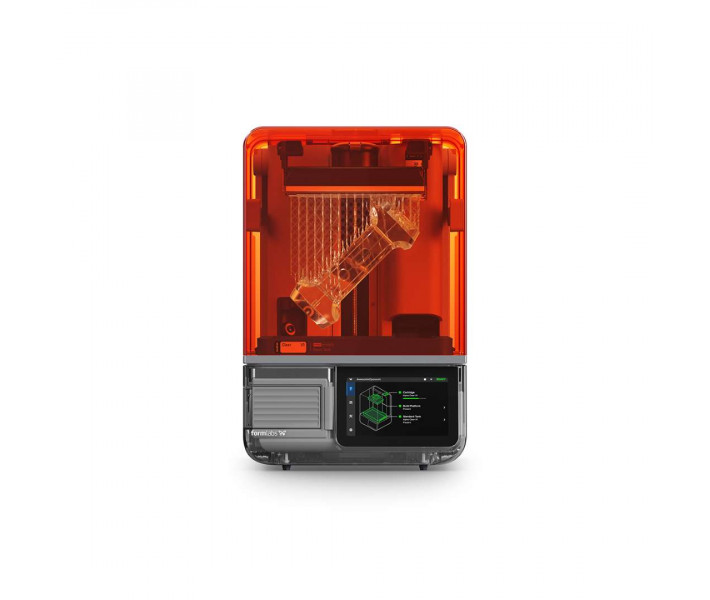
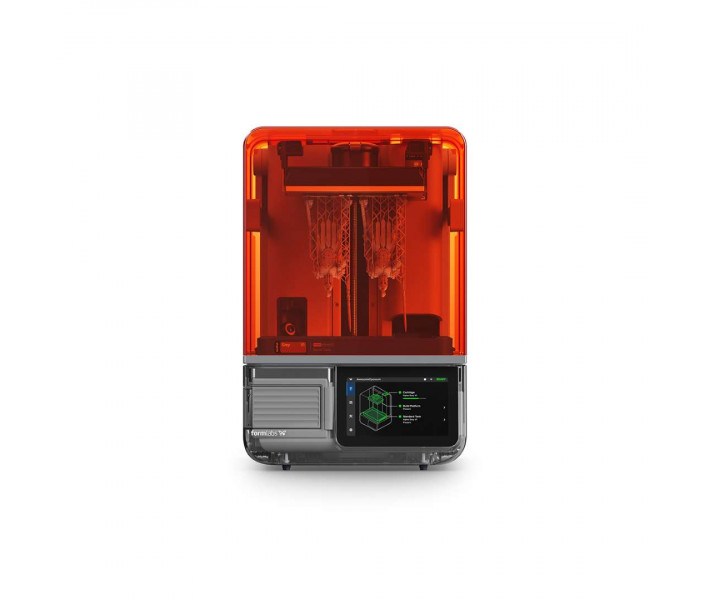
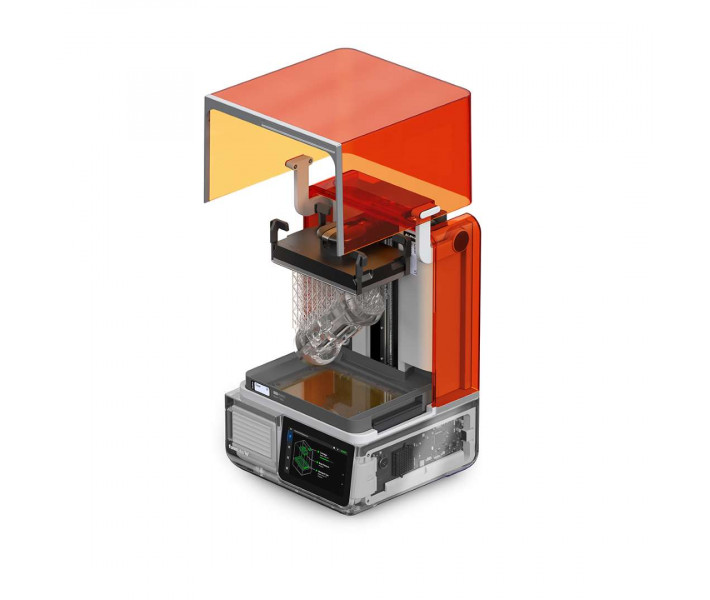
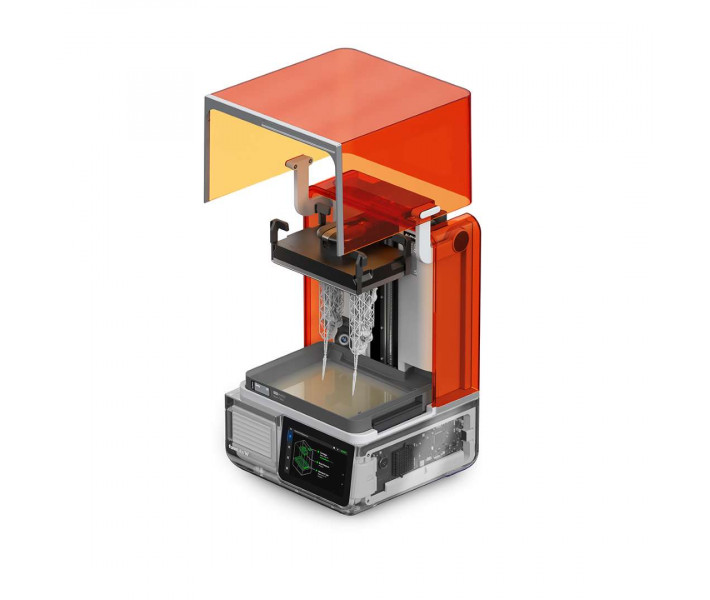
Formlabs Form Studio 1 Flex Graphite is an MSLA printer for printing with photopolymer resin. It produces most parts in under two hours. The Low Force Display™ module with preconfigured anti-aliasing produces sharp outlines of fine features. The Flex platform lets you remove the finished part without tools in a matter of seconds.
Key features and benefits
- Build volume (W × D × H): 200 × 125 × 235 mm — Several parts fit on one platform within a single print job.
- Layer thickness: 25–300 µm — The range lets you balance detail against print time for each job.
- XY resolution: 35 µm (pixel size) with preconfigured anti-aliasing — Fine model features are reproduced with sharp edges without additional adjustment.
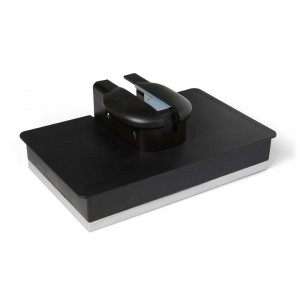
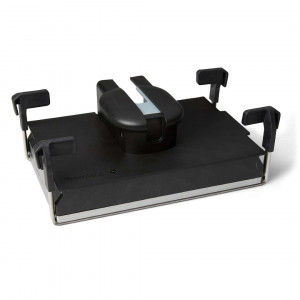
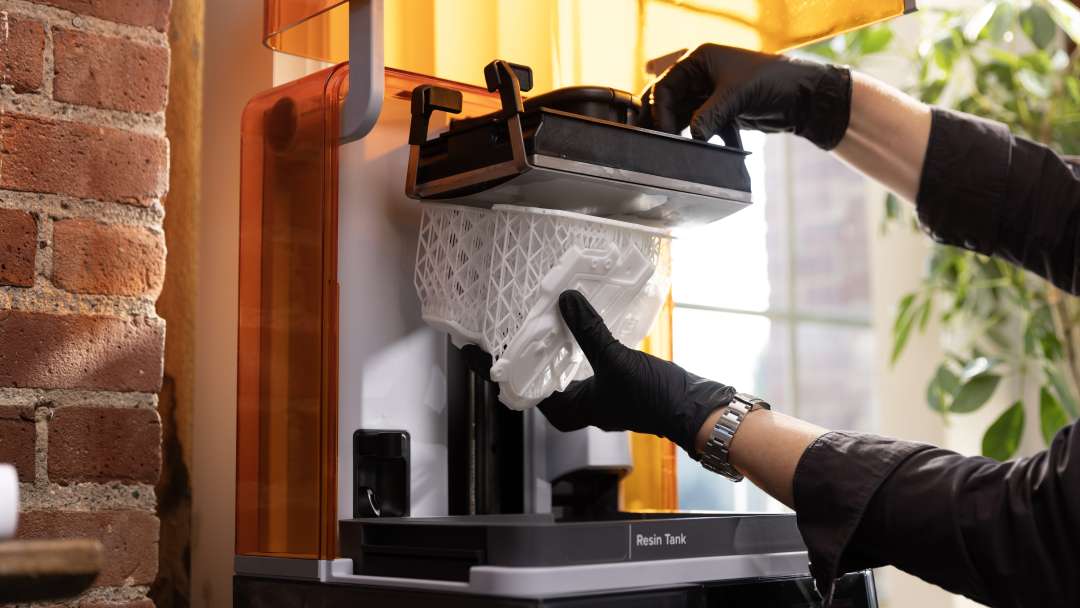
- Flex platform: a flexible surface with Quick Release technology lets you remove the part without tools in a matter of seconds and eliminates the risk of damaging it.
- Automatic resin feed: a lever and the LevelSense level sensor fill the tank on their own, so there is no need to pour resin manually.
- UL GREENGUARD certification: when paired with Alpha Resins and the VOC Extractor (sold separately), the printer is certified for low chemical emissions.
How it works and print speed
The Formlabs Form Studio 1 Flex Graphite cures resin layer by layer with 405 nm light. The printer converts a 3D object into two-dimensional slices using MSLA (masked stereolithography) technology. The print module is Low Force Display™ (LFD).
Exposure and masking
405 nm light travels from the bottom up through the light processing unit (LPU) and the tank floor. The LPU masks it, so each layer is exposed only within its own outline. The texture on the LPU surface reduces the force between the layers on the part and the tank. A clean texture prevents print failures and damage to the tank.
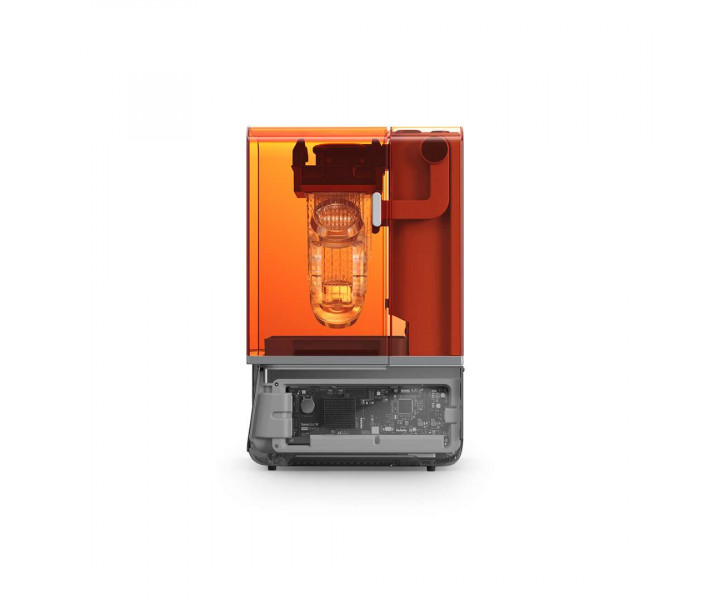
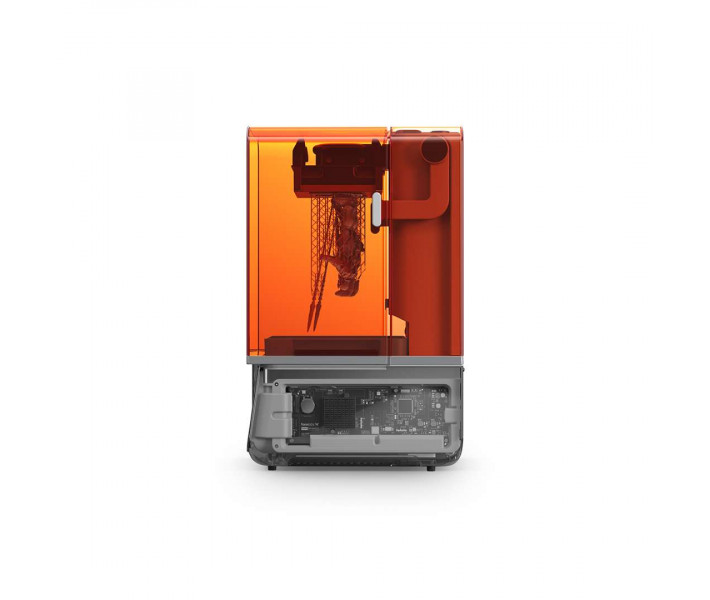
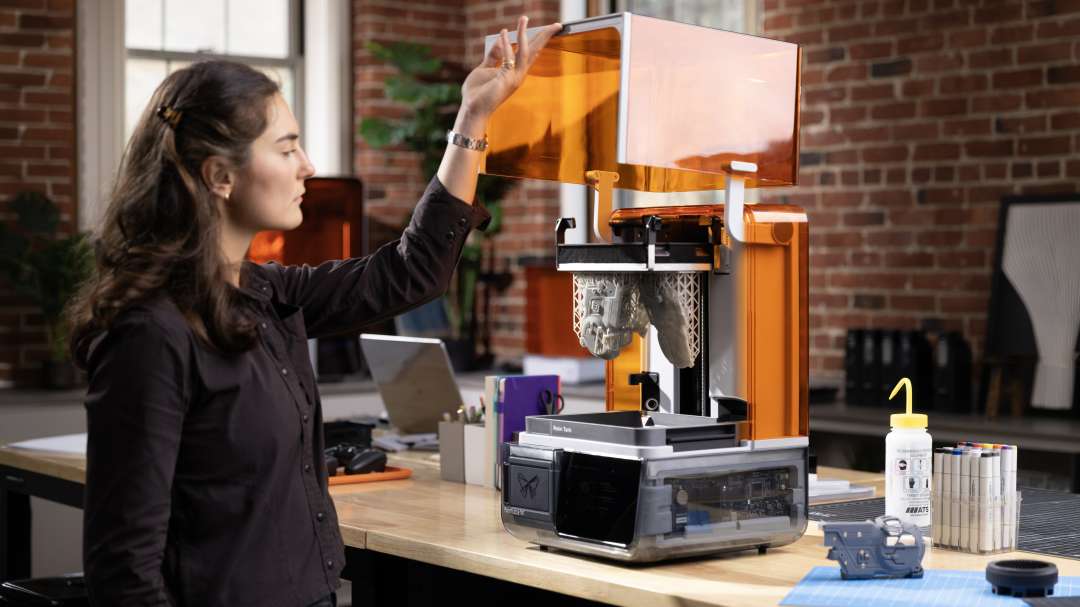
The orange lid blocks curing light and prevents the resin from hardening under ambient light when the lid is raised.
Detail and speed
A 35 µm pixel and preconfigured anti-aliasing define the XY resolution. Layer thickness is selected in PreForm within the range of 25–300 µm. Most parts print in under two hours. Supports are generated automatically and are easy to detach. After changing the layer thickness, they sometimes need to be repositioned.
Automatic resin feed and a clean process
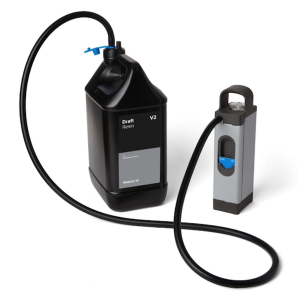
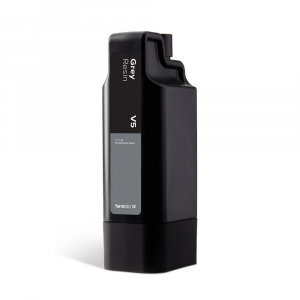
Resin flows from the cartridge into the tank automatically. The feed lever squeezes the cartridge's flexible valve, and the resin flows into the tank. The LevelSense ultrasonic sensor monitors the resin level and maintains it throughout printing. Printing starts automatically as soon as the sensor detects the required level.
Resistive heaters under the tank warm the resin to 25–45 °C depending on the material. The chamber maintains a stable temperature before printing and between prints. Resin cartridges are supplied separately from the printer.
Safety and low emissions
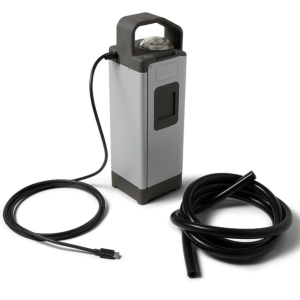
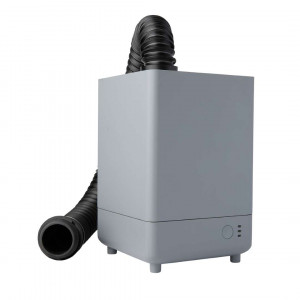
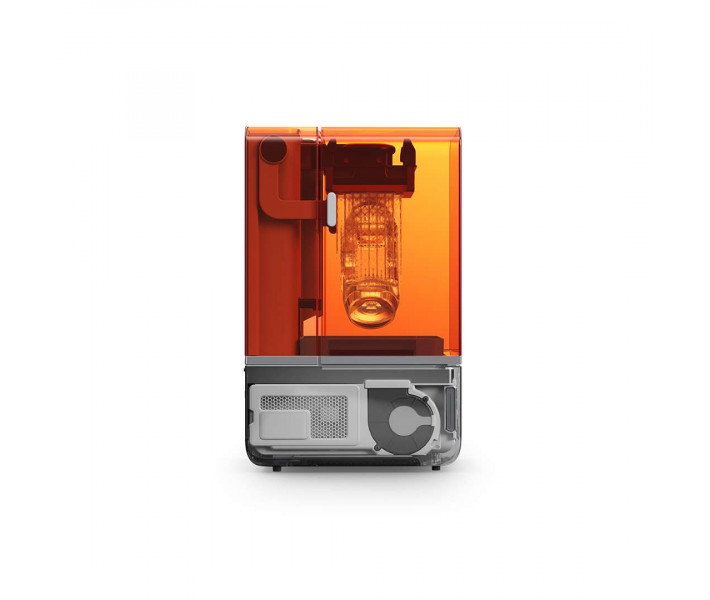
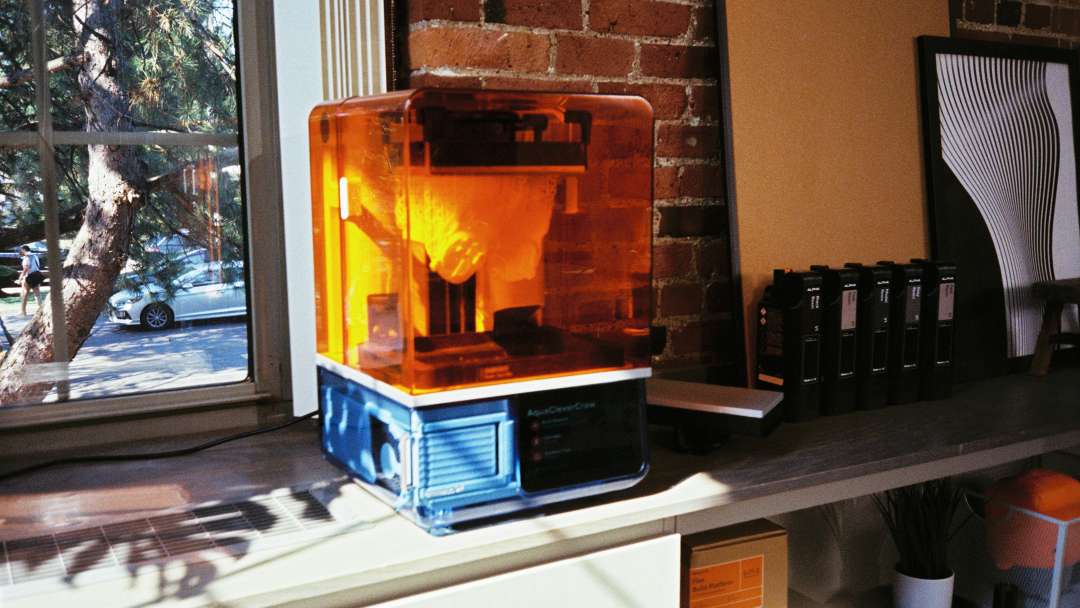
The VOC Extractor is sold separately and connects to the exhaust port on the rear panel. It extracts and filters the resin's volatile organic compounds (VOCs). The air passes through one pre-filter and two carbon filters. The pre-filter traps dust so that the carbon filters work efficiently.
The carbon filters are rated for 336 hours of active operation. For Alpha Resins, only fan mode 2 is certified.
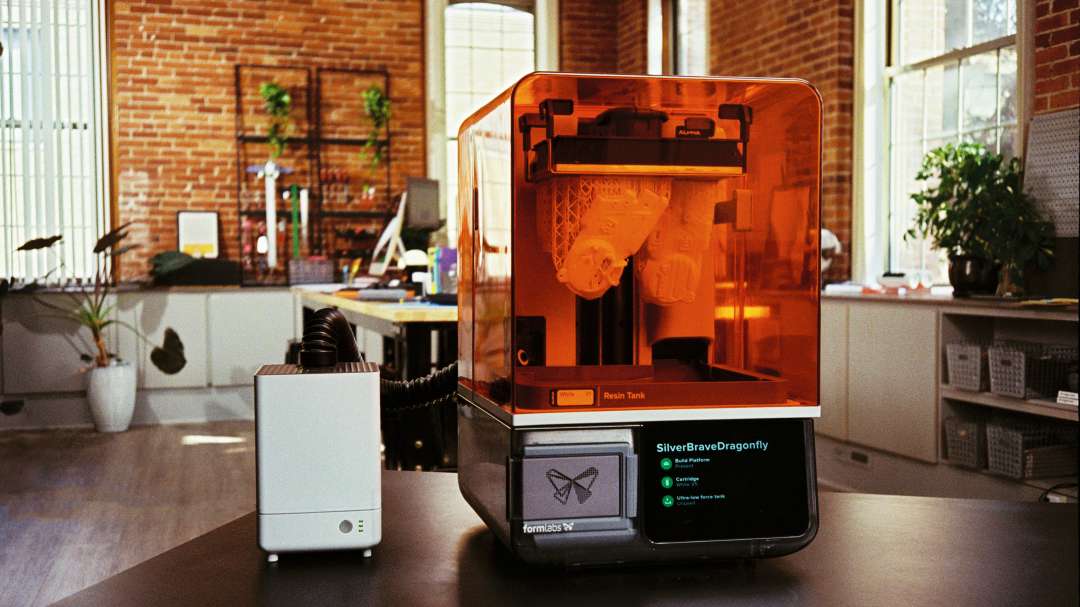
The lid sensor responds to the interlock magnets and switches off the backlight when the lid is open. A message about the open lid appears on the screen. Working with resin requires nitrile gloves and safety glasses.
Certification and standards compliance
The printer meets electrical and photobiological safety standards. The confirmed items are listed below.
- Electrical safety: IEC 62368-1:2023, UL 62368-1:2025, CSA C22.2 No. 62368-1:2025, EN IEC 62368-1:2024, AS/NZS 62368.1:2022, J62368-1 (2023).
- Photobiological safety: IEC 62471:2006.
- Radio interference: Class A digital device limits (FCC, CFR Title 47, Part 15) for commercial environments.
Flex platform and part post-processing
The Build Platform Flex with Quick Release technology lets you remove the part without tools in a matter of seconds. The flexible surface eliminates the risk of damaging the part and simplifies the workflow. The platform is recommended for almost all print jobs. Lift the platform with the part on lattice supports out of the tank, working in gloves.
After printing, the part is washed in the Form Studio Wash+Cure or the Form Wash. After washing, the isopropyl alcohol needs at least 30 minutes to evaporate completely. Post-curing unlocks the part's full mechanical properties. Supports are removed with flush cutters, and the marks are sanded away with sanding sticks.
Design and placement
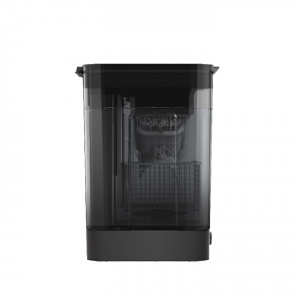
The printer measures 34.2 × 31.5 × 50.2 cm and weighs 14.3 kg. For convenient access, leave 36 × 33 × 79 cm of free space. The room should be dry, with a temperature of 18–28 °C and low humidity.
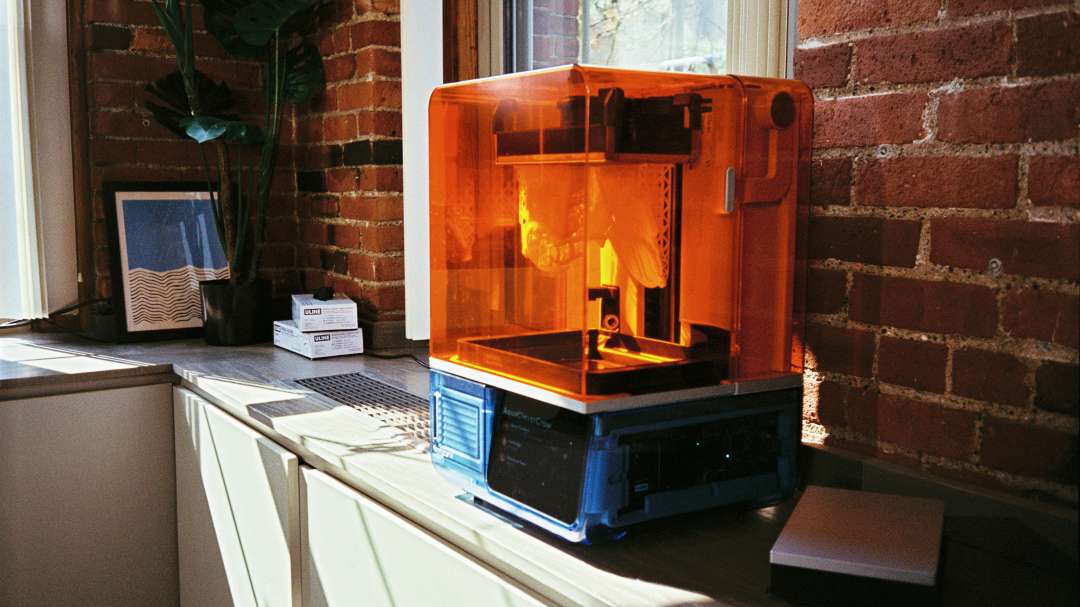
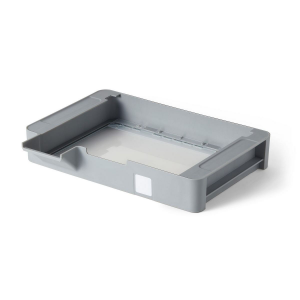
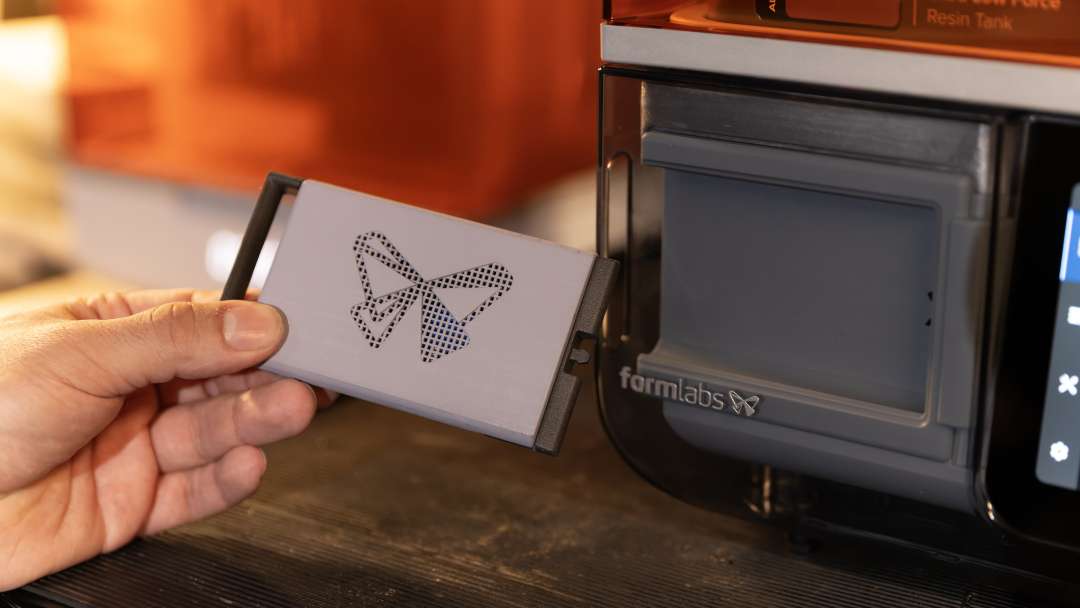
All four feet must stand on a hard surface — print accuracy and the absence of resin spillage depend on it. Levelling is performed with the supplied disc, following the on-screen prompts. The Z-axis lead screw controls the platform's vertical movement. Keeping it clean and lubricated ensures smooth, precise travel. The front compartment of the housing is shown in the photo: a hand pulls a grey panel with a perforated logo out of it.
Software and connectivity
Jobs are prepared in the PreForm desktop software. The program opens STL, OBJ and 3MF files, orients models and generates supports automatically. Several parts can be placed on one platform.
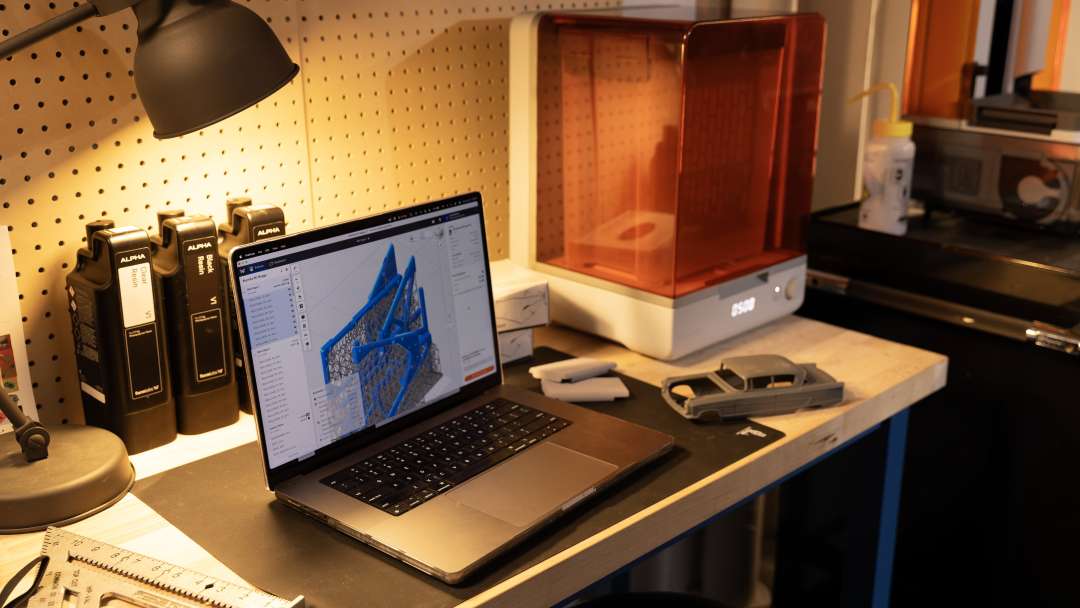
The finished job reaches the printer via Wi-Fi, Ethernet or USB. Wi-Fi supports IEEE 802.11 a/b/g/n/ac/ax and WPA/WPA2 security. The 100 Mbit Ethernet port requires a shielded cable of at least Cat5, which is not included. Dashboard shows print status and material consumption. The Form Mobile App provides a live camera view and time-lapses.
Maintenance and included tools
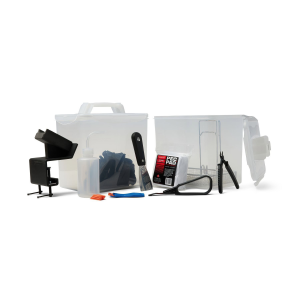
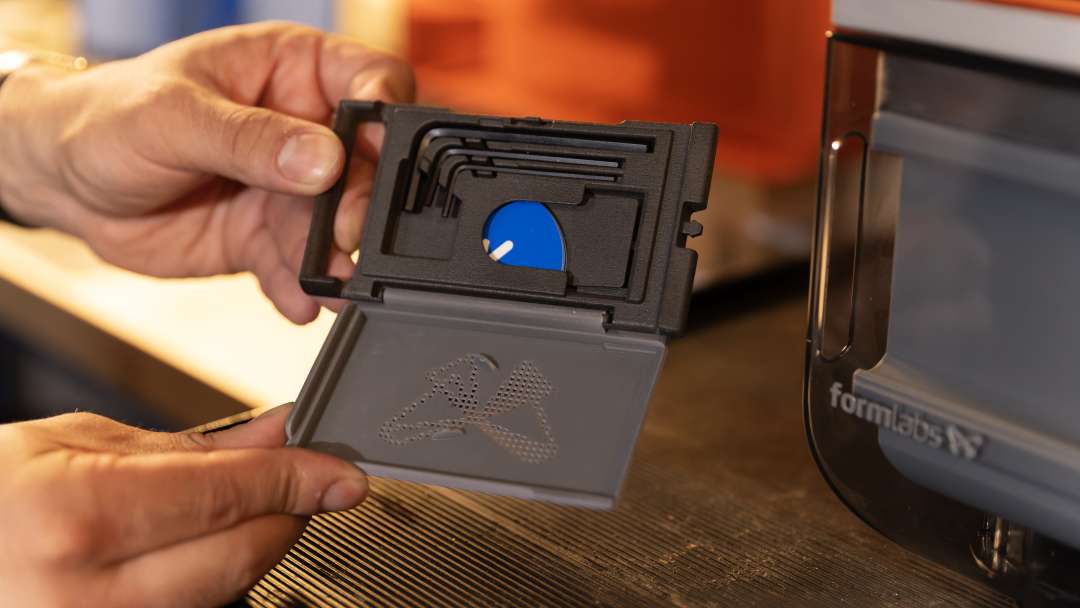
The kit includes a tool holder with 2 mm, 2.5 mm and 4 mm hex keys. Alignment shims help level the platform if necessary. The photo shows a dark grey hinged case with L-shaped keys and a blue tool next to the printer.
Scheduled maintenance has clear intervals. Lubricate the Z-axis lead screw once every 12 months or when the platform moves unevenly. Replace the cartridge when it is empty — after printing 1 L of resin. Replace the tank when wear on the floor affects print quality. Update the firmware when PreForm reports a new version.
After a failed print, the printer prints a cleaning sheet — a thin, flat part that binds debris in the tank. A special tool helps remove it from the tank. Maintenance should be carried out by qualified personnel: unauthorised disassembly may void the warranty.
Applications
Formlabs Form Studio 1 Flex Graphite is designed for producing photopolymer resin parts from the user's own digital models.
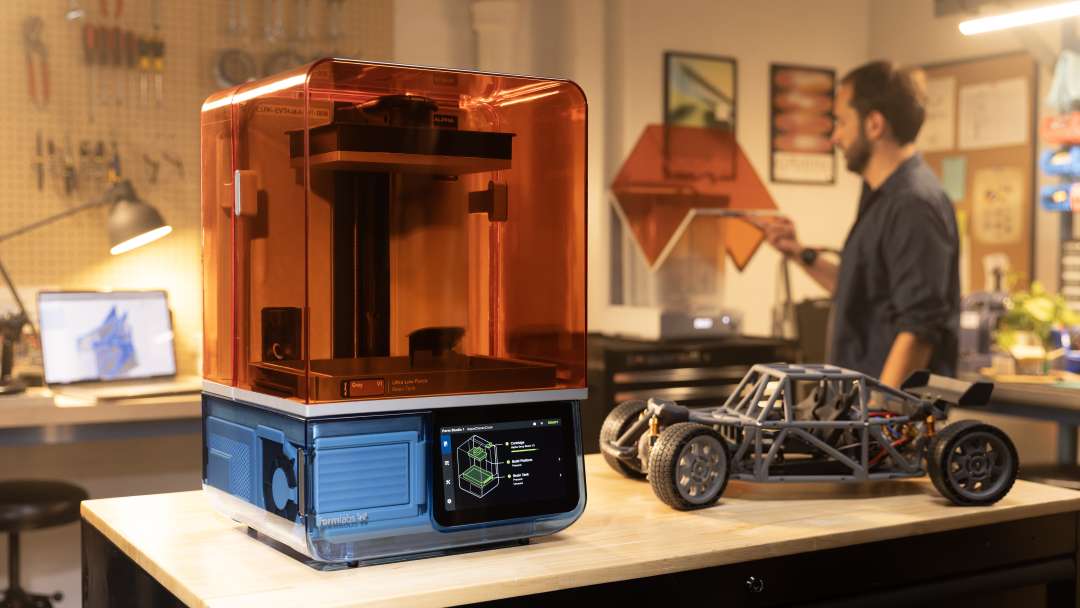
The finished part comes into your hands after washing and post-curing.
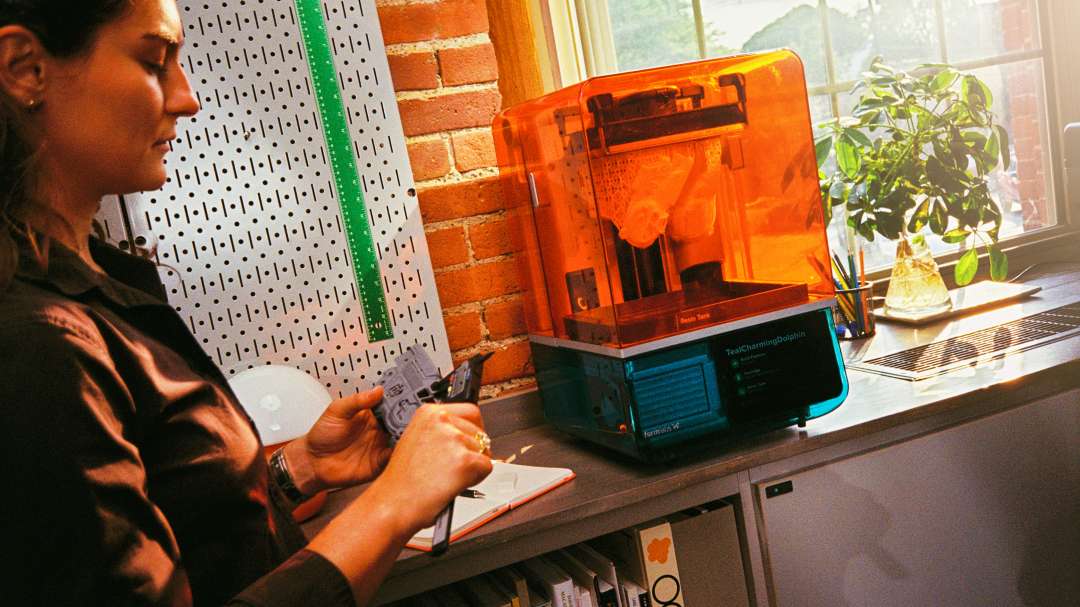
Printed parts go straight into assembly.
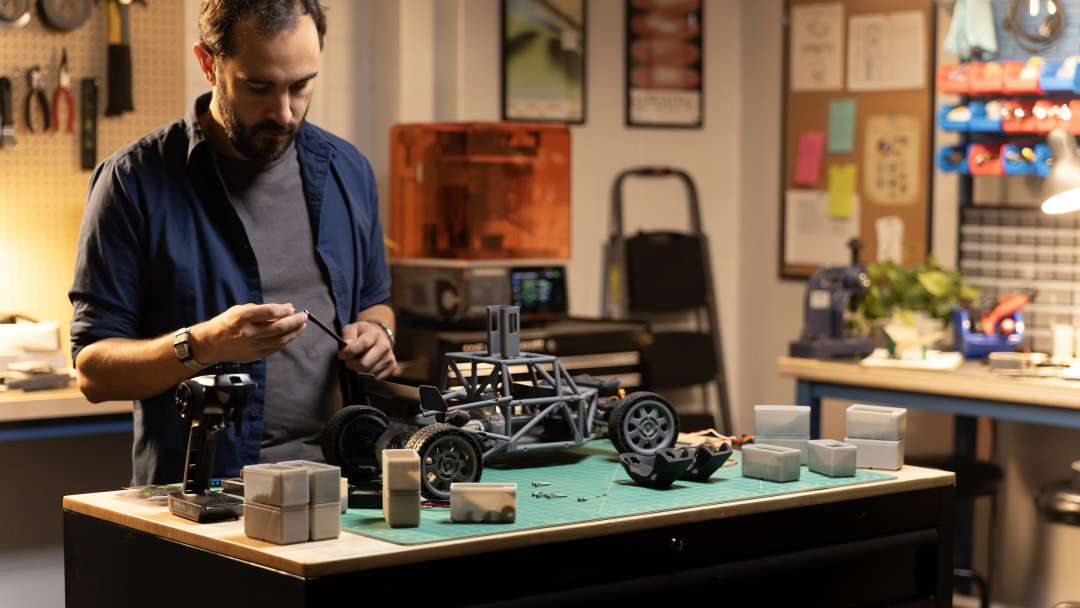
- Housing part prototypes: the 35 µm pixel reproduces fine features, and the Flex platform releases the part without tools, shortening the pause between iterations.
- Model chassis and assemblies: the 200 × 125 × 235 mm build volume holds several parts in one job, so a full set of parts is ready after a single print cycle.
- Rapid design iterations: most parts print in under two hours, and the 25–300 µm layer thickness lets you balance speed against detail.
- Desktop printing in a workshop: dimensions of 34.2 × 31.5 × 50.2 cm and a weight of 14.3 kg let you place the printer on a countertop, while Wi-Fi and Ethernet send jobs from PreForm without a USB cable.
- Printing with resin fume filtration: the VOC Extractor removes and filters volatile compounds, and when paired with Alpha Resins the configuration is UL GREENGUARD certified.
Compatible accessories and materials
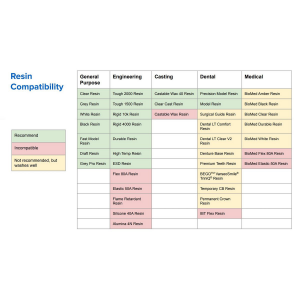
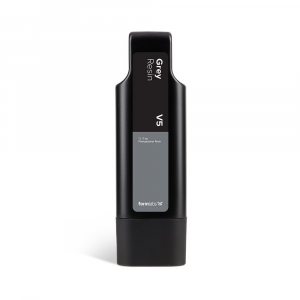
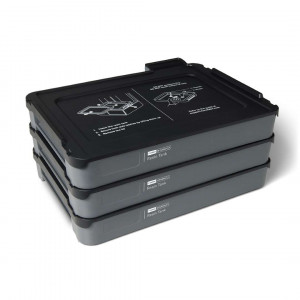
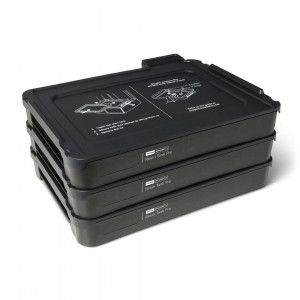
- Resin tanks: the Form Studio 1 Resin Tank works with general-purpose resins, but not with all Formlabs resins. The Resin Tank Pro supports all resins and is required for Open Material Mode.
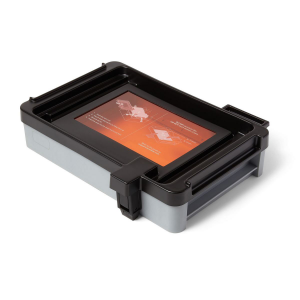
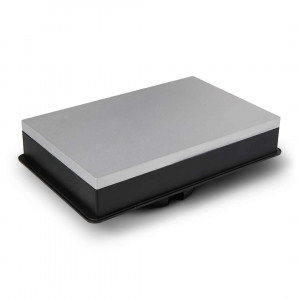
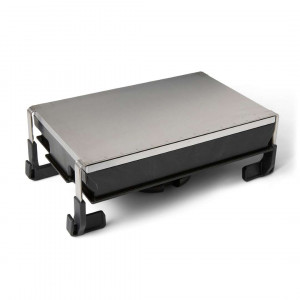
- Build platforms: the Form Studio Build Platform with a matte aluminium surface and the Build Platform Flex with a flexible surface.
- Extractor: the VOC Extractor (sold separately) connects to the exhaust port; it is also compatible with Form 4 generation printers.
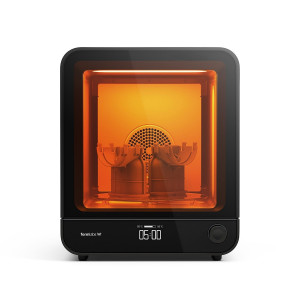
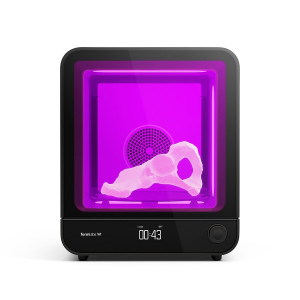
- Post-processing: Form Studio Wash+Cure, Form Wash, Form Wash L, Form Cure, Form Cure L or third-party devices approved by Formlabs.
What's in the box?
- Form Studio 1 3D printer
- Form Studio 1 Resin Tank
- Build Platform Flex
- Power cable
- USB C–A cable
- Nitrile gloves
- Levelling disc
- Mixer / plastic tank scraper
- Metal scraper
- Flush cutters for removing supports
- Sanding sticks
- Tool holder with 2 mm, 2.5 mm and 4 mm hex keys, alignment shims and the LevelSense calibration tool
- Tool for removing the cleaning sheet
- Drip tray
- Camera lens cap
Technical specifications
Technology and print quality
| Parameter | Value |
| Technology | Masked stereolithography (MSLA) |
| Print module | Low Force Display™ (LFD) |
| Build volume (W × D × H) | 200 × 125 × 235 mm. For parts taller than 215 mm, the resin tank must be taken out together with the build platform. When washing in the Form Wash, the basket must be removed. When washing in the Form Studio Wash+Cure, printed parts taller than 200 mm must be removed from the build platform before washing. |
| Layer thickness (axial resolution) | 25–300 µm |
| XY resolution | Pixel size 35 µm with preconfigured anti-aliasing |
| Optical power intensity | 6 mW/cm² delivered to the print plane |
| Optical wavelength | 405 nm |
Resin and temperature control
| Parameter | Value |
| Resin cartridges | 1 |
| Resin delivery system | Automated |
| Biocompatible materials | No |
| Supports | Automatically generated, easy to remove |
| Operating temperature | Automatic resin heating to 25–45 °C depending on the material |
| Temperature control | Direct resin heating |
Dimensions, power and environment
| Parameter | Value |
| Minimum dimensions for convenient access (W × D × H) | 36 × 33 × 79 cm |
| Printer dimensions (W × D × H) | 34.2 × 31.5 × 50.2 cm |
| Printer weight | 14.3 kg |
| Operating environment | 18–28 °C, low ambient humidity |
| Power requirements | 100–240 VAC, maximum 3 A, 50/60 Hz, 300 W |
Connectivity
| Parameter | Value |
| Connectivity | Wi-Fi: 2.4 GHz, 5 GHz; Ethernet: 100 Mbit; USB: 2.0 |
| Wi-Fi connectivity | Protocol: IEEE 802.11 a/b/g/n/ac/ax, frequency: 2.4 GHz, 5 GHz, supported security protocols: WPA/WPA2 |
| Ethernet connectivity | RJ-45 Ethernet, 100BASE-TX LAN network port, connects with a shielded Ethernet cable (not included), Cat5 or higher |
| USB connectivity | USB C port with a USB C-A cable |
Control and software
| Parameter | Value |
| Printer control | Interactive touchscreen |
| Notifications | Touchscreen notifications, SMS/email via Dashboard, speaker for audible alerts, mobile notifications via the Formlabs Form Mobile App |
| Camera | Built-in camera, 1920 × 1080 resolution (2 MP) |
| Print preparation | PreForm desktop software |
| File type | STL, OBJ, 3MF and other CAD file formats. |
Why buy the Formlabs Form Studio 1 Flex Graphite from EXPERT3D?
EXPERT3D has been supplying professional 3D equipment since 2012. As an official Formlabs representative, we guarantee 100 % authenticity, a fair price, authorised service and an official warranty. Our specialists provide advice before purchase and help you choose the right configuration. We deliver throughout Spain and the EU countries. After the sale, we provide service support. Order original spare parts and consumables on the website. To order the Formlabs Form Studio 1 Flex Graphite, contact our specialists.