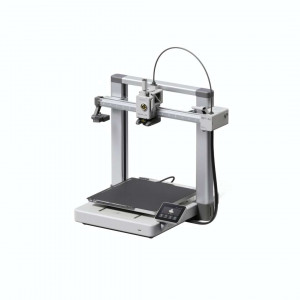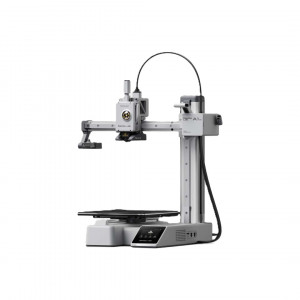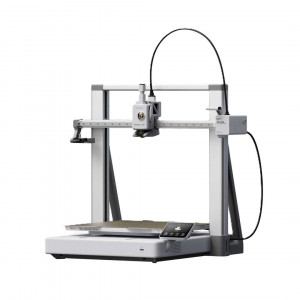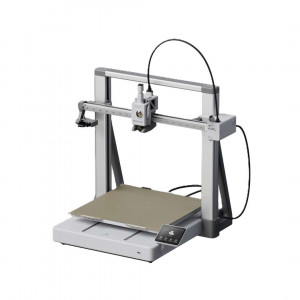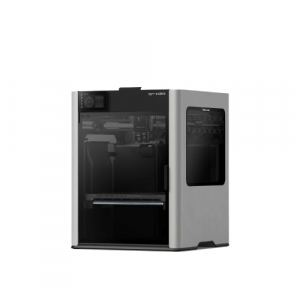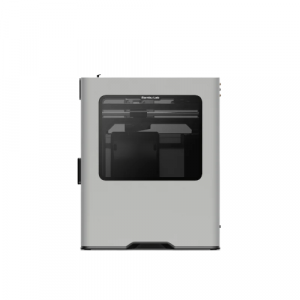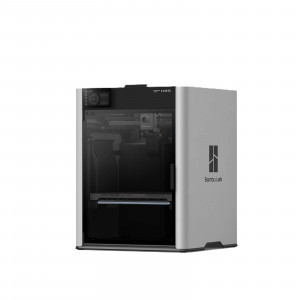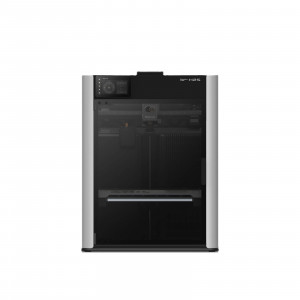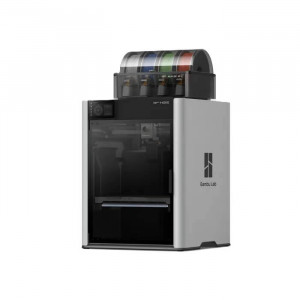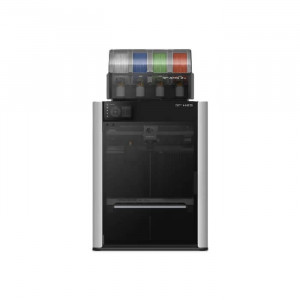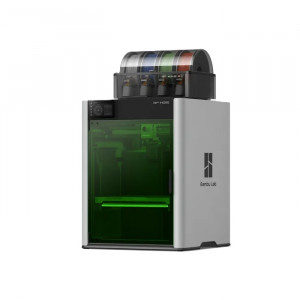
- Stock: In Stock
- Product code: 920372000001719144
- Weight Brutto: 10.20kg
- SKU: PF002-M+SA005-EU

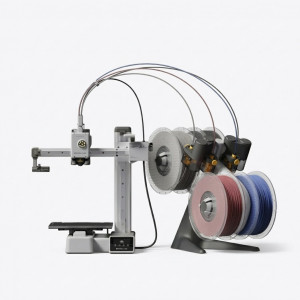
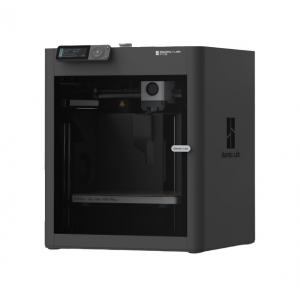
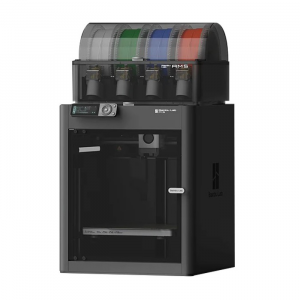
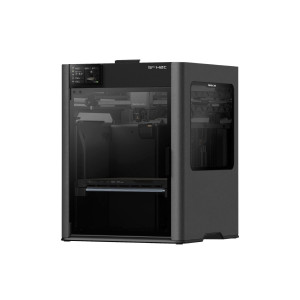
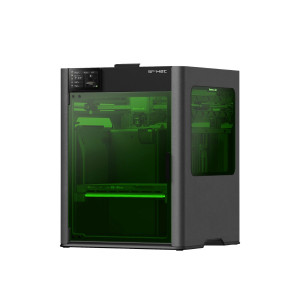
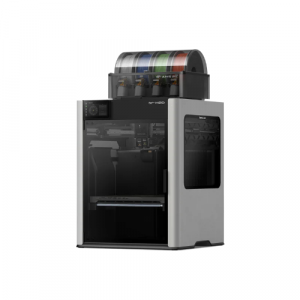
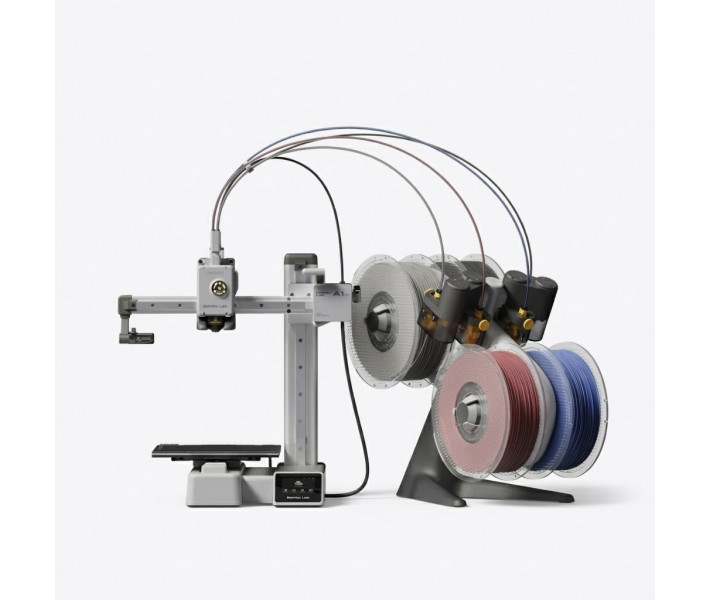
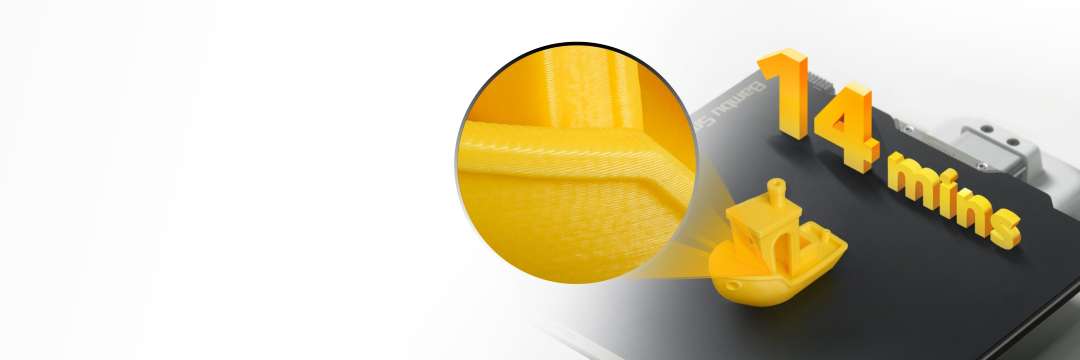
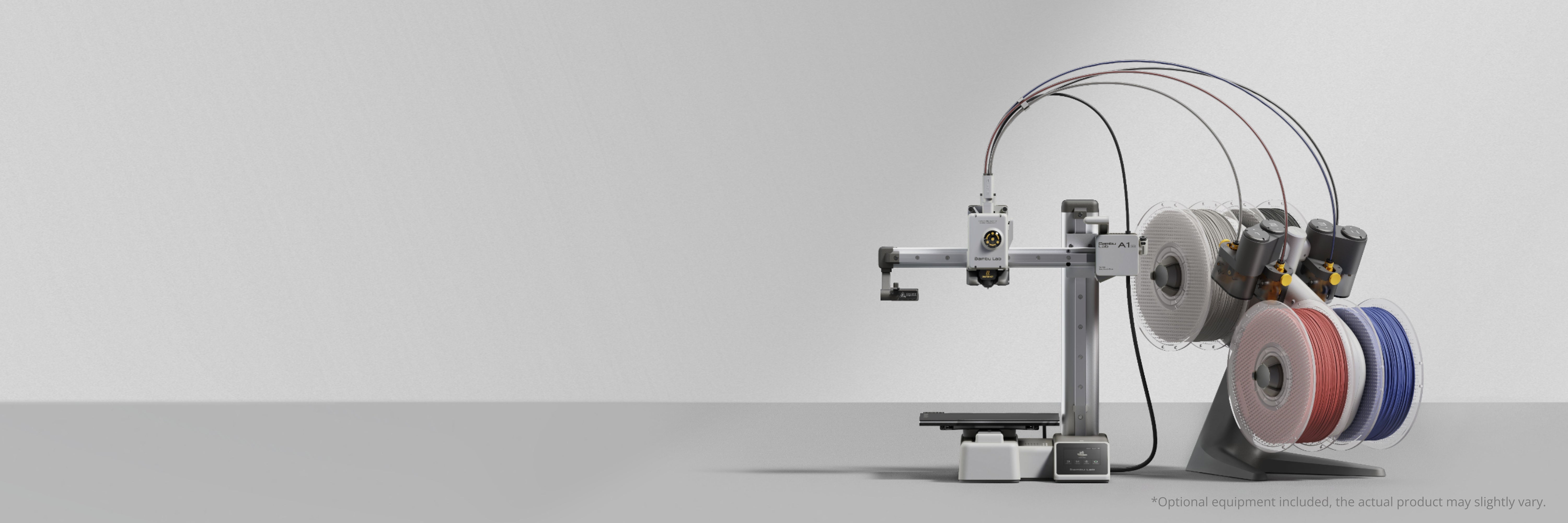
Bambu Lab A1 Mini Combo — a 3D printer with AMS lite for multicolour printing. A Benchy prints in 14 minutes straight after unboxing, with no special filaments. Metal guide rails and a rigid frame deliver that result. The bundled AMS lite auto-switches to a spare spool when one runs out.
Key specs and benefits
- Max. toolhead speed: 500 mm/s — Fast printing needs no special filaments, and the metal guide rails and rigid frame deliver the quality.
- Build volume: 180 × 180 × 180 mm³ — A part up to 180 mm along each axis is made in a single print cycle.
- Multicolour printing with AMS lite: up to 4 colours — A spare spool with the same properties automatically continues the print when the current one runs out.
- Auto-calibration before every print: The Z offset and bed level are calibrated automatically, with no manual setup.
- Flow compensation: An eddy-current sensor measures nozzle pressure, and the algorithm adjusts the feed for accurate extrusion.
- Failure protection: Filament runout and tangle sensors detect a fault, and a print can be resumed after a power loss.
Bambu Lab A1 Mini: multicolour printing
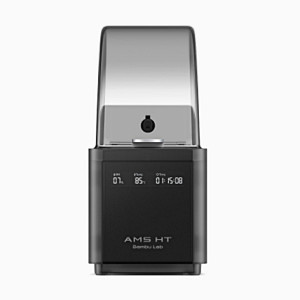
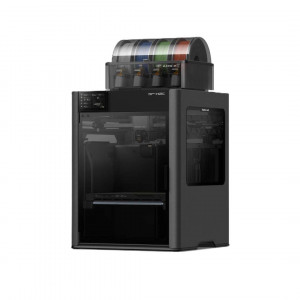
Colour models need automatic feeding of several filaments. The Bambu Lab A1 Mini Combo bundle includes an AMS lite with four rotating spool holders. The printer supports only one such module. That sets a four-colour maximum.
AMS lite feeds filament from different spools automatically. Colours change within a single job without manual spool swaps.
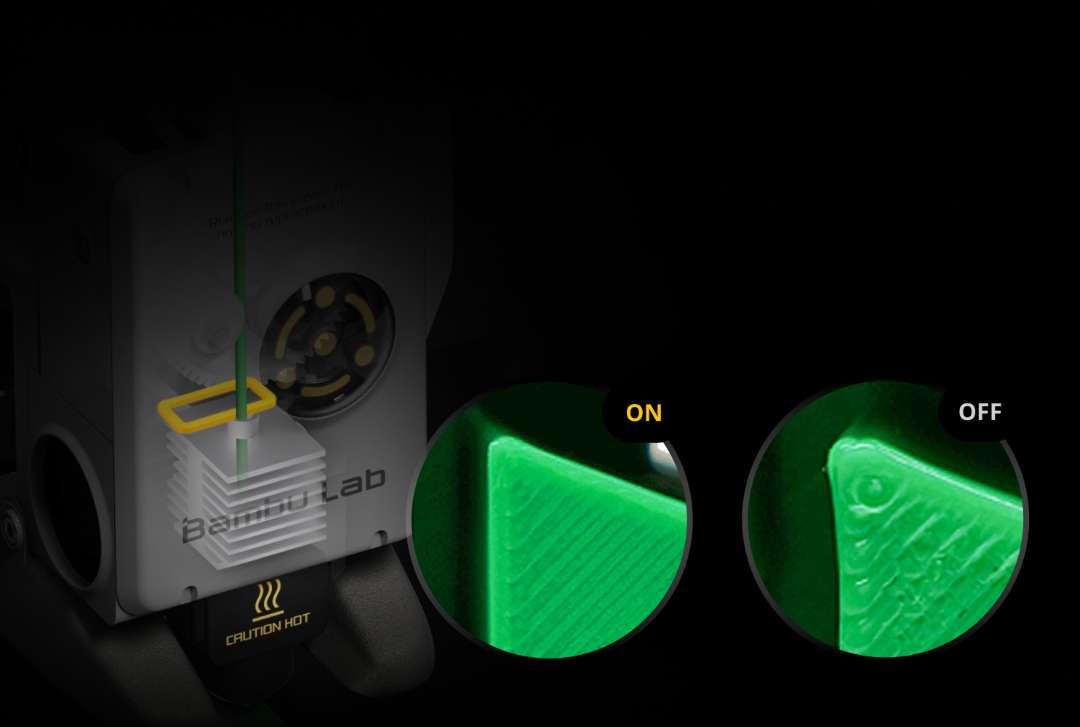
Flow compensation from nozzle pressure
Fluctuating nozzle pressure undermines extrusion accuracy. A high-resolution, high-frequency eddy-current sensor measures that pressure. The algorithm adjusts the flow based on the sensor readings. During purging on the nozzle wiper, the hotend detects the change in extrusion force and calibrates the K factor. Partial clogging distorts the K factor.
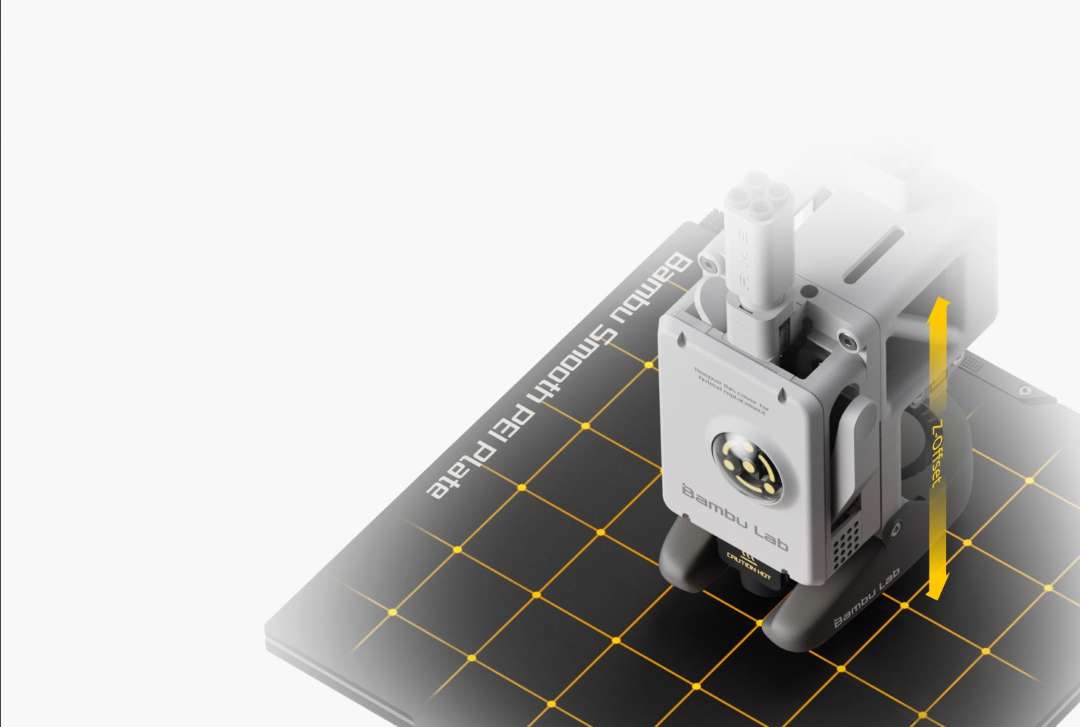
Calibration before every print
Manual calibration costs time before every job. The printer calibrates vibration resonance and nozzle pressure itself. Before printing, it checks five points on the bed and decides whether to level it again. Enable auto-levelling for every job, because the magnetic plate sits with a slight offset each time. Z offset calibrates automatically.
Ready for the first print
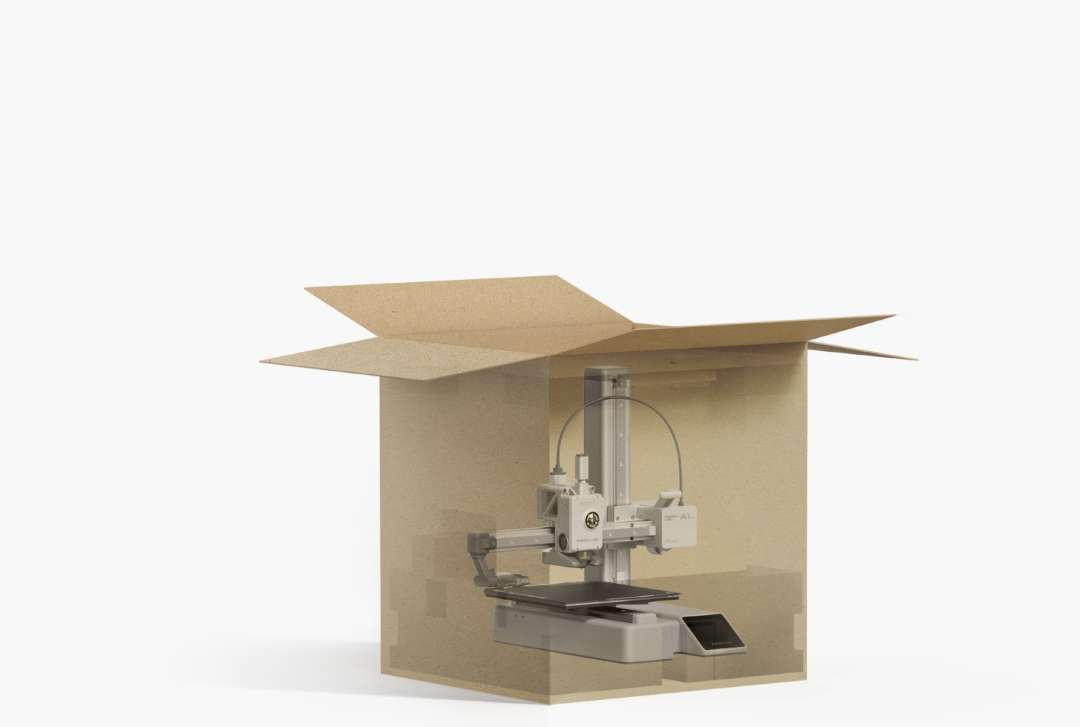
Assembly and setup delay first prints. The printer arrives assembled, calibrated and configured to high precision. It takes about 20 minutes to reach the first print.
Active motor noise cancellation
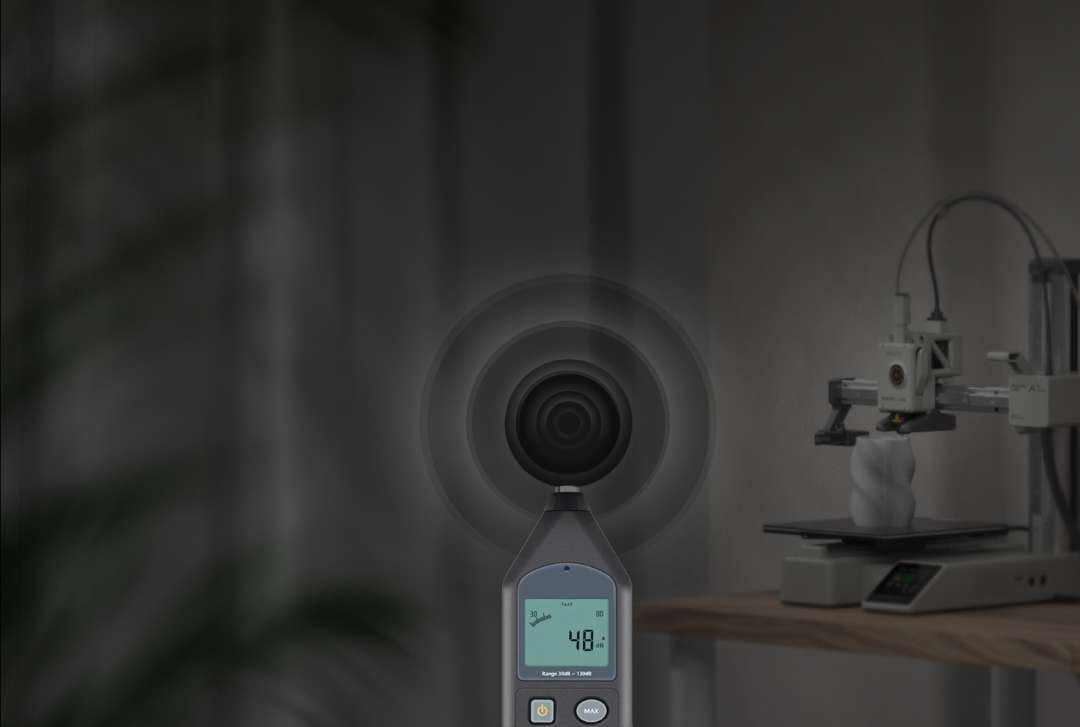
Motor noise makes it hard to work near a printer. The device tunes its parameters to small differences between individual motors. This offsets the harshness of motor noise. In Silent mode, the noise level is about 48 dB. This figure covers Silent mode only.
Speed and motion accuracy
Fast printing demands rigid kinematics. Metal guide rails and a rigid frame hold the toolhead steady at high speed. The Cortex M4 motion control system processes data from the pressure sensor and the accelerometers. Quality holds without special filaments.
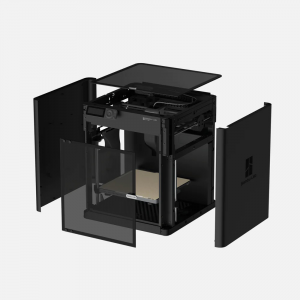
The bed-slinger design moves the bed along the Y axis by about 390 mm. Leave room for that travel. Enclosing the printer is not recommended. The speed mode can be changed during printing, on the printer or in the Bambu apps. Sport mode needs a higher hotend temperature; set it in the slicer.
Control via Bambu Studio and Handy
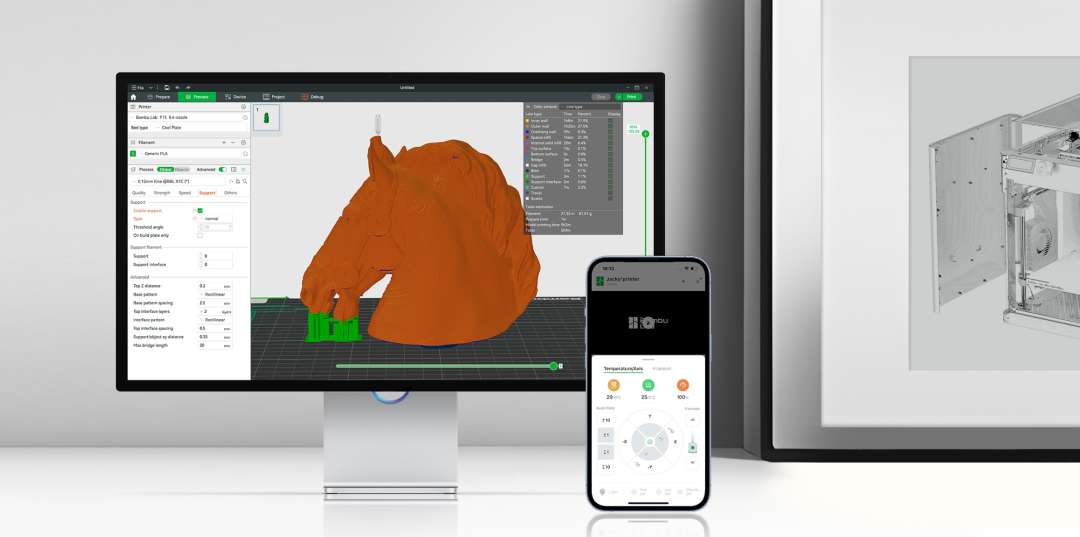
Remote monitoring reduces the need to stand beside the printer. Bambu Studio and Bambu Handy control the printer remotely and show its status. The built-in camera records timelapses; it has a low frame rate and a resolution of up to 1080P. Bambu Studio runs on macOS and Windows. Third-party slicers that export standard G-code also work, but some advanced features may not.
The printer has no built-in storage. A microSD card is needed to start a print; a 32 GB card is already installed. Without internet, printing starts from the card. Firmware cannot be updated without Wi-Fi.
Automatic feeding with AMS lite
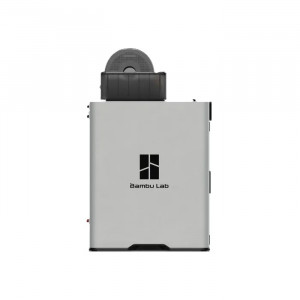
Several spools need feeding without manual swaps mid-print. The AMS lite stands beside the printer and feeds filament to the toolhead through PTFE tubes. Connection is by Bambu Bus cable.
Spare spool and RFID
The AMS lite switches automatically to another spool with the same properties when the current one runs out. Printing does not stop. Bambu Lab filaments carry an RFID tag that the AMS reads. Optimal settings are applied automatically and synchronised with Bambu Studio. Configure third-party filaments manually in Bambu Studio or on the printer. The AMS lite also accepts snap-away breakaway supports or soluble filament. Both make support removal easier.
Material limitations
AMS lite feeding is sensitive to filament stiffness. Flexible TPU and TPE, and damp PVA and BVOH, are unsuitable. Feed third-party filaments with carbon or glass fibre from an external spool: they may snap in the feed channel or damage it. The standard stainless-steel nozzle is not recommended for printing these materials; a hardened nozzle is required. The list of supported filaments covers loading and unloading only. Check compatibility with the printer separately.
Placement and maintenance
The spring-loaded rotating holder grips the spool by its centre hole, improving compatibility with paper spools. The open design and translucent housing keep the mechanism visible during diagnostics.
The recommended distance between the printer and the AMS lite is 50 mm. Place the heavier spool in slots 2 and 3 and the lighter one in slots 1 and 4: the centre of gravity stays lower. Wall mounting is not possible. The Combo includes two 580 mm PTFE tubes and two 700 mm ones. Longer tubes from a standalone AMS lite raise feed resistance and may trigger false tangle alerts.
Applications
The Bambu Lab A1 Mini Combo prints materials that do not need an enclosed chamber. Filaments such as ABS or PC are not recommended: warping and detachment from the bed are possible.
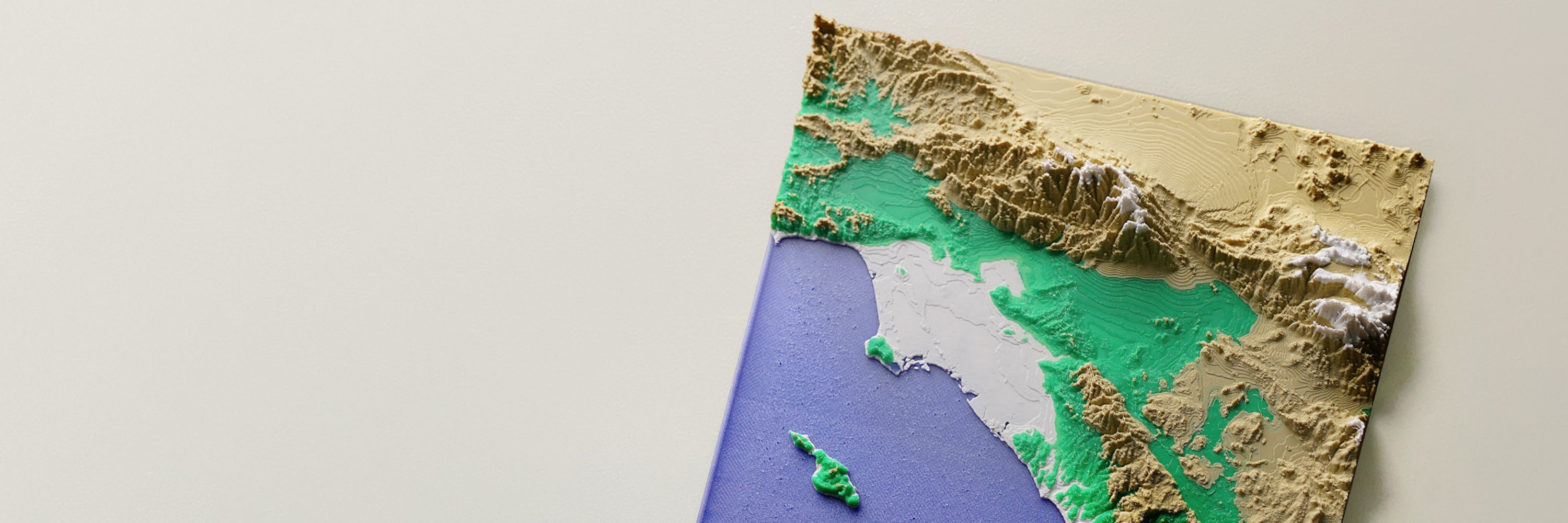
- Colour relief models: The AMS lite enables relief maps in four colours, and the RFID tags on Bambu filaments pass material settings on automatically.
- Models with complex supports: Snap-away breakaway supports or soluble filament via the AMS lite make support removal easier; PVA and BVOH feed only when dry.
- Long prints: The filament runout sensor detects the end of a spool, the AMS lite switches to the spare one, and a print can resume after a power loss.
- Glue-free printing: The Bambu Textured PEI plate holds PLA and PETG without glue. The bed heats to 80 °C, and the plate should cool before the model is removed.
- Desktop placement: The printer occupies 347 × 315 × 365 mm³. Noise in Silent mode is about 48 dB. Average power draw during printing is 57 W, and it is higher during initial heating.
Compatibility and accessories
- Build plates: The Bambu Textured PEI Plate is included; the Bambu Smooth PEI Plate is sold separately.
- Nozzles: A 0.4 mm stainless-steel nozzle is included. A 0.2 mm stainless-steel nozzle and hardened 0.4 mm, 0.6 mm and 0.8 mm nozzles are available separately.
- AMS systems: The AMS lite is included; the AMS, AMS 2 Pro or AMS HT connect via the AMS HUB accessory (SA013).
What's in the Box
- A1 mini printer
- Spool holder
- Nozzle wiper (Purge Wiper)
- Build plate
- PTFE tube — 1 pcs
- Bambu filament samples — 20 g (random colour)
- Stainless-steel nozzle
- Accessory box
- AMS lite housing
- AMS lite stand
- AMS lite rotating spool holders — 4 pcs
- H2 hex key
- PTFE tubes for AMS lite
- Screws for the AMS stand — 5 pcs
- Bambu Bus cable, 4-pin
Technical specifications
General
| Parameter | Value |
| Build volume | 180 × 180 × 180 mm³ |
| Chassis | Steel + extruded aluminium |
| Compatible build plate | Bambu Textured PEI Plate, Bambu Smooth PEI Plate |
| Max. build plate temperature | 80 °C |
| Recommended | PLA, PETG, TPU, PVA |
| Not recommended | ABS, ASA, PC, PA, PET, polymer reinforced with carbon/glass fibre |
| Dimensions | 347 × 315 × 365 mm³ |
| Net weight | 5.5 kg |
| Input voltage | 100–240 VAC, 50/60 Hz |
| Max. power | 150 W |
| Slicer | Bambu Studio (supports third-party slicers that export standard G-code, such as SuperSlicer, PrusaSlicer and Cura, but some advanced features may not be supported) |
| Supported OS for the slicer | macOS, Windows |
Toolhead
| Parameter | Value |
| Hotend | All-metal |
| Extruder gears | Steel |
| Nozzle | Stainless steel |
| Max. hotend temperature | 300 °C |
| Nozzle diameter (included) | 0.4 mm |
| Nozzle diameter (optional) | 0.2 mm, 0.6 mm, 0.8 mm |
| Filament cutter | Yes |
| Filament diameter | 1.75 mm |
Speed
| Parameter | Value |
| Max. toolhead speed | 500 mm/s |
| Max. toolhead acceleration | 10 m/s² |
| Max. hotend flow | 28 mm³/s @ABS (Model: 150 × 150 mm single wall; Material: Bambu ABS; Temperature: 280 °C) |
Cooling
| Parameter | Value |
| Part cooling fan | Closed-loop control |
| Hotend fan | Closed-loop control |
| Control board (MC) cooling fan | Closed-loop control |
Sensors
| Parameter | Value |
| Monitoring camera | Low-frame-rate camera (up to 1080P), timelapse supported |
| Filament runout sensor | Yes |
| Filament odometry | Yes |
| Power loss recovery | Yes |
| Filament tangle sensor | Yes |
Electronics
| Parameter | Value |
| Display | 2.4-inch IPS touchscreen, 320 × 240 |
| Connectivity | Wi-Fi, Bambu-Bus |
| Storage | Micro SD card |
| Control interface | Touchscreen, app, PC software |
| Motion controller | Dual-core Cortex M4 |
Wi-Fi
| Parameter | Value |
| Frequency range | 2,412 MHz – 2,472 MHz (CE), 2,412 MHz – 2,462 MHz (FCC), 2,400 MHz – 2,483.5 MHz (SRRC) |
| Transmitter power (EIRP) | ≤ 21.5 dBm (FCC), ≤ 20 dBm (CE/SRRC) |
| Protocol | IEEE 802.11 b/g/n |
AMS lite
| Parameter | Value |
| Product size | 397 × 208 × 342 mm³ |
| Package size | 470 × 290 × 340 mm³ |
| Product weight | 1.6 kg |
| Gross weight | 3.7 kg |
| Material | ABS / PC / POM |
| Supported filament | PLA, PETG, ASA, PET, PA, PC, PVA (dry), BVOH (dry), PP, POM, HIPS and Bambu PLA-CF |
| Not recommended filament | Bambu PLA Glow, Bambu PETG-CF and other generic glow-in-the-dark PLA brands, etc. |
| Unsupported filament | TPE, TPU, PVA (damp), BVOH (damp), Bambu PET-CF / PA6-CF / TPU 95A and third-party filaments containing carbon or glass fibre |
| Filament diameter | 1.75 mm |
| Supported spool size | Width: 40 – 68 mm, Inner diameter: 53 – 58 mm |
Why buy the Bambu Lab A1 Mini from EXPERT3D?
EXPERT3D has supplied professional 3D equipment since 2012. Our specialists provide pre-sales consultation and help configure the Bambu Lab A1 Mini Combo. The consultation covers filament compatibility with the AMS lite. We provide delivery across Spain and the EU. After purchase, we offer service support for the printer and the AMS lite. Spare parts and consumables can be ordered on the website to avoid equipment downtime.