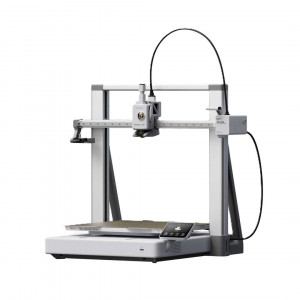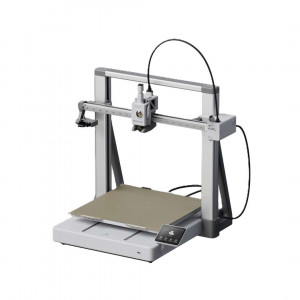
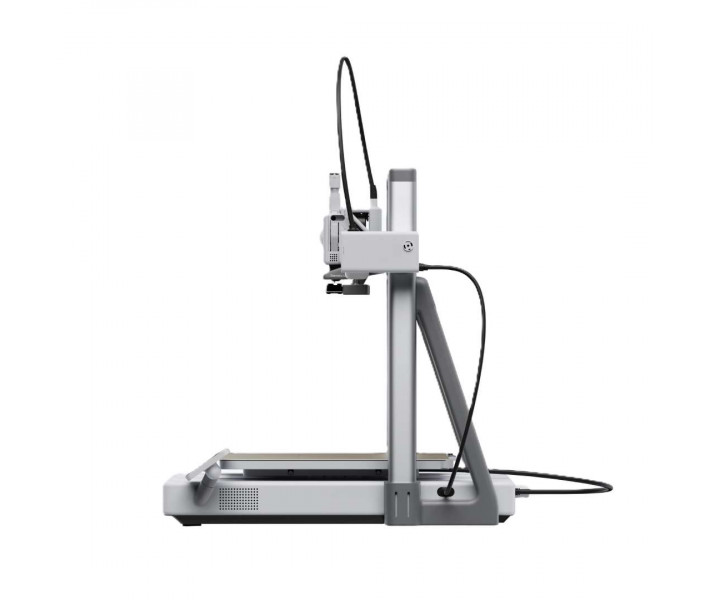


- Stock: In Stock
- Product code: 920372000001719048
- Weight Brutto: 21.00kg
- SKU: PF005-L-EU

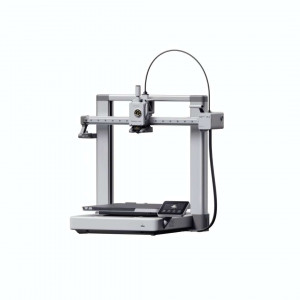
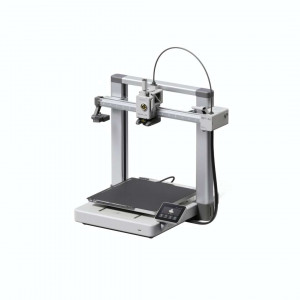
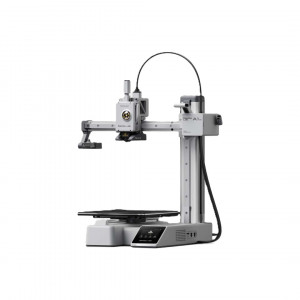
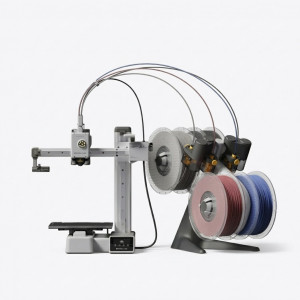
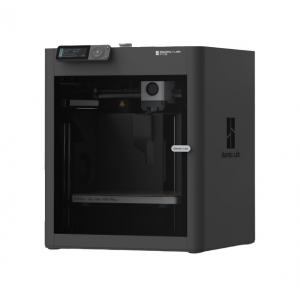
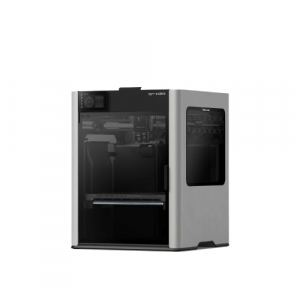
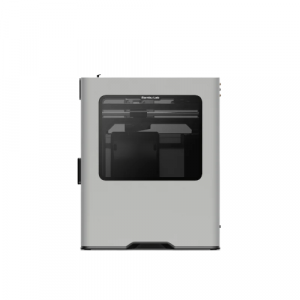
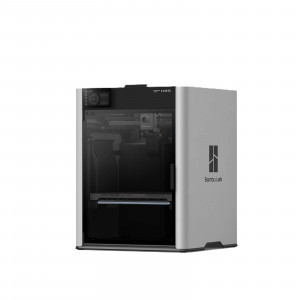
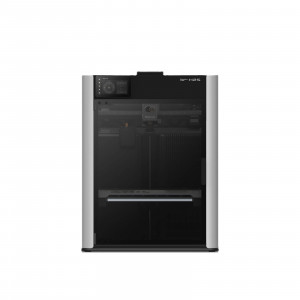
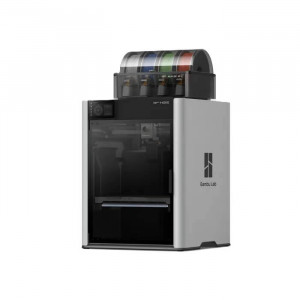
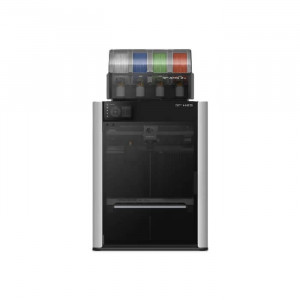
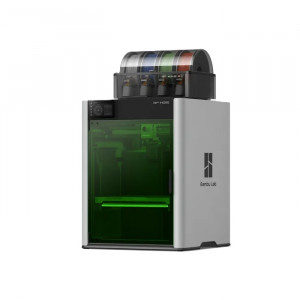
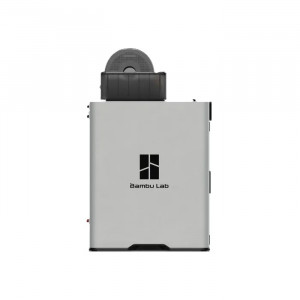
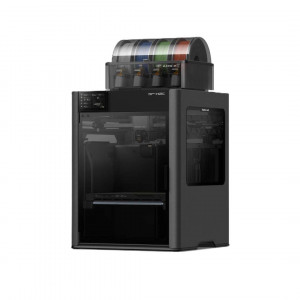
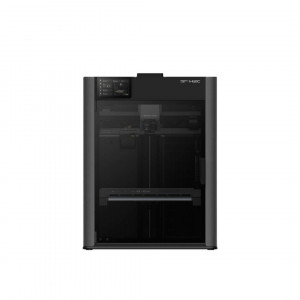
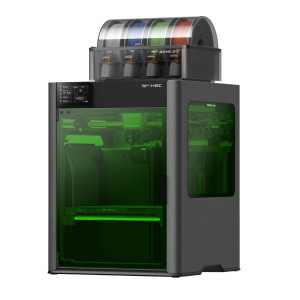
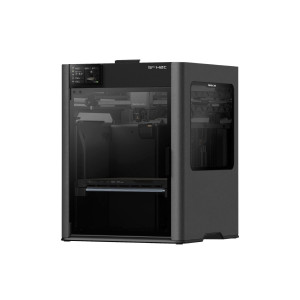
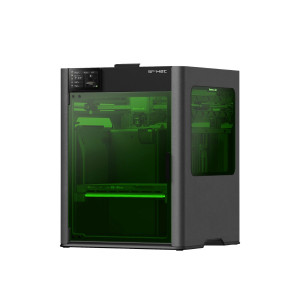
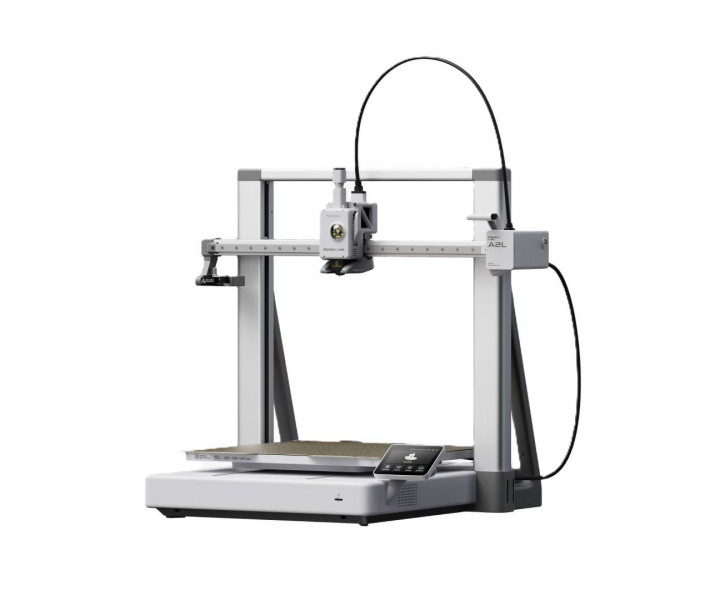
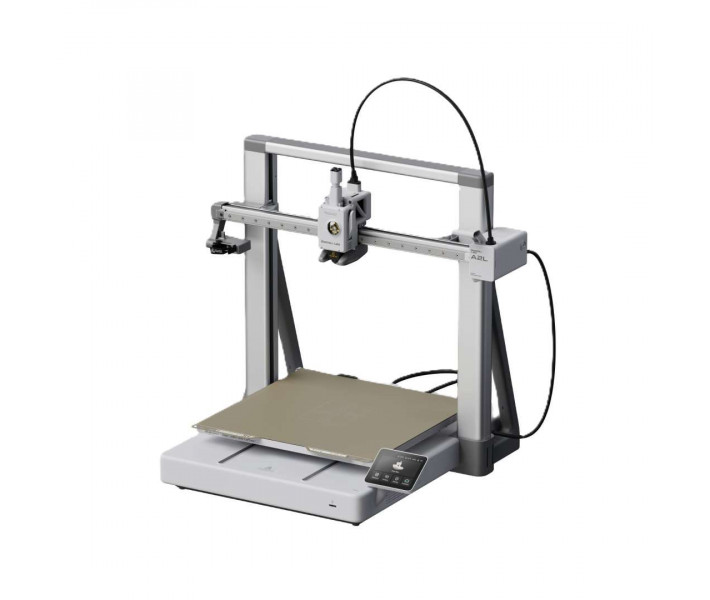
Bambu Lab A2L — a 3D printer for printing large models as a single piece, with a large-format build plate. Splitting a model into parts leaves seams and misalignment when gluing. Vibration compensation and granular dampers keep the surface smooth through to the last layer. A modular mount adds cutting and drawing, and the AMS system adds multicolour printing.
Key features and benefits
- Build volume: 330 × 320 × 325 mm — A life-size helmet prints in one piece, with no seams.
- Max. number of colours: 19 — AMS and AMS lite units work in a single filament feed queue.
- Max. nozzle temperature: 300 °C — PLA and PETG, as well as TPU and PVA, can be printed straight away; PLA-CF and PETG-CF require a hardened nozzle.
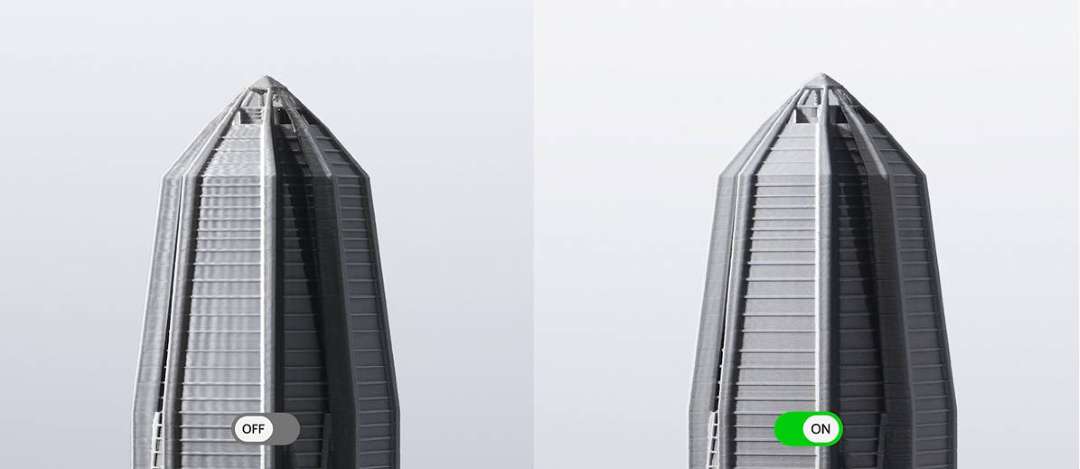
- Adaptive vibration compensation: the algorithm adjusts to the increasing height and mass of the model. Ripples on the upper layers of tall models are noticeably reduced.
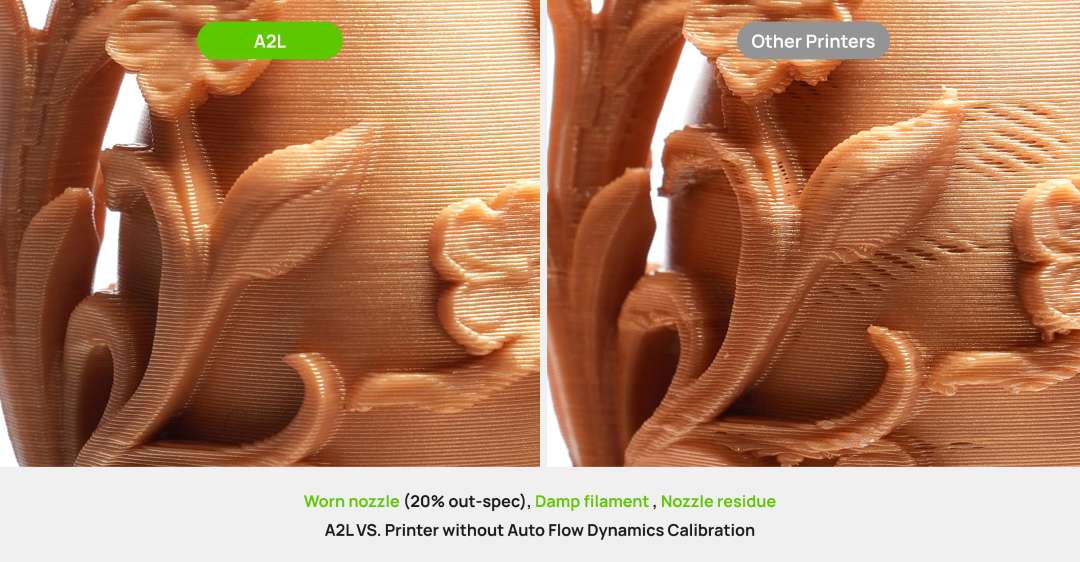
- Flow calibration before every job: the printer recalculates the extrusion model for the current nozzle and spool. Corners and fine details stay sharp.
- UL 2904 GREENGUARD certification: confirms low emissions when printing with official filaments. The printer is safe to use indoors.
Bambu Lab A2L prints large models in one piece
An assembled model requires seams to match precisely. The Bambu Lab A2L build volume is 330 × 320 × 325 mm. That is 105% more than in the 256 mm class. A batch of 40 fidget toys comes out in a single run.
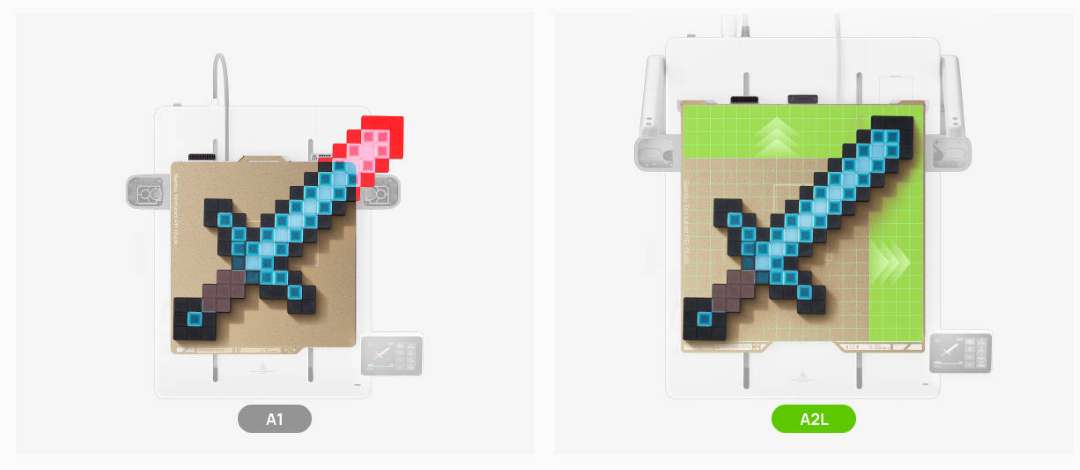
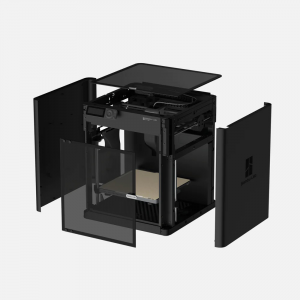
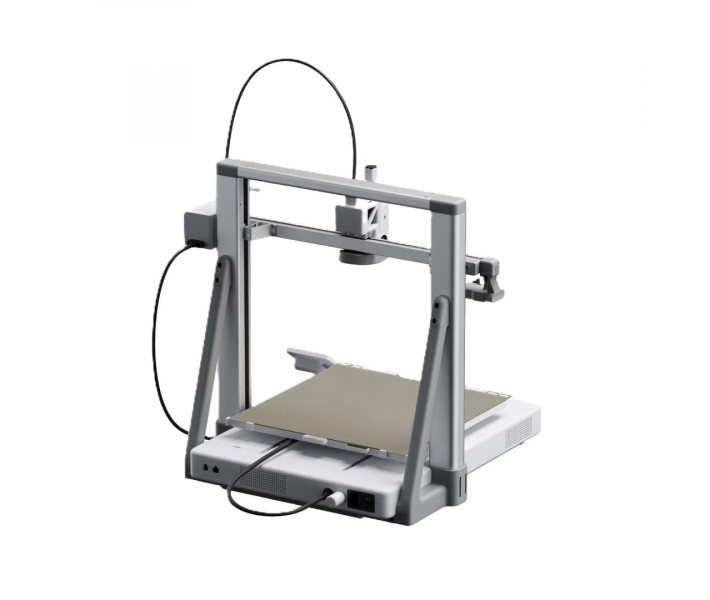
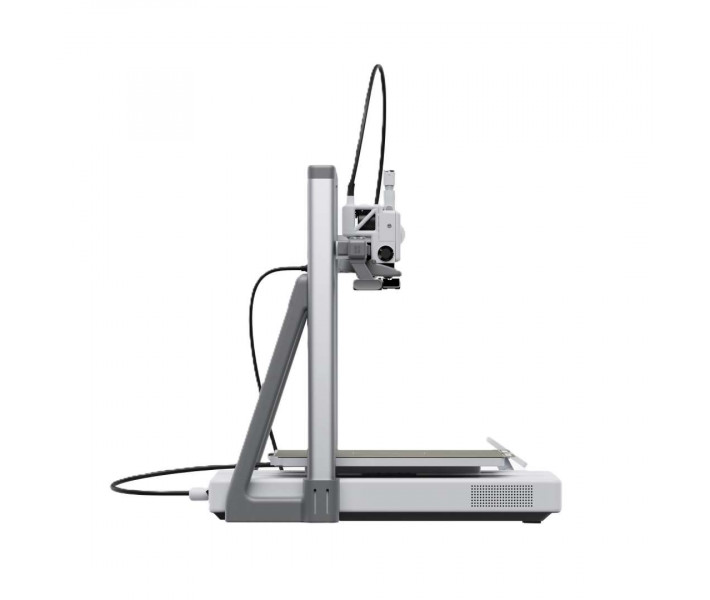
A large format needs space. The printer's dimensions are 544 × 529 × 505 mm, and its net weight is 12.8 kg. Leave 120 mm at the front and 250 mm at the back. 300 mm is needed above so as not to squash the toolhead's vertical cables. The voltage depends on the sales region: check the label next to the power socket.
Interchangeable modules add cutting and drawing
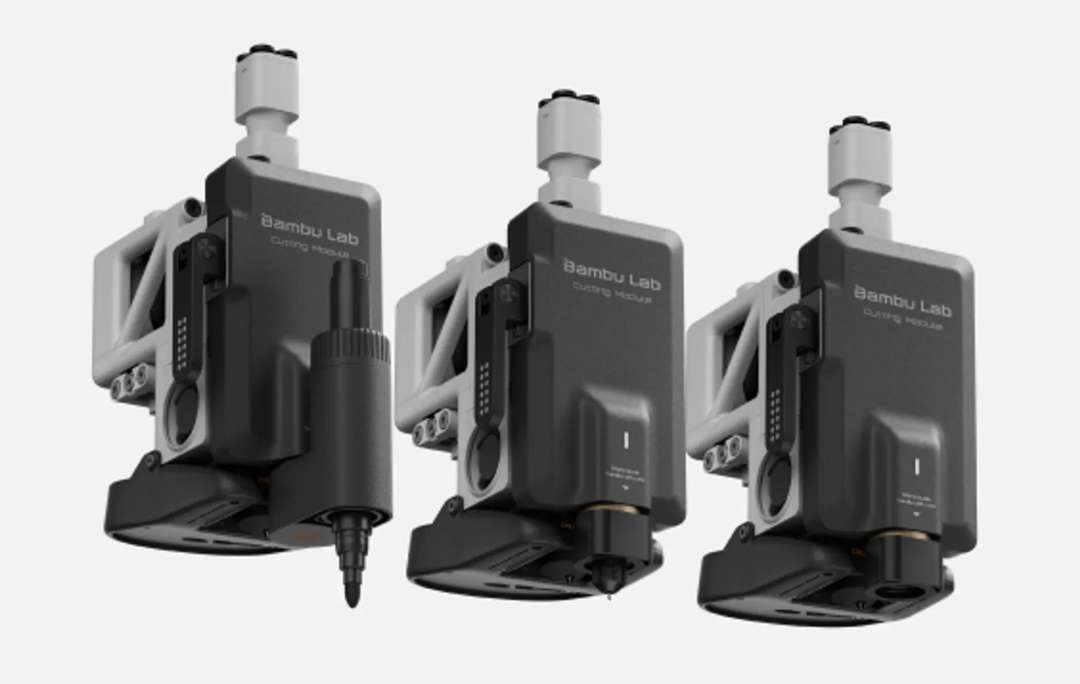
Flat blanks need a dedicated tool. The external mounting point accepts a cutting module. It is supplied separately from the printer in the Cutting Upgrade Kit, together with a pen module and a dedicated platform. A laser module is not supported because of the open frame.
Cutting
The module cuts paper and vinyl; PVC and leather are also supported. The cutting area is 300 × 300 mm, and the maximum thickness is 0.5 mm. The 45° × 0.35 mm blade works at pressures from 50 gf to 600 gf. Blade mount calibration is required after each time the motors are switched on. There is no fully automatic visual alignment: orientation is set from a smartphone photo in Bambu Handy.
Drawing
The pen module draws in a 300 × 255 mm area. It accepts pens from 10.5 mm to 12.5 mm in diameter and works with raster and vector images. The manufacturer recommends official pens; the body of a third-party pen must meet the requirements.
Vibrations do not spoil the upper layers
A tall, heavy model changes the printer's vibrations during the print itself. A high-mass platform moves back and forth and transmits vibration to the desk. This is unavoidable. Place the printer on a sturdy desk or on the floor. For printing on a desk, replace the two front soft pads with the silicone ones from the Tool Box: they increase friction.
Adaptive vibration compensation
Most printers run input shaping (resonance compensation) once at the start. The Adaptive Vibration Compensation function works in real time: the calibration matrix takes into account the toolhead position and the platform load. The resonance model is recalculated on every layer. The last layer is as clean as the first.
Granular dampers
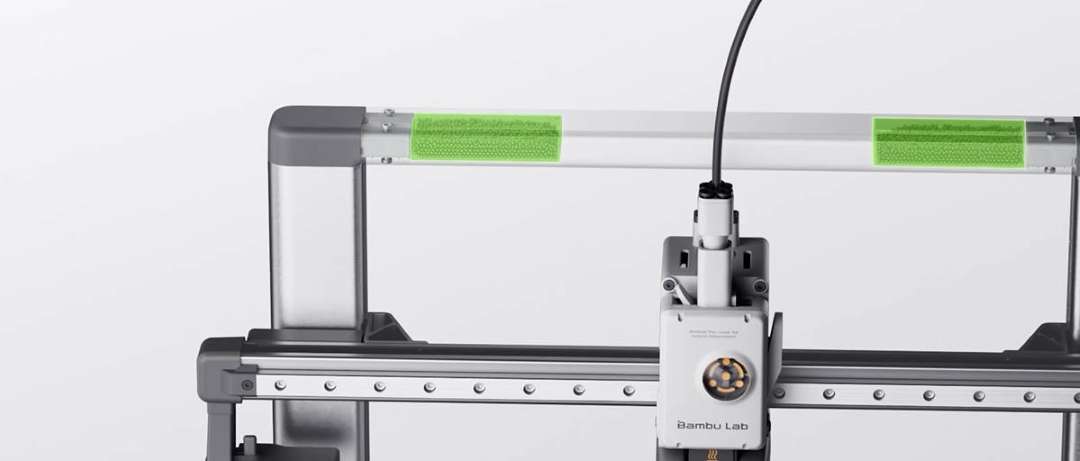
Software compensation covers only predictable vibrations. The rest is damped by two granular dampers (Granular Damper) in the gantry. These are sealed chambers with fine particles that dissipate oscillations through numerous micro-collisions. Surface ripples and ‘ghosting’ lines do not appear even at full height. If you shake the gantry, it rattles inside — this is normal.
Multicolour printing via AMS
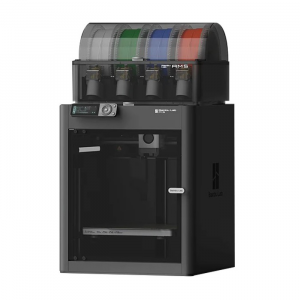
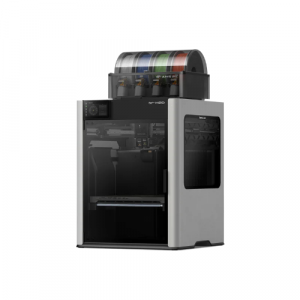
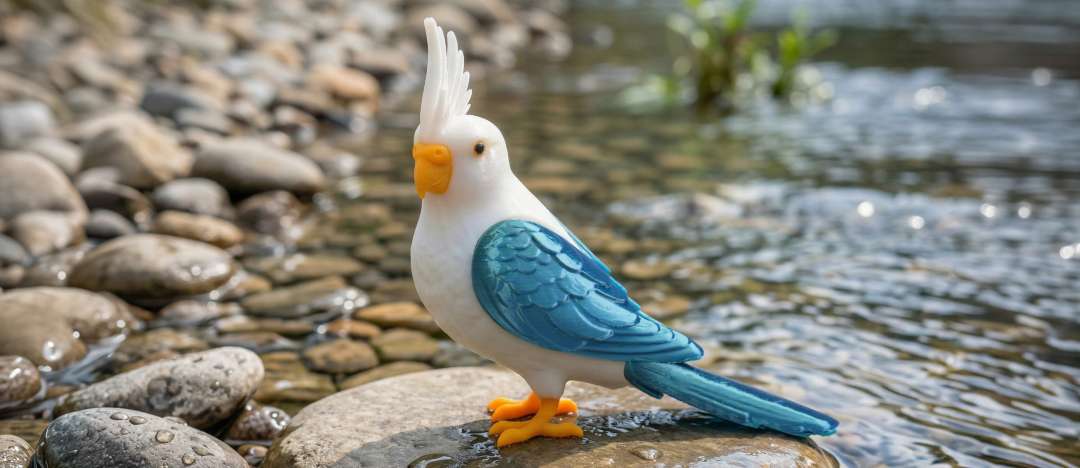
A failed colour change ruins a long print. AMS lite is designed for long multicolour prints: it has been tested by over a million users worldwide. Mounting AMS lite on top of the gantry saves space but increases vibration and may affect the quality of tall models.
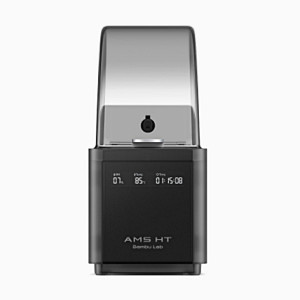
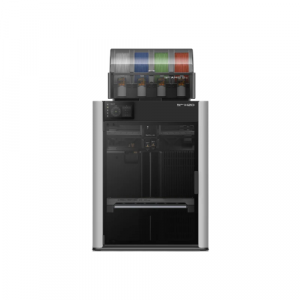
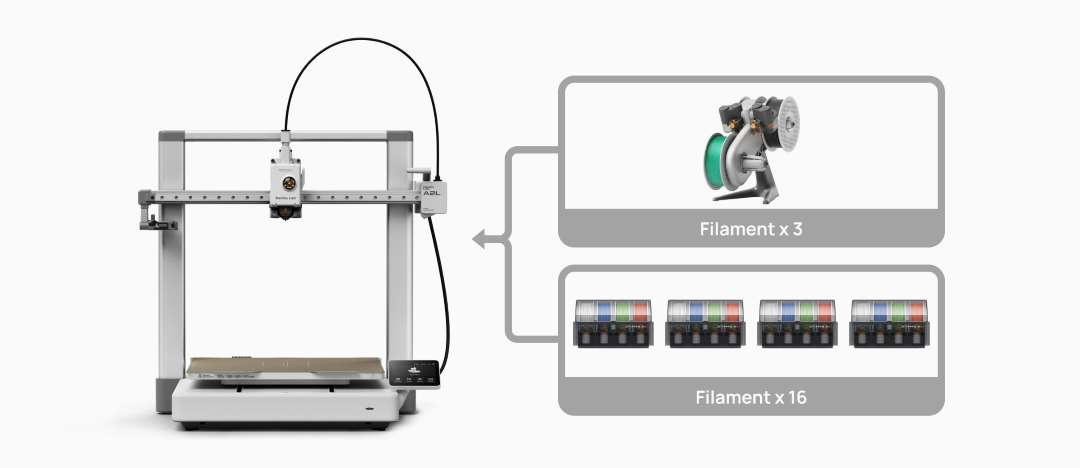
Different materials need different conditions. The 2nd-Gen AMS keeps filament in a sealed enclosure and dries it before every print. AMS lite and the 2nd-Gen AMS share a built-in buffer system and can be combined in a single queue. The printer supports up to 4 AMS units and 1 AMS lite — up to 19 colours. An AMS unit takes up one AMS lite channel. For drying, the AMS 2 Pro requires an external power adapter, and the AMS HT its own cable.
Automatic print monitoring and flow calibration
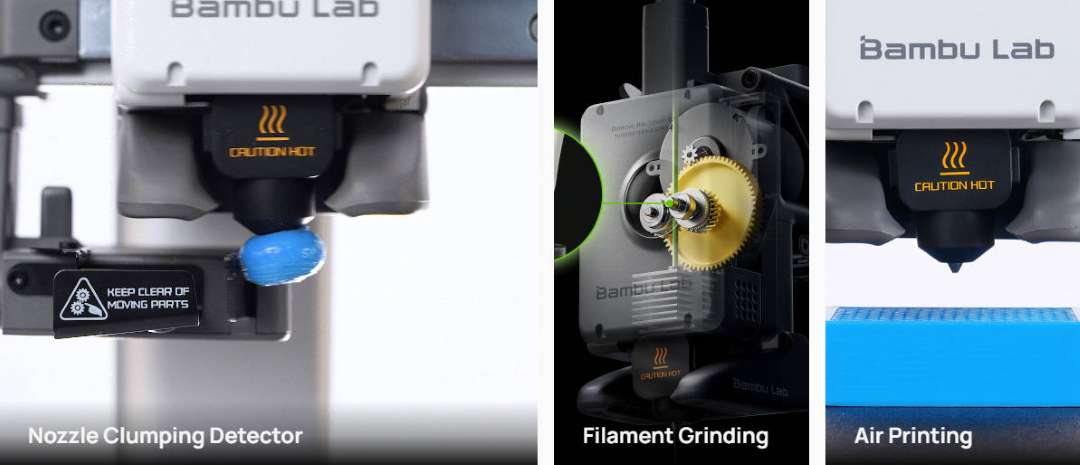
A print failure is often unnoticeable: the nozzle moves while the part no longer grows. Sensors on the extrusion path and an extruder with a PMSM servo motor feed data to an algorithm trained by Bambu. The algorithm detects tangling and filament breakage. It also detects build-up on the nozzle and air printing. The printer then pauses the print, and Bambu Handy suggests how to fix the cause.
Most printers calibrate flow once and trust that value. Here calibration runs before every job. Flow Dynamics Calibration measures how filament flows through this nozzle from this spool today. It then builds a non-linear model of the entire extrusion path. Nozzle wear, filament moisture and a new spool are all accounted for before the first layer. Corners and fine details come out sharp.
Which materials the printer supports
The choice of material depends on the nozzle and the platform temperature. A 0.4 mm stainless steel nozzle is installed. Four nozzle diameters are supported — from 0.2 mm to 0.8 mm. The platform heats up to 80 °C. For rapid heating, the printer holds maximum power for about 3 min. The open frame is geared towards PLA and PETG, and a higher temperature on a large platform would require considerably more energy. Enclosed printing with high-temperature materials is not recommended: the ambient temperature sensor signals when the threshold is exceeded.
Indoor printing: air and noise
An enclosed room demands verified emissions. The Bambu Lab A2L is certified to UL 2904 — the air quality standard for 3D printing indoors. The certification applies when official filaments are used. Tests of the core Bambu range, including PLA Basic and PETG Basic, confirmed ultra-low emissions.
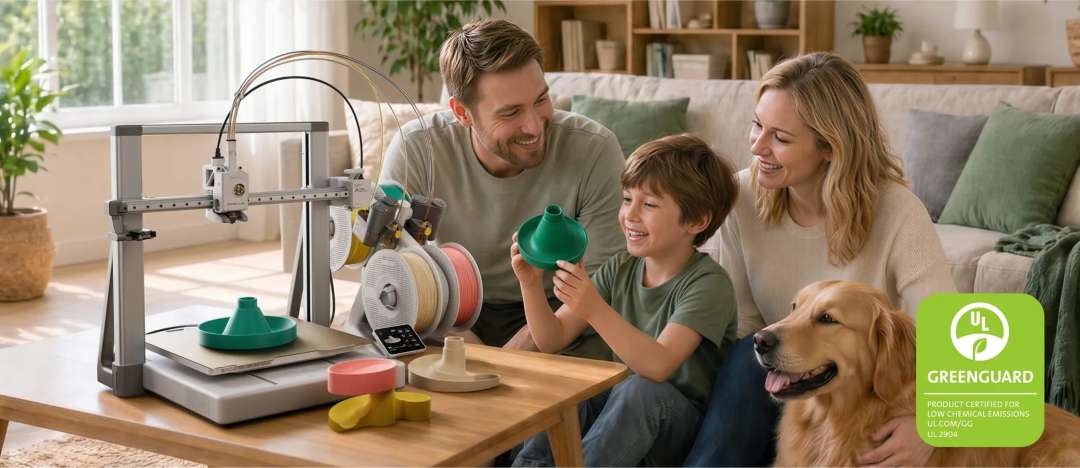
Noise gets in the way of working nearby. The printer combines active motor noise cancellation with precision linear guides. Intelligent fan control is added. In silent mode the noise is up to 49 dB, and in standard mode the peak is about 52 dB (Bambu Lab laboratory data).
Cloud or local network — your choice
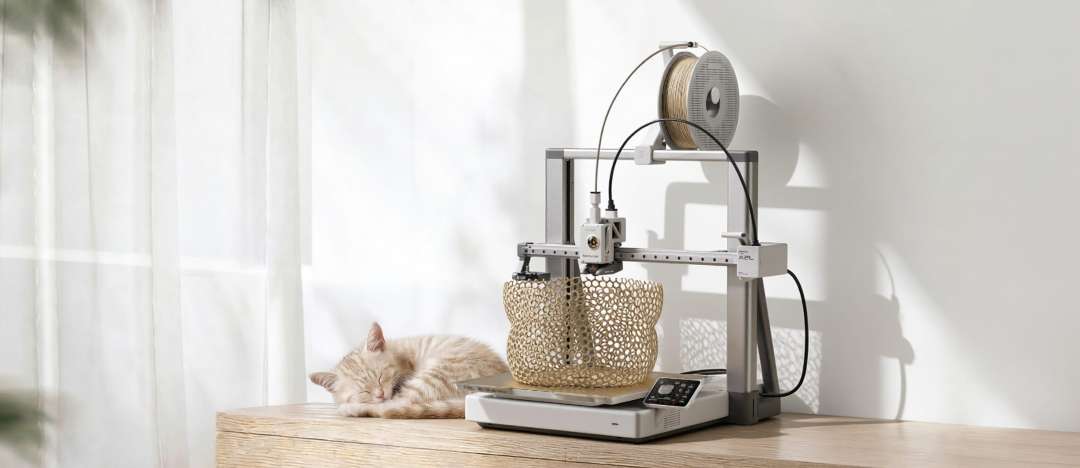
The connection method depends on network requirements. The printer works via Bambu Cloud or in LAN-only mode on a local network. Connection is possible only via 2.4G Wi-Fi: Ethernet is unavailable. A MicroSD card is required to start printing, as there is no built-in storage. A 32 GB card is installed at the factory.
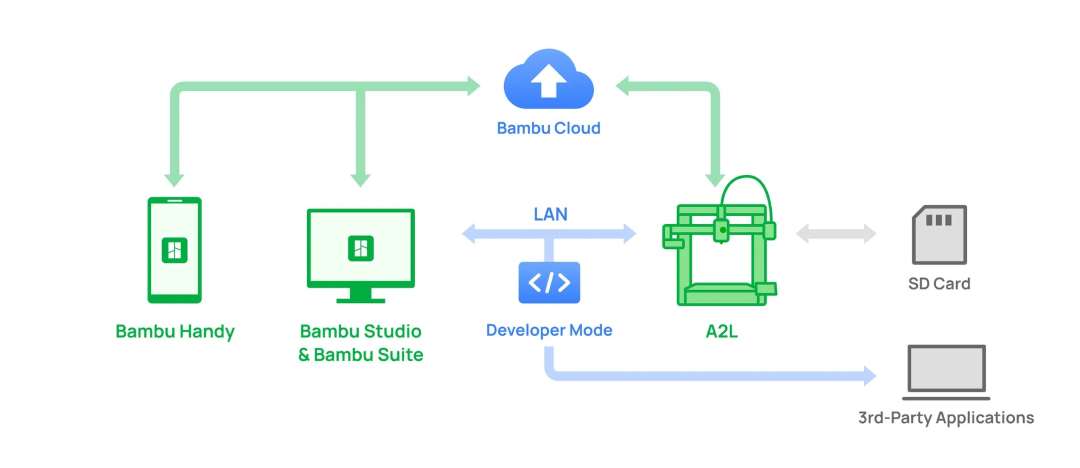
The main slicer is Bambu Studio. Third-party slicers that export standard Gcode work, but some advanced functions may be unavailable. Supported operating systems are macOS, Windows and Linux. Cybersecurity complies with EU RED Article 3.3(d)(e) and ETSI EN 303 645 V2.1.1:2020.
Applications
- Large prototypes and props: a helmet or housing up to 325 mm tall is printed on the Bambu Lab A2L whole, with no seams and no risk of misalignment.
- Stickers and vinyl products: the cutting module with a 300 × 300 mm area handles material up to 0.5 mm thick and accepts raster and vector images.
- Multicolour souvenirs: up to 19 colours in the AMS queue in a single job; flow calibration before each print keeps corners and fine details sharp.
- Long prints of large models: sensors detect tangling and filament breakage; the printer pauses the print, and Bambu Handy suggests the fix.
- Home workshop and office: active motor noise cancellation in silent mode keeps noise down to 49 dB, and UL 2904 GREENGUARD covers printing with official filaments.
Compatible accessories and mounts
- Build plates: Textured PEI Plate, Engineering Plate and Cool Plate SuperTack; the same plates fit the H2C.
- Nozzles: quick-swap nozzles from across the brand's printer range; diameters 0.2 mm, 0.4 mm, 0.6 mm and 0.8 mm.
- Accessories from the A1: hotend, external spool holder, screen, nozzle wiper and filament cutter.
- Feed systems: AMS lite and 2nd-Gen AMS. For several AMS units, a first-generation PTFE adapter is required, and the 4-in-1 PTFE Adapter II is not supported.
What's in the box?
- A2L 3D printer
- Tool Box
- Textured PEI Plate build plate
- Spool holder
Technical specifications
General information
| Parameter | Value |
| Printing technology | Fused deposition modelling |
| Physical dimensions | 544 × 529 × 505 mm |
| Net weight | 12.8 kg |
| Part cooling fan | Closed-loop control |
| Hotend cooling fan | Closed-loop control |
| PLA, PETG, TPU, PVA | Suitable for printing |
| PLA-CF, PETG-CF | Suitable for printing (replace with a hardened steel nozzle) |
| Voltage | High-voltage version: 200–240 VAC, 50/60 Hz; low-voltage version: 100–120 VAC, 50/60 Hz |
| Max. power | High-voltage version: 1,000 W at 220 V; low-voltage version: 1,000 W at 110 V |
| Operating temperature | 15 – 30 °C |
| Slicer | Bambu Studio (supports third-party slicers that export standard Gcode, such as SuperSlicer, PrusaSlicer and Cura, but some advanced functions may not be supported) |
| Supported operating systems | macOS, Windows, Linux |
Enclosure
| Parameter | Value |
| Build volume (W×D×H) | 330 × 320 × 325 mm |
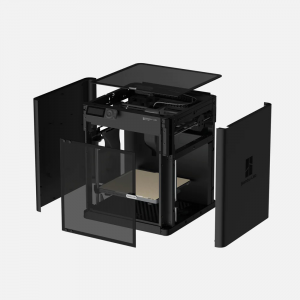
| Chassis | Aluminium and steel |
| Outer frame | Plastic |
Toolhead
| Parameter | Value |
| Extruder gear | Hardened steel |
| Nozzle | Stainless steel |
| Max. nozzle temperature | 300 °C |
| Supported nozzle diameter | 0.2 mm, 0.4 mm, 0.6 mm, 0.8 mm |
| Filament cutter | Built-in |
| Filament diameter | 1.75 mm |
| Extruder motor | Extruder servo motor |
Heated bed
| Parameter | Value |
| Build plate material | Flexible steel plate |
| Build plate type included | Textured PEI Plate |
| Supported build plate types | Textured PEI Plate, Engineering Plate, Cool Plate SuperTack |
| Max. heated bed temperature | 80 °C |
Speed
| Parameter | Value |
| Max. toolhead speed | 500 mm/s |
| Max. toolhead acceleration | 10 m/s² |
| Max. hotend flow | 28 mm³/s (Test parameters: 150 mm round model with a single outer wall; Bambu Lab PLA Basic; print temperature 220 °C) |
Sensors
| Parameter | Value |
| Camera | Low frame rate camera, up to 1080P, supports timelapse recording |
| Filament runout sensor | Supported |
| Filament tangle sensor | Supported |
| Filament odometry | Supported |
| Power loss recovery | Supported |
| Build-up detection | Supported |
Electronics
| Parameter | Value |
| Touchscreen | 3.5-inch, 240 × 320 touchscreen |
| Storage | MicroSD card |
| Control interface | Touchscreen, mobile app, PC app |
| Motion controller | Single-core Cortex-M4 processor and single-core Cortex-M7 processor |
| Connectivity | Wi-Fi, Bambu-Bus |
Network management
| Parameter | Value |
| Ethernet | Unavailable |
| Wireless network | 2.4G Wi-Fi |
| Network kill switch | Unavailable |
| Removable network module | Unavailable |
| 802.1X network access control | Unavailable |
Wi-Fi
| Parameter | Value |
| Operating frequency | 2,412 – 2,472 MHz (CE/MIC), 2,412 – 2,462 MHz (FCC), 2,400 – 2,483.5 MHz (SRRC) |
| Wi-Fi transmitter power (EIRP) | less than 23 dBm (FCC), less than 20 dBm (CE/SRRC) |
| Wi-Fi protocol | IEEE 802.11 b/g/n |
Cutting module
| Parameter | Value |
| Cutting area | 300 × 300 mm |
| Drawing area | 300 × 255 mm |
| Supported pen diameter | 10.5 mm – 12.5 mm |
| Cutting mat type | LightGrip and StrongGrip cutting mats |
| Blade type | 45° × 0.35 mm |
| Blade pressure range | 50 gf – 600 gf |
| Max. cutting thickness | 0.5 mm |
| Blade and pen recognition | Supported |
| Cutting mat type detection | Supported |
| Supported image type | Raster and vector images |
| Supported material type | Paper, PVC, vinyl, leather and more |
Why buy the Bambu Lab A2L from EXPERT3D?
EXPERT3D has supplied professional 3D equipment since 2012. The Bambu Lab A2L is available to order with delivery throughout Spain and the EU countries. Our specialists offer advice before purchase and help you select compatible AMS units and modules. After purchase, we provide service support for your equipment. Order spare parts and consumables on the website — we will deliver them so that your printer does not stand idle.