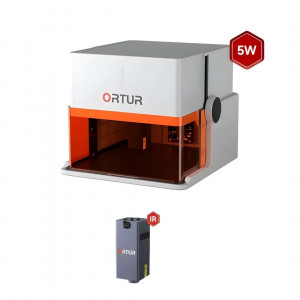


- Stock: In Stock
- Product code: 920372000001044017
- Weight Brutto: 11.00kg
- SKU: H10-10W

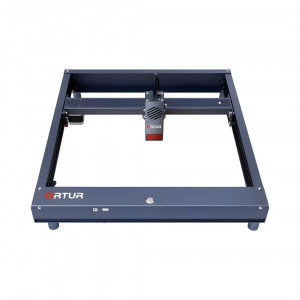
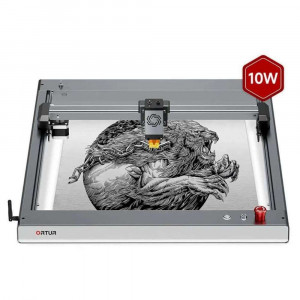
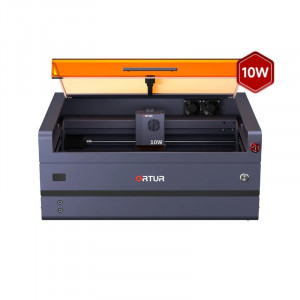
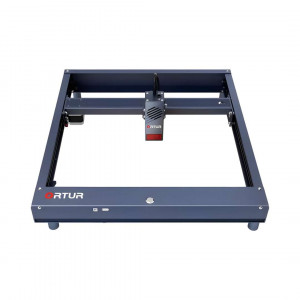
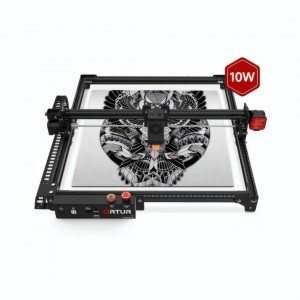
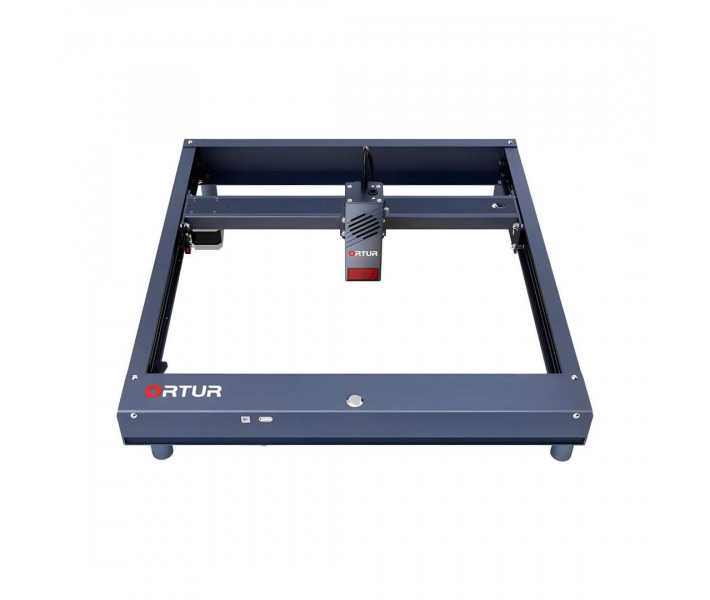
The Ortur Laser Master H10 10W is a diode laser engraver designed for makers, small businesses, and educators who demand both speed and precision — featuring a 300 mm × 300 mm working area, a 10 W LU2-10A optical module with a compressed focal spot of 0.05 × 0.1 mm, and a maximum engraving speed of 20,000 mm/min, all housed in a flat aluminium-alloy frame that ships pre-assembled and ready to engrave in minutes.
| Specification | Value | Why it matters |
|---|---|---|
| Optical Power | >9500 mW | Dual 5.5 W diodes combined through proprietary light-combing lenses deliver cutting power through thick materials in single passes. |
| Focal Spot Size | 0.05 × 0.1 mm | Roughly half the size of a typical single-diode module — finer engraved lines and text under 5 mm character height survive magnification without aliasing. |
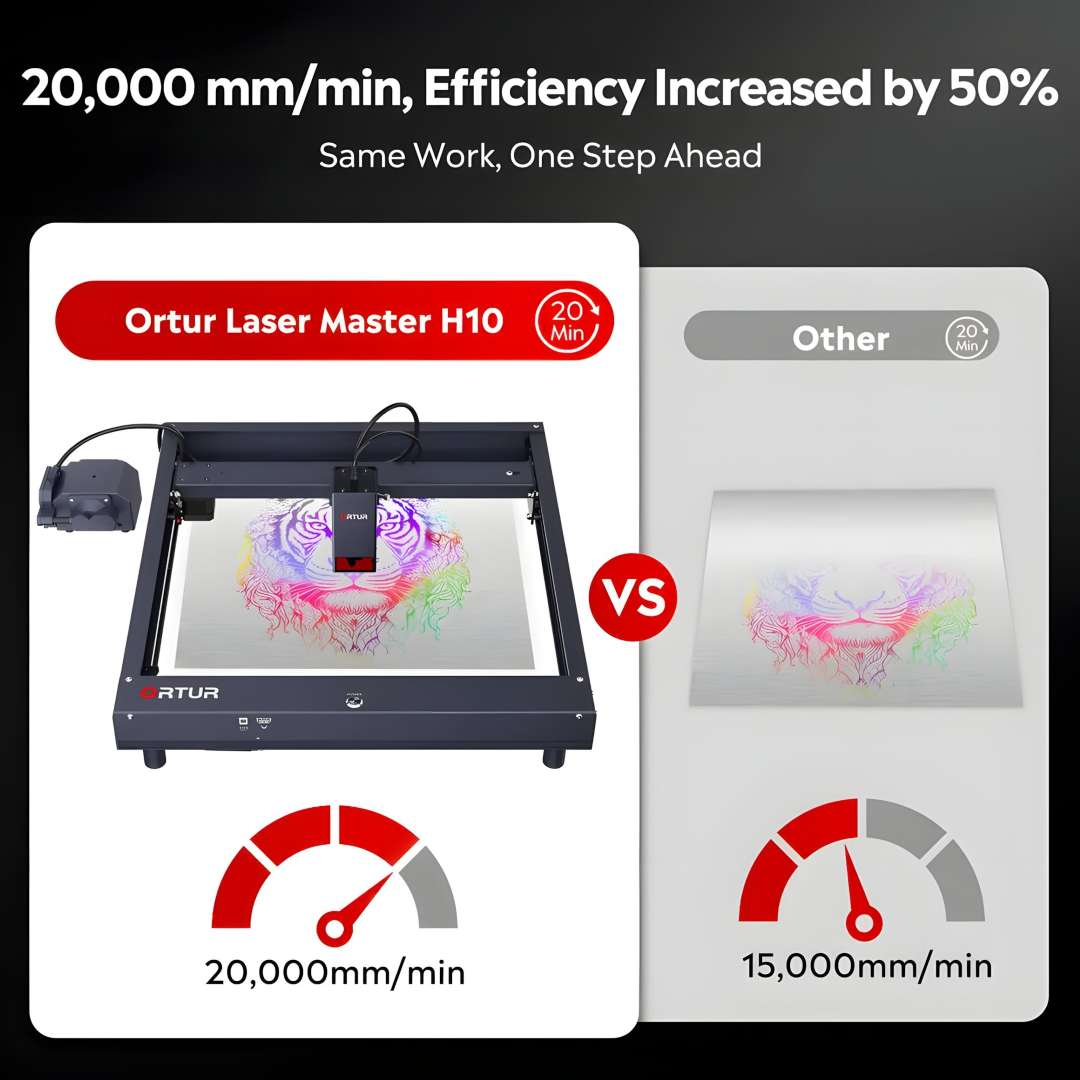
| Engraving Speed | 20,000 mm/min | Completes the same job 50 % faster than machines capped at 15,000 mm/min; flat frame damping prevents ringing artefacts at high traverse rates. |
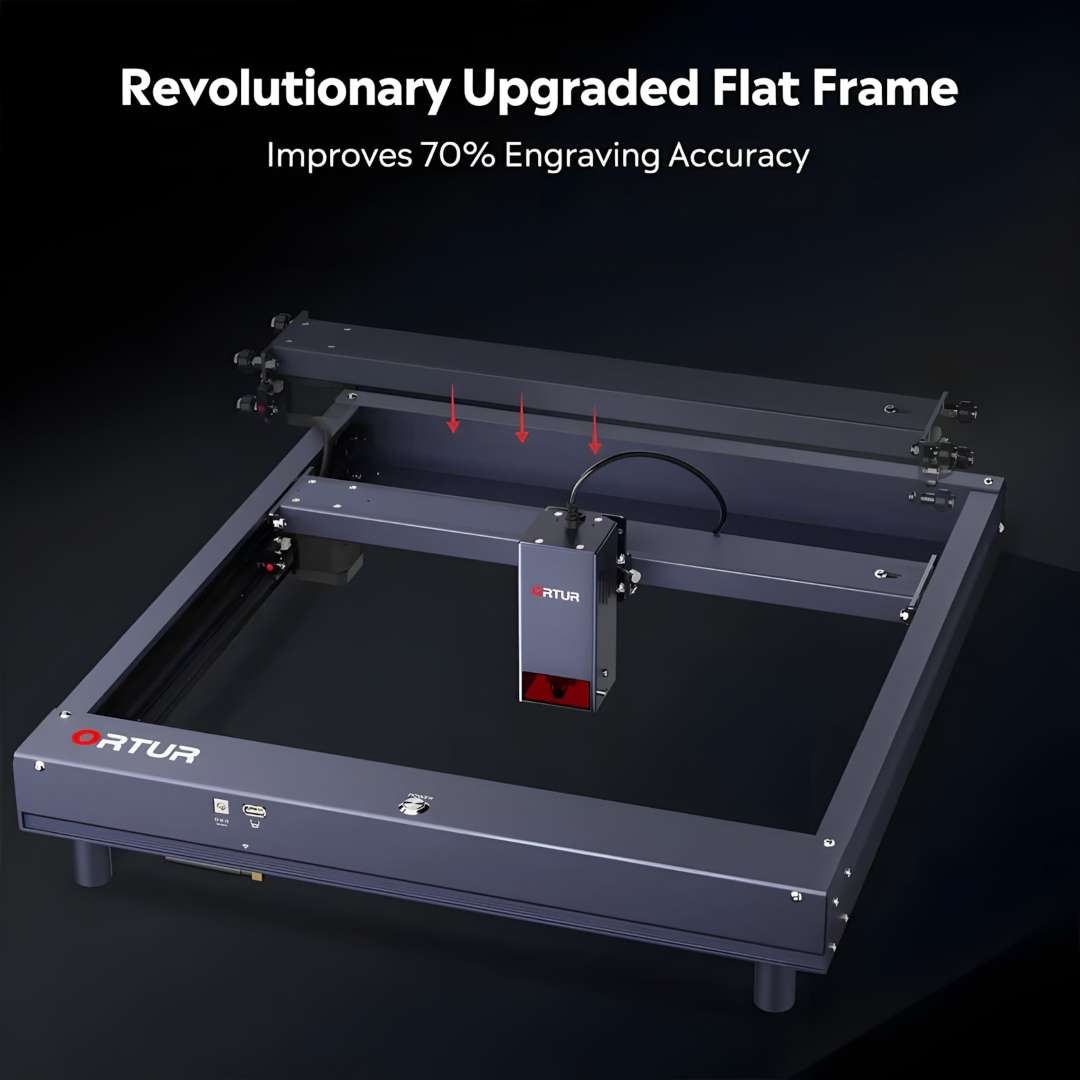
| Flat Frame Architecture | Closed aluminium structure | 70 % better XY accuracy at high speed compared to raised-portal or cantilevered designs — centre of gravity close to work surface eliminates resonance-driven positional drift. |
Flat Frame Architecture: 70 % Better XY Accuracy at High Speed
Most desktop diode engravers use a raised portal or cantilevered gantry, which introduces flex and vibration at high traverse speeds. The H10 adopts a fully flat, closed aluminium frame — the same structural concept used in professional CNC routers. Because the centre of gravity sits very close to the work surface, resonance is damped before it can shift the laser spot. The result is measurably better XY plane resolution when the head is travelling near its peak of 20,000 mm/min.
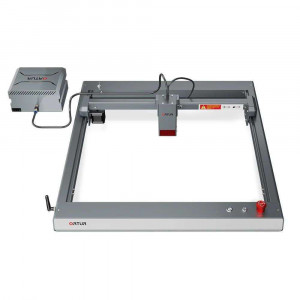
The flat-frame design eliminates the gap that causes positional drift in conventional open-frame machines, with the X-axis rail pressing flush against the frame perimeter.
LU2-10A Laser Module: 4th-Generation Beam-Combining Technology
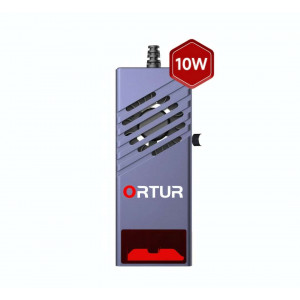
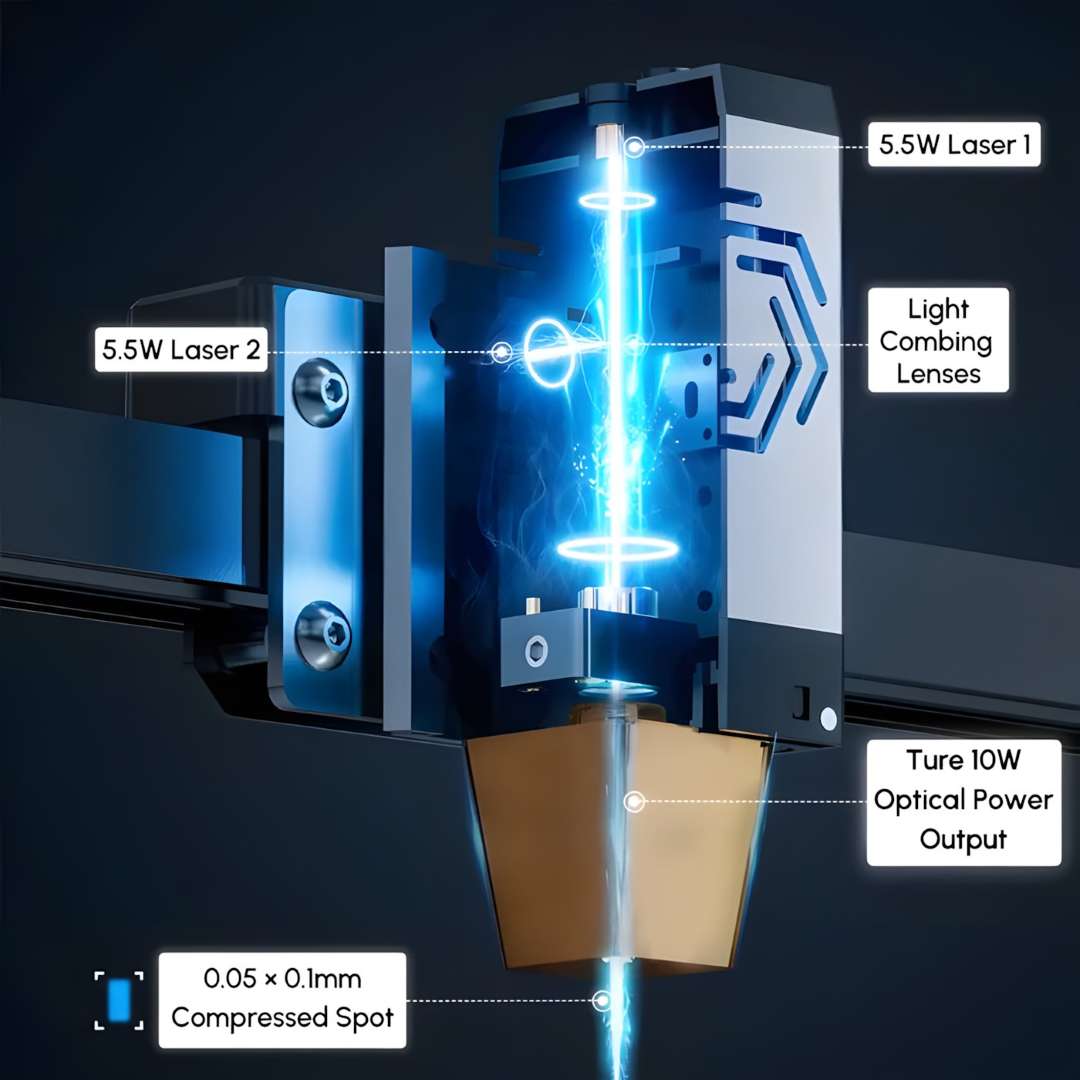
The LU2-10A module pairs two independent 5.5 W diode sources and combines them through proprietary light-combing lenses, producing a single output beam with an optical power exceeding 9500 mW at a wavelength of 445 ± 5 nm. The dual-compression diode geometry squeezes the focal spot down to 0.05 × 0.1 mm — roughly half the size of a typical single-diode module. Smaller spot means finer engraved lines and details that survive magnification without aliasing.
The internal beam path feeds two 5.5 W sources into the combing lens assembly, converging to the 0.05 × 0.1 mm compressed spot at the nozzle exit where the true 10 W optical power output is delivered.
Cutting Capability
With the built-in air-assist interface connected to a 40 L/min air pump, the H10 delivers clean single-pass cuts through a wide range of materials. Burn marks are reduced by approximately 50 % because the airflow clears combustion gases from the kerf before they can re-deposit as char.
- 12 mm wood in one pass
- 5 mm black acrylic in one pass
- Pine board up to 20 mm maximum cutting thickness
- Acrylic sheet up to 30 mm maximum cutting thickness
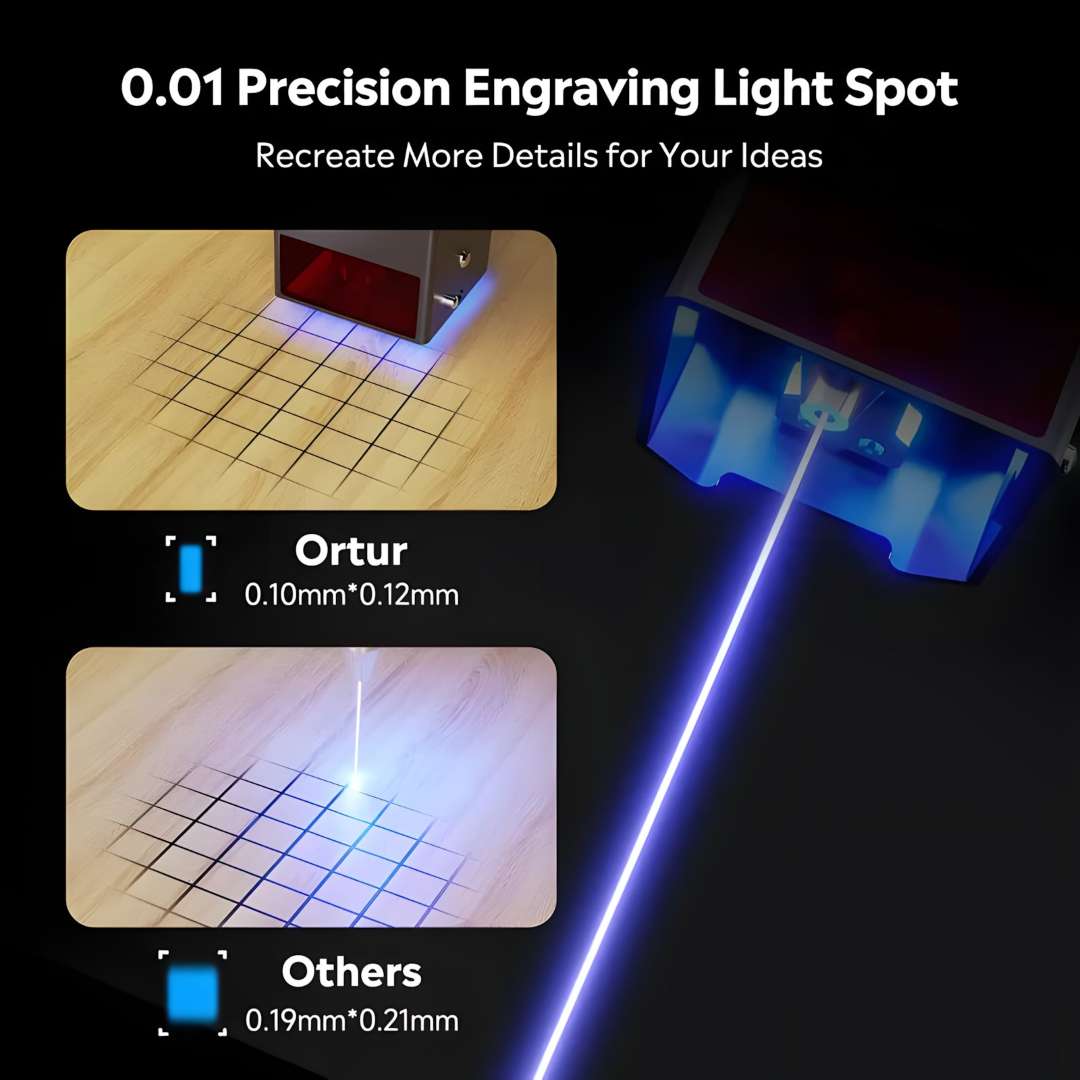
0.05 × 0.1 mm Precision: Spot Size Comparison
The H10's focal spot (0.10 × 0.12 mm at the work surface, driven by the 0.05 × 0.1 mm compressed core) is roughly half the size of a typical competitor spot at 0.19 × 0.21 mm. At 0.01 mm step resolution the difference is clearly visible in fine portrait work and text below 5 mm character height.
20,000 mm/min: Where Speed Meets Throughput
At its peak traverse rate the H10 completes the same engraving job 50 % faster than machines capped at 15,000 mm/min. In a controlled 20-minute benchmark, the H10 finishes the full design while a 15,000 mm/min machine has only completed two thirds of it. This is not a theoretical maximum hidden behind conservative firmware defaults; the 20,000 mm/min figure is achievable in xTool Studio and LaserGRBL with standard fill layer settings.
Module Engineering: Hardware Refinements
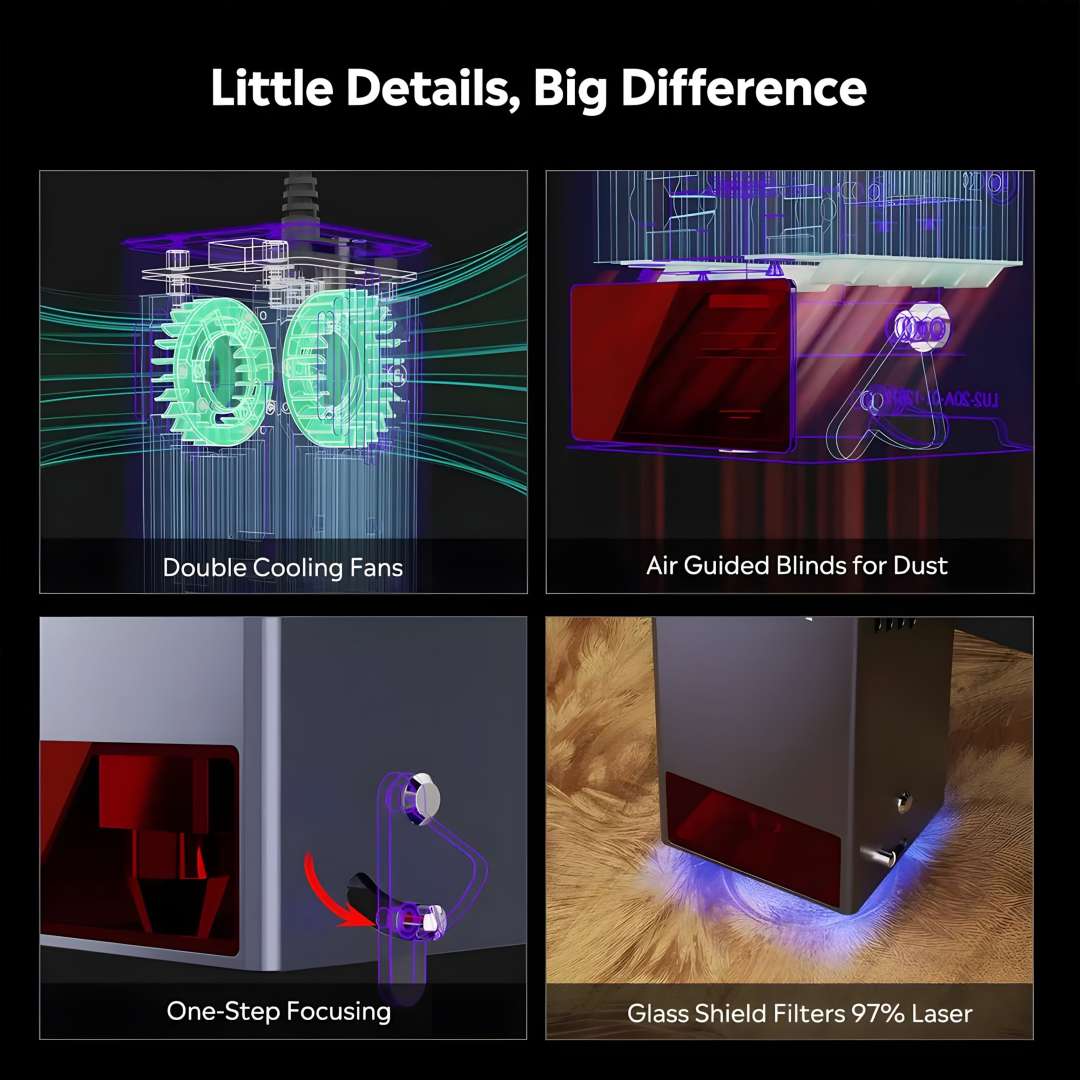
Four hardware refinements distinguish the H10's module from first-generation diode designs. Dual 10,000 rpm cooling fans rated for 10,000 hours of service life manage thermal load; air-guided blinds channel airflow through the module to self-clean internal optics; a quick-focus stick enables single-step focal distance setting; and a glass laser shield filters 97 % of stray laser light so the operator can monitor the engraving area without wearing full goggles during observation pauses.
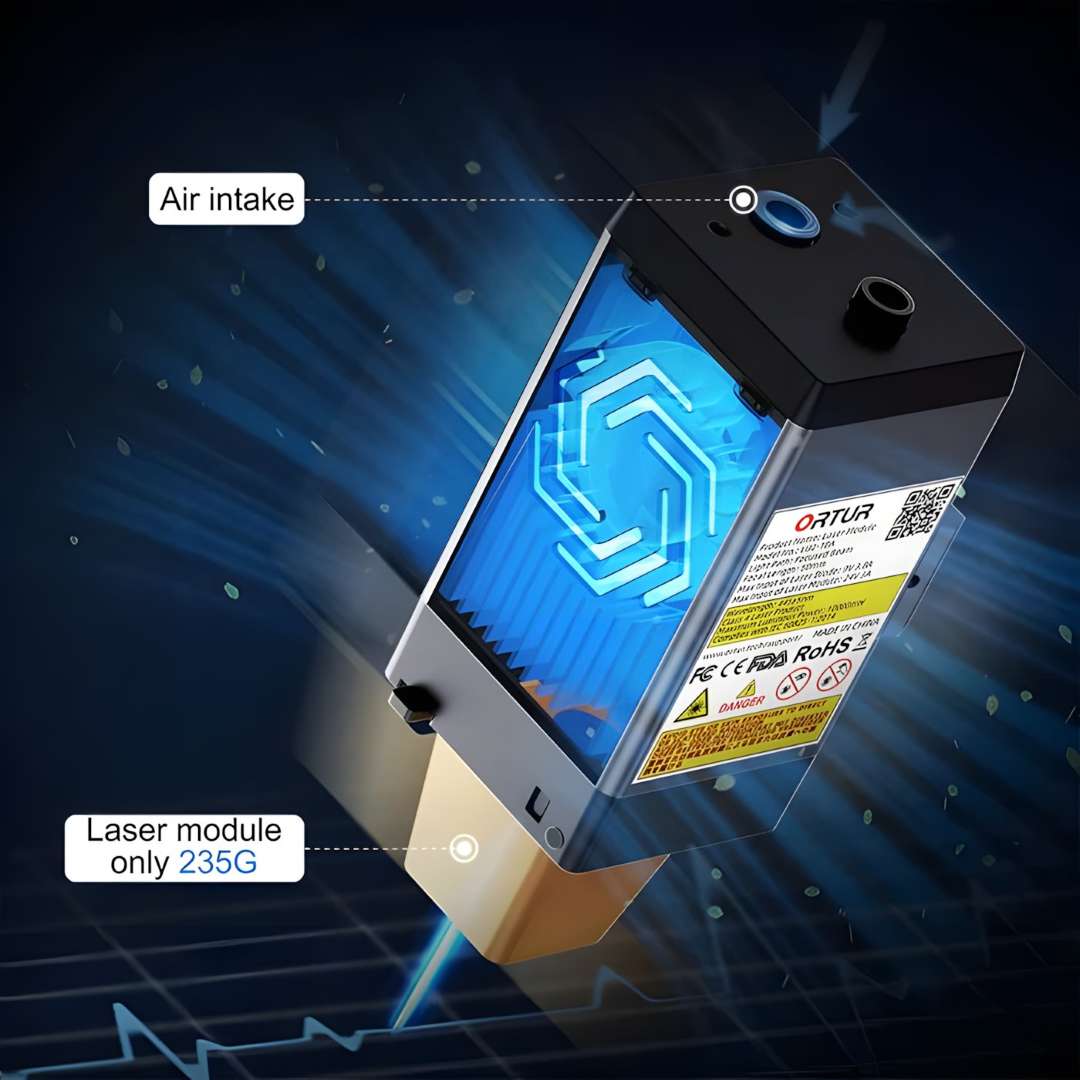
Lightweight Module: Only 235 g
Despite housing two laser sources, dual fans, and a built-in air-assist port, the LU2-10A tips the scale at just 235 g. Lower carriage mass directly translates to lower inertial forces during direction reversals — which is exactly why 20,000 mm/min is achievable without ringing artefacts at corners.
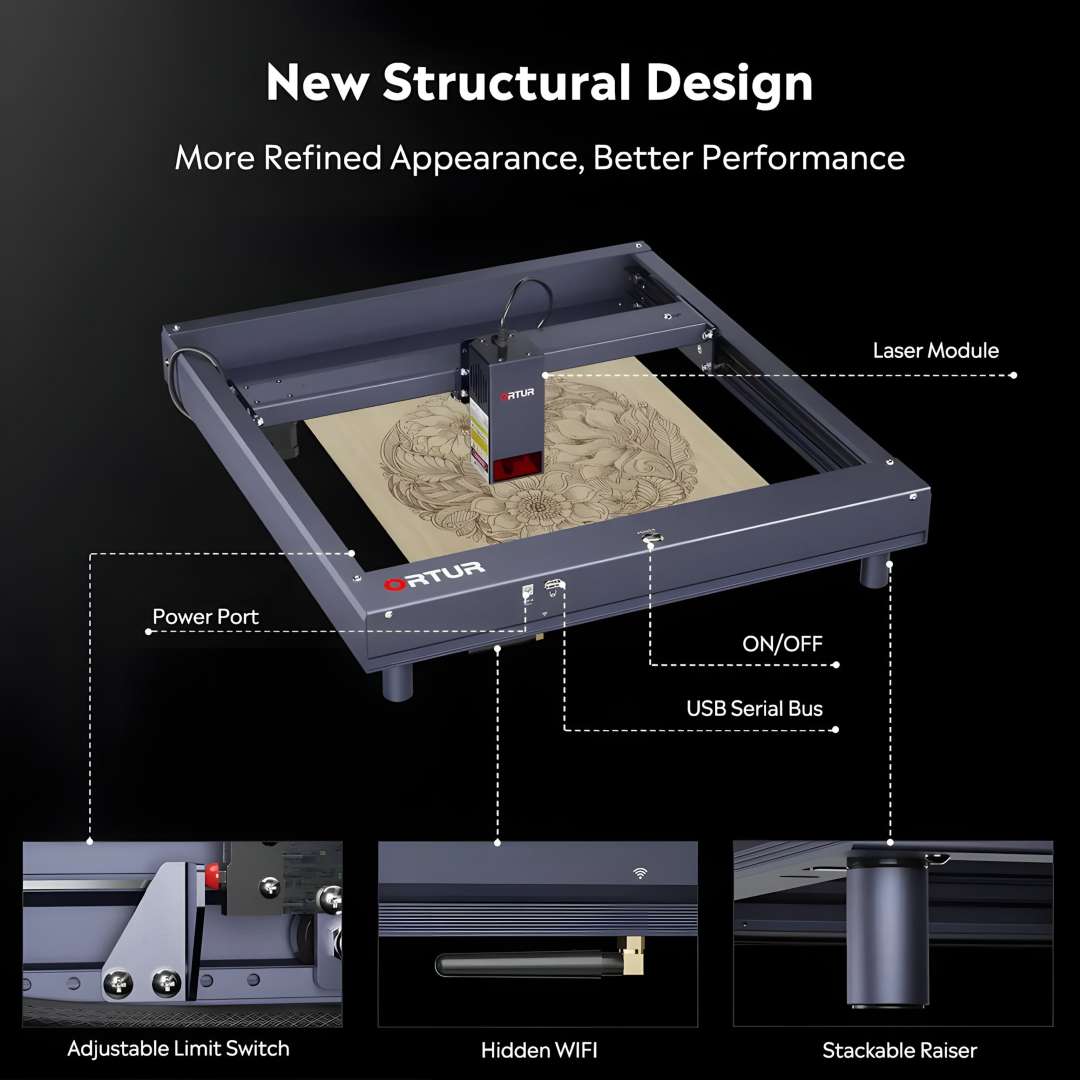
Structural Design: Interfaces and Adjustability
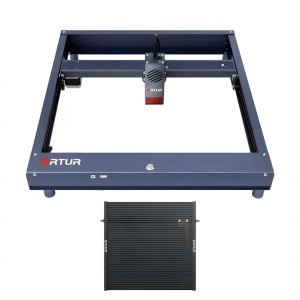
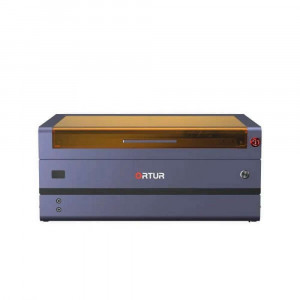
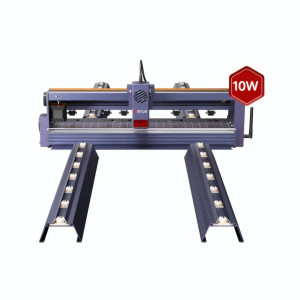
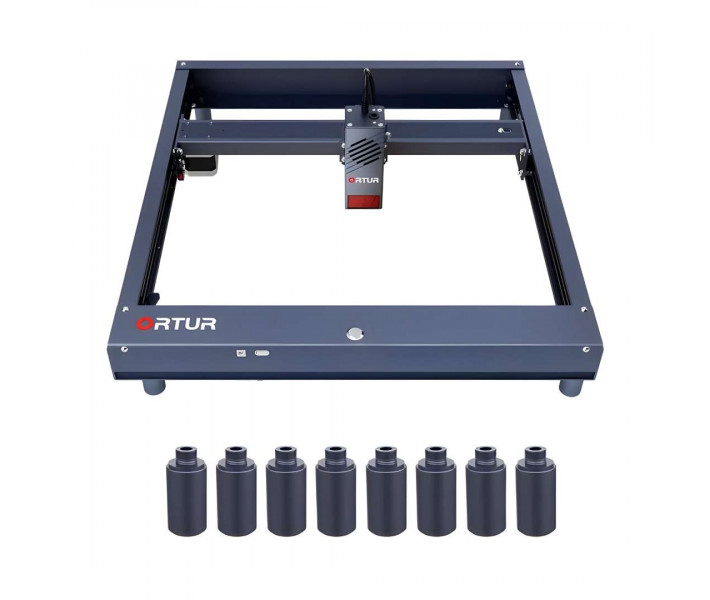
The H10's control panel is consolidated on the front face of the frame: a dedicated power port on the left, a USB serial bus and ON/OFF button in the centre, a TF card slot, and a hidden WiFi antenna port. Three further hardware features are visible on the machine: an adjustable limit switch that repositions to accommodate different laser module heights (handy for users upgrading the module later), a compact hidden-slot WiFi antenna, and stackable cylindrical raisers that can elevate the work area for thicker material without any frame modification.
Safety Monitoring: Six Independent Systems
Laser engravers present genuine fire and eye-injury risk when left unattended or operated incorrectly. The H10 addresses this with a layered hardware-and-firmware monitoring stack. Each of the six systems operates independently so a single failure cannot defeat the others.
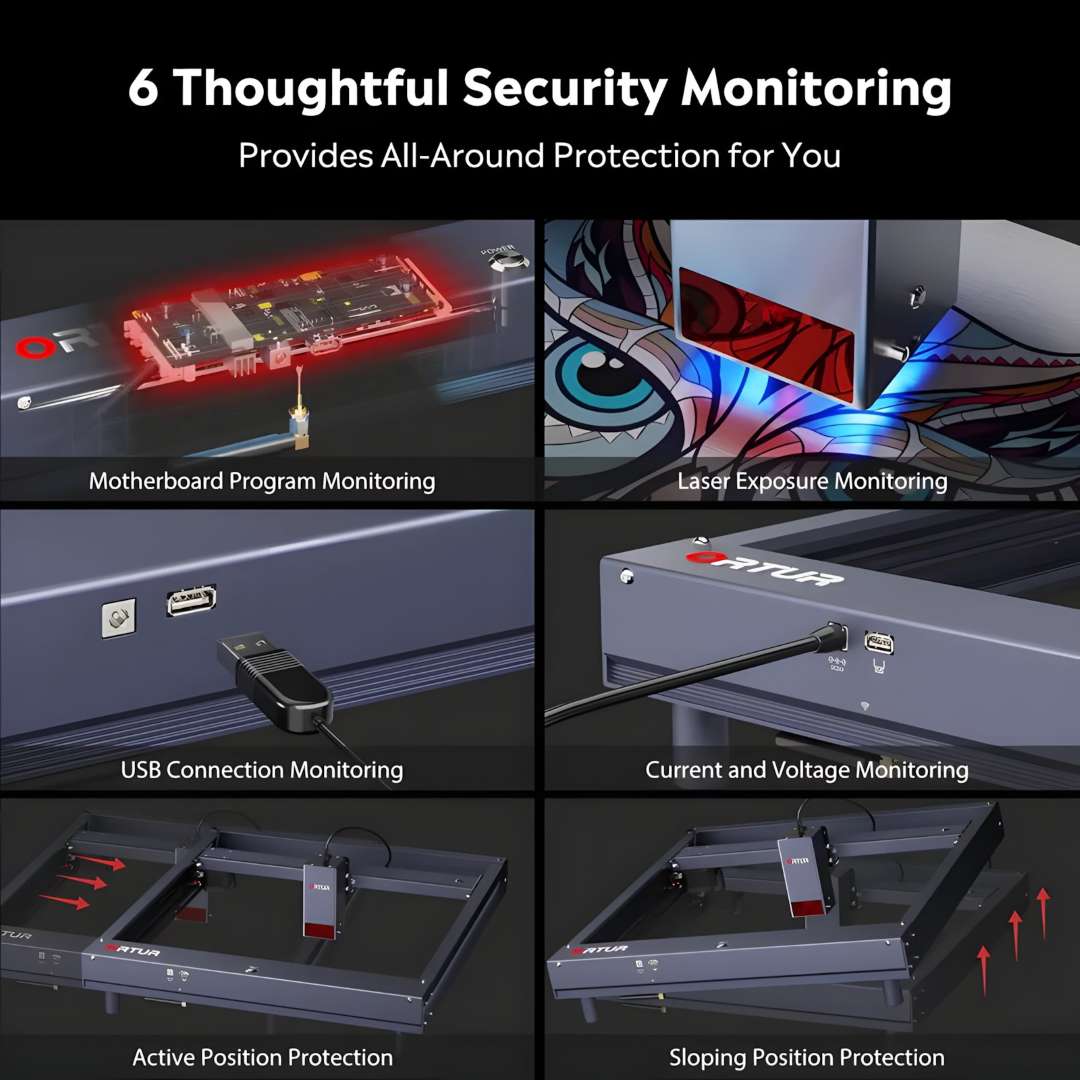
- Motherboard program monitoring — watchdog timer halts laser on firmware freeze
- USB connection monitoring — job pauses automatically on cable disconnect
- Current and voltage monitoring — shuts down on abnormal power-rail readings
- Laser exposure monitoring — enforces maximum continuous exposure time limits
- Active position protection (G-shock/gyroscopic sensor) — cuts power if the machine is moved while firing
- Sloping position protection — prevents firing if the frame is tilted beyond a safe angle
Software Ecosystem: From Beginner to Professional
The H10 connects via USB, WiFi (2.4 GHz), SD card, FTP, and web UI — meaning it can run standalone from a TF card job without any computer attached. Multi-device flexibility is built into the platform, enabling control from xTool Studio on a desktop and the Ortur mobile app on a smartphone simultaneously.
- Ortur App (free, iOS/Android) — self-developed mobile app covering novice and experienced users
- LaserGRBL (free, Windows) — lightweight GRBL sender, ideal for quick jobs and basic image engraving
- xTool Studio (paid, Windows/Mac/Linux) — full-featured professional software with layer control, camera alignment, and advanced vectorisation
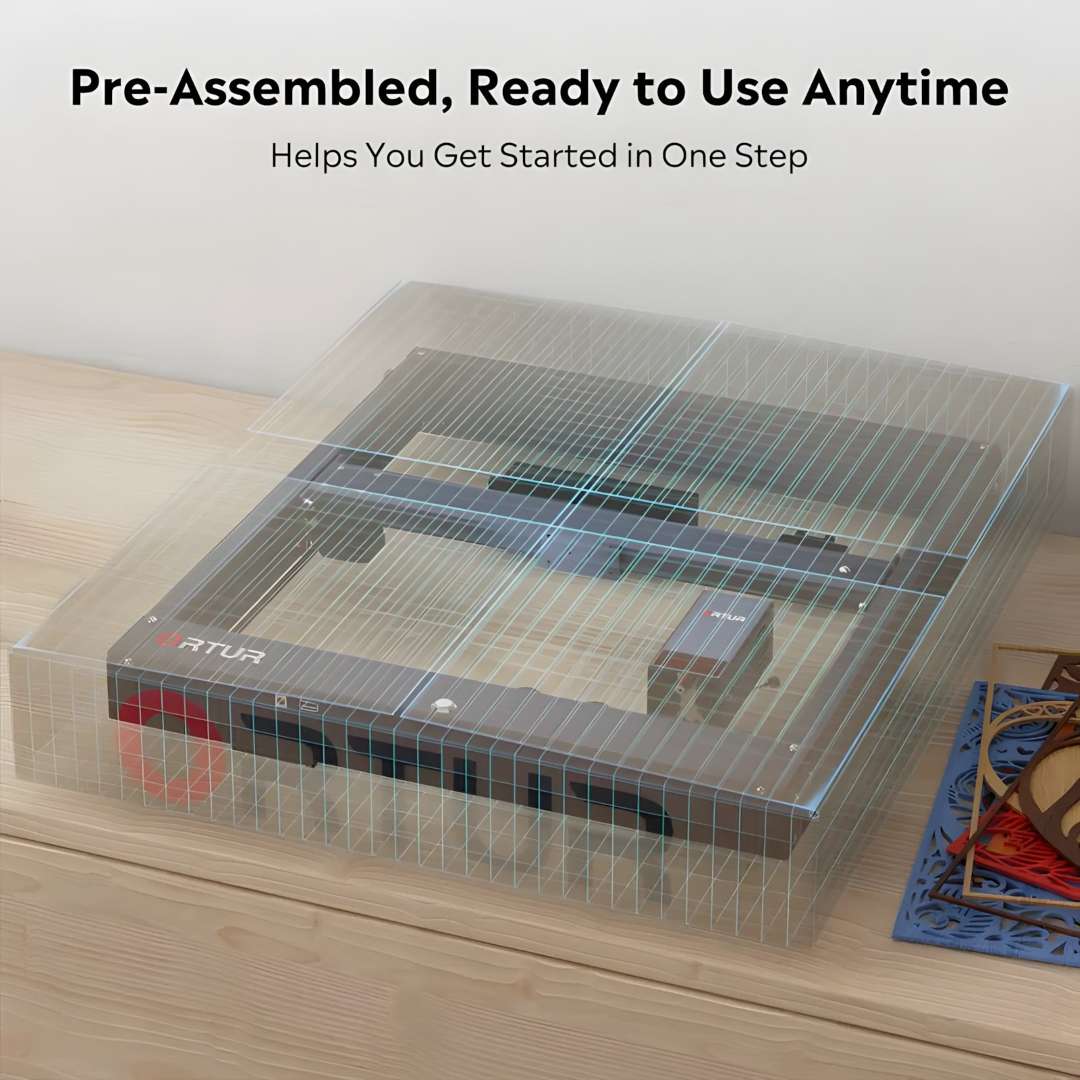
The H10 arrives pre-assembled. Unbox, attach the four support feet, connect the laser module cable, insert the TF card, and plug in power — you can be engraving within minutes.
Technical Specifications of the Ortur Laser Master H10 10W
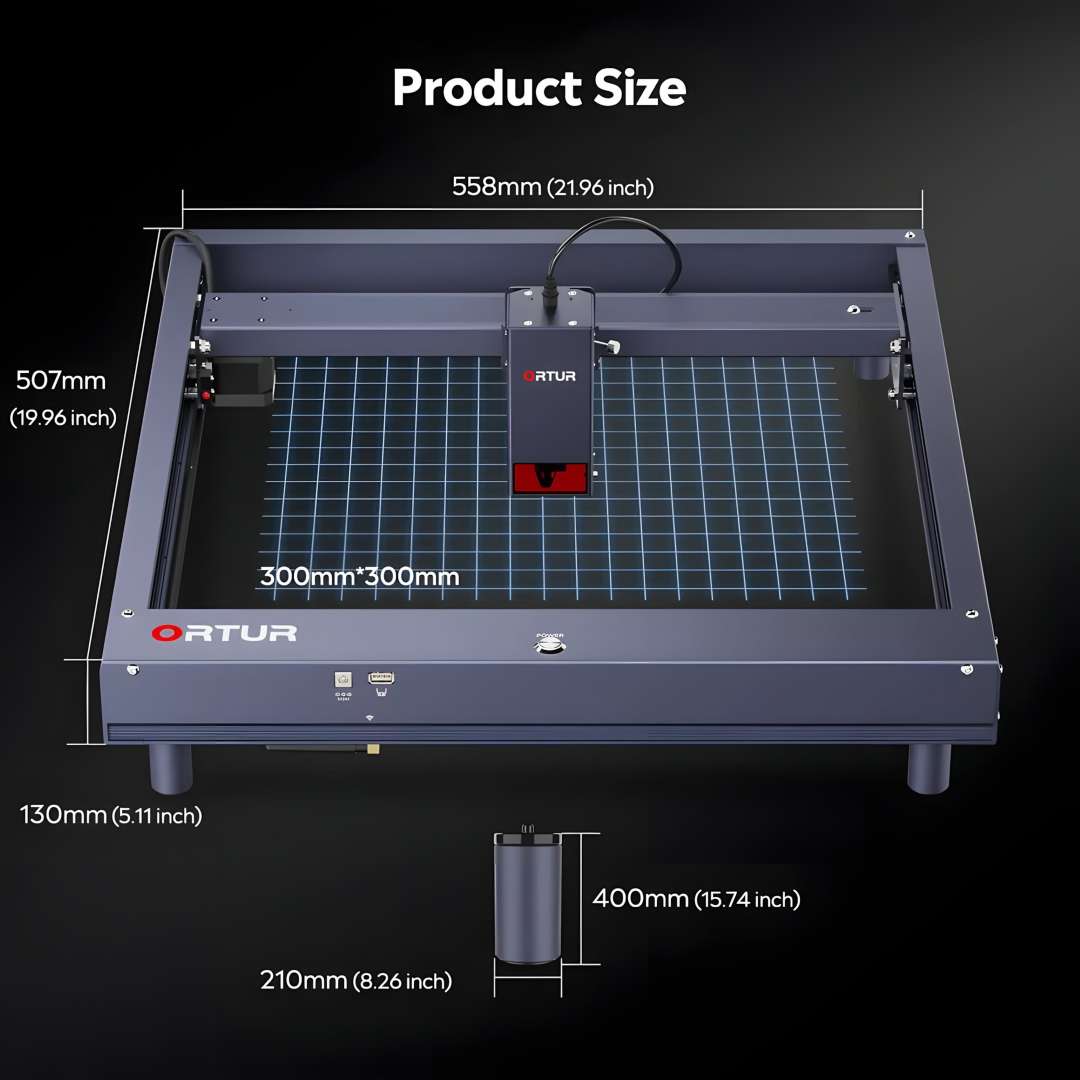
The machine footprint and 300 mm × 300 mm engraving area are confirmed in the product size diagram below.
Machine Identity
| Parameter | Value |
|---|---|
| Product | Ortur Laser Master H10 |
| Motherboard | OLM-ESP-H10_V2.7 |
| Firmware | ESP_H10_218 |
Frame & Mechanical
| Parameter | Value |
|---|---|
| Frame Materials | 70 % Aluminium, 15 % Stainless Steel, 5 % Plastic, 5 % Brass, 5 % Others |
| Motors | NEMA17 Stepper Motors |
| Mechanical Precision (X/Y) | 12.5 µm / 12.5 µm |
| Pixel Accuracy | Adjustable (default 300 DPI — approx. 0.81 µm pixel accuracy) |
| Engraving Area | 300 mm × 300 mm |
Laser Module (LU2-10A)
| Parameter | Value |
|---|---|
| Laser Module | LU2-10A |
| Optical Power | >9500 mW |
| Wavelength | 445 ± 5 nm |
| Focus Type | Fixed Focus |
| Default Focal Length | 46 mm (heat sink to object surface) |
| Compressed Focal Spot | 0.05 × 0.1 mm |
Motion & Control
| Parameter | Value |
|---|---|
| Control Mode | PWM |
| Power Rate | S0–S1000 |
| Maximum Engraving Speed | 20,000 mm/min |
| Baud Rate | 115200–921600 (default: 115200) |
Connectivity & Software
| Parameter | Value |
|---|---|
| Connectivity | 2.4 GHz WiFi, USB, SD Card, FTP, Web UI |
| Compatible OS | Windows XP/7/8/10 (LaserGRBL); macOS, Linux (xTool Studio) |
| Control Software | LaserGRBL (free), xTool Studio (paid), Ortur App (free) |
| Supported Input Formats | JPG, JPEG, PNG, BMP, SVG and others |
Compatible Materials
| Parameter | Value |
|---|---|
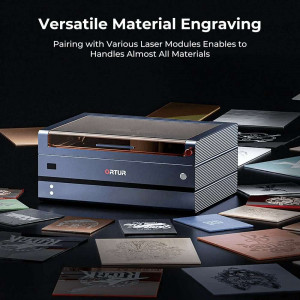
| Engravable Materials | Wood board, paperboard, black acrylic, leather, food surfaces, stainless steel, powder-coated metal |
| Cuttable Materials | Wood board, paperboard, black acrylic, leather, felt cloth, dark-colour plastic sheet |
Power Supply
| Parameter | Value |
|---|---|
| Input Voltage | 100–240 V ~ 50/60 Hz |
| Power Adapter Output | 24 V / 6 A |
| Operating Temperature | -5 °C – 50 °C |
Safety Features
| Parameter | Value |
|---|---|
| Safety Systems | Active position protection, exposure duration detection and limitation, laser beam safety guard, sloping position protection, host computer watchdog, WiFi/FTP/SD card reader |
| Certifications | FDA, CE, FCC, RoHS, UKCA |
What's in the Box
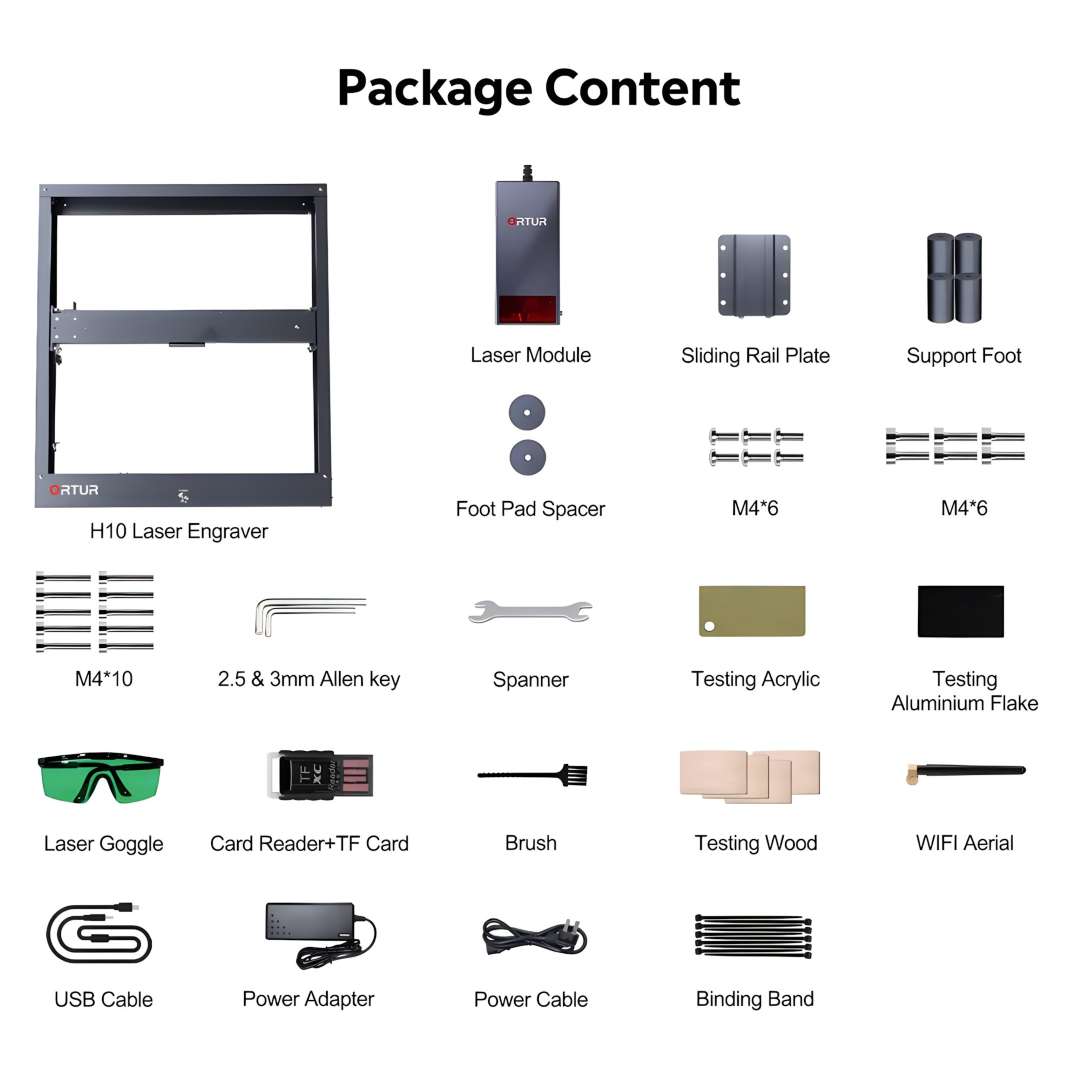
- H10 laser engraver (pre-assembled frame)
- LU2-10A 10 W laser module
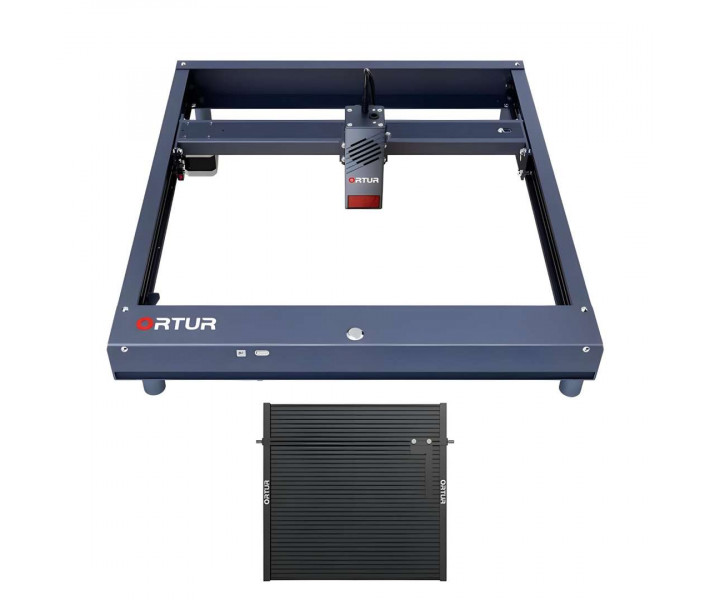
- Sliding rail plate
- Support foot × 4
- Foot pad spacers
- M4 × 6 screws
- M4 × 10 screws
- 2.5 mm & 3 mm Allen keys
- Spanner
- Testing acrylic sheet
- Testing aluminium flake
- Testing wood piece
- Laser safety goggles
- Card reader + TF card
- Brush
- WiFi aerial
- USB cable
- Power adapter (24 V / 6 A)
- Power cable
- Binding band
Applications
- Professional Engraving: The 0.05 × 0.1 mm focal spot and 12.5 µm XY precision enable intricate detail work — fine portrait engraving, jewellery marking, and text below 5 mm character height without aliasing.
- Production Batch Printing: At 20,000 mm/min the H10 completes full jobs 50 % faster than 15,000 mm/min competitors, making it suitable for order fulfilment and production-volume batch engraving.
- Materials Research & Prototyping: Support for wood, acrylic, leather, stainless steel, and powder-coated metal, with single-pass cutting up to 12 mm wood and 5 mm acrylic, enables rapid material testing and design iteration.
- Educational & Makerspace Use: Pre-assembled frame, intuitive Ortur App mobile control, and standalone TF-card operation eliminate setup friction; safety systems (six independent monitors, exposure limits, position-based shutdown) suit classroom environments.
- Small-Business Customisation: FTP and web-UI job management across a network, plus xTool Studio's layer control and camera alignment, enable efficient job queuing and multi-material custom work (leather goods, wood signage, metal labels).
- Food & Packaging: Engravable food surfaces and support for dark-colour plastic sheets allow custom cake toppers, labels, and packaging marks with minimal post-processing.
Why buy the Ortur Laser Master H10 10W from EXPERT3D?
EXPERT3D supplies professional laser engraving equipment and 3D technology since 2012 in Valencia, Spain. We provide expert pre-sales consultation and help configure the H10 to your specific material and volume requirements. Our authorized after-sales service team covers official warranty, maintenance, and technical support across Spain and the EU. Consumables, spare parts (including replacement laser modules and cooling fans), and genuine accessories are stocked and ready to ship. We deliver with shipping across Spain and the EU, and our in-showroom demo and test facility in Valencia lets you operate the H10 before purchase and verify its performance on your own materials. As an official representative of Ortur, we guarantee 100 % authenticity, fair pricing, authorized service, and an official warranty backed by the manufacturer.