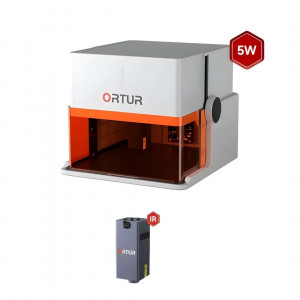


- Stock: In Stock
- Product code: 920372000001044003
- Weight Brutto: 3.50kg
- SKU: R1-5W

The Ortur R1 is a Class 1 foldable laser engraver designed for portable personalisation, delivering 5 W of blue-diode optical power through a 0.025 mm × 0.11 mm focal spot across a 100 mm × 100 mm working area. It folds to 272 × 250 × 140 mm and weighs 2.4 kg, with a built-in carry handle. Deployment to a fully enclosed workspace is tool-free and takes under a minute.
| Specification | Why it matters |
|---|---|
| Laser Power: 5 W, 450±20 nm | Engraves 20+ materials and cuts 11+ at up to 5,000 mm/min — a full personalisation session without waiting between pieces. |
| Working Area: 100 mm × 100 mm | Sized for coasters, tags, patches, and jewellery blanks in a single pass with no repositioning required. |
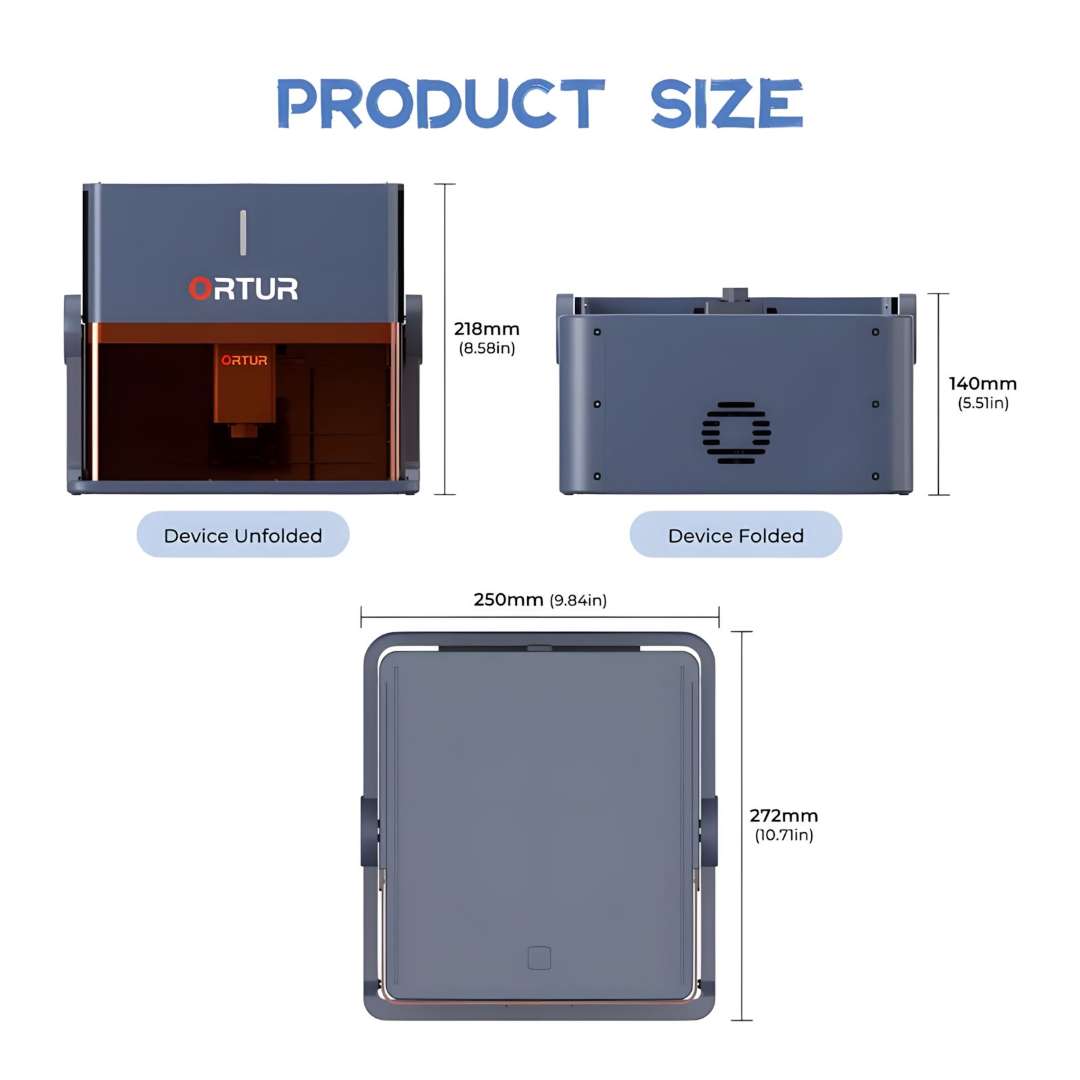
| Folded Dimensions: 272 × 250 × 140 mm | Fits in a backpack; the footprint is identical in storage and deployment, so no dedicated bench space is needed. |
| Laser Safety Class: Class 1 (6-layer protection) | No protective eyewear or exclusion zones required — cleared for home, classroom, and shared creative spaces. |
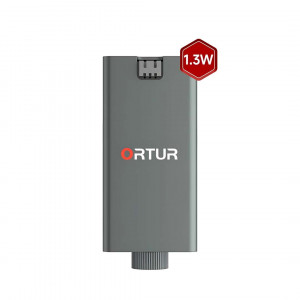
The swappable module system is the R1's standout design decision. The included LU3-5B (5 W, blue, 450 nm) covers all non-metallic substrates. The optional LR4-1A (1.3 W, infrared, 1,064 nm) unlocks bare-metal engraving — gold, silver, stainless steel, titanium, anodised aluminium — without a second machine. Module swaps take under two minutes with the included hand screw. The 92% recycled aluminium chassis provides the structural rigidity needed for consistent XY-axis repeatability while keeping carry weight genuinely manageable. All workflows run through a single mobile app; no PC is required and no software needs installing before the first job.
Ortur R1 — Portability and Instant Setup
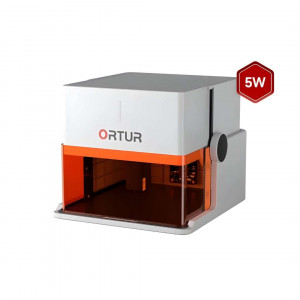
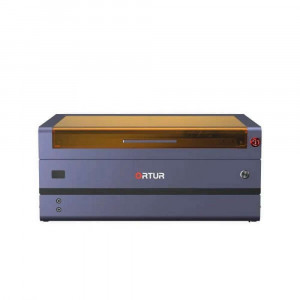
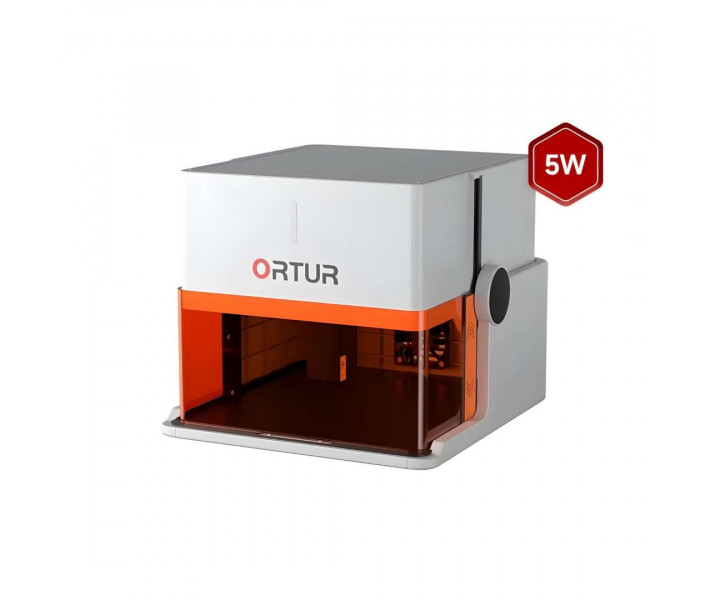
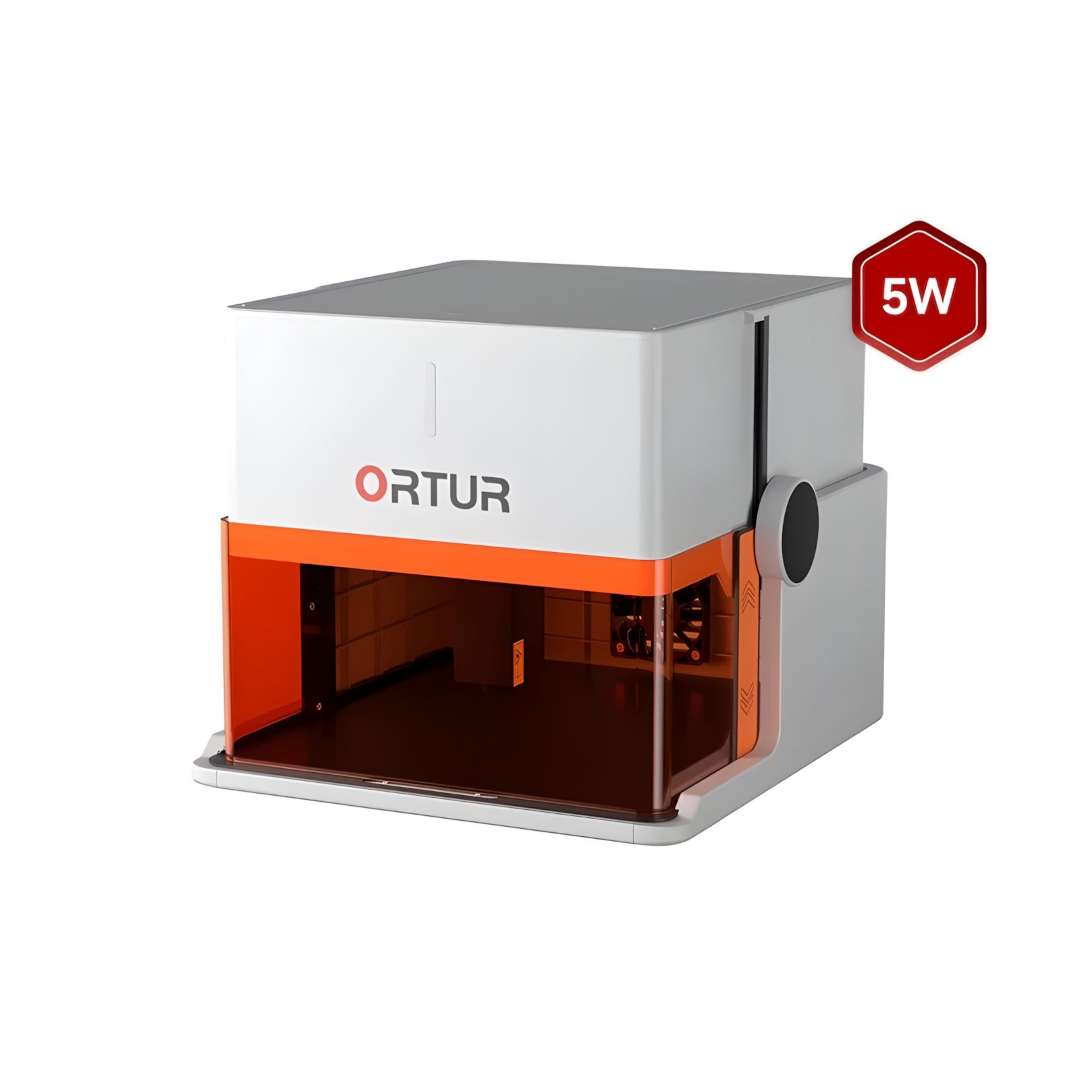
The device ships as a folded slab and deploys by opening the lid and securing the laser module with a single hand screw. The white finish model is pictured below with its amber viewing shield open, laser module installed, and working chamber ready for a job.
No calibration routine and no tools are required at any stage of deployment. The four-step diagram below documents the complete unfolding sequence — from closed transport slab through to the fully operational engraving position.
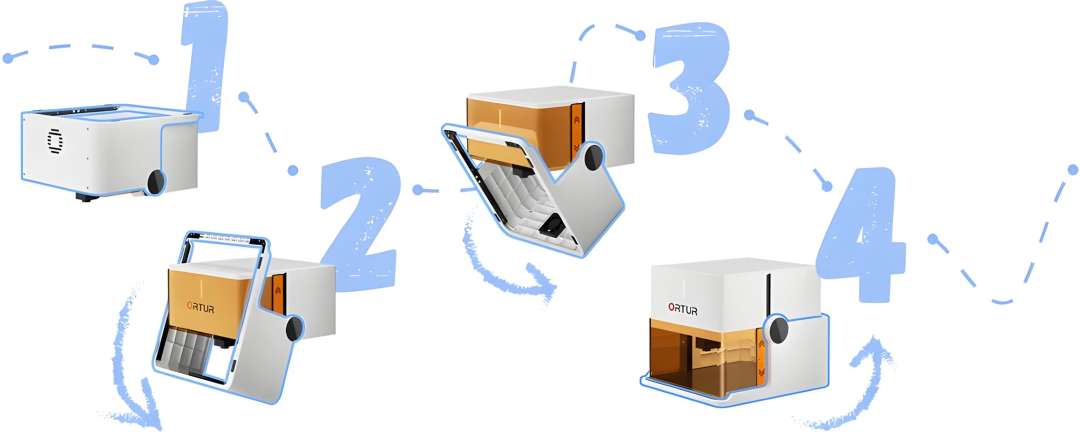
The chassis is fabricated from 92% recycled aluminium, keeping structural rigidity high while maintaining a 2.4 kg carry weight. The base footprint of 272 × 250 mm does not change between storage and use — the same bag pocket or shelf covers both states. When the lid pivots to its operating position, height extends to 218 mm as the enclosed chamber forms around the work area. The dimension diagram below confirms both states from three views.
Class 1 Laser Safety
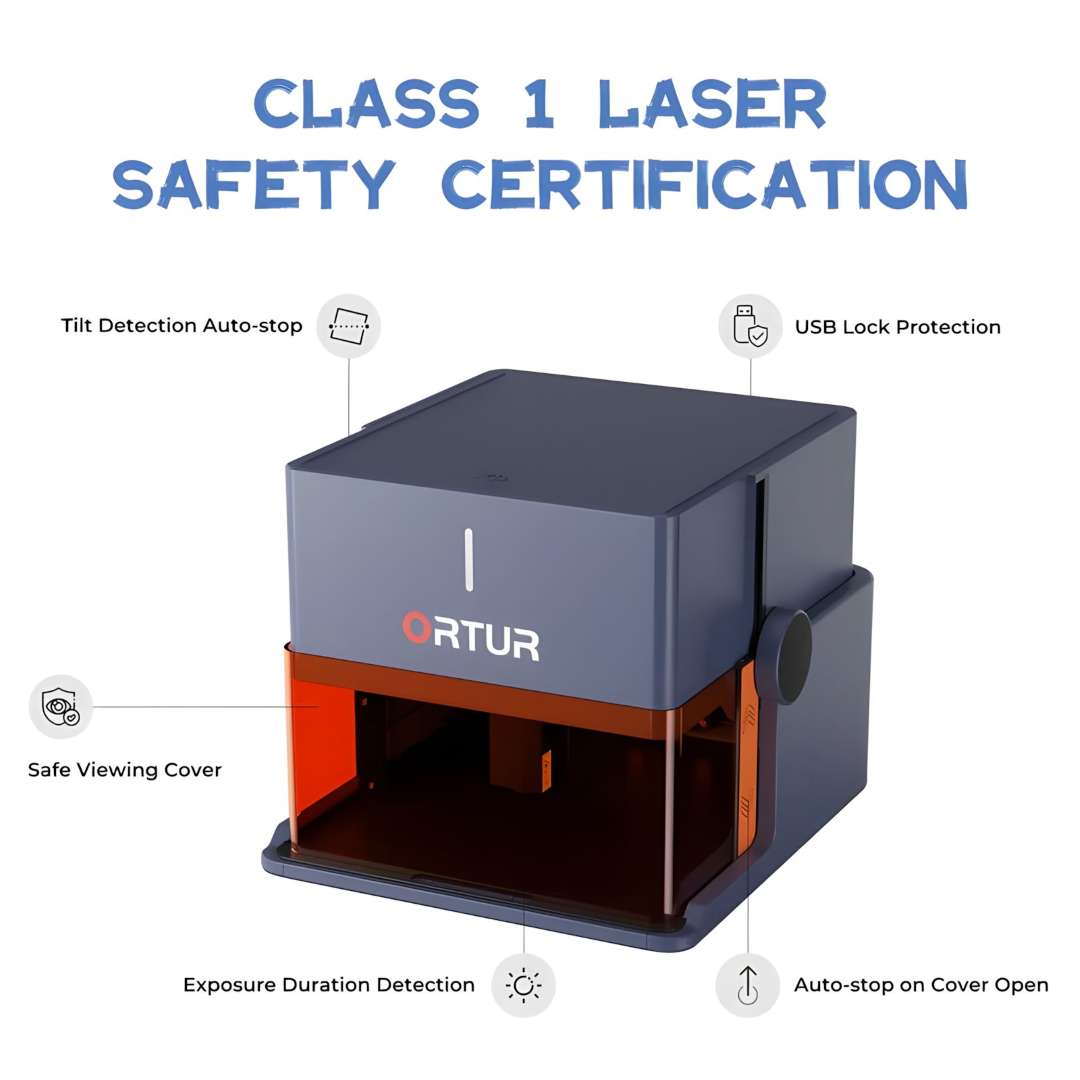
Class 1 is the highest consumer laser safety classification: the enclosure fully contains the beam under all normal operating conditions, so no protective eyewear is required and no worktable exclusion zones are needed. Six independent protection mechanisms — spanning both hardware and firmware — underpin this rating.
Active Protection Features
Tilt detection auto-stop halts the laser the moment the machine is knocked sideways, which is particularly relevant for outdoor or unstable-surface use. USB lock protection prevents the laser from firing unless the physical USB key is present in the machine. Auto-stop on cover open cuts power instantly when the lid or amber shield is lifted mid-job. Exposure duration detection limits continuous laser-on time as a firmware firebreak against thermal runaway in the workpiece. The watchdog timer provides a separate hardware circuit that stops the laser if the main controller becomes unresponsive. Together, these layers make the device appropriate for supervised family use, classroom environments, and shared maker spaces — not merely compliant on paper.
LU3-5B Laser Module
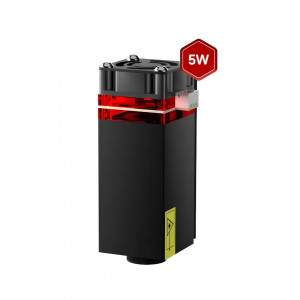
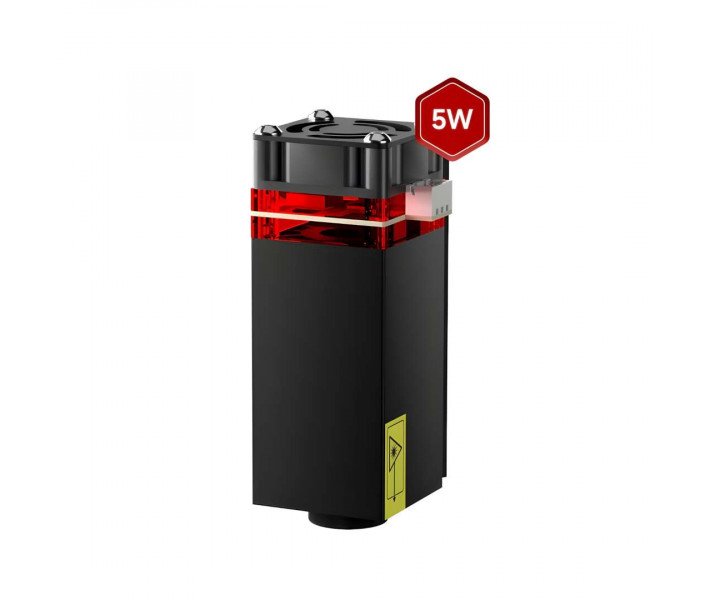
The included LU3-5B module fires at 450±20 nm with a focal spot of 0.025 mm × 0.11 mm at a focal distance of 60 mm. The asymmetric spot — 0.025 mm wide, 0.11 mm long — enables clean fine-line results on leather and precise edge definition when cutting dark acrylic. Experienced operators should orient fine-line text so that character strokes travel along the Y axis, perpendicular to the long spot axis, to maximise edge sharpness in finished engravings. The module draws 24 V / 2 A from the machine's internal bus and carries a rated lifespan exceeding 10,000 hours. The photograph below shows the LU3-5B's anodised housing, integrated cooling fan, and optical element window.
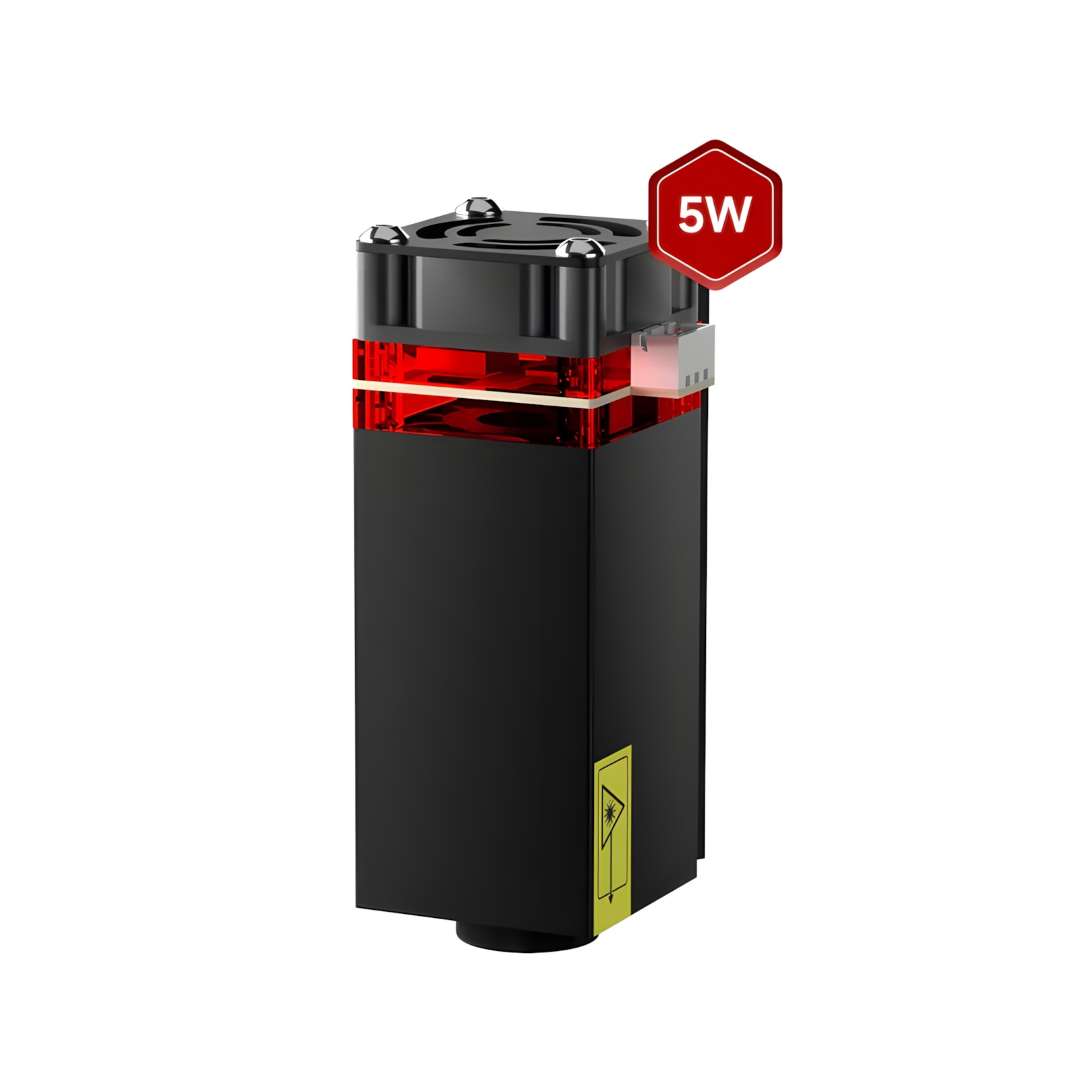
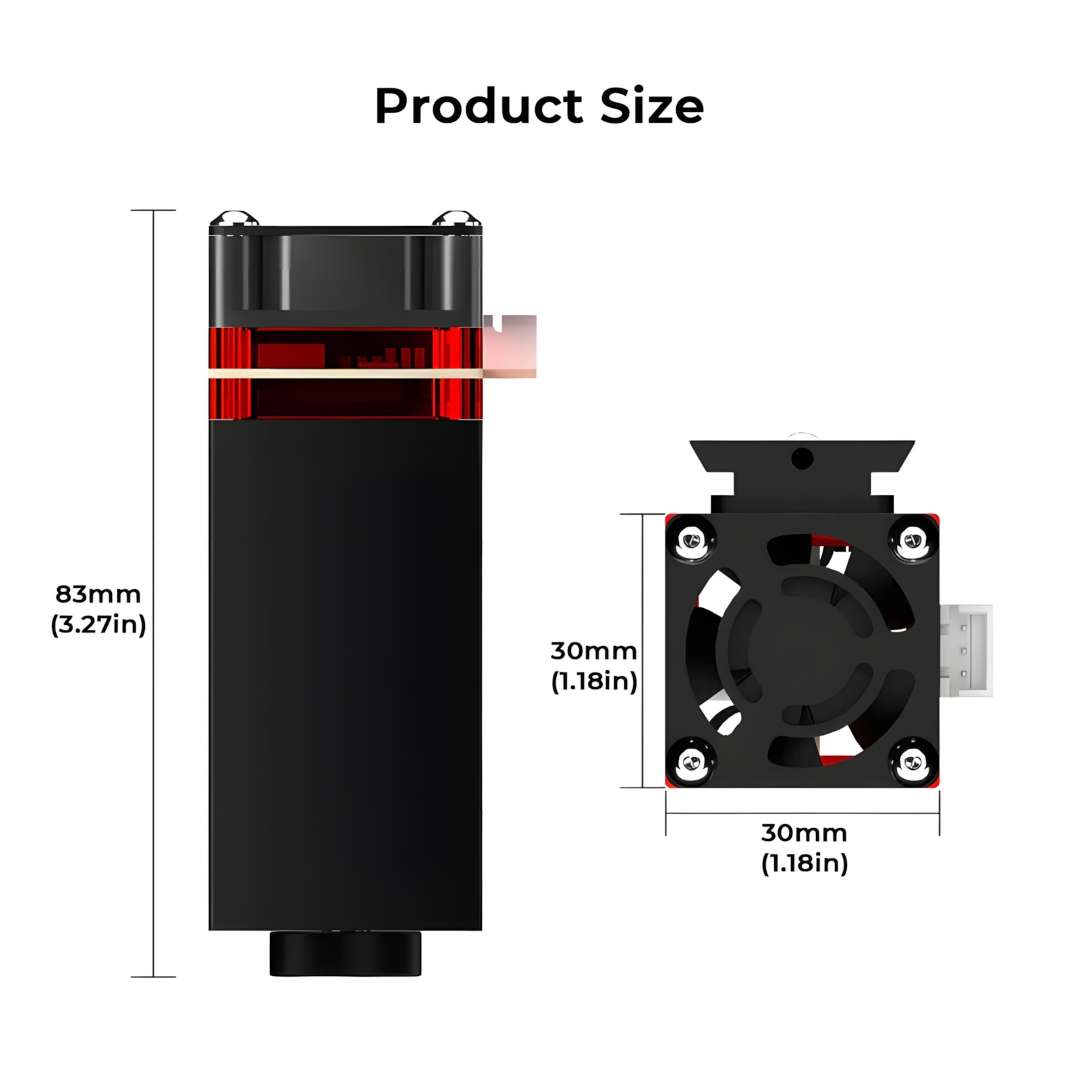
At 83 mm tall with a 30 mm × 30 mm cross-section, the module mounts inside the compact chamber without consuming any of the usable working area. The dimension chart below confirms the profile view and top-down fan perspective.
The video below introduces the Ortur R1 platform — portability, Class 1 enclosure, dual module capability, and mobile app workflow from first unboxing through to a finished engraving result.
Materials — Engrave 20+, Cut 11+
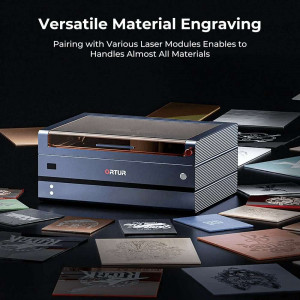
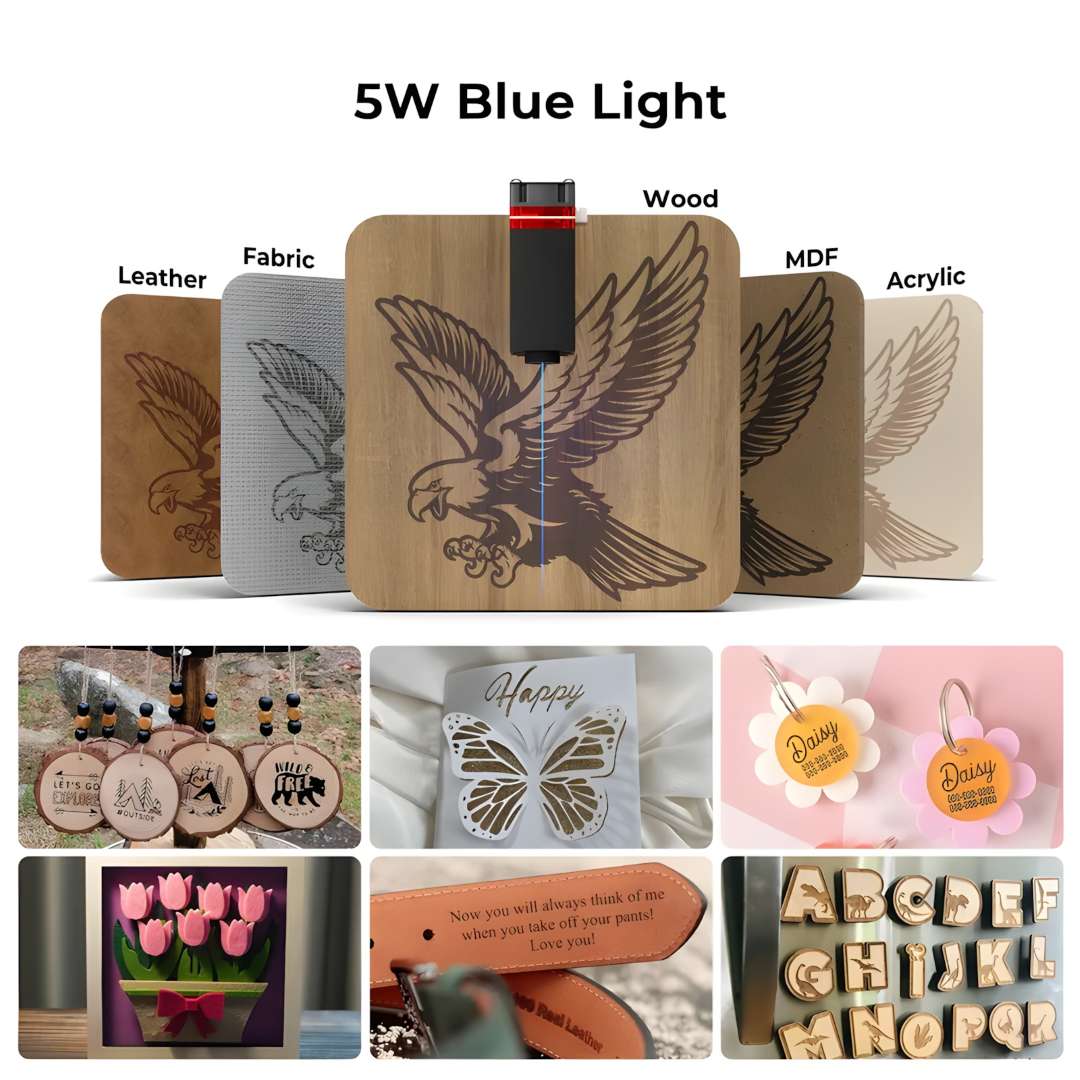
Blue-wavelength diodes interact primarily with surface pigmentation and organic molecular bonds. Wood, leather, fabric, bamboo, and dark acrylic absorb the beam efficiently; bare reflective metals largely pass the energy through. At 5,000 mm/min maximum speed, a production run of personalised coasters or leather patches completes in a single session. Thinner substrates — paper, thin MDF, dark acrylic, PVC — are equally cuttable by adjusting pass count and feed rate. The collage below shows representative 5 W blue-light results across wood, leather, acrylic, and fabric.
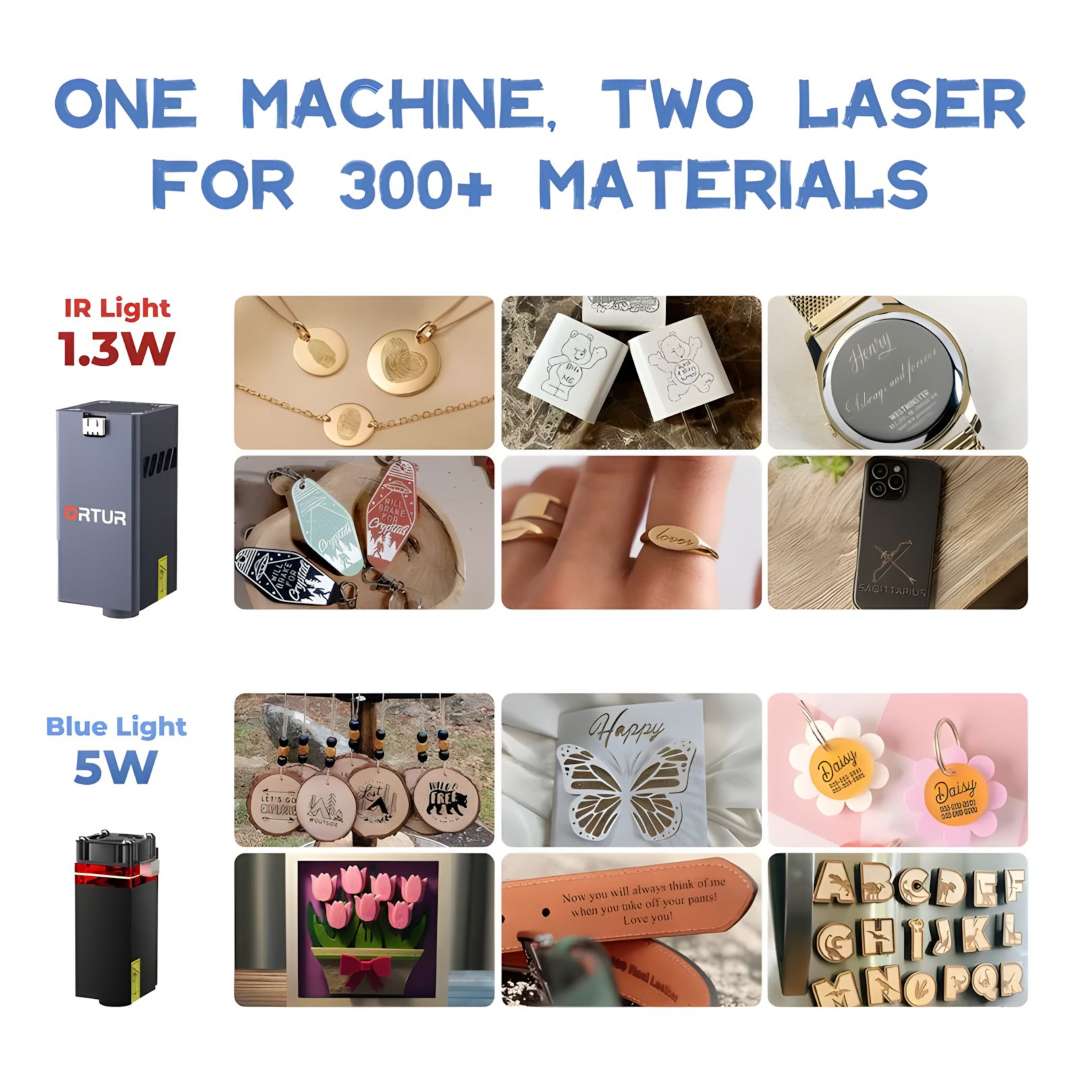
Swapping to the optional LR4-1A infrared module (1.3 W, 1,064 nm) extends the material range to bare metals — gold and silver jewellery, watch case backs, stainless steel rings, titanium surfaces, and anodised aluminium keychains — with a 100 mm × 80 mm working area. The comparative chart below shows both module outputs side by side.
Mobile App and Connectivity
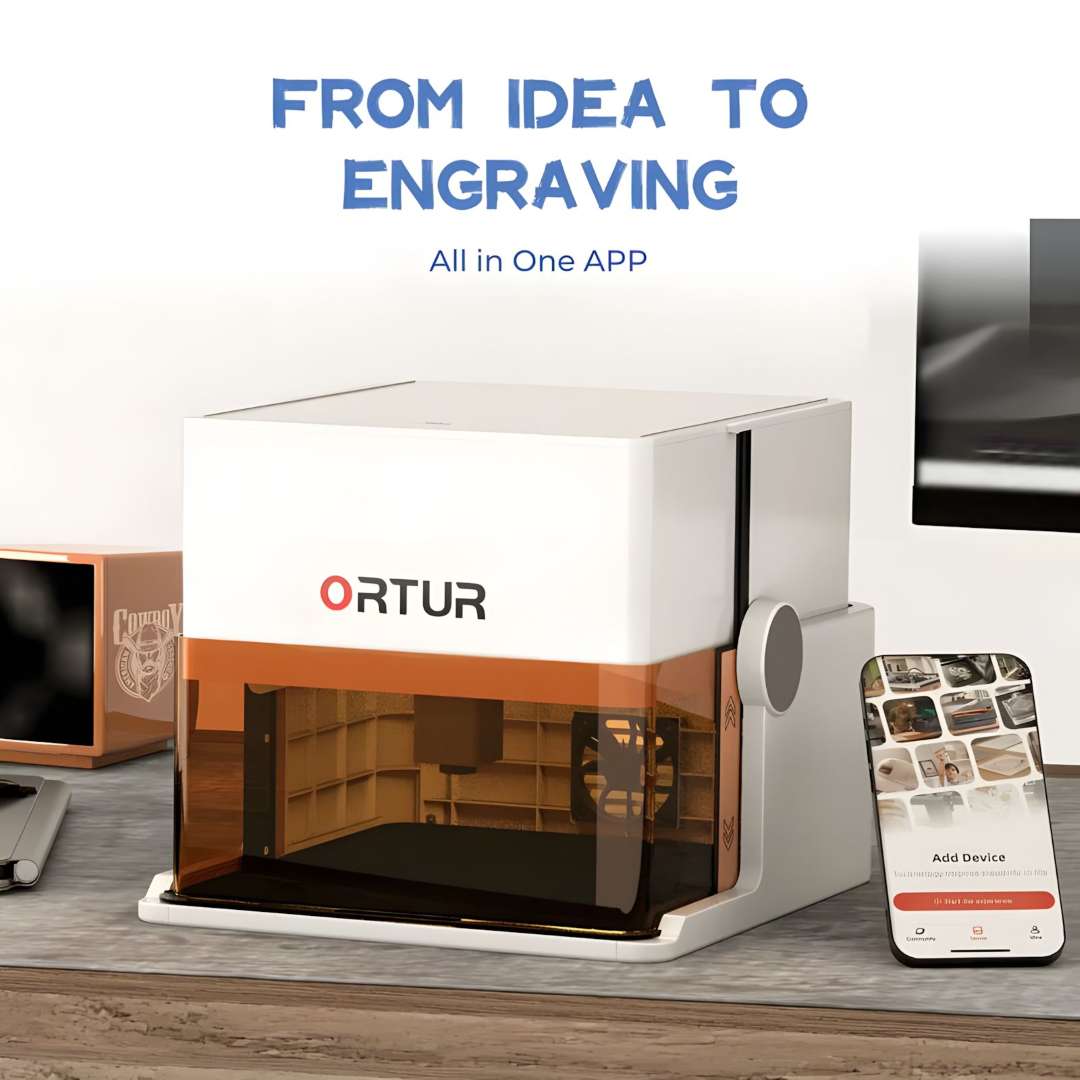
Every workflow runs through a single mobile application for iOS and Android — no PC required. The built-in editor provides text input across 19+ fonts in multiple languages, shape drawing tools, a design template library, and a snap-to-engrave photo mode that converts a smartphone photo to a job-ready design with one tap. File transfer operates over WiFi in both online and offline modes. For production-focused operators, the quick custom text mode eliminates the design stage entirely — type the text, set the position, and start the job. The image below shows the device on a desk alongside a smartphone displaying the app's pairing and design library screen.
Portability and Family Use
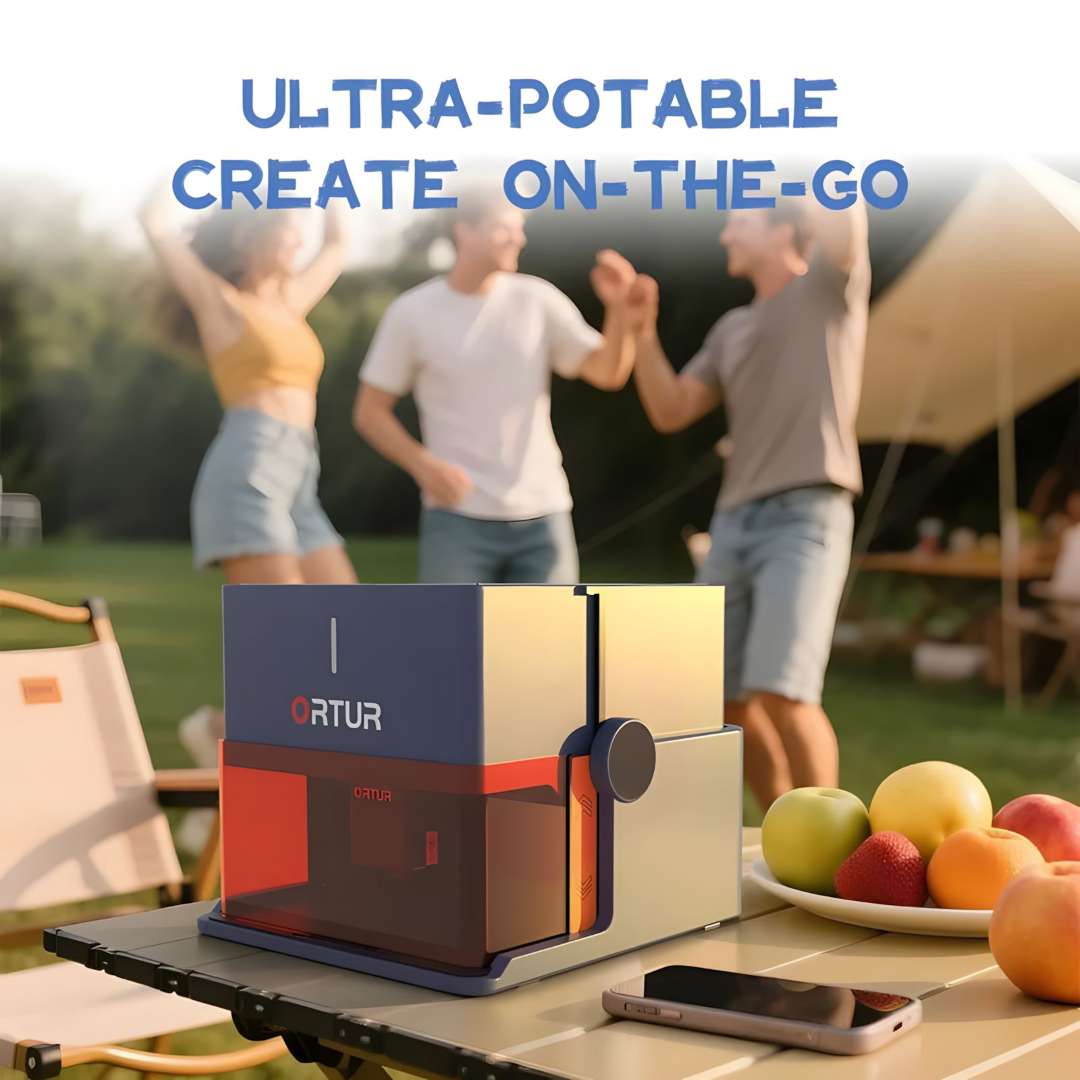
The built-in carry handle and 2.4 kg net weight make the device operational on a folding camp table as readily as on a craft desk. No darkened room is needed; the amber viewing cover filters the beam and provides visual job feedback simultaneously. The outdoor photograph below captures the device running at a social gathering — a direct demonstration of on-the-go personalisation.
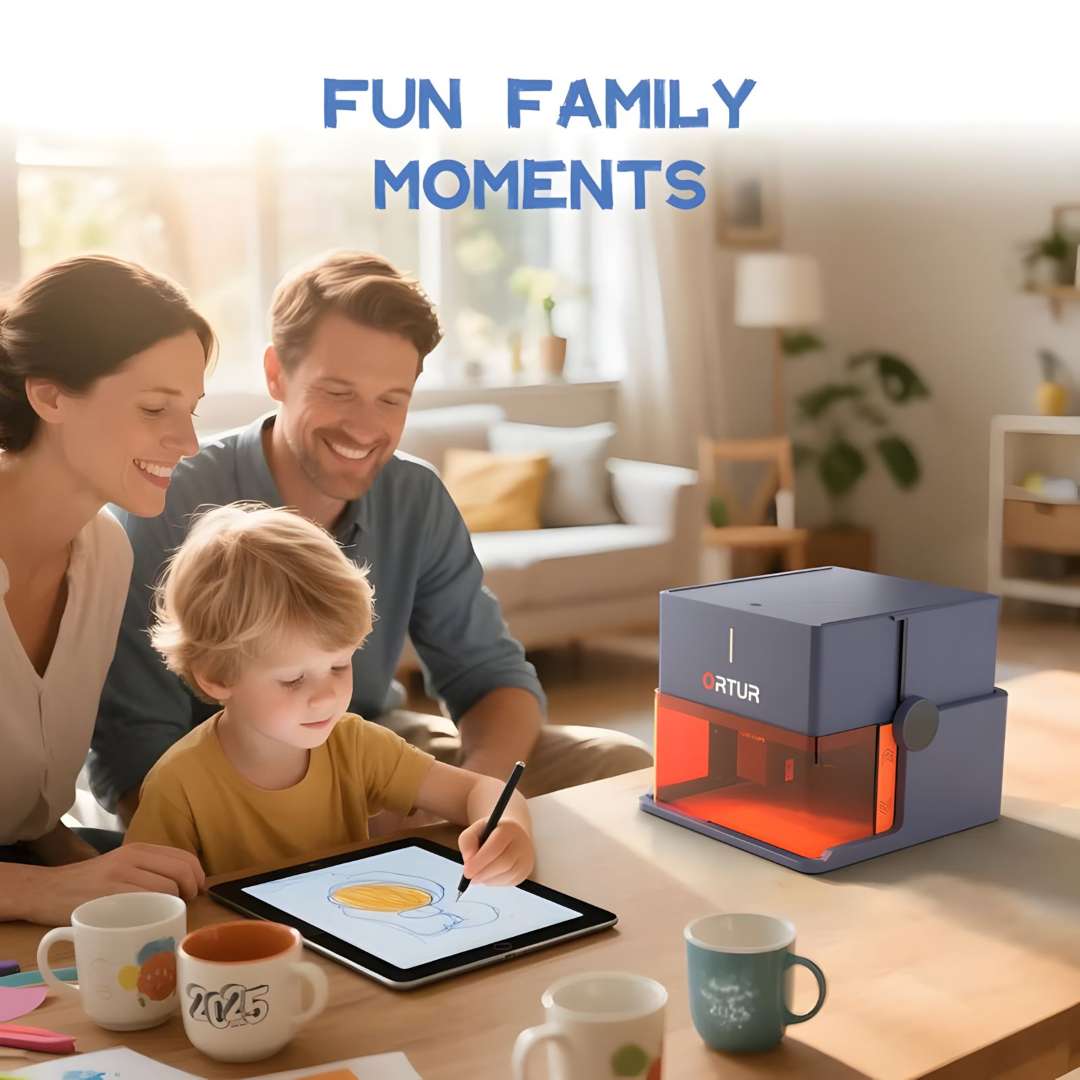
The Class 1 enclosure places the device in a small category of laser tools genuinely appropriate for supervised family use. The mobile app's drawing canvas lets a child sketch on a tablet and send the design directly to the machine, converting an original drawing into a laser-engraved keepsake without any file-conversion step — a direct pipeline from digital imagination to physical output.
Available in two colour finishes — misty blue-orange and white — with a three-colour LED status indicator. The retail packaging ships with the carry handle attached and is presentation-ready on arrival. The gift reveal photograph below reflects the considered gifting positioning of the R1 among makers, hobbyists, and personalisation entrepreneurs.

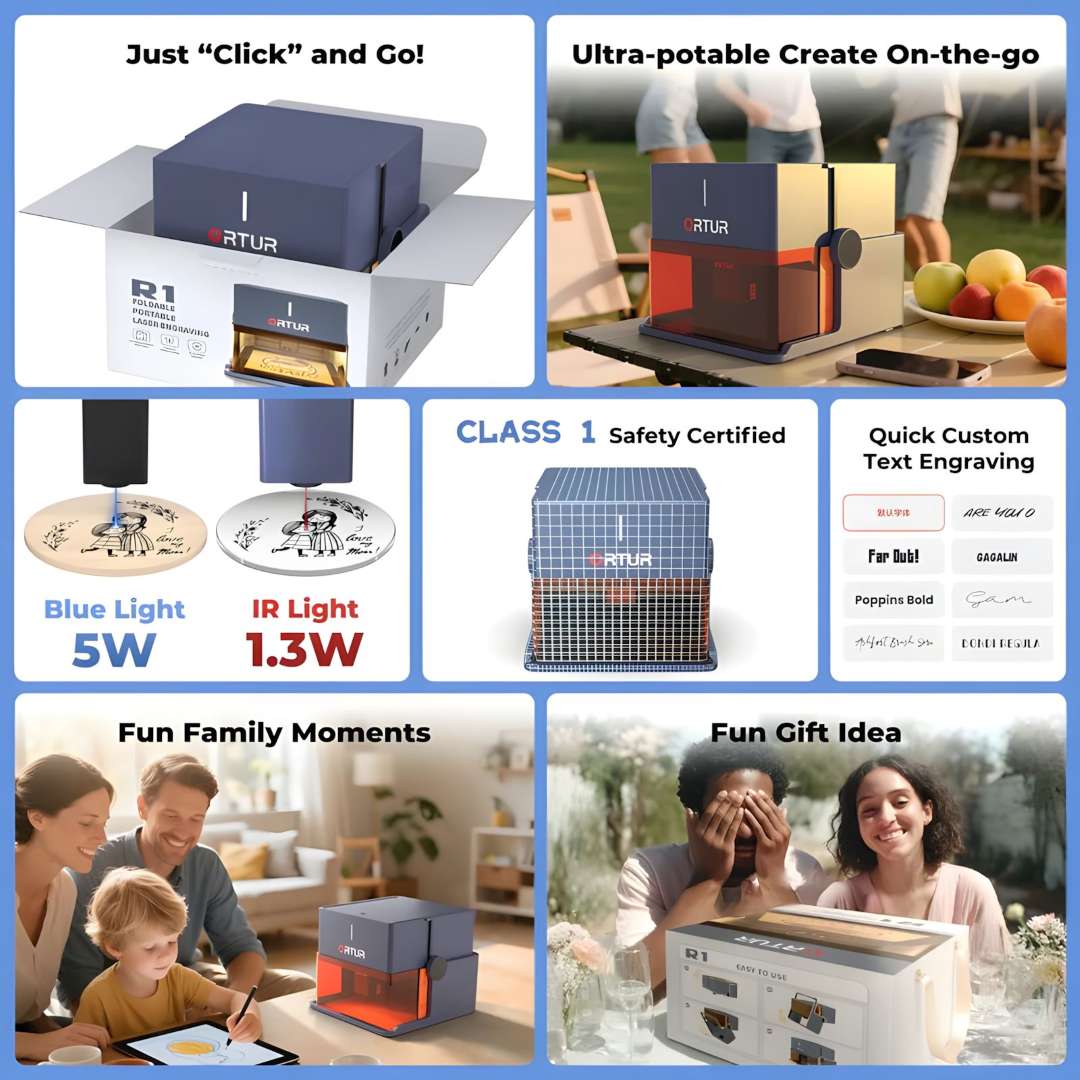
The feature overview infographic below brings together the six core platform propositions — instant setup, outdoor portability, dual laser capability, Class 1 certification, rapid text mode, and family-accessible operation — in one compact visual reference.
Applications
- Personalised gifts and keepsakes: engrave names, dates, and custom artwork on wood coasters, leather patches, acrylic tags, and bamboo items — completed in a single session at up to 5,000 mm/min.
- Jewellery and metalwork with the IR module: the optional LR4-1A module engraves directly on gold, silver, stainless steel, titanium, and anodised aluminium without additional coating or preparation steps.
- Small-batch personalisation: the quick custom text mode and WiFi file transfer support repeat production runs of branded merchandise, event favours, and promotional items without a PC.
- Educational and classroom use: the Class 1 enclosure and multi-layer hardware safety features allow laser engraving to be introduced in school maker programmes and creative technology lessons under teacher supervision.
- Outdoor and event personalisation: the 2.4 kg carry weight and tool-free setup enable on-site customisation at markets, fairs, and pop-up retail events using any folding table as a workstation.
- Home creative projects: the photo-to-engrave snap mode and design template library support one-off personal projects — from pet ID tags to custom home décor — without specialist design-software knowledge.
Compatibility and accessories
The Ortur R1 uses a swappable laser module interface. The included LU3-5B (5 W, blue, 450±20 nm) and the optional LR4-1A (1.3 W, infrared, 1,064 nm) share the same mounting interface and hand-screw fitting, enabling a module exchange in under two minutes without additional tools.
What's in the box
The contents below correspond to the Ortur R1 5W configuration with the LU3-5B module. All items required for the first job — test materials, focus plate, and cleaning brush — are included in the box.
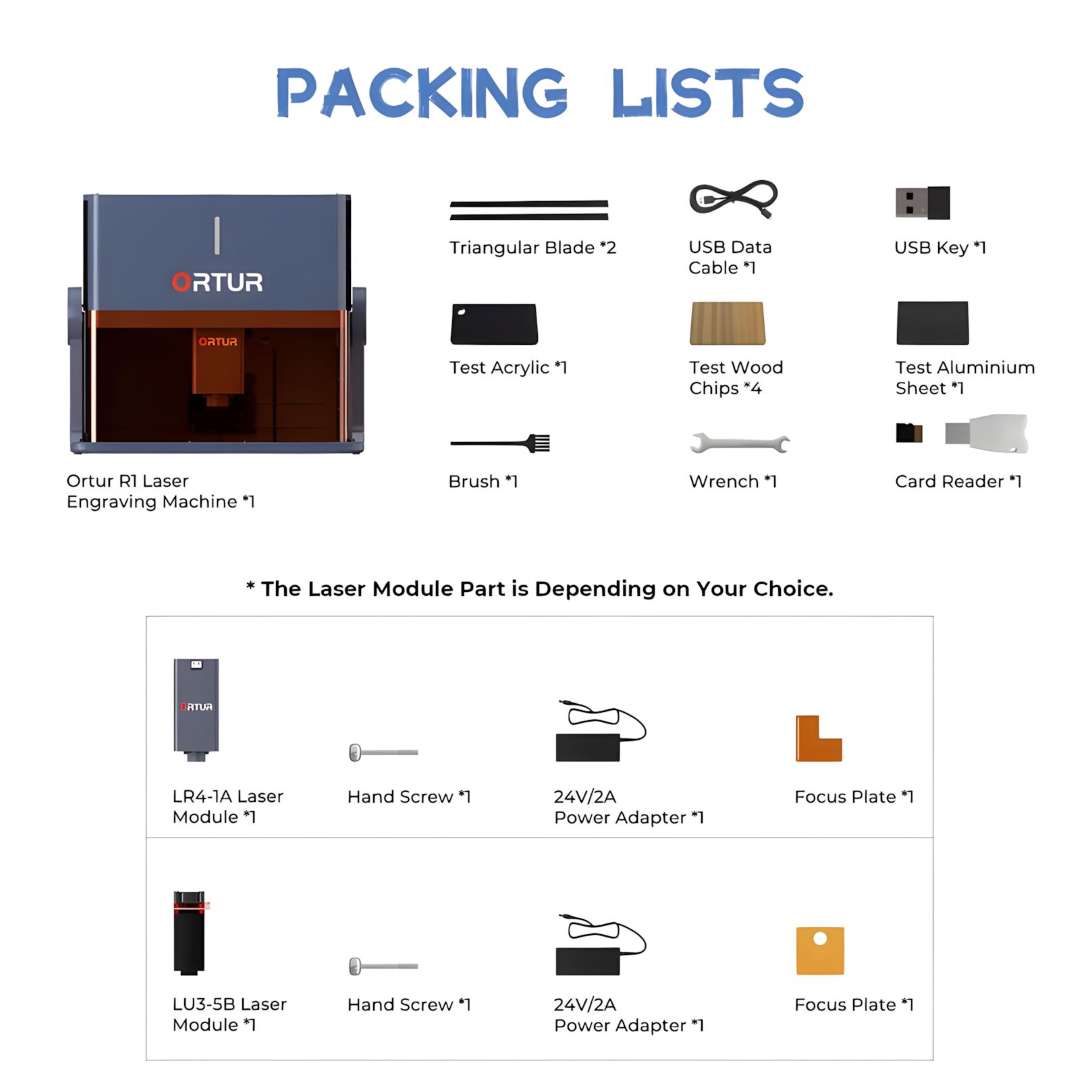
- Ortur R1 laser engraving machine ×1
- LU3-5B 5 W laser module ×1
- Hand screw ×1
- 24 V / 2 A power adapter ×1
- Focus plate ×1
- Triangular blade ×2
- USB data cable ×1
- USB key ×1
- Test acrylic sheet ×1
- Test wood chips ×4
- Test aluminium sheet ×1
- Brush ×1
- Wrench ×1
- Card reader ×1
Technical specifications
Machine Dimensions and Weight
| Parameter | Value |
| Machine Size — Folded | 272 mm × 250 mm × 140 mm |
| Machine Size — Unfolded | 272 mm × 250 mm × 218 mm |
| Net Weight | 2.4 kg |
| Gross Weight | 3.5 kg |
| Packaging Size | 328 mm × 302 mm × 201 mm |
| Chassis Material | 92% recycled aluminium |
| Recycled Material Content | 92% recycled aluminium chassis |
| Standby Power Consumption | 0.1 W |
Laser Performance
| Parameter | Value |
| Laser Power | 5 W |
| Maximum Working Area — LU3-5B (5 W) | 100 mm × 100 mm |
| Maximum Working Area — LR4-1A (1.3 W IR) | 100 mm × 80 mm |
| Maximum Speed | 5,000 mm/min |
| Spot Size | 0.025 mm × 0.11 mm |
| Engravable Materials | MDF, Plywood, Pine, Paulownia, Paperboard, Paper, Kraft Paper, Leather, Acrylic, Cobblestone, Ceramics, Coated Metal, Plated Metal, Stainless Steel, Glass, Knit, Cotton, ABS Plastics, Bamboo, Silica Gel, Rubber, Ceramic Tile |
| Cuttable Materials | Paper, MDF, Plywood, Pine, Paulownia, Cardboard, Corrugated, Dark Acrylic, PVC, Knit, Cotton, ABS Plastics |
LU3-5B Laser Module
| Parameter | Value |
| Module Name | LU3-5B |
| Laser Wavelength | 450±20 nm |
| Focal Length | 60 mm |
| Output Voltage | 24 V / 2 A |
| Laser Head Lifespan | >10,000 hours |
| Module Dimensions | 83 mm × 30 mm × 30 mm |
Safety and Certifications
| Parameter | Value |
| Laser Safety Class | Class 1 |
| Active Safety Features | Watchdog, USB lock, auto shutdown, exposure duration detection, tilt detection auto-stop, auto-stop on cover open |
| Certifications | CE, RoHS, EPEAT Silver |
App and Connectivity
| Parameter | Value |
| Control App | Ortur mobile app (iOS & Android) |
| App Operating Modes | Online and offline |
| Available Fonts | 19+ |
| App Interface Languages | English, Chinese, French, German |
| File Transfer | WiFi (remote control and file transfer supported) |
Why buy the Ortur R1 from EXPERT3D?
EXPERT3D has supplied professional laser engraving and digital fabrication tools since 2012 — more than a decade of hands-on experience selecting, deploying, and supporting consumer and professional-grade platforms across research institutions, design studios, and individual makers. We provide expert pre-sales consultation to match the right module and material workflow to your specific application. Every purchase includes an official warranty and authorised after-sales service. We coordinate delivery across Spain and the EU. Consumables and replacement laser modules are available to order. Our team can advise on optimal settings for your target materials, evaluate whether the optional IR module fits your workflow, and support a smooth first session. Contact us to discuss current availability and pricing.