

- Stock: In Stock
- Product code: 920372000001150165
- Weight Brutto: 110.00kg
- SKU: 10110-000068

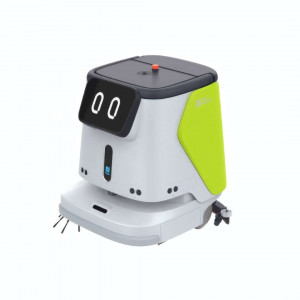
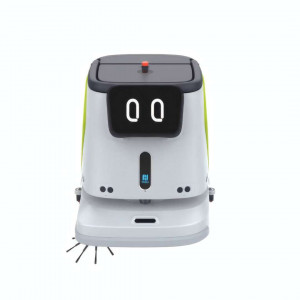
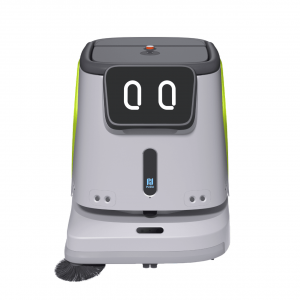
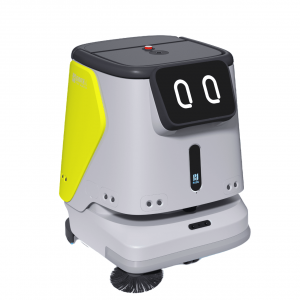
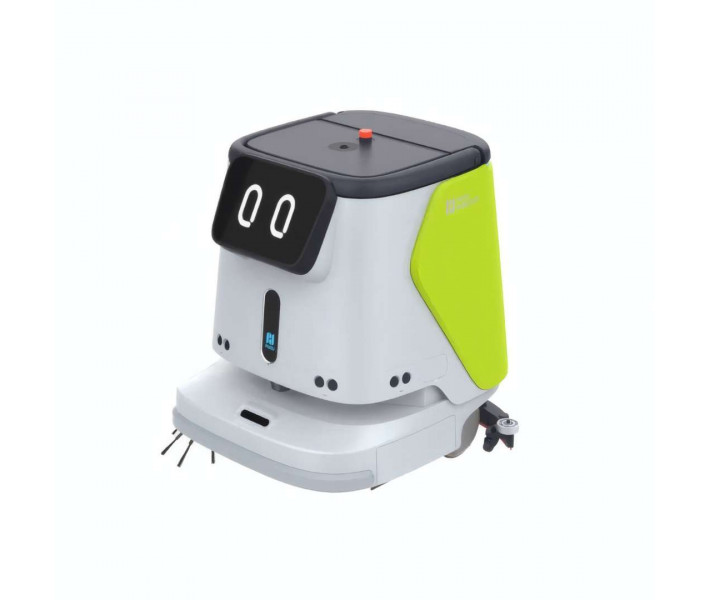
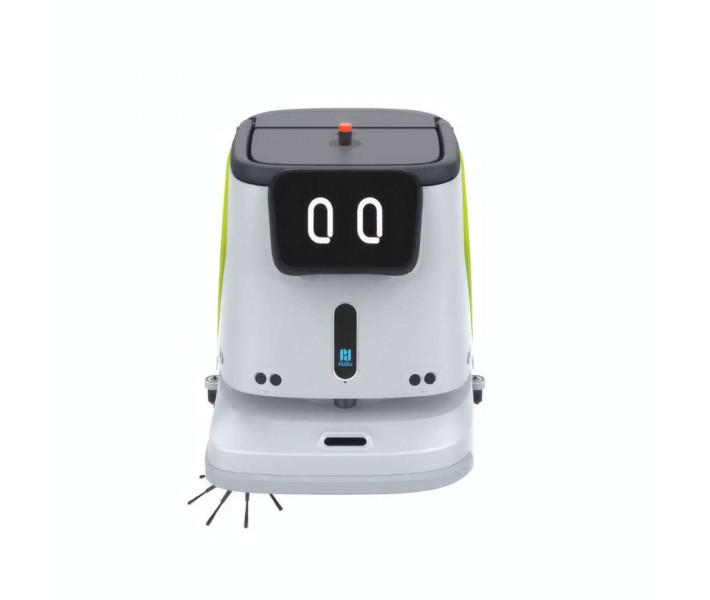
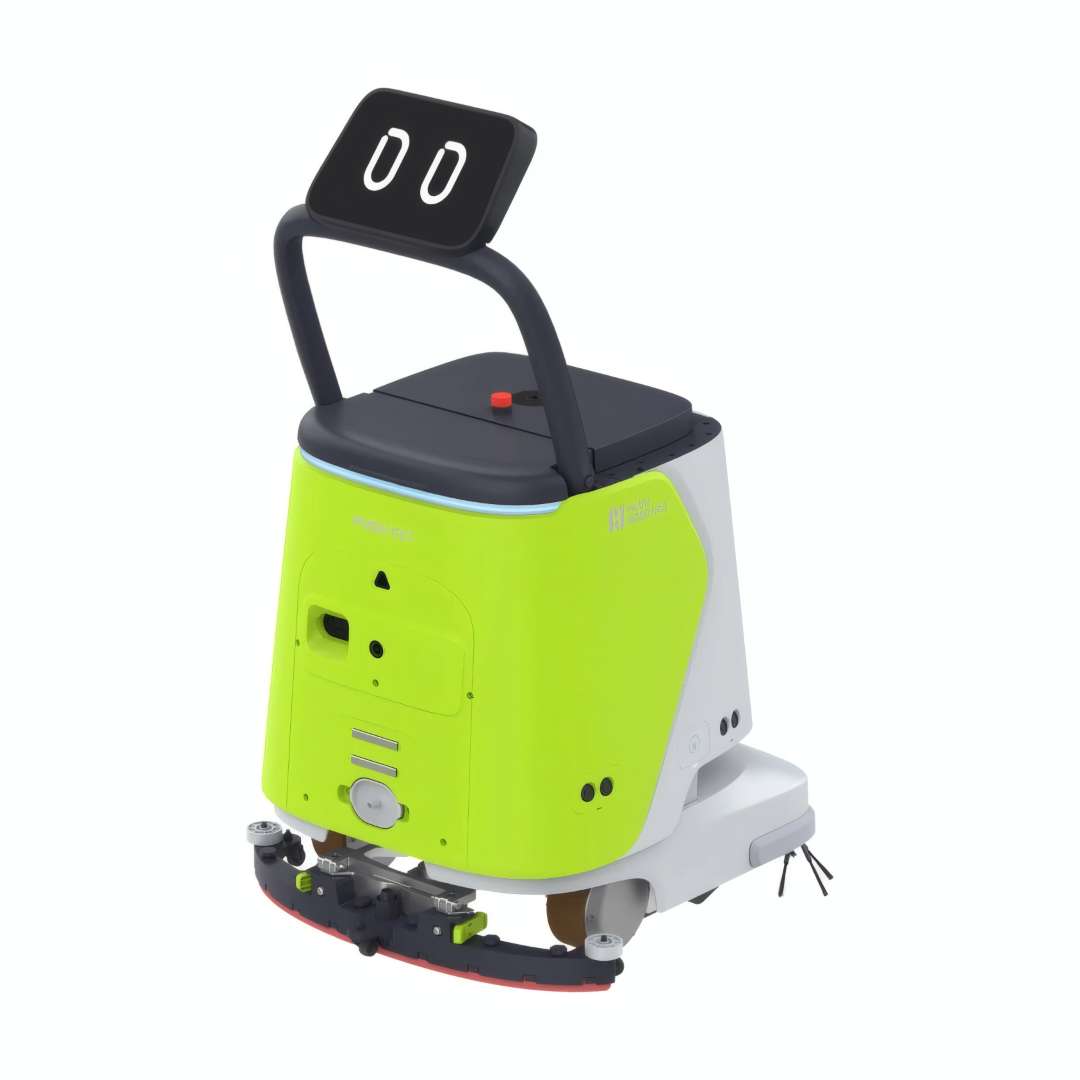
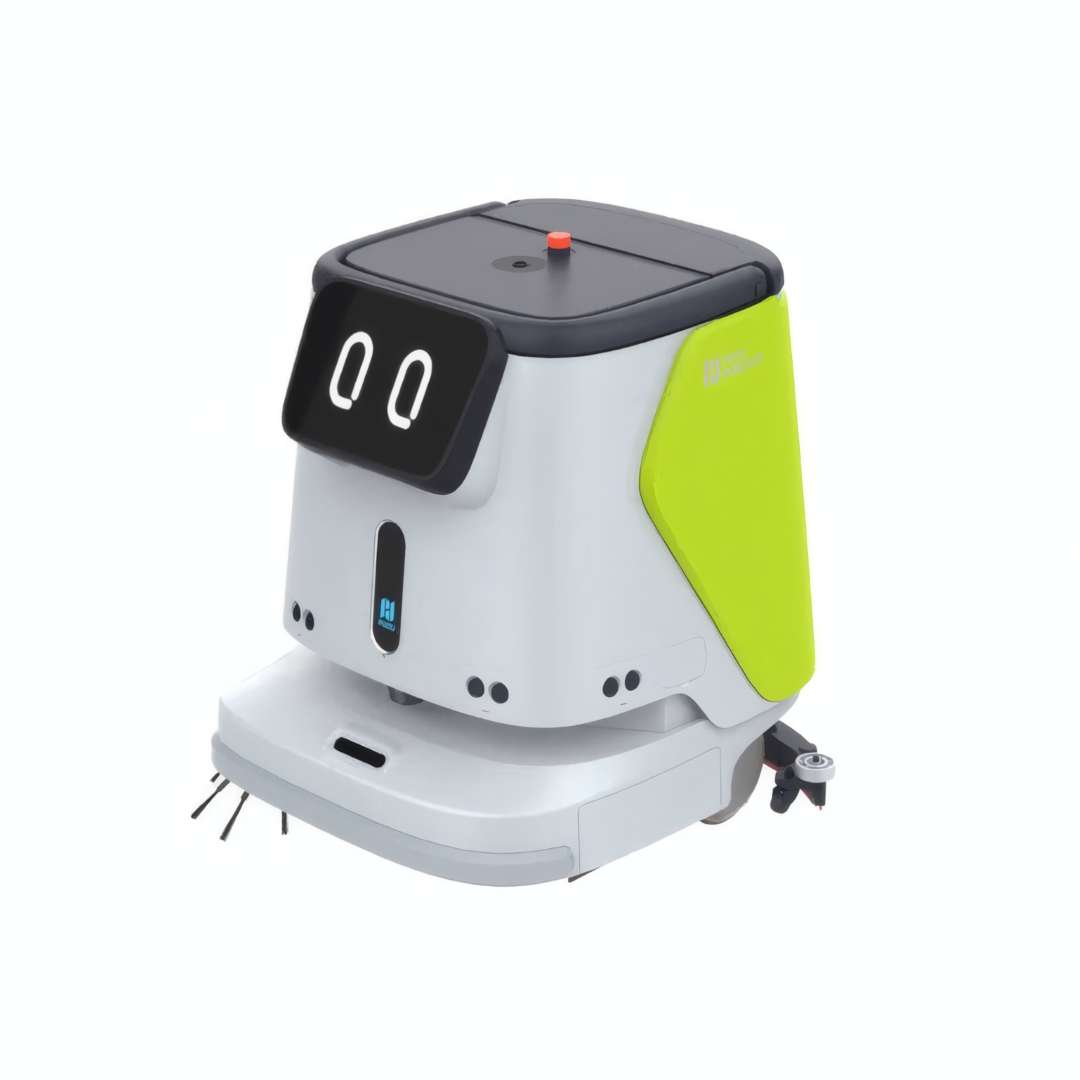
PUDU CC1 Green is a four-in-one autonomous scrubber-dryer robot built for offices, hotels, retail floors, and hospitals. It combines scrubbing, sweeping, vacuuming, and mopping in one IPX4-rated platform measuring 629 × 552 × 695 mm and weighing 75 kg. A 50 Ah battery drives the dual-mode PUDU SLAM navigation system, fusing visual and laser positioning for reliable operation on reflective floors and behind glass partitions.
| Specification | Why it matters |
|---|---|
| Max Suction Power: 17,000 Pa | Ensures complete dirty-water recovery after scrubbing, leaving no residue trail or slip hazard. |
| Cleaning Efficiency: 700–1,000 m²/h | Covers large floor areas per shift, reducing the number of machines needed for full-facility cleaning. |
| Clean Water Tank / Waste Tank: 15 L / 15 L | Supports extended cleaning runs between manual refill and drain cycles. |
| Battery Life — Silent Mopping Mode: up to 9 h | Enables full-shift or overnight cleaning in noise-sensitive facilities without a recharge stop. |
- Four cleaning modes in one chassis: scrubbing, sweeping, vacuuming, and mopping are handled by a single machine, cutting the equipment fleet a facility needs to maintain.
- 17,000 Pa peak suction: recovers dirty water completely after scrubbing, avoiding streaks and residue on hard floors.
- Dual 15 L tank system: keeps the robot working through long shifts before a manual refill or drain is required.
- 50 Ah battery, up to 9 h runtime: covers extended or overnight cleaning windows in a single charge cycle.
Four Cleaning Modes in One Platform: Scrubbing, Sweeping, Vacuuming, Mopping
A single CC1 unit covers four distinct floor-maintenance workflows, consolidating what would otherwise require multiple machines and operator schedules. Each mode is activated by configuring the rear cleaning module and selecting the corresponding setting on the touchscreen — no tools needed for module swaps.
The video below shows the CC1 operating across its four cleaning modes in typical commercial deployment scenarios.
The standard configuration pairs a 10.1-inch touchscreen with a modular lower deck that swaps between the four cleaning modes.
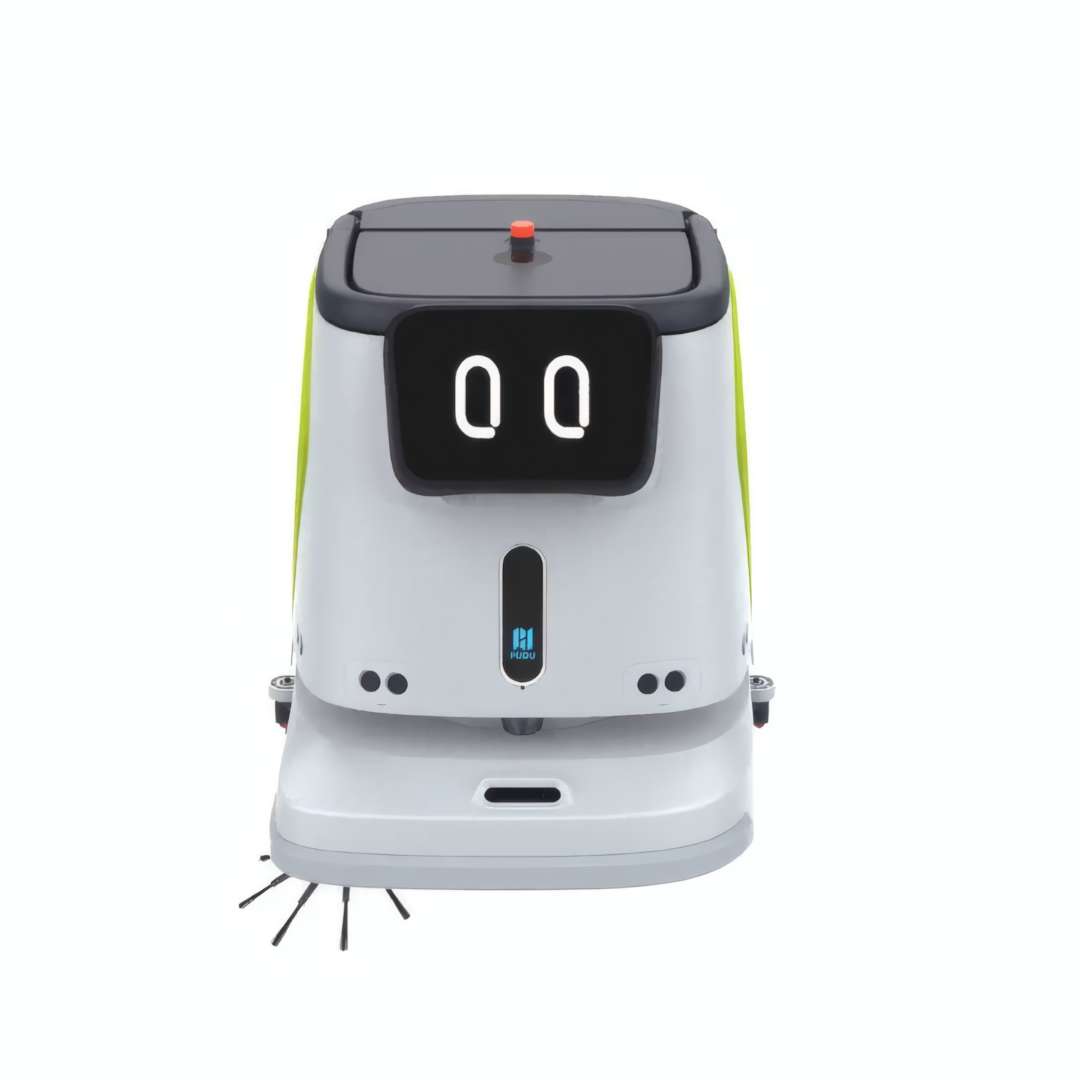
Scrubbing Mode — Deep Hard-Floor Cleaning
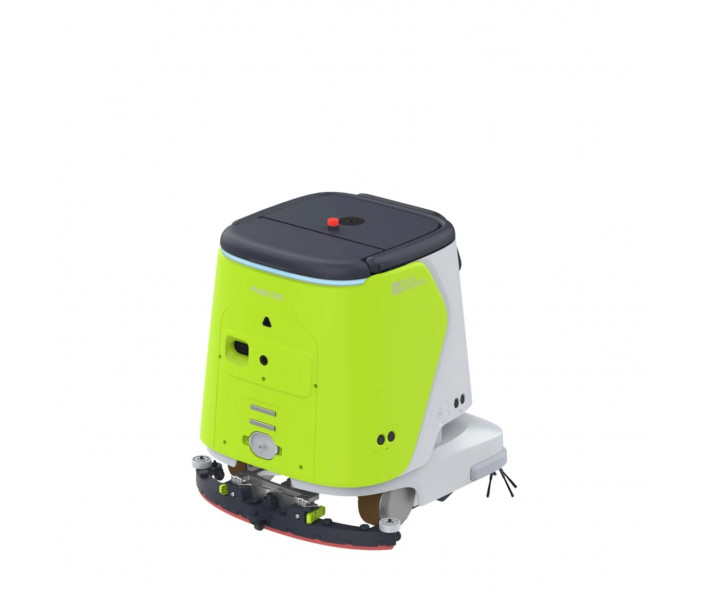
Scrubbing mode deploys the washing brush and squeegee for heavy-duty hard-floor treatment. The 63 cm squeegee continuously recovers dirty water at 17,000 Pa suction. Measured at low gear from 100% to 10% battery, scrubbing runtime reaches 5 h per cycle.
Sweeping Mode — Three Functions in One Pass
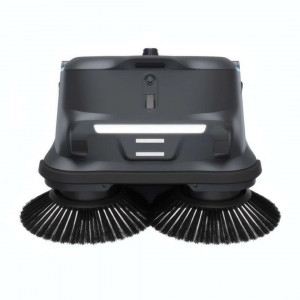
The sweeping configuration combines the side brush, sweeping roller, and mopping-vacuuming attachment, completing debris collection, vacuuming, and wet mopping simultaneously. Battery life in this mode is 5 h. A 2.5 L dustbin collects solid debris between emptying cycles.
Carpet Vacuuming Mode — Short-Pile Carpets
With the separately purchased carpet vacuuming assembly installed, the CC1 transitions to soft-surface cleaning. The 51.5 cm nozzle covers standard corridor widths in one pass, and the 20 mm maximum surmountable height ensures smooth hard-floor-to-carpet transitions. Battery life in this mode is 4 h.
Silent Mopping Mode — Acoustically Sensitive Environments
Silent Mopping Mode disables the blower, reducing noise well below the standard < 70 dB(A) threshold. Extended battery life of 9 h suits overnight hospital ward cleaning, late-evening hotel lobbies, and office environments with strict acoustic limits.
Switching to Scrubbing Mode reconfigures the rear deck around the squeegee and main washing brushes.
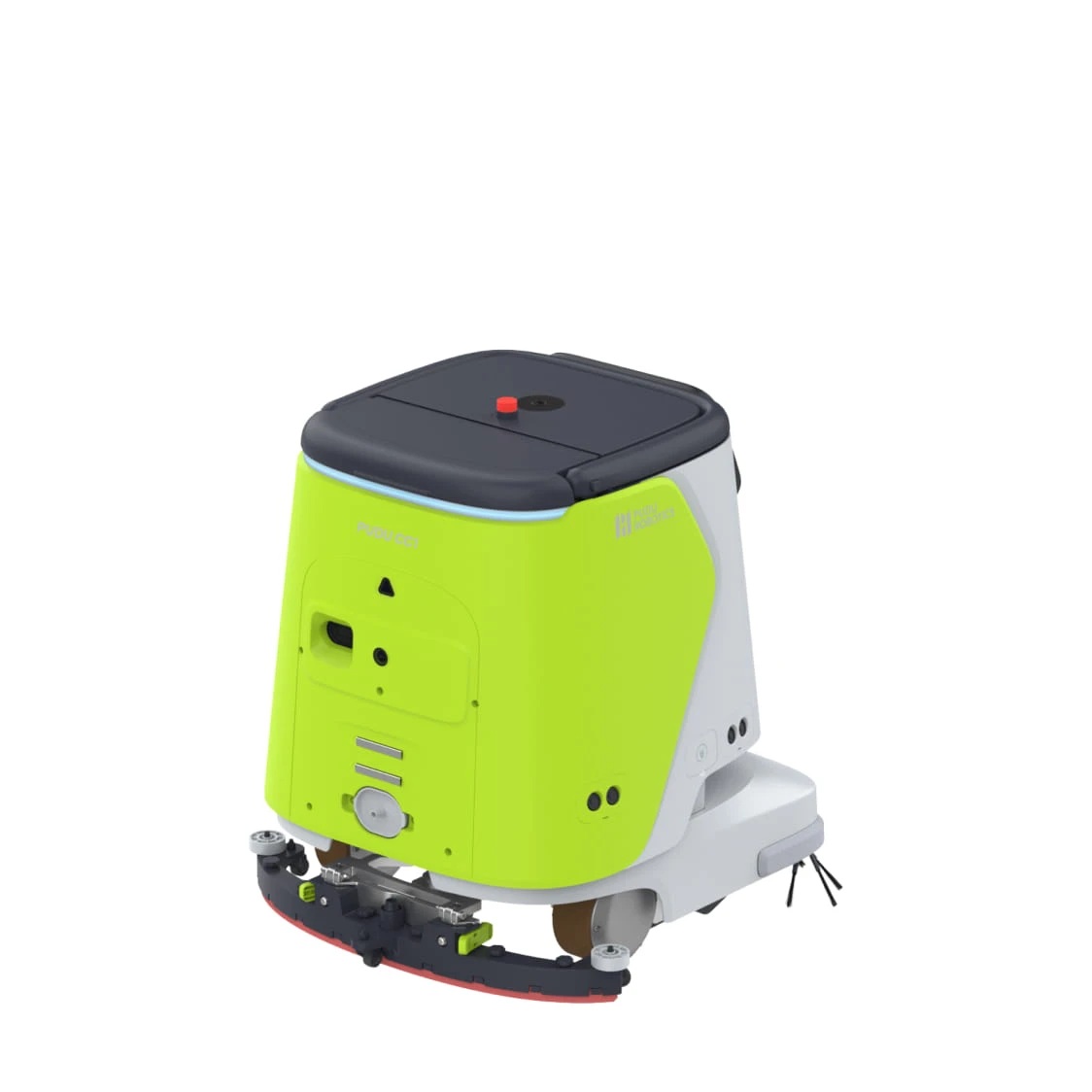
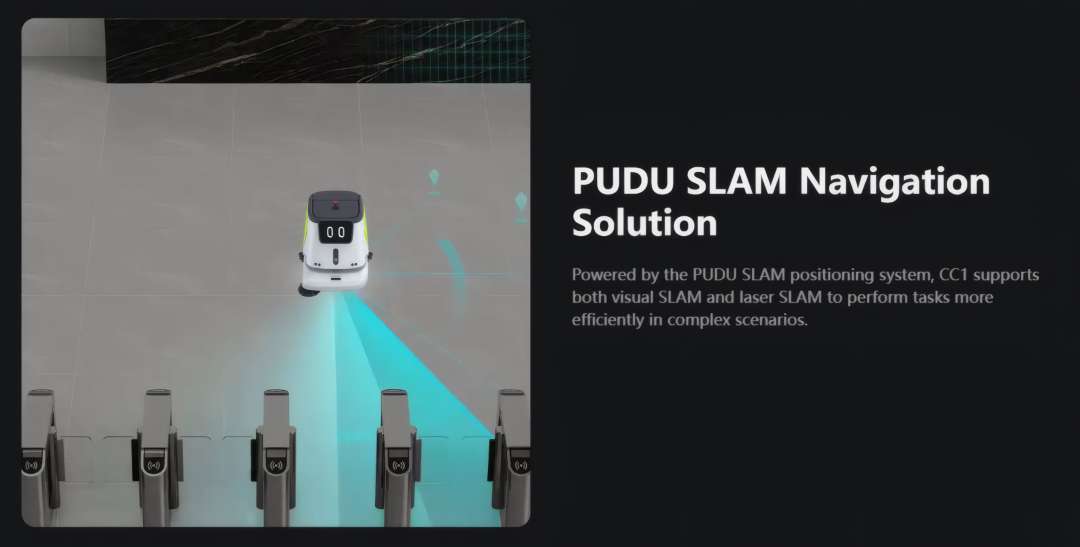
PUDU SLAM Navigation: Visual and Laser Positioning for Complex Environments
The CC1 runs on the proprietary PUDU SLAM positioning system, fusing visual SLAM (RGBD sensor, RGB camera, top-view camera) with laser SLAM (2D LiDAR and solid-state LiDAR). This dual-mode architecture handles reflective marble surfaces, glass partitions, and narrow corridor junctions that confuse single-sensor systems. The robot builds a precise map on its first manual push-through and refines it over subsequent sessions.
Minimum path clearance is 70 cm; minimum turning width is 88 cm. Once the map is established, cleaning zones, virtual walls, and no-go regions are configured directly in the mobile app — no physical tape or barriers required.
Tech Tip: When deploying the CC1 in a new facility, always build the initial map using the raised-handle manual push mode before scheduling the first automatic task. Walking the full cleaning area at low speed lets the SLAM system register every obstacle, glass surface, and tight corner that automated first-run mapping might miss. A thorough initial map significantly reduces interruption frequency during the first week of autonomous operation.
Underneath the chassis, PUDU SLAM continuously cross-checks visual and laser data to keep the robot localized near reflective or glass surfaces.
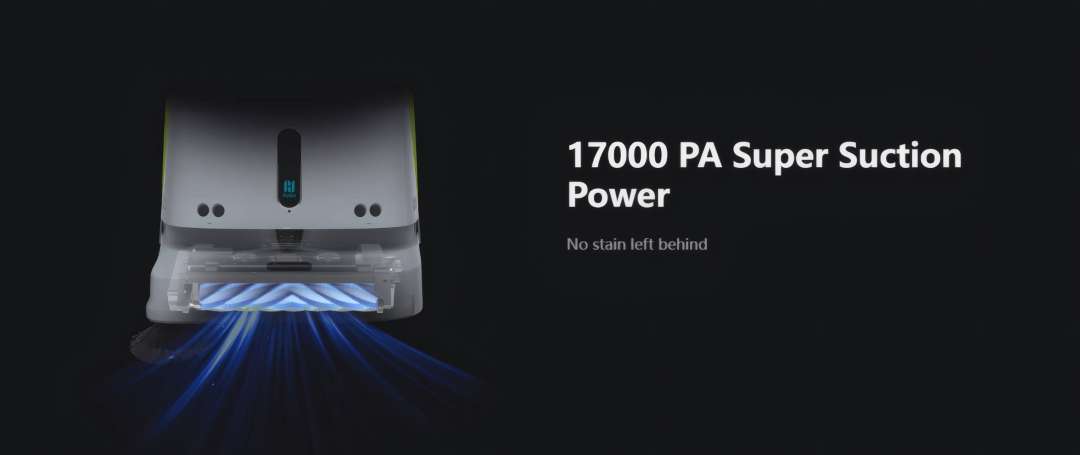
17,000 Pa Suction — Edge-to-Edge Coverage with a < 2 cm Wall Gap
Peak suction of 17,000 Pa operates at the squeegee recovery channel — the metric that determines how completely dirty water is removed after scrubbing. The side brush extends effective sweep coverage to 50 cm, pushing debris into the main path rather than redistributing it sideways. The squeegee's edge geometry achieves a < 2 cm gap to walls and corners, covering floor perimeters at rates that straight-path commercial machines cannot match. Wet recovery width across the full squeegee span is 63 cm.
That suction figure isn't just a spec-sheet number — it reflects the airflow path engineered into the cleaning deck.
Extendable Operator Handle: Map Building, Manual Override, Emergency Control
The retractable steering handle serves three distinct purposes. Raised, it enables an operator to push the robot manually for initial map construction or to address unscheduled spills mid-shift. Lowered, it retracts flush with the body for autonomous navigation under the 76 cm minimum passing height constraint. The handle-mounted screen displays live task data — brush speed, suction level, water flow rate — all adjustable in real time during manual operation.
For manual map-building or spill response, the handle telescopes upward and exposes a secondary control screen.
Autonomous Docking Ecosystem: Charging, Water Refill, and Drainage Without Plumbing Work
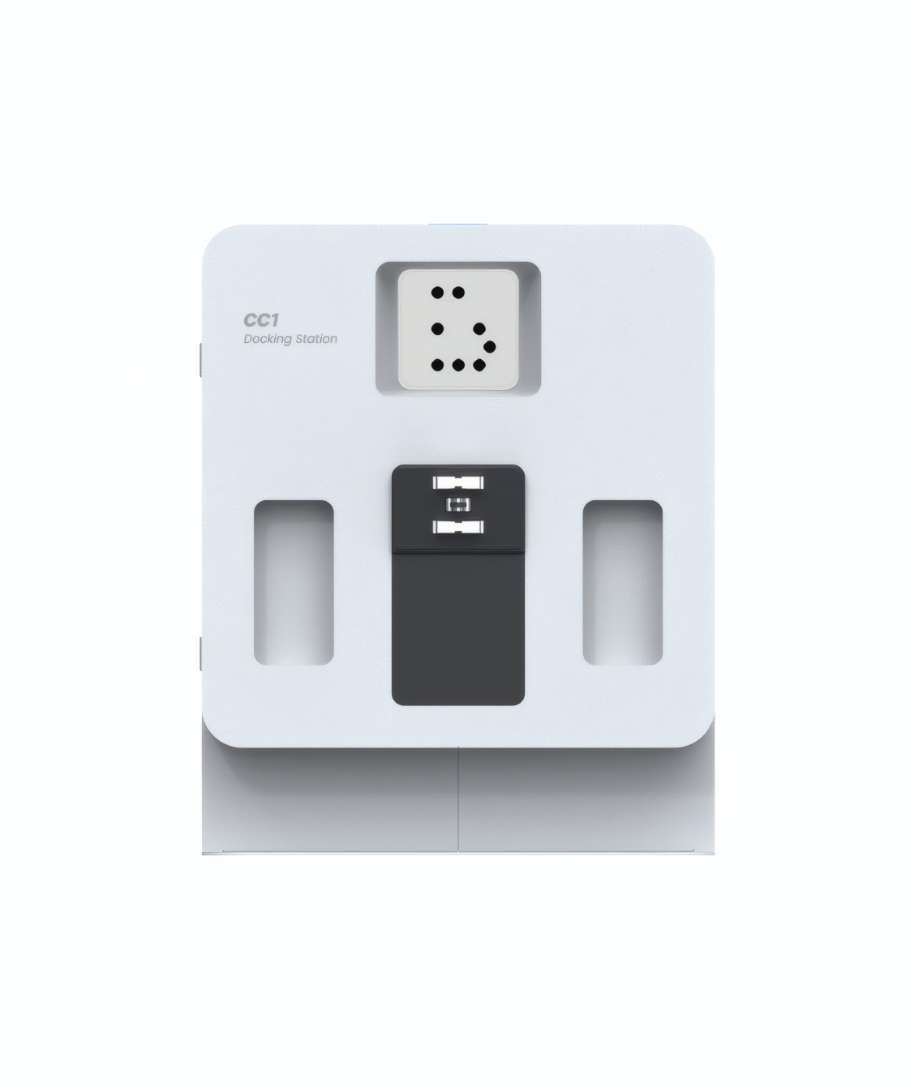
Combined with the optional PUDU docking station (sold separately), the CC1 completes full autonomous cleaning cycles without manual intervention. When battery falls below threshold, the robot returns to dock, recharges in under 3 h, replenishes the 15 L clean-water tank, and empties the waste tank — all without any plumbing modifications. For facilities where fixed wall connections are impractical, the PUDU Mobile Water Station (sold separately) provides portable auto-fill and auto-drain capability.
The breakpoint resume function ensures that a low-battery return to dock does not forfeit previously covered area. The robot saves its exact position in the cleaning route and resumes from that precise point after recharging — no zones are skipped or double-cleaned.
A full autonomous cycle depends on optional dock and water-station hardware working together with the robot.
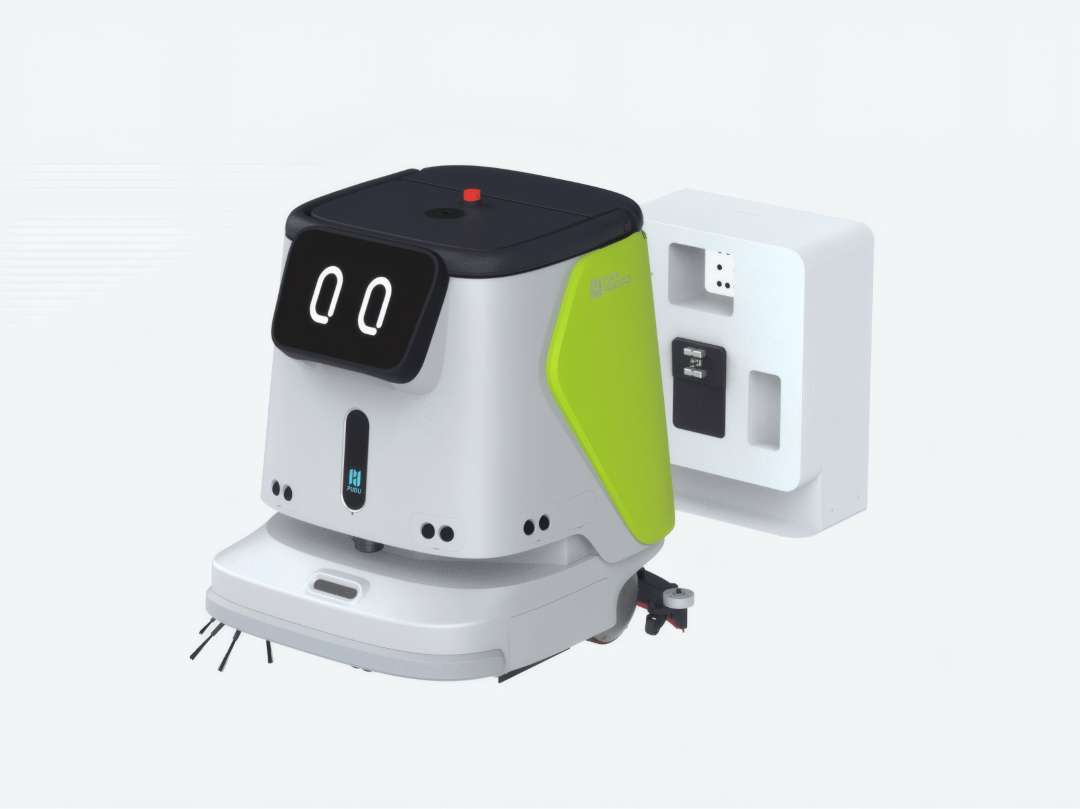
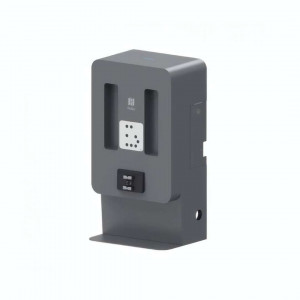
The dock itself uses a visual marker and a combined water/power interface so the robot can align without manual guidance.
Real-Time App Control and Automated Digital Cleaning Reports
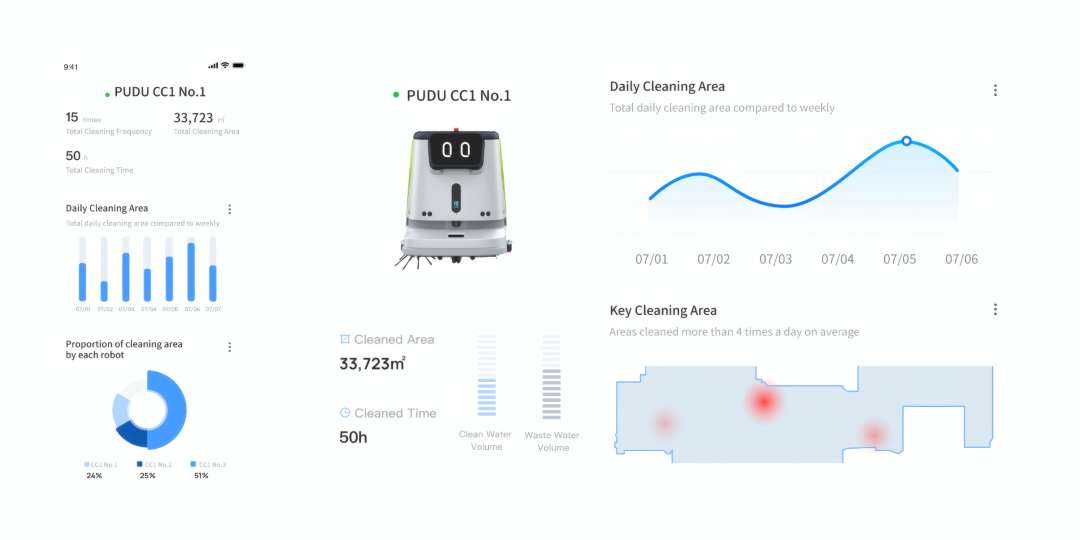
The Android operating system pairs with the PUDU mobile app via 4G, WiFi, and Bluetooth for remote task management, map editing, and multi-robot fleet oversight. Live panels show battery level, clean water volume, waste water volume, and active task progress for every networked CC1 simultaneously. Cleaning parameters — brush speed, suction intensity, water flow rate — are adjustable in real time from the app or directly on the robot's touchscreen.
Fleet oversight and task control run through the same Android-based app across every networked unit.
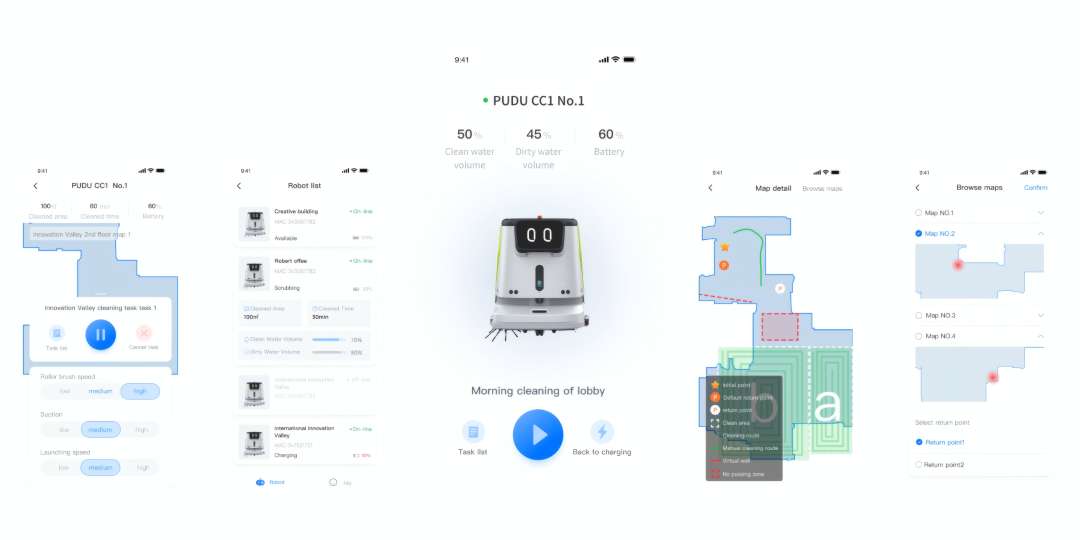
Beyond operational control, the CC1 generates automated daily cleaning reports covering cumulative output: 33,723 m² cleaned across 50 h of runtime, with a daily area trend chart and a heat map identifying zones cleaned four or more times per day — a direct input for maintenance scheduling.
Applications
Across the scenarios below, the same chassis and four-mode deck adapt to each facility's layout without swapping machines.
- Offices and corporate campuses: Silent Mopping Mode handles after-hours floor care without disturbing late shifts or security staff.
- Hotels and hospitality venues: low-noise operation covers lobbies and corridors during evening occupancy without guest disruption.
- Retail floors: the 700–1,000 m²/h cleaning rate covers large sales areas within tight overnight or early-morning windows.
- Hospitals and healthcare facilities: quiet, autonomous scrubbing suits ward corridors where noise and downtime are both constrained.
- Educational institutions: scheduled tasks handle corridors and common areas outside teaching hours.
- Food & beverage and manufacturing sites: scrubbing mode with high suction manages hard-floor grime typical of production and processing areas.
- Public transport hubs: high-throughput sweeping and mopping keep concourses presentable across continuous foot traffic.
Across these environments, the CC1's compact footprint and modular deck keep the same chassis adaptable to each layout.
Compatibility of the PUDU CC1 Green
- Docking station (sold separately): enables autonomous charging, water refill, and waste drainage.
- PUDU Mobile Water Station (sold separately): provides portable auto-fill and auto-drain where fixed plumbing isn't available.
- Carpet vacuuming assembly (sold separately): adds short-pile carpet cleaning with a 51.5 cm nozzle width.
- Compatible floor types: terrazzo, marble, ceramic and porcelain tile, epoxy resin, sandstone, artificial stone, short-pile carpet.
What's in the Box
- PUDU CC1 Green cleaning robot (standard assembly)
- Side brush
- Sweeping roller brush
- Mopping-vacuuming attachment (Sweeping Mode)
- Squeegee and washing brush (Scrubbing Mode)
- Mop head (Silent Mopping Mode)
- 50 Ah lithium battery (installed)
- AC 100–240 V charger adapter (29.2 V / 15 A)
- Quick Start Guide
Docking station, charging station, mobile water station, and carpet vacuuming assembly are sold separately.
Technical specifications of the PUDU CC1 Green
Model & General
| Parameter | Value |
| Model | CCBC01 |
| Enclosure Material | PC+ABS |
| Screen | 10.1-inch LCD |
| Operating System | Android |
| IP Rating | IPX4 |
| Cleaning Modes | Scrubbing, Sweeping + Vacuuming + Mopping, Carpet Vacuuming, Silent Mopping |
Dimensions & Weight
| Parameter | Value |
| Robot Dimensions (L × W × H) | 629 × 552 × 695 mm |
| Weight | 75 kg |
Cleaning Performance
| Parameter | Value |
| Max Suction Power | 17,000 Pa |
| Cleaning Efficiency | 700–1,000 m²/h |
| Working Noise | < 70 dB(A) |
| Dustbin Capacity | 2.5 L |
Cleaning Width
| Parameter | Value |
| Cleaning Width with Side Brush (Max) | 50 cm |
| Squeegee / Mopping-Vacuuming Part Width | 63 cm |
| Carpet Vacuum Nozzle Width (optional attachment) | 51.5 cm |
| Edge-to-Wall Gap | < 2 cm |
Navigation & Mobility
| Parameter | Value |
| Navigation Method | Integrated LiDAR and visual SLAM positioning (visual SLAM + laser SLAM) |
| Cruise Speed | 0.2–1.2 m/s |
| Max Climbing Angle | 8° |
| Max Surmountable Height | 20 mm |
| Max Surmountable Gap | 35 mm |
| Min Path Clearance | 70 cm |
| Min Turning Width | 88 cm |
| Min Passing Height | 76 cm |
| Operation Mode | Manual / Automatic / Scheduled |
Water System
| Parameter | Value |
| Clean Water Tank Capacity | 15 L |
| Recovery (Waste) Tank Capacity | 15 L |
| Auto Water Addition & Drainage | Supported (requires docking station — sold separately) |
Battery & Power
| Parameter | Value |
| Battery Capacity | 50 Ah |
| Charging Time | < 3 h |
| Battery Life — Scrubbing Mode | 5 h |
| Battery Life — Sweeping + Vacuuming + Mopping | 5 h |
| Battery Life — Carpet Vacuuming Mode | 4 h |
| Battery Life — Silent Mopping Mode | 9 h |
| Operating Voltage | DC 23 V–29.2 V |
| Power Input | AC 100 V–240 V, 50/60 Hz |
| Power Output | 29.2 V / 15 A |
| Auto Charging | Supported (requires charging or docking station — sold separately) |
Sensor Array
| Parameter | Value |
| LiDAR | 2D LiDAR + solid-state LiDAR |
| Cameras | RGBD sensor, RGB camera, Top-view camera |
| Ultrasonic Radar | Yes |
Connectivity & Interface
| Parameter | Value |
| Communication | 4G, WiFi, Bluetooth, LoRa (optional) |
| Mobile App | Supported |
Application Scope & Environment
| Parameter | Value |
| Compatible Floor Types | Terrazzo, Marble, Tiles, Epoxy resin, Sandstone, Artificial stone, Short-pile carpet |
| Working Temperature | 1 °C to 40 °C |
| Storage Temperature | -20 °C to 60 °C |
| Working Relative Humidity | ≤ 85% RH |
| Working Altitude | < 2,000 m |
| Typical Application Scenarios | Office buildings, Hotels, Retail, Hospitals, Education, Food & beverage, Manufacturing, Public transport |
Why buy the PUDU CC1 Green from EXPERT3D?
EXPERT3D supplies professional 3D equipment and service robotics since 2012, with hands-on experience deploying autonomous cleaning robots across offices, hospitality venues, retail chains, healthcare facilities, and industrial sites in Spain and across the EU. Our team provides expert pre-sales consultation and configuration help, on-site deployment guidance, and operator training for the PUDU CC1's mapping and mode setup. Post-sale support and consumables — squeegee strips, brushes, mop heads — remain available after delivery, and delivery across the EU is offered on request. As an official representative of PUDU, we guarantee 100% authenticity, a fair price, authorized service, and an official warranty.