- Stock: In Stock
- Product code: 920372000001147378
- Weight Brutto: 90.00kg
- SKU: 10050-000069

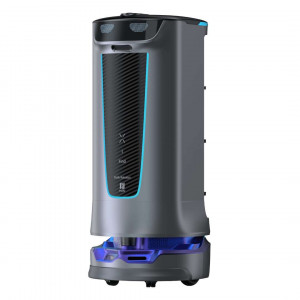
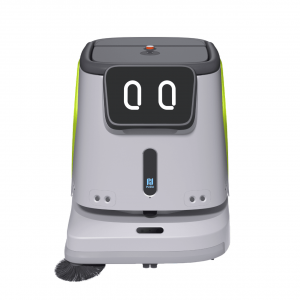
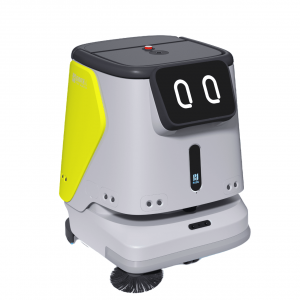
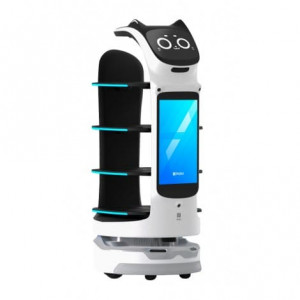
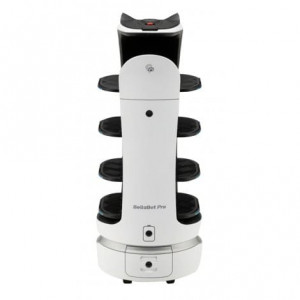
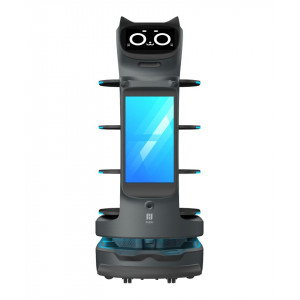
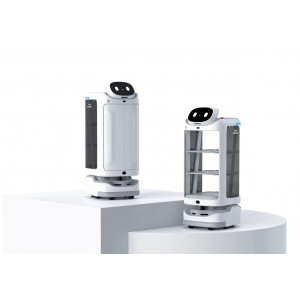
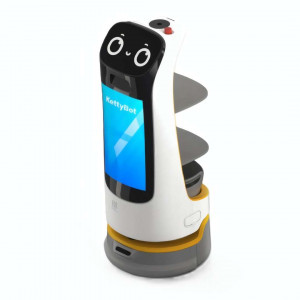
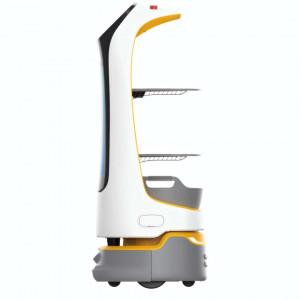
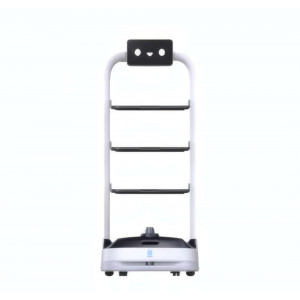
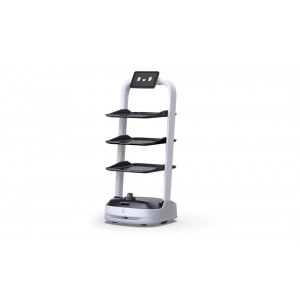
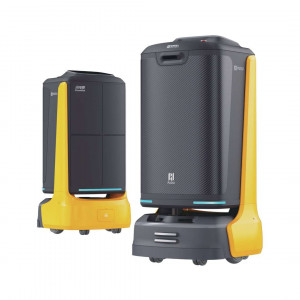
PUDU HolaBot is an autonomous service robot designed for high-volume hospitality, healthcare, and retail delivery tasks. It weighs 55 kg and stands 1228 mm tall, built around four height-adjustable trays. Laser and visual SLAM guide it through busy floors without manual piloting. This heavy-duty platform handles bidirectional logistics that lighter delivery robots cannot manage alone.
| Specification | Why it matters |
|---|---|
| Total Load Capacity: 60 kg (15 kg per tray × 4) | Lets the robot carry a full course setting or several orders in a single run, cutting trips between kitchen and floor. |
| Navigation Technology: Laser + visual integrated SLAM | Combines LiDAR and depth-camera data so the robot reroutes around obstacles without needing new floor markers for every layout change. |
| Battery Life: 12 h (no load), swappable 25.6 Ah pack | A charged spare pack keeps the robot working through a full shift without waiting on a charging dock. |
| Cruise Speed: 0.5–1.2 m/s (adjustable) | Operators tune speed to match narrow corridors or open dining floors, balancing throughput against stability. |
- Four height-adjustable trays (120 L total): tall glassware fits under the taller top gap while the three lower trays maximise stacking capacity for plates and containers.
- Coupled suspension base: absorbs shocks from thresholds up to 7 mm, protecting loaded trays from tipping or spilling.
- Five independent calling channels: staff summon the robot from a smartwatch, pager, NFC tap, or acoustic beeper without retraining floor teams.
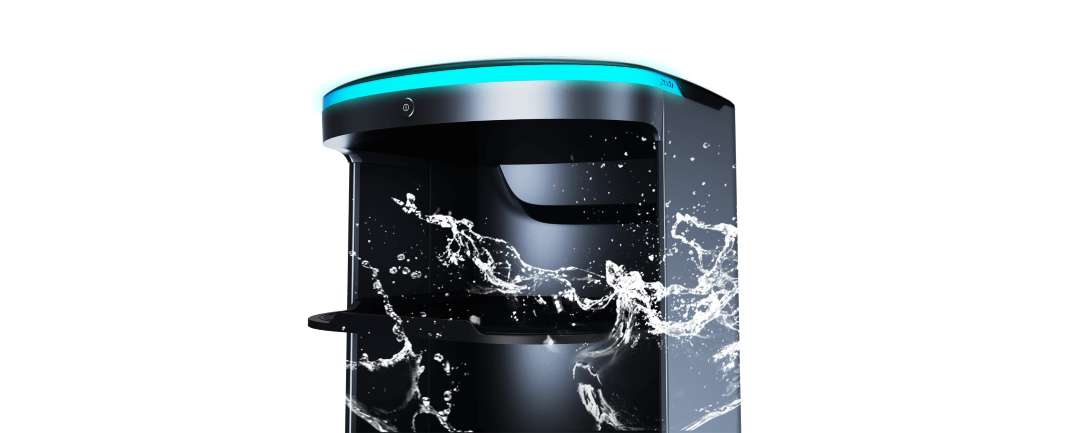
- Washable inner cabin: silicone tray pads and a sealed compartment let staff rinse spills away without risking onboard electronics.
Construction & Hardware
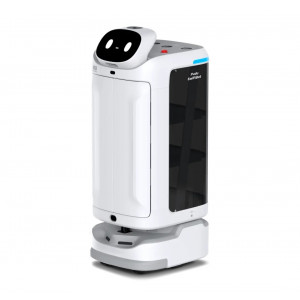
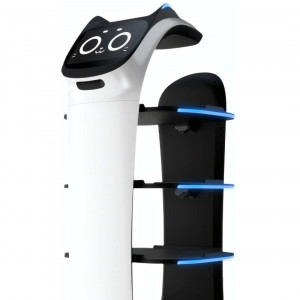
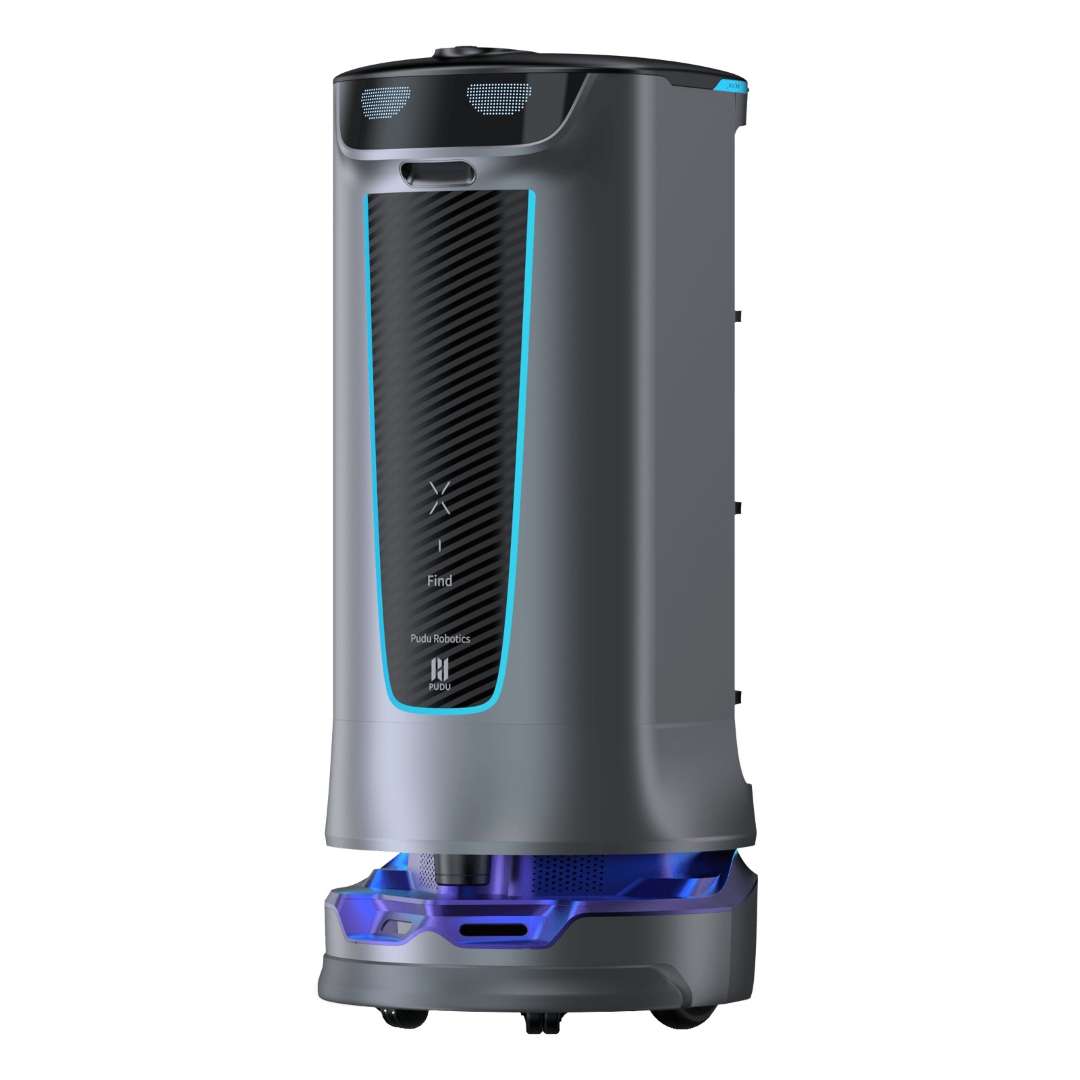
The HolaBot's enclosed body houses a 120 L compartment split into four trays, each measuring 390 × 360 mm. On a flat surface, each tray holds 15 kg; crossing a 5 mm threshold drops the safe load to 10 kg per tray. Tray spacing is asymmetric on purpose: the top gap measures 216 mm while the three lower gaps sit at 184 mm each, leaving room for tall serving vessels up top while maximising volume below. The frame combines aviation-grade aluminium alloy with ABS panelling, keeping the chassis rigid and corrosion-resistant at a manageable 55 kg overall weight.
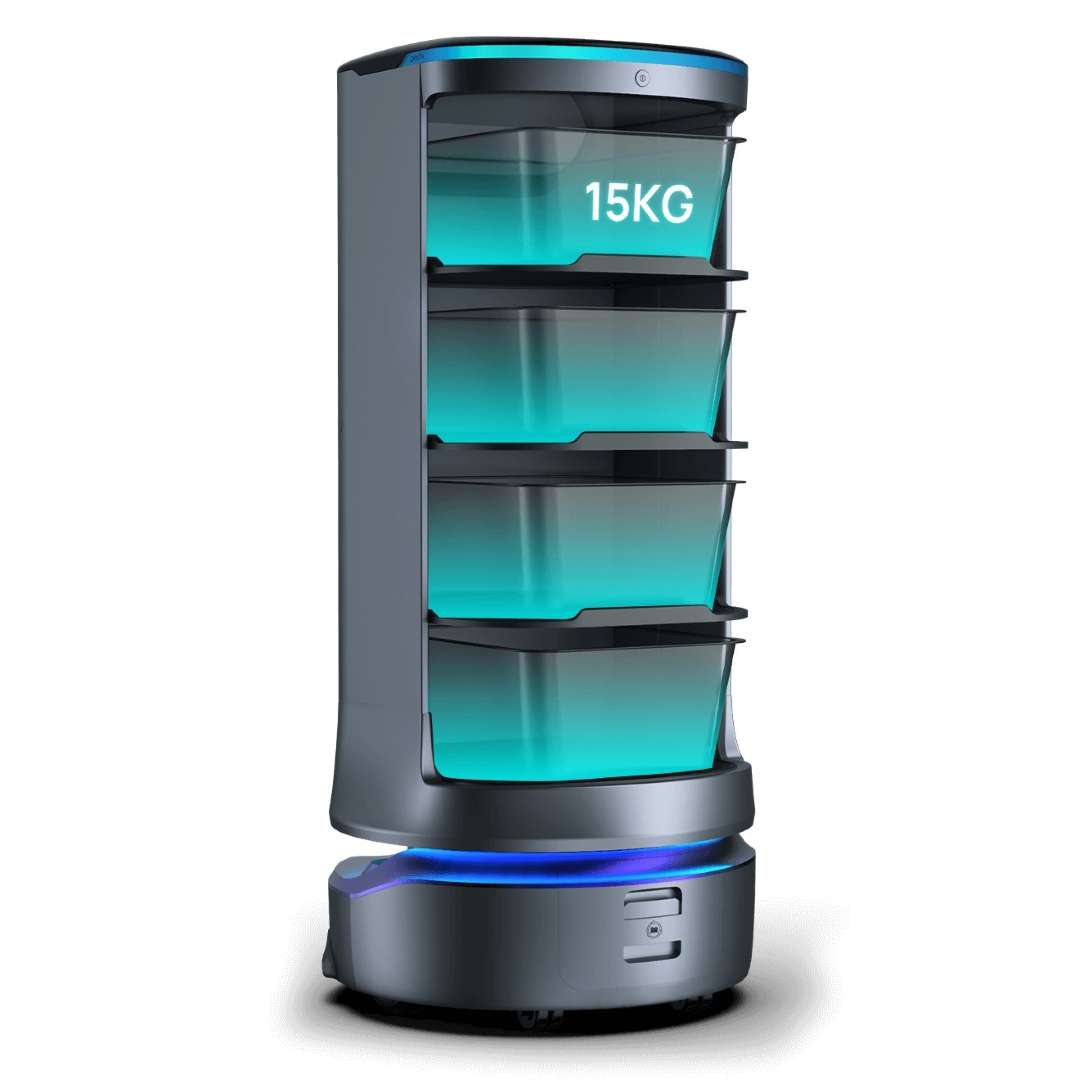
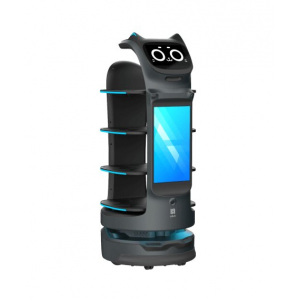
The front fascia pairs depth-vision sensors at the crown with a carbon-fibre-textured panel and a cyan LED accent strip, giving the robot a deliberate rather than intrusive silhouette in dining rooms or clinical corridors.
Software & Automation
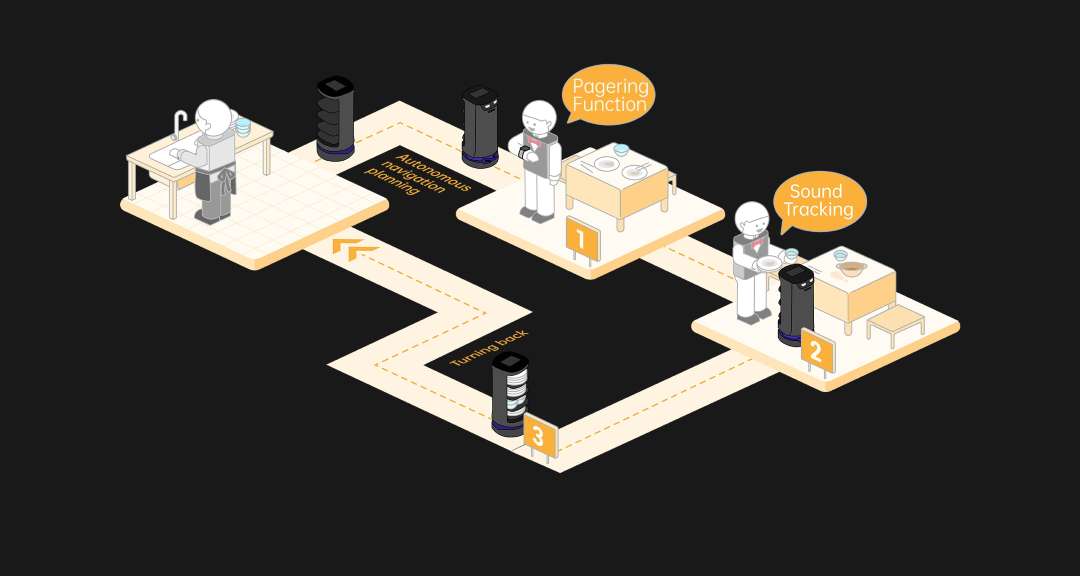
Four task modes are selectable directly from the 10.1" LCD Android touchscreen. Delivery mode dispatches dishes to multiple tables in one trip, automatically planning the shortest route. Collection mode reverses the flow, visiting up to 20 pickup points and consolidating items at a single return station. Cruise mode circulates the robot along a preset route at timed intervals, suited to buffet lines or retail refreshment stations. Direct mode sends the robot to one destination and parks on arrival, with no automatic return trip.
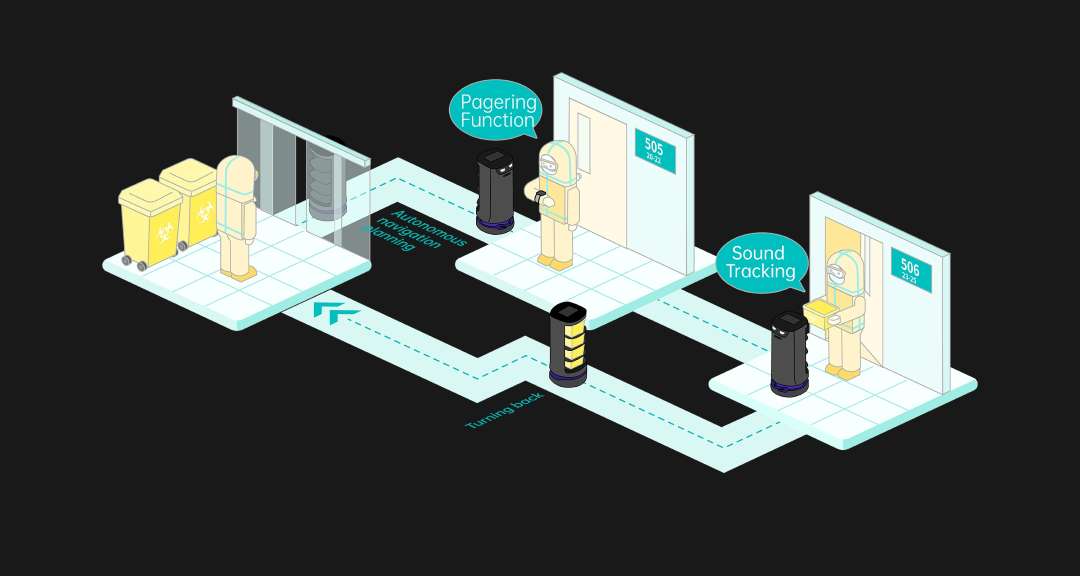
Below the demonstration, five independent calling channels let staff summon the robot however suits their workflow: smartwatch via the Pudu app, the Pudulink digital console, a Lora-module pager, an NFC card tap, and an acoustic beeper. The pager model suits larger venues especially well, since a single button press dispatches the robot without any screen interaction.
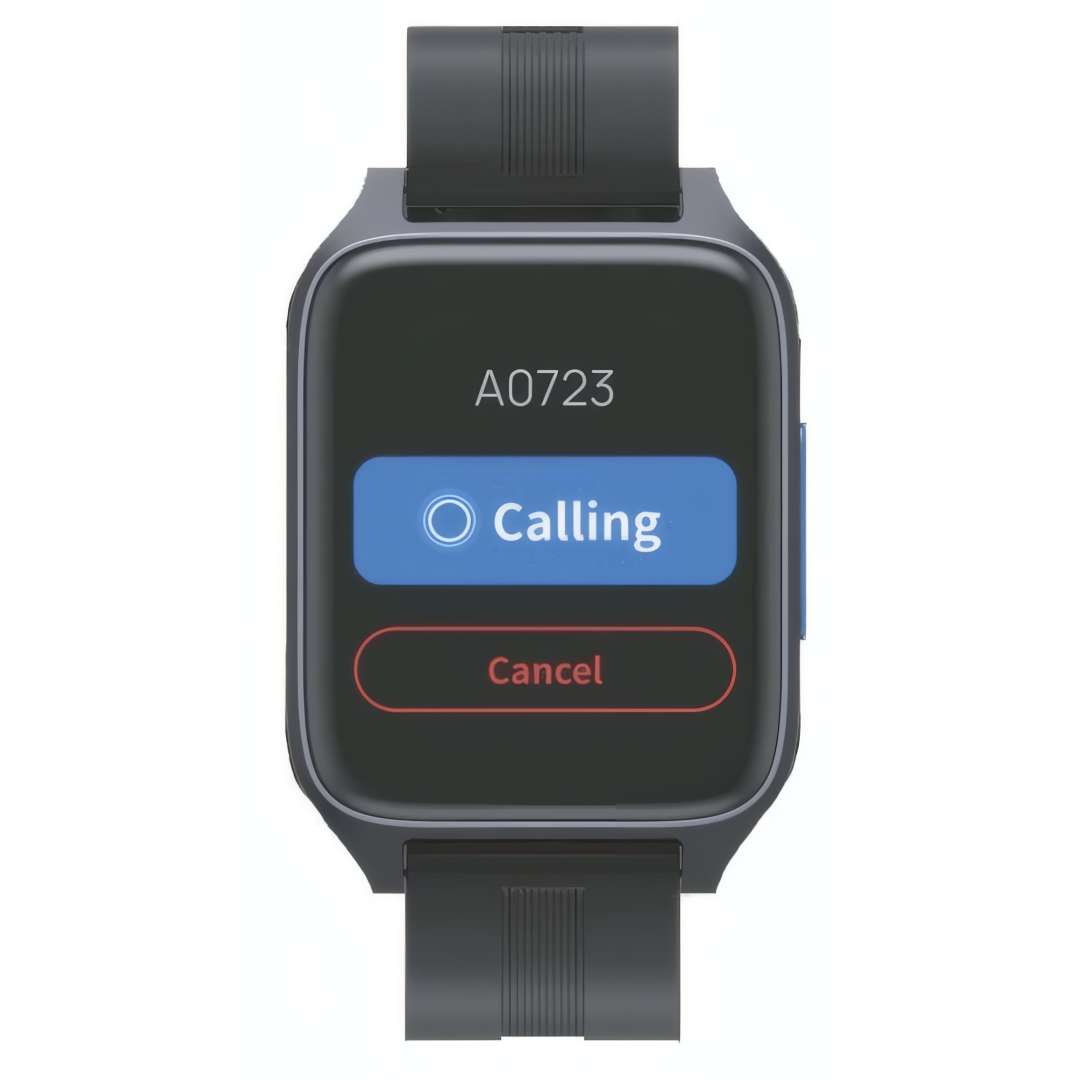
Fleet management runs through the PUDU Cloud service, and over-the-air updates install automatically once battery charge is above 20 %, avoiding interrupted firmware installs mid-shift.
Navigation & Interaction Technology
SLAM Sensor Fusion
Navigation accuracy is the single most operationally critical parameter for a service robot. The HolaBot pairs a custom LiDAR sensor (220° horizontal field of view, mounted 0.21 m from the floor) with two RGB-D depth cameras — one upper unit at 1 m for torso- and head-height obstacles, one lower unit at 0.12 m for step and low-obstacle detection. This fusion supports a minimum passable corridor width of just 70 cm and offers three mapping methods: marker-only, laser-only, or a combined marker-plus-laser approach chosen per venue.
Air Motion Touchless Control
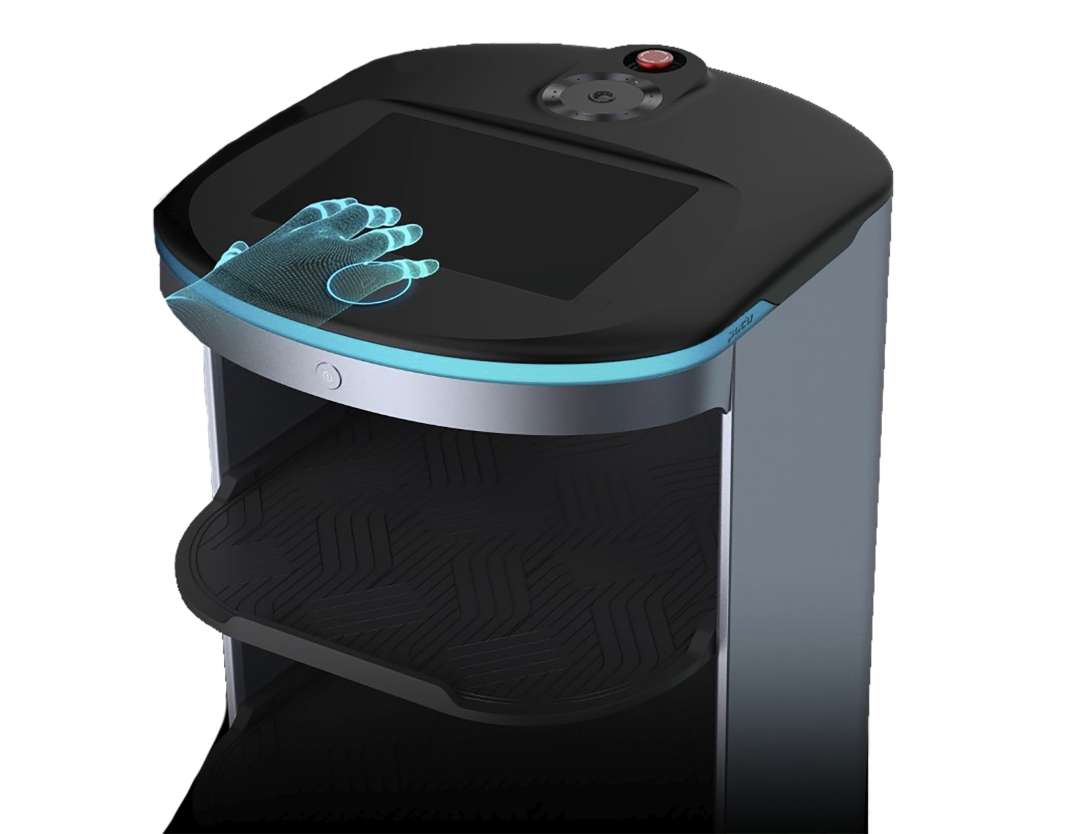
Where hygiene protocols discourage touchscreen contact — operating rooms, food-prep corridors, isolation wards — the Air Motion system enables gesture control. An infrared sensor on the crown detects hand proximity and pre-set gestures without any physical contact with the display. Sound tracking complements this by orienting the robot toward a voice source, letting verbal instructions redirect its next action.
The demo clip below runs through the delivery, collection, and pager-calling workflows in sequence.
Safety & Structural Protection
A coupled suspension mechanism auto-levels the chassis across floor joins, doorway thresholds, and soft-covering transitions. It clears obstacles up to 7 mm tall and inclines up to 5°. The spring-loaded coupling actively absorbs micro-shocks before they reach the tray stack — at 15 kg per tray, that damping is the difference between intact glassware and a breakage incident.
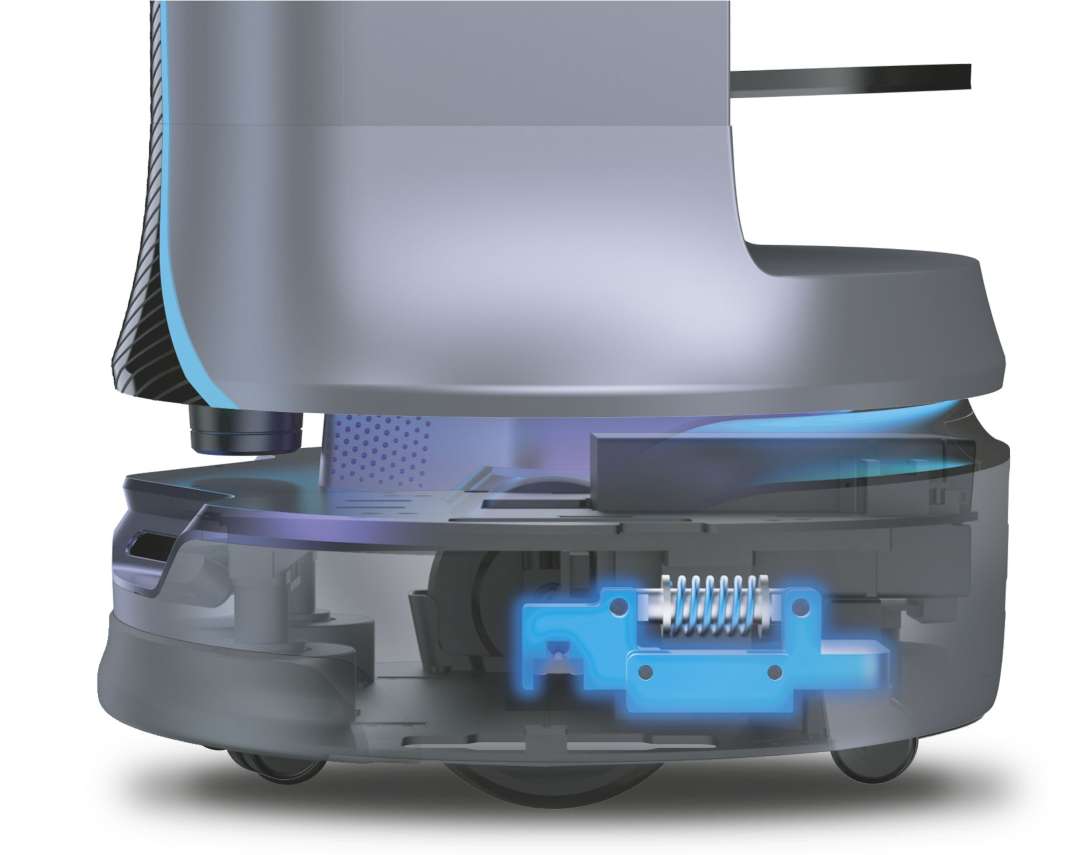
The inner cabin is built to be washed directly — liquids spilled from loaded trays do not reach the electronics. Silicone tray pads resist oil staining and clean with plain water, and weekly maintenance is limited to wiping wheels, trays, and sensor surfaces with a cloth.
Applications
- Restaurants & hospitality venues: Delivery mode dispatches multi-table orders in one trip, while Collection mode consolidates dirty dishes from up to 20 points back to the wash station.
The workflow diagram below traces exactly that collection route through a dining floor.
- Hotels: Cruise mode circulates the robot between lobby and floor stations at timed intervals, supporting amenity or luggage-adjacent runs without dedicated staff escorts.
- Healthcare facilities: the pager calling channel and Air Motion touchless control suit corridors and wards where hand contact with shared screens is restricted.
The corridor diagram below shows that same pager-triggered dispatch inside a hospital setting.
- Retail & shopping centres: Direct mode routes the robot to a fixed promotional point or till area, parking there without needing a return-trip configuration.
- Corporate & exhibition venues: the NFC and Pudulink calling channels let staff request the robot from a fixed console without individual wearables.
What's in the Box
- PUDU HolaBot service robot (fully assembled)
- 25.6 Ah swappable smart battery (installed)
- Charging cable and AC adapter (29.4 V / 8 A)
- Quick Start Guide and Operation Manual
Technical specifications of the PUDU HolaBot
Mechanical Dimensions
| Parameter | Value |
| Overall Dimensions (L × W × H) | 542 × 534 × 1228 mm |
| Overall Weight | 55 kg |
| Overall Material | ABS / Aviation-grade aluminium alloy |
| Minimum Passing Width | 70 cm |
| Minimum Turning Width | 70 cm |
| Maximum Surmountable Obstacle Height | 7 mm |
| Maximum Climbing Angle | 5° |
Tray & Load Capacity
| Parameter | Value |
| Number of Trays | 4 |
| Tray Size | 390 × 360 mm |
| Inner Compartment Volume | 120 L |
| Tray Spacing (top to bottom) | 216 mm, 184 mm, 184 mm, 184 mm |
| Load per Tray — Flat Surface | 15 kg |
| Load per Tray — Crossing 5 mm Height | 10 kg |
| Total Load Capacity | 60 kg |
| Tray Adjustability | Yes — height-adjustable |
Drive & Locomotion
| Parameter | Value |
| Cruise Speed | 0.5–1.2 m/s (adjustable) |
| Suspension System | Coupled spring suspension (auto-levelling) |
Navigation & Sensors
| Parameter | Value |
| Navigation Method | Laser + visual integrated SLAM positioning |
| Mapping Methods | Marker, Laser, Marker + Laser |
| LiDAR Position | 0.21 m from floor — FOV 220° |
| Upper RGB-D Camera Position | 1.0 m from floor (Astra mini: H 58°, V 45° / HP60: H 74°, V 59°) |
| Lower RGB-D Camera Position | 0.12 m from floor (D430: H 85°, V 58° / Dabai: H 65°, V 45°) |
| Infrared Gesture Sensor | Yes — Air Motion touchless interaction |
Computing & Interface
| Parameter | Value |
| Operating System | Android |
| Screen | 10.1" LCD display |
| Dot Matrix Screen | Yes — animated status expressions |
| Microphone | 6-mic circular array kit |
| Speaker Output | 10 W × 2 stereo |
| Light Strip | Yes — RGB status indicator |
Calling & Software
| Parameter | Value |
| Calling Methods | Smartwatch, Pudulink, Pager, NFC, Beeper |
| Operating Modes | Delivery, Collection, Cruise, Direct |
| Max Collection Destinations | 20 locations per task |
| Automatic Gate Crossing | Yes |
| Cloud Management | PUDU Cloud service |
| OTA Updates | Yes (minimum battery 20 % required) |
Power & Battery
| Parameter | Value |
| Operating Voltage | DC 23–29.4 V |
| Power Input | AC 100–240 V, 50/60 Hz |
| Power Output (charger) | 29.4 V, 8 A |
| Battery Capacity | 25.6 Ah (swappable) |
| Charging Time | 4.5 h |
| Battery Life | 12 h (no load) |
Operating & Storage Environment
| Parameter | Value |
| Working Temperature | 0 °C to 40 °C |
| Working Humidity | ≤ 85 % RH |
| Storage Temperature | -40 °C to 65 °C |
| Storage Humidity | ≤ 85 % RH |
Why buy the PUDU HolaBot from EXPERT3D?
EXPERT3D has specialised in advanced robotics and 3D technology since 2012. Our team provides pre-sales technical consultation and venue-mapping configuration support before deployment. As an official representative of PUDU, we guarantee 100 % authenticity, a fair price, authorized service, and an official warranty. Units ship with delivery across Spain and the EU, backed by post-sale support and operator training coordinated directly with the manufacturer's team, plus consumables such as spare battery packs kept available for ongoing operation.