

- Stock: In Stock
- Product code: P0101000641
- Weight Brutto: 30.00kg
- SKU: M2 10W Color Print & Cut Bundle

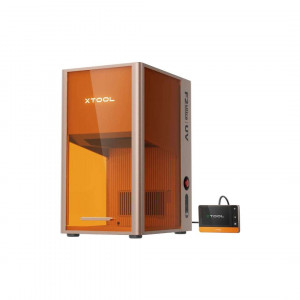
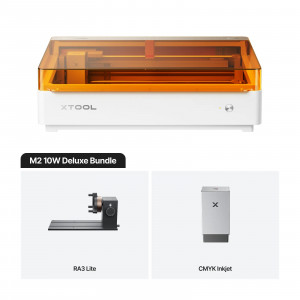
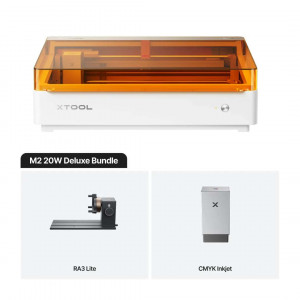
The xTool M2 10W Color Print & Cut Bundle is a Class 1 enclosed desktop creative machine that combines a 10 W blue diode laser with a CMYK inkjet module in a compact 610 × 569 × 180 mm footprint — enabling laser cutting, laser engraving, and full-colour inkjet printing across 300+ materials without switching devices. With a 426 × 320 mm working area, a 0.04 × 0.06 mm laser spot size, and an automatic dual-camera positioning system accurate to 0.2 mm, the M2 handles everything from precision wood cut-outs to registered print-then-cut sticker sheets in a single workflow.
| Processing Modes | Laser Cutting / Laser Engraving / Inkjet Printing |
|---|---|
| Laser Spot Size (10 W) | 0.04 mm × 0.06 mm |
| Working Area — Laser / Inkjet | 426 × 320 mm / 300 × 294 mm |
| Safety Certification | Class 1 Laser Safety — TÜV SÜD Certified |
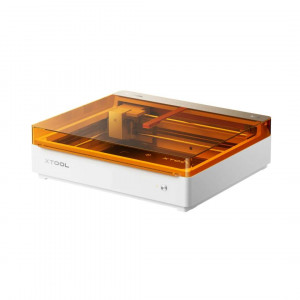
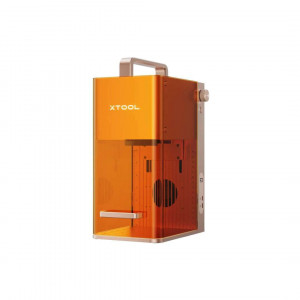
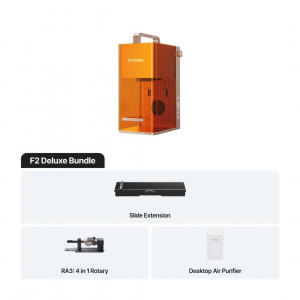
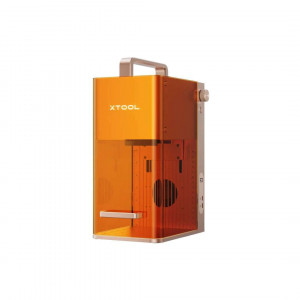
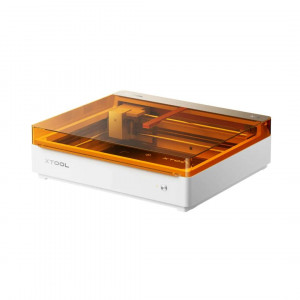
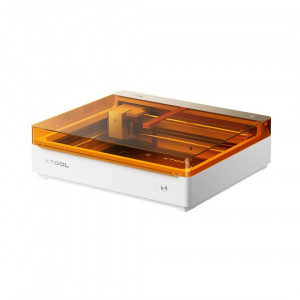
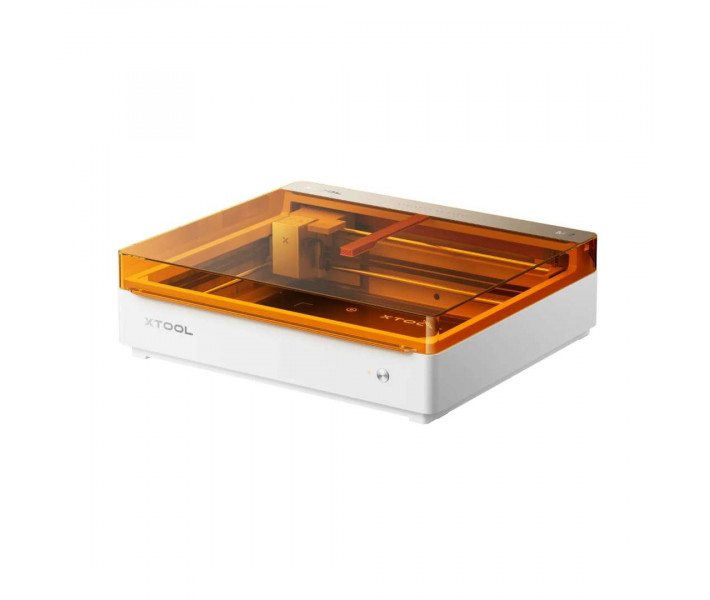
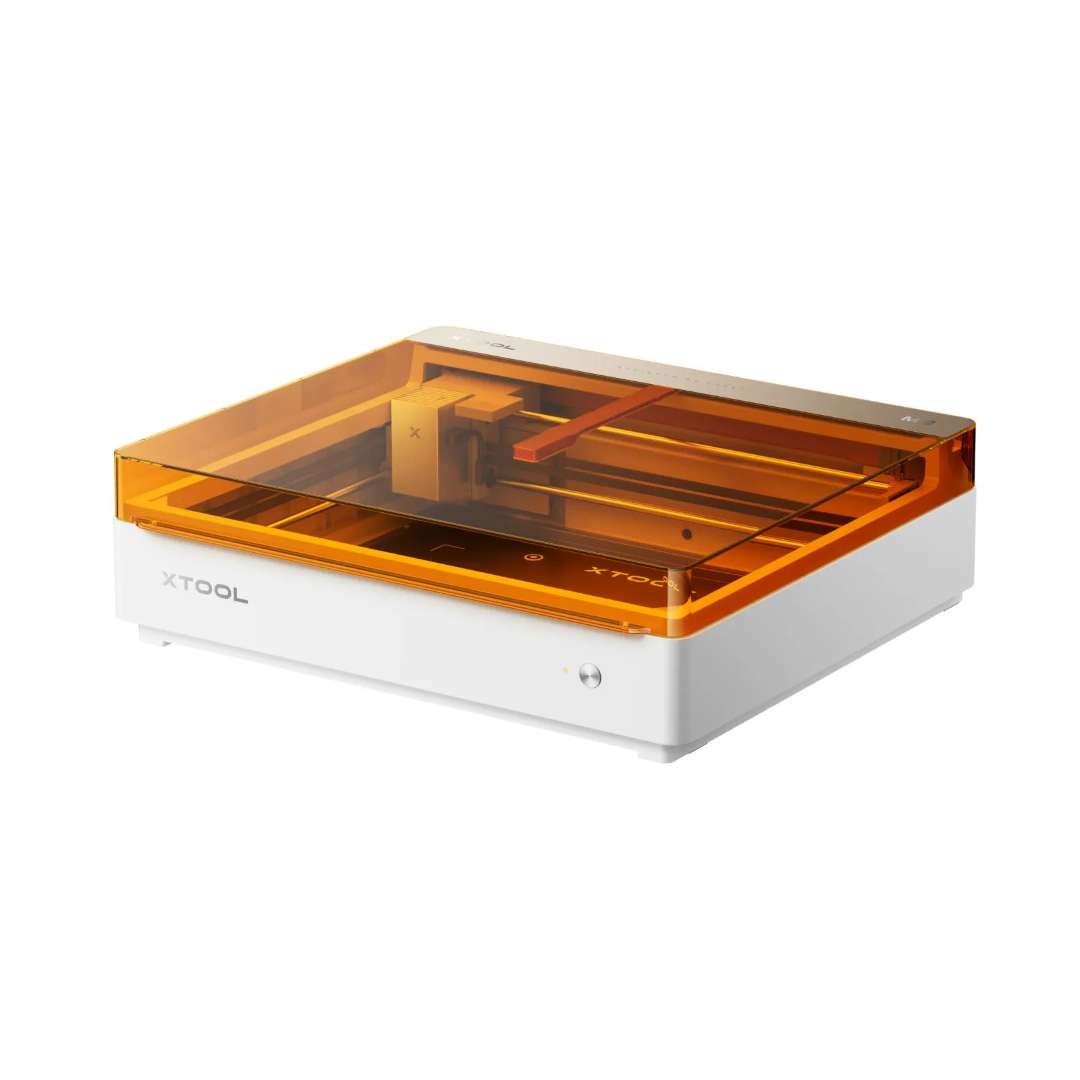
The image below shows the xTool M2's compact desktop form factor — the characteristic amber-orange transparent lid is structural to its Class 1 certification, not merely aesthetic.
Three Processing Modes, One Modular Platform
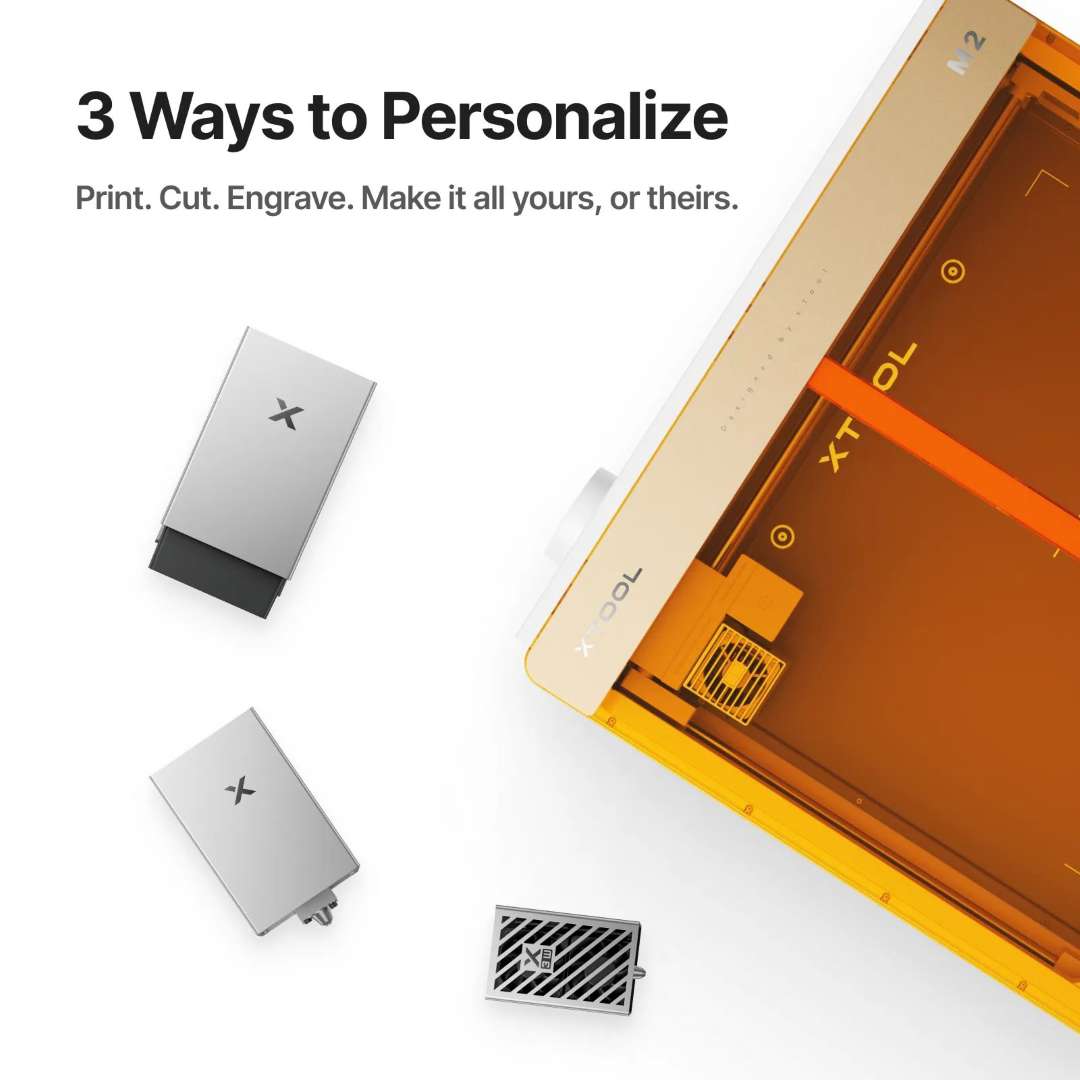
The M2's multi-function module holder accepts three distinct module types via a magnetic quick-attach mechanism — no tools required. The 10 W blue diode laser covers cutting and engraving across wood, acrylic, leather, metal, and more. The bundled CMYK Inkjet Module adds full-colour printing. An optional 3 W IR laser module is available separately for stainless-steel and aluminium surface marking. Switching modules takes under 30 seconds.
The diagram below shows all three interchangeable modules alongside the M2 interior, illustrating how a single platform covers cut, print, and engrave through module substitution.
CMYK Inkjet Module: Full-Colour Output Inside the Same Enclosure
Four-Channel Colour Accuracy
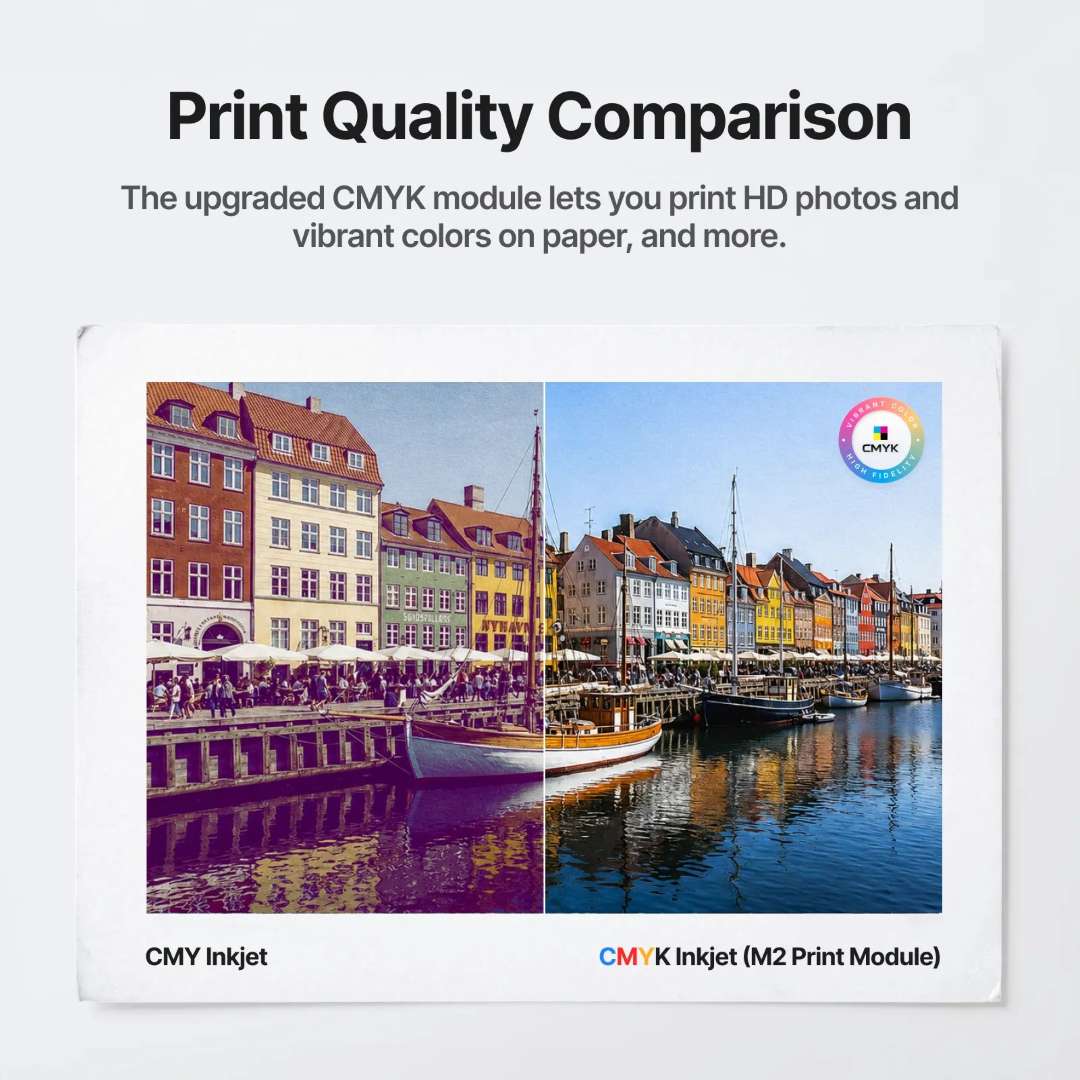
Where CMY-only inkjet systems struggle with neutral tones and deep shadows, the M2's bundled CMYK module adds the dedicated black (K) channel. This recovers shadow depth, improves text crispness, and reproduces photographic gradients with measurably higher fidelity. Under ISO/IEC 24712 at 5% coverage, each cartridge yields approximately 400 pages. Ink density is adjustable per material type from xTool Studio to extend cartridge life further.
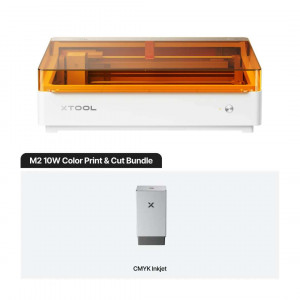
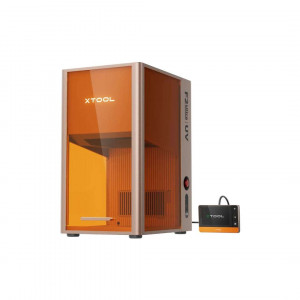
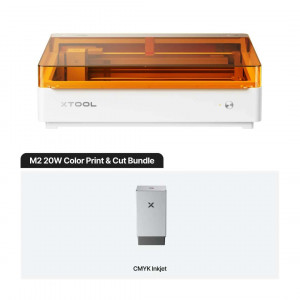
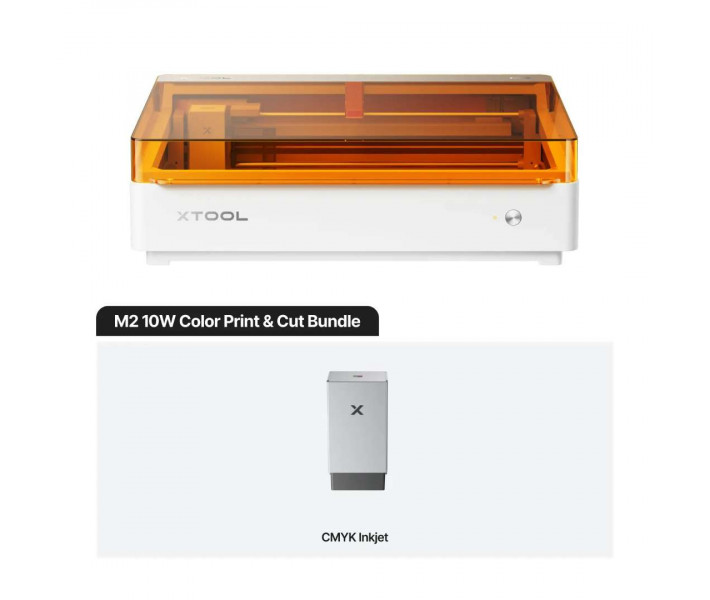
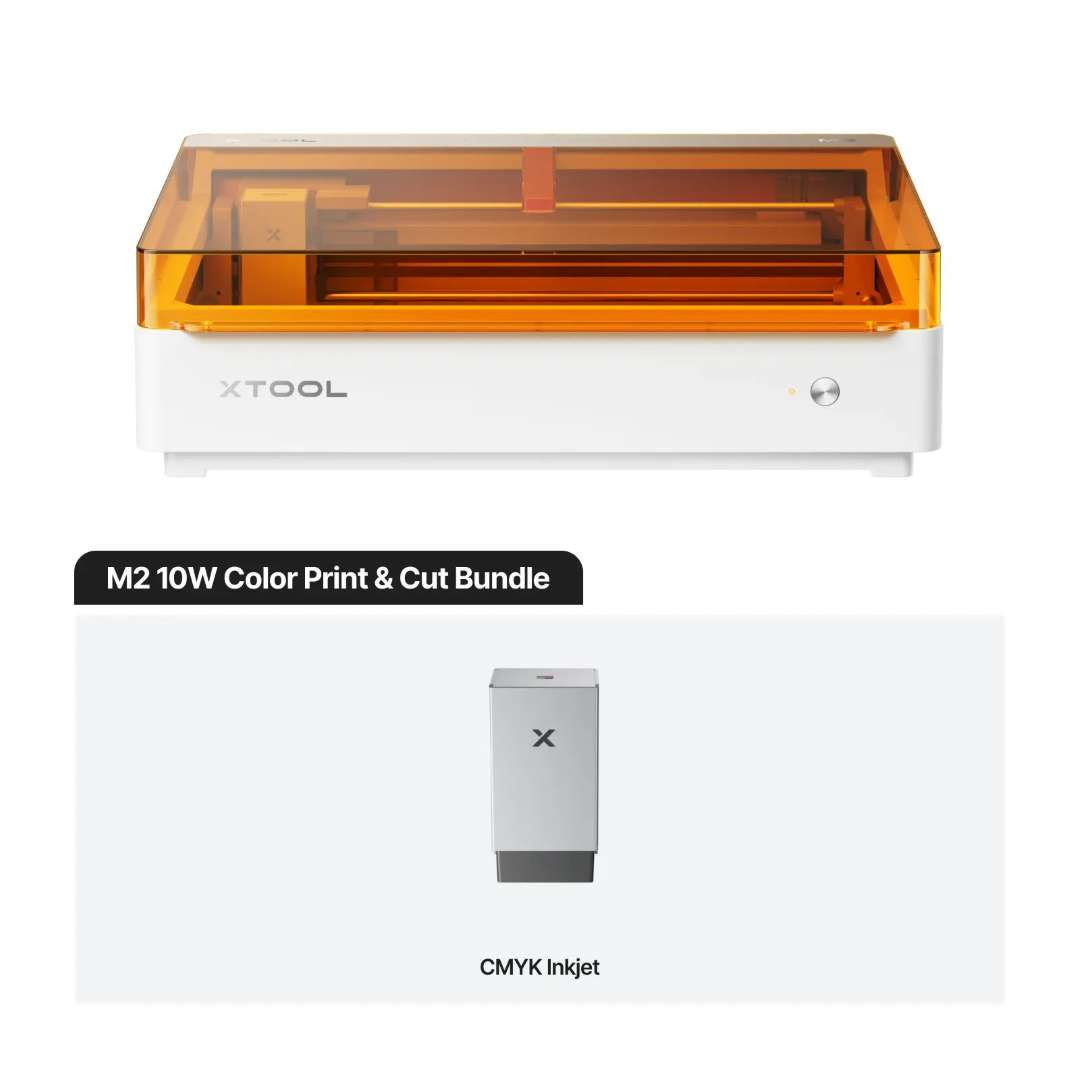
The image below shows the M2 unit paired with the bundled CMYK Inkjet Module — the two components that define the Color Print & Cut Bundle configuration.
The side-by-side comparison below shows CMY three-channel output (left) versus CMYK four-channel output from the M2 Print Module (right). Neutral grey tones, shadow detail, and overall colour saturation all improve with the K channel active.
Printable Substrates and Creative Applications
The inkjet module prints on paper, cardstock, sticker paper, wood, canvas, fabric, felt, leather, and glass (with a suitable coating). Maximum substrate thickness is 26 mm; items between 20 mm and 26 mm require manual removal of the bottom cap before processing. The inkjet working area measures 300 × 294 mm. Optimal ink performance is maintained at 15–35 °C and 40–60 % RH.
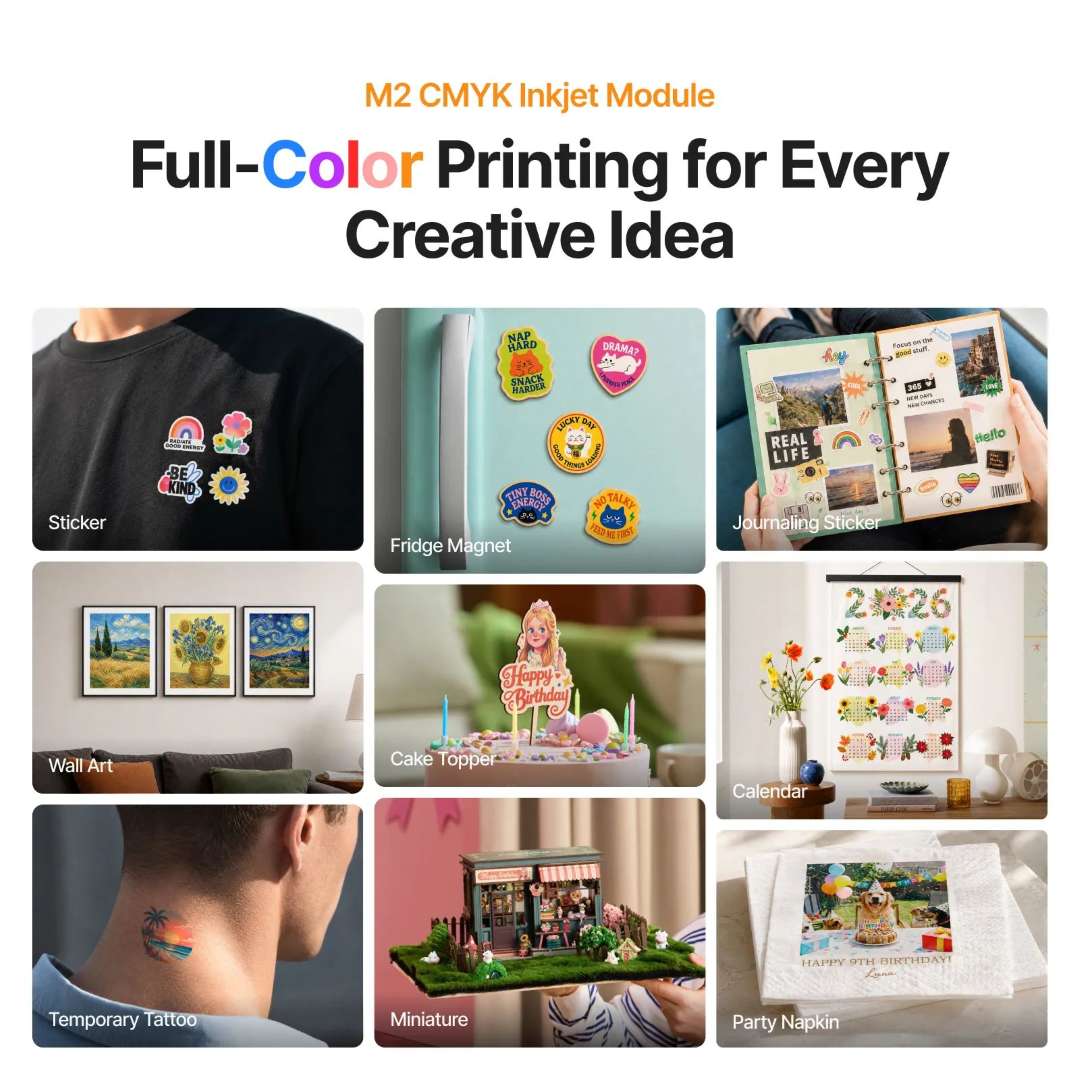
The application grid below shows the creative breadth achievable with the CMYK module: stickers, fridge magnets, journaling decorations, wall art, cake toppers, calendars, temporary tattoos, miniature scenery, and party accessories — all from one machine.
Print Then Cut — Registered Contour Cutting Without Manual Alignment
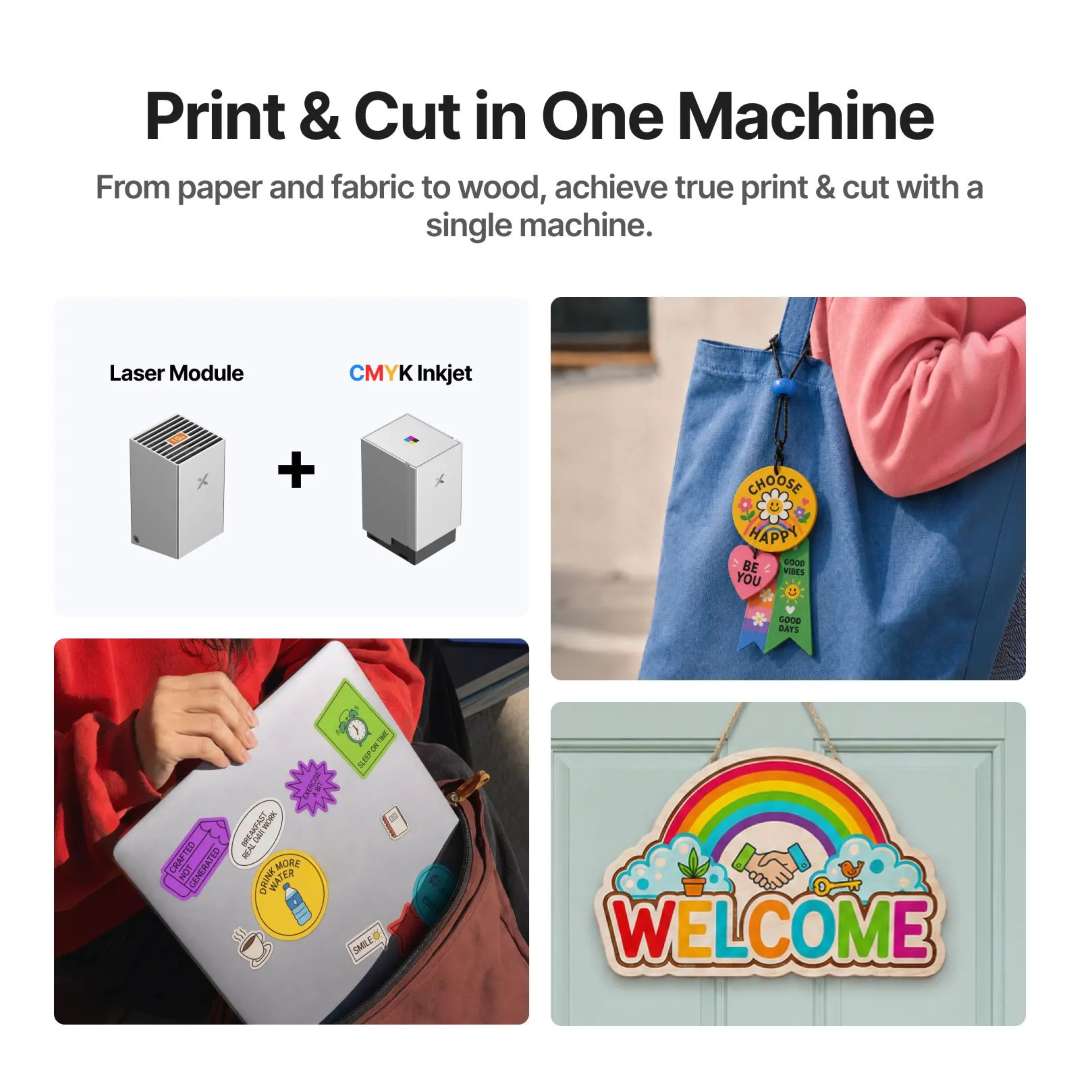
Combining the CMYK inkjet module with the laser module enables true print-then-cut workflows in a single machine. After the inkjet deposits colour, the laser re-registers to the printed artwork via the dual-camera ACS system and cuts the exact contour — no printed registration marks, no manual jigging. The example below shows finished outputs: contour-cut laptop stickers, bag tags, temporary tattoos, and laser-cut wooden welcome signs, all produced without removing the workpiece between operations.
Dual-Camera ACS: 0.2 mm Camera Positioning Precision
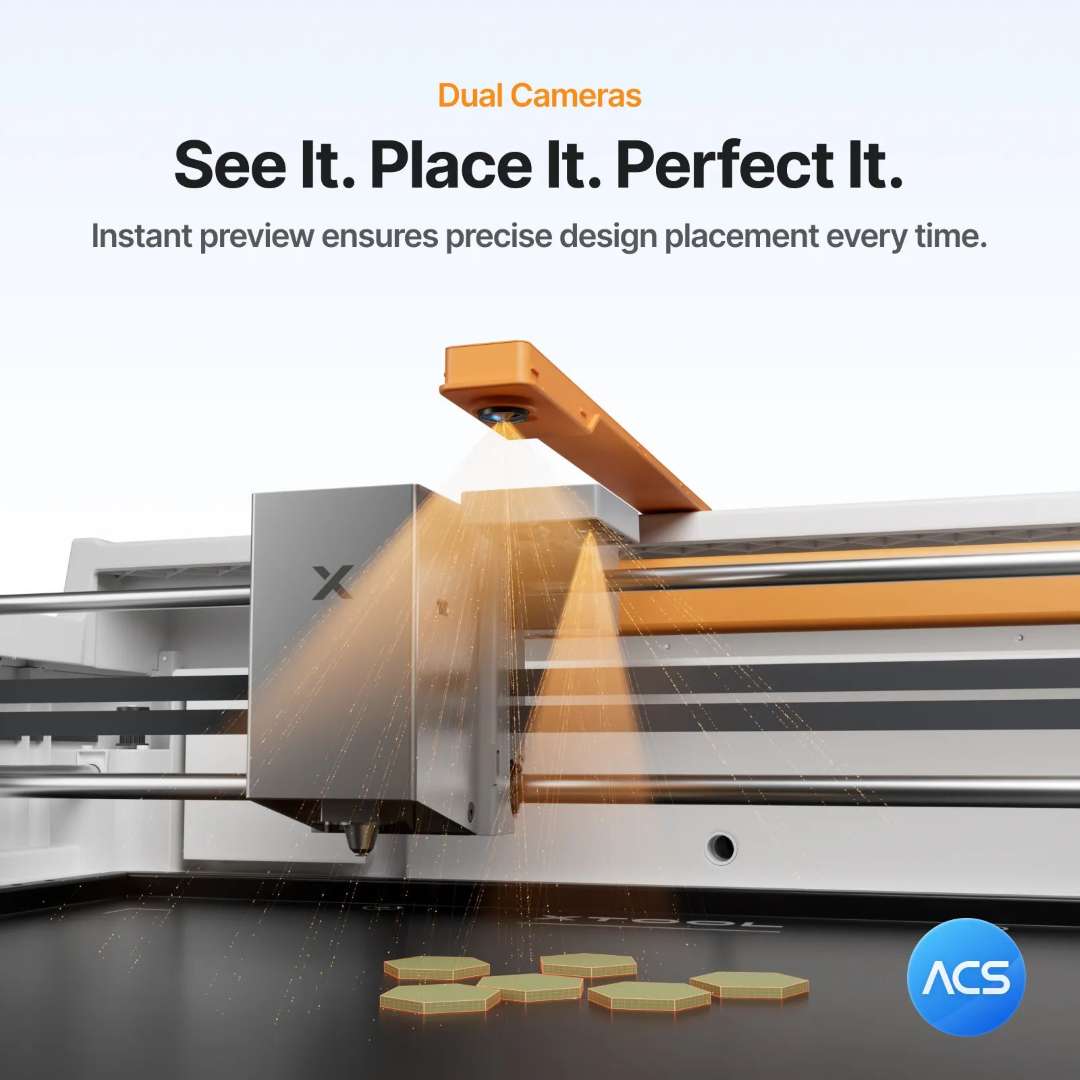
Two cameras operate simultaneously. The 5 MP panoramic camera mounted in the lid delivers a full-bed live preview with wide-area positioning precision under 1.5 mm. The 2 MP close-range camera on the gantry handles fine-detail registration, reaching 0.2 mm close-view positioning precision. Auto-detect material reads substrate dimensions from the camera feed; autofocus measures working distance via probe with 0.1 mm ranging precision. The result: zero ruler setup, zero manual jig adjustment.
The render below shows the M2 gantry with both ACS cameras active, projecting a dual-beam focus confirmation onto hexagonal workpieces on the work surface.
10 W Laser: Cutting Depth, Travel Speed and Spot Precision
The 10 W blue diode laser achieves a compressed spot of 0.04 × 0.06 mm — comparable to many CO₂ systems at a fraction of the footprint. Single-pass cutting capacity reaches 8 mm basswood and 3 mm black acrylic. Maximum travel speed is 600 mm/s. XY-plane motion accuracy is 0.01 mm. A built-in air pump delivers consistent air assist — output power is adjustable from xTool Studio to match engraving or cutting requirements without an external compressor.
Precision Cutting Across Material Families
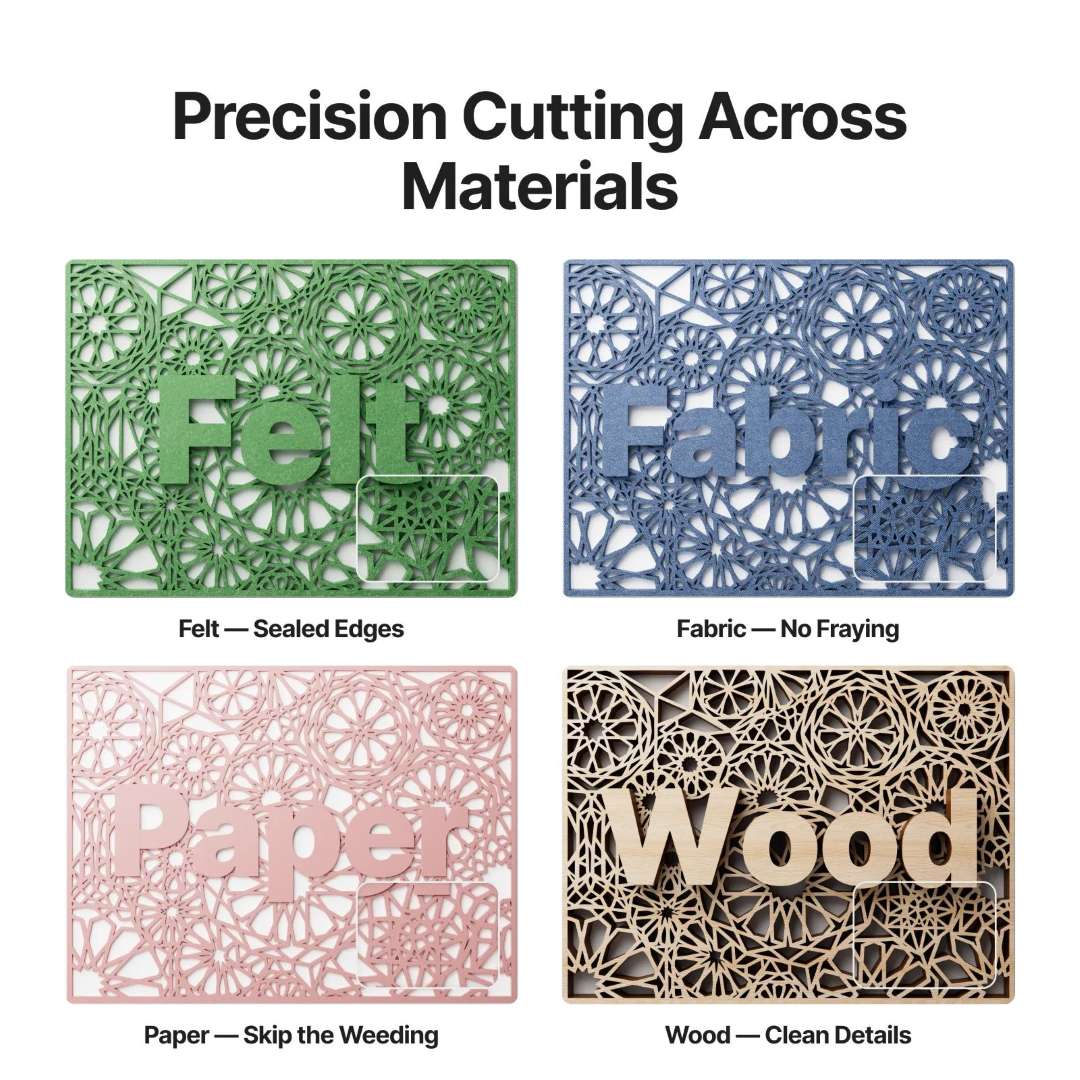
The laser seals felt edges to prevent fraying, cuts fabric without unravelling threads, slices paper cleanly with no weeding residue, and produces tight-kerf wood cuts with sharp geometric detail. The four-quadrant comparison below demonstrates these properties on identical intricate lattice patterns.
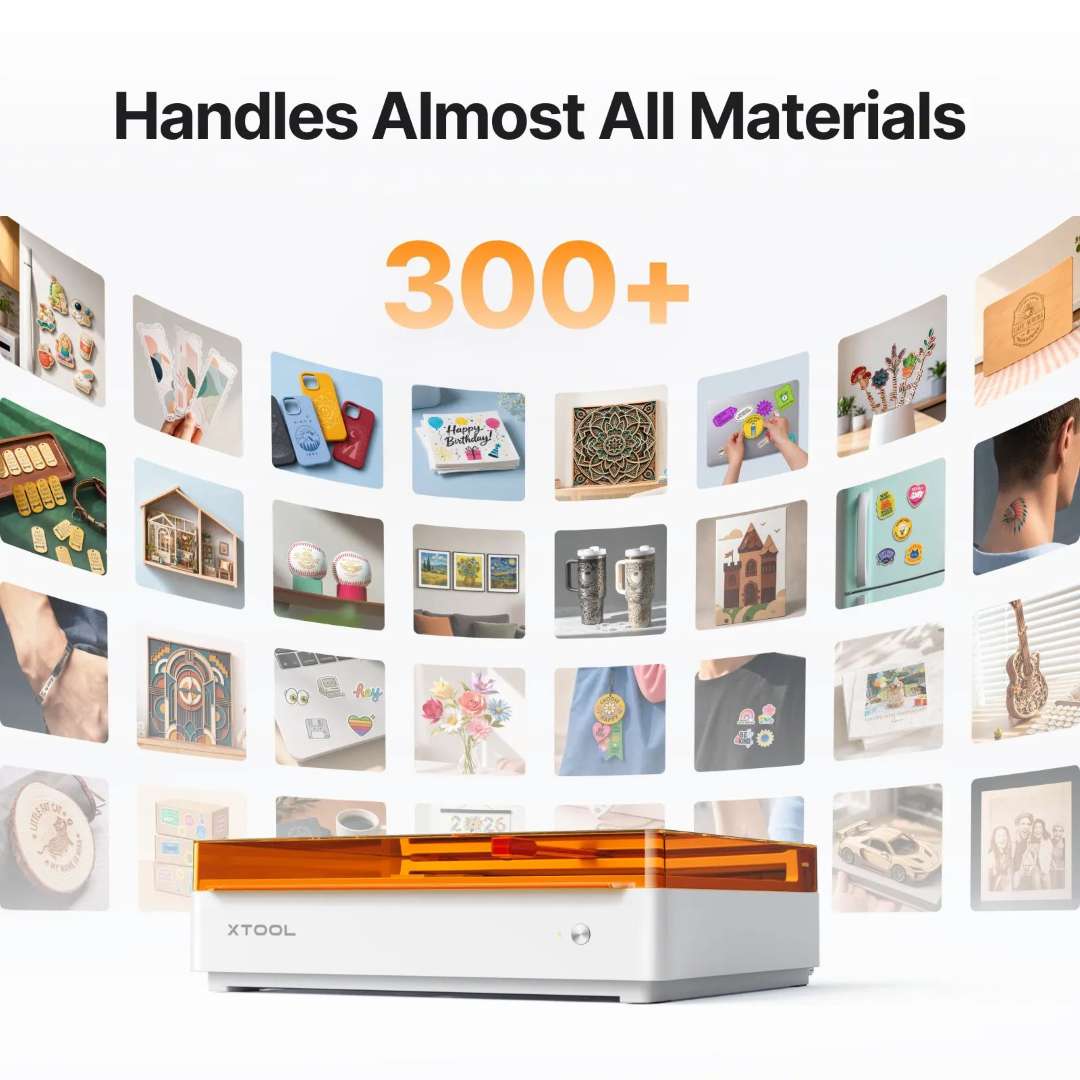
Over 300 Compatible Material Combinations
Across cutting, engraving, and inkjet printing, the M2 processes more than 300 material and substrate combinations. Cuttable materials include wood, opaque acrylic, paper, cardstock, cardboard, foam, MDF, leather, and felt. Engravable surfaces extend to stainless steel, aluminium, plated metal, transparent acrylic, glass, rubber, plastic, cork, and ceramic. The project breadth visible below makes it clear why the compatible library spans over 300 items.
RA3 Lite Rotary: Direct Cylinder Engraving Without a Riser Base
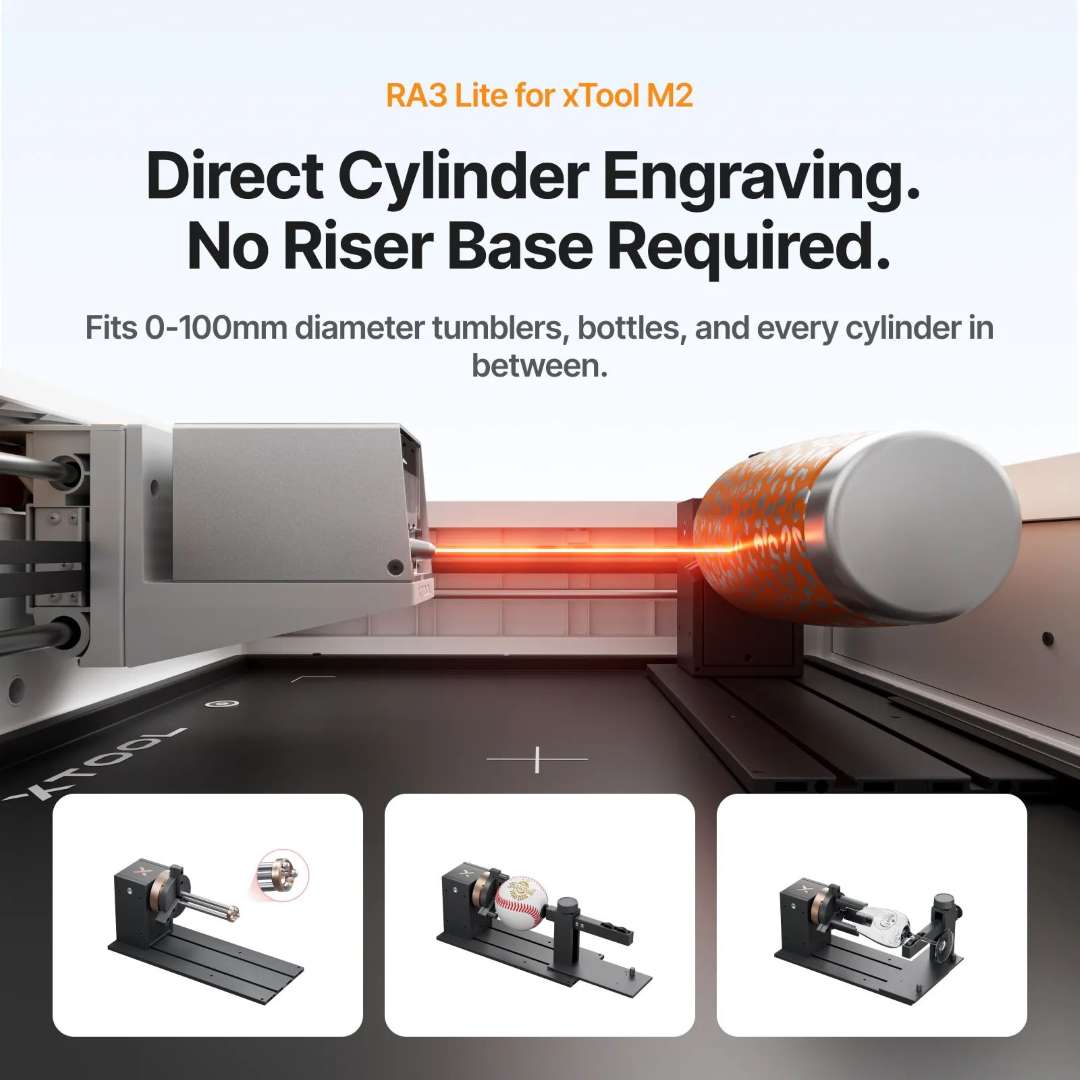
The optional xTool RA3 Lite rotary attachment works with the M2's horizontal laser output to engrave cylindrical items from 0 to 100 mm in diameter — tumblers, bottles, wine glasses, rings, and baseballs — without elevating the machine on a riser base. Three jaw configurations handle shaft-style, ball-style, and flat cylindrical profiles. Full-wrap engraving paths are computed and driven directly by xTool Studio.
The image below shows the RA3 Lite in operation inside the M2 enclosure, together with the three interchangeable jaw options for different object geometries.
xTool Studio: AI-Assisted Design to Finished Output
xTool Studio runs natively on Windows and macOS, connecting to the M2 via USB or Wi-Fi. Four core workflow tools cover the full design-to-output pipeline: an AI text-art generator that converts a text phrase into a styled graphic; guided tutorials for beginners; Material EasySet profiles that load validated speed, power, and pass-count parameters in a single click; and access to over 5,000 community project files. Import formats: SVG, DXF, JPG, JPEG, PNG, BMP.
The interface screenshot below shows the AI generation panel, Material EasySet speed/power matrix, template library browser, and community project feed — covering the complete creation pipeline.

Ready-to-Use Templates — From Idea to Finished Piece in Minutes
For users who prefer a starting point, xTool Studio provides a library of customisable templates. The three-step flow — pick a template, personalise text and graphics, run the machine — takes under five minutes from launch to finished piece. The example below shows this applied to engraved botanical plant-stake decorations.

Class 1 Laser Safety — TÜV SÜD Certified for Home and Studio Use
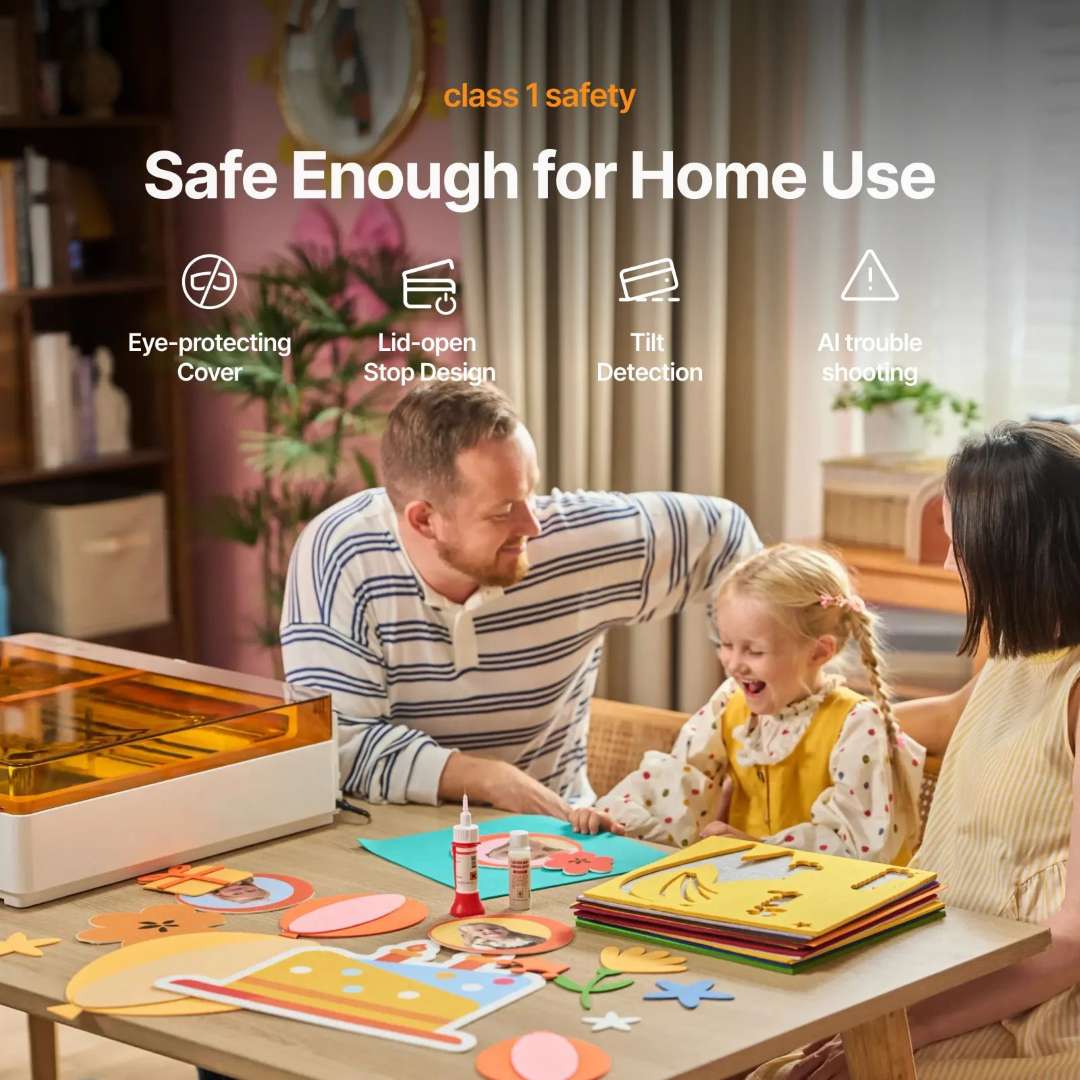
The M2 carries TÜV SÜD Class 1 laser safety certification — the highest classification for enclosed laser systems. Four hardware and software mechanisms work in concert: an eye-protecting amber cover that attenuates stray laser radiation to safe levels; a lid-open stop design that halts the laser beam instantly if the lid is lifted during operation; a tilt detection sensor that cuts power if the machine is disturbed; and an AI troubleshooting module that identifies operating exceptions in real time. The enclosed chassis makes the M2 viable on a home desk, in a school makerspace, and in a commercial retail studio alike.
The diagram below illustrates all four active safety mechanisms during normal household use.
Technical Specifications of the xTool M2 10W Color Print & Cut Bundle
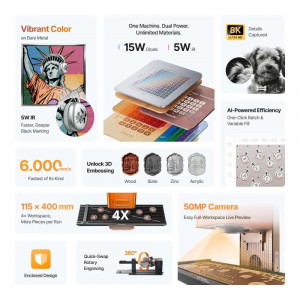
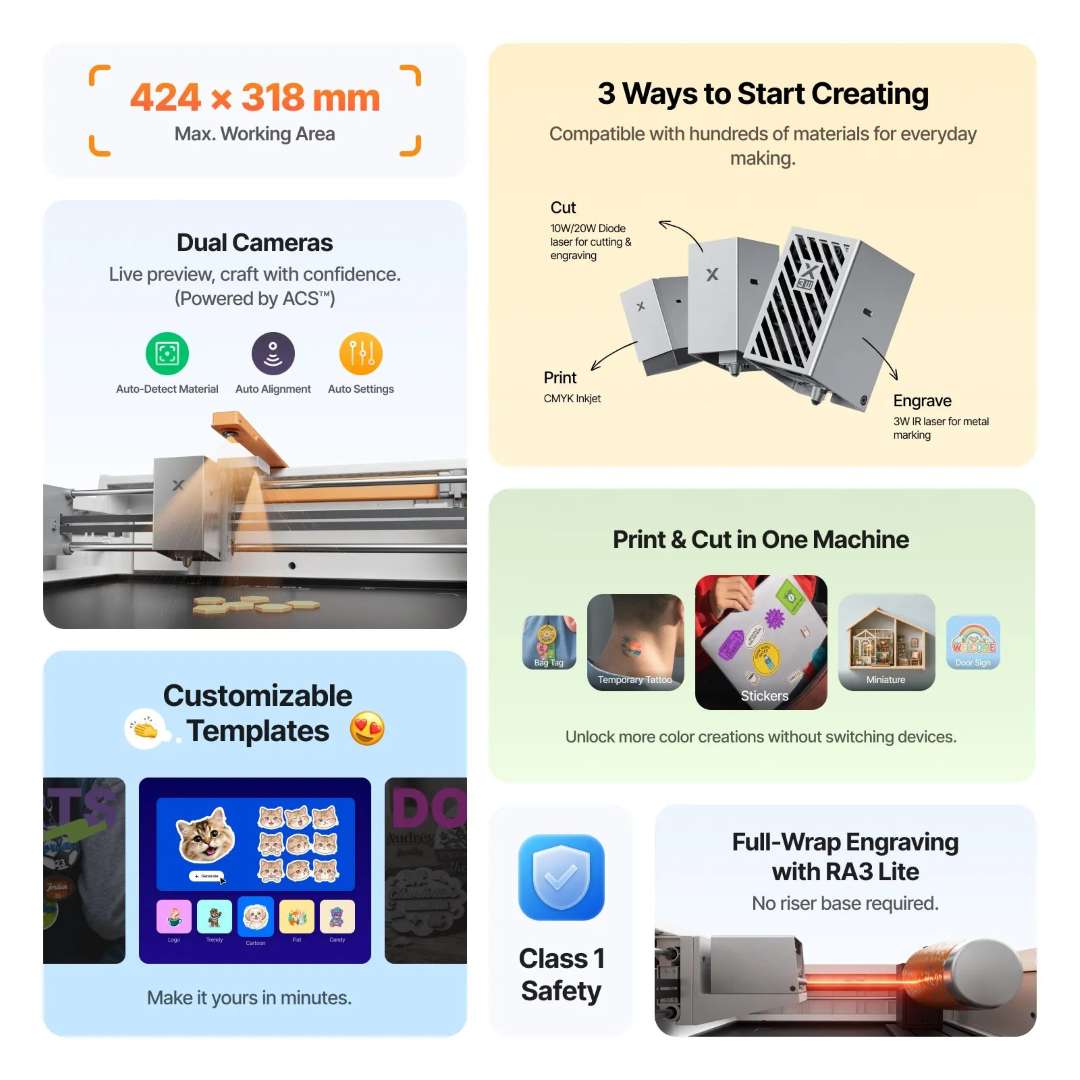
The overview below maps all primary capabilities of the M2 10W bundle before the complete numerical specification tables.
Processing Capacity
| Laser Module Type | 10 W Blue Diode Laser |
|---|---|
| Print Module Type | CMYK Inkjet (included in bundle) |
| Processing Modes | Laser Cutting / Laser Engraving / Inkjet Printing |
| Working Area — 10 W Laser | 426 mm × 320 mm |
| Working Area — Inkjet Mode | 300 mm × 294 mm |
| Max. Rotary Engraving Diameter | 0–100 mm |
| Max. Speed | 600 mm/s |
| Max. Cutting Capacity — Basswood (10 W) | 8 mm in one pass |
| Max. Cutting Capacity — Black Acrylic (10 W) | 3 mm in one pass |
Accuracy & Precision
| Laser Spot Size (10 W) | 0.04 mm × 0.06 mm |
|---|---|
| Positioning Precision — Close-View | Up to 0.2 mm |
| Positioning Precision — Wide-View | < 1.5 mm |
| Ranging Precision | 0.1 mm (probe) |
| Motion Accuracy | 0.01 mm |
Ease of Operation
| Pre-Assembled | Yes |
|---|---|
| Built-In Camera — Panoramic | 5 MP — lid-mounted |
| Built-In Camera — Close-Range | 2 MP — gantry-mounted |
| Positioning Method | Camera Positioning (ACS) |
| Focus Mode | Autofocus |
General Information
| Product Dimensions | 610 mm × 569 mm × 180 mm |
|---|---|
| Product Weight | 12.3 kg |
| Safety Certification | Class 1 Laser Safety — TÜV SÜD Certified |
| Max. Machine Input Power | 200 W |
| Power Adapter Input Voltage | 100–240 V ~ AC 50/60 Hz |
Software
| Supported Software | xTool Studio |
|---|---|
| Operating Systems | Windows / macOS |
| Connection Methods | USB / Wi-Fi |
| Supported File Formats | SVG / DXF / JPG / JPEG / PNG / BMP |
Supported Materials
| Cuttable | Wood / Opaque Acrylic / Paper / Cardstock / Cardboard / Foam / MDF / Leather / Felt |
|---|---|
| Engravable | Wood / Opaque Acrylic / Transparent Acrylic / Leather / Stainless Steel / Aluminium / Plated Metal / Paper / MDF / Cardboard / Felt / Rubber / Glass / Plastic / Cork / Ceramic |
| Printable (Inkjet) | Paper / Cardstock / Sticker Paper / Wood / Canvas / Fabric / Felt / Leather / Glass |
CMYK Inkjet Module
| Inkjet Working Area | 300 mm × 294 mm |
|---|---|
| Cartridge Yield (ISO/IEC 24712, 5% coverage) | ~400 pages |
| Max. Substrate Thickness (Inkjet) | 26 mm |
| Operating Temperature (Inkjet) | 15–35 °C |
| Recommended Humidity (Inkjet) | 40–60 % RH |
What's in the Box
- xTool M2 machine (pre-assembled)
- 10 W laser module
- xTool M2 CMYK Inkjet Module
- Module connection cable
- Power adapter and cable
- USB cable and adapter
- Smoke exhaust pipe and clamp
- Grease
- Material sample pack
- Magnetic fixtures (×4)
- Hex screwdriver
- Masking tape
- Screw M3×6
- CMYK ink cartridge
- Bottom cap and retainer plate
- Moisturising liquid
- Calibration card (A5)
- Ferrite core
- Safety Instructions and instruction card
Why Choose EXPERT3D?
As an official representative of xTool, we guarantee the best price, authorised service, and official warranty. EXPERT3D has specialised in advanced fabrication and 3D technology since 2012 — more than a decade of hands-on experience selecting, deploying, and supporting professional-grade machines across design studios, educational institutions, and small businesses throughout Spain and Europe. We provide pre-sales technical consultation, delivery coordination, and post-sale support backed by direct manufacturer contacts. The xTool M2 is a capable system: our team can help you navigate module selection, xTool Studio configuration, and integration into your existing creative workflow. Contact us to discuss your specific requirements and current availability.