

- Stock: In Stock
- Product code: 43615733579869
- Weight Brutto: 3.50kg
- SKU: PortalCam Standard Kit

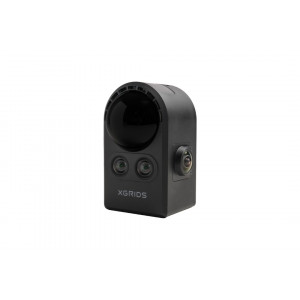
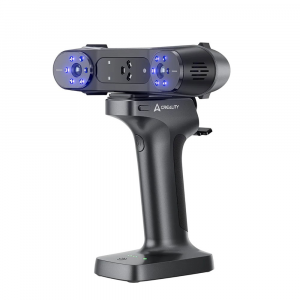
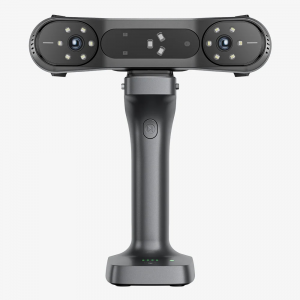
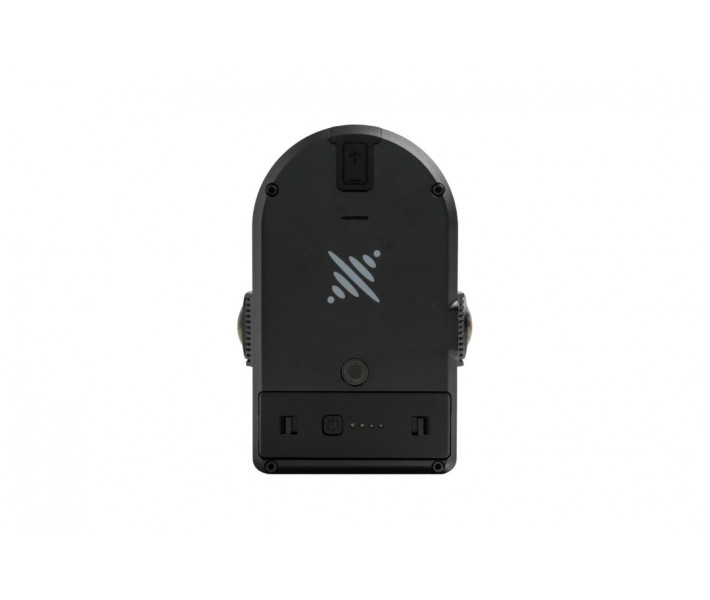
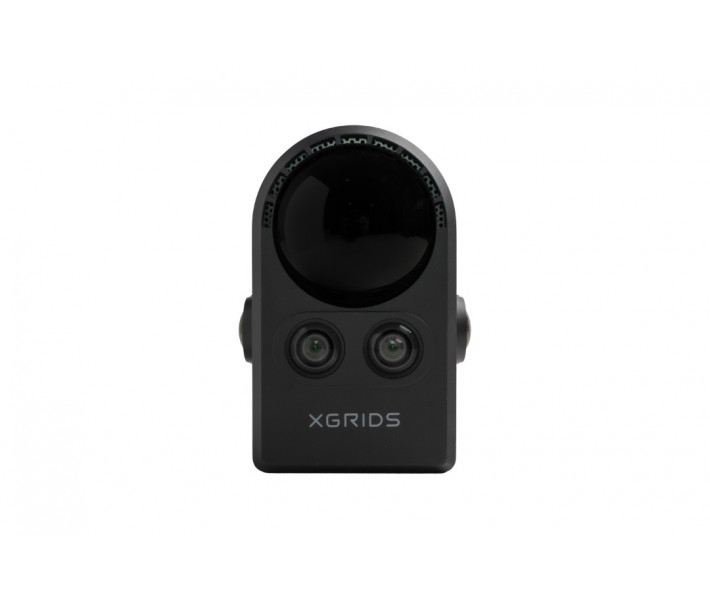
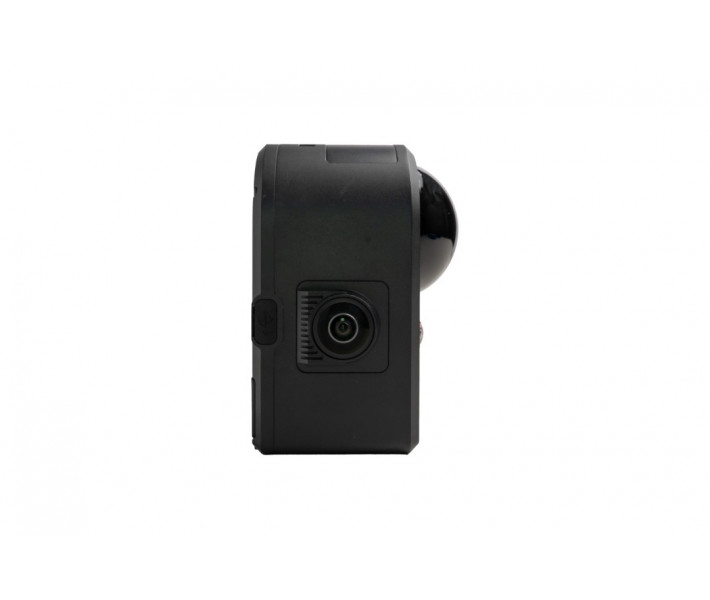
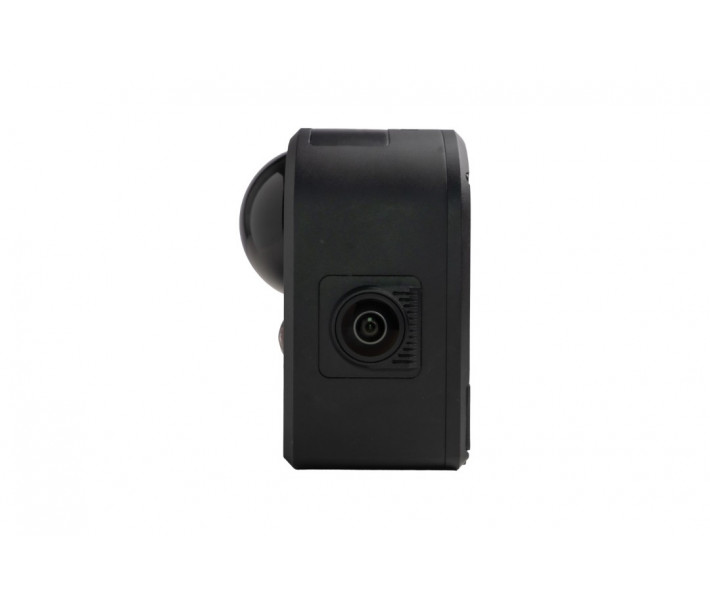
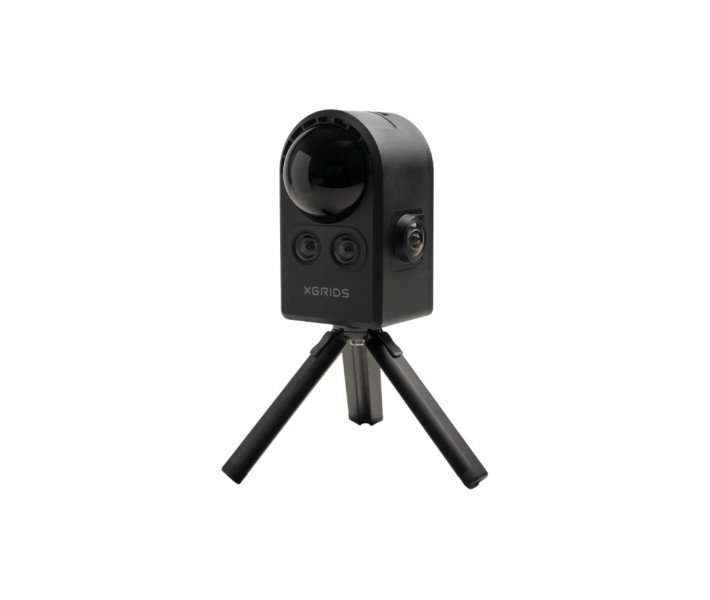
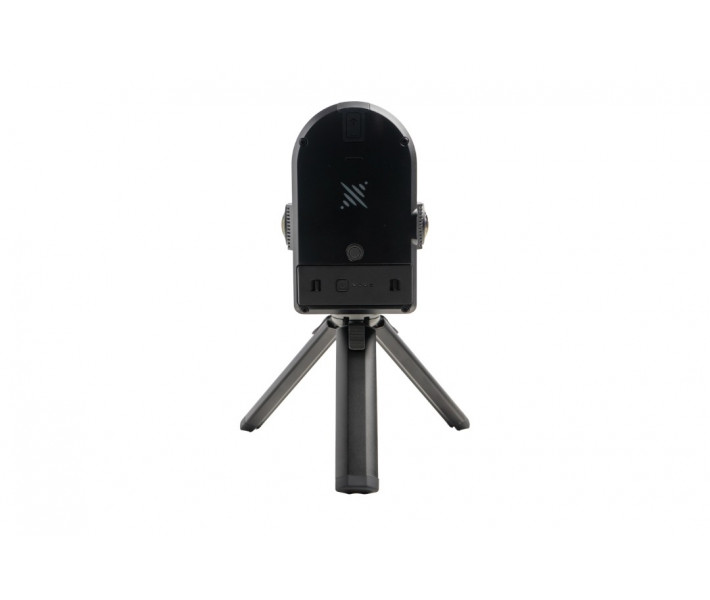
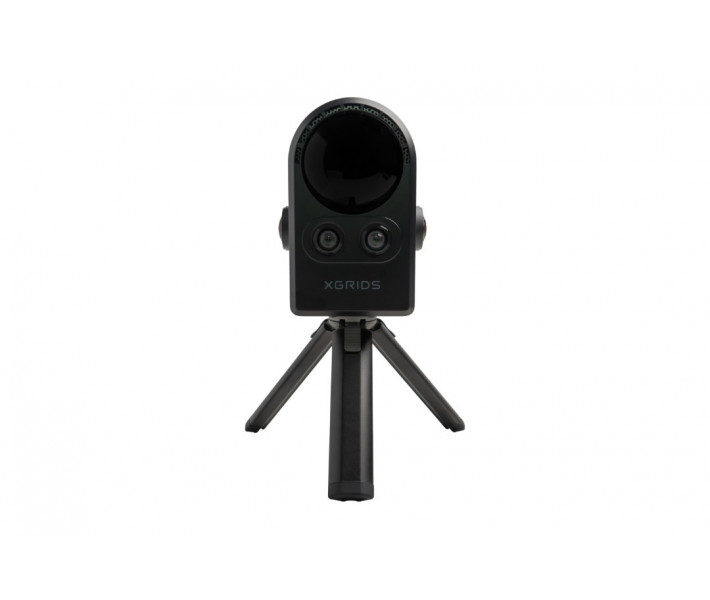
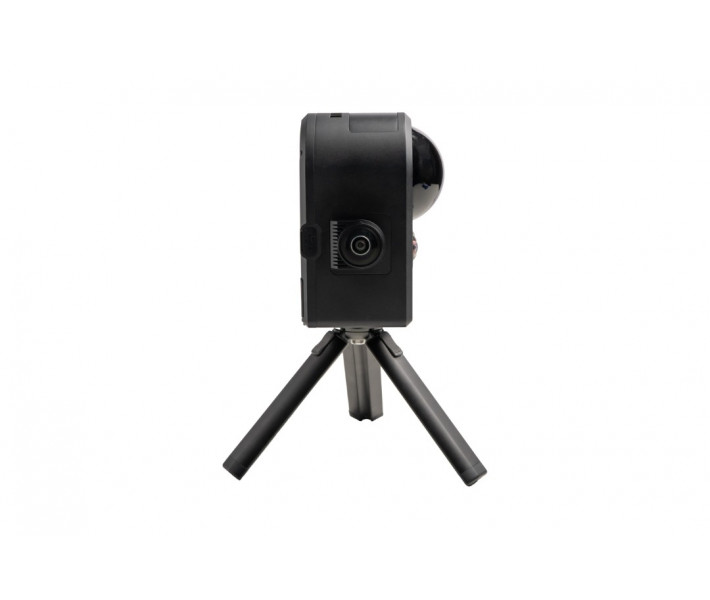
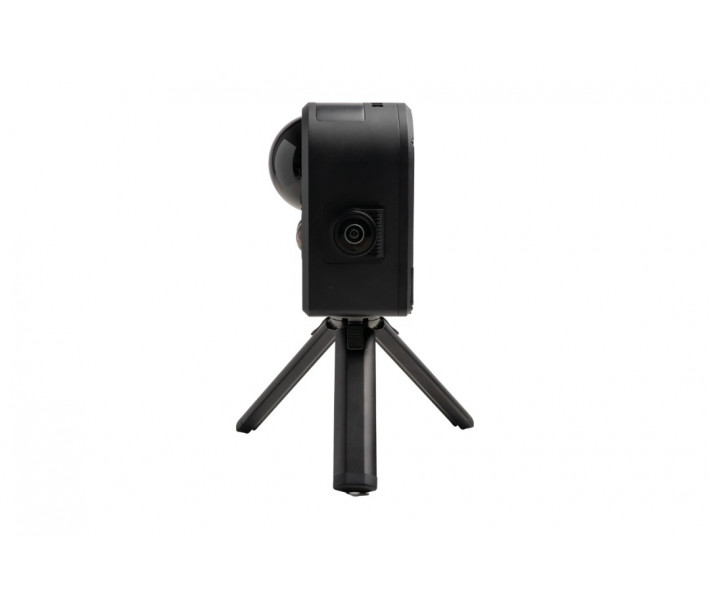
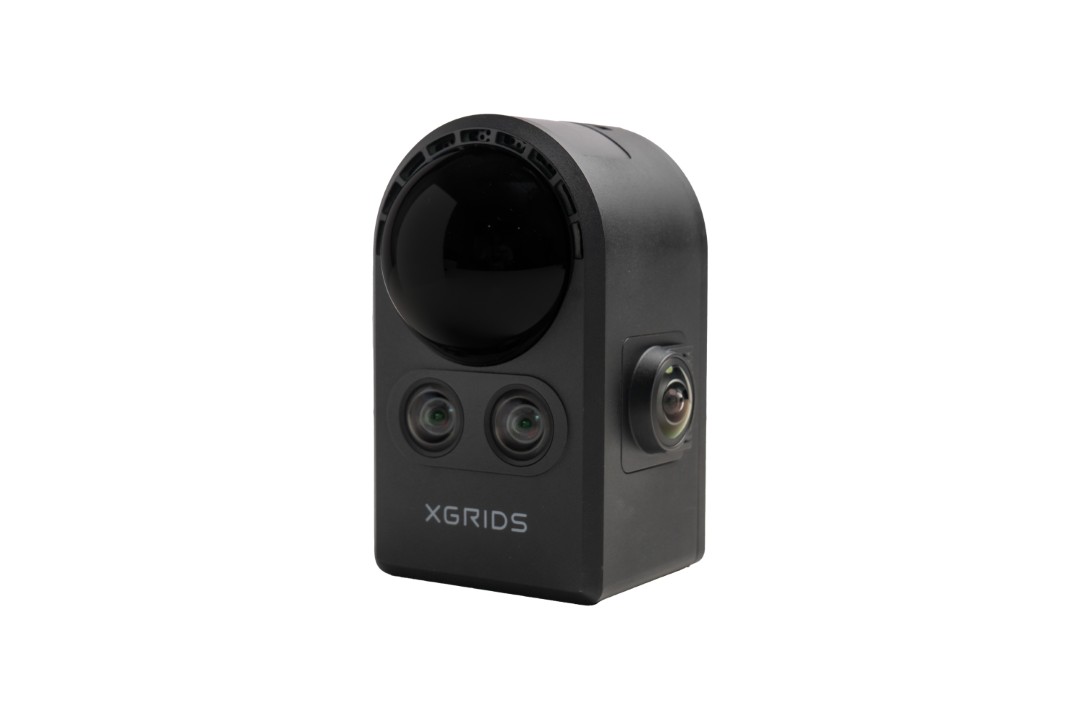
XGRIDS PortalCam is a handheld 3D spatial camera that combines LiDAR, a four-camera array, and an onboard AI processing unit to capture photorealistic 3D models of real-world environments. Weighing just 870 g in an aerospace-grade aluminium body, it scans up to 200 m² in 15 minutes and outputs ready-to-use 3DGS models — ideal for real estate, film production, VR/AR content creation, and cultural heritage preservation.
What's in the Box
- XGRIDS PortalCam (x1)
- PortalCam Battery (x1)
- PortalCam Tripod (x1)
- PortalCam Battery Charger with Cable (x1)
- PortalCam Protective Cover (x1)
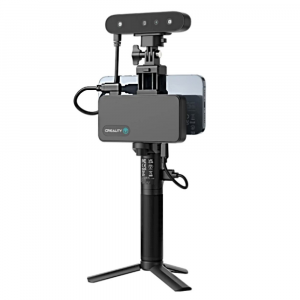
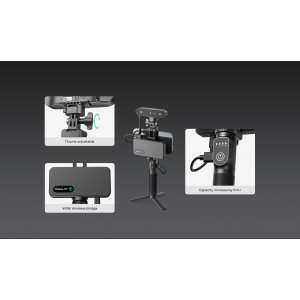
- PortalCam Mobile Phone Mount Module (x1)
- LCC Basic License Activation Card (x1)
- Quick Start Guide (x1)
- Warranty Card (x1)
- Cleaning Cloth (x1)
- Protective Case (x1)
Optional accessories (sold separately): extension pole (2 m / 6.6 ft), external storage SSD (512 GB / 1 TB).
| Quick Specs — XGRIDS PortalCam | |
|---|---|
| LiDAR Point Rate | 856 000 pts/s, range up to 60 m |
| Camera System | 4 × 12 MP (2 × fisheye 200° × 200° + 2 × front 100° × 85°) |
| Weight / Battery | 870 g / 60 min continuous scanning |
| Capture Speed | 200 m² in ~15 minutes |
LiDAR + Multi-Camera Fusion: Capture Structure and Colour in a Single Pass
The PortalCam pairs a Class 1 / 940 nm LiDAR module with a quad-camera rig to deliver both geometric precision and photorealistic texture in one sweep. The LiDAR captures 856 000 points per second across a 180° × 180° field of view, with a usable range from 0.1 m to 30 m at 10 % reflectivity — extending to 60 m at 900 % reflectivity. Two fisheye cameras (200° × 200° each) and two front cameras (100° × 85° each) shoot at 4000 × 3000 px resolution on 1/2" CMOS sensors, ensuring vivid colour data even in wide-angle captures.
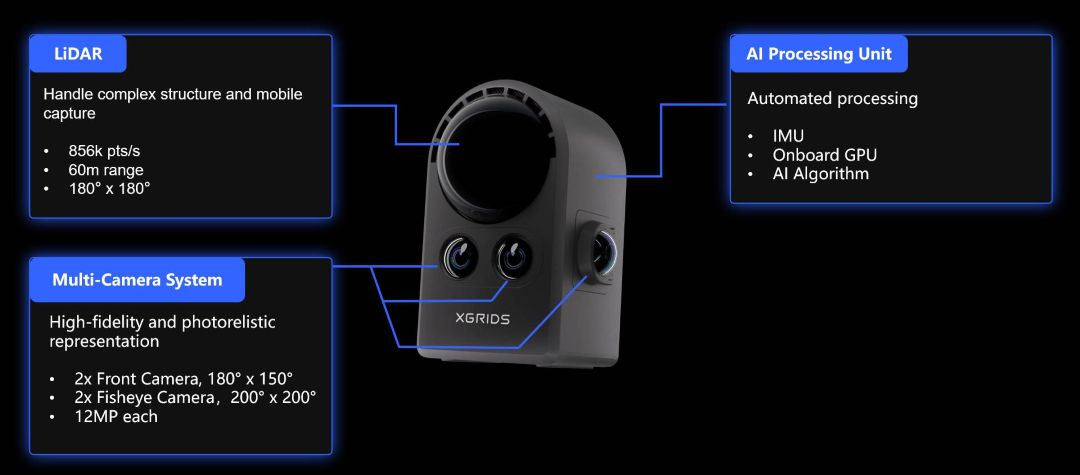
An onboard GPU running proprietary AI algorithms handles real-time IMU fusion and spatial mapping. This means the heavy computational work starts during capture — not after — significantly reducing post-processing wait times.
Robust Performance in Challenging Environments
Dimly lit rooms, highly reflective surfaces such as glass walls or polished floors, high-contrast transitions, and featureless corridors — these are typical failure points for conventional photogrammetry. The PortalCam's 3DGS-native pipeline maintains reliable reconstruction across all of them. The combination of active LiDAR ranging and passive camera data creates redundancy: where one sensor struggles, the other compensates.
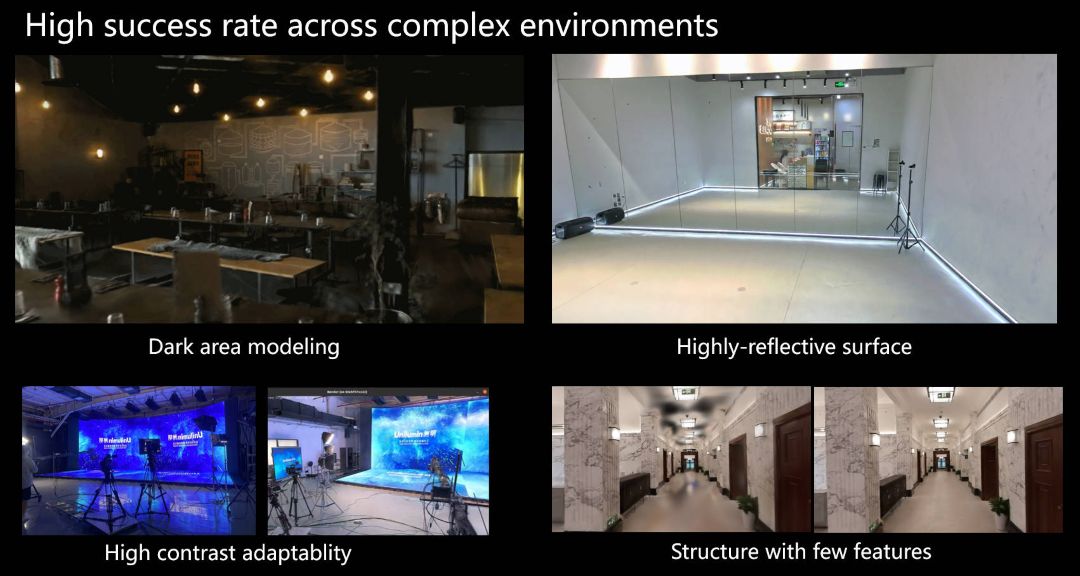
Operating temperature ranges from −20 °C to 45 °C (indirect sunlight), so the device performs reliably in outdoor winter conditions as well as warm interior environments.
Portable Design: 870 g, One-Hand Operation
At just 130 mm × 90 mm × 77 mm and 870 g without a tripod, the PortalCam fits comfortably in one hand. The aerospace-grade aluminium alloy housing absorbs everyday knocks without adding unnecessary bulk. A removable 23.04 Wh Li-ion battery delivers 60 minutes of continuous scanning, and charges from 0 to 90 % in 70 minutes via USB-C PD (≥ 25 W).
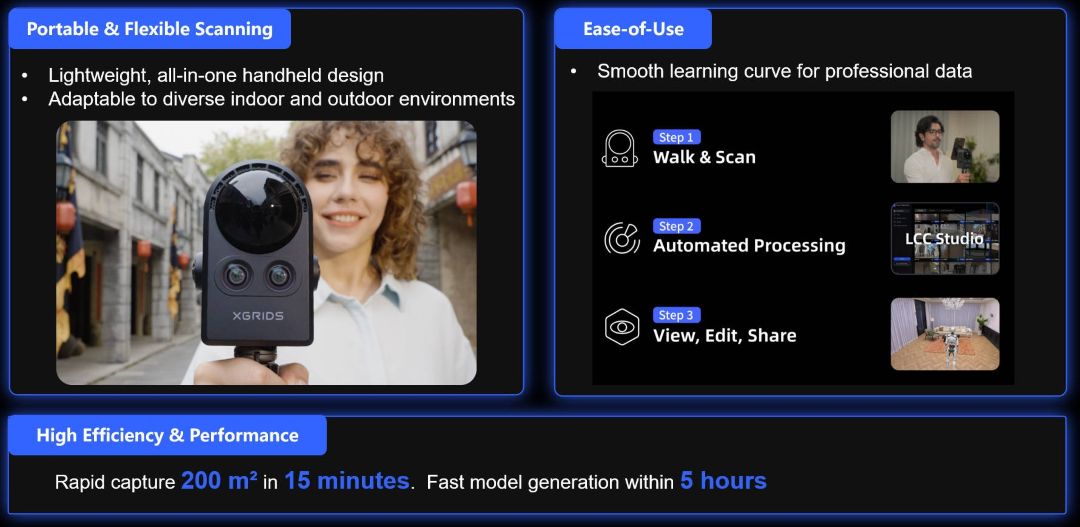
Connectivity covers every scenario: Wi-Fi 6 (802.11ax), Bluetooth 5.2 with a 20 m wireless range, a GPS module, and USB 3.0 for high-speed data transfer. Internal storage stands at 512 GB, with optional external SSDs (512 GB / 1 TB) for extended sessions.
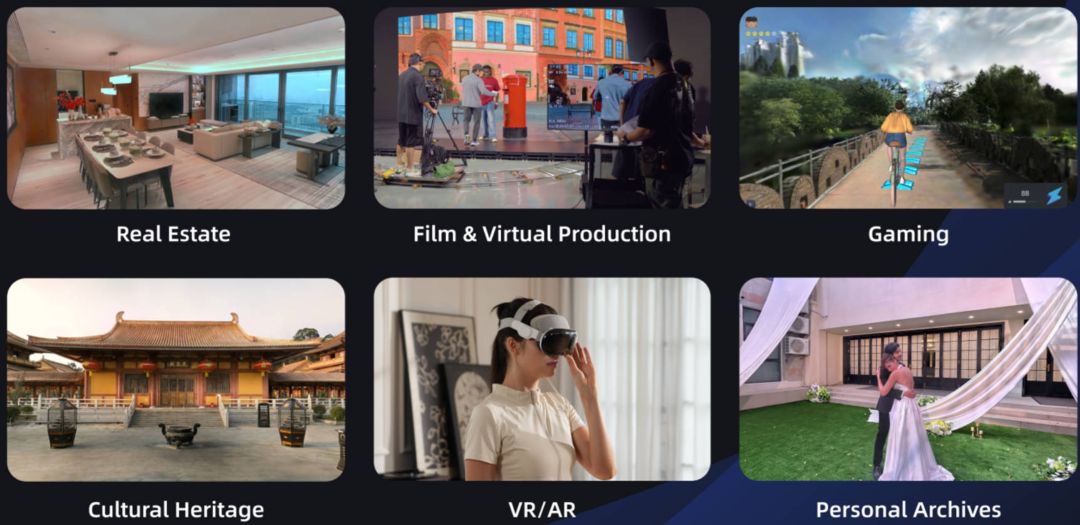
Real Estate: Digital Twins that Sell Properties
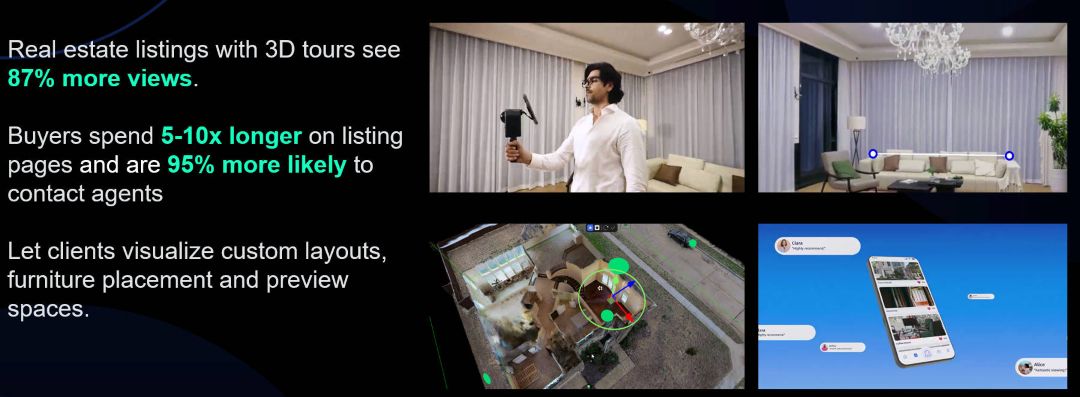
Real estate listings featuring 3D tours attract 87 % more views, and prospective buyers spend 5–10× longer on those listing pages. With PortalCam, an agent can digitise a 280 m² (3 000 sq ft) multi-storey property in approximately 15 minutes at walking speed. The resulting model allows clients to visualise custom layouts, furniture placement, and spatial proportions — remotely, on any device.
Film and Virtual Production: Location Scouting at a Fraction of the Cost
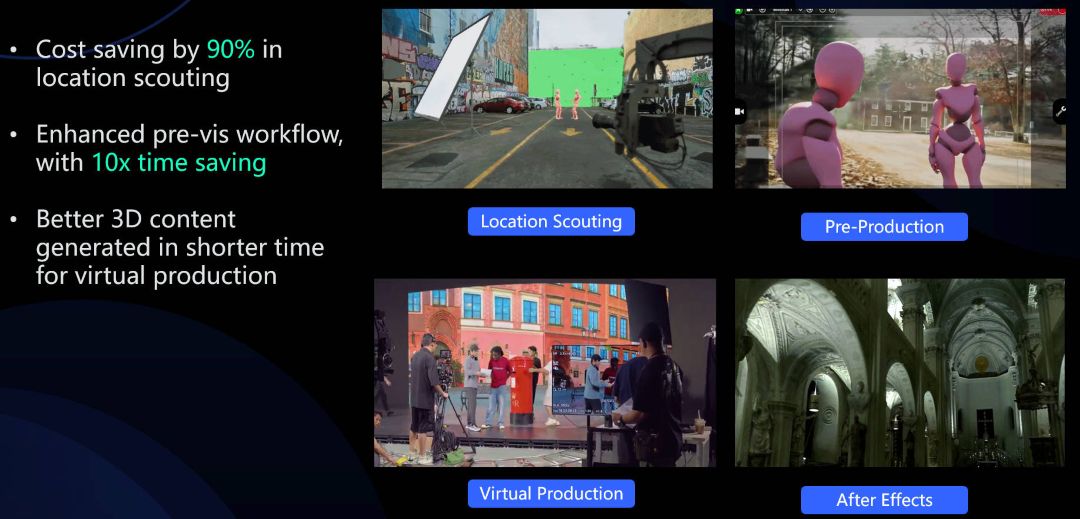
Pre-production teams report up to 90 % cost savings in location scouting and a 10× reduction in pre-visualisation time when working from spatial scans. Directors, cinematographers, and VFX supervisors can test lighting setups, camera angles, and blocking decisions inside a captured environment — without a single site visit. PortalCam models integrate directly into virtual production pipelines for LED walls and green-screen compositing.
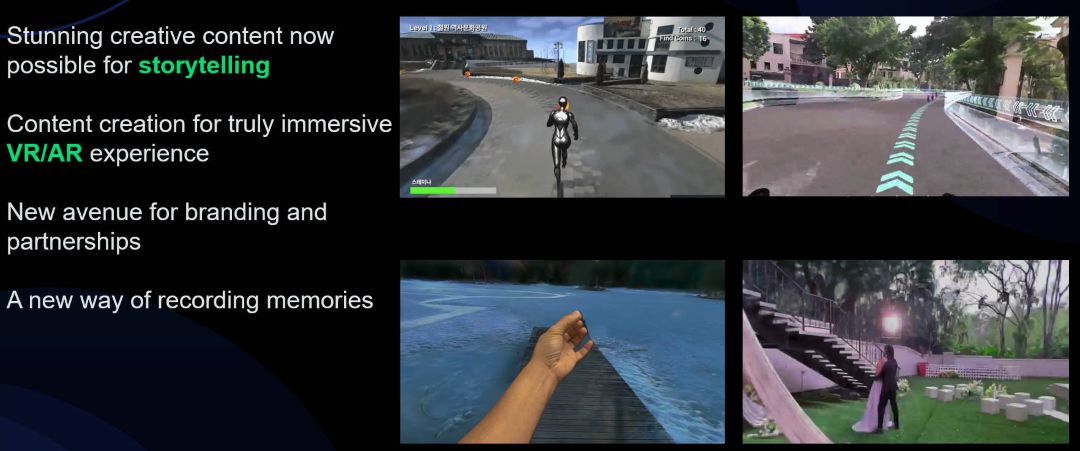
VR/AR Content and Immersive Storytelling
Every scanned location becomes a reusable 3D asset. Creative professionals use PortalCam for immersive storytelling, brand experiences, gaming environments, and cultural heritage documentation. The device's SDK support covers Unreal Engine, Unity, and WebGL, enabling cross-platform publishing on VR headsets, mobile browsers, and desktop applications.
Seamless Workflow: Scan, Process, Share
The workflow is straightforward. Walk through the space while monitoring the capture on the LCC Scan mobile app (iOS/Android). Transfer the raw data via USB 3.0 or Wi-Fi. Then process it in LCC Studio on desktop — a typical 280 m² scan yields a finished 3DGS model within 3–5 hours. LCC Studio supports editing, measurement, annotation, and one-click publishing as a shareable link viewable on web, mobile, and VR.
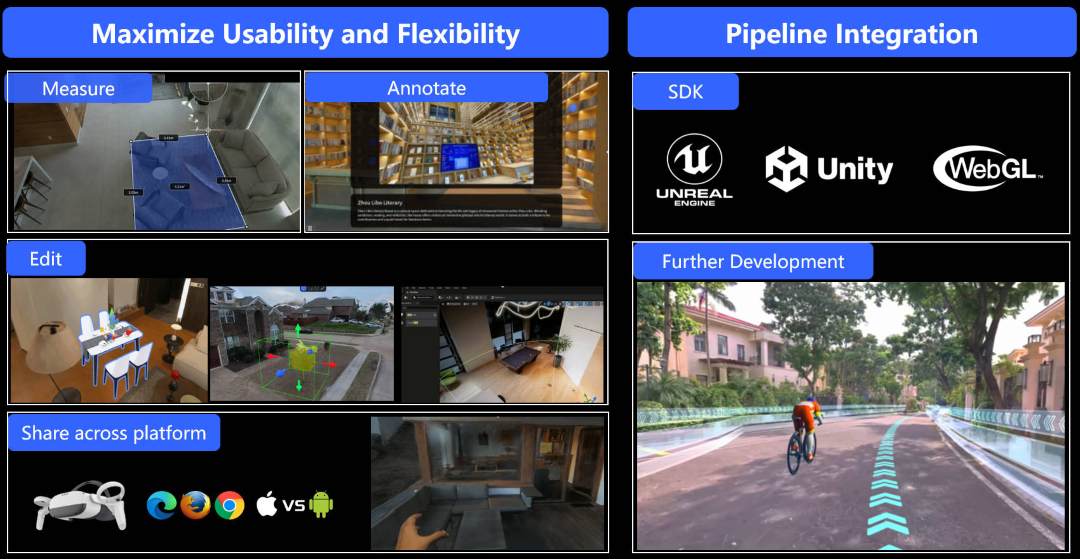
Output formats include the proprietary LCC format (which compresses files by up to 90 % vs. standard 3DGS PLY), plus .PLY Gaussian splats and .OBJ for industry-standard pipeline integration.
Tech Tip: For best results in mixed-lighting environments (e.g., a well-lit lobby transitioning into a dim corridor), select the NIGHT mode on the LCC Scan app. This adjusts exposure parameters for low-light adaptation. Keep your scanning pace steady — the minimum scan duration is 1 minute, and maximum is 30 minutes per session. Always maintain a walking distance greater than 1 metre to ensure sufficient spatial overlap for the reconstruction algorithm.
Technical Specifications of the XGRIDS PortalCam
Physical Specifications
| Power Consumption | < 19 W |
|---|---|
| Body Weight | 870 g (1.9 lbs) without tripod |
| Dimensions | 130 mm × 90 mm × 77 mm (5.1 × 3.5 × 3.0 in) |
| Housing Material | Aerospace-grade Aluminium Alloy |
Connectivity & Storage
| Data Interface | USB 3.0 |
|---|---|
| Internal Storage | 512 GB |
| GPS Module | Supported |
| Wi-Fi | 802.11 a/b/g/n/ac/ax; 2.4 GHz: 2412–2472 MHz; 5 GHz: 5180–5240 MHz, 5745–5825 MHz |
| Bluetooth | 5.2 |
| Wireless Range | 20 m (65.6 ft) |
Power System
| Battery Type | Removable Li-ion |
|---|---|
| Battery Capacity | 23.04 Wh |
| Operating Time | 60 minutes (continuous scanning) |
| Charging Time (25 °C / 77 °F) | 0–90 %: 70 minutes; 0–100 %: 90 minutes |
| Operating Temperature | −20 °C to 45 °C (−4 °F to 113 °F), indirect sunlight only |
| Charging Temperature | 5–30 °C (41–86 °F) |
LiDAR System
| Laser Classification | Class 1 / 940 nm |
|---|---|
| Scanning Range | 0.1 m – 30 m (4 in – 98 ft) @ 10 % reflectivity; 60 m (197 ft) @ 900 % reflectivity |
| Field of View | 180° azimuth × 180° elevation |
| Point Rate | 856 000 points/second |
Camera System
| Camera Configuration | 4-camera array: 2 × Fisheye, 2 × Front |
|---|---|
| Image Resolution | 4000 × 3000 px |
| Sensor Size | 1/2" CMOS |
| Shutter Type | Rolling Shutter |
| Fisheye Camera FOV | 200° × 200° (each) |
| Front Camera FOV | 100° × 85° (each) |
Power Adapter
| Input | 100–240 V, 50–60 Hz, 1.5 A, 80 VA |
|---|---|
| Output | 20 V, 2.0 A |
| Rated Power | PD Protocol, > 25 W; Standard: USB-C 45 W single port; Dual port: 25 W + 20 W |
Software Requirements
| Scanning App | LCC Scan (iOS / Android) |
|---|---|
| Processing Software | LCC Studio (Desktop) |
| Output Formats | LCC (proprietary, up to 90 % compression), .PLY (Gaussian Splats), .OBJ |
| SDK Support | Unreal Engine, Unity, WebGL |
How to Set Up and Perform Your First Scan with the XGRIDS PortalCam
A step-by-step guide to activating the PortalCam, connecting it to the mobile app, and completing your first 3D spatial capture.
Step 1 — Power On and Check Indicator
Press the power button on the PortalCam. The indicator light will turn yellow, confirming the device is powered on and ready for activation.
Step 2 — Enable Wi-Fi and Bluetooth on Your Phone
On your smartphone, enable both Wi-Fi and Bluetooth. The PortalCam communicates with the LCC Scan app over both protocols simultaneously.
Step 3 — Connect via the LCC Scan App
Open the LCC Scan app (available for iOS and Android). Tap the camera icon on the homepage to search for and connect to the PortalCam. Follow the on-screen instructions to complete activation. The indicator will change from yellow to green.
Step 4 — Select Your Scanning Mode
Choose the appropriate mode for your environment: NIGHT for dimly lit spaces, INDOOR for standard interior lighting, or NATURE for outdoor natural light. Swipe on the mode page in the app to switch.
Step 5 — Walk and Scan
Hold the PortalCam at chest height and walk naturally through the space. Maintain a steady pace and ensure the scan lasts at least 1 minute but no longer than 30 minutes. Keep walking distance above 1 metre for proper spatial overlap.
Step 6 — Transfer Data and Process in LCC Studio
Connect the PortalCam to your computer via the included USB 3.0 cable. The device enters USB mode automatically after ~5 seconds. Copy the scan data, then open LCC Studio on your desktop to generate the 3D Gaussian Splatting model. A typical 280 m² scan processes within 3–5 hours.
Frequently Asked Questions — XGRIDS PortalCam
How long does it take to scan and generate a 3D model with the PortalCam?
A typical 280 m² (3 000 sq ft) indoor space can be scanned in approximately 15 minutes at walking speed. The 3D model is then automatically generated in LCC Studio within 3–5 hours, ready for viewing, sharing, or editing.
Can the PortalCam handle challenging environments such as dim lighting, mirrors, or featureless walls?
Yes. The PortalCam uses 3DGS technology combined with LiDAR and multi-camera fusion to adapt to dark areas, highly reflective surfaces, high-contrast transitions, and structures with minimal visual features. Selecting the correct scanning mode (NIGHT, INDOOR, or NATURE) further improves results in specific conditions.
What output formats does the PortalCam support?
LCC Studio produces models in the proprietary LCC format, which compresses file size by up to 90 % compared with standard 3DGS PLY files. Additionally, .PLY Gaussian splats and .OBJ files are available for integration with Unreal Engine, Unity, and other industry-standard 3D platforms.
Is the PortalCam suitable for geodetic surveying or high-precision measurement?
No. The PortalCam is designed for fast, visually accurate 3D content creation — not for survey-grade or geodesy applications. For as-built documentation or projects requiring high measurement precision, XGRIDS recommends their Lixel series scanners (L2 Pro, K1).
Do I need professional training to operate the PortalCam?
No. The PortalCam features a smooth learning curve with real-time guidance in the LCC Scan mobile app. Both beginners and experienced professionals can start capturing 3D models without prior training.
Can PortalCam models be integrated into existing VR/AR or virtual production pipelines?
Yes. With SDK support for Unreal Engine, Unity, and WebGL, PortalCam models integrate directly into professional workflows for film production, VR/AR experiences, real estate marketing, and web-based 3D content. Documentation and SDKs are available on the XGRIDS developer platform.
Why Choose EXPERT3D?
EXPERT3D has been supplying 3D technology professionals across Spain and Europe since 2012. With over a decade of specialist expertise in 3D scanners, printers, and spatial capture devices, we provide pre-sale consultation, technical support, and after-sales service in your language. Purchase the XGRIDS PortalCam from EXPERT3D and benefit from fast EU shipping, expert guidance, and dedicated after-sales assistance throughout the lifecycle of your device.