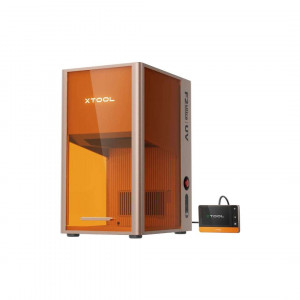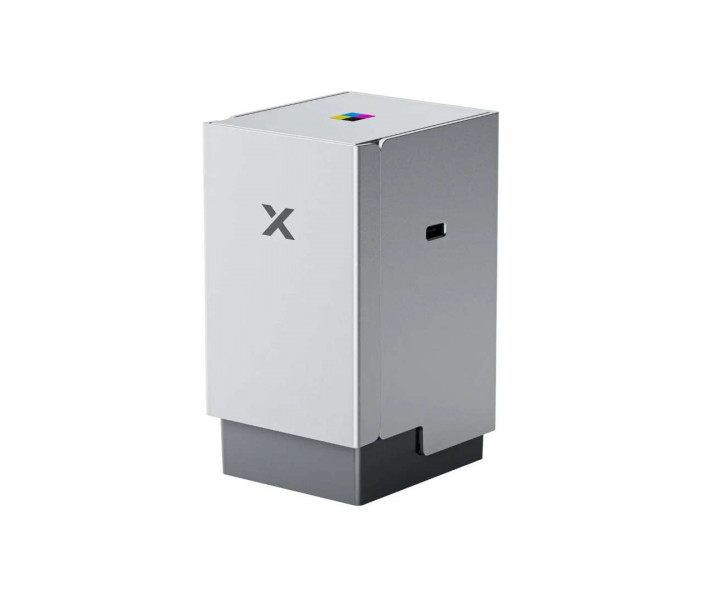
- Stock: In Stock
- Product code: 920372000001144228
- Weight Brutto: 2.20kg
- SKU: P0102000239

The xTool CMYK Colour Inkjet Module V1.0 is a four-colour inkjet add-on engineered for the xTool M2 laser engraver, enabling full-colour HD printing directly inside the same machine that cuts — eliminating manual re-alignment and the need for a separate printer. With CMYK ink formulation and a magnetically secured, tool-free cartridge system, it brings vibrant photographic output to paper, sticker stock, and thin creative media in a single integrated workflow.
The gallery below illustrates the full range of creative applications unlocked by the xTool CMYK Colour Inkjet Module V1.0 — from personalised stickers and wall art to cake toppers and temporary tattoos.

| Quick Specs — xTool CMYK Colour Inkjet Module V1.0 | |
|---|---|
| Colour Mode | CMYK — 4-colour inkjet |
| Compatible Machine | xTool M2 |
| Operating Temperature | 15–35 °C |
| Maximum Material Thickness | < 2.6 cm |
Full-Colour Output Inside Your xTool M2 — No Second Machine Required
Most laser workflows stop at monochrome engraving or single-colour marking. The xTool CMYK Colour Inkjet Module V1.0 changes that equation entirely. By slotting into the M2's multi-function holder via built-in magnets, the module shares the same gantry, the same coordinate system, and the same xTool software environment as the diode laser module already installed on the machine.
The practical consequence is a genuine Print-Then-Cut capability: print a full-colour graphic with the inkjet module, swap to the laser module, and let the software cut precisely around the printed outline — all without moving the material. Manual alignment, a step that typically adds 15 minutes or more of fiddly repositioning, is eliminated. Independent testing cited in xTool's own workflow comparisons puts the combined Print-Then-Cut time at roughly 3 minutes versus 20 minutes across separate machines.
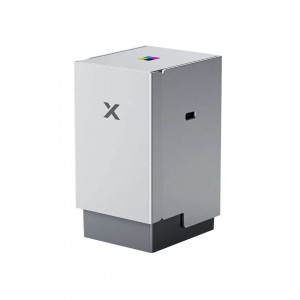
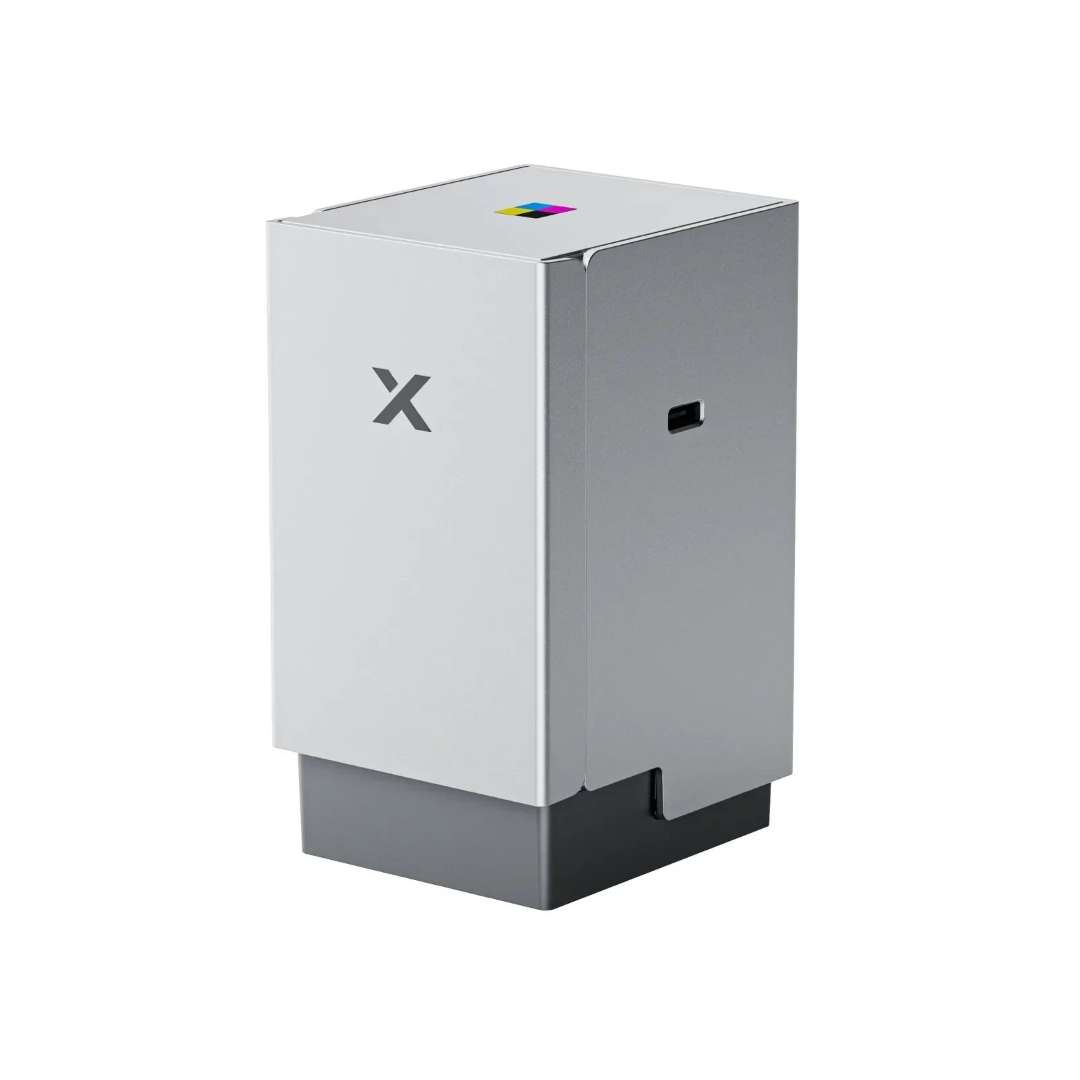
The image below shows the xTool M2 CMYK Colour Inkjet Module as a standalone unit, highlighting the compact form factor and CMYK colour indicator.
CMYK Colour Science — Why Four Channels Matter
Consumer inkjet printers have used CMYK separation for decades for a precise reason: combining Cyan, Magenta, Yellow, and Key (Black) channels produces a far wider gamut and more accurate neutral tones than CMY alone. The dedicated black channel is especially important for photographic shadows and fine text — areas where CMY mixing creates muddy, colour-shifted results.
The upgrade from CMY to CMYK in this module translates directly to sharper Nyhavn-harbour blues, accurate skin tones on portrait stickers, and clean black linework on calendar grids — output quality that CMY-only modules structurally cannot match. The print quality comparison below makes this difference immediately apparent.
The split-panel comparison below demonstrates the visible difference between CMY and CMYK (M2 module) output quality using a standardised reference image.

Print-Then-Cut in One Machine — A Single Integrated Workflow
The most compelling capability of the xTool M2 ecosystem is the ability to print vibrant full-colour artwork and then cut it to shape — all within a single machine, without repositioning the substrate. The M2's laser module calibration data is shared with the inkjet module, so the software knows exactly where every printed pixel lands. Contour cutting is therefore pixel-accurate rather than estimated.
Applications that benefit most from this workflow include:
- Custom stickers and die-cut label sheets
- Wall art printed and cut to irregular shapes
- Cake toppers with photo-quality imagery
- Temporary tattoos with precise edge definition
- Fridge magnets and bookmarks
- Personalised calendars and party napkins
- 3D miniature printing on flat media
The image below captures the Print-Then-Cut process in action, showing the M2 performing CMYK inkjet printing followed by diode laser cutting on paper in a single uninterrupted workflow.

Cartridge System and Maintenance Design
The ink cartridge inserts at a 45° angle into the module's inner track and locks with an audible click — a mechanism designed to prevent misalignment and the jamming that results from vertical insertion. Metal contacts on the cartridge base should never be touched, as skin oils and contamination raise electrical resistance and can cause print-head communication errors.
The bottom cap plays a dual maintenance role. It houses a moisturising sponge, which should be kept damp with the supplied moisturising liquid or purified water to prevent the ink nozzle from drying out between sessions. A second cleaning sponge within the same cap captures ink residue; rinsing with clean water and reinstalling without full drying is all that is required. For machines in regular operation, cleaning frequency should scale with usage intensity — allowing excessive ink build-up risks print quality degradation that is difficult to reverse.
Material thickness determines whether the bottom cap must be removed manually: substrates below 2 cm require no cap removal; between 2 cm and 2.6 cm the cap must be removed manually; and materials exceeding 2.6 cm are not supported by the module.
Tech Tip: Store the module with the bottom cap attached whenever it is not in use. The built-in magnets ensure the cap seats correctly, and the moisturising sponge inside prevents the ink nozzle from air-drying — a common cause of blocked nozzles and colour banding on the first print of a new session. If the machine will be idle for more than a week, check the sponge moisture level before the next use and add a few drops of moisturising liquid if it feels dry to the touch.
Technical specifications of the xTool CMYK Colour Inkjet Module V1.0
Print Technology
| Print Technology | CMYK four-colour inkjet |
|---|---|
| Colour Channels | Cyan, Magenta, Yellow, Key (Black) |
| Cartridge Installation Angle | Approximately 45° |
| Module Mounting | Magnetic, tool-free — attaches to xTool M2 multi-function holder |
| Bottom Cap Mounting | Magnetic, built-in |
| Compatible Machine | xTool M2 |
Material Compatibility
| Maximum Material Thickness (bottom cap installed) | < 2 cm — no cap removal required |
|---|---|
| Material Thickness 2 cm – 2.6 cm | Remove bottom cap manually before use |
| Maximum Material Thickness (absolute) | < 2.6 cm — processing not supported above this limit |
| Supported Media |
|
Operating Environment
| Operating Temperature | 15–35 °C |
|---|---|
| Operating Humidity | 40–60 % RH |
| Ink Cartridge Storage | Avoid drastic temperature/humidity changes; avoid high-temperature or high-humidity environments; avoid direct sunlight |
Maintenance
| Moisturising Liquid | Supplied; purified or distilled water also accepted |
|---|---|
| Minimum Cleaning Frequency (idle) | At least once per month during extended downtime |
| Nozzle Care | Wipe with lint-free cloth if residual ink or dust present; avoid prolonged air exposure |
Compliance and Certifications
| EU Radio Directive | RED 2014/53/EU |
|---|---|
| RoHS Compliance | RoHS Directive 2011/65/EU & (EU) 2015/863 |
| FCC Compliance | FCC Part 15 Class B |
| IC Compliance | CAN ICES (B) / NMB (B) |
| EU Responsible Person | Makeblock Europe B.V., Westplein 12, 3016 BM Rotterdam, the Netherlands |
| WEEE / Disposal | Must not be treated as household waste — hand to an authorised WEEE collection point |
| Manufacturer | Makeblock Co., Ltd. |
What's in the box
The image below shows all components included with the xTool CMYK Colour Inkjet Module V1.0, confirming the complete packing list as shipped.

- xTool M2 CMYK Inkjet Module
- Ink cartridge
- Bottom cap
- Moisturising liquid
- Bottom cap retainer plate
- Screw
- Calibration card (A5)
- Ferrite core
- User manual
Why choose EXPERT3D?
EXPERT3D has been Valencia's specialist in additive manufacturing and digital fabrication technology since 2012. Our team provides hands-on pre-sales advice, hardware configuration support, and authorised after-sales service — ensuring that every module, machine, and accessory performs as specified from the first session. As an official representative of xTool, we guarantee the best price, authorised service, and official warranty on every product in the xTool range, including the xTool CMYK Colour Inkjet Module V1.0.