- Stock: In Stock
- Product code: 920372000001145572
- Weight Brutto: 22.00kg
- SKU: P0101000477

The xTool M2 10W Standalone is a Class 1 enclosed desktop laser engraver and cutter engineered for precise engraving, clean cutting, and optional full-colour inkjet printing on over 300 materials. Equipped with a 10 W blue diode laser, a 426 mm × 320 mm working area, dual smart cameras for automatic positioning, and a modular tool-head system, it delivers a maximum processing speed of 600 mm/s and a motion accuracy of 0.01 mm — all within a fully enclosed, TÜV SÜD-certified safe housing.
| Specification | Value |
|---|---|
| Laser Module | 10 W Blue Diode Laser |
| Working Area | 426 mm × 320 mm |
| Max. Speed | 600 mm/s |
| Motion Accuracy | 0.01 mm |
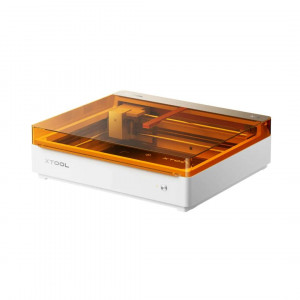
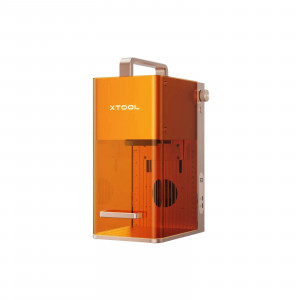
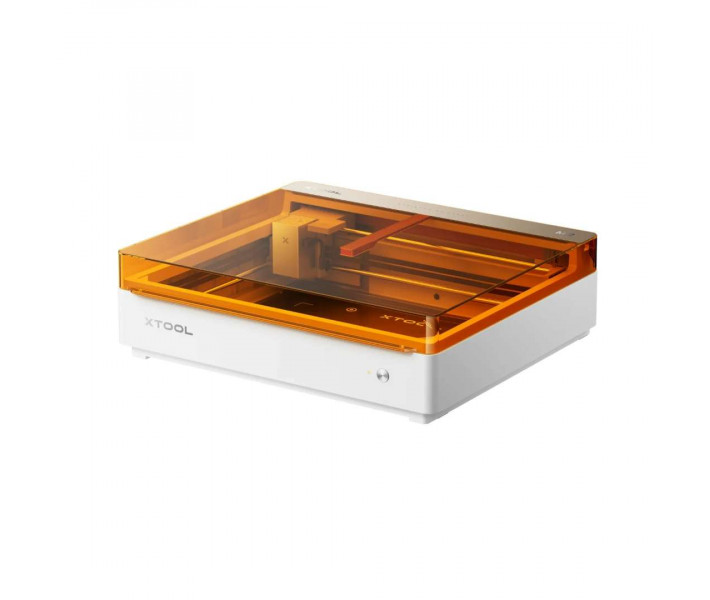
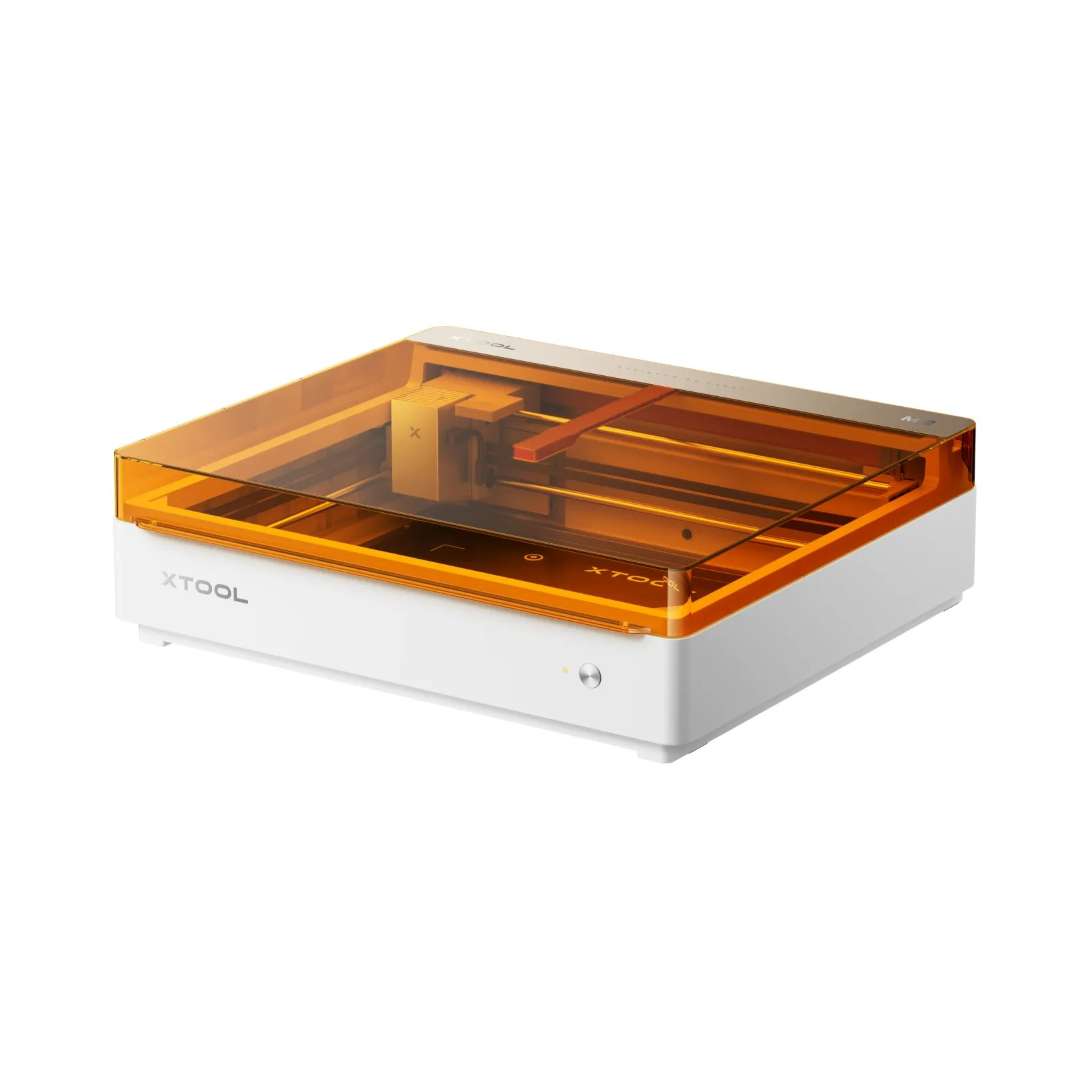
The image below shows the xTool M2 10W Standalone in its isometric form — note the amber polycarbonate lid offering laser-safe visibility while maintaining Class 1 containment.
A Single Enclosed Machine for Laser, Print, and Cut Workflows
At the core of the xTool M2 10W Standalone is a modular design philosophy: a single chassis supports interchangeable tool heads — the 10 W diode laser, an optional 20 W upgrade, a 3 W IR module, and the CMYK inkjet print module. This means a single machine can pivot between engraving anodised aluminium, cutting 8 mm basswood in one pass, or printing full-colour sticker sheets — without leaving the workspace or changing software environments.
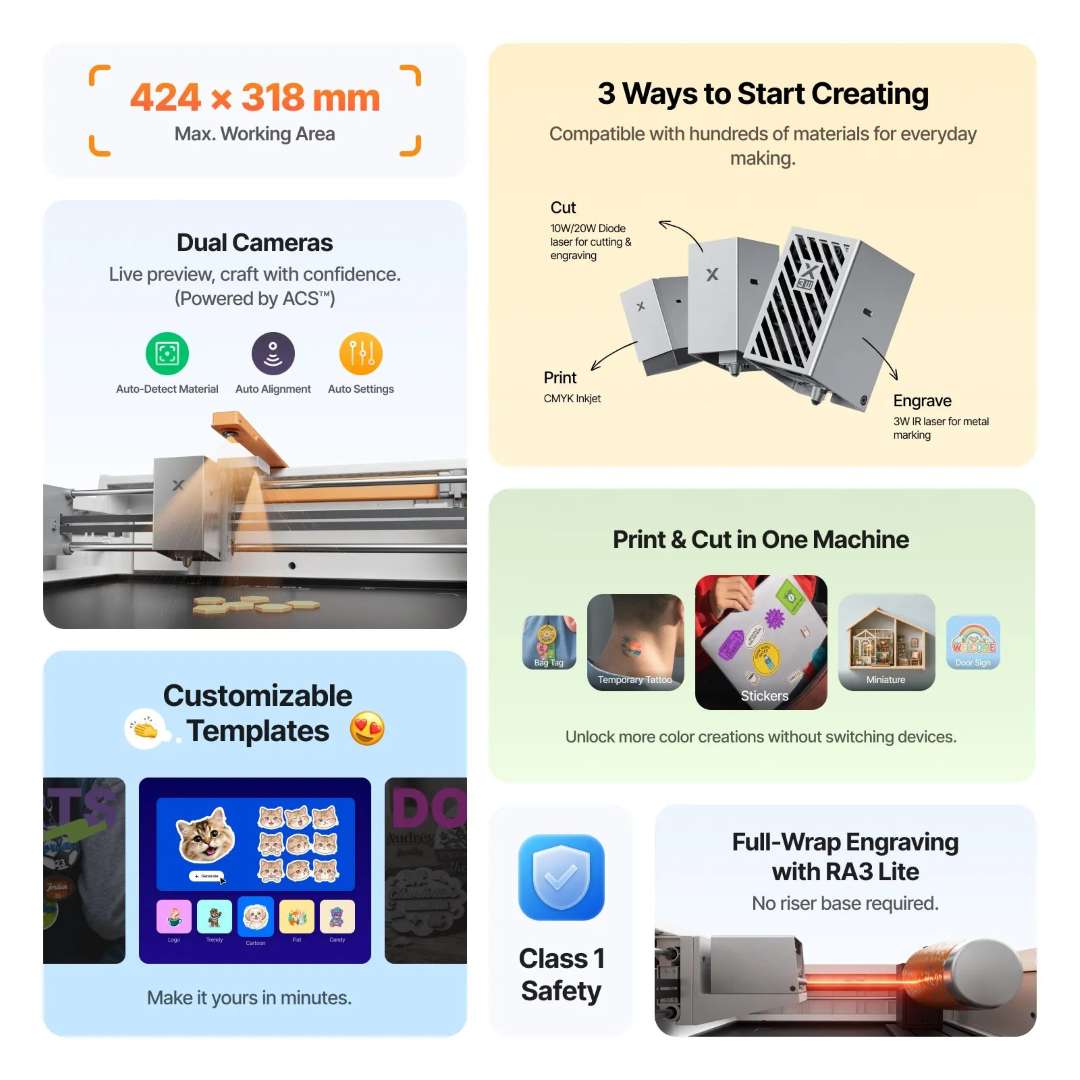
The overview below highlights the machine's complete capability set including the dual-camera system, 424 mm × 318 mm work area, and the range of compatible laser and print modules.
Dual-Camera Positioning: Why It Matters for Accuracy
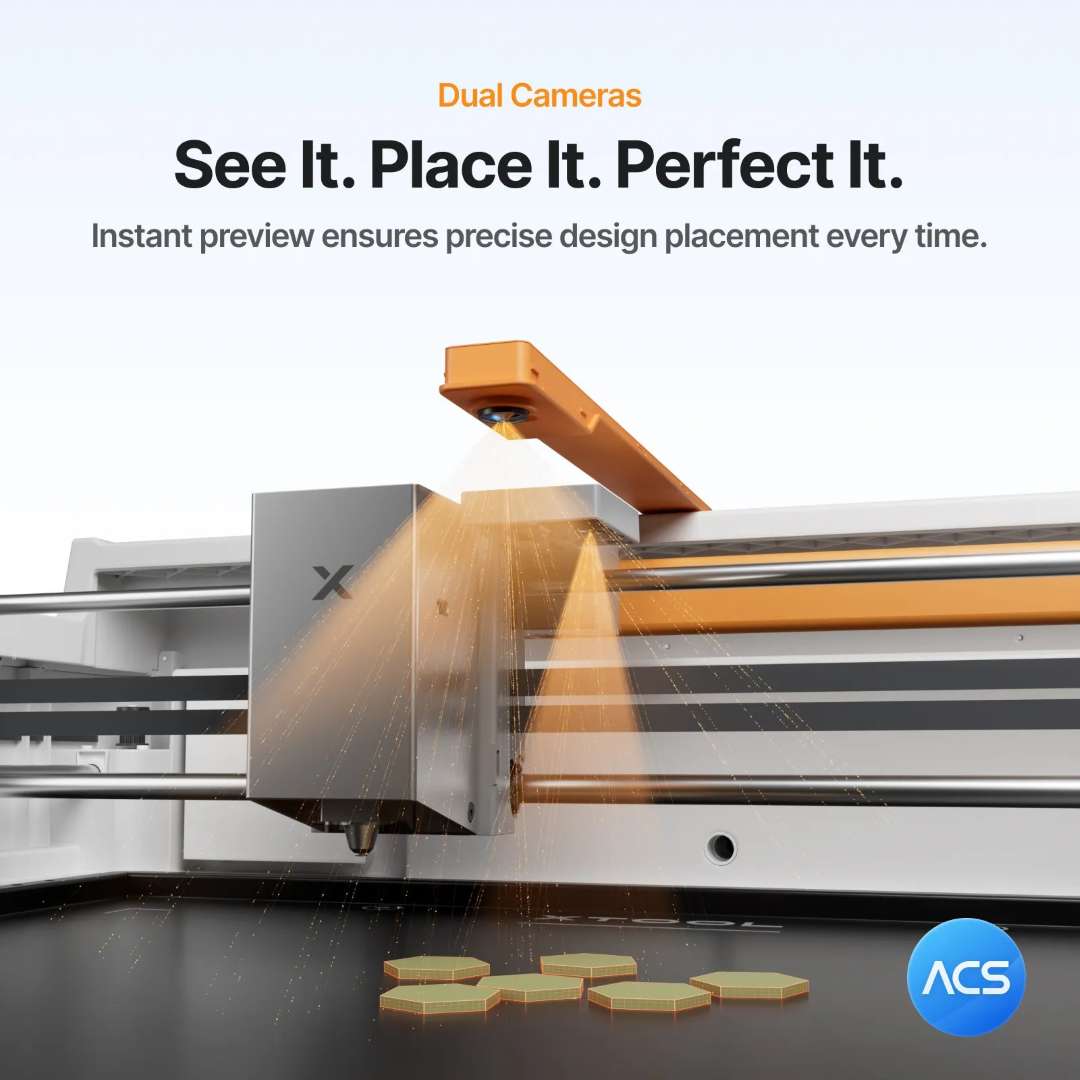
Most desktop laser machines rely on a single fixed camera that introduces positional drift as the job moves away from the optical centre. The xTool M2 solves this with two dedicated cameras: a 5 MP panoramic camera on the inner lid for wide-view positioning (accuracy < 1.5 mm across the full bed) and a 2 MP close-range camera mounted directly on the gantry for fine-detail work at up to 0.2 mm positioning precision. The gantry-mounted close-view camera travels with the processing head, maintaining consistent focal registration regardless of where the job sits on the 426 mm × 320 mm baseplate. Autofocus with 0.1 mm ranging precision via probe further removes manual focusing errors.
The image below illustrates the dual-camera gantry scanning system in action, confirming registration across hexagonal objects placed at different points on the dark work bed.
Material Versatility: Over 300 Compatible Substrates
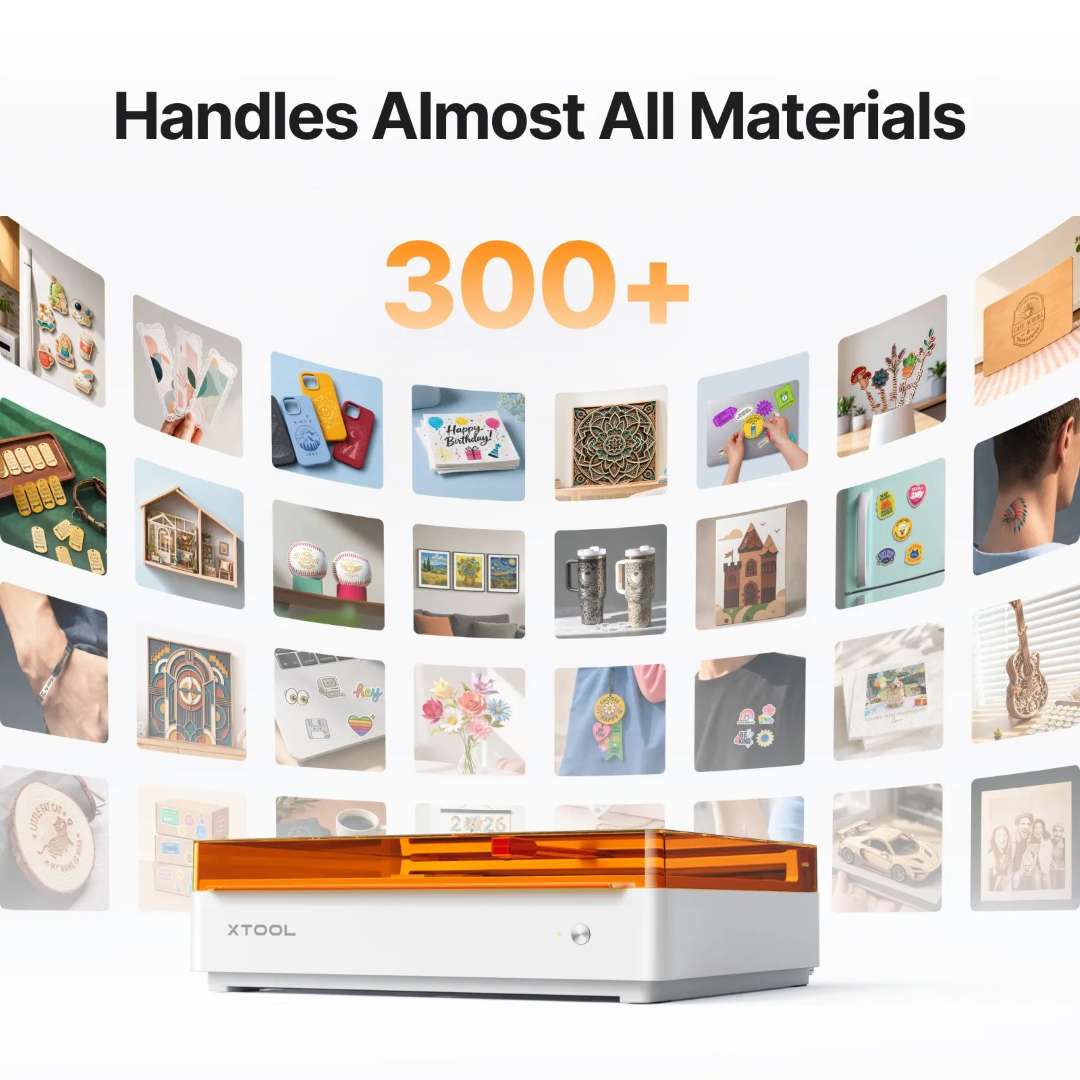
The enclosed design and variable-power laser output allow the xTool M2 10W Standalone to process an exceptionally wide range of substrates without additional fixtures. Cuttable materials include wood, opaque acrylic, paper, cardstock, cardboard, foam, MDF, leather, and felt. Engravable materials extend that list to include transparent acrylic, stainless steel, aluminium, plated metals, rubber, glass, plastic, cork, and ceramic. The built-in air pump — no external air assist required — maintains clean cut edges and helps prevent flare-ups, while the enclosed housing captures fumes at source for exhaust via pipe or optional purifier.
The sample spread below shows the breadth of material outputs achievable from a single machine configuration, surrounding the enclosed xTool M2 unit.
Precision Cutting Across Felt, Fabric, Paper, and Wood
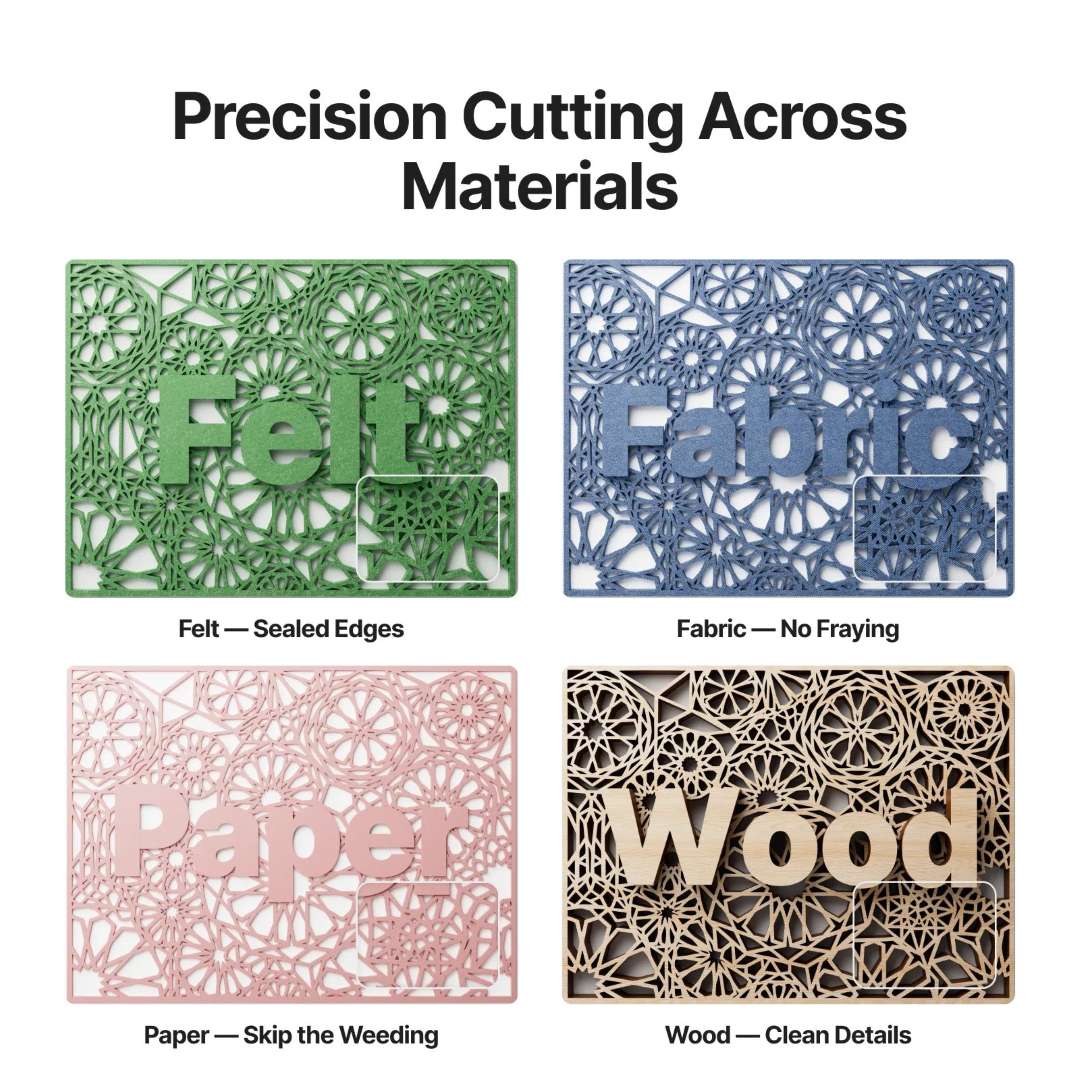
The 10 W diode laser achieves a spot size of 0.04 mm × 0.06 mm — a particularly fine focus for a diode-class source — enabling sharp detail cuts on delicate substrates such as paper and felt that would scorch or tear under broader beams. Maximum cutting depth is 8 mm through basswood and 3 mm through black acrylic in a single pass. XY motion accuracy of 0.01 mm ensures that repeated passes, overlapping contours, and registration-sensitive print-and-cut jobs stay within tolerance.
The cutting sample grid below demonstrates the edge quality achievable across felt, fabric, paper, and wood substrates using the 10 W module.
CMYK Inkjet Module: Full-Colour Printing on the Same Machine
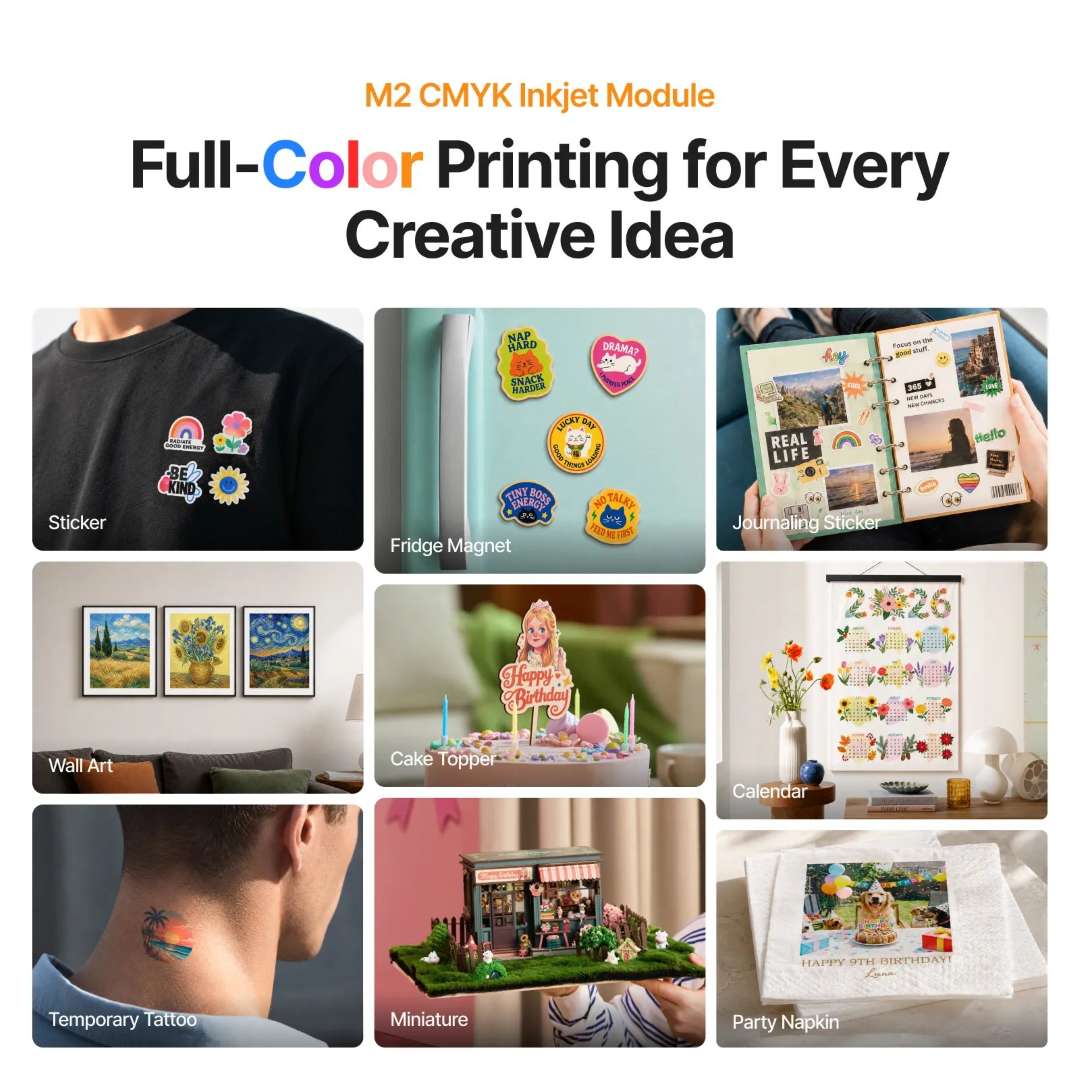
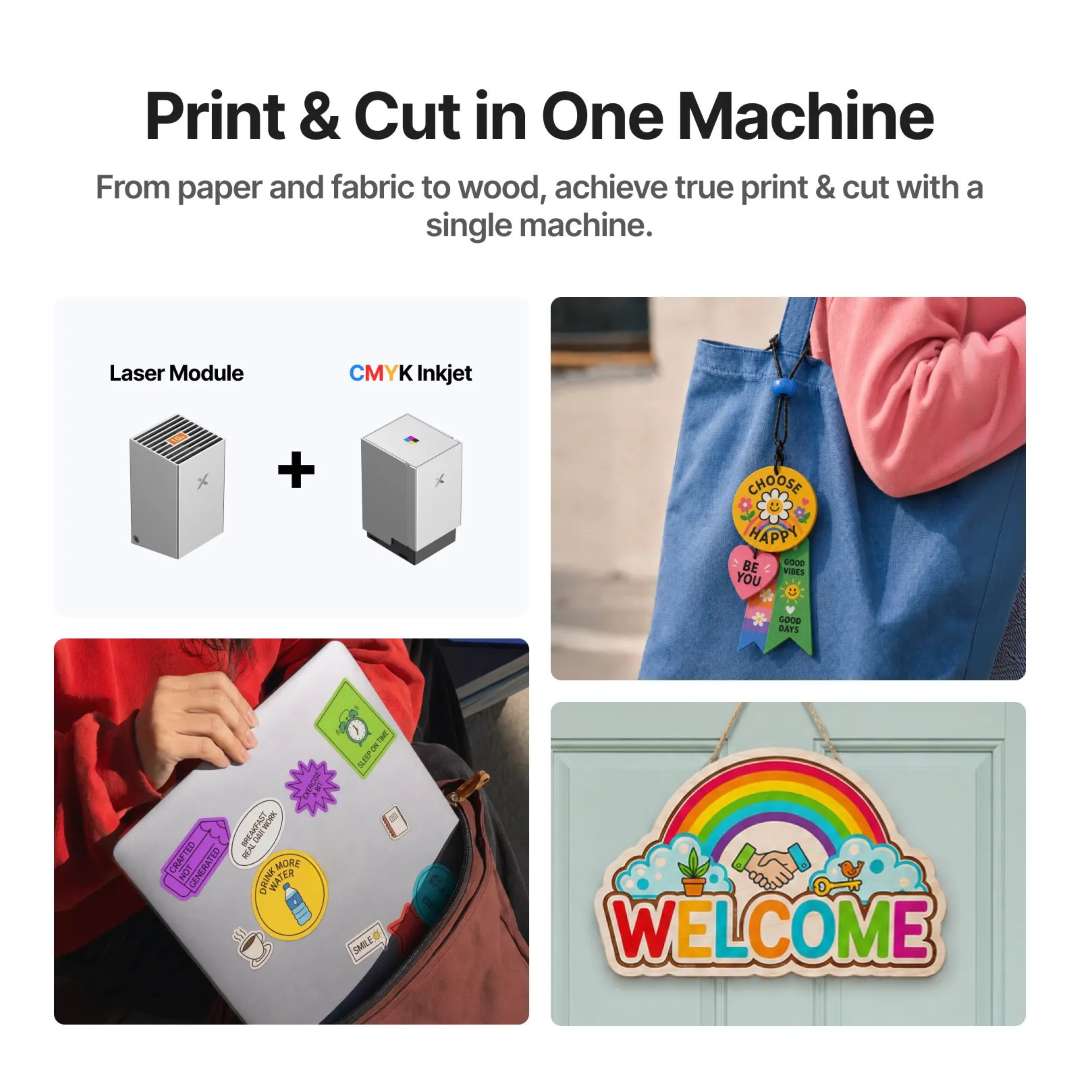
When the optional CMYK inkjet module is installed in place of the laser head, the M2 becomes a full-colour flatbed inkjet printer — printing on fabrics, boards, and printing paper with true four-colour output. The print-and-cut workflow is particularly compelling: print a full-colour sticker sheet with the inkjet module, swap to the laser head, and use the camera positioning system to cut precisely around each printed design. The combination eliminates re-registration errors that plague two-machine setups. Under ISO/IEC 24712 at 5% coverage, a single CMYK cartridge yields approximately 400 pages.
The image below presents application outputs from the CMYK inkjet module, including stickers, magnets, wall art, and temporary tattoos across eight use-case categories.
The print-and-cut workflow diagram below shows the inkjet and laser modules working in combination to produce stickers, wood signs, and fabric tags in a single integrated session.
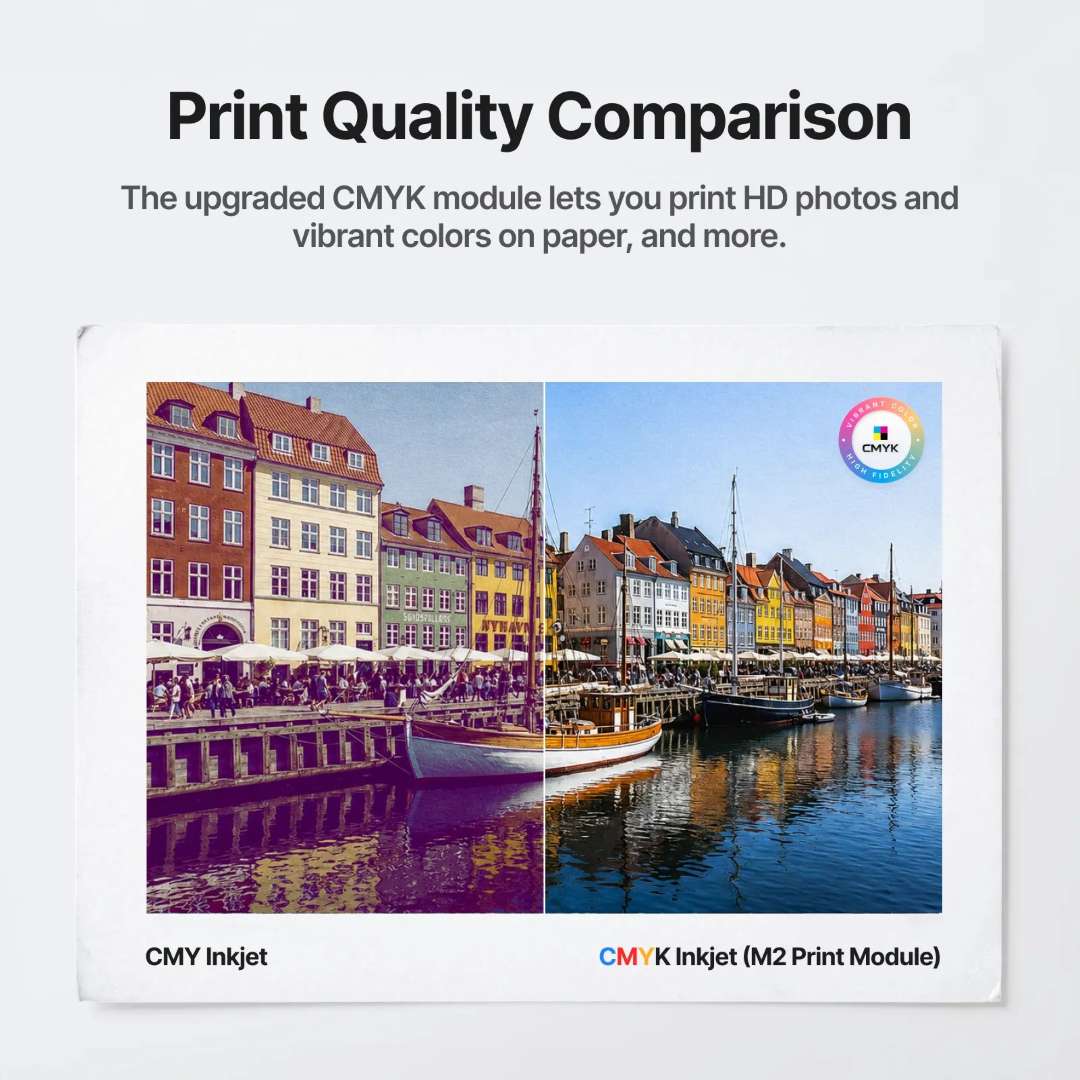
The side-by-side comparison below shows the visible difference between CMY-only and full CMYK output from the M2 Print Module — confirming the importance of the black channel for accurate shadow reproduction and fine text rendering.
xTool Studio: Intelligent Software with AI Tools and Material Presets
xTool Studio (Windows / macOS) is the control and design environment bundled with the machine. It connects via USB or Wi-Fi, supports SVG, DXF, JPG, JPEG, PNG, and BMP file formats, and includes an expanding library of ready-to-use templates to reduce project setup time. The software incorporates AI-assisted text-art generation, guided tutorial pathways, a community project gallery, and a comprehensive material parameter grid with pre-calibrated speed, power, and pass settings for common substrates. This removes the trial-and-error phase that consumes material and time on unconfigured machines.
The template workflow image below illustrates the software process from template selection through text personalisation to the final wood-engraved plant stake output.

The software feature overview below maps the four key AI and community tools available in xTool Studio: AI text-art generation, step-by-step tutorials, the community gallery, and the material parameter configuration grid.

Direct Cylinder Rotary Engraving Without a Riser Base
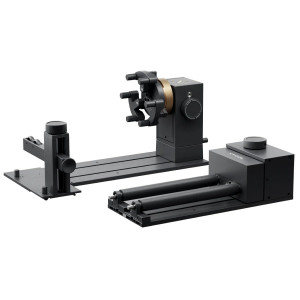
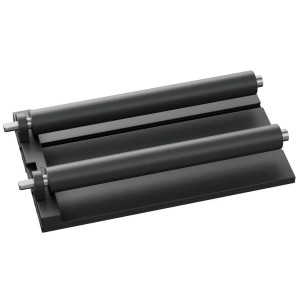
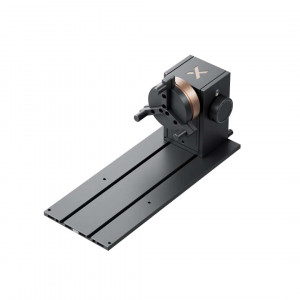
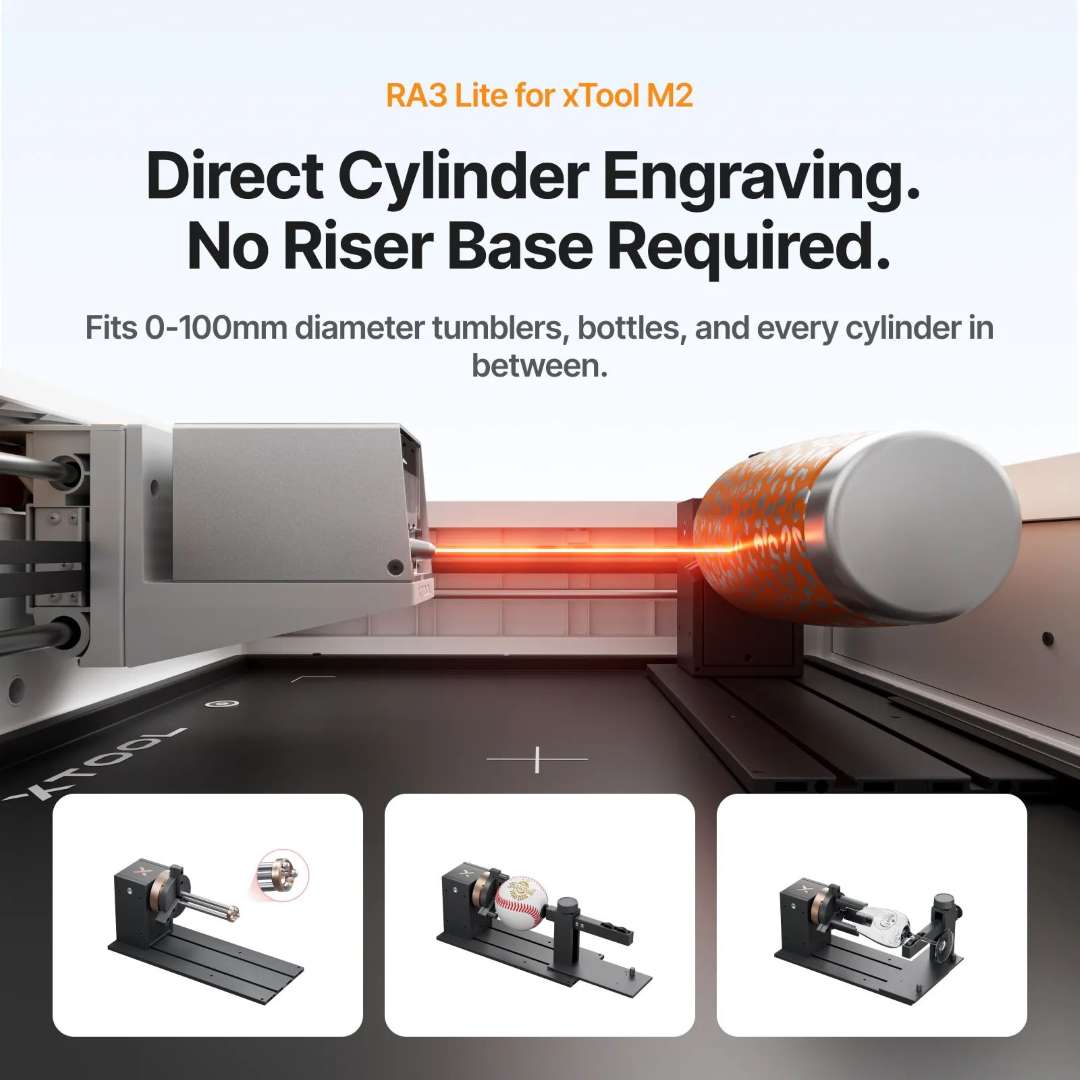
The M2's horizontal laser output geometry allows the optional Rotary Attachment 3 Lite to engrave cylindrical objects — tumblers, rings, balls — with diameters from 0 mm to 100 mm directly on the baseplate, without raising the workpiece on a riser base. This simplifies both setup and calibration, as the focal distance remains consistent with the standard autofocus workflow. The rotary axis is listed as compatible accessories; it is not included in the Standalone kit.
The rotary axis configuration below shows the attachment supporting a cylindrical object in the direct-engrave position, confirming the 0–100 mm diameter range without riser hardware.
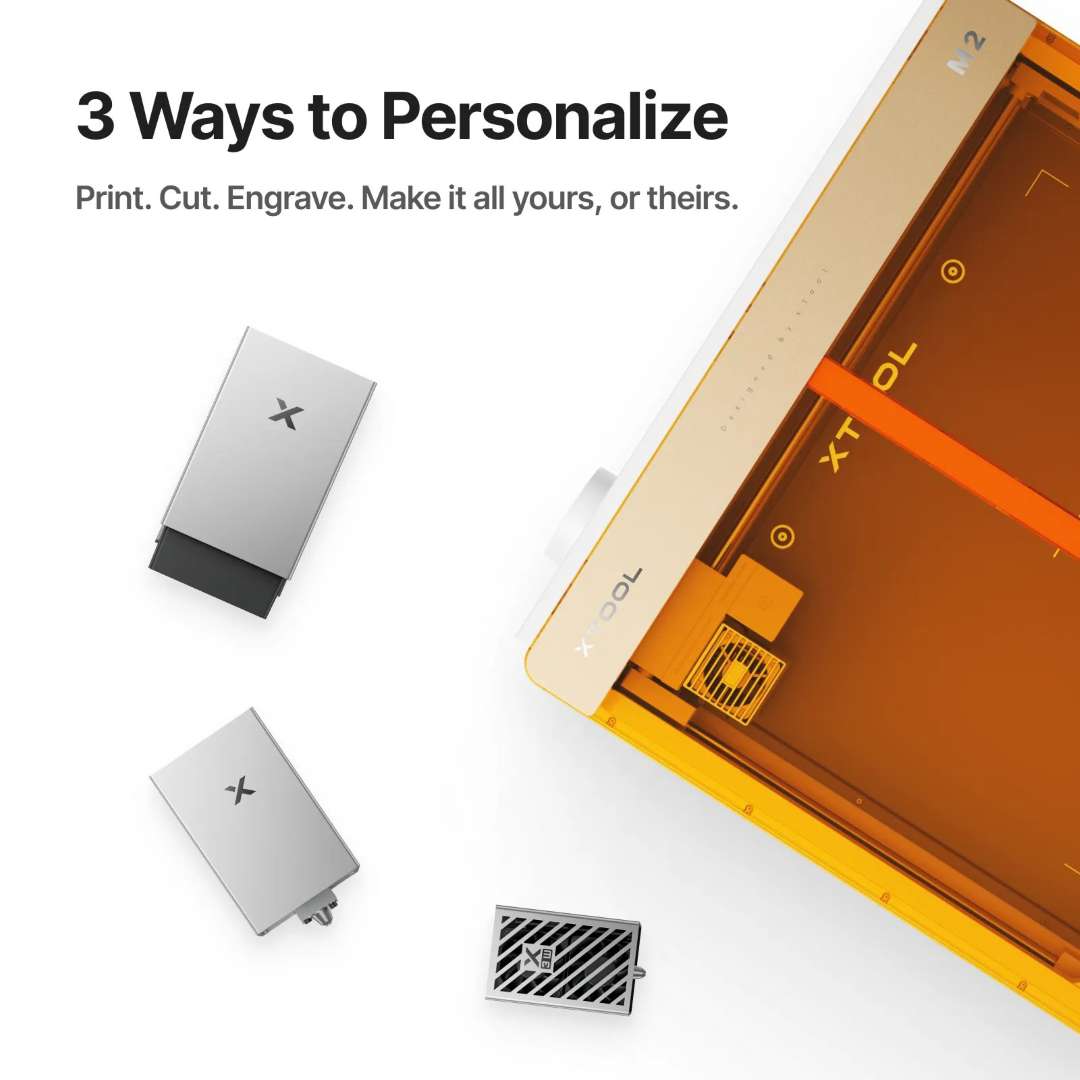
Three Interchangeable Tool Heads Expand the Platform
The multi-function module holder on the gantry accepts the full range of xTool M2-series modules via a two-pin alignment system secured by the module connection cable. Swapping between the print module, the 10 W (or 20 W) diode laser, and future attachments takes less than a minute without tools. This platform architecture means the machine's capability grows with available accessories rather than requiring a separate device purchase for each workflow.
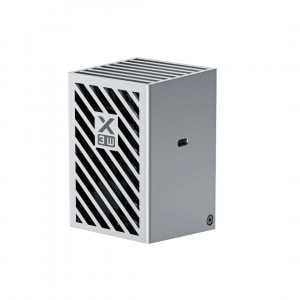
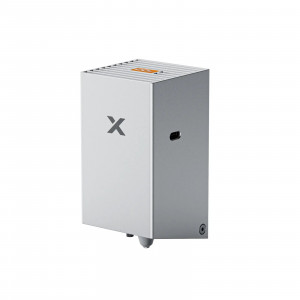
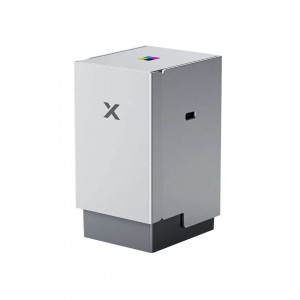
The image below shows all three interchangeable tool heads alongside the M2 chassis, demonstrating the platform modularity of the xTool M2 ecosystem.
Tech Tip: When cutting materials between 6 mm and 16 mm thick, flip the magnetic fixtures to their tall-position orientation and maintain a minimum 5 mm clearance between the material edge and each fixture. This clearance prevents the laser module from striking the fixture during framing passes — a collision that can misalign the gantry and introduce cumulative XY error across the session.
Technical specifications of the xTool M2 10W Standalone
Processing Capacity
| Module Type — Laser Module | 10 W Blue Diode Laser |
|---|---|
| Processing Mode | Laser Cutting / Laser Engraving |
| Working Area (10 W / 20 W) | 426 mm × 320 mm |
| Max. Rotary Engraving Diameter | 0–100 mm |
| Max. Speed | 600 mm/s |
| Max. Cutting Capacity — Basswood (10 W) | 8 mm in one pass |
| Max. Cutting Capacity — Black Acrylic (10 W) | 3 mm in one pass |
Easy Operation
| Pre-assembled | Yes |
|---|---|
| Built-in Camera | 5 MP Panoramic Camera & 2 MP Close-range Camera |
| Positioning Method | Camera Positioning |
| Focus Mode | Autofocus |
Accuracy & Precision
| Laser Spot Size (10 W Diode Laser) | 0.04 mm × 0.06 mm |
|---|---|
| Positioning Precision | Up to 0.2 mm (wide-view positioning: < 1.5 mm) |
| Ranging Precision | 0.1 mm, Probe |
| Motion Accuracy | 0.01 mm |
General Information
| Product Dimensions | 610 mm × 569 mm × 180 mm |
|---|---|
| Safety Certification | Class 1 Laser Safety (TÜV SÜD Certified) |
| Product Weight | 12.3 kg |
| Max. Machine Input Power | 200 W |
| Power Adapter Input Voltage | 100 V – 240 V ~ AC 50/60 Hz |
Software
| Supported Software | xTool Studio |
|---|---|
| Operating Systems |
|
| Connection Methods |
|
| Supported Files |
|
Supported Materials
| Cuttable |
|
|---|---|
| Engravable |
|
What's in the box
- xTool M2 machine
- Laser module
- Module connection cable
- Power adapter and cable
- USB cable and adapter
- Smoke exhaust pipe
- Clamp
- Grease
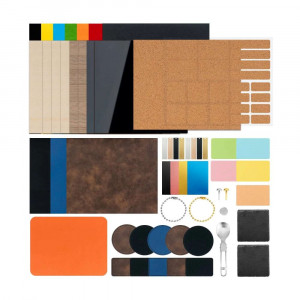
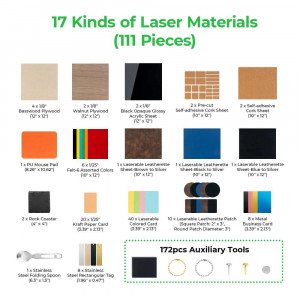
- Material pack
- Magnetic fixture
- Hex screwdriver
- Masking tape
- Screw M3×6
- Instruction card
- Safety Instructions
Why choose EXPERT3D?
EXPERT3D has been the specialist reference point for advanced digital fabrication equipment in Valencia and across Spain since 2012. Our team provides pre-sales technical consultation, hands-on product knowledge, and post-sales support to ensure every machine performs to its rated specification from day one. As an official representative of xTool, we guarantee the best price, authorised service, and official warranty on every unit sold — including the xTool M2 10W Standalone. Purchase with confidence from a team that uses, tests, and deeply understands the equipment it supplies.