- Stock: In Stock
- Product code: 920372000001145587
- Weight Brutto: 32.00kg
- SKU: P0101000642

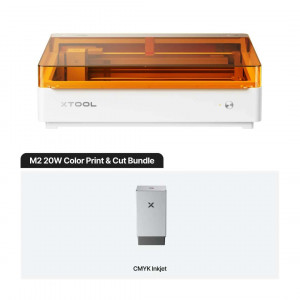
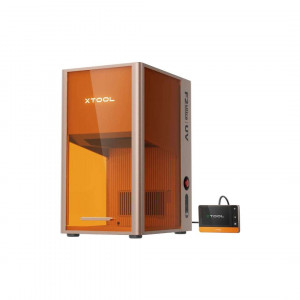
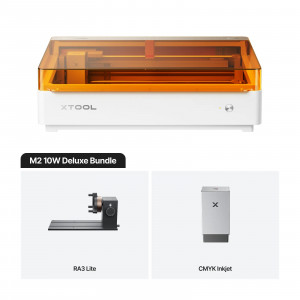
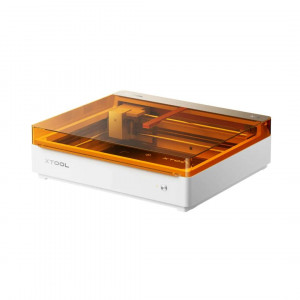
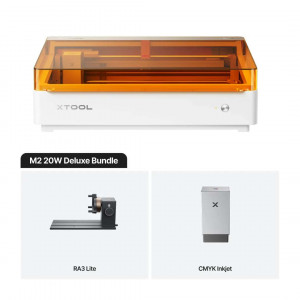
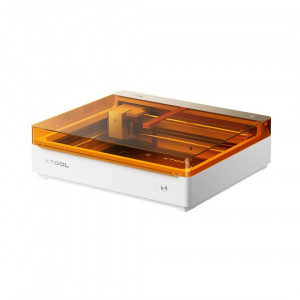
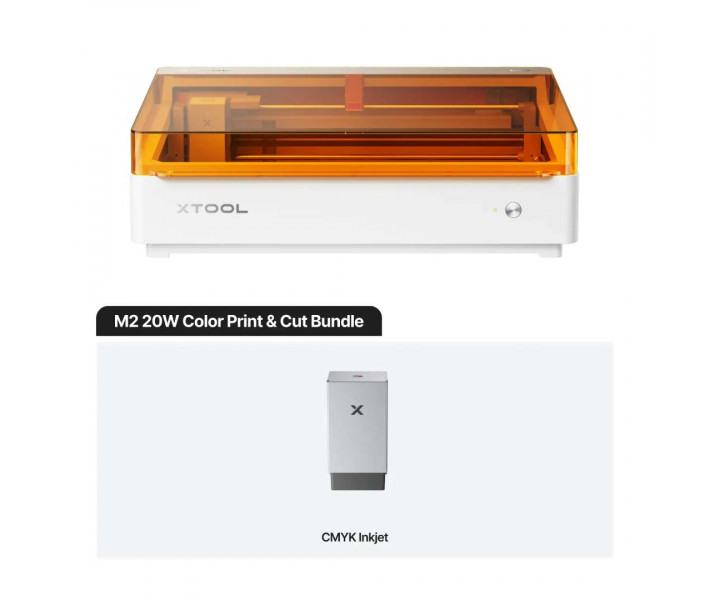
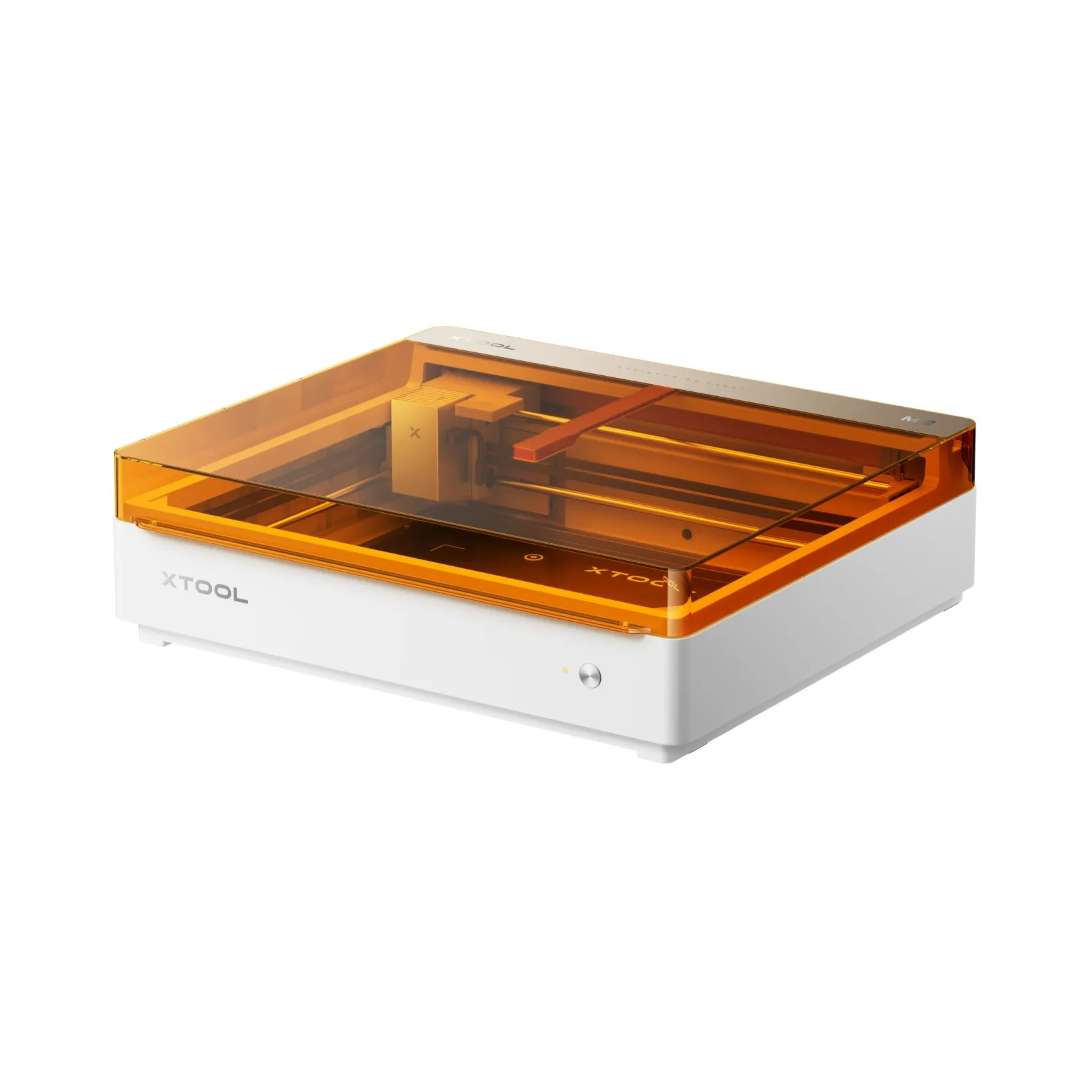
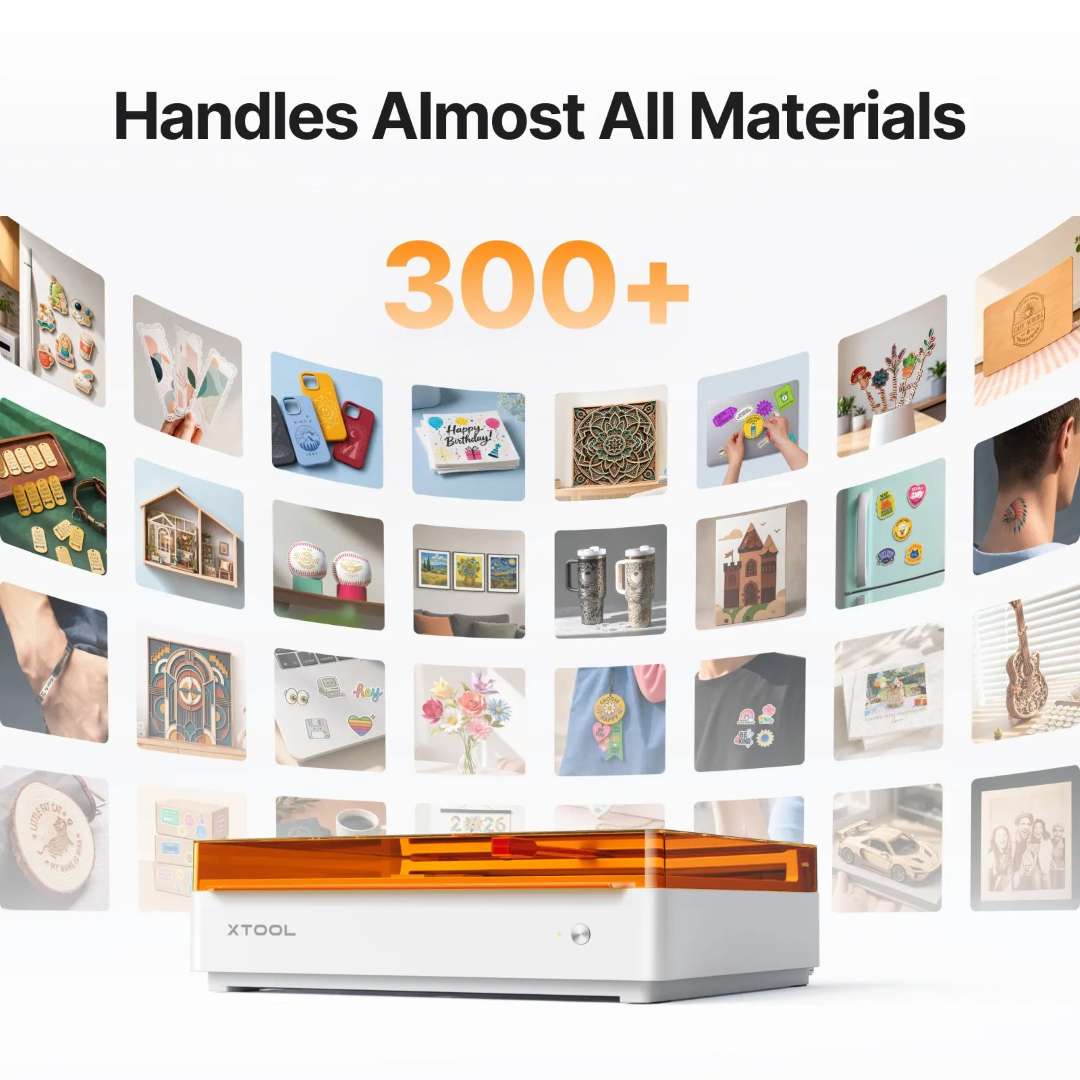
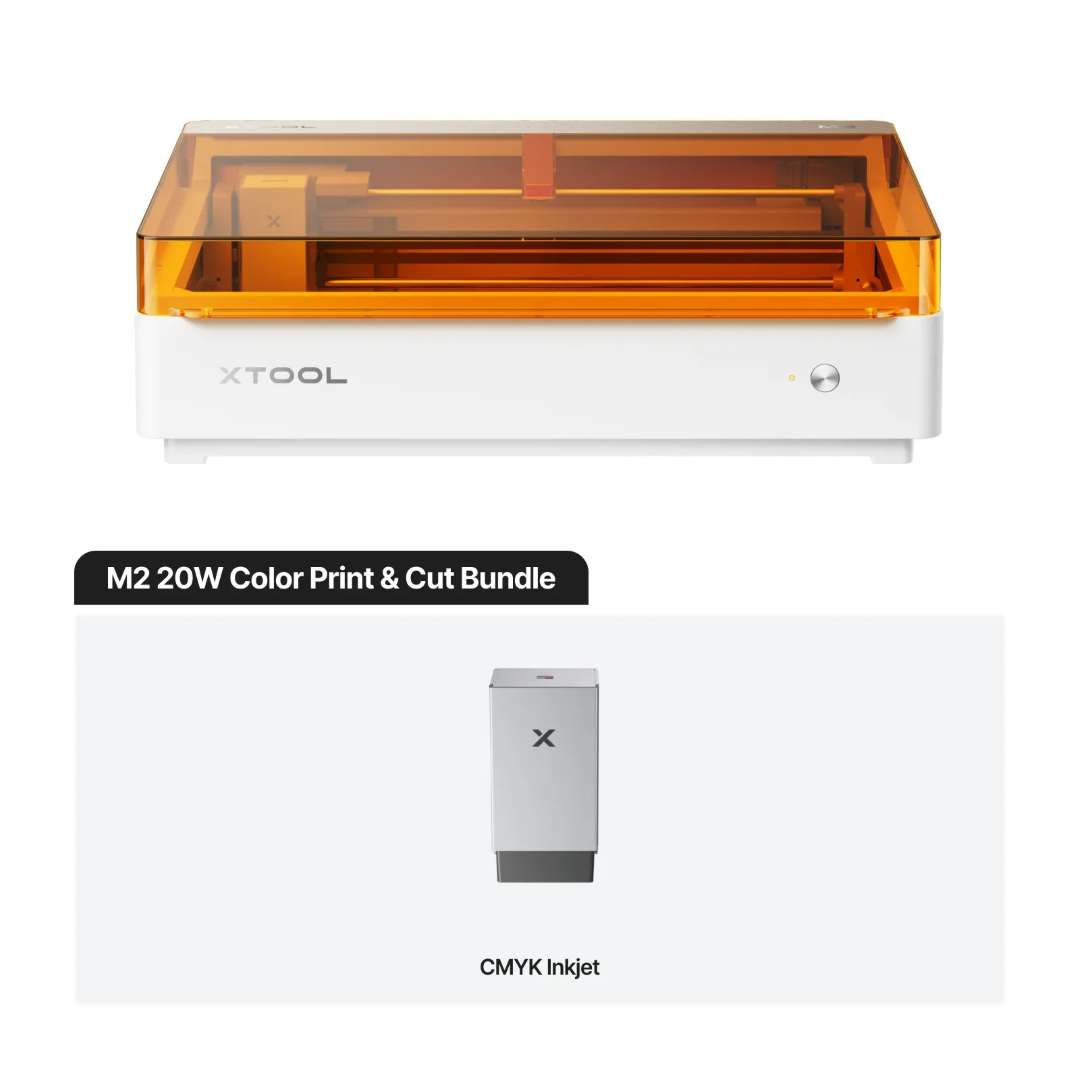
The xTool M2 20W – Colour Print & Cut Laser Machine Bundle is a Class 1-safe enclosed laser system combining a 20 W blue diode laser with a CMYK inkjet module, enabling full-colour printing, precise cutting, and engraving across 300+ materials in a single workflow. A 426 mm × 320 mm working area, dual-camera positioning system, and autofocus deliver ±0.2 mm registration accuracy, all controlled via xTool Studio software on Windows or macOS.
| Specification | Why it matters |
|---|---|
| Laser Module & Power: 20 W Blue Diode (445 ± 15 nm) | Spot size of 0.06 mm × 0.08 mm preserves fine detail on intricate cuts and thin materials that wider beams would scorch. |
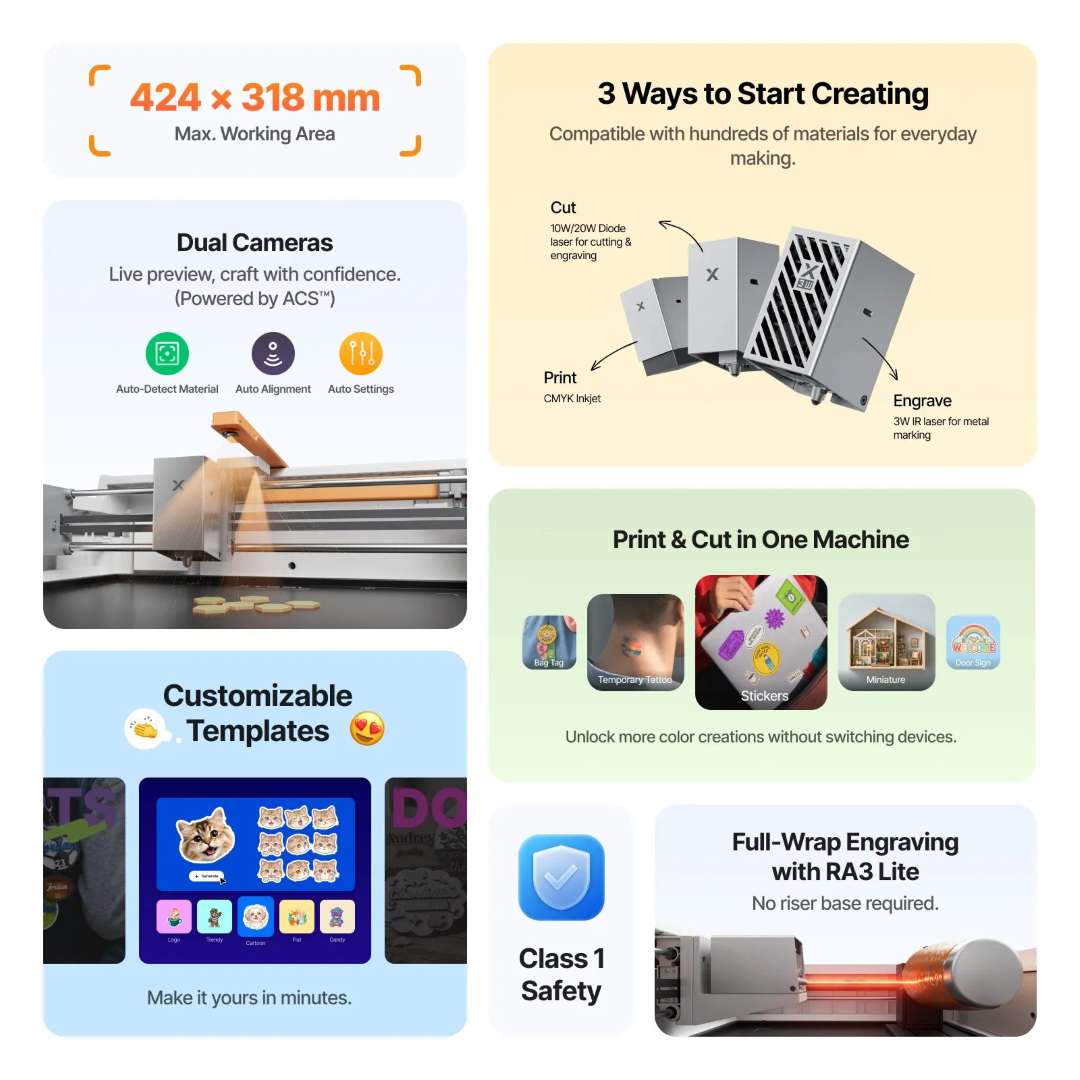
| Working Area (Laser): 426 mm × 320 mm | Sufficient for A4-adjacent print-and-cut runs; CMYK inkjet area (300 mm × 294 mm) aligns for seamless colour + contour workflows. |
| Cutting Capacity: 10 mm basswood, 8 mm black acrylic (single pass) | Confirms optical power density is sufficient for production-depth cuts without multiple passes, reducing cycle time. |
| Dual-Camera Positioning: 5 MP panoramic + 2 MP close-range; ±0.2 mm precision | Close-range mode locks print-to-cut registration within visual alignment tolerance on 5 mm features and below. |
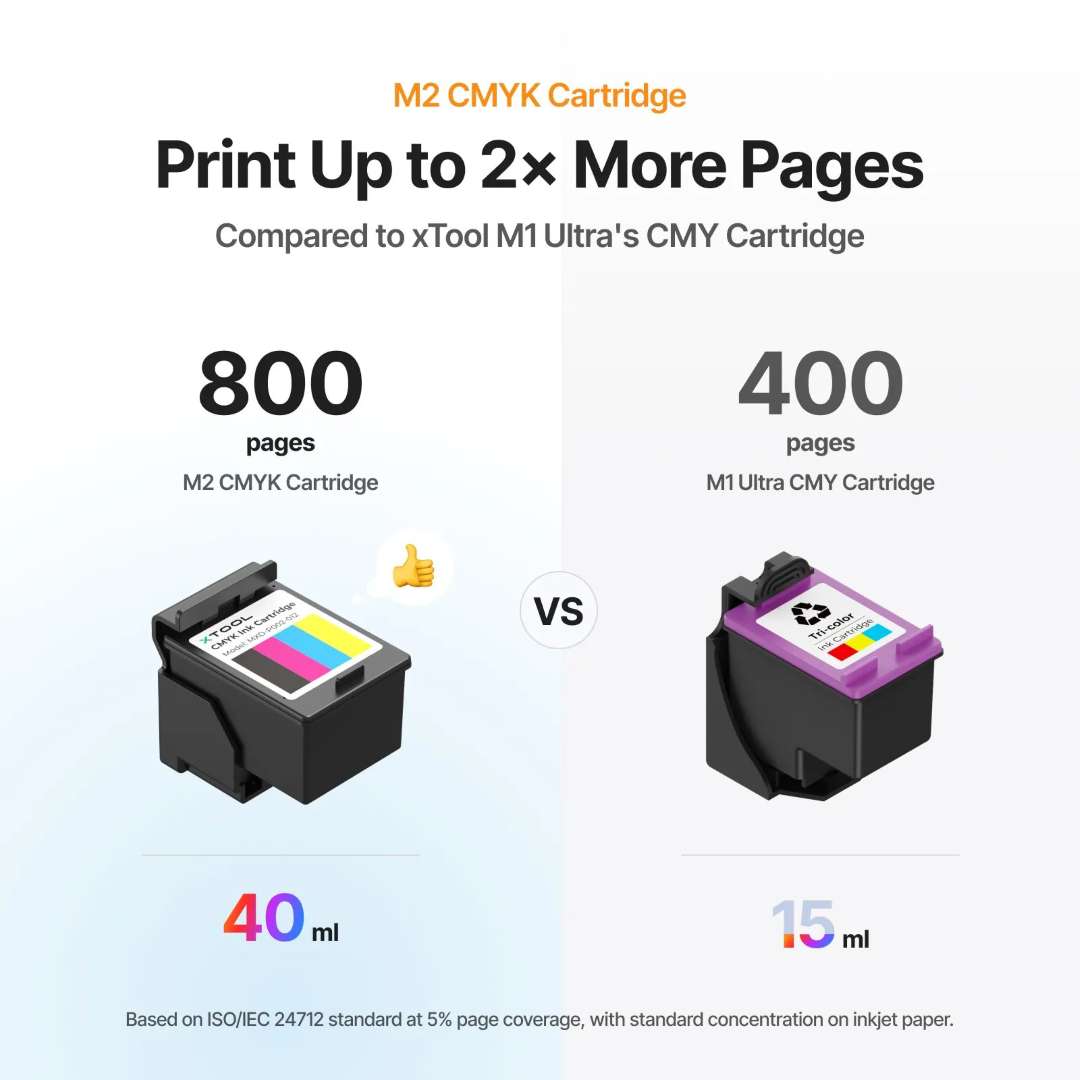
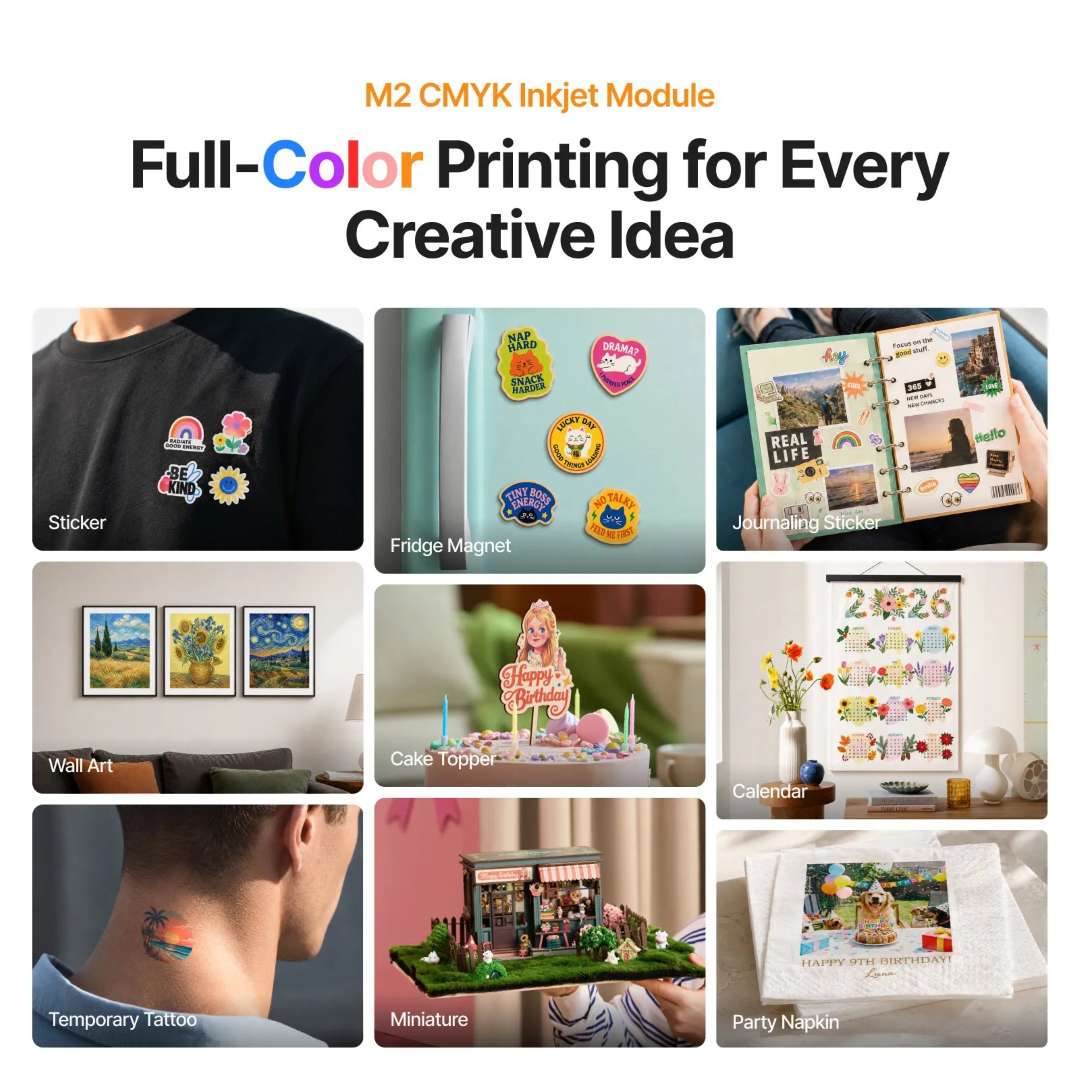
CMYK Inkjet Module yields up to 800 pages per 40 ml cartridge — double the 400-page yield of older CMY systems — making per-unit cost viable for sticker, label, and custom gift production. Full-colour output on paper, cardstock, fabric, leather, felt, canvas, wood, and glass opens workflows impossible with laser-only systems.
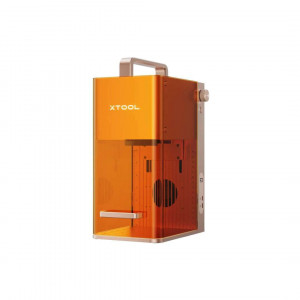
Interchangeable module design accepts the 20 W diode laser, CMYK inkjet, and optional 3 W infrared laser for metal marking without tools — magnetic hand-tightening maintains Z-axis stability across swaps. Class 1 TÜV SÜD certification and the enclosed orange acrylic cover eliminate the need for external eye protection or specialist ventilation, enabling safe domestic and small-studio operation.
Technology & Operating Principle
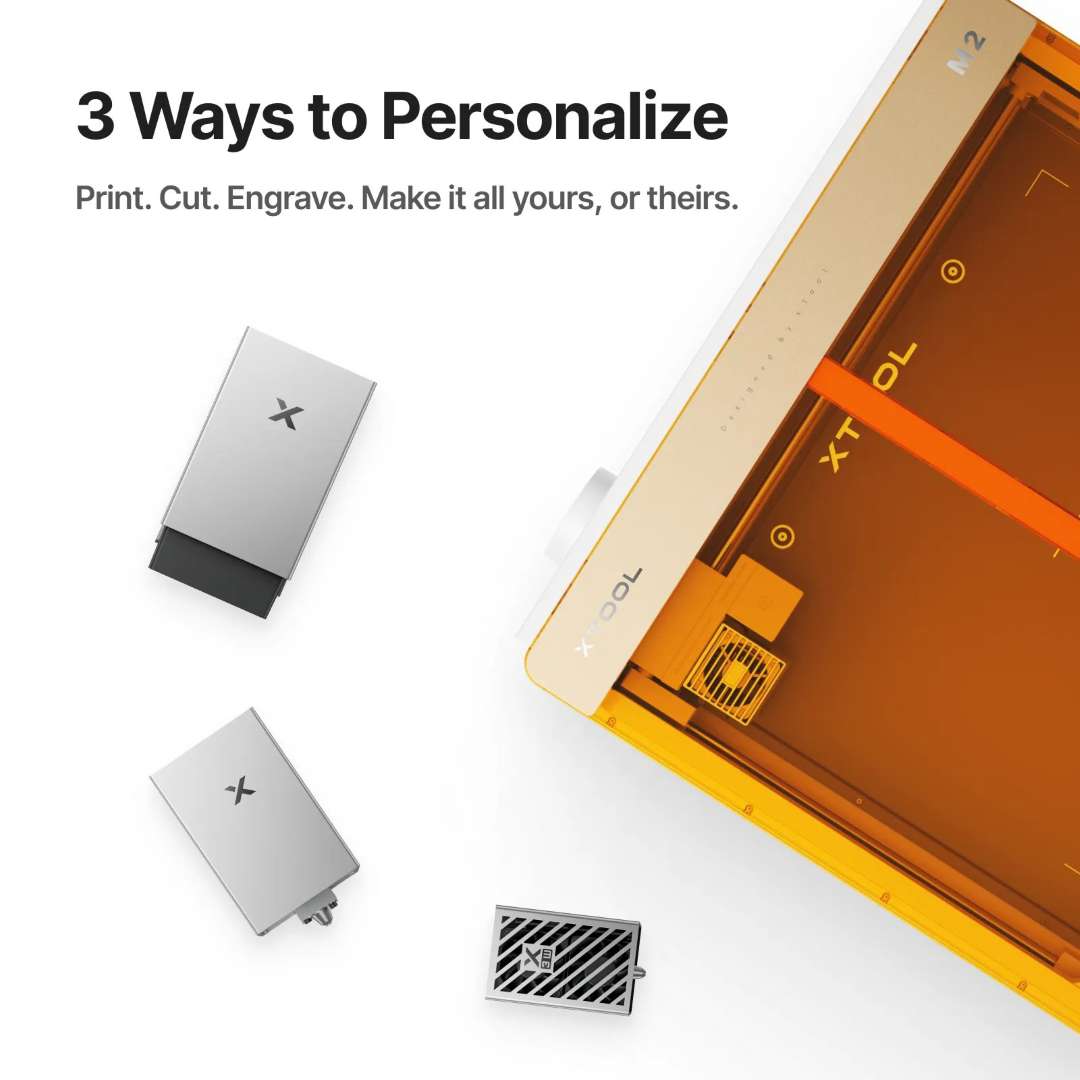
The xTool M2 bridges two separate fabrication workflows — colour inkjet printing and precision laser cutting — by placing both toolheads on a single XY gantry platform. A modular magnetic connection allows tool swaps without material repositioning, so a design can be printed in full colour with the inkjet module, then cut to its contour with the laser, all within one xTool Studio project file.
20 W diode laser: spot size, kerf, and motion accuracy
A 20 W blue diode laser at 445 ± 15 nm wavelength focuses to a spot of just 0.06 mm × 0.08 mm. This extremely small focused beam directly governs kerf width (the cut edge) and minimum feature size: finer spots preserve detail on intricate paper cuts and thin leather filigree that a wider beam would scorch or destroy. Motion accuracy of 0.01 mm ensures vector edges remain crisp at corners even at the machine's maximum travel speed of 600 mm/s, because the controller separates acceleration zones from constant-velocity passes, preventing overshooting that would blur fine lines.

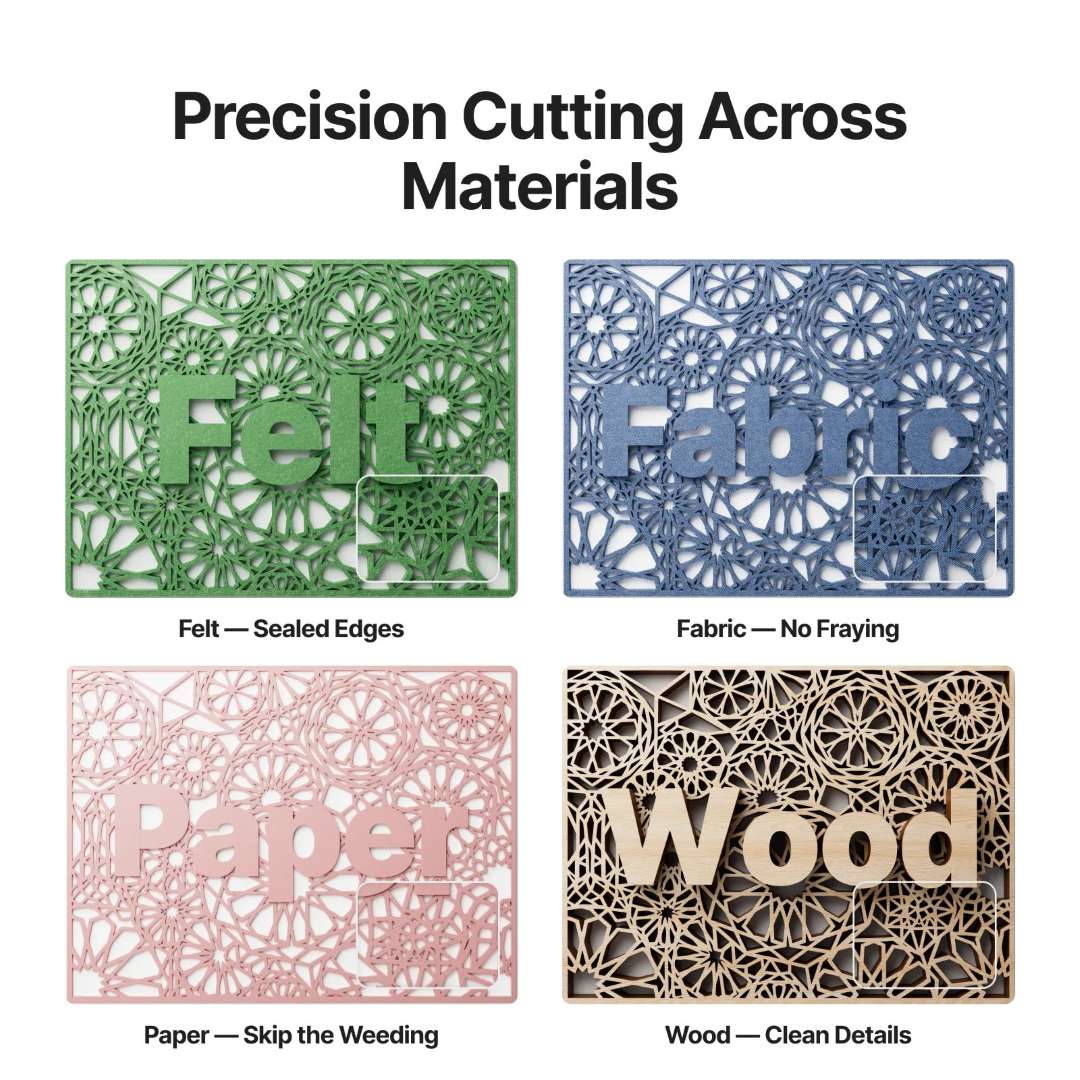
The actual cutting capability depends on optical power density, not rated wattage alone. A single pass through 10 mm basswood and 8 mm black acrylic confirms the combination of spot size and power delivers production-depth cuts. Materials that efficiently absorb 445 nm light — wood, coloured acrylics, leather, felt, foam, MDF, and cardstock — cut cleanly. Transparent acrylic requires engraving rather than cutting due to low absorption at this wavelength, while stainless steel and glass are accessible for engraving but not through-cutting. The probe autofocus system maintains consistent focal distance even when materials vary in surface height by fractions of a millimetre — a meaningful advantage when switching between 1.5 mm cardstock and 6 mm MDF without manual Z-axis reset.
CMYK inkjet module: colour gamut and cartridge economics
The bundled CMYK inkjet module expands the colour gamut beyond what any laser can render. The four-colour cartridge system produces richer, more accurate hues than older three-colour CMY designs — particularly in shadow areas and saturated reds, where CMY synthesis often yields muddy or warm tones. The inkjet working area is 300 mm × 294 mm, suitable for A4-adjacent print runs and label batches.
Cartridge yield reaches up to 800 pages at 40 ml capacity, compared with 400 pages and 15 ml in previous-generation CMY cartridges — a critical cost-per-unit consideration for anyone producing stickers, event prints, or personalised gifts at volume. Printable substrates include paper, cardstock, sticker paper, wood, canvas, fabric, felt, leather, and glass — a breadth that reflects the inkjet module's ability to deposit ink on both porous and semi-porous surfaces rather than relying on thermal marking.
Dual-camera positioning and autofocus
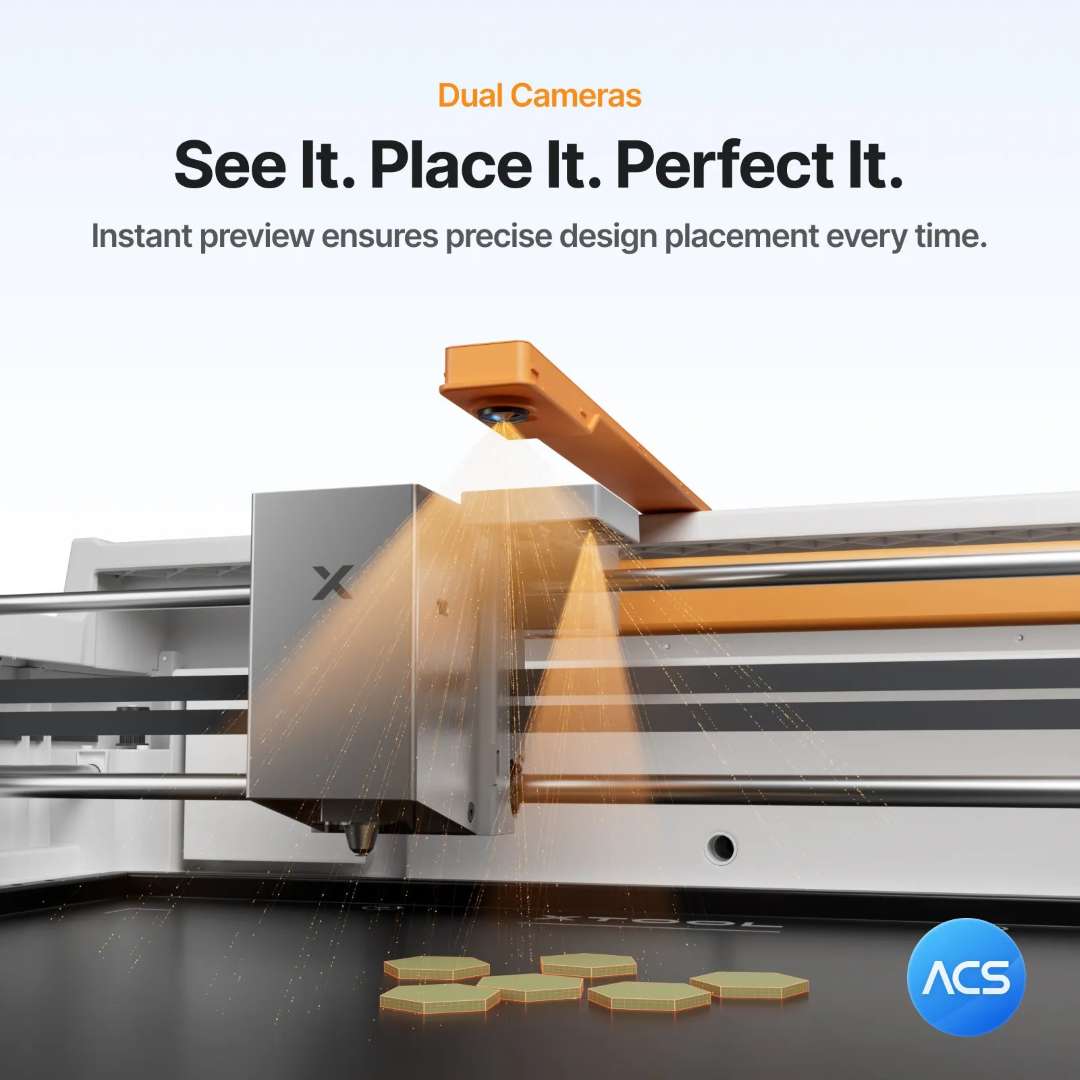
Accurate registration between a printed layer and a subsequent laser cut depends on the positioning system, not just laser power. The xTool M2 pairs a 5 MP panoramic camera for wide-field material mapping with a 2 MP close-range camera for precision alignment. Wide-view positioning achieves under 1.5 mm error; switching to close-range camera mode brings this down to ±0.2 mm. Autofocus via probe eliminates manual Z-axis adjustment, with a ranging precision of 0.1 mm — relevant when switching between substrates of varying thickness without resetting the focal offset manually.
Modular architecture: three interchangeable toolheads
The multi-function module holder accepts the 20 W diode laser, the CMYK inkjet module, and optionally a 3 W infrared laser for metal marking — each swapping in without tools beyond hand-tightening the magnetic connection. Z-axis stability is maintained by the aluminium linear shaft system, which requires periodic greasing to preserve motion accuracy over time. This design allows a single M2 chassis to serve print-only, cut-only, or print-and-cut workflows without purchasing separate machines.
Print-and-cut workflow in xTool Studio
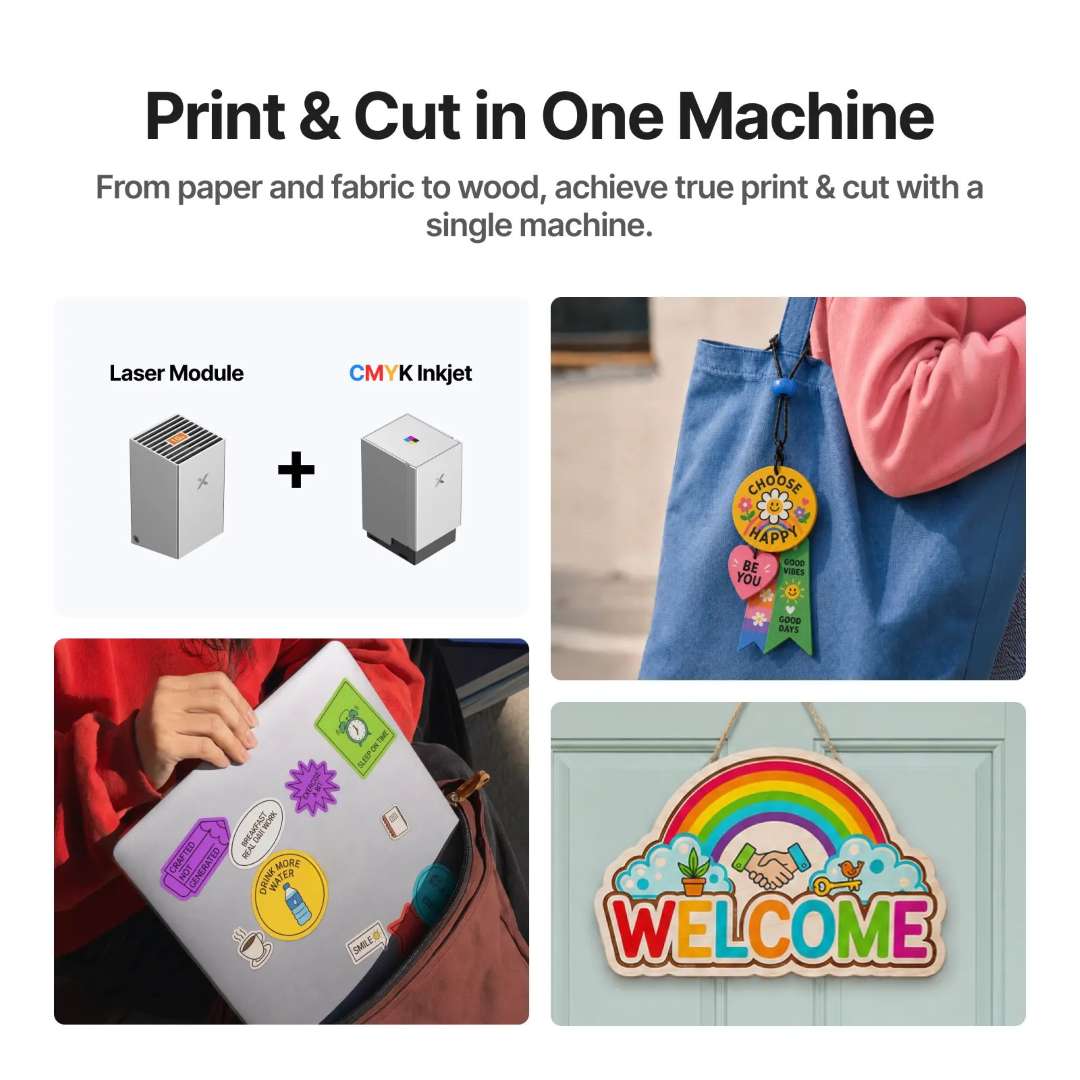
The print-and-cut pipeline begins in xTool Studio: design the artwork, assign colour regions to the inkjet module and cut lines to the laser, then run both operations in sequence. Camera registration ensures the laser cut path aligns precisely to the printed graphic, removing the need for manual jig-making or crosshair calibration between operations. The result is clean-edged, full-colour output — stickers, hang tags, wooden signs with inkjet decoration, and custom gift items — without multi-machine setups.
Rotary engraving for cylindrical objects
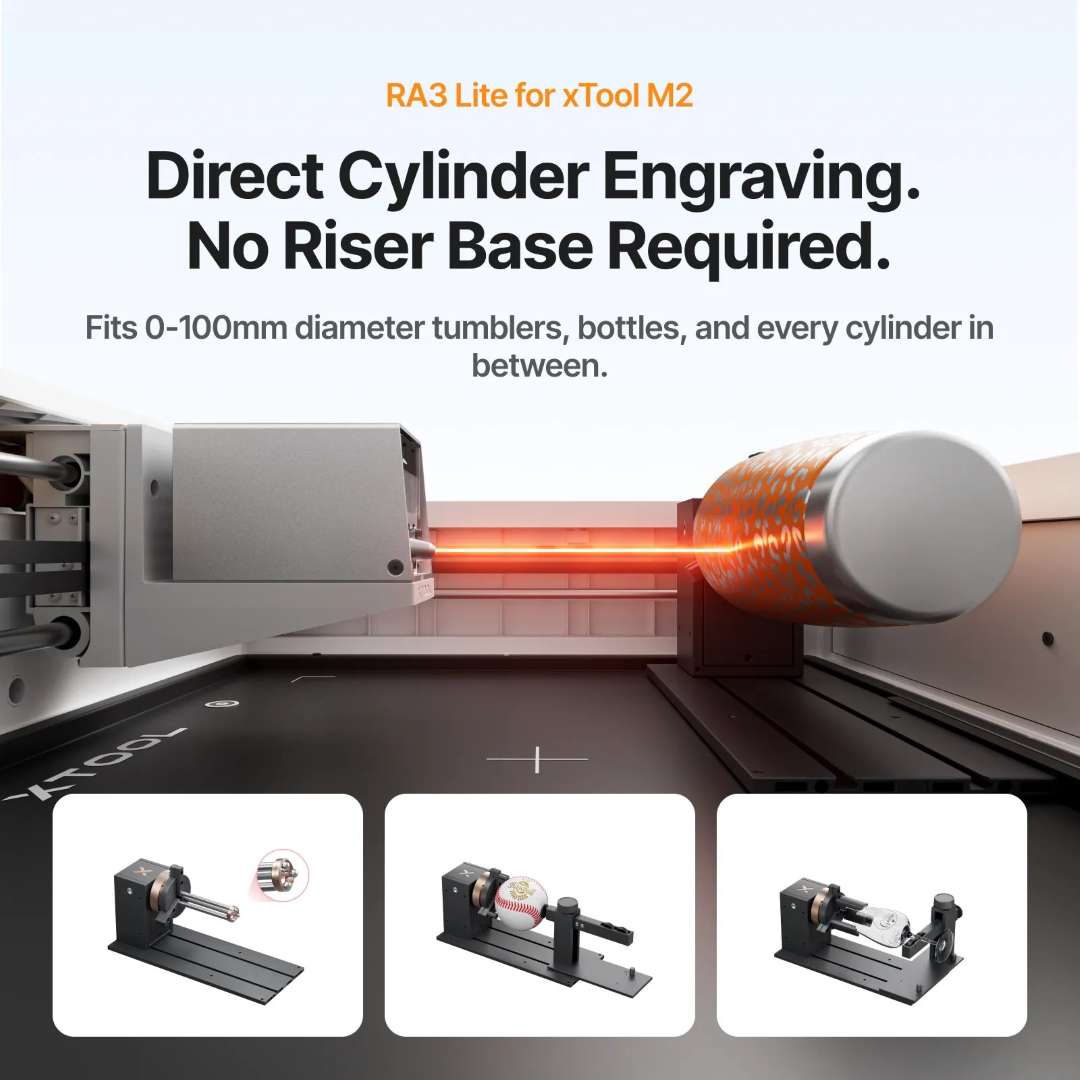
Rotary engraving expands the working envelope from flat substrates to cylindrical objects. With an optional Rotary Attachment 3 Lite (RA3 Lite), the xTool M2 20W can engrave objects between 0 mm and 100 mm in diameter — cups, bottles, pens, and round ornaments — without requiring riser bases or additional height adapters. The attachment connects via the extension port on the rear panel and is recognised automatically by xTool Studio.
Software, AI design tools, and material presets
xTool Studio runs on Windows and macOS and connects via USB or Wi-Fi. It accepts SVG, DXF, JPG, JPEG, PNG, and BMP file formats. The software includes material presets, a community gallery for ready-to-use project templates, and AI-assisted text-art generation tools that reduce design time for custom engraving projects. Real-time indicator lights on the machine front panel map Start/Stop button functions, processing status, flame detection, and network configuration — giving immediate feedback without opening the software interface.


Safety & certification
The enclosed orange acrylic cover houses the laser beam path, achieving TÜV SÜD Class 1 laser safety certification. This classification means the system poses no hazard to eyes or skin during normal operation — no external eye protection or specialist ventilation is required beyond the included smoke exhaust pipe. The combination of the enclosure, interlock systems, and controlled beam path makes the xTool M2 safe for domestic studios, small businesses, and educational settings without dedicated laser safety infrastructure.
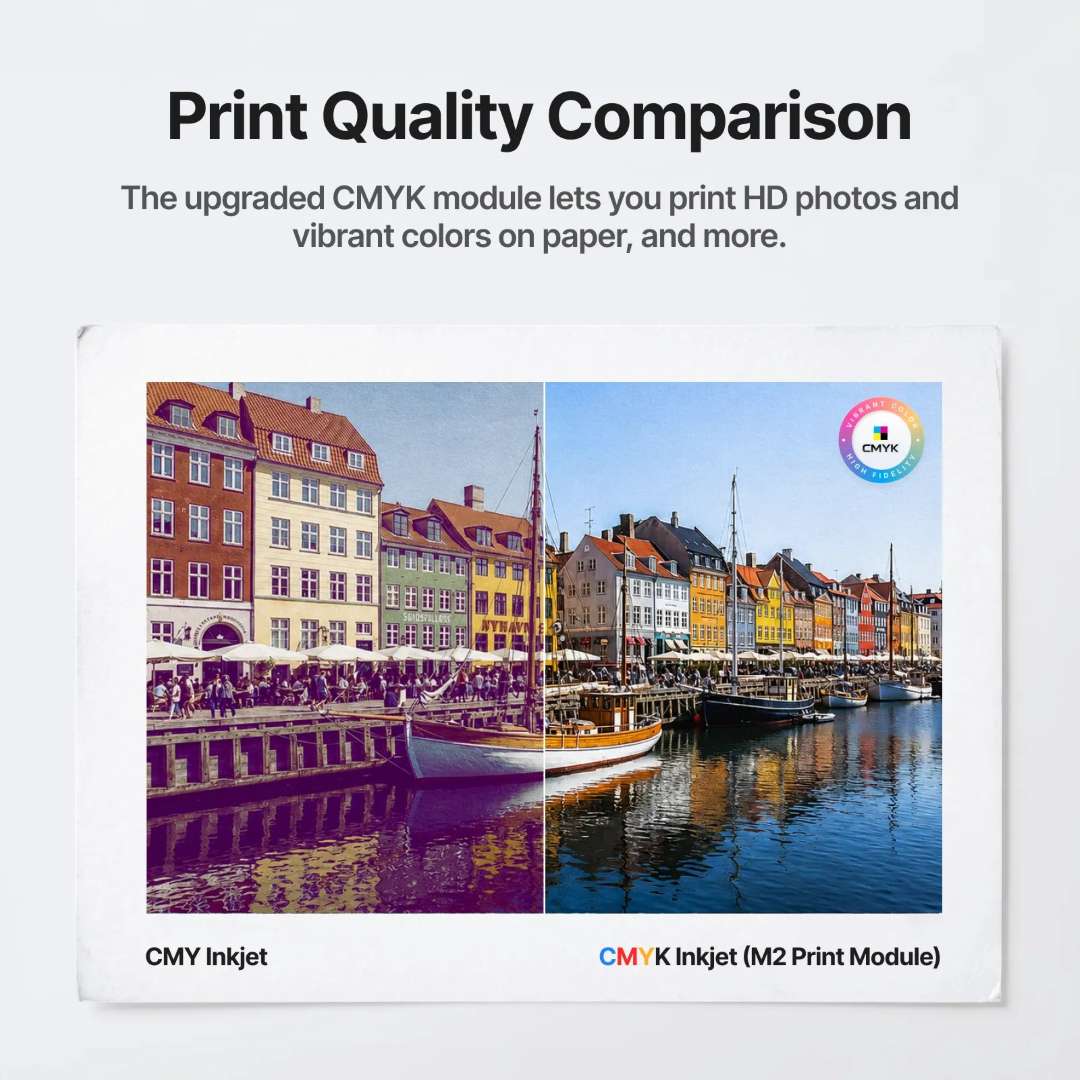
Print quality: CMYK versus CMY
The addition of the black (K) channel in the CMYK inkjet module produces denser neutrals and more accurate dark tones compared with three-channel CMY printing, where black is synthesised by combining cyan, magenta, and yellow — a process that often results in muddy or slightly warm dark areas. The CMYK approach delivers cleaner shadows and more saturated blacks, making photographic and graphic content appear sharper and more professional.
The following unboxing and first-use video walkthrough from xTool demonstrates the setup procedure, module installation, and an initial project run on the xTool M2 platform.
Applications
- Personalized Gifts & Custom Products: Print full-colour photographs or designs onto wood, leather, felt, and cardstock, then cut each piece to its final shape — stickers, gift tags, wooden signs, and decorative items in a single workflow.
- Small-Batch Sticker & Label Production: The CMYK inkjet module's 800-page cartridge yield makes economical per-unit cost on sticker sheets, labels, and tags; camera registration aligns cuts to colour edges with ±0.2 mm precision.
- Event Merchandise & Branding: Rapid print-and-cut turnarounds enable on-demand production of branded merchandise — temporary tattoos, hang tags, event badges — without inventory holding or outsource lead times.
- Crafting & Hobby Production: Paper crafts, scrapbooking, leather working, and textile decoration benefit from precise cutting and fine detail preservation; the 0.06 mm × 0.08 mm spot size enables intricate filigree and lace patterns.
- Dental & Medical Model Customization: Engrave patient names and case identifiers onto transparent acrylic models, or cut foam and cardstock jigs for laboratory and clinical workflows.
- Jewellery & Ornament Engraving: The optional rotary attachment enables barrel engraving of rings, bracelets, pendants, and cylindrical objects up to 100 mm diameter; IR laser module (optional) marks precious metals.
- Educational & Prototyping Use: Class 1 safety certification and enclosed design support educational settings; rapid iteration on physical prototypes and design validation.
- Domestic & Studio Use: Compact footprint (610 mm × 569 mm base) and Class 1 safety allow safe operation in home studios, maker spaces, and small businesses without external ventilation or specialist eyewear.
Technical Specifications of the xTool M2 20W – Colour Print & Cut Laser Machine Bundle
| Processing Capacity | |
|---|---|
| Module Type | Laser Module: 20 W Blue Diode Laser; Print Module: CMYK Inkjet |
| Processing Mode | Laser Cutting; Laser Engraving; Inkjet Printing |
| Working Area — Laser Module | 426 mm × 320 mm |
| Working Area — Inkjet Module | 300 mm × 294 mm |
| Max. Rotary Engraving Diameter | 0–100 mm |
| Max. Speed | 600 mm/s |
| Max. Cutting Capacity — Basswood | 20 W: 10 mm in one pass |
| Max. Cutting Capacity — Black Acrylic | 20 W: 8 mm in one pass |
| Operation & User Interface | |
| Assembly Status | Pre-assembled |
| Built-in Cameras | 5 MP Panoramic Camera; 2 MP Close-range Camera |
| Positioning Method | Camera Positioning |
| Focus Mode | Autofocus with Probe |
| Accuracy & Precision | |
| Laser Spot Size — 20 W Diode Laser | 0.06 mm × 0.08 mm |
| Positioning Precision — Close-range Camera | Up to 0.2 mm |
| Positioning Precision — Panoramic Camera | Under 1.5 mm |
| Ranging Precision — Autofocus Probe | 0.1 mm |
| Motion Accuracy | 0.01 mm |
| Laser Module — Optical Specifications | |
| Laser Wavelength | 445 ± 15 nm |
| Beam Divergence | 1.5 mrad (IEC 60825-1 Default Simplified) |
| Maximum Power Output | 24 W |
| Laser Module Working Temperature | 0 °C – 35 °C |
| General Information & Safety | |
| Product Dimensions | 610 mm × 569 mm × 180 mm |
| Product Weight | 12.3 kg |
| Safety Certification | Class 1 Laser Safety (TÜV SÜD Certified) |
| Max. Machine Input Power | 200 W |
| Power Adapter Input Voltage | 100 V – 240 V ~ AC 50/60 Hz |
| Laser Module Power Adapter | 25 V 6 A |
| Software | |
| Supported Software | xTool Studio |
| Operating Systems | Windows; macOS |
| Connection Methods | USB; Wi-Fi |
| Supported File Formats | SVG; DXF; JPG / JPEG; PNG; BMP |
| CMYK Inkjet Module — Operating Environment | |
| Operating Temperature | 15 °C – 35 °C |
| Operating Humidity | 40–60% RH |
| Supported Materials | |
| Cuttable Materials | Wood; Opaque Acrylic; Paper; Cardstock; Cardboard; Foam; MDF; Leather; Felt |
| Engravable Materials | Wood; Opaque Acrylic; Transparent Acrylic; Leather; Stainless Steel; Aluminium; Plated Metal; Paper; MDF; Cardboard; Felt; Rubber; Glass; Plastic; Cork; Ceramic |
| Printable Materials (Inkjet) | Paper; Cardstock; Sticker Paper; Wood; Canvas; Fabric; Felt; Leather; Glass |
What's in the Box
- xTool M2 (main unit, pre-assembled)
- 20 W Laser Module
- Module connection cable
- Power adapter and cable
- USB cable and adapter
- Smoke exhaust pipe
- Clamp
- Grease
- Material pack
- Magnetic fixture
- Hex screwdriver
- Masking tape
- Screw M3×6
- Instruction card
- Safety Instructions
- xTool M2 CMYK Inkjet Module
- Ink cartridge (CMYK)
- Bottom cap
- Moisturizing liquid
- Bottom cap retainer plate
- Screw (for retainer plate)
- Calibration card (A5)
- Ferrite core
- CMYK Inkjet Module user manual
Why Buy the xTool M2 20W – Colour Print & Cut Laser Machine Bundle from EXPERT3D?
EXPERT3D is your specialist laser and 3D fabrication store based in Valencia, Spain, offering competitive pricing and delivery across Spain and the EU. As an official representative of xTool, we guarantee 100% authenticity, fair price, authorised service, and an official warranty on every unit. Our team has been advising on laser cutting, engraving, and additive fabrication equipment since 2012. Whether you need guidance on bundle configuration for your workflow, detailed pricing for volume orders, or post-sale support and setup assistance, contact us directly. All stock is held locally for immediate dispatch — order today and start printing, cutting, and engraving across 300+ materials within days.