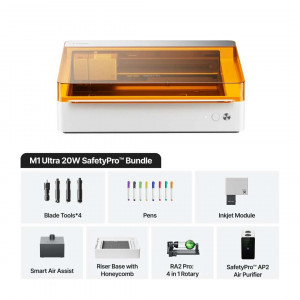
- Stock: In Stock
- Product code: P0101000527
- Weight Brutto: 32.00kg

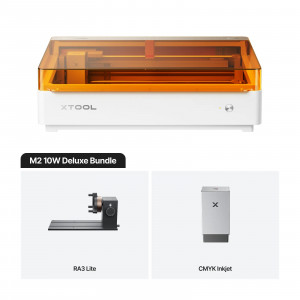
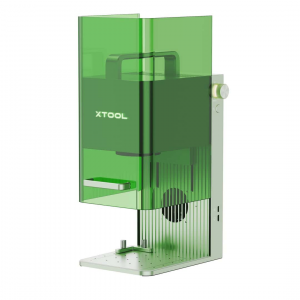
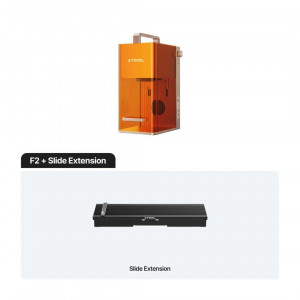
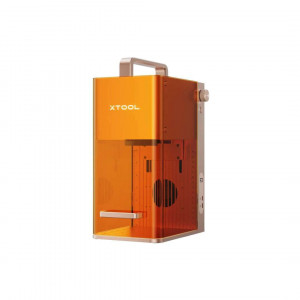
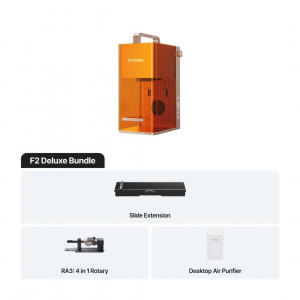
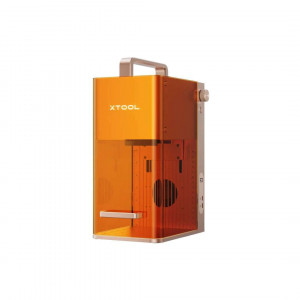
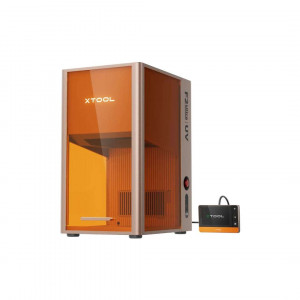
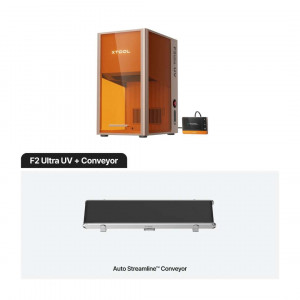
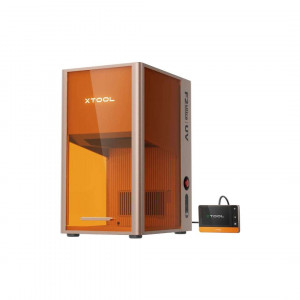
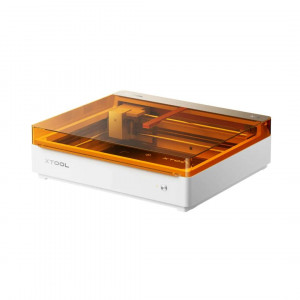
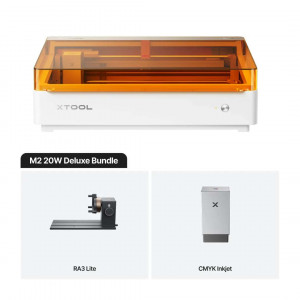
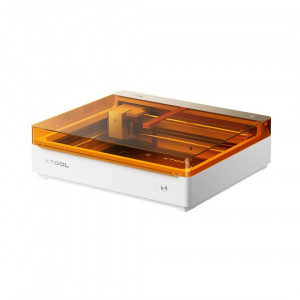
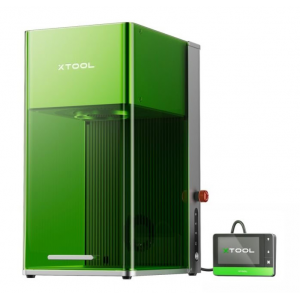
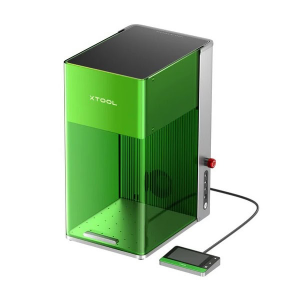
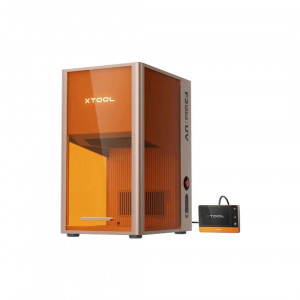
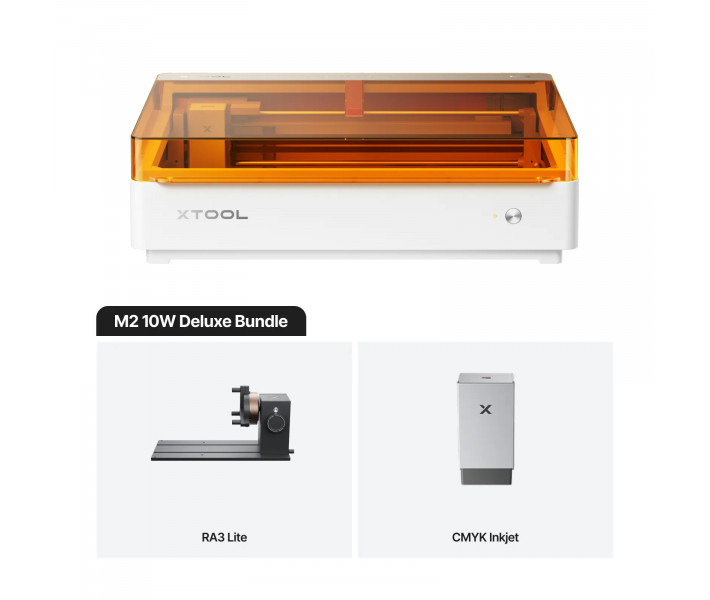
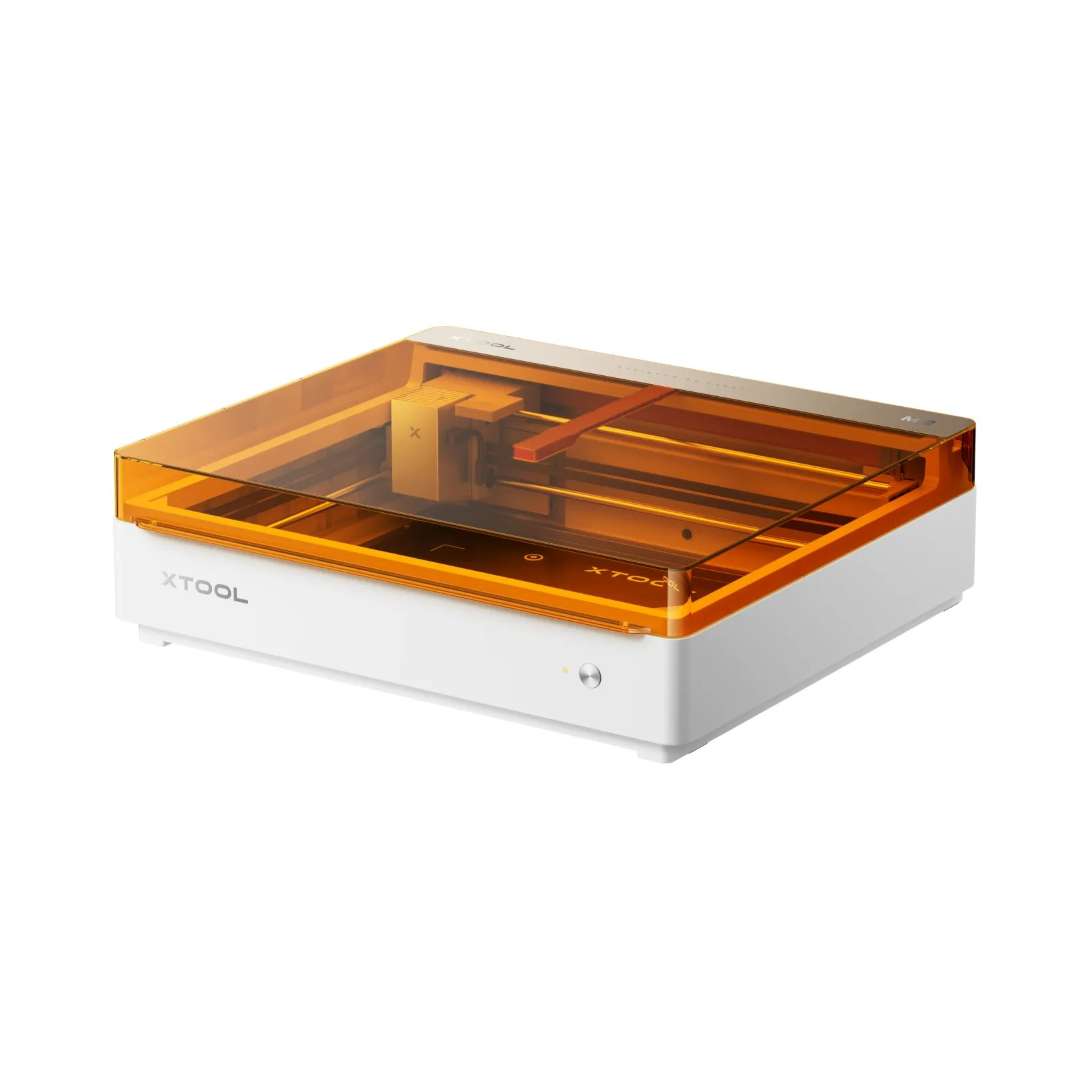
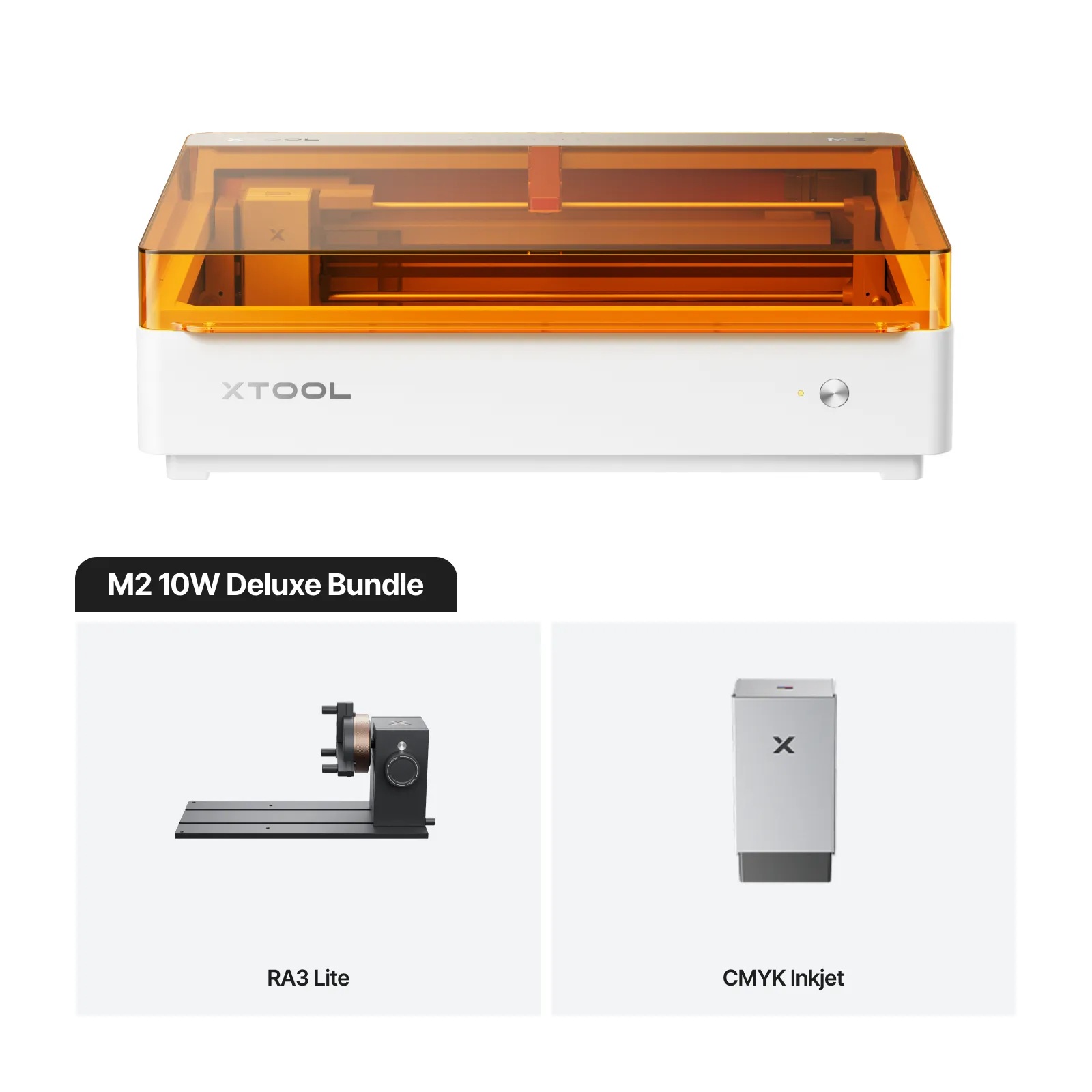
The xTool M2 10W Deluxe Bundle is a Class 1 enclosed laser engraver and cutter designed for printing, cutting and rotary engraving in a single machine, combining a 10 W blue diode laser module, a CMYK inkjet module and the xTool Rotary Attachment 3 Lite in a TÜV SÜD-certified system with dual camera and autofocus.
| Specification | Why it matters |
|---|---|
| Work area: 426 mm × 320 mm | Sufficient surface for stickers, signage and desktop projects without needing multiple machines. |
| Laser spot size: 0.04 mm × 0.06 mm | Fine detail in engraving and narrow cuts that maintain definition even in complex geometric patterns. |
| Safety certification: Class 1 laser (TÜV SÜD) | Operation without external eye protection, meets industrial standards and valid for commercial and public environments. |
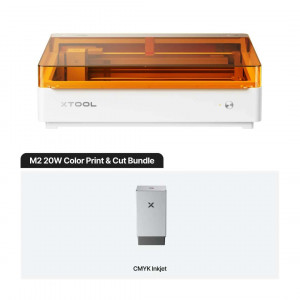
| CMYK inkjet module: Four genuine colour channels | Full-colour photographic printing on the same XY system as the laser, eliminating registration and repositioning issues. |
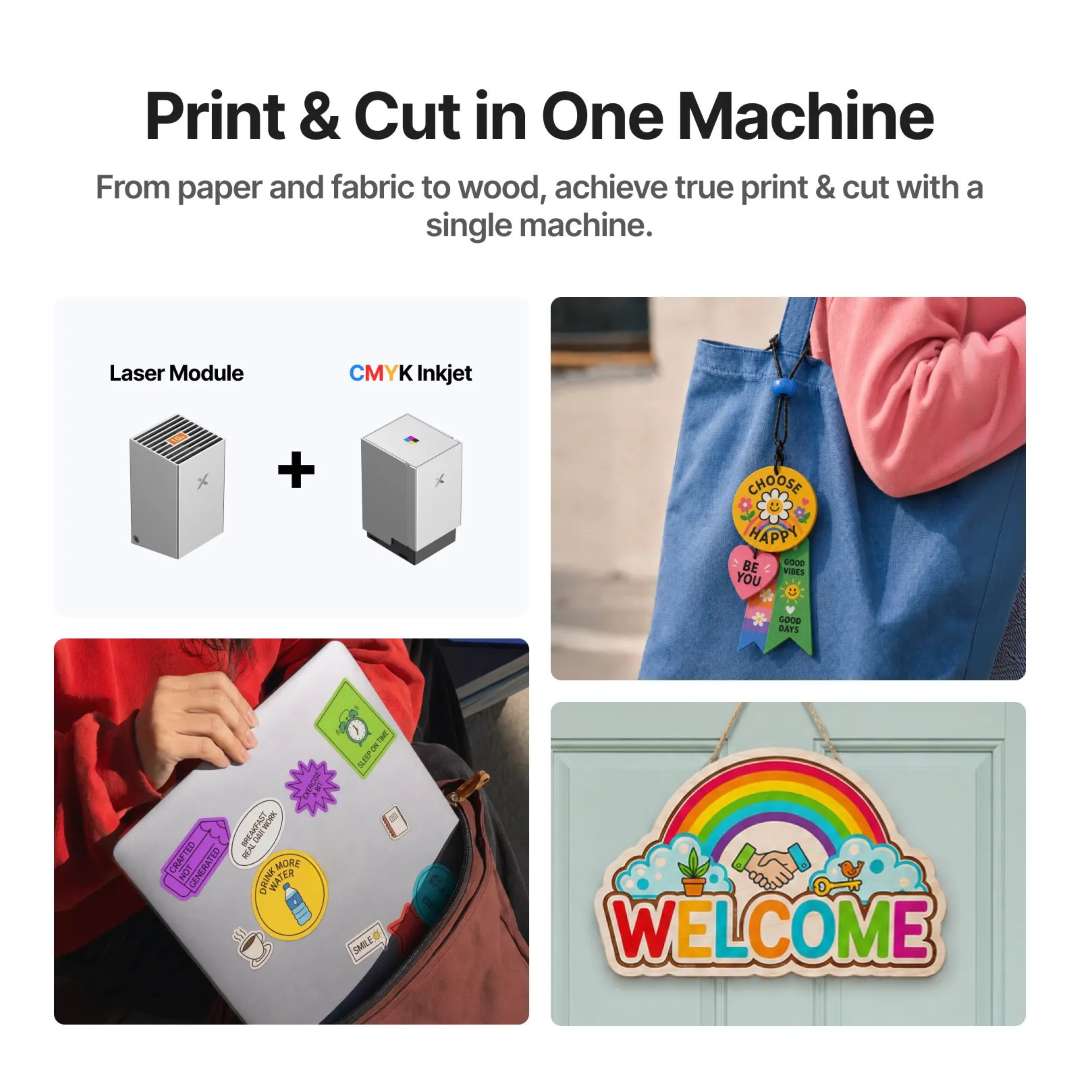
Integration in a single chassis: most manufacturing workflows require separate equipment. This bundle combines inkjet printing, laser cutting and rotary engraving in a compact footprint of 610 mm × 569 mm × 180 mm, eliminating material transfers and manual calibrations between machines.
Registration-free print and cut workflow: after printing the CMYK design, the camera automatically rescans the output, detects the printed outlines and guides the laser with sub-millimetre precision. A task that normally requires 20 minutes of manual alignment is completed in approximately 3 minutes.
Three modular heads in one tool holder
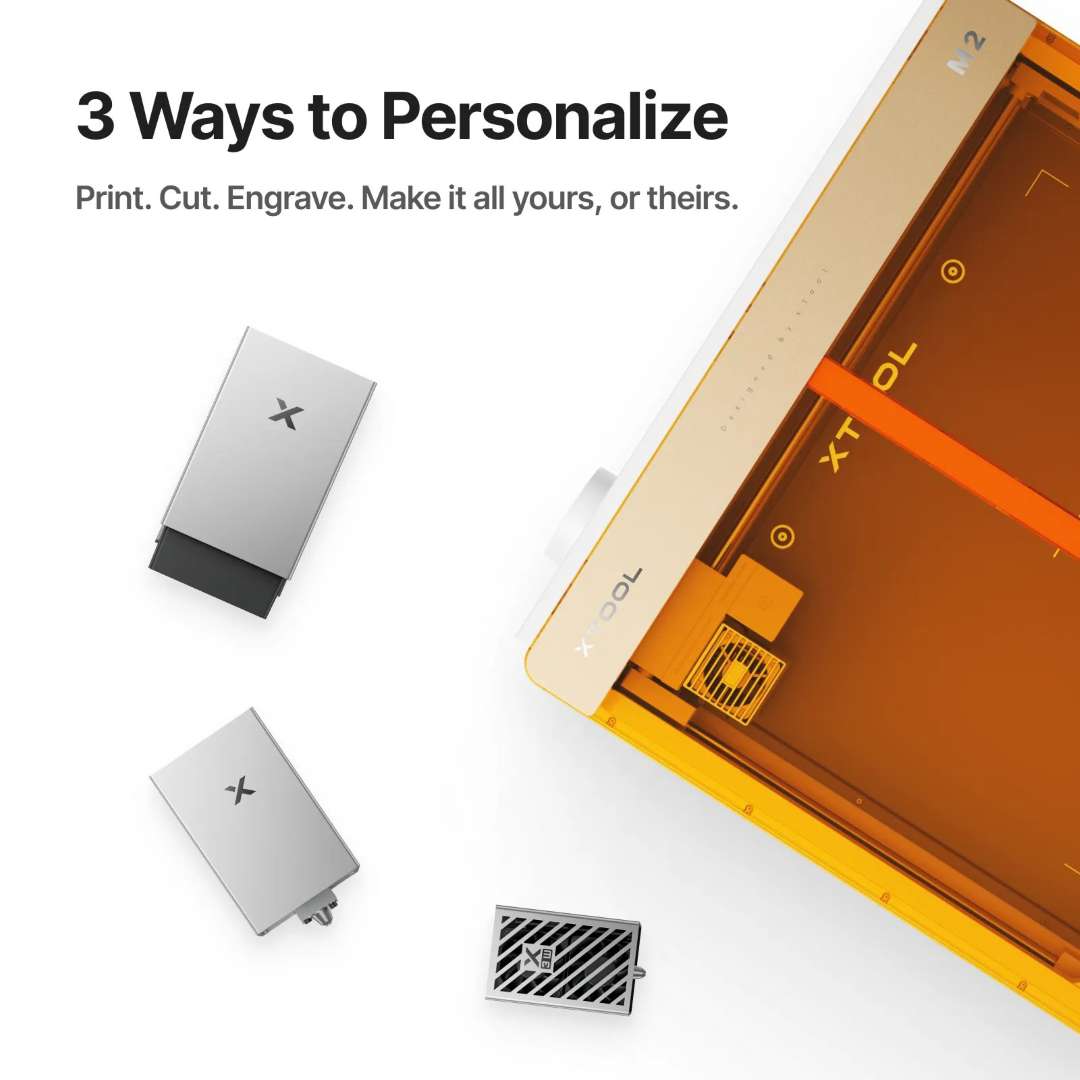
The M2's modular holder supports three interchangeable heads: the 10 W diode laser for cutting and engraving, the CMYK inkjet module for full-colour printing, and the laser module in rotary mode via the horizontal emission mount included with the RA3 Lite. Switching between modules requires no screws; magnetic alignment positions each head with precision, and the xTool Studio software automatically detects the active module via USB or Wi-Fi.
Positioning with dual camera and autofocus
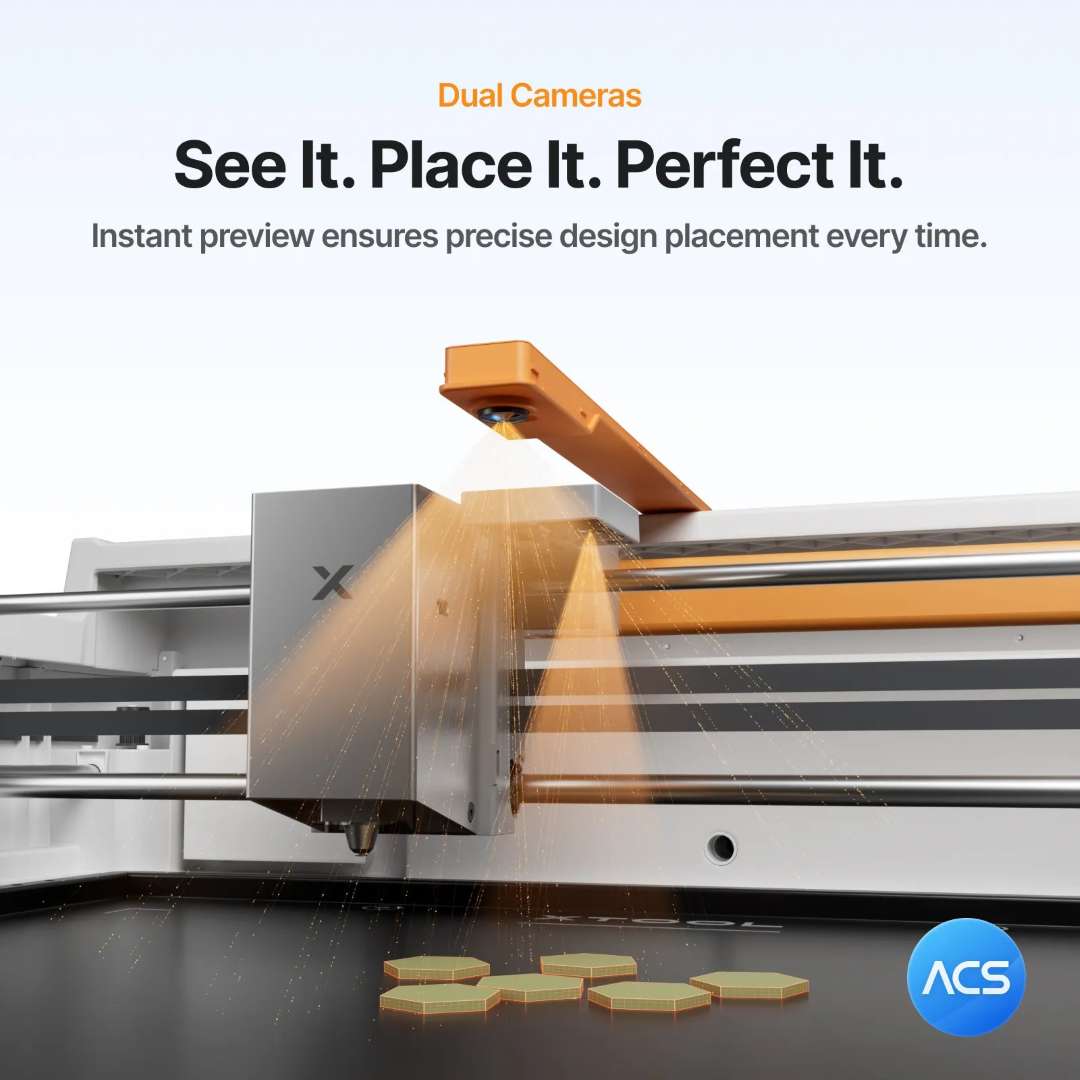
Precise positioning is critical in desktop laser work. The M2 integrates two independent cameras: a 5 MP panoramic camera captures the entire work area for wide-view layout, while a 2 MP close-up camera zooms in for detailed positioning. Together they achieve positioning precision of up to 0.2 mm in close-up mode and less than 1.5 mm in wide-view mode. Autofocus via a 0.1 mm probe adjusts the laser's focal point according to material thickness, eliminating manual Z-axis calibration.
CMYK inkjet module: full-colour photographic printing
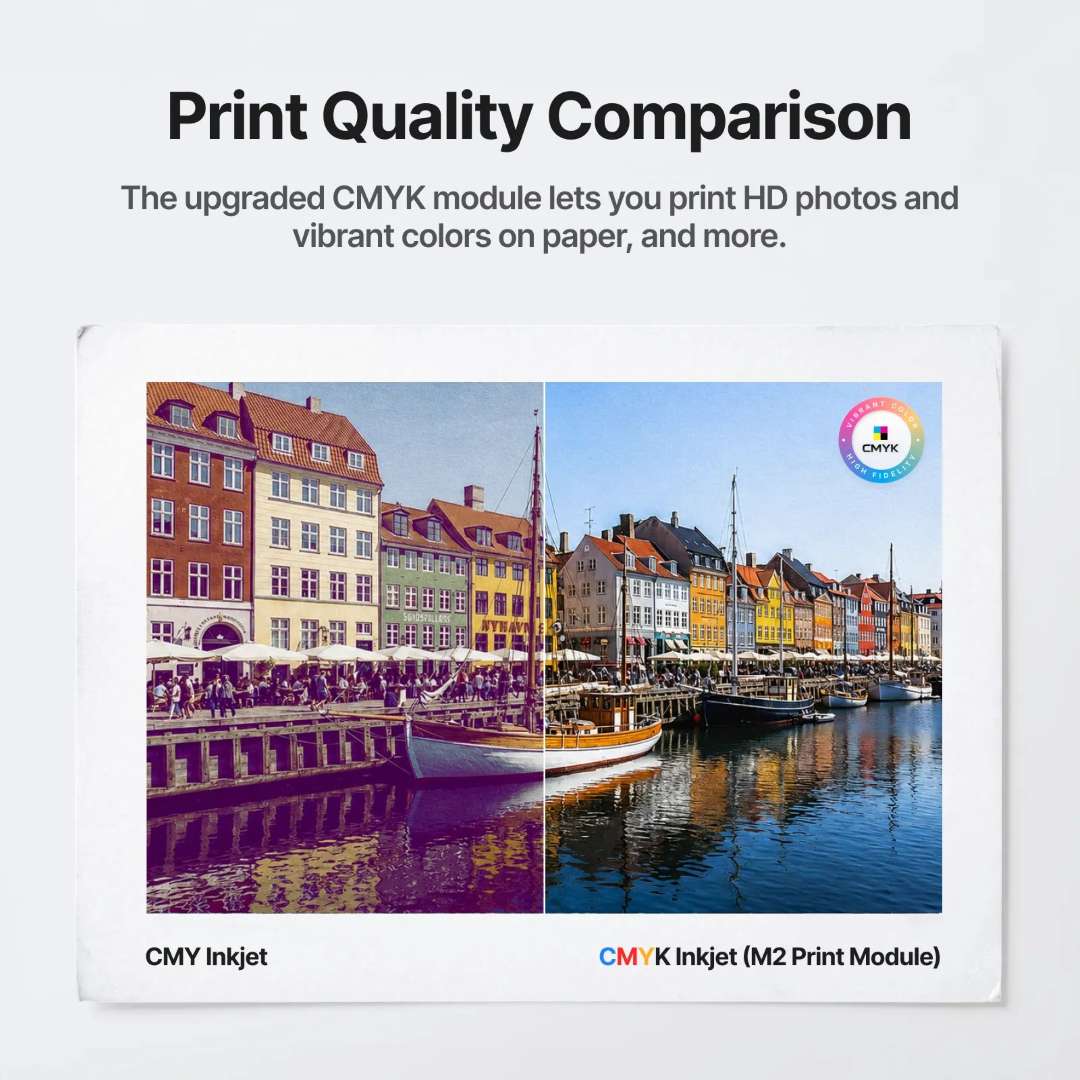
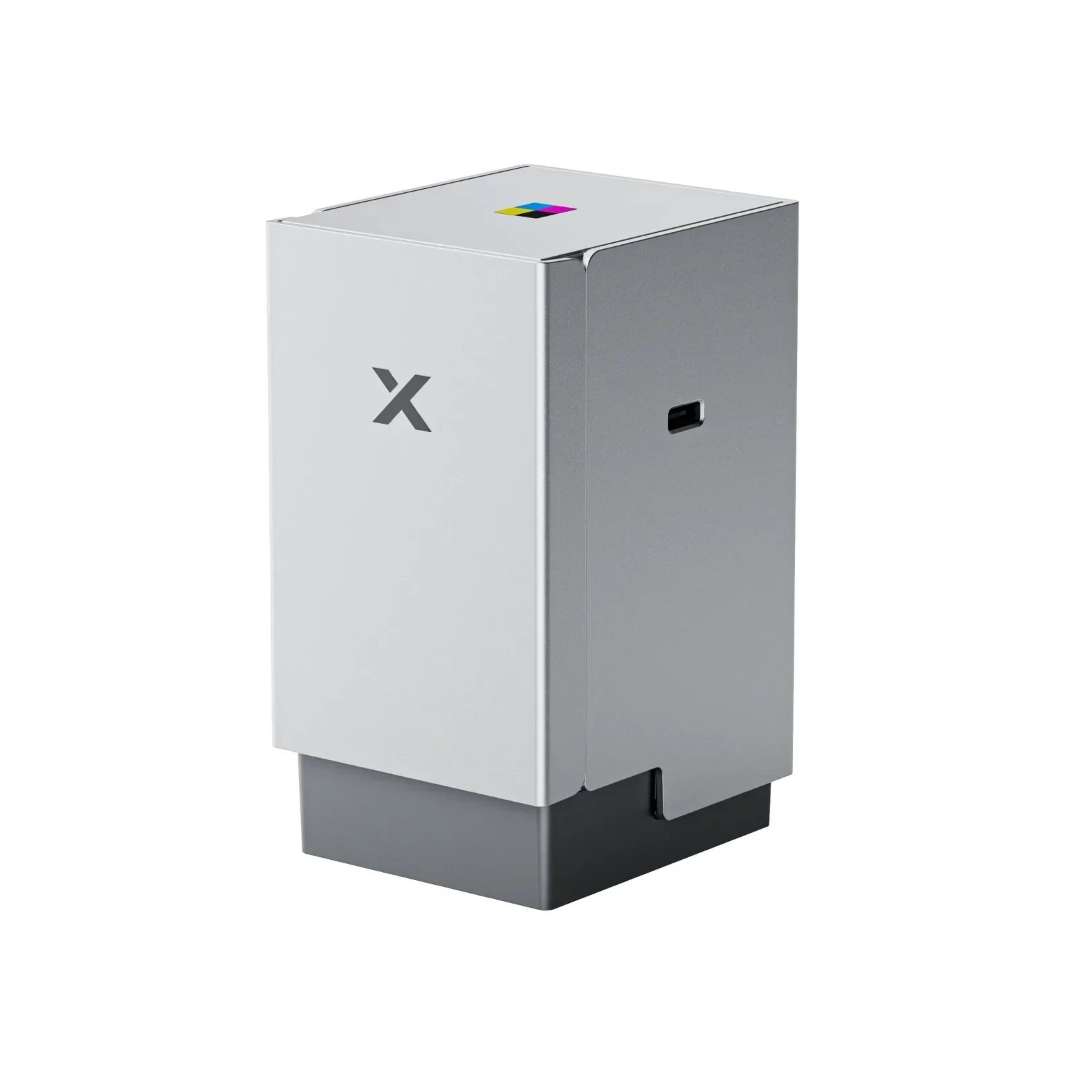
The CMYK inkjet module transforms the M2 into a full-colour decorator, supporting HD photographic output on paper, cardstock, fabric, boards and other printable materials. The key differentiator versus three-colour CMY systems is the inclusion of a genuine black channel, which produces deeper shadow detail and more accurate neutral tones — especially visible in photographs and gradients.
Since the inkjet module and the laser module operate on the same enclosed chassis — over the same XY gantry, the same base platform — the M2 eliminates the critical manual repositioning step. After printing, the camera automatically rescans, detects the output area and guides the laser cutter to follow the outline with sub-millimetre precision.
10 W diode laser: cutting and engraving performance
The 0.04 mm × 0.06 mm laser spot size is among the smallest available in this power class, translating directly into greater engraving detail and narrower cutting kerfs. A movement precision of 0.01 mm ensures that fine geometric patterns and intricate text are faithfully reproduced at high speed. The integrated air pump clears smoke from the cutting area, protecting the target and improving edge quality without requiring an external compressor.
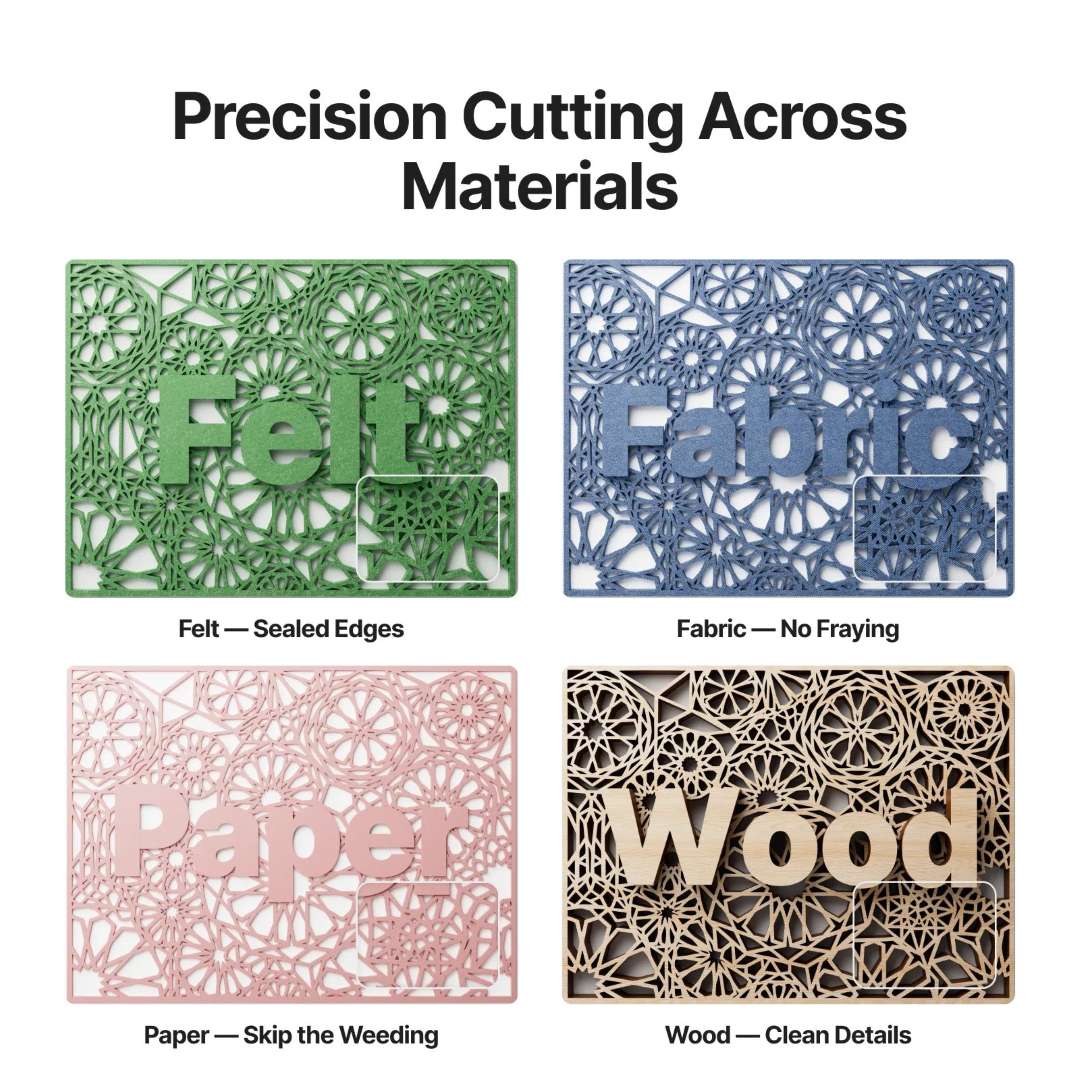
The 10 W laser is compatible with over 300 materials. It cuts 8 mm basswood and 3 mm black acrylic in a single pass, and engraves metals such as stainless steel, aluminium and plated surfaces.
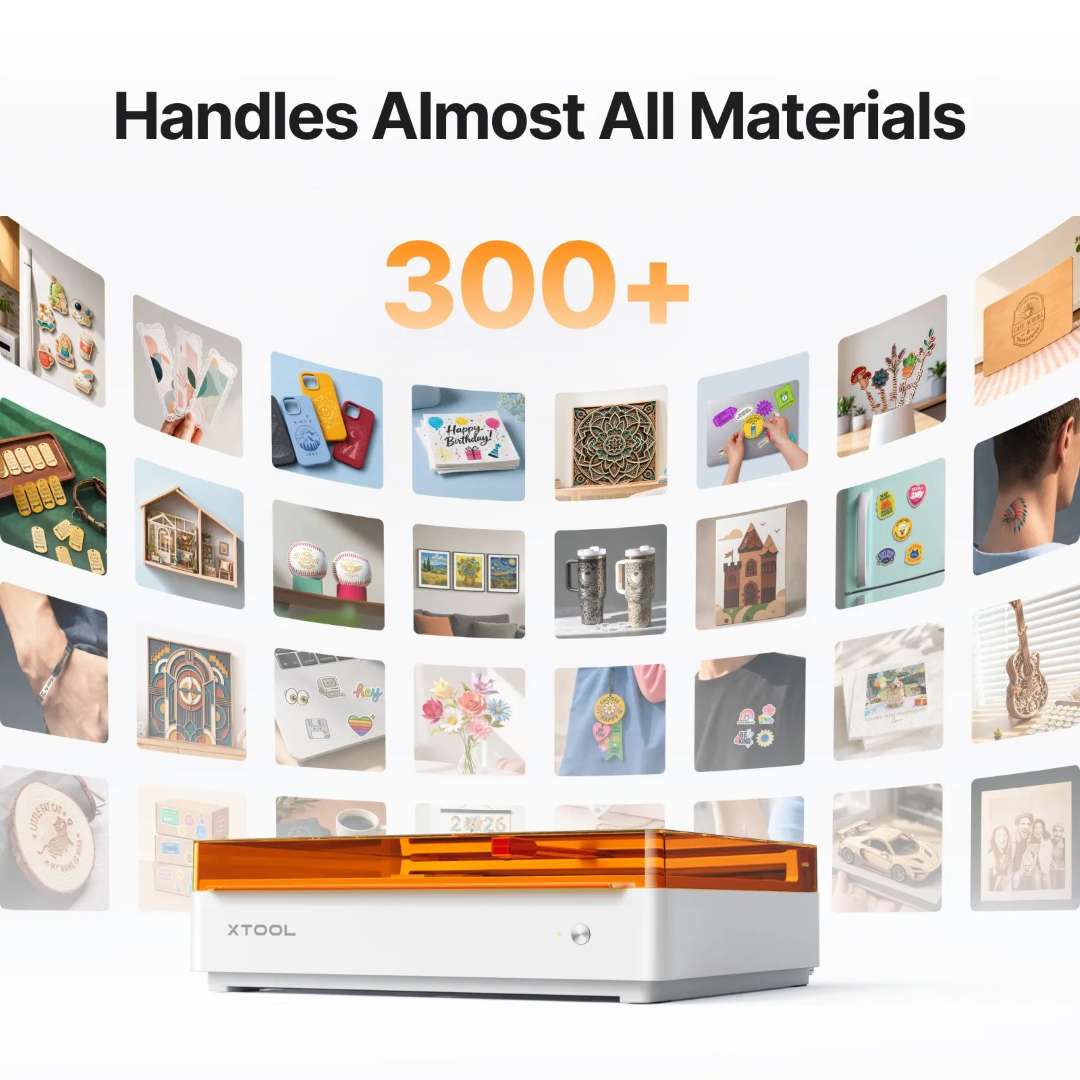
xTool Studio software: template-based workflow
xTool Studio runs on Windows and macOS, connects via USB or Wi-Fi, and accepts SVG, DXF, JPG, JPEG, PNG and BMP files. The software includes pre-designed templates, AI-based artwork generation from text, guided project tutorials and a library of material parameter presets — allowing a new operator to produce finished work without manually calibrating power and speed.


xTool Rotary Attachment 3 Lite: integrated rotary engraving
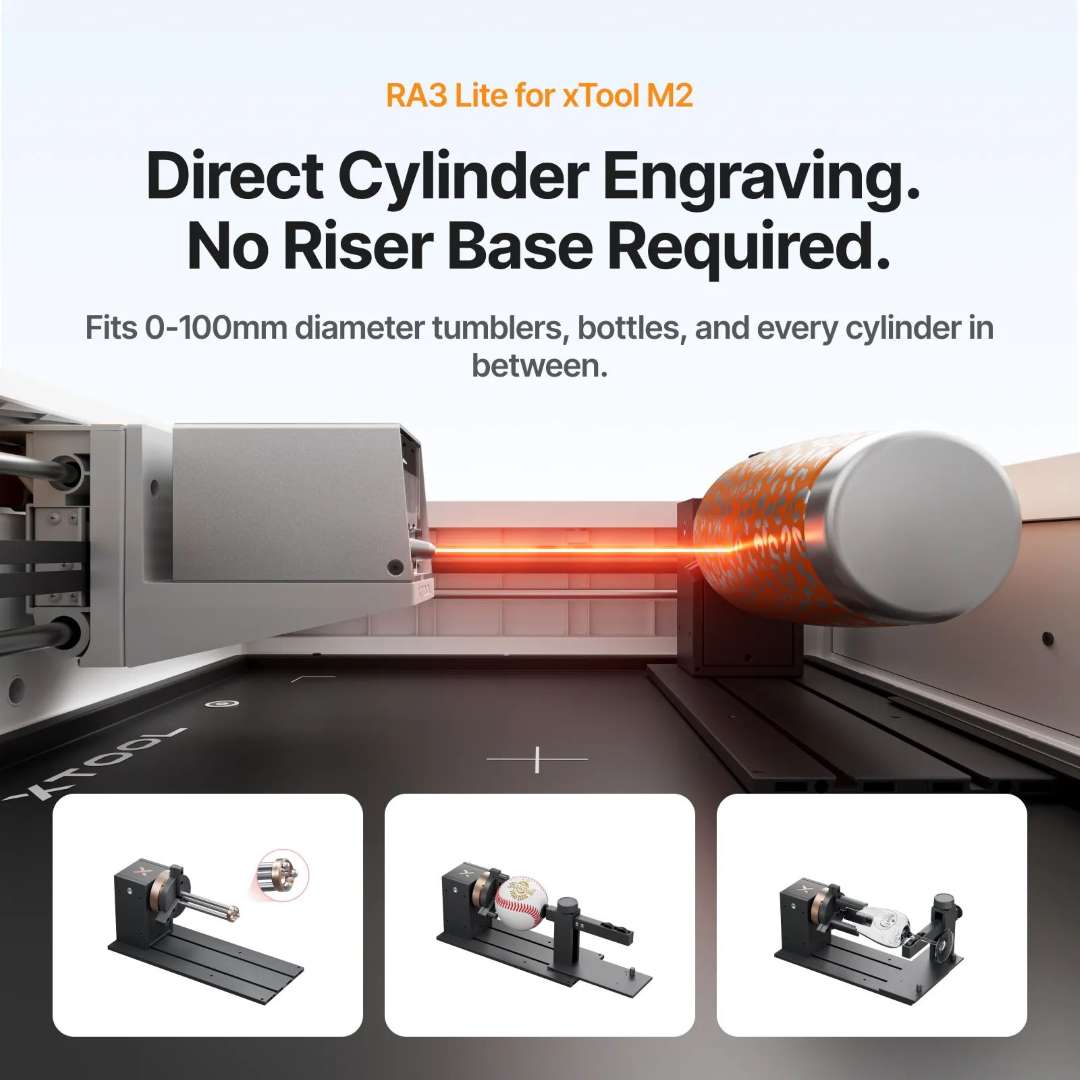
The included Rotary Attachment 3 Lite (RA3 Lite) extends the M2's work area to include any object with a curved axis. The accessory supports four distinct modes: chuck rotary for cylinders and tapered objects, roller rotary for long or irregular round pieces, spherical rotary for balls, and ring rotary for rings and bracelets — each covering a defined diameter range without requiring a lift base, since the M2's horizontal laser output is optimised for tabletop rotary geometry.
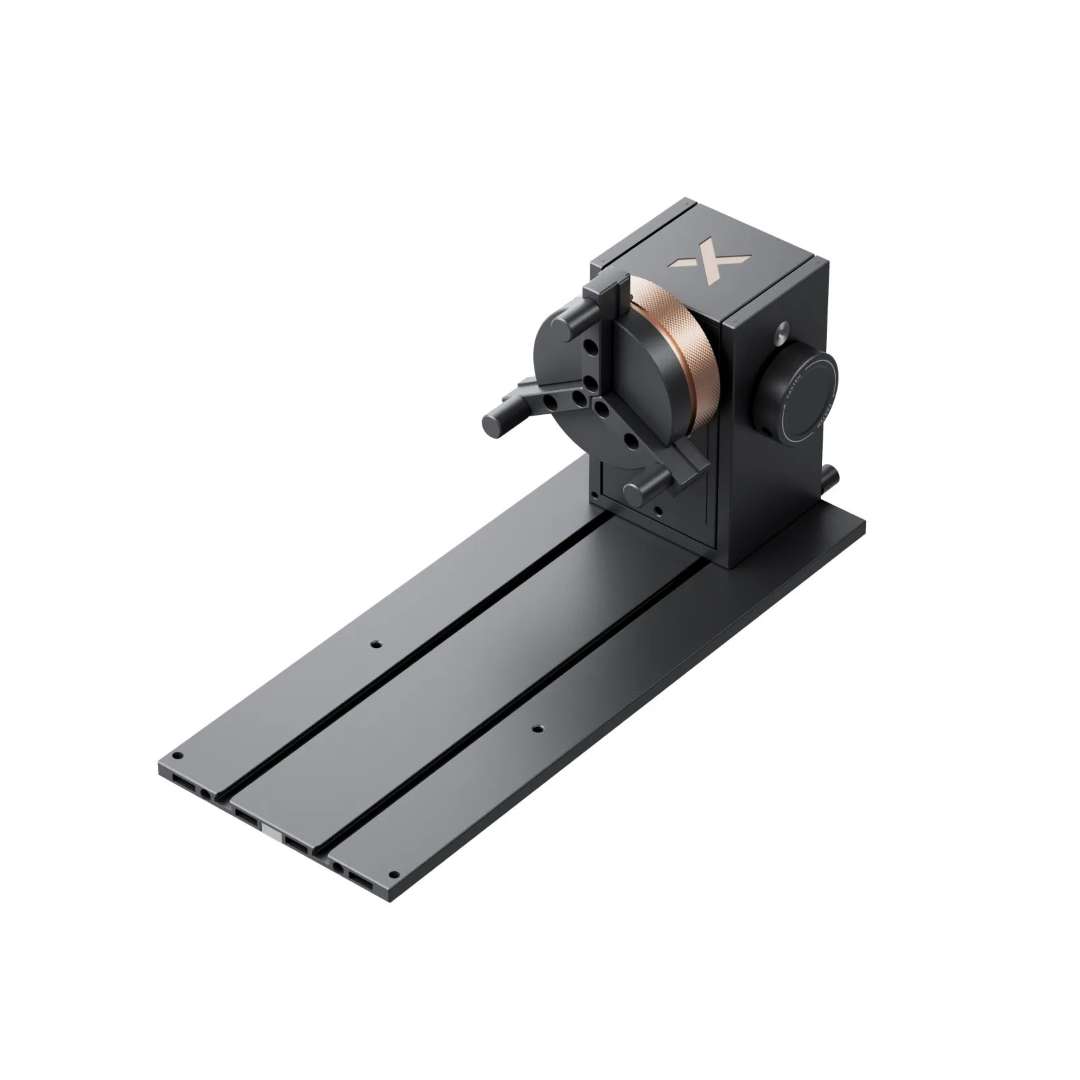
The RA3 Lite uses MagSwap™ magnetic quick-release connectors throughout its assembly. Switching between chuck and roller mode, adjusting the jaw diameter or repositioning the support module takes seconds without tools. The single-step 26° positioning plate sets the correct angle for interior ring engraving, without iterative manual adjustment. Engraving speed reaches 1,200 mm/s during rotary processing, enabling efficient batches of customised cylindrical items.
Industrial safety in a desktop format
The M2's fully enclosed chassis and filtered exhaust path combine to achieve TÜV SÜD Class 1 laser safety certification — the same classification as commercial office laser printers. The lid activates a hardware interlock; opening it during a job stops the laser immediately. A flame-detection camera continuously monitors the work surface, and the indicator system communicates status via a full-colour LED sequence. The power supply supports 100 V – 240 V ~ AC 50/60 Hz, allowing operation under any regional electrical standard.
Applications
- Commercial signage and decoration: produce custom signs on wood and acrylic, fabric graphics and shop decorations on a single machine, with no repositioning between printing and cutting.
- Custom rotary items: engrave names, logos and patterns on cylinders, cups, bottles and rings using the RA3 Lite, at speeds of up to 1,200 mm/s for efficient production runs.
- Photographic printing and art: the four-channel CMYK module produces photographic-quality images with superior colour fidelity compared to CMY systems, on paper, cardstock, fabric and boards.
- Template and die making: cut precise patterns in felt, MDF and leather with 0.04 mm × 0.06 mm kerfs, ideal for clothing, accessories and fine detailed decorative work.
- Industrial engraving work: engrave stainless steel, aluminium and plated metals with crisp detail, Class 1 laser safety certified for commercial and retail use.
- Custom labelling and packaging: print and cut fabric labels, stickers and colour packaging in a transfer-free workflow, completing complex jobs in minutes.
Technical specifications of the xTool M2 10W Deluxe Bundle
| Processing capability — xTool M2 | |
|---|---|
| Module type | 10 W blue diode laser |
| Processing mode | Laser cutting / Laser engraving |
| Work area | 426 mm × 320 mm |
| Max. rotary engraving diameter | 0 – 100 mm |
| Maximum speed | 600 mm/s |
| Max. cutting capacity — Basswood (10 W) | 8 mm in a single pass |
| Max. cutting capacity — Black acrylic (10 W) | 3 mm in a single pass |
| Ease of use — xTool M2 | |
| Pre-assembled | Yes |
| Integrated camera | 5 MP panoramic camera and 2 MP close-up camera |
| Positioning method | Camera positioning |
| Focus mode | Autofocus |
| Precision and accuracy — xTool M2 | |
| Laser spot size (10 W diode laser) | 0.04 mm × 0.06 mm |
| Positioning precision | Up to 0.2 mm (wide-view positioning: < 1.5 mm) |
| Distance measurement precision | 0.1 mm, probe |
| Movement precision | 0.01 mm |
| General information — xTool M2 | |
| Product dimensions | 610 mm × 569 mm × 180 mm |
| Safety certification | Class 1 laser safety (TÜV SÜD certified) |
| Product weight | 12.3 kg |
| Maximum machine input power | 200 W |
| Power adapter input voltage | 100 V – 240 V ~ AC 50/60 Hz |
| Software — xTool M2 | |
| Compatible software | xTool Studio |
| Operating systems | Windows / macOS |
| Connection methods | USB / Wi-Fi |
| Compatible files | SVG / DXF / JPG / JPEG / PNG / BMP |
| Compatible materials — xTool M2 | |
| Cuttable |
|
| Engravable |
|
| Smart features — xTool Rotary Attachment 3 Lite | |
| MagSwap™ design | Yes |
| Compatible modes and applications — xTool Rotary Attachment 3 Lite | |
| Chuck rotary | Yes |
| Roller rotary | Yes |
| Spherical rotary | Yes |
| Ring rotary | Yes |
| Interior ring engraving | Limited (due to the M2's horizontal laser output) |
| Batch processing | Not supported |
| Full-wrap vase engraving | Yes |
| Physical specifications — xTool Rotary Attachment 3 Lite | |
| Engraving diameter range (chuck) | 0 – 100 mm |
| Engraving diameter range (roller) | 3 – 100 mm |
| Engraving diameter range (sphere) | 25 – 100 mm |
| Engraving diameter range (ring) | 11 – 70 mm |
| Product dimensions | 324 × 187 × 148 mm |
| Product weight | 2.26 kg |
| Compatibility | xTool M2 |
| Operating environment — CMYK inkjet module | |
| Operating temperature | 15 – 35 °C |
| Operating humidity | 40 – 60 % RH |
Package contents
xTool M2
- xTool M2
- Module connection cable
- Power adapter and cable
- USB cable and adapter
- Smoke extraction tube
- Clamp
- Grease
- Material pack
- Magnetic mount
- Hex screwdriver
- Masking tape
- M3 × 6 screw
- Instruction card
- Safety instructions
Laser module
- 10 W laser module
xTool M2 CMYK inkjet module
- xTool M2 CMYK inkjet module
- Ink cartridge
- Bottom cap
- Wetting fluid
- Bottom cap retaining plate
- Screw
- Calibration card (A5)
- Ferrite core
- User manual
xTool Rotary Attachment 3 Lite
- Jaw chuck
- Cylindrical jaw
- T-jaw
- Extended jaw
- Power module
- Main base platform
- Support module
- Stud components
- Laser guard
- Horizontal laser emission mount
- Positioning plate
- Device connection cable
- Measuring tape
Why buy the xTool M2 10W Deluxe Bundle from EXPERT3D?
EXPERT3D has been supplying professional laser, printing and manufacturing equipment in Valencia and throughout Spain since 2012. As an official xTool representative, we guarantee 100% authenticity, fair pricing, authorised service and an official warranty on every unit. Our technical team offers specialised pre-sales consultancy on material compatibility, software configuration and consumables selection, with support in Spanish and English. We stock spare parts, CMYK ink cartridges and maintenance components, with authorised after-sales service backed by direct agreements with the manufacturer. Contact us for custom configuration, demonstrations and technical advice.