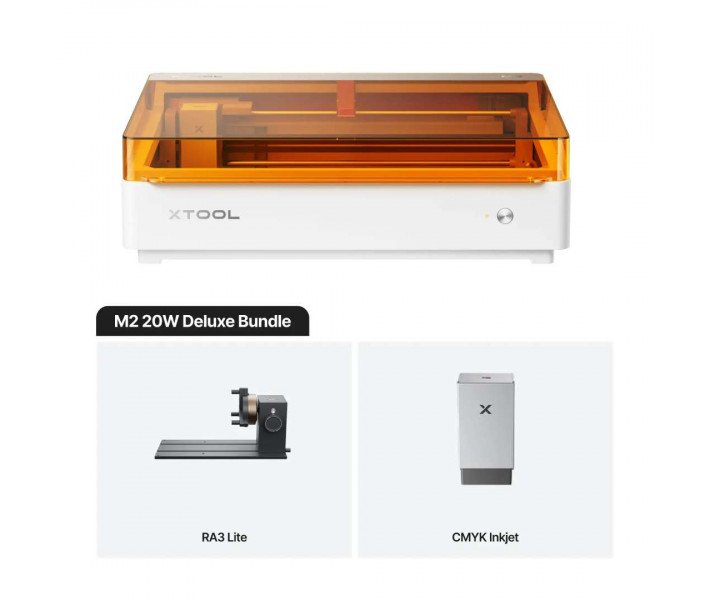
- Stock: In Stock
- Product code: 920372000001044045
- Weight Brutto: 32.00kg
- SKU: P0101000528

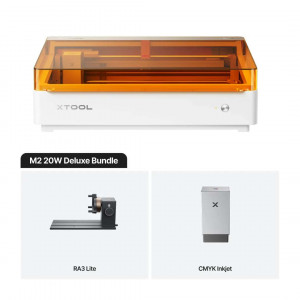
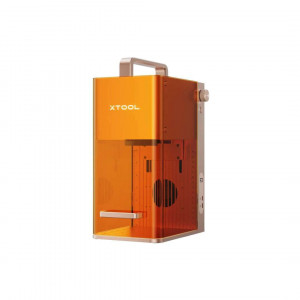
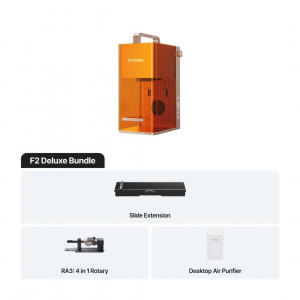
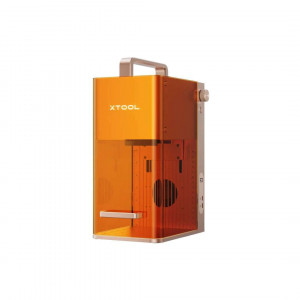
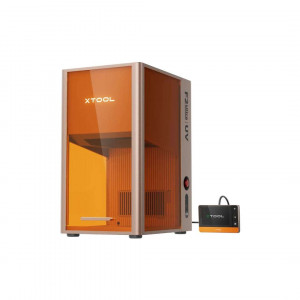
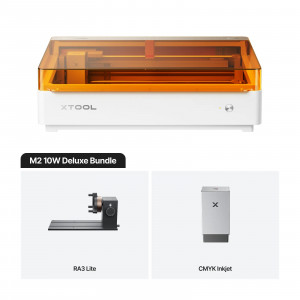
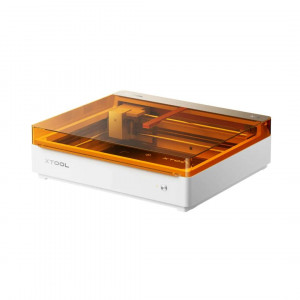
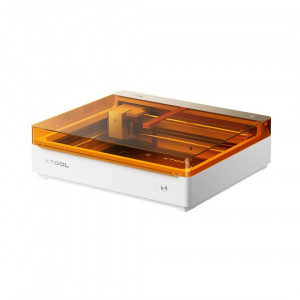
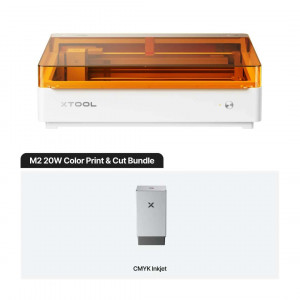
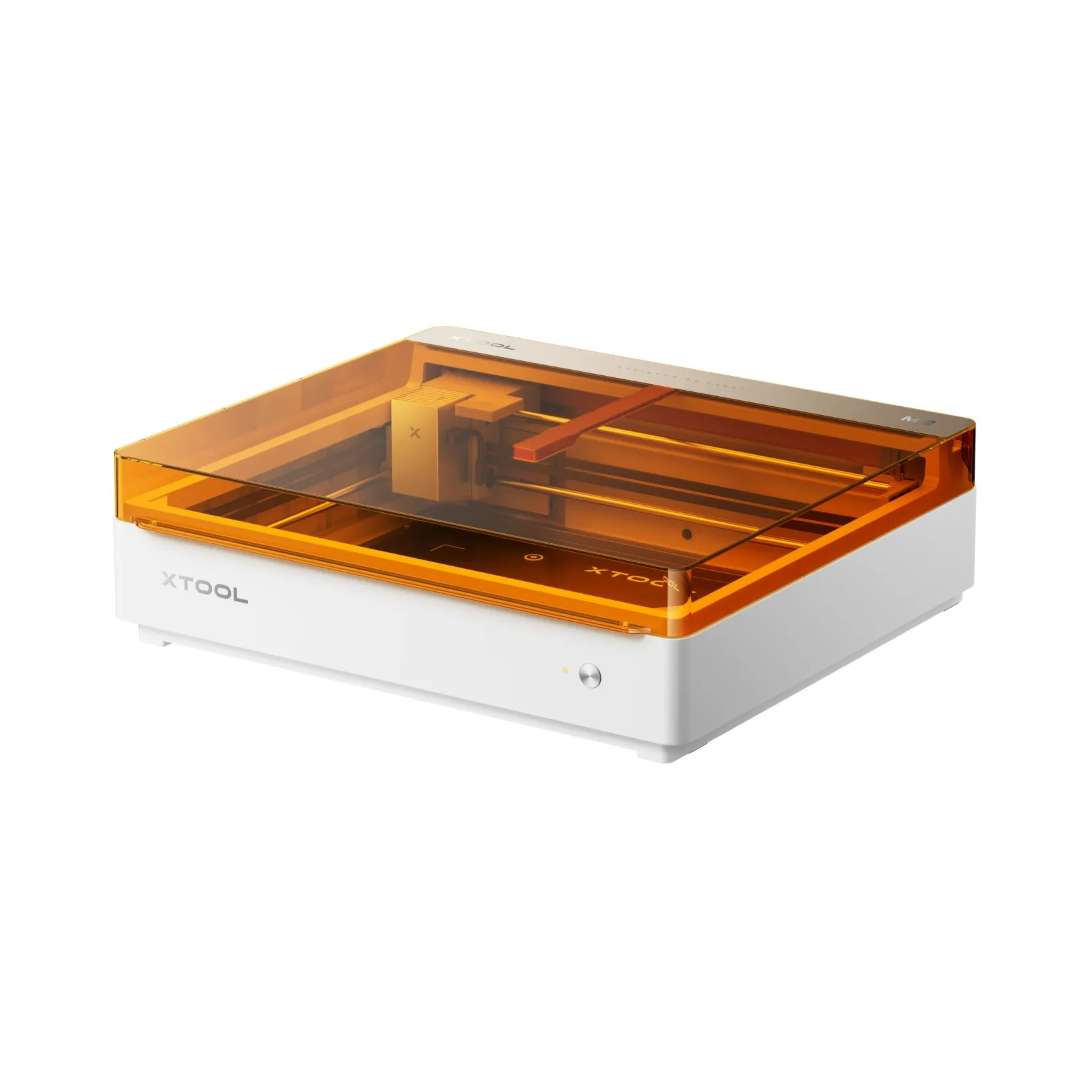
The xTool M2 20 W Deluxe Bundle is an enclosed Class 1 laser engraver and cutter paired with a full-colour CMYK inkjet print module, designed for workflows that demand both precision material processing and on-demand colour printing in a single desktop machine. With a 20 W blue diode laser, a 426 mm × 320 mm working area, dual built-in cameras for automatic alignment, and the included xTool Rotary Attachment 3 Lite, the M2 Deluxe addresses the complete print-cut-engrave cycle without tool changes between stations.
| Specification | Why it matters |
|---|---|
| Laser Power: 20 W Blue Diode (24 W optical) | Cuts 10 mm basswood and 8 mm black acrylic in a single pass, eliminating multi-pass kerf accumulation. |
| Laser Spot Size: 0.06 mm × 0.08 mm | Preserves sharp edges on intricate vector artwork and produces clean text down to very small point sizes. |
| Working Area: 426 mm × 320 mm (laser); 300 mm × 294 mm (inkjet) | Print-then-cut workflows execute entirely within xTool Studio with no substrate repositioning between operations. |
| Dual Cameras + Autofocus: 5 MP panoramic + 2 MP close-range; 0.1 mm ranging precision | Automatic registration of cut paths to printed graphics ensures repeat jobs align correctly every time. |
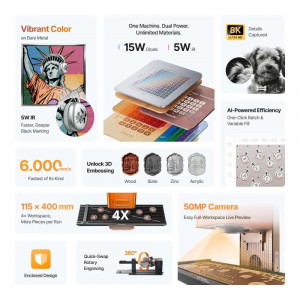
The xTool M2 20 W Deluxe Bundle combines a high-wattage diode laser with a swap-in CMYK inkjet head, both governed by magnetic quick-change mechanics on the same multi-function module holder. Most desktop fabrication tools force a choice: engrave or print, cut or colour. The M2 removes that constraint, enabling a single machine to produce finished artefacts — printed sticker sheets, laser-cut acrylic panels, engraved stainless-steel blanks, and rotary-engraved cylinders — without repositioning or recalibration between process modes.
20 W Diode Laser — Power Where It Matters
At 20 W of diode output, the laser module delivers a focused spot of just 0.06 mm × 0.08 mm. That XY resolution determines the finest detail achievable in engraving — smaller spot sizes preserve sharp edges on intricate vector artwork and produce clean text down to very small point sizes. The 445 ± 15 nm wavelength blue diode couples efficiently with organic materials (wood, leather, MDF, felt) and pigmented acrylics.
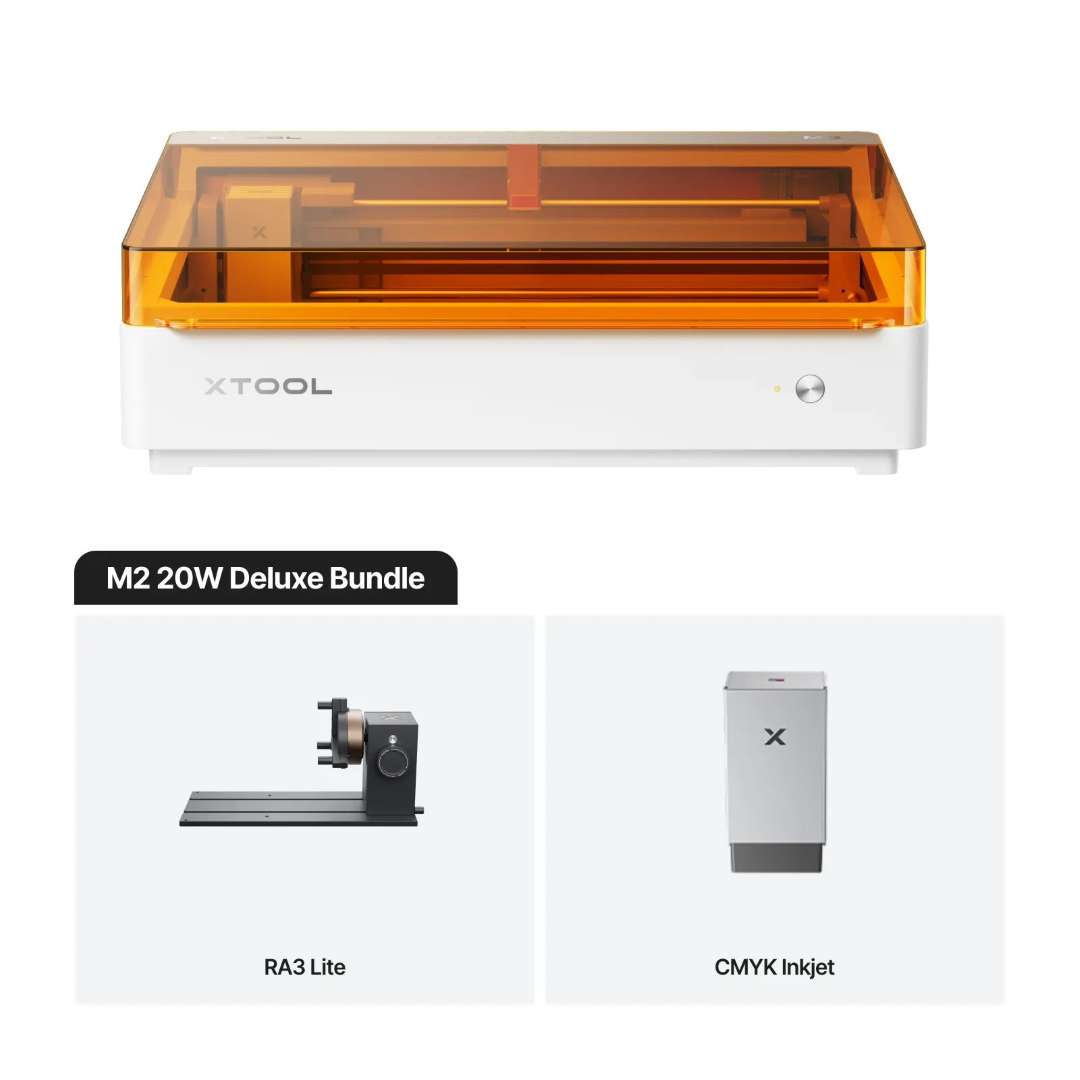
For cutting, the 20 W rating translates directly to throughput: 10 mm basswood and 8 mm black acrylic in a single pass, which eliminates the time cost and kerf accumulation of multi-pass cutting strategies. Motion accuracy of 0.01 mm on both axes, combined with a positioning precision of up to 0.2 mm (wide-view: < 1.5 mm) via camera-based alignment, ensures that repeat jobs register correctly — critical when aligning a laser cut path to a previously inkjet-printed graphic on the same substrate.
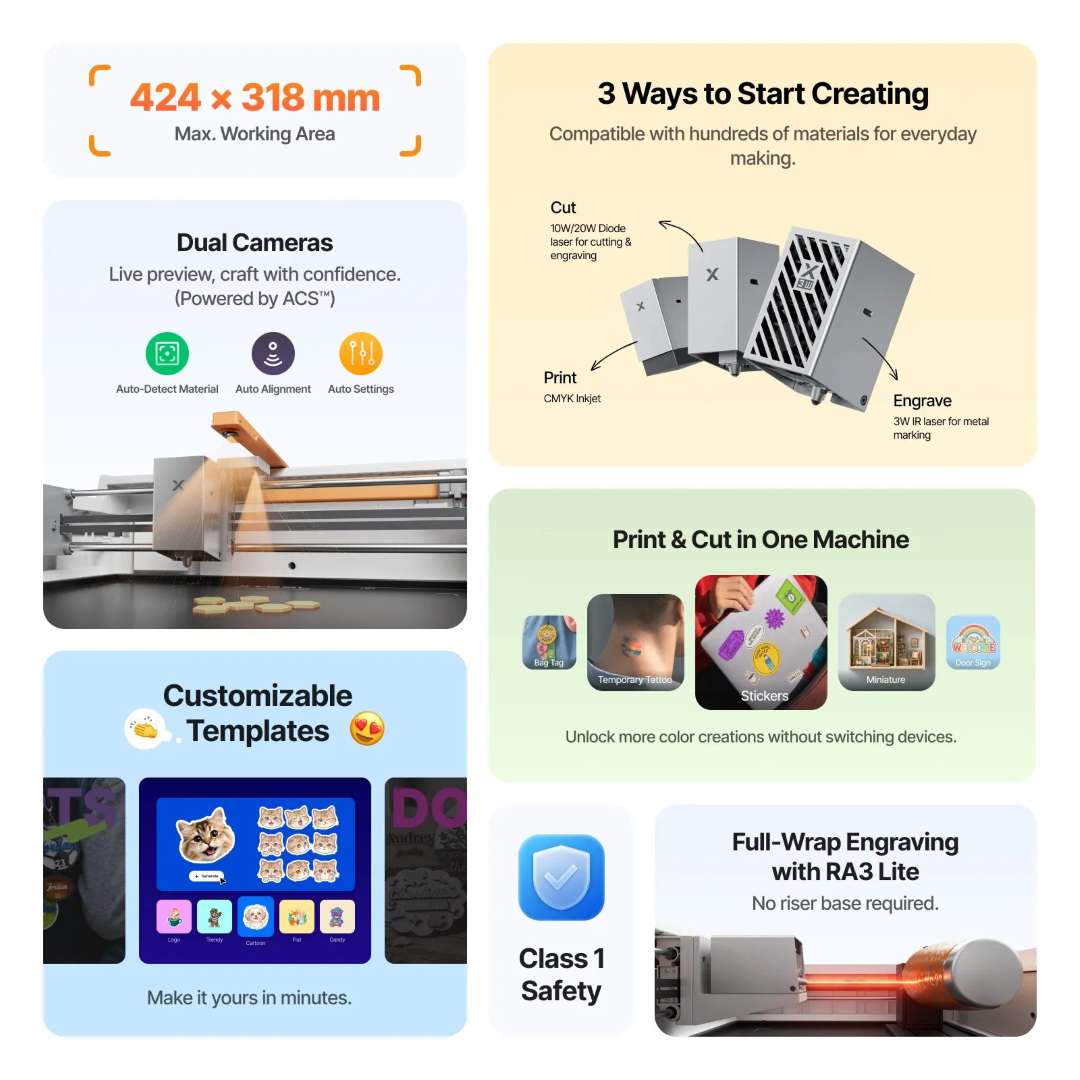
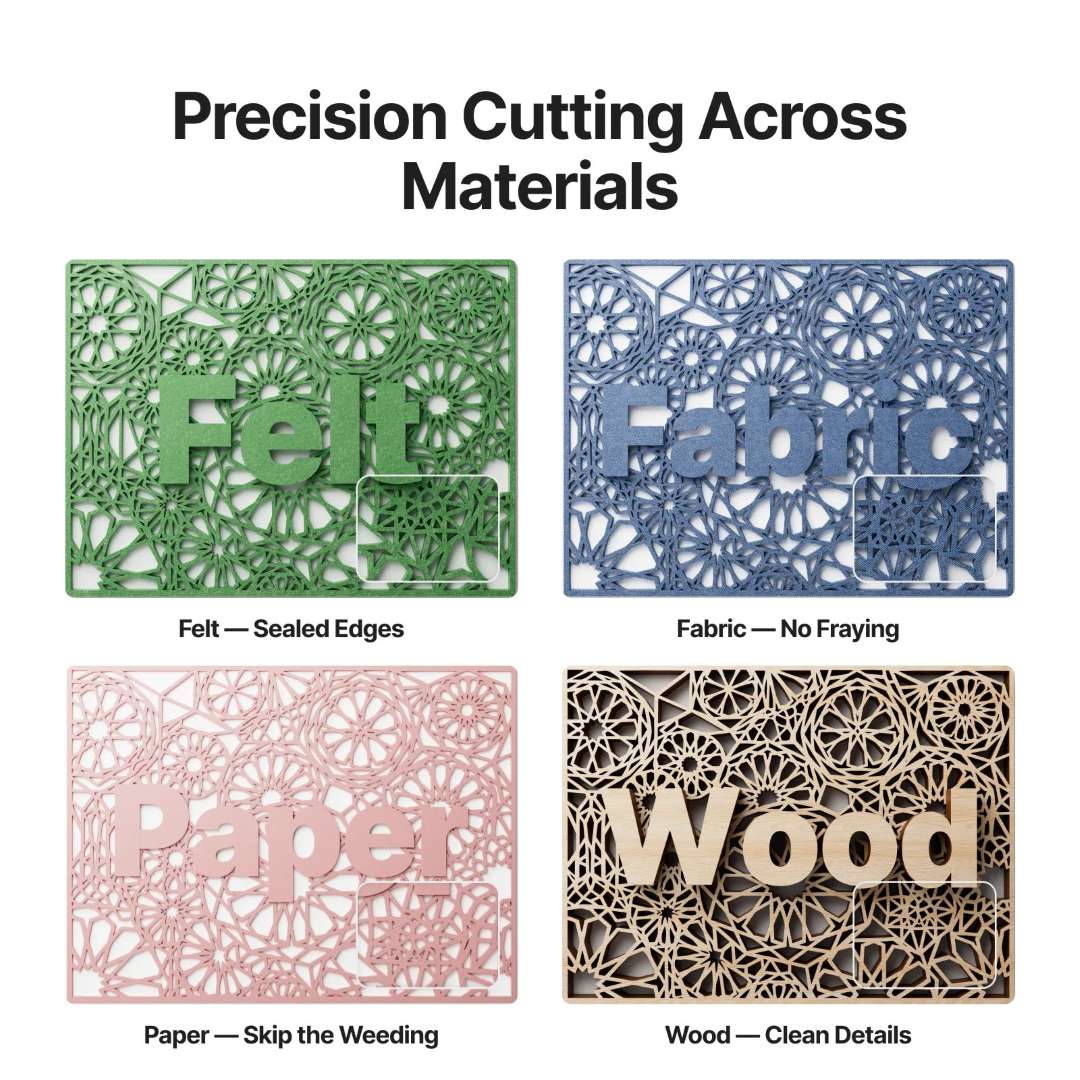
The precision cutting capability of the M2 across materials including felt, fabric, paper, and wood veneer demonstrates clean edge quality at speed.
Dual-Camera Positioning System
The M2 integrates two independent optical sensors: a 5 MP panoramic camera covering the full work bed for global positioning and live preview, and a 2 MP close-range camera for high-resolution local registration. Camera-based autofocus measures material height via probe with a ranging precision of 0.1 mm, so the focal plane is always set correctly regardless of substrate thickness variation.
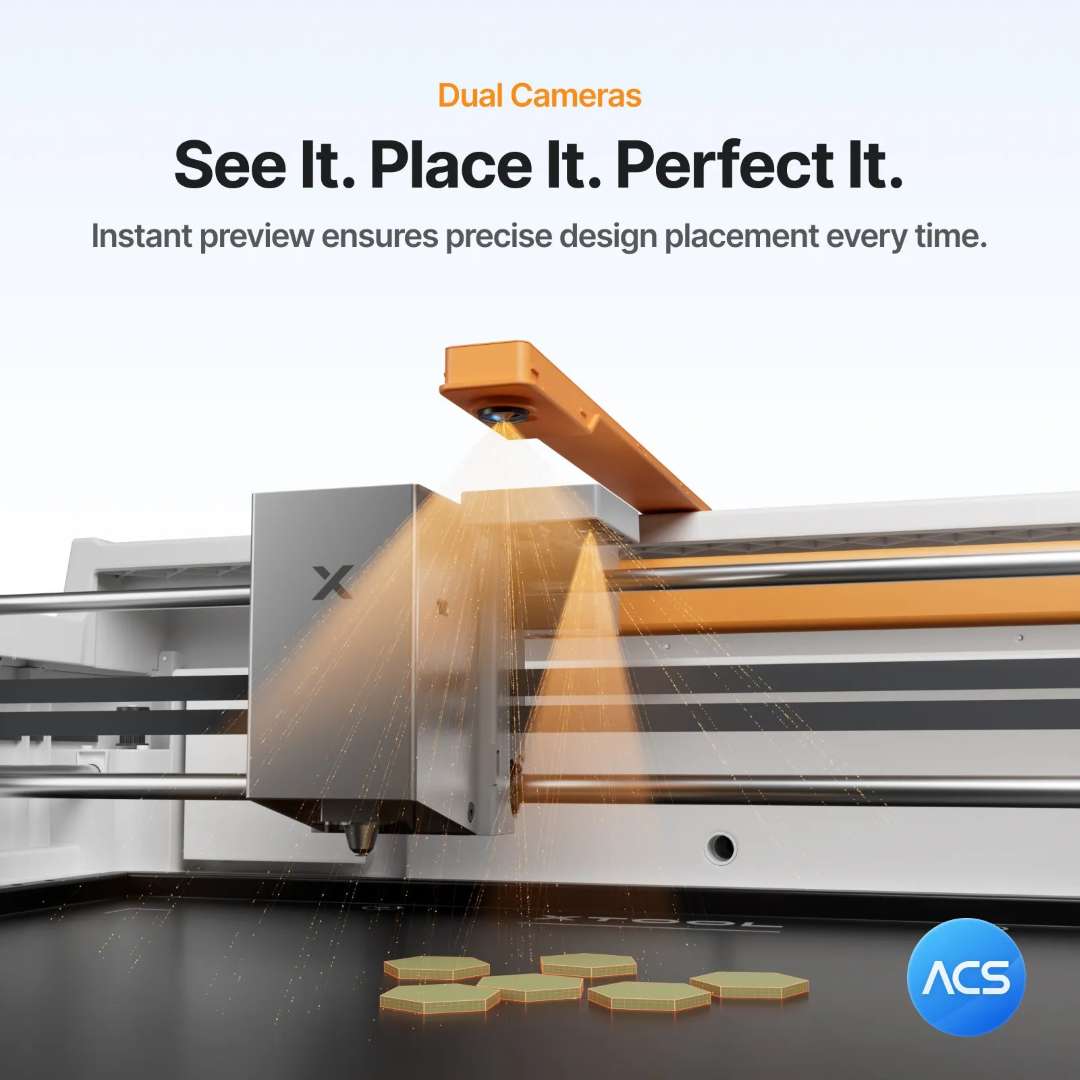
This dual approach is especially valuable for contour cutting — where the laser must follow a printed outline — because the software can correlate the camera image of the printed graphic with the cut path and compensate automatically for any placement offset.
CMYK Inkjet Module — Full-Colour Output on Non-Paper Substrates
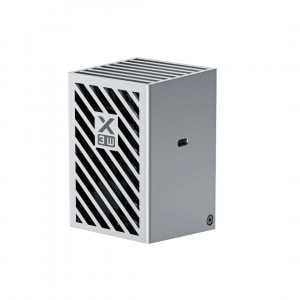
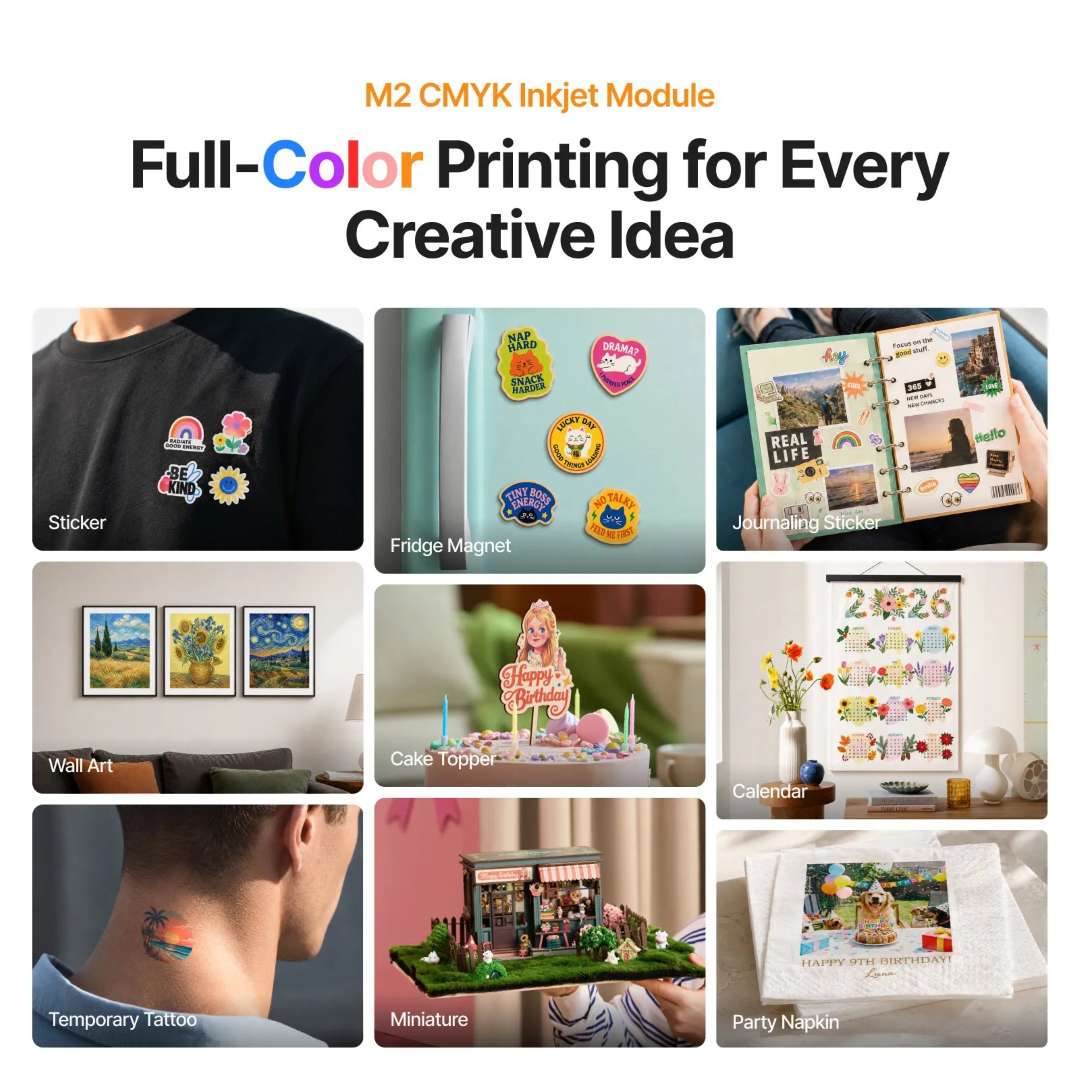
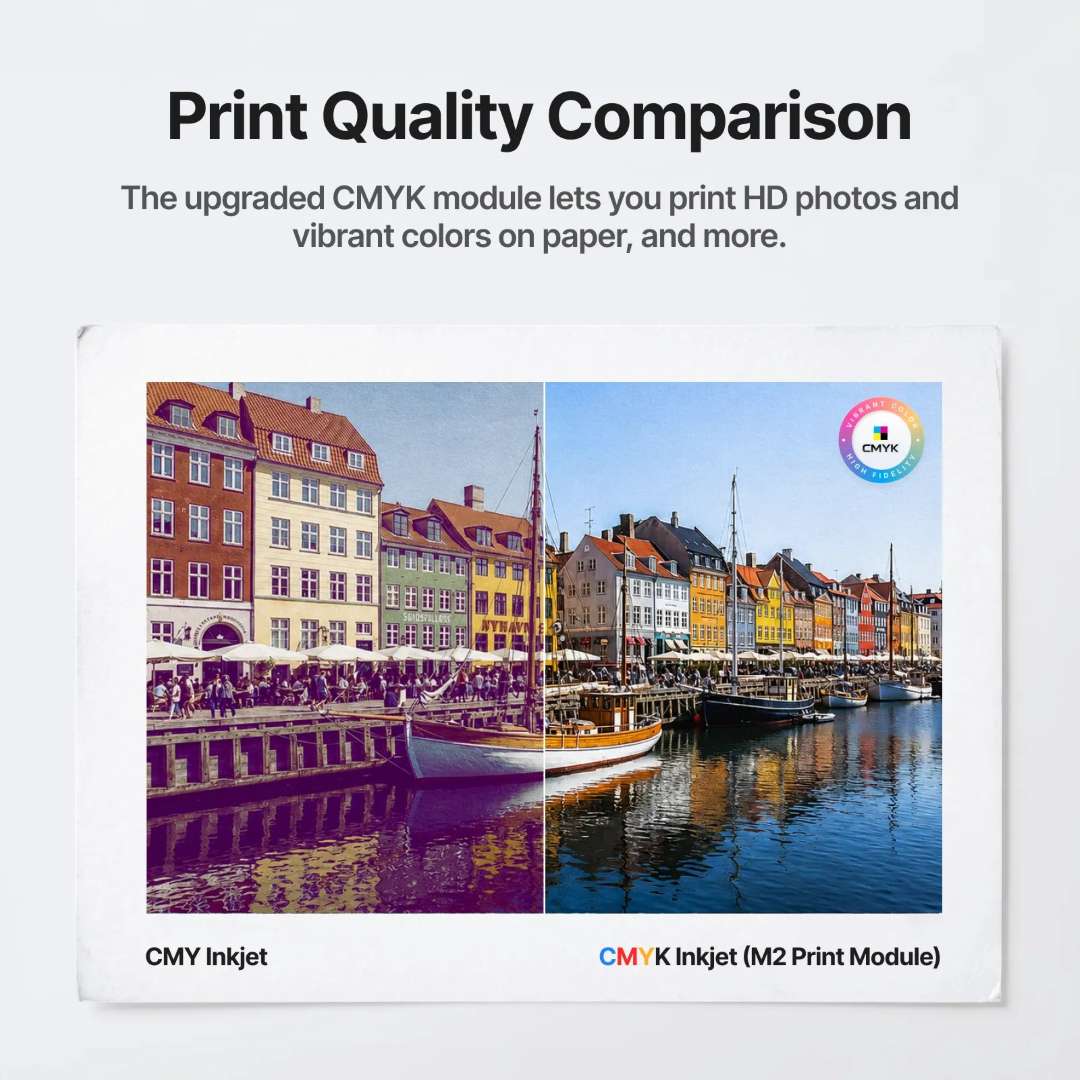
The addition of a true black (K) channel is the defining difference between the M2's CMYK inkjet module and earlier CMY-only designs. In colour theory, composite black from CMY primaries produces a muddy brown in low-coverage areas and can oversaturate porous substrates. A dedicated K channel delivers neutral, high-density blacks, sharper text, and more predictable tonal gradients across the supported print substrates — paper, cardstock, sticker paper, wood, canvas, fabric, felt, leather, and glass.
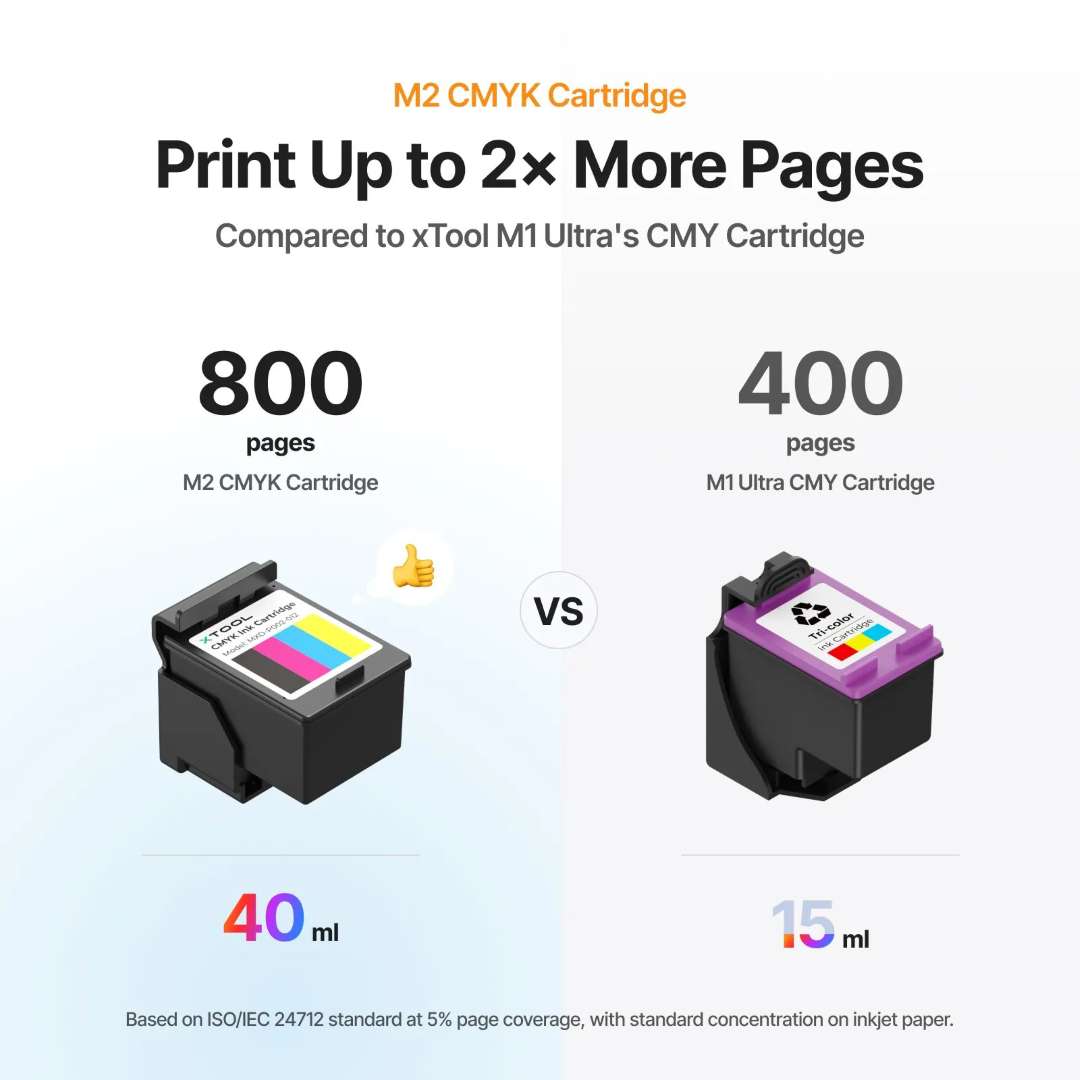
The print area of 300 mm × 294 mm shares the same machine bed as the laser, so a print-then-cut workflow executes entirely within xTool Studio with no substrate repositioning between operations. The bottom cap on the inkjet module contains both a moisturising sponge (to protect the ink nozzle from drying) and a cleaning sponge, both of which are user-serviceable without tools.
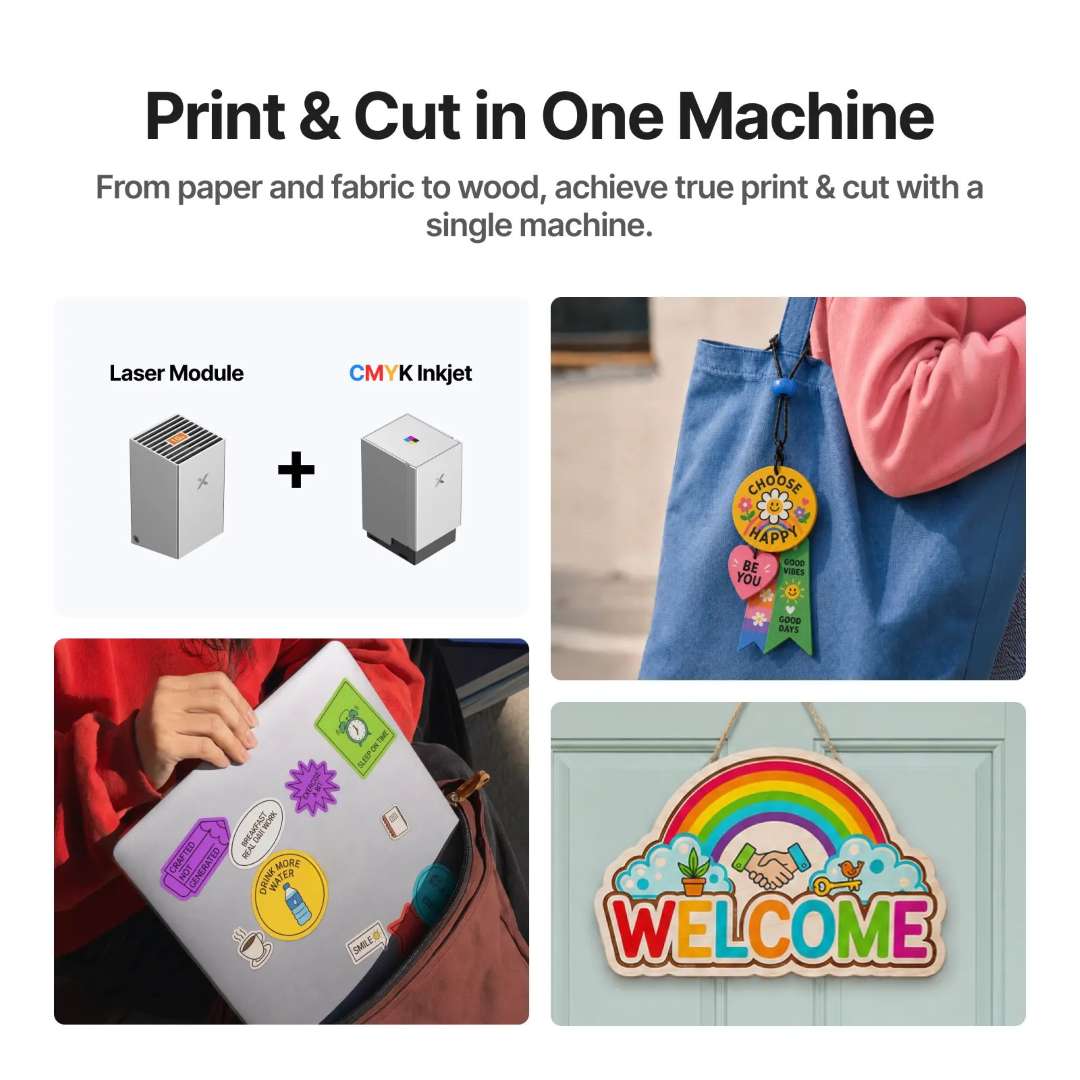
The print-and-cut workflow — producing printed and die-cut stickers, gift tags, and wooden signs in a single session — demonstrates the efficiency of integrated colour printing and laser cutting.
xTool Rotary Attachment 3 Lite — Cylindrical, Spherical, and Ring Engraving
The xTool Rotary Attachment 3 Lite included in the Deluxe Bundle extends the M2's working capability to cylindrical objects up to 100 mm diameter, spherical objects up to 130 mm diameter, and rings via dedicated stud components. A magnetic quick-release jaw chuck accepts three jaw configurations — cylindrical, T-shaped, and extended — allowing it to grip workpieces from 5 mm to 125 mm in diameter.
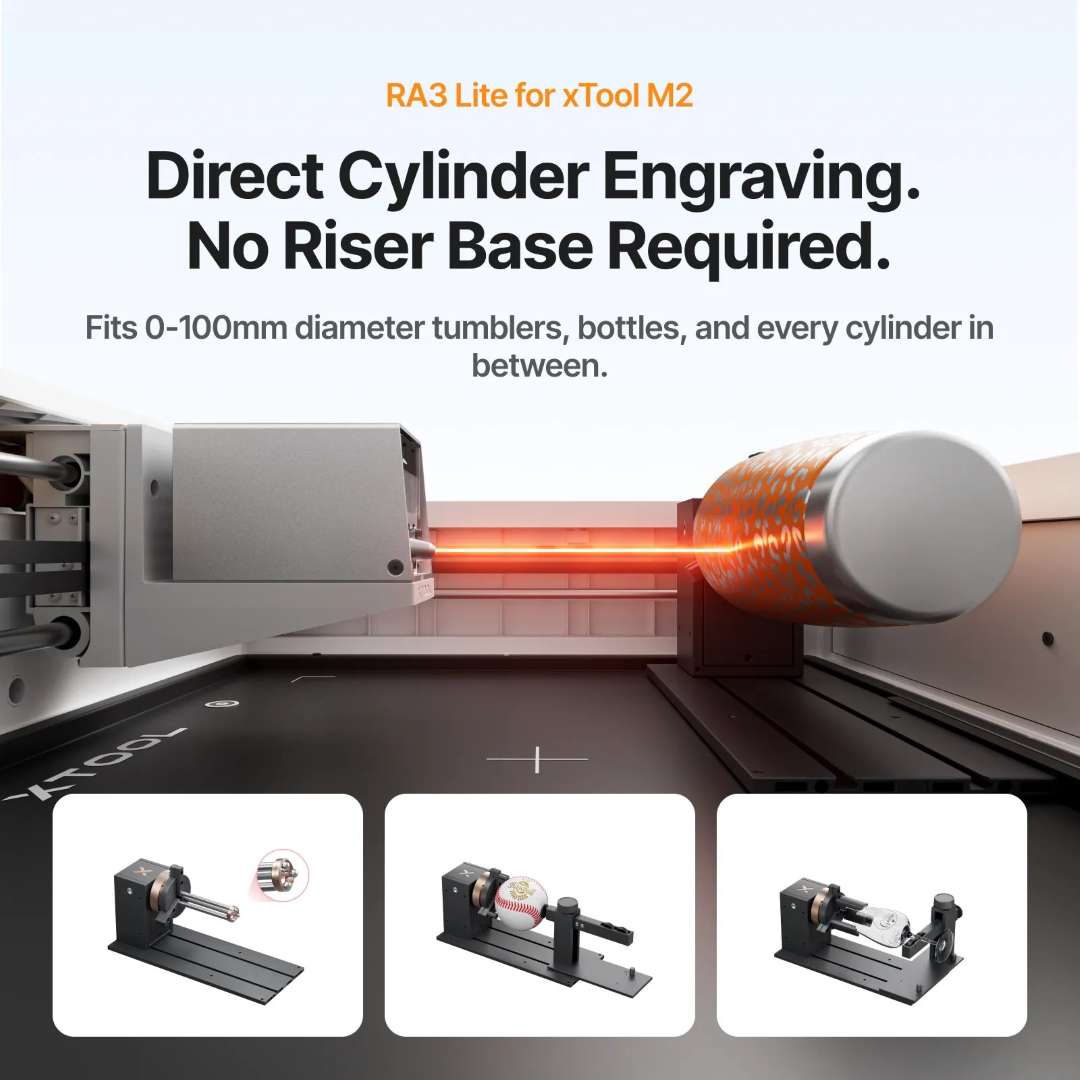
The horizontal laser emission holder re-positions the laser module tangentially to the rotary axis, maintaining a consistent focal distance across the full rotation. The support module adjusts independently to accommodate workpieces of varying lengths, and the entire assembly seats against positioning plates inside the M2 enclosure for repeatable registration between sessions.
Interchangeable Modules and Material Range
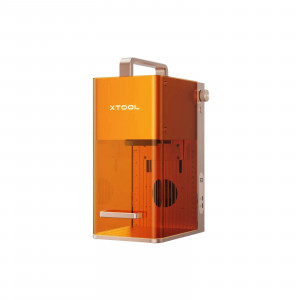
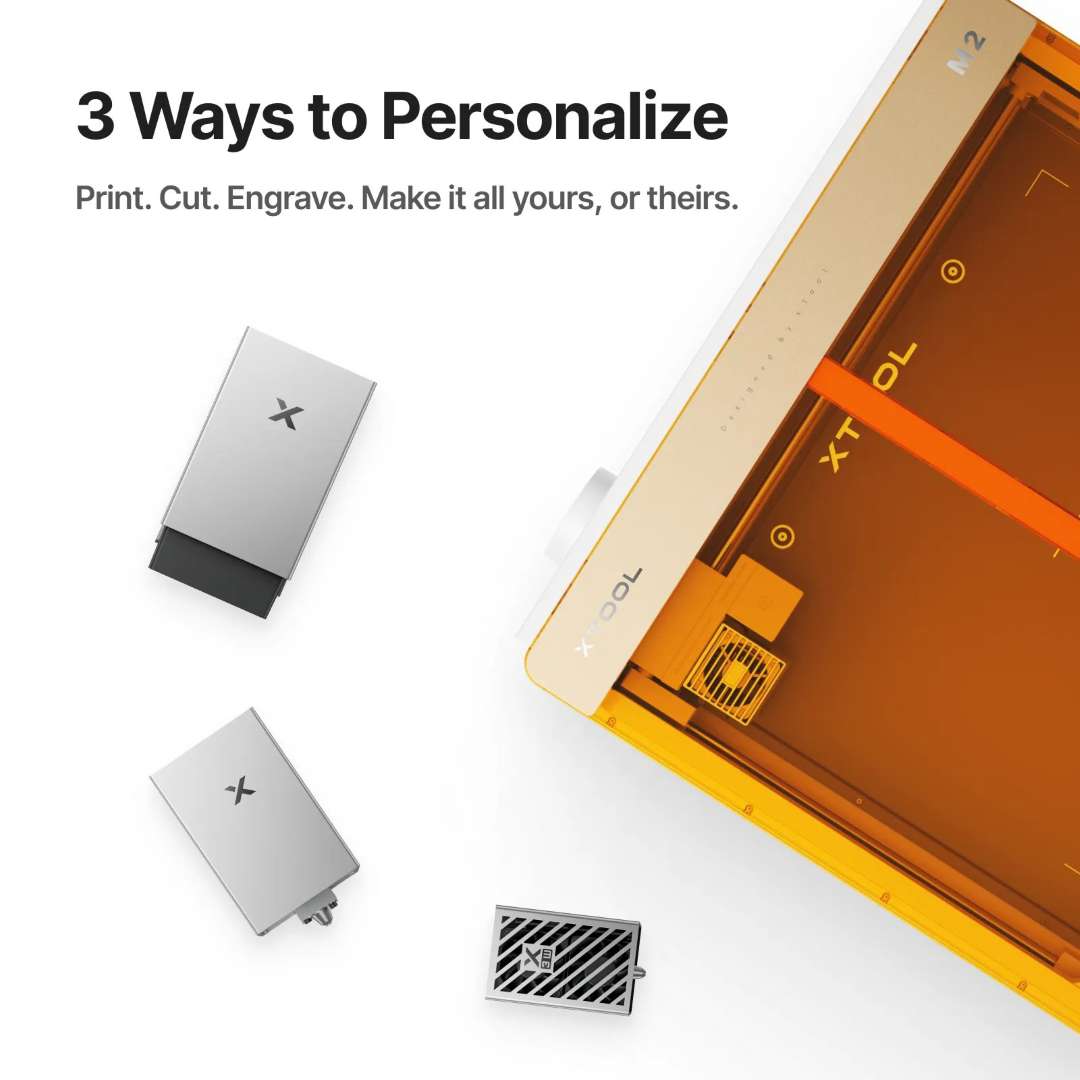
The M2 platform accepts three interchangeable tool heads — laser engraving, laser cutting, and CMYK inkjet modules — all governed by the same magnetic quick-change dock. This modular architecture allows rapid mode switching without recalibration, enabling mixed workflows (print-cut-engrave) in a single production session.
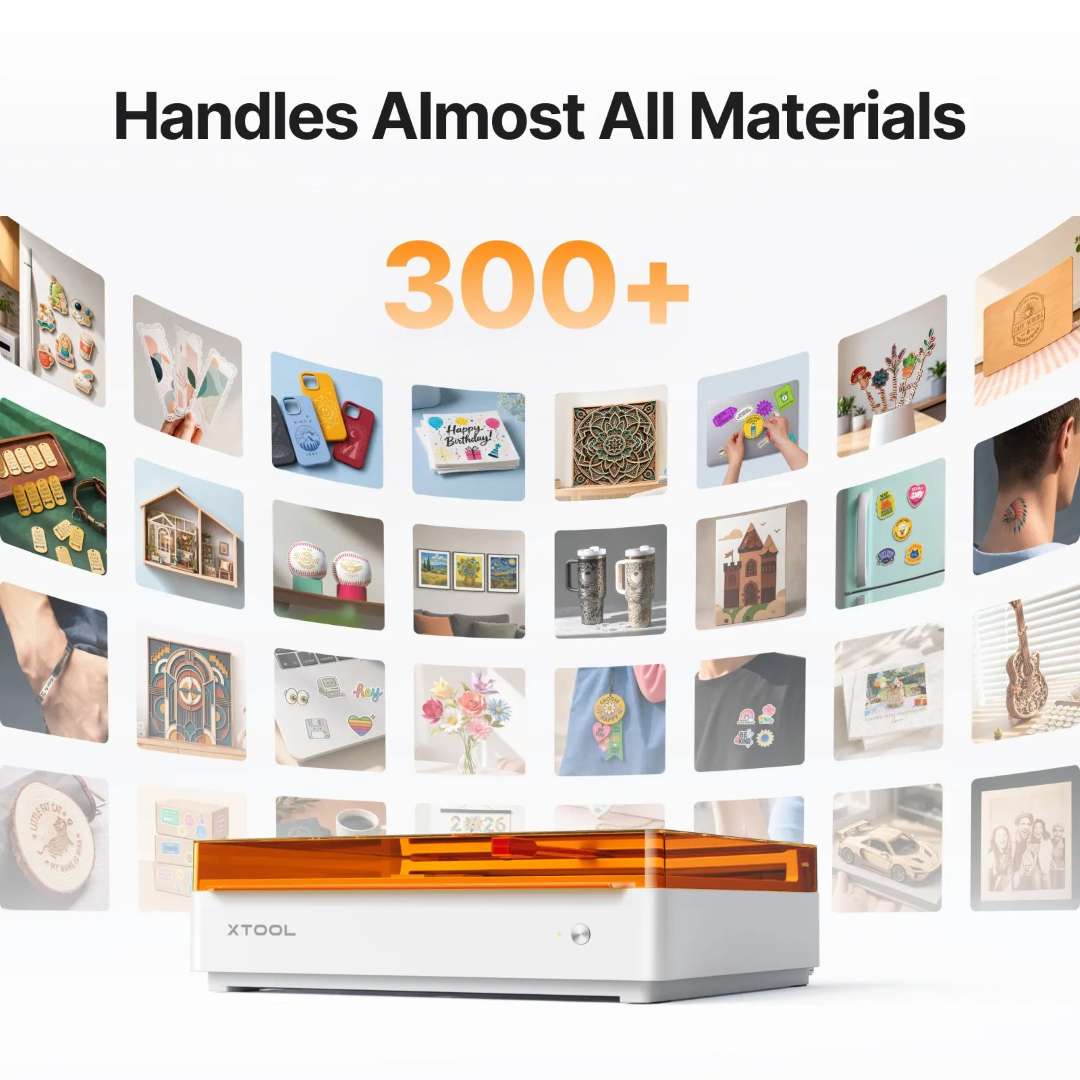
The engravable material list spans 17 substrates — from stainless steel and aluminium to glass, ceramic, and cork — while the cuttable list covers nine. Laser engraving of metal substrates (aluminium, stainless steel, plated metal) is performed by surface oxidation and ablation, not deep cutting, producing permanent marks suitable for product identification and decorative personalisation.
xTool Studio Software and AI Design Tools
xTool Studio runs on Windows and macOS, connects via USB or Wi-Fi, and accepts SVG, DXF, JPG, JPEG, PNG, and BMP files. The software handles material parameter management, camera-based job positioning, autofocus control, and module-specific settings (laser power/speed for engraving and cutting; colour profile and pass count for inkjet printing) within a unified interface. An AI design generation tool within the software allows the creation of original artwork from text prompts, reducing dependency on external vector editors for straightforward personalisation tasks.


Class 1 Safety Enclosure
The M2 achieves Class 1 Laser Safety certification (TÜV SÜD) through full enclosure. The internal laser module is rated as a Class 4 device (maximum optical output 24 W at 445 ± 15 nm), but the sealed chassis and interlocked amber-tinted polycarbonate lid attenuate any scattered radiation to levels safe for unprotected bystanders. A flame detection camera monitors the work area during processing and triggers an immediate stop if thermal anomalies are detected. Smoke extraction is managed via the rear smoke outlet connected to either an external pipe vented to a window or an xTool air purifier.

The following unboxing and first-use walkthrough provides a practical orientation to machine assembly, software connection, and first test cuts.
Applications
- Custom sticker and label production: Print and die-cut branded stickers, warning labels, and product identifiers in a single pass, with automatic contour registration via dual cameras.
- Personalised wooden and acrylic signage: Engrave names, dates, and intricate designs on gift items, plaques, and decorative panels; rotary attachment enables cylindrical blanks (pens, tumblers, bottles).
- Product decoration and marking: Engrave serial numbers, logos, and decorative detail on stainless steel, aluminium, leather, and coated products without removable coatings or adhesives.
- On-demand print-cut production: Print full-colour artwork onto sticker paper, fabric, wood, or leather, then laser-cut to shape — ideal for made-to-order merchandise and small-batch runs.
- Textile and leather customisation: Engrave patterns and text onto leather belts, bags, and jackets; cut fabric and felt for fashion accessories and costume components.
- Home and office personalisation: Class 1 safety enclosure permits operation in shared spaces; create custom name plates, office decor, and gift items without special ventilation or PPE.
Compatibility of the xTool M2 20 W Deluxe Bundle
- Engravable materials: Wood, opaque and transparent acrylic, leather, stainless steel, aluminium, plated metals, paper, MDF, cardboard, felt, rubber, glass, plastic, cork, and ceramic.
- Cuttable materials: Wood, opaque acrylic, paper, cardstock, cardboard, foam, MDF, leather, and felt.
- Printable materials (CMYK inkjet): Paper, cardstock, sticker paper, wood, canvas, fabric, felt, leather, and glass.
- Rotary attachment (RA3 Lite): Cylindrical objects 0–100 mm diameter, spheres up to 130 mm diameter, and rings via stud components; jaw configurations accommodate 5–125 mm diameter workpieces.
What's in the box
- xTool M2 main unit (pre-assembled)
- xTool M2 20 W Laser Module with dedicated power adapter (25 V 6 A)
- xTool M2 CMYK Inkjet Module with 40 ml cartridge, moisturising and cleaning sponges, calibration card, and support accessories
- xTool Rotary Attachment 3 Lite (jaw chuck with cylindrical, T-shaped, and extended jaw configurations; baseplate, support module, stud components, laser shield, and horizontal emission holder)
- Module connection cable and power adapter with cable
- USB cable and adapter; smoke exhaust pipe
- Clamp, grease, material pack, magnetic fixture, hex screwdriver, masking tape, fasteners, and instruction card
- Complete user manuals for all three modules and safety documentation
Technical specifications of the xTool M2 20 W Deluxe Bundle
| Processing Capacity | |
|---|---|
| Module Type |
|
| Processing Mode |
|
| Working Area |
|
| Max. Rotary Engraving Diameter | 0–100 mm |
| Max. Speed | 600 mm/s |
| Max. Cutting Capacity — Basswood (20 W) | 10 mm in one pass |
| Max. Cutting Capacity — Black Acrylic (20 W) | 8 mm in one pass |
| Easy Operation | |
| Pre-assembled | Yes |
| Built-in Camera |
|
| Positioning Method | Camera Positioning |
| Focus Mode | Autofocus |
| Accuracy & Precision | |
| Laser Spot Size — 20 W Diode Laser | 0.06 mm × 0.08 mm |
| Positioning Precision | Up to 0.2 mm (wide-view positioning: < 1.5 mm) |
| Ranging Precision | 0.1 mm, Probe |
| Motion Accuracy | 0.01 mm |
| General Information | |
| Product Dimensions | 610 mm × 569 mm × 180 mm |
| Safety Certification | Class 1 Laser Safety (TÜV SÜD Certified) |
| Product Weight | 12.3 kg |
| Max. Machine Input Power | 200 W |
| Power Adapter Input Voltage | 100 V – 240 V ~ AC 50/60 Hz |
| Laser Module Technical Parameters | |
| Laser Wavelength | 445 ± 15 nm |
| Maximum Optical Output Power | 24 W |
| Beam Divergence | 1.5 mrad (IEC 60825-1 Default) |
| Laser Module Power Adapter | 25 V 6 A |
| Laser Module Operating Temperature | 0 °C – 35 °C |
| Software | |
| Supported Software | xTool Studio |
| Operating Systems |
|
| Connection Methods |
|
| Supported File Formats |
|
| CMYK Inkjet Module — Operating Environment | |
| Inkjet Operating Temperature | 15 °C – 35 °C |
| Inkjet Operating Humidity | 40–60% RH |
| Supported Materials | |
| Cuttable Materials |
|
| Engravable Materials |
|
| Printable Materials (CMYK Inkjet) |
|
| Compliance & Certifications | |
| Laser Safety Class | Class 1 (TÜV SÜD Certified) |
| Laser Classification Standard | IEC 60825-1:2014 |
| EU EMC Directive | 2014/30/EU |
| EU Radio Equipment Directive (Inkjet Module) | RED 2014/53/EU |
| RoHS Compliance | 2011/65/EU & (EU) 2015/863 |
| EU Responsible Person | Makeblock Europe B.V., Westplein 12, 3016 BM Rotterdam, Netherlands |
| FCC Compliance | FCC Part 15 Class B |
Why buy the xTool M2 20 W Deluxe Bundle from EXPERT3D?
EXPERT3D supplies professional 3D and laser technology equipment from Valencia, serving customers across Spain and the EU since 2012. As an official representative of xTool, we guarantee 100% authenticity, fair pricing, authorised after-sales service, and an official warranty on every unit we supply. Our technical team provides expert pre-sales consultation to configure the M2 Deluxe for your workflow, in-stock consumables and spare parts (laser modules, inkjet cartridges, jaw configurations, and cleaning supplies), and post-purchase operator training via video and live consultation. Order online for fast delivery across Spain and the EU, with full technical support from our Valencia-based team before and after your purchase.