

- Stock: In Stock
- Product code: 00-00013957
- Weight Brutto: 15.12kg

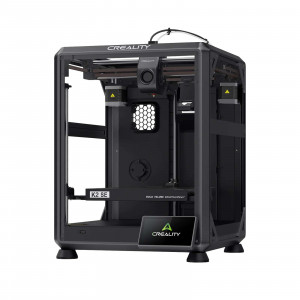
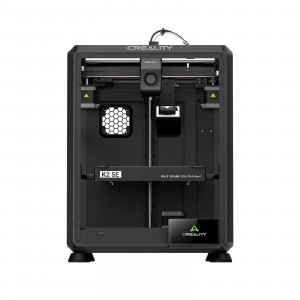
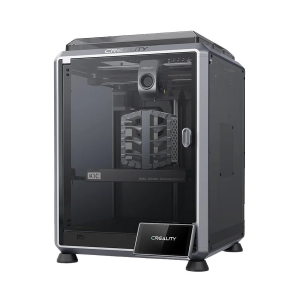
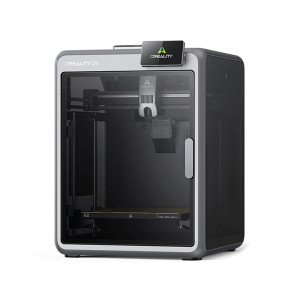
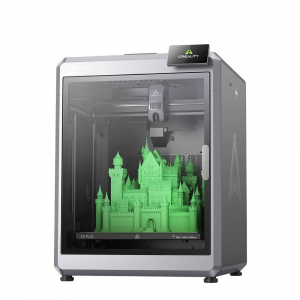
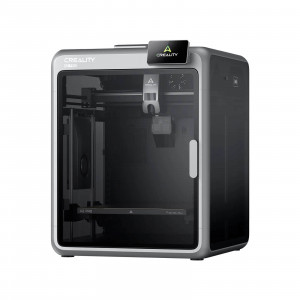
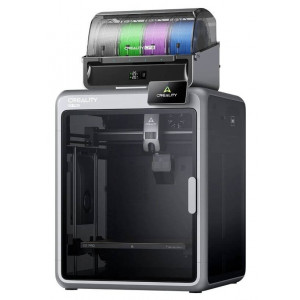
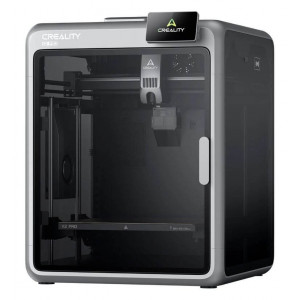
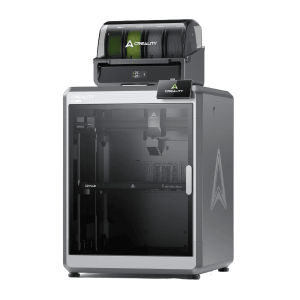
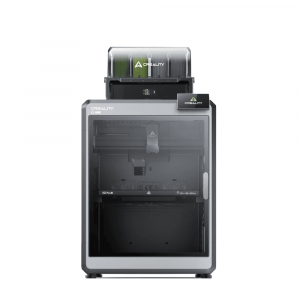
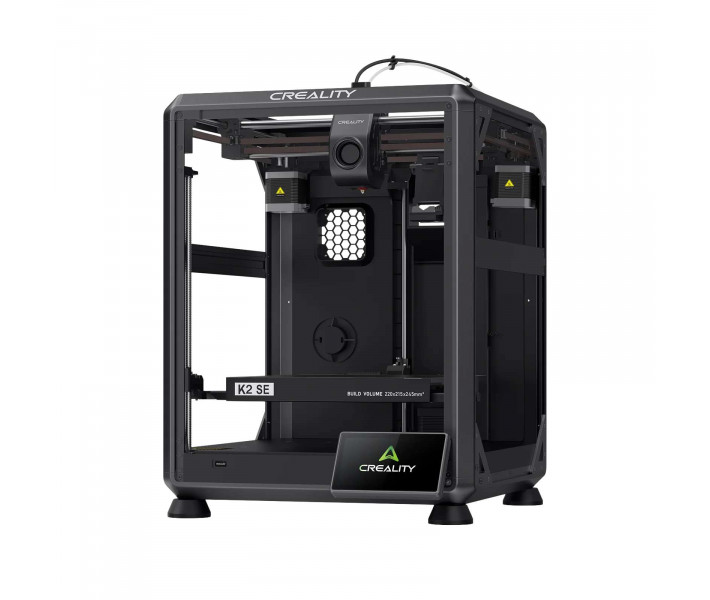
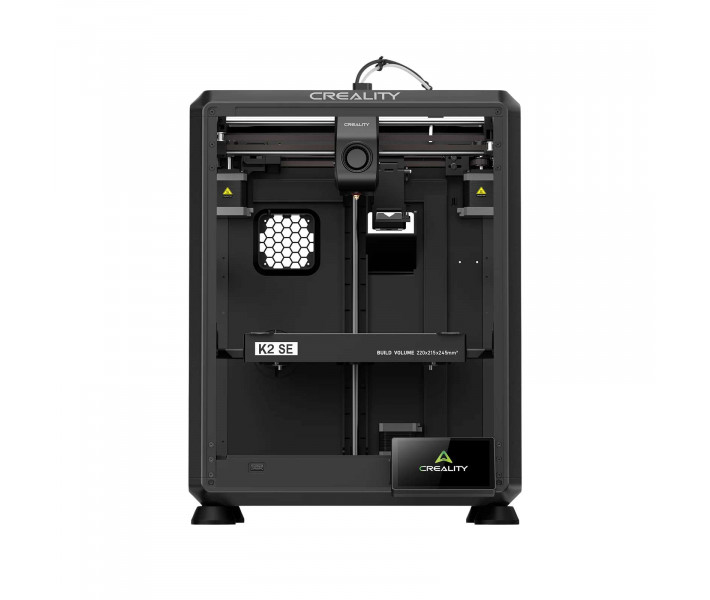
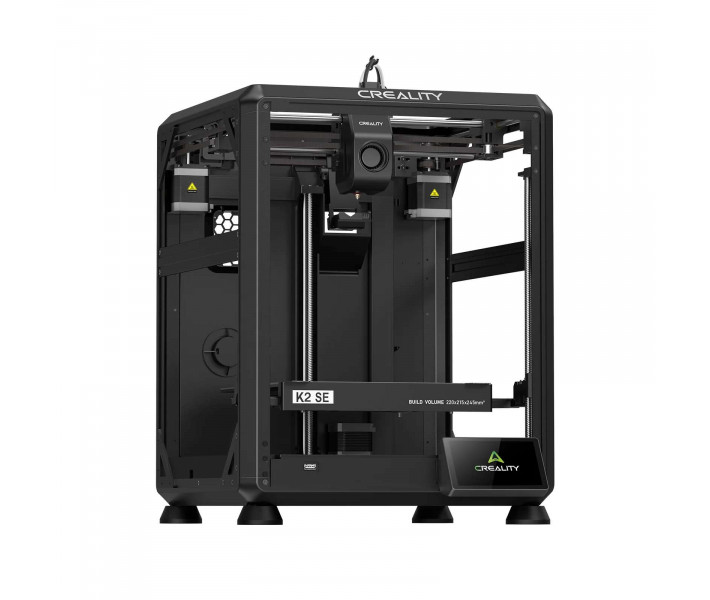
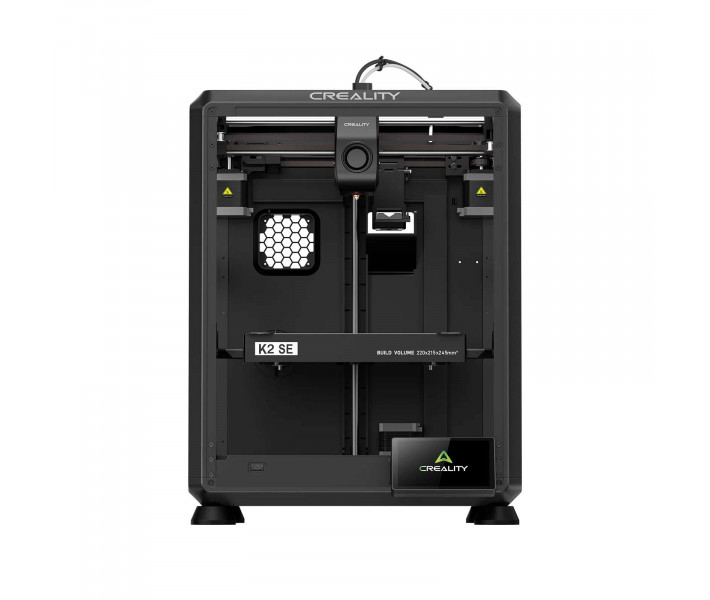
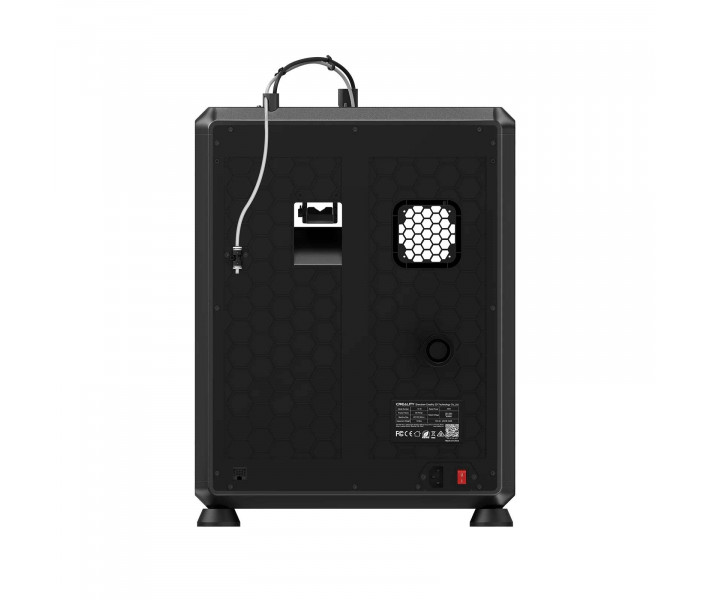
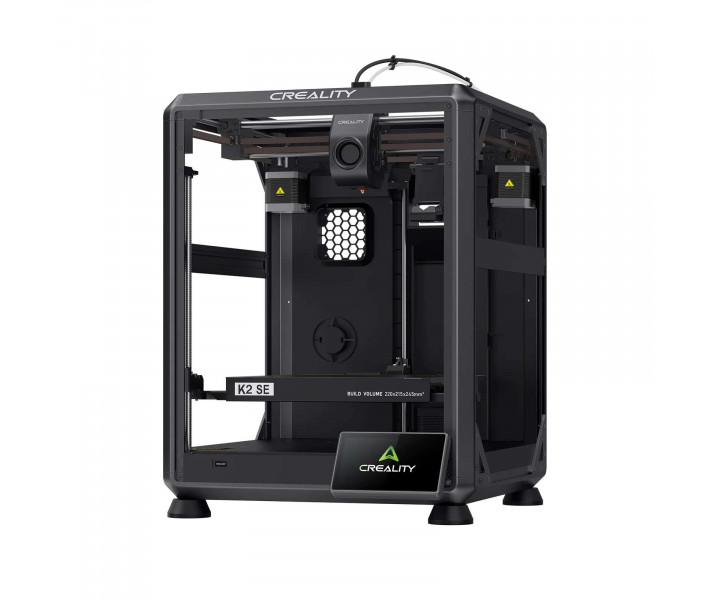
Creality K2 SE 3D Printer – Professional 3D Printer
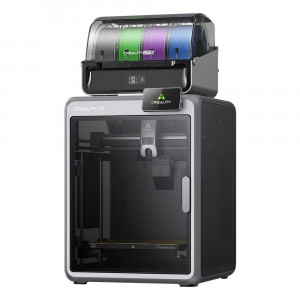
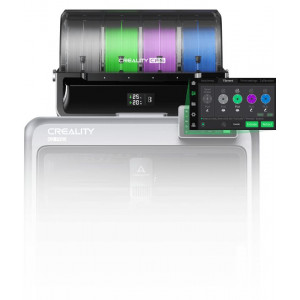
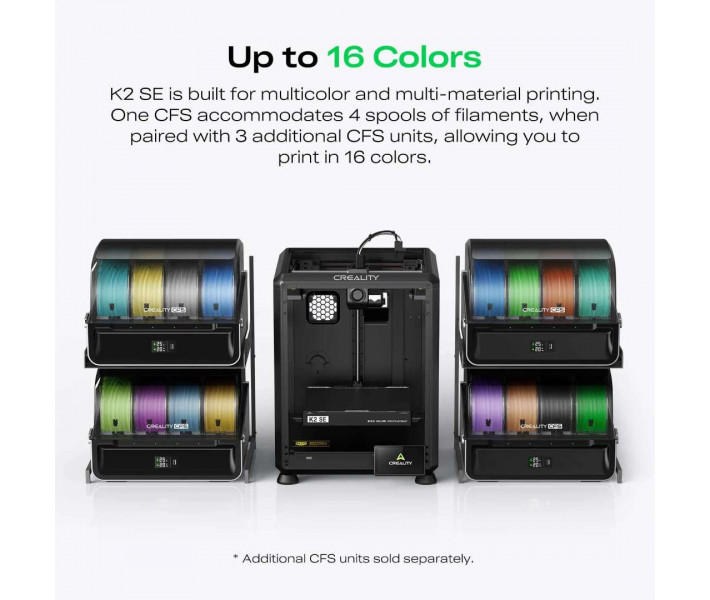
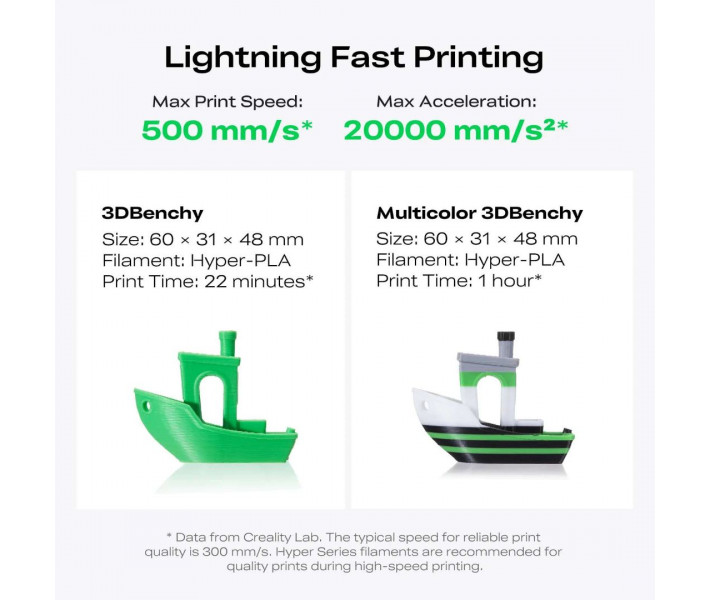
The Creality K2 SE 3D Printer is a high-speed FDM production system designed for smooth multicolour workflows and exceptional reliability under intensive use. Built on a robust die-cast aluminium chassis, it reaches speeds of up to 500 mm/s and accelerations of 20,000 mm/s² without sacrificing dimensional accuracy. Its key advantage lies in native multi-material scalability; integration with the Creality Filament System (CFS) enables printing with up to 16 different colours. This makes it arguably the best 3D printer for designers, rapid prototyping, and small-batch manufacturing operations requiring complex geometries and zero downtime.
Key Features and Core Capabilities
Advanced Extrusion and High-Speed Precision
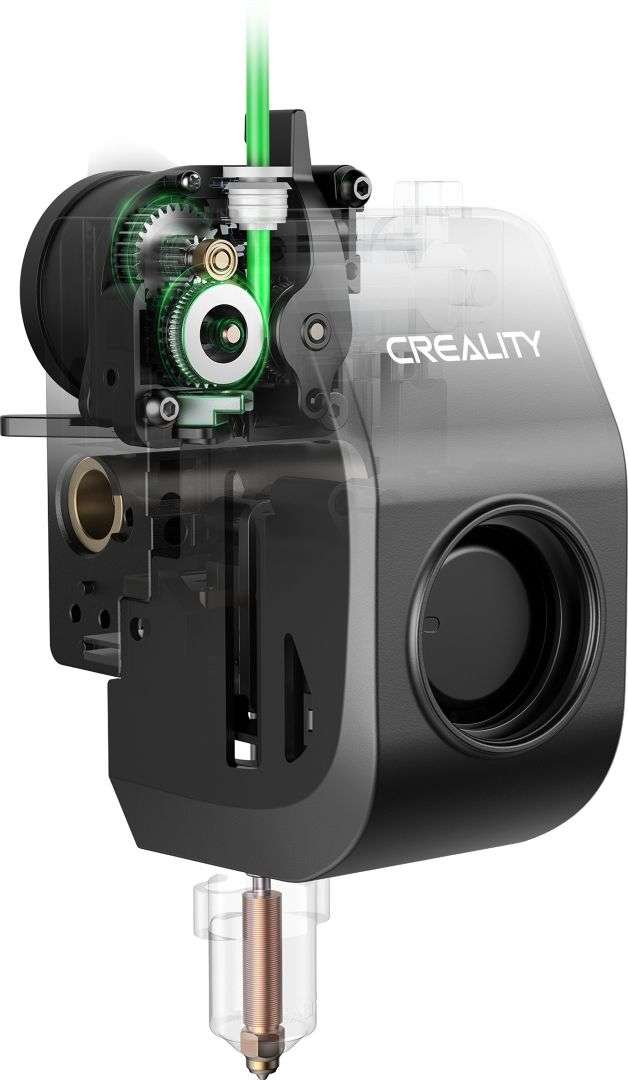
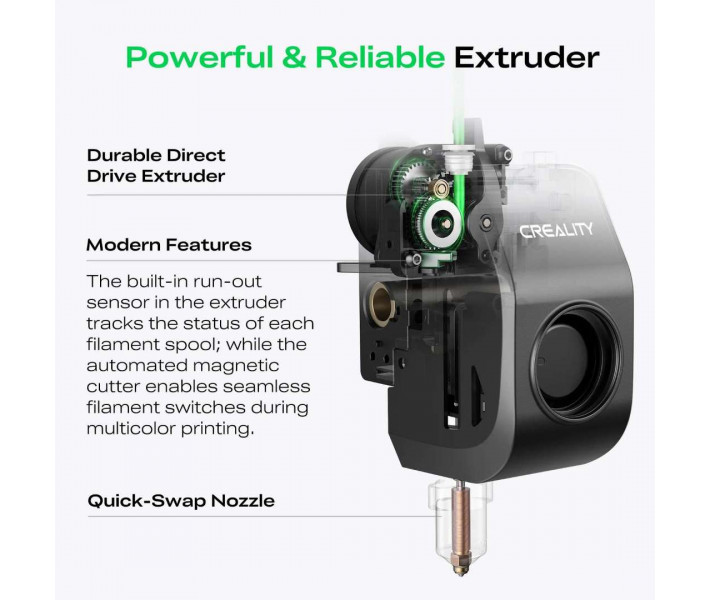
Equipped with a modular dual-gear direct-drive extruder featuring hardened steel gears, this system delivers exceptional wear resistance when processing abrasive polymers such as PLA-CF. The quick-swap, clog-free nozzle design simplifies maintenance and ensures consistent filament flow.
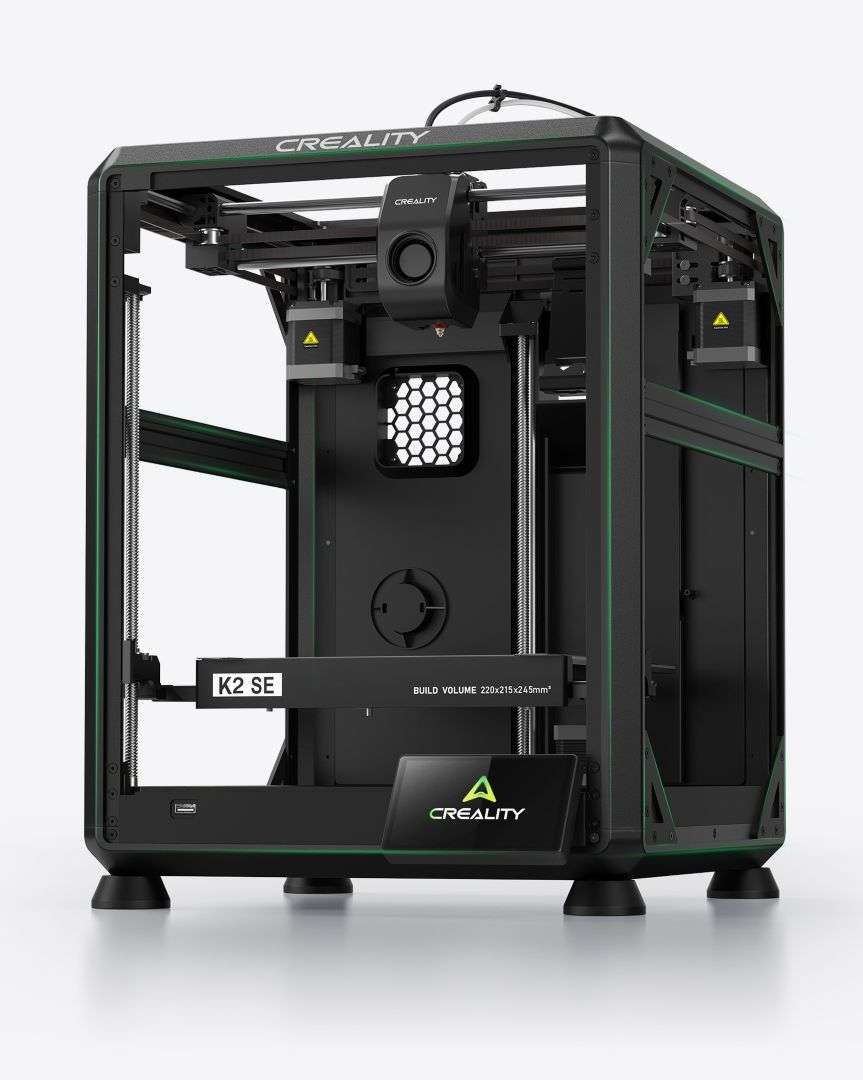
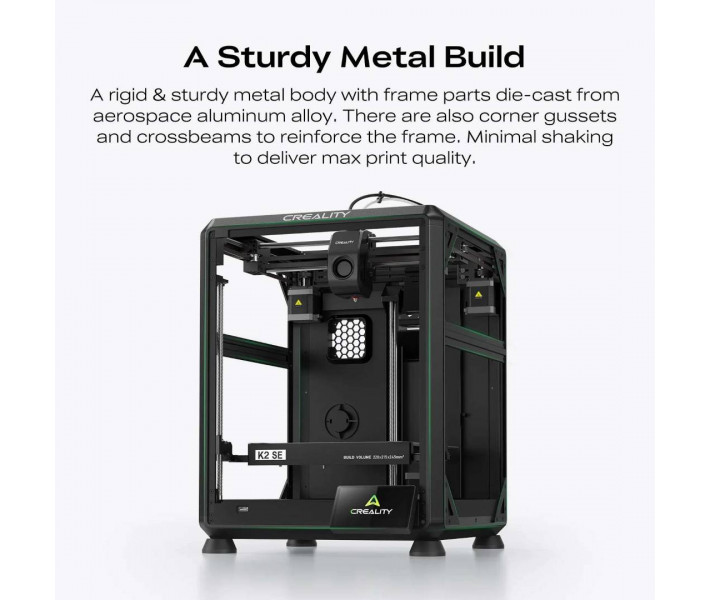
High speeds demand structural integrity. The metal chassis uses corner reinforcements and cross-braces to eliminate ghosting artefacts.
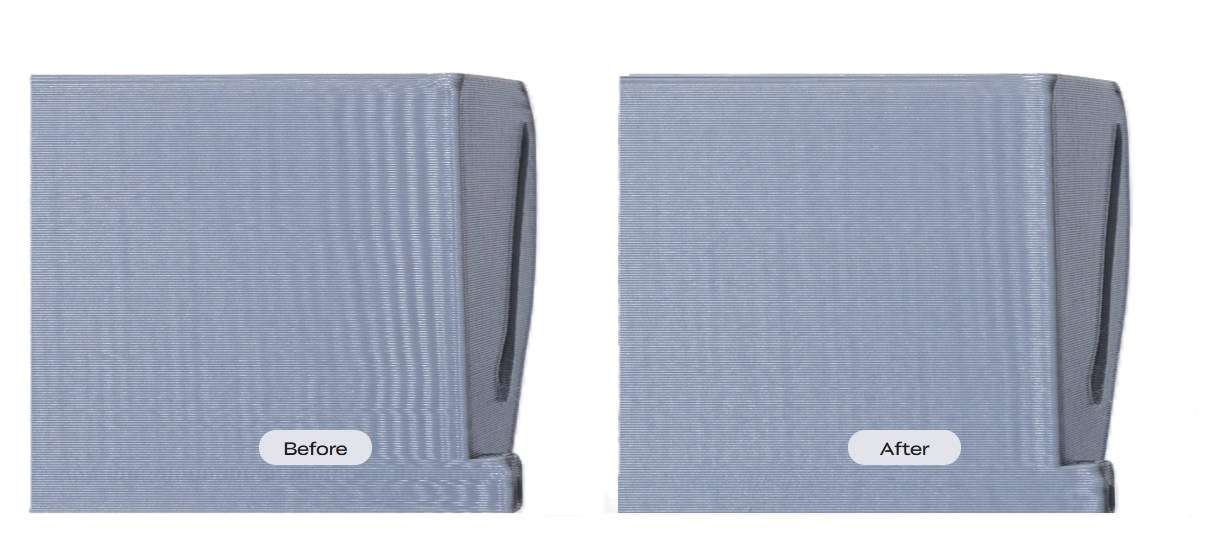
Combined with active vibration sensors and an integrated resonance compensation algorithm (input shaping), the printer actively cancels mechanical resonance to produce exceptionally smooth surface finishes.
Intelligent Automation and Creality OS
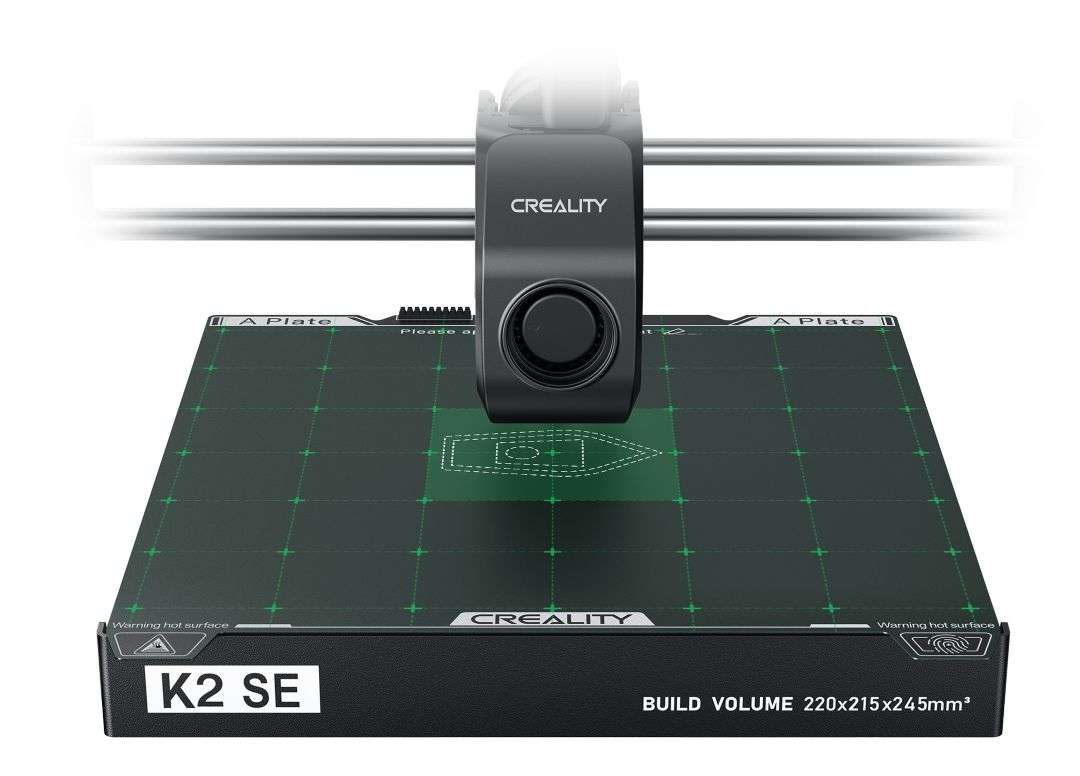
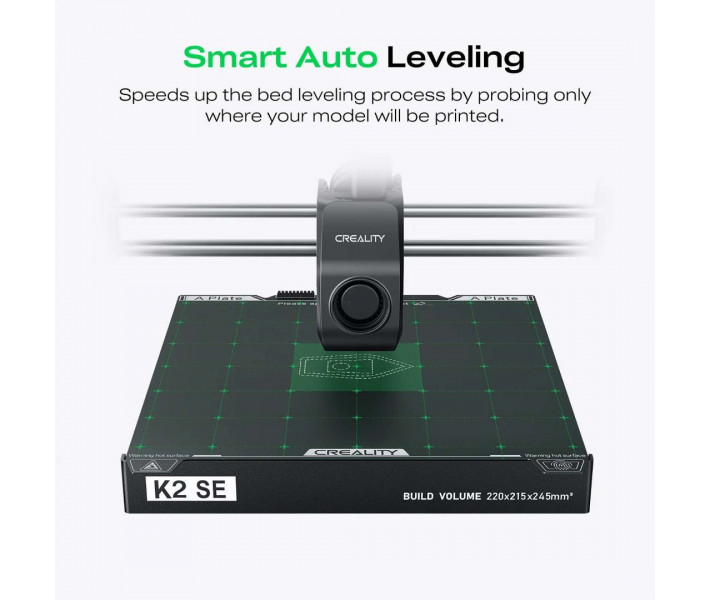
Productivity starts immediately with a 5-minute, 3-screw setup process. The intelligent auto-levelling function speeds up build plate preparation by probing only the specific print area in use.
Powered by the deeply optimised Creality OS, users benefit from root access, comprehensive multi-filament management, and the groundbreaking "partial failure skip" feature. This allows a single failed object within a batch to be electronically skipped without halting the entire print job. If you are looking to purchase the Creality K2 SE 3D Printer for a production farm, these intelligent controls dramatically reduce material waste.
Software Ecosystem and Workflow Integration
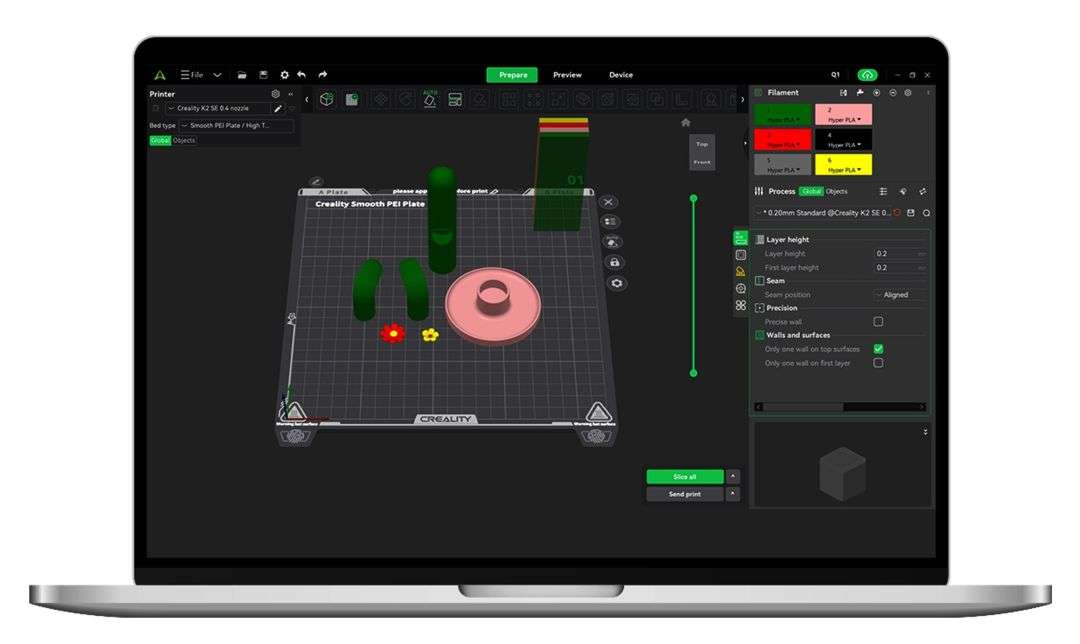
Operating via the powerful Creality Print slicer software (version 6.0+), you gain access to over 40 optimised filament presets and advanced multicolour 3MF model slicing.
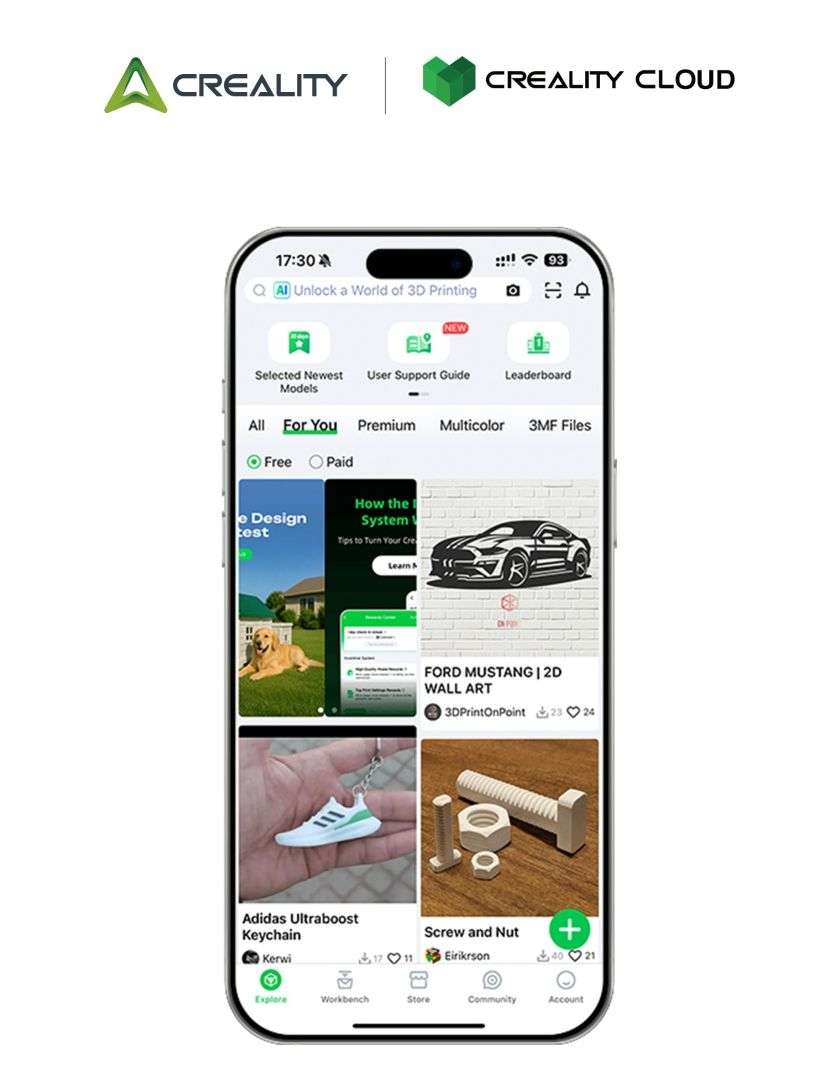
Multi-printer control over a local area network (LAN) and integration with Creality Cloud provide seamless remote monitoring, cloud slicing, and access to an extensive 3D model library.
| Feature | Operational Advantage |
|---|---|
| CFS Expansion | Supports up to 4 CFS units (16 filament spools in total) for complex multicolour models. |
| Filament Cutting and Run-Out System | The integrated extruder sensor tracks spool status, whilst an automated magnetic cutter ensures clean filament transitions. |
| Rapid Heating | The nozzle reaches ≤ 300°C and the epoxy resin build plate heats to ≤ 100°C, ensuring broad material compatibility (TPU, PETG, PLA-CF). |
Technical Specifications – Creality K2 SE 3D Printer
| Specification | Detail |
|---|---|
| Product Name | K2 SE |
| Printing Technology | Fused Deposition Modeling (FDM) / FFF |
| Build Volume | 220 x 215 x 245 mm |
| Print Speed | ≤ 500 mm/s |
| Acceleration | ≤ 20,000 mm/s² |
| Print Accuracy | 100 ± 0.1 mm |
| Layer Height | 0.1–0.35 mm |
| Extruder | Dual-gear direct-drive extruder (proximal extrusion) |
| Filament Diameter | 1.75 mm |
| Nozzle Diameter | 0.4 mm |
| Maximum Nozzle Temperature | ≤ 300°C |
| Maximum Heatbed Temperature | ≤ 100°C |
| Print Surface | Epoxy resin |
| Levelling Mode | Fully automatic levelling |
| File Transfer | USB Drive, Wi-Fi, LAN, Creality Cloud |
| File Storage | 8 GB eMMC |
| Rated Power | 350 W |
| Display (Interface) | 3.97-inch colour touchscreen |
| Compatible Filaments | PLA, PETG, TPU 95A, PLA-CF, Hyper PLA |
| Resonance Compensation | Yes |
| CFS Compatibility | Yes |
| Net Weight | 10.58 kg |
What's in the Box
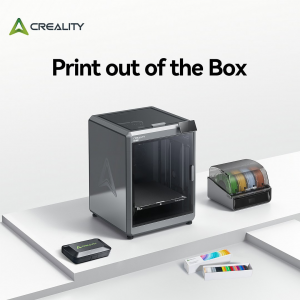
- Printer ×1
- Touchscreen ×1
- Filament ×1
- Spanner and screwdriver ×1
- Material spool holder ×1
- Cutting pliers ×1
- 1.2 mm nozzle cleaning needle ×1
- Power cable ×1
- M6 tube spanner ×1
- Double connector and screw ×1
- Quick start guide ×1
- After-sales service card ×1
Creality K2 SE: Quick Start Guide and Advanced Setup for Senior Engineers
Designed by Creality engineers, this guide will take you from unboxing to producing your first masterpiece at 500 mm/s using the standard K2 SE model. Follow these setup procedures to maximise the long-term operational lifespan of your machine.
1. Unboxing and Professional Hardware Setup
Correct setup of the die-cast aluminium chassis eliminates instability in the motion system. First, verify that the voltage switch is set correctly for your region's power supply (115 V for the US/Canada or 230 V for EU/UK) to prevent electrical damage. Remove the three transit screws (marked with yellow arrows and labelled a, b, c) to release the motion gantry. Finally, install the touchscreen via the flat flexible cable and ensure the printer rests on a rigid, strictly level surface.
2. First Run: The Golden 13-Minute Setup
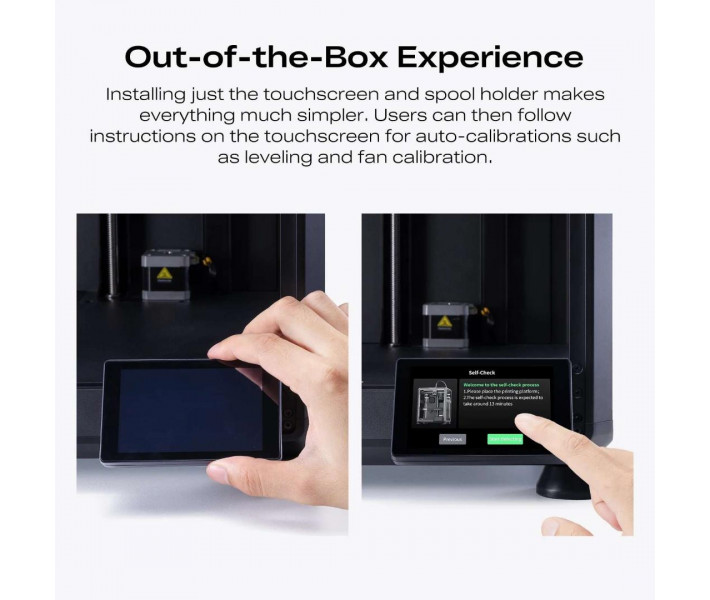
On powering up the device, connect it to your Wi-Fi network and link it to the Creality Cloud app. Launch the automatic 13-minute self-check sequence. This routine will test thermal stability by heating the nozzle and heatbed, measure high-speed resonance via Input Shaping (resonance compensation) calibration, and perform intelligent area levelling for precise first-layer adhesion. Load your filament by feeding it into the PTFE tube until you feel resistance at the next-generation extruder, then run the extrusion command on the touchscreen to purge the system.
3. Transition: External Spool Holder Guide
Because the standard K2 SE uses an external spool rather than a CFS, maintaining low-friction filament feed is essential. Print the officially optimised spool holder as your first project to ensure the PTFE tube follows a smooth arc without sharp bends. Should you upgrade to multi-material printing in the future, you can easily attach the filament buffer to the rear chassis.
4. Basic Maintenance (Senior Engineer Protocol)
Maintain peak performance by carrying out routine maintenance every 300 to 500 operating hours. Proper care ensures the hardware sustains ultra-fast accelerations without issue.
| Maintenance Task | Required Action |
|---|---|
| Lubrication | Apply specialist grease to the X/Y/Z optical rods and the three Z-axis lead screws to prevent abrasive friction. |
| Build Surface Care | Clean the PEI surface with 90% isopropyl alcohol to remove skin oils and restore adhesion. |
| Chassis Cleaning | Vacuum the underside of the chassis and the waste chute to prevent mechanical filament jams. |
| Nozzle Inspection | Use the included 1.2 mm needle if signs of under-extrusion appear. |
5. Quick Tips for Beginners
Mastering printing at 500 mm/s requires balancing thermodynamics. When printing at maximum speed, increase the nozzle temperature by 5–10°C to ensure consistent polymer flow. Additionally, always dry your filament thoroughly — especially PETG — to avoid stringing, and recalibrate the build plate levelling whenever the printer chassis is moved or the nozzle is changed.
Troubleshooting and Frequently Asked Questions (FAQ)
Why is my first layer not adhering?
Clean the build plate thoroughly with isopropyl alcohol. If adhesion problems persist, re-run the "Auto Levelling" process from the settings menu and verify that "Target-Area" (specific area) calibration is enabled in your slicer software.
What should I do if the extruder is clicking?
A clicking extruder typically indicates that the nozzle is too close to the build plate, or that the hotend temperature is too low for the current print speed. Check your Z-offset calibration and increase the temperature slightly.
Can I upgrade to CFS later?
Absolutely. The K2 SE is natively compatible with the Creality Filament System. You simply need to purchase the CFS unit and connect the filament buffer to the machine.
Why did the printer stop during the first run?
This occurs if the three transit screws (a, b, and c) were not removed during unboxing. The internal stepper motors will stop automatically to prevent hardware damage.
Why print at 500 mm/s rather than standard speeds?
The hardware is highly optimised for maximum productivity. Printing at 500 mm/s allows you to print a standard "Benchy" benchmark model in under 20 minutes, greatly accelerating rapid prototyping without compromising structural integrity.
How do I clear a jam in the multicolour system?
Heat the hotend to 240°C or above. Use the included 1.2 mm nozzle cleaning needle to push upwards through the bottom of the nozzle. Alternatively, disconnect the upper PTFE tube and push the filament through manually to clear the blockage.
Is it normal for the printer to vibrate loudly during fast movements?
Yes, high-acceleration manoeuvres generate noticeable acoustic output. Ensure the unit is placed on a very solid surface and verify that Resonance Compensation (Input Shaping) ran to completion during initial setup to mitigate vibration.
Why Choose Us
If you are looking to purchase the Creality K2 SE 3D Printer, look no further than EXPERT3D. Having supported the Additive Manufacturing industry with deep technical expertise since 2012, our team ensures your transition to high-speed multicolour printing is entirely seamless. Partner with us to secure an exceptional price on the Creality K2 SE 3D Printer, comprehensive after-sales support, and the confidence that comes from purchasing through trusted, professional 3D printing specialists.