- Stock: In Stock
- Product code: 10050-000069
- Weight Brutto: 90.00kg

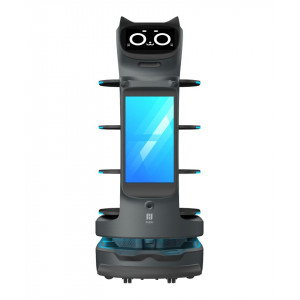
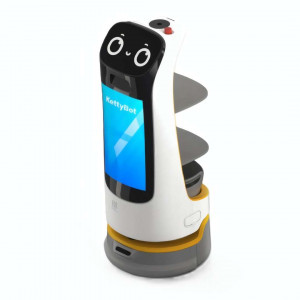
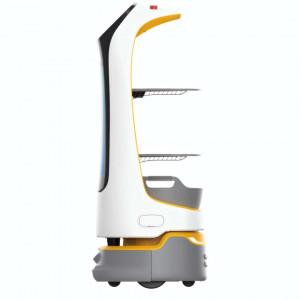
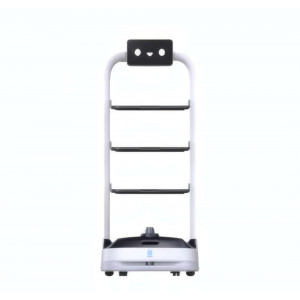
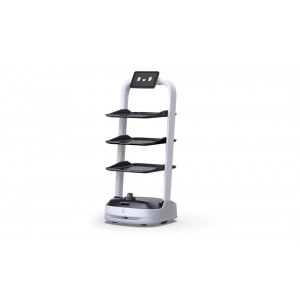
The PUDU HolaBot is a heavy-duty autonomous service robot built for high-volume hospitality, healthcare, and retail environments. Weighing 55 kg and standing 1228 mm tall, it carries up to 60 kg across four adjustable trays — 15 kg per level — navigating autonomously via laser and visual integrated SLAM with a cruise speed of 0.5–1.2 m/s and up to 12 hours of battery life per charge.
| Total Load Capacity | 60 kg (15 kg per tray × 4 trays) |
|---|---|
| Navigation Technology | Laser + visual integrated SLAM |
| Battery Life | 12 h (no load), swappable 25.6 Ah pack |
| Cruise Speed | 0.5–1.2 m/s (adjustable) |
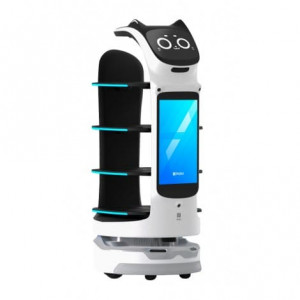
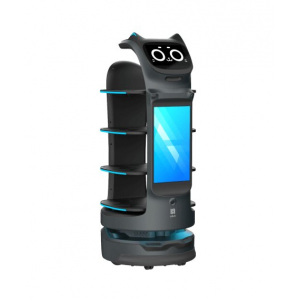
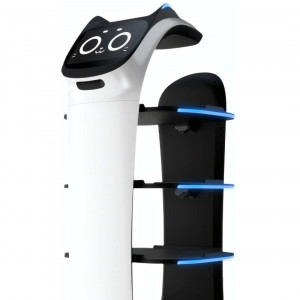
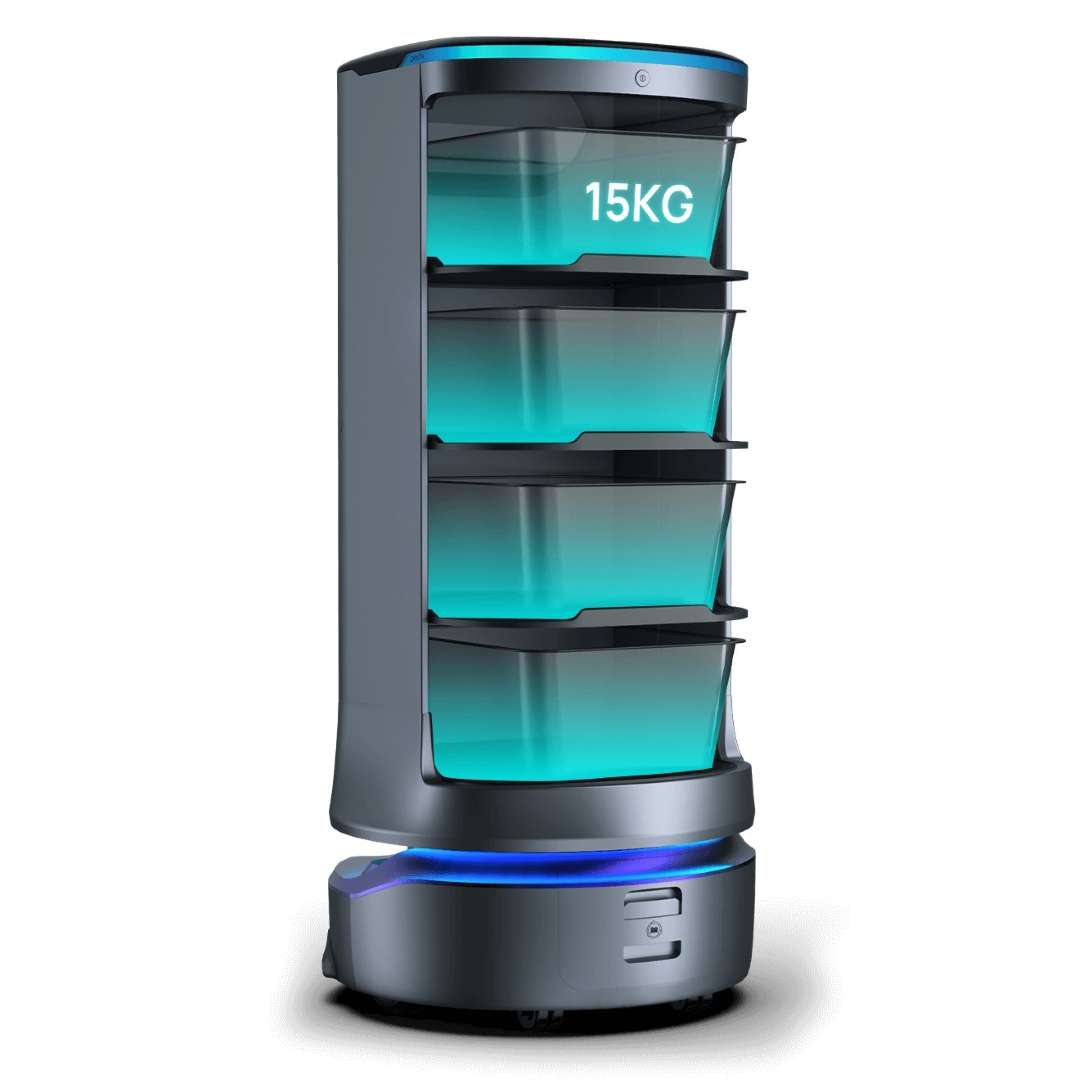
The image below shows the HolaBot's four illuminated transparent trays at full configuration, each rated for 15 kg on flat surfaces — giving the platform a combined payload that few commercial service robots can match at this price tier.
Four Operating Modes for Every Business Scenario
Rather than locking staff into a single workflow, the HolaBot offers four task modes selectable directly from its 10.1" LCD Android touchscreen. Delivery mode dispatches dishes to multiple tables in one trip, automatically planning the shortest route. Collection mode reverses the flow — the robot visits up to 20 pickup points and consolidates items at a single return station. Cruise mode keeps the robot circulating along a preset route at timed intervals, ideal for buffet lines or retail refreshment stations. Direct mode sends the robot to a single destination and parks on completion — no return trip, no extra configuration.
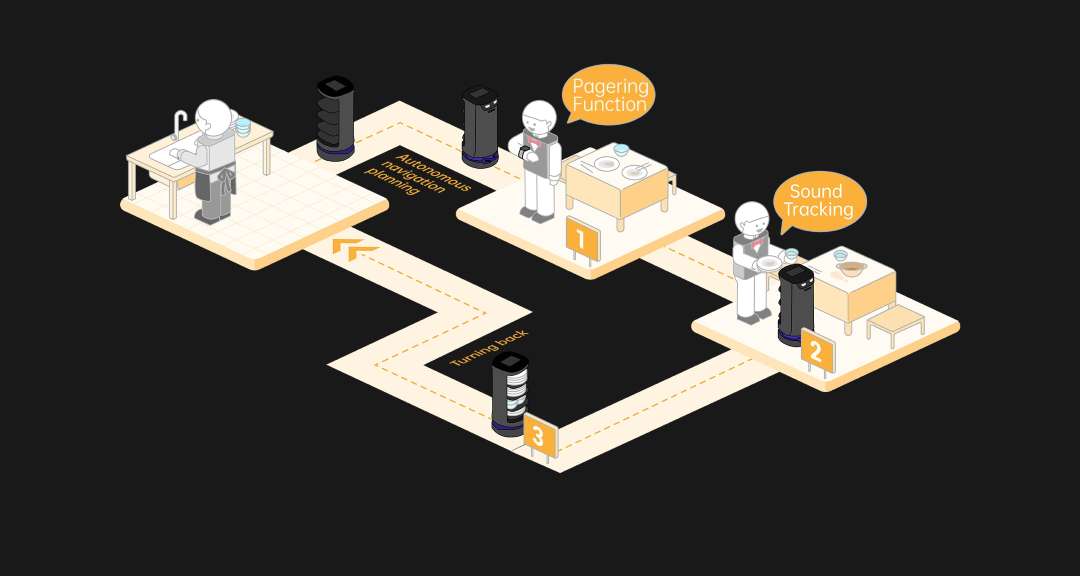
The diagram below illustrates the restaurant collection workflow: numbered collection stops, autonomous navigation path planning, and automatic return to the dishwashing station — all without human intervention.
120 L Interior Compartment: Serious Capacity for Serious Kitchens
The HolaBot's enclosed body houses a 120 L ultra-large compartment divided into four trays, each measuring 390 × 360 mm. On a flat surface, each tray holds 15 kg; when crossing a 5 mm threshold, the safe load steps down to 10 kg per tray. Tray spacing is asymmetric by design — the top gap is 216 mm while the three lower gaps are each 184 mm — accommodating tall serving vessels on the top level while maximising volume on the others. All four trays are height-adjustable. The entire frame is aviation-grade aluminium alloy with ABS panelling: structurally rigid, corrosion-resistant, and light enough to keep the robot's own footprint manageable at 55 kg.
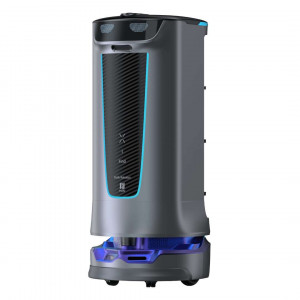
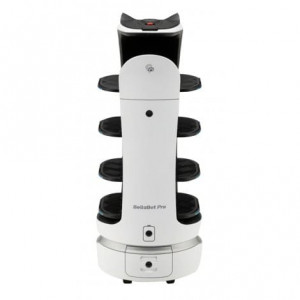
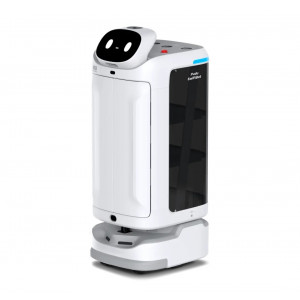
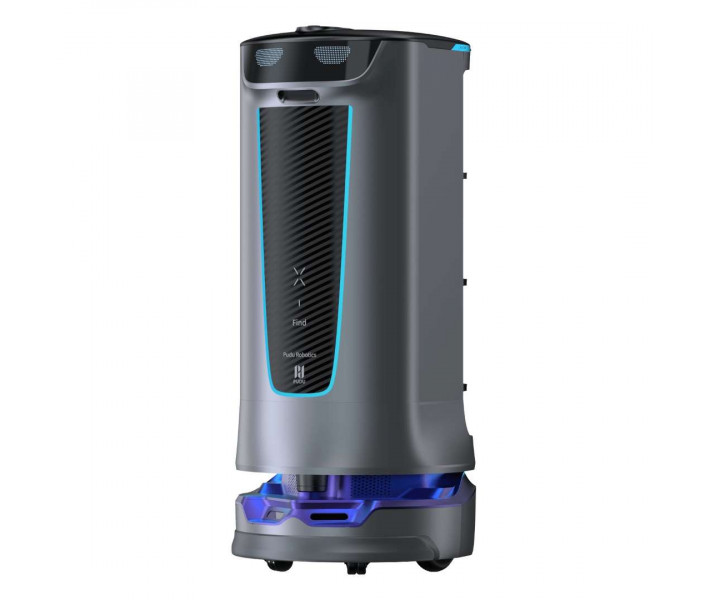
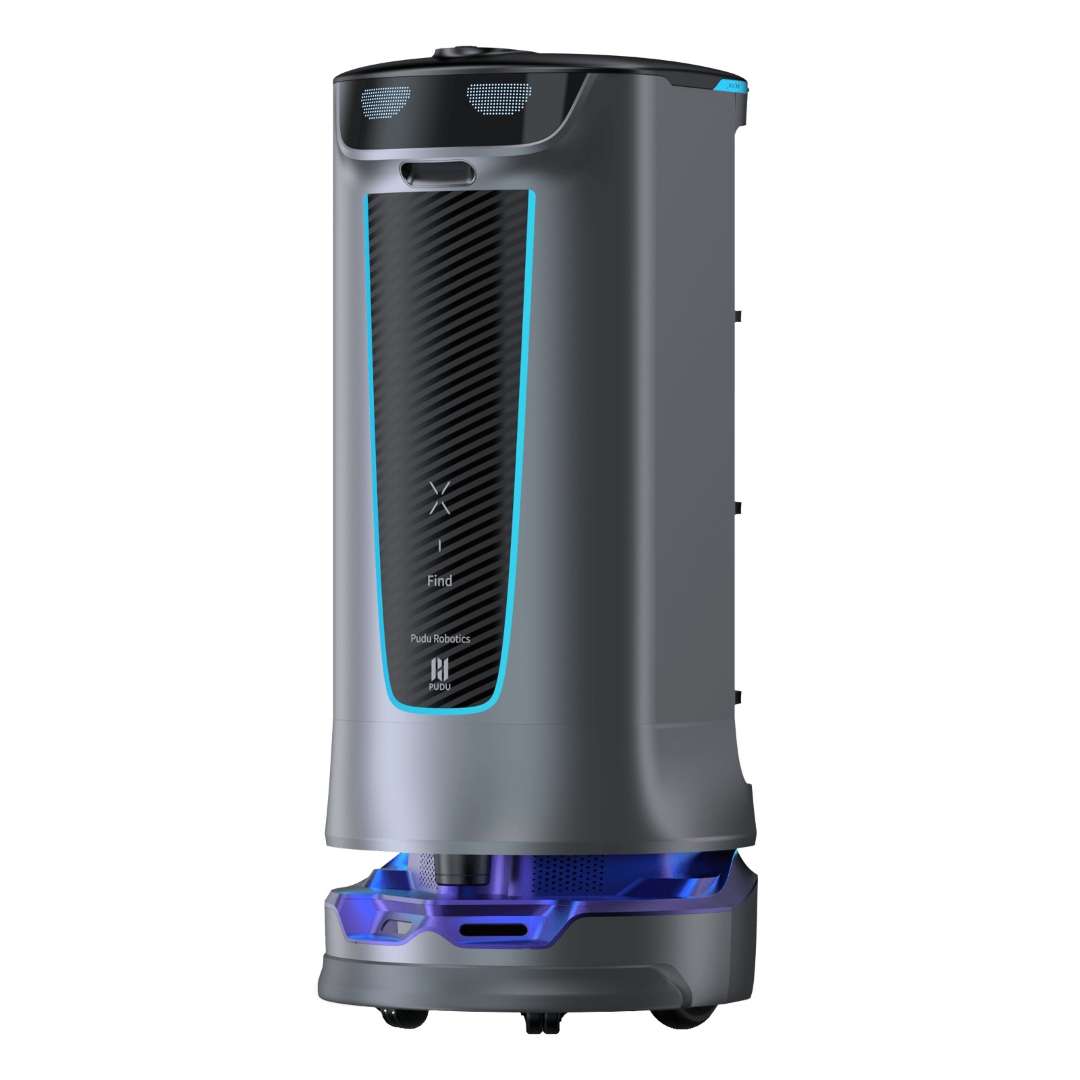
The front panel below shows the HolaBot's industrial design: depth-vision sensors at the crown, a carbon-fibre-textured front fascia with cyan LED accent strip, and the Pudu Robotics branding — a silhouette built to look deliberate rather than disruptive in high-end dining or clinical spaces.
Five Calling Methods: The Robot Comes to You
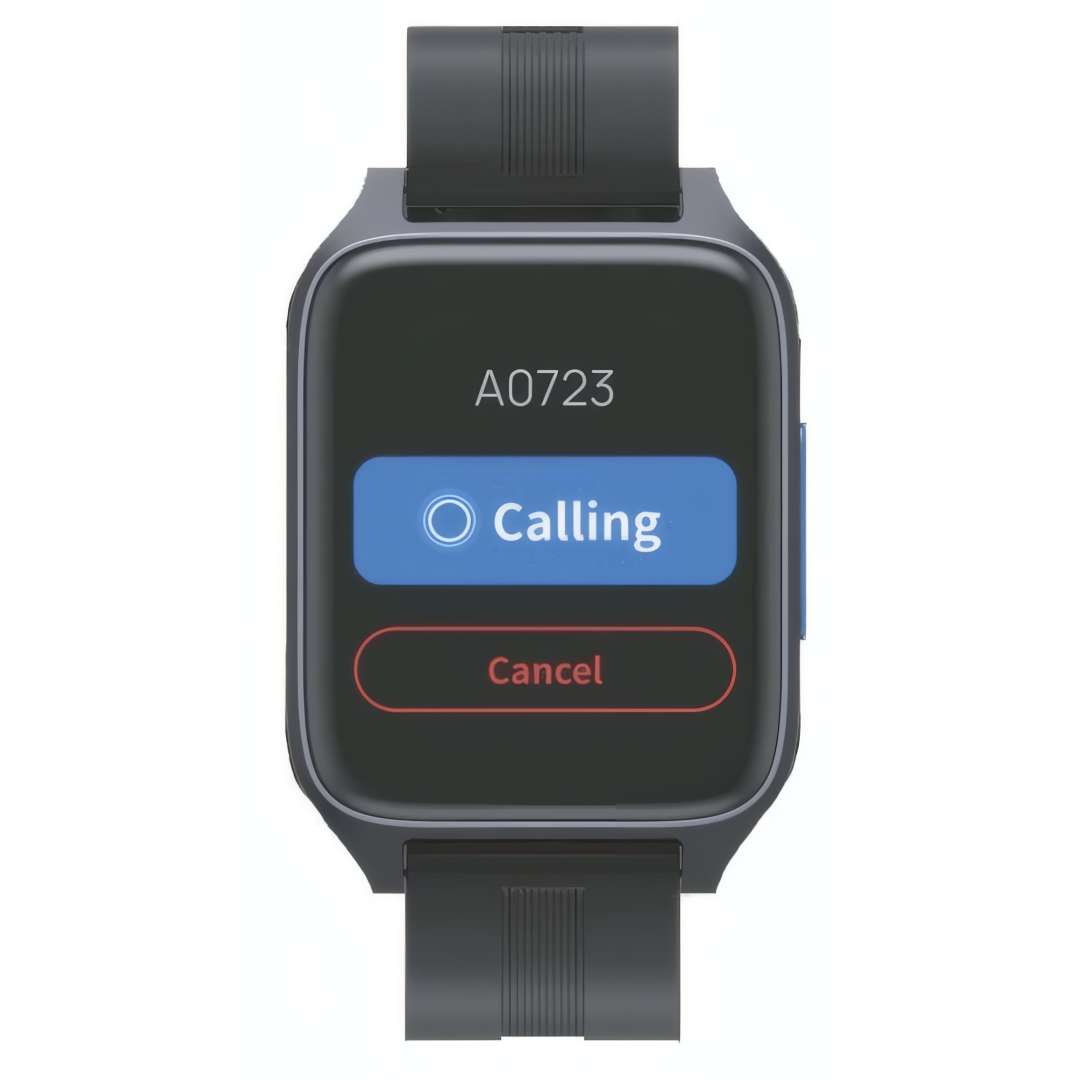
The HolaBot integrates five independent calling channels, so staff can summon it whichever way fits their workflow: smartwatch via the Pudu app, Pudulink digital console, pager (new Lora module), NFC card tap at the table, and an acoustic beeper. The pager calling model is particularly well-suited to larger venues — a single button press on a wristband or pager dispatches the robot to the exact calling point in real time, without requiring any screen interaction from floor staff.
The smartwatch interface shown below confirms the real-time call dispatch model: the requester sees a live "Calling" confirmation with table identifier (A0723 in this example) and a single-tap cancel option.
Air Motion: Touchless Gesture Interaction
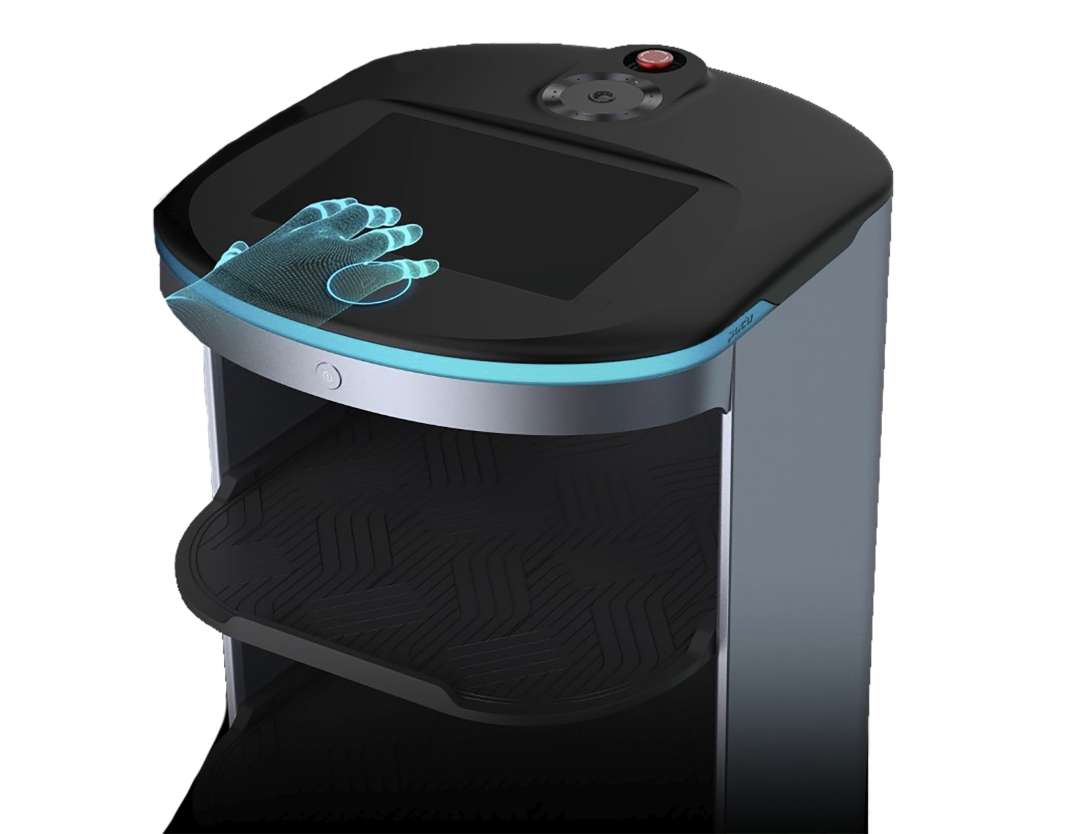
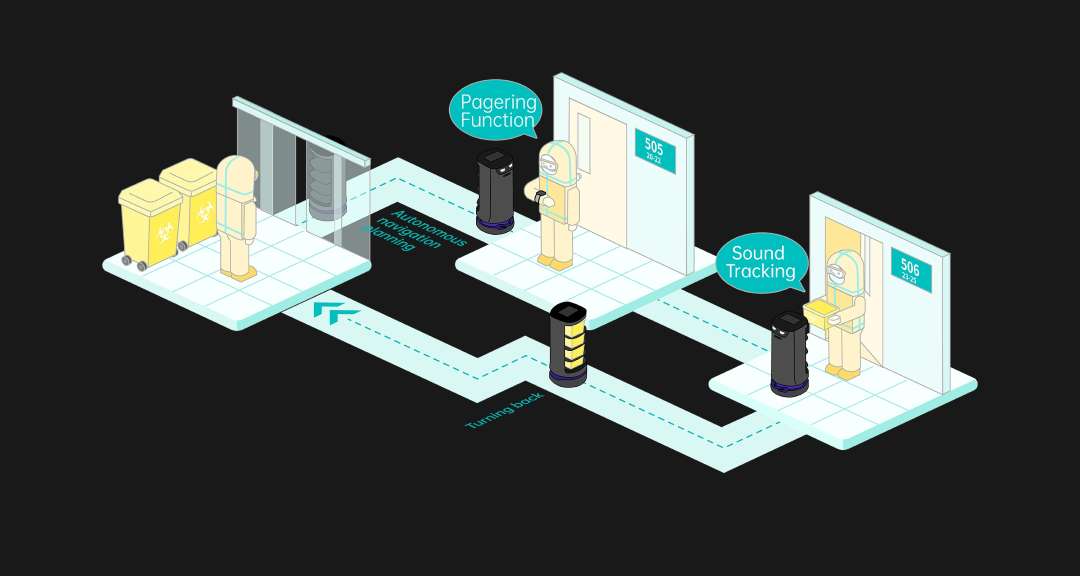
For environments where hygiene protocols make touchscreen interaction undesirable — operating rooms, food-prep corridors, isolation wards — the HolaBot's Air Motion technology enables contactless control. An infrared gesture sensor mounted on the robot's crown detects hand proximity and pre-defined gestures without requiring any physical contact with the screen or body surface. Sound tracking complements this: the robot can orient itself toward a voice source, allowing verbal instructions to direct its next action.
The image below captures the Air Motion feature in operation: a holographic hand overlay above the LCD panel illustrates the proximity detection zone where swipe and tap gestures are registered without touching the screen.
SLAM Navigation: Laser + Visual Fusion for Reliable Pathfinding
Navigation accuracy is the single most operationally critical parameter for a service robot. The HolaBot combines a custom LiDAR sensor (220° horizontal FOV, mounted 0.21 m from the floor) with two RGB-D depth cameras — one in the upper position (1 m from floor, covering obstacles at torso and head height) and one near the base (0.12 m, for low-obstacle detection and step avoidance). This fusion delivers real-time SLAM positioning with a minimum passable corridor width of just 70 cm. Three mapping methods are supported: marker-only, laser-only, or a combined marker + laser approach, selectable based on venue characteristics.
The medical corridor diagram below demonstrates the HolaBot in a healthcare deployment: pagering function triggers autonomous navigation to specific room numbers, with sound tracking providing a secondary orientation reference — the robot turns toward the staff member calling it before proceeding.
Coupled Suspension Base: Smooth Transit, Protected Cargo
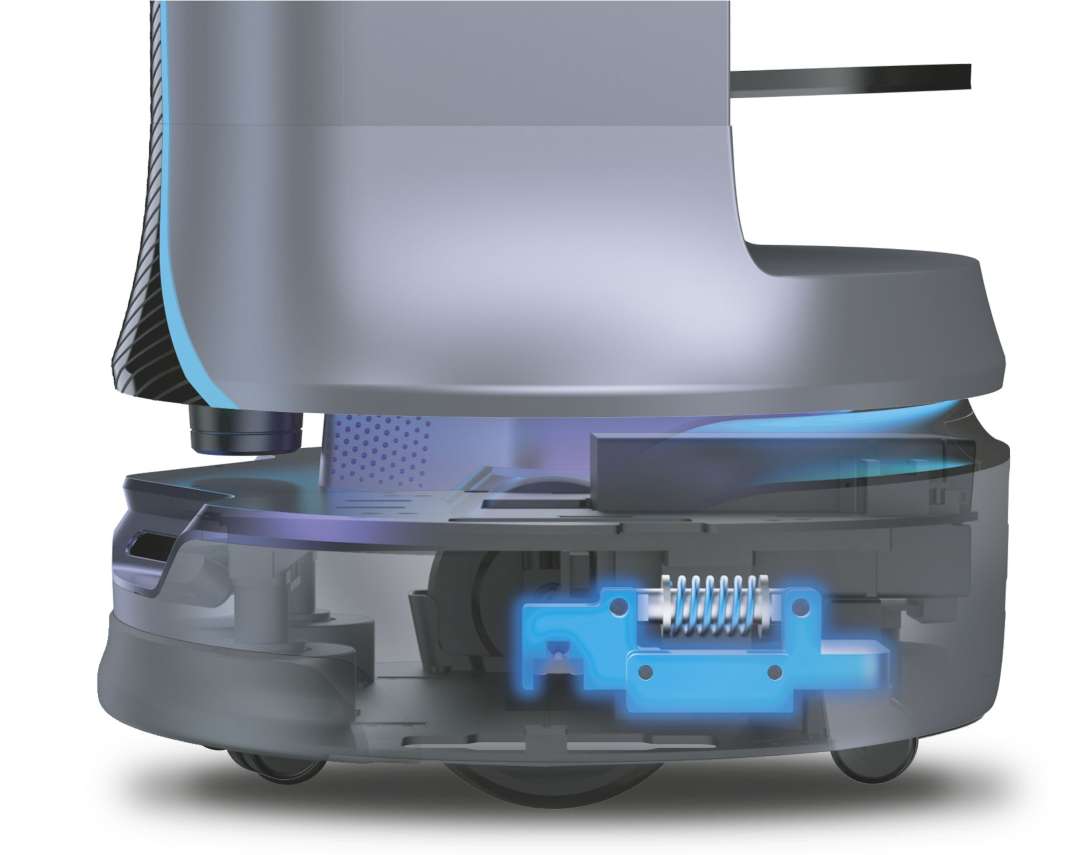
The HolaBot's base integrates a coupled suspension mechanism that auto-levels the chassis as it traverses floor joins, doorway thresholds, and soft floor-covering transitions. It can surmount obstacles up to 7 mm tall and handle inclines up to 5°. This is not a passive feature — the spring-loaded coupling actively absorbs micro-shocks that would otherwise transfer to loaded trays. At 15 kg per tray, the difference between a hard impact and a damped transition is the difference between intact glassware and a breakage incident.
The X-ray cutaway below exposes the base suspension assembly: the spring-loaded coupling element (highlighted in blue) sits between the wheel chassis and the upper body, absorbing vertical displacement before it propagates through the tray stack.
Waterproof Inner Cabin: Washable, Hygienic, Ready for Daily Cleaning
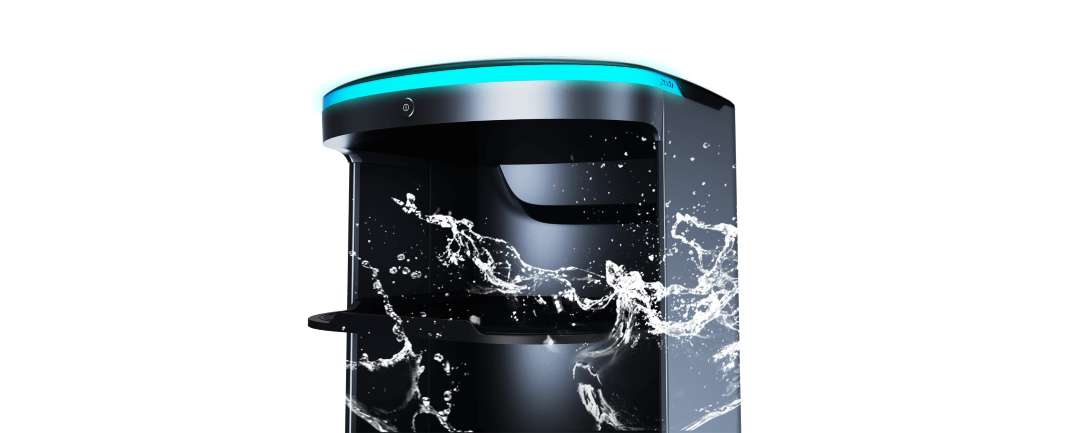
In any food-service or clinical environment, the question of interior hygiene is not optional. The HolaBot's inner cabin is designed to be washed directly — liquids that spill from loaded trays do not penetrate sensitive electronics. The silicone tray pads resist oil staining and can be cleaned with plain water. Weekly maintenance consists of wiping drive wheels, trays, and sensor surfaces with a clean cloth — no specialist tools or chemical agents required.
The image below illustrates the water-resistant construction of the HolaBot's upper body: water impact is deflected away from the internal compartment, confirming that the cabin is engineered to survive the damp conditions typical of kitchen passageways.
Technical Specifications of the PUDU HolaBot
Mechanical Dimensions
| Overall Dimensions (L × W × H) | 542 × 534 × 1228 mm |
|---|---|
| Overall Weight | 55 kg |
| Overall Material | ABS / Aviation-grade aluminium alloy |
| Minimum Passing Width | 70 cm |
| Minimum Turning Width | 70 cm |
| Maximum Surmountable Obstacle Height | 7 mm |
| Maximum Climbing Angle | 5° |
Tray & Load Capacity
| Number of Trays | 4 |
|---|---|
| Tray Size | 390 × 360 mm |
| Inner Compartment Volume | 120 L |
| Tray Spacing (top to bottom) | 216 mm / 184 mm / 184 mm / 184 mm |
| Load per Tray — Flat Surface | 15 kg |
| Load per Tray — Crossing 5 mm Height | 10 kg |
| Total Load Capacity | 60 kg |
| Tray Adjustability | Yes — height-adjustable |
Drive & Locomotion
| Cruise Speed | 0.5–1.2 m/s (adjustable) |
|---|---|
| Suspension System | Coupled spring suspension (auto-levelling) |
Navigation & Sensors
| Navigation Method | Laser + visual integrated SLAM positioning |
|---|---|
| Mapping Methods | Marker, Laser, Marker + Laser (3 options) |
| LiDAR Position | 0.21 m from floor — FOV 220° |
| Upper RGB-D Camera Position | 1.0 m from floor (Astra mini: H 58°, V 45° / HP60: H 74°, V 59°) |
| Lower RGB-D Camera Position | 0.12 m from floor (D430: H 85°, V 58° / Dabai: H 65°, V 45°) |
| Infrared Gesture Sensor | Yes — Air Motion touchless interaction |
Computing & Interface
| Operating System | Android |
|---|---|
| Screen | 10.1" LCD display |
| Dot Matrix Screen | Yes — animated status expressions |
| Microphone | 6-mic circular array kit |
| Speaker Output | 10 W × 2 stereo |
| Light Strip | Yes — RGB status indicator |
Calling & Software
| Calling Methods | Smartwatch, Pudulink, Pager, NFC, Beeper (5 channels) |
|---|---|
| Operating Modes | Delivery, Collection, Cruise, Direct (4 modes) |
| Max Collection Destinations | 20 locations per task |
| Automatic Gate Crossing | Yes |
| Cloud Management | PUDU Cloud service |
| OTA Updates | Yes (minimum battery 20% required) |
Power & Battery
| Operating Voltage | DC 23–29.4 V |
|---|---|
| Power Input | AC 100–240 V, 50/60 Hz |
| Power Output (charger) | 29.4 V, 8 A |
| Battery Capacity | 25.6 Ah (swappable) |
| Charging Time | 4.5 h |
| Battery Life | 12 h (no load) |
Operating & Storage Environment
| Working Temperature | 0 °C to 40 °C |
|---|---|
| Working Humidity | ≤ 85% RH |
| Storage Temperature | -40 °C to 65 °C |
| Storage Humidity | ≤ 85% RH |
What's in the Box
- PUDU HolaBot service robot (fully assembled)
- 25.6 Ah swappable smart battery (installed)
- Charging cable and AC adapter (29.4 V / 8 A)
- Quick Start Guide and Operation Manual
How to Power On and Start the PUDU HolaBot
This procedure describes the initial startup sequence for the HolaBot, from battery verification through to the first task assignment via the Android touchscreen interface.
Step 1: Verify the Battery Compartment
Open the battery compartment and confirm the key switch is set to the ON position. Close the battery compartment. Ensure the battery level is above 10% before proceeding — the robot will display a low-battery warning and restrict task execution below this threshold.
Step 2: Position the Robot on a Marker
Push the HolaBot to a position directly beneath any floor marker in the mapped area. Marker-based initialisation gives the robot a known reference point for localisation before full SLAM-based navigation takes over.
Step 3: Power On
Press and hold the power switch for approximately 1 second. The LED light strip will blink and the LCD screen will display the startup logo, animation, and Android desktop in sequence, confirming a successful boot. The Pudu app launches automatically; if it does not, tap its icon on the Android desktop.
Step 4: Select Operating Mode
From the main interface, select the required task mode: Delivery, Collection, Cruise, or Direct. For Delivery mode, assign tray destinations by tapping each tray on screen and selecting the target table number, then tap "Go." For Collection mode, select up to 20 pickup destinations and tap "Go." The robot will automatically plan the optimal route.
Step 5: Monitor and Pause
Tap the screen at any time to pause the robot mid-task. In Cruise mode, the robot resumes automatically after 20 seconds if no further input is given; in all other modes, it resumes after 10 seconds. To return the robot to its docking location at any time, tap the Pause screen and select "Return."
What is the maximum load capacity of the PUDU HolaBot?
The HolaBot supports 15 kg per tray on flat surfaces, across four trays, for a total payload of 60 kg. When crossing a 5 mm threshold or floor obstacle, the per-tray limit steps down to 10 kg to protect cargo and maintain stability.
How many operating modes does the HolaBot offer?
The HolaBot has four operating modes: Delivery (multi-table dispatch with optimal route planning), Collection (pickup from up to 20 points and consolidation at a return station), Cruise (circuit along a preset route with timed stops), and Direct (single-destination dispatch with no automatic return).
What navigation technology does the HolaBot use?
The HolaBot uses laser and visual integrated SLAM positioning, combining a 220° FOV LiDAR sensor with dual RGB-D depth cameras (upper and lower positions) for full-coverage obstacle detection. Three mapping methods are available: marker-only, laser-only, or a combined marker + laser configuration.
How long does the HolaBot battery last and can it be swapped?
The 25.6 Ah battery provides up to 12 hours of operation at no load. The battery pack is swappable, allowing continuous operation by hot-swapping a charged battery. Charging time from empty is 4.5 h. To maximise battery service life, keep charge level above 10% during regular operation.
What calling methods does the HolaBot support?
The HolaBot supports five independent calling channels: smartwatch (via Pudu app), Pudulink digital console, Lora-module pager, NFC card/wristband tap, and acoustic beeper. These channels work independently and can coexist in the same deployment.
Why Choose EXPERT3D?
EXPERT3D has specialised in advanced robotics and 3D technology since 2012 — over a decade of hands-on experience selecting, deploying, and supporting professional-grade platforms in restaurants, hotels, hospitals, and industrial facilities across Spain and Europe. We provide pre-sales technical consultation, delivery coordination, and post-sale support backed by direct manufacturer contacts. As an official representative of PUDU, we guarantee the best price, authorized service, and official warranty. The HolaBot is a complex system that benefits from proper venue mapping and initial configuration — our team supports your onboarding from floor-plan survey through to live deployment. Contact us to discuss your specific site requirements and current availability.