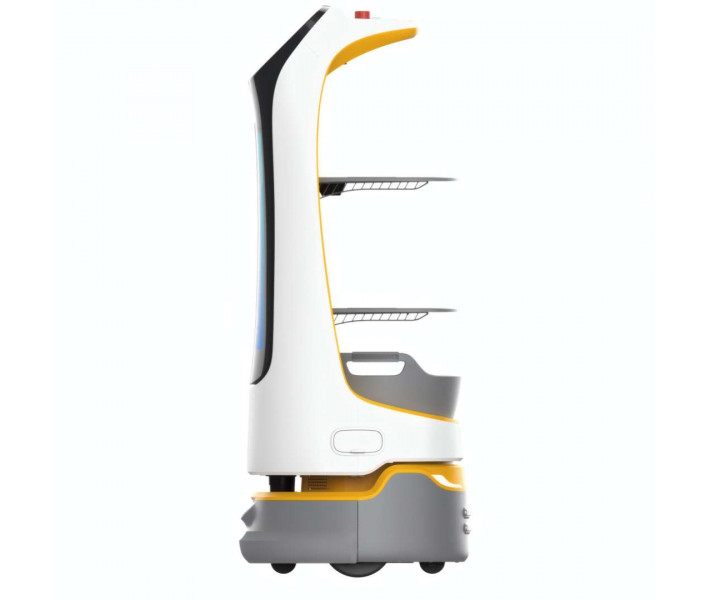


- Stock: In Stock
- Product code: 10070-000059
- Weight Brutto: 38.00kg

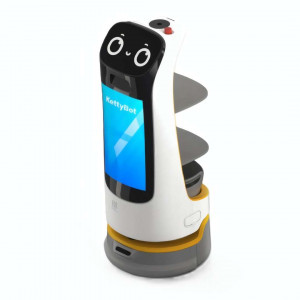
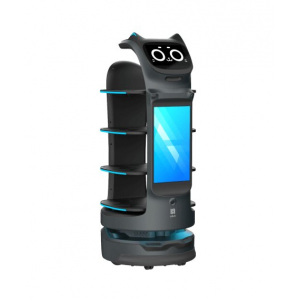
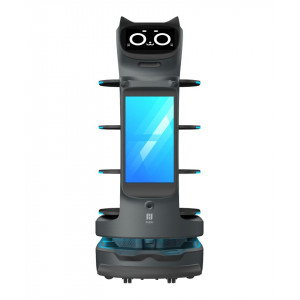
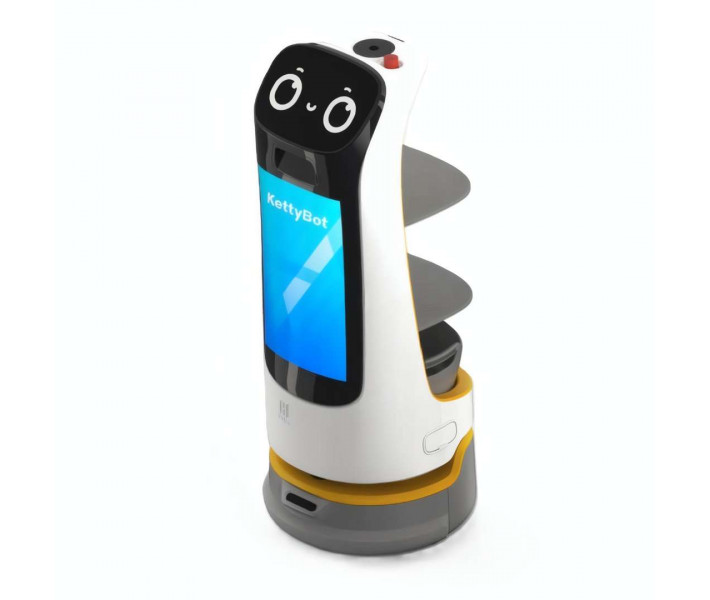
PUDU KettyBot Pro is an autonomous delivery and reception robot designed for restaurants, hotels, and retail environments, featuring integrated laser and visual SLAM navigation, a 18.5-inch advertising screen, 9-hour battery life, and a minimum aisle clearance of 55 cm — enabling consistent, hands-free service across even the most congested floor plans.
| Battery Life | 9 h (unloaded) |
|---|---|
| Min. Travel Width | 55 cm (21.65 in) |
| Tray Load Capacity | 10 kg per level |
| Cruise Speed | 0.2–1.2 m/s (adjustable) |
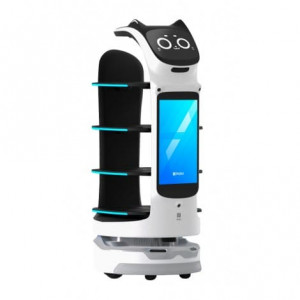
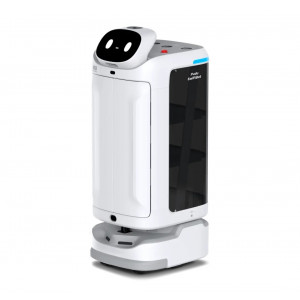
The white version of KettyBot Pro pairs a friendly visual character — animated "eye" graphics on the upper panel and a greeting voice via a 6-mic circular array kit — with a chassis built from ABS plastic and aviation-grade aluminium alloy. Whether serving a fine-dining restaurant or navigating a busy hotel lobby, the robot adapts its path in real time, freeing staff from repetitive delivery tasks to focus on higher-value guest interactions.
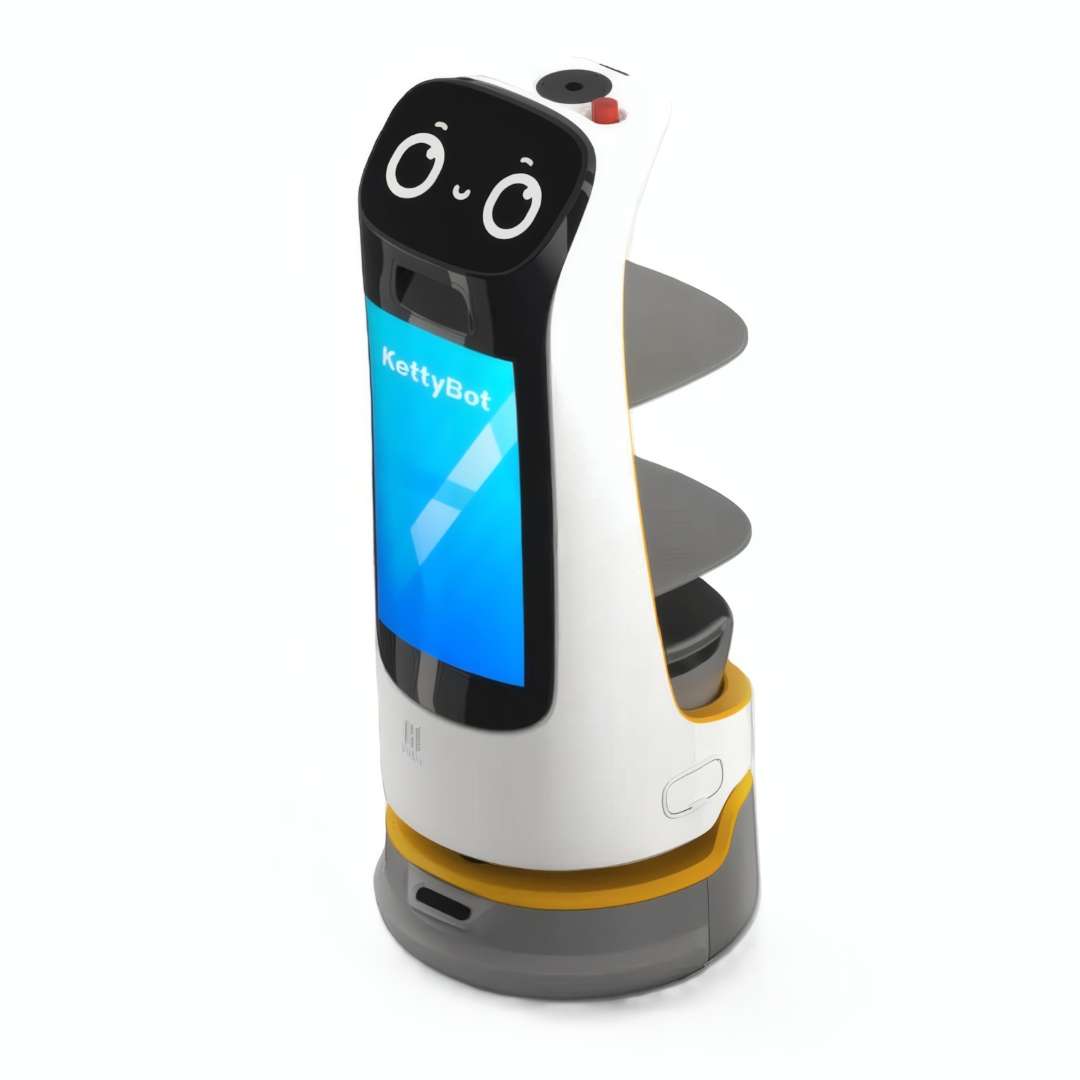
Compact Navigation for Crowded Environments
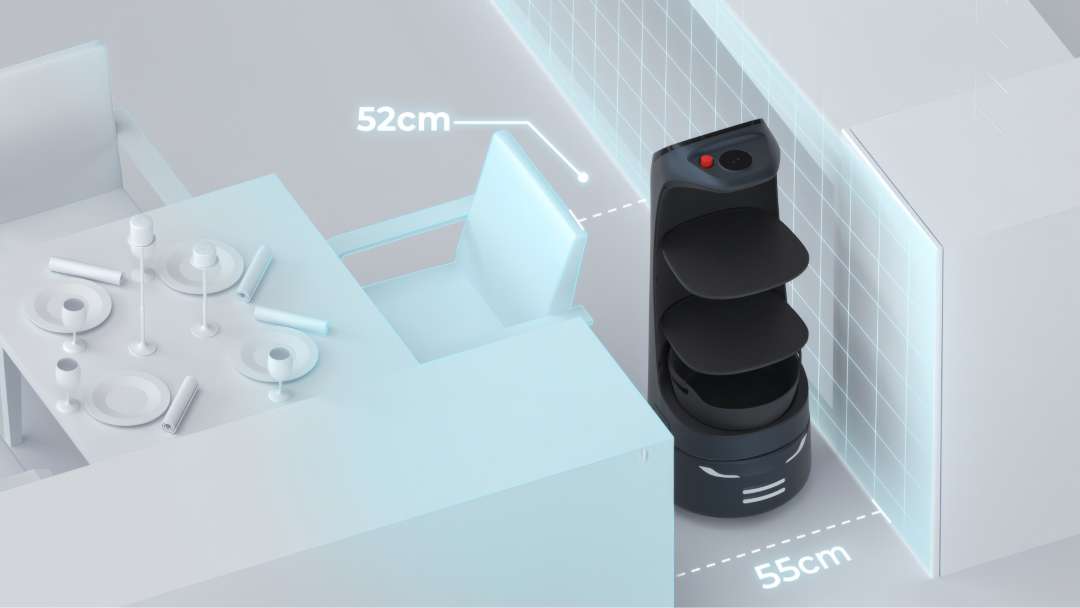
At just 435 mm × 450 mm in floor footprint and a certified minimum travel width of 55 cm, KettyBot Pro fits through narrow dining-room corridors where conventional service carts simply cannot operate. The forward-leaning C-shaped body profile keeps the overall silhouette slim while lowering the centre of mass — reducing the tendency to tip when the upper tray carries a full load. In practice, the robot can pass through gaps as tight as 52 cm, useful in packed terraces and temporary event layouts.
The dual-mode SLAM engine fuses a front-facing Lidar unit with depth-vision cameras and a ceiling/wall reference camera to build and continuously update an accurate spatial map. Laser sensors handle open-floor mapping while the visual layer detects fine obstacles — chair legs, dropped items, or moving guests — that single-sensor systems routinely miss. The diagram below illustrates the measured clearance thresholds in a restaurant environment.
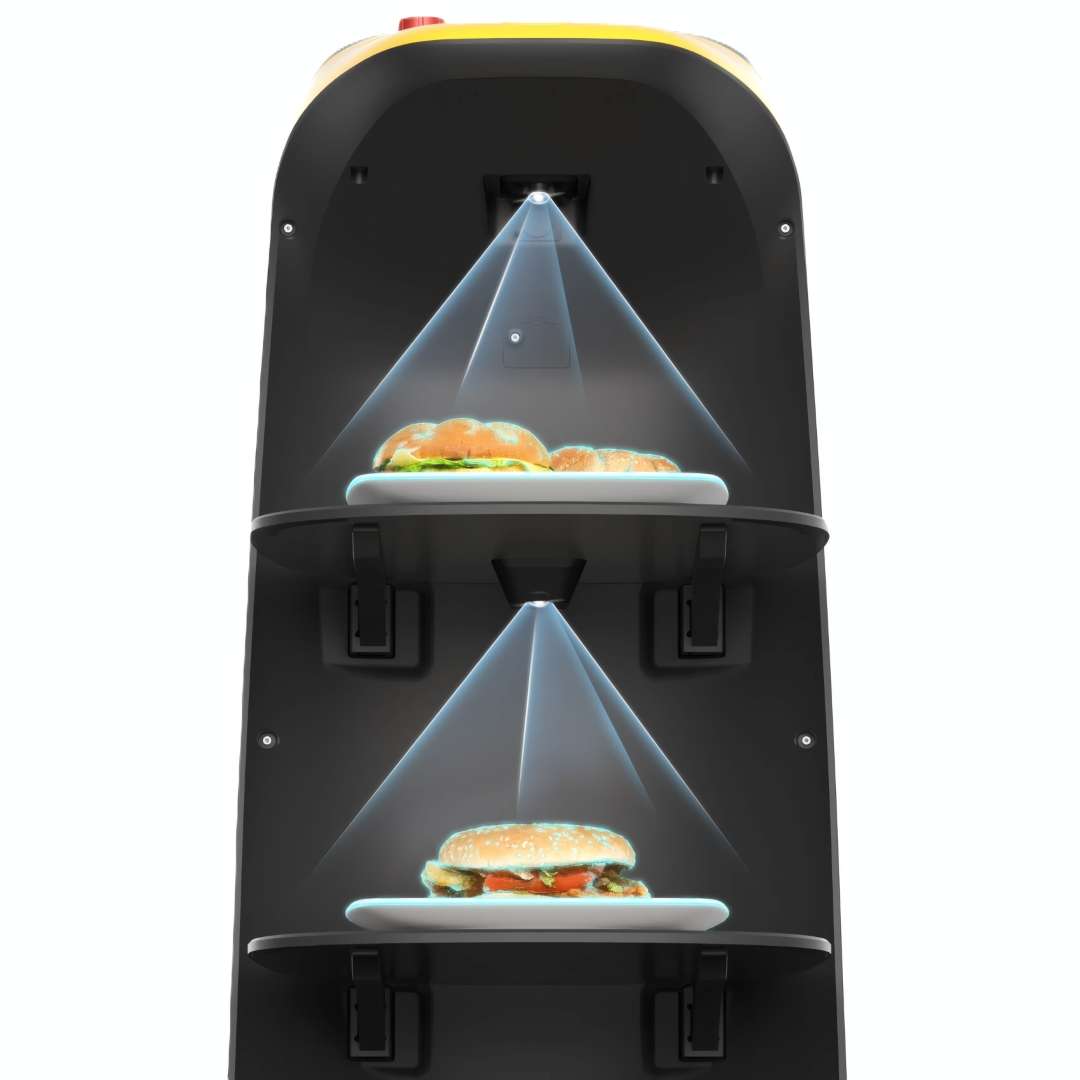
Smart Tray Detection: Delivery Confirmed Automatically
Each service tray is monitored by a downward-facing camera sensor that detects whether food has been placed on or removed from the shelf. This autonomous load detection closes the feedback loop between kitchen and table without requiring a second staff member to confirm each trip. Once a tray is loaded and a destination entered on the 10.1-inch LCD interface, KettyBot Pro departs immediately. Key tray specifications:
- two delivery trays, each rated to 10 kg
- one lower dish-return box for clearing used crockery
- tray surface: 352 mm × 340 mm per shelf
- inter-shelf clearance (top to bottom): 248 mm / 253 mm / 223 mm
The render below shows both tray sensors simultaneously projecting their detection cones onto loaded food trays, confirming the cargo status before departure.
18.5-Inch Advertising Screen: Marketing at Every Table
The large advertising display faces outward at eye level throughout every delivery run. Because KettyBot Pro travels every aisle on every shift, it delivers far higher content exposure than any fixed wall-mounted screen. Promotions, loyalty-card campaigns, seasonal menus, or partner brand content can be uploaded and changed remotely through the PUDU Open Platform — no physical access to the robot required.
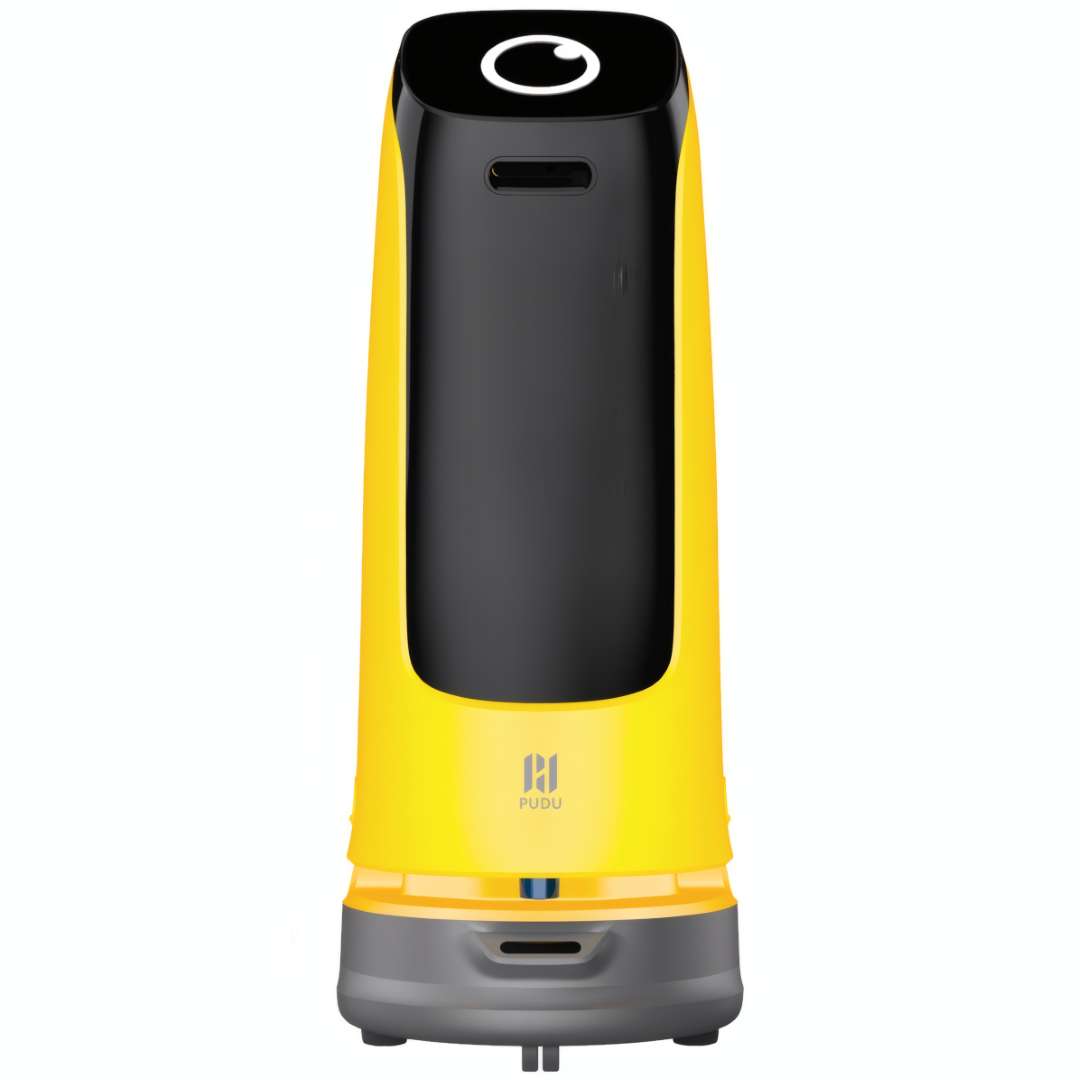
Customisation extends beyond advertising: facial expressions, greeting voice lines, and interaction animations are all adjustable through the platform, letting venues align the robot's personality with their brand identity. The image below shows the yellow KettyBot Pro in guiding configuration — without trays, functioning purely as a mobile marketing and reception ambassador.
Six Operating Modes for Any Service Scenario
KettyBot Pro is not a single-function robot. The on-board Android system supports six distinct task modes, each switchable through the touchscreen in seconds:
- Delivery Mode: serves multiple tables in a single run using optimal path planning
- Cruise Mode: circulates along a preset route, broadcasting promotions and offering snacks or drinks
- Customer Attraction Mode: plays greetings and animations at the entrance to draw foot traffic
- Guiding Mode: escorts guests from the entrance to their table at a natural walking pace
- Birthday Mode: delivers gifts with synchronised music and celebratory display animations
- Dish-Return Mode: collects dirty crockery from tables, reducing staff walking distance per shift
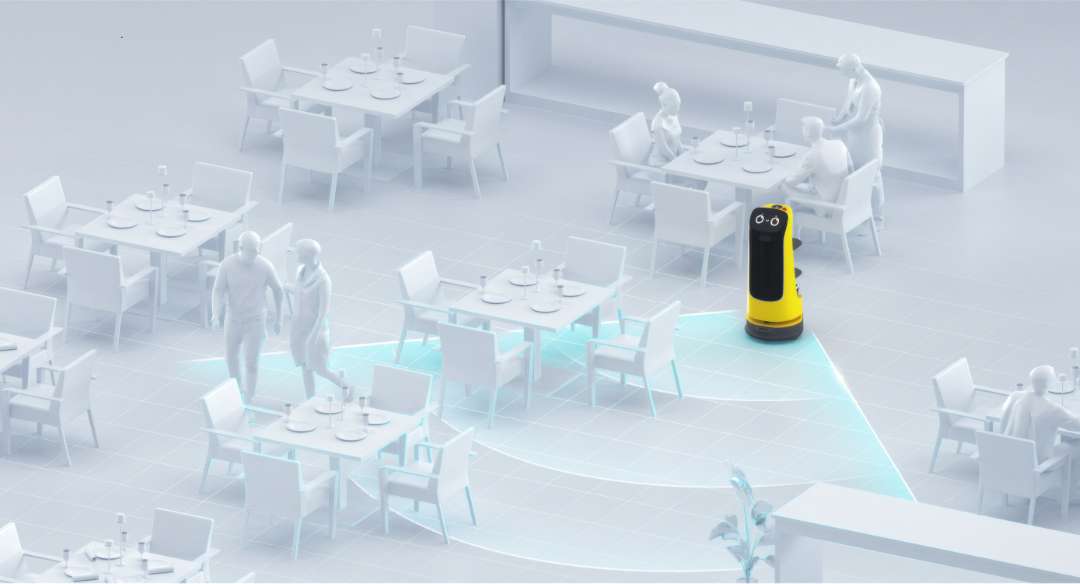
The obstacle detection system projects a dynamic safety zone around the chassis during navigation. The render below illustrates how KettyBot Pro maps the teal exclusion field to detect and react to guests entering its path — slowing, rerouting, or halting without any human intervention required.
Fleet Coordination: Multi-Robot Cooperation via PUDU Scheduler
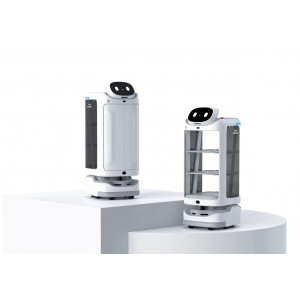
For larger venues — hotel banqueting floors, food courts, large-format supermarkets — multiple KettyBot Pro units can operate simultaneously under PUDU Scheduler coordination. The fleet-management layer assigns tasks, resolves path conflicts in real time, and prevents navigation deadlocks, so robots yield to each other intelligently rather than stalling head-to-head. Communication runs over dual-band Wi-Fi (2.4 GHz / 5 GHz) with 4G LTE fallback for environments with variable Wi-Fi coverage.
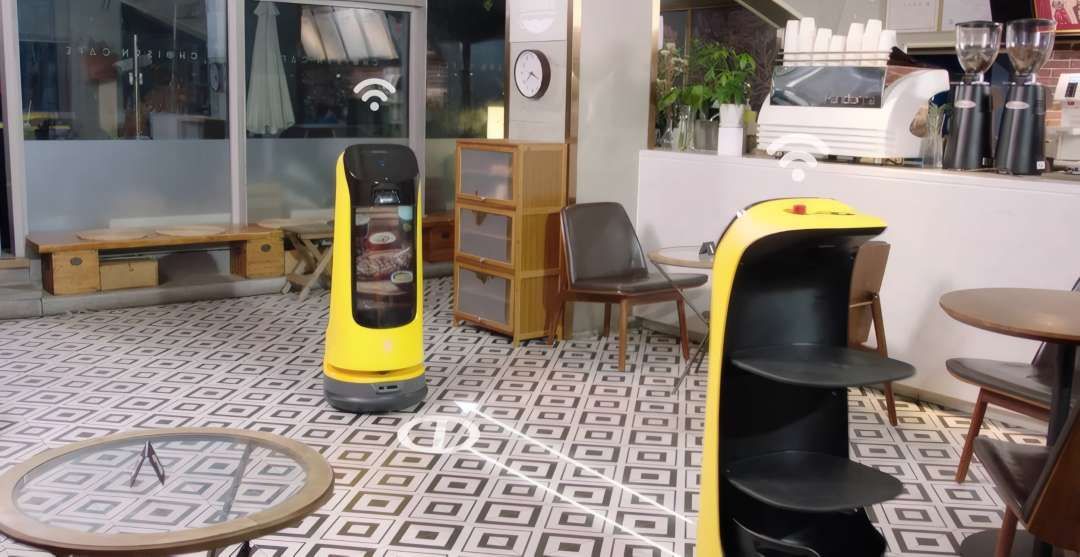
The photograph below shows two KettyBot Pro units operating together in a real café, with the PUDU Scheduler Wi-Fi handshake overlay active — capturing a live coordination event during a service shift.
All-Day Autonomy: Auto-Charging and 9-Hour Battery
KettyBot Pro monitors its own charge level continuously. When the battery drops to a critical threshold, the robot triggers a voice alert, displays a UI notification, and navigates autonomously back to its docking station — no staff action required. A full recharge from near-empty takes just 3.5 hours; a fully charged robot covers a complete lunch-and-dinner double shift on a single cycle. Manual electrode-plate charging is also supported for venues where dock position varies by day.
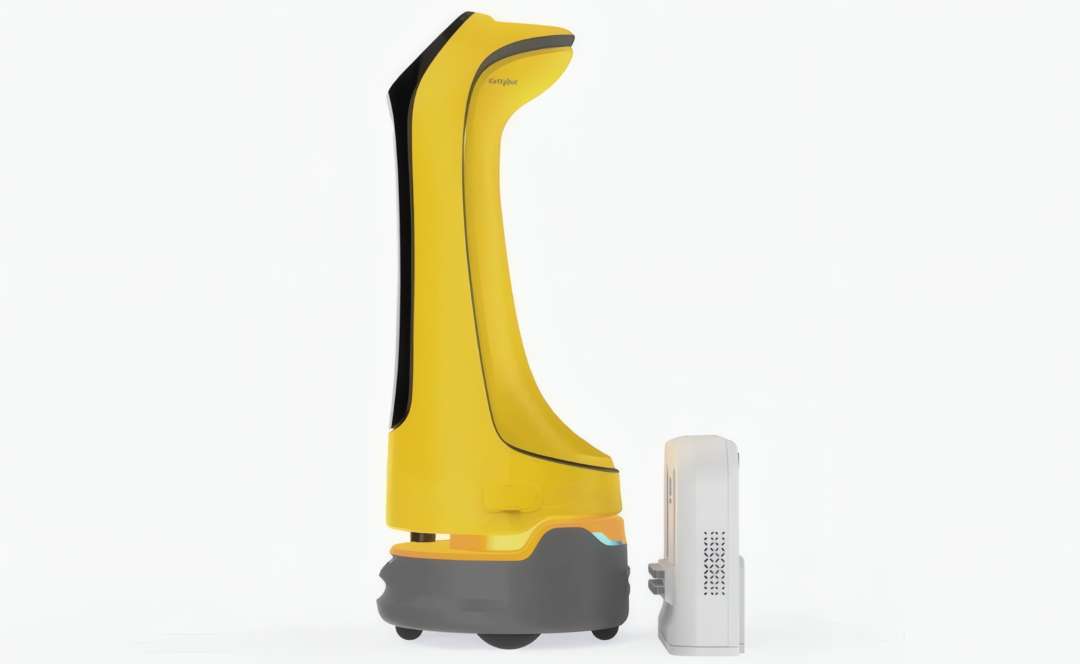
The image below shows the compact charging dock placed alongside the KettyBot Pro, illustrating how self-contained the charging ecosystem is — the dock requires no floor cable runs and installs against any flat wall surface.
Indoor and Outdoor Deployment
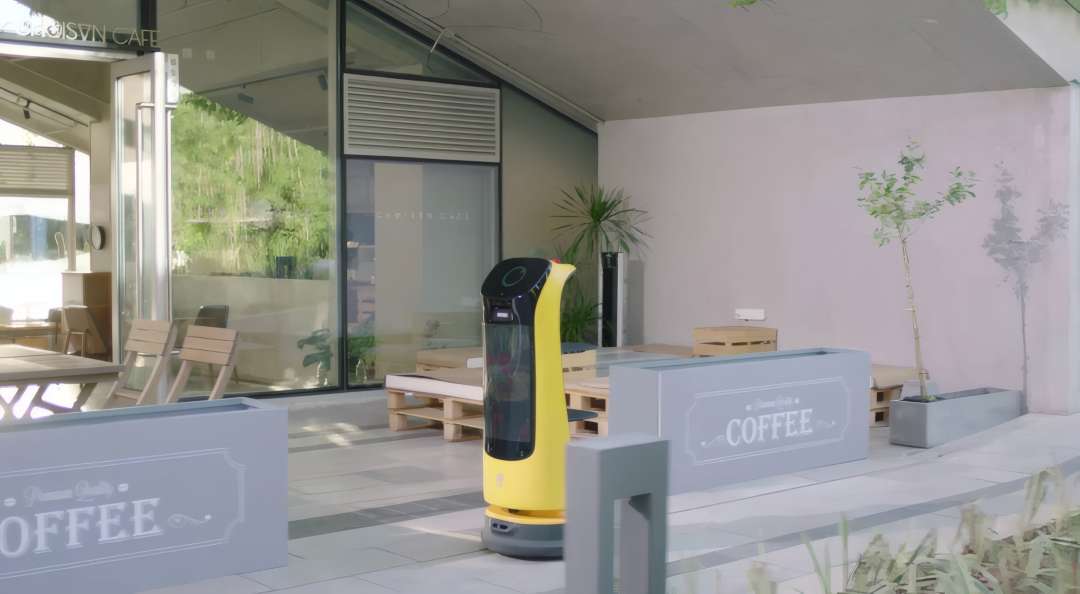
KettyBot Pro handles outdoor terraces and café patios — a capability rarely found at this price tier. The chassis surmounts floor-joint lips up to 5 mm high, manages inclines up to 5°, and operates across a temperature range of 0 °C to 40 °C, covering warm Mediterranean patio conditions comfortably. Navigation operates entirely without guide rails or floor markings; the SLAM map is sufficient for outdoor open spaces with consistent surface geometry. The photograph below shows KettyBot Pro on an outdoor café terrace, navigating freely between planters and seating with no physical guidance infrastructure.
Build Quality and Material Specification
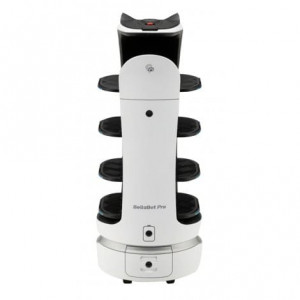
The outer shell uses ABS plastic for light weight and impact resistance, while load-bearing structural elements are fabricated from aviation-grade aluminium alloy — the same material class used in aircraft interior components. At 38 kg total and dimensions of 435 mm × 450 mm × 1120 mm, the robot stores neatly in a standard service corridor. The white colour option is especially popular in fine-dining and healthcare venues where a clean, professional aesthetic is required.
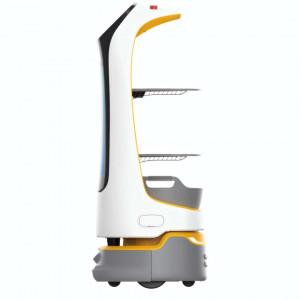
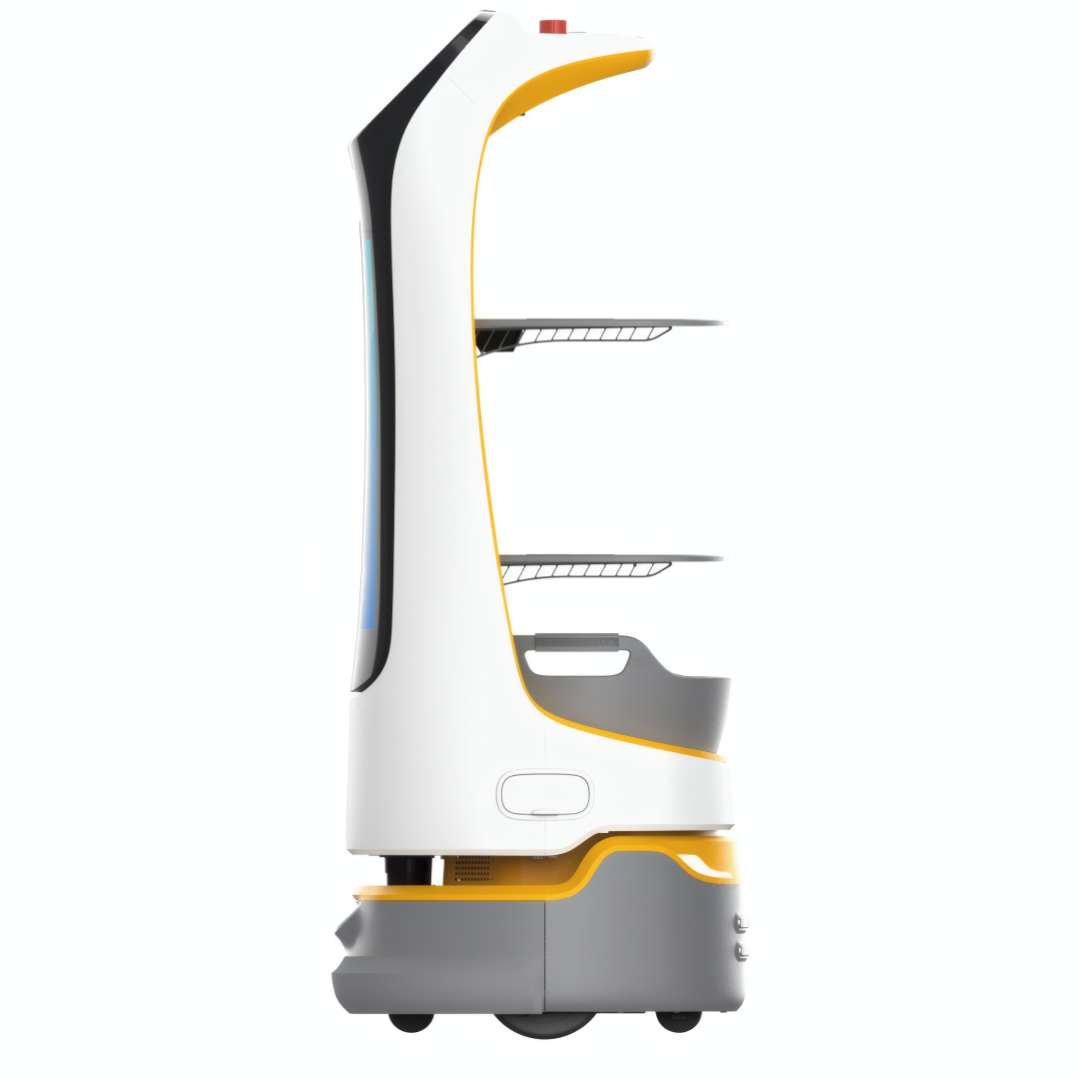
The side profile below shows the white KettyBot Pro's three-level tray stack with yellow accent trim — a high-visibility detail that makes the robot easy to spot in low-light dining environments without being visually intrusive.
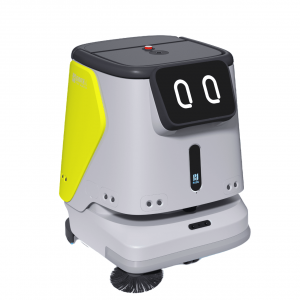
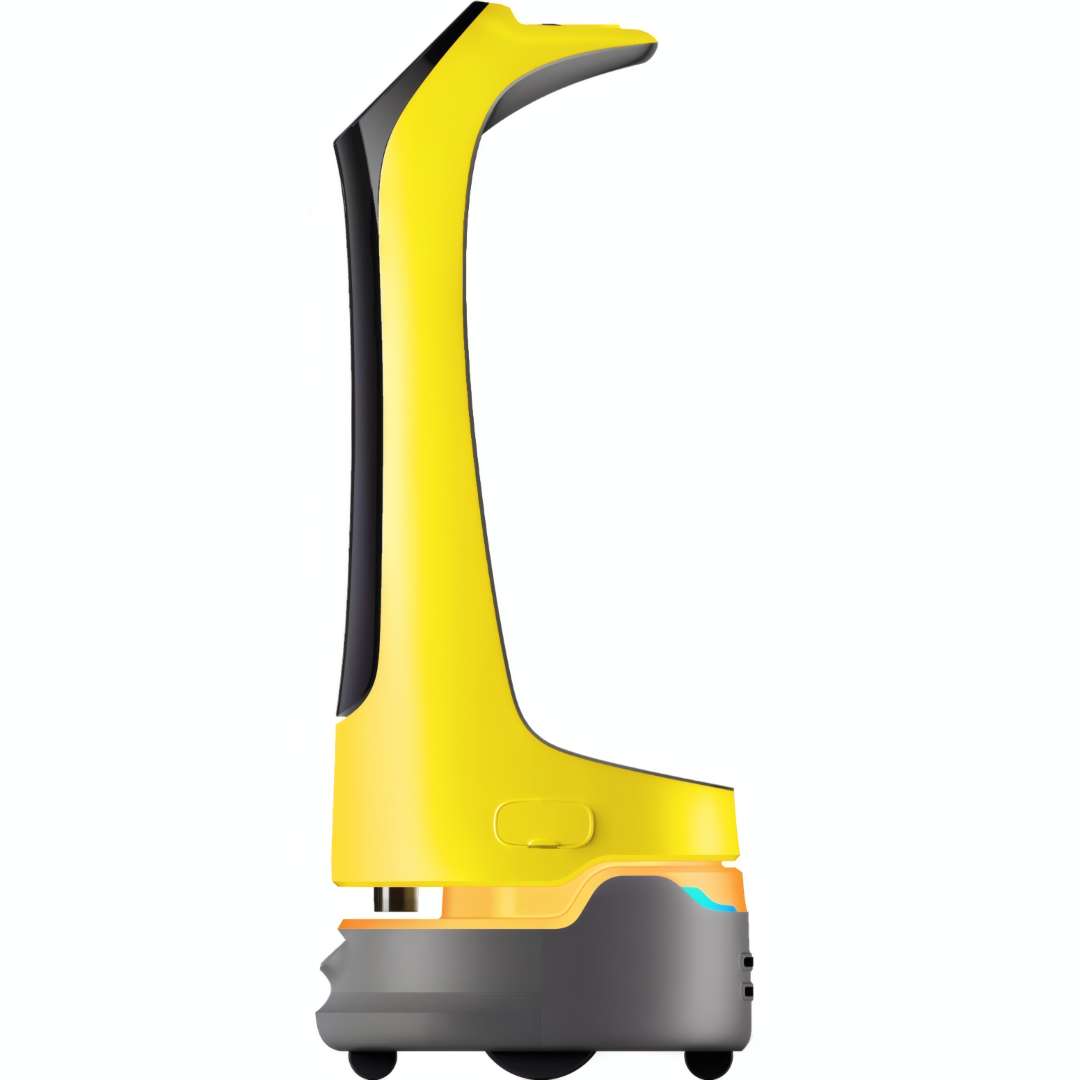
The yellow body variant — shown in the side view below — shares identical internal hardware but suits venues where bold visibility and an energetic presence matter: fast-casual dining chains, food courts, and entertainment venues. The C-shaped profile is more than aesthetic: the forward-lean geometry shifts the centre of mass toward the base, directly reducing tip risk when the upper tray carries a maximum load during acceleration and turning.
Technical Specifications of the PUDU KettyBot Pro
General
| Model | PNT |
|---|---|
| Machine Material | ABS / aviation grade aluminum alloy |
| Robot Weight | 38 kg (83.78 lbs) |
| Robot Dimensions | 435 mm × 450 mm × 1120 mm (17.13 × 17.72 × 44.09 in) |
| Operating System | Android |
| Service Life | 5 years |
| IP Rating | IP20 |
Power & Battery
| Operating Voltage | DC 25.6 V |
|---|---|
| Power Input | AC 100-240 V, 50/60 Hz |
| Power Output | 29 V / 8 A |
| Battery Capacity | 20 Ah |
| Battery Life | 9 h (unloaded) |
| Charging Time | 3.5 h |
| Charging Mode | Manual and auto charging |
Navigation & Mobility
| Navigation | Laser and visual integrated SLAM positioning |
|---|---|
| Cruise Speed | 0.2–1.2 m/s (1.64–3.93 ft/s) (adjustable) |
| Min. Travel Width | 55 cm (21.65 in) |
| Max. Surmountable Height | 5 mm (0.20 in) |
| Max. Climbing Angle | 5° |
Tray System
| Tray Dimensions | 352 mm × 340 mm (13.86 × 13.39 in) |
|---|---|
| Number of Trays | Two trays and one dish-return box |
| Height Between Trays | From top to bottom: 248 mm / 253 mm / 223 mm (9.76 in / 9.96 in / 8.78 in) |
| Tray Load | 10 kg per level |
Display & Audio
| Screen Size | 10.1-inch LCD screen and 18.5-inch LCD screen (advertising screen) |
|---|---|
| Microphone | 6-mic circular array kit |
| Speaker Power | 2 × 10 W stereo speakers |
Connectivity
| Wi-Fi Frequency Band | 2.4G Wi-Fi: 2412–2472 MHz; 5.2–5.6G Wi-Fi: 5180–5320 MHz, 5500–5700 MHz; 5.8G Wi-Fi: 5745–5825 MHz |
|---|---|
| Bluetooth | 2402–2480 MHz |
| 3G Bands | B1/B8 |
| 4G Bands | B1/B3/B7/B8/B20/B28/B34/B38/B40 |
| Max. Transmit Power (Wi-Fi) | 2.4G: 17.48 dBm; 5.2–5.6G: 13.35 dBm; 5.8G: 13.85 dBm |
| Max. Transmit Power (Bluetooth) | LE: 5.96 dBm; BDR/EDR: 8.49 dBm |
| Max. Transmit Power (4G) | B1: 23.49 dBm; B3: 23.96 dBm; B7: 24.33 dBm; B8: 23.45 dBm; B20: 23.36 dBm; B28: 23.81 dBm; B34: 23.32 dBm; B38: 24.76 dBm; B40: 23.25 dBm |
Environment & Compliance
| Working Environment | Temperature: 0 °C to 40 °C (32° to 104° F); RH: ≤ 85% |
|---|---|
| Storage Environment | Temperature: -40 °C to 65 °C (-40° to 149° F); RH: ≤ 85% |
| Working Altitude | < 2000 m (6561.68 ft) |
| Ground Surface Standard | Indoor environment, flat and smooth ground |
How to Start KettyBot Pro for the First Time
Follow these steps to power on KettyBot Pro and begin your first delivery shift safely.
Step 1: Power On
Turn the key switch in the battery box to the ON position. Move the robot to the designated startup location — typically beneath a wall or ceiling positioning marker. Press and hold the power switch for 1 second until the system boots and the display activates.
Step 2: Verify Map Alignment
On the 10.1-inch LCD panel, confirm that the robot's position icon on the map matches the physical startup location. If the robot displays "I'm lost", check that the ceiling or wall positioning marker is clean and fully visible, and that the loaded map corresponds to the current room layout.
Step 3: Select a Task Mode
Using the touchscreen, select the required operating mode: Delivery, Cruise, Guiding, Customer Attraction, Birthday, or Dish-Return. For delivery tasks, enter the destination table number and place the order on the appropriate tray. KettyBot Pro departs automatically once the destination is confirmed.
Step 4: Power Off
Press and hold the power switch for 3 seconds, then tap "Power Off" on the touchscreen to complete a clean shutdown. Do not use the robot while the battery indicator light is red; wait until it turns blue before the next shift.
What should I do if KettyBot Pro displays "I'm lost"?
This message indicates a positioning failure. Check that the ceiling or wall positioning marker is clean and unobstructed. Verify that the currently loaded map matches the physical layout of the room — if furniture or partitions have moved significantly since the map was created, the environment map may need to be updated.
How do I resolve auto-charging failures?
First confirm that the key switch in the battery box is set to ON. Check that the charger indicator light is active and that the charging electrode plates on both the robot and the dock are clean and making full contact. The battery indicator light should turn blue once charging is properly established.
Why does KettyBot Pro move roughly or jerk during navigation?
Rough movement is typically caused by floor obstacles (loose cables, uneven mats) or highly reflective surfaces that interfere with Lidar readings. Remove obstacles from the travel path where possible. Avoid placing black, polished, or transparent objects at floor heights between 14 cm and 22 cm, as these can disrupt the Lidar beam and cause navigation instability.
Can KettyBot Pro operate outdoors?
Yes, within defined conditions. KettyBot Pro handles flat, smooth outdoor surfaces with gradients up to 5° and an ambient temperature range of 0 °C to 40 °C, making it suitable for covered café terraces and patios. It must not be used in rain, wet conditions, or in areas where wireless devices are explicitly prohibited.
Why choose EXPERT3D?
EXPERT3D has specialised in intelligent automation and robotics since 2012, supplying hospitality and retail clients across Spain and Europe with professional-grade service robots. Our technical team provides installation guidance, staff onboarding, and after-sales posventa (aftermarket) support in Spanish and English — ensuring your KettyBot Pro is operational from day one. Contact us for a personalised quotation with delivery across Spain from €.