- Stock: In Stock
- Product code: 10070-000011
- Weight Brutto: 60.00kg

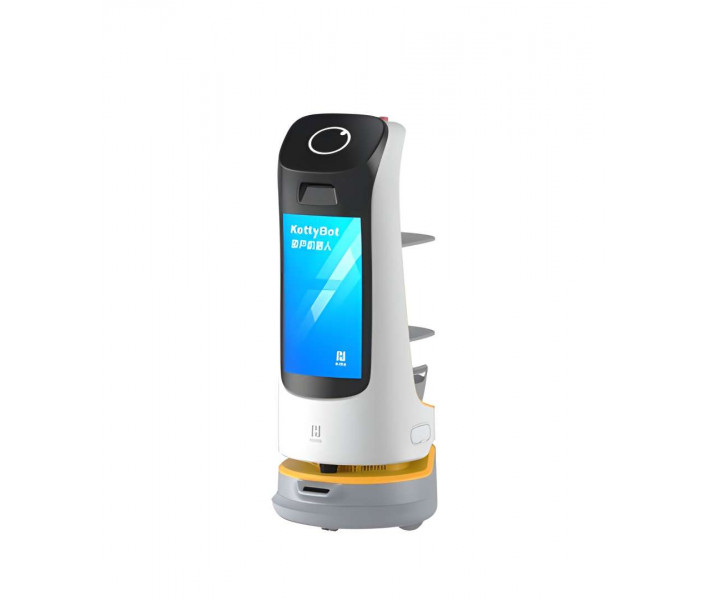
PUDU KettyBot is a multi-purpose delivery and reception robot designed for restaurants, hotels, supermarkets, and high-traffic retail environments, featuring hybrid laser-visual SLAM navigation, a combined payload of 30 kg across two trays and a dish-return compartment, a prominent 18.5-inch advertising screen, and up to 8 hours of autonomous operation per charge. With a minimum passage width of just 55 cm, it moves confidently through crowded dining rooms and narrow corridors without human intervention.
| Total payload capacity | 30 kg (10 kg per tray) |
|---|---|
| Battery life | 8 h (no load) |
| Advertising screen | 18.5-inch LCD |
| Min. travel width | 55 cm (21.65 in) |
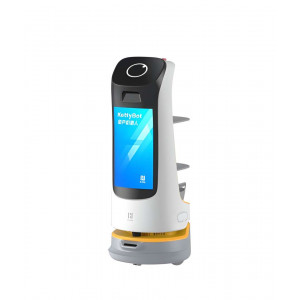
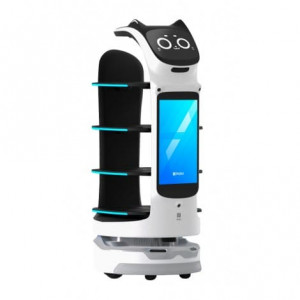
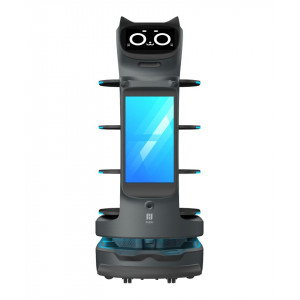
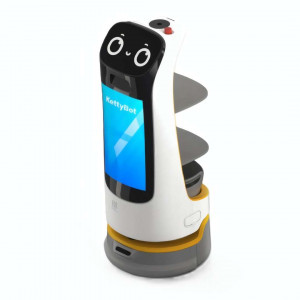
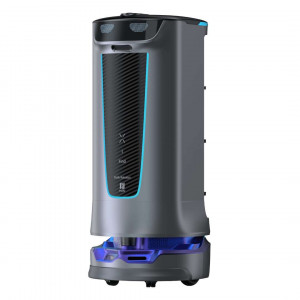
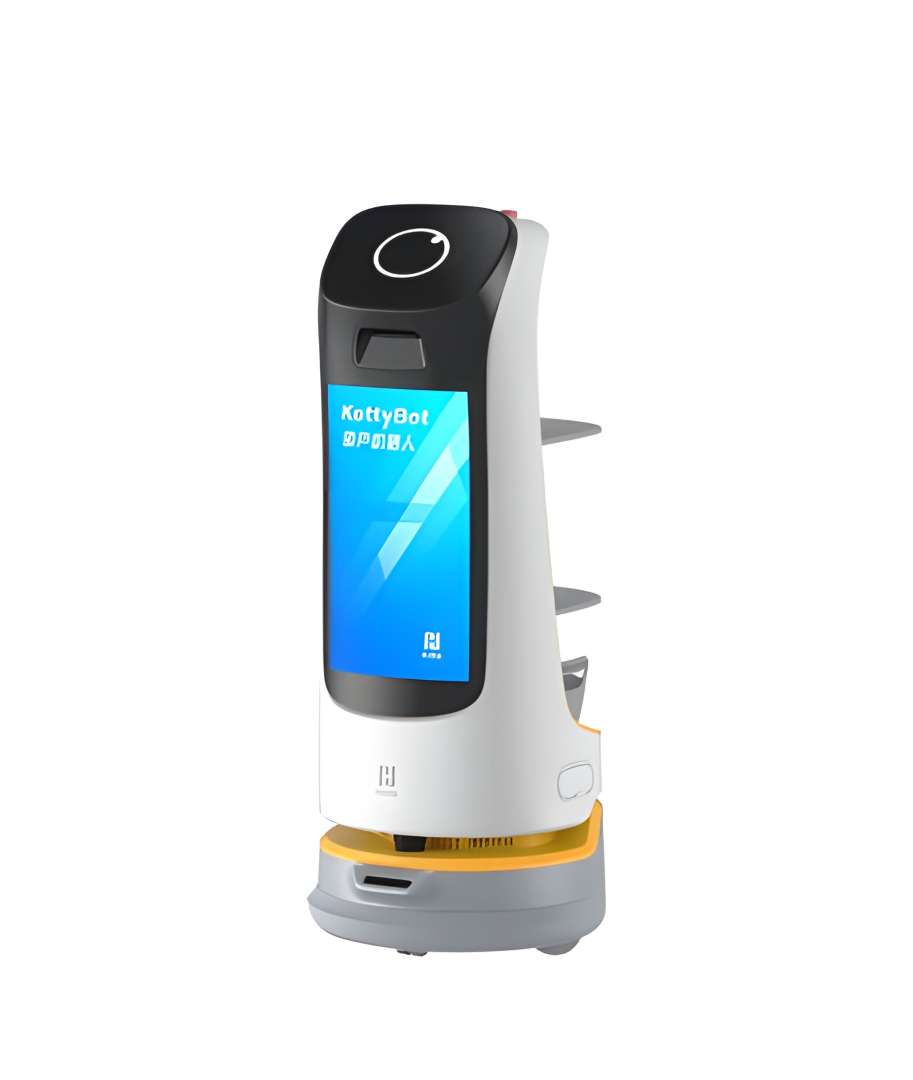
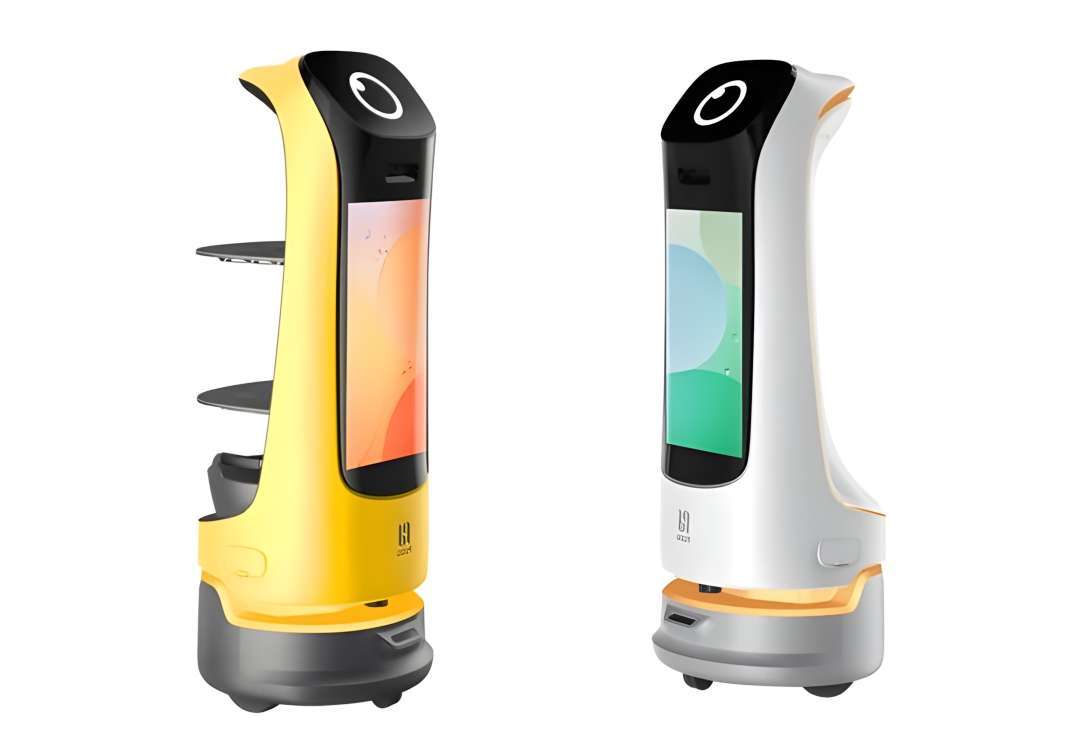
The KettyBot's slim silhouette conceals a robust internal architecture: an ABS and aviation-grade aluminium alloy chassis rated for five years of continuous commercial service. The image below shows the robot's characteristic profile with its large front advertising panel and rear delivery trays — a combination that turns every delivery run into a marketing opportunity.
9 Operational Modes: From Table Service to Live Marketing
KettyBot ships with nine distinct function modes pre-loaded on its Android operating system. Each mode is purpose-built for a specific service scenario, which means you can deploy the same unit across completely different tasks throughout the day without any hardware reconfiguration.
- Guiding — escorts customers to their assigned table or to a specific product area
- Birthday — initiates a celebratory routine for special occasions
- Customer Attraction — travels to defined greeting points and engages passers-by autonomously
- General Delivery — standard item transport for non-restaurant environments
- Delivery — restaurant-optimised multi-table delivery with tray confirmation
- Advertising — cruises predefined routes while playing promotional content on the 18.5-inch screen
- Cruise — continuous loop patrol along a set route (up to 10 routes supported)
- Dish-Return — collects used tableware from tables and transports it to the kitchen
- Table Services — responds to table-side service requests
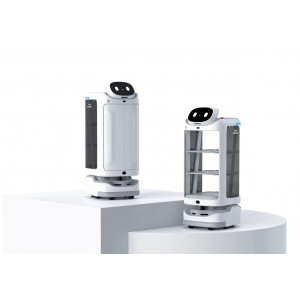
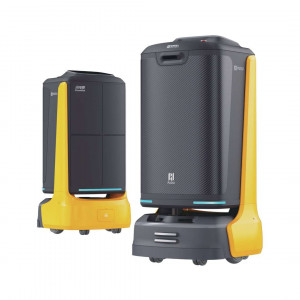
Available in two distinct colour variants — Vibrant Yellow and Classic White — KettyBot can be matched to your venue's brand identity. The colour choice also determines hardware capabilities: the Vibrant version and units with self-developed core boards support 4G SIM cards for remote management.
Hybrid SLAM Navigation: Laser + Vision in Crowded Spaces
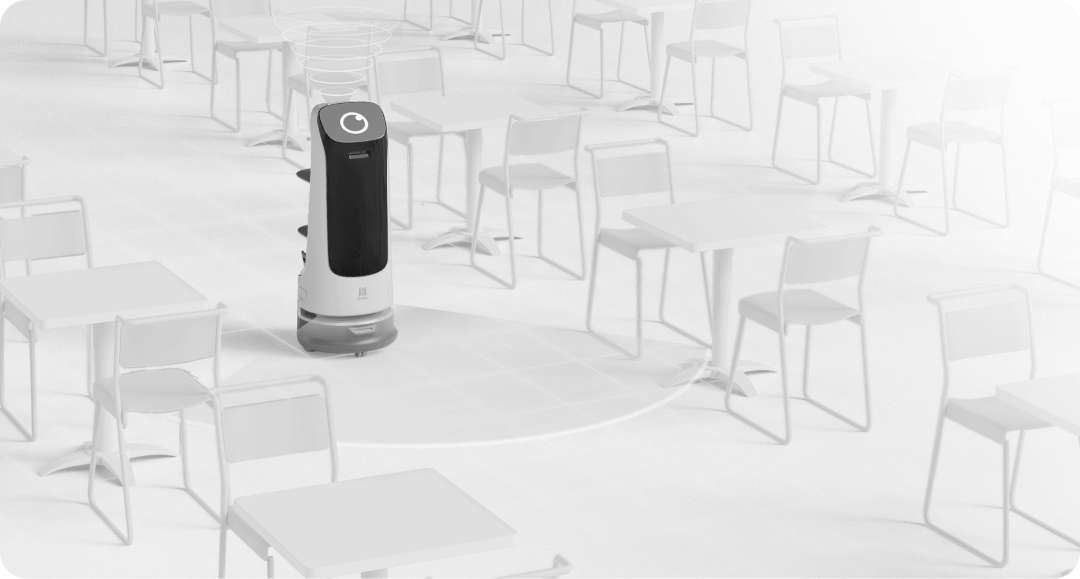
KettyBot combines LiDAR point-cloud mapping with visual depth sensors to build and maintain a dynamic floor map in real time. This dual-sensor SLAM approach — rather than LiDAR alone — gives the robot resilience against transparent surfaces, reflective floors, and moving obstacles. The minimum passage width of 55 cm means it can navigate between tightly packed restaurant tables without requiring layout changes.
Depth vision sensors and a front positioning camera continuously scan the environment at floor level, while the 3D obstacle detection system triggers automatic path recalculation rather than a full stop. The following image shows KettyBot operating autonomously in a real restaurant environment, navigating freely between tables and chairs.
18.5-Inch Advertising Screen: A Moving Digital Billboard
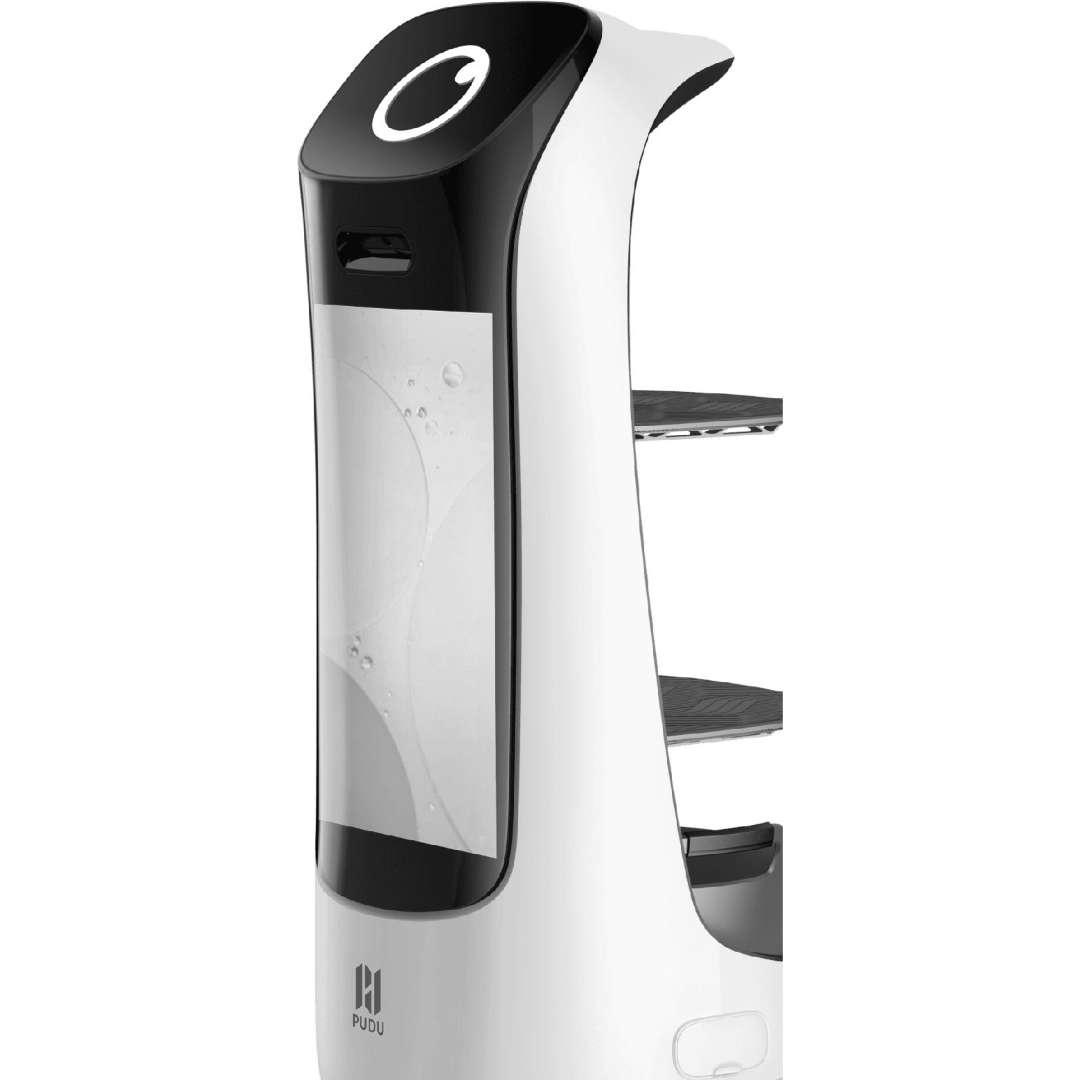
Every delivery run is also a marketing event. The large 18.5-inch LCD advertising screen supports both image slideshows and full video playback (up to 300 MB storage, up to 10 separate ad materials). Content is managed remotely via the Merchant Management Platform (browser-based) or through the Pudulink mobile app — no on-site technician required. You can schedule different content for different cruise waypoints: table A sees a drinks promotion, table B sees today's specials.
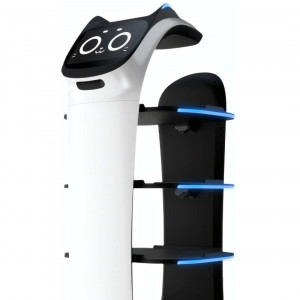
The close-up below shows the clean, high-visibility profile of the KettyBot with its large advertising display and rear-mounted delivery shelves clearly visible.
Three-Level Delivery Architecture: Trays + Dish-Return
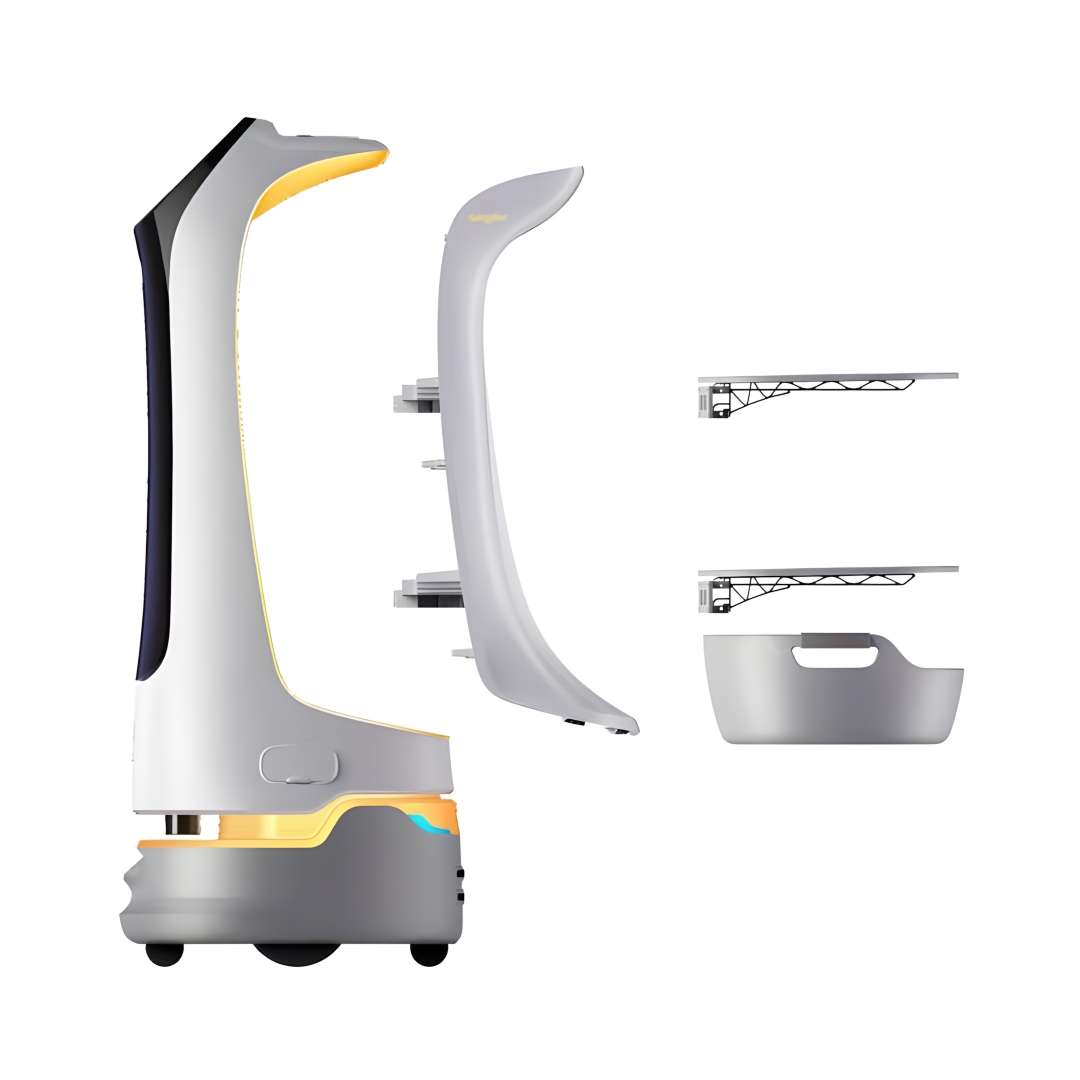
The rear of the KettyBot houses a modular tray system: two removable delivery trays (each rated at 10 kg) plus a dedicated dish-return box at the base. The tray spacing — 248 mm / 253 mm / 223 mm from top to bottom — accommodates standard restaurant plates, bowls, and covered dishes. Each tray measures 352 mm × 340 mm, providing adequate surface area for simultaneous multi-dish delivery to a single table.
The image below shows the KettyBot's rear tray compartment open, with both delivery shelves and the dish-return box visible, all illuminated by the robot's interior accent lighting.
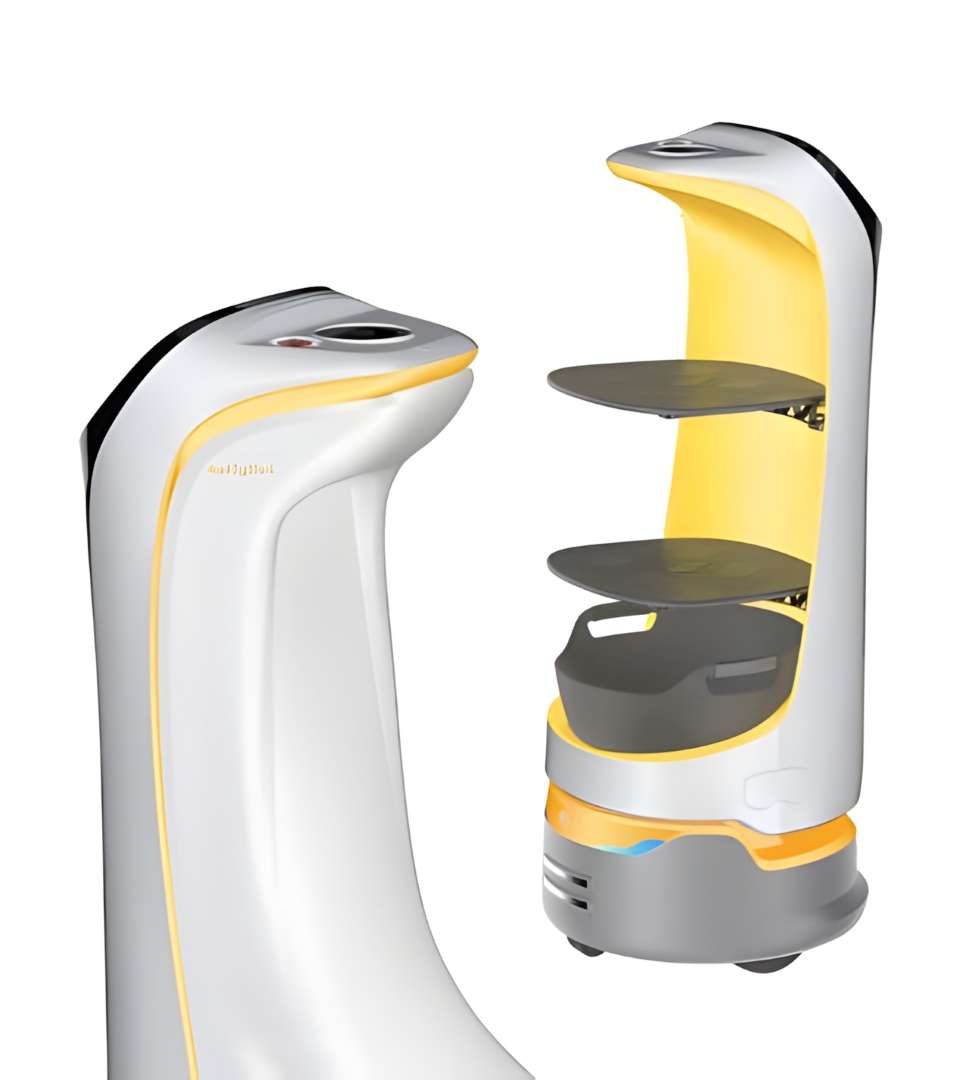
The full modular disassembly view below illustrates how the side panels, delivery trays, and dish-return basket detach independently — simplifying deep cleaning between service shifts and reducing maintenance downtime.
Dual Display System and 6-Microphone Voice Interaction
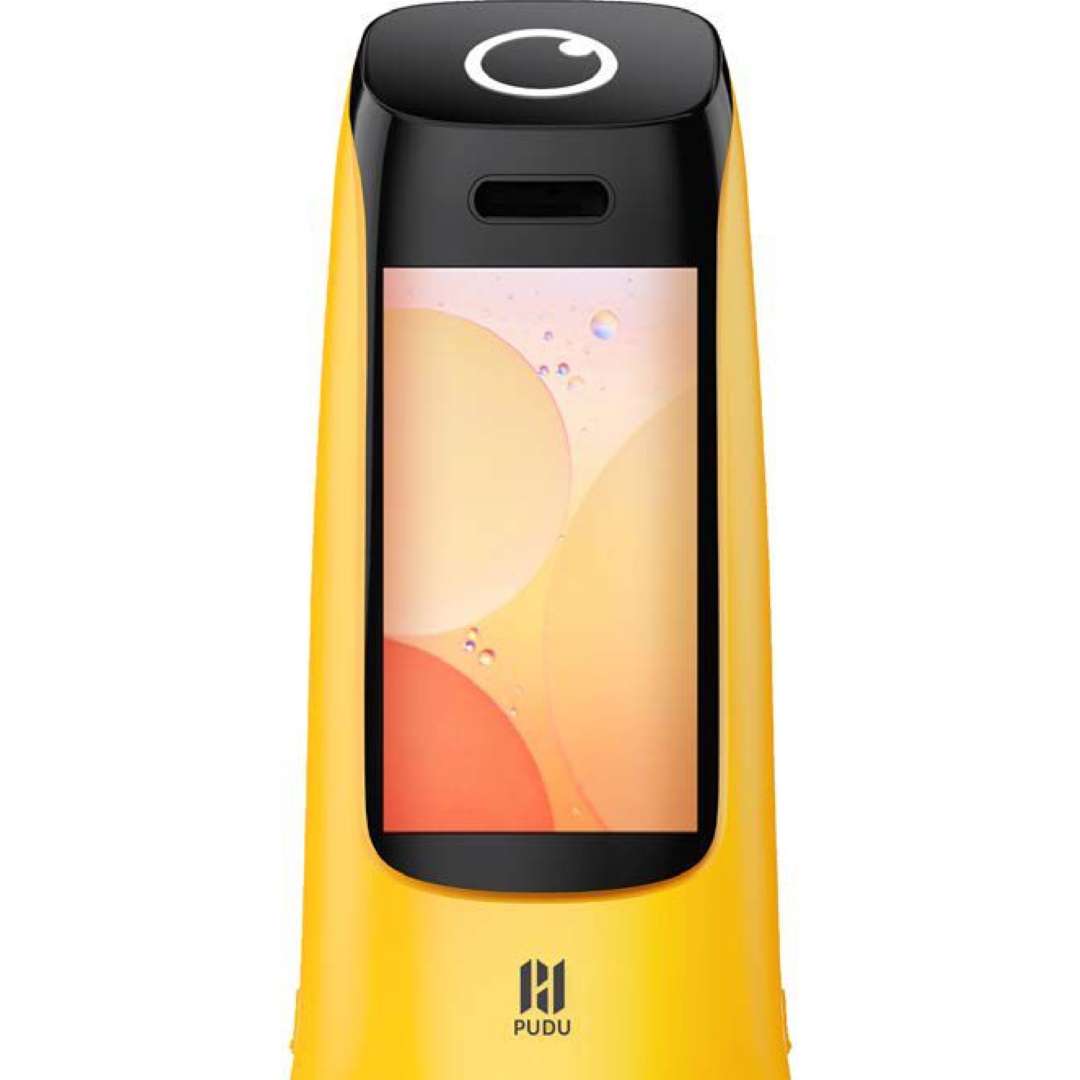
Beyond the large advertising panel, KettyBot features a secondary 10.1-inch LCD screen for customer interaction — confirming delivery status, displaying table numbers, or presenting interactive menus. The Android-based OS runs both screens simultaneously without performance degradation. Voice interaction is handled by a 6-microphone circular array backed by 2 × 10 W stereo speakers, giving the robot a clear, directional voice presence in noisy dining environments.
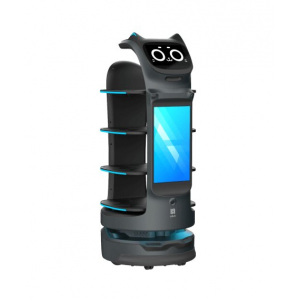
The yellow variant's 10.1-inch LCD screen is shown below, displaying a colourful interface — this is the primary interaction panel that customers face during escorting and greeting routines.
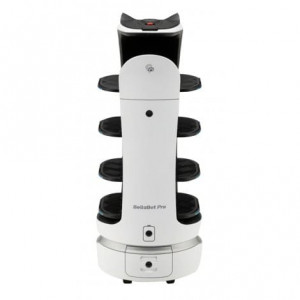
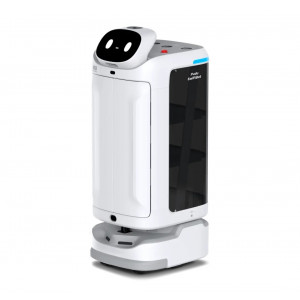
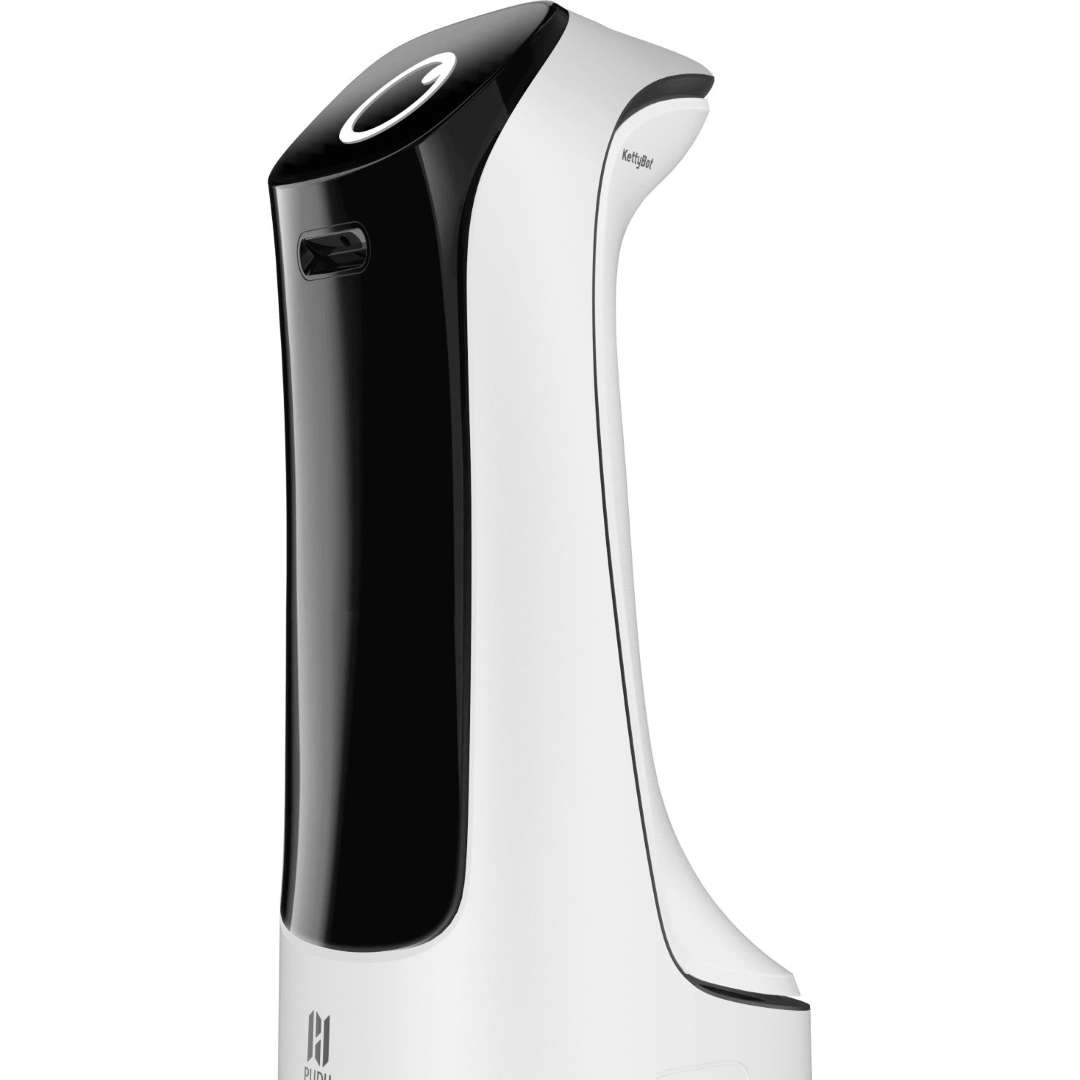
The white variant's refined profile is shown below — the smooth, seamless casing is constructed from ABS and aviation-grade aluminium, providing a premium visual aesthetic suited for hotel lobbies and upscale dining venues.
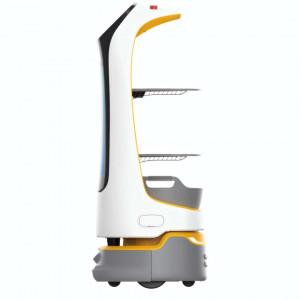
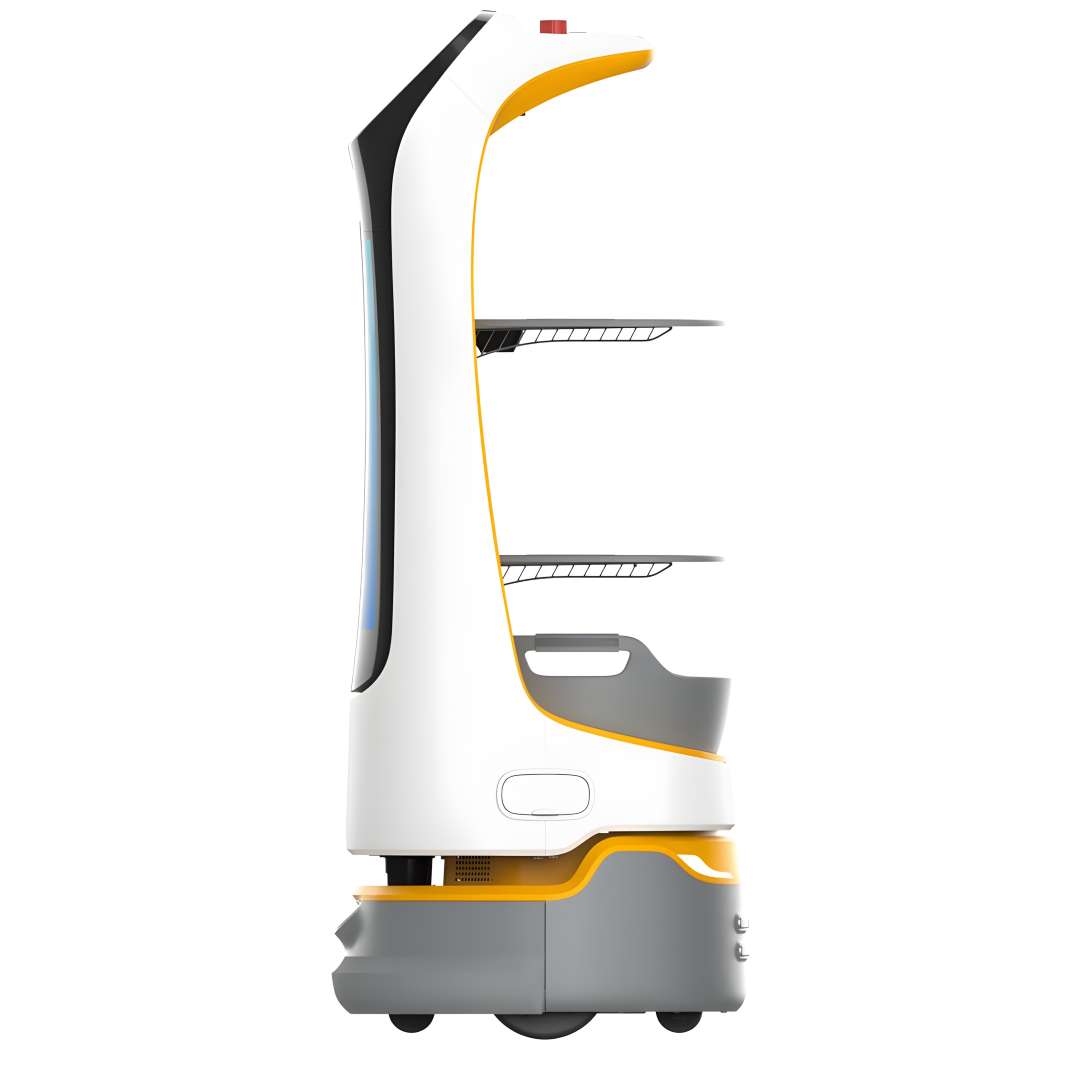
The complete side profile below shows the full height of the KettyBot (1120 mm), with the advertising screen, both delivery trays, the dish-return box, and the drive wheels all visible. This view confirms the robot's compact footprint of 435 mm × 450 mm — critical for manoeuvring in tight floor plans.
Technical Specifications of the PUDU KettyBot
Dimensions & Build
| Model | PNT |
|---|---|
| Robot dimensions (L × W × H) | 435 mm × 450 mm × 1120 mm (17.13 × 17.72 × 44.09 in) |
| Robot weight | 38 kg (83.78 lbs) |
| Machine material | ABS / aviation grade aluminum alloy |
| IP rating | IP20 |
| Service life | 5 years |
Mobility & Navigation
| Navigation system | Laser and visual integrated SLAM positioning |
|---|---|
| Cruise speed | 0.2–1.2 m/s (1.64–3.93 ft/s) (adjustable) |
| Min. travel width | 55 cm (21.65 in) |
| Max. surmountable height | 5 mm (0.20 in) |
| Max. climbing angle | 5° |
| Ground surface standard | Indoor environment, flat and smooth ground |
Payload & Trays
| Tray load | 10 kg/layer |
|---|---|
| Total payload capacity | 30 kg |
| Number of trays | Two trays and one dish-return box |
| Tray dimensions | 352 mm × 340 mm (13.86 × 13.39 in) |
| Height between trays (top to bottom) | 248 mm / 253 mm / 223 mm (9.76 in / 9.96 in / 8.78 in) |
Power & Battery
| Operating voltage | DC 25.6 V |
|---|---|
| Power input | AC 100–240 V, 50/60 Hz |
| Power output | 29 V / 8 A |
| Battery capacity | 20 Ah |
| Charging time | 4 h |
| Charging mode | Manual and auto charging |
| Battery life | 8 h (no load) |
Displays & Audio
| Advertising screen | 18.5-inch LCD |
|---|---|
| Interaction screen | 10.1-inch LCD |
| Operating system | Android |
| Microphone | 6-mic circular array kit |
| Speaker power | 2 × 10 W stereo speakers |
Environment & Storage
| Working temperature | 0 °C to 40 °C (32 °F to 104 °F) |
|---|---|
| Working humidity | ≤ 85% RH |
| Storage temperature | -40 °C to 65 °C (-40 °F to 149 °F) |
| Storage humidity | ≤ 85% RH |
| Working altitude | < 2000 m (6561.68 ft) |
Wireless Connectivity & Transmit Power
| Wi-Fi 2.4G | 2412–2472 MHz | Max. 17.48 dBm |
|---|---|
| Wi-Fi 5.2–5.6G | 5180–5700 MHz | Max. 13.35 dBm |
| Wi-Fi 5.8G | 5745–5825 MHz | Max. 13.85 dBm |
| Bluetooth | 2402–2480 MHz | LE: 5.96 dBm / BDR/EDR: 8.49 dBm |
| 3G bands | B1 / B8 | B1: 23.56 dBm / B8: 23.43 dBm |
| 4G bands | B1/B3/B7/B8/B20/B28/B34/B38/B40 | B1: 23.49 dBm / B3: 23.96 dBm / B7: 24.33 dBm / B8: 23.45 dBm / B20: 23.36 dBm / B28: 23.81 dBm / B34: 23.32 dBm / B38: 24.76 dBm / B40: 23.25 dBm |
How to Start Using KettyBot: Quick Setup Guide
Follow these steps to power on, configure, and run your first delivery or cruise route with the PUDU KettyBot.
Power On
Press and hold the power switch for 3 seconds until the robot boots up. The Android system will initialise and both screens will light up.
Run a Delivery
Select Delivery Mode on the main menu, tap the target table number, load the items onto the trays, and tap "Start". The robot will navigate autonomously to the table and await confirmation before returning.
Set Up a Cruise Route
Open Cruise Mode, select the desired pre-mapped route from the list, and tap "Start". The robot will begin its advertising loop along the defined waypoints.
Activate Customer Attraction
Before activating this mode, ensure at least one greeting point has been added to the map. Then select Customer Attraction Mode and tap "Start" — the robot will proceed autonomously to the greeting point and begin interacting with customers.
Initiate Self-Charging
Tap "Charging Now" on the robot interface. The robot will navigate to the charging dock automatically. When the battery level drops below 10%, the robot triggers an automatic return-to-charger sequence depending on the active mode.
Emergency Stop
Press the red emergency stop button on top of the robot to halt movement immediately. Rotate the button to release the stop and allow the robot to resume operation.
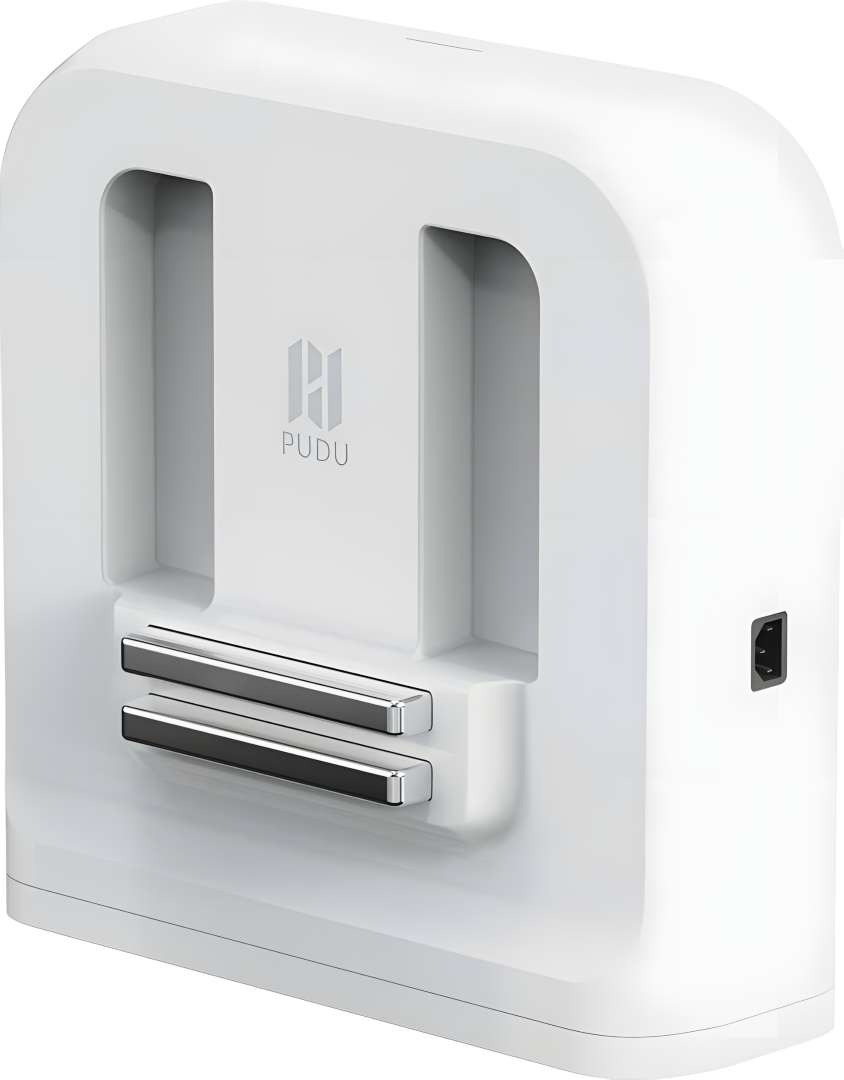
The PUDU autonomous charging dock is shown below — the robot aligns with the two metallic electrode contacts and docks precisely using its SLAM positioning. The charging circuit is independent of the key switch, so the unit can recharge even when the main key is in the OFF position.
Frequently Asked Questions — PUDU KettyBot
What is the maximum payload of the KettyBot?
Each tray supports up to 10 kg, giving a total payload of 30 kg across all three compartments (two trays plus dish-return box).
How many operational modes does KettyBot support?
KettyBot has 9 function modes: Guiding, Birthday, Customer Attraction, General Delivery, Delivery, Advertising, Cruise, Dish-Return, and Table Services.
What happens when the battery drops below 10%?
In Cruise mode, the robot checks for a charging pile and heads to it. In Dish-Return mode, it goes to the dish-return point first, then seeks the charger. In all other modes, it completes the current task before returning to charge. If no charger is available, the robot stops and displays a low-battery alert.
Can KettyBot display different advertising content at different waypoints?
Yes. Using the Merchant Management Platform, you can assign different advertising materials to individual cruise waypoints. The robot plays the content assigned to each specific point as it cruises the route.
Can KettyBot be charged while the key switch is OFF?
Yes. The key switch only controls the discharge circuit. Charging uses a separate circuit and functions regardless of the key switch position.
How many KettyBots can be deployed in the same venue?
Multiple units can share the same map. Each robot is paired with its designated charging dock individually via Settings → Map Settings → Select Charging Pile to prevent conflicts.
Does KettyBot support 4G connectivity?
4G SIM card support is available on the Vibrant version and on KettyBot units with self-developed core boards. The standard version uses Wi-Fi (2.4G and 5G bands) and Bluetooth connectivity.
Why choose EXPERT3D?
EXPERT3D has been a specialist in automation and robotics technology since 2012, serving businesses across Valencia and Spain with professional-grade equipment and direct technical support. Our team provides personalised advice on deployment, map configuration, and fleet management — ensuring your KettyBot is fully operational from day one. Contact us for a demonstration or a tailored quote for multi-unit installations.