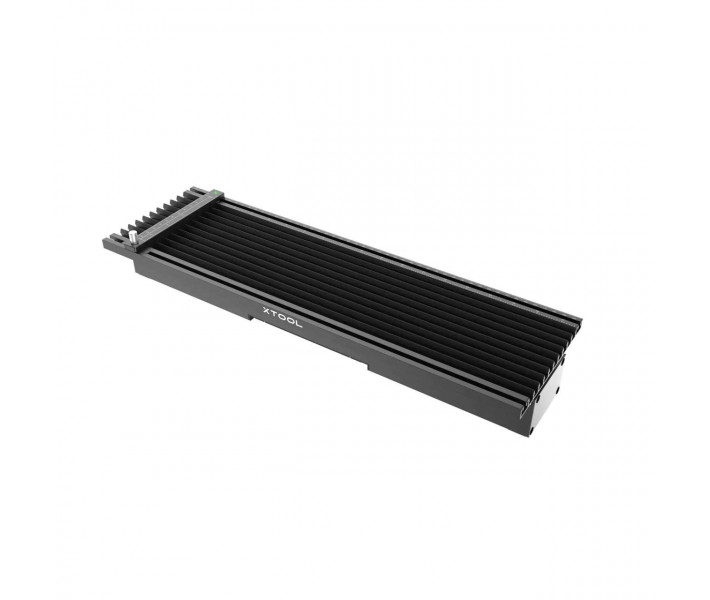


- Stock: In Stock
- Product code: F2 Slide Extension
- Weight Brutto: 14.00kg
- SKU: P1010151-P5010253

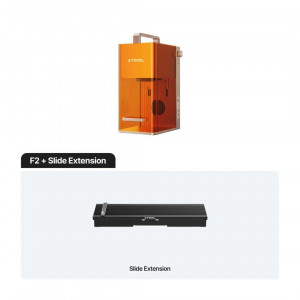
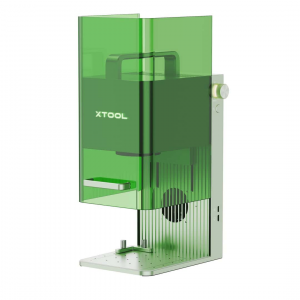
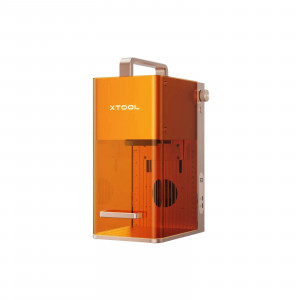
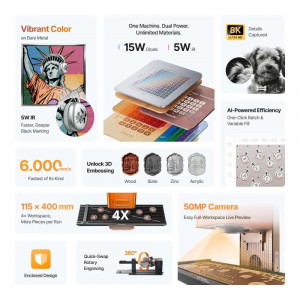
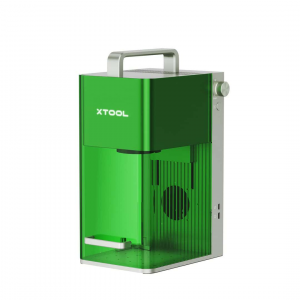
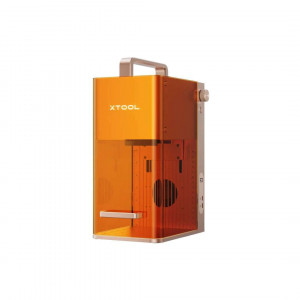
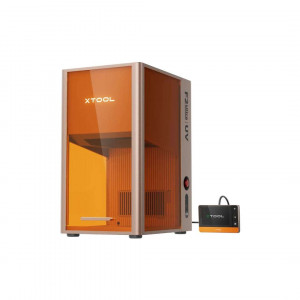
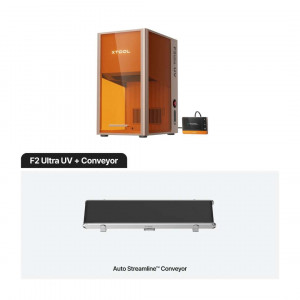
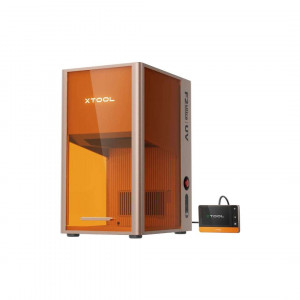
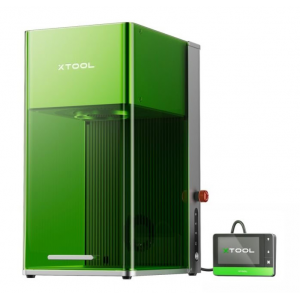
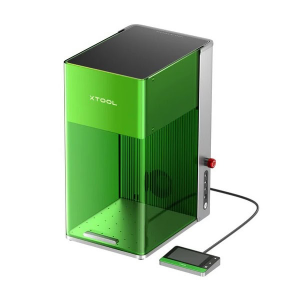
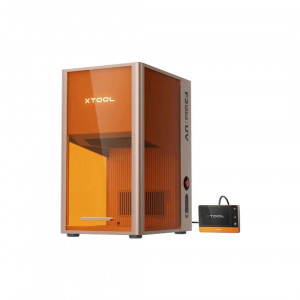
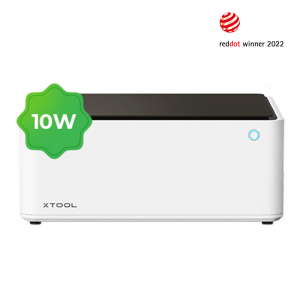
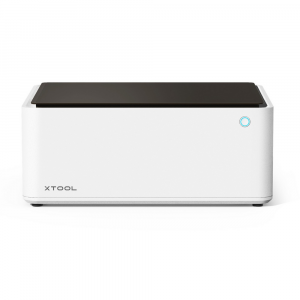
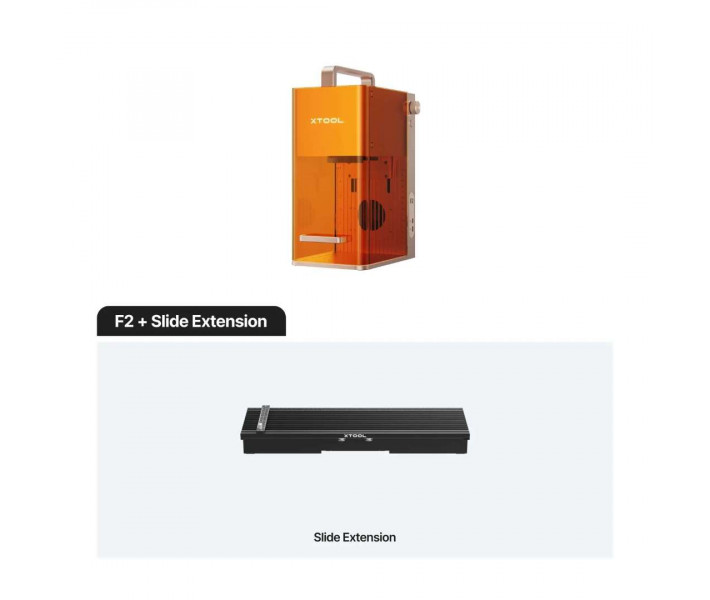
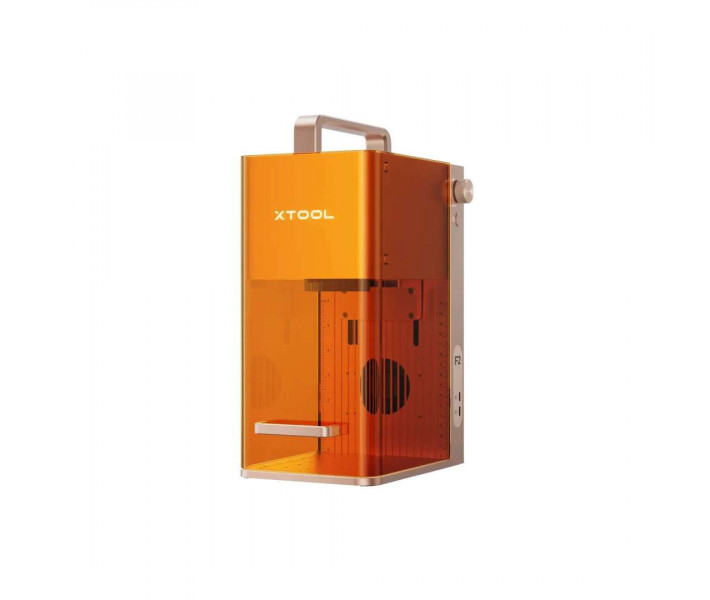
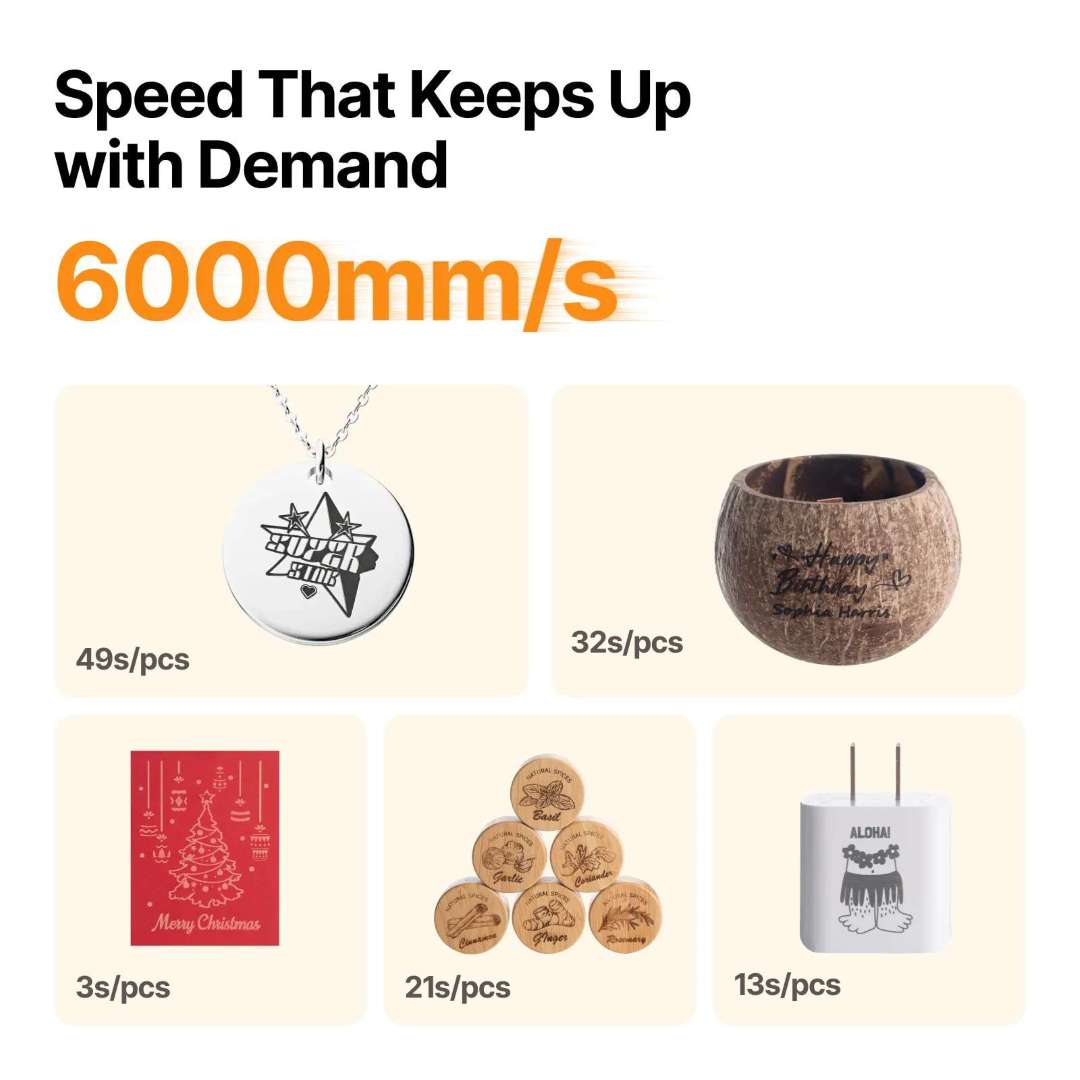
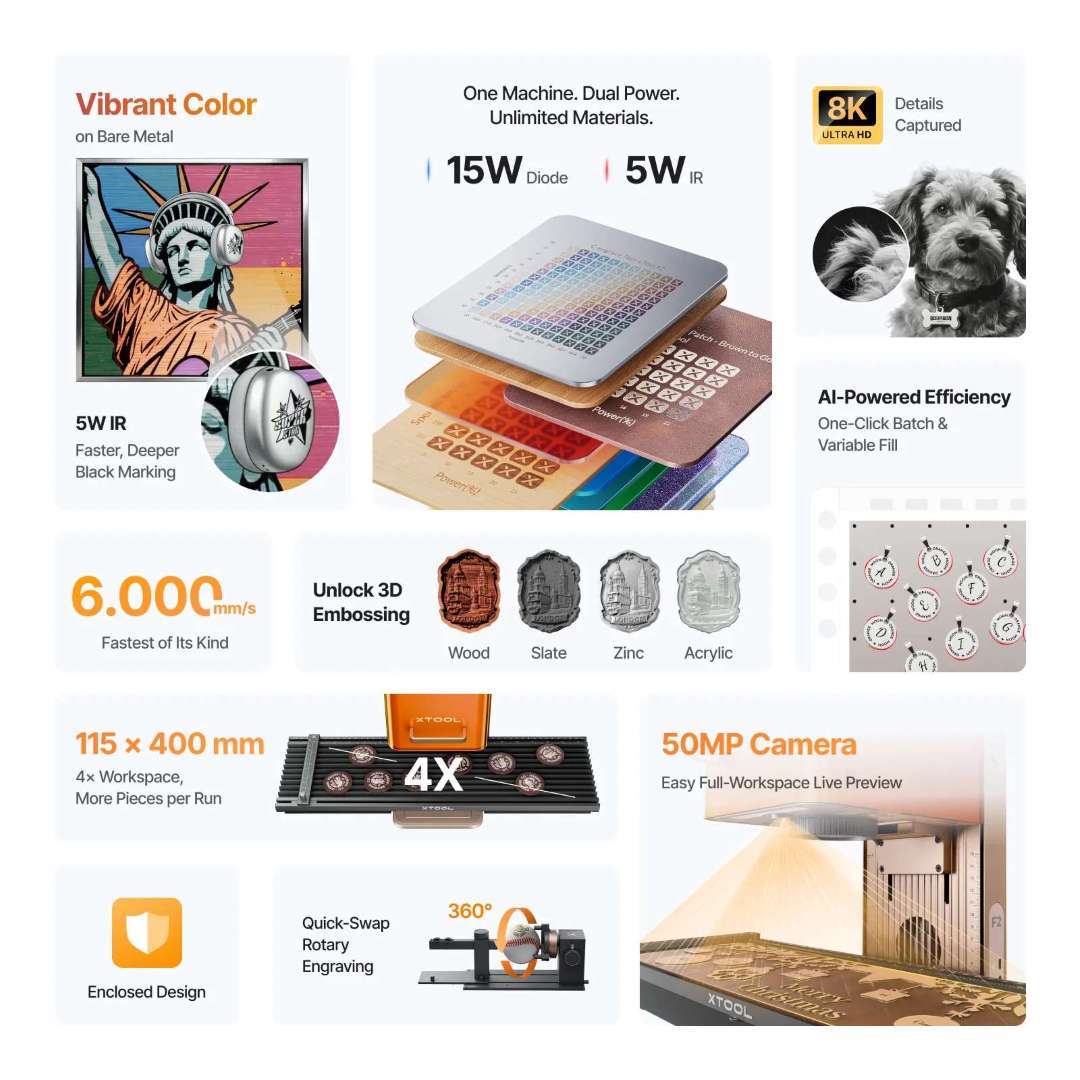
The xTool F2 + Slide Extension Bundle is a portable dual-laser engraver designed for small-business owners, craft fair vendors, and on-site personalization — combining a 15 W diode laser and a 5 W 1064 nm infrared laser in a single 4.60 kg machine. With a maximum engraving speed of 6000 mm/s, a built-in 50 MP smart camera for 1:1 live workspace preview, and a Slide Extension that expands the working area to 115 × 400 mm, this bundle covers 300+ materials and supports batch production out of the box.
| Laser Configuration | 15 W Diode + 5 W 1064 nm IR |
|---|---|
| Max Engraving Speed | 6000 mm/s |
| Working Area (with Extension) | 115 × 400 mm |
| Built-in Camera | 50 MP Smart Camera |
Two Lasers. One Machine. 300+ Materials.
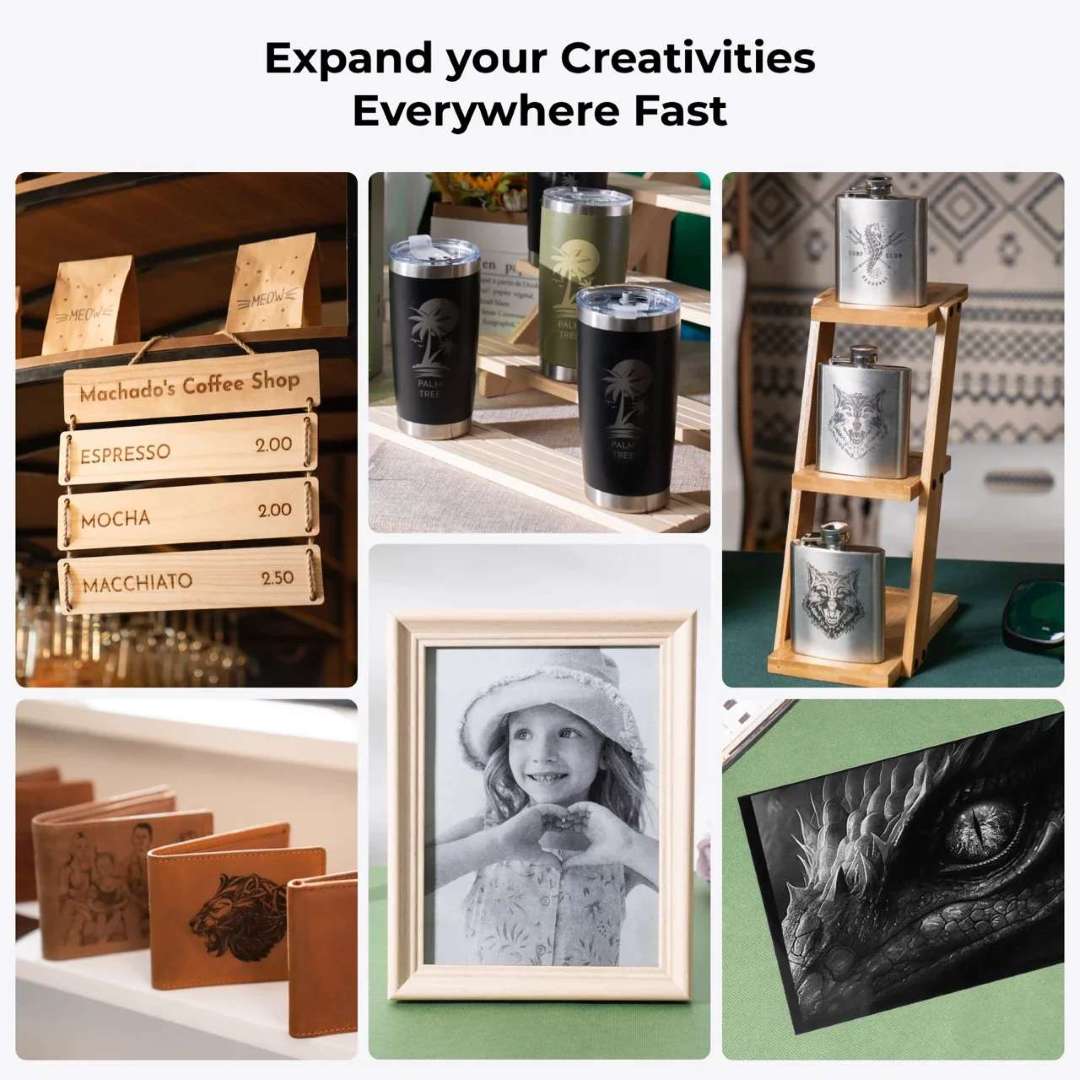
Most portable lasers force a choice: diode for wood and leather, or IR for metals. The xTool F2 eliminates that compromise. The 15 W blue diode cuts up to 15 mm basswood in multiple passes and handles acrylic up to 12 mm, while the 5 W infrared module engraves stainless steel, gold, silver, platinum, anodized aluminum, and titanium alloys with a laser spot of just 0.03 × 0.03 mm — producing crisp metal markings that older 2 W IR units simply cannot match.
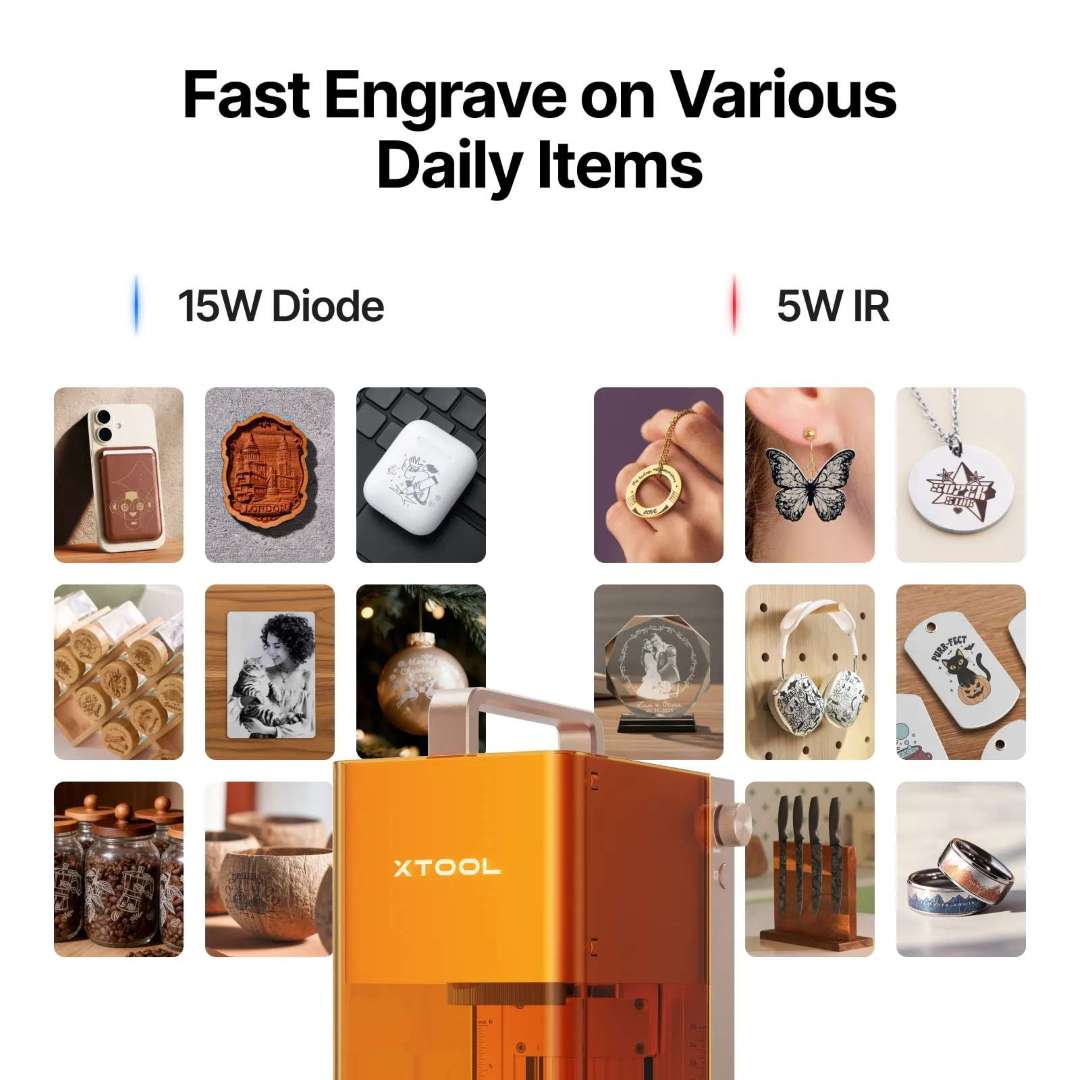
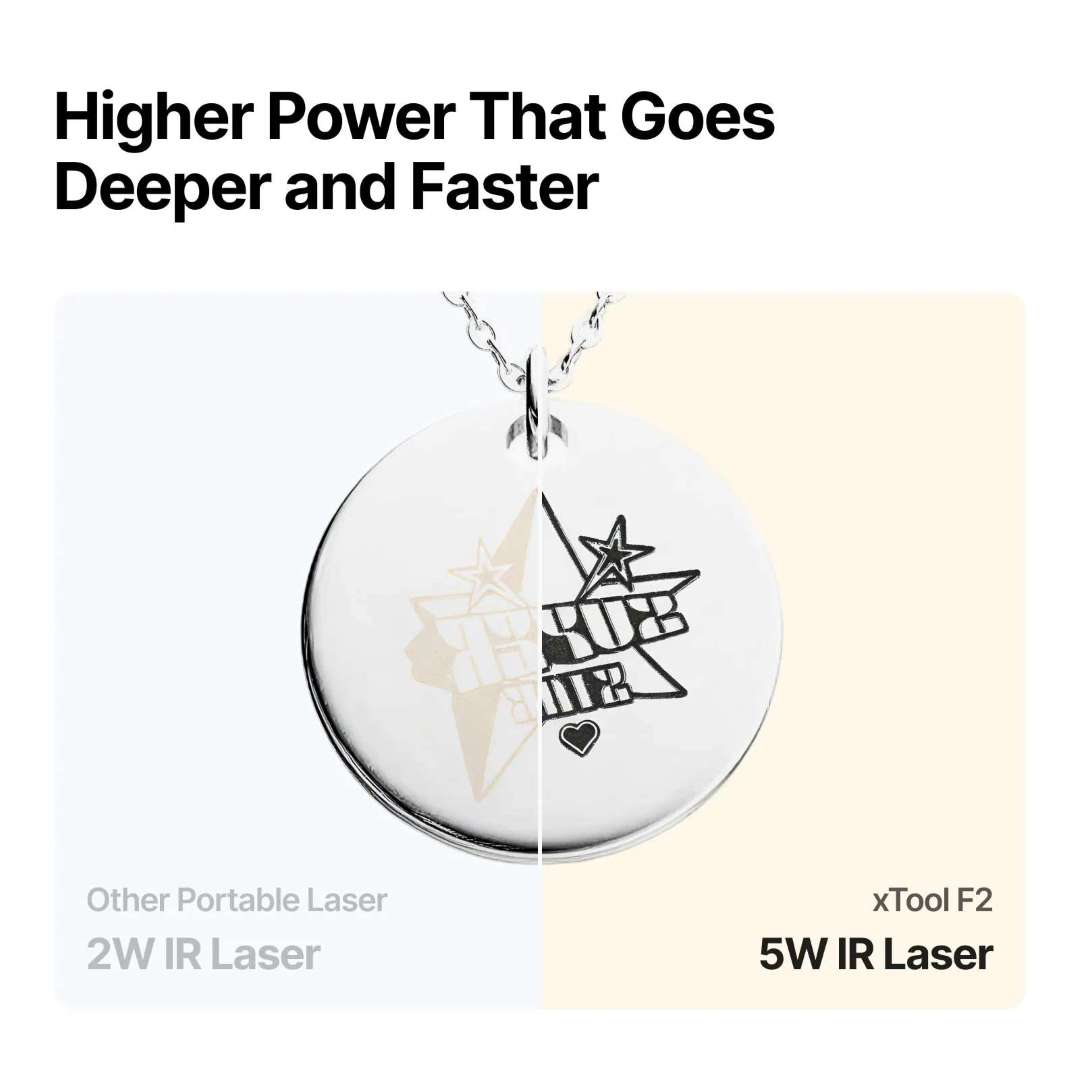
The infrared upgrade is not incremental — it is categorical. Compared to a 2 W IR unit, the 5 W module delivers results 2–8× faster, enables 3D embossing on stone and wood, produces more consistent color engraving, and makes black marking on metal far more reliable. Same results, fewer passes.
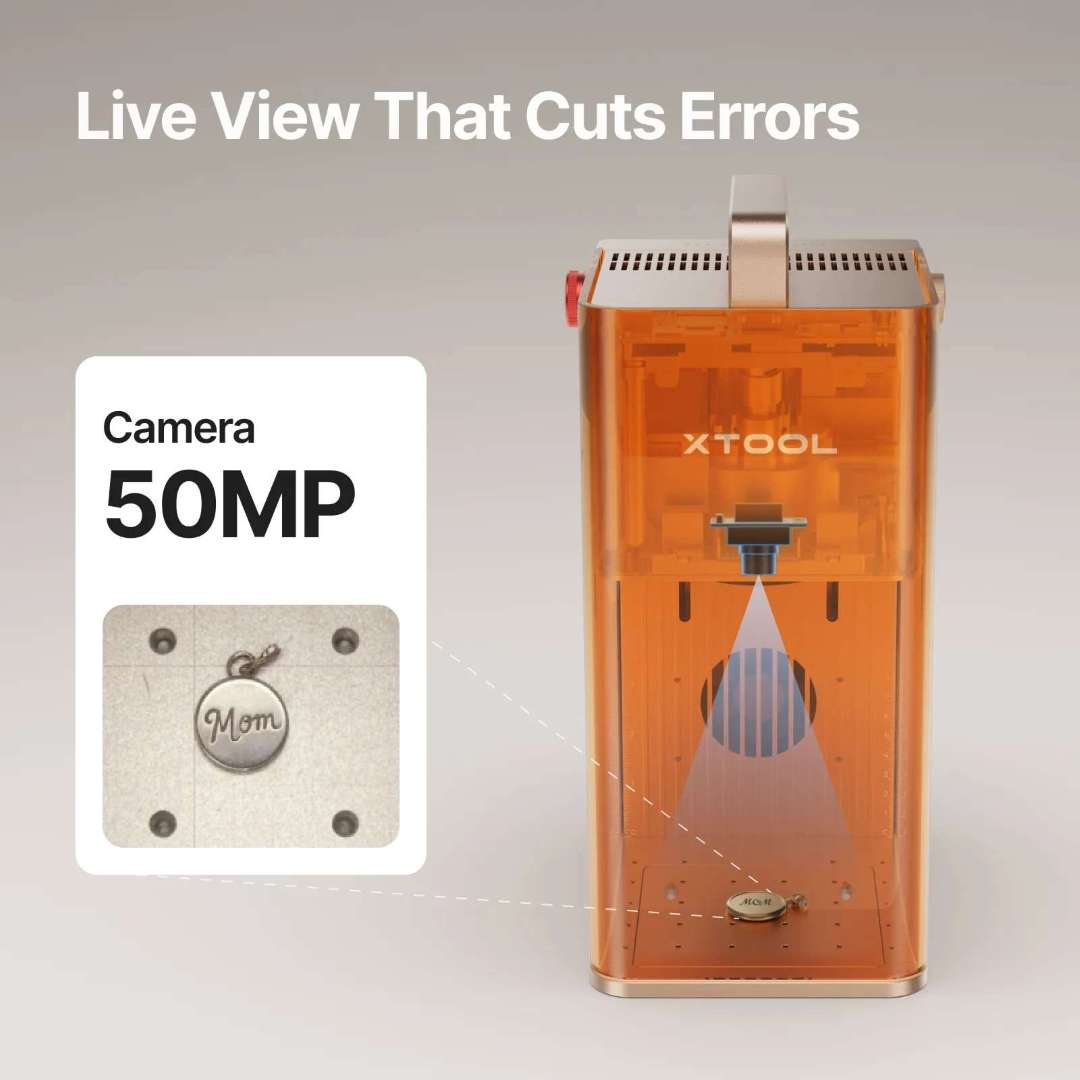
50 MP Camera: See It, Get It — First Try
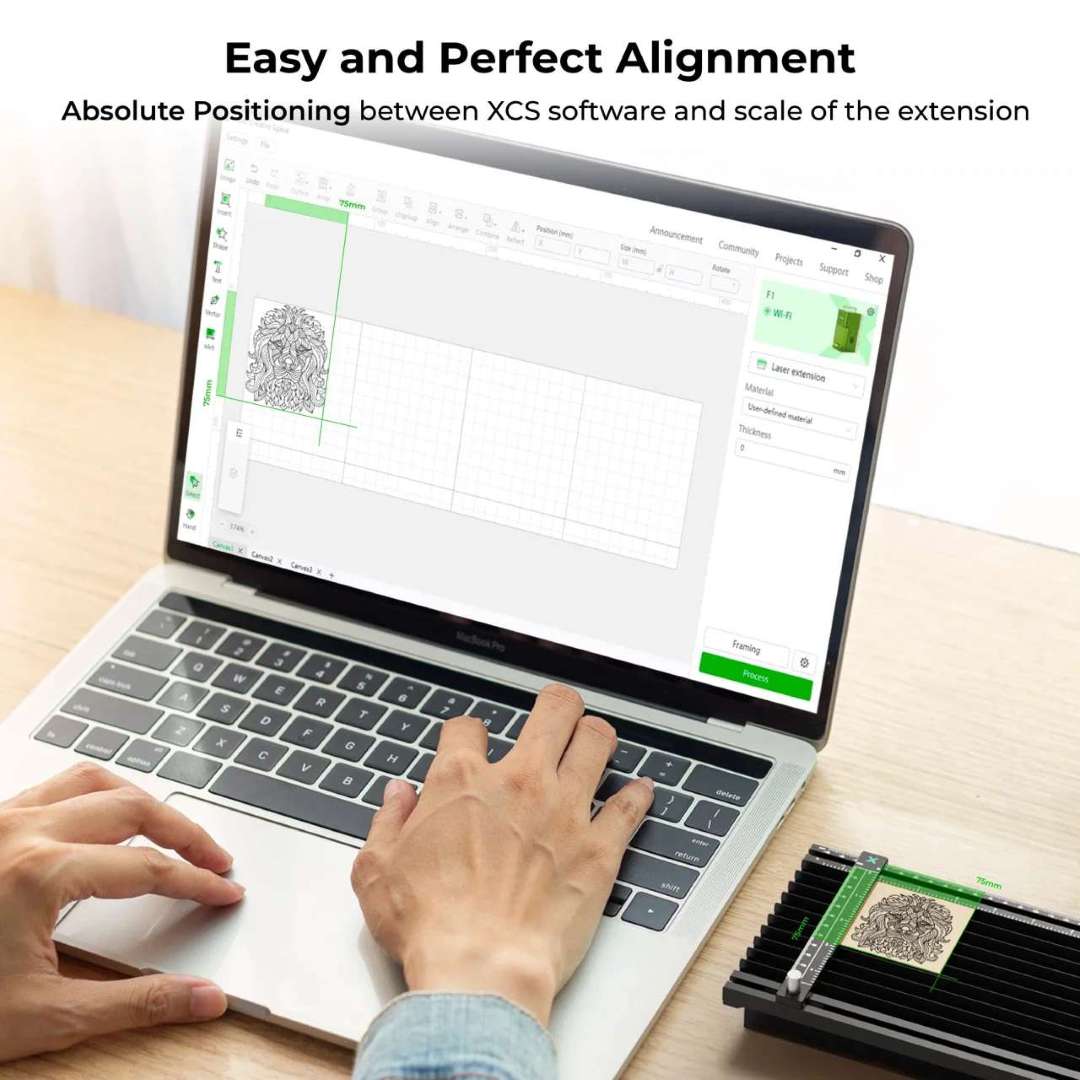
Misalignment wastes material and frustrates customers. The F2's built-in 50 MP smart camera delivers up to 0.1 mm alignment accuracy on small pieces, providing a true 1:1 live preview of the entire workspace directly in xTool Studio. What you see on screen is exactly what gets engraved.
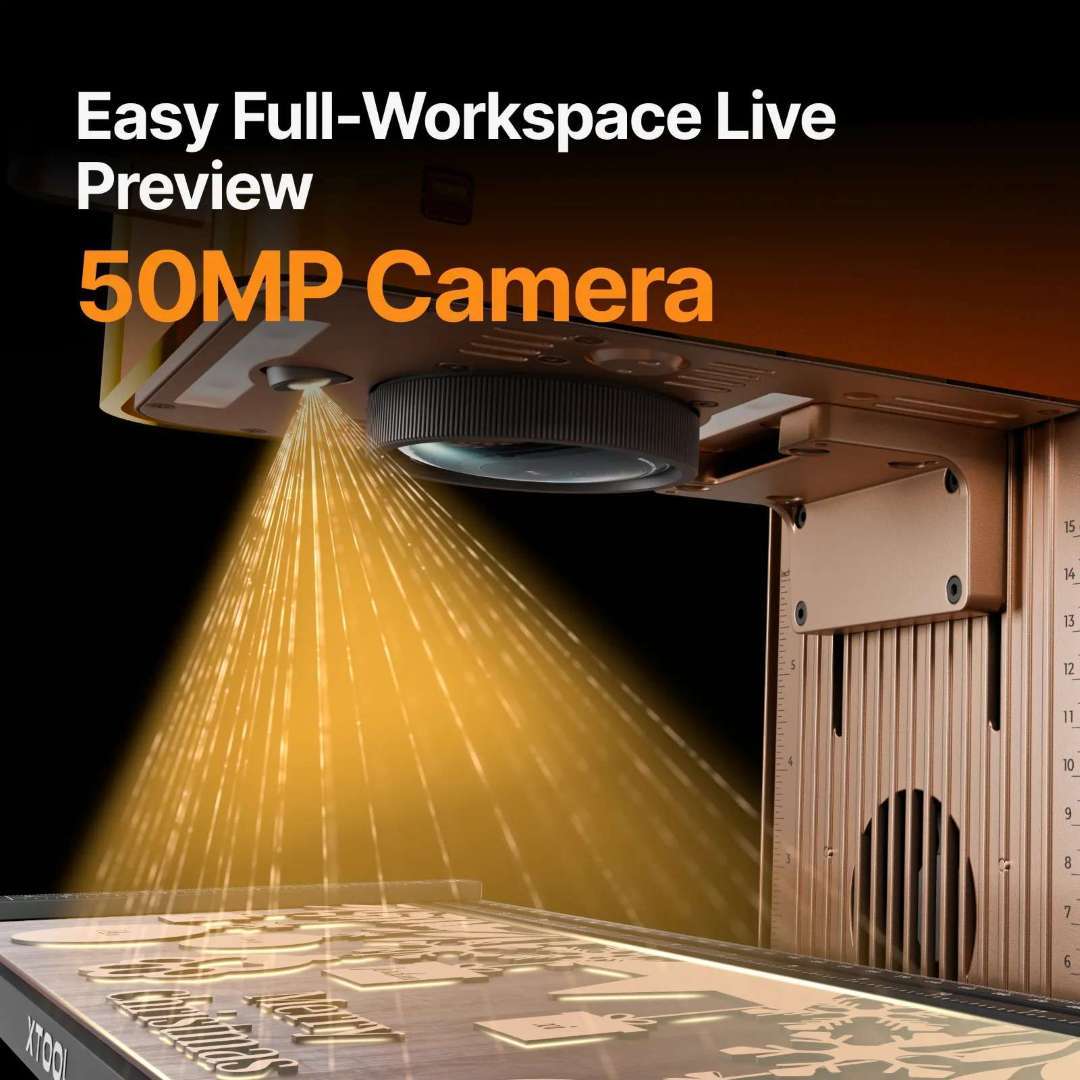
The camera does not stop at the base plate. When the Slide Extension is attached, the F2 stitches the extended bed into one seamless panoramic preview — so batch jobs across 115 × 400 mm are laid out precisely without guesswork.
Slide Extension: 4× Working Area, Batch Production Ready
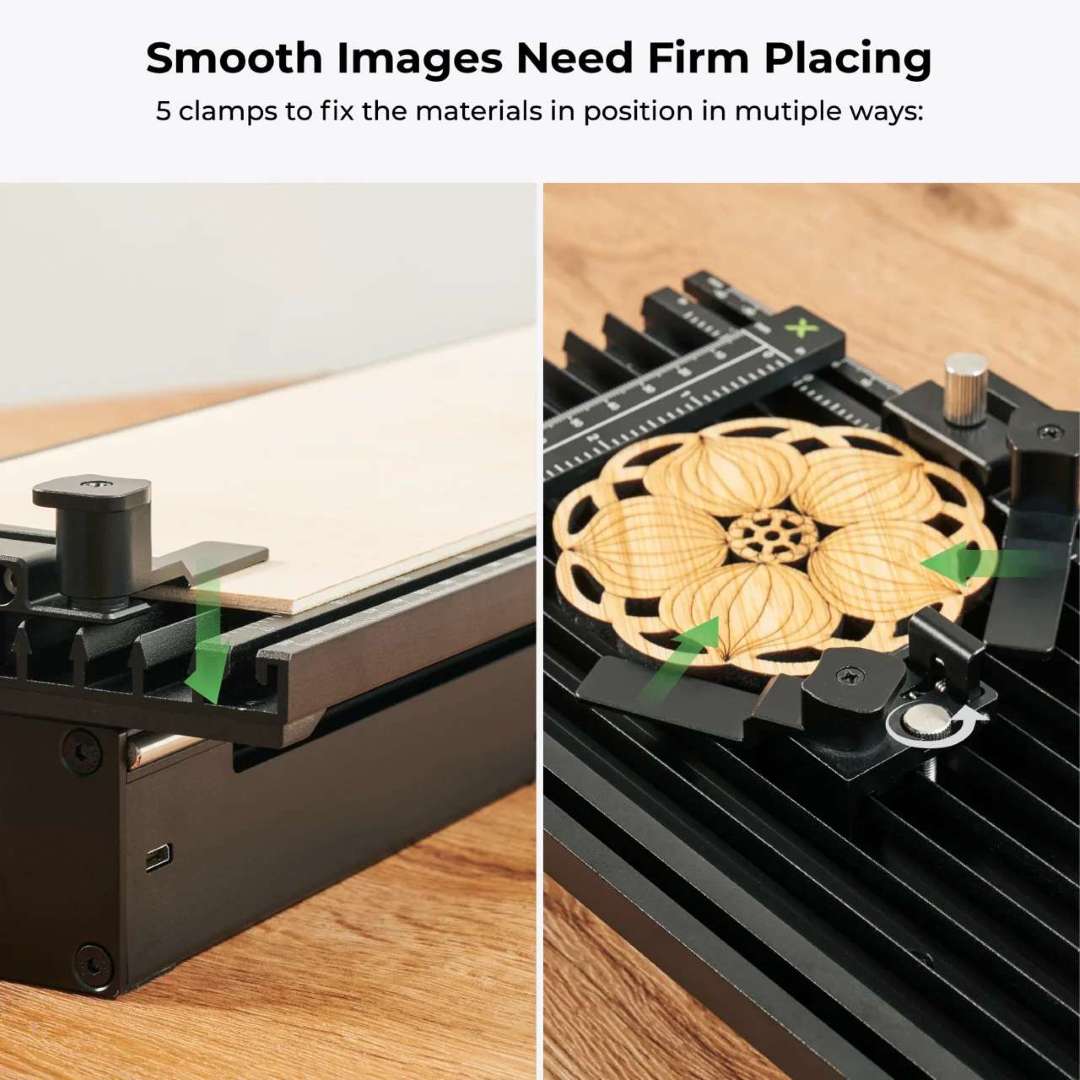
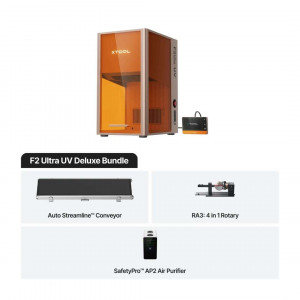
The Slide Extension multiplies the F2's native 115 × 115 mm working area to 115 × 400 mm — four times larger. Pre-assembled and ready to use straight from the box (calibration via xTool Studio required), it connects via Mini-USB with no external power supply needed. Five included clamps hold materials firmly in place.
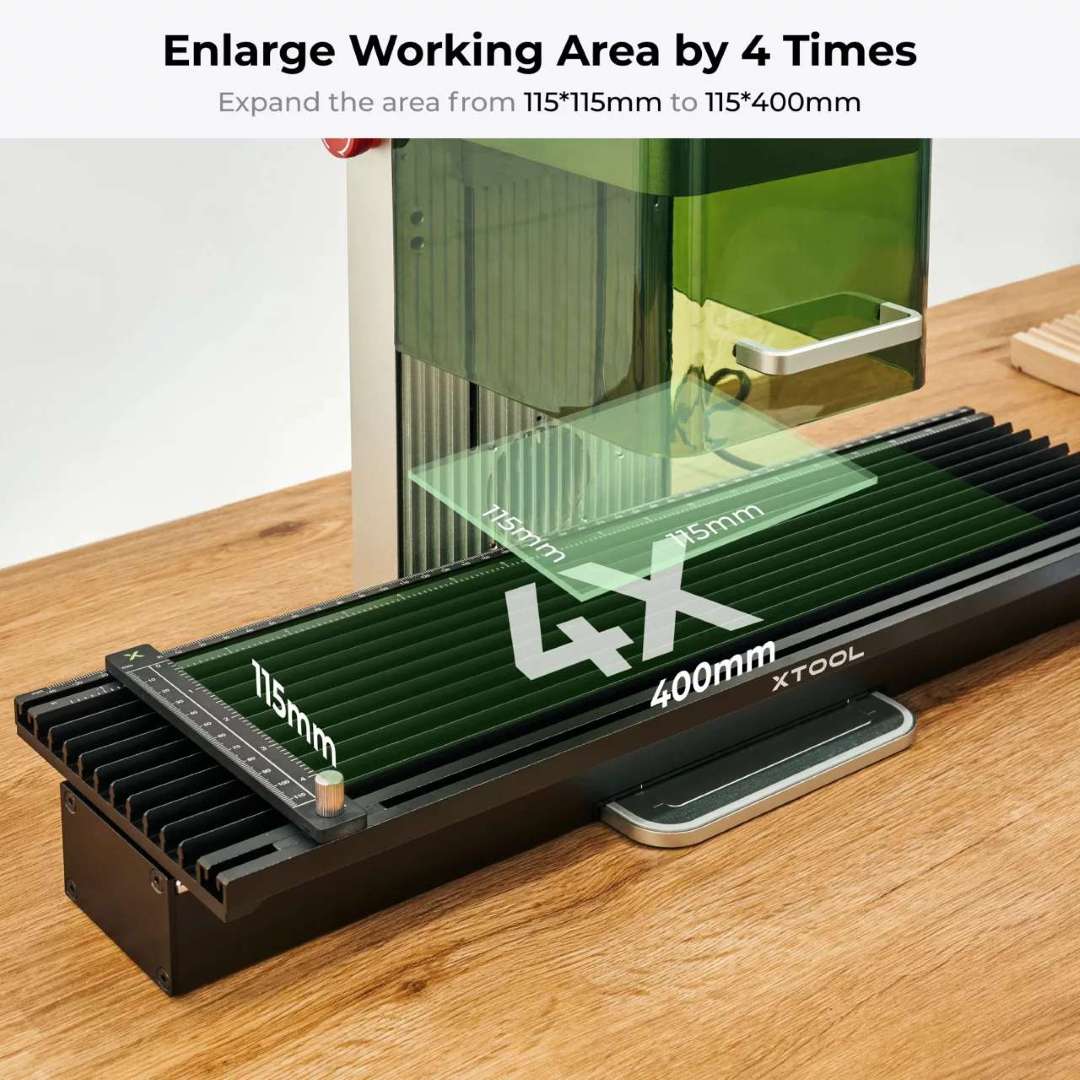
The extension supports the same 500+ materials as the F2 itself. Processing speed in extension mode is capped at 160 mm/s to maintain positioning accuracy. Maximum workpiece thickness with the extension is 53 mm (e.g., aluminum cans, keyboards), or 6 mm when using clamps.
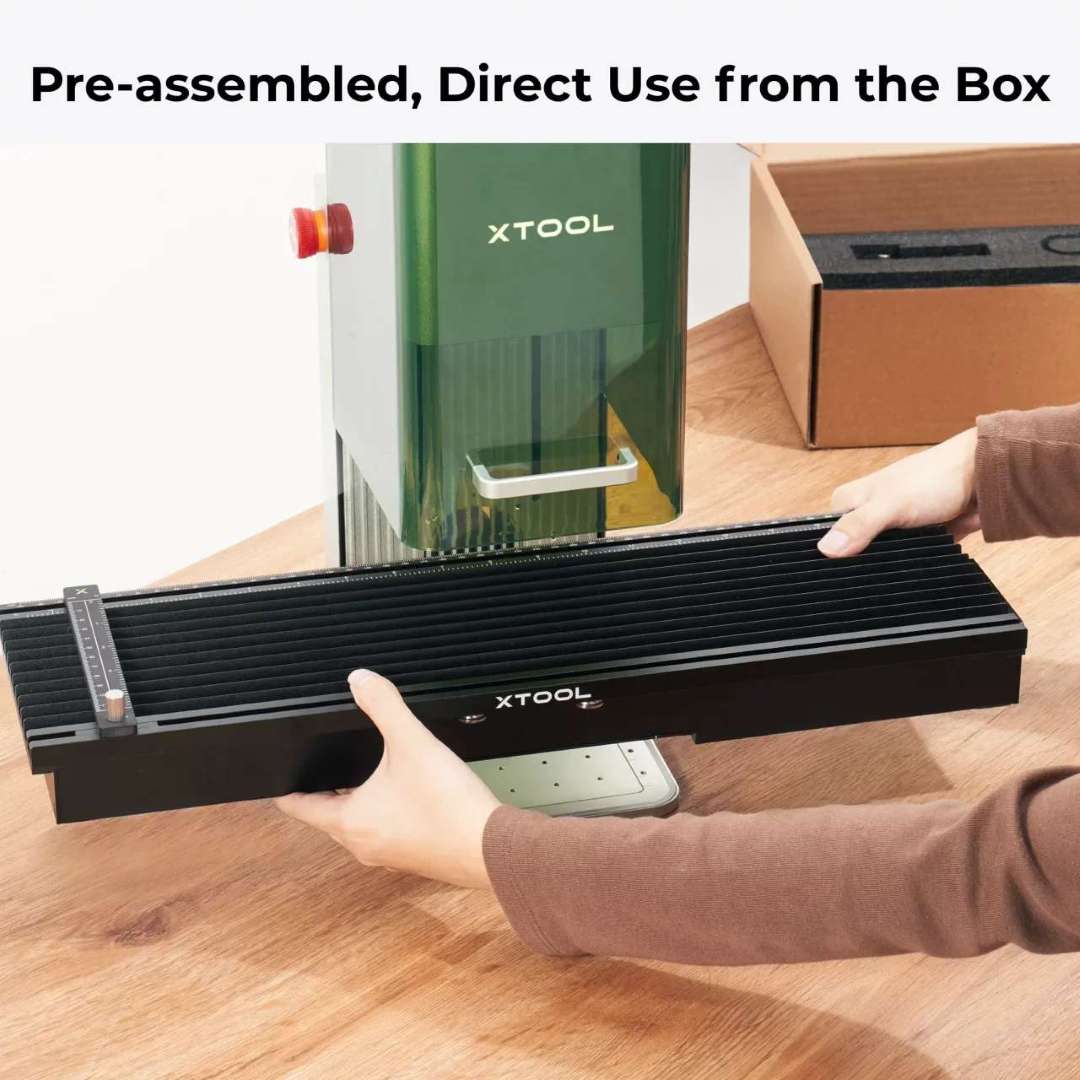
For batch production runs, the extension acts as a conveyor-style workflow: place multiple items along the 400 mm rail, and the F2 engraves them in sequence with camera-guided alignment. One button. Done.
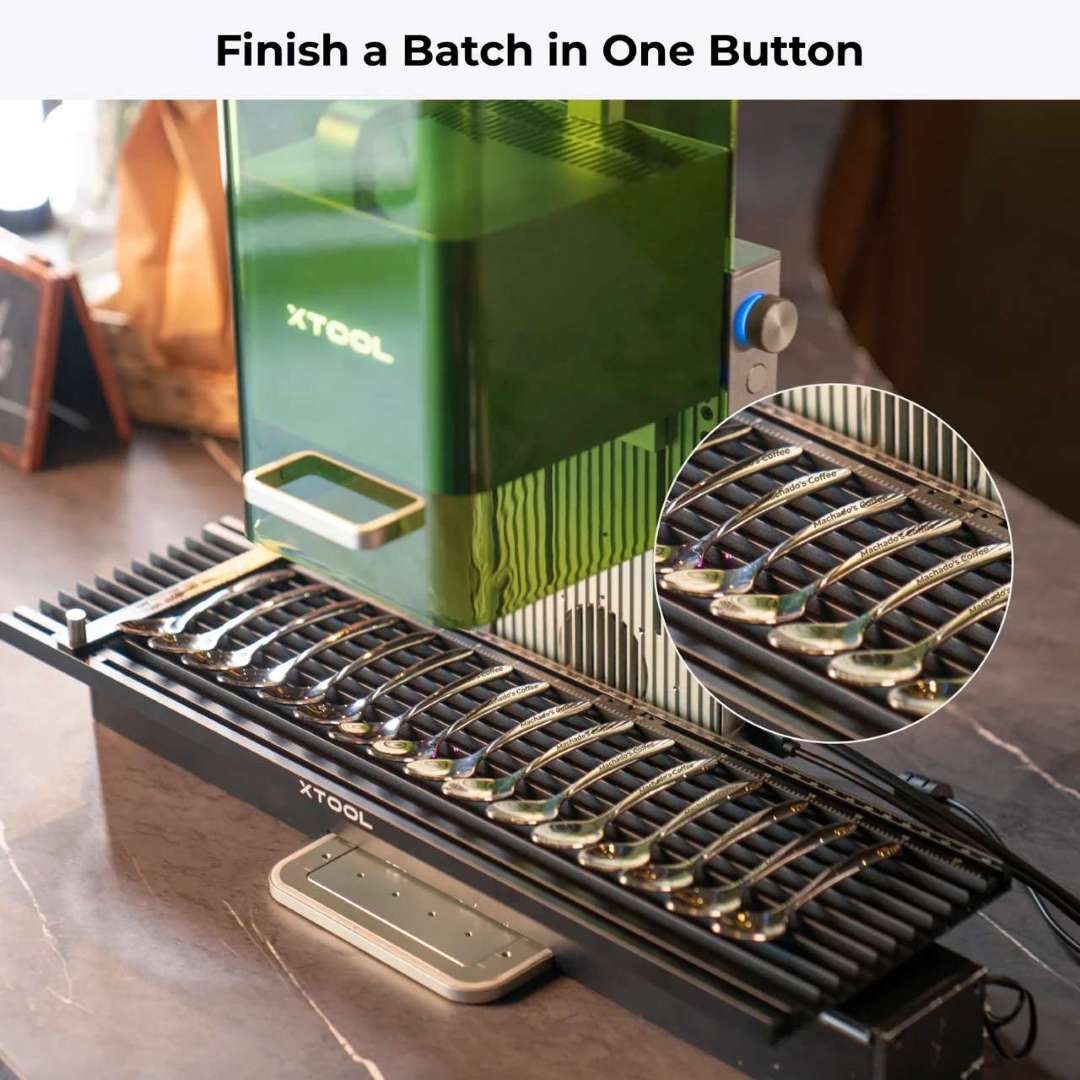
Built for Business: Craft Fairs, Jewelry, and On-Site Events
At 4.60 kg and 175 × 237 × 334 mm, the F2 fits in a shoulder bag and operates wherever there is a power outlet. This portability, combined with 6000 mm/s processing speed and auto-focus, makes it the go-to machine for:
- Craft fairs and pop-up shops — engrave personalized items on demand
- Jewelry businesses — precise metal marking on gold, silver, and platinum
- Electronics retailers — serial numbers and logos on device housings
- Wedding events — custom engraving on gifts and keepsakes
- Candle boutiques — branding on glass and coated metal
- Any gift shop requiring fast, accurate on-site customization

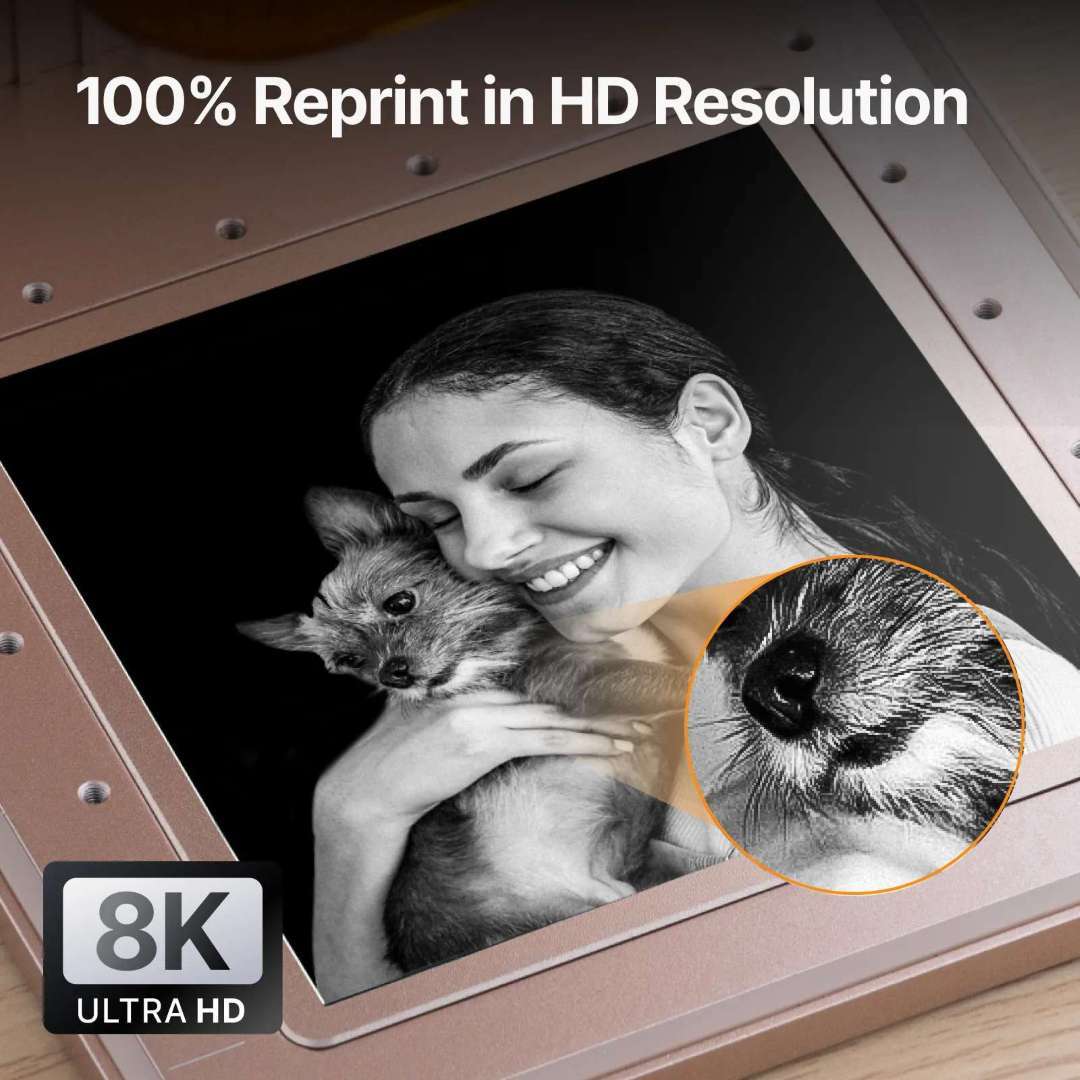
High-Resolution Output and Photo Engraving
The 15 W diode achieves a laser spot of 0.08 × 0.06 mm with motion accuracy of 0.00199 mm — fine enough to reproduce fur texture, micro-contrast in portrait photos, and ultra-thin line detail. The F2 outperforms comparable portable lasers in shadow depth and highlight separation on photographic subjects.
Alignment, Software, and Accessories
The F2 operates exclusively with xTool Studio (Windows / macOS), which combines design, parameter control, and machine operation in a single interface. Connection options include Wi-Fi, USB, and IP. Supported file formats: SVG, DXF, JPG, JPEG, PNG, BMP. The software supports curved-surface engraving, relief engraving, batch processing, and panoramic preview with the Slide Extension.
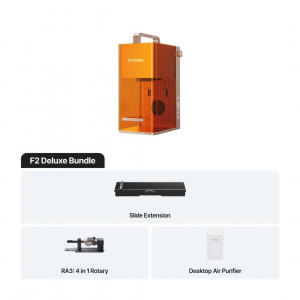
The F2 is fully compatible with all F1 accessories (except the Rolling Hard Case), including the RA3 and RA2 Pro rotary attachments for cylinders and rings up to 120 mm diameter, the pedal/button switch for hands-free batch operation, and the Desktop Air Purifier for enclosed-space use.
Safety Systems
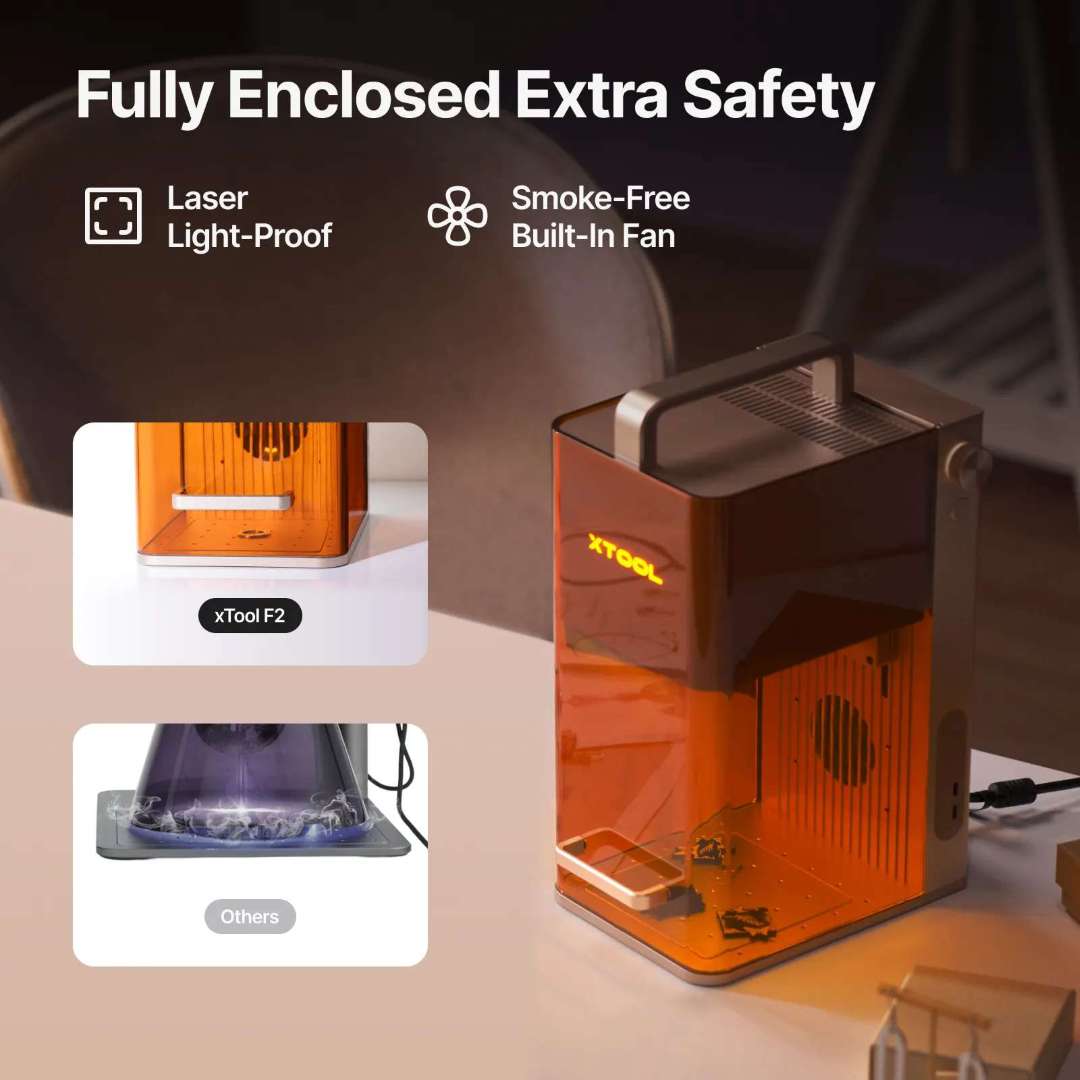
Class 4 laser safety compliance is achieved through four built-in protection systems. The laser-lightproof protective enclosure blocks laser damage during operation. An emergency stop button provides instant shutdown. An overheat protection sensor detects temperature spikes and halts operation automatically. A built-in smoke-free fan vents fumes continuously during use.
Tech Tip: When switching between the 15 W diode and 5 W IR laser for metal work, always clean the field lens with a lint-free cloth moistened with alcohol if you notice power attenuation (shallow engrave lines or incomplete cuts). Glass filler from engraved stone and metal debris accumulates on the lens faster than with wood-only use, directly reducing effective output power.
Technical Specifications of the xTool F2 + Slide Extension Bundle
Processing Capacity
| Laser Type | 15 W Diode Laser + 5 W 1064 nm Infrared Laser |
|---|---|
| Processing Mode | Laser Engraving, Laser Cutting |
| Supported Materials (Cutting — 15 W Diode) | Paper, Wood, Leather, MDF, Felt, some dark opaque acrylic |
| Supported Materials (Engraving — 15 W Diode) | Paper, Wood, Leather, Coated Metal, some dark opaque acrylic, etc. |
| Supported Materials (Engraving — 5 W IR) | Plastic, Gold, Silver, Platinum, Stainless Steel, etc. |
| Working Area (standard) | 115 × 115 mm |
| Working Area (with Slide Extension) | 115 × 400 mm |
| Max Working Speed | 6000 mm/s |
| Max Processing Speed (Slide Extension) | 160 mm/s |
| Max Laser Cutting Capacity (Basswood) | 15 mm in Multiple Pass |
| Max Laser Cutting Capacity (Acrylic) | 12 mm in Multiple Pass |
| Max Processing Height | 120 mm |
| Max Rotary Engraving Diameter | 120 mm |
| Max Workpiece Thickness (Slide Extension) | 53 mm (open); 6 mm with clamps |
Accuracy & Precision
| Laser Spot Size (15 W Diode) | 0.08 × 0.06 mm |
|---|---|
| Laser Spot Size (5 W Infrared) | 0.03 × 0.03 mm |
| Motion Accuracy | 0.00199 mm |
| Camera Alignment Accuracy | up to 0.1 mm |
Smart Software & Connectivity
| Supported Software | xTool Studio |
|---|---|
| Operating System | Windows / macOS |
| Connection Method | Wi-Fi / USB / IP |
| Supported Files | SVG, DXF, JPG, JPEG, PNG, BMP |
| Almake Compatibility | Yes |
Easy Operation
| Pre-assembled | Yes |
|---|---|
| Built-in Camera | 50 MP Smart Camera |
| Positioning Method | Framing Positioning, Camera Positioning |
| Focus Mode | Auto Focus, Manual Focus (two-dot alignment) |
| Framing Mode | Rectangle Framing, Outline Framing, Polygon Framing |
| Preview Method | Smart Camera Preview, High-speed Light Live Preview |
| Slide Extension Clamps Included | 5 |
General Information
| Max Machine Input Power | 25 V 6.0 A 150 W |
|---|---|
| Power Adapter Input Voltage | 220 V – 240 V, AC 50/60 Hz |
| Product Weight (F2) | 4.60 kg |
| Slide Extension Weight | 2.6 kg |
| Product Dimensions (F2) | 175 × 237 × 334 mm |
| Safety Certification | Class 4 Laser Safety |
What's in the Box
- xTool F2 laser engraver (pre-assembled)
- xTool F1 Slide Extension (pre-assembled)
- Pipe
- Baseplate
- Slatted panel
- L-shaped positioning piece
- Power adapter
- Power cable
- USB cable
- Mini-USB cable (for Slide Extension)
- 5 material clamps (Slide Extension)
- Grease
- Key (pre-installed)
- Screwdriver
- Lint-free cloth
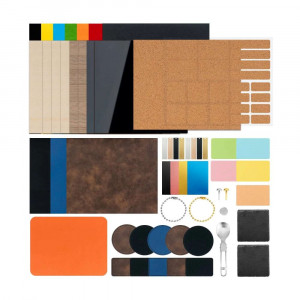
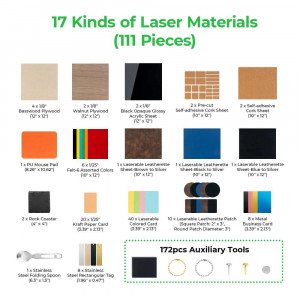
- Material pack
- Quick Start Guide
- Safety Instructions
How to Set Up and Start Using the xTool F2
A step-by-step guide to unboxing, preparing, and running your first engraving job on the xTool F2 portable laser engraver, based on the official Quick Start Guide.
Step 1: Prepare the Machine
Remove the protective enclosure from the packaging and install the baseplate in the direction indicated by the arrow. Pull down the field lens protector to remove it. Ensure the emergency stop button is released — if pressed, rotate to release it. Confirm the key is fully inserted.
Step 2: Power On
Press the power button to turn on the xTool F2. The logo indicator will light up solid white when the machine is ready and not yet connected to software.
Step 3: Install xTool Studio
Visit s.xtool.com/software to download and install xTool Studio for Windows or macOS. Connect the F2 to your computer via USB cable, then connect to the machine within the software. The logo indicator turns solid blue when the software connection is active.
Step 4: Set Focus
For auto focus: place your material on the baseplate and let the machine set height automatically with recommended settings applied. For manual focus: turn the knob to adjust the laser module height until the red and blue light spots overlap — focus is set.
Step 5: Preview and Engrave
Load your design in xTool Studio and use the 50 MP camera preview to position it precisely on your material. Use framing to confirm placement, then press the Start button to begin engraving. Press twice consecutively to repeat the last job.
Step 6: Attach the Slide Extension (for Batch Jobs)
The Slide Extension is pre-assembled and requires no build. Connect it to the F2 using the included Mini-USB cable. Complete installation and calibration steps in xTool Studio following the on-screen guide. Place materials across the 115 × 400 mm bed, secure with clamps, preview via camera, and start batch processing.
Frequently Asked Questions — xTool F2 + Slide Extension
What is the difference between xTool F2 and F1?
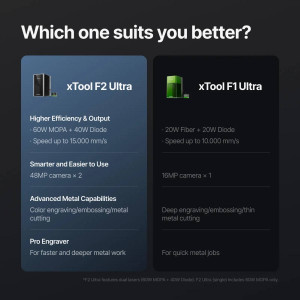
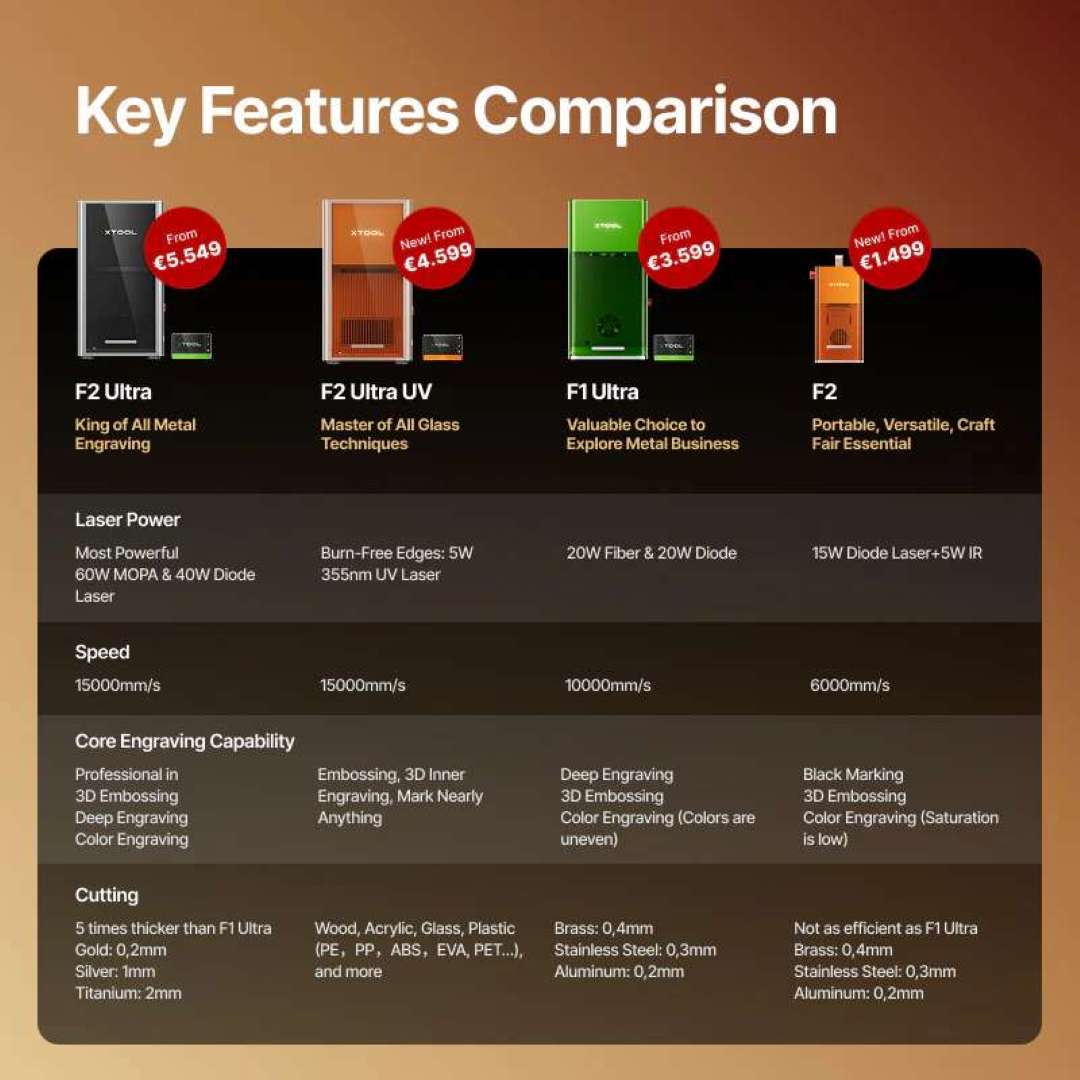
The F2 offers significantly higher laser power (15 W diode + 5 W IR versus F1's 10 W diode + 2 W IR), a built-in 50 MP camera with autofocus and live preview (the F1 has no camera), faster processing speed (6000 mm/s vs 4000 mm/s), and expanded software features including curved-surface engraving, relief engraving, batch processing, and autofocus — none of which are available on the F1.
Is the xTool F2 compatible with F1 accessories?
Yes. The F2 is compatible with all F1 accessories except the Rolling Hard Case. This includes the RA3 and RA2 Pro rotary attachments (up to 120 mm diameter), the F1 Slide Extension, the pedal/button switch for hands-free operation, the Desktop Air Purifier, and replacement purifier filters.
What is the working area of the Slide Extension?
The Slide Extension expands the F2's working area from 115 × 115 mm to 115 × 400 mm — four times larger. Processing speed is capped at 160 mm/s in extension mode to maintain accuracy. The extension connects via Mini-USB with no external power supply required.
Which metals can the xTool F2 engrave?
The 5 W IR (1064 nm) laser engraves and marks most metals including stainless steel, aluminum, copper, brass, titanium alloys, plated metals, anodized aluminum, gold, silver, and platinum. The 0.03 × 0.03 mm spot size delivers crisp, deep marks with far better throughput than previous 2 W IR units.
Does the xTool F2 support LightBurn?
No. The xTool F2 currently operates exclusively with xTool Studio (formerly XCS), available for Windows and macOS. LightBurn is not supported at this time. xTool Studio integrates design, layout, parameter settings, and machine control in a single beginner-friendly application.
How do I clean and maintain the xTool F2?
Clean the field lens with the included lint-free cloth moistened with alcohol whenever you notice power attenuation (shallow engrave lines or incomplete cuts). If smoke leaks from the enclosure, the fan module may be blocked — remove the pipe, open the cover, extract the fan module, clean it, and reinstall. Lubricate the protective enclosure rails periodically with the included grease.
Secure Material Placement for Consistent Batch Results
Misplaced materials between runs waste time and ruin jobs. The Slide Extension ships with five dedicated clamps — two fixed in the upper and lower slots, three repositionable along the rail. This setup locks each piece in exactly the same spot, run after run, so your alignment stays consistent across an entire batch without recalibrating.