- Stock: In Stock
- Product code: F2 Ultra UV Standalone
- Weight Brutto: 11.00kg
- SKU: P0101000396

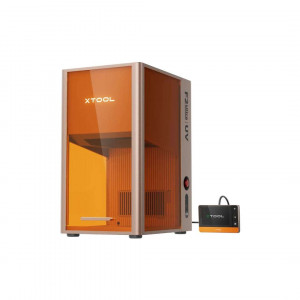
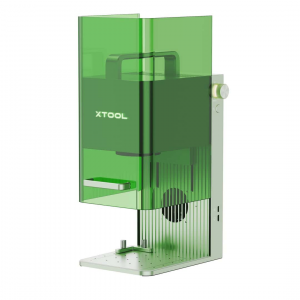
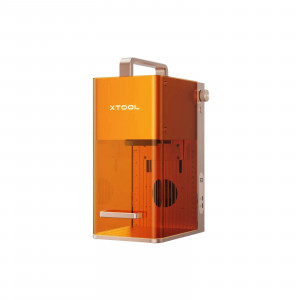
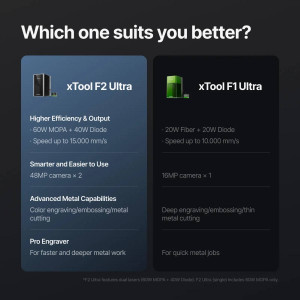
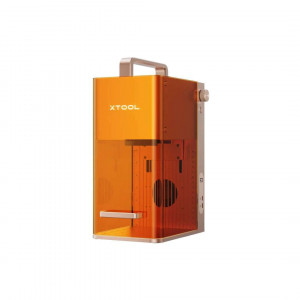
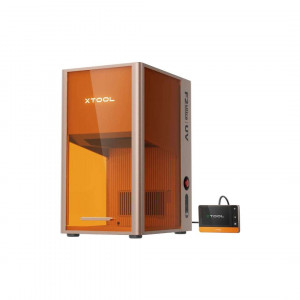
xTool F2 Ultra UV is a 5 W, 355 nm UV galvanometer laser engraver built for micron-level precision engraving and cold-processing of glass, crystal, acrylic, ceramic, metal, wood, and virtually any material. With a 0,001 mm vector-fitting resolution, dual 48 MP cameras delivering 0,2 mm positioning accuracy, and a maximum processing speed of 15.000 mm/s, it handles both 3D inner engraving (70 × 70 mm field) and surface engraving (200 × 200 mm) from a single desktop enclosure — pre-assembled and ready to operate via xTool Studio on Windows or macOS.
| Laser Type | 5 W 355 nm UV Laser |
|---|---|
| Vector Fitting Resolution | 0,001 mm |
| Positioning Accuracy | 0,2 mm (Dual 48 MP Camera) |
| Max. Processing Speed | 15.000 mm/s |
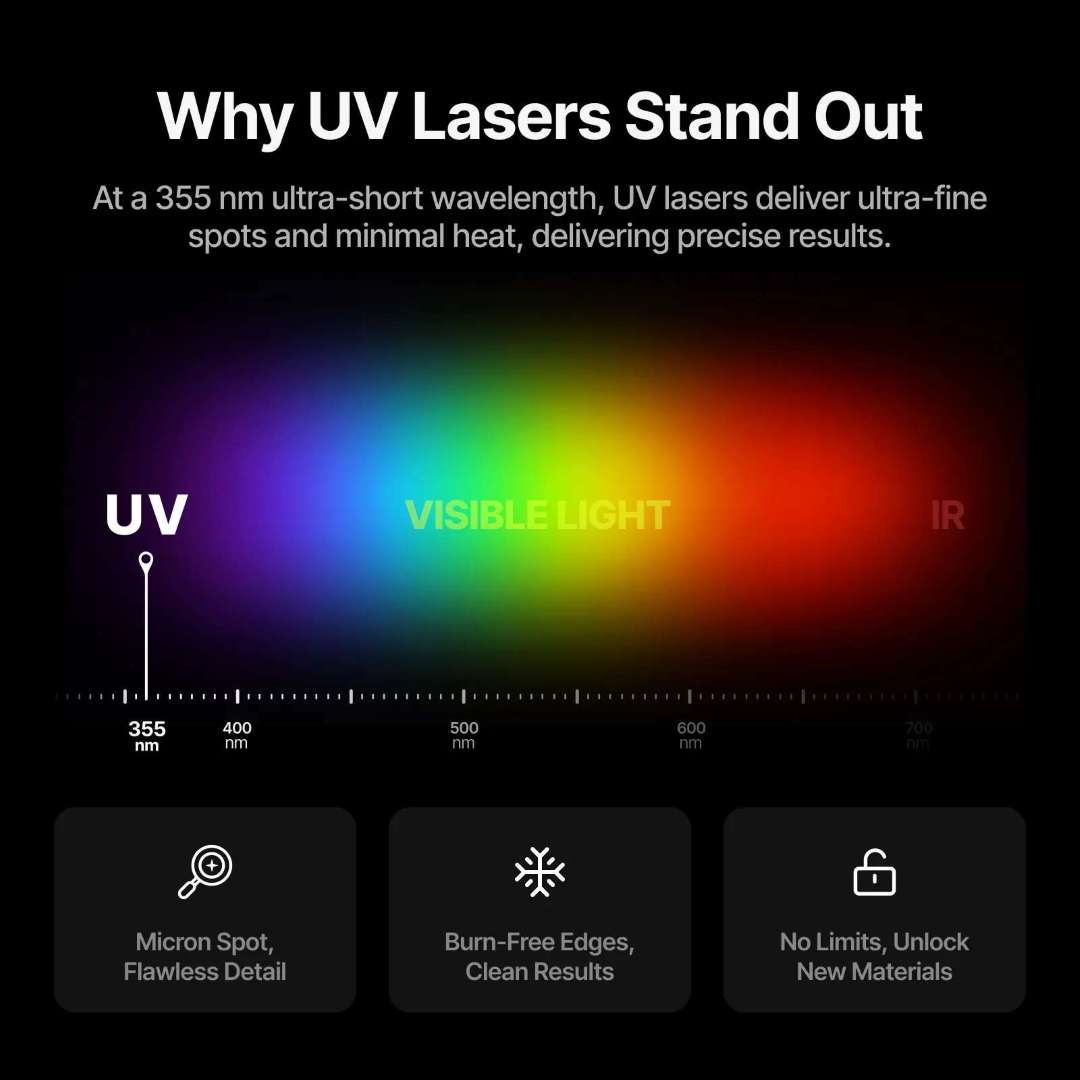
Why UV at 355 nm Changes Everything
Most desktop lasers operate in the infrared spectrum — they cut and engrave by generating heat. A 355 nm UV laser operates differently: its high-energy photons break molecular bonds directly, with almost no thermal transfer to surrounding material. This is called cold processing, and it explains why the F2 Ultra UV produces burn-free edges, needs no pre-coating or post-polishing, and works cleanly on heat-sensitive substrates that would be destroyed by CO₂ or fiber alternatives.
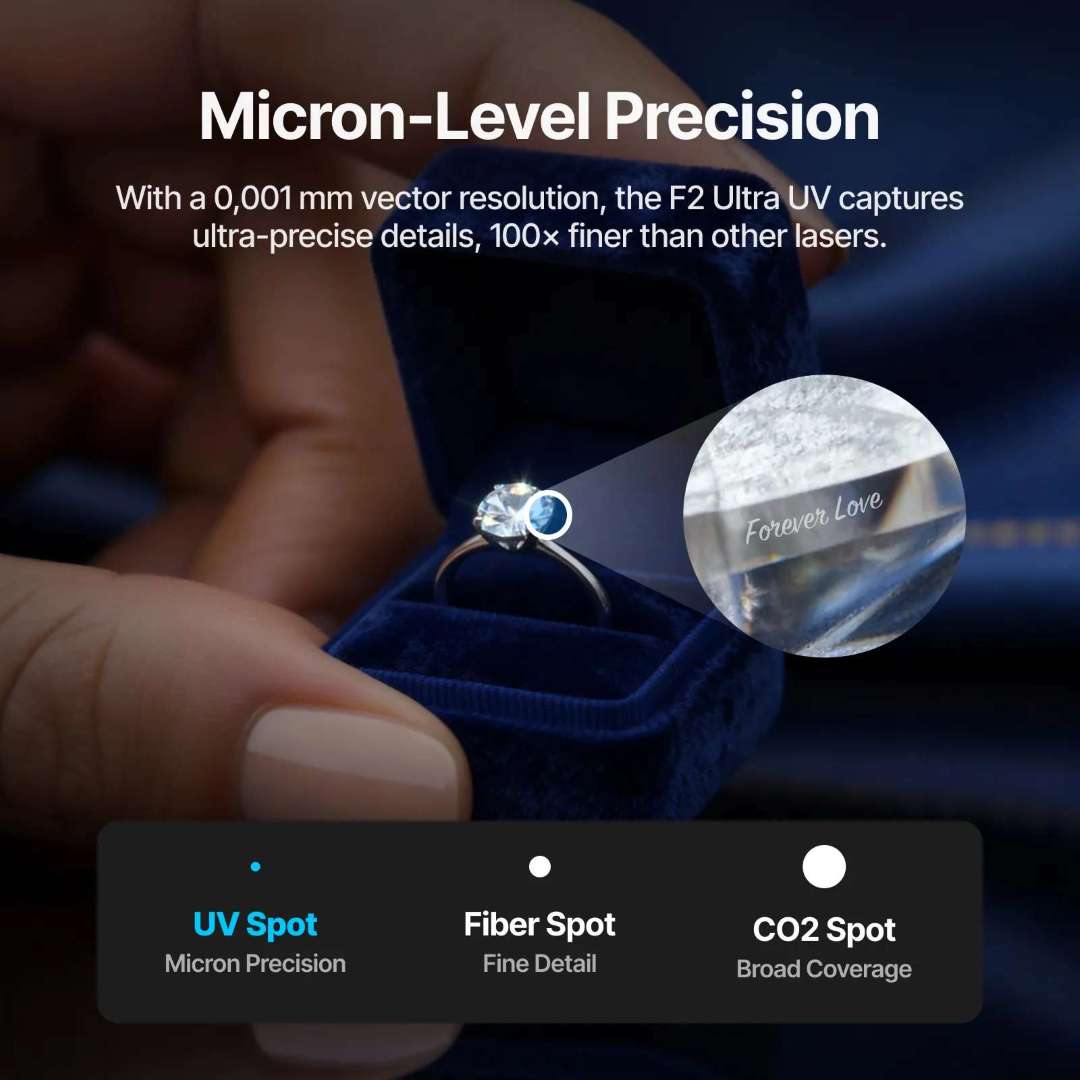
The spot size of the UV source measures 0,02 × 0,02 mm — over 100× smaller than a CO₂ spot. That physical advantage, combined with the 0,001 mm vector resolution, is what makes it possible to engrave text as small as 0,3 mm, mark watch movements and chips with 0,2 mm positional accuracy, and produce 3D subsurface sculptures inside glass blocks with museum-grade sharpness.
Cold Processing: No Burns, No Cleanup, One Step
The comparison below illustrates what cold processing delivers on wood. The left sample was engraved with a conventional thermal laser — note the dark, scorched edges. The right sample was engraved with the F2 Ultra UV: identical design, clean relief texture, zero charring. No masking tape, no chemical treatment, no sanding required.
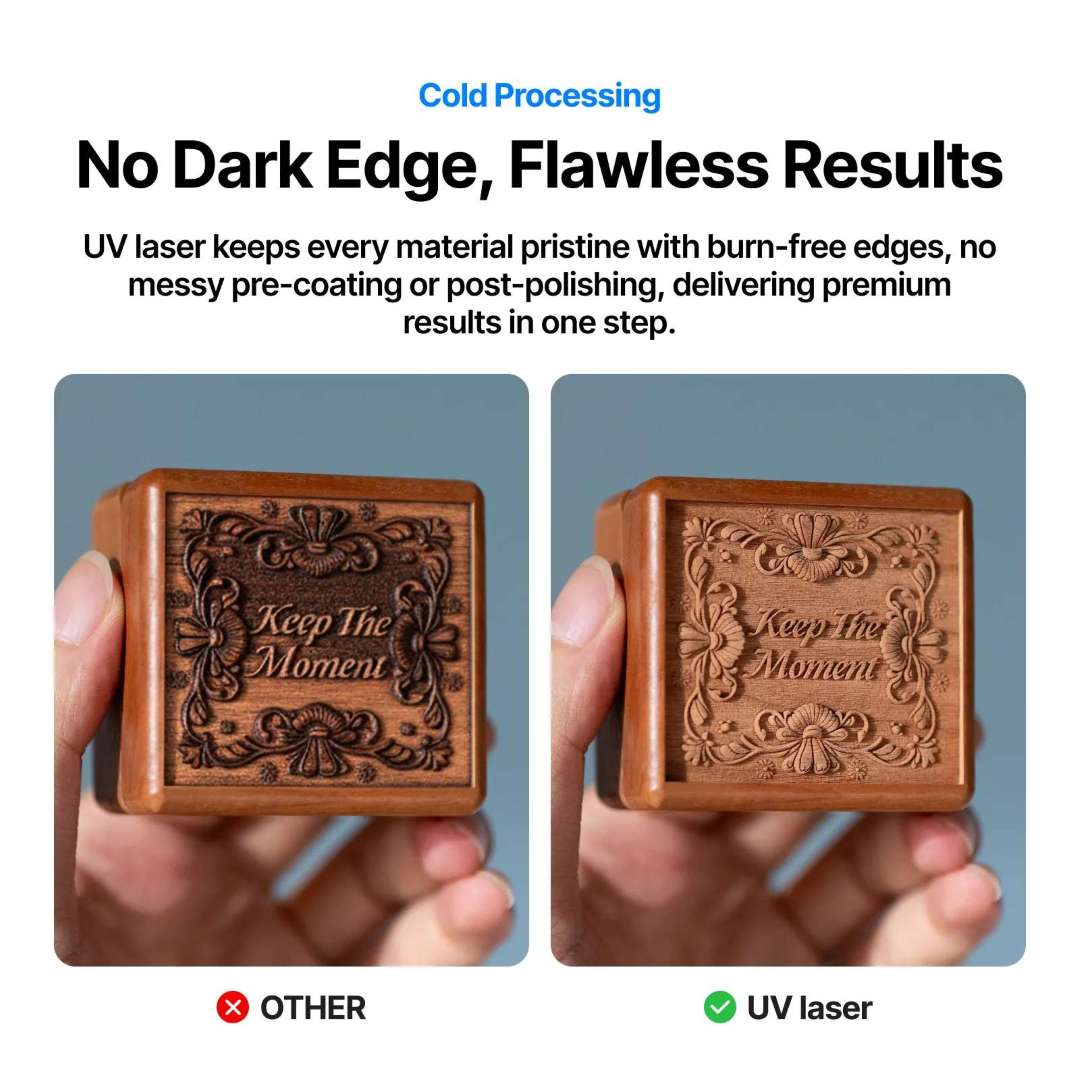
This clean-process behaviour extends across the material range: soap, chocolate, lipstick, silicone, and ceramics — all materials that warp, melt, or discolour under heat — engrave with precision and no surface damage.
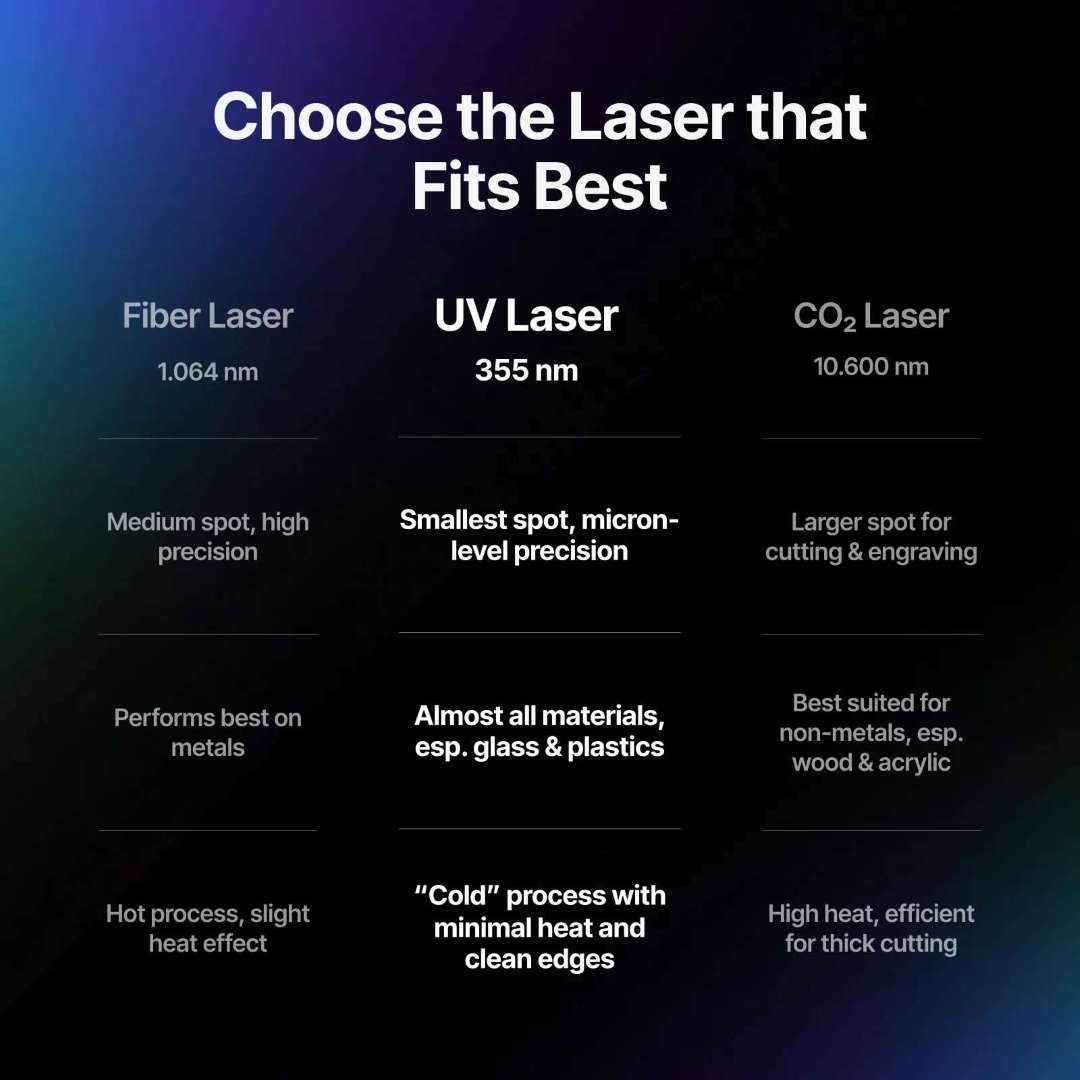
UV vs Fiber vs CO₂: Choosing the Right Source
The chart below positions the three main desktop laser types by wavelength, spot size, material affinity, and thermal behaviour. At 355 nm, the UV laser occupies the shortest wavelength — smallest achievable spot, broadest material compatibility, and the only source capable of cold processing.
Master of Glass: 3D Inner Engraving and Surface Work
No other desktop laser handles glass like a UV source. The F2 Ultra UV focuses the beam beneath the surface of glass blocks, crystal balls, and transparent acrylic to create permanent 3D subsurface engravings — the outer surface remains entirely untouched. Speed is up to 180% faster than traditional UV machines. The result is a collectible-grade product that requires no protective finishing.
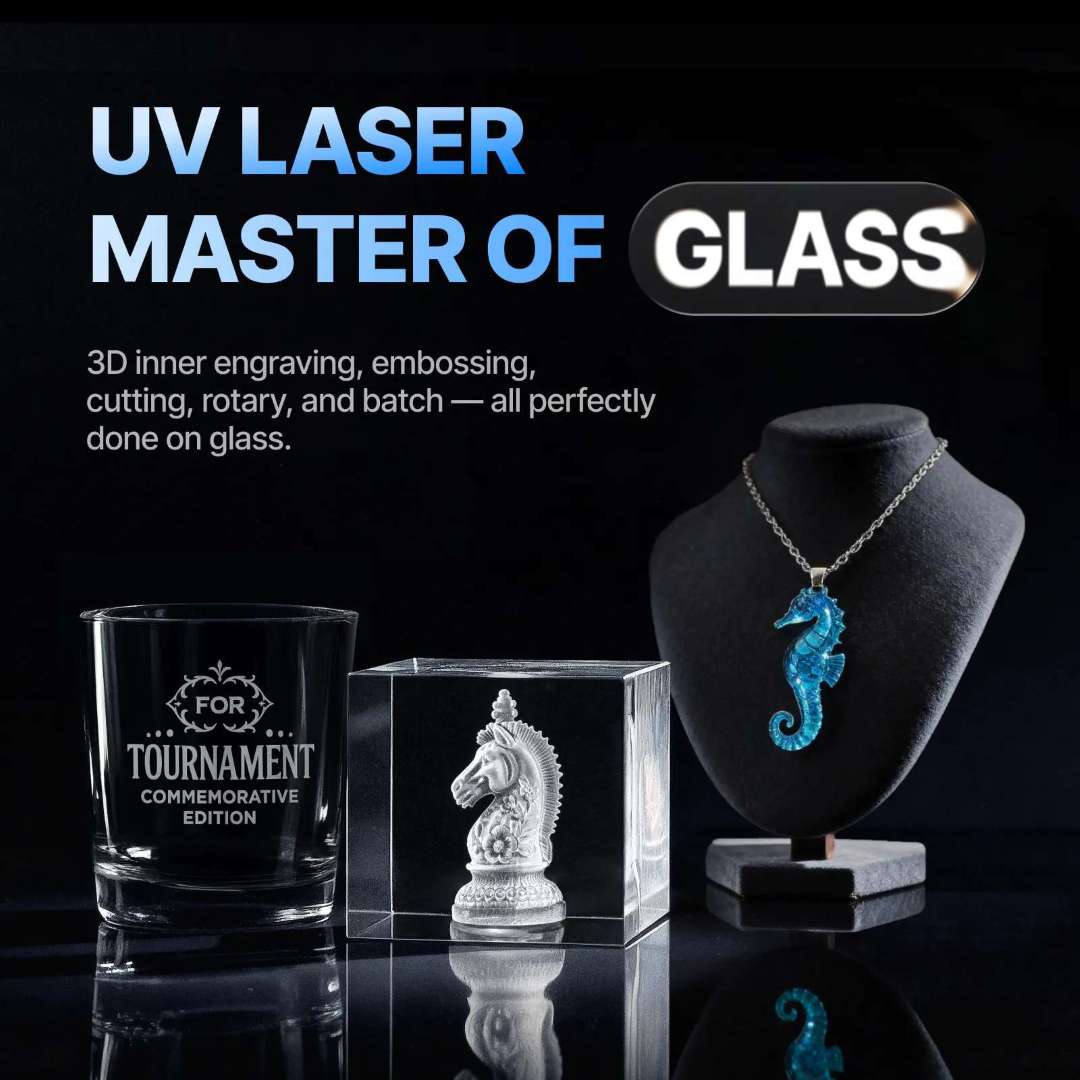
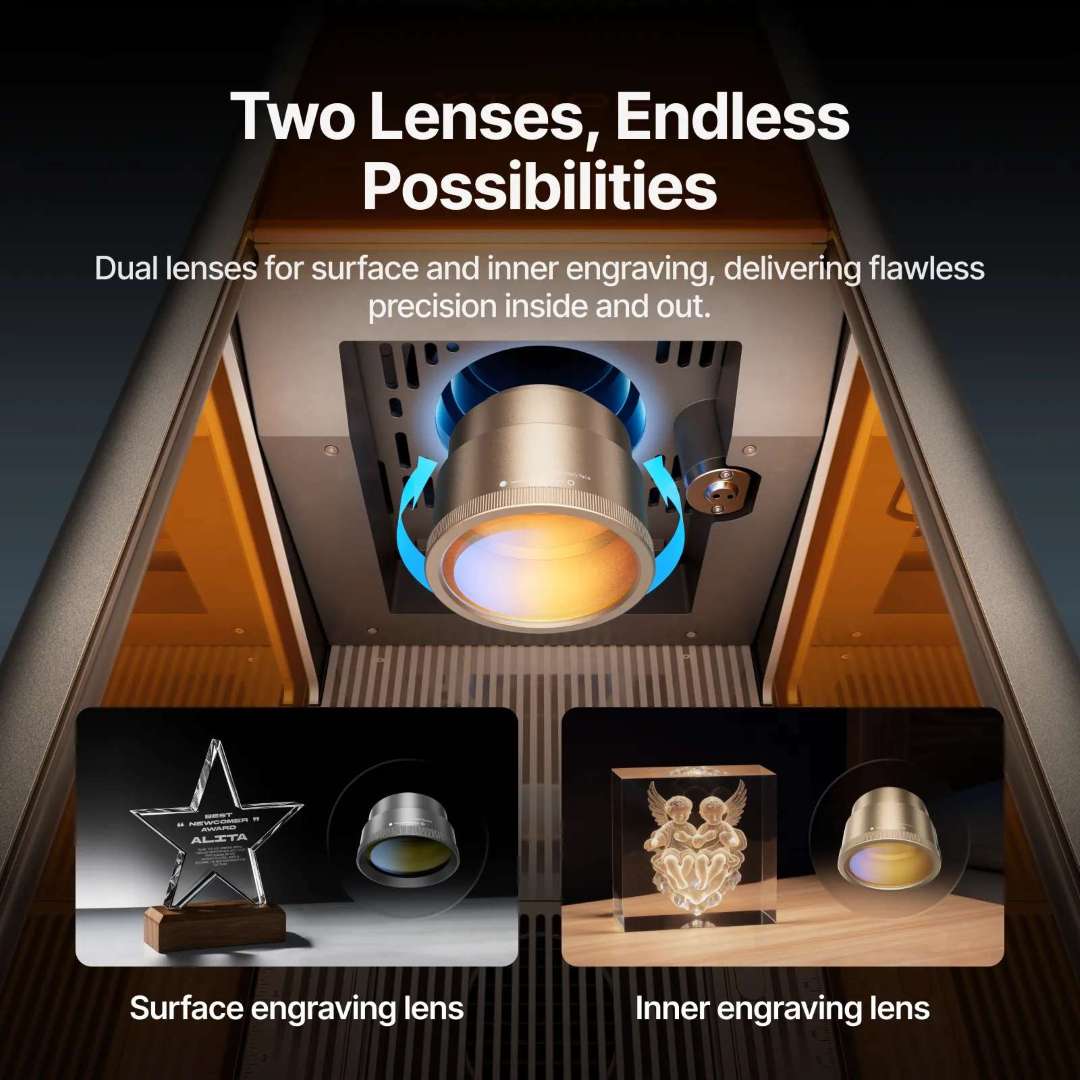
Surface operations are equally capable: flat engraving, embossing, cutting, and rotary engraving up to 150 mm diameter. Two switchable field lenses — one optimised for inner engraving (70 × 70 mm), one for surface work (200 × 200 mm) — let a single machine cover both workflows without any mechanical modification.
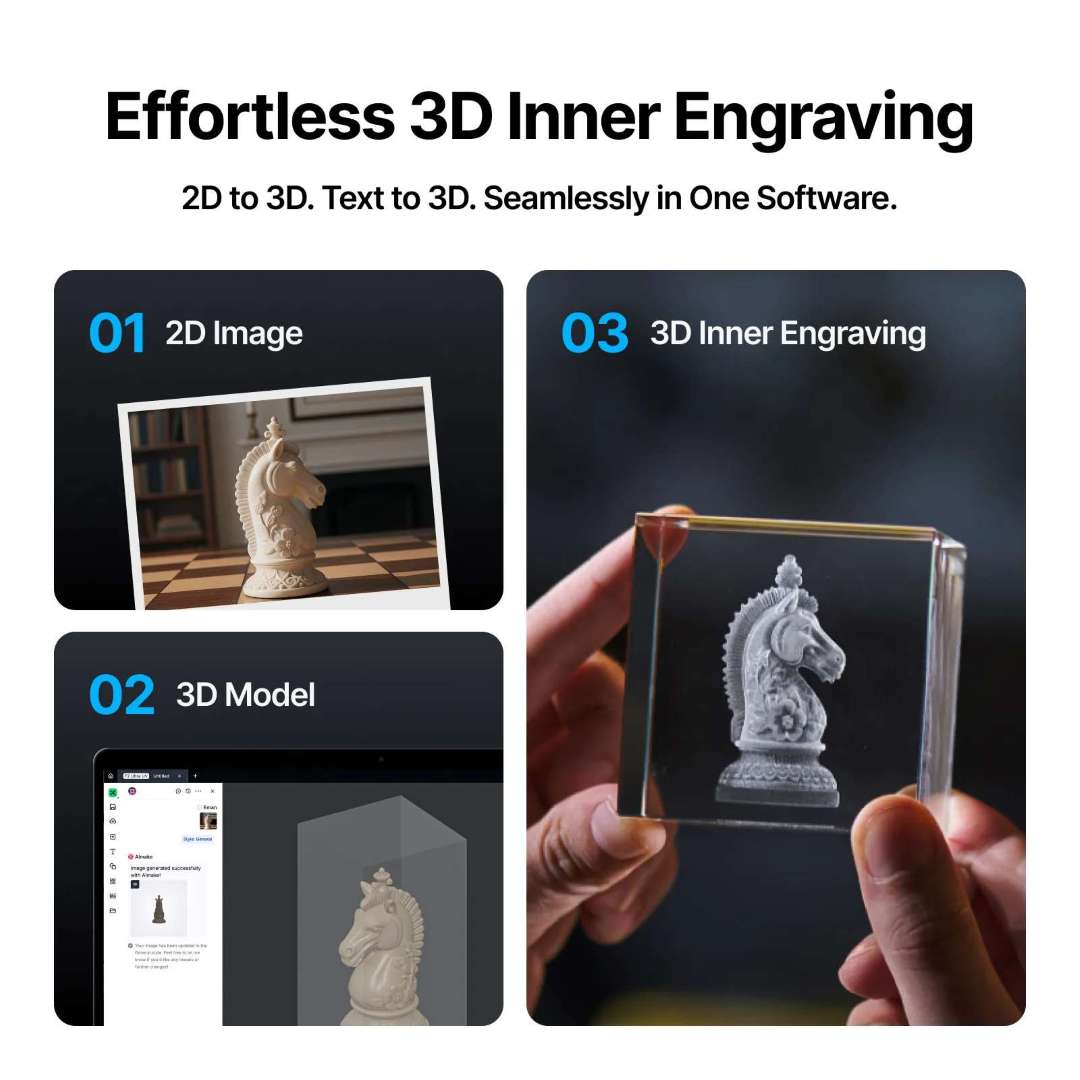
From 2D Image to 3D Crystal: One Software, No Modelling Skills
xTool Studio converts flat photographs and text into printable 3D models automatically using built-in AI. The workflow shown below takes a 2D image, generates a 3D model via Aimake integration, and delivers a finished 3D inner-engraved glass block — all without prior CAD or modelling experience.
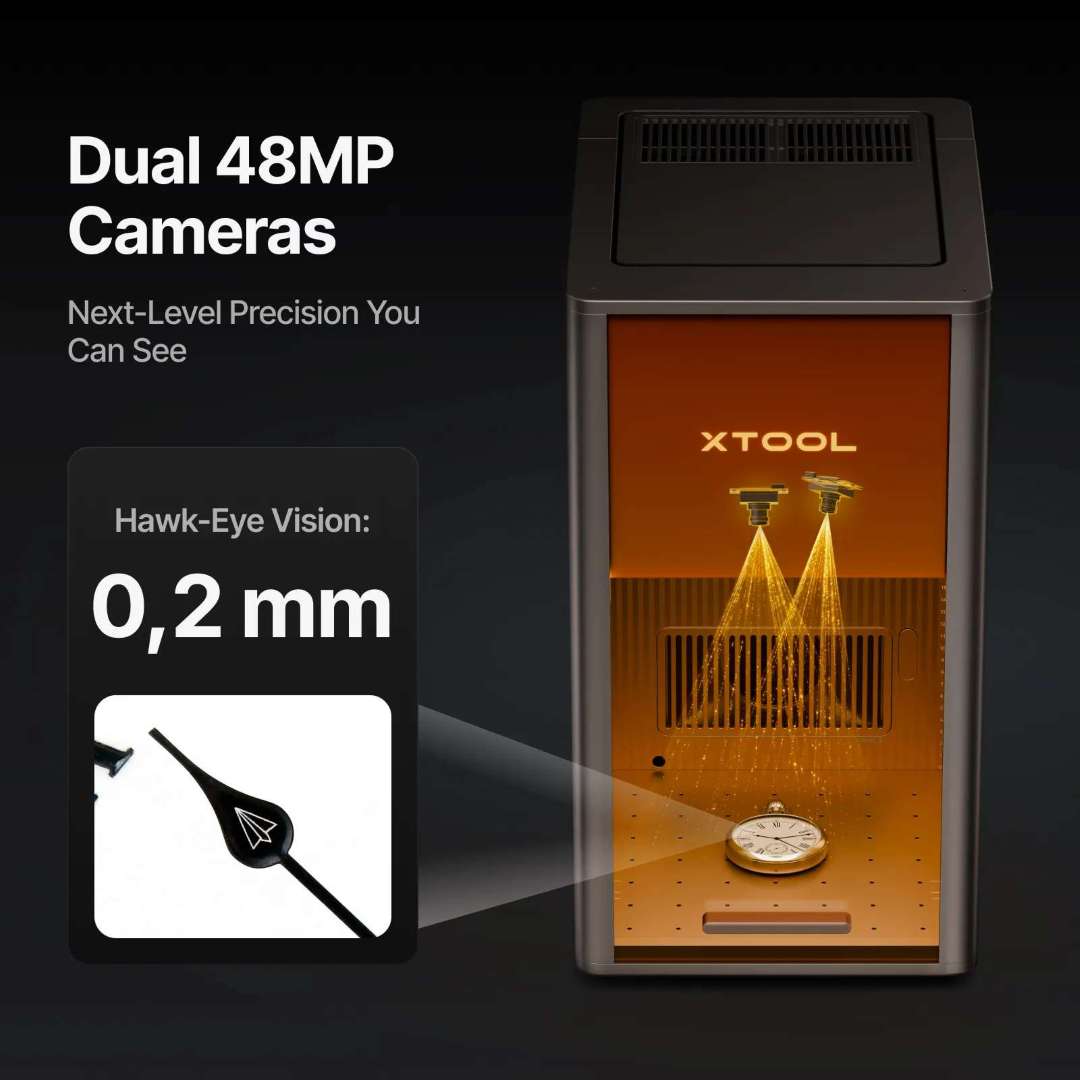
Dual 48 MP Cameras: 0,2 mm Hawk-Eye Positioning
The F2 Ultra UV is the first desktop UV laser to integrate two 48 MP cameras simultaneously. Working in tandem, they handle autofocus, automatic positioning, and real-time preview — achieving 0,2 mm positioning accuracy, which is 60% more precise than single-camera systems. LiDAR ranging adds a second verification layer for accurate focus on curved and irregular surfaces.
Micron Precision for Jewellery, Watch Parts, and Microelectronics
A 0,001 mm vector resolution and 0,00133 mm motion resolution (inner engraving mode) produce detail that rivals industrial marking systems. The image below shows text micro-engraved on a diamond ring stone — the inscription remains clearly readable under magnification while the gemstone surface is undamaged.
Material Versatility: What Other Lasers Cannot Reach
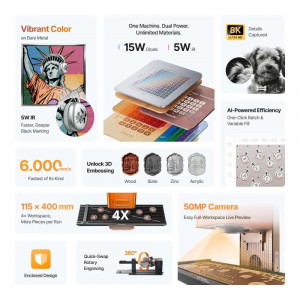
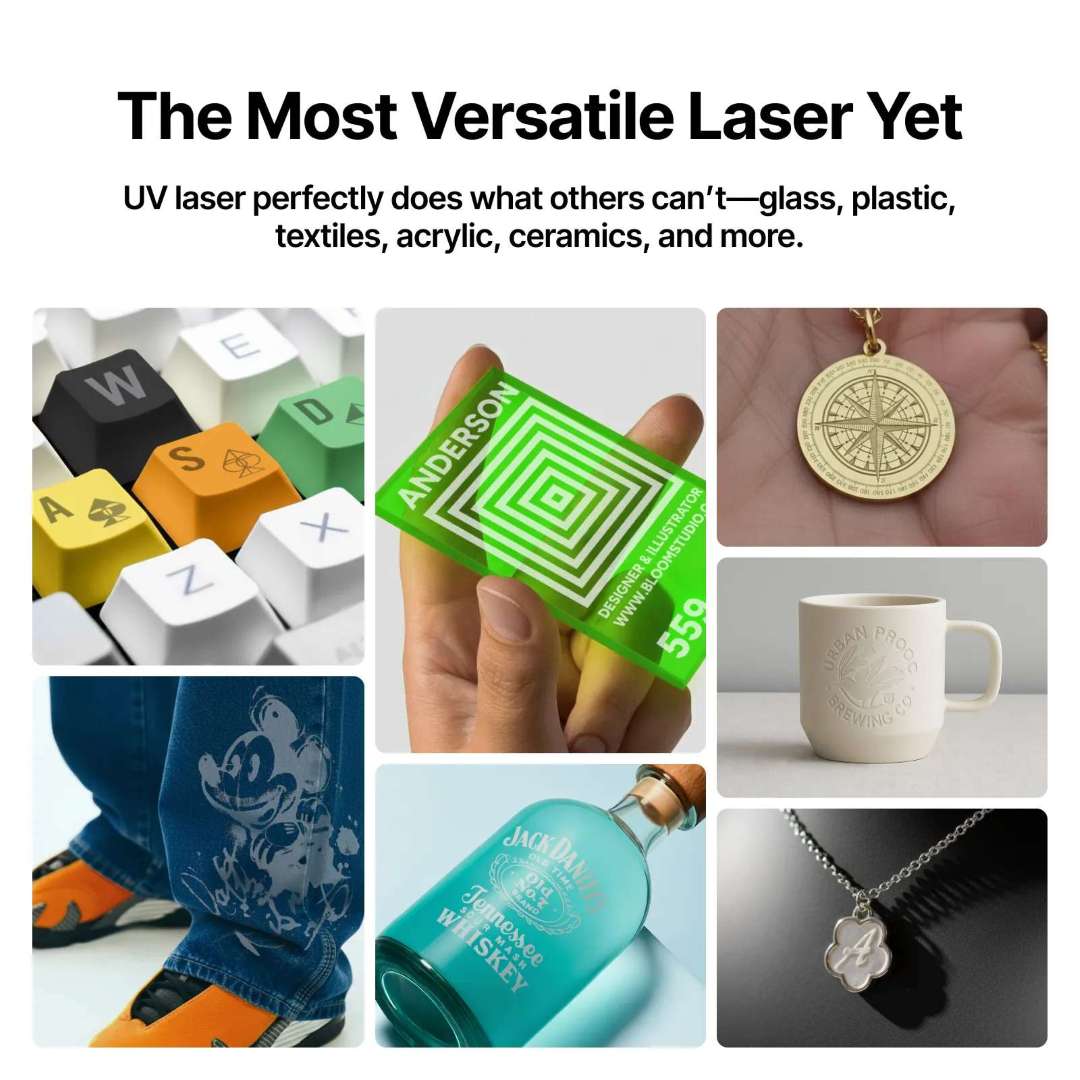
The 355 nm wavelength is absorbed by nearly all materials — including fully transparent acrylic, clear glass, and silicone — where CO₂ and fiber sources simply reflect or pass through without effect. The collage below shows a cross-section of commercial applications processed on the F2 Ultra UV: keyboard keycap legends, green acrylic business cards, metal compass medallions, denim fabric patterns, ceramic mugs, glass spirits bottles, and silver jewellery.
High-Value Output: Premium Products, Maximum ROI
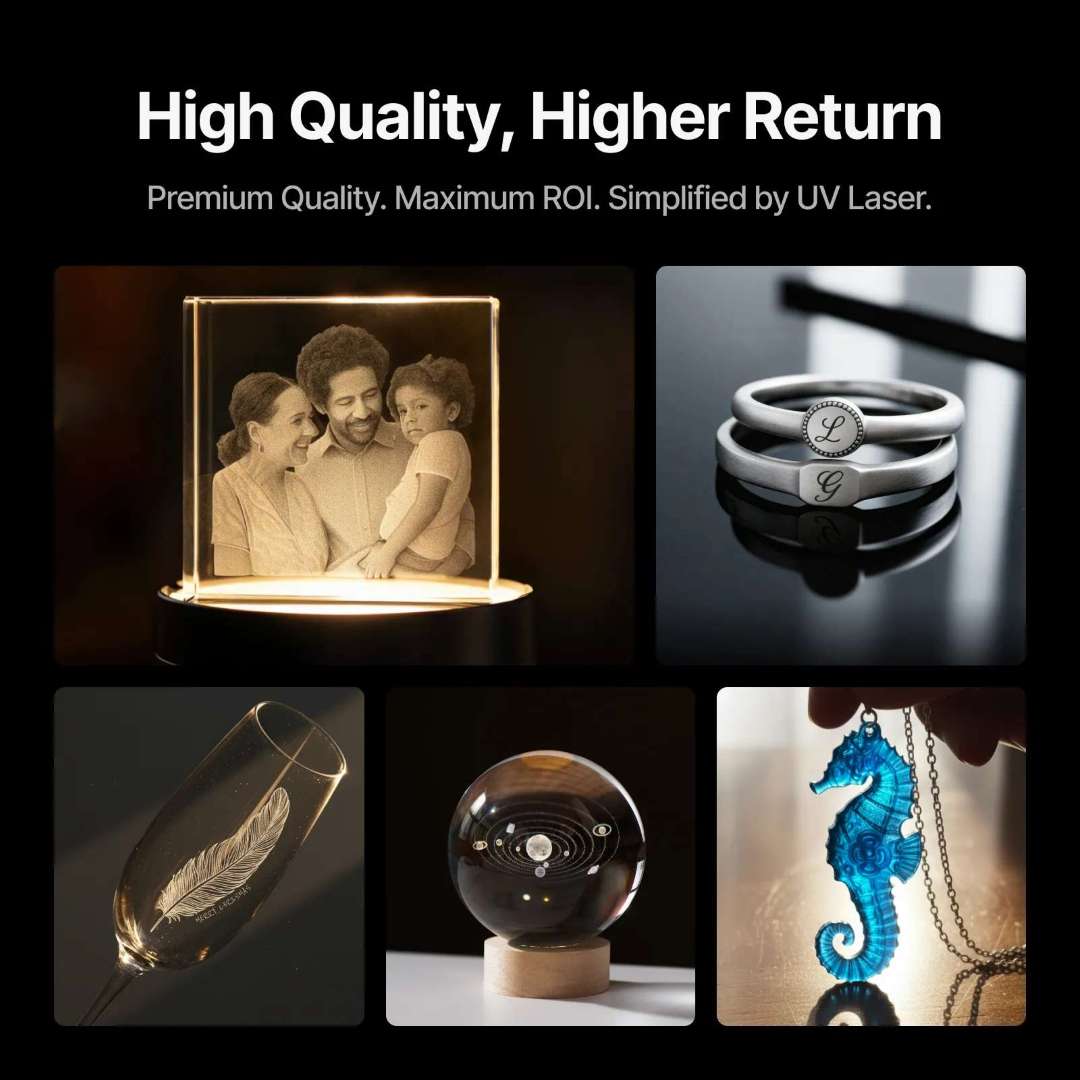
UV laser output commands premium pricing precisely because no other desktop process achieves the same combination of resolution, material range, and clean finish. The examples below represent the commercial output profile: personalised crystal photo blocks, engraved metal rings, feather-etched champagne flutes, 3D crystal balls, and resin pendants — all finished to a quality level that justifies high unit prices.
Safe by Design, Ready from Unboxing
The F2 Ultra UV ships pre-assembled. Class 4 safety certification applies, with an enclosed housing that contains all beam scatter. An emergency auto-stop function halts the laser immediately on enclosure interruption. The fluid-dynamics-optimised airflow system maintains operating temperature efficiently while keeping acoustic output low. Enhanced laser sealing provides improved humidity protection, rated for storage down to -10 °C and operation from 10 °C to 30 °C.

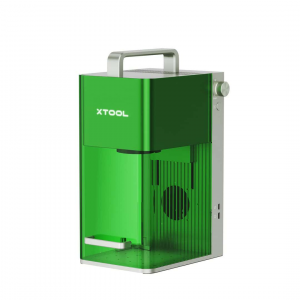
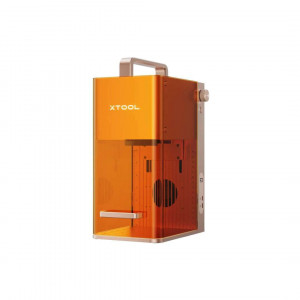
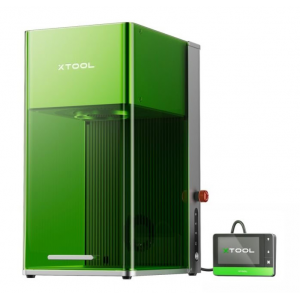
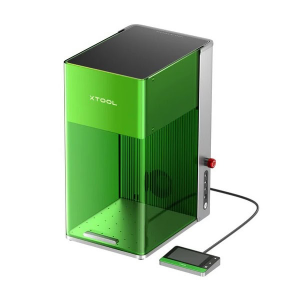
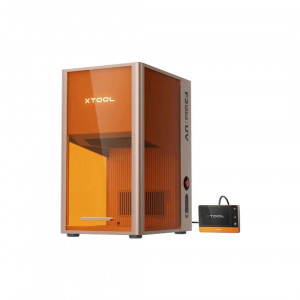
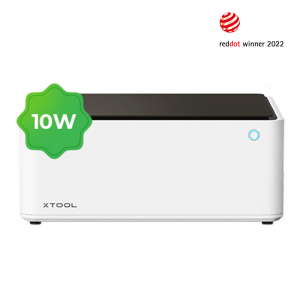
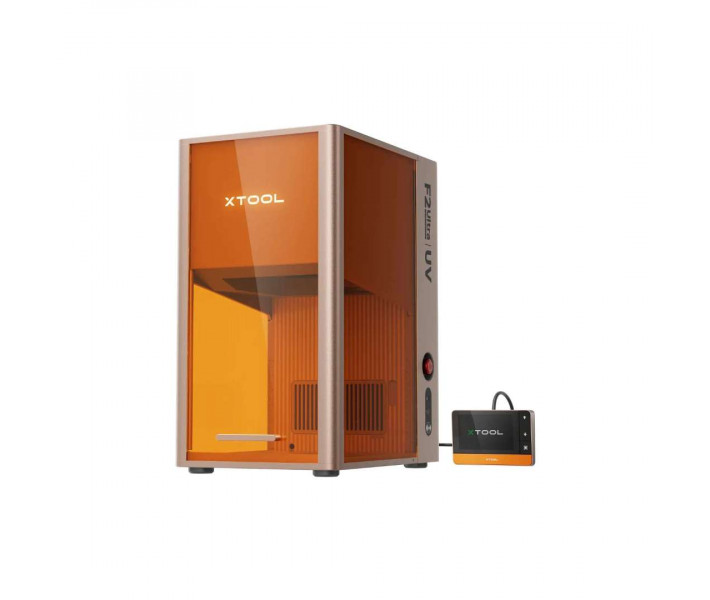
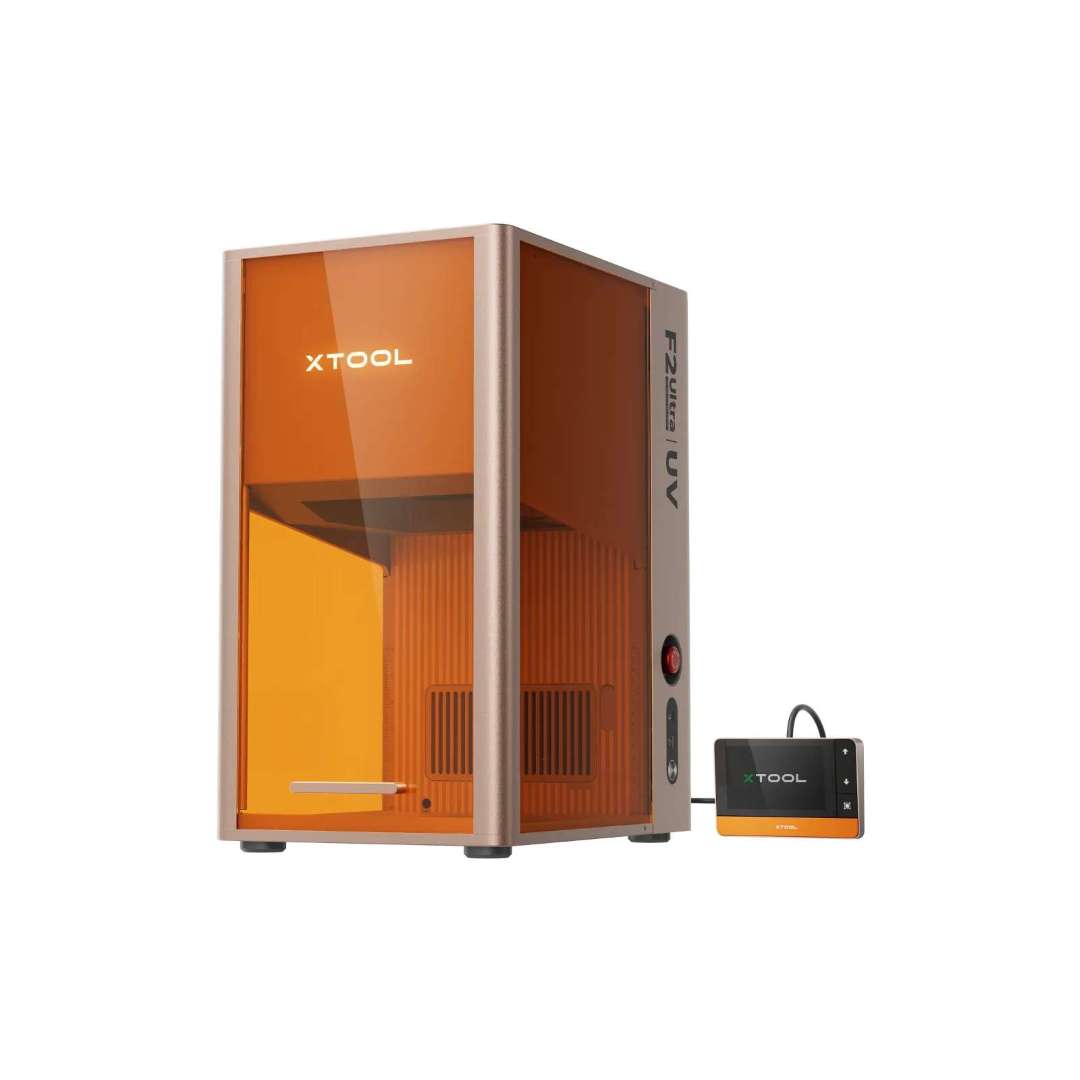
The standalone unit with touchscreen controller is shown below. The compact footprint (294 × 429 × 520 mm, 22,5 kg) fits on a standard workshop bench. Connection options include USB, Wi-Fi, and direct IP — no dedicated computer placement is required.
Tech Tip: When switching between the inner engraving lens and the surface engraving lens, always re-run the autofocus calibration in xTool Studio before your first job. The two lenses have different focal lengths; skipping recalibration results in out-of-focus inner engravings that are permanent and cannot be corrected. Keep the K9 calibration block from the inner engraving pack on hand for quick verification.
Technical Specifications of the xTool F2 Ultra UV
Processing Capacity
| Laser Type | 5 W 355 nm UV Laser |
|---|---|
| Processing Mode | Laser Engraving, Laser Cutting |
| Supported Materials (Engravable) | Glass, Crystal, Acrylic, Wood, Metal, Leather, Plastic, Rubber, Silicone, Ceramic and more |
| Supported Materials (Cuttable) | Glass, Plastics (PE, PP, EVA, PET, etc.), Fabric, Leather, Acrylic (Not Fully Transparent), Paper, Wood, and More |
| Working Area (Inner Engraving) | 70 mm × 70 mm |
| Working Area (Surface Engraving) | 200 mm × 200 mm |
| Working Area (Surface Engraving with Conveyor) | 200 mm × 500 mm |
| Max. Working Speed | 15.000 mm/s |
| Max. Laser Cutting Capacity (Basswood) | 15 mm in Multiple Passes |
| Max. Laser Cutting Capacity (Acrylic) | 12 mm in Multiple Passes |
| Max. Processing Height | 150 mm |
| Max. Rotary Engraving Diameter | 150 mm |
Smart Software and Operation
| Supported Software | xTool Studio |
|---|---|
| Operating System | Windows / macOS |
| Connection Method | USB / Wi-Fi / IP |
| Supported Files (2D) | SVG, DXF, JPG, JPEG, GIF, PNG, BMP, WEBP |
| Supported Files (3D) | STL, OBJ, AMF, 3MF, GLB, PLY |
| Aimake Compatibility | Yes |
| Pre-assembled | Yes |
| Built-in Camera | 48 MP Dual Cameras |
| Positioning Method | Camera Positioning |
| Focus Mode | Autofocus |
| Ranging System | LiDAR Ranging System |
| Preview Method | Smart Camera Preview, High-speed Light Live Preview |
Accuracy and Precision
| Laser Spot Size | 0,02 × 0,02 mm |
|---|---|
| Positioning Accuracy | 0,2 mm (Camera) |
| Ranging Accuracy | 0,2 mm (Camera) |
| Image Resolution | 48 MP |
| Motion Resolution (Inner Engraving) | 0,00133 mm |
| Vector Fitting Resolution | 0,001 mm |
General Specifications
| Safety Certification | Class 4 Laser Safety |
|---|---|
| Machine Dimensions | 294 × 429 × 520 mm |
| Machine Weight | 22,5 kg |
| Max. Machine Input Power | 348 W |
| Power Adapter Input Voltage | 110 V – 240 V, AC 50/60 Hz |
| Storage Temperature | -10 °C – 60 °C |
| Operating Temperature | 10 °C – 30 °C |
| Storage Humidity | 10 – 60% Rh |
How to Set Up the xTool F2 Ultra UV for First Use
A step-by-step guide to unboxing, connecting, and configuring the F2 Ultra UV from delivery to first successful engraving job.
Step 1: Detach the Field Lens Protector
Before powering on, remove the field lens protector from the laser module. The machine ships with the protector installed to prevent transit damage. Leaving it in place will block the beam and prevent engraving.
Step 2: Connect the Power Adapter and Install the Pipe
Connect the power adapter to the machine's power port and attach the smoke exhaust pipe to the smoke outlet. Route the pipe to an external vent or connect it to an approved air purifier (Safetypro AP2 or IF2 Inline Fan).
Step 3: Download and Install xTool Studio
Visit s.xtool.com/software to download xTool Studio for Windows or macOS. Install the application, then connect the F2 Ultra UV to your computer via USB cable and select the machine in the software's device list.
Step 4: Select the Correct Field Lens
Choose the surface engraving lens for flat material work (200 × 200 mm field) or the inner engraving lens for 3D subsurface work inside glass and crystal (70 × 70 mm field). The two lenses are not interchangeable with other F2 Ultra models — use only lenses supplied for the F2 Ultra UV.
Step 5: Place Material and Run Autofocus
Place your material on the slatted panel (for cutting) or directly on the base plate. Use the L-shaped positioning piece for repeatable placement. Trigger autofocus from xTool Studio — the dual cameras and LiDAR system will measure and set the focal distance automatically. Preview the job outline before starting.
Frequently Asked Questions — xTool F2 Ultra UV
Why only 5 W? Is that enough power for professional work?
5 W is the optimal power level for a desktop UV laser system. UV photons at 355 nm break molecular bonds directly through photochemical interaction rather than heat, which means effective energy density is far higher than wattage alone suggests. For 3D inner engraving in glass, the F2 Ultra UV typically operates at around 60% of its maximum power — leaving substantial headroom for demanding jobs. Increasing UV power beyond 5 W in a desktop form factor generates heat that compromises the very cold-processing advantage that makes UV lasers unique.
What is included in the Inner Engraving Pack?
The Inner Engraving Pack contains: 1 inner engraving lens, 1 riser, 1 K9 glass block (for testing and calibration), and 3 inner engraving calibration cards. This pack is pre-calibrated so you can switch between surface and inner engraving modes accurately without manual optical alignment.
Can the F2 Ultra UV field lenses be swapped with F2 Ultra lenses?
No. The F2 Ultra UV and F2 Ultra are completely different machines with different light sources, different optical paths, and incompatible lens interfaces. Despite sharing the F2 Ultra series name, their field lenses cannot be interchanged. Using the wrong lens will prevent correct focus and may damage the optical system.
What accessories are compatible with the F2 Ultra UV?
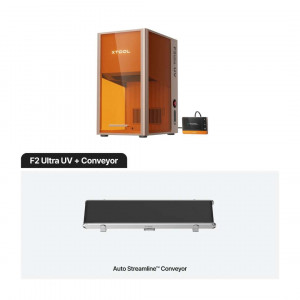
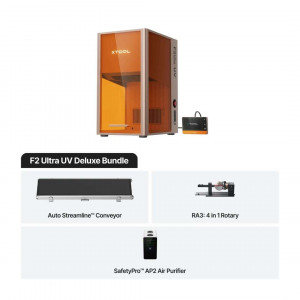
Compatible rotary accessories include the RA3 and RA2 Pro. For automation, the Auto Streamline Conveyor and a Pedal/Button Switch are supported — the conveyor extends the surface working area to 200 × 500 mm. Safety and air filtration options include the Fire Safety Set, Safetypro AP2 Purifier, and Safetypro IF2 Inline Fan.
How do I clean the field lens and fan module?
When laser power appears to attenuate — patterns are shallower than expected or cutting depth decreases — the field lens is likely contaminated. Clean it with a lint-free cloth moistened with isopropyl alcohol. For the fan module, remove the magnetic fan guard from the smoke outlet, open the cover, extract the module, and brush away accumulated dust before reinstalling.
Does the F2 Ultra UV require an inert gas atmosphere for engraving?
No. The F2 Ultra UV operates in normal ambient air. No nitrogen purging or inert atmosphere is required for any of the supported materials — including glass, metal, and acrylic. Adequate smoke extraction via the exhaust port is recommended for materials that produce combustion by-products during cutting.
Why Choose EXPERT3D?
EXPERT3D has been a specialist in 3D technology since 2012, supporting engineering teams, designers, and production studios across Spain with technical expertise and direct service. We stock xTool laser systems including the F2 Ultra UV and provide rapid shipping throughout Spain and Europe. Our team advises on machine selection, material compatibility, and workflow configuration. Order directly from our online store with transparent