

- Stock: In Stock
- Product code: 6970163088075
- Weight Brutto: 2.50kg
- SKU: С010517

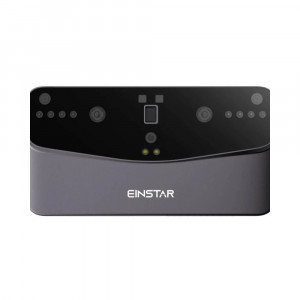
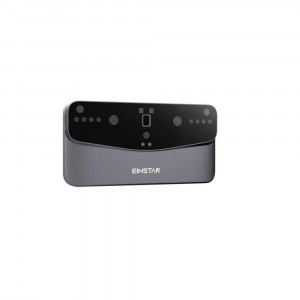
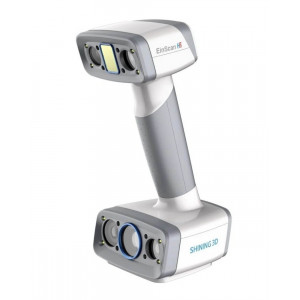
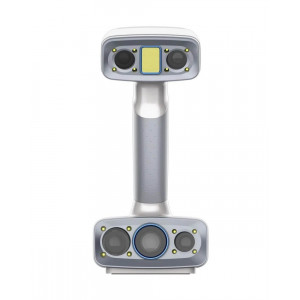
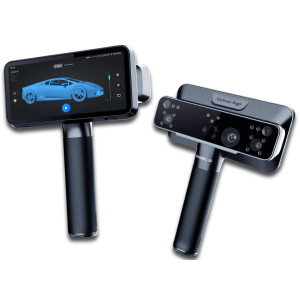
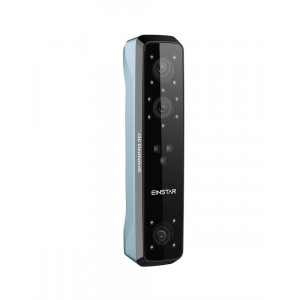
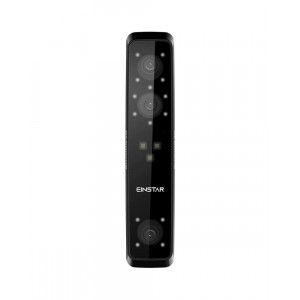
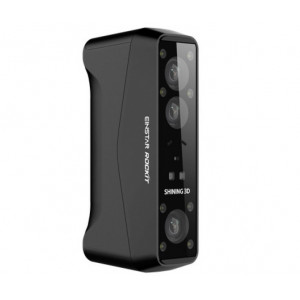
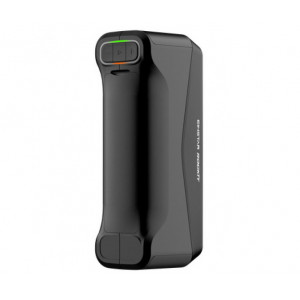
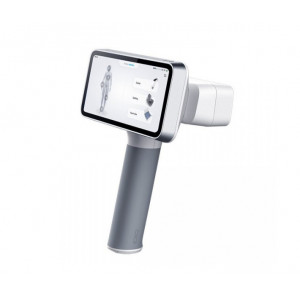
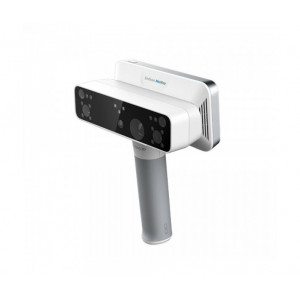
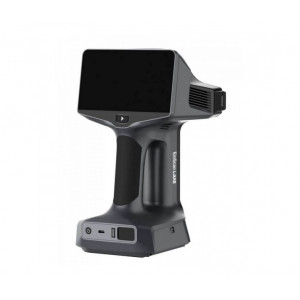
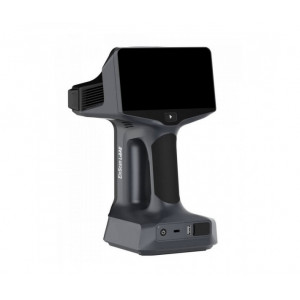
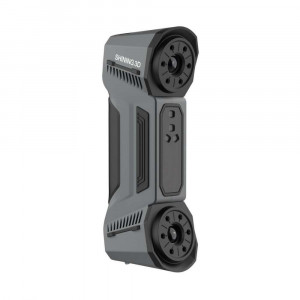
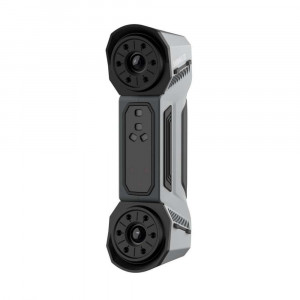
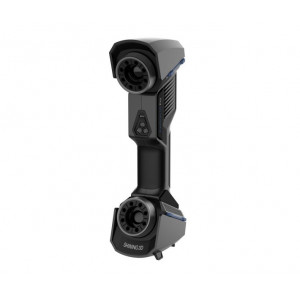
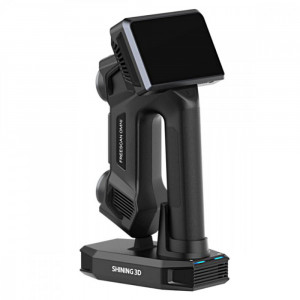
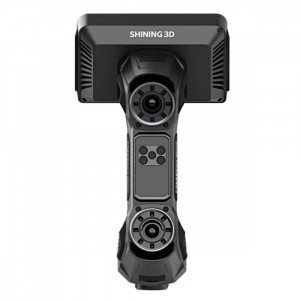
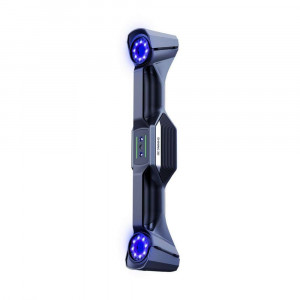
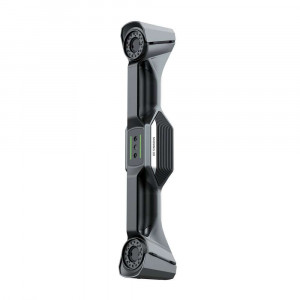
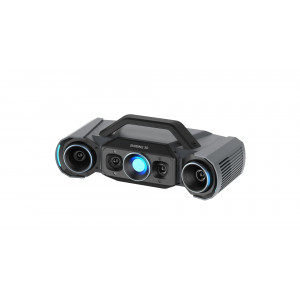
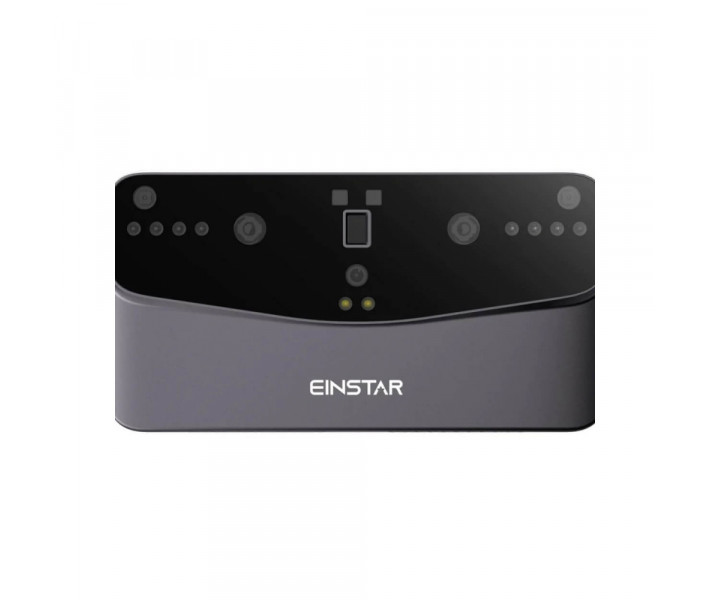
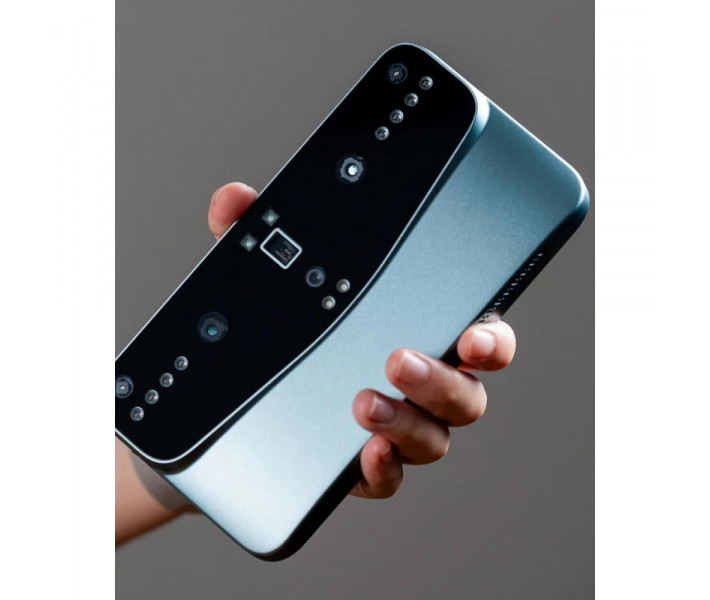
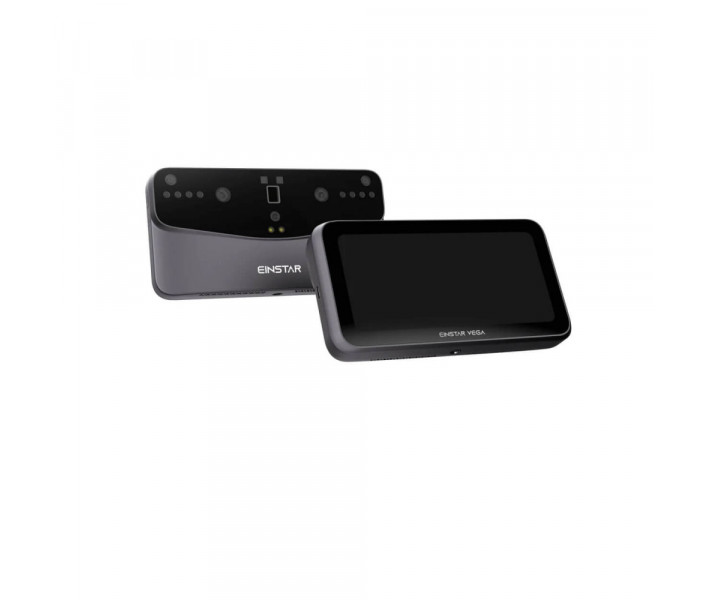
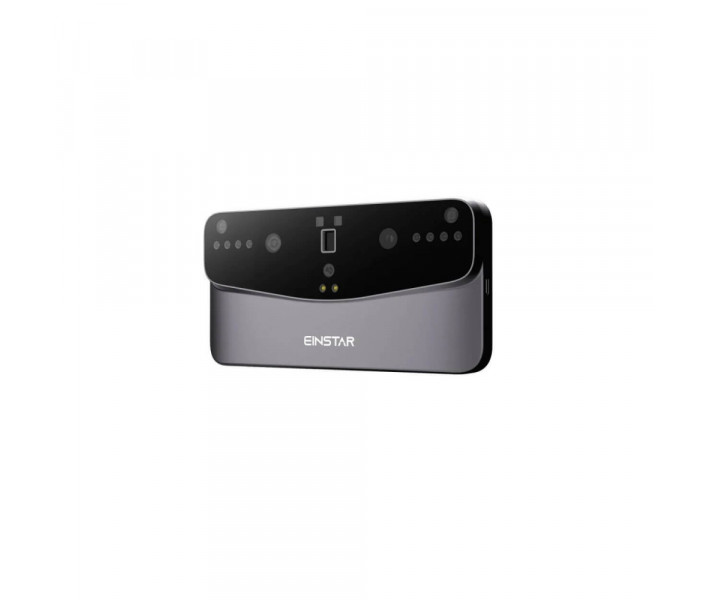
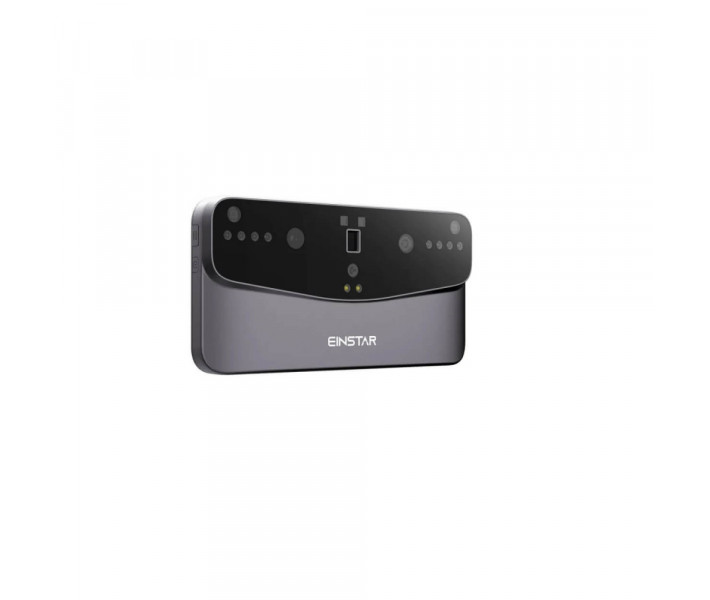
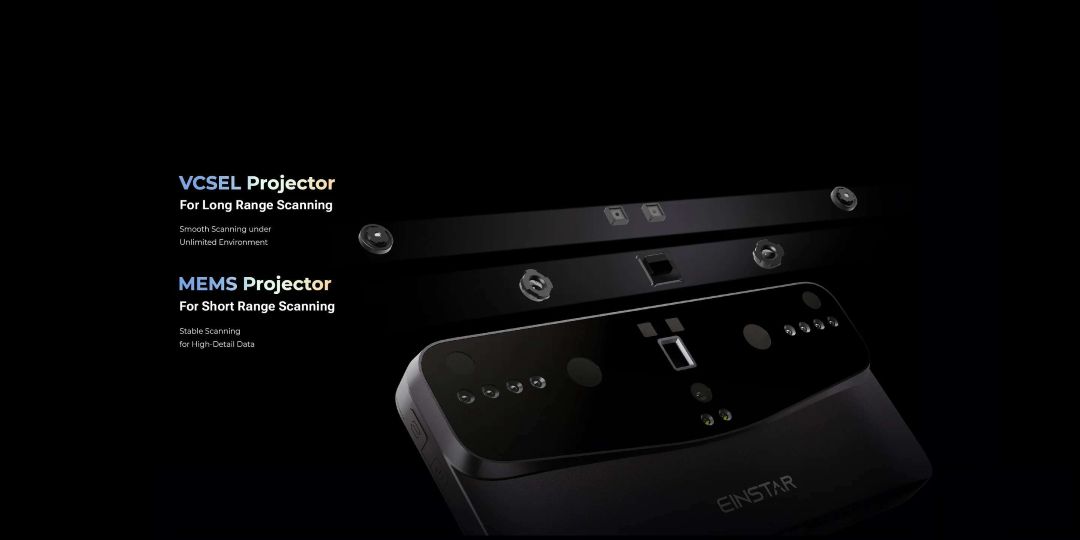
The EinStar Vega is a wireless all-in-one 3D scanner designed for professionals and advanced users who demand complete scanning freedom, combining dual-technology infrared projection (VCSEL + MEMS), a built-in 8-core CPU, 32 GB of RAM, and a 6.4″ 2K AMOLED touchscreen — all without requiring a connected PC.
| EinStar Vega — Key Specifications | |
|---|---|
| Scan Technologies | VCSEL (Fast Mode) + MEMS (HD Mode) |
| Point Distance | 0.05 – 3 mm (HD) / 0.5 – 10 mm (Fast) |
| Color Camera | 48 MP RGB |
| Internal Computing | 8-core CPU, 32 GB RAM, 512 GB SSD |
Two Scanning Engines. One Handheld Device.
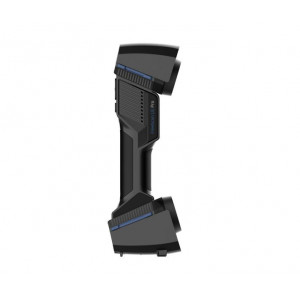
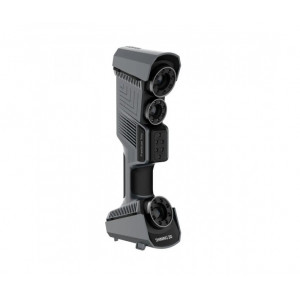
Most 3D scanners lock you into a single capture method. The EinStar Vega carries two distinct infrared projection systems in a single 535 g body, letting you switch capture strategy on the fly rather than swapping hardware.
- VCSEL (Fast Mode) — infrared laser array for medium-to-large objects at 350–1500 mm working distance, capturing up to 20 frames per second. Operates reliably in direct sunlight up to 100,000 lux.
- MEMS (HD Mode) — micro-electromechanical mirror system for small-to-medium objects at 100–350 mm, delivering 0.05–3 mm point distance at up to 15 FPS for fine surface detail.
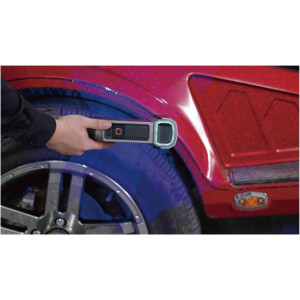
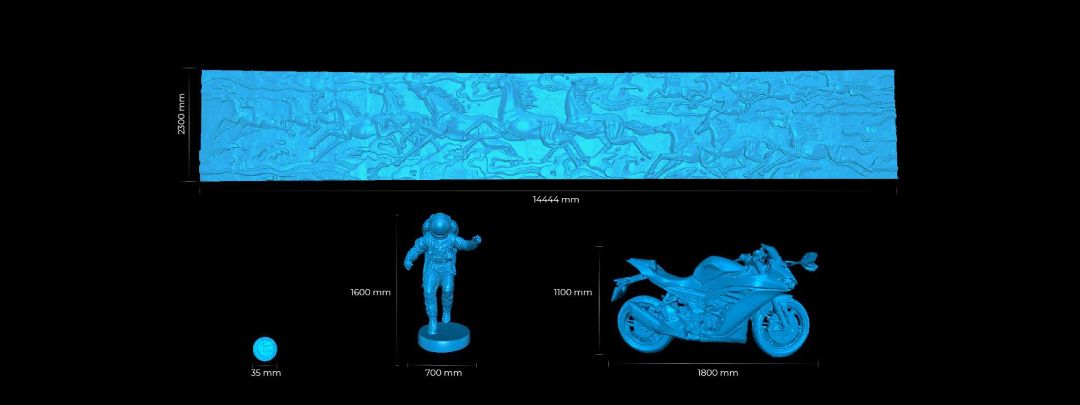
The infrared wavelength is 940 nm, classified as a Class 1 laser product under IEC 60825-1:2014, making it safe for everyday professional use. Because both projectors are housed in the same unit, transitioning from a coin-sized object (≥ 35 mm) to a full-size vehicle body (up to 14,444 mm) requires no additional equipment.
Fully Standalone — No PC Required
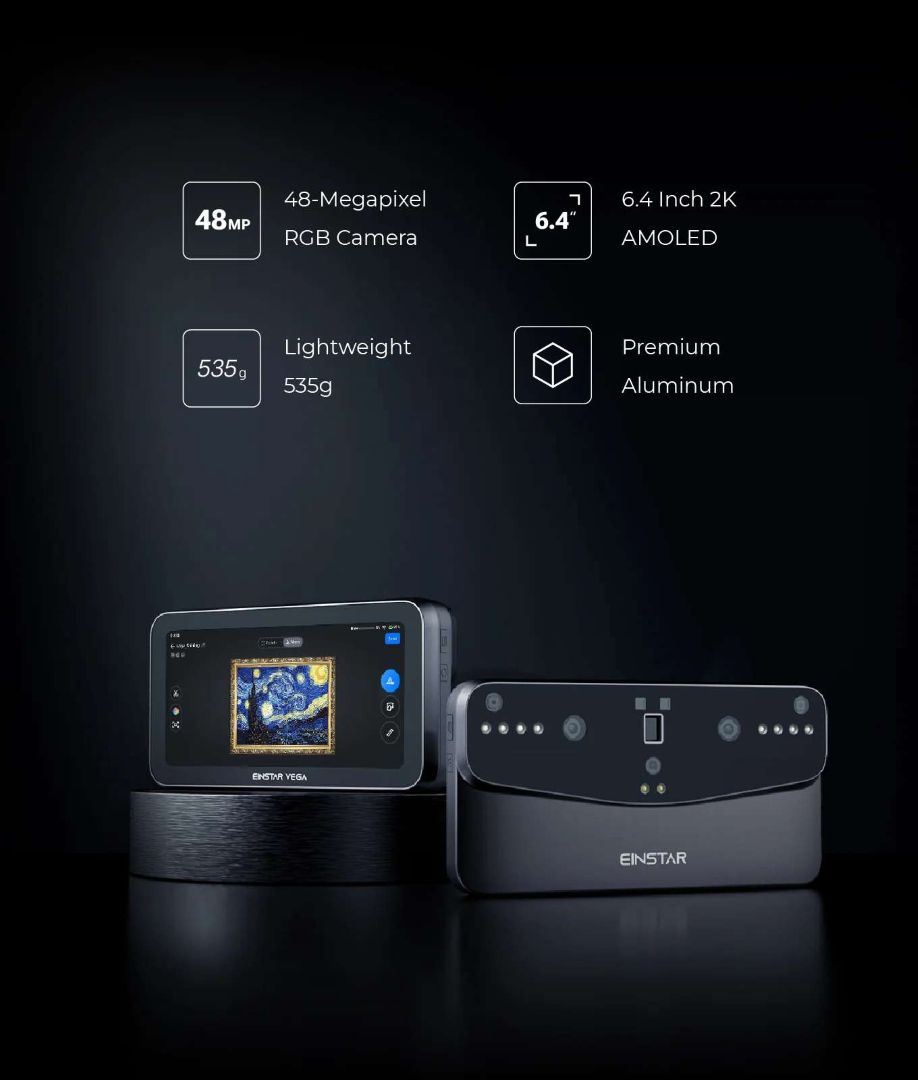
The Vega eliminates the cable-and-laptop dependency that slows field scanning. Every processing step from point-cloud capture to mesh generation runs on the device itself, powered by an 8-core 2.4 GHz CPU, 32 GB LPDDR4 RAM, and a 32 GB eMMC + 512 GB SSD storage combination.
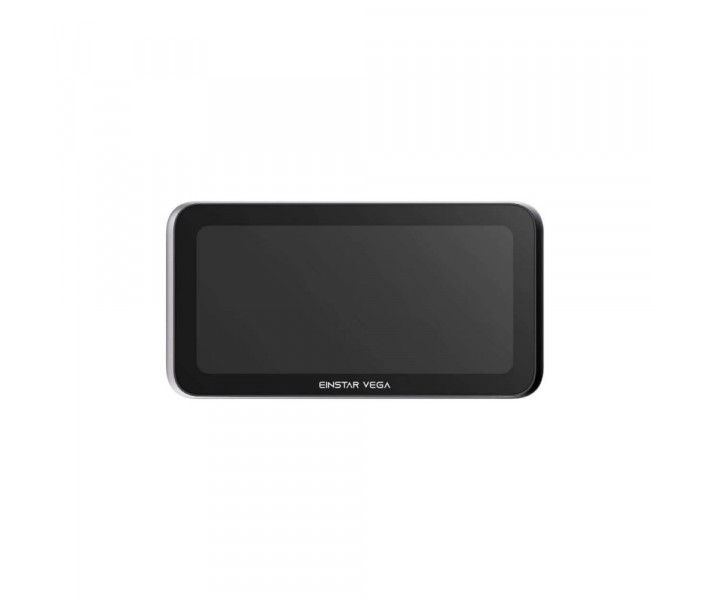
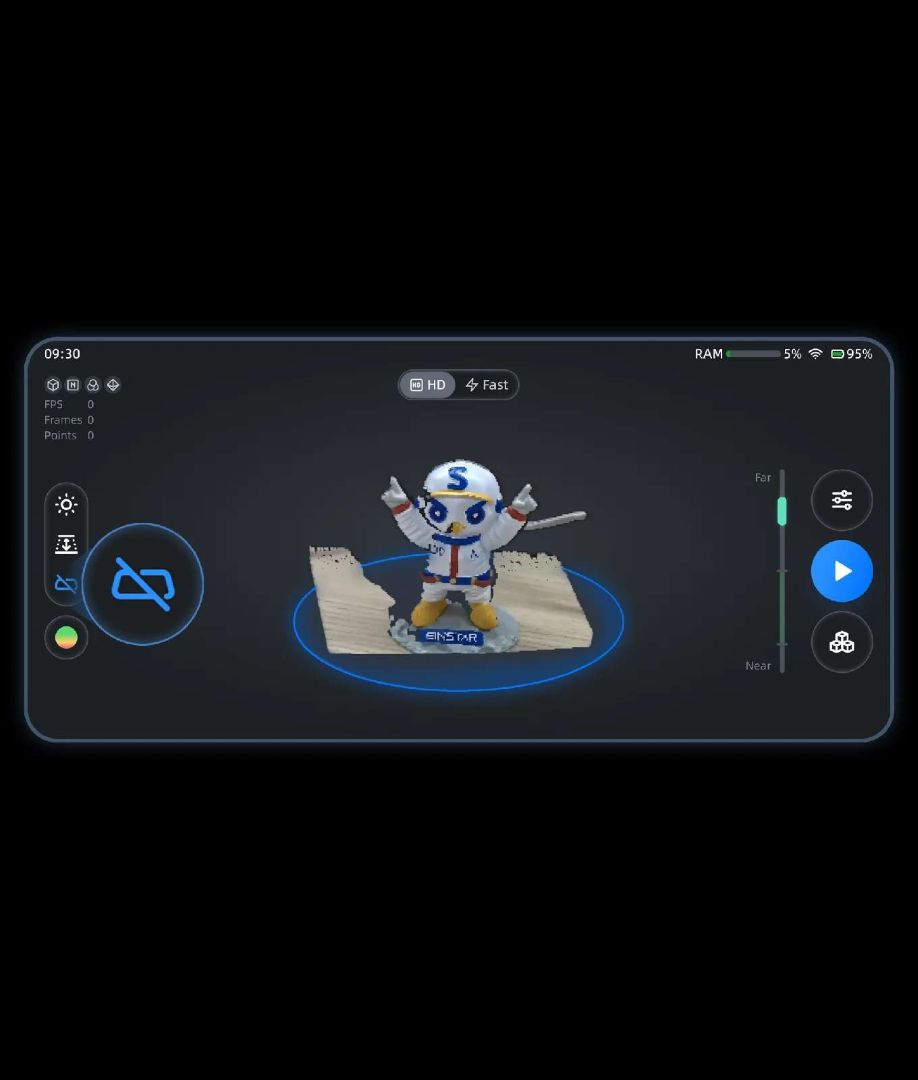
The 6.4″ 2K AMOLED touchscreen serves as both viewfinder and control panel. Ten built-in LED fill lights maintain color accuracy during night scans, while a real-time white-balance algorithm ensures the 48 MP RGB camera captures lifelike textures regardless of ambient light conditions.
Colour That Holds Up Under Scrutiny
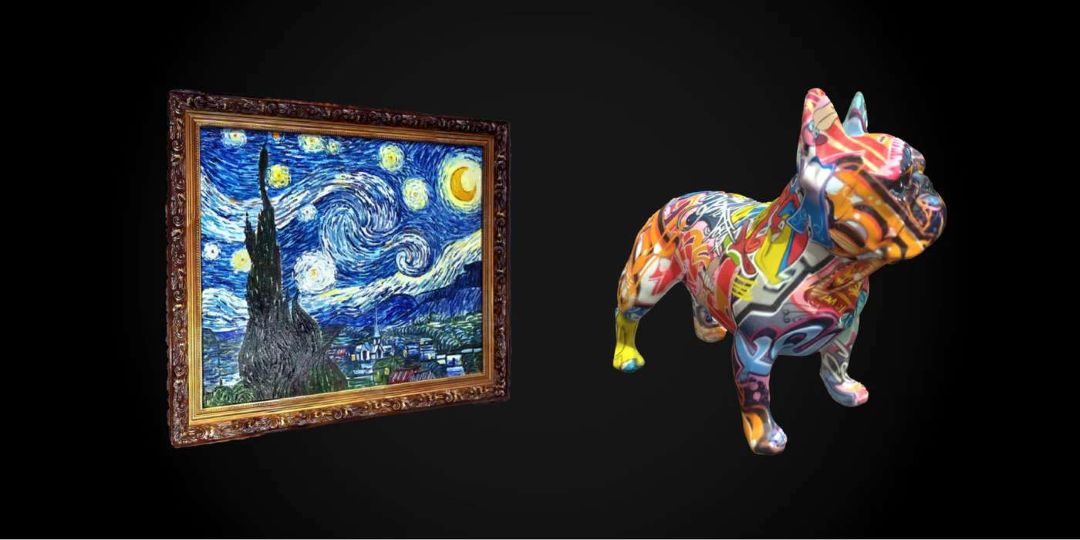
A 48 MP sensor is rare at this scanner price tier. High megapixel count matters for heritage documentation, product visualization, and any use case where texture fidelity — not just geometry — is the deliverable.
All-Light Adaptability: Sunlight to Total Darkness
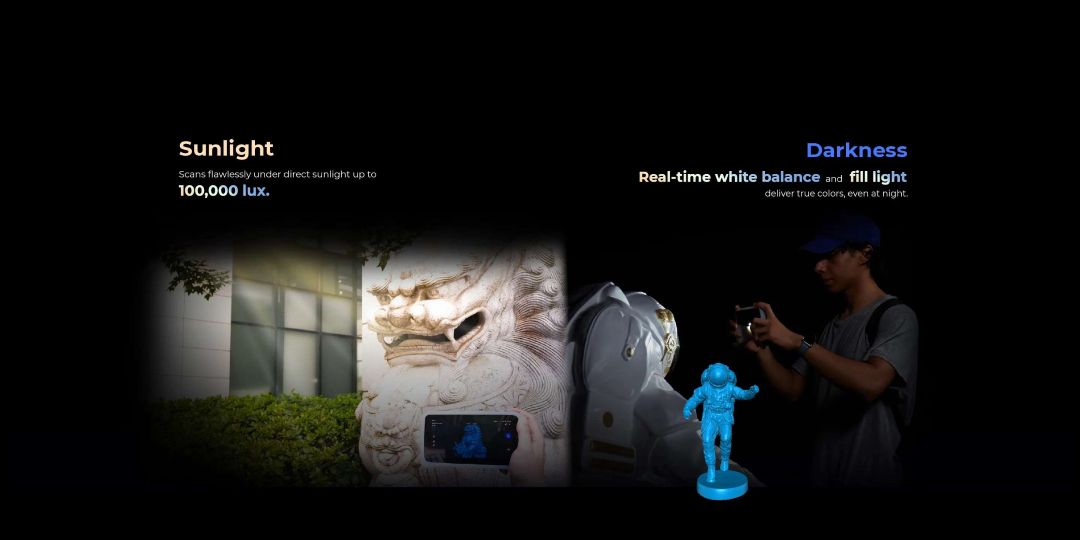
Outdoor 3D scanning has historically demanded overcast skies or shaded environments. The Vega's VCSEL projector cuts through ambient illumination up to 100,000 lux — bright direct sunlight — without data degradation. At the opposite extreme, the 10-LED fill array and automatic white balance let the RGB camera produce accurate colour at night.
Multi-Mode Alignment for Clean Point Clouds
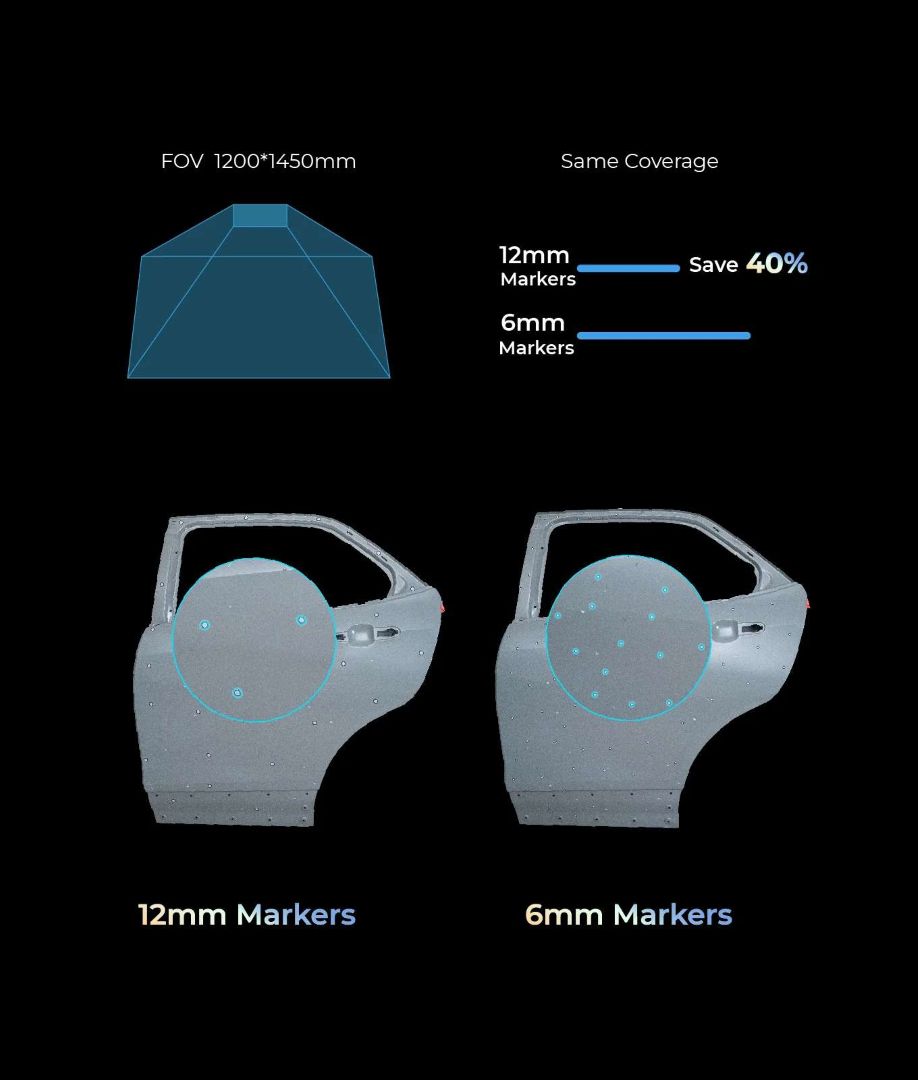
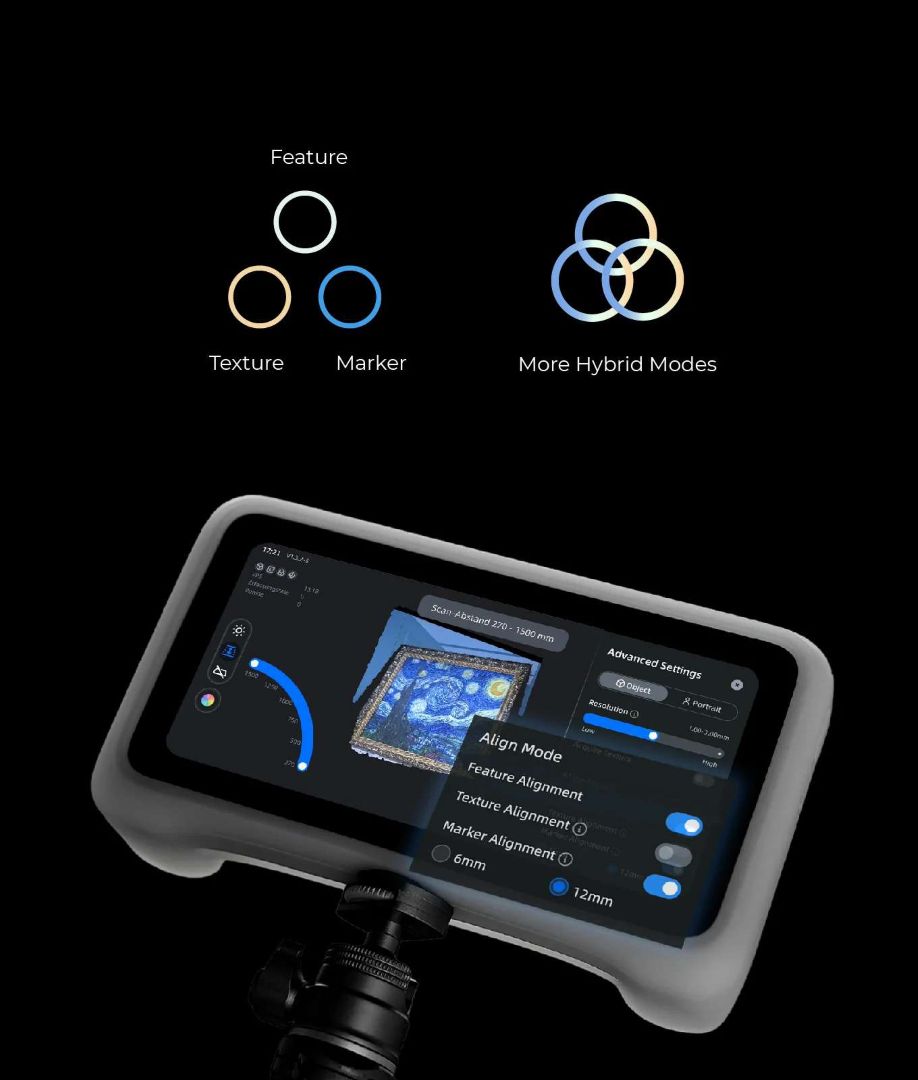
Alignment quality determines mesh quality. The Vega supports three primary alignment modes — Feature, Texture, and Marker — and allows hybrid combinations for complex geometries. When using marker-based alignment with 12 mm markers instead of 6 mm, the larger markers cover the same field of view with 40% fewer physical points placed, reducing setup time on large objects.
Scan Rewind — Correct Errors Without Starting Over
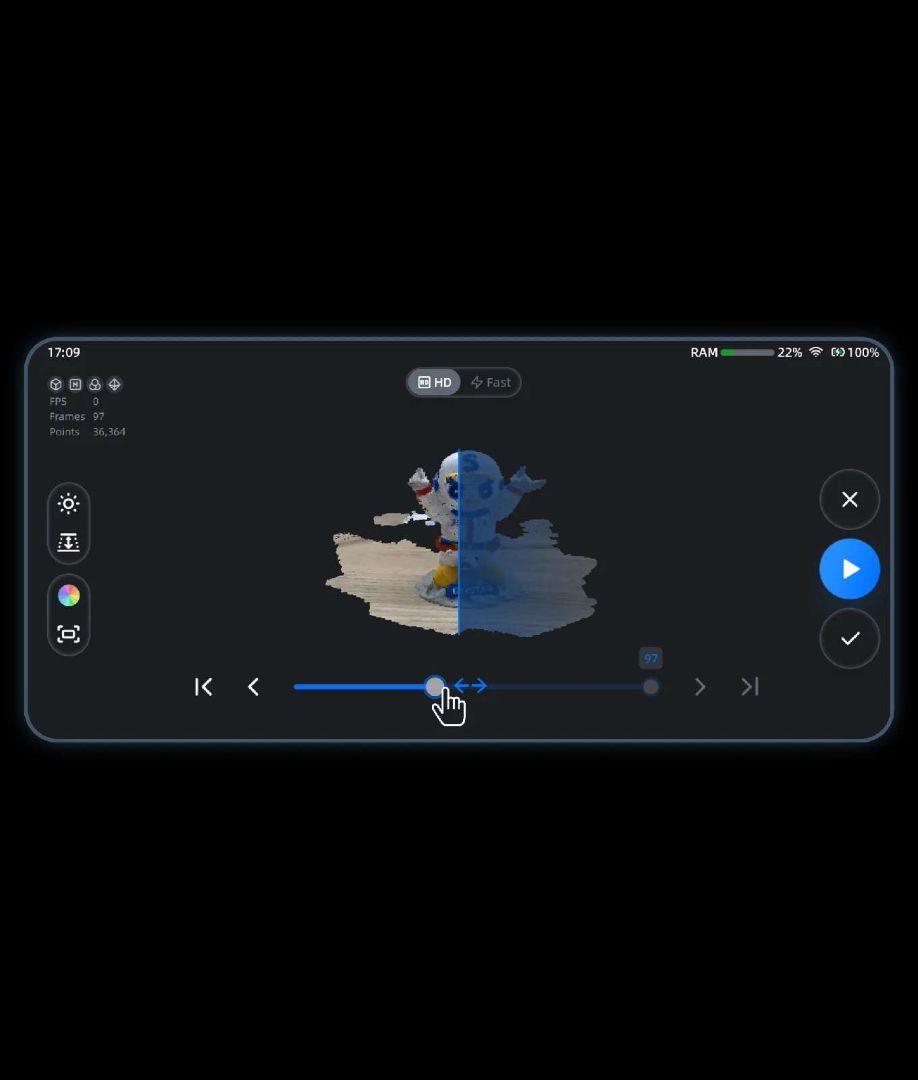
A session-ending misalignment no longer means restarting the capture. The Scan Rewind function lets you scrub back through recorded frames on the 6.4″ screen and identify the precise point where tracking was lost. Deleting from that frame forward allows the scan to continue without losing earlier good data.
Auto Base Plane Detection
The scanner automatically identifies and removes the base surface (turntable, desk, floor) from captured data, saving manual clipping time during post-processing. The base plane detection works across HD and Fast modes.
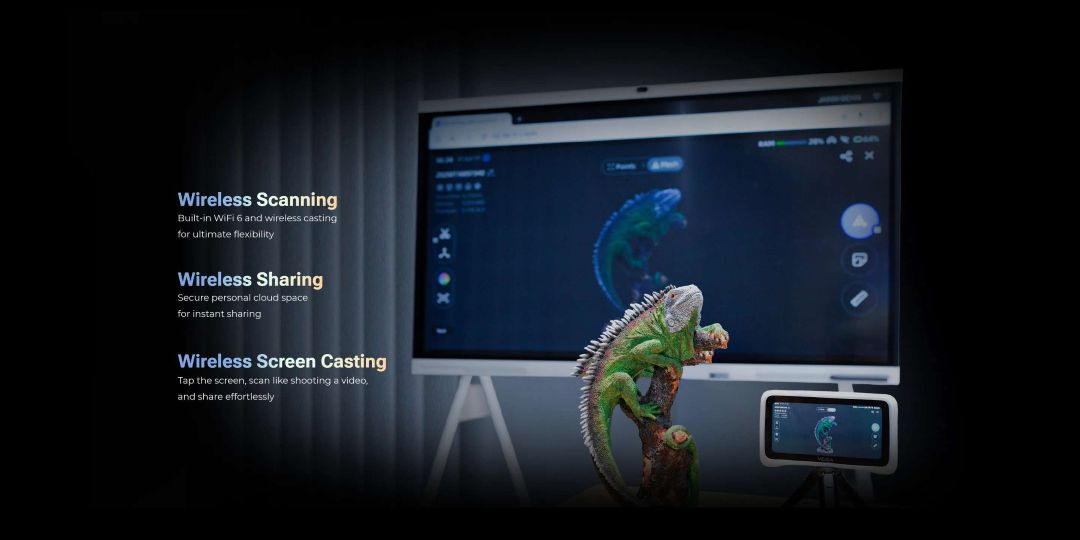
Wi-Fi 6 Wireless Workflow
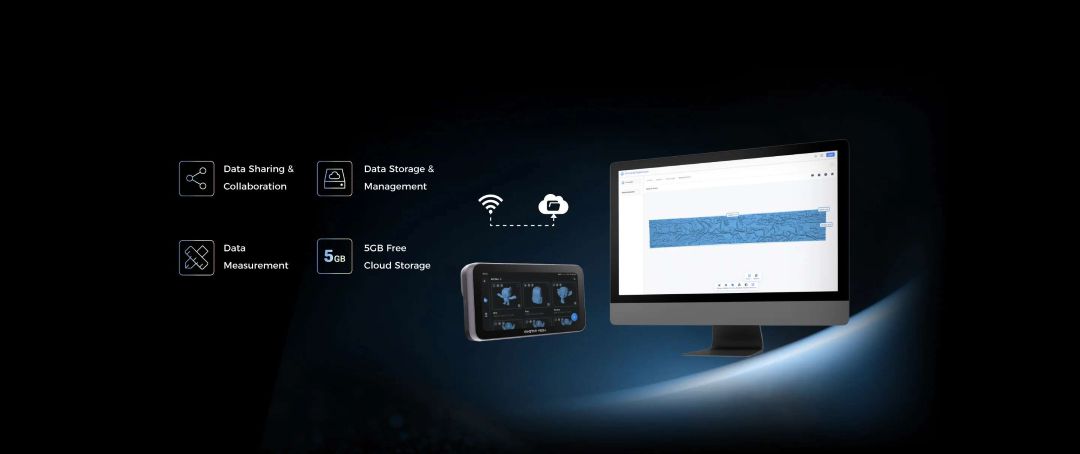
The Vega integrates Wi-Fi 6 for three distinct wireless functions: scanning without any PC connection, sharing data directly to SHINING 3D Cloud (5 GB free per user), and casting the live scanning view to an external screen for team review or client presentations.
Power and Charging
The built-in 5000 mAh battery supports 65 W fast charging via the PD/PPS protocol over USB Type-C. Charging can continue during active scanning sessions, and external power banks are compatible for extended fieldwork. Operating temperature range is −10 °C to 40 °C.
Expert Verdict: The EinStar Vega solves a real problem in field 3D scanning: the dependency on a tethered laptop creates a fragile, environment-sensitive workflow. By moving all processing on-device — with hardware that matches mid-range workstation specs — SHINING 3D has produced a scanner that works as fluidly in a vehicle restoration workshop as it does in a museum digitisation project. The dual VCSEL/MEMS architecture means a single purchase covers object sizes from 35 mm to beyond 14 metres. For teams that bill by scan session and need consistent deliverables in PLY, STL, OBJ, or ASC format, the 512 GB internal SSD and direct cloud upload pipeline remove meaningful friction from the end-to-end workflow. The 48 MP colour camera is a genuine differentiator at this size class.
Tech Tip: When switching from HD Mode (MEMS) to Fast Mode (VCSEL) mid-project, always run a fresh calibration cycle first. The two projectors have different depth-of-field characteristics (100–350 mm vs 350–1500 mm), and merging point clouds from both modes without recalibration can introduce subtle registration errors that are difficult to correct in post-processing.
Technical Specifications of the EinStar Vega
Scanning Performance
| Scan Modes | HD Mode (MEMS); Fast Mode (VCSEL) |
|---|---|
| Light Source — HD Mode | Infrared MEMS |
| Light Source — Fast Mode | Infrared VCSEL |
| Point Distance — HD Mode | 0.05 – 3 mm |
| Point Distance — Fast Mode | 0.5 – 10 mm |
| Capture Frame Rate — HD Mode | Up to 15 FPS |
| Capture Frame Rate — Fast Mode | Up to 20 FPS |
| Working Distance — HD Mode | 100 – 350 mm |
| Working Distance — Fast Mode | 350 – 1500 mm |
| Data Alignment Modes | Feature alignment; Markers alignment; Texture alignment |
| Outdoor Scan | Yes |
| Output Formats | PLY; STL; OBJ; ASC |
Camera System
| IR Camera Resolution — HD Mode | 2 MP |
|---|---|
| IR Camera Resolution — Fast Mode | 1.3 MP |
| Color Camera Resolution | 48 MP |
Built-in Computing Hardware
| CPU | 8-core CPU, 2.4 GHz |
|---|---|
| RAM | 32 GB LPDDR4 |
| Internal Storage | 32 GB eMMC + 512 GB SSD |
| Touchscreen | 6.4″ 2K AMOLED |
| Supplemental Light | 10 LED |
| IMU | 6 DoF |
Connectivity and Power
| Interface | Wi-Fi 6; USB Type-C |
|---|---|
| Battery | Built-in 5000 mAh; external power bank charging supported |
| Power Charger | 65 W fast charging; supports PD/PPS protocols |
Physical Characteristics
| Scanner Body Weight — Regular Edition | 535 g |
|---|---|
| Scanner Body Weight — Limited Edition | 643 g |
| Scanner Size | 180 mm × 95 mm × 26.5 mm (L × W × H) |
| Packing Size | 380 mm × 305 mm × 155 mm |
| Protection Grade | IP50 |
Environmental and Software
| Operating Temperature Range | −10 °C – 40 °C |
|---|---|
| Operating Humidity Range | 0 to 90 % RH (non-condensing) |
| Supported OS (PC Software) | Windows 10/11 (64-bit); macOS 11.0 (Apple chip); no PC required for scanning operation |
| Recommended PC Configuration | Intel i7; 32 GB RAM; macOS 11.0 (on Apple chip) |
What's in the Box
- EinStar Vega Scanner (with Silicone Case)
- USB Type-C to C cable
- Wrist Strap & Ring Screw
- Calibration Board
- Markers (3 mm / 6 mm)
- Packing List
- Carrying Case
- Figure for Scan
- Power Adapter
- Calibration Board Holder
How to Set Up and Start Scanning with the EinStar Vega
Follow these steps to activate your EinStar Vega and complete your first 3D scan from unboxing to exported mesh file.
Step 1 — Power On and Select Language
Press and hold the power button for 2 seconds until the startup animation appears. Select your preferred language; the default is English. Confirm the End User License Agreement to proceed.
Step 2 — Connect to Wi-Fi and Activate
Connect to a Wi-Fi 6 network. Log in or register a SHINING 3D Passport account to activate the device. Activation unlocks SHINING 3D Cloud storage and file transfer to StarVision PC software.
Step 3 — Calibrate the Scanner
Place the Calibration Board on the included Calibration Board Holder on a stable surface. Follow the on-screen calibration guide. Calibration ensures geometric accuracy and should be repeated after transport or when switching between HD and Fast modes for precision work.
Step 4 — Select Scan Mode and Settings
Choose HD Mode for objects at 100–350 mm working distance (high surface detail) or Fast Mode for objects at 350–1500 mm. Set alignment mode (Feature, Texture, or Marker) in Pre-Scan Settings. Enable Texture Acquisition if colour output is required.
Step 5 — Scan and Review
Tap the scan button to begin capture. Monitor the point cloud build on the 6.4″ AMOLED screen. Use the Scan Rewind function to scroll back through frames and delete misaligned data without restarting. Tap Complete Scan when coverage is sufficient.
Step 6 — Mesh and Export
Navigate to Post-processing → Mesh to generate the final surface. Export in PLY, STL, OBJ, or ASC format. Share directly to SHINING 3D Cloud, transfer via USB Type-C in USB Drive Mode, or open in StarVision via Wi-Fi for further processing on PC or Mac.
Can the EinStar Vega scan without being connected to a computer?
Yes. The Vega contains a full computing stack — 8-core CPU, 32 GB RAM, and 512 GB SSD — allowing it to capture, process, and store 3D data entirely on-device. A PC is only required if you want to use the StarVision desktop software for additional post-processing.
What is the difference between HD Mode and Fast Mode?
HD Mode uses the MEMS infrared projector and works at 100–350 mm, capturing point distances of 0.05–3 mm at up to 15 FPS — optimised for small objects and fine surface detail. Fast Mode uses the VCSEL projector at 350–1500 mm, capturing 0.5–10 mm point distances at up to 20 FPS — best for medium-to-large objects where speed matters more than maximum resolution.
Does the EinStar Vega work in direct sunlight?
Yes. The VCSEL infrared projector operates reliably in outdoor conditions up to 100,000 lux, which covers bright direct sunlight. This makes the Vega suitable for architecture, automotive, and cultural heritage scanning in field conditions.
What alignment modes are supported, and which should I use?
The Vega supports Feature, Texture, and Marker alignment, as well as hybrid combinations. Feature alignment works on objects with clear geometry changes. Texture alignment suits objects with rich surface colour patterns. Marker alignment — using 6 mm or 12 mm retroreflective dots — is recommended for large, low-texture surfaces or when maximum point-cloud registration accuracy is required. Using 12 mm markers reduces the number of markers needed by 40% compared to 6 mm for the same area coverage.
How does the Scan Rewind function work?
Scan Rewind records all captured frames during a session. If the scanner loses tracking alignment, you can scrub the frame timeline back to the last good frame, delete the problematic frames, and resume scanning from that point — preserving all valid earlier data rather than starting the entire session from scratch.
What is the maximum object size the EinStar Vega can capture?
There is no strict upper size limit — multi-session scanning and stitching extend coverage to very large structures. The device has been demonstrated capturing objects up to 14,444 mm in length (wall relief). The practical minimum object size is approximately 35 mm.
Why Choose EXPERT3D?
EXPERT3D has been a specialist 3D technology retailer in Spain since 2012, stocking 3D scanners, 3D printers, filaments, resins, and professional accessories. Our technical team advises on equipment selection, scanning workflows, and post-processing pipelines — before and after purchase. All products are sold with full EU warranty, and our stock is based in Spain for fast local delivery. Buy the EinStar Vega today with confidence. Order now ➔