


- Stock: In Stock
- Product code: FSCAN-TRIO
- Weight Brutto: 8.10kg
- SKU: FSCAN-TRIO

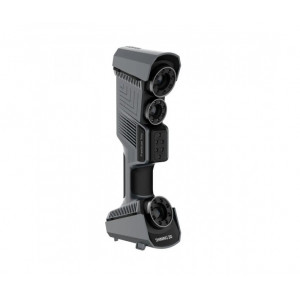
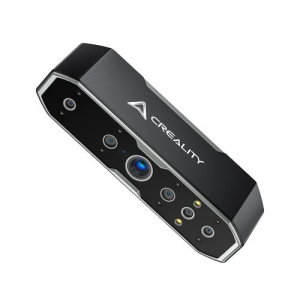
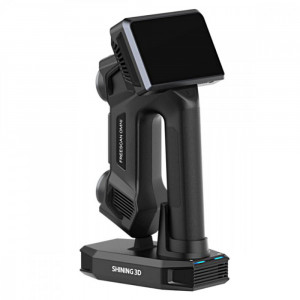
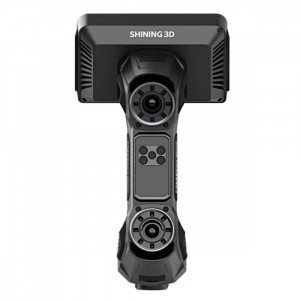
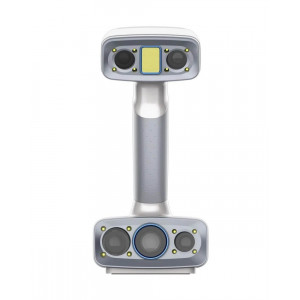
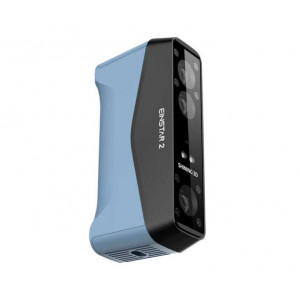
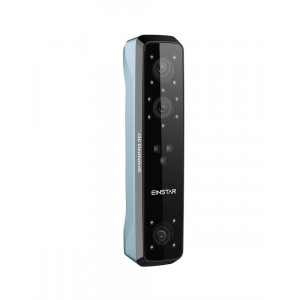
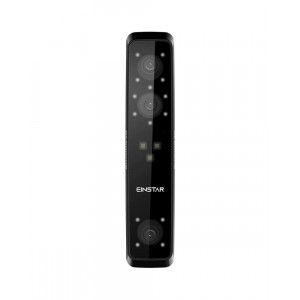
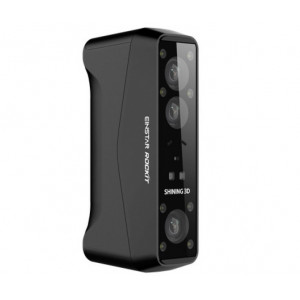
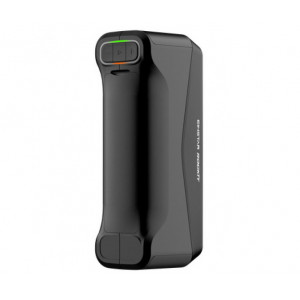
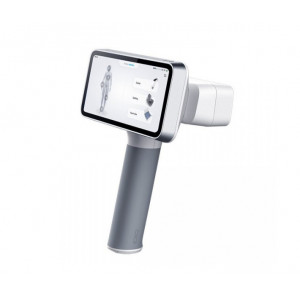
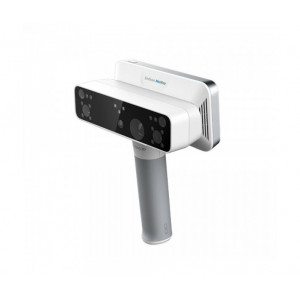
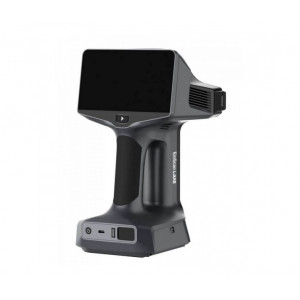
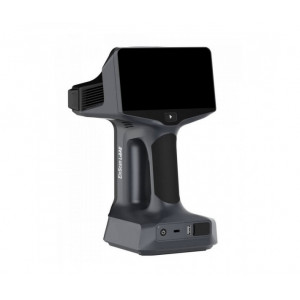
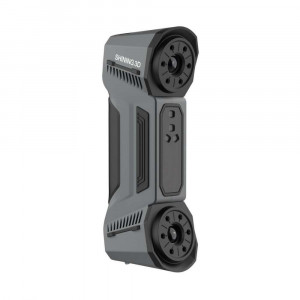
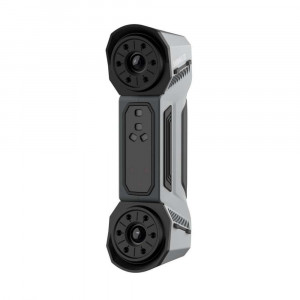
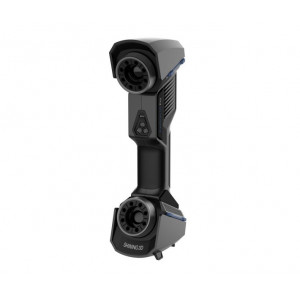
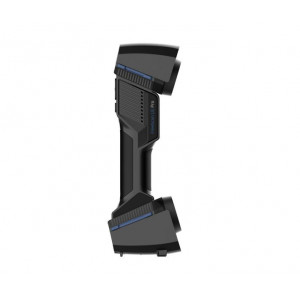
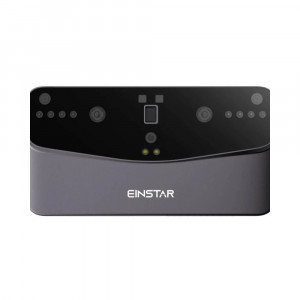
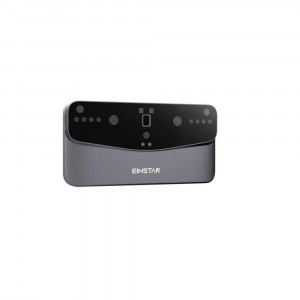
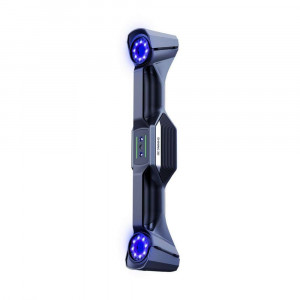
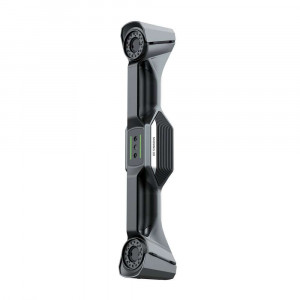
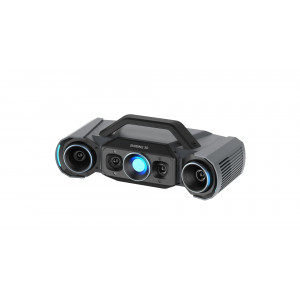
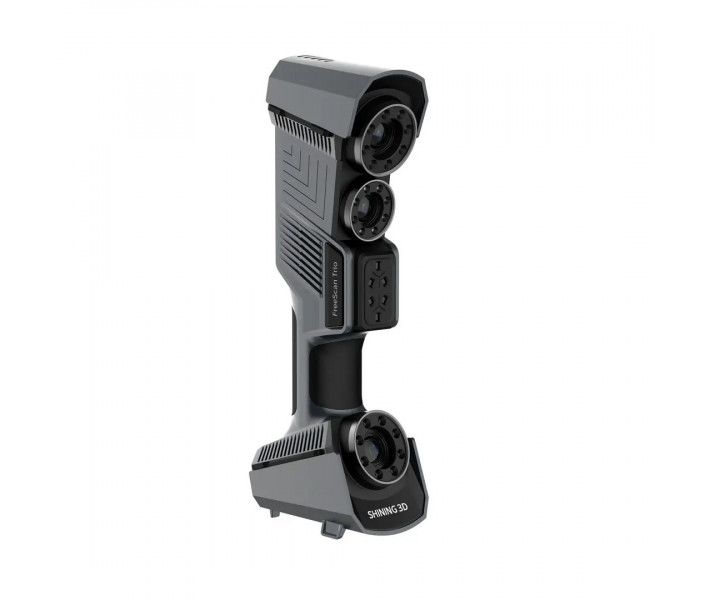
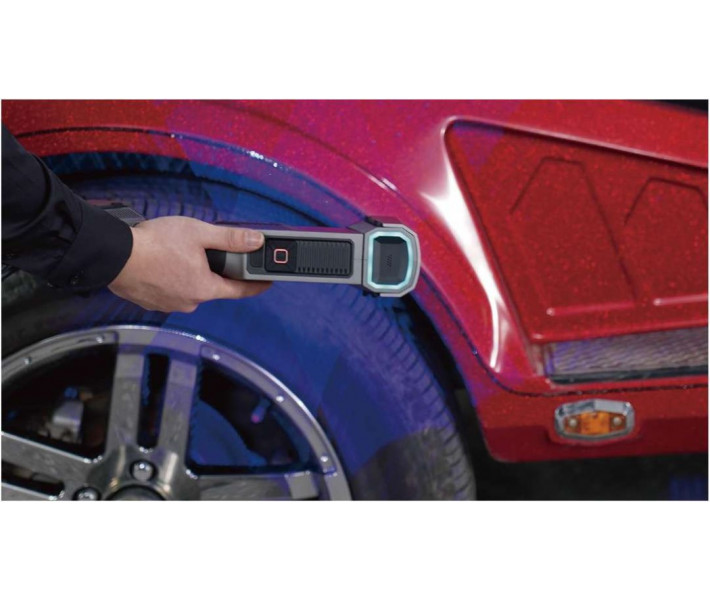
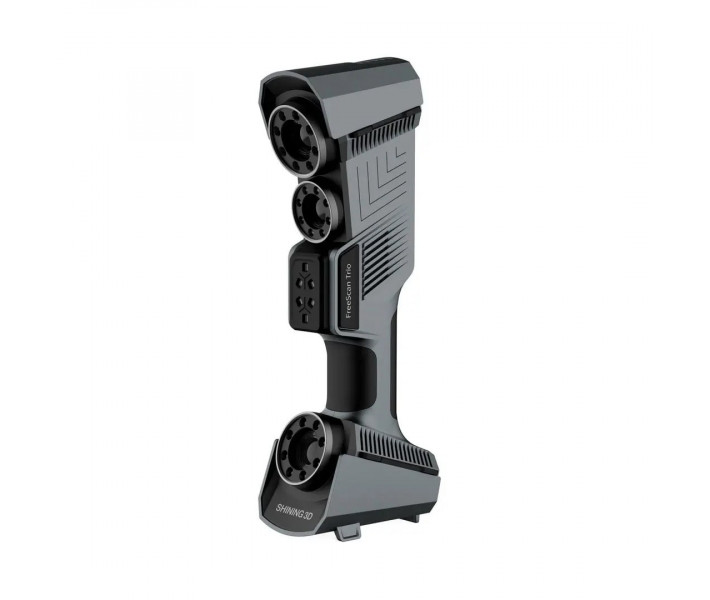
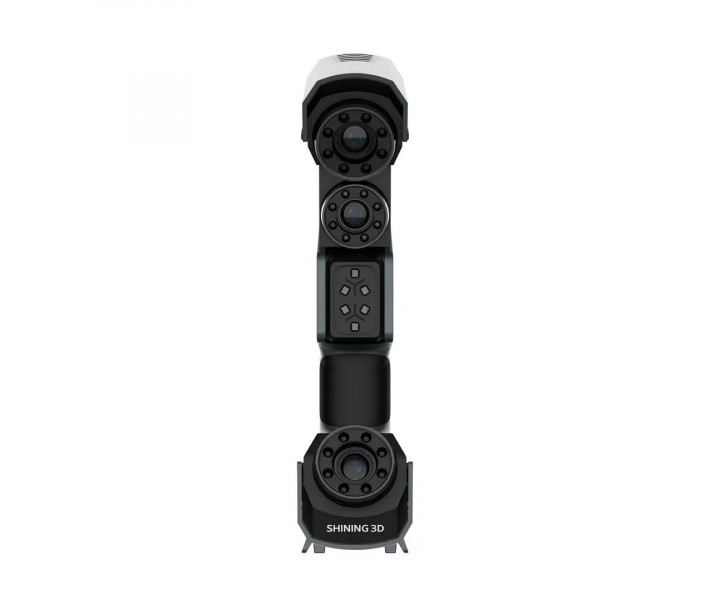
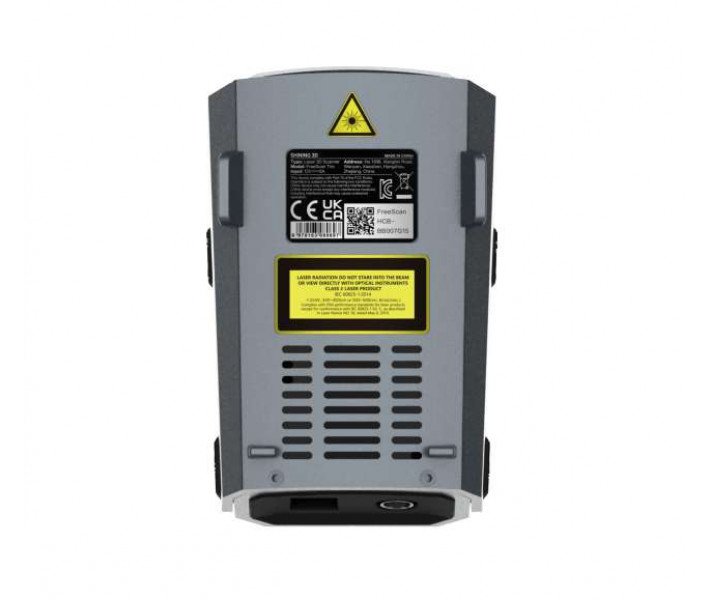
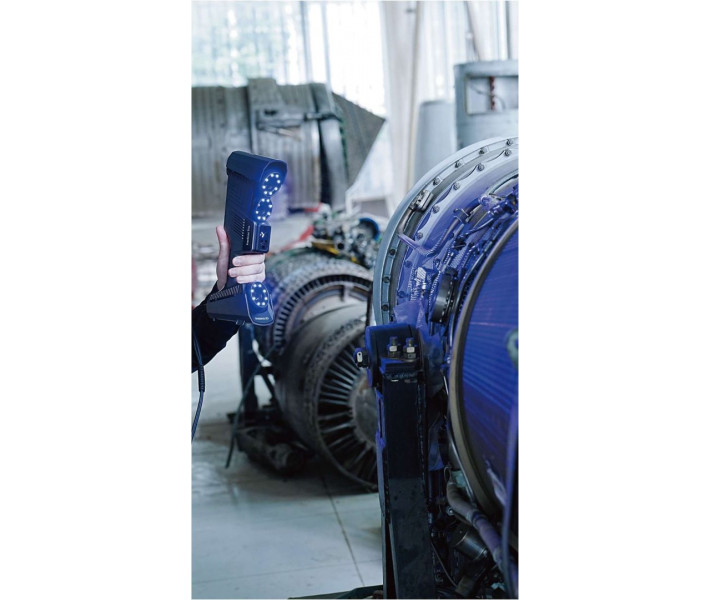
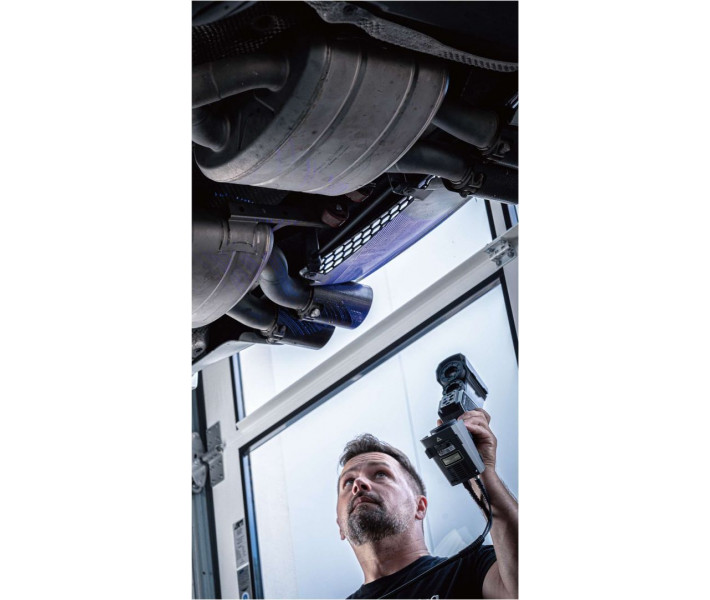
FreeScan Trio is the world's first marker-free handheld laser 3D scanner, engineered by Shining3D for professional metrology and on-site quality inspection. Equipped with 98 laser lines, three industrial 5 MP cameras, and patented built-in photogrammetry, it captures up to 3,010,000 points per second at 0.02 mm accuracy — eliminating marker preparation and accelerating every inspection workflow.
| Parameter | Value |
|---|---|
| Scan Speed | Up to 3,010,000 pts/s |
| Scan Accuracy | 0.02 mm |
| Volumetric Accuracy | 0.02 + 0.015 mm/m (with photogrammetry) |
| Weight | 985 g |
Descubra la revolución: FreeScan Trio, el primer escáner 3D láser del mundo que no requiere marcadores.
Marker-Free Scanning with 98-Line Self-Positioning
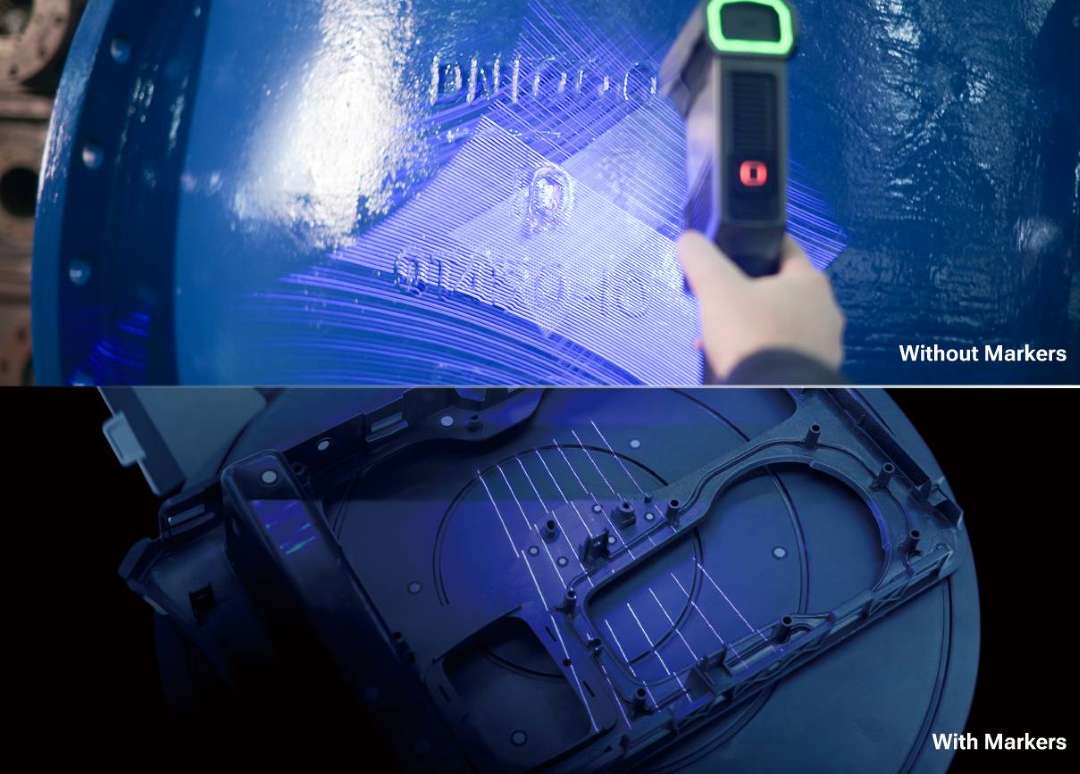
Traditional handheld laser scanners rely on adhesive reference markers placed across the object surface — a process that consumes 30–60 minutes of preparation on large parts. The FreeScan Trio eliminates that step entirely. Its intelligent self-positioning technology uses 98 cross-laser lines to track spatial orientation in real time, enabling full 3D acquisition without a single marker.
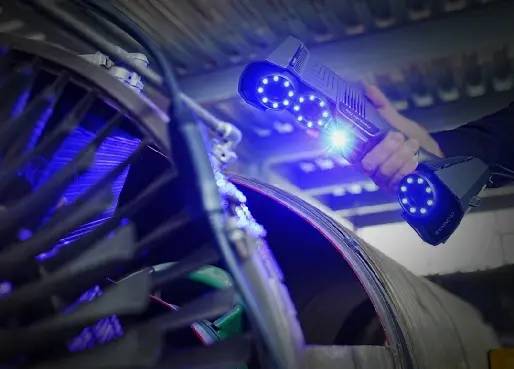
The 98-line mode operates in three alignment variants: Markers Mode for objects with simple or symmetrical geometry, Features Mode for parts with rich surface detail, and Hybrid Mode that combines both approaches. This flexibility means a single scanner adapts to valve housings, turbine blades, and automotive body panels alike.
Three Industrial 5 MP Cameras for High-Detail Capture
Each of the FreeScan Trio's three cameras delivers 5 megapixels of industrial-grade resolution. Working together, they resolve fine edges, sharp radii, and thin-wall transitions that dual-camera systems often blur. Whether operating with or without markers, the scanner reproduces intricate geometry with consistent fidelity.
Deep Hole and Narrow Pocket Scanning
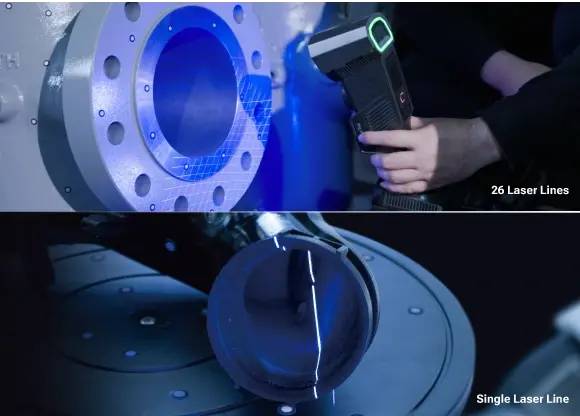
Blind bores, deep pockets, and fin walls present a persistent challenge in optical metrology — standard multi-line patterns cannot reach recessed geometry. The FreeScan Trio addresses this with a dedicated Deep Hole mode that switches between 26 cross-laser lines and a single laser line. Optimised camera angles ensure the sensor captures data from surfaces that would otherwise remain invisible.
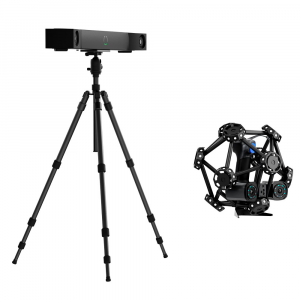
Patented Binocular Photogrammetry for Large-Volume Accuracy
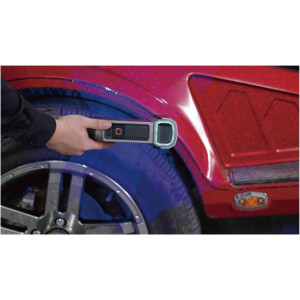
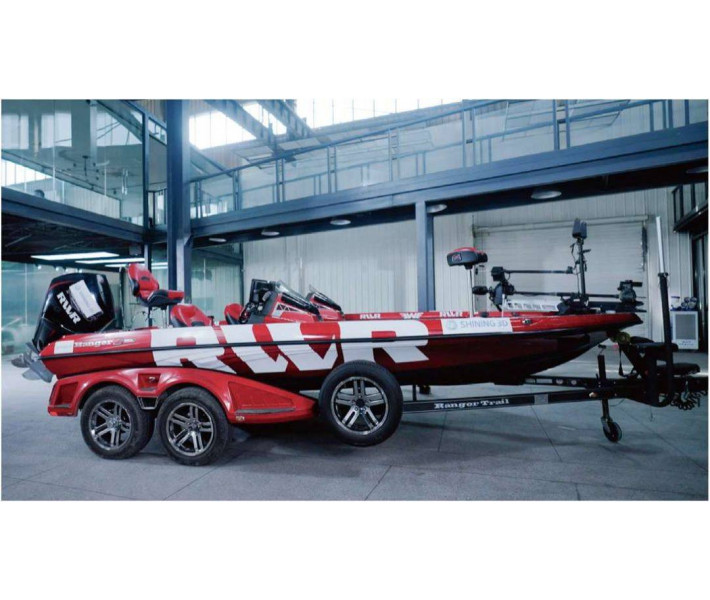
Volumetric accuracy degrades over distance in every handheld scanner. The FreeScan Trio counters this with a patented built-in binocular photogrammetry module. Unlike traditional photogrammetry workflows — which require coded targets, a DSLR camera, and separate processing software — this system works directly through the scanner body, reducing preparation time by at least half.
The result: volumetric accuracy tightens from 0.02 + 0.03 mm/m (laser only) to 0.02 + 0.015 mm/m when photogrammetry is active. For a 6-metre rail vehicle panel, that difference can mean ±0.11 mm total error versus ±0.20 mm — a critical margin in aerospace and automotive first-article inspection.
src="https://impresora-3d.es/image/catalog/products/shining/freescan-trio/vpg-photogrammetry-no-marker-large-object.jpg" alt="Large-object scanning with FreeScan Trio built-in photogrammetry technology" style="max-width: 100%; height: auto; display: block; margin: 15px 0" loading="lazy" />
Four Scan Modes for Every Inspection Task
- High Speed Scan (26 lines) — fast coverage of large surfaces at 0.02 mm accuracy with a 300 mm working distance
- Deep Hole Scan (26 / single line) — reaches blind bores and narrow cavities at 0.02 mm accuracy
- Detailed Scan (7 parallel lines) — fine-feature capture at 200 mm working distance for small, complex parts
- No Markers Scan (98 lines) — full marker-free acquisition at up to 3,010,000 pts/s
Certified Metrology You Can Trust
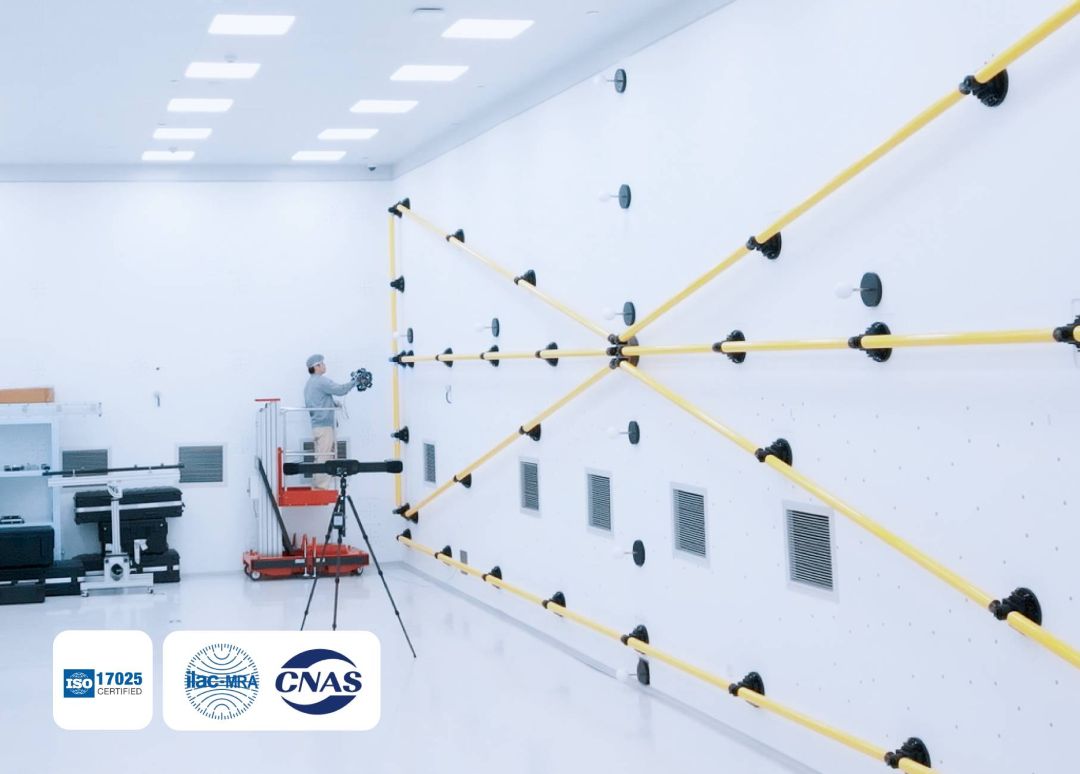
Every FreeScan Trio unit is calibrated in a CNAS-accredited laboratory compliant with ISO 17025. Accuracy is verified according to VDI/VDE 2634 Part 3 and ISO 10360 standards, ensuring traceable measurement results. This means the scanner integrates seamlessly into your ISO quality control processes — from incoming goods inspection to final dimensional reports.
Tech Tip: When using 98-line Features Mode, enable Optimised Feature Alignment in the software settings for objects that are predominantly non-planar. This filters out weak geometric features from the alignment process and significantly reduces tracking loss on curved surfaces. Also, always warm up the scanner for 10–15 minutes before calibrating — the datasheet's 0.02 mm accuracy assumes a thermally stable unit.
FreeScan Software — Built for Professional Inspection
- Flexible Resolution — change scan resolution mid-project without restarting
- Real-Time Mesh Display — view mesh data as you scan, eliminating a separate meshing step
- Data Quality Visualisation — colour-coded overlay highlights insufficient scan coverage in real time
- Custom Scanning Templates — save and reuse parameter sets to maintain measurement consistency across operators
- AI Feature Recognition — automatically detects round holes, rectangular slots, and other geometric features for rapid dimensioning
Export formats include ASC (point cloud), STL, PLY, OBJ, and 3MF — with direct integration to third-party metrology platforms such as Geomagic Control X, Geomagic Design X, Geomagic Essentials, and PolyWorks Metrology Suite.
Technical Specifications of the FreeScan Trio
Scan Modes
| Parameter | High Speed Scan | Deep Hole Scan | Detailed Scan | No Markers Scan |
|---|---|---|---|---|
| Light Source | 26 laser lines | 26 / single laser lines | 7 parallel laser lines | 98 laser lines |
| Working Distance | 300 mm | 300 mm | 200 mm | 300 mm |
| Scan Accuracy | 0.02 mm | 0.02 mm | 0.02 mm | / |
General Specifications
| Specification | Details |
|---|---|
| Scan Speed | Up to 3,010,000 points/s |
| Scan Depth | 360 mm |
| Field of View (FOV) | 650 x 580 mm |
| Volumetric Accuracy | 0.02 + 0.03 mm/m (0.02 + 0.015 mm/m with photogrammetry) |
| Point Distance | 0.01 – 3 mm |
| Laser Class | Class II (eye-safe) |
| Laser Wavelength | 440–460 nm / 934–946 nm |
| Connection Standard | USB 3.0 |
| Dimensions | 331 x 120 x 76 mm |
| Weight | 985 g |
| Power Input | 12 V, 5.0 A |
| Working Temperature | 0 – 40 °C |
| Working Humidity | 10 – 90 % |
| IP Rating | IP50 |
| Certifications | CE, FCC, ROHS, WEEE, KC, FDA, UKCA, IP50, TiSAX |
| Accuracy Certification | VDI/VDE 2634 Part 3, ISO 10360 (in ISO 17025 accredited laboratory) |
Recommended Computer Configuration
| Component | Requirement |
|---|---|
| Operating System | Windows 11 Professional 22H2 (64-bit) |
| Processor | Intel Core i7-13700H or above |
| Graphics Card | NVIDIA GeForce RTX 4060 or above |
| Video Memory (VRAM) | ≥ 8 GB |
| RAM | ≥ 64 GB DDR5 dual-channel |
| Interface | USB 3.0 |
How to Set Up the FreeScan Trio
First-time hardware connection and software activation for the FreeScan Trio handheld 3D scanner.

Step 1: Connect the Hardware
Attach the aviation cable to the power port and USB port on the scanner. Connect the power cord to the power adapter, then plug the adapter into the aviation cable. Connect the USB end of the aviation cable to a USB 3.0 port on your PC. Insert the Dongle into another USB port on the PC, then power on.
Step 2: Install FreeScan Software
Copy the installation file from the supplied flash drive to your PC. Run the installer and follow the wizard. Administrator rights are required. After installation, go to Windows Settings → About → Advanced system settings → Performance → Adjust for best performance.
Step 3: Activate the Scanner
Launch the FreeScan software and log in with your Shining3D account for online activation. If the PC has no internet access, use the offline activation workflow: export the C2SN3D file, upload it via a networked computer at passport.shining3d.com, then import the returned SN3D2C file.
Step 4: Calibrate
Place the calibration board horizontally and position the scanner as shown in the software wizard. Align the centre point of the device with the grey circle on the board. Press the start button and move the scanner slowly, adjusting distance until all height indicators turn green. Repeat for all indicated directions.
Step 5: Create a Project and Scan
Create a new project group, select a scan mode (High Speed, Deep Hole, Detailed, or No Markers), set the point distance, and begin scanning. The software displays real-time mesh data and colour-coded quality indicators to guide your coverage.
What's in the Box
- FreeScan Trio handheld 3D scanner
- Power adapter and power cord
- Aviation cable (data + power)
- USB Dongle (software licence)
- Calibration board with flannel protective bag
- USB flash drive with FreeScan software
- Quick start guide
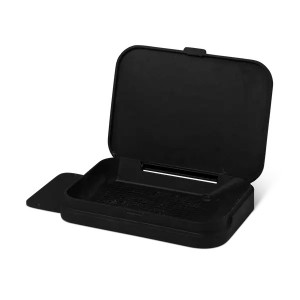
- Carrying case
Frequently Asked Questions
Does the FreeScan Trio really work without markers?
Yes. In the 98-line No Markers Scan mode, the scanner uses intelligent self-positioning technology to track its orientation against the object's surface geometry. Markers are optional in this mode and required only if you switch to the traditional laser scan modes (26-line or 7-line) and need alignment via reference points.
What is the advantage of built-in photogrammetry over a separate photogrammetry system?
The FreeScan Trio's binocular photogrammetry module is integrated into the scanner body, so there is no need for coded targets, a separate DSLR camera, or additional processing software. This cuts preparation time by at least 50 % and improves volumetric accuracy to 0.02 + 0.015 mm/m — a significant benefit when scanning objects longer than 2–3 metres.
Can the FreeScan Trio scan reflective or dark surfaces?
The scanner includes a dedicated Reflective object mode in the software settings, which adjusts exposure to improve data capture on shiny surfaces. For highly reflective or transparent parts, Shining3D recommends applying a washable imaging spray before scanning to ensure consistent data quality.
How often should I calibrate the FreeScan Trio?
Calibrate the scanner before first use, after transportation that may have caused significant vibration, if it has been idle for 1–2 weeks, or whenever you notice tracking issues or reduced data quality during scanning. The software displays a warning if more than 7 days have passed since the last calibration.
What PC specifications are needed to run the FreeScan Trio?
Shining3D recommends Windows 11 Professional 22H2 (64-bit), an Intel Core i7-13700H processor or higher, an NVIDIA GeForce RTX 4060 graphics card (or above) with at least 8 GB VRAM, and 64 GB of DDR5 dual-channel RAM. A USB 3.0 port is required for scanner connection. Using dual-channel RAM is critical — single-channel configurations may cause low frame rates during scanning.
Which file formats does the FreeScan software support for export?
The software exports scan data in ASC (point cloud), STL, PLY, OBJ, and 3MF formats. It also integrates directly with third-party metrology and reverse engineering platforms including Geomagic Control X, Geomagic Design X, Geomagic Essentials, and PolyWorks Metrology Suite.
Why Choose EXPERT3D?
EXPERT3D has been supplying professional 3D technology to businesses across Spain and Europe since 2012. Our team provides expert pre-sales consultation, hands-on product training, and dedicated after-sales technical support. When you purchase the FreeScan Trio through EXPERT3D, you gain access to experienced metrology professionals who understand how to integrate handheld scanning into your existing quality control workflows. Contact us today for a personalised quote or live demonstration.