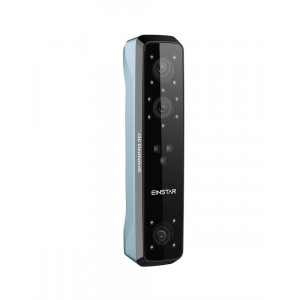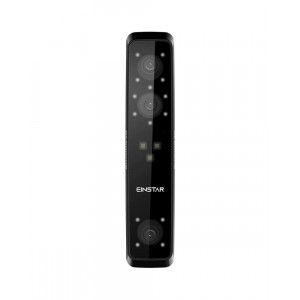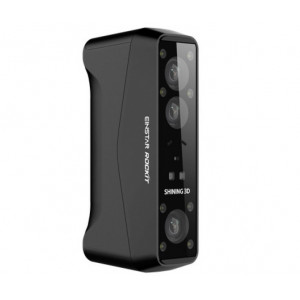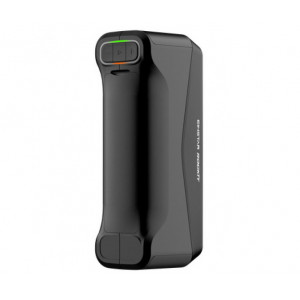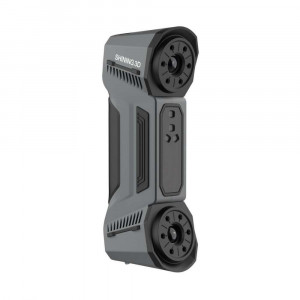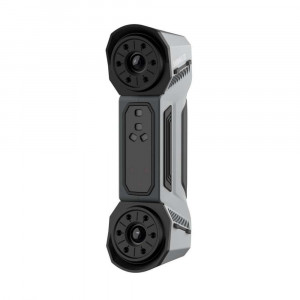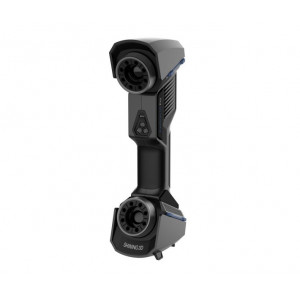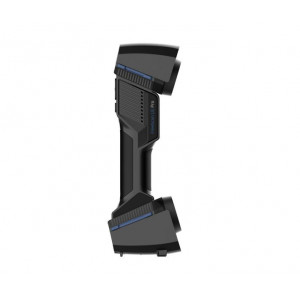


- Stock: In Stock
- Product code: FSCAN-OMN
- Weight Brutto: 11.30kg
- SKU: FSCAN-OMN

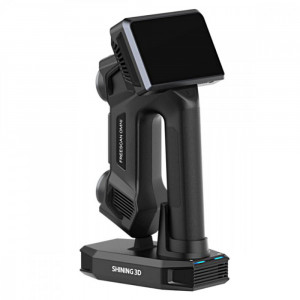
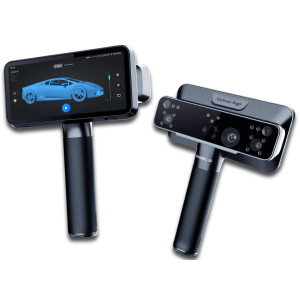
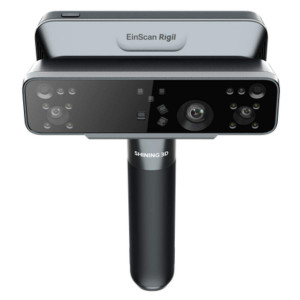
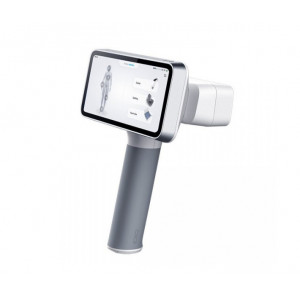
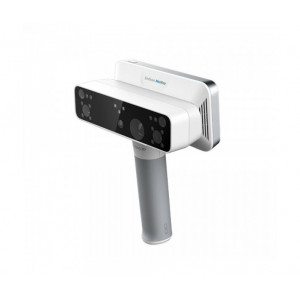
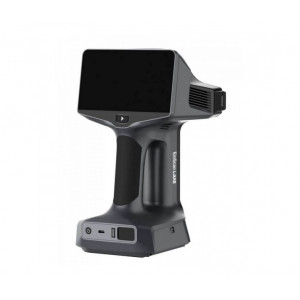
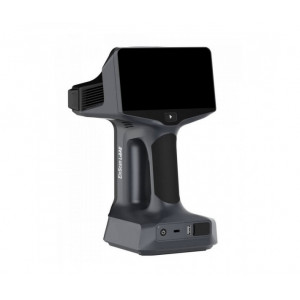
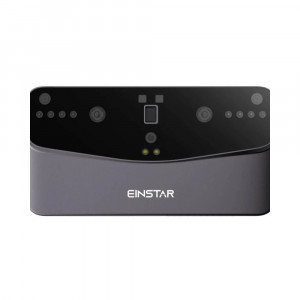
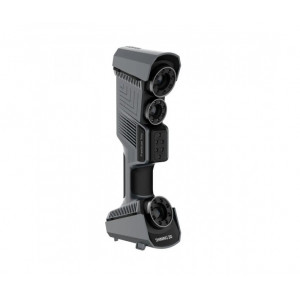
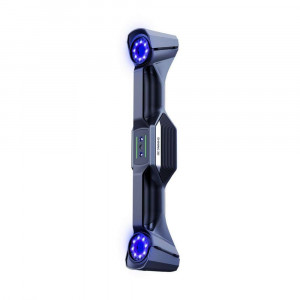
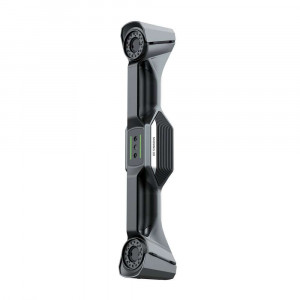
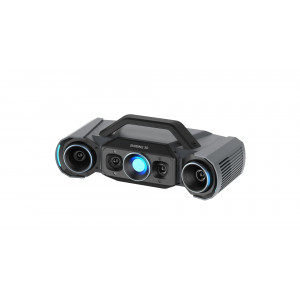
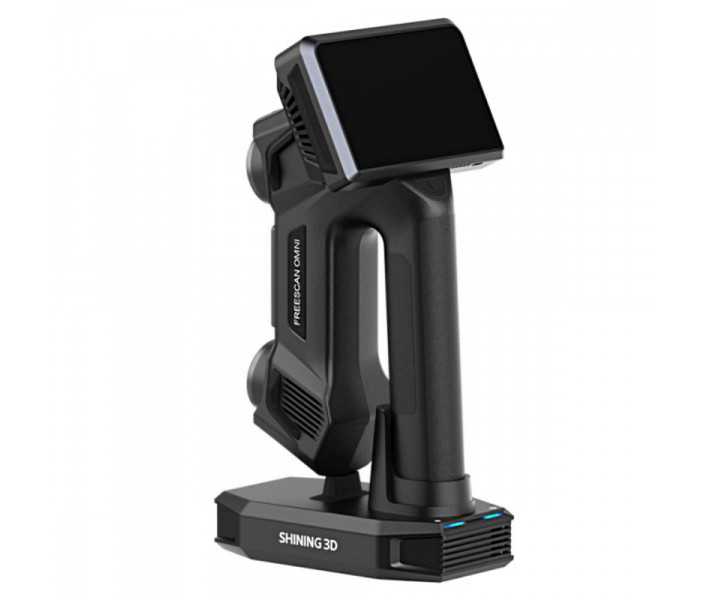
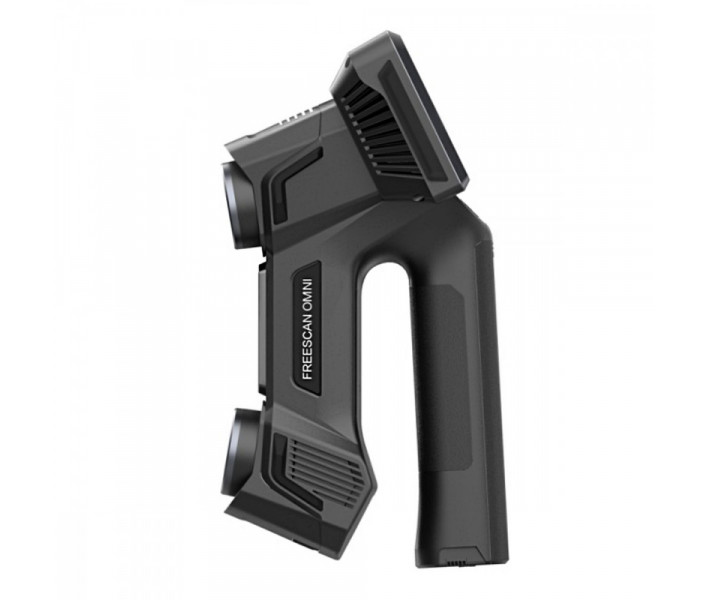
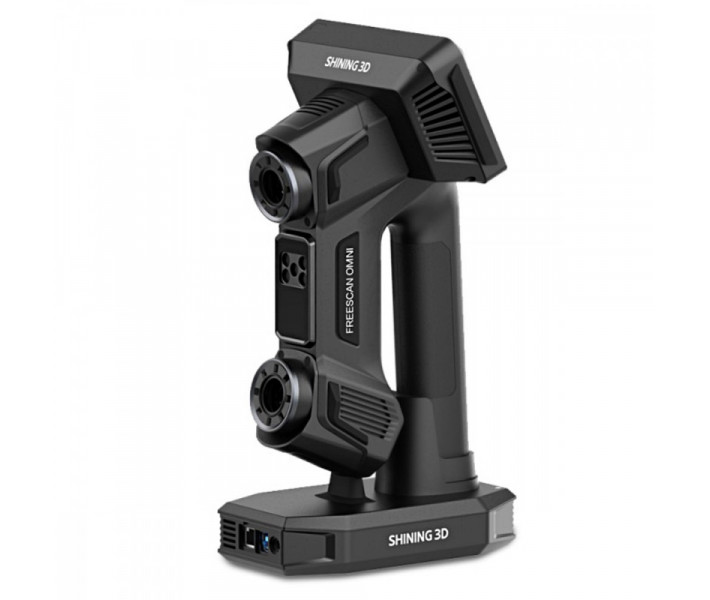
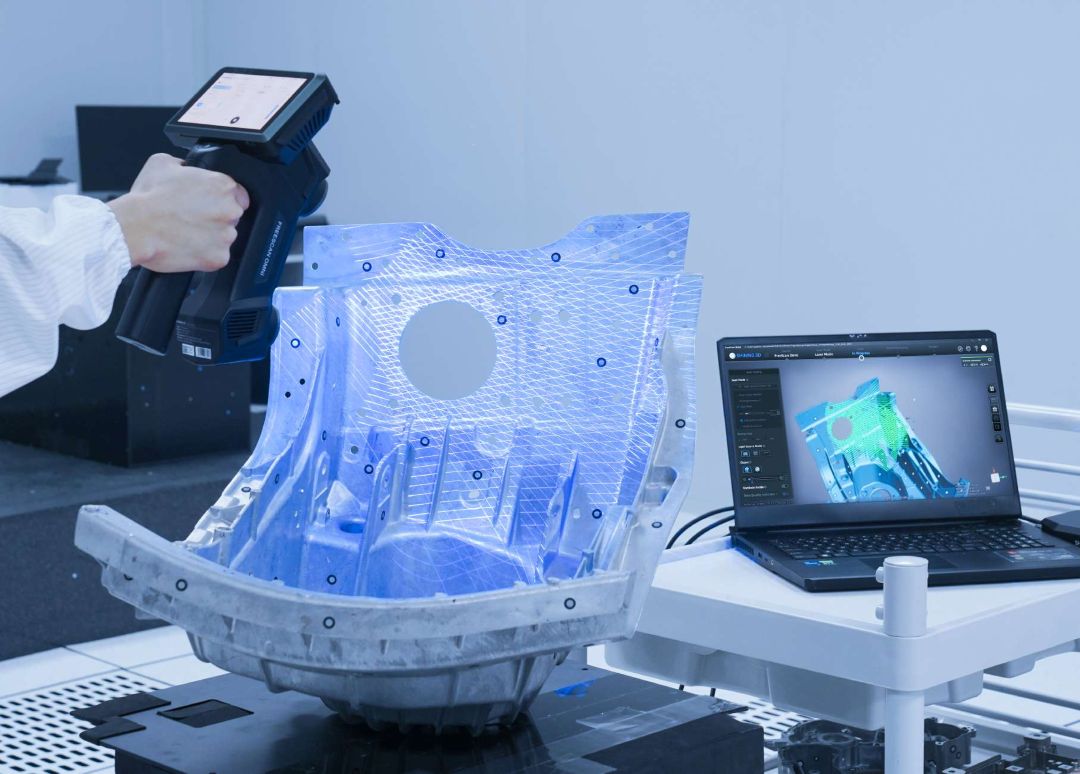
The Shining3D FreeScan Omni is the world's first standalone, inspection-ready metrology 3D scanner, built for on-site quality control without a laptop or external workstation. With certified accuracy of 0.02 mm, volumetric accuracy of 0.02 + 0.015 mm/m via patented VPG technology, and a scan speed reaching 7,619,000 points/s, it delivers shop-floor metrology at the level of a laboratory coordinate measuring machine — held in one hand.
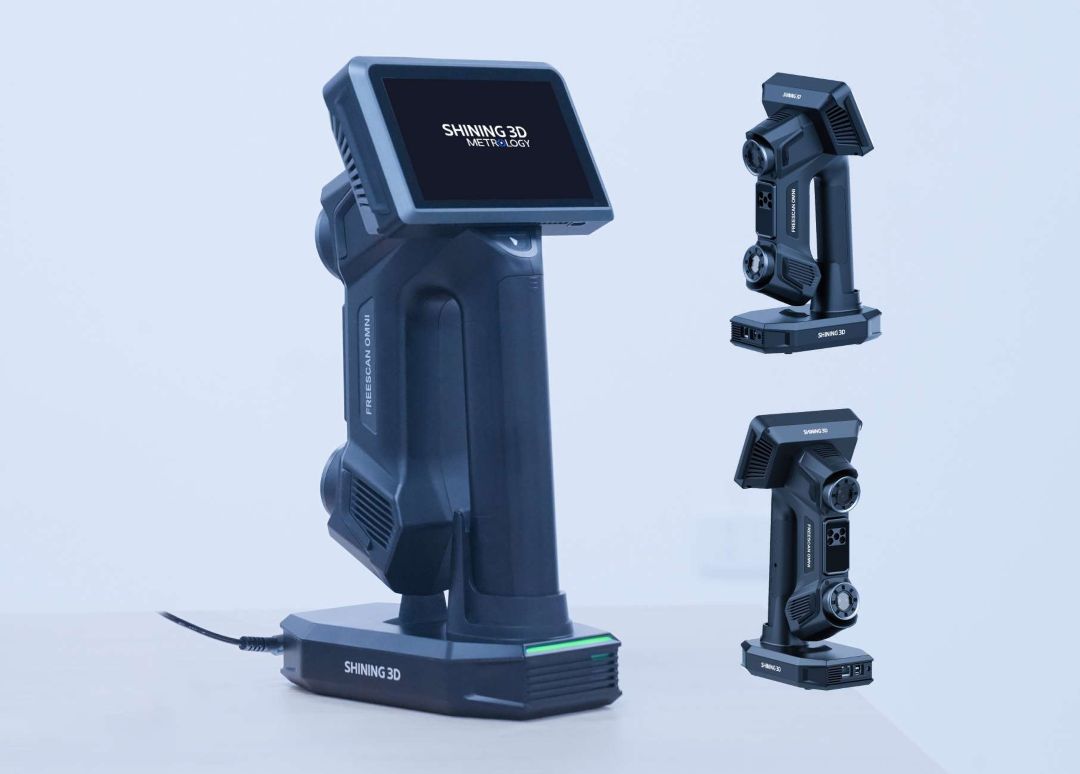
| FreeScan Omni — Key Performance Indicators | |
|---|---|
| Certified Accuracy | 0.02 mm |
| Volumetric Accuracy (VPG) | 0.02 + 0.015 mm/m |
| Scan Speed | Up to 7,619,000 points/s |
| Onboard Computing | 32 GB RAM / FPGA / 1 TB SSD |
Scan, Inspect, Report — All Without a Computer
Traditional metrology workflows chain you to a workstation. The FreeScan Omni breaks that dependency entirely. Powered by an embedded high-performance processor, FPGA co-processing, and a 1 TB onboard SSD, the scanner captures, processes, and delivers inspection-ready data directly from its built-in AMOLED touchscreen — no tethered PC required.

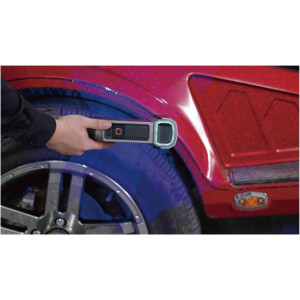
This transforms the quality control loop. Instead of carting parts to a measurement room, metrology specialists walk the assembly line, scan components in place, and generate color-deviation reports on the spot. The integrated inspection module, based on SHINING3D Inspect templates, outputs results in PDF or CSV — exportable directly to a USB drive.
Four Scanning Modes for Every Industrial Scenario
No single scanning strategy handles every part geometry. The FreeScan Omni ships with four complementary modes, switchable on-device:
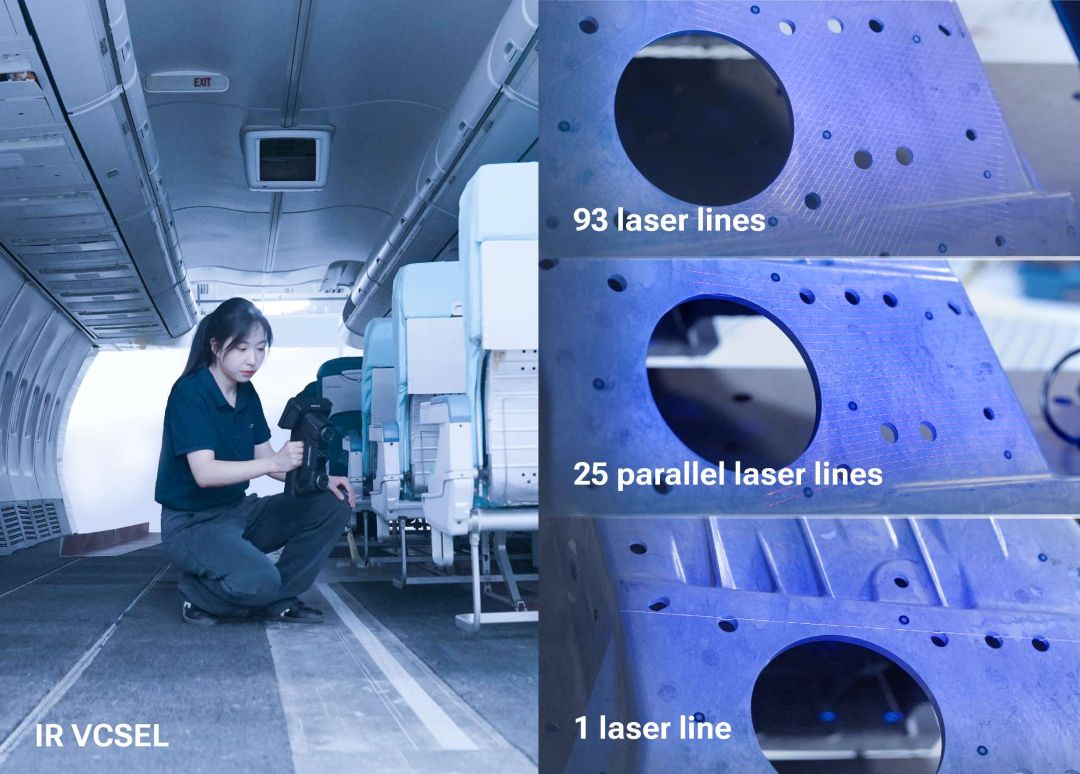
- High-speed mode (93 laser lines, VCSEL): Maximum throughput for large surfaces and tight production schedules. The VCSEL laser source provides excellent signal-to-noise at high scan velocities.
- Detailed mode (25 parallel laser lines): Precision geometry capture for complex profiles, fine features, and parts requiring tighter tolerance verification.
- Deep pockets mode (1 laser line): Single-line projection penetrates recessed cavities, undercuts, and narrow bores that wider patterns cannot reach.
- IR rapid mode (VCSEL infrared): Marker-free acquisition for quick coverage scans and large assemblies where placing physical reference points is impractical.
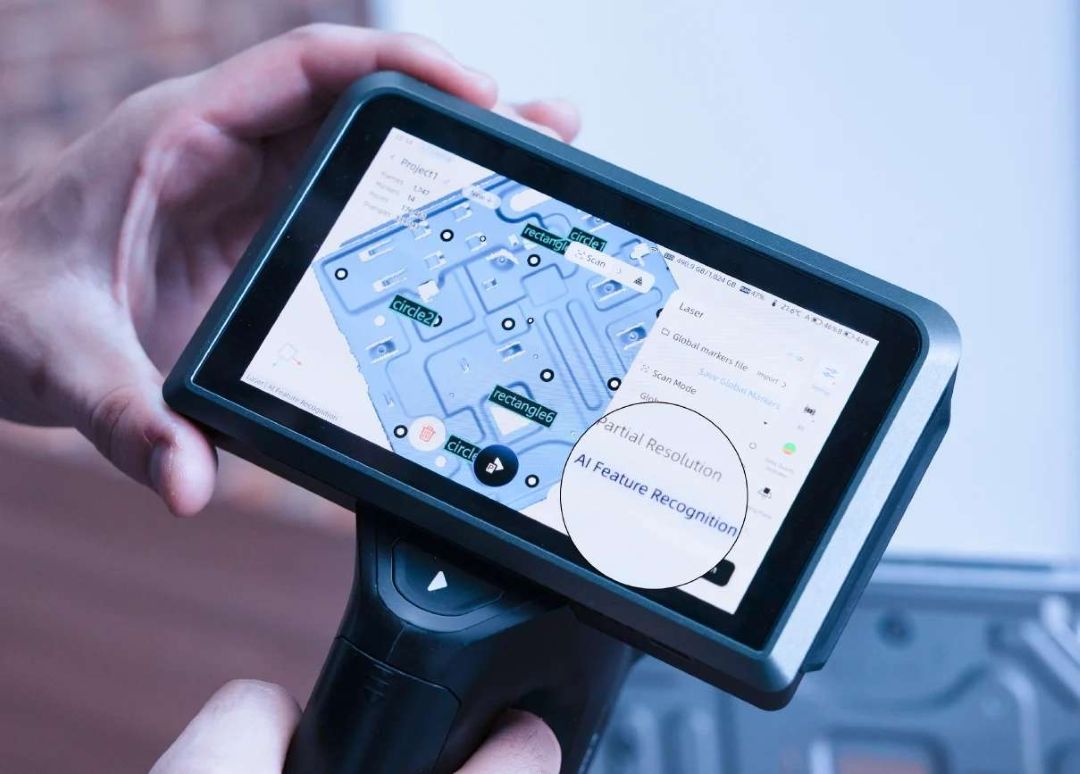
AI Feature Recognition: Holes, Slots, and Round Geometry Measured Automatically
Measuring round holes and rectangular slots traditionally demands significant post-processing time. The FreeScan Omni's AI-powered boundary detection identifies circular openings, rectangular holes, and slot geometries in real time during the scan — eliminating a manual post-processing stage and reducing total inspection cycle time.
Patented VPG: Volumetric Accuracy Without Coded Markers
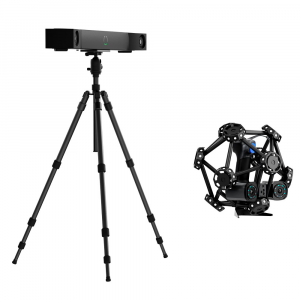
Video Photogrammetry (VPG) is SHINING3D's proprietary global reference system. On large workpieces where cumulative drift would normally degrade volumetric accuracy, VPG continuously computes a self-consistent 3D reference frame — achieving 0.02 + 0.015 mm/m volumetric accuracy without the setup overhead of coded photogrammetry targets. Faster setup, the same metrological result.

Wireless Freedom and Instant-Charge Architecture
The FreeScan Omni is fully cable-free during scanning. Its detachable 18650 battery system allows hot-swapping on the production floor without downtime. When docked, the Smart Dock charges the device and simultaneously broadcasts a Wi-Fi hotspot — enabling wireless data transfer to connected PCs and network infrastructure. The dock supports both wireless and wired (fibre optic) connection modes, adapting to facility network requirements.
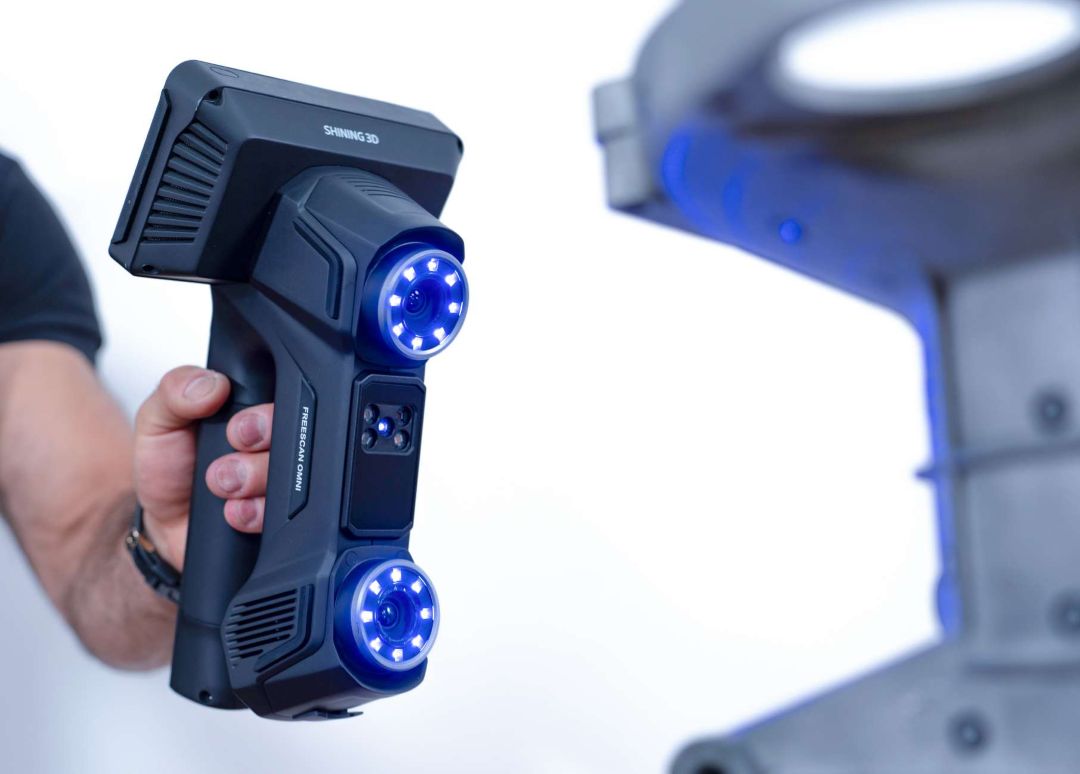
Dual 5MP Industrial Cameras for Superior Point Cloud Density
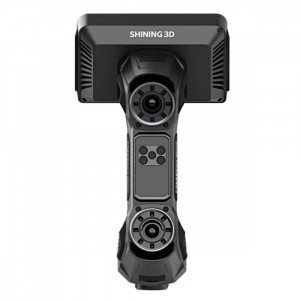
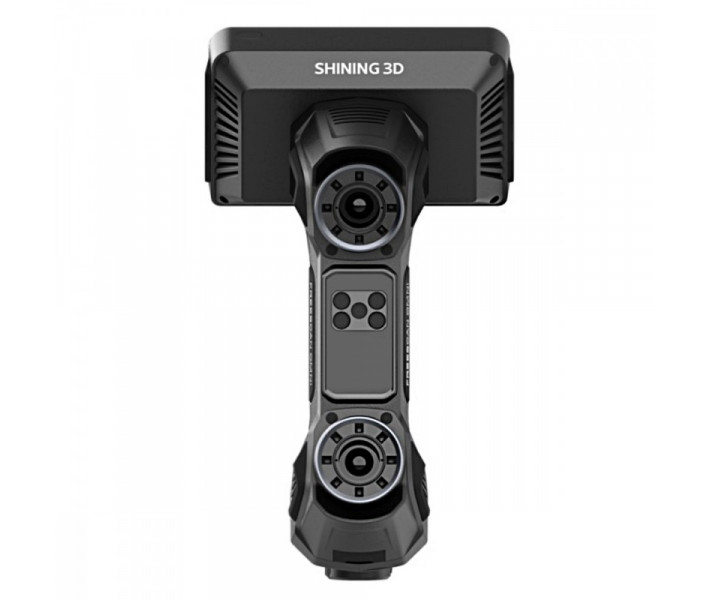
Two 5-megapixel industrial-grade cameras — one per light source axis — capture highly detailed geometric data with consistent texture fidelity. This dual-camera architecture maintains tracking stability across low-contrast surfaces and supports the AI feature recognition engine with the high-resolution input it requires for reliable boundary detection.
Tech Tip: When scanning deep internal features (cavities deeper than 80 mm), switch to Deep Pockets mode (1 laser line) and reduce scan velocity to approximately 150 mm/s. The narrower projection pattern eliminates competing reflections from opposing cavity walls — a common cause of false data artefacts in high-speed multi-line modes. For best results, ensure the object surface temperature is within 5 °C of ambient before beginning metrology-grade scans.
Technical Specifications of the Shining3D FreeScan Omni
Measurement Performance
| Accuracy | 0.02 mm (0.0008 in) |
|---|---|
| Volumetric Accuracy with VPG | 0.02 + 0.015 mm/m (0.0008 in + 0.00018 in/ft) |
| Resolution | 0.01 ~ 10 mm |
| Scan Speed | Up to 7,619,000 points/s |
| Depth of Field | 830 mm (170 ~ 1000 mm) |
| Max. Field of View — Laser | 580 x 650 mm (22.8 x 25.6 in) |
| Max. Field of View — IR | 1205 x 1104 mm (47.4 x 43.5 in) |
Scanning Modes
| High-Speed Scan | Included — 93 laser lines, VCSEL |
|---|---|
| Detailed Scan | Included — 25 parallel laser lines |
| Deep Pockets Scan | Included — 1 laser line |
| IR Rapid Scan | Included — VCSEL infrared, marker-free |
Hardware & Connectivity
| Onboard Computing | Built-in computing (32 GB) / FPGA / 1 TB SSD |
|---|---|
| Smart Dock Connection | Wireless & Wired mode (Fibre optic) |
| VPG (Video Photogrammetry) | Supported — no coded markers required |
| Inspection Module | Supported — integrated on-device inspection |
| Hole Scanning | Supported — intelligent hole boundary detection (AI) |
Output & Certifications
| Output Formats | .stl, .asc, .3mf, .p3 |
|---|---|
| Certifications | CE, FCC, RoHS, WEEE, KC, FDA, UKCA, IP50, TELEC, TiSAX |
| Acceptance Test Standard | VDI/VDE 2634 Part 3, ISO 10360 (certified in ISO/IEC 17025 accredited accuracy lab) |
Recommended PC Configuration (for PC Software Mode)
| Processor | 13th Gen Intel Core i7-13650HX or above |
|---|---|
| Graphics Card | NVIDIA GeForce RTX 4060 Laptop GPU or above |
| VRAM | 12 GB or above |
| RAM | 64 GB or above, DDR5 dual-channel |
| Interface | USB 3.0 |
| Operating System | Windows 11 Professional 22H2 (64-bit) |
What's in the Box
- FreeScan Omni 3D Scanner
- AP Charging Dock (Smart Dock)
- 18650 Battery
- Quick Calibration Board
- Scale Bar
- Battery Charging Hub & Charging Hub Power Cable
- Gigabit Ethernet Cable (with screws)
- USB Type-C Data Cable
- USB Type-C Male to Type-A Female Adapter
- USB / Type-C to Ethernet Adapter
- Multifunctional Charger Head
- Dock Power Adapter & Power Cable
- Dock USB 3.0 Data Cable
- USB Flash Drive
- Marker Set & Marker Spatula
- Certificate of Conformity, Warranty Card, Accuracy Report, Packing List
How to Set Up and Run Your First Scan with the FreeScan Omni
Follow these steps to go from unboxing to your first completed scan and inspection report on the FreeScan Omni's onboard interface.
Step 1: Insert the Battery and Power On
Insert the included 18650 battery into the scanner. Press and hold the power button for 2 seconds until the AMOLED touchscreen displays the boot animation. Select your preferred language — the default is English.
Step 2: Install Software (PC Mode) or Use On-Device Mode
For PC-connected use: insert the included USB flash drive, copy the FreeScan Omni installation file to your PC, and run the setup wizard. For standalone on-device use, no PC installation is required — proceed directly from the scanner's touchscreen interface.
Step 3: Calibrate the Scanner
Place the Quick Calibration Board on a stable, level surface. In the scanner's main menu, navigate to Calibration and follow the on-screen prompts. Calibration is mandatory on first use — it verifies and corrects the geometric accuracy of the dual camera system. The software skips this step automatically on subsequent sessions.
Step 4: Create a Project Group and Set Scanning Parameters
On the main interface, create a new Project Group to organise your scan data. Select the appropriate scanning mode (High-Speed, Detailed, Deep Pockets, or IR) based on the part geometry and required resolution. Adjust tracking method and resolution settings as needed.
Step 5: Scan the Object
Press the Scan button once to initiate pre-scan, then press again to begin data capture. Move the scanner steadily across the object surface, maintaining the working distance within the 170 ~ 1000 mm depth-of-field range. Press the Scan button to pause at any time for real-time data review.
Step 6: Generate Mesh and Inspect
After scanning, use the on-device mesh generation tool to convert raw point cloud data into a watertight mesh. Navigate to the Inspection interface, load a SHINING3D Inspect template (.SNITemplate) from the resource centre, and tap Inspect to generate a colour-deviation map and inspection report. Export results as PDF or CSV to a USB flash drive.
Does the FreeScan Omni require a connected laptop to scan?
No. The FreeScan Omni is fully self-contained. Its onboard computing module (32 GB RAM, FPGA co-processor, 1 TB SSD) and built-in AMOLED touchscreen allow the entire workflow — scanning, mesh processing, and inspection report generation — to run directly on the device. A connected PC running the FreeScan Omni desktop software is also supported as an optional configuration for users who prefer a larger display or need to integrate with CAD workflows.
What is the difference between FreeScan Omni and FreeScan Omni Lite?
FreeScan Omni is the full-featured model with an integrated on-device scan-to-inspect workflow, enabling complete inspection report generation on the scanner itself. FreeScan Omni Lite shares the same hardware platform and scanning capabilities but does not include the integrated on-device inspection module — inspection requires the connected PC software in the Lite configuration.
How does VPG (Video Photogrammetry) improve accuracy on large parts?
VPG is SHINING3D's patented system that continuously tracks a self-consistent global reference frame during scanning, compensating for the cumulative positional drift that typically degrades volumetric accuracy on large workpieces. This achieves a volumetric accuracy of 0.02 + 0.015 mm/m without requiring physical coded photogrammetry markers, which significantly reduces setup time compared to traditional large-object metrology workflows.
Which output file formats does the FreeScan Omni support?
When exporting from the on-device interface to a USB flash drive, the FreeScan Omni supports .stl, .obj, .ply, .3mf, and .asc formats. The product datasheet also lists .p3 as a supported output format for use with SHINING3D software. This covers the full range of formats required for reverse engineering (CAD import), additive manufacturing, and inspection software integration.
What certifications does the FreeScan Omni accuracy lab hold?
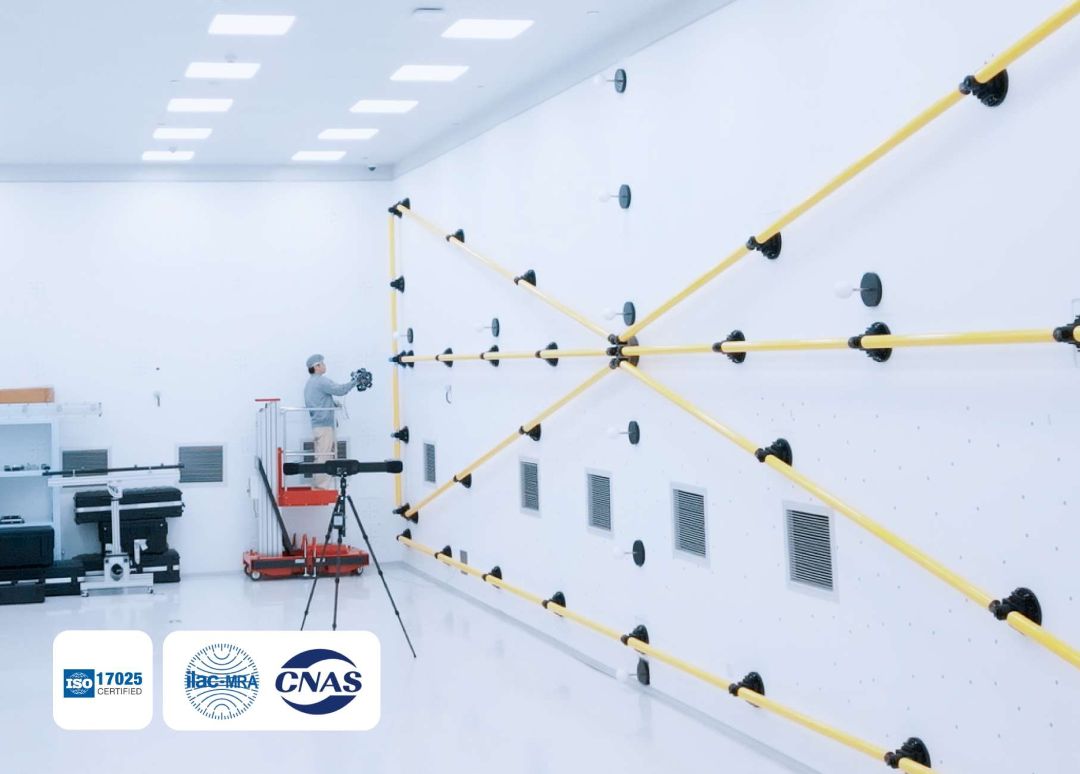
SHINING3D's Accuracy Lab holds ISO/IEC 17025 accreditation, certified by CNAS (China National Accreditation Service). Calibration procedures within the lab strictly follow VDI/VDE 2634 Part 3 and ISO 10360 standards, ensuring traceable and independently verifiable metrology performance. The FreeScan Omni ships with an individual Accuracy Report as part of its standard documentation.
What industries is the FreeScan Omni designed for?
The FreeScan Omni is engineered for industrial quality control applications where metrology-grade accuracy is required in the field rather than in a laboratory. Primary industries include aerospace (turbine blade and structural component inspection), automotive (body panel, tooling, and jig verification), precision manufacturing (machined parts, castings, and moulds), and defence/heavy industry. Its IP50 rating and TiSAX certification indicate suitability for automotive supply chain environments with data security requirements.
Why Choose EXPERT3D?
EXPERT3D has been a dedicated specialist in professional 3D technology since 2012 — over a decade of hands-on experience configuring metrology-grade scanners for industrial clients across Spain and Europe. Our team provides pre-sales consultation to verify that the FreeScan Omni matches your specific application requirements, and post-sale (posventa) technical support throughout the product lifecycle. All products are supplied with official manufacturer documentation, including the individual Accuracy Report that ships with every FreeScan Omni unit. Questions about scan modes, inspection workflow configuration, or integration with your existing QC system? Contact our experts directly.