

- Stock: In Stock
- Product code: FSCAN-COMBO
- Weight Brutto: 7.20kg
- SKU: FSCAN-COMBO

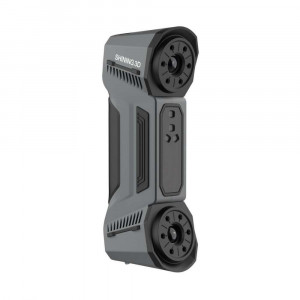
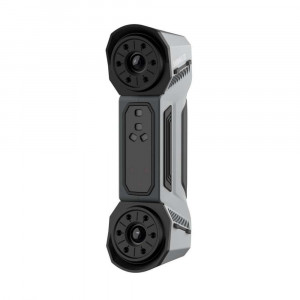
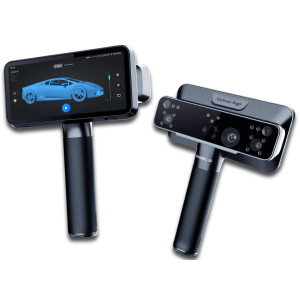
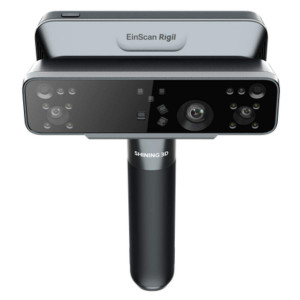
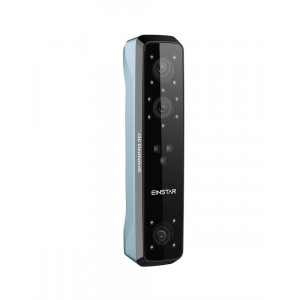
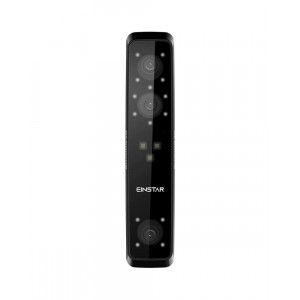
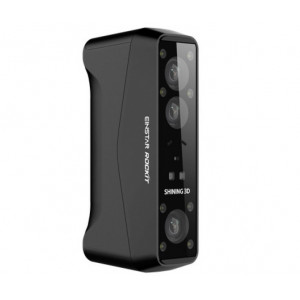
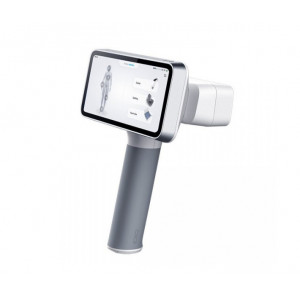
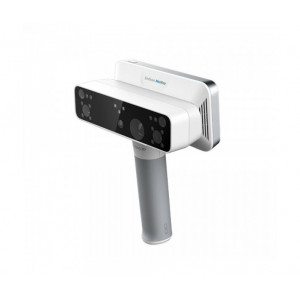
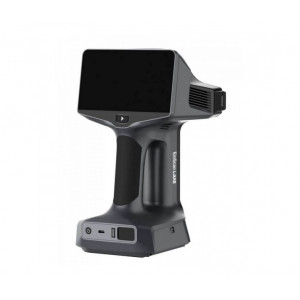
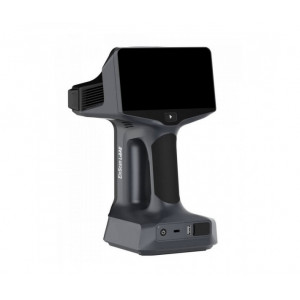
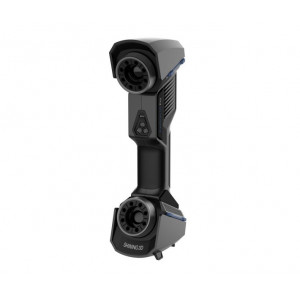
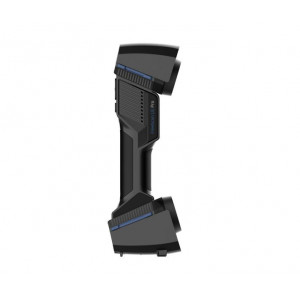
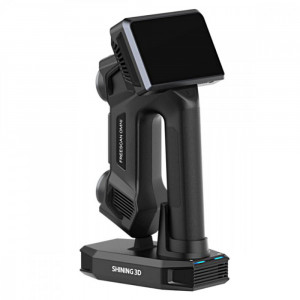
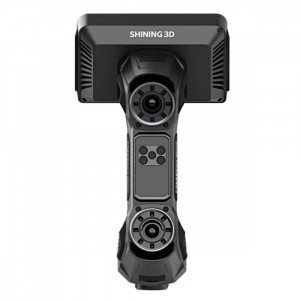
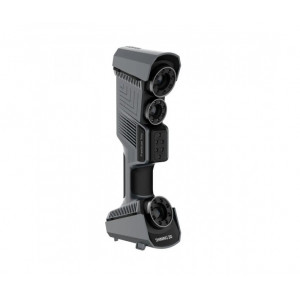
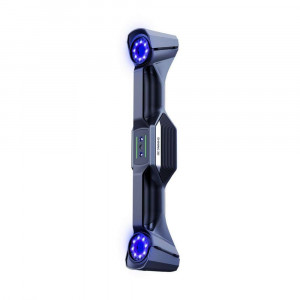
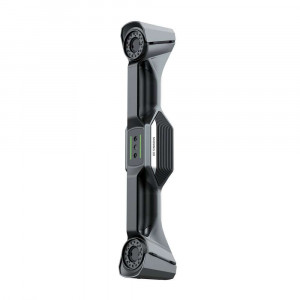
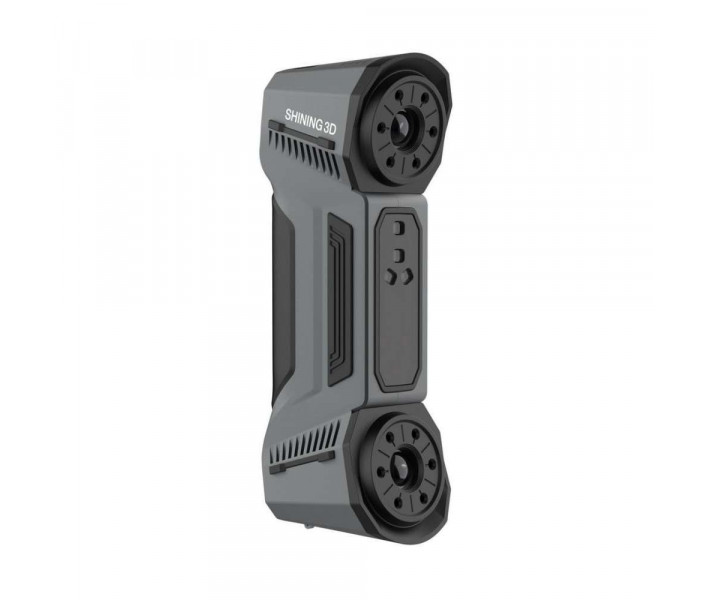
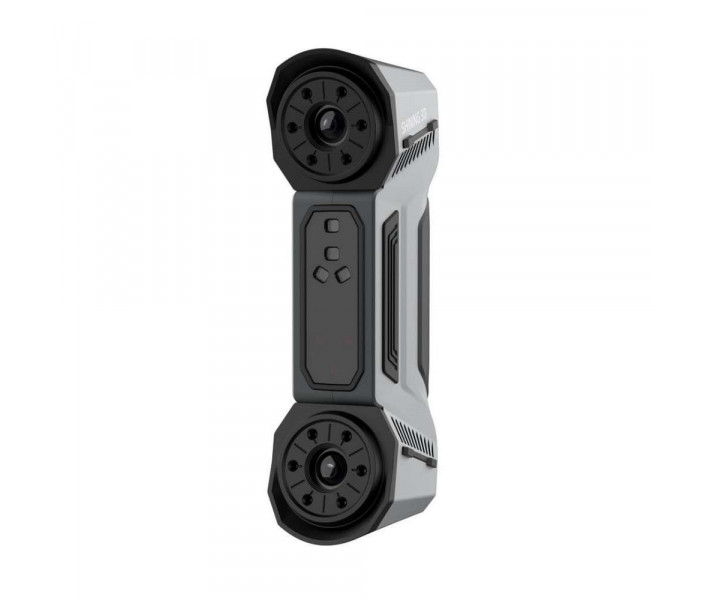
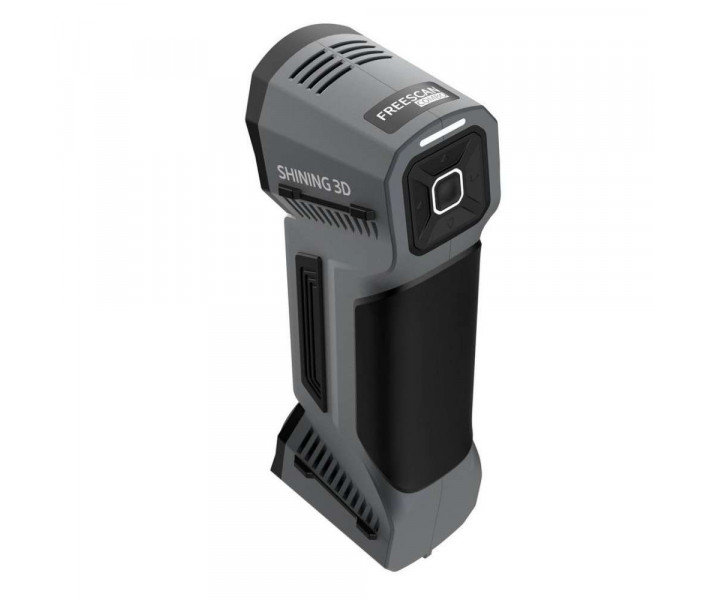
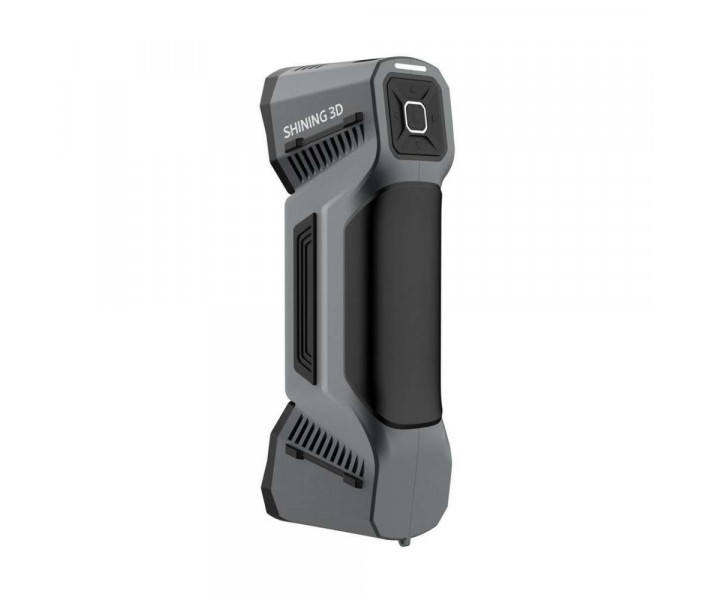
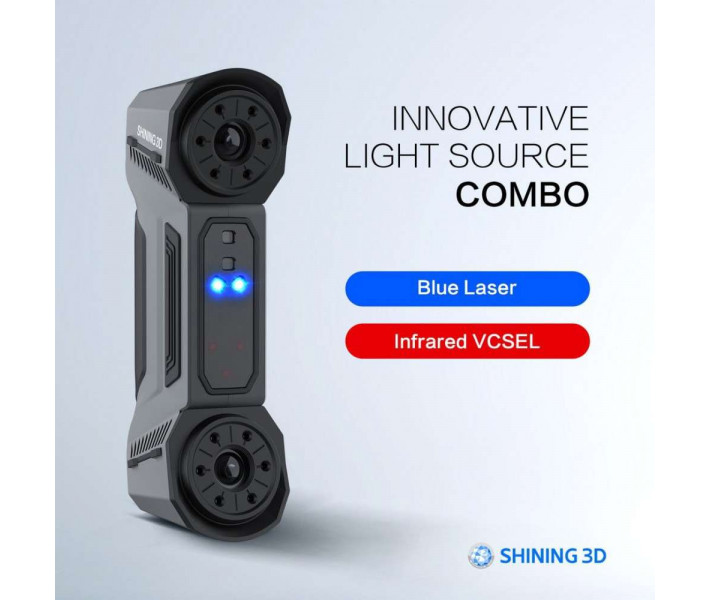
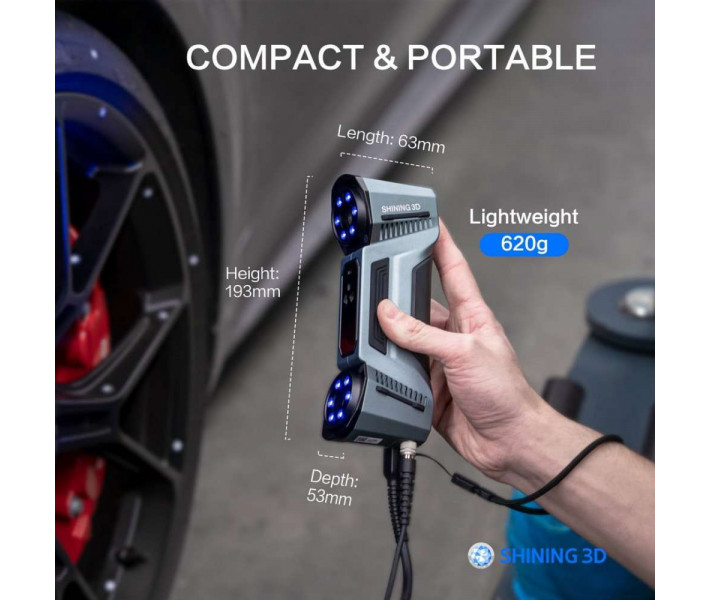
Shining3D FreeScan Combo is a metrology-grade handheld 3D scanner built for industrial reverse engineering, dimensional inspection, and additive manufacturing workflows. Weighing just 620 g and measuring 193 × 63 × 53 mm, it combines a dual light source — blue laser and infrared VCSEL — with four distinct scanning modes to deliver accuracy up to 0.02 mm and capture speeds reaching 2,020,000 points/s.
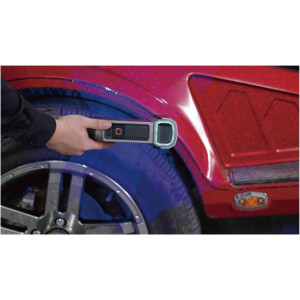
Demonstration of the FreeScan Combo precision and speed in handheld mode.
| Parameter | Value |
|---|---|
| Scan Accuracy | Up to 0.02 mm |
| Max Scan Speed | 2,020,000 points/s |
| Light Source | Blue Laser + Infrared VCSEL |
| Weight | 620 g |
Dual light source: one scanner, every scenario
The FreeScan Combo eliminates the need for multiple scanning devices. Its blue laser module projects up to 13 cross lines for fast, large-area acquisition,
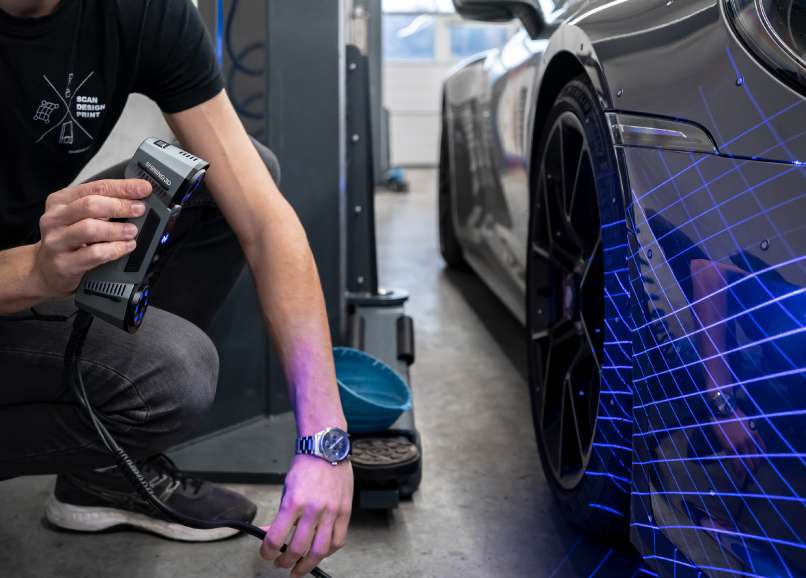
while the infrared VCSEL source handles portrait capture and feature-rich workpieces — without markers.
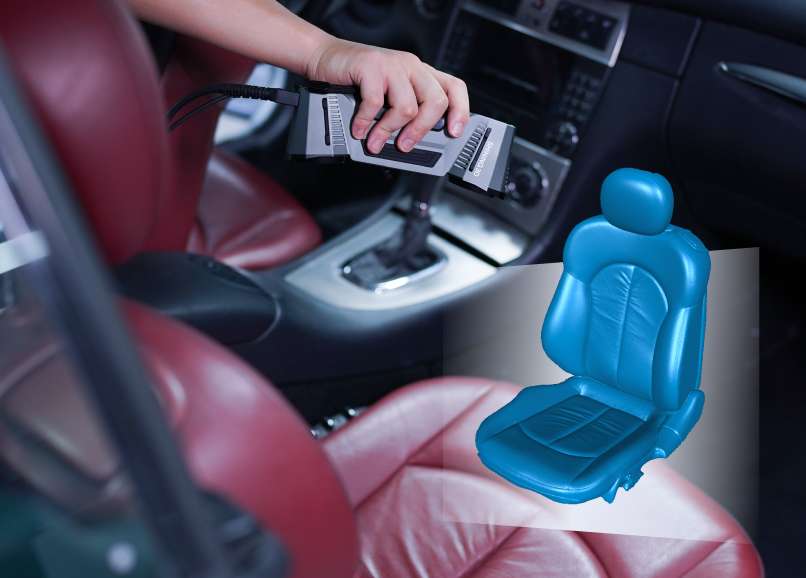
This hybrid architecture means you switch between high-precision metrology and broad-surface digitisation inside a single handheld unit.
Four selectable modes adapt the scanner to the geometry at hand:
- 13 cross laser lines — global scanning of medium-to-large parts; smooth tracking on black or reflective surfaces
- 7 parallel laser lines — fine-detail capture for tight tolerances and small features
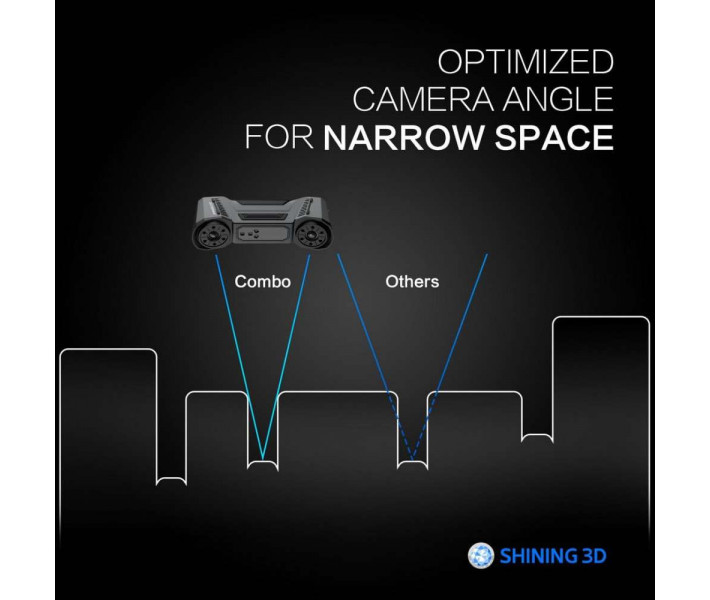
- Single laser line — deep-hole and pocket geometry acquisition with optimised lens angle
- Infrared scan — marker-free digitisation, portrait scanning, and outdoor capture
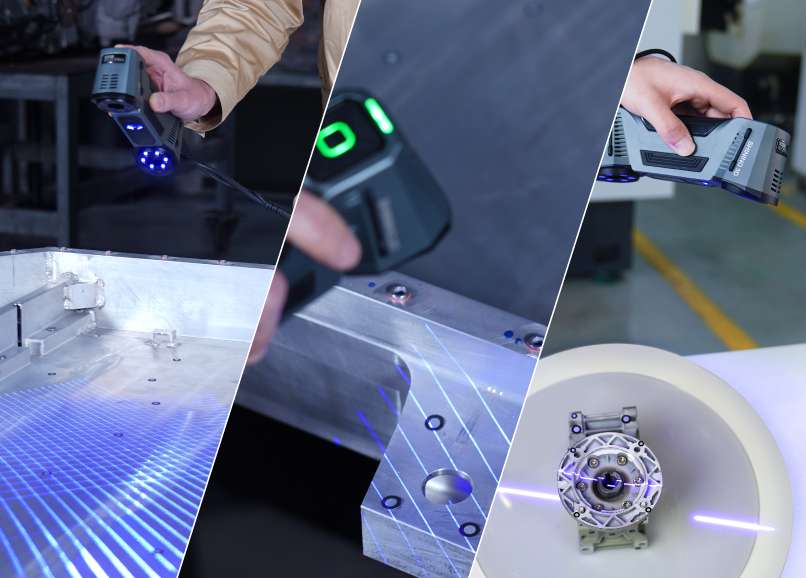
Metrology accuracy: 0.02 mm with volumetric traceability
Under the multi-line laser mode, the FreeScan Combo achieves accuracy of 0.02 mm and a volumetric accuracy of 0.02 + 0.033 mm/m. These figures place it firmly in the metrology tier required by automotive, aerospace, and mould-manufacturing quality departments. The minimum point distance reaches 0.01 mm, allowing high-density data capture for GD&T inspection against CAD models in software such as Geomagic Control X or Polyworks.
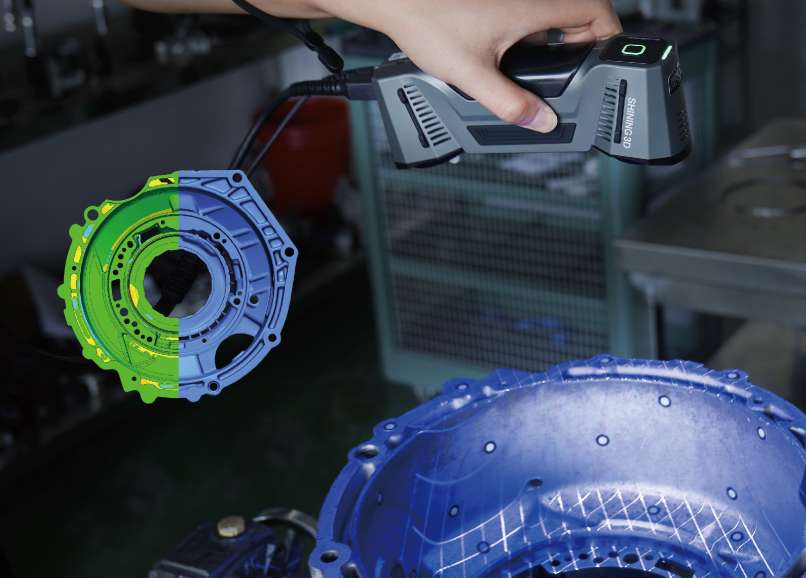
Deep-hole scanning and detail restoration
Pockets, bores, and recessed features are traditionally difficult for structured-light scanners. The FreeScan Combo addresses this with its single-line mode and a dedicated deep-hole optimisation toggle that extends scanning depth across the full 360 mm scan depth range. Combined with the 7-parallel-line fine mode, the scanner captures both the macro geometry and micro detail of complex tooling or castings in a single session.
Ergonomic design for extended sessions
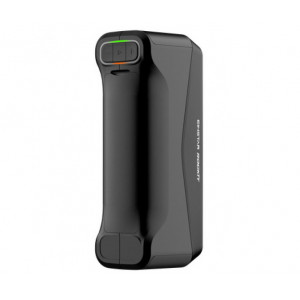
At 620 g, the FreeScan Combo is lighter than most industrial handhelds. The metal housing follows an ergonomic profile, and the integrated five-button control panel lets the operator start, pause, adjust brightness, switch light-source modes, and access the on-screen menu — all without touching the keyboard. A wrist-strap attachment point at the rear prevents accidental drops during long scanning runs.
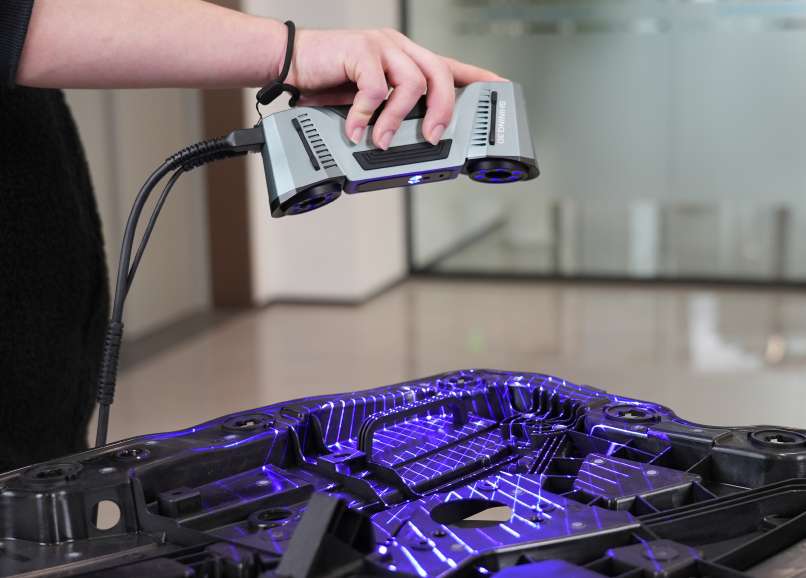
Intelligent software workflow
The bundled FreeScan software covers the complete pipeline: calibration, scanning, point-cloud generation, mesh optimisation, and basic inspection. Key capabilities include:
- Scan templates for repeatable parameter sets across production batches
- Intelligent Resolution — automatic mesh density adjustment based on surface curvature
- Flip Scan — automatic alignment of both sides of a part with shared marker recognition
- Direct export to Geomagic Control X and Polyworks for metrology post-processing
- Supported export formats: STL, OBJ, PLY, 3MF, ASC, XYZ, LAS, TXT, P3
Point-cloud generation offers two paths: a fast direct generation for quick reviews, and an "Optimise and Generate" route that deeply corrects accumulated alignment errors — essential for portrait scans and high-precision assemblies.
Outdoor and reflective surface capability
An Outdoor Mode suppresses ambient infrared interference, enabling field scanning in bright environments. For reflective or dark objects, the blue laser module's cross-line pattern maintains stable tracking where conventional structured-light systems lose alignment. A washable imaging agent can be applied to transparent or highly specular surfaces when needed.
Technical specifications of the Shining3D FreeScan Combo
Scanning performance
| Parameter | Multiple Lines Scan | Single Line Scan | Fine Scan | Infrared Scan |
|---|---|---|---|---|
| Light Source | Blue Laser (13 cross / 1 single / 7 parallel lines) | VCSEL Light Source | ||
| Working Distance | 300 mm | 300 mm | 200 mm | 300 mm |
| Scan Speed | 1,860,000 points/s | 1,860,000 points/s | 1,860,000 points/s | 2,020,000 points/s |
Accuracy and resolution
| Parameter | Value |
|---|---|
| Scan Accuracy | Up to 0.02 mm |
| Volumetric Accuracy | 0.02 + 0.033 mm/m (Laser lines) |
| Point Distance | 0.01 mm – 3 mm |
| Scan Depth | 360 mm |
| Max Scan Range | 520 mm × 510 mm |
Hardware
| Parameter | Value |
|---|---|
| Dimensions | 193 mm × 63 mm × 53 mm |
| Weight | 620 g |
| Laser Class | Class II (eye safe) |
| Connection Standard | USB 3.0 |
| Power Input | 12 V, 5.0 A |
| IP Rating | IP50 |
Operating conditions
| Parameter | Value |
|---|---|
| Working Temperature | -20 ~ 40 °C |
| Working Humidity | 10 ~ 90 % |
| Certification | CE, FCC, RoHS, WEEE, KC, FDA, UKCA, IP50 |
Recommended PC configuration
| Component | Recommendation |
|---|---|
| Operating System | Windows 11 Professional 22H2 (64-bit) |
| Processor | 13th Gen Intel Core i7-13700H or above |
| Graphics Card | NVIDIA GeForce RTX 4060 or above |
| Video Memory | ≥ 8 GB |
| RAM | ≥ 64 GB DDR5 dual-channel |
| Interface | USB 3.0 |
How to set up and calibrate the FreeScan Combo
First-time setup procedure to prepare the scanner for accurate data acquisition.
Step 1: Connect the hardware
Attach the aviation cable to the scanner's power and USB ports. Connect the power adapter and plug the USB 3.0 cable into your PC. Insert the Dongle into a separate USB port on the computer.
Step 2: Install and activate the software
Copy the FreeScan installer from the included USB drive to your PC and run it. After installation, launch the software and log in with your Shining3D account at passport.shining3d.com to activate the device. Offline activation is available if the PC lacks internet access.
Step 3: Calibrate the scanner
Place the calibration plate horizontally. Position the scanner as indicated by the on-screen wizard, align the centre points, and press the scan button. Move the scanner slowly through different heights until all indicator boxes turn green. Repeat for each direction prompted by the software.
Step 4: Create a project and start scanning
Create a new project group, select your scanning mode (Laser or IR), set the point distance and light source mode, then begin scanning. Maintain the recommended working distance — green indicator means optimal range. Adjust brightness using the scanner buttons or the software slider.
What's in the box
- FreeScan Combo scanner
- USB drive with software
- Dongle
- Power adapter
- Power cable
- USB cable
- Calibration plate
- Markers
- Certificate and Quick Start Guide
Frequently asked questions
What accuracy does the Shining3D FreeScan Combo achieve?
The FreeScan Combo reaches scan accuracy of up to 0.02 mm in the multiple-lines laser mode and a volumetric accuracy of 0.02 + 0.033 mm/m, placing it in the metrology class suitable for ISO-grade dimensional inspection.
Can the FreeScan Combo scan dark or reflective surfaces?
Yes. The blue laser cross-line mode maintains stable tracking on black and reflective surfaces. For highly specular or transparent objects, a washable imaging agent can be applied before scanning. The software also includes a dedicated "Reflective" object setting for further optimisation.
Does the FreeScan Combo work outdoors?
The scanner includes an Outdoor Mode that suppresses ambient infrared interference. However, direct sunlight should be avoided during scanning. The operating temperature range spans -20 to 40 °C, making it suitable for most field conditions.
What file formats does the FreeScan software export?
The software exports mesh data in STL, OBJ, PLY, and 3MF formats. Point-cloud data can be saved as ASC, XYZ, LAS, or TXT. A proprietary P3 format stores global markers and cutting planes for project continuity.
What PC configuration is recommended for the FreeScan Combo?
Shining3D recommends a 13th Gen Intel Core i7-13700H (or above), NVIDIA GeForce RTX 4060 with at least 8 GB VRAM, 64 GB DDR5 dual-channel RAM, and Windows 11 Professional 64-bit. A USB 3.0 port is required for the scanner connection.
Is calibration required every time the FreeScan Combo is used?
Calibration is mandatory on first use and recommended after transportation, if the scanner has been idle for one to two weeks, or if accuracy drops during scanning. Once completed, the software skips automatic calibration for subsequent sessions within seven days.
Why choose EXPERT3D?
EXPERT3D has been a specialist distributor of professional 3D technology in Spain since 2012. With over a decade of hands-on experience in 3D scanning, 3D printing, and additive manufacturing, we provide pre-sales technical consultation, on-site training, and responsive after-sales support. Every Shining3D FreeScan Combo purchased through EXPERT3D ships with full manufacturer warranty, expert configuration assistance, and access to our technical team for ongoing project support. Explore our full range of industrial 3D scanners and contact us for a personalised quote in euros (€).