- Stock: In Stock
- Product code: 00-00013900
- Weight Brutto: 20.00kg

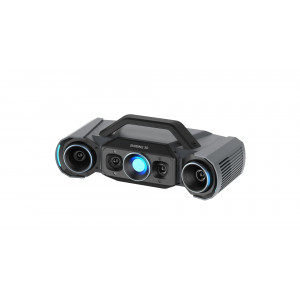
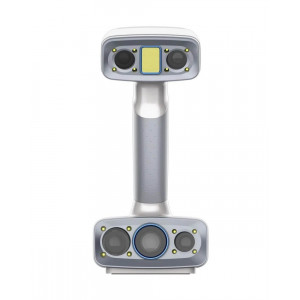
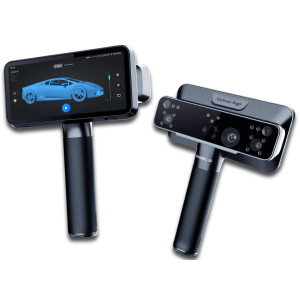
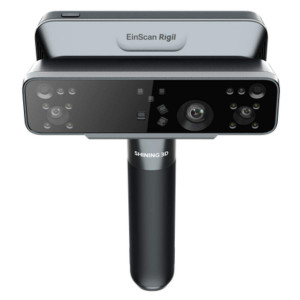
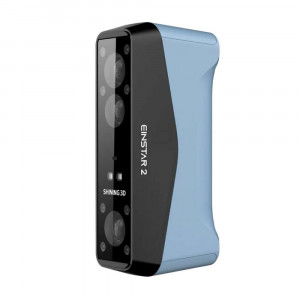
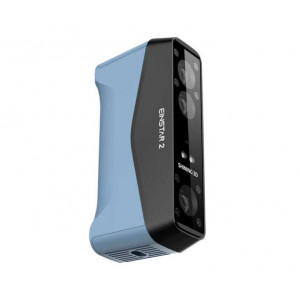
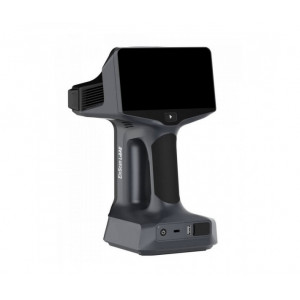
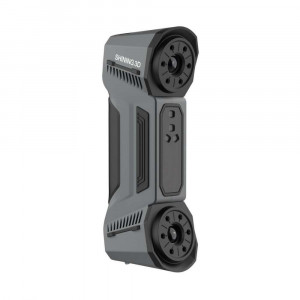
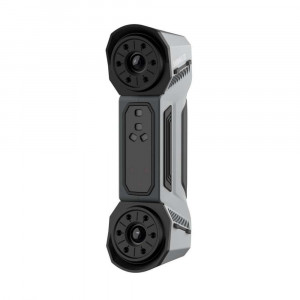
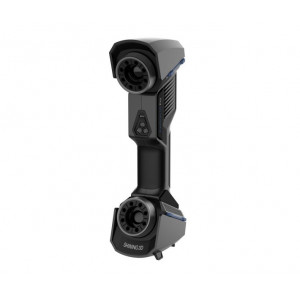
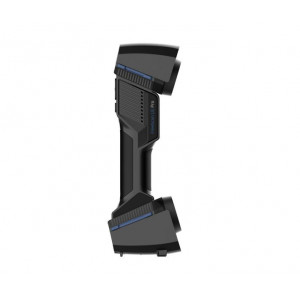
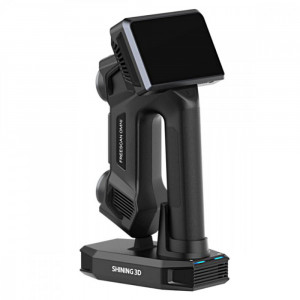
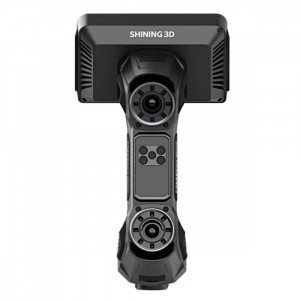
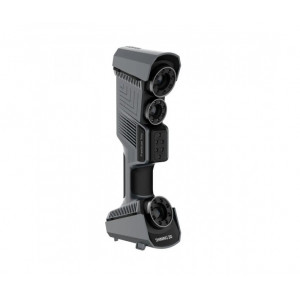
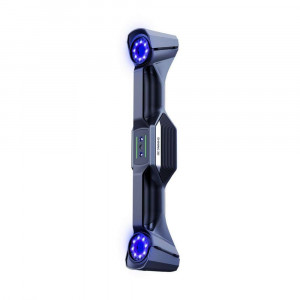
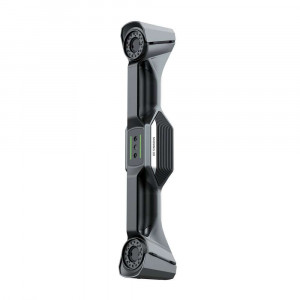
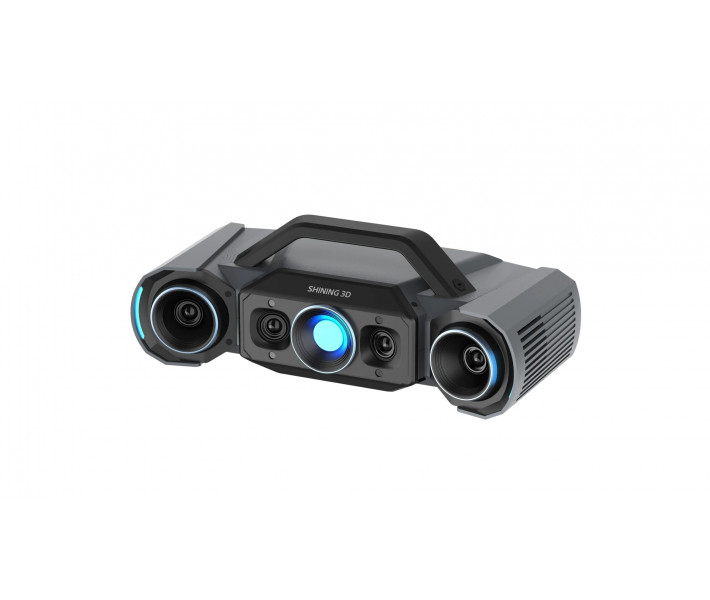
Shining3D OptimScan Q9 is a fixed industrial-grade 3D scanner built for small-to-medium precision metrology in automotive, electronics, and mold manufacturing. It delivers 0.005 mm accuracy verified against VDI/VDE 2634 Part 2 and ISO 10360, driven by four 9MP cameras and blue LED fringe projection. A one-click dual scan range (430 × 300 mm / 160 × 110 mm) adapts instantly between part sizes without aperture or focal-length adjustments.
| Accuracy (small range) | 0.005 mm |
|---|---|
| Point Distance (small range) | 0.05 mm |
| Camera Resolution | 4 × 9 MP |
| Certified Acceptance Test | ISO 10360-13 |
Four-Camera Architecture for Geometrically Complex Parts
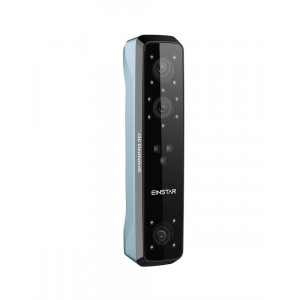
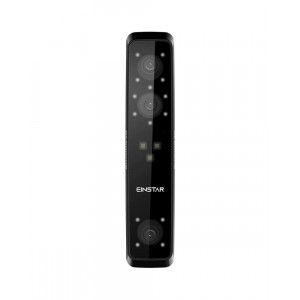
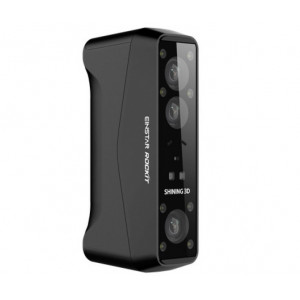
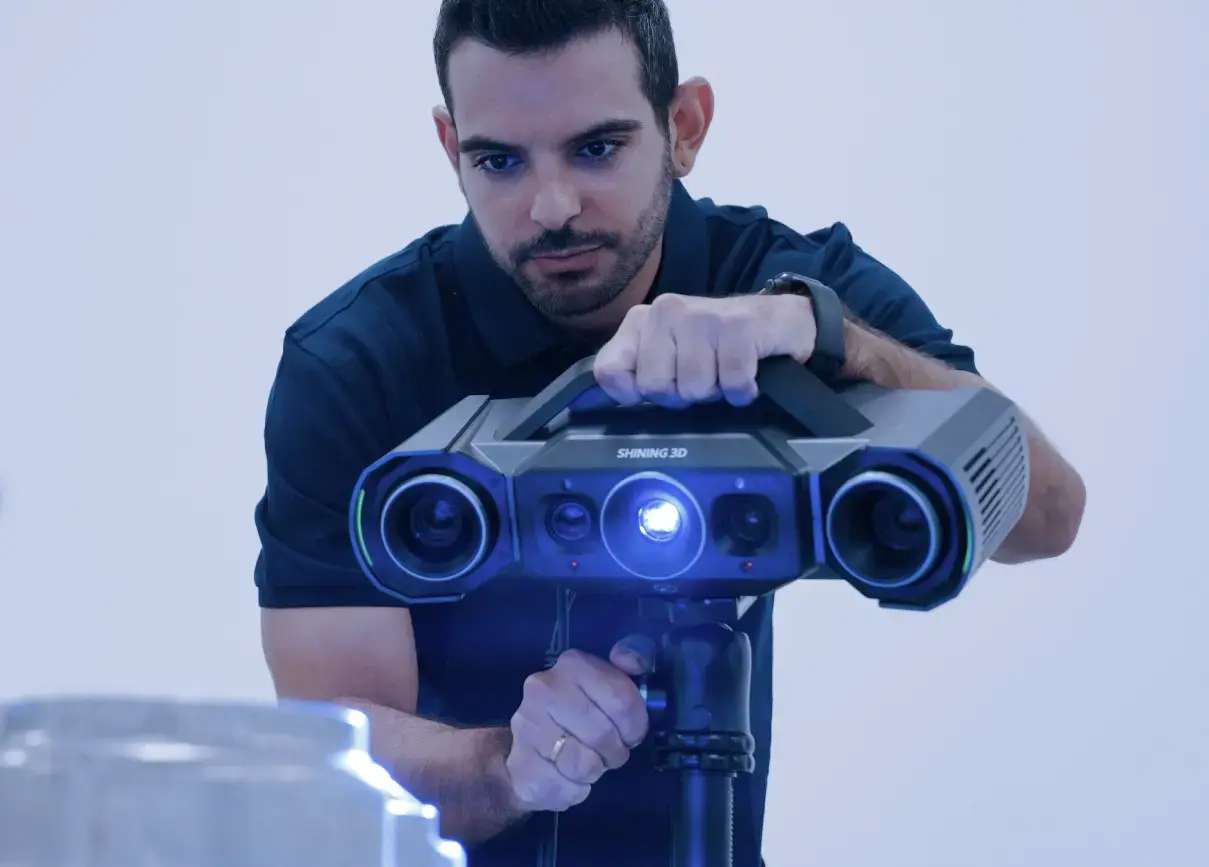
The OptimScan Q9 is engineered around a four-camera optical head paired with a central blue LED fringe projector. Two pairs of stereo cameras triangulate the same projected pattern from different baselines, and the onboard 3D reconstruction pipeline fuses the data into a single dense point cloud. The result: intricate geometric features — sharp edges, fillets, micro-textures — resolve down to 0.005 mm in small-range mode.
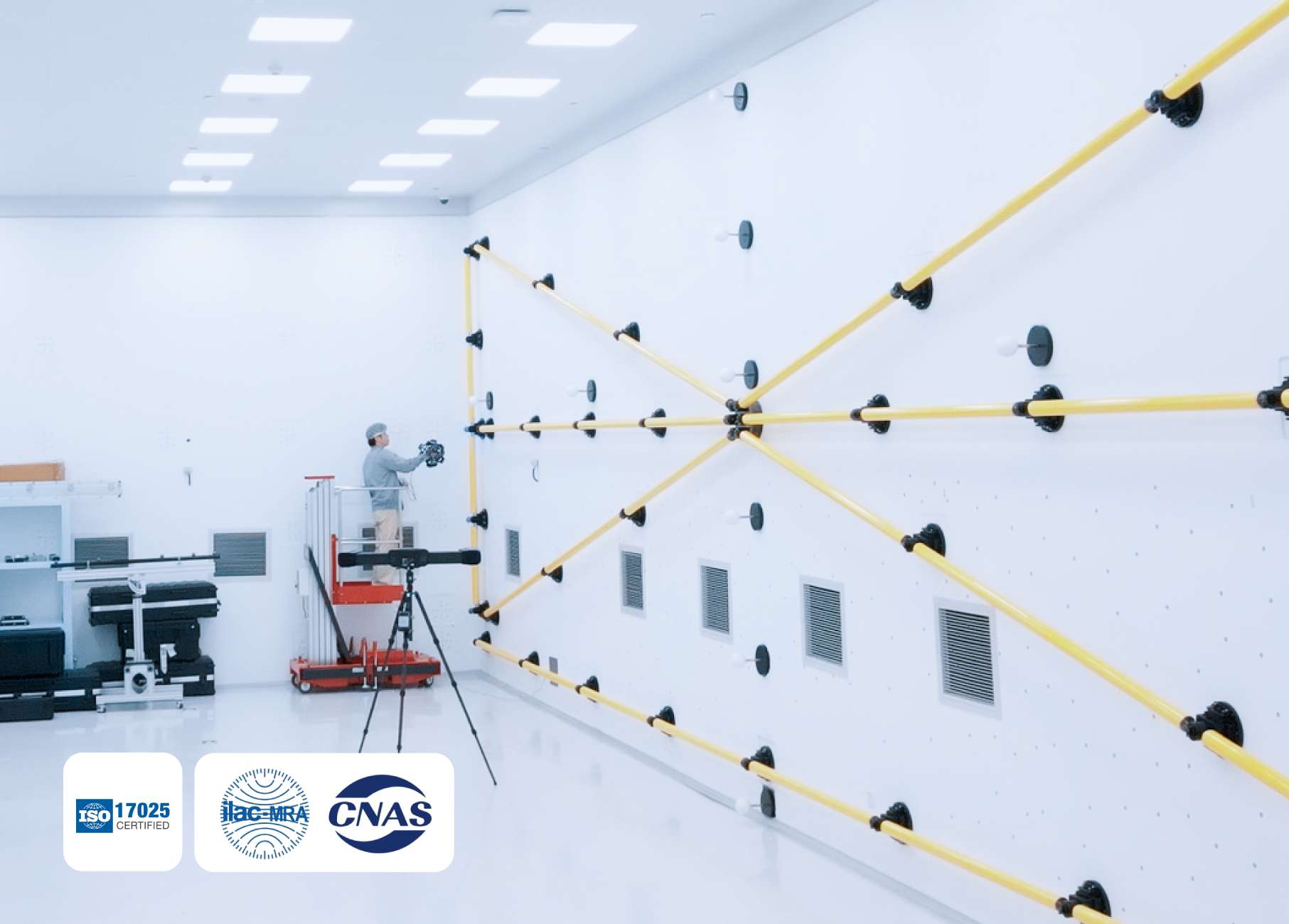
Every unit ships after verification in an ISO/IEC 17025-accredited accuracy laboratory, with acceptance testing performed to ISO 10360-13. Each scanner is supplied with a calibration certificate traceable to international metrology standards — the level of documentation that quality departments require for first-article inspection and PPAP submissions.
Dual Scan Range, One-Click Switching
Traditional fixed scanners force operators to physically swap lenses or re-focus between large overviews and fine-detail captures. OptimScan Q9 collapses that decision into a single software click — no aperture adjustment, no refocusing, no recalibration.
- Large range — 430 × 300 mm FOV, 0.015 mm accuracy, 0.11 mm point distance
- Small range — 160 × 110 mm FOV, 0.005 mm accuracy, 0.05 mm point distance
- Data from both ranges merges seamlessly in the scanning software
Monocular-Stereo Fusion (MSF): Ending Blind Spots in Recessed Features
Dimensional measurement of grooves, recesses, and narrow cavities has historically required multiple repositionings on fixed scanners — lens angle geometry simply blocks line-of-sight into deep features. OptimScan Q9 addresses this at the algorithm level through Monocular-Stereo Fusion (MSF).
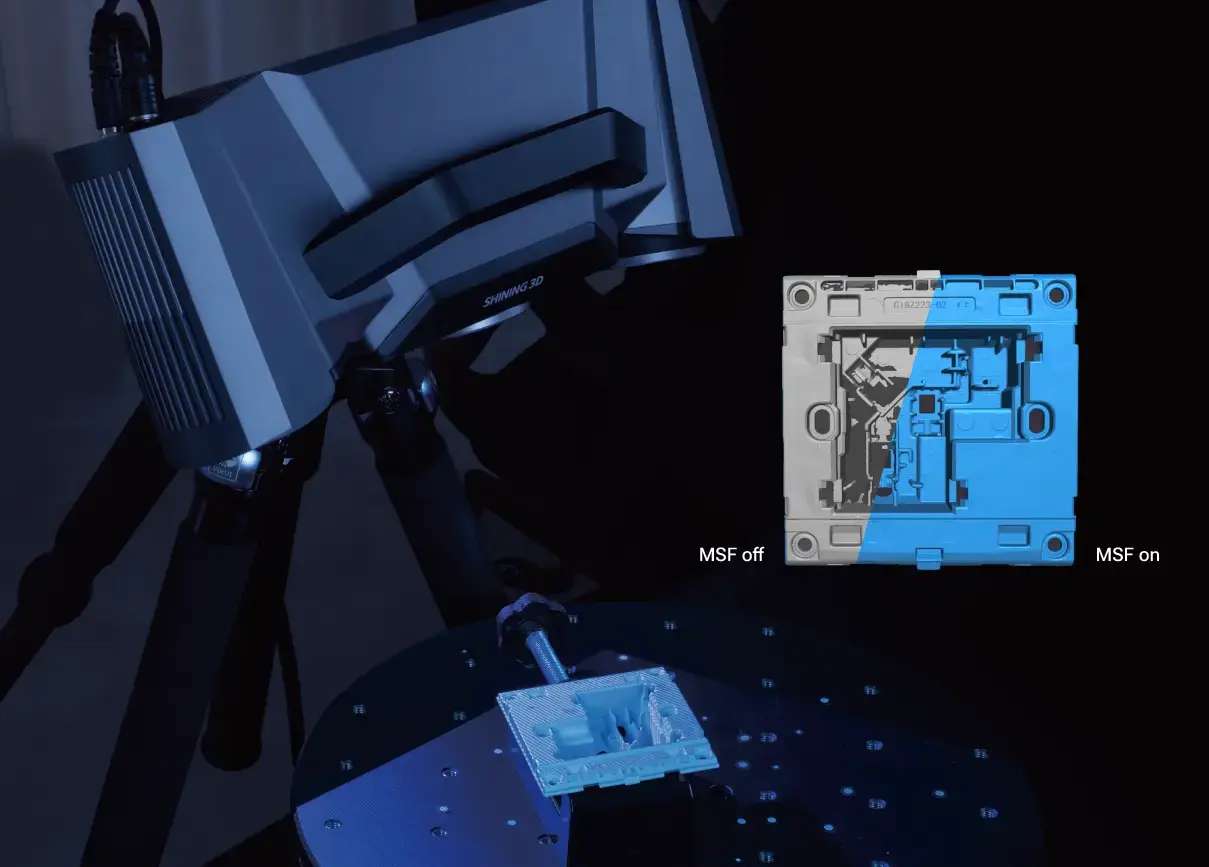
When MSF is active during a recessed-feature capture, the scanner simultaneously records three independent data sets: stereo triangulation from both cameras, plus two monocular captures from each individual camera. Onboard intelligent algorithms fuse the three streams, filling in the zones that a single stereo baseline would miss. The payoff is full coverage of turning corners, cavity joints, and deep grooves in one pass rather than four.
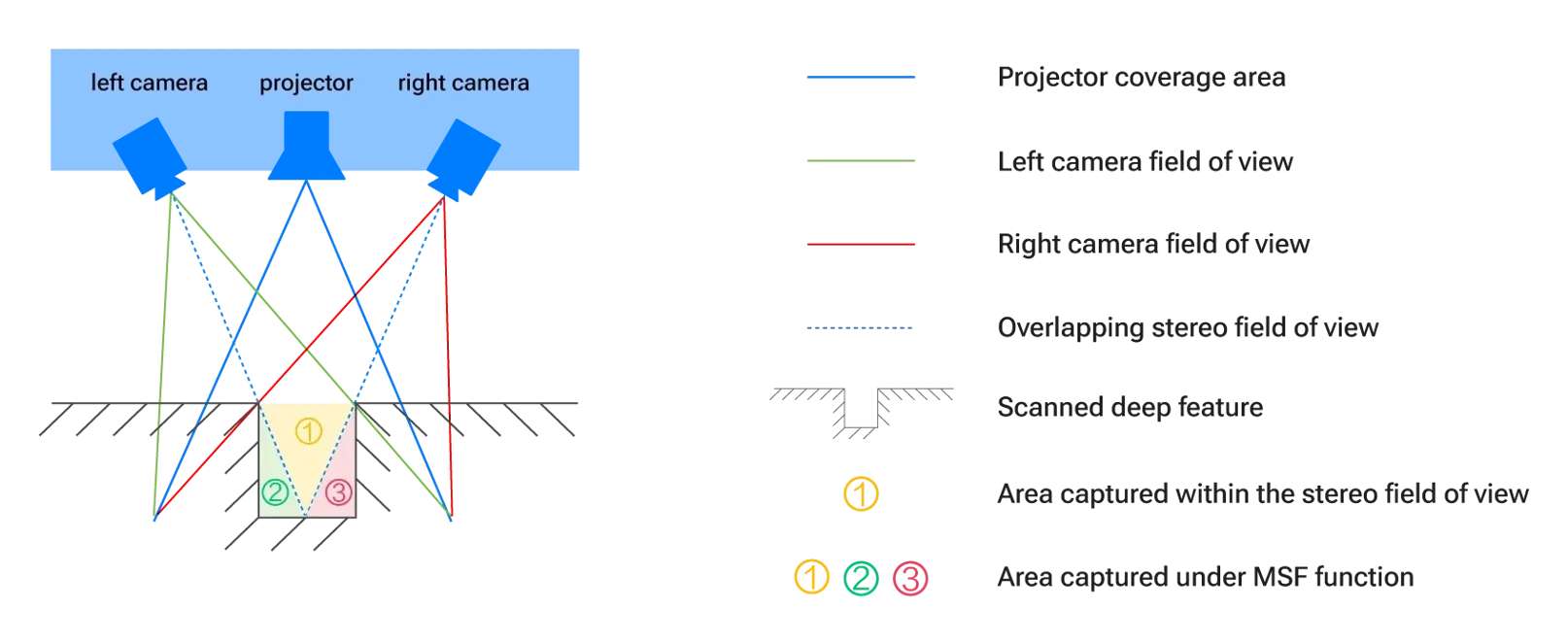
The visual difference is stark. With MSF off, shadowed cavity walls and sharp transitions leave holes in the point cloud; with MSF on, the same geometry fills solid in a single capture cycle.
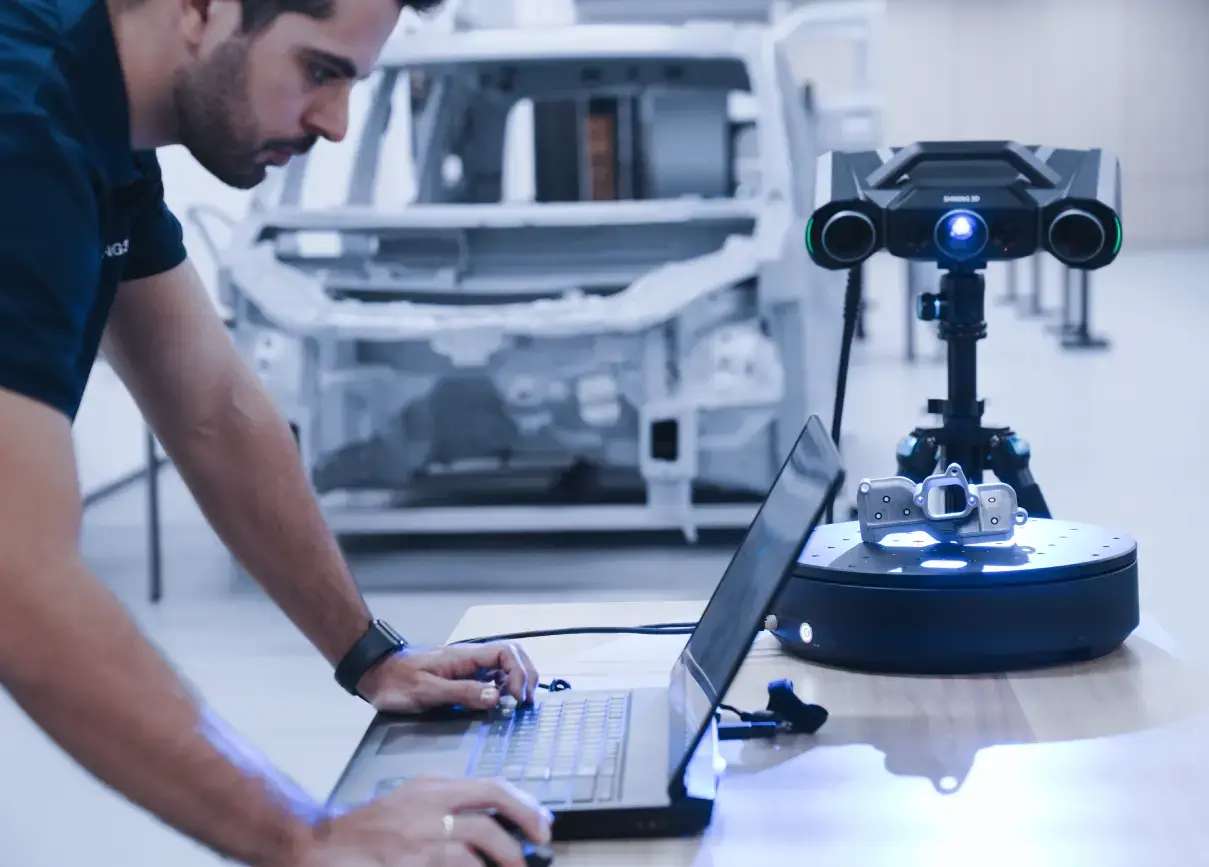
Three Operating Modes: Manual, Semi-Automated, Robotic
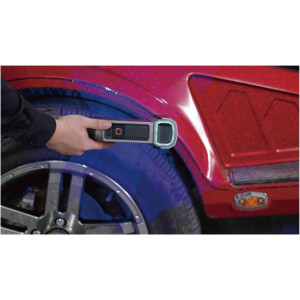
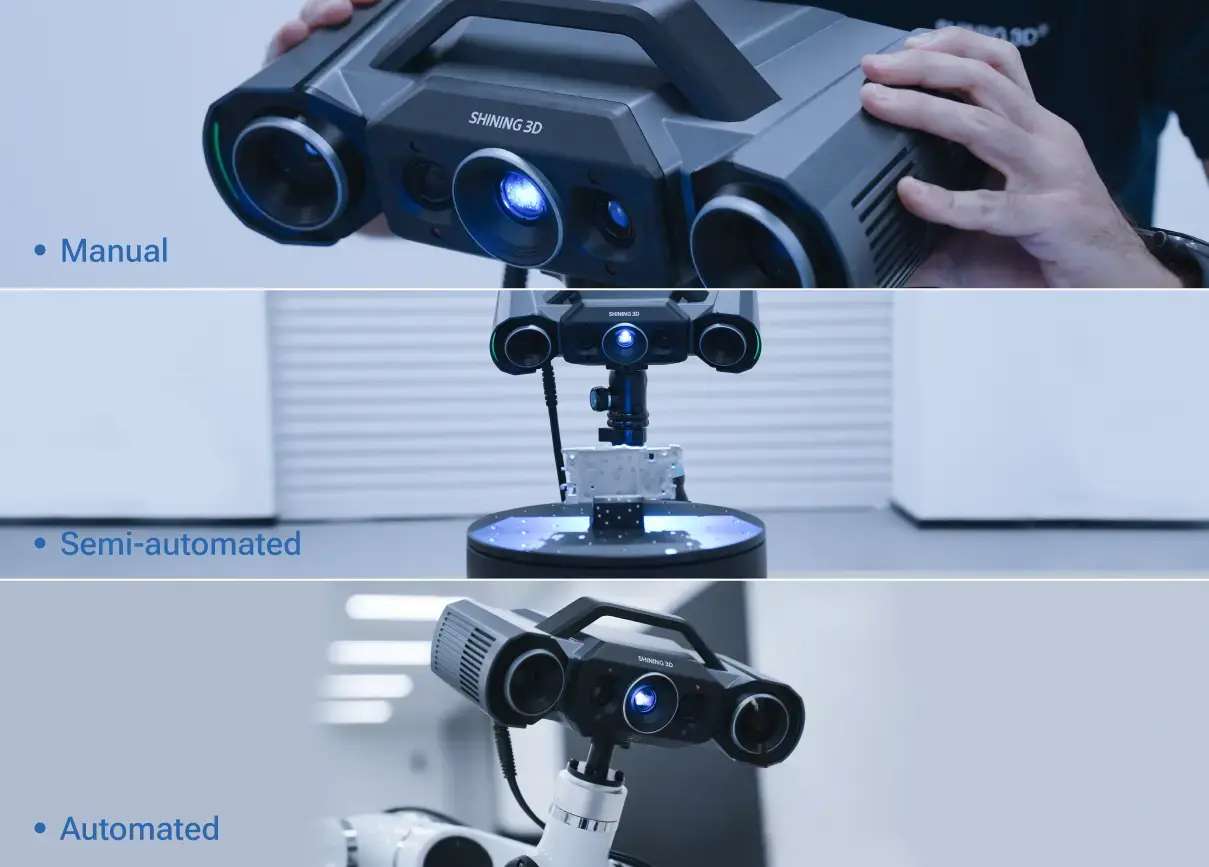
Despite being a fixed-head metrology system, OptimScan Q9 is compact (366 × 162 × 132 mm, 3.5 kg) and transportable. This lets it serve three distinct workflows from the same hardware:
- Manual — handheld positioning on a tripod for quick one-off measurements
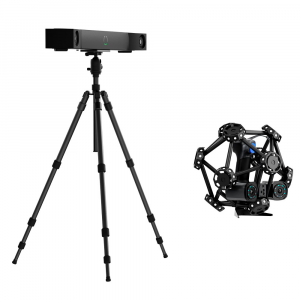
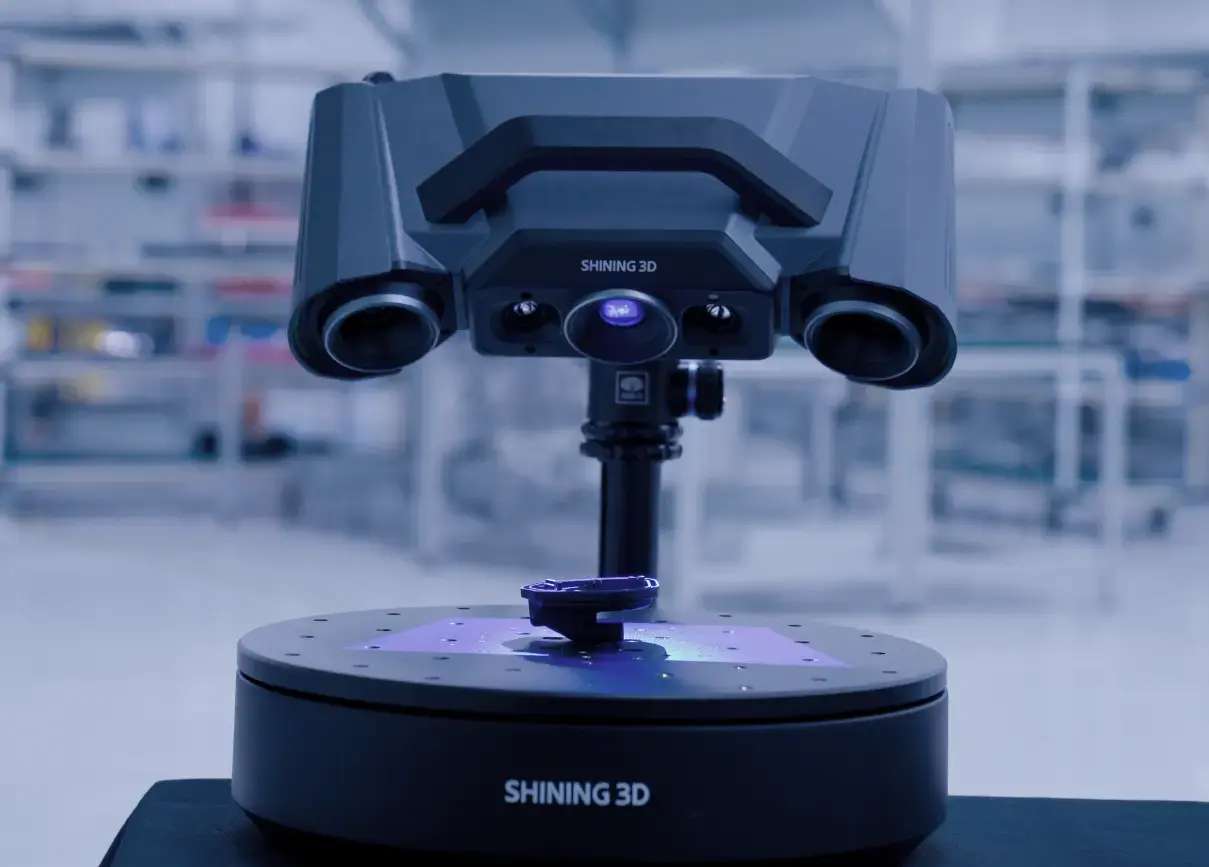
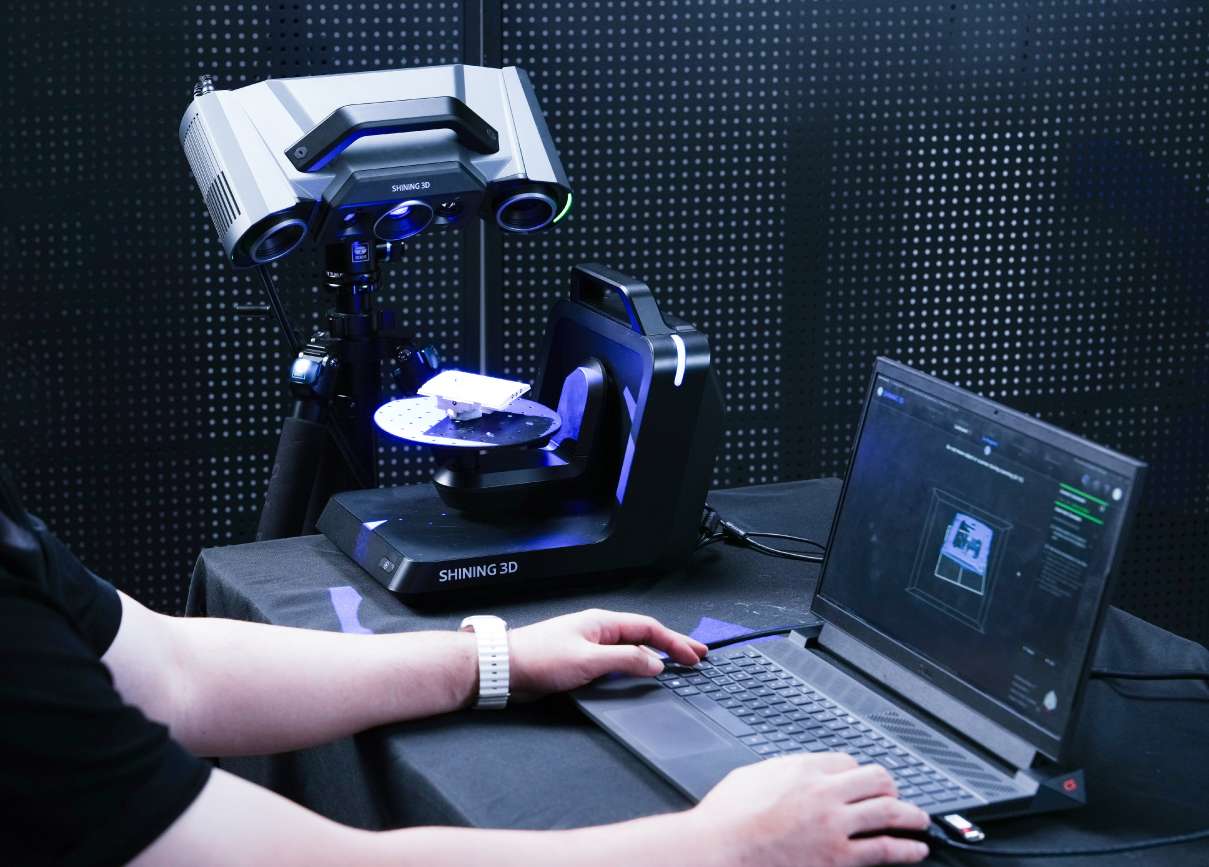
- Semi-automated — pairs with a fixed tripod and an automatic turntable (up to 20 kg load) for batch inspection
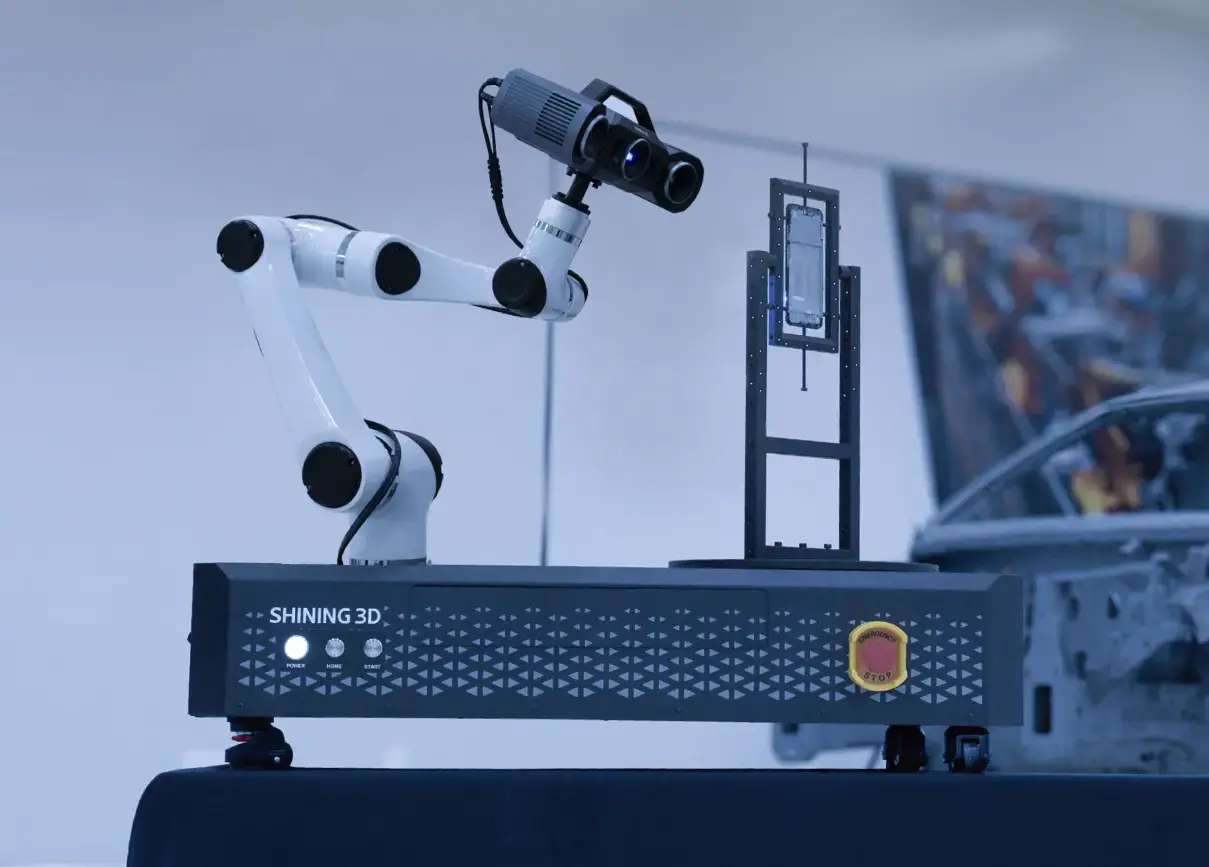
- Fully automated — integrates with a robotic arm for repetitive inline inspection cells
Optional Automatic Dual-Axis Turntable
For small-part batch metrology, the optional automatic dual-axis turntable (up to 3 kg load) executes rotation and tilt motions directly from the scanning software. One click triggers multi-angle acquisition planning without the operator leaving the workstation.
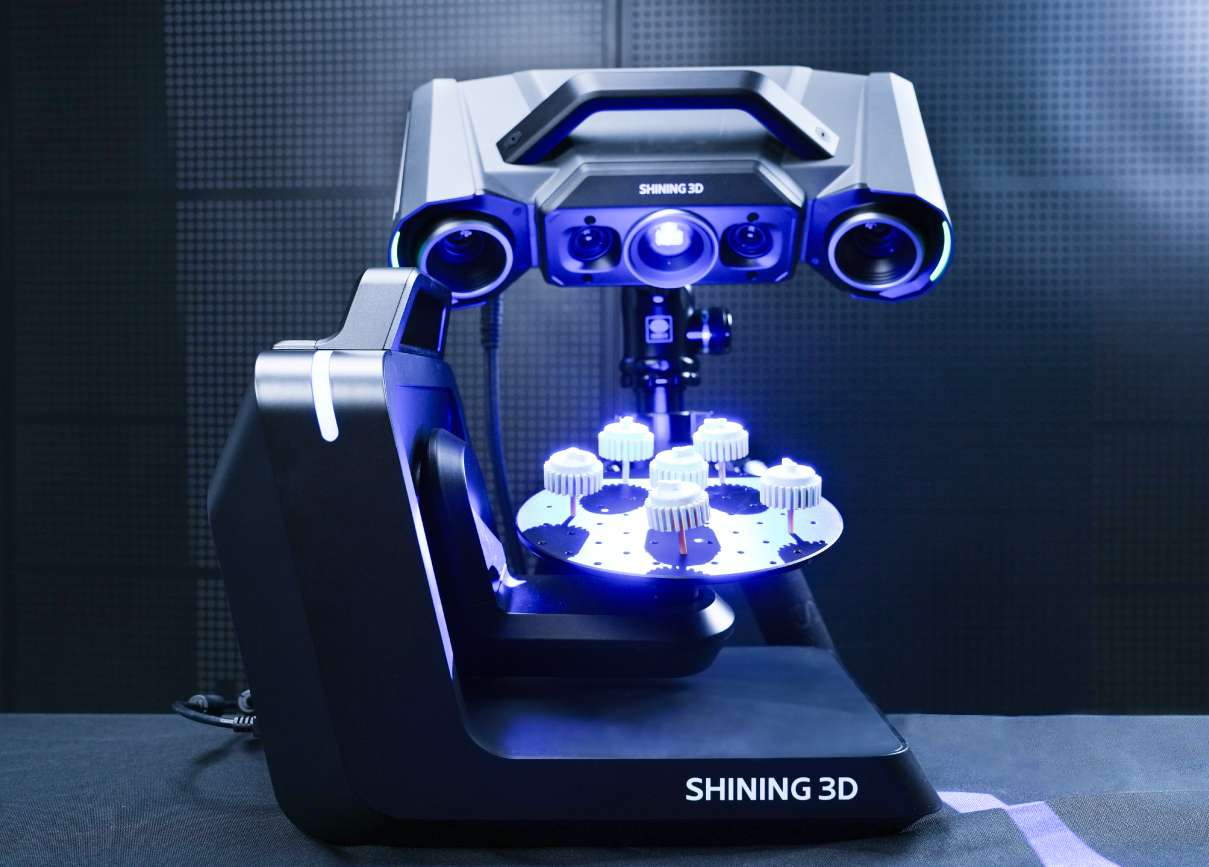
The rotation-and-tilt combination exposes features that a single-axis turntable would leave occluded, cutting the total number of repositionings required for full-surface capture.
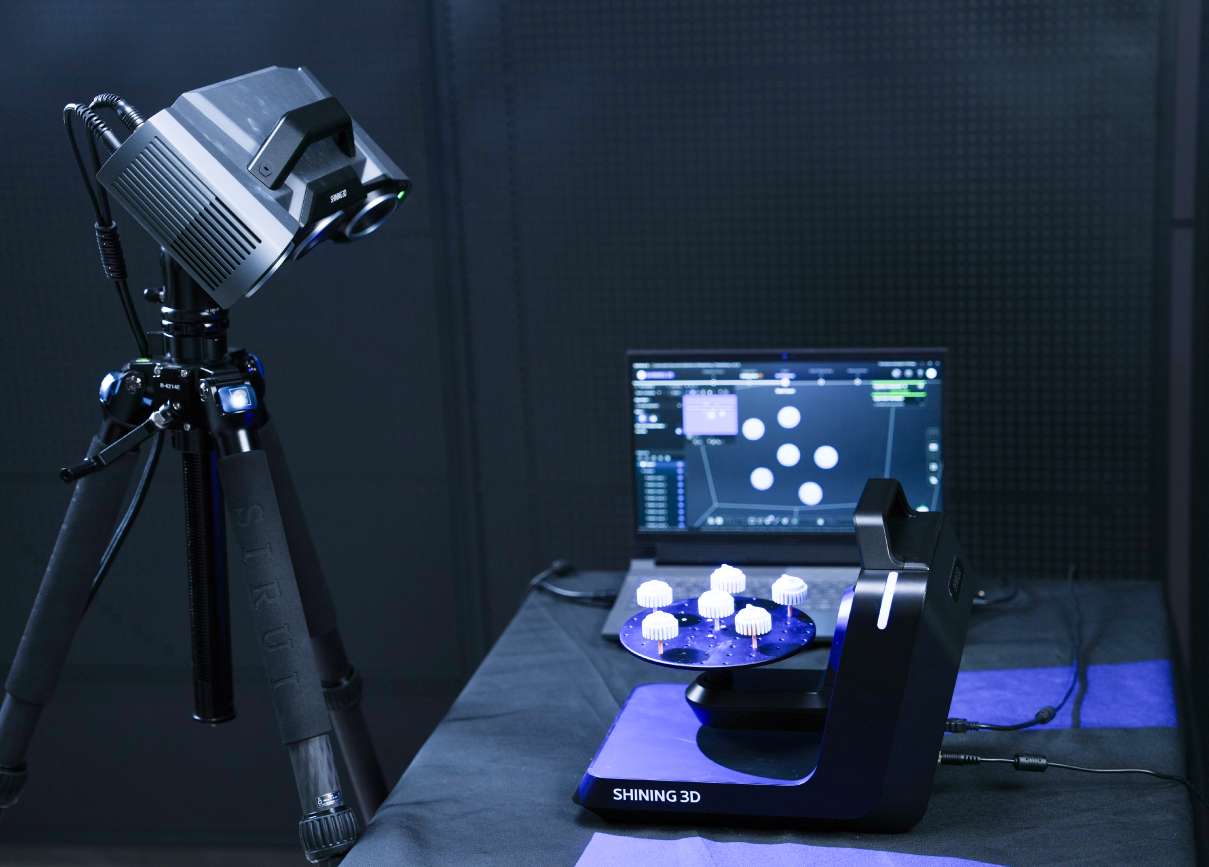
Once the initial pass completes, the software's intelligent add-scan function analyses the resulting mesh, identifies missing regions, and plans additional turntable positions to fill the gaps — automatically.
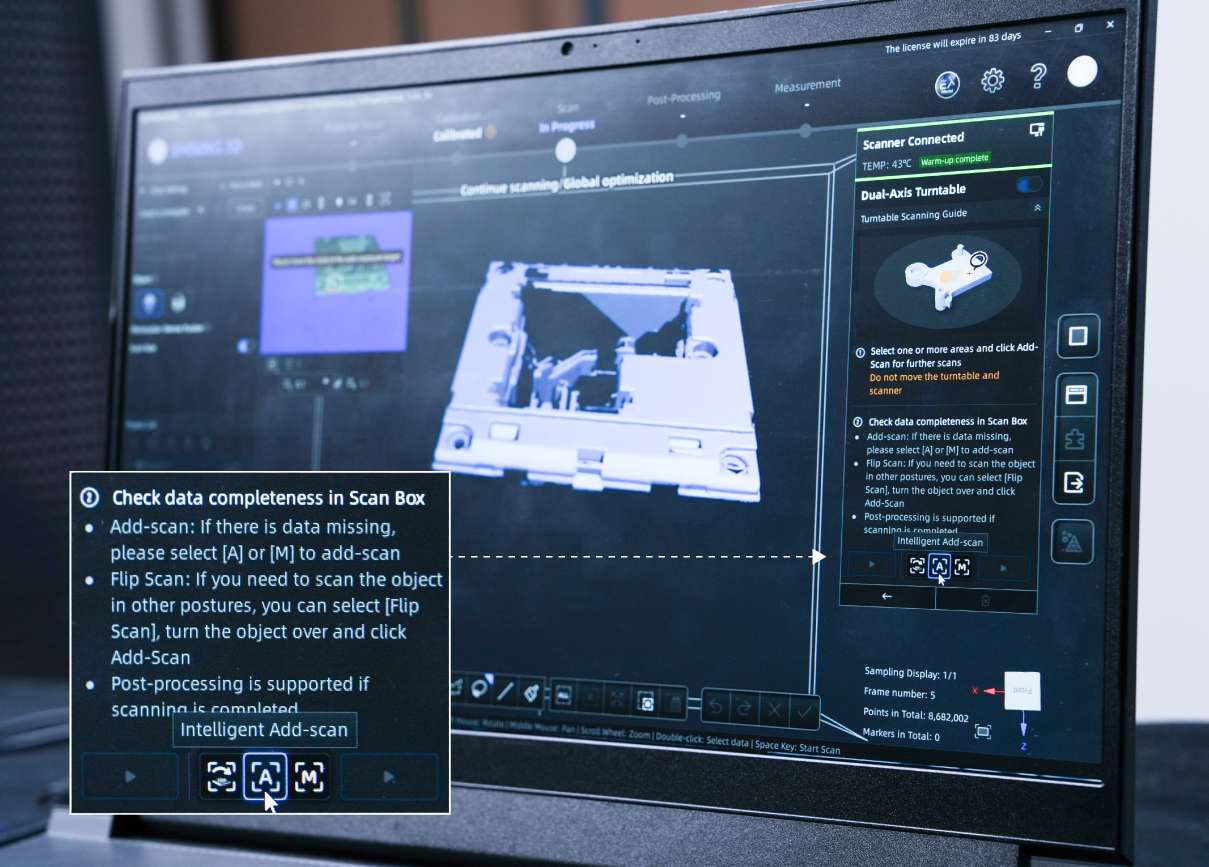
The same turntable workflow supports flip scanning for full-surface coverage of parts with no flat reference face, plus simultaneous multi-object scanning — region segmentation lets you export each part as a separate mesh from a single acquisition cycle.
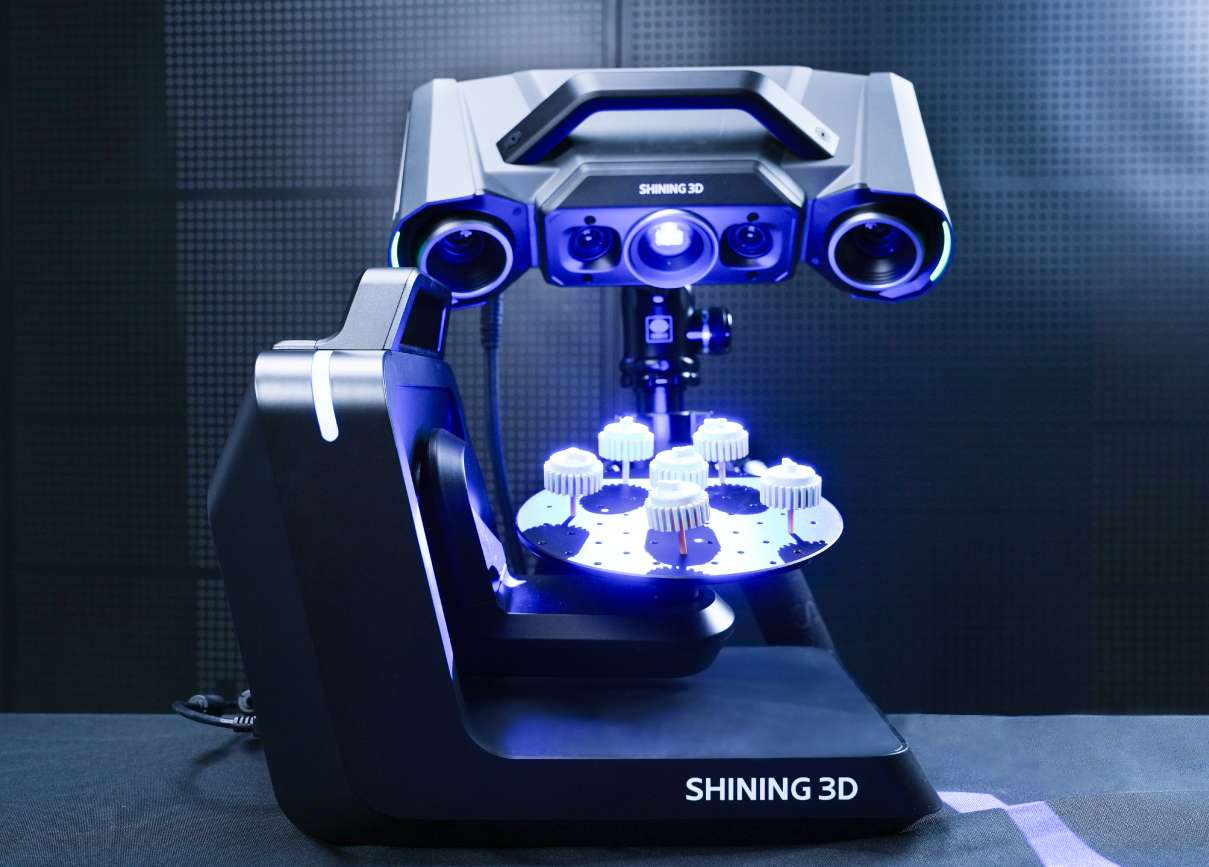
The turntable uses an all-in-one integrated chassis. It's light enough to carry between QC rooms and production cells for on-site inspection runs.
Automated Inspection Pipeline
OptimScan Q9 integrates with Shining3D's intelligent 3D inspection platform to deliver a closed-loop workflow from scan to report with no operator intervention between steps.
- Path Teaching — record scan trajectory once
- Automated 3D measurement on every subsequent part
- Automated 3D inspection against CAD reference
- Automated report generation in standardised formats
The inspection software module covers compare, cross-section, feature, dimension, gauges, reporting, and quick measurement — everything a QA team needs to certify dimensional conformance against engineering drawings.
Tech Tip: For first-article inspection reports, combine the scanner's dual-FOV capability with the dual-axis turntable add-scan function. Start the acquisition in large range to lock global datum alignment on the part, then switch to small range for the critical tolerance zones only. This keeps file sizes manageable while preserving 0.005 mm accuracy exactly where the drawing demands it.
Technical Specifications of the Shining3D OptimScan Q9
Field of View
| FOV (Large Range) | 430 × 300 mm |
|---|---|
| FOV (Small Range) | 160 × 110 mm |
Accuracy & Resolution
| Accuracy (Large Range) | 0.015 mm |
|---|---|
| Accuracy (Small Range) | 0.005 mm |
| Point Distance (Large Range) | 0.11 mm |
| Point Distance (Small Range) | 0.05 mm |
Working Geometry
| Working Distance (Large Range) | 590 mm |
|---|---|
| Working Distance (Small Range) | 210 mm |
| Depth of Field (Large Range) | 300 mm |
| Depth of Field (Small Range) | 60 mm |
Optical System
| Camera Configuration | 4 × 9 MP |
|---|---|
| Light Source | Blue LED |
Physical Specifications
| Weight | 3.5 kg |
|---|---|
| Dimensions | 366 × 162 × 132 mm |
| Data Cable Length | 5 m |
Certifications & Acceptance Testing
| Certifications | CE, FCC, RoHS, WEEE, KC, FDA, UKCA, IP50, TELEC, TiSAX |
|---|---|
| Acceptance Test Standard | ISO 10360-13 (certified in ISO 17025 accredited accuracy lab) |
How to Run an Automated Inspection with OptimScan Q9
Four-step workflow for a fully automated inspection cycle, from trajectory teaching through dimensional report generation.
Step 1: Path Teaching
Mount the scanner on the robot or dual-axis turntable. Record the scan trajectory once using Shining3D's inspection software — define the viewpoints, rotations, and tilt angles needed to cover the part.
Step 2: Automated 3D Measurement
Load each subsequent part onto the fixture. The scanner replays the taught trajectory, captures the mesh using MSF for complete coverage of recessed features, and moves directly into the inspection module.
Step 3: Automated 3D Inspection
The software aligns the captured mesh to the reference CAD, runs compare, cross-section, feature, dimension, and gauge routines, and flags out-of-tolerance zones against the predefined inspection plan.
Step 4: Automated Report Generation
Results export directly to a standardised inspection report — dimensional deviations, colour deviation maps, and pass/fail indicators — ready for QA sign-off or archival to the quality management system.
Frequently Asked Questions — Shining3D OptimScan Q9
Can OptimScan Q9 capture colour texture?
No. OptimScan Q9 does not include a colour camera — its optical configuration is dedicated to metrology-grade geometric capture. For texture acquisition, a different scanner class is required.
Are markers required during scanning with OptimScan Q9?
No — OptimScan Q9 supports markerless scanning as the default workflow. For the most stringent accuracy budgets, the scanner can also recognise 1 mm, 2 mm, or 4 mm non-reflective markers to lock alignment during multi-pose acquisitions.
Is the scanner certified and traceable to international standards?
Yes. Each OptimScan Q9 ships with inspection reports and a calibration certificate traceable to VDI/VDE 2634 and ISO 10360. Calibration and verification are performed in Shining3D's accredited accuracy laboratory, operating in accordance with ISO/IEC 17025 requirements.
How does a fixed 3D scanner like OptimScan Q9 differ from a handheld scanner?
A handheld scanner prioritises flexibility and portability — ideal for large, complex, or hard-to-reach parts. A fixed scanner like OptimScan Q9 is mounted on a stable tripod or fixture, which enables repetitive high-precision scanning of smaller parts in controlled environments with tighter accuracy budgets.
What part sizes is OptimScan Q9 designed for?
OptimScan Q9 is optimised for small-to-medium parts in high-precision applications such as automotive components, electronics enclosures, and mold manufacturing. The dual scan range — 430 × 300 mm and 160 × 110 mm — covers parts from roughly the size of a palm up to the size of an A3 sheet without reconfiguration.
How is OptimScan Q9 calibrated?
Shining3D industrial scanners are calibrated using certified artefacts and calibration panels traceable to national metrology standards. Regular recalibration cycles maintain accuracy and align the scanner with ISO 9001 and IATF 16949 quality management requirements typical in regulated industries.
Why Choose EXPERT3D?
EXPERT3D has been a specialist in 3D technology since 2012, serving engineering teams, metrology labs, and production departments across Spain with hands-on technical expertise. As a trusted specialist for Shining3D industrial scanners, we stock the OptimScan Q9 and can advise on configuration, dual-axis turntable integration, robotic deployment, and inspection software workflows. Order directly from our online store with transparent EUR (€) pricing and full official warranty coverage.