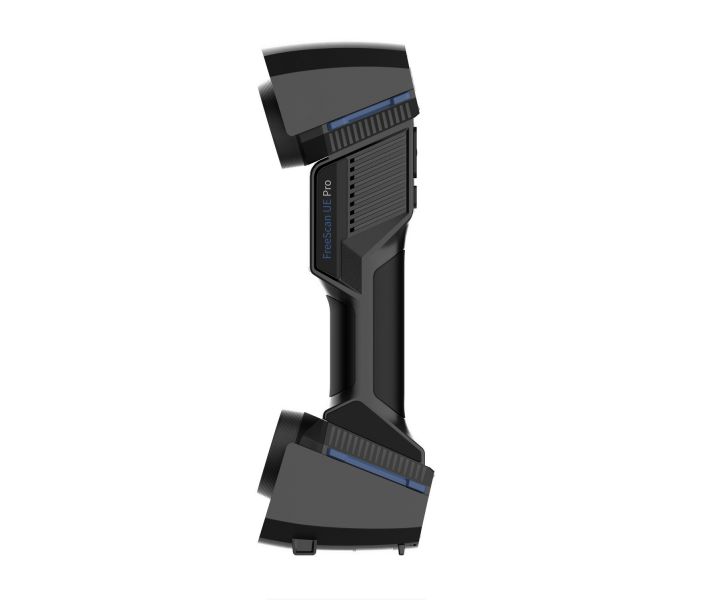
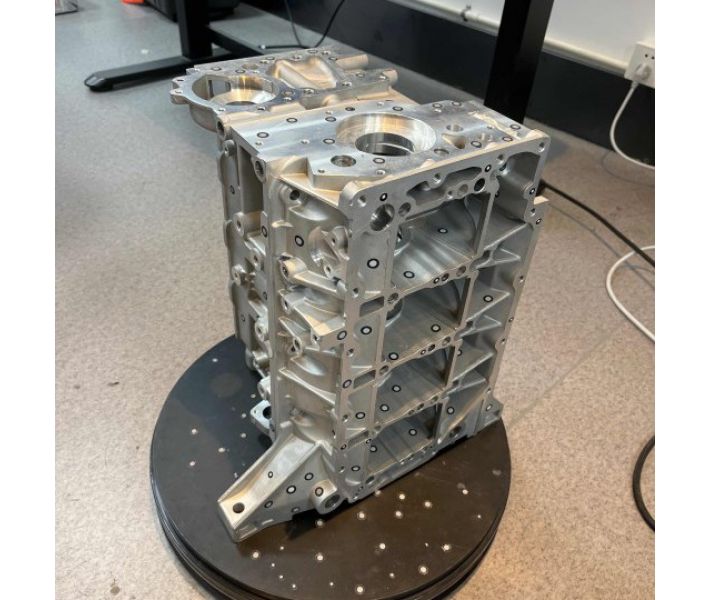
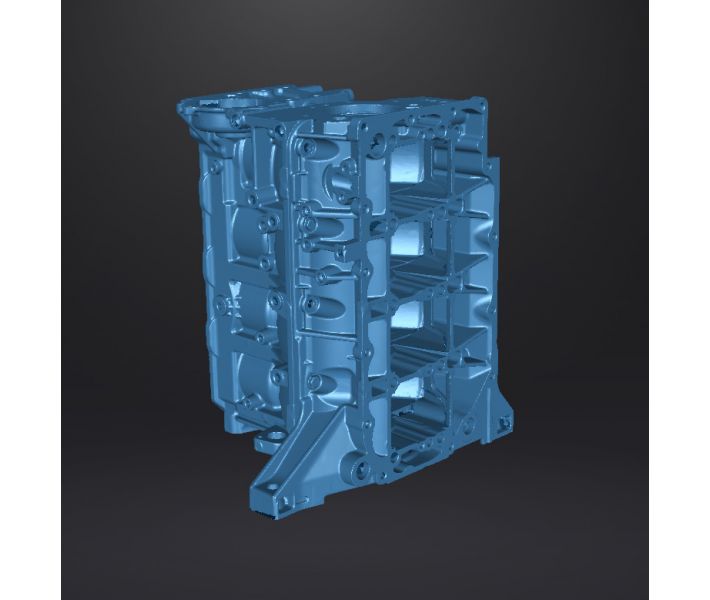


- Stock: In Stock
- Product code: FSCAN-UE-PRO
- Weight Brutto: 7.50kg
- SKU: FSCAN-UE-PRO

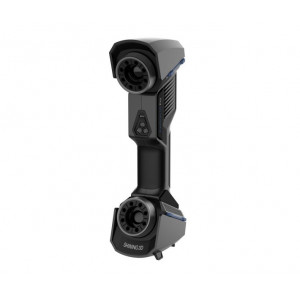
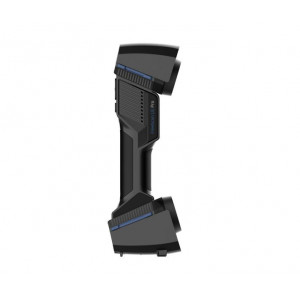
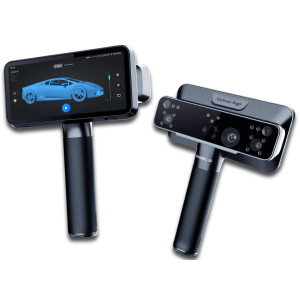
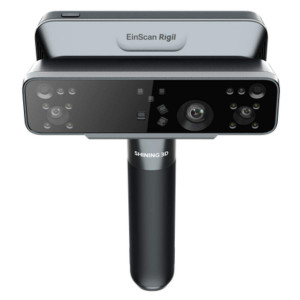
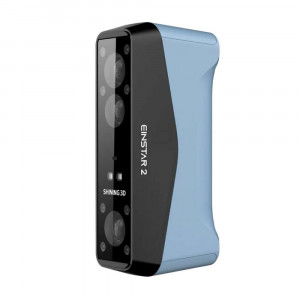
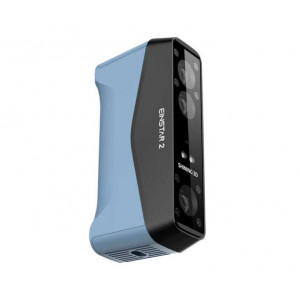
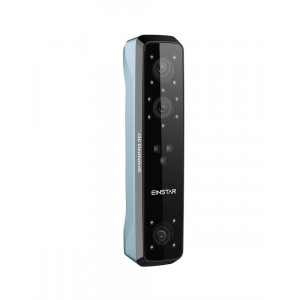
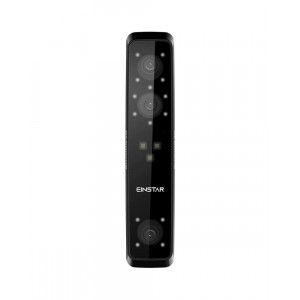
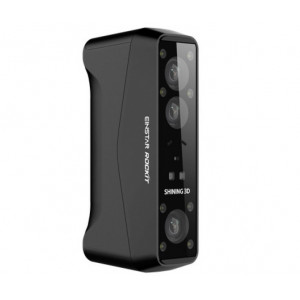
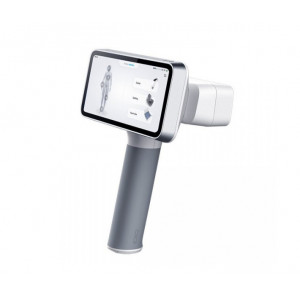
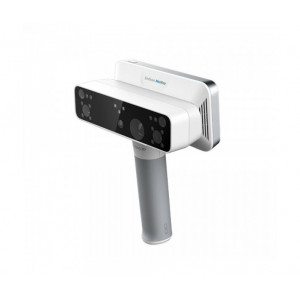
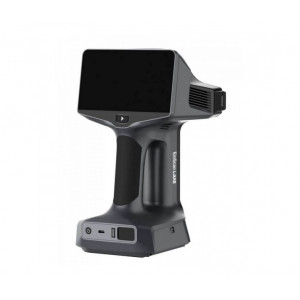
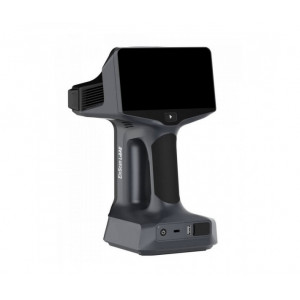
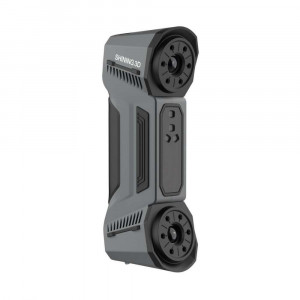
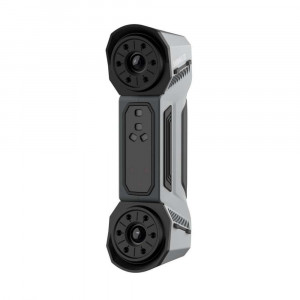
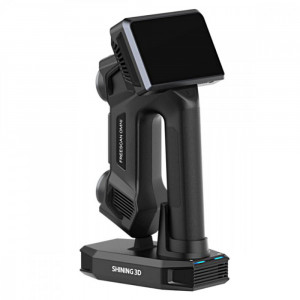
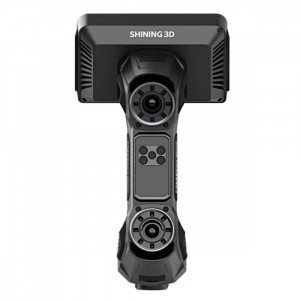
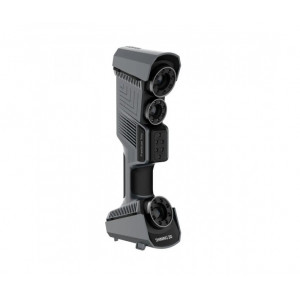
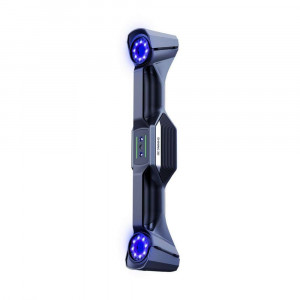
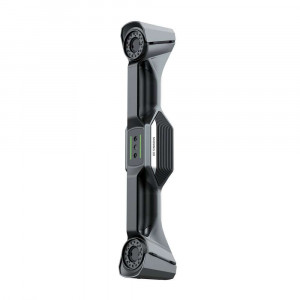
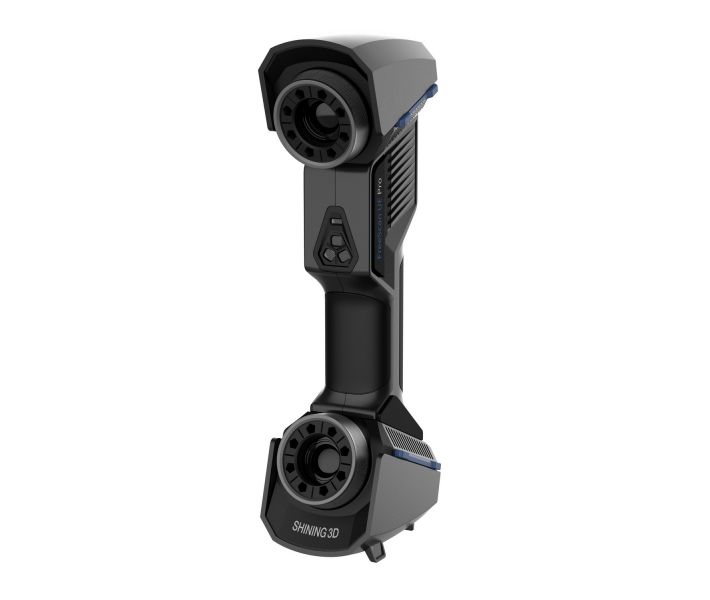
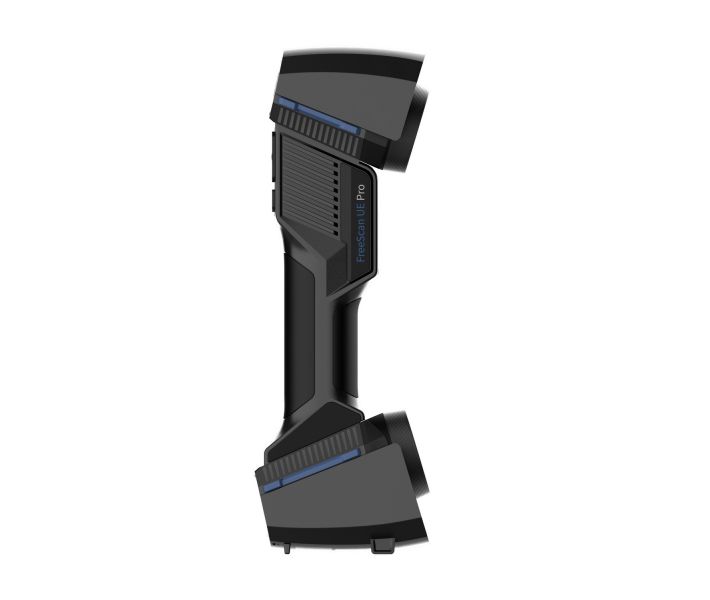
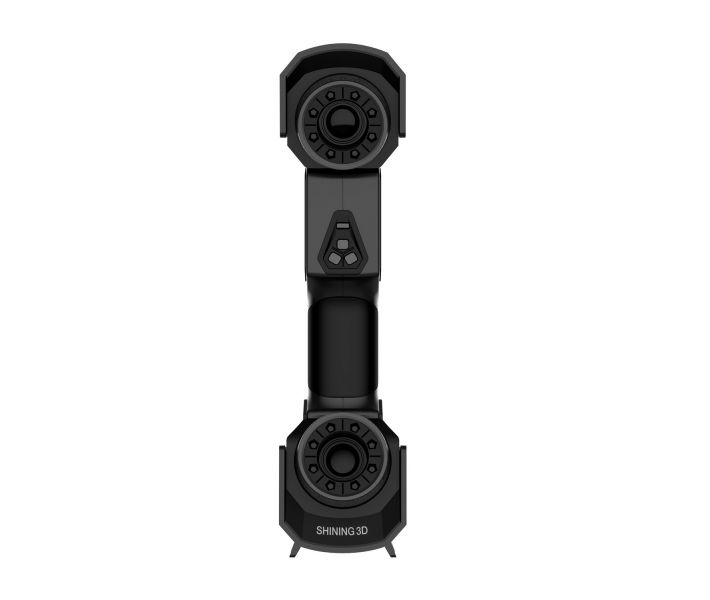
FreeScan UE Pro is a metrology-grade handheld 3D laser scanner designed for high-precision industrial inspection, reverse engineering, and quality control — delivering scan accuracy up to 0.02 mm, a capture rate of 1,850,000 points/s, and an integrated photogrammetric module with patented built-in scale bar for large-scale volumetric accuracy. Awarded the Red Dot Design Award 2024, it combines 26+7+1 blue laser lines in a single 840 g device.
| Parameter | Value |
|---|---|
| Scan Accuracy | Up to 0.02 mm |
| Scan Speed | 1,850,000 points/s |
| Laser Configuration | 26 cross lines + 7 parallel lines + 1 single line |
| Weight | 840 g |
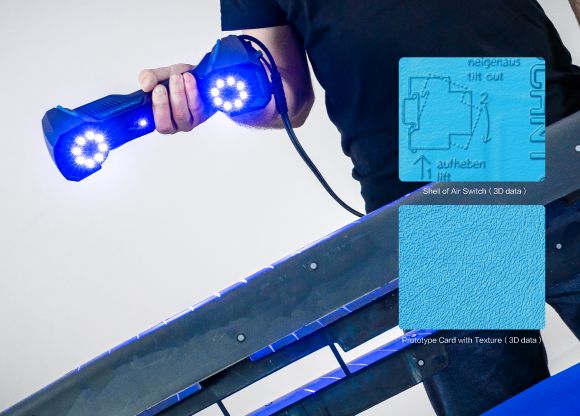
Three Scan Modes, One Instrument
Most handheld scanners force a compromise: wide area coverage or fine surface detail. The FreeScan UE Pro refuses that trade-off. Its 26 cross-laser lines sweep large surfaces fast; 7 parallel laser lines isolate micro-features; a single laser line reaches into deep pockets and recesses where no planar pattern can follow. Switch between modes in software — no hardware changes, no recalibration mid-session.
- Multiple Lines mode (26 cross lasers): max scan range 600 mm × 550 mm, ideal for automotive panels, large castings, and structural components
- Fine mode (7 parallel lasers): 200 mm working distance, point distance down to 0.01 mm — resolves sharp edges, engraving, and filigree surfaces
- Single line mode: narrow beam penetrates deep holes, grooves, and cavities where cross patterns scatter and lose tracking
Photogrammetry Built In — No Coded Targets Required
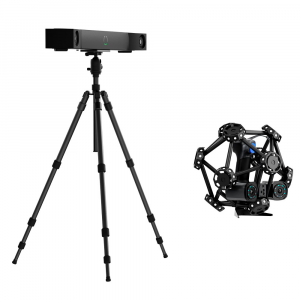
Large-part inspection traditionally means a separate photogrammetry session, coded targets glued across the surface, and a second piece of hardware. The UE Pro eliminates all three steps. Its patented built-in scale bar photogrammetry module locks the global reference frame in real time, compressing volumetric accuracy to 0.02 + 0.015 mm/m — better than marker-based standard mode (0.02 + 0.03 mm/m) — without a single adhesive dot on the part.
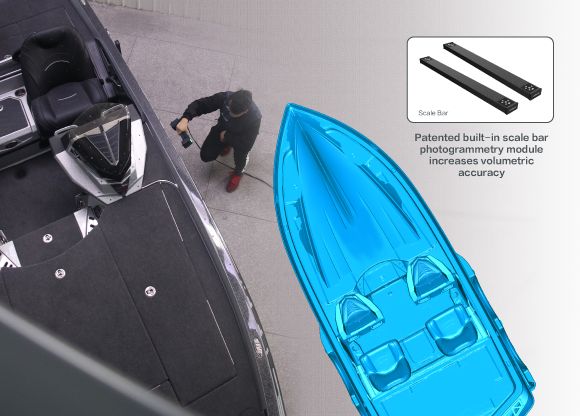
Metrology-Grade Accuracy Certified to VDI/VDE 2634
Claiming "0.02 mm" is easy; proving it is not. Shining 3D submits the UE Pro to third-party verification in an ISO 17025-accredited accuracy laboratory under the VDI/VDE 2634 Part 3 standard — the same protocol used by coordinate measuring machines. The result: traceable, auditable accuracy data you can attach to an inspection report and hand to a customer or regulator.
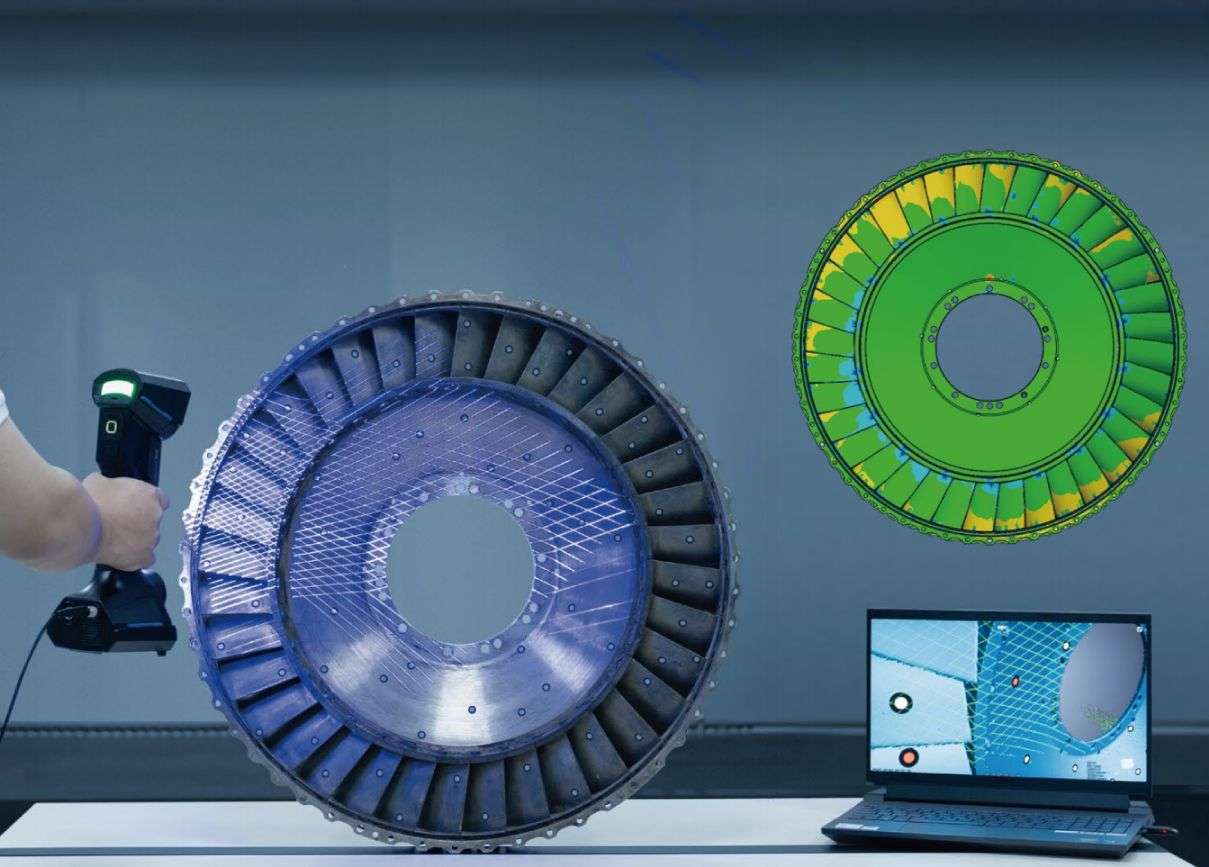
Industry Coverage: From Aerospace to Automotive
The UE Pro operates across six demanding verticals, each with its own tolerance regime and surface challenge:
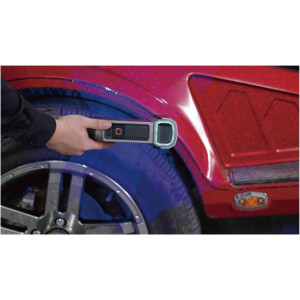
- Automotive: vehicle appearance verification, supply chain quality management, and modification documentation
- Aerospace: aircraft structural inspection, engine component analysis, maintenance and overhaul records
- Railway: modeling design, assembly debugging, and overall dimensional control of large assemblies
- Energy manufacturing: impeller blade inspection, fluid-dynamics reverse engineering, deformation analysis
- Mold inspection: virtual assembly, wear analysis, fixture design, and tool-room quality control
- Machine manufacturing: rapid prototyping verification, OEM part remanufacturing, tool and mold adjustment
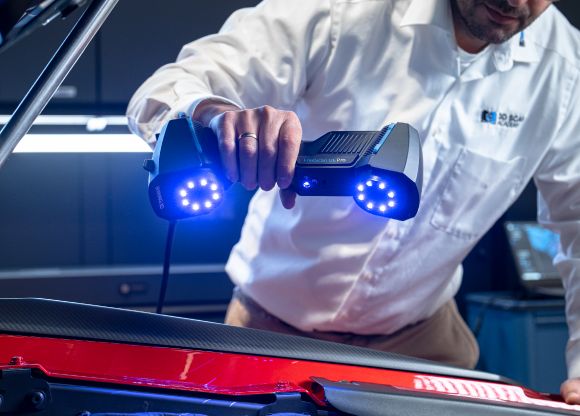
Lightweight Body, No Fatigue Scanning
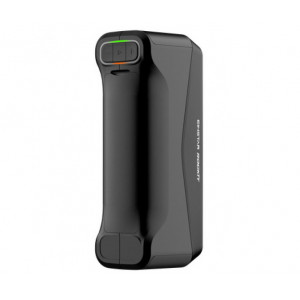
At 840 g and ergonomically shaped, the UE Pro traces its physical design lineage directly from the FreeScan UE — a device already recognized for operator comfort during multi-hour scan sessions. The USB 3.0 tethered connection keeps latency negligible and eliminates battery anxiety on production floors where sessions routinely exceed two hours.
Software Ecosystem and One-Click Data Export
SHINING 3D's scanning program receives over-the-air updates automatically — a pop-up notification triggers a direct free download whenever a new version is available, so the instrument's feature set expands without IT intervention. Scan data exports with a single click to:
- Geomagic Control X and Geomagic Control X Essentials (dimensional inspection)
- Geomagic Design X and EXModel (reverse engineering and CAD reconstruction)
- Verisurf Inspect (aerospace and defense metrology workflows)
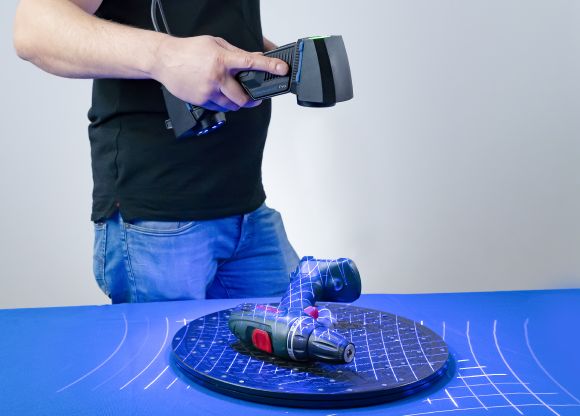
Tech Tip: Before scanning highly reflective or dark surfaces (chrome trim, carbon fibre, polished aluminium), activate the brightness adjustment in the scanning programme. If glare persists, apply scanning developer spray in a thin, even coat — note that developer introduces a 1–6 µm dimensional offset, so factor this into your GD&T tolerance stack-up when working near the 0.02 mm accuracy floor.
Technical Specifications of the FreeScan UE Pro
Scanning Performance
| Scan Mode | Multiple Lines Scan / Single Line Scan / Fine Scan |
|---|---|
| Light Source | 26 laser lines + single laser line / 7 parallel laser lines |
| Scan Accuracy | Up to 0.02 mm |
| Scan Speed | 1,850,000 points/s |
| Working Distance | 300 mm (standard) / 200 mm (fine scan) |
| Scan Depth | 170 mm ~ 680 mm |
| Max. Scan Range | 600 mm × 550 mm |
| Point Distance | 0.01 ~ 10 mm |
Photogrammetry & Volumetric Accuracy
| Photogrammetry | Built-in scale bar photogrammetry mode |
|---|---|
| Volumetric Accuracy (Standard Mode) | 0.02 + 0.03 mm/m |
| Volumetric Accuracy (Built-in Photogrammetry) | 0.02 + 0.015 mm/m |
Physical & Electrical
| Laser Class | Class II (eye safe) |
|---|---|
| Connection Standard | USB 3.0 |
| Dimensions | 298 mm × 103.5 mm × 74.5 mm |
| Weight | 840 g |
| Power Input | 12 V, 5.0 A |
Environmental Conditions
| Working Temperature | -20 ~ 40 °C |
|---|---|
| Working Humidity | 10 ~ 90% |
Certifications & Standards
| Certification | CE, FCC, ROHS, WEEE, KC, FDA, UKCA, IP50, TELEC, TiSAX |
|---|---|
| Accuracy Certification | VDI/VDE 2634 Part 3 (ISO 17025 certified accuracy lab) |
PC System Requirements
| Recommended OS | Windows 10, 64-bit |
|---|---|
| Recommended GPU | NVIDIA GTX/RTX series, GeForce RTX 3060 or higher |
| Recommended VRAM | ≥6 GB |
| Recommended CPU | Intel i7-8700 or higher |
| Recommended RAM | ≥32 GB |
What's in the Box
- FreeScan UE Pro 3D scanner
- Calibration plate
- Scale bar
- Markers
- Data cable with power port
- Adaptor
- USB dongle
- USB drive (with installation package)
How to Set Up and Start Scanning with the FreeScan UE Pro
Follow these steps to connect, calibrate, and perform your first scan session with the FreeScan UE Pro handheld 3D scanner.
Step 1 — Hardware Connection
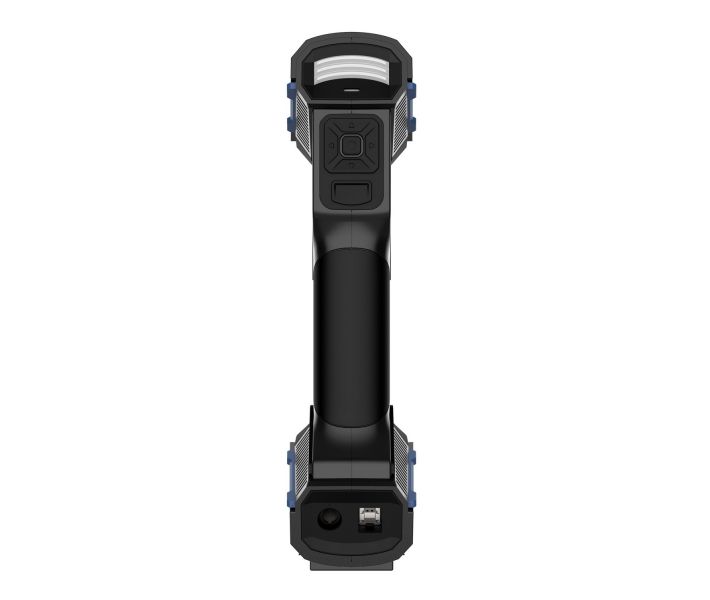
Insert the round aviation plug of the data cable into the circular port on the scanner body. Connect the USB 3.0-BM plug into the scanner's USB port. Route the cable through the adaptor via the power port, plug the adaptor into the wall socket, and connect the USB 3.0-AM end to a USB 3.0 port on your PC. Finally, insert the USB dongle into a free USB port on the computer — the dongle must remain inserted throughout the entire session.
Step 2 — Programme Installation and GPU Configuration
Run the installation package from the supplied USB drive to install both the scanning programme and the device driver. After installation, open GPU settings and switch to the discrete graphics card (NVIDIA GTX/RTX); do not run the programme on integrated graphics.
Step 3 — Programme Start
Confirm the USB dongle is correctly seated, then double-click the programme shortcut. The dongle contains device-specific parameters required for startup; using the wrong dongle or removing it mid-session will cause a programme error.
Step 4 — Calibration
Remove the calibration plate from the bottom of the equipment box and lay it flat on a stable surface. Following the on-screen prompts, move the scanner closer and further from the plate until the programme captures images at all required distances; then tilt and roll the scanner as instructed to complete the full calibration sequence. Calibration is mandatory after first installation and recommended after transport, storage longer than one week, or significant ambient temperature changes. Never clean the calibration plate with liquid; do not touch or scratch the reflective reference points.
Step 5 — Marker Placement (if required)
For marker-based scanning, space markers 80–150 mm apart. Use more markers on curved regions and fewer on flat areas. Avoid placing markers on high-curvature zones, within 3–4 mm of fine-detail edges, or in a straight line. Do not use damaged or dirty markers.
Step 6 — Select Scan Mode and Begin Scanning
In the programme, create a new project, select the appropriate scan mode (Multiple Lines, Fine, or Single Line), set the resolution, and adjust brightness for the target surface material. Use scan preview to verify working distance, then start the scan. Edit scan data as needed, save the project, and export to your inspection or reverse-engineering programme.
What is the maximum scan accuracy of the FreeScan UE Pro?
The FreeScan UE Pro achieves scan accuracy up to 0.02 mm, certified to the VDI/VDE 2634 Part 3 standard in an ISO 17025-accredited laboratory. In photogrammetry mode, volumetric accuracy reaches 0.02 + 0.015 mm/m.
Does the FreeScan UE Pro require coded targets for large-part scanning?
No. The built-in patented scale bar photogrammetry module locks the global reference frame automatically, eliminating the need to apply coded targets to the part surface. This reduces setup time and avoids any risk of adhesive residue on precision surfaces.
Which industries is the FreeScan UE Pro designed for?
The FreeScan UE Pro is designed for automotive, aerospace, railway transportation, energy manufacturing, mold inspection, and machine manufacturing. Typical tasks include dimensional quality control, reverse engineering, deformation analysis, and maintenance documentation.
What are the minimum PC requirements to run the FreeScan UE Pro scanning programme?
SHINING 3D recommends Windows 10 (64-bit), an Intel i7-8700 or higher CPU, at least 32 GB of RAM, and an NVIDIA GeForce RTX 3060 or higher GPU with at least 6 GB of VRAM. The system must be configured to use the discrete GPU, not the integrated graphics.
Can the FreeScan UE Pro scan dark or highly reflective surfaces?
Yes. The scanner supports black and high-reflective surface scanning. For extreme cases, the brightness parameter can be adjusted in the programme, or scanning developer spray can be applied. Note that developer introduces a dimensional offset of approximately 1–6 µm, which should be factored into tight-tolerance inspections.
What 3D inspection and design programmes are compatible with the FreeScan UE Pro?
Scan data can be exported with one click to Geomagic Control X, Geomagic Control X Essentials, Geomagic Design X, EXModel, and Verisurf Inspect. SHINING 3D's scanning programme also receives free over-the-air updates automatically.
Why Choose EXPERT3D?
EXPERT3D has been a specialist 3D technology retailer in Valencia, Spain, since 2012 — over a decade supplying industrial metrology instruments, 3D scanners, 3D printers, and professional consumables to engineering teams across Spain and Europe. Our technical team uses and tests the equipment we sell, which means pre-sales advice is grounded in real operational experience, not brochure data. Every purchase includes official EU warranty coverage, professional commissioning guidance, and direct access to our aftersales support team. Buy the FreeScan UE Pro today and receive it with full EU warranty and expert technical backing. ➔