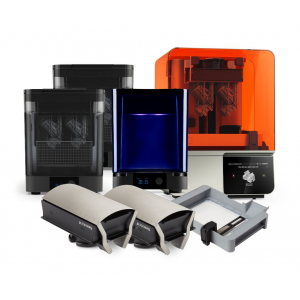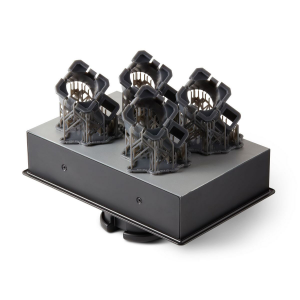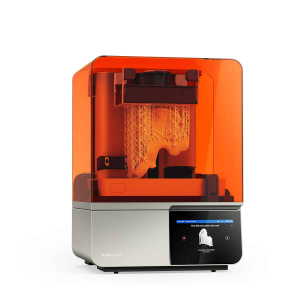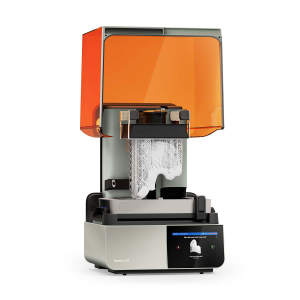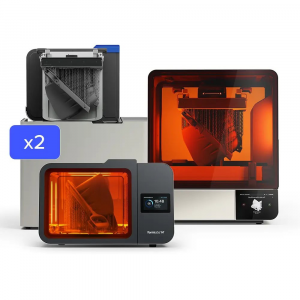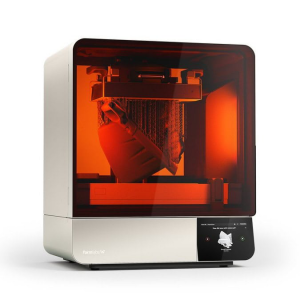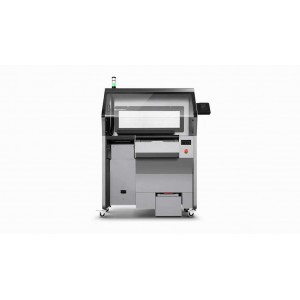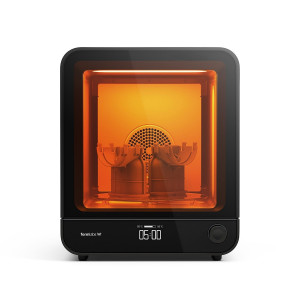


- Stock: In Stock
- Product code: 00-00000145
- Weight Brutto: 12.00kg
- SKU: PKG-FDK-230V

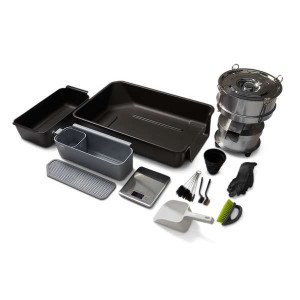
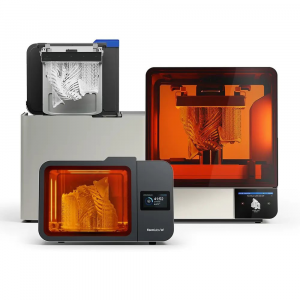
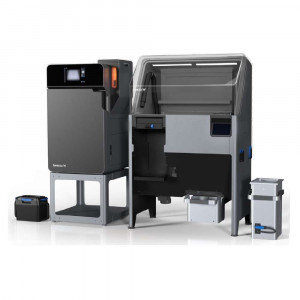
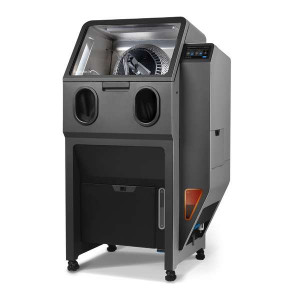
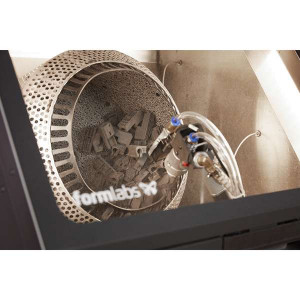
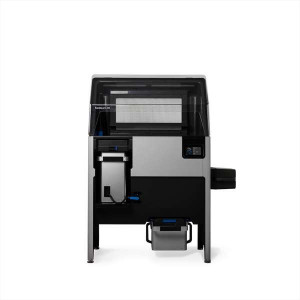
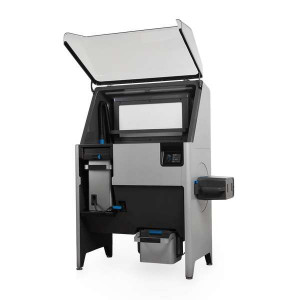
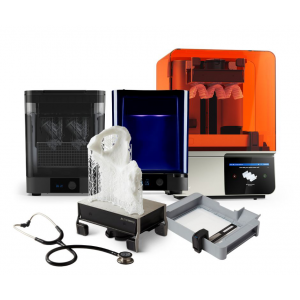
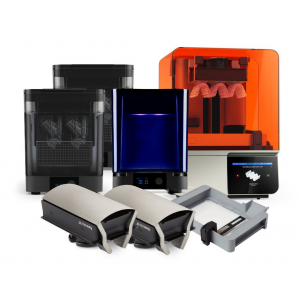
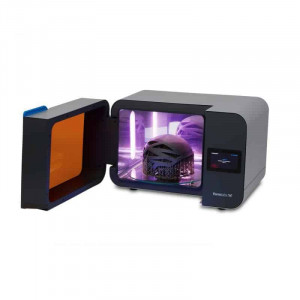
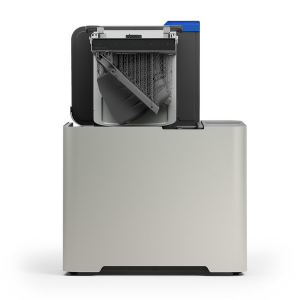
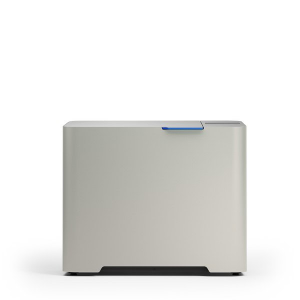
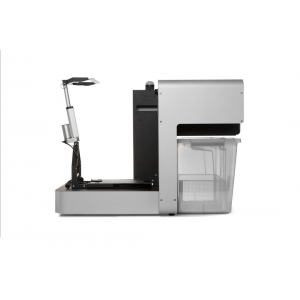
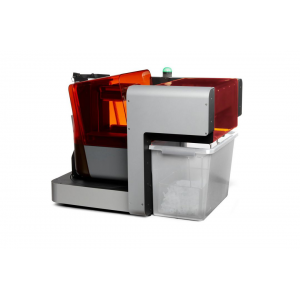
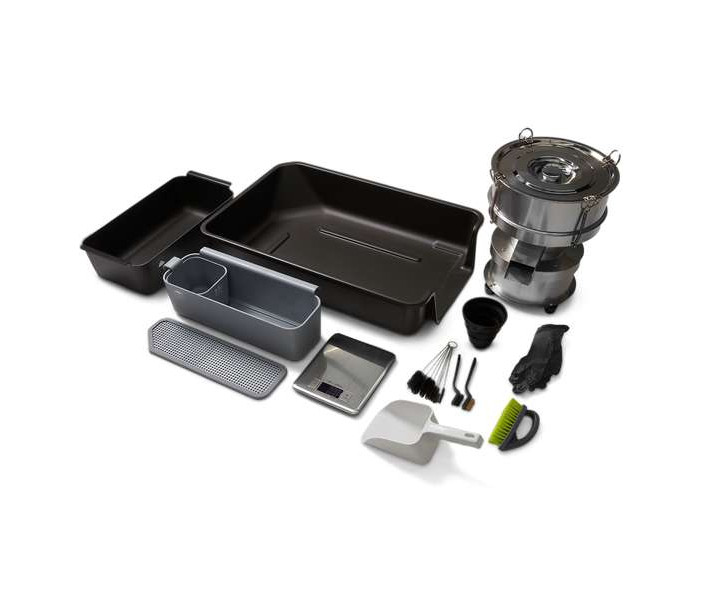
Formlabs Fuse Depowdering Kit is an all-in-one manual post-processing station for SLS parts printed on the Fuse 1 and Fuse 1+ 30W. It covers every step from powder cake extraction to powder recovery and mixing, with a built-in 150 µm sieve for filtering used powder. Designed as a compact, affordable entry point into the Fuse SLS ecosystem — or as a dedicated secondary station for teams that switch between powder types regularly.
| Sieve Mesh Size | 150 µm |
|---|---|
| Compatible Printers | Fuse 1, Fuse 1+ 30W |
| Sifter Voltage | 230 V |
| Replacement Sieves Available | 150 µm, 300 µm |
Manual Post-Processing Without the Fuse Sift
Not every workflow demands a fully automated depowdering station. The Fuse Depowdering Kit provides the same fundamental capabilities — powder removal, sifting, recovery, and mixing — in a manual format that occupies less floor space and costs substantially less than a Fuse Sift. The workspace bin doubles as a semi-contained depowdering area with an integrated funnel, channelling loose powder directly into collection containers rather than scattering it across the bench.
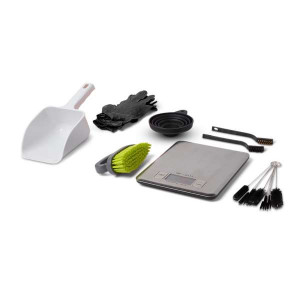
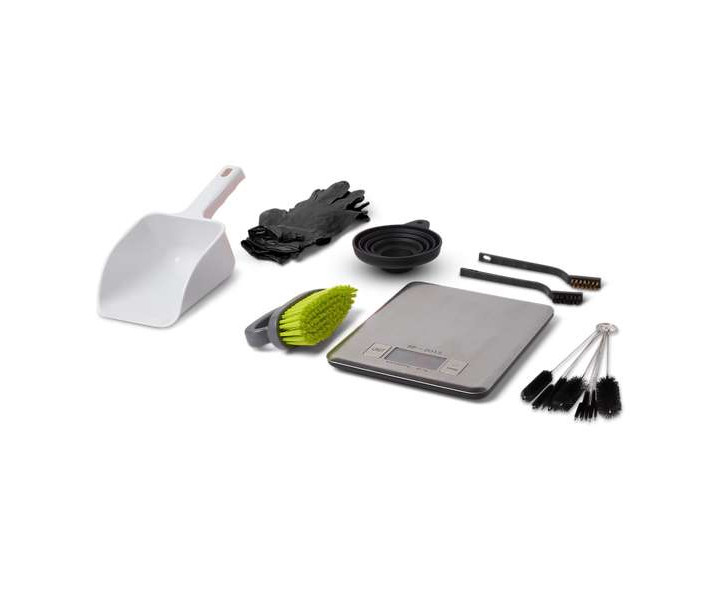
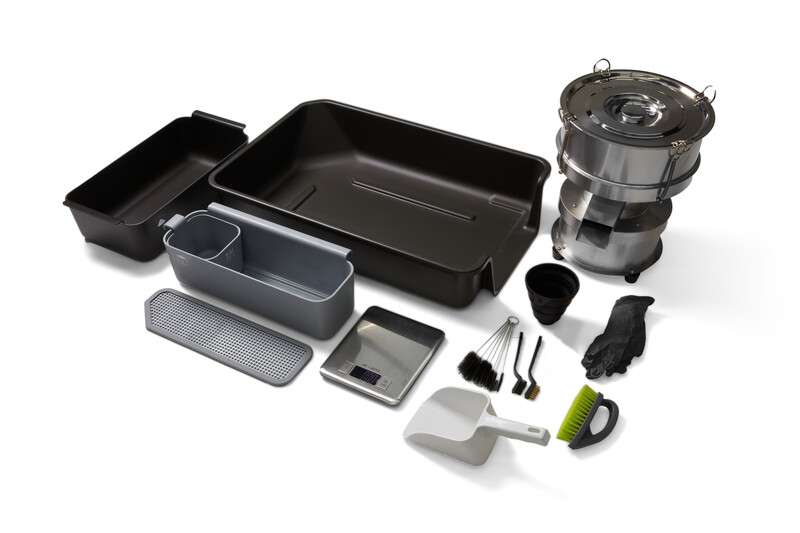
The kit includes a complete set of brushes (large brush, nylon brush, brass brush, pipe cleaner brushes) for clearing powder from cavities, overhangs, and internal channels. For teams running low-volume production or educational labs, this is a practical way to access the full Fuse SLS ecosystem without committing to a Fuse Sift.
Seamless Material Switching
One of the strongest arguments for the Depowdering Kit is material flexibility. When running multiple SLS powders (Nylon 12, Nylon 11, TPU 90A, Nylon 12 GF), switching materials on a Fuse Sift requires a full teardown clean. The Depowdering Kit eliminates that bottleneck — dedicate one kit per powder type, or clean the small sieve between runs. No machinery to purge, no cross-contamination risk.
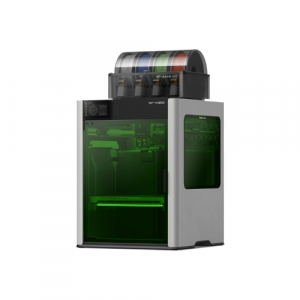
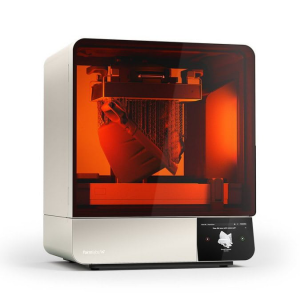
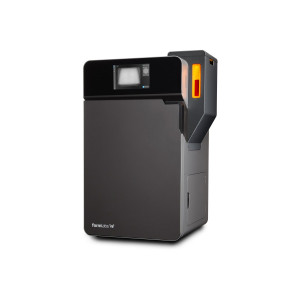
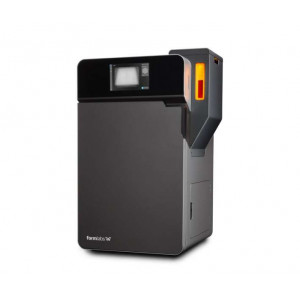
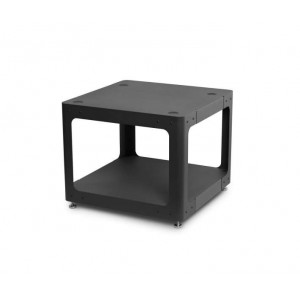
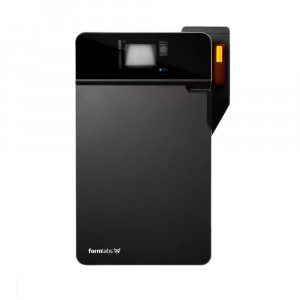
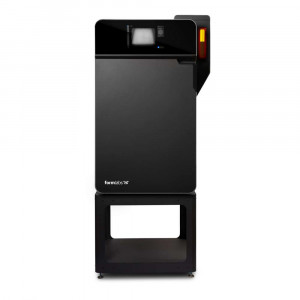
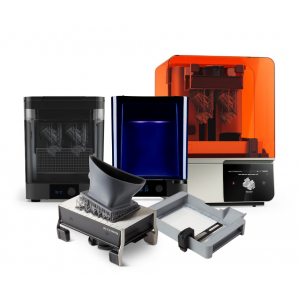
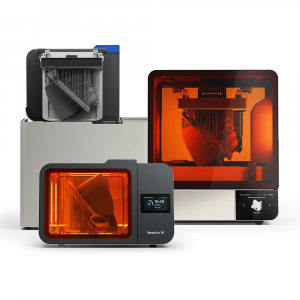
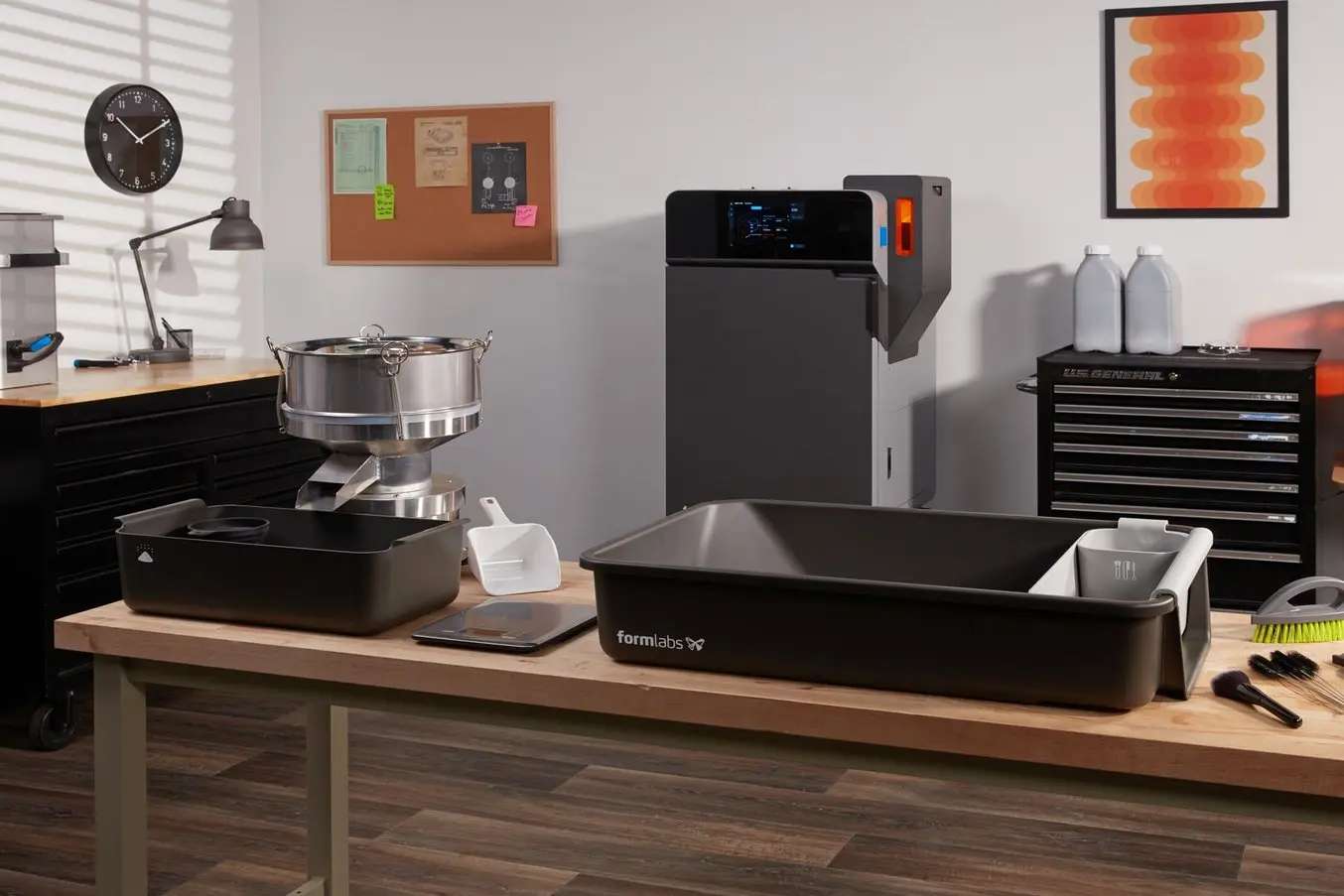
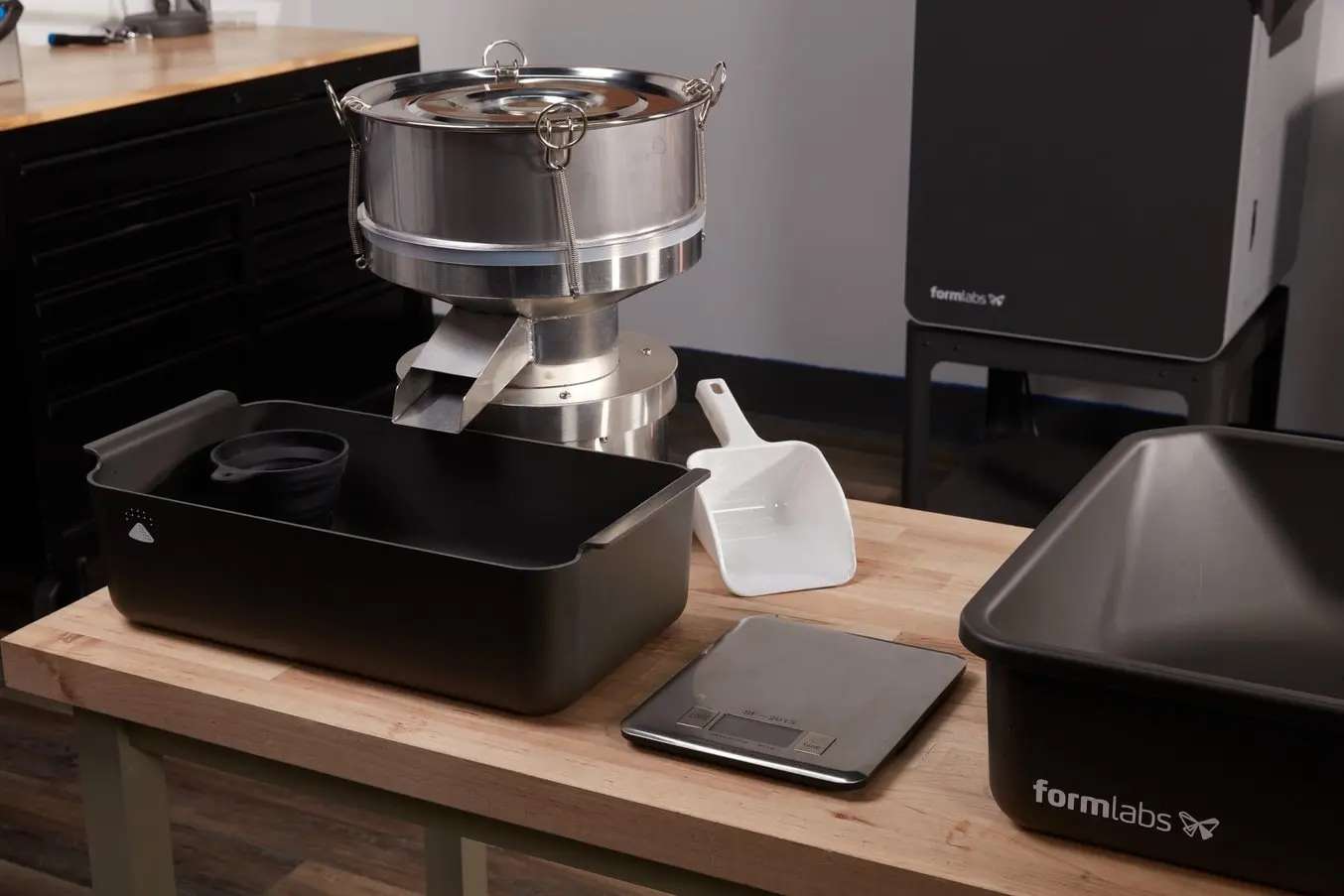
The image below shows the kit alongside a Fuse 1 generation printer, ready for a post-processing session.
Powder Recovery and Refresh Rates
Recovered powder is sifted through the included 150 µm sieve to remove clumps and semi-sintered debris, then weighed on the cordless scale and mixed with fresh powder according to the material's recommended refresh rate. The table below lists refresh rates for all compatible Formlabs SLS powders when printing in air:
| Nylon 11 (air) | 50% refresh rate |
|---|---|
| Nylon 12 (air) | 30% refresh rate |
| Nylon 12 GF (air) | 50–70% refresh rate |
| Nylon 12 Tough (air) | 20% refresh rate |
| Nylon 12 White (air) | 50% refresh rate |
| TPU 90A (air) | 20% refresh rate |
Once weighed, the fresh and used powder are combined in the cartridge and shaken horizontally and vertically for 30 seconds in each direction. Changing orientation during shaking is critical for proper mixing.
Sieve Maintenance and Replacement
Prolonged use can cause the mesh to bind. Between jobs with the same powder type, use an anti-static vacuum to clear debris and clumps from the sieve, then brush out any particles trapped in the mesh. When switching powder types, Formlabs recommends either replacing the sieve entirely or purchasing one Depowdering Kit per powder. Replacement sieves are available in 150 µm and 300 µm mesh sizes.
Tech Tip: Always consult the Safety Data Sheet (SDS) for each Formlabs powder before handling. Wear nitrile gloves (included in the kit) and long-sleeved clothing. When cleaning the sieve, use an anti-static vacuum — not compressed air — to prevent fine powder from becoming airborne.
Technical Specifications of the Formlabs Fuse Depowdering Kit
General
| Compatible Printers | Fuse 1, Fuse 1+ 30W |
|---|---|
| Sifter Voltage | 230 V |
| Included Sieve | 150 µm |
| Replacement Sieves Available | 150 µm, 300 µm |
| Warranty | 1 year |
Capabilities
| Powder Removal | Manual (workspace bin with integrated funnel) |
|---|---|
| Powder Sifting | Electric sifter (230 V) with 150 µm sieve |
| Powder Mixing | Manual (cartridge shaking method) |
| Part Cleaning | Manual (brush set included) |
What's in the Box
- Workspace bin with integrated funnel
- Part basket with grate
- Powder sifter (230 V) with 150 µm sieve
- Powder sifter output bin
- Assorted bins for tools, cleaned parts, and powder
- Brush set: large brush, nylon brush, brass brush, pipe cleaner brushes
- Powder scoop
- Funnel
- Cordless weight scale
- Nitrile gloves and shoulder-length gloves
- Local power adapter
How to Use the Fuse Depowdering Kit
Step-by-step guide to extracting SLS-printed parts, cleaning them, and recovering powder for the next build using the Formlabs Fuse Depowdering Kit.
Step 1: Remove Parts from the Build Chamber
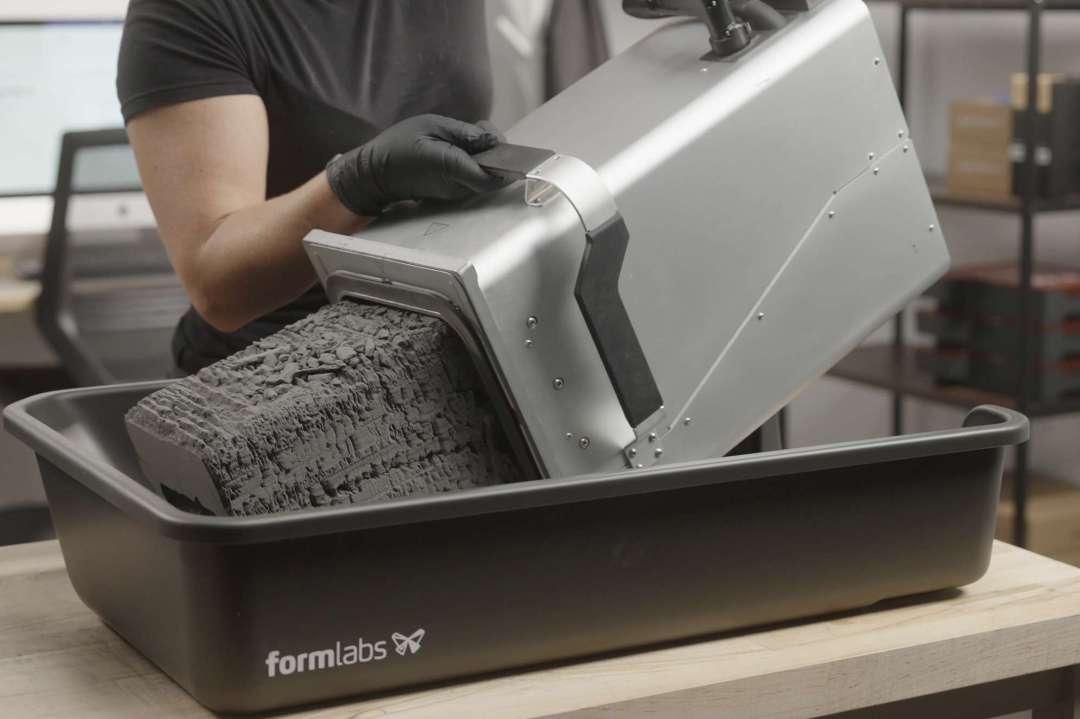
Allow the build chamber to cool completely. Tip the chamber onto the lip of the workspace bin at approximately 45 degrees until the powder cake slides out. Place the part basket in the tray to block the lip and prevent powder spills.
Step 2: Extract and Clean Printed Parts
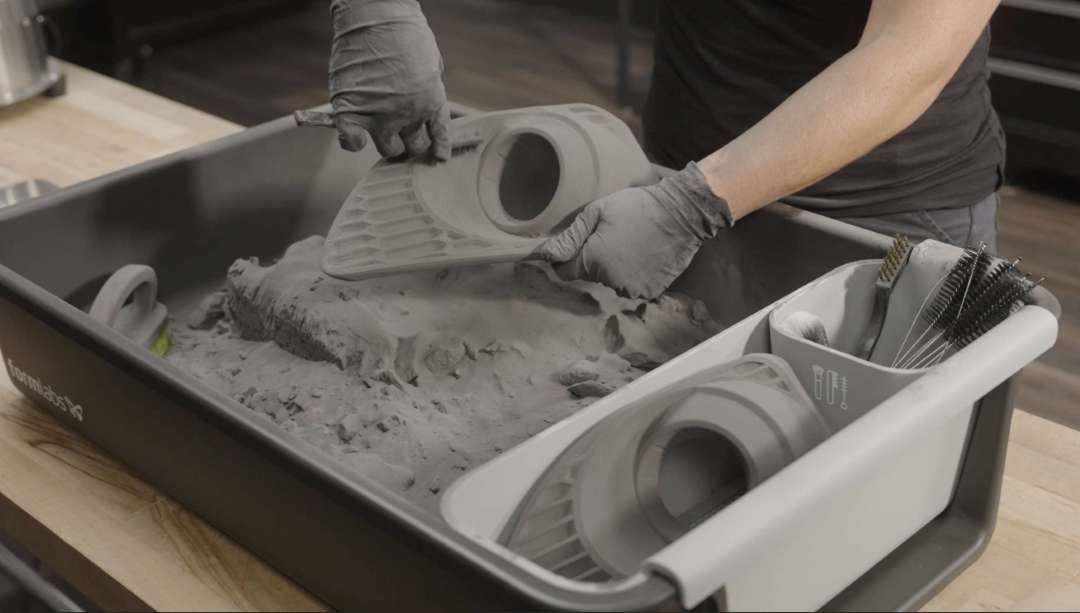
Extract printed parts from the powder cake inside the workspace bin. Use the large brush to remove loose unsintered powder from all surfaces. For detailed geometries, use the smaller brushes and picks to clear powder from cavities and overhangs. Place cleaned parts into the part basket.
Step 3: Sift the Used Powder
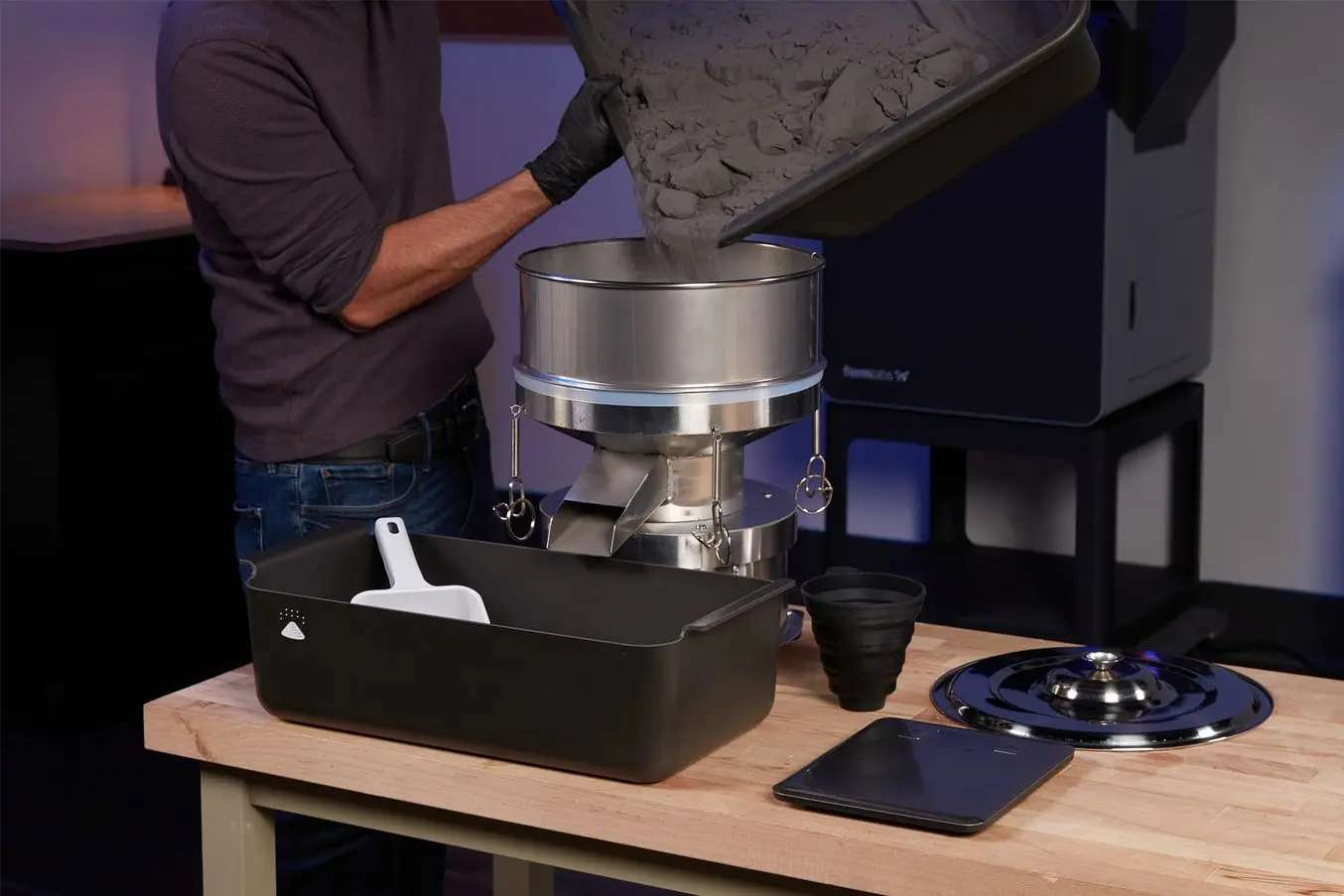
Place the sifter on a clean, level surface and insert the 150 µm sieve with weatherstripping. Secure it with the turnbuckles. Pour the used powder from the workspace bin into the sifter using the integrated spout, then power on the sifter. Collect the filtered powder in the output bin.
Step 4: Weigh and Mix Powder
Place an empty cartridge on the cordless scale and tare it. Using the scoop, fill the cartridge with used and fresh powder according to your material's recommended refresh rate. Close the cartridge and shake it horizontally and vertically for 30 seconds in each direction to ensure thorough mixing.
Step 5: Media Blast (If Required)
If your parts require a finished surface, transfer them to a media blaster such as the Fuse Blast. Media blasting is mandatory for Nylon 12 GF parts to remove Surface Armor. For all other materials, Formlabs recommends media blasting for the best possible surface finish.
Below is a typical powder cake being extracted from the build chamber during a depowdering session.
Once the parts are freed from the cake, use the included brushes to clear unsintered powder from surfaces, cavities, and overhangs before placing them in the part basket.
The sifter's 150 µm mesh catches clumps and semi-sintered debris, returning clean, aerated powder to the output bin for reuse.
Frequently Asked Questions — Formlabs Fuse Depowdering Kit
Which Formlabs printers are compatible with the Fuse Depowdering Kit?
The Fuse Depowdering Kit is compatible with the Fuse 1 and the Fuse 1+ 30W — the entire Fuse 1 generation of SLS printers.
Does the Fuse Depowdering Kit replace the Fuse Sift?
It provides the same core functions — powder removal, sifting, recovery, and mixing — in a manual format. For high-throughput production, the Fuse Sift remains faster and more ergonomic. The Depowdering Kit is best suited for low-volume workflows, material-switching scenarios, or as a secondary post-processing station.
Can I use the Fuse Depowdering Kit with multiple powder types?
Yes, and this is one of its key advantages. You can either dedicate one kit per powder type or clean the sieve and workspace between material changes. If switching powders, replace the sieve or vacuum it thoroughly with an anti-static vacuum to prevent cross-contamination.
What replacement sieves are available?
Formlabs offers replacement sieves in two mesh sizes: 150 µm and 300 µm. The 150 µm sieve is included with the kit. Over time the mesh can bind from prolonged use, so periodic replacement is recommended.
What safety equipment is needed when using the kit?
Nitrile gloves and shoulder-length gloves are included. Formlabs recommends wearing long-sleeved shirts and long trousers when handling powder, and routinely washing work clothing to remove contaminants. Always consult the Safety Data Sheet (SDS) for the specific powder you are using.
What warranty does the Fuse Depowdering Kit include?
The kit includes a one-year warranty. For complete details, refer to the Formlabs EU warranty terms applicable to Spain.
Why Choose EXPERT3D?
EXPERT3D has been a specialist in 3D technology since 2012, serving engineering teams and production departments across Spain with technical expertise and hands-on support. We stock Formlabs SLS printers, powders, and accessories including the Fuse Depowdering Kit, with rapid shipping across Spain and Europe. Our team can advise on post-processing workflows, material selection, and ecosystem configuration. Order directly from our online store with transparent pricing in EUR (€) and full warranty coverage.