

- Stock: In Stock
- Product code: 00-00000097
- Weight Brutto: 164.00kg
- SKU: FS1-FB-01

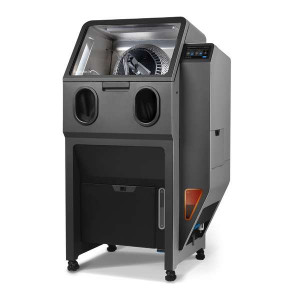
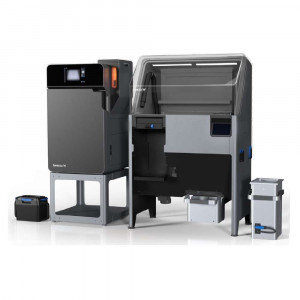
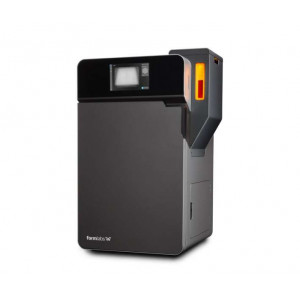
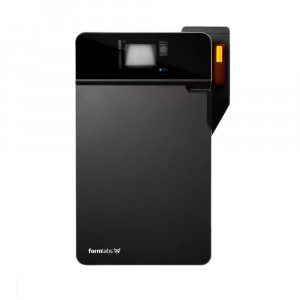
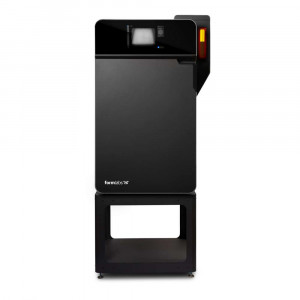
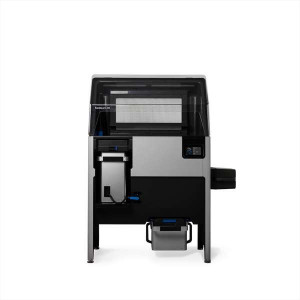
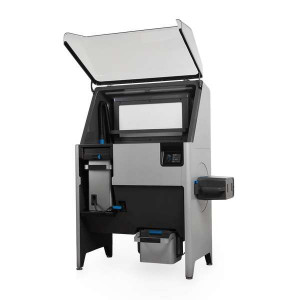
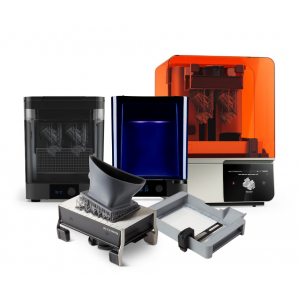
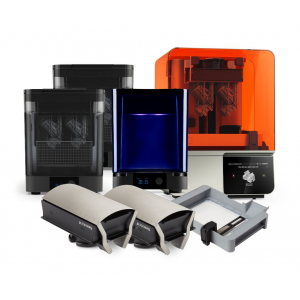
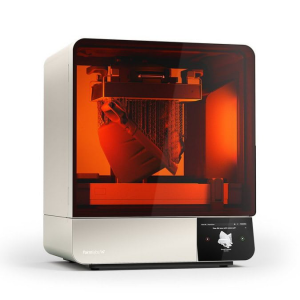
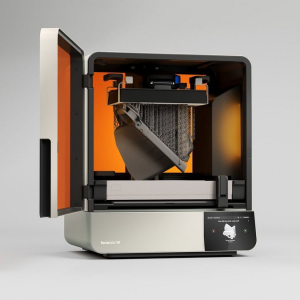
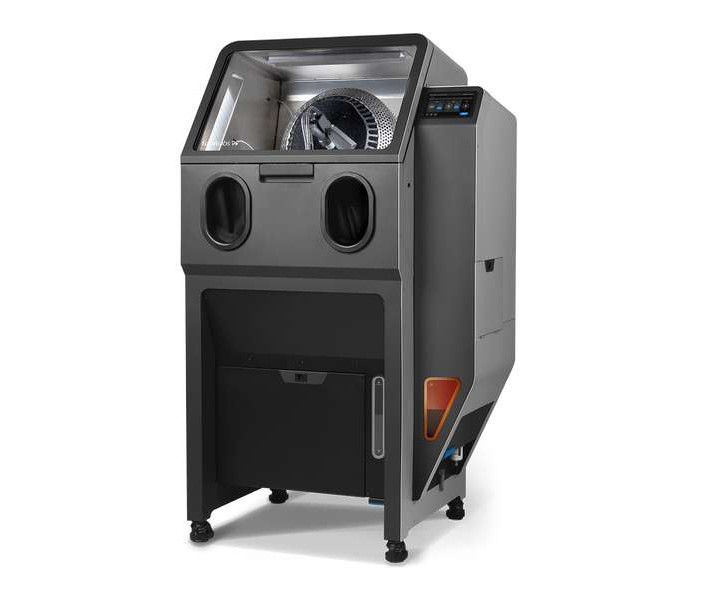
The Formlabs Fuse Blast is a fully automated SLS post-processing station designed to clean and polish parts printed on Fuse Series and compatible powder bed fusion printers, delivering a complete build chamber of parts clean to the touch in as little as 15 minutes. It combines automatic tumble blasting, a passive media recycling system, and an in-line ionizer — all in a sealed, HEPA-filtered enclosure that keeps your workspace powder-free.
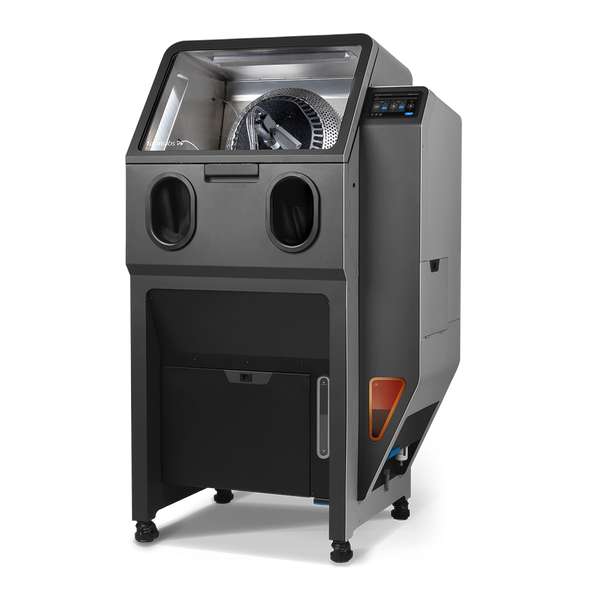
| Minimum Cleaning Time | 15 minutes (full build chamber) |
|---|---|
| Tumbling Basket Diameter | 450 mm internal (fits full Fuse Series build volume) |
| Media Hopper Capacity | 8.3 L (13 kg glass media / 5.2 kg Polishing Media) |
| Sound Emission | ≤ 75 dB(A) |
Why the Fuse Blast Transforms SLS Post-Processing
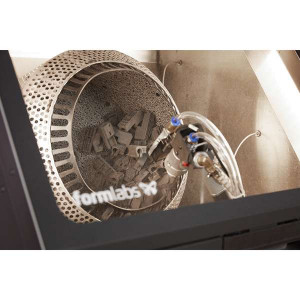
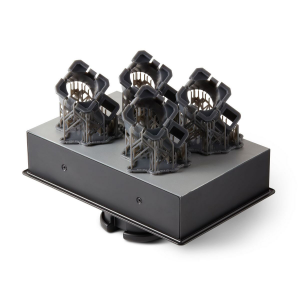
Every SLS print exits the Fuse Series printer encased in Surface Armor — a semi-sintered shell that protects parts during the build but must be fully removed before use. Doing that manually is dusty, time-consuming work. The Fuse Blast eliminates that bottleneck entirely with a four-stage automatic cycle: startup tumble, media blast, chamber rinse, and ionized-air part rinse.
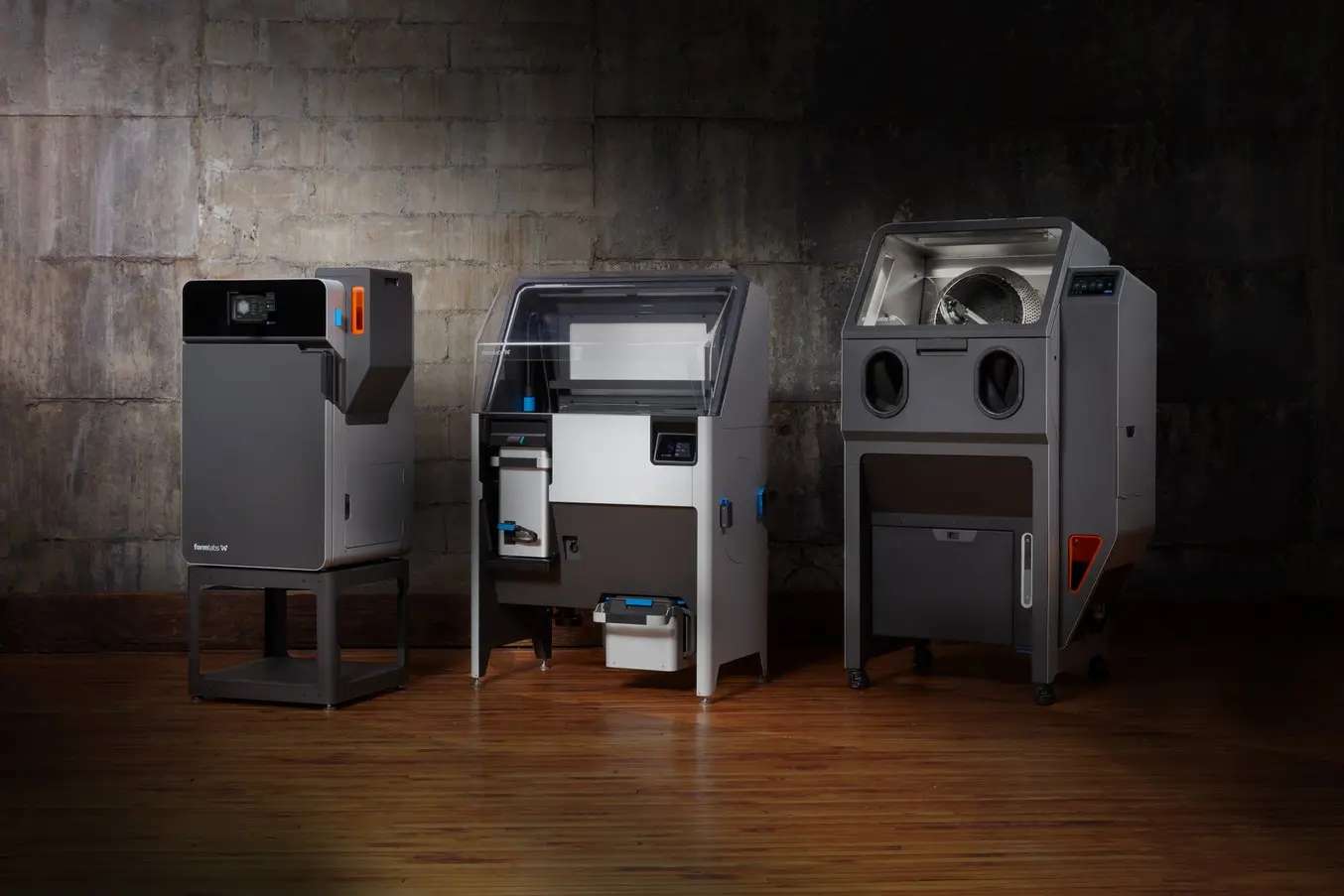
100% Hands-Off Automatic Mode
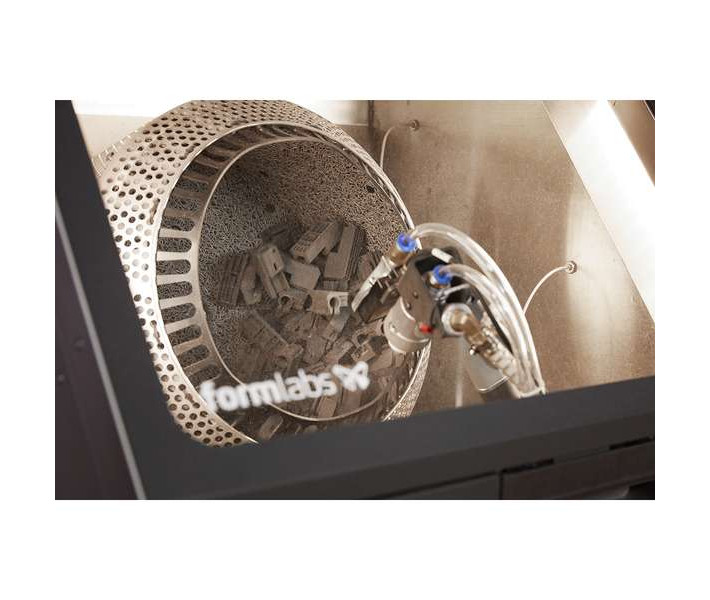
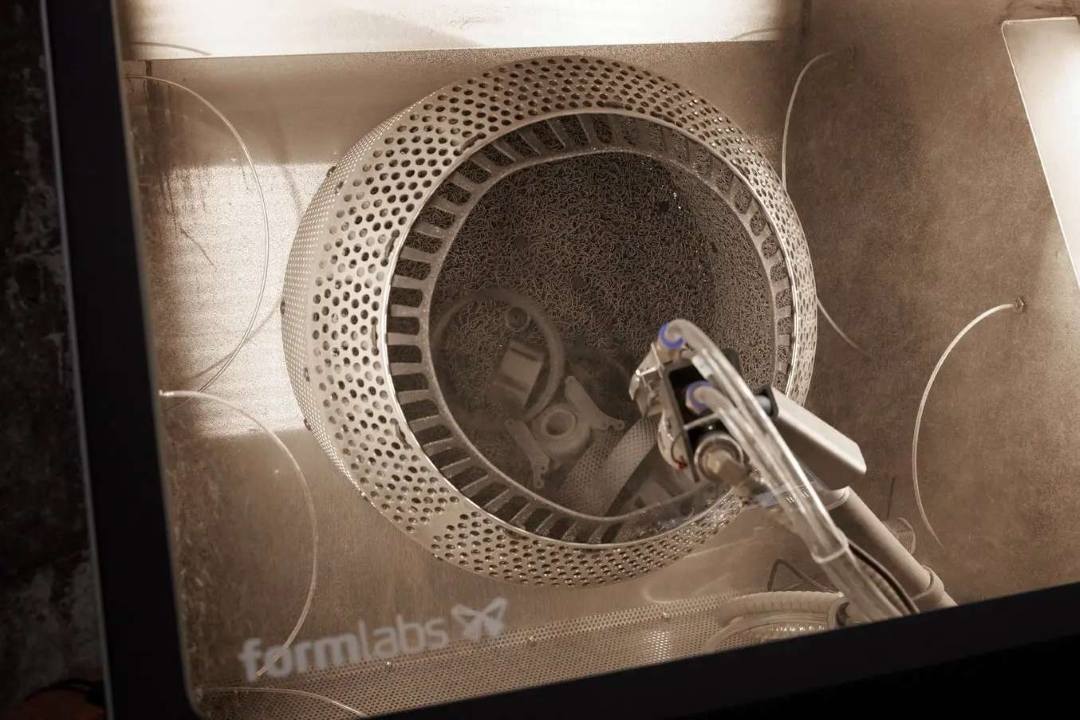
Load parts into the 450 mm tumbler basket, select a pre-programmed routine, press Start. The rotating basket agitates parts to ensure even blast coverage from all directions. No operator needs to stand by: the touchscreen and optional foot pedals give full control, but the cycle runs itself. Labor time reduction reaches up to 80% compared to manual blasting workflows.
Manual Mode for Complex Geometries
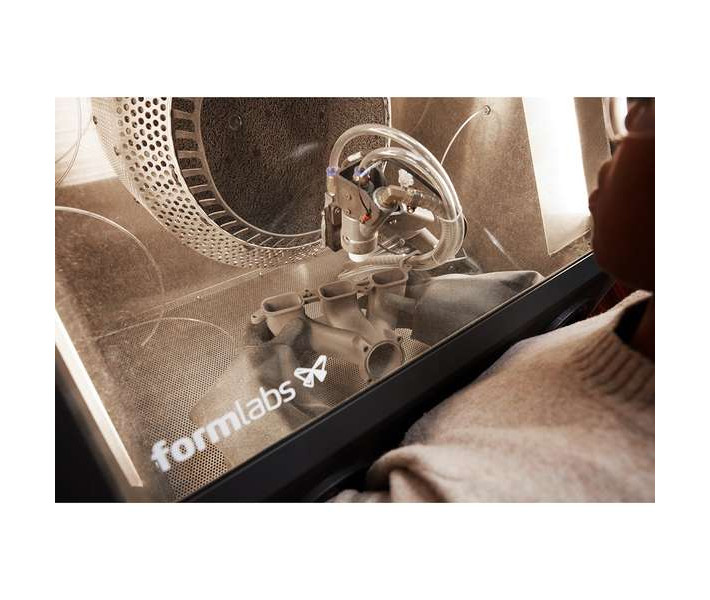
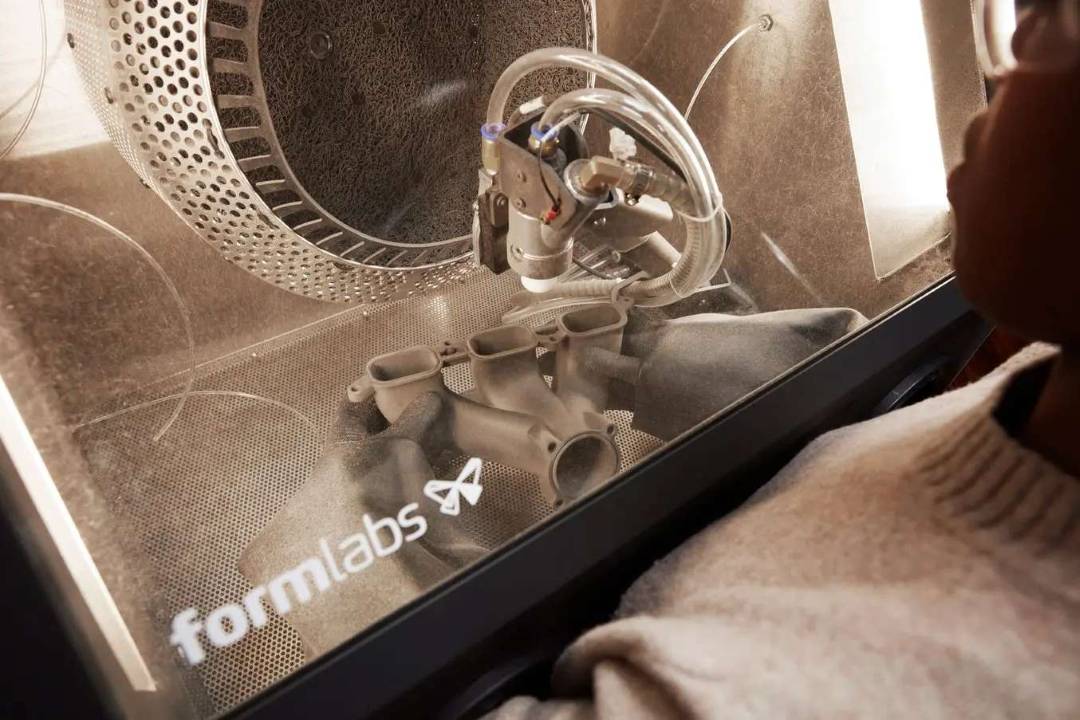
Some parts have deep cavities, thin walls, or overhanging features that benefit from targeted blasting. The Fuse Blast's built-in glovebox lets operators handle parts directly with both hands inside the sealed chamber, keeping powder contained. Two foot pedals independently control the media blast stream and the ionized air rinse — right pedal for media, left pedal for the air rinse.
In-Line Ionizer: Clean to the Touch, Every Time
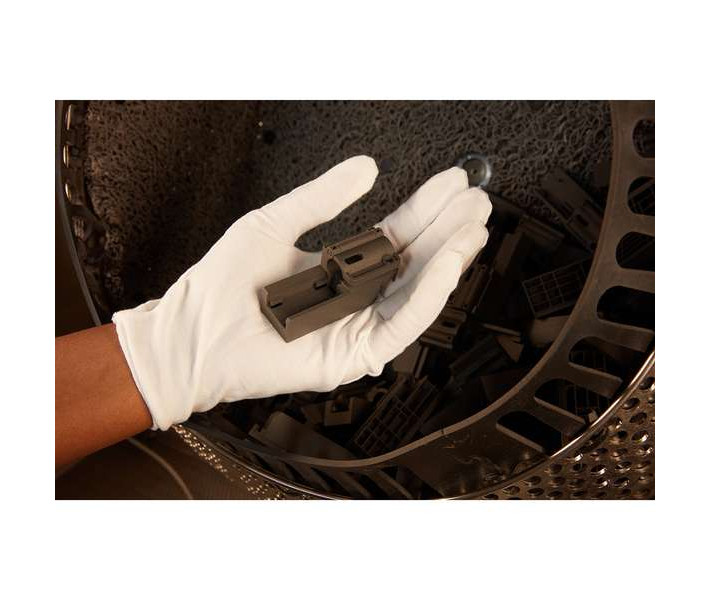
Glass bead blasting creates static charge that attracts fine powder back onto just-cleaned surfaces. The Fuse Blast neutralises this with an integrated ionizing air rinse that fires after every blast cycle, stripping residual static so no dust re-settles on finished parts. The result is a surface ready for inspection, dyeing, or end-use without additional wiping.
Passive Media Recycling Cuts Operating Costs
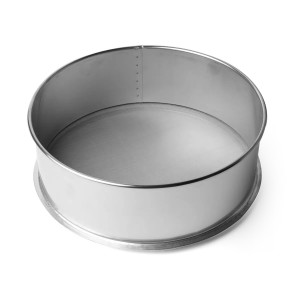
A media filter mesh inside the blasting chamber continuously separates degraded media and waste powder into a dedicated 10.6 L waste hopper, while clean media cycles back into the 8.3 L media hopper. Passive recycling extends media life significantly and reduces replenishment frequency — no active pump or separate separator needed.
Optional Polishing System: From Matte to Semi-Gloss
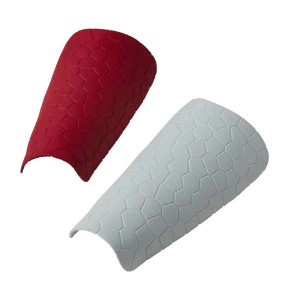
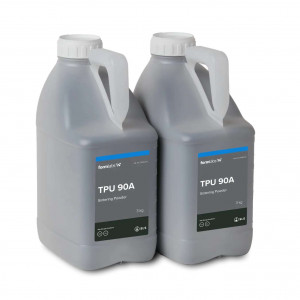
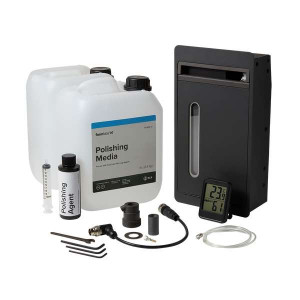
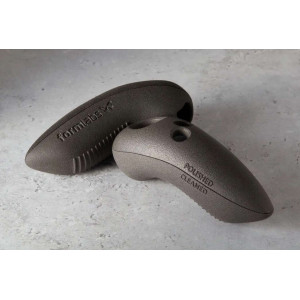
The drop-in Fuse Blast Polishing System upgrade replaces glass blasting media with Formlabs Polishing Media, operating at a higher blast pressure of 60 psi versus 30 psi for standard glass cleaning. The result is a smooth, semi-gloss, scuff-resistant surface that is dye-ready straight out of the machine. Compatible with all Formlabs SLS powders except TPU 90A.
Office-Friendly Sealed Enclosure
- Fully sealed cabinet with negatively pressurised hood prevents powder escape during operation
- Replaceable HEPA filter captures fine particulate — no separate dust collector required
- Independent venting system exhausts circulated air cleanly out of the machine
- Sound emission does not exceed 75 dB(A), compatible with shared workshop environments
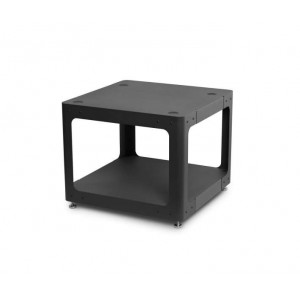
- Caster wheels with locking feet for easy repositioning
Connectivity and Control
The Fuse Blast connects to the Formlabs Dashboard via Wi-Fi (2.4 / 5 GHz, IEEE 802.11 b/g/n) or Gigabit Ethernet (RJ-45), enabling remote monitoring and firmware updates. A USB 2.0 Type-C port handles local data transfers. The capacitive LCD touchscreen displays cycle information, settings, and diagnostics in real time.
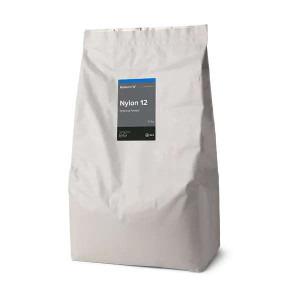
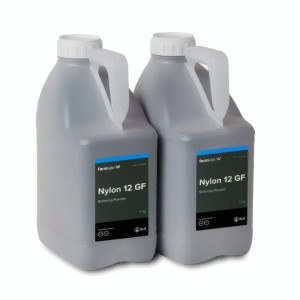
Tech Tip: When using glass media for standard cleaning, keep blast pressure at 30 psi — higher pressure does not improve powder removal and risks surface damage on most Nylon powders. Reserve pressures above 30 psi only for Nylon 12 GF parts. When switching to the Polishing System, drain and replace all glass media first; mixing media types degrades polishing performance and can clog the hopper.
Technical Specifications of the Formlabs Fuse Blast
Compatibility & Dimensions
| Printer Compatibility | Fuse Series SLS 3D Printers; Third-party powder bed fusion 3D printers |
|---|---|
| Dimensions (W × D × H) | 100 × 75 × 175 cm (39 × 29.6 × 68.7 in); Height when open: 195 cm (76.8 in) |
| Minimum Space Required (W × D × H) | 145 × 150 × 210 cm (57.4 × 59.6 × 82.6 in) |
| Weight | 164 kg (without blasting media) / 360 lb (without blasting media) |
Blasting Chamber
| Tumbling Basket Internal Diameter | 450 mm (fits a full Fuse Series build volume) |
|---|---|
| Internal Work Area (W × D × H) | 71 × 55 × 67 cm (27.9 × 21.6 × 26.3 in) |
| Accessible Work Area (W × D × H) | 57 × 50 × 67 cm (22.4 × 19.6 × 26.4 in, basket removed) |
Media System
| Media Hopper Capacity | 8.3 L: 13 kg of 200–300 µm glass media / 5.2 kg of Polishing Media |
|---|---|
| Waste Hopper Capacity | 10.6 L |
Environment & Air
| Operating Temperature | 10–36 °C (50–96.8 °F) |
|---|---|
| Maximum Operating Elevation | 2286 m (7500 ft) |
| Air Handling | Negatively pressurized hood with replaceable HEPA filter; independent venting system |
| Compressed Air Requirements | Min. 10 SCFM at 90 PSI / 285 SLPM at 6 bar. Regulated input: 90–120 PSI / 6–8 bar. Typically a single 4 HP compressor. |
| Sound Emission | Does not exceed 75 dB(A) |
Power & Connectivity
| Power Requirements (EU) | 230 VAC, 3 A |
|---|---|
| Power Requirements (US) | 120 VAC, 6 A |
| Wi-Fi | IEEE 802.11 b/g/n; 2.4 / 5.0 GHz; WPA/WPA2 |
| Ethernet | RJ-45 (10BASE-T / 100BASE-TX / 1000BASE-T); min. Cat5 cable (Cat5e/Cat6 for 1000BASE-T) |
| USB | USB 2.0 Type-C port (A-C or C-C cable) |
Controls
| Product Control | Interactive touchscreen; foot pedals for manual control |
|---|
What's in the Box
- Fuse Blast unit
- Transfer container
- Control pedals
- ESD wrist strap
- 7 mm socket wrench
- Blast orifice (3 mm)
- Blast orifice (4 mm)
- T-20 driver
- Floor mat
How to Set Up and Run Your First Fuse Blast Cleaning Cycle
From unboxing to clean parts: a step-by-step guide to installing the Fuse Blast and running an automatic cleaning cycle for the first time.
Step 1 — Unbox and Position the Machine
Position the packaging near the designated workspace. Two people are required due to the machine's 164 kg weight. Remove outer strapping, cardboard shells, and protective foam inserts. Attach the ramp to the pallet, raise the rubber feet by rotating the wheel nuts clockwise, then carefully roll the unit off the pallet into position. Lock all four caster wheels.
Step 2 — Install Components
Open the blasting chamber door and slide the tumbler basket onto its shaft. Place the foot pedals underneath the unit and attach the cable. Reposition the blast arm so the nozzle faces the tumbler basket. Attach the ESD grounding strap to the grounding strap plug. Connect the air compressor to the ¼" quick-disconnect coupling at the rear of the unit.
Step 3 — Connect Power and Network
Connect the machine to a dedicated 230 VAC / 3 A circuit (EU). Screw the Wi-Fi antenna onto the I/O panel jack, or connect a shielded Ethernet cable (minimum Cat5). Check that both the media hopper valve and the waste hopper valve are closed. Flip the rear breaker switch to ON. Follow the on-screen onboarding guide.
Step 4 — Fill the Media Hopper
Add up to 13 kg of 200–300 µm glass blasting media (or 5.2 kg of Polishing Media) to the media hopper. Do not overfill — exceeding capacity can clog the air inlet. Open the media hopper valve once filled.
Step 5 — Load Parts and Configure the Cycle
Transfer printed parts from the Fuse Sift using the included transfer container. Open the chamber door, move the blast arm to idle position, place parts in the tumbler basket, then move the blast arm back to the active cleaning position with the nozzle aimed at the basket. Close and latch the door. On the touchscreen, set blast pressure (recommended 30 psi for glass media), blast time, rinse pressure, rinse time, and tumbler RPM.
Step 6 — Run the Cycle and Inspect Parts
Tap Start. The Fuse Blast runs through its four-stage sequence automatically. When the cycle completes, wait 30 seconds for particles to settle before opening the chamber door. Inspect parts. If Surface Armor remains on complex geometries, switch to manual mode using the blast gloves and foot pedals for targeted cleaning.
Is the Fuse Blast compatible with third-party SLS printers?
Yes. While the Fuse Blast is purpose-built for the Formlabs Fuse Series ecosystem, it is also compatible with third-party powder bed fusion (SLS) 3D printers. The 450 mm diameter tumbler basket accommodates a full Fuse Series build volume, and its internal work area can handle parts from other SLS platforms.
What compressed air supply does the Fuse Blast require?
The Fuse Blast requires a minimum air supply of 10 SCFM at 90 PSI (285 SLPM at 6 bar), with input regulated between 90–120 PSI (6–8 bar). This is typically achieved by a single 4 HP air compressor connected via the rear ¼" quick-disconnect coupling.
What blasting pressure should I use for standard SLS cleaning?
Formlabs recommends 30 psi for standard glass media cleaning. Higher pressures are not required and can damage most parts. The exception is Nylon 12 GF Powder, which may benefit from slightly higher pressure. When using the Polishing System with Polishing Media, the recommended pressure increases to 60 psi.
How does the Fuse Blast extend blasting media life?
The Fuse Blast uses a passive media recycling system: a filter mesh inside the blasting chamber continuously separates degraded media and waste powder into the 10.6 L waste hopper, while usable media is recycled back into the 8.3 L media hopper. This process requires no active intervention and significantly reduces media consumption and overhead costs.
Can the Fuse Blast Polishing System be used with all SLS materials?
The Fuse Blast Polishing System is compatible with all Formlabs SLS powders with one exception: it will not polish parts printed in TPU 90A Powder. It can still clean loose powder from TPU 90A parts, but the polishing effect will not be achieved. Some powders may require longer polishing cycles to reach the desired semi-gloss finish.
Does the Fuse Blast require a separate dust collector or external ventilation?
No. The Fuse Blast features a fully sealed enclosure with a negatively pressurized hood and a replaceable HEPA filter that captures fine particulate internally. An independent venting system exhausts clean air out of the unit. No external dust collection or ducted ventilation is required, making it suitable for office and shared workshop environments.
Why Choose EXPERT3D?
EXPERT3D has been a specialist in 3D technology since 2012, offering professional pre-sales advice, fast shipping across Spain, and post-sale technical support for every product in our catalogue. As an official representative of Formlabs, we guarantee the best price, authorized service, and official warranty. Our team works directly with Formlabs to ensure our customers receive genuine equipment, up-to-date firmware, and access to certified service. Buy your Formlabs Fuse Blast from EXPERT3D and complete your Fuse Series ecosystem with confidence. Questions about installation, compressed air requirements, or media selection? Contact our technical team before you order.