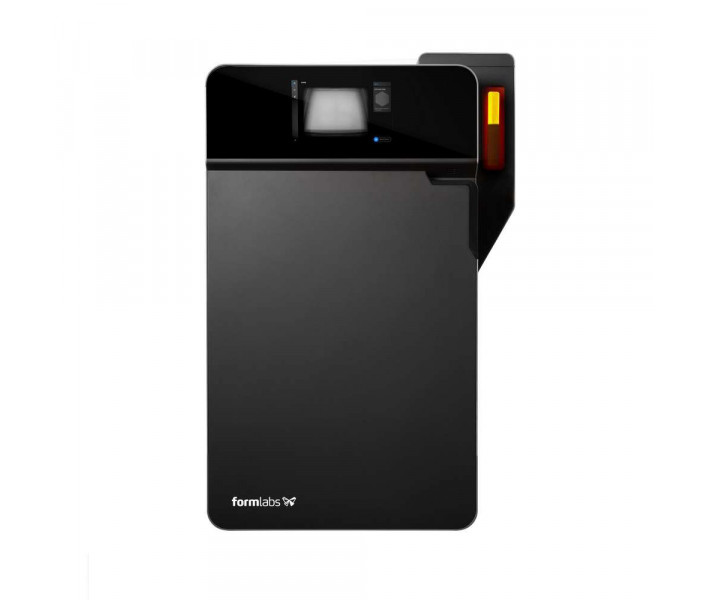
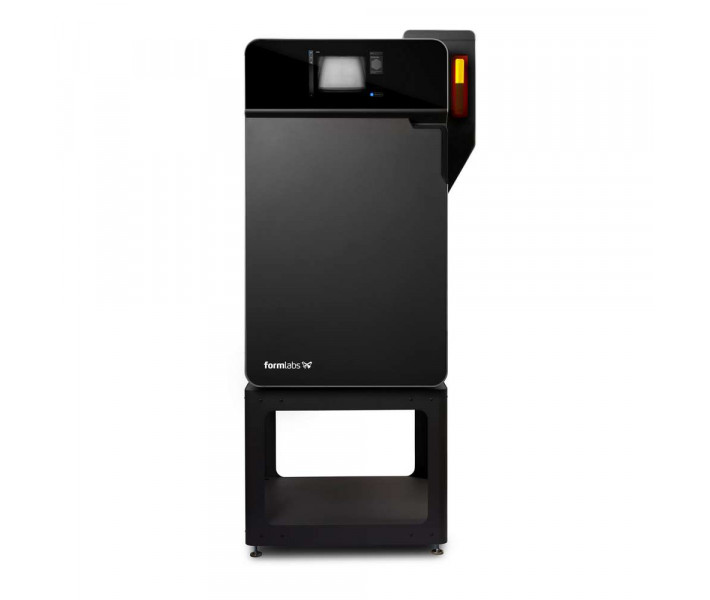
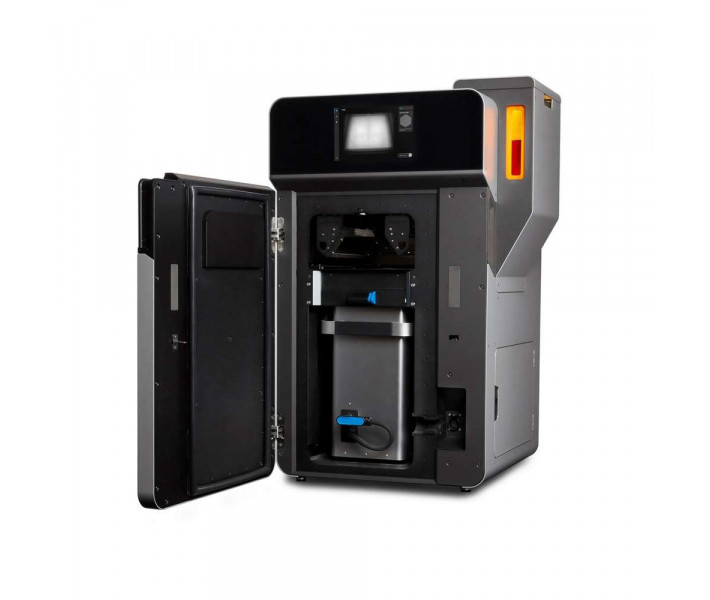
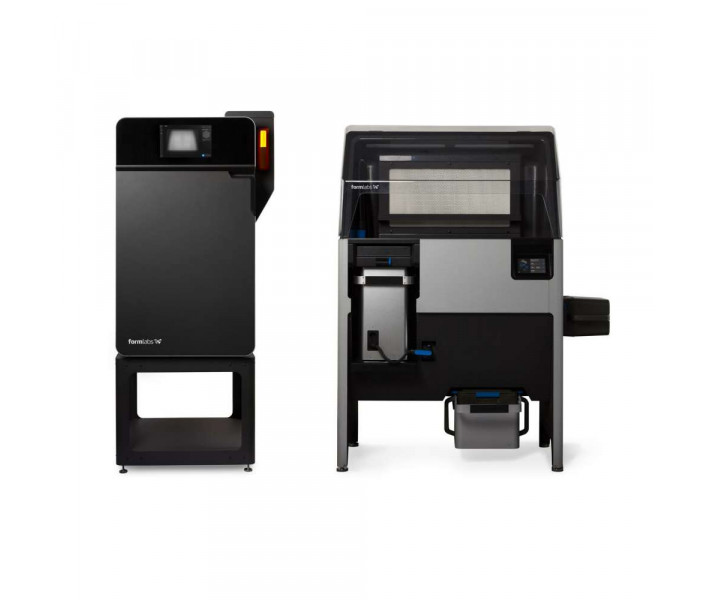
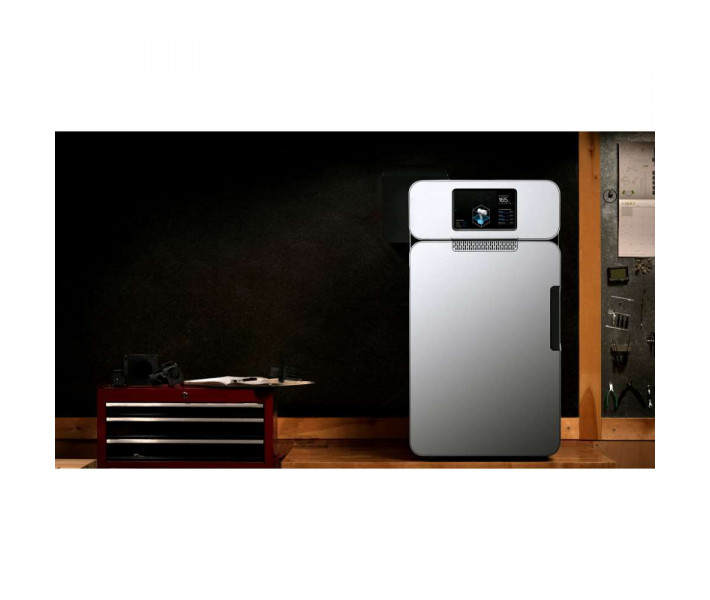
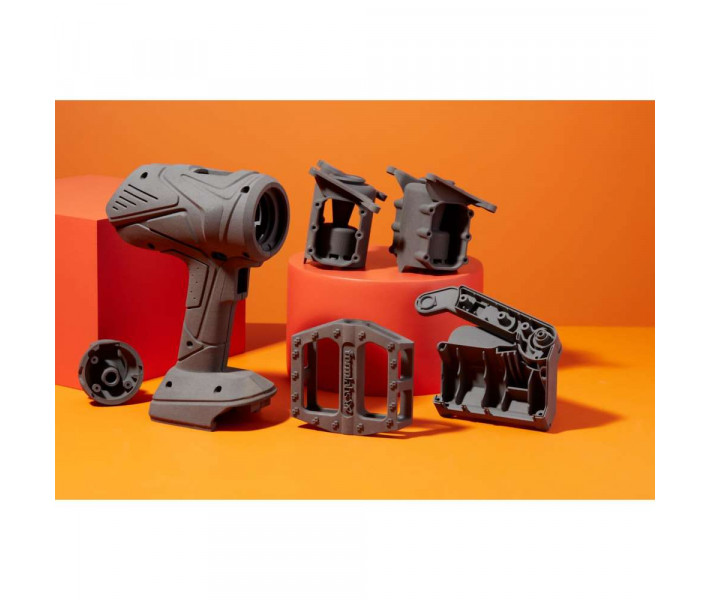
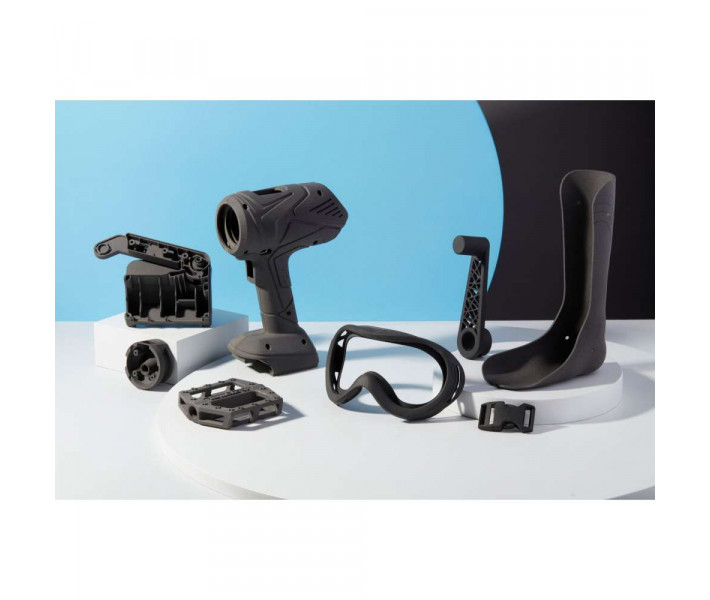
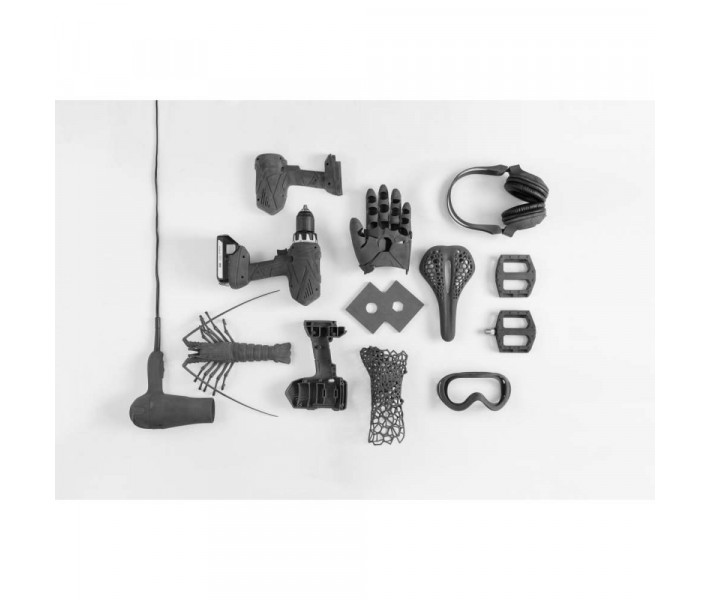
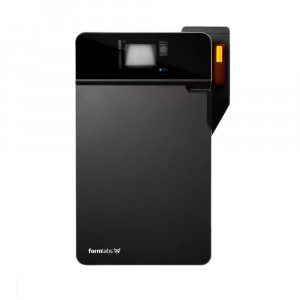
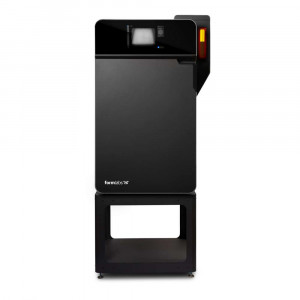
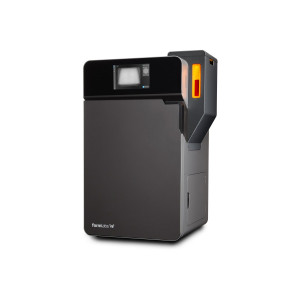
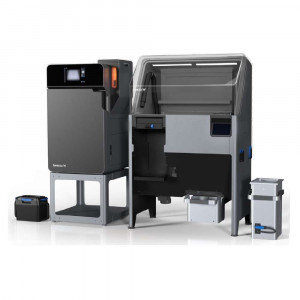
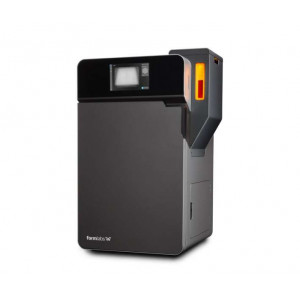
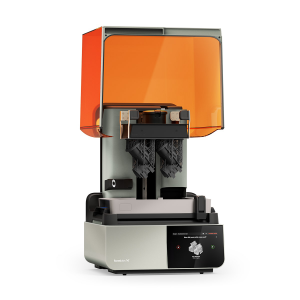
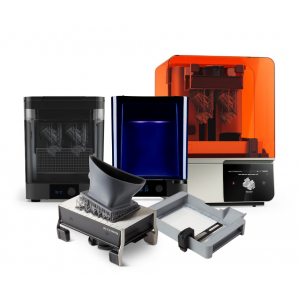
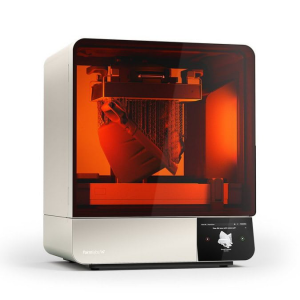
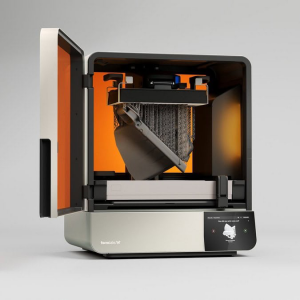
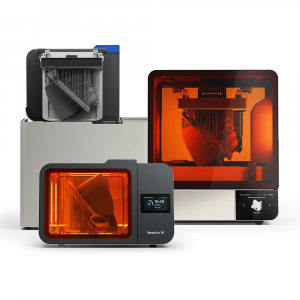
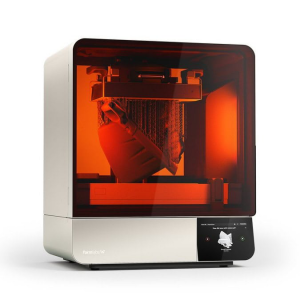
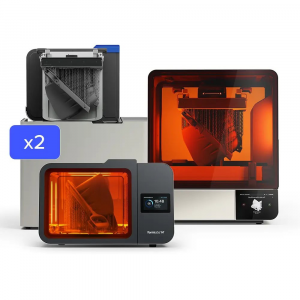
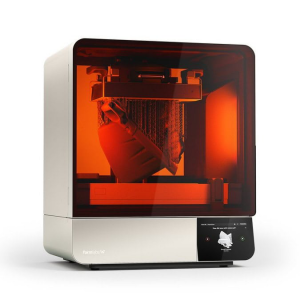
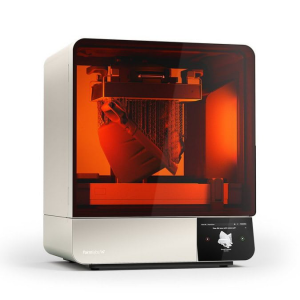
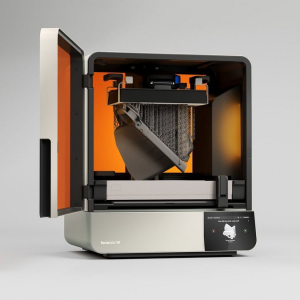
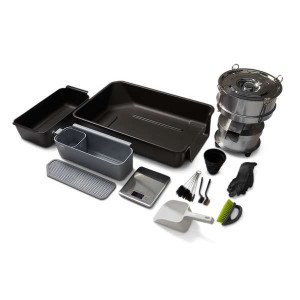
The Formlabs Fuse 1 Certified Refurbished system delivers
industrial-grade Selective Laser Sintering (SLS) directly to your benchtop or
workshop. Equipped with a high-precision 10W Ytterbium fibre laser and an
efficient 165 × 165 × 300 mm build volume, this 3D printer manufactures
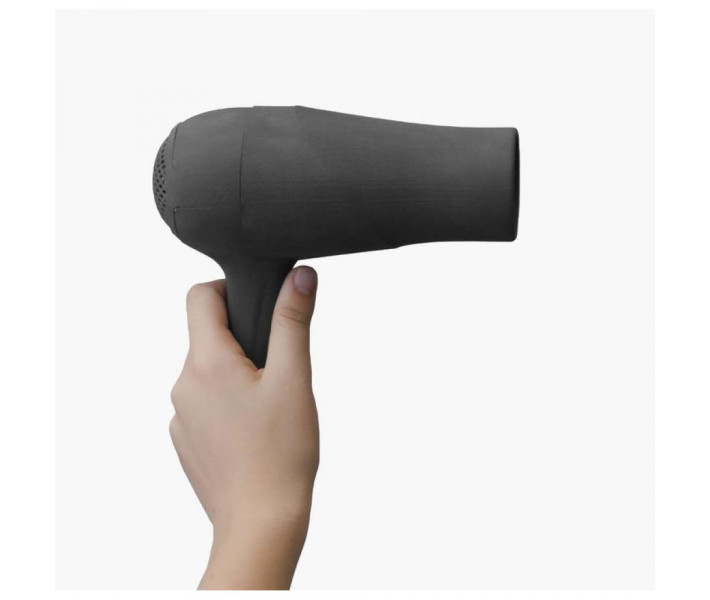
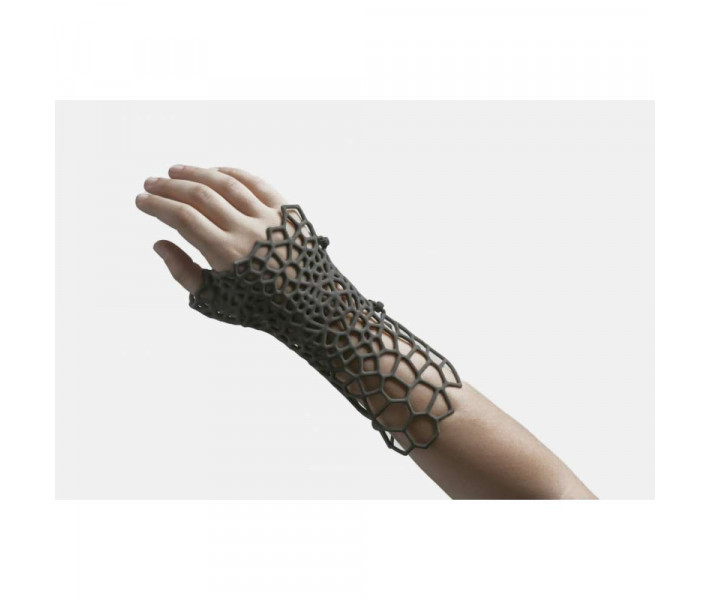
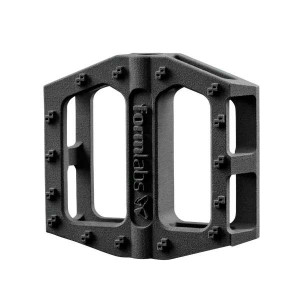
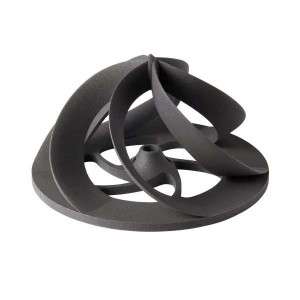
complex, support-free nylon geometries ready for end-use. Fully tested,
calibrated, and certified by the manufacturer, it guarantees reliable 24-hour
production turnarounds while reducing operational costs. This complete package
includes a comprehensive 1-Year Service Plan for uninterrupted manufacturing
workflows.
Why Integrate the Formlabs Fuse 1 SLS Ecosystem?
Taking control of your manufacturing cycle requires eliminating external
dependencies. By adopting the Fuse 1, you bypass extended lead times from
third-party service bureaus and bring robust nylon production in-house.
Because SLS technology uses unsintered powder to support the printed part, you
are no longer constrained by the design rules of support structures. This
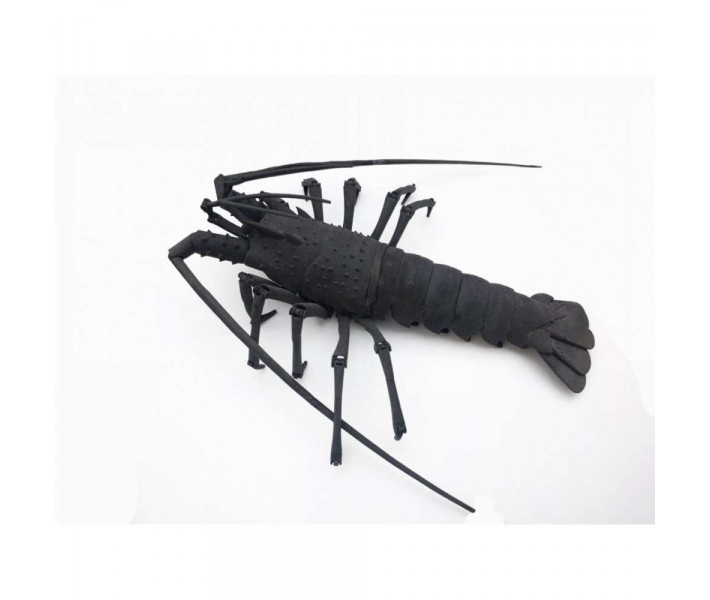
allows you to engineer complex internal channels, intricate overhangs, and
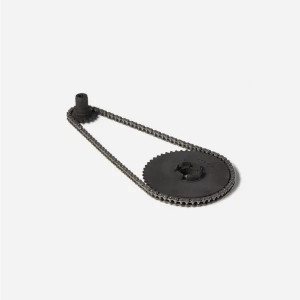
fully articulating assemblies directly in a single print job. Bridging the gap
between prototype and functional part is now achievable within a standard
24-hour window.
Production-Grade Advantages
Autonomous Management: Execute short-run production and
rapid prototyping directly in your facility at a fraction of the cost of
traditional, large-scale SLS platforms.
3D Volume Nesting: Maximize the 165 × 165 × 300 mm chamber.
Print dozens of parts simultaneously by floating components in
three-dimensional space within the powder bed.
Zero Support Post-Processing: Eliminate manual support
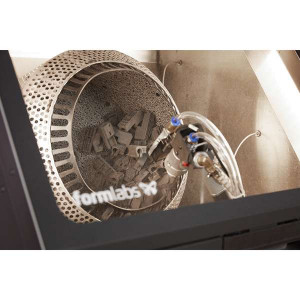
removal. Simply extract the print block, clear the residual powder, and
deploy the functional part immediately.
Precision Laser Fusion: The custom galvo system and fibre
laser accurately fuse nylon micro-particles, yielding lightweight structures
capable of withstanding heavy, continuous wear.
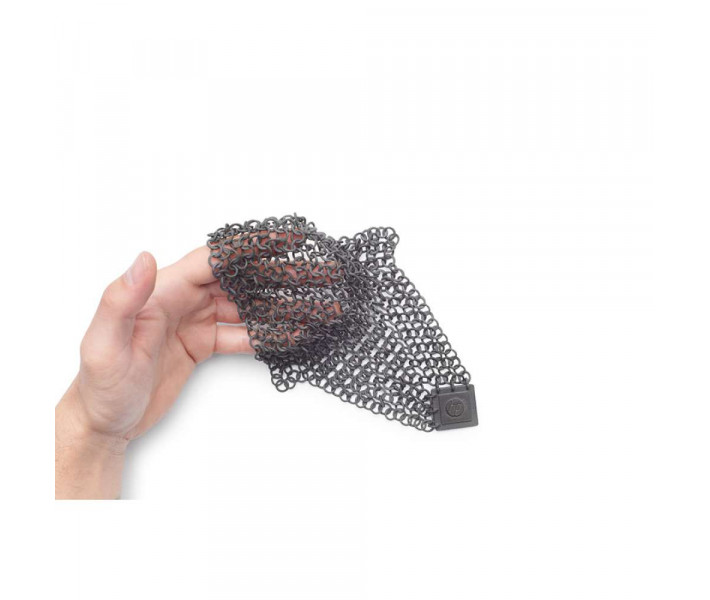
Real Mechanical Behaviour: Sintered nylon parts flex
dynamically under stress and return to their original shape, avoiding the
sudden, brittle fractures common with standard SLA resins or FDM filaments.
Thermal Stability: The robust material profiles withstand
elevated temperatures, making them ideal for motor housings, localized
ducting, and thermally stressed brackets.
Continuous Workflow: The swappable build chamber system
dramatically cuts downtime. Insert an empty chamber and initiate the next
print while the previous build cools externally.
Circular Economy: Optimize your consumable expenditure. The
system allows you to recycle and reuse up to
70% of the unsintered powder in subsequent print cycles.
Material Mechanical Performance Matrix
Part performance is strictly dictated by material properties. Understanding
these engineering metrics ensures you select the correct nylon variant for
your application.
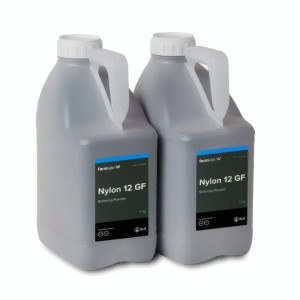
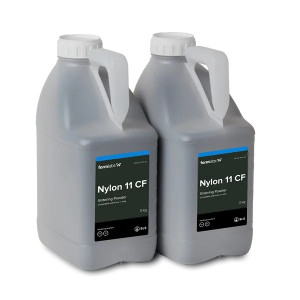
Elongation at Break(Flexing capacity before failure)
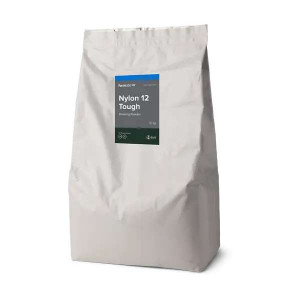
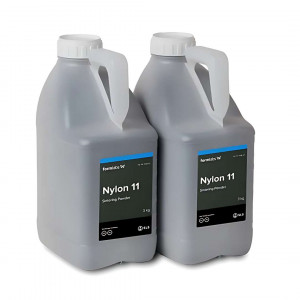
Nylon 12: 12% Nylon 11: 35%
Tensile Strength(Structural load tolerance)
Nylon 12: 50 MPa Nylon 11: 48 MPa
Softening Temperature(Thermal stability at 0.45 MPa)
Technical specifications of the Formlabs Fuse 1 Certified Refurbished –
Includes 1-Year Service Plan
Specification
Value
3D printing type
SLS
Print area
165 × 165 × 300 mm
Maximum Part Size (Nylon 12)
159 × 159 × 295 mm
Build speed
10 mm/hour
Layer thickness
110 microns
Material recycled rate
Up to 70%
Start time
60 minutes
Network connection
Ethernet, Wi-Fi, USB 2.0
Power Requirements
2 kW, 120 or 240 VAC
Scanning speed
2,000 mm/s
Laser spot size
200 microns (FWHM)
Laser characteristics
Ytterbium fiber rated for > 10,000 hours
Certificate
EN 60825-1:2014
Laser Class
Class 1 laser product
Wavelength
1065 nm
Maximum Power
10W
Beam divergence
4.01 mrad (nominal, full angle)
Material Capacity
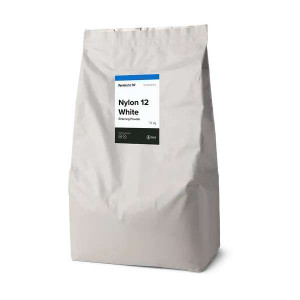
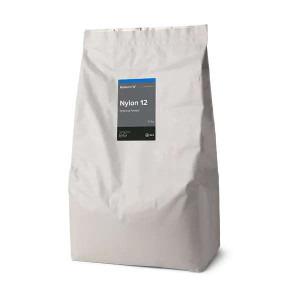
8.5 kg PA12 Nylon
Preparing to print
PreForm software
File type
STL or OBJ
Working environment
18 – 28 ºC
Ambient humidity
≤ 30% ambient humidity
Chamber Temperature
200 ºC
Temperature control
Quartz Tubular Heating Elements
PTC
Positive Temperature Coefficient (PTC) Cartridges
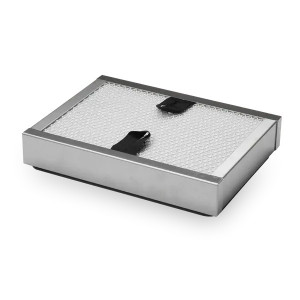
Filtration
Two-stage filtration with pressure control
Filter Media
(Replaceable HEPA and carbon media)
Software/System
Formlabs Custom
Printer control
10.1-inch interactive touchscreen
Resolution
1280 × 800
OS Compatibility (Windows)
Windows 7 (64-bit) or higher
OS Compatibility (Mac)
Mac OS X 10.12 or later
Graphics Requirements
OpenGL 2.1
Memory Requirements
4 GB of RAM (8 GB recommended)
Dimensions
677 × 668 × 1059 mm
Weight
114 kg
Warranty
1 year
Supplemental System Guidelines & Diagnostics
Ensure reliable operation of your Fuse 1 SLS platform by following these
manufacturer-provided operational steps and troubleshooting matrices.
How to Setup the Fuse 1: Preparation & Operational Environs
To prepare the workspace for the optimal printing environment:
1. Ensure proper isolation: Choose a location
separate from any machinery or tooling that generates dust or sparks,
such as wood or metalworking equipment.
2. Control ambient humidity: Maintain low ambient
humidity. When printing with Nylon 12, keep the relative humidity of
the environment around the printer, the Fuse Sift, and anywhere
unsintered powder is stored to 50% or less at all times. Higher
humidity leads to clumping and under-dosing.
3. Maintain clearances: Reserve a footprint of at
least 149.5 × 125.5 × 187.0 cm for the Fuse 1, ensuring 20.0 cm
clearance on the left and 61.0 cm to the front and right for
access.
4. Install proper ventilation: Sintering nylon
powder produces laurolactam, which accumulates in the print enclosure.
Proper external ventilation is required.
How to Initialize the Print Build Chamber
1. Unlock the enclosure: Drag the "Unlock Door"
slider on the touchscreen. Open the print enclosure door on the
printer.
2. Prepare the latch: Unlock and open the build
chamber latch by pushing the release trigger to the left.
3. Insert the chamber: Lift the empty build chamber
by the side handles with the front handle facing you. Rest the upper
lip of the build chamber on the rails and push forward until it hits
the hard stop.
4. Secure and connect: Lock the build chamber latch.
Insert the build chamber plug into the adjacent socket located in the
lower-right-hand corner. An audible click indicates a proper
connection.
System Diagnostics & Troubleshooting
Address common operational faults by consulting the integrated diagnostic
framework.
Why is the Fuse 1 touchscreen or machine unresponsive?
Cause: The power cable may be disconnected, the
breaker switch is set to OFF, or there is a minor firmware glitch.
Solution: Check whether the circuit has power and
the cable is secure. Power cycle the machine by flipping the rear
breaker switch to OFF, waiting at least one minute, and flipping it
back to ON. If the touchscreen remains unresponsive, ensure the
firmware is fully updated. Contact Formlabs Support if the problem
persists.
What causes printed parts to warp or deviate from flatness?
Cause: Improper cooling procedures or structural
design constraints. Warping typically occurs if the part is allowed
to cool non-uniformly or if the hot part is prematurely removed from
the print enclosure. Parts printed too close to the build chamber
walls are also susceptible to thermal deviations.
Solution: Allow the build chamber to undergo its
full automated cooling cycle within the printer before extraction.
Reposition digital models closer to the centre of the build volume
in PreForm to avoid edge cooling effects.
Why do parts exhibit a hard cake or pitting on the top-most surfaces?
Cause: The internal print bed temperature is
registering too high.
Solution: This is generally an indicator of a
blocked sensor. Check the IR sensor housing to see if laurolactam
off-gassing has built up in the sensor's field of view. Perform the
standard IR sensor cleaning procedure using ethanol and a polyester
cloth swab.
Why are my printed parts fragile or exhibiting poor surface finish?
Cause: Fragility points to insufficient sintering
due to attenuated laser power, usually caused by dirty optical
surfaces. Poor surface finish on vertical axes often indicates an
unbalanced ratio of recycled to unused powder.
Solution: Immediately inspect and clean the upper
laser window and optical cassette using Alconox, distilled water,
and ethanol. If the optics are clear, increase your powder refresh
rate (adding more unused powder) to ensure consistent melt
temperatures.
Since 2012, EXPERT3D has been a trusted leader in industrial additive
manufacturing. As an official representative of Formlabs, we guarantee the
best price, authorized service, and official warranty for your Formlabs Fuse 1
Certified Refurbished system. Upgrade your production capabilities with
confidence today.
Filament for UltiMaker ABS 3D Printer
The UltiMaker ABS (Acrylonitrile Butadiene Styrene) filament for 3D printers is an excellent choice for creating..
The Formlabs Fuse Sift is an all-in-one SLS powder recovery station designed exclusively for Fuse 1 generation printers, combining part extraction, po..
Medical 3D Printing at Another Level with the Form 4B Complete Package
On this page you can purchase the Form 4B medical 3D printer in the Complete Pa..
The Formlabs Fuse Sift is an all-in-one SLS powder recovery station designed exclusively for Fuse 1 generation printers, combining part extraction, po..
We use cookies and other tracking technologies to improve your browsing experience our website, to personalize content and ads, provide social features media and our traffic analysis.
Necessary cookies enable core functionality of the website. Without these cookies the website can not function properly.
Statistic cookies help website owners to understand how visitors interact with websites by collecting and reporting information anonymously.
A set of cookies to collect information and report about website usage statistics without personally identifying individual visitors to Google.
Marketing cookies store user data and behaviour information, which allows advertising services to target more audience groups.