- Stock: In Stock
- Product code: 00-00000151
- Weight Brutto: 0.50kg
- SKU: IF-FS1-01

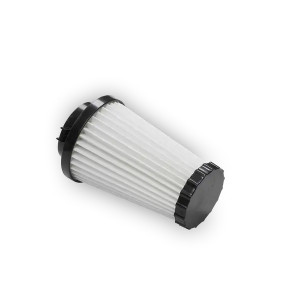
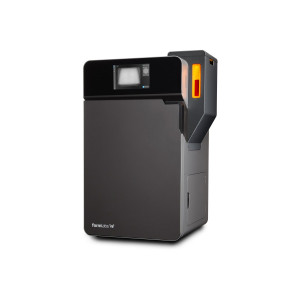
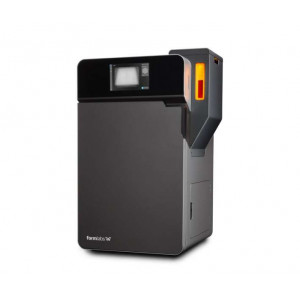
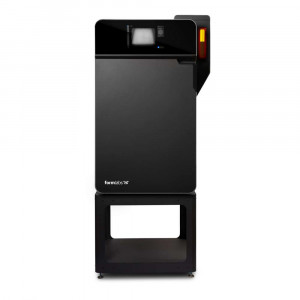
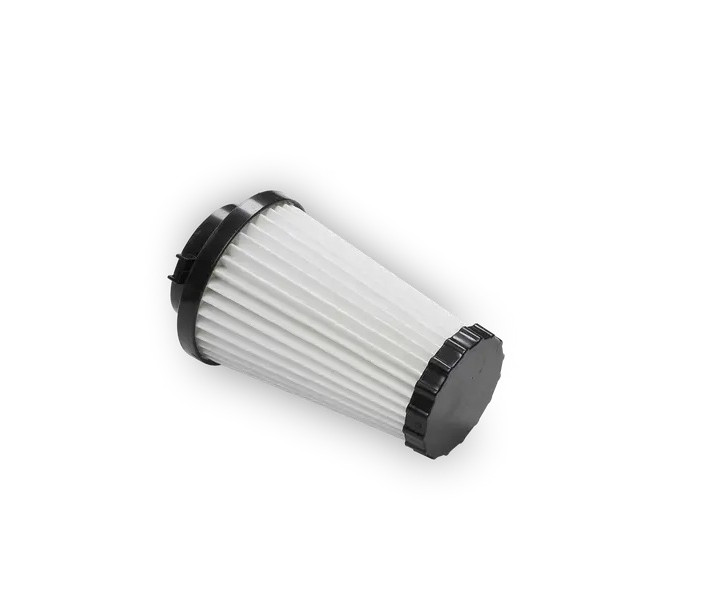
The Fuse Series Replacement Air Intake Filter is an OEM maintenance consumable for the Formlabs Fuse 1 and Fuse 1+ 30W SLS printers, designed to sustain clean airflow through the print enclosure over extended production cycles. Filters reach end-of-life at 2400 hours of accumulated printing and must be replaced following the printer's on-screen prompts — no guesswork, no manual tracking required.
| Compatible Printers | Fuse 1, Fuse 1+ 30W |
|---|---|
| Replacement Interval | 2400 hours of printing |
| Cleaning Interval | Every 30 hours or 1–2 full build volumes |
| Filter Location | Right-side cabinet door (conical filter, left position) |
Why the Intake Filter Matters for SLS Print Quality
SLS printing generates fine nylon powder aerosols continuously. The intake filter intercepts airborne particles before they reach internal optics, sensors, and the laser path. A clogged or expired filter restricts airflow, raises internal temperature, and risks contaminating the IR sensor cone and upper window — directly degrading sinter quality and layer consistency. Replacing on schedule keeps the Fuse's thermal management running at specification.
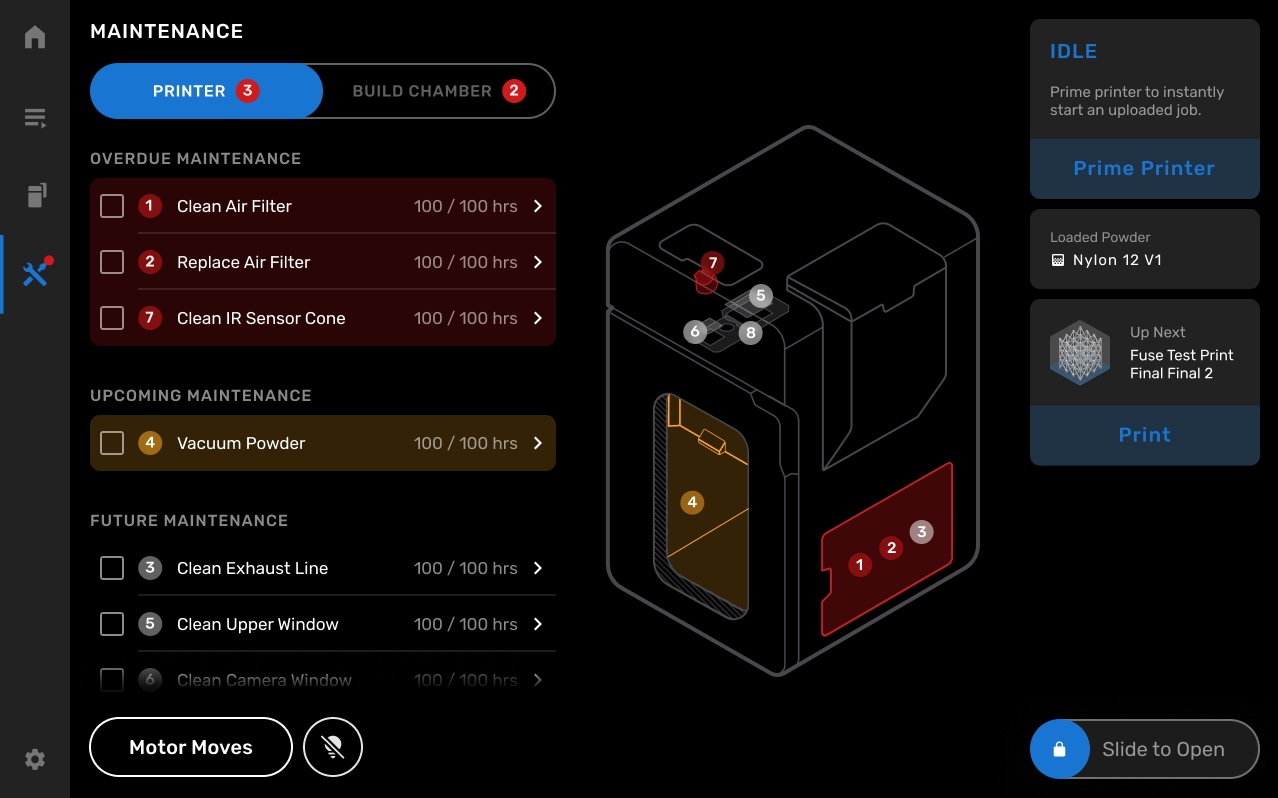
The Fuse 1 tracks filter health automatically. The touchscreen maintenance dashboard displays both cleaning intervals and replacement due dates by accumulated print hours, eliminating the need for external logbooks. When "Replace Air Filter" appears in the Overdue Maintenance list, the system simultaneously disables the air fans to prevent powder recirculation during swap-out.
The maintenance screen shows all pending and overdue tasks with hour counters, giving operators a clear picture of the printer's service status at a glance.
Filter Location and Cabinet Access
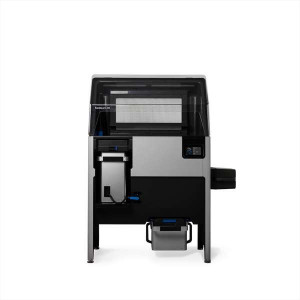
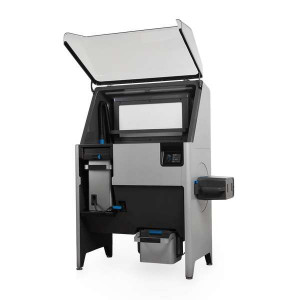
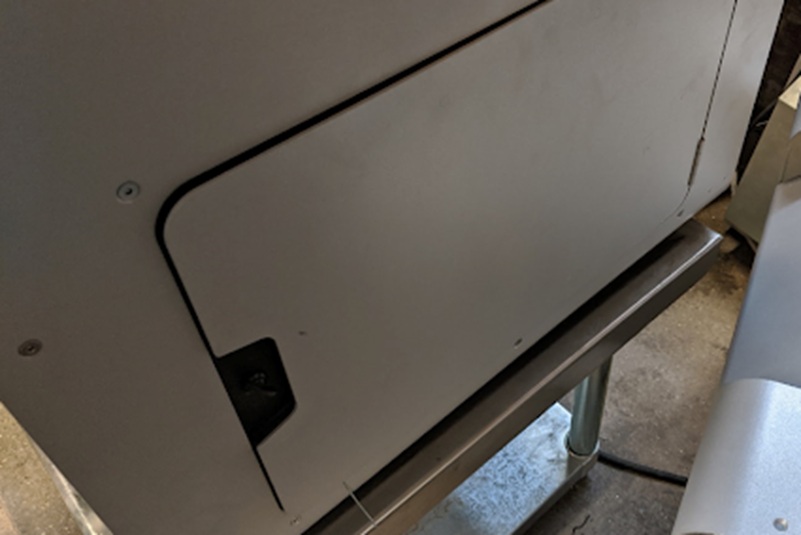
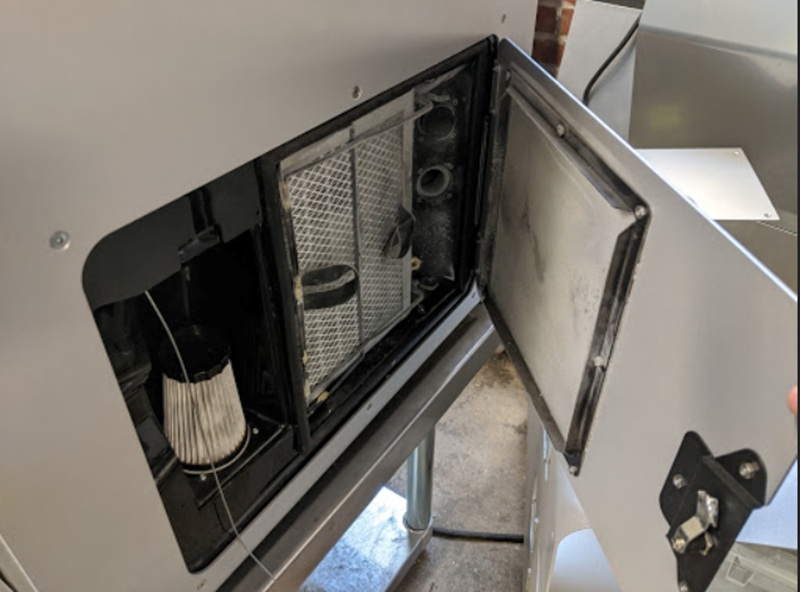
The intake filter sits inside a dedicated cabinet on the right side of the Fuse 1 chassis. The cabinet door opens with a single motion, exposing the filter bay without requiring tools. From the outside, the door is flush with the printer body — identifiable by its rounded-corner outline and the black latch handle.
With the door open, the conical white intake filter is visible on the left side of the bay. The exhaust filter mesh occupies the larger area to the right. The snap-fit mounting collar means removal requires only a quarter-turn counterclockwise — no tools needed.
Cleaning vs. Replacement: Understanding the Service Schedule
The intake filter has two distinct service actions — cleaning and full replacement — each with its own interval:
- Clean both intake and exhaust filters every 30 hours of printing or after every 1–2 full build volume prints, whichever comes first
- Purge the exhaust lines after 900–1000 hours (or 20 full build volumes) to clear blockages and maintain exhaust airflow
- Replace the intake filter entirely at 2400 hours of accumulated print time
Using the touchscreen prompts for each service action is strongly recommended — the printer logs the new filter status and adjusts future cleaning reminders to match the age of the replacement unit.
Tech Tip: Always use the touchscreen's Printer Status > Maintenance > Replace Air Filter workflow before removing the filter — this step turns off the air fans. Pulling the filter while fans are running risks redistributing fine powder across internal surfaces. After fitting the new filter, logging it via the touchscreen resets the cleaning frequency counter for the new unit's lifespan.
Technical Specifications of the Fuse Series Replacement Air Intake Filter
Compatibility
| Compatible Printers | Fuse 1, Fuse 1+ 30W |
|---|
Service Intervals
| Filter Cleaning Interval | Every 30 hours or 1–2 full build volumes (whichever comes first) |
|---|---|
| Exhaust Line Purge Interval | Every 900–1000 hours or 20 full build volumes (whichever comes first) |
| Filter Replacement Interval | 2400 hours of printing |
Physical Characteristics
| Filter Type | Conical snap-fit intake filter |
|---|---|
| Mounting Method | Quarter-turn counterclockwise to remove; clockwise to install |
| Location | Right-side filter cabinet, left position (conical filter) |
| Tools Required | None |
How to Replace the Intake Filter on the Fuse 1
Step-by-step procedure for removing the spent intake filter from the Fuse 1 or Fuse 1+ 30W and installing a new unit, using the printer's on-screen maintenance workflow.
Step 1: Turn Off the Filter System
On the touchscreen, navigate to Printer Status > Maintenance > Replace Air Filter. This command shuts down the air fans before any filter access, preventing powder from being drawn across internal surfaces during the swap.
Step 2: Open the Filter Cabinet Door
Open the filter cabinet door on the right side of the printer. The intake filter is the conical filter positioned on the left inside the cabinet. No tools are required to open the door.
Step 3: Remove the Intake Filter
Grip the base of the conical filter firmly. Twist counterclockwise to disengage the snap-fit tabs, then pull the filter free. Set the old filter aside for disposal.
Step 4: Install the New Intake Filter
Align the tabs on the new filter's collar with the grooves on the mount inside the cabinet. Turn clockwise until the snap-fit tabs engage and the filter is seated firmly.
Step 5: Close the Cabinet Door and Log the Change
Close the cabinet door. Confirm the replacement through the touchscreen interface so the printer logs the new filter's start date and resets the cleaning frequency counter for the replacement unit's lifespan.
Frequently Asked Questions — Fuse Series Air Intake Filter
Which Fuse printers use this intake filter?
The replacement air intake filter is compatible with the Formlabs Fuse 1 and the Fuse 1+ 30W. Both use the same conical snap-fit filter in the right-side cabinet.
How often should the intake filter be replaced?
Formlabs specifies full replacement after 2400 hours of accumulated printing. The printer tracks this automatically and displays a replacement alert on the touchscreen when the threshold is reached.
What is the difference between cleaning and replacing the filter?
Cleaning removes surface powder accumulation and is performed every 30 hours or after every 1–2 full build volumes. Replacement swaps out the entire filter unit and is required at 2400 hours when the filter media can no longer maintain adequate airflow even after cleaning.
Do I need tools to replace the intake filter?
No tools are required. The intake filter mounts via a snap-fit collar and is removed with a quarter-turn counterclockwise. Installation reverses the motion — align, insert, and twist clockwise until secure.
Why must the air fans be turned off before removing the filter?
With fans running, removing the filter creates a pressure drop that can draw fine SLS powder across internal optical surfaces and sensors. The touchscreen Maintenance workflow shuts the fans down automatically before granting filter access, protecting the printer's internal components.
Why should I log the filter replacement through the touchscreen?
Logging the replacement resets the filter's service counters so the printer schedules future cleaning reminders based on the new unit's age — not the previous filter's accumulated hours. Skipping this step causes the printer to display incorrect maintenance intervals.
Why Choose EXPERT3D?
EXPERT3D has been a specialist in 3D technology since 2012, supporting engineering teams and production departments across Spain with hands-on technical expertise. We stock Formlabs consumables and spare parts — including Fuse Series maintenance filters — and offer rapid shipping across Spain and Europe. Our team can advise on service schedules, printer compatibility, and genuine OEM part selection. Order directly from our online store with transparent pricing in EUR (€) and full official warranty coverage.